
Cinematic Memory Loss PPT Slide
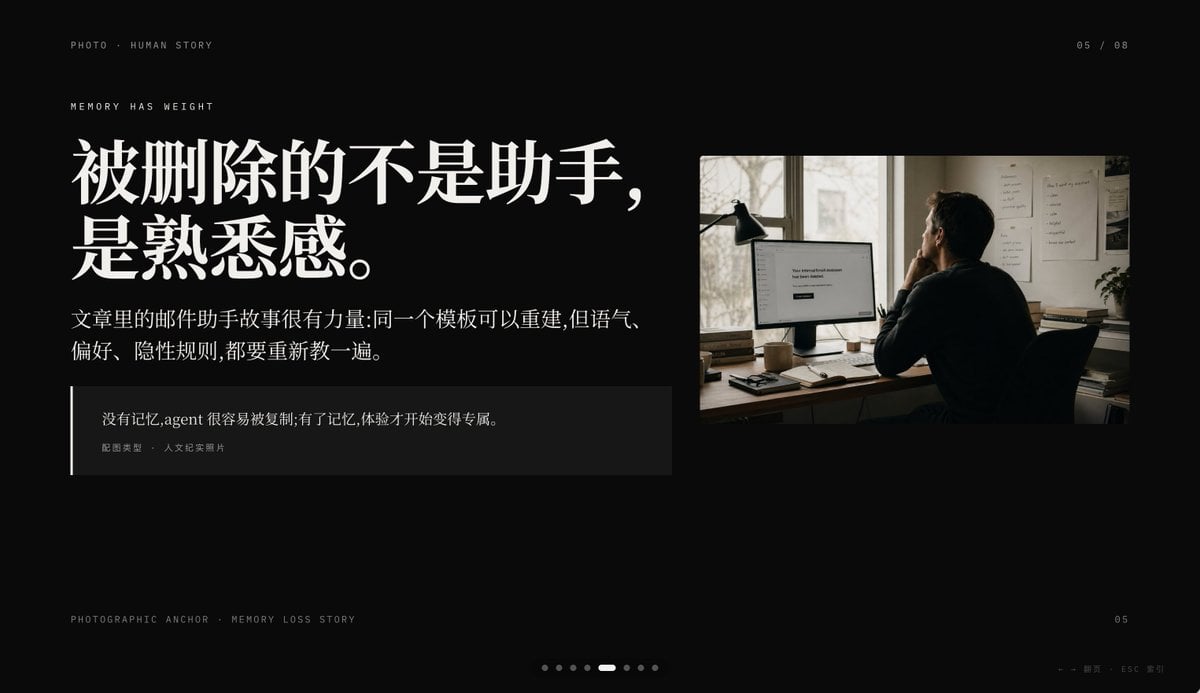
This prompt generates a premium black-background editorial presentation slide combining Chinese storytelling typography with a documentary-style office photo, ideal for keynote or PPT narrative pages.
- Prompt included
- Model and format preset
- Free template
The prompt behind this image
Copy the exact prompt behind Cinematic Memory Loss PPT Slide, or open it in the studio and make it yours.
Create a minimalist cinematic presentation slide on a deep black background in a premium editorial PPT style, widescreen 16:9. The layout is asymmetrical, with a large text block on the left and one documentary-style photo on the upper right, leaving generous negative space. Use elegant high-contrast Chinese typography with an upscale magazine feel. At the top left, place small uppercase microtext reading "PHOTO • HUMAN STORY". Slightly below it, add another small uppercase line reading "MEMORY HAS WEIGHT". The main headline on the left is very large, bold, white Chinese serif text across 2 lines: {argument name="headline text" default="被删除的不是助手,\n是熟悉感。"}. Beneath it, place a smaller Chinese paragraph in white or light gray, 2 lines, reading: {argument name="body text" default="文章里的邮件助手故事很有力量:同一个模板可以重建,但语气、\n偏好、隐性规则,都要重新教一遍。"}. Below that, add a dark translucent quote box with a thin vertical white line at its left edge; inside, include 2 text levels: the quote in Chinese, {argument name="quote" default="没有记忆,agent 很容易被复制;有了记忆,体验才开始变得专属。"}, and a smaller attribution line reading "配图类型 · 人文纪实照片". On the right, insert a single warm-toned humanistic documentary photo: 1 adult person seen from behind, seated at a desk in a dim office, looking at a computer monitor; a desk lamp stands to the left of the monitor, papers are pinned on the wall, and soft daylight comes through a window. The monitor displays a simple white interface with the centered English message {argument name="screen text" default="Your conversational Assistant has been deleted."}. The photo should feel like film photography, muted browns and grays, intimate, reflective, and slightly melancholic. Add small interface-like pagination details: top right "05 / 08", bottom left microtext "PHOTOGRAPHIC ANCHOR · MEMORY LOSS STORY", bottom right small "05", and at the bottom center 8 tiny pagination dots with the 5th dot highlighted as an elongated white pill while the others are dim gray circles. In the extreme bottom right corner, add tiny navigation hints "← → 翻页 · ESC 关闭". Overall mood: editorial, restrained, cinematic, memory and loss, premium keynote slide design, clean spacing, precise alignment, high-end storytelling presentation aesthetic.
How to use Cinematic Memory Loss PPT Slide in 3 steps
- 1Upload ImagePNG, JPG or paste
Add your photo
Upload the photo the template builds on. The prompt, model and format are already set.
- 2…a portrait of your subject in softgolden-hour light, 85mm…
Personalize
Edit the subject and creative details for your destination.
- 3Generate
Generate
Press Generate — your image is created in PicX Studio, so you can compare it with the original and refine one variable at a time.
More like this
Templates with the same subject, style or setup. Open one to see its prompt.

Skills Introduction PPT Slide

Chinese Cloisonné History PPT Slide

Cloisonné Craft Process PPT Slide
Ultimate Prompt for Dan Koe Style Presentation Slides (PPT) using Nano Banana Pro
Torn Edge Ink Memory Poster

Editorial PPT Cover Design
Japanese Cafe Memory Journal Design

Modern Lemon Uses PPT Cover

Wenxi Fire Historical PPT Cover
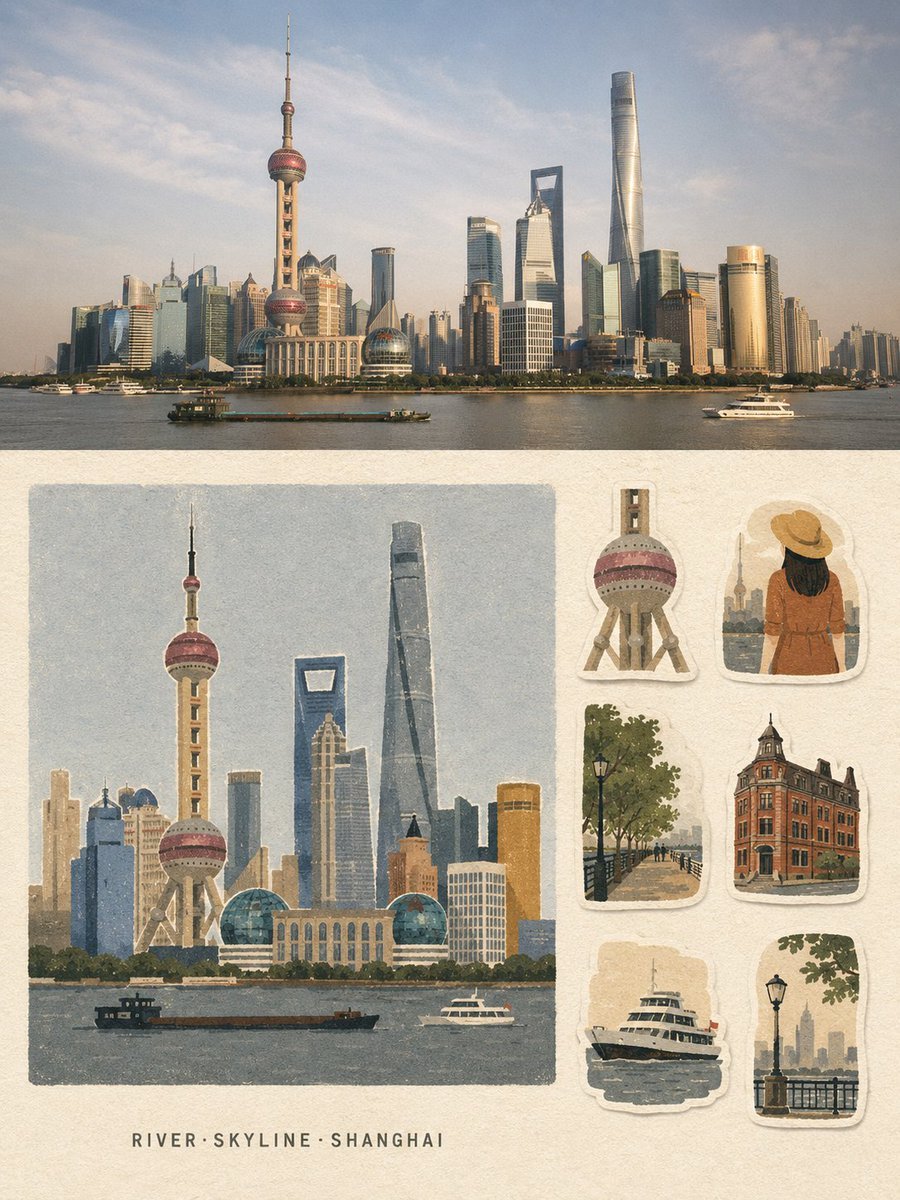
Vintage Travel Memory Poster
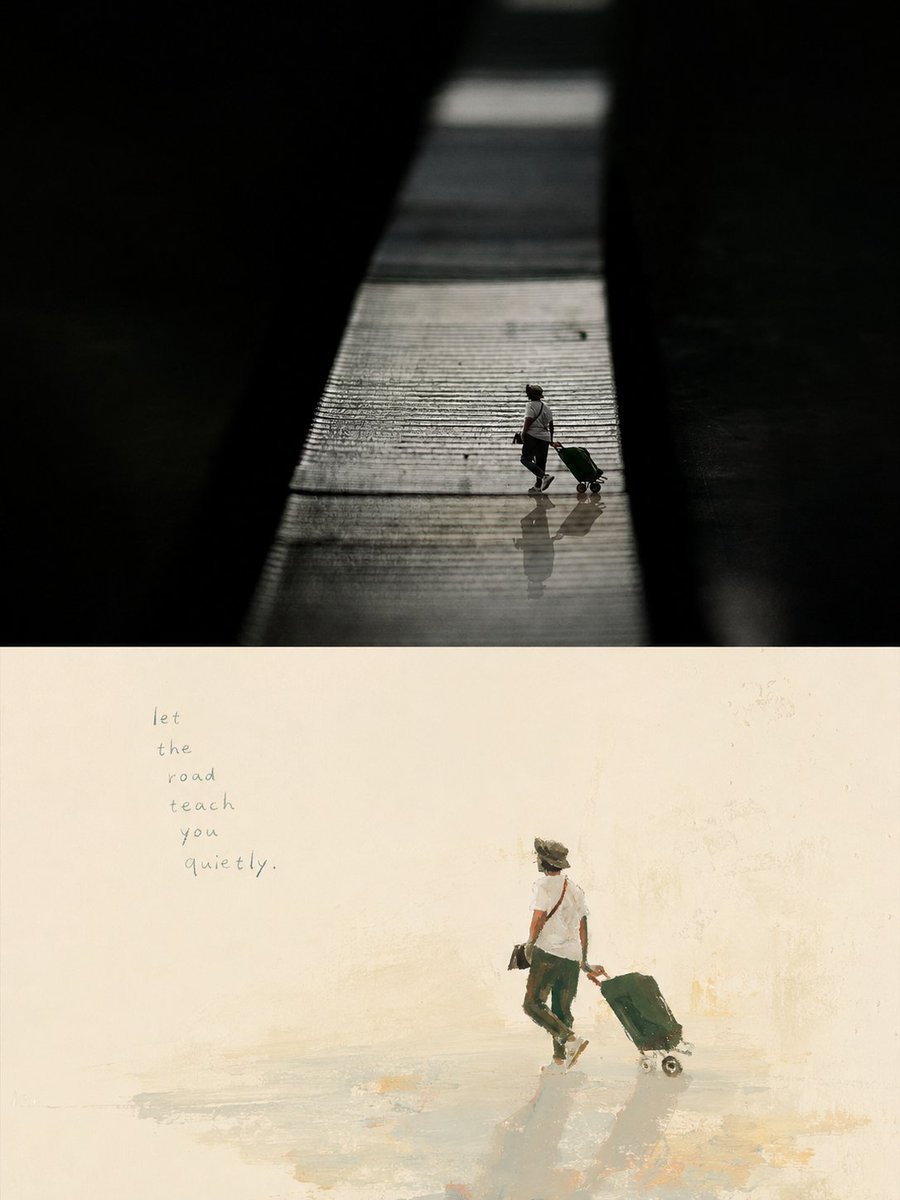
Artistic Memory Collage Poster

Editable PPT Workflow Infographic
Make it yours
Cinematic Memory Loss PPT Slide works as-is. These are the safest ways to change it without losing the look.
Change one field
Copy a single group, rewrite it, and generate again so you can see what that field is doing.
Keep the frame, change the subject
Hold the composition and light of Cinematic Memory Loss PPT Slide, then swap wardrobe, props or the person for a new take.
| If the result… | Why | Fix |
|---|---|---|
| The result drifts from the preview | Too many fields changed at once. | Reuse Cinematic Memory Loss PPT Slide as-is first, then change one group — subject, light, or setting. |
| The model over-stylizes the scene | The prose prompt leaves finish and camera underspecified. | Add one camera or lighting sentence and stay on GPT Image 2. |
More GPT Image 2 templates
Other prompts made for GPT Image 2.

Six VTuber Japanese Logo Sheet

Realistic Portrait of Woman and Deer

The Vista Modular Condo Poster

AI Model Routing Comparison Infographic

2.5D Anime Art Board

Isometric Productivity Desk Scene

New York Double Exposure Poster

Four-Panel AI Landscape Comparison

Japanese Tatami Lifestyle Magazine Cover

NESCAFÉ Coffee Map Poster
More image prompts
Fresh picks from across the catalog.
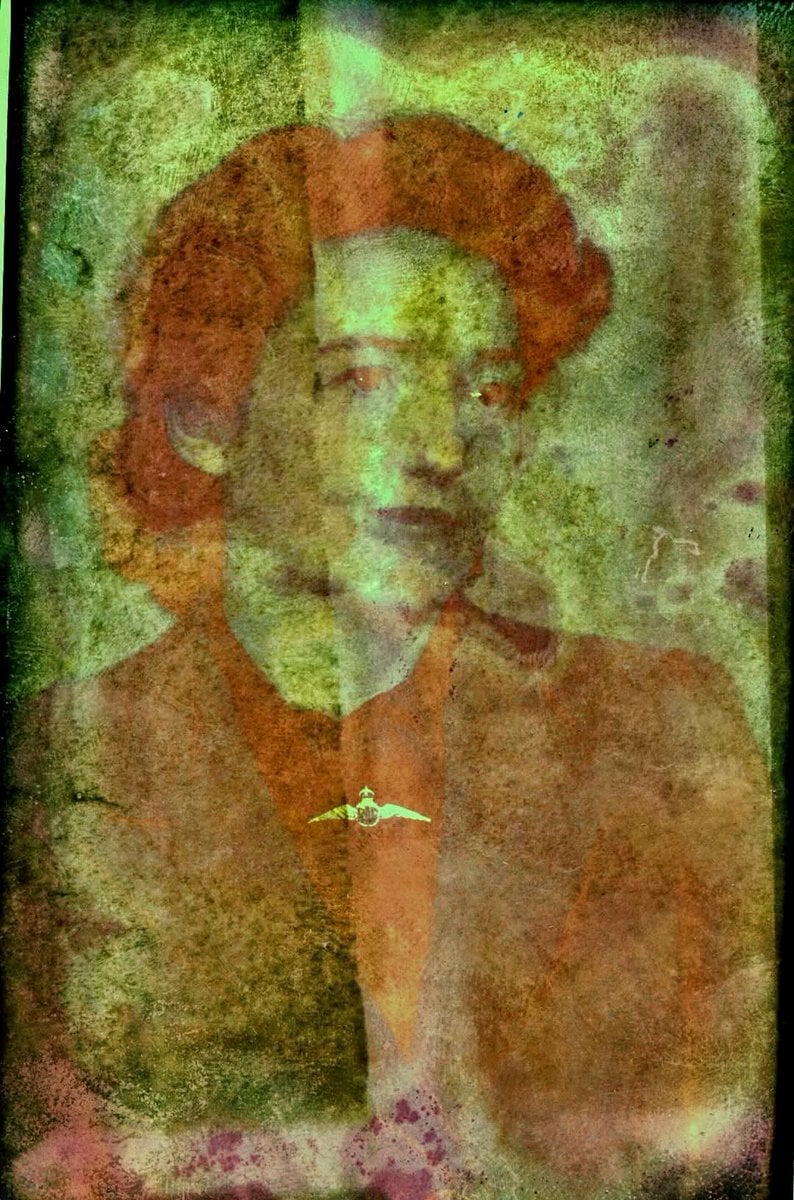
Old Photo Restoration to DSLR Quality
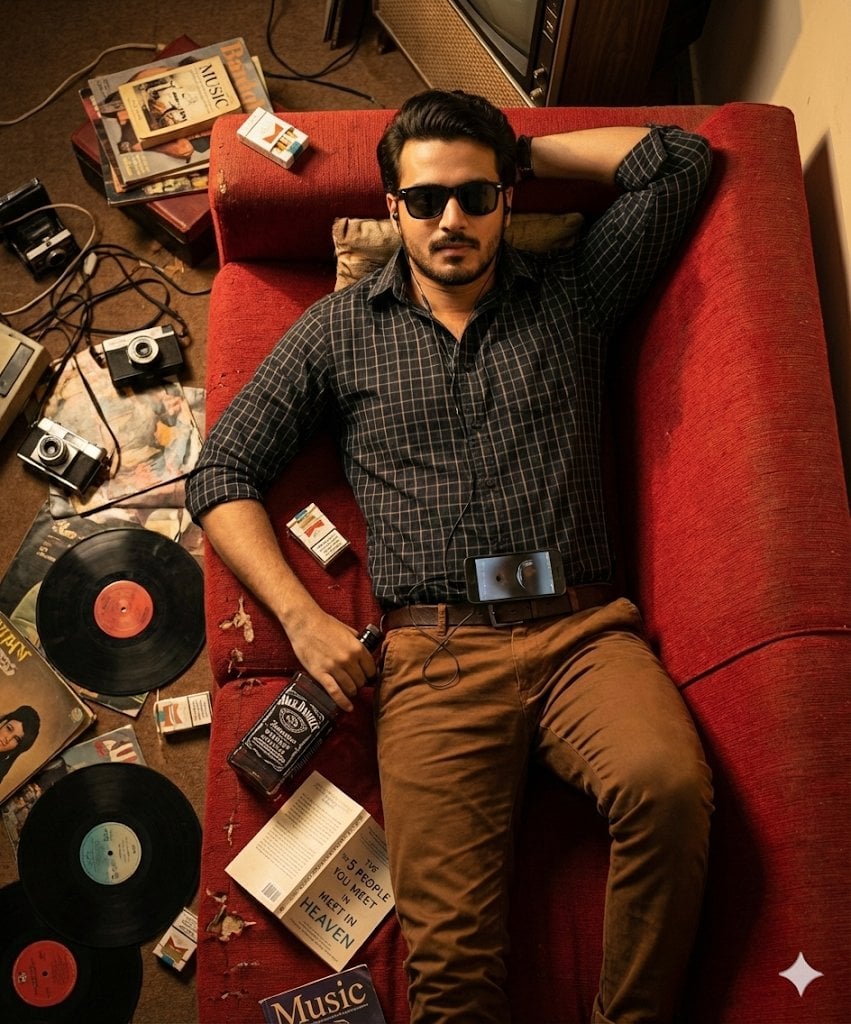
Cinematic Overhead Portrait of a Man on a Red Couch
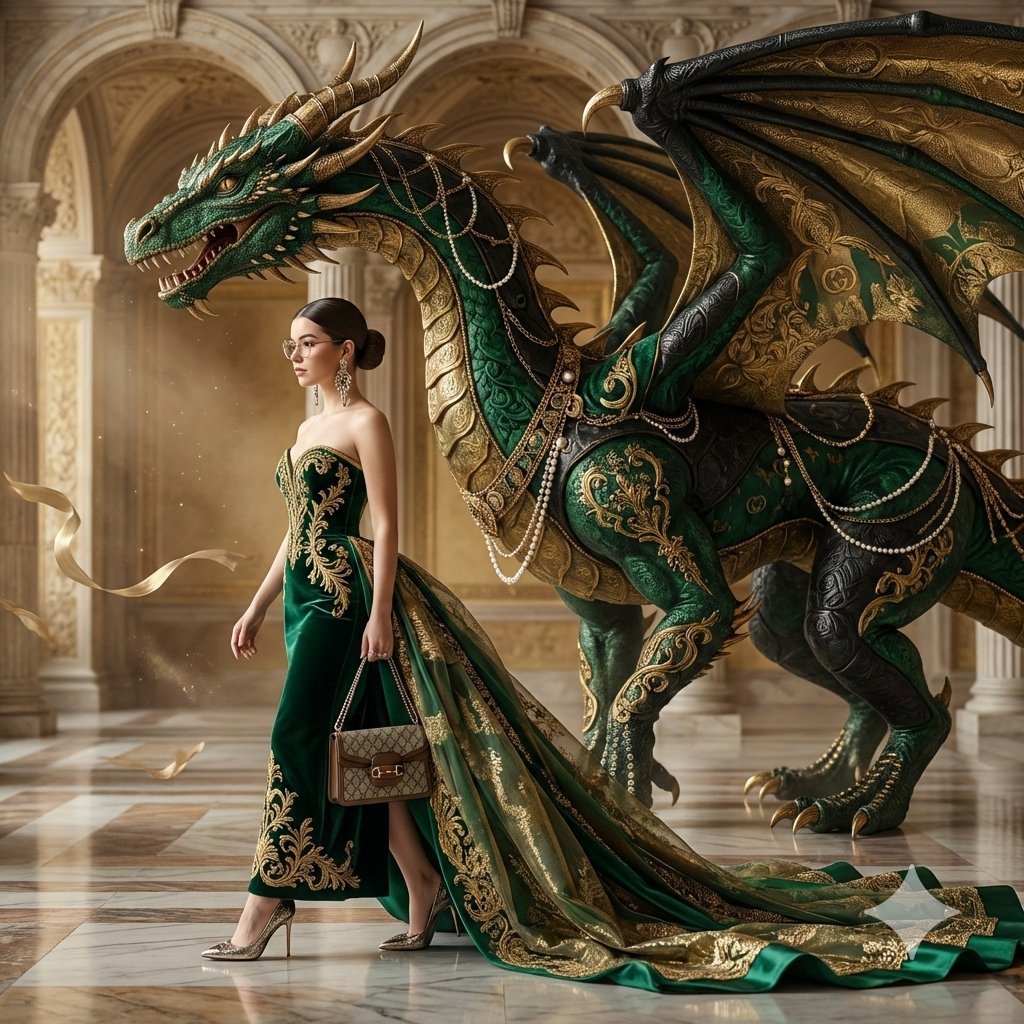
Couture Fashion Editorial Woman and Drag
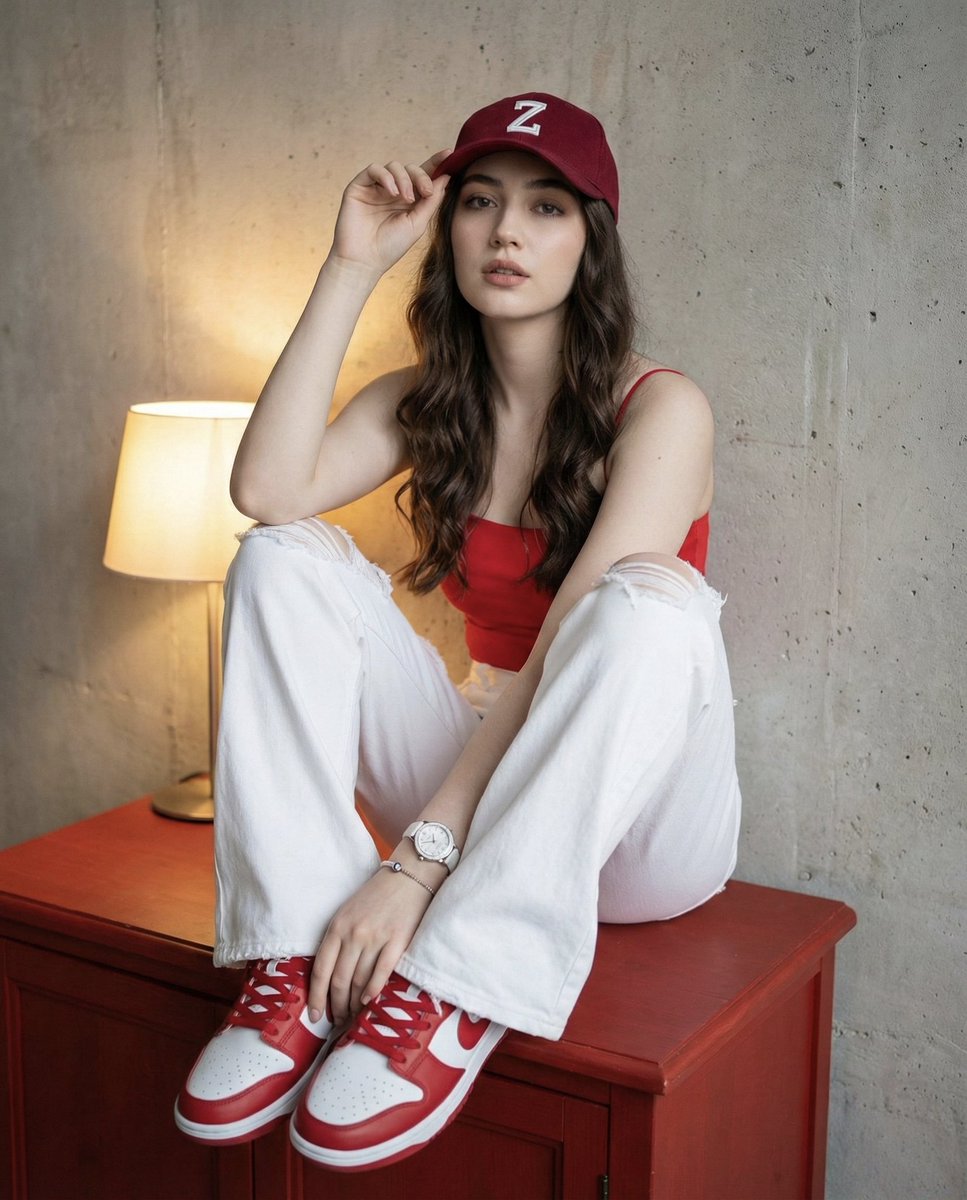
Prompt for Self-Portrait with Specific Styling and Background

Futuristic Smart Mirror Website Mockup
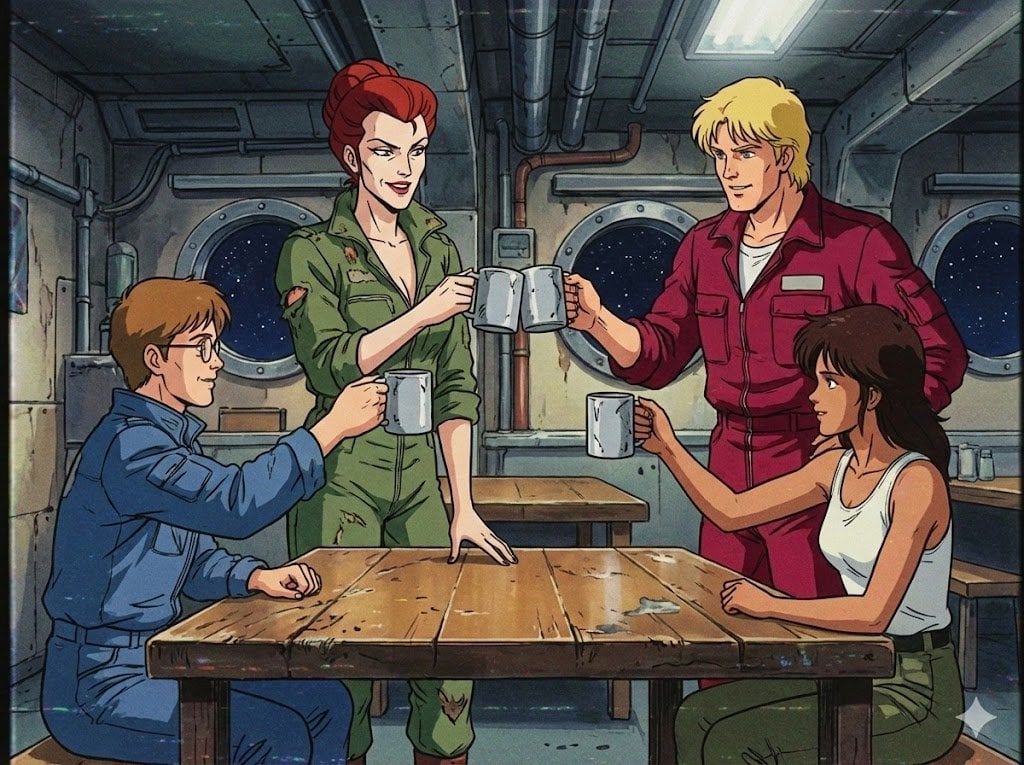
1980s US import TV anime style

High-Contrast Fashion Studio Portrait with Striped Shadows
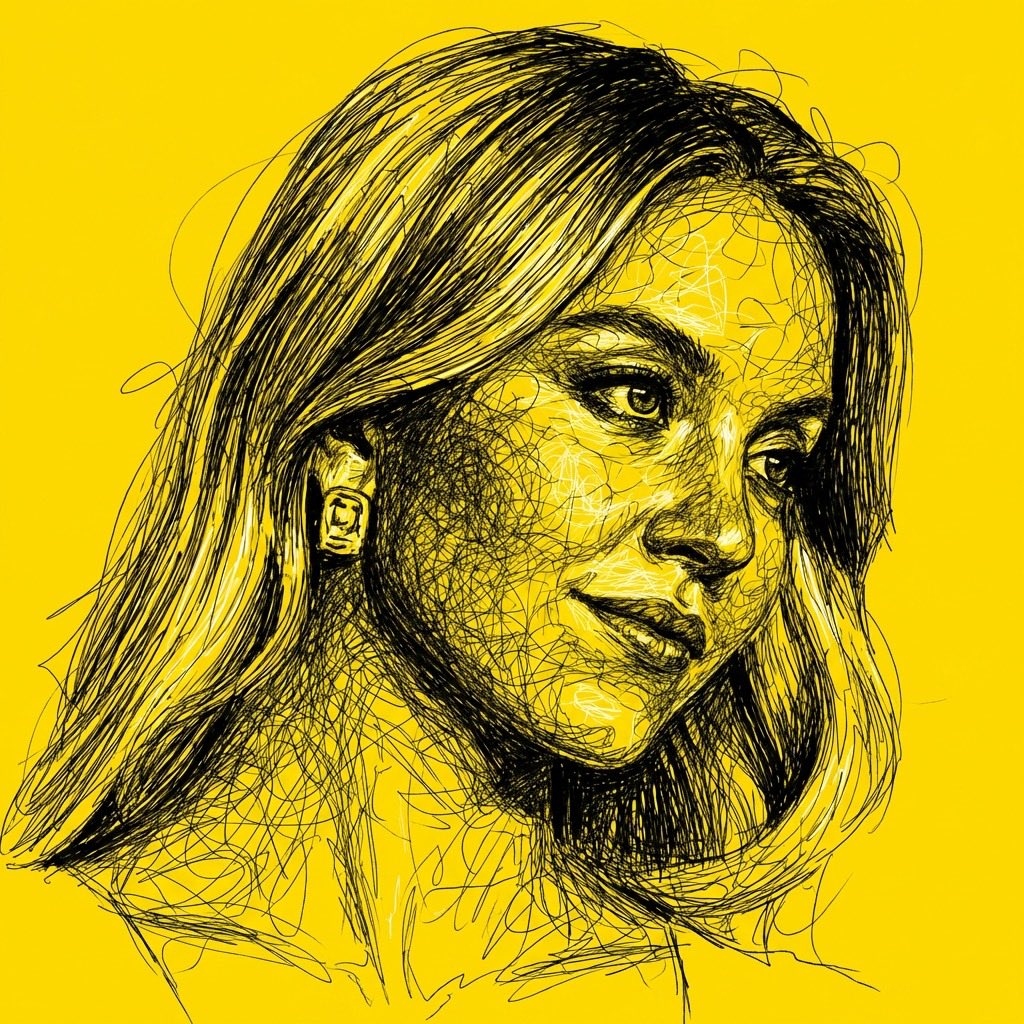
High Contrast Scribble Art Portrait
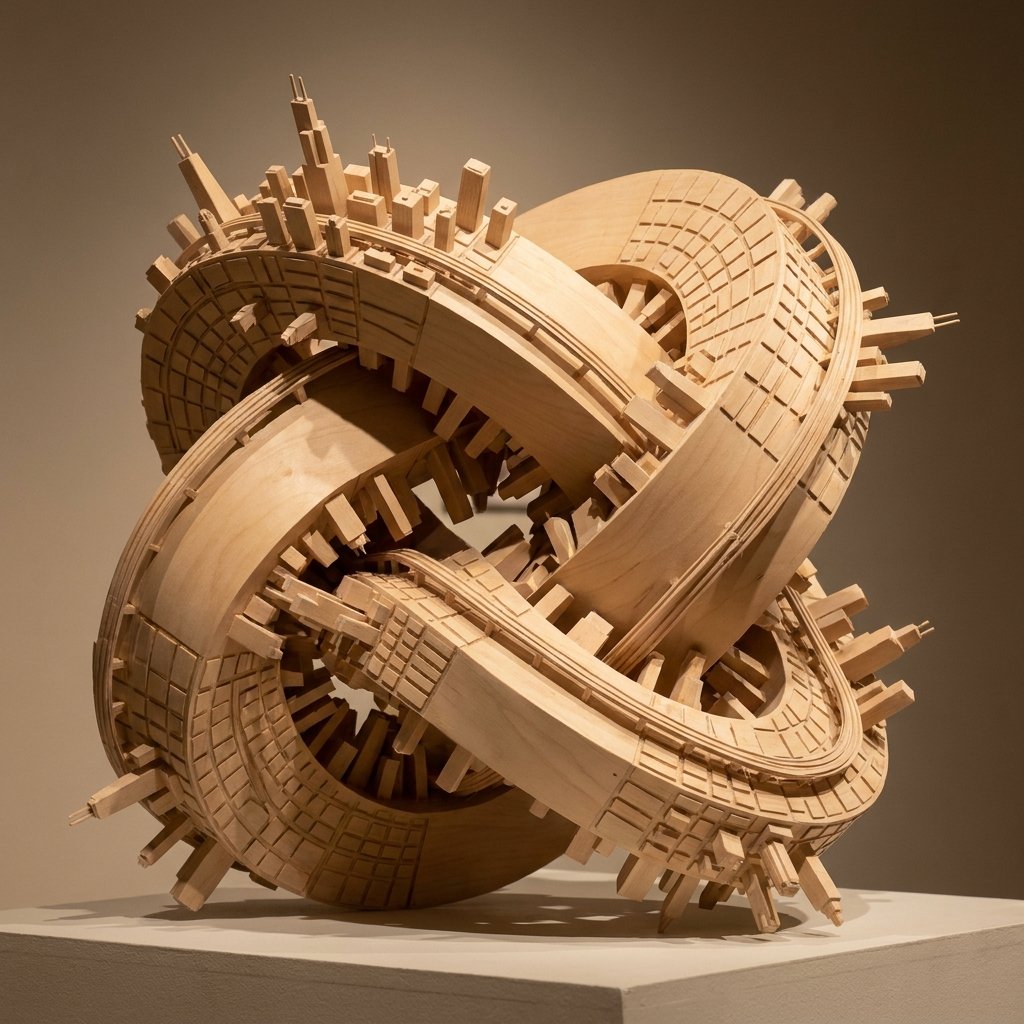
Wooden Impossible City Knot
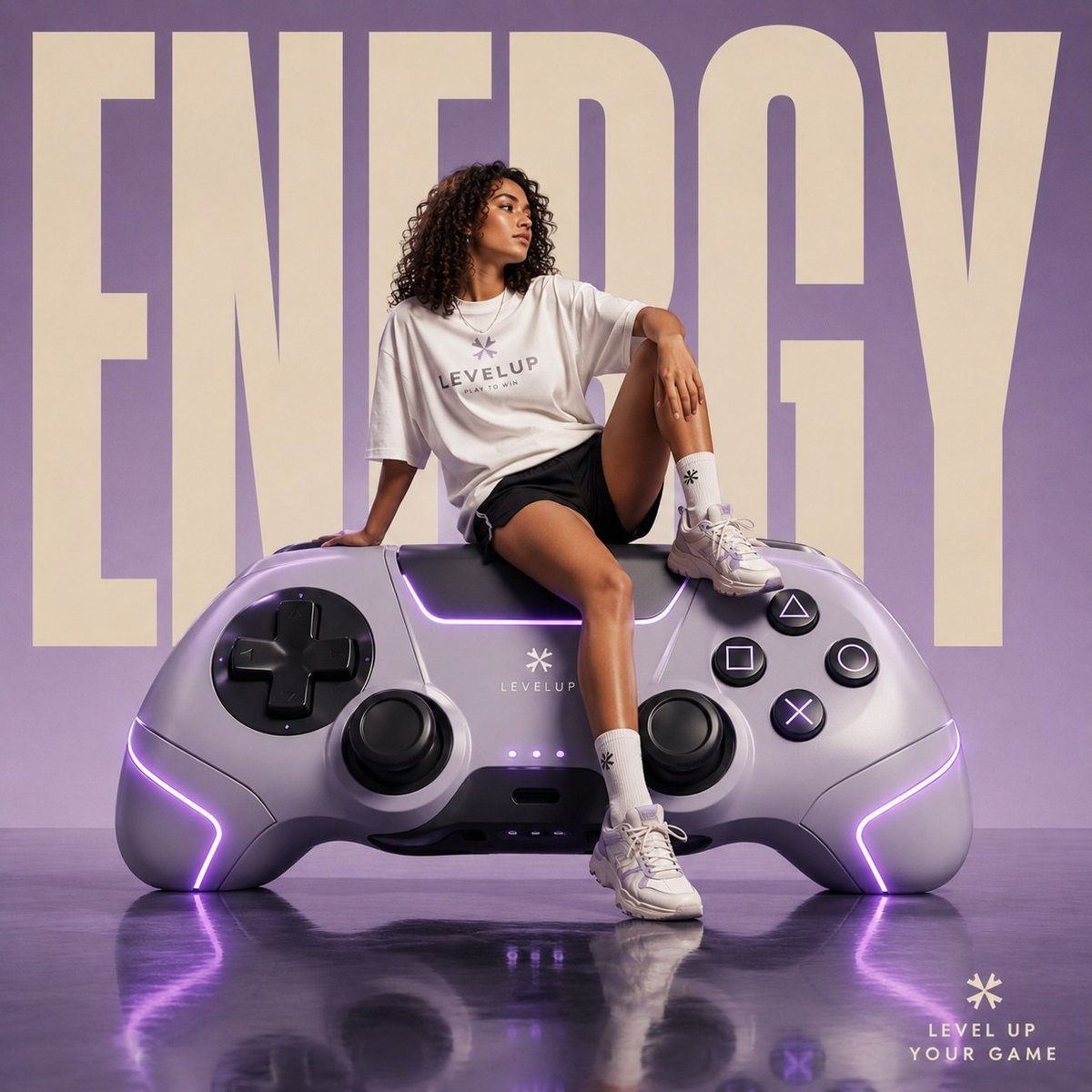
Futuristic Streetwear Campaign Poster
Browse template categories
Cinematic Memory Loss PPT Slide questions
How do I use the Cinematic Memory Loss PPT Slide template?
Add your photo if the template asks for one, edit the prompt if you like — the template's model and format are already selected — and press Generate. Your version opens in PicX Studio.
Can I customize the Cinematic Memory Loss PPT Slide template?
Yes. You can change the subject, setting, lighting, mood, format, and available model controls before creating your image.
Is the Cinematic Memory Loss PPT Slide template free?
Opening and editing this template is free. Generating uses credits, shown on the Generate button when you are signed in.
Which AI model should I use?
Start with GPT Image 2, which is the model associated with this template. You can compare another compatible model for a different finish.
Looking for something else? Browse all templates.

Your photo, any look
Thousands of ready templates for every top image and video model, from one credit balance.