
Japanese Cafe Memory Journal Design
Creates a sophisticated editorial journal page layout that blends realistic photography with minimalist watercolor illustrations.
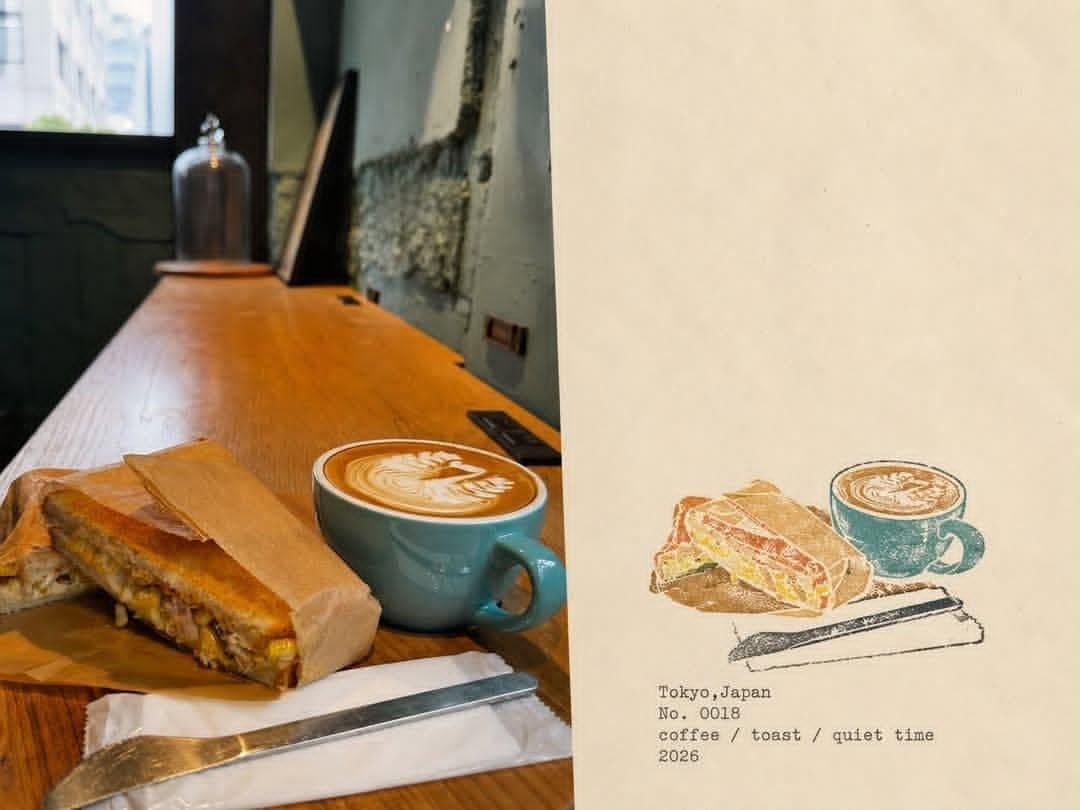
- Prompt included
- Model and format preset
- Free template
The prompt behind this image
Copy the exact prompt behind Japanese Cafe Memory Journal Design, or open it in the studio and make it yours.
Create a premium editorial “memory journal” page combining a real lifestyle photograph with a hand-drawn illustrated interpretation of the same moment. Use a vertical 4:5 composition divided diagonally/vertically into two complementary sections: the left side is a warm, natural, slightly film-grainy photograph of a {argument name="photo scene" default="Japanese café scene"}, showing beautifully plated food or dessert and coffee on a wooden table, with realistic ambient café details, soft window light, shallow depth of field, and subtle nostalgic tones; the right side is a {argument name="illustration style" default="minimalist hand-painted watercolor/colored-pencil"} illustration recreating the same food and drink with delicate imperfect ink outlines, muted earthy colors, visible paper texture, and an artistic handmade feel. Keep the right side mostly warm ivory textured paper with generous negative space. Beneath the illustration, add small typewriter-style archival text containing the {argument name="text details" default="location, item number, short memory keywords, and year"}, such as “Tokyo, Japan / No. 0018 / coffee / toast / quiet time / 2026”. The design should feel like a curated Japanese travel diary, café memory archive, contemporary scrapbook, and vintage lifestyle magazine, with sophisticated editorial composition, warm cream paper, muted teal, brown, beige and dusty colors, subtle grain, imperfect printing, understated typography, authentic tactile paper texture, elegant minimalism, photorealistic photography seamlessly paired with handmade illustration, high detail, cohesive visual storytelling, no logos, no watermark.
How to use Japanese Cafe Memory Journal Design in 3 steps
- 1
Open
The prompt is already in the box next to the preview, with the template's model and format selected.
- 2…a portrait of your subject in softgolden-hour light, 85mm…
Personalize
Edit the subject and creative details for your destination.
- 3Generate
Generate
Press Generate — your image is created in PicX Studio, so you can compare it with the original and refine one variable at a time.
More like this
Templates with the same subject, style or setup. Open one to see its prompt.

Delicate Japanese Café Lifestyle Illustration

Minecraft Japanese Research Lab Exploration

Cat Photobomb Selfie — 0.5x Wide Angle Café Chaos

Trendy Cafe Drink Promo Poster

Japanese Architectural Concrete Studio Fashion Campaign

Japanese Minimalist Concrete Studio Fashion Editorial

Blue Backdrop Luxury Fashion Portrait Campaign

Nostalgic Digicam Café Afternoon Portrait

Korean Cafe Courtyard Gold Frame Mirror Selfie
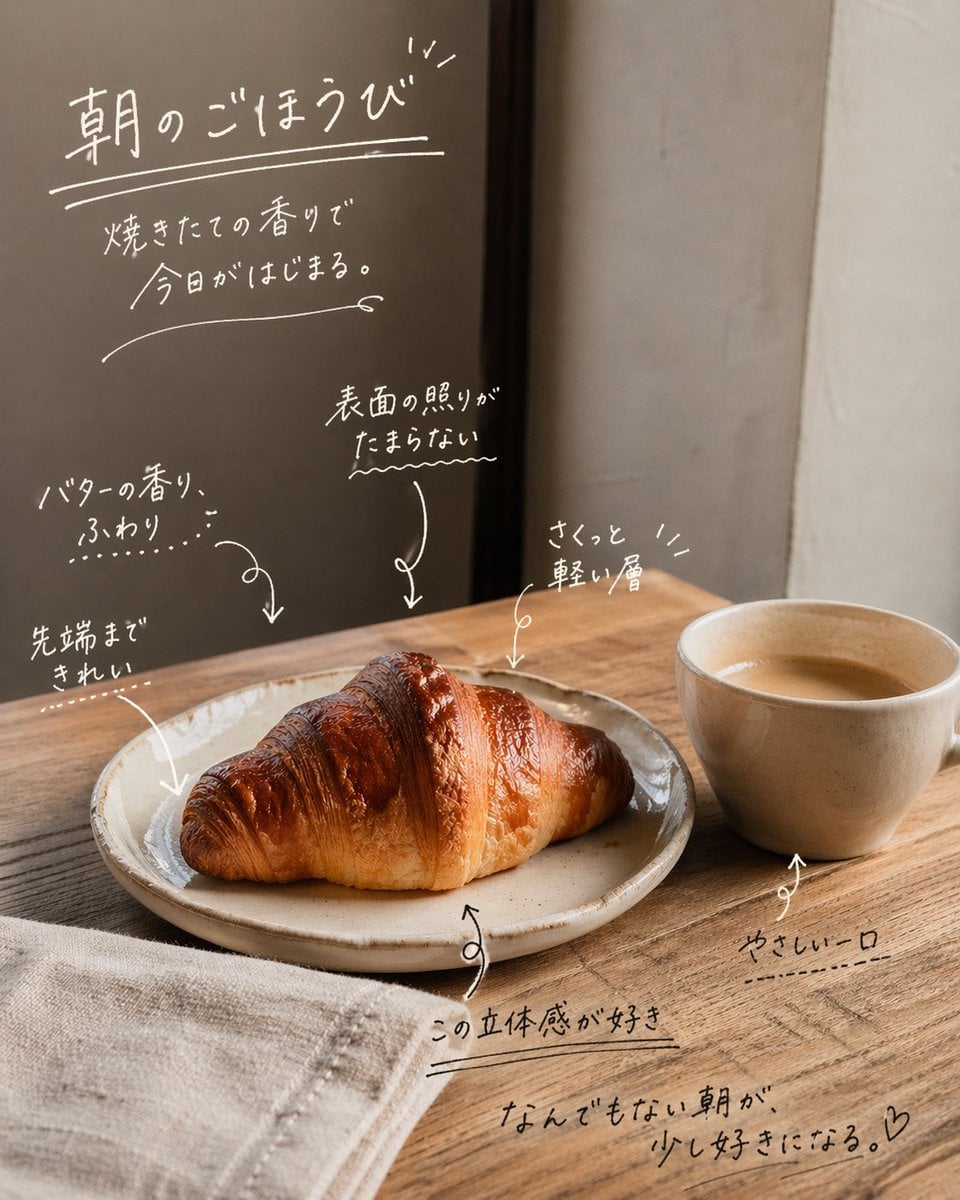
Handwritten Japanese Cafe Photo Overlay
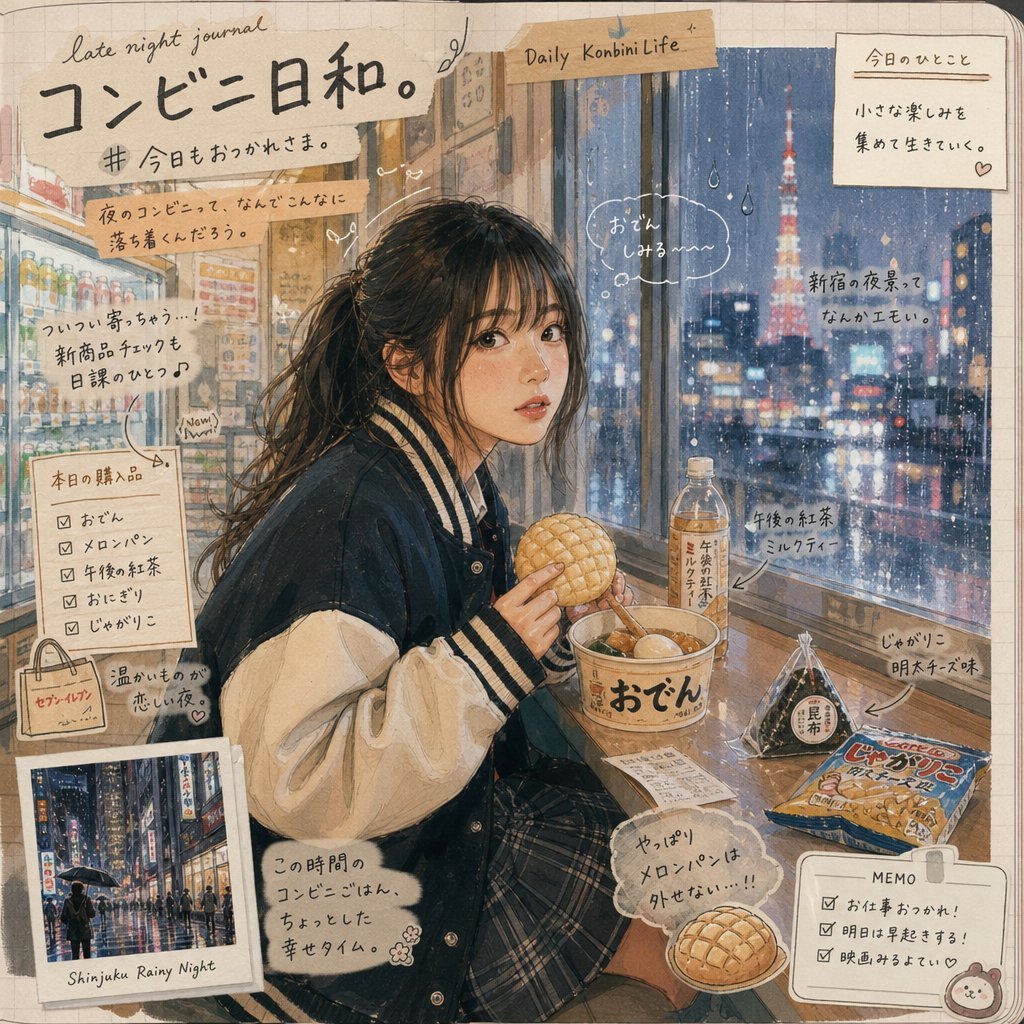
Japanese Konbini Journal Illustration

Japanese Journal Style Cat Diary
Make it yours
Japanese Cafe Memory Journal Design works as-is. These are the safest ways to change it without losing the look.
Change one field
Copy a single group, rewrite it, and generate again so you can see what that field is doing.
Keep the frame, change the subject
Hold the composition and light of Japanese Cafe Memory Journal Design, then swap wardrobe, props or the person for a new take.
| If the result… | Why | Fix |
|---|---|---|
| The result drifts from the preview | Too many fields changed at once. | Reuse Japanese Cafe Memory Journal Design as-is first, then change one group — subject, light, or setting. |
| The model over-stylizes the scene | The prose prompt leaves finish and camera underspecified. | Add one camera or lighting sentence and stay on GPT Image 2. |
More GPT Image 2 templates
Other prompts made for GPT Image 2.

Six VTuber Japanese Logo Sheet

Realistic Portrait of Woman and Deer

The Vista Modular Condo Poster

AI Model Routing Comparison Infographic

2.5D Anime Art Board

Isometric Productivity Desk Scene

New York Double Exposure Poster

Four-Panel AI Landscape Comparison

Japanese Tatami Lifestyle Magazine Cover

NESCAFÉ Coffee Map Poster
More image prompts
Fresh picks from across the catalog.

Leaf-Cutout Art Prompt Template and Examples
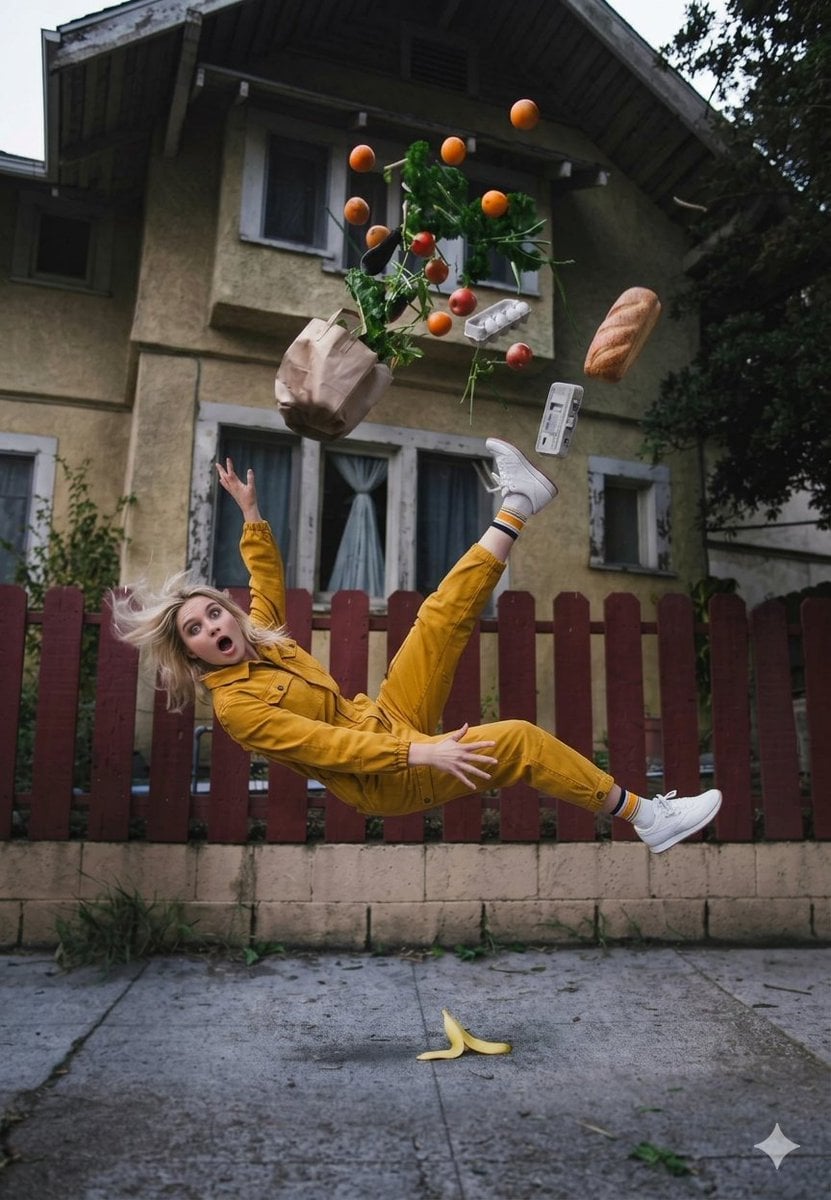
Cinematic Surreal Moment: Woman Falling with Exploding Grocery Bag

JSON Prompt Generation for Hyper-Realistic AI Photos
Classical Realism Oil Painting Portrait Prompt
High-End Commercial Food Levitation Photography Prompt
Open-World Game Screenshot Mockup

Portrait photo prompt for a man with dramatic side-lighting and specific clothing details

Arctic Glacier Ice Sculpture Prompt

Energetic Food Advertisement
Watercolor Urban Travel Poster
Browse template categories
Japanese Cafe Memory Journal Design questions
How do I use the Japanese Cafe Memory Journal Design template?
Add your photo if the template asks for one, edit the prompt if you like — the template's model and format are already selected — and press Generate. Your version opens in PicX Studio.
Can I customize the Japanese Cafe Memory Journal Design template?
Yes. You can change the subject, setting, lighting, mood, format, and available model controls before creating your image.
Is the Japanese Cafe Memory Journal Design template free?
Opening and editing this template is free. Generating uses credits, shown on the Generate button when you are signed in.
Which AI model should I use?
Start with GPT Image 2, which is the model associated with this template. You can compare another compatible model for a different finish.
Looking for something else? Browse all templates.

Your photo, any look
Thousands of ready templates for every top image and video model, from one credit balance.