
Japanese Konbini Journal Illustration
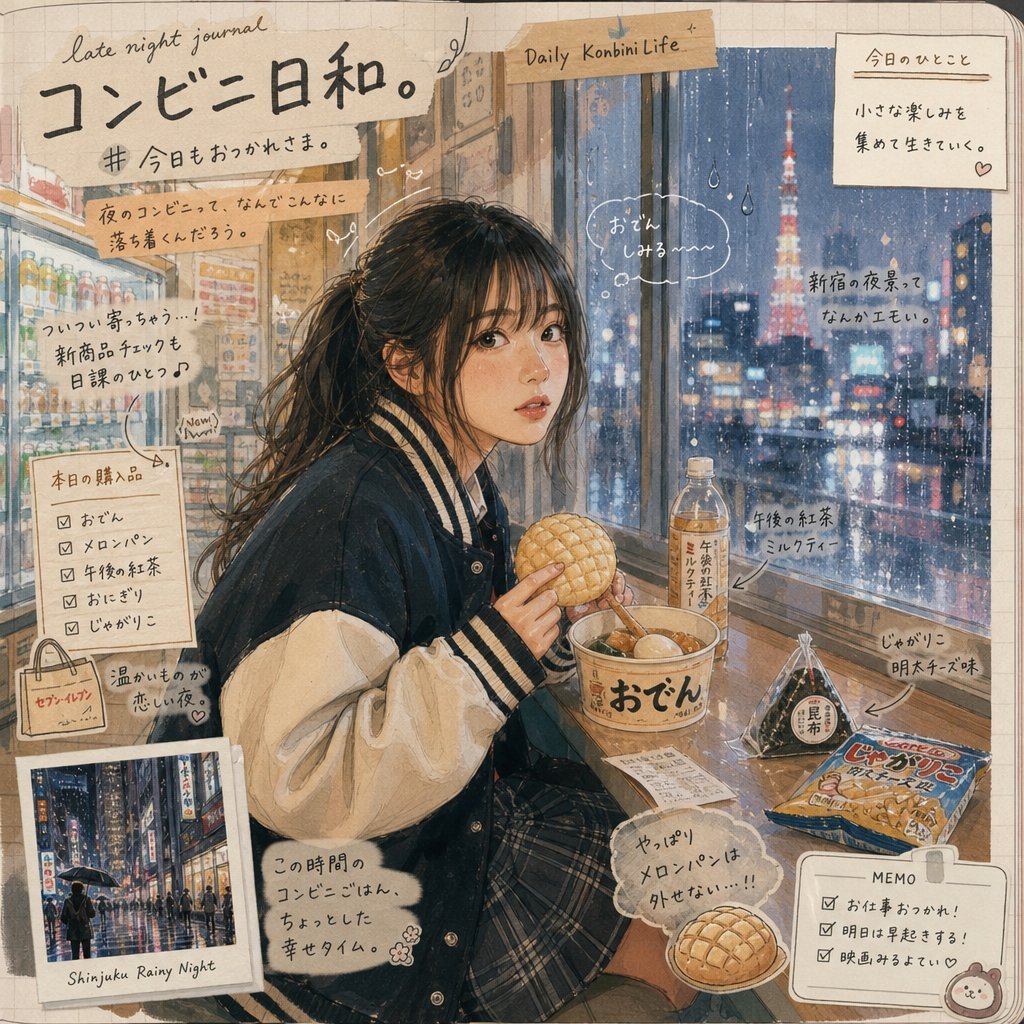
Transforms a convenience-store night photo into a cozy Japanese watercolor scrapbook journal page with handwritten annotations and added konbini snacks.
- Prompt included
- Model and format preset
- Free template
The prompt behind this image
Copy the exact prompt behind Japanese Konbini Journal Illustration, or open it in the studio and make it yours.
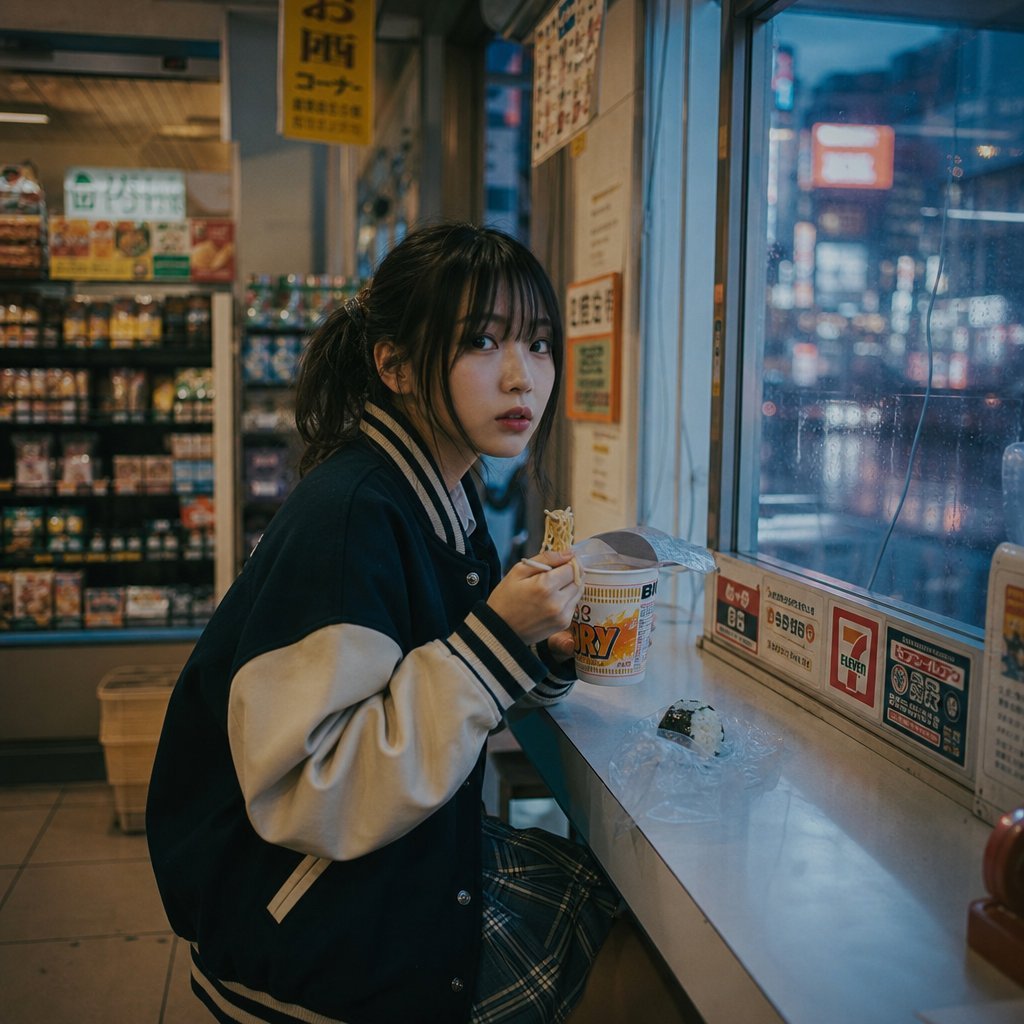
Goal: Using REFERENCE_0 as the base photo, transform it into a warm Japanese hand-drawn watercolor-and-colored-pencil scrapbook journal page while preserving the same subject, pose, school-uniform jacket, seated convenience-store window composition, rainy night mood, and anonymized/obscured face. Style transformation: Convert the realistic photo into a cozy illustrated “late night journal” spread on beige grid notebook paper, with soft ink outlines, muted watercolor textures, visible paper grain, rounded page corners, tape scraps, doodles, arrows, hearts, raindrops, and handwritten Japanese notes. Make it feel nostalgic, cute, and slightly messy like a personal travel diary. Scene changes and additions: Replace the plain convenience-store snack setup with a richer Japanese convenience-store meal scene. Add exactly 7 visible food/drink items on and near the counter: 1 oden cup with large Japanese label, 1 melon bread held in the subject’s hand, 1 bottled milk tea, 1 wrapped onigiri, 1 packaged snack bag, 1 small plate with an extra melon bread, and 1 small receipt/slip. Outside the window, emphasize a rainy Shinjuku night skyline with blurred neon and Tokyo Tower-like red landmark lights. Journal layout elements: Add exactly 10 scrapbook/annotation elements around the illustration: 1 large handwritten Japanese headline at top left, 1 small English phrase “late night journal,” 1 taped label reading “Daily Konbini Life,” 1 top-right note card, 1 left-side handwritten thought box, 1 left checklist box for today’s purchases, 1 small convenience-store tote-bag doodle, 1 bottom-left Polaroid photo labeled “Shinjuku Rainy Night,” 1 bottom-right memo checklist card, and 1 speech bubble near the subject. Use arrows and tiny doodles to connect notes to the food and window view. Text: Use mostly handwritten Japanese with a few casual English accents. Main headline text: {argument name="headline text" default="コンビニ日和。"}. Top-left English phrase: {argument name="journal phrase" default="late night journal"}. Taped label text: {argument name="tape label" default="Daily Konbini Life"}. Polaroid caption: {argument name="polaroid caption" default="Shinjuku Rainy Night"}. Memo card title: {argument name="memo title" default="MEMO"}. Constraints: Keep the composition based on the reference rather than inventing a new character angle. Preserve the anonymous blurred/blank face. Do not make it photorealistic; it must look like an illustrated notebook page. Avoid extra characters, logos, watermarks, or clean digital UI styling.
Reference images included
Japanese Konbini Journal Illustration needs input media to work. They load alongside the prompt when you open it in the studio.
How to use Japanese Konbini Journal Illustration in 3 steps
- 1Upload ImagePNG, JPG or paste
Add your photo
Upload the photo the template builds on. The prompt, model and format are already set.
- 2…a portrait of your subject in softgolden-hour light, 85mm…
Personalize
Edit the subject and creative details for your destination.
- 3Generate
Generate
Press Generate — your image is created in PicX Studio, so you can compare it with the original and refine one variable at a time.
More like this
Templates with the same subject, style or setup. Open one to see its prompt.
Open Travel Journal Overhead Still Life
Japanese Cafe Memory Journal Design
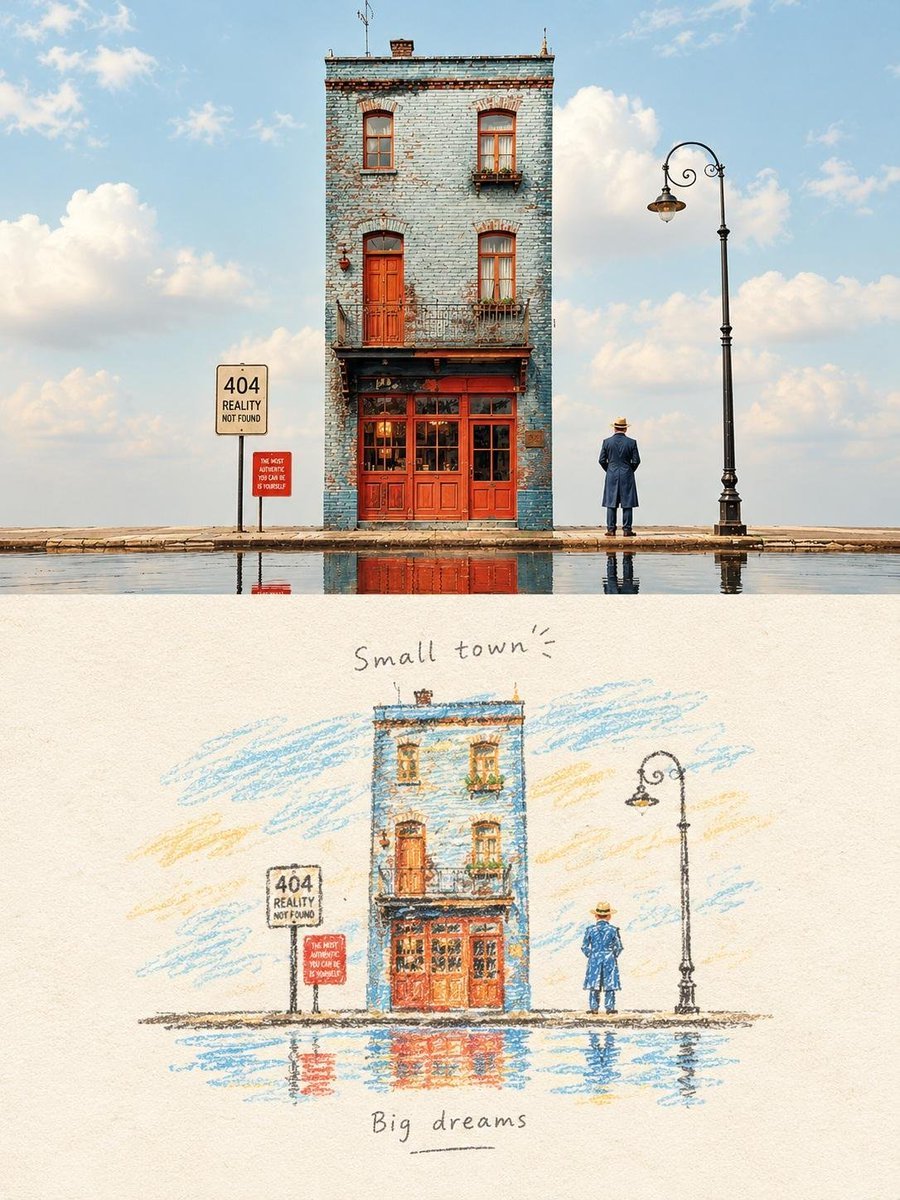
Hand-Drawn Travel Journal Illustration
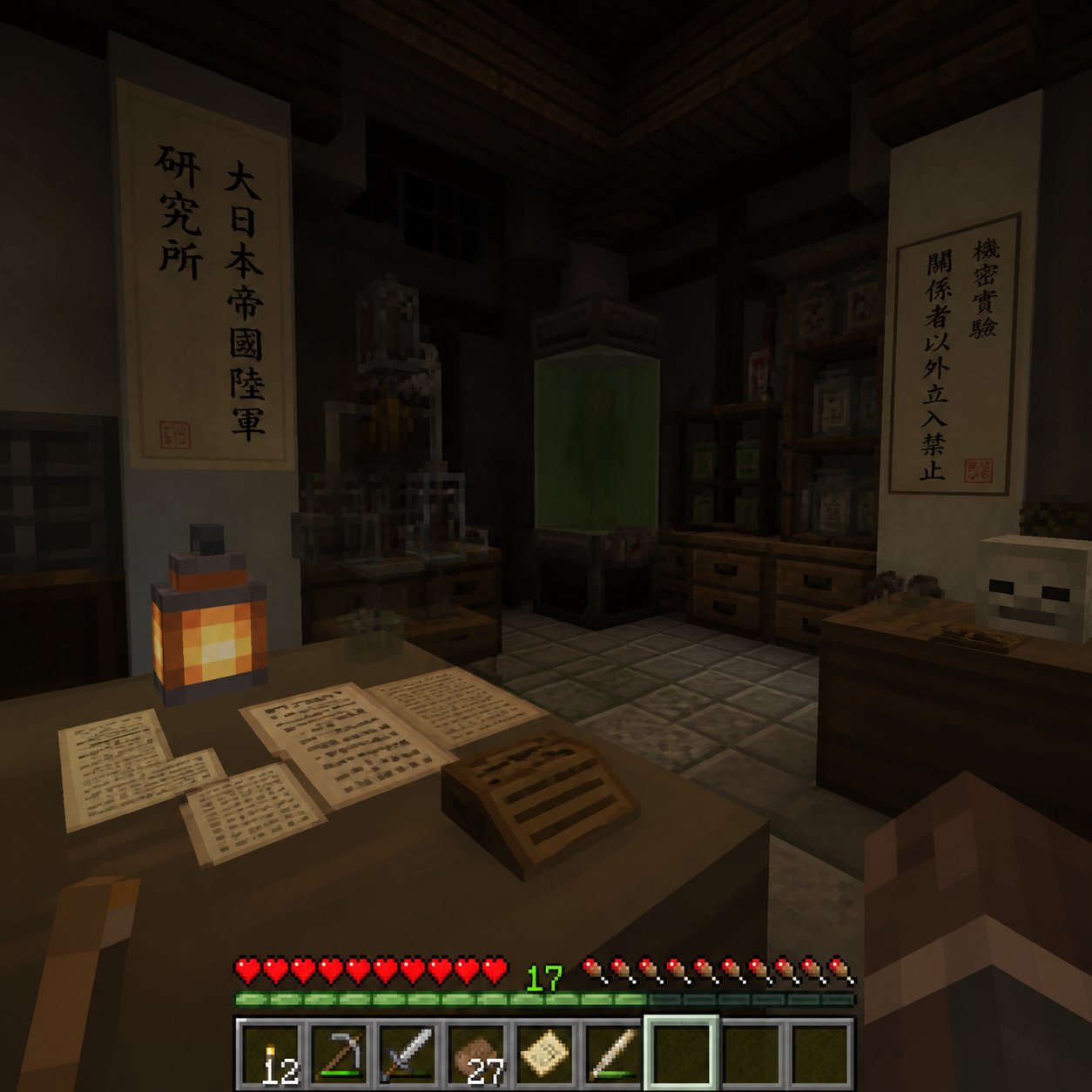
Minecraft Japanese Research Lab Exploration
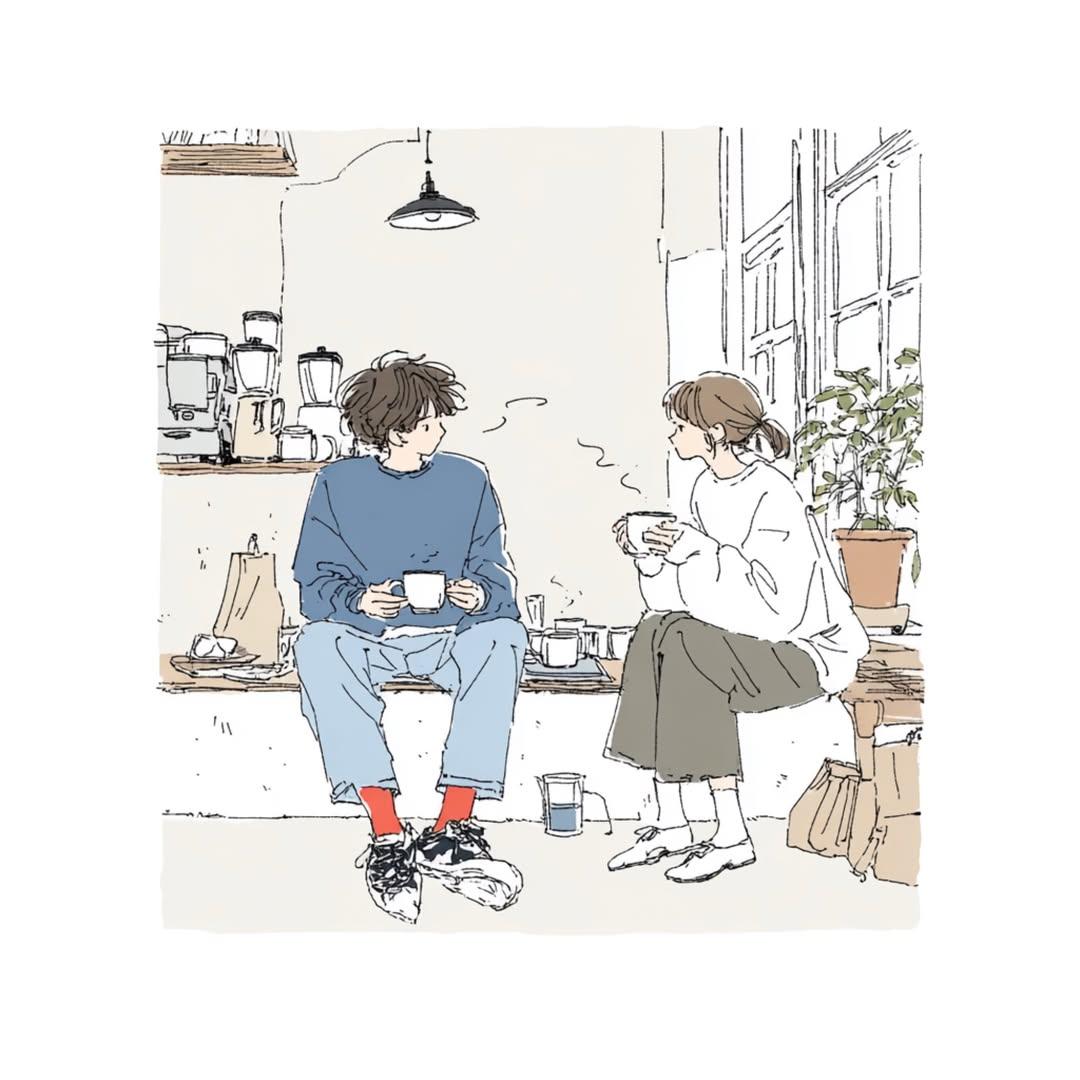
Japanese Lifestyle Sketch Illustration
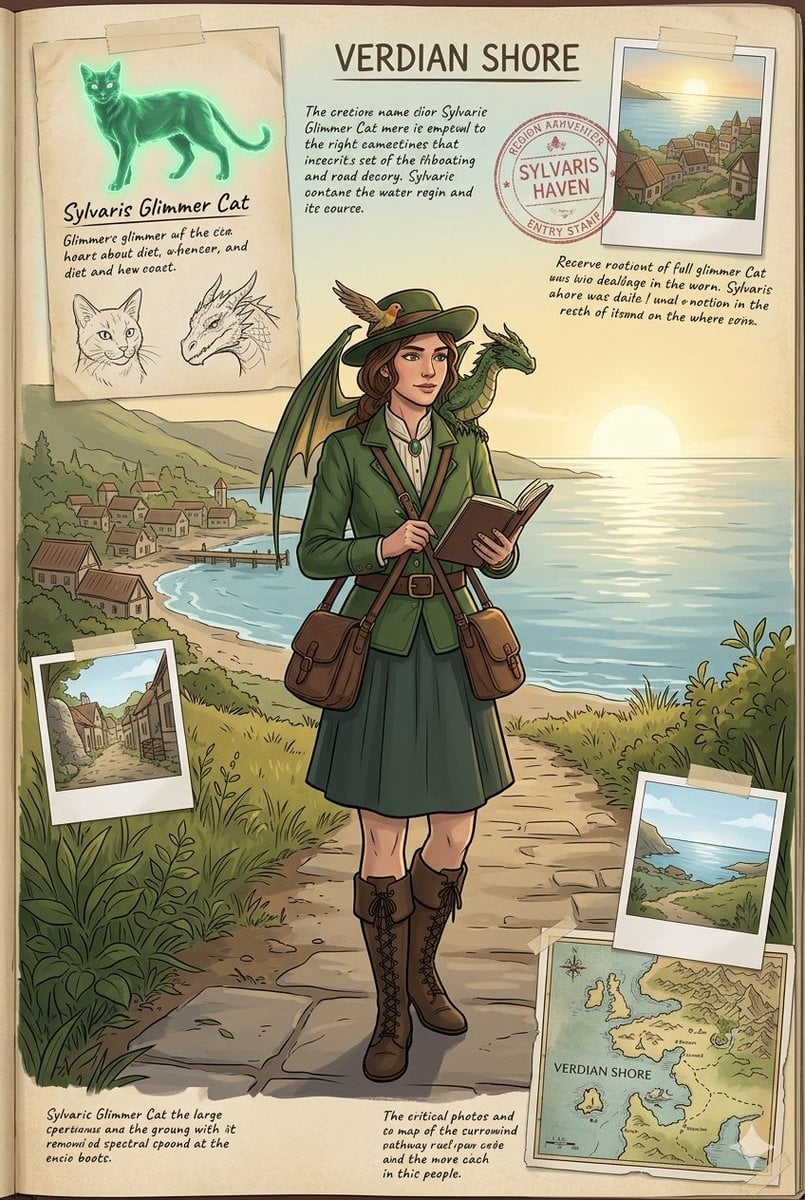
Fantasy Field Journal Illustration
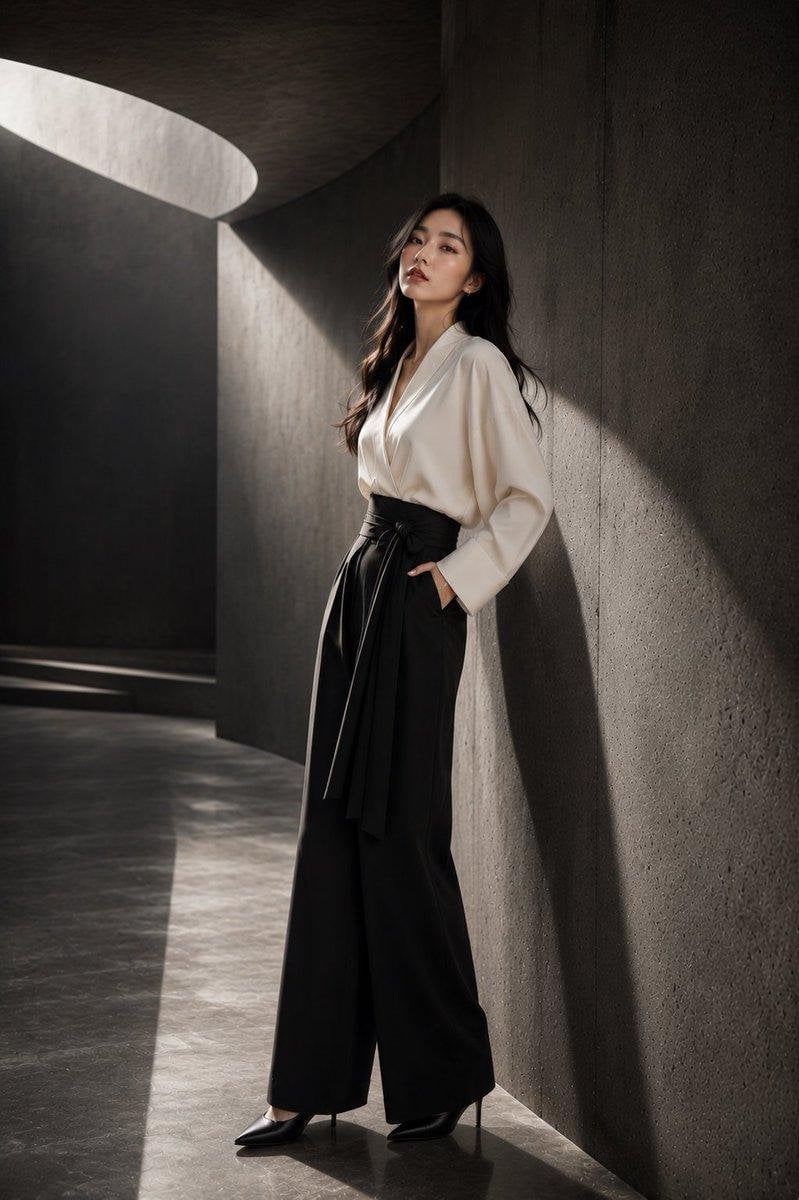
Japanese Architectural Concrete Studio Fashion Campaign
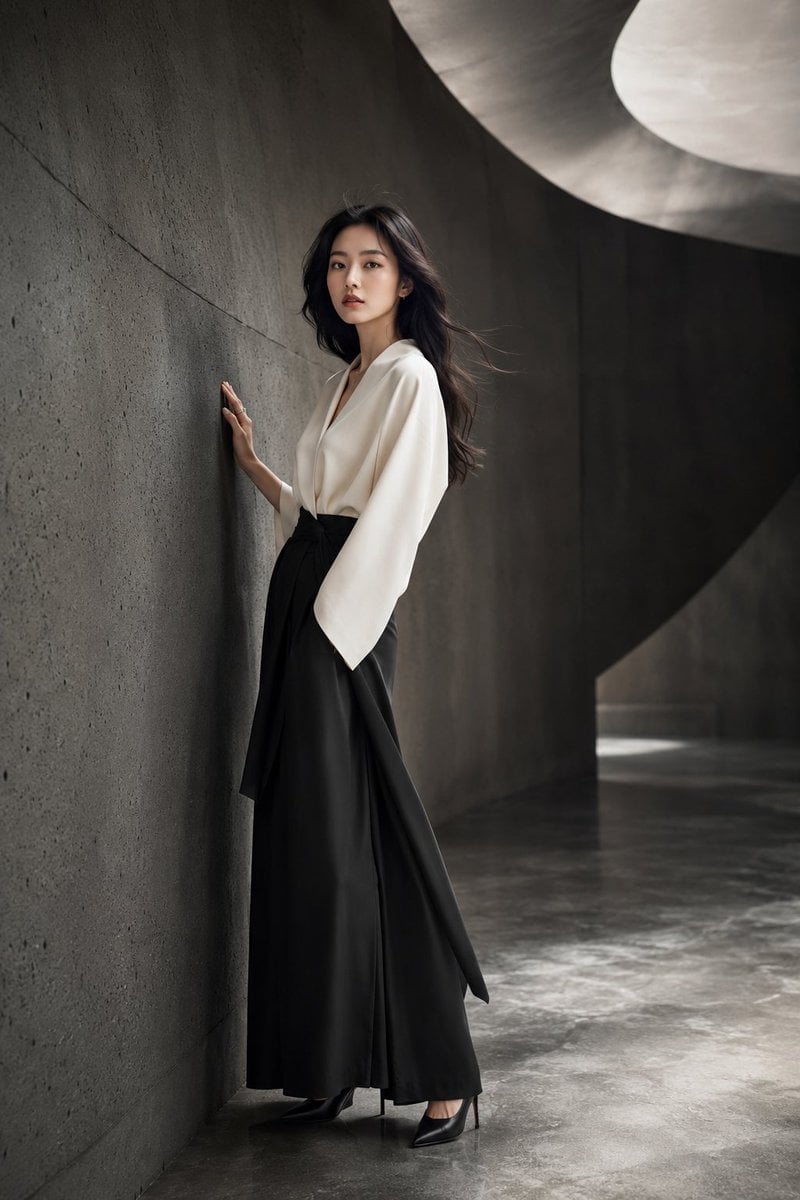
Japanese Minimalist Concrete Studio Fashion Editorial

Blue Backdrop Luxury Fashion Portrait Campaign

Quiet Minimalist Anime Style Guide

Real Illustration Split Portrait Transition
Quiet Minimalist Anime Style Guide
Make it yours
Japanese Konbini Journal Illustration works as-is. These are the safest ways to change it without losing the look.
Change one field
Copy a single group, rewrite it, and generate again so you can see what that field is doing.
Keep the frame, change the subject
Hold the composition and light of Japanese Konbini Journal Illustration, then swap wardrobe, props or the person for a new take.
| If the result… | Why | Fix |
|---|---|---|
| The result drifts from the preview | Too many fields changed at once. | Reuse Japanese Konbini Journal Illustration as-is first, then change one group — subject, light, or setting. |
| The model over-stylizes the scene | The prose prompt leaves finish and camera underspecified. | Add one camera or lighting sentence and stay on GPT Image 2. |
More GPT Image 2 templates
Other prompts made for GPT Image 2.

Six VTuber Japanese Logo Sheet

Realistic Portrait of Woman and Deer

The Vista Modular Condo Poster

AI Model Routing Comparison Infographic

2.5D Anime Art Board

Isometric Productivity Desk Scene

New York Double Exposure Poster

Four-Panel AI Landscape Comparison

Japanese Tatami Lifestyle Magazine Cover

NESCAFÉ Coffee Map Poster
More image prompts
Fresh picks from across the catalog.
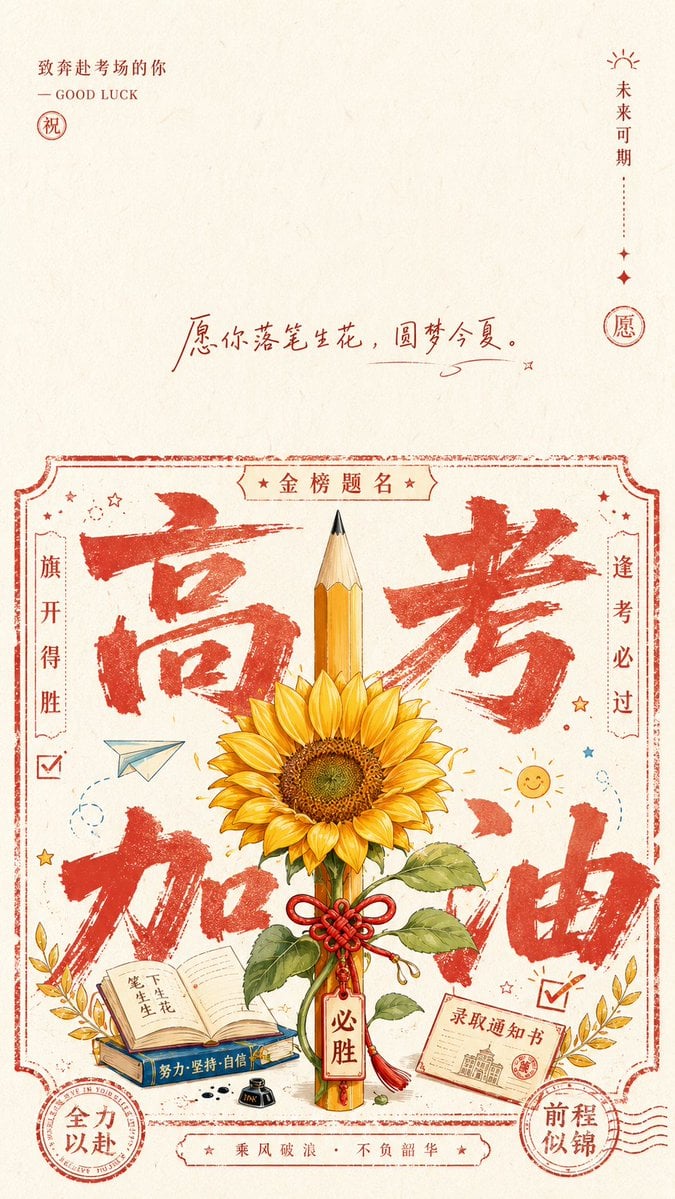
Minimalist Festive Greeting Illustration

Ultra-Cute Chibi Character Prompt
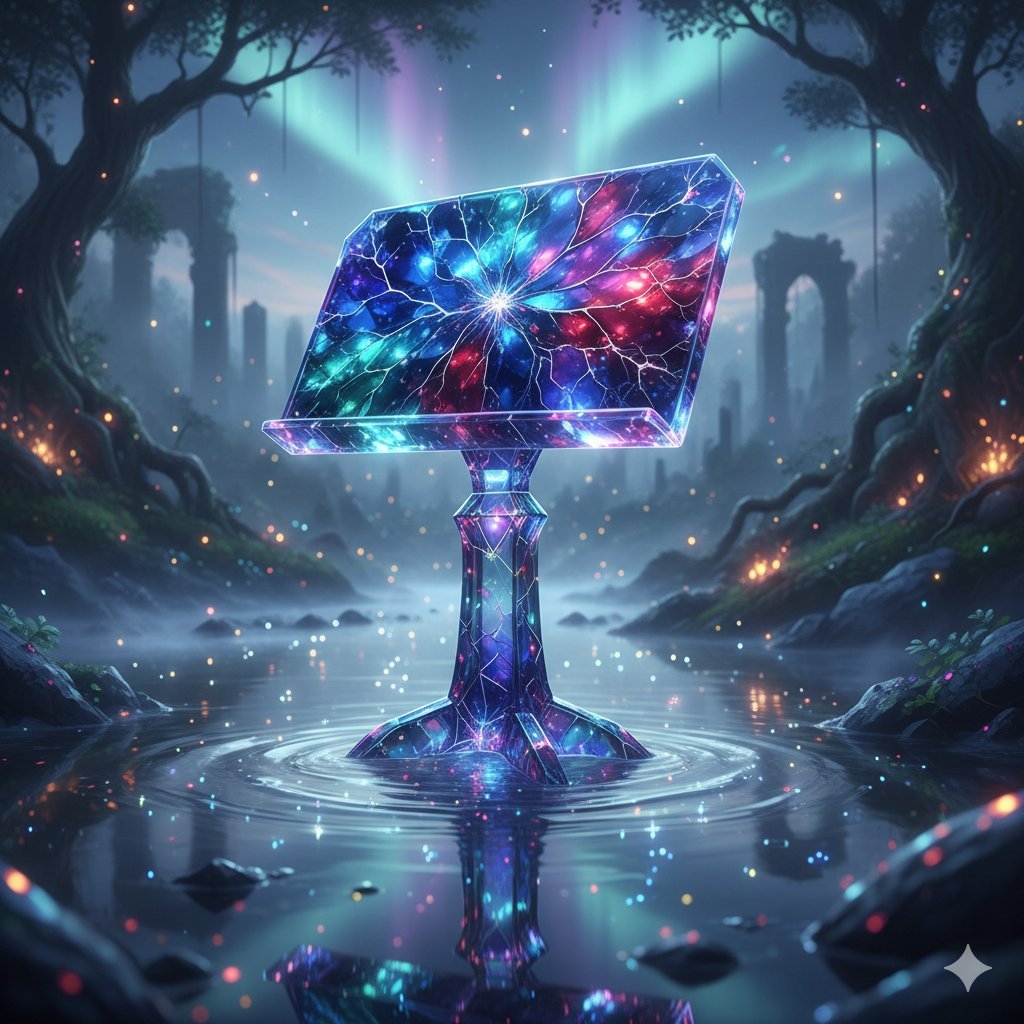
Mystical Crystal Music Stand Image Prompt

Royal Pink Glam Mirror Selfie Prompt
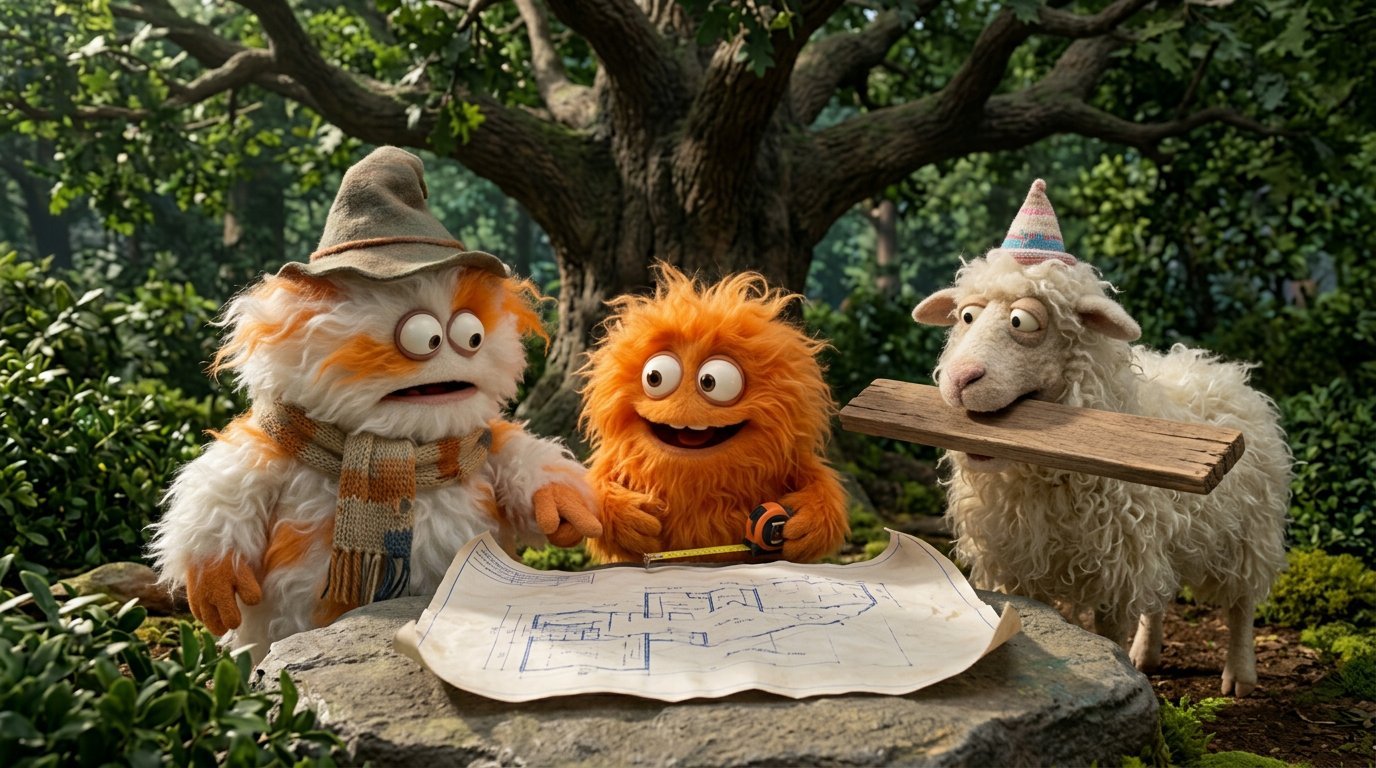
4 Part Story of 3 Fluffy Creatures Build
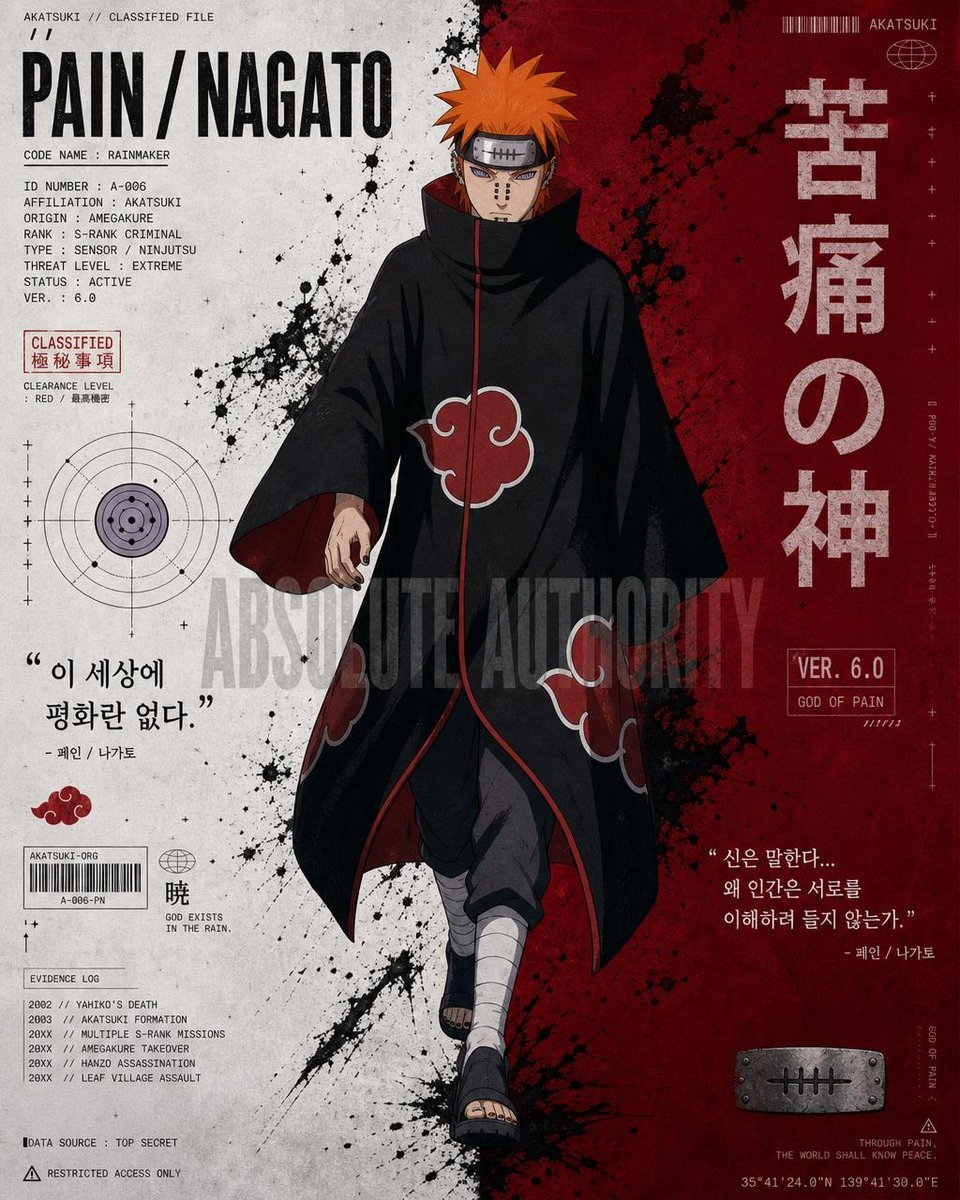
Anime Character Editorial Poster Prompt
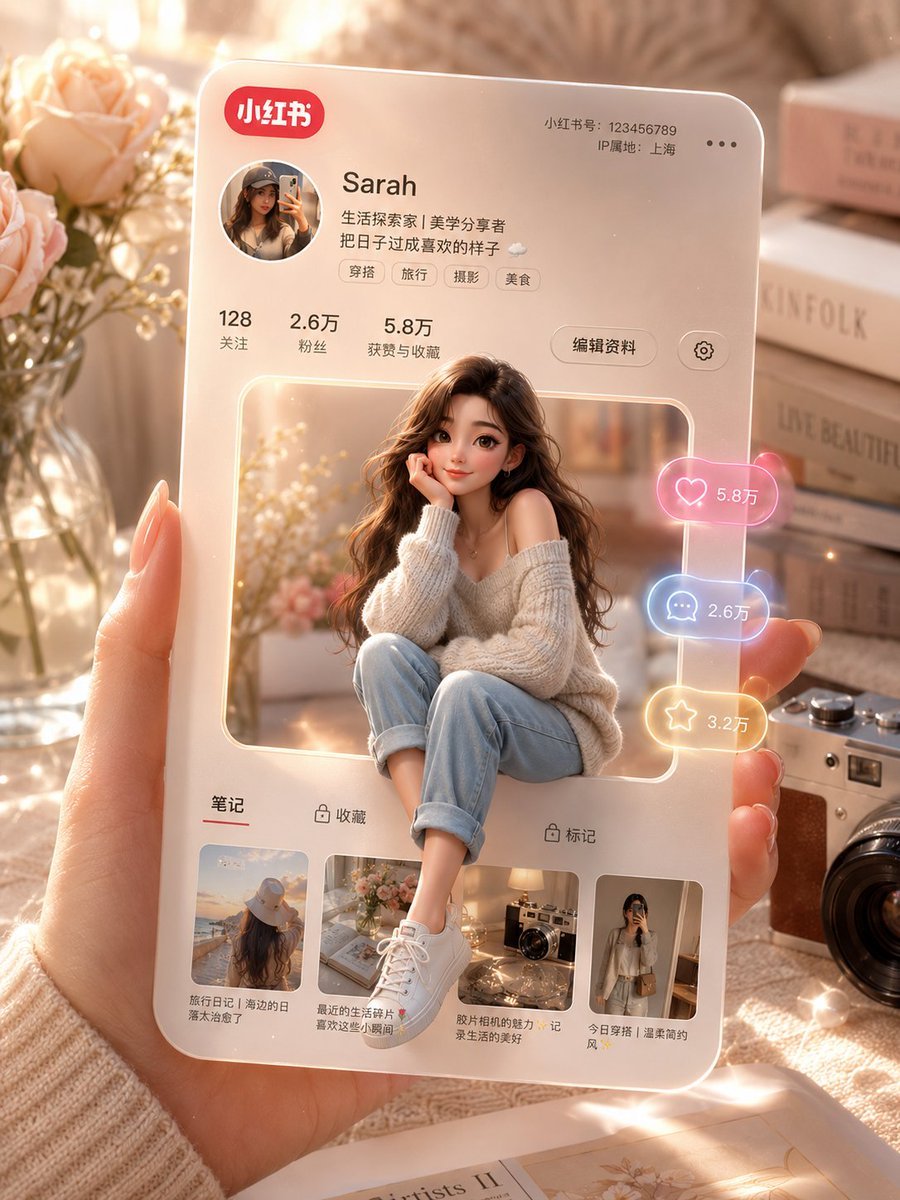
3D Social Media Profile Card

Photorealistic Festival Scene During Golden Hour
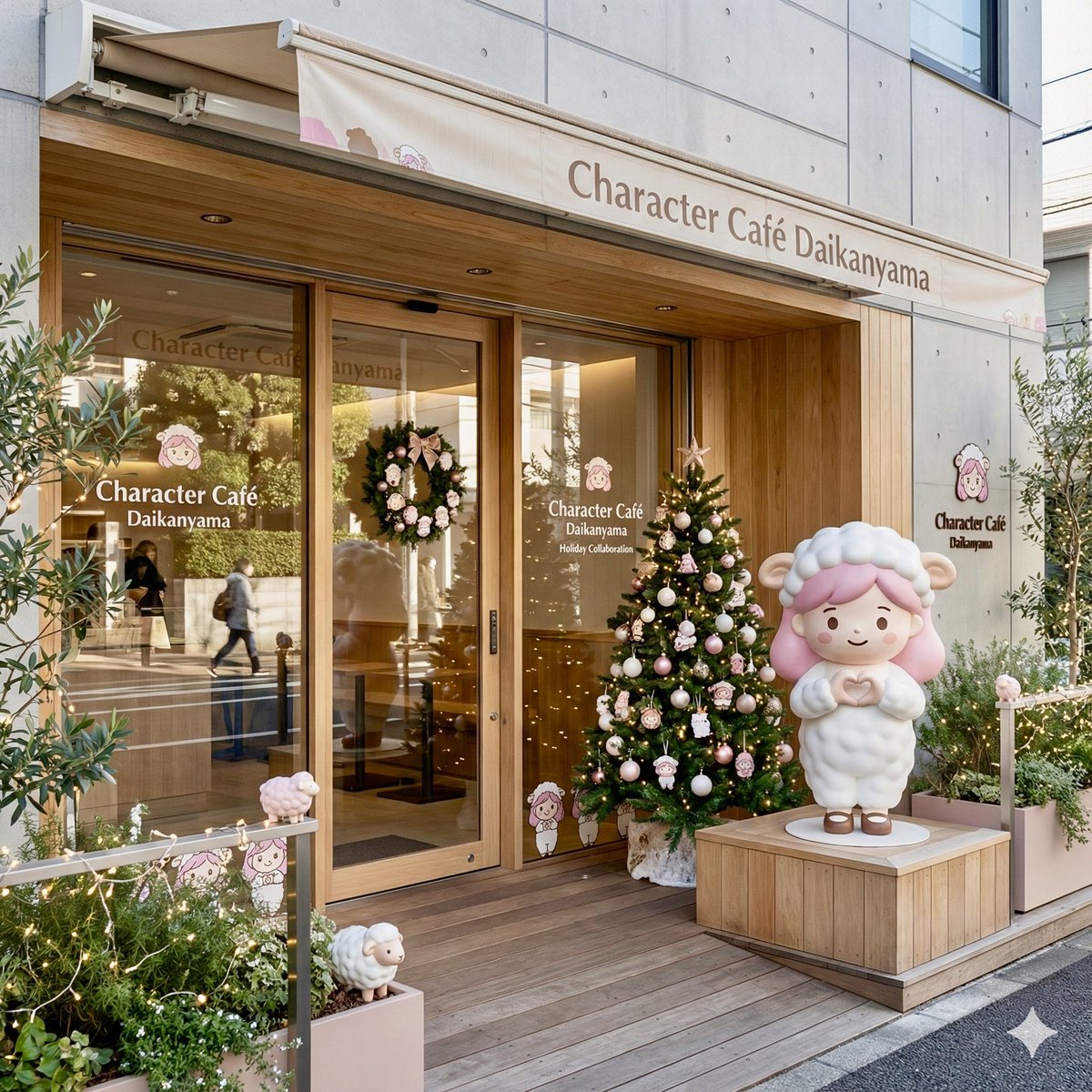
Daikan-yama Collaboration Cafe Generator (Christmas Theme)
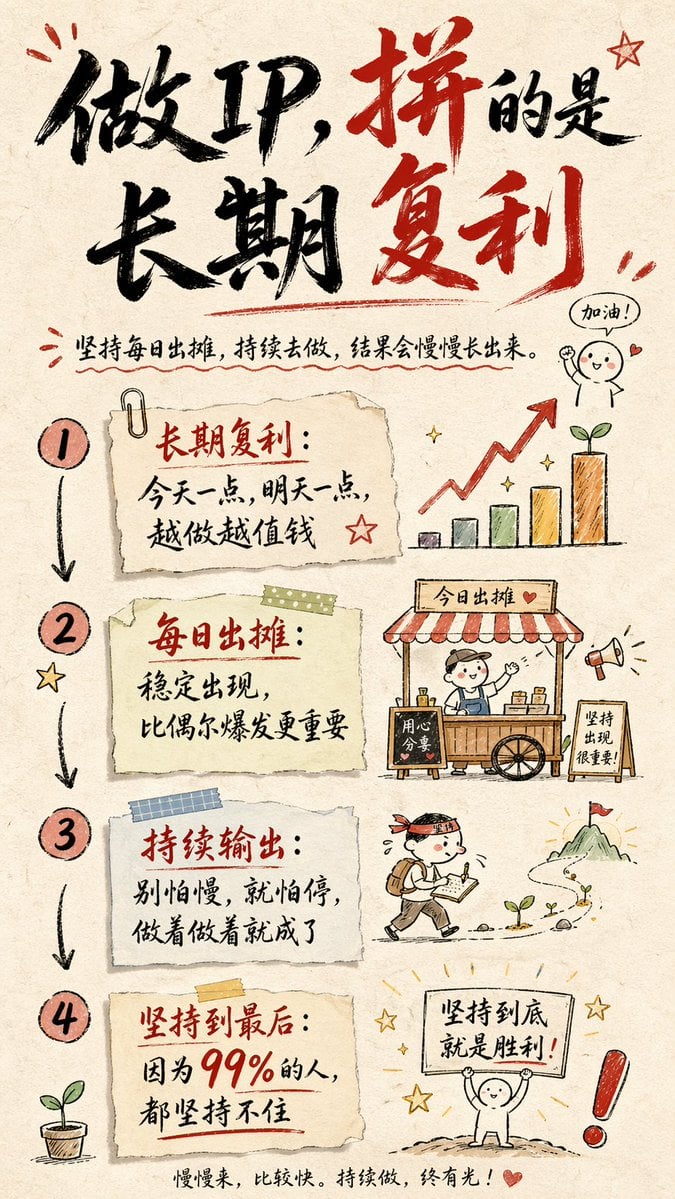
Hand-drawn Infographic Card Prompt
Browse template categories
Japanese Konbini Journal Illustration questions
How do I use the Japanese Konbini Journal Illustration template?
Add your photo if the template asks for one, edit the prompt if you like — the template's model and format are already selected — and press Generate. Your version opens in PicX Studio.
Can I customize the Japanese Konbini Journal Illustration template?
Yes. You can change the subject, setting, lighting, mood, format, and available model controls before creating your image.
Is the Japanese Konbini Journal Illustration template free?
Opening and editing this template is free. Generating uses credits, shown on the Generate button when you are signed in.
Which AI model should I use?
Start with GPT Image 2, which is the model associated with this template. You can compare another compatible model for a different finish.
Looking for something else? Browse all templates.

Your photo, any look
Thousands of ready templates for every top image and video model, from one credit balance.