
Minimalist Festive Greeting Illustration
Creates a minimalist, artistic illustration with white space and a handcrafted feel, perfect for ceremonial greetings or phone wallpapers.
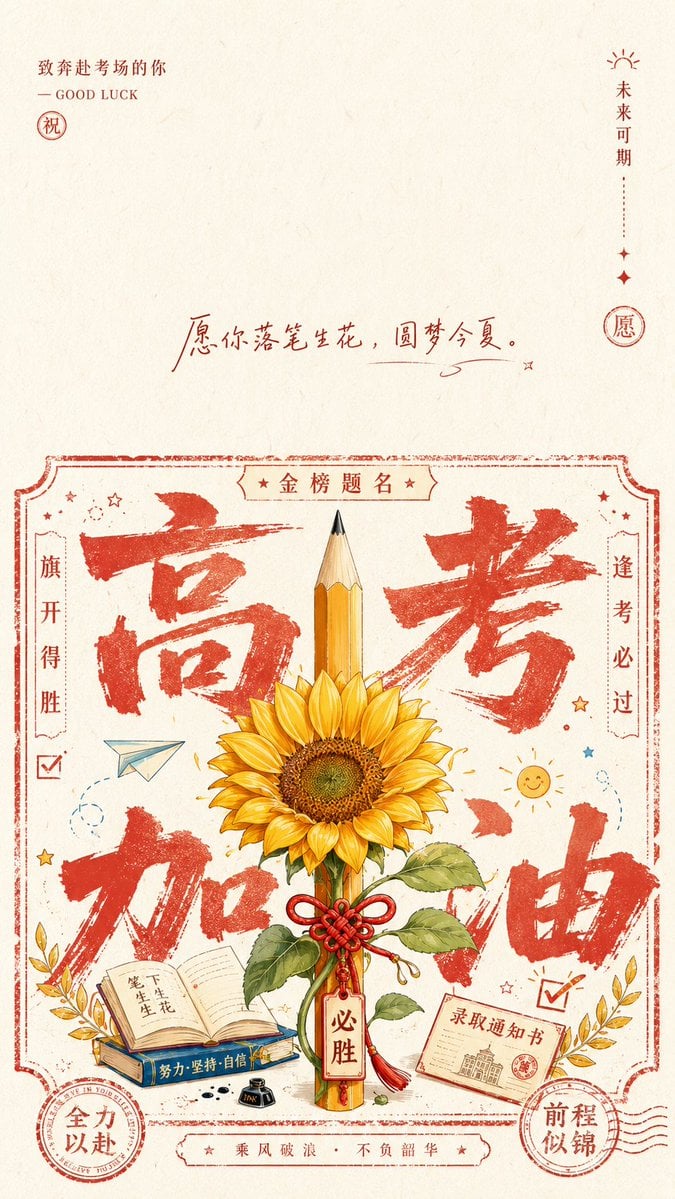
- Prompt included
- Model and format preset
- Free template
The prompt behind this image
Copy the exact prompt behind Minimalist Festive Greeting Illustration, or open it in the studio and make it yours.
Based on {argument name="Theme" default="Good luck on the Gaokao"}, generate a flat illustration with the ceremonial feel of a blessing card: leave generous breathing room at the top of the image; in the upper-left corner, use a small-sized signature, a short horizontal line, and a seal/stamp to form a quiet opening; in the middle, use a small amount of handwritten well-wishes or a thematic slogan as an emotional turning point; at the bottom, build a main information area that combines the look of a printed stamp/seal with a ticket-style border — the border should have an uneven line weight and edges with a hand-stamped, ragged texture. Inside the main information area, the eye should first read an oversized, rough, dry-brushed thematic glyph or symbol, spread out at background scale, partly obscured by the central thematic symbol; the central symbol should be rendered with clean line art and flat color blocks, in an upright, front-facing, stable pose, with a small amount of thematically derived detail, forming a focal point that feels blessed and empowered. Around it, arrange small icons, brief inscribed text, round seals, and fine arced symbols, so the information unfolds layer by layer like the stamps and marks on a handmade blessing card, while keeping a rhythmic balance of density and openness. Draw the color palette from the theme's own material, cultural signals, and mood: use a large area of a bright, clear, clean base color for the "paper" and "air," with the structural lines and main glyph using a clear thematically derived accent color, concentrated in proportion but not muddy; render the central subject with a more complete range of light and dark tonal layers and a small amount of supporting color to distinguish the information layers, using only small-area dot-like color for the detail marks/seals. The overall mood should be bright, clean, solemn yet approachable, with a texture of fine paper fiber and slight print-registration misalignment — avoid a heavy aged look, dingy gray tones, or a smoky feel.
How to use Minimalist Festive Greeting Illustration in 3 steps
- 1
Open
The prompt is already in the box next to the preview, with the template's model and format selected.
- 2…a portrait of your subject in softgolden-hour light, 85mm…
Personalize
Edit the subject and creative details for your destination.
- 3Generate
Generate
Press Generate — your image is created in PicX Studio, so you can compare it with the original and refine one variable at a time.
More like this
Templates with the same subject, style or setup. Open one to see its prompt.

Quiet Minimalist Anime Style Guide
Quiet Minimalist Anime Style Guide
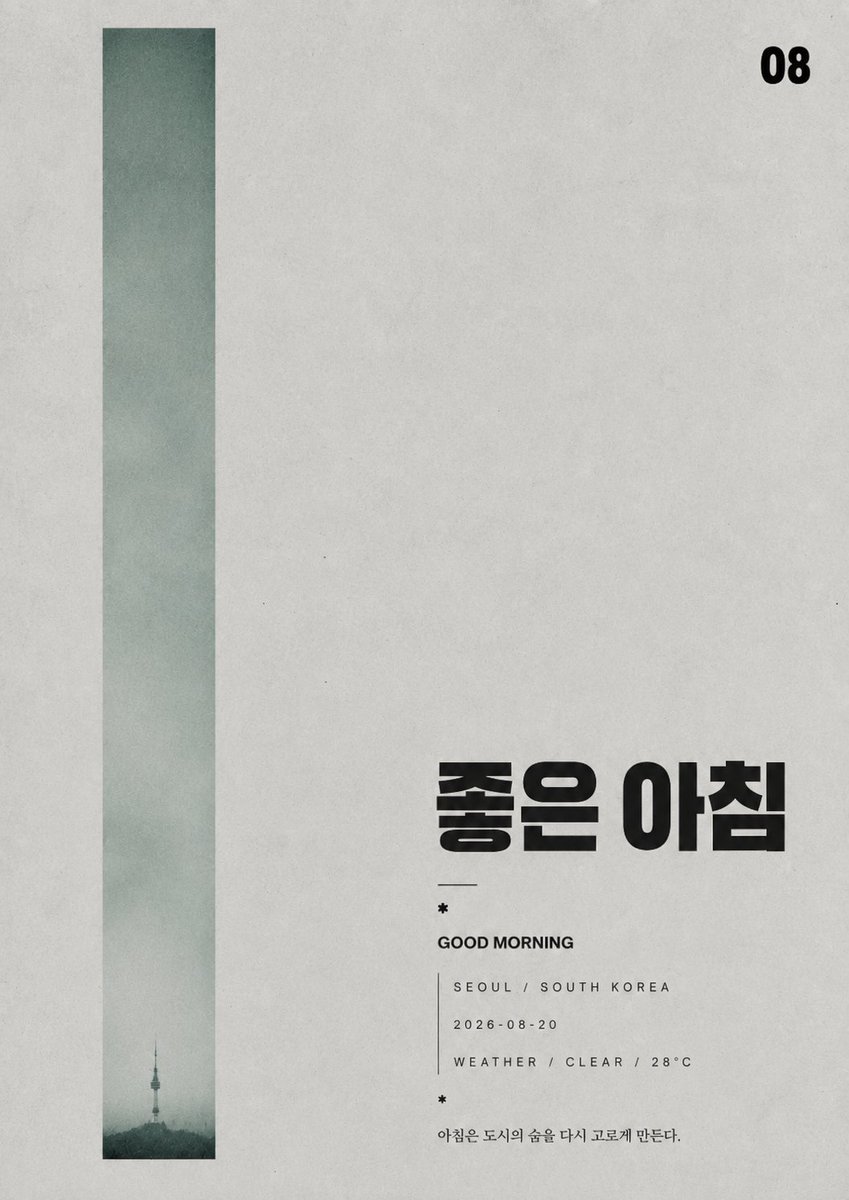
Minimalist Silhouette Greeting Poster
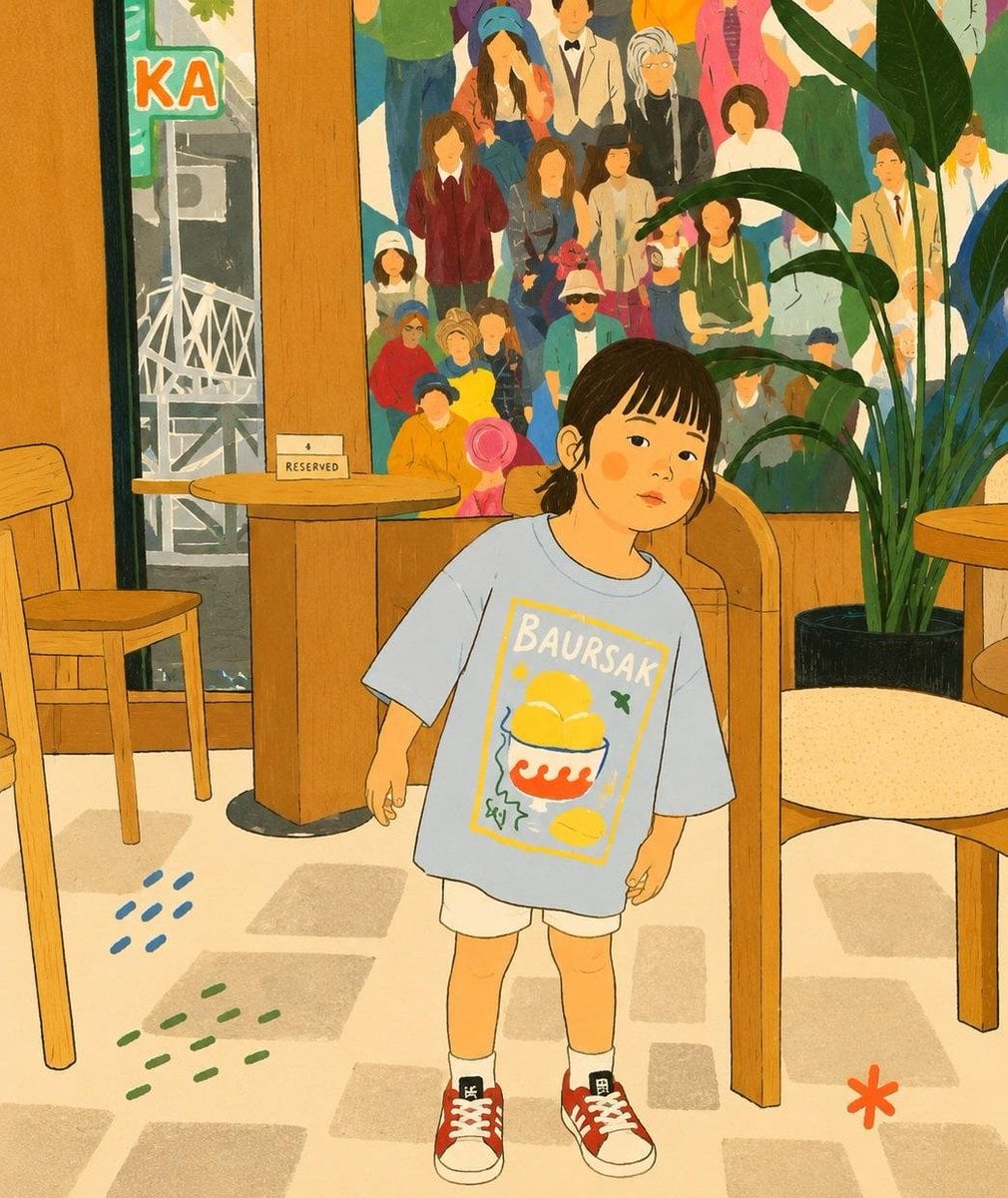
Cozy Storybook Minimalist Illustration

Japanese Minimalist Concrete Studio Fashion Editorial

Korean Streetwear Minimalist Campaign Portrait

Minimalist Fashion Editorial Split Layout

Minimalist Scandinavian Editorial Fashion Portrait Series

Real Illustration Split Portrait Transition

Premium Vintage Travel Poster Landscape

Elegant Minimalist Product Photography

Watercolor Café Cheesecake Editorial Illustration
Make it yours
Minimalist Festive Greeting Illustration works as-is. These are the safest ways to change it without losing the look.
Change one field
Copy a single group, rewrite it, and generate again so you can see what that field is doing.
Keep the frame, change the subject
Hold the composition and light of Minimalist Festive Greeting Illustration, then swap wardrobe, props or the person for a new take.
| If the result… | Why | Fix |
|---|---|---|
| The result drifts from the preview | Too many fields changed at once. | Reuse Minimalist Festive Greeting Illustration as-is first, then change one group — subject, light, or setting. |
| The model over-stylizes the scene | The prose prompt leaves finish and camera underspecified. | Add one camera or lighting sentence and stay on GPT Image 2. |
More GPT Image 2 templates
Other prompts made for GPT Image 2.

Six VTuber Japanese Logo Sheet

Realistic Portrait of Woman and Deer

The Vista Modular Condo Poster

AI Model Routing Comparison Infographic

2.5D Anime Art Board

Isometric Productivity Desk Scene

New York Double Exposure Poster

Four-Panel AI Landscape Comparison

Japanese Tatami Lifestyle Magazine Cover

NESCAFÉ Coffee Map Poster
More image prompts
Fresh picks from across the catalog.
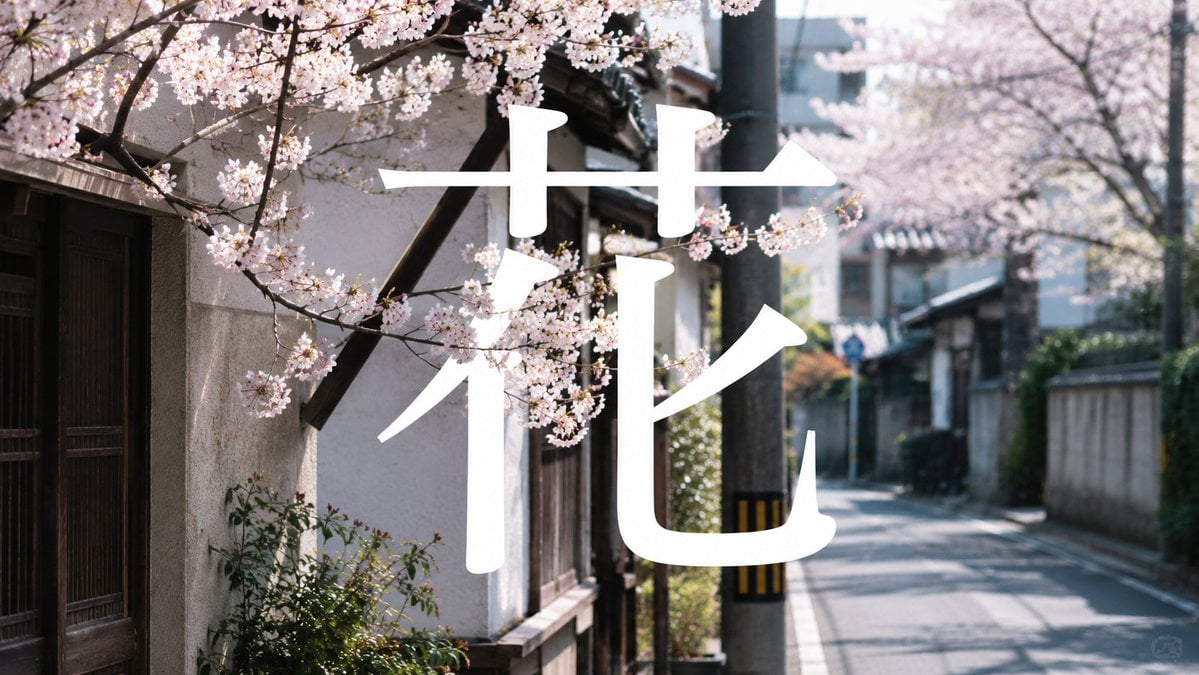
Cherry Blossom Street Kanji Poster
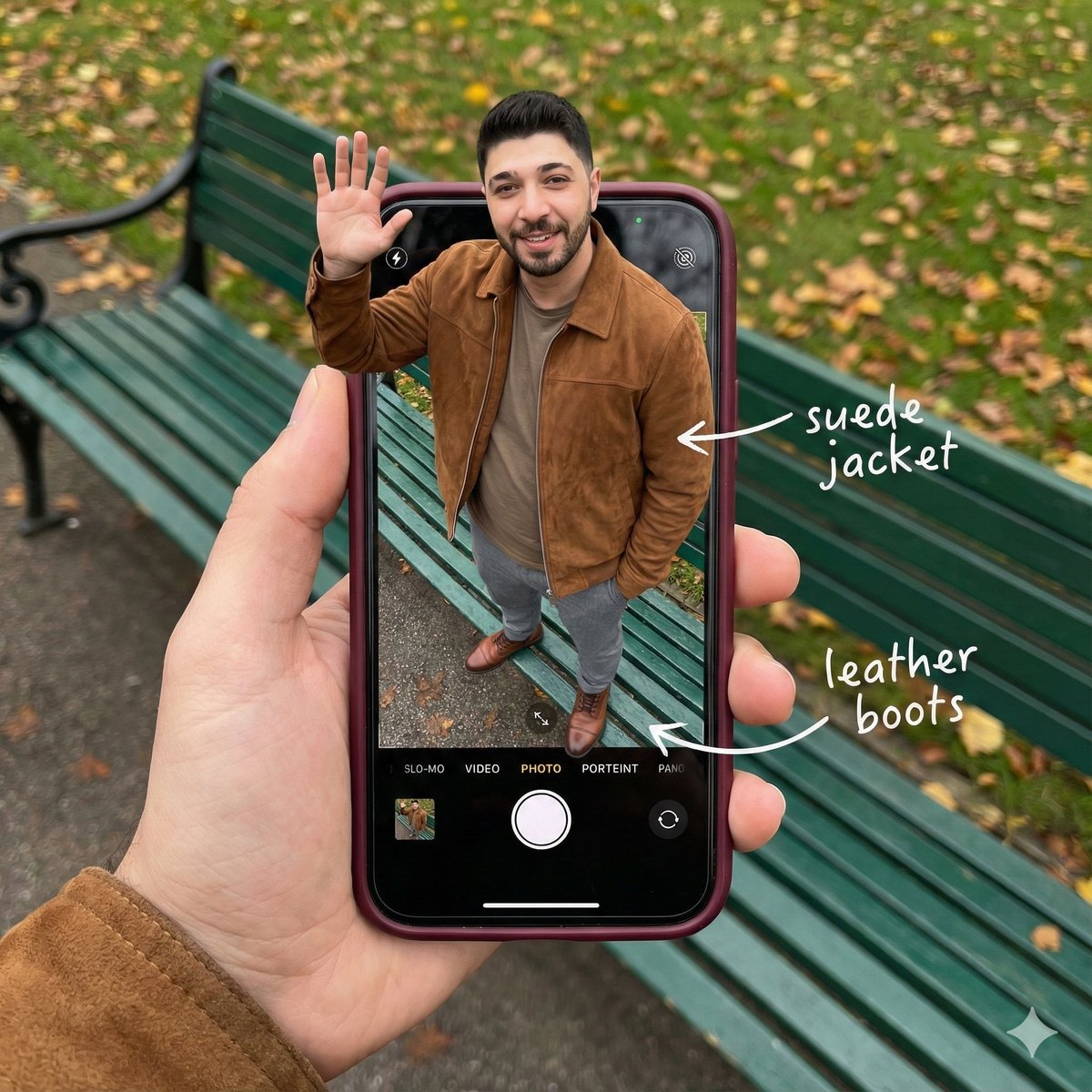
Smartphone Screen Stepping Out Optical Illusion Prompt
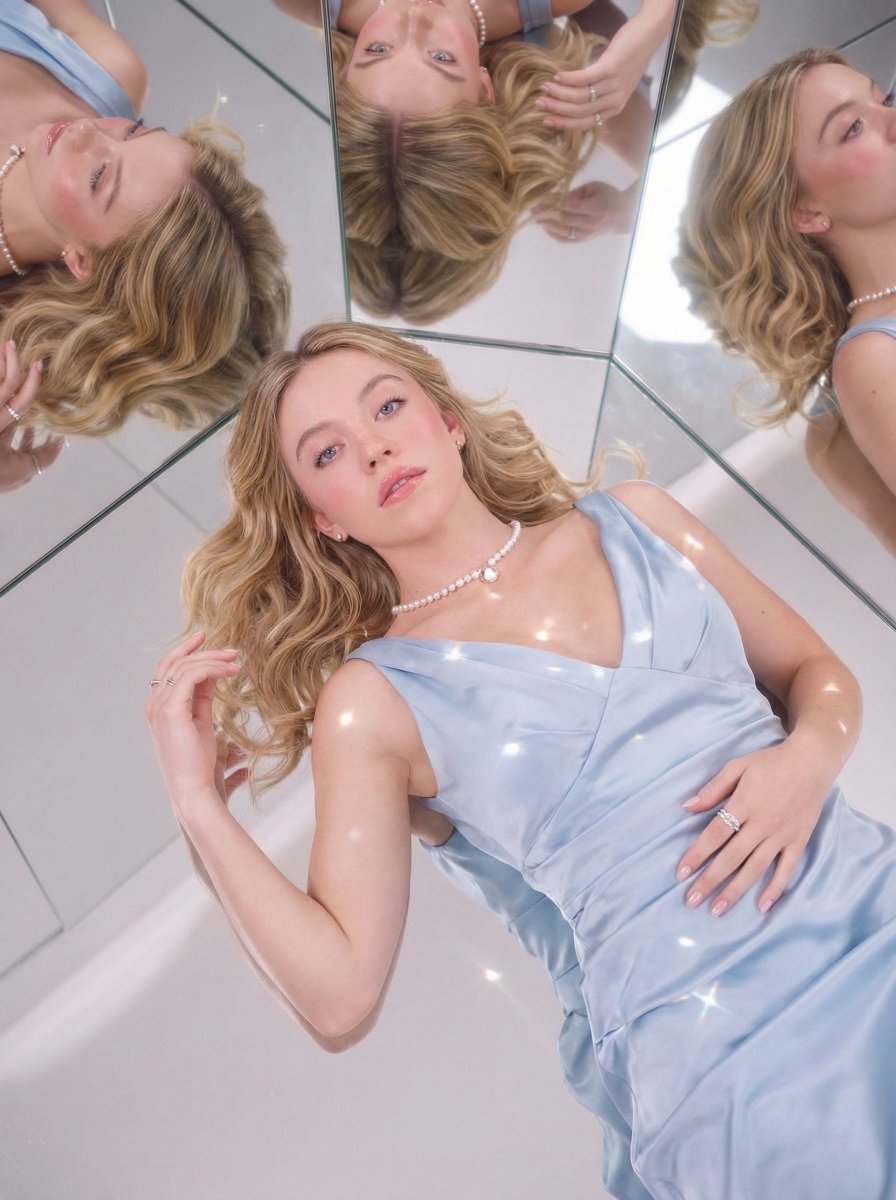
Dreamy Luxury Editorial Reflection Prompt
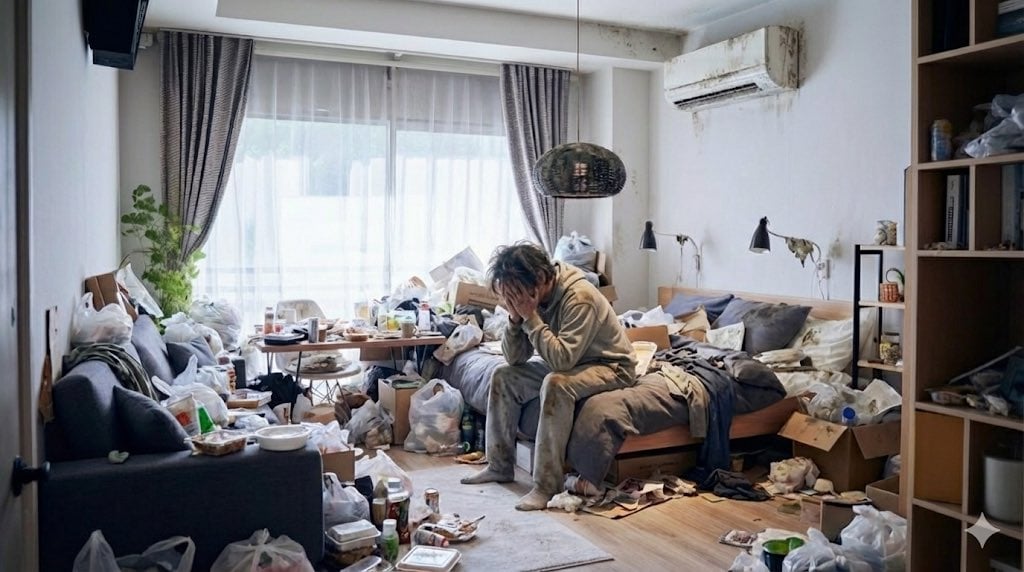
Using 'Despair' and 'Noise' Prompts for Emotional Impact
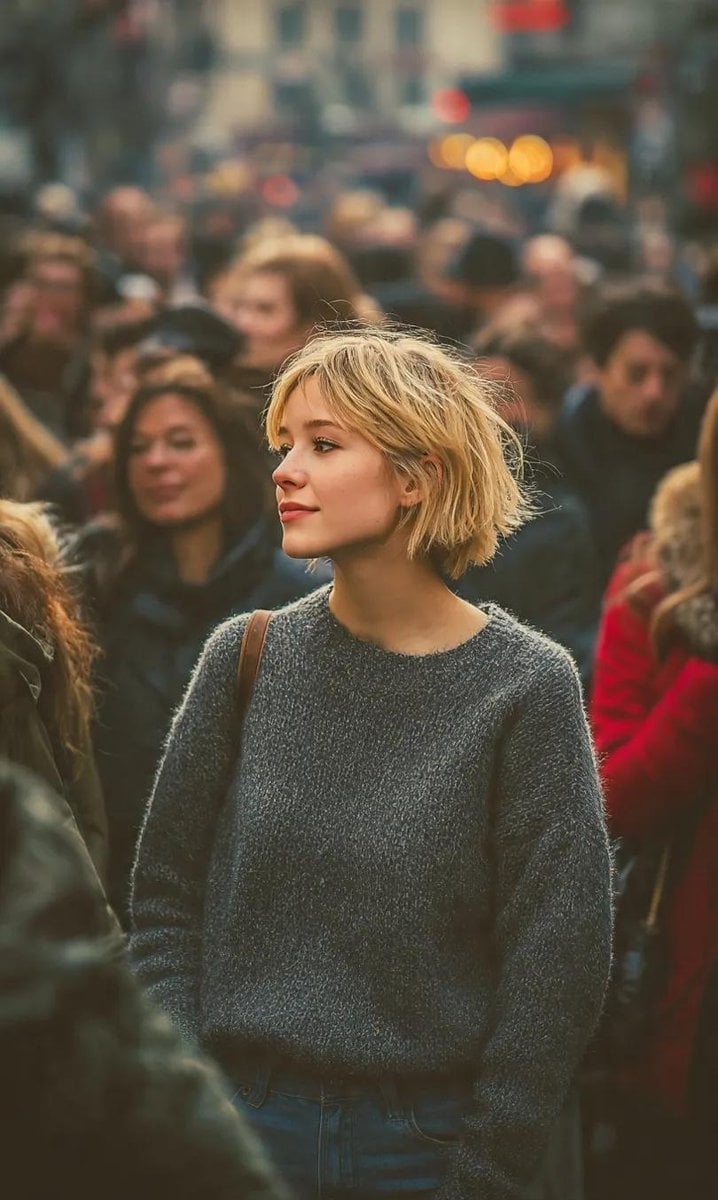
Ultra-Realistic 8K Candid Street Portrait
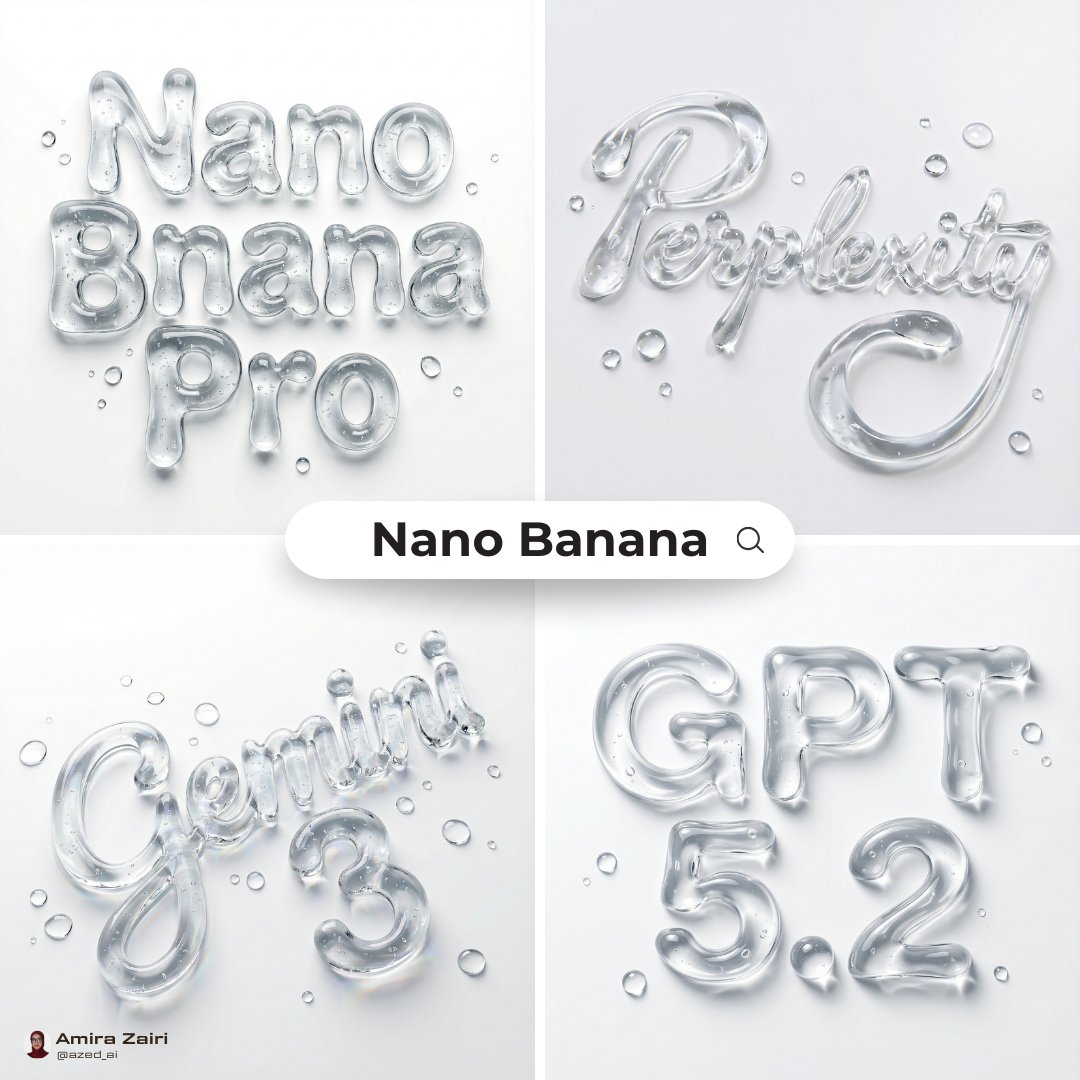
Abstract Liquid Typography Generation Prompt
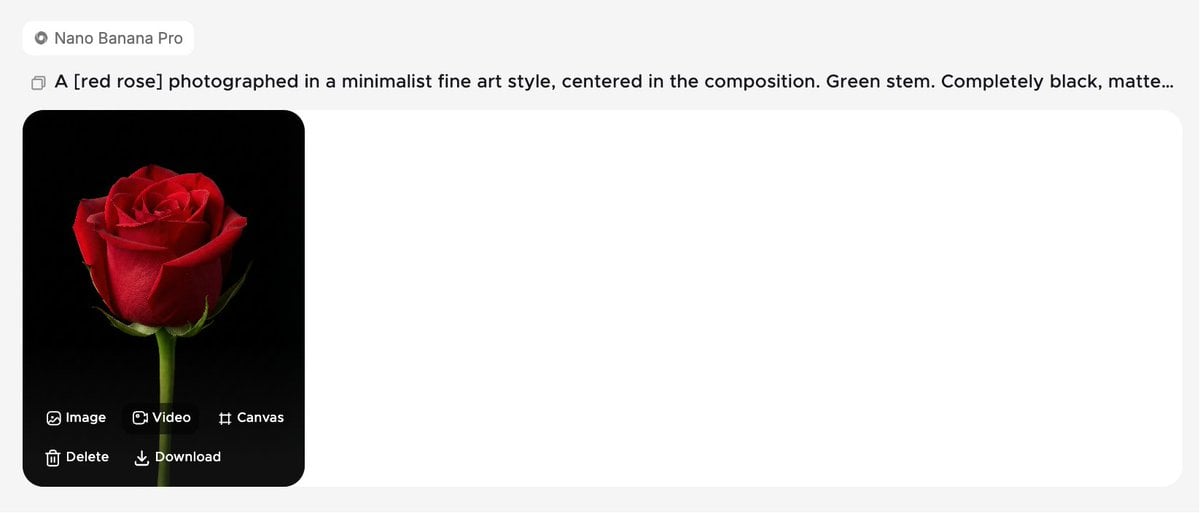
Minimalist Fine Art Flower Macro

Photorealistic Fenerbahçe Jersey Portrait on a Yacht
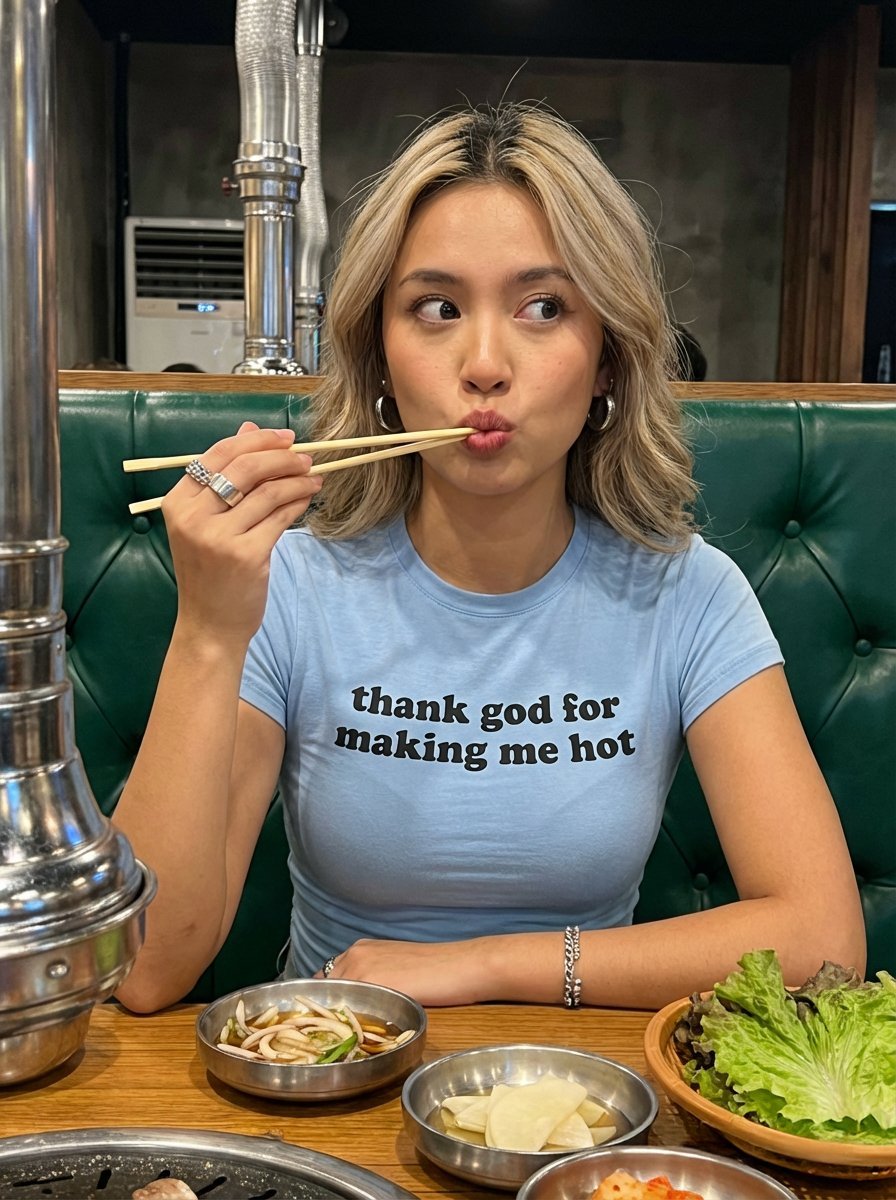
Candid Restaurant Portrait of Woman in 'Thank God for Making Me Hot' T-Shirt
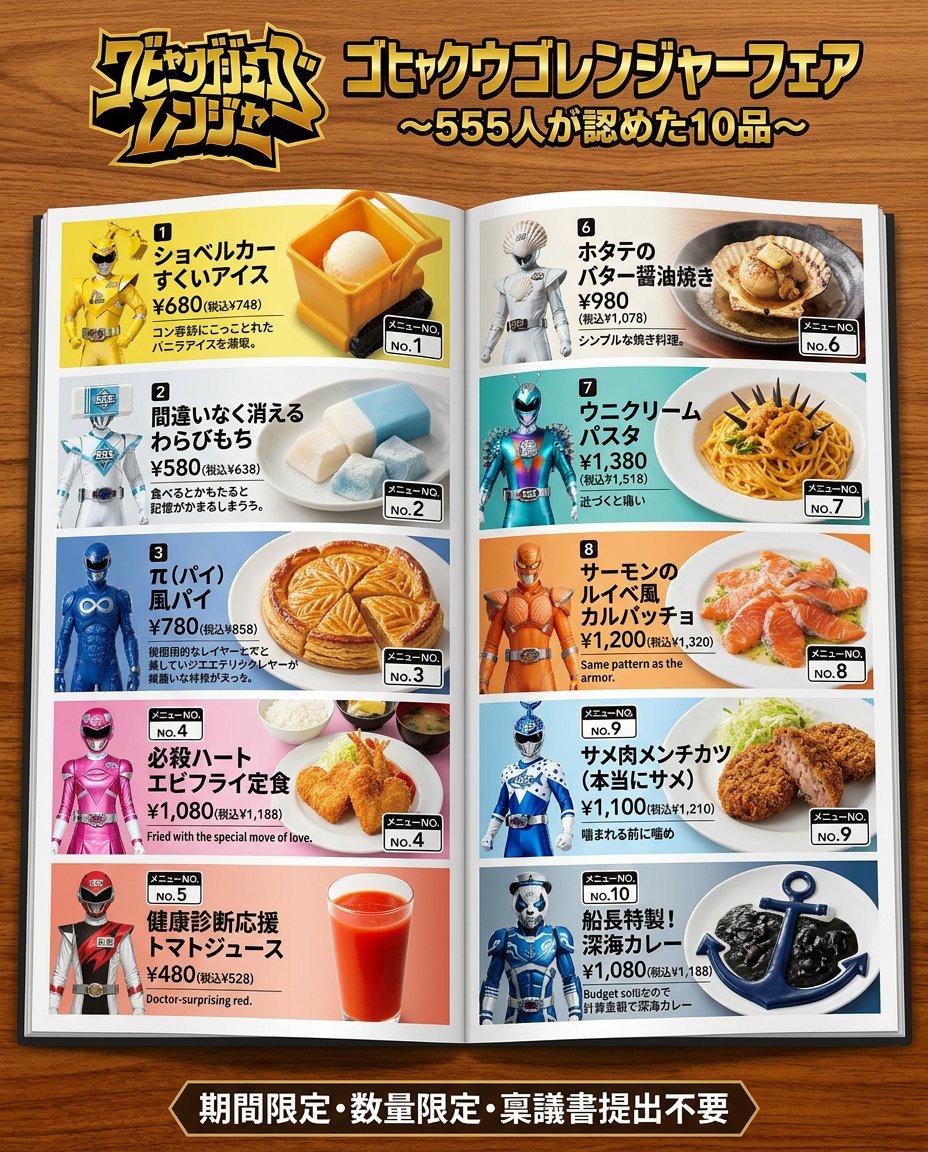
Nano Banana 2 Prompt for Character Collaboration Menu
Browse template categories
Minimalist Festive Greeting Illustration questions
How do I use the Minimalist Festive Greeting Illustration template?
Add your photo if the template asks for one, edit the prompt if you like — the template's model and format are already selected — and press Generate. Your version opens in PicX Studio.
Can I customize the Minimalist Festive Greeting Illustration template?
Yes. You can change the subject, setting, lighting, mood, format, and available model controls before creating your image.
Is the Minimalist Festive Greeting Illustration template free?
Opening and editing this template is free. Generating uses credits, shown on the Generate button when you are signed in.
Which AI model should I use?
Start with GPT Image 2, which is the model associated with this template. You can compare another compatible model for a different finish.
Looking for something else? Browse all templates.

Your photo, any look
Thousands of ready templates for every top image and video model, from one credit balance.