
Minimalist Silhouette Greeting Poster
A minimalist greeting poster prompt featuring monochrome silhouettes in a narrow image strip, architectural typography, and heavy negative space.
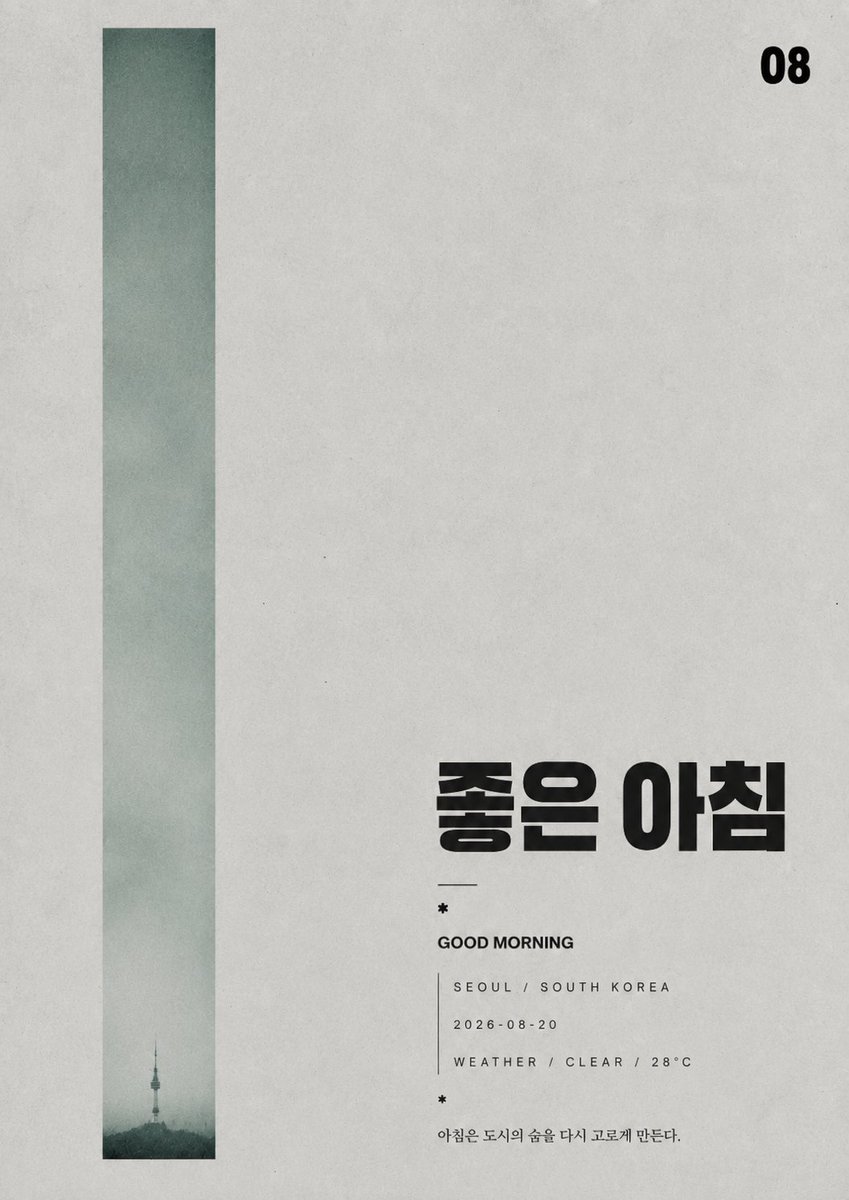
- Prompt included
- Model and format preset
- Free template
The prompt behind this image
Copy the exact prompt behind Minimalist Silhouette Greeting Poster, or open it in the studio and make it yours.
画图任务:先提炼出一个可被压缩成剪影或单一实物痕迹的核心角色,再把它安置在一条极窄、近乎沉默的纵向影像带底部,周围保留大面积浅灰空白;第一眼必须是左侧高而空的灰色实体与右侧稀疏文字之间的冷静失衡,主题内容只在底部小尺度出现,像被巨大留白和时间压低。整体采用单色灰阶、低对比、哑光纸面与细颗粒印刷噪点,影像边缘轻微软化,黑色只用于少量强锚点:小剪影、粗重主标题、右上数字或标记。文字系统像建筑构件而非装饰,主标题用超重几何无衬线构造,笔画短厚、端点平切或圆化,字腔被压紧,局部可有小星点或圆点作为节奏停顿;副信息极小、细、松散,可竖排或偏轴放置,制造阅读路径的迟缓。主题转换时更换人物、物件、符号与文本含义,但保持窄影像柱、大空场、黑灰稀疏锚点、纸质颗粒、错位层级和孤独纪念感。避免彩色装饰、戏剧光效、饱满构图、整洁商业排版、过度清晰修图和热闹叙事。 主题:{argument name="主题" default="早安+问候+GOOD MORNING+城市+金句+天气+2026-08-20"}
How to use Minimalist Silhouette Greeting Poster in 3 steps
- 1
Open
The prompt is already in the box next to the preview, with the template's model and format selected.
- 2…a portrait of your subject in softgolden-hour light, 85mm…
Personalize
Edit the subject and creative details for your destination.
- 3Generate
Generate
Press Generate — your image is created in PicX Studio, so you can compare it with the original and refine one variable at a time.
More like this
Templates with the same subject, style or setup. Open one to see its prompt.

Premium Vintage Travel Poster Landscape
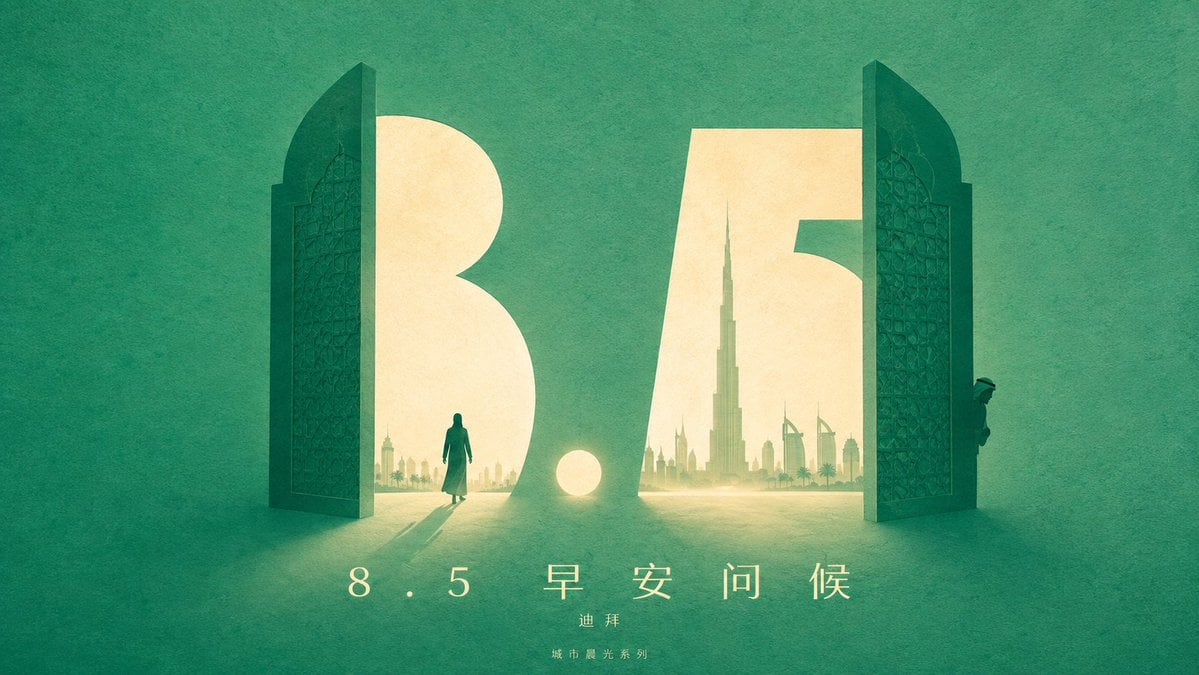
Urban Silhouette Aesthetic Greeting

Japan Travel Brochure Poster

Cartoon TV Show Poster Pack

Trendy Cafe Drink Promo Poster

Urban Fashion Editorial Collage Streetwear Poster

Premium Fashion Editorial Cover Layout System

Polo Ralph Lauren Luxury American Heritage Fashion Campaign

Monochrome Halftone Editorial Fashion Poster

Retro Mirror Luxury Fashion Campaign Poster

Luxury Fashion Campaign Typography Poster System

Premium Fashion Editorial Campaign Poster System
Make it yours
Minimalist Silhouette Greeting Poster works as-is. These are the safest ways to change it without losing the look.
Change one field
Copy a single group, rewrite it, and generate again so you can see what that field is doing.
Keep the frame, change the subject
Hold the composition and light of Minimalist Silhouette Greeting Poster, then swap wardrobe, props or the person for a new take.
| If the result… | Why | Fix |
|---|---|---|
| The result drifts from the preview | Too many fields changed at once. | Reuse Minimalist Silhouette Greeting Poster as-is first, then change one group — subject, light, or setting. |
| The model over-stylizes the scene | The prose prompt leaves finish and camera underspecified. | Add one camera or lighting sentence and stay on GPT Image 2. |
More GPT Image 2 templates
Other prompts made for GPT Image 2.

Six VTuber Japanese Logo Sheet

Realistic Portrait of Woman and Deer

The Vista Modular Condo Poster

AI Model Routing Comparison Infographic

2.5D Anime Art Board

Isometric Productivity Desk Scene

New York Double Exposure Poster

Four-Panel AI Landscape Comparison

Japanese Tatami Lifestyle Magazine Cover

NESCAFÉ Coffee Map Poster
More image prompts
Fresh picks from across the catalog.
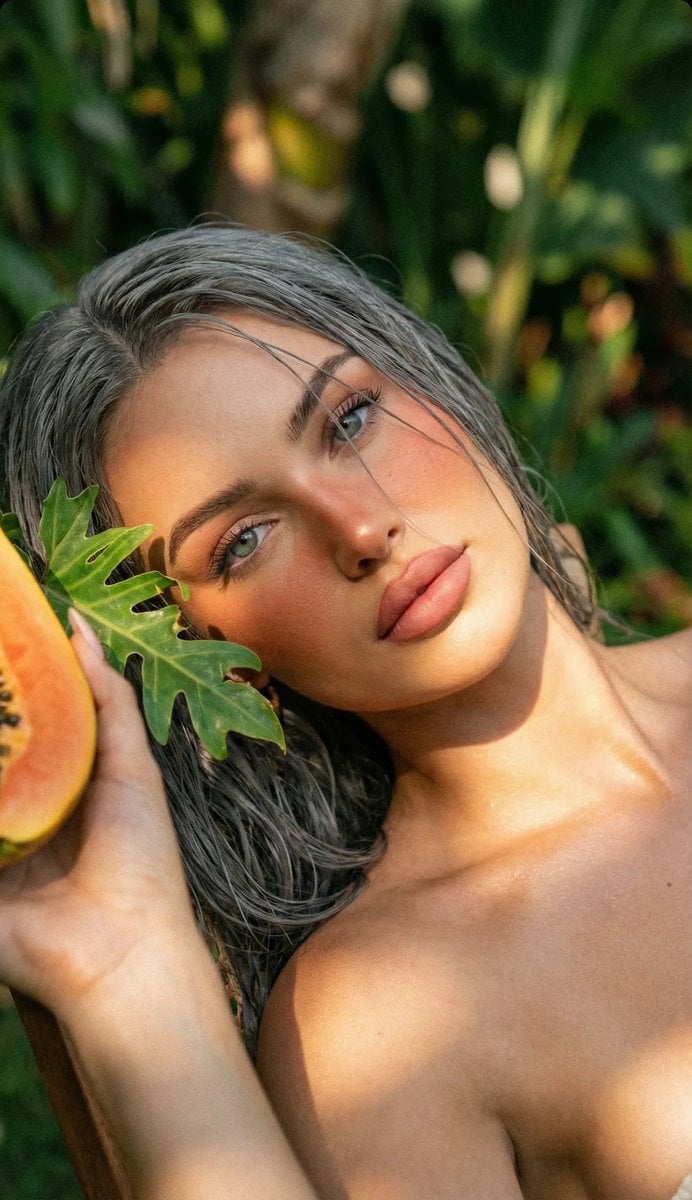
Tropical Golden Hour Portrait with Igari Makeup
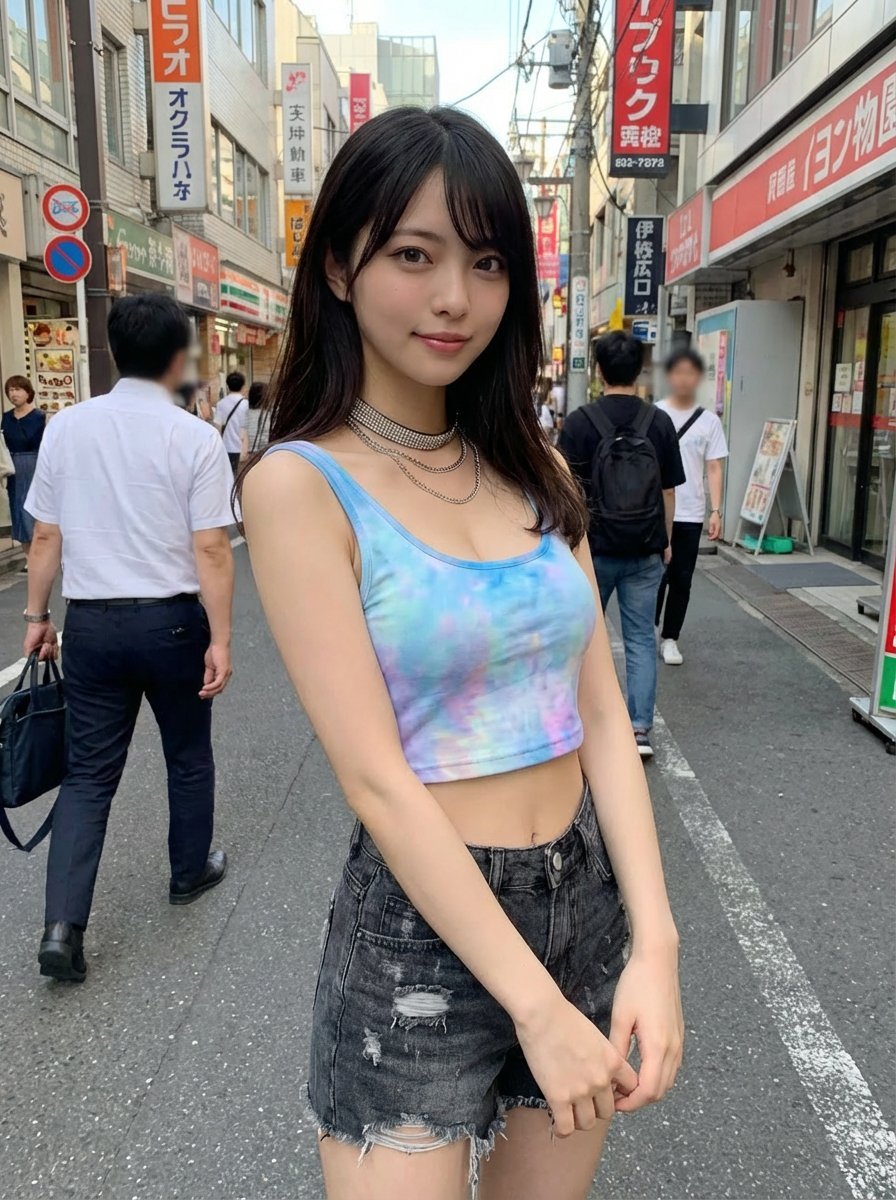
Virtual outfit try-on with Tokyo street option
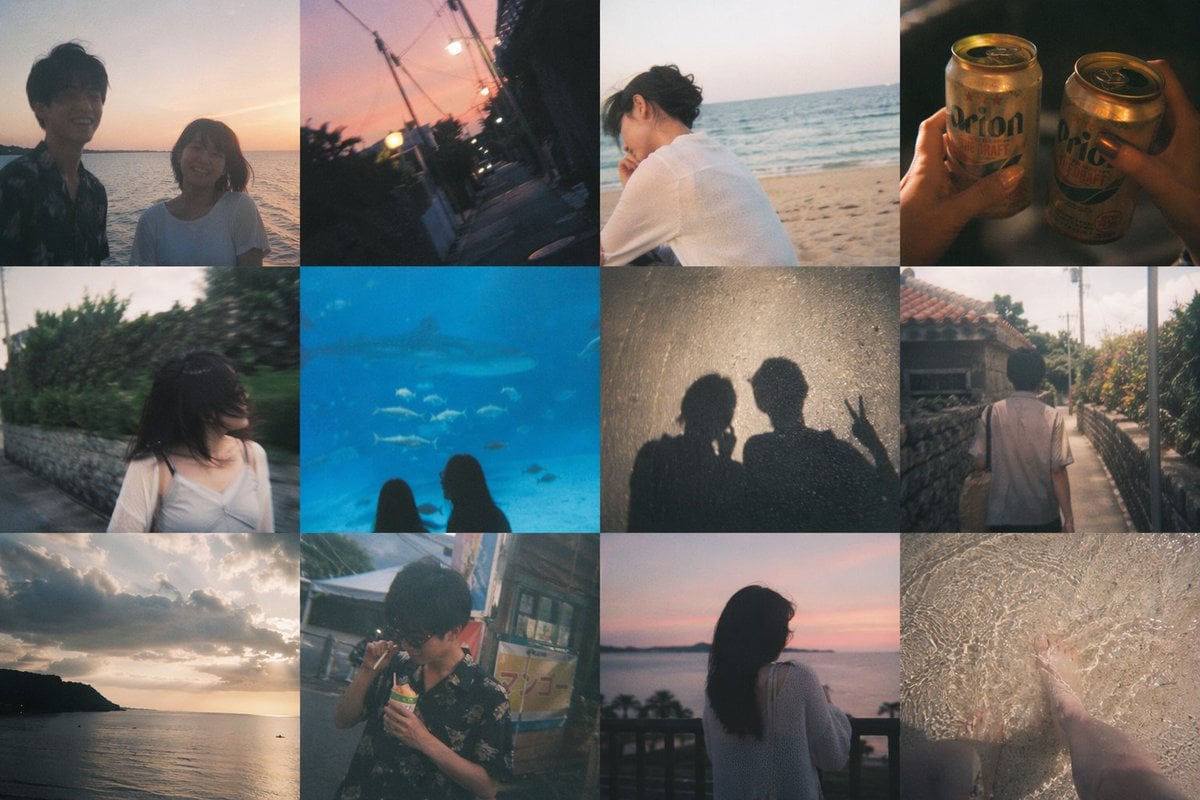
Okinawa Travel Memory Collage
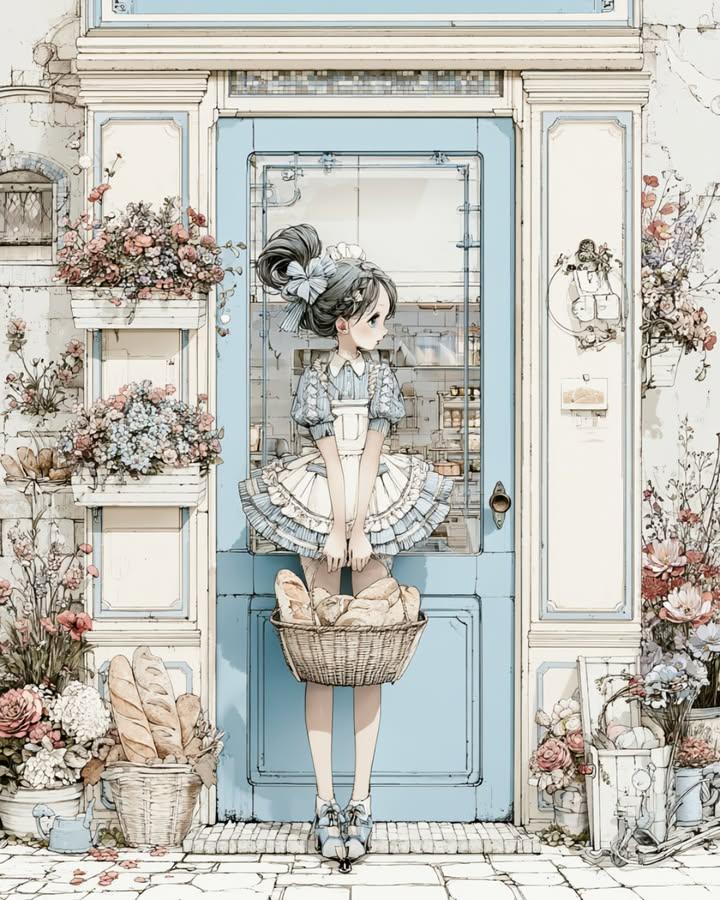
Vintage Bakery Anime Illustration
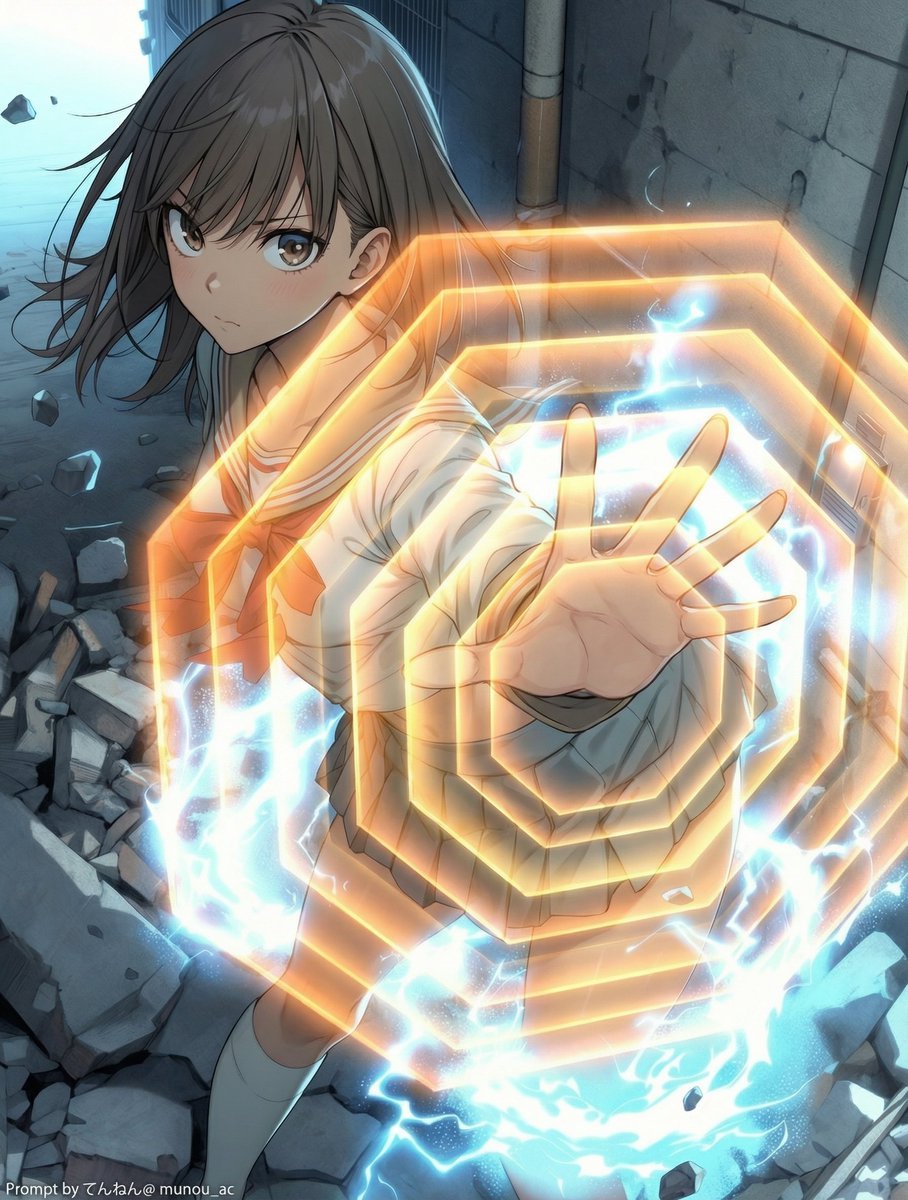
Field Expansion Prompt: Lost Love Girls

Surreal Floating Man Dissolving Into Ash
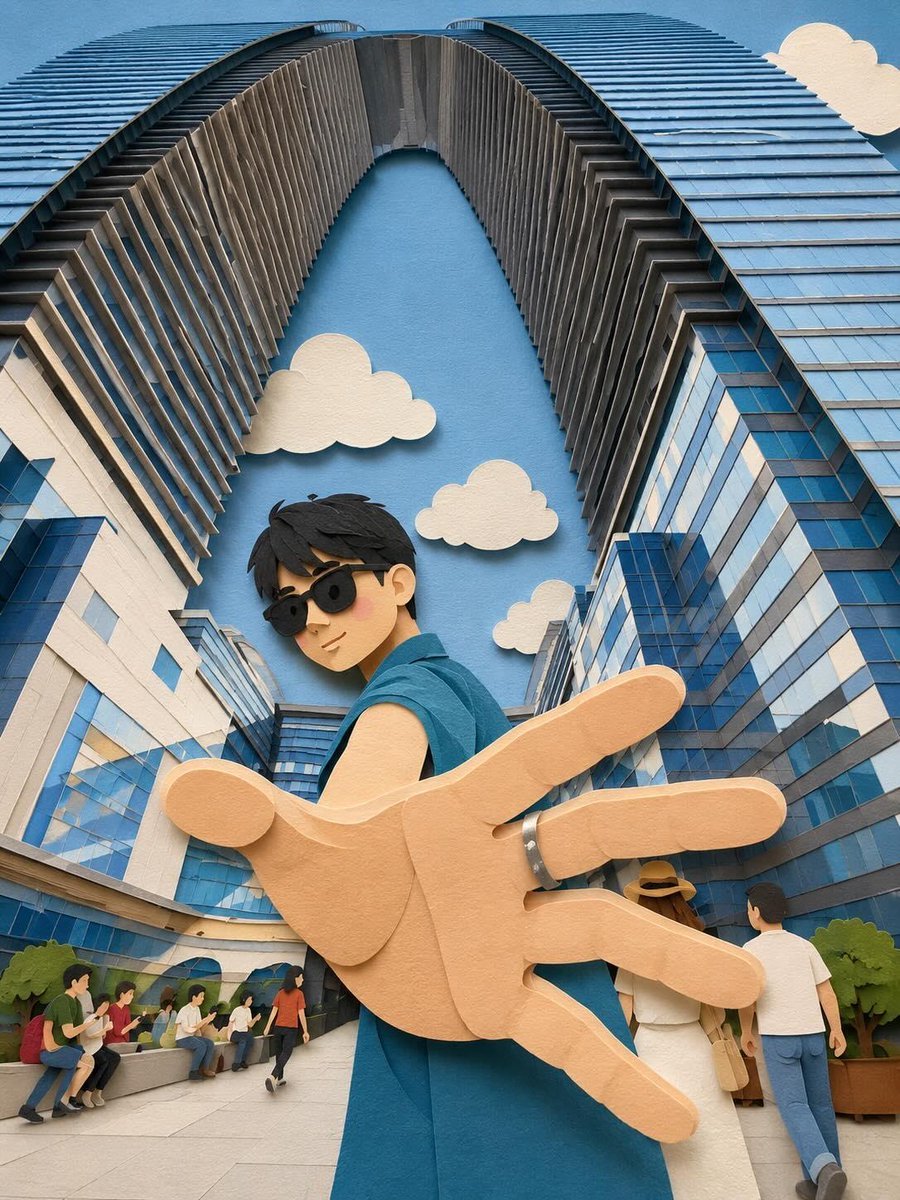
Whimsical Paper-Cut Travel Illustration
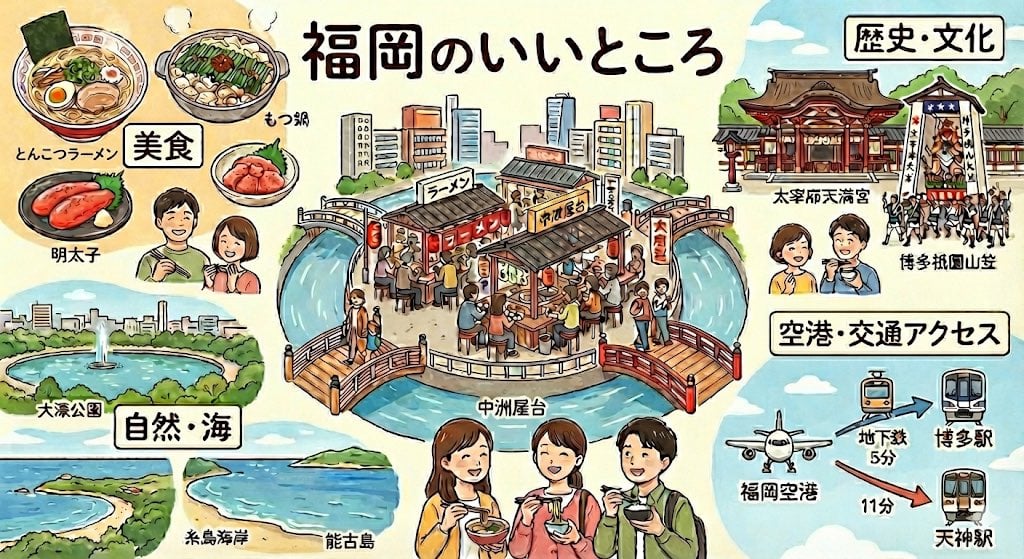
Summarize Fukuoka’s good points in one image

Dramatic Neon Hand-Lettering Portrait
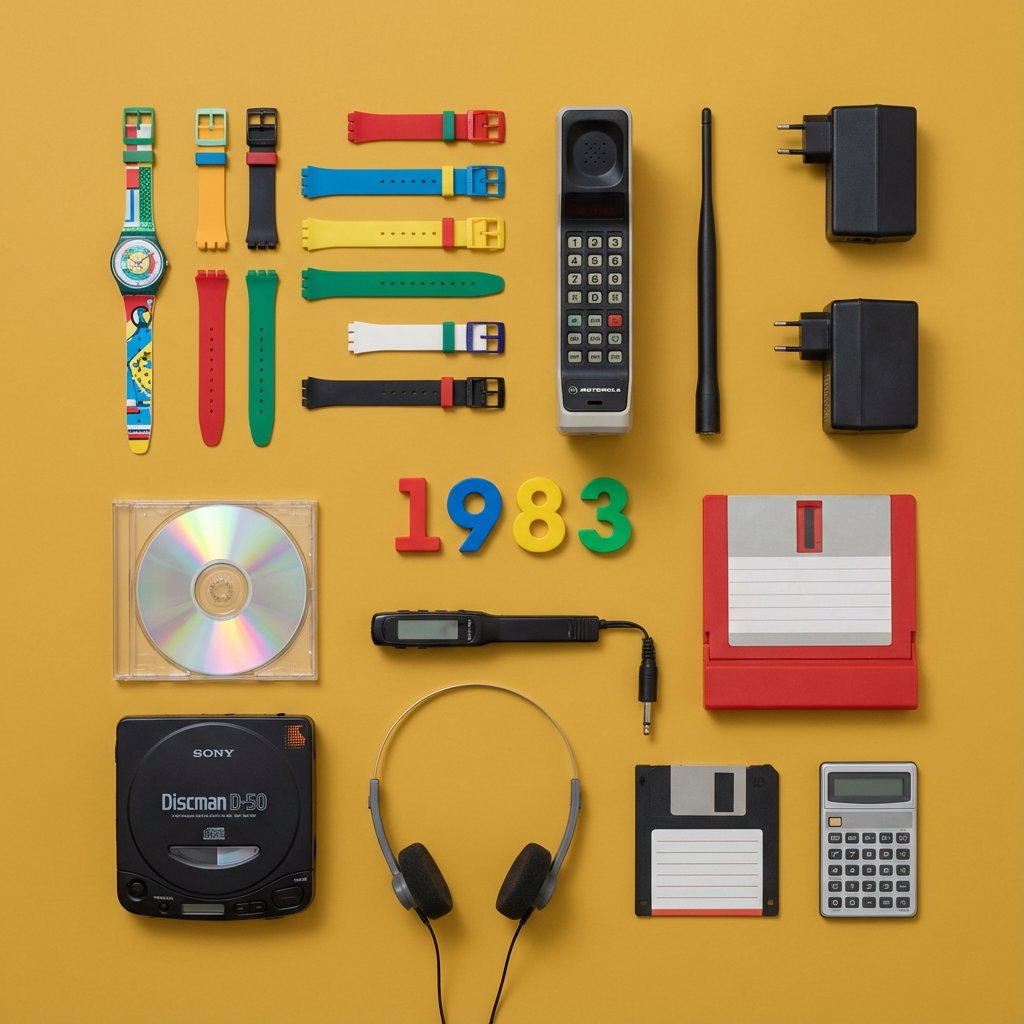
Knolling Flat Lay Product Photography Prompt (Inventions)
Browse template categories
Minimalist Silhouette Greeting Poster questions
How do I use the Minimalist Silhouette Greeting Poster template?
Add your photo if the template asks for one, edit the prompt if you like — the template's model and format are already selected — and press Generate. Your version opens in PicX Studio.
Can I customize the Minimalist Silhouette Greeting Poster template?
Yes. You can change the subject, setting, lighting, mood, format, and available model controls before creating your image.
Is the Minimalist Silhouette Greeting Poster template free?
Opening and editing this template is free. Generating uses credits, shown on the Generate button when you are signed in.
Which AI model should I use?
Start with GPT Image 2, which is the model associated with this template. You can compare another compatible model for a different finish.
Looking for something else? Browse all templates.

Your photo, any look
Thousands of ready templates for every top image and video model, from one credit balance.