
Nano Banana 2 Prompt for Character Collaboration Menu
A detailed template prompt for Nano Banana 2 to generate an image of a family restaurant collaboration menu based on a provided character image and settings.
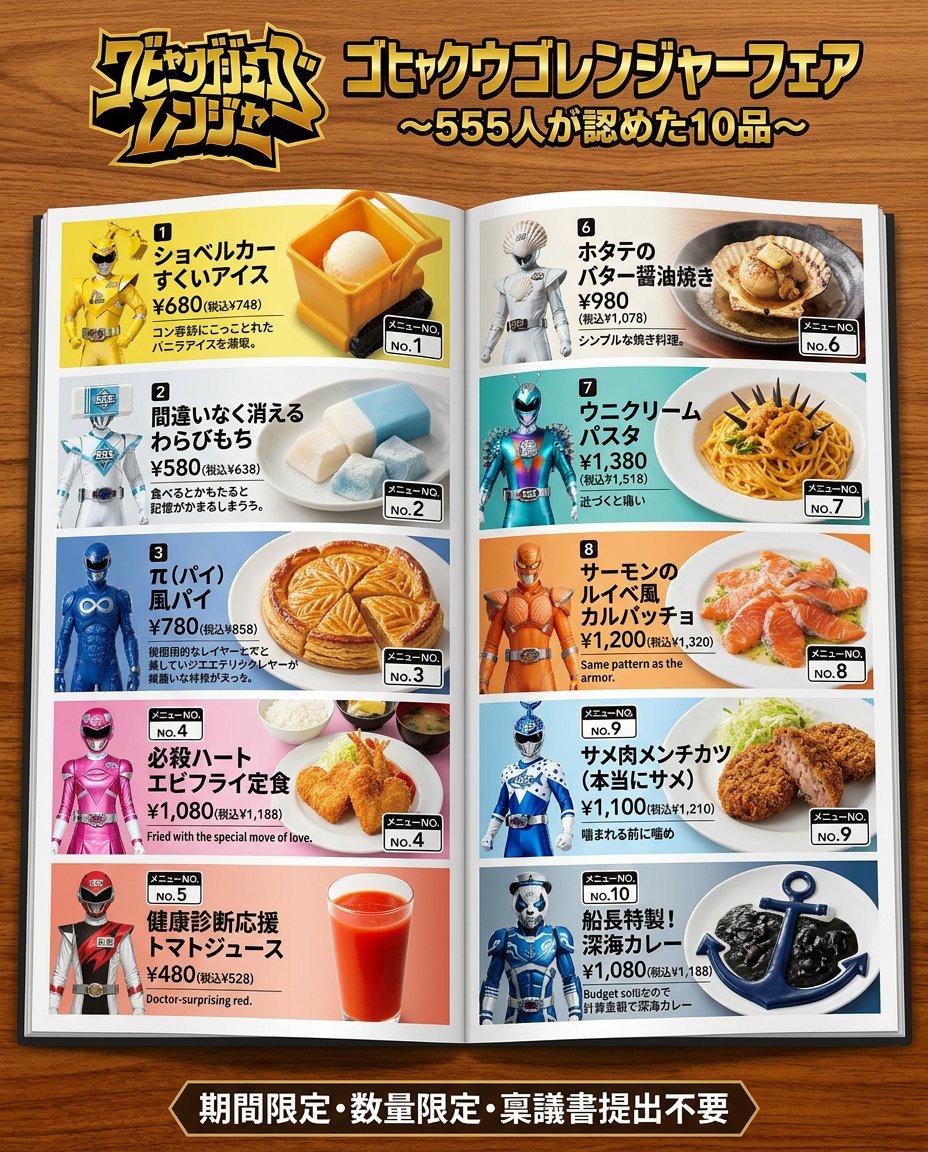
- Prompt included
- Model and format preset
- Premium template
The prompt behind this image
Copy the exact prompt behind Nano Banana 2 Prompt for Character Collaboration Menu, or open it in the studio and make it yours.
[Character setup] - Character name: [{argument name="character name" default=""}] ← Just fill in this one to be fine. The rest are optional - Color / appearance features: [{argument name="color/appearance features" default=""}] - Personality / catchphrase / behavior pattern: [{argument name="personality/catchphrase/behavior pattern" default=""}] - World setting / affiliation / background: [{argument name="world setting/affiliation/background" default=""}] - Gimmick / comedic point: [{argument name="gimmick/comedic point" default=""}] *For any blank fields, please freely fill them in based on the attached image. If the character name is also blank, name the character based on the image. Using the character setup above and the attached image, create a family-restaurant collaboration menu for the "[{argument name="character name" default=""}] Fair." Output format: A photo-style image of a glossy booklet menu placed on an actual family-restaurant table, shot from a slightly elevated angle. The booklet is open to a two-page spread, with pages printed with actual food photos, prices, and menu numbers. Reproduce realistic shooting-environment textures such as the wood grain of the table and the shadows/reflections of the booklet. Menu contents: - At the top of the page, a "[{argument name="character name" default=""}] Fair" logo (an appetizing pop-style red × yellow × white color scheme) - The character's depiction within the menu pages should match the style of the attached image: if the attachment is illustration/anime-style, render it as an illustration; if it's live-action/photo-style, reproduce it as a photo of a real person. Either way, faithfully reflect the visuals of the attachment. Randomly choose one pose from the following: ① holding out a tray with both hands ② pointing at the food to promote it ③ making a fist-pump pose in an apron ④ carrying food while running ⑤ leaning over the table to whisper a recommendation - Devise 3 original menu items based on the character setup above. Directly reflect the character's appearance, catchphrase, and gimmick in the dish names and descriptions. For each item, list the dish name, description, price (tax included), and menu number - Place "limited time only" and "limited quantity" banners within the page A wide two-page spread layout (character × menu introduction on the left page, food photos × price list on the right page).
How to use Nano Banana 2 Prompt for Character Collaboration Menu in 3 steps
- 1Upload ImagePNG, JPG or paste
Add your photo
Upload the photo the template builds on. The prompt, model and format are already set.
- 2…a portrait of your subject in softgolden-hour light, 85mm…
Personalize
Edit the subject and creative details for your destination.
- 3Generate
Generate
Press Generate — your image is created in PicX Studio, so you can compare it with the original and refine one variable at a time.
More like this
Templates with the same subject, style or setup. Open one to see its prompt.

Woman in Mall with Chanel Bag - Heart Gesture
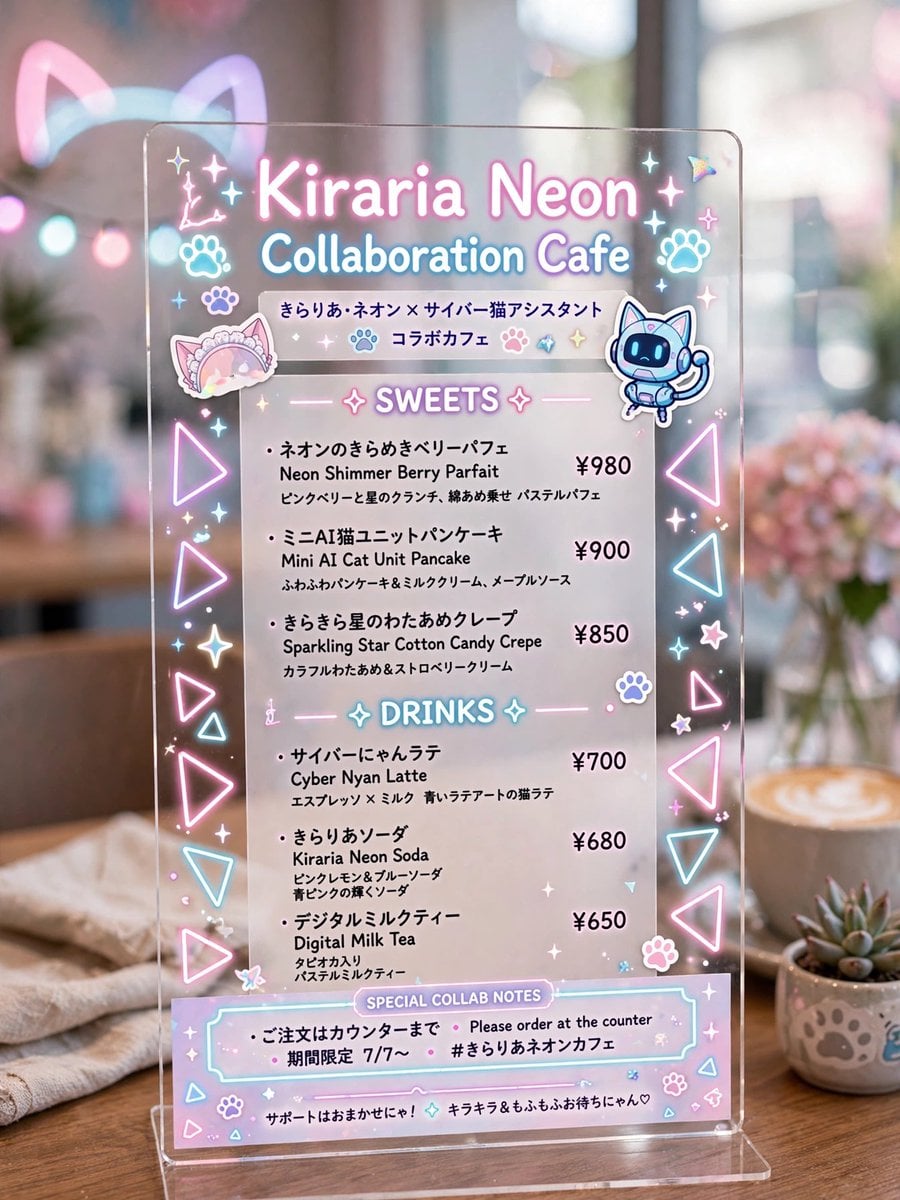
Kiraria Neon Collaboration Cafe Menu

VFX Comparison Image Prompt (Before/After) for Nano Banana Pro

Nano Banana Prompt for Consistent Character Jumpshots

Cinematic Camera Instructions for Nano Banana Pro

Manga Generation Prompt Template for Nano Banana Pro

Hyper-Realistic Commercial Food Photography Prompt for Gemini Nano Banana Pro
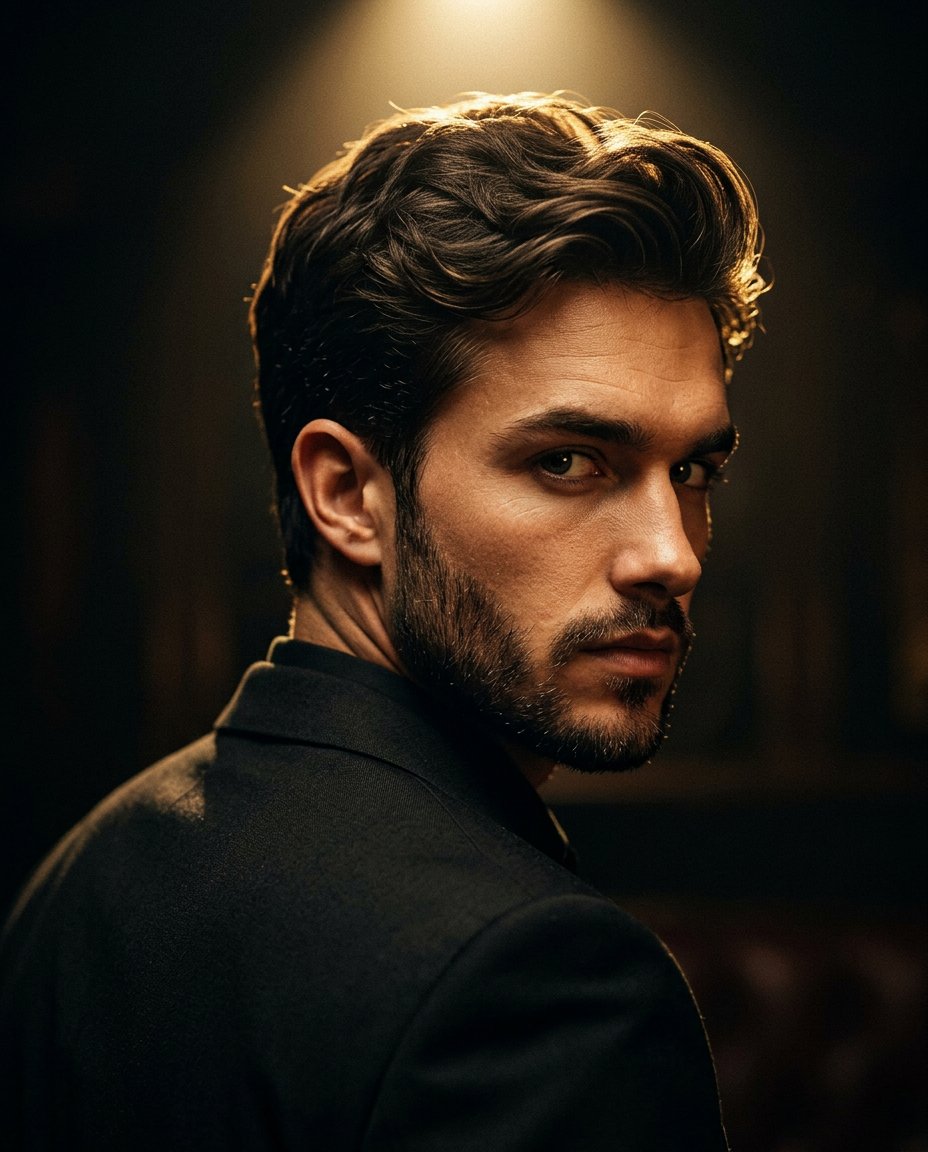
Cinematic Portrait Prompt for Google Nano Banana Pro

Multi-Frame Lifestyle Portrait Prompt for Nano Banana Pro

Low-Key Product Photography Prompt for Gemini Nano Banana Pro
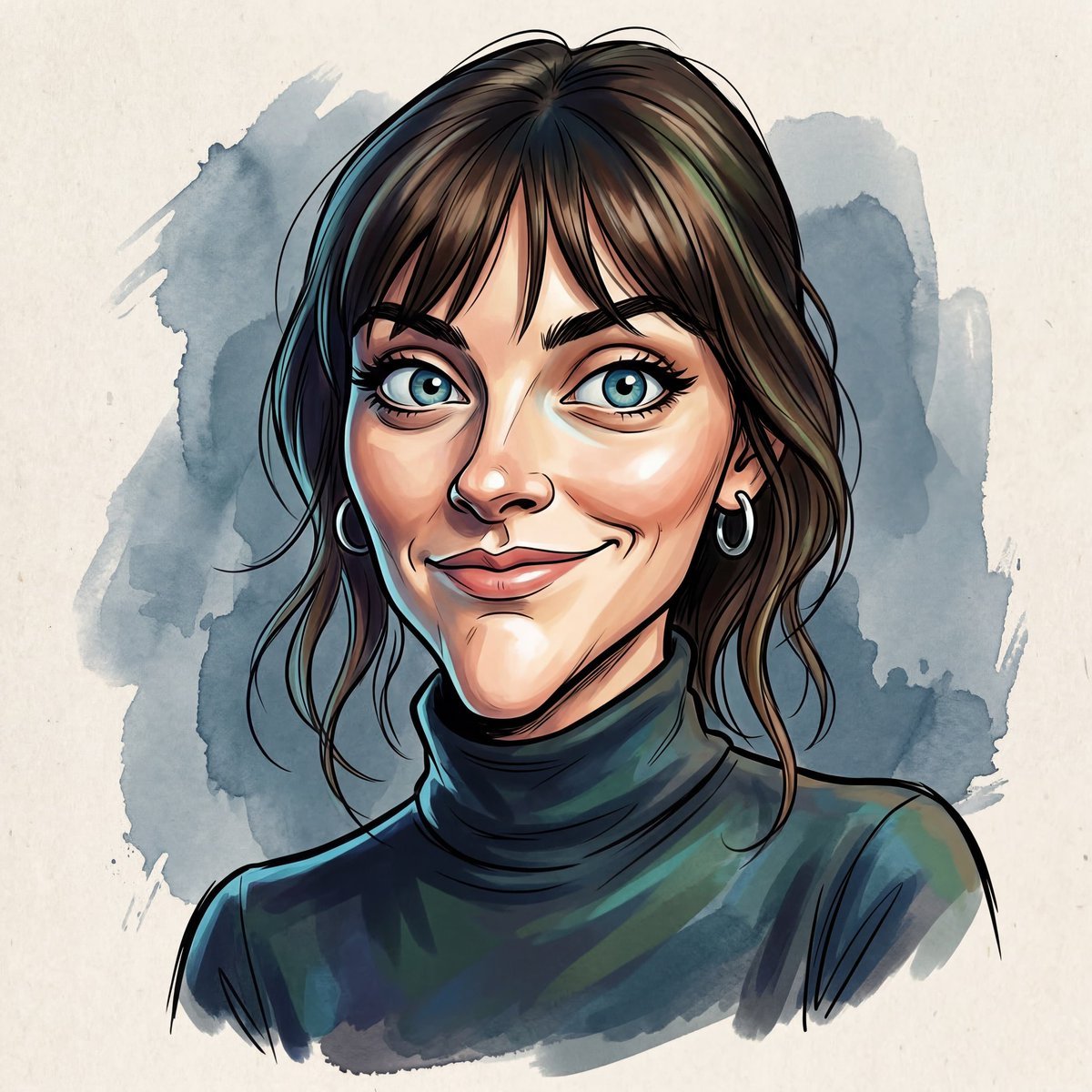
Masterpiece Political Caricature Prompt for Nano Banana 2
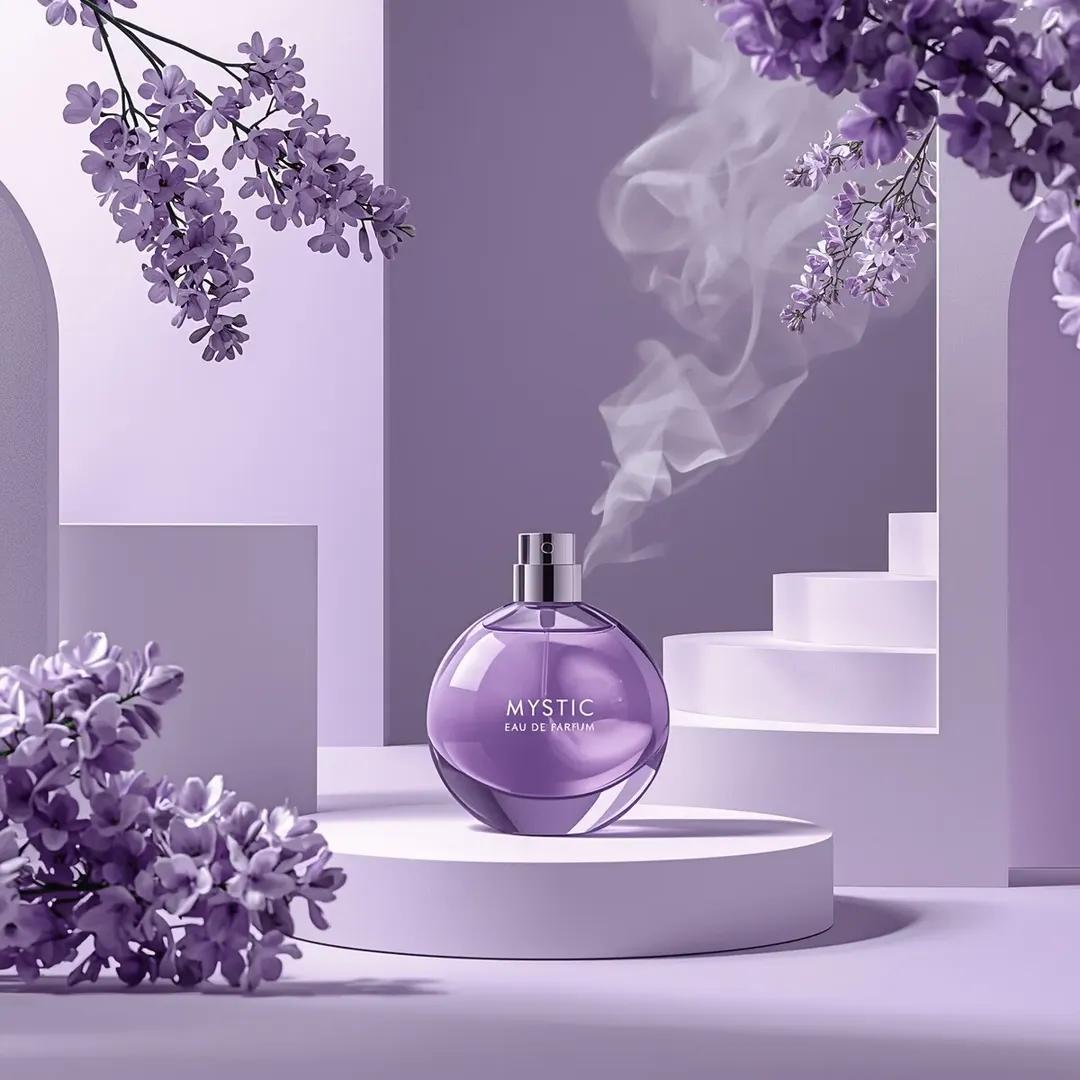
Commercial Perfume Photography Prompt for Nano Banana Pro
Make it yours
Nano Banana 2 Prompt for Character Collaboration Menu works as-is. These are the safest ways to change it without losing the look.
Change one field
Copy a single group, rewrite it, and generate again so you can see what that field is doing.
Keep the frame, change the subject
Hold the composition and light of Nano Banana 2 Prompt for Character Collaboration Menu, then swap wardrobe, props or the person for a new take.
| If the result… | Why | Fix |
|---|---|---|
| The result drifts from the preview | Too many fields changed at once. | Reuse Nano Banana 2 Prompt for Character Collaboration Menu as-is first, then change one group — subject, light, or setting. |
| The model over-stylizes the scene | The prose prompt leaves finish and camera underspecified. | Add one camera or lighting sentence and stay on Nano Banana 2. |
More Nano Banana 2 templates
Other prompts made for Nano Banana 2.

Photorealistic Leaf Shaped Like a Dragon

K-Pop Idol Portrait Grid for Rapid Selection

Poetic Rain Forest Portrait During Golden Hour

Urban Street Portrait with Cartoon Inner Self Duo

Candid Nighttime Photo with Cat Prompt

High-Concept 3D Diorama Generation Prompt

Cinematic Futuristic Studio Portrait Template

Skincare Editorial Photography Collage Prompt

Hyper-Realistic Commercial Product Photography (Splash Effect)

Hyper-Realistic Nightclub Portrait Prompt
More image prompts
Fresh picks from across the catalog.
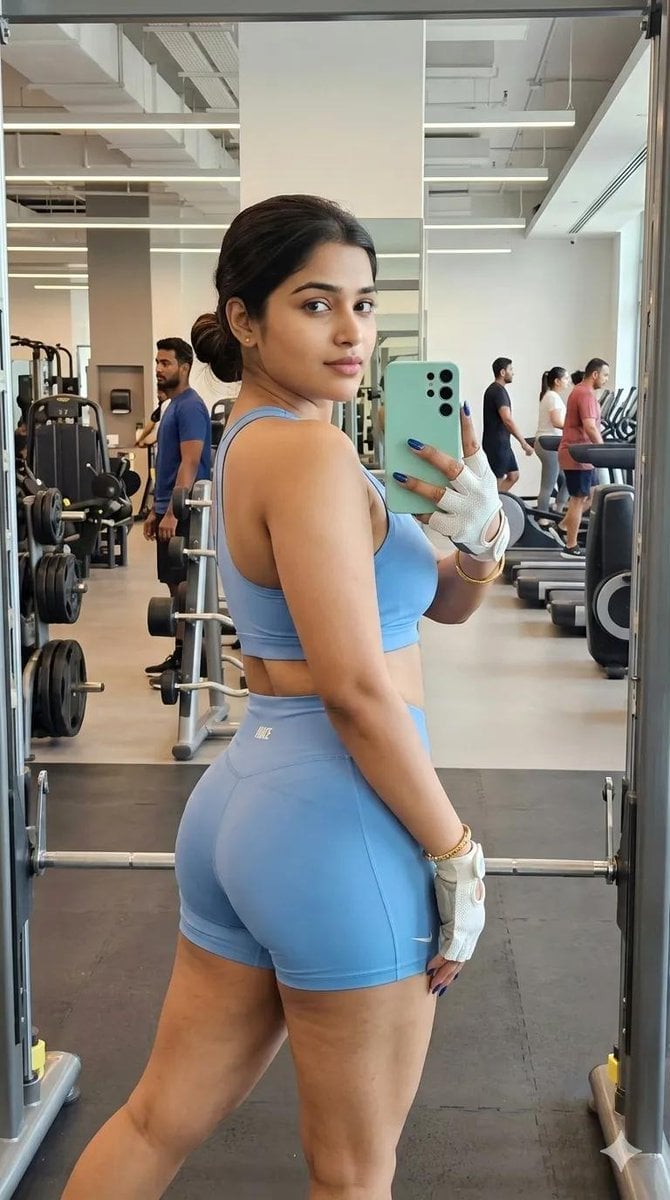
Gym Mirror Selfie Portrait
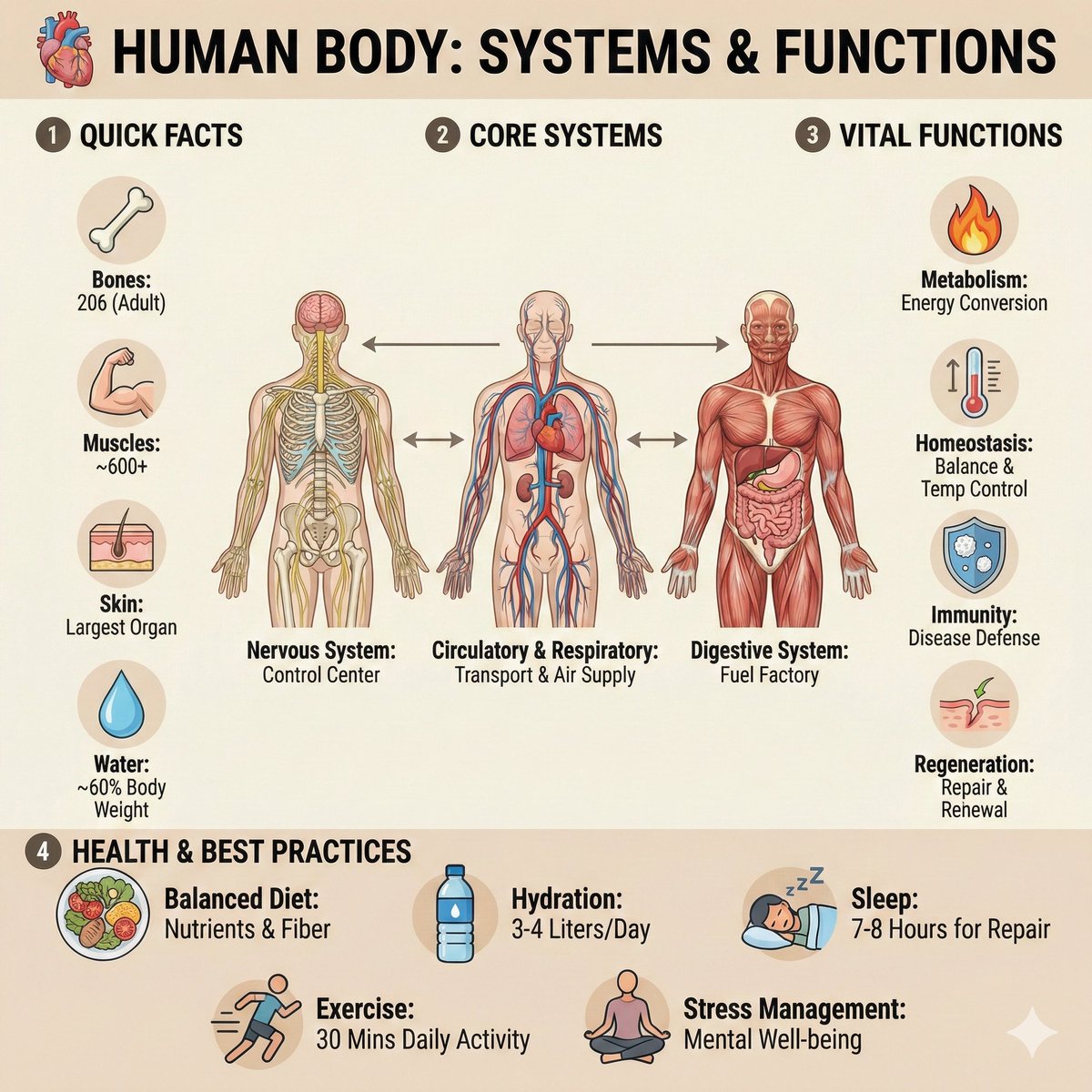
Ultra-Clean Anatomy Infographic Prompt
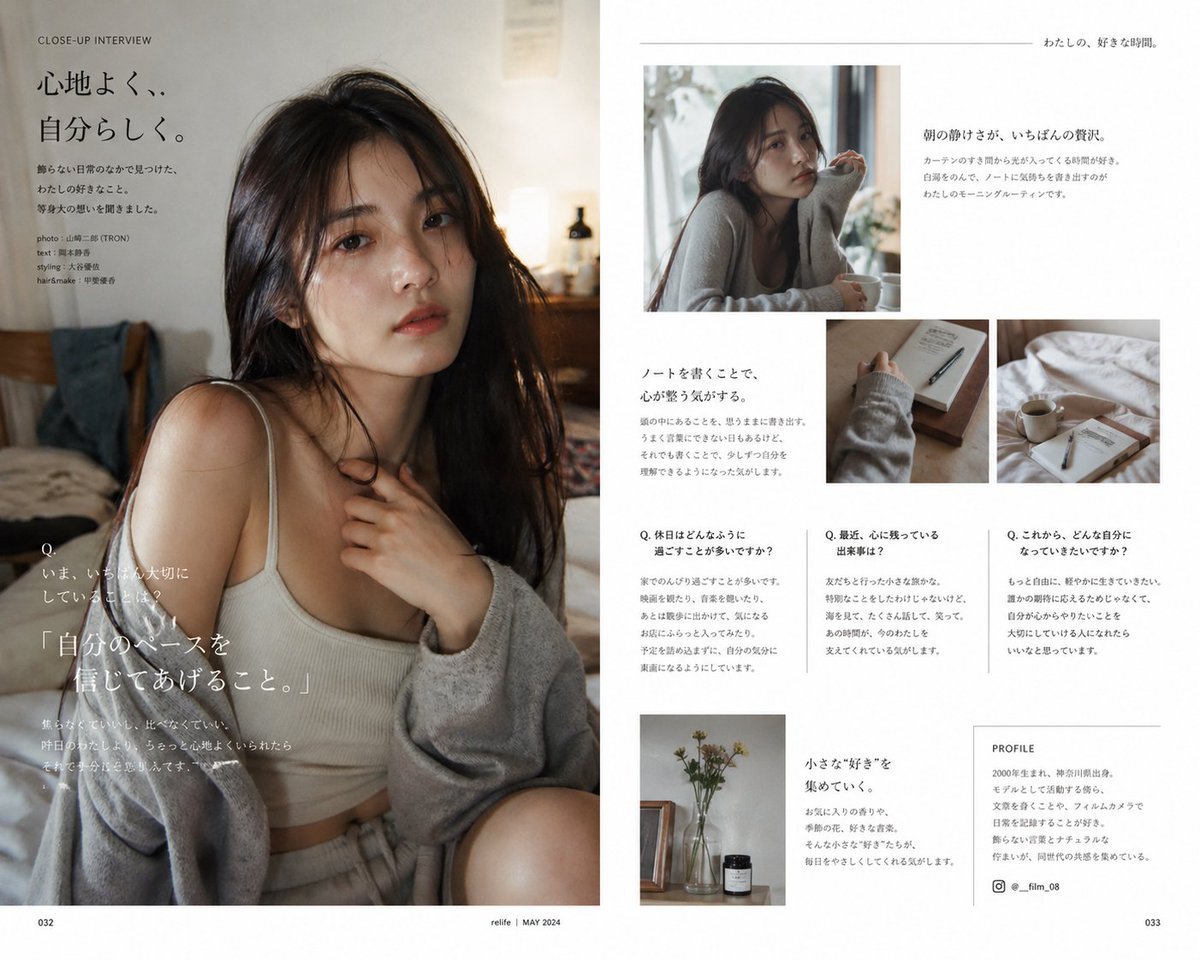
Japanese Lifestyle Magazine Layout
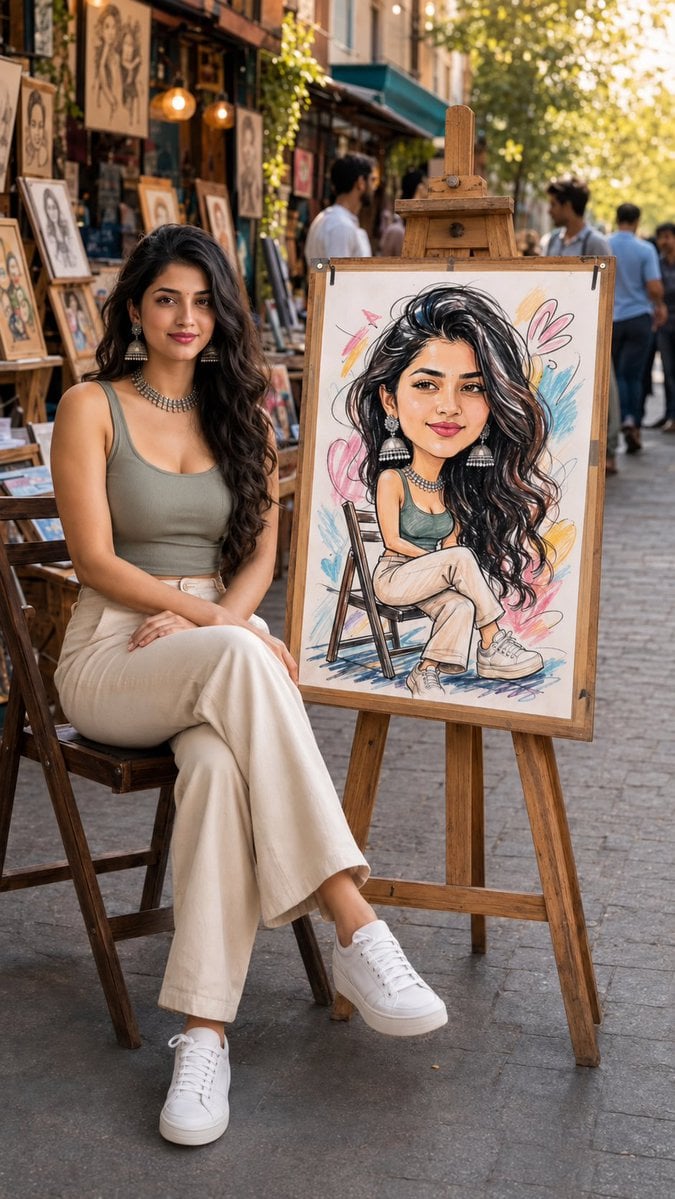
Art Street Market Caricature Portrait
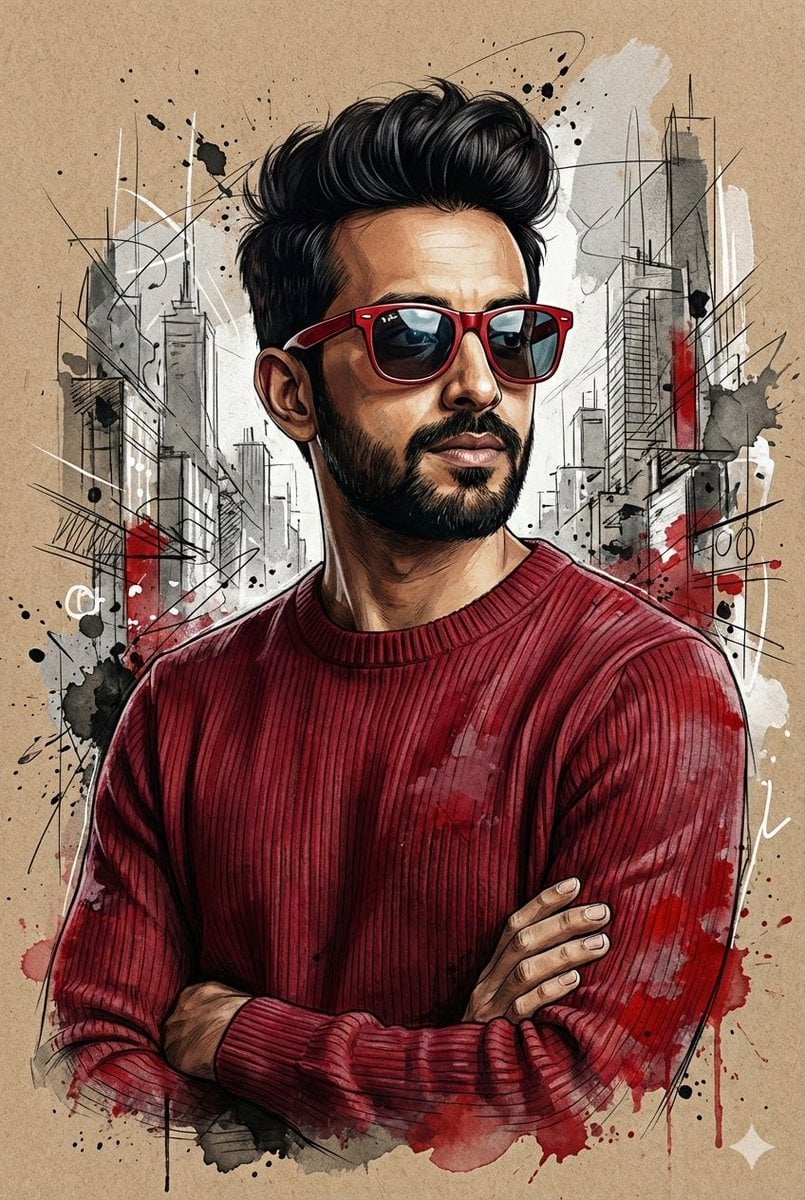
Hyper-Realistic Mixed-Media Illustration Prompt
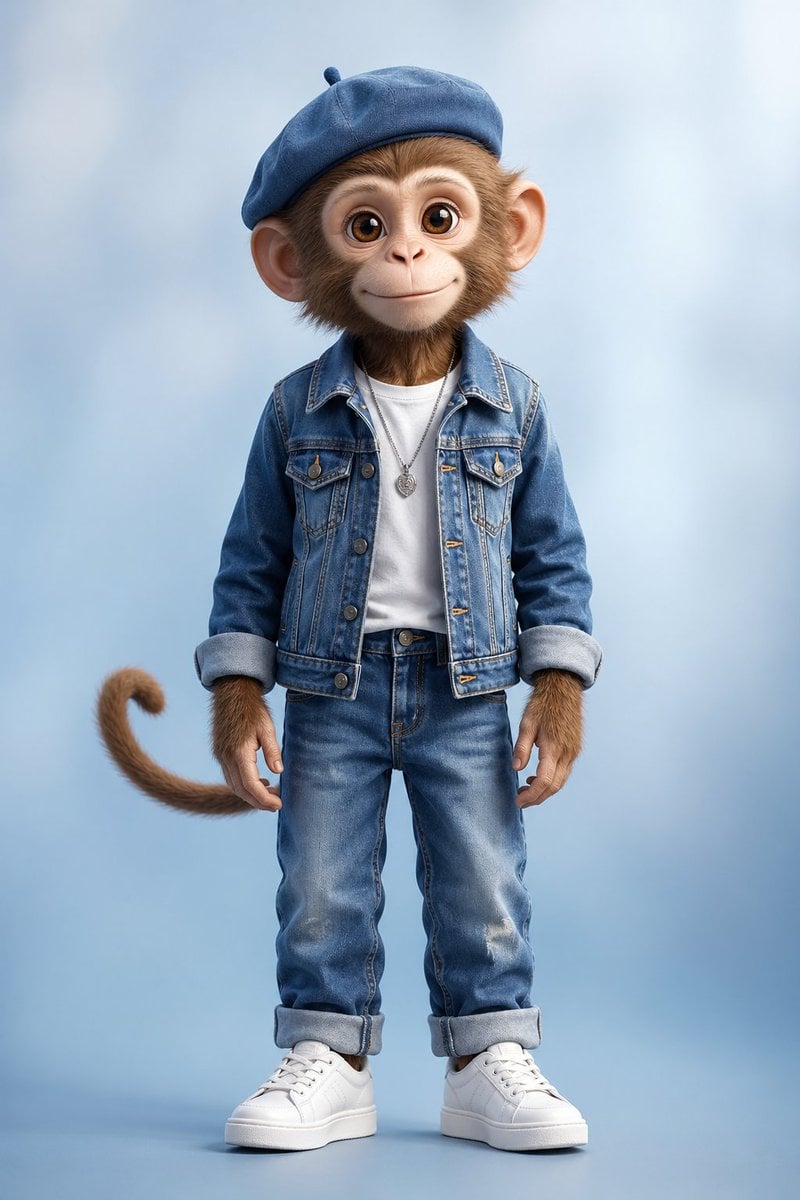
Censored Monkey Kid in Denim
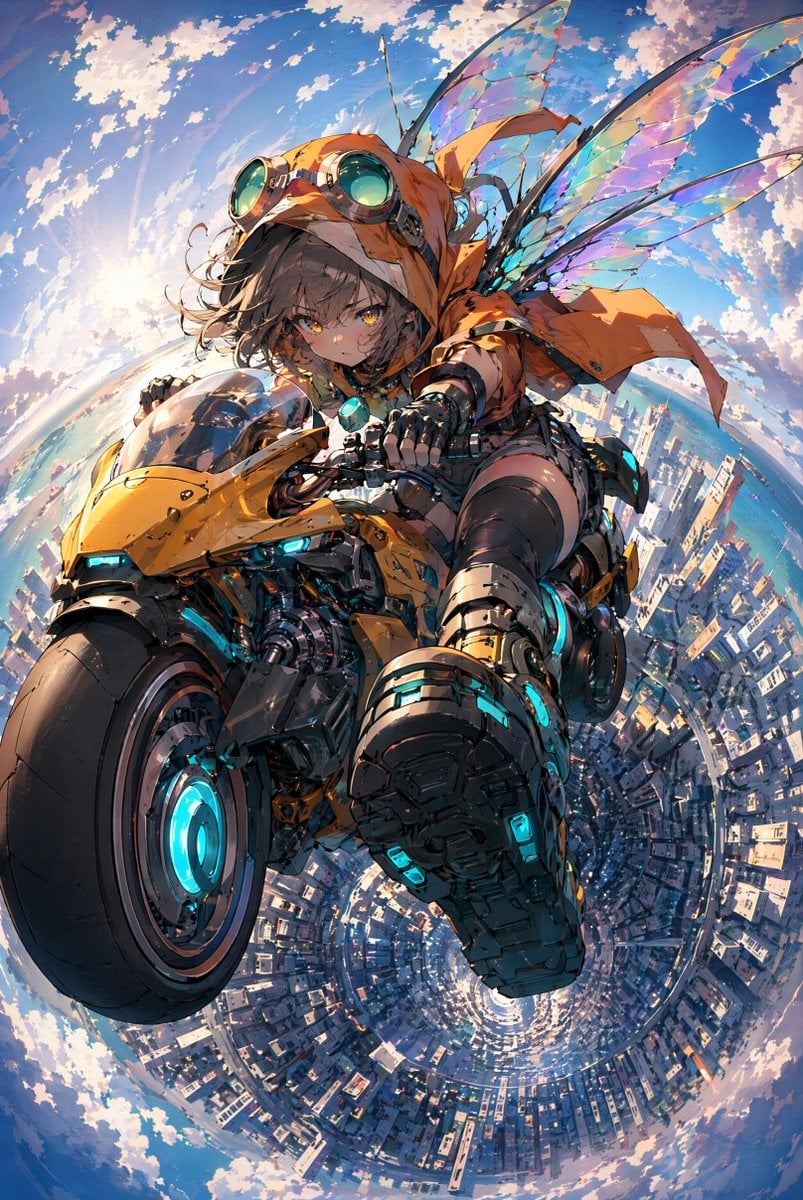
Fairy Biker Above Tiny-Planet City
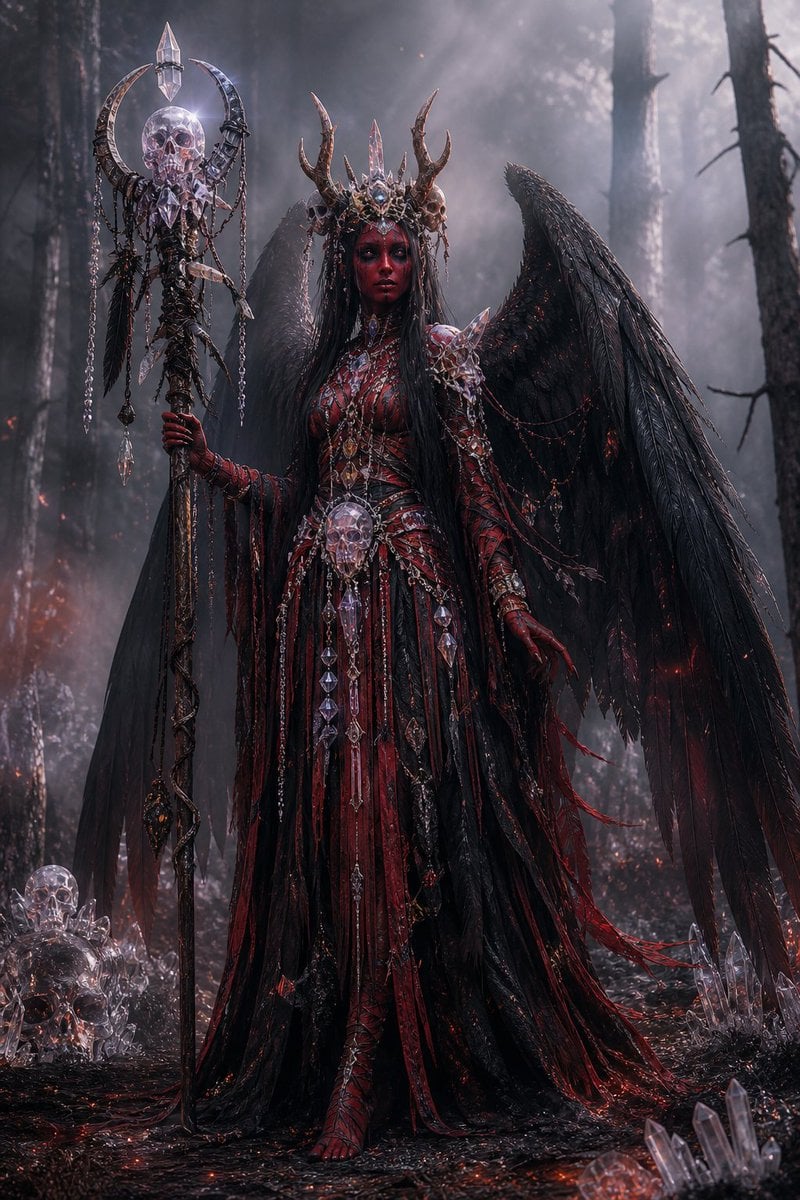
Gothic Fallen Angel Queen
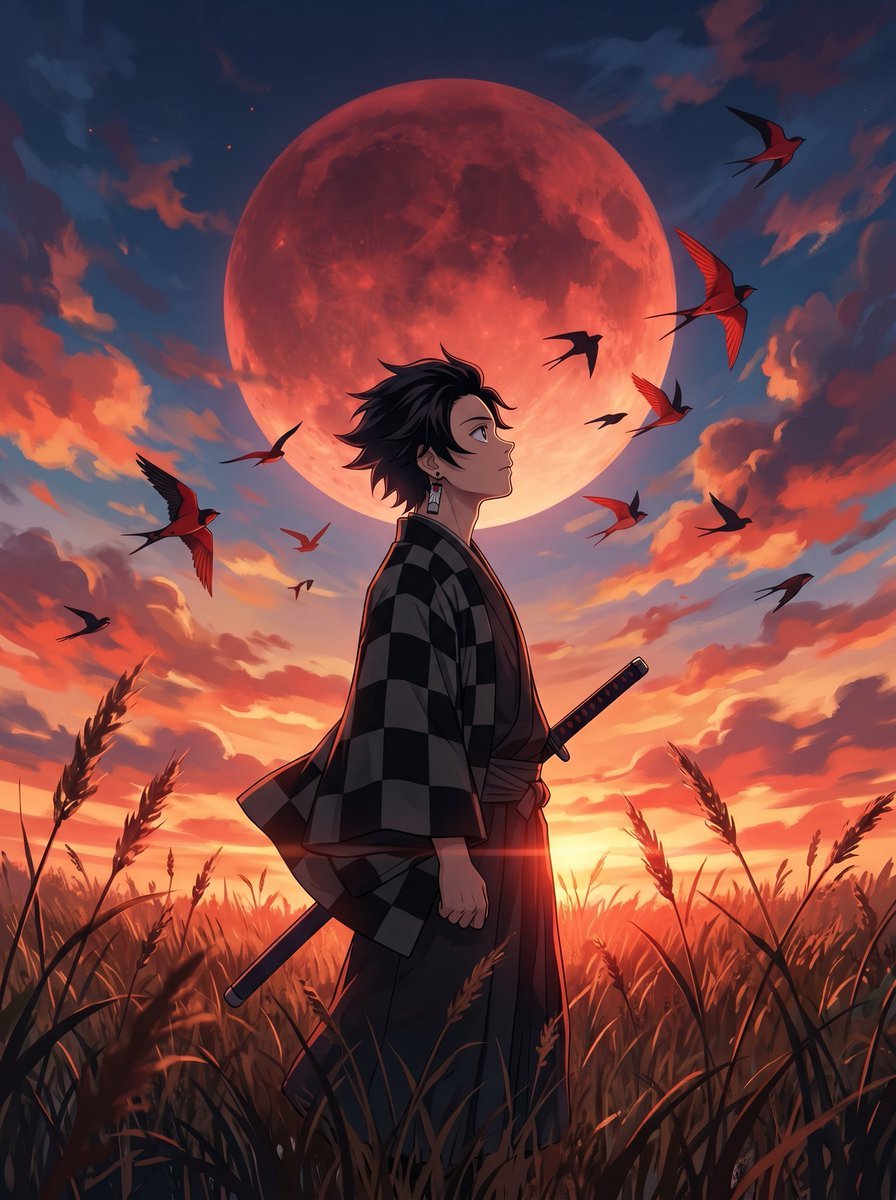
Cinematic Anime Warrior Under Crimson Moon
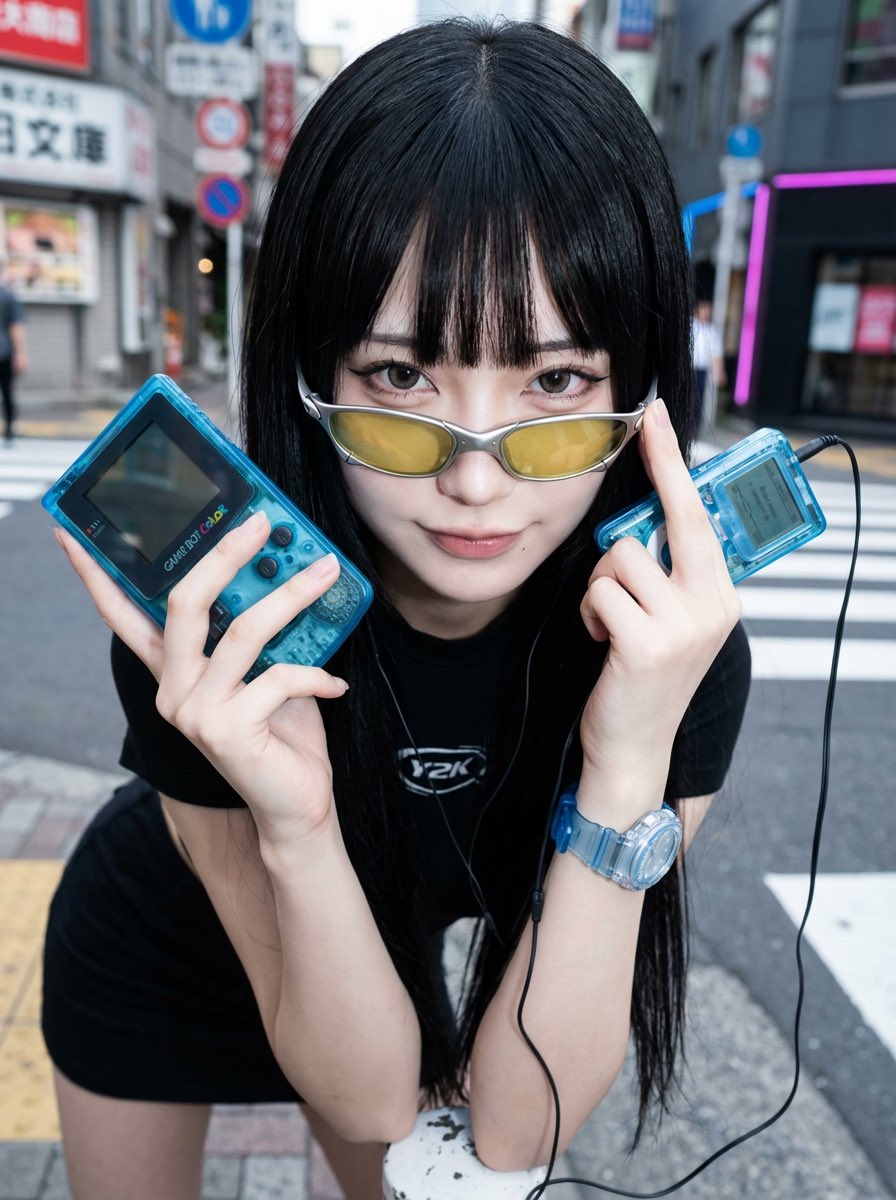
Y2K Fashion Influencer Character Generation Prompt
Browse template categories
Nano Banana 2 Prompt for Character Collaboration Menu questions
How do I use the Nano Banana 2 Prompt for Character Collaboration Menu template?
Add your photo if the template asks for one, edit the prompt if you like — the template's model and format are already selected — and press Generate. Your version opens in PicX Studio.
Can I customize the Nano Banana 2 Prompt for Character Collaboration Menu template?
Yes. You can change the subject, setting, lighting, mood, format, and available model controls before creating your image.
Is the Nano Banana 2 Prompt for Character Collaboration Menu template free?
Opening and editing this template is free. Generating uses credits, shown on the Generate button when you are signed in.
Which AI model should I use?
Start with Nano Banana 2, which is the model associated with this template. You can compare another compatible model for a different finish.
Looking for something else? Browse all templates.

Your photo, any look
Thousands of ready templates for every top image and video model, from one credit balance.