
VFX Comparison Image Prompt (Before/After) for Nano Banana Pro
A complex, structured prompt for Nano Banana Pro or Seedream 4.5 to generate a split-screen VFX comparison image.

- Prompt included
- Model and format preset
- Free template
The prompt behind this image
Copy the exact prompt behind VFX Comparison Image Prompt (Before/After) for Nano Banana Pro, or open it in the studio and make it yours.
【テーマや内容の具体的な説明 例:{argument name="テーマ" default="海の上を飛んでいる女性"}】のシーンに基づいた、添付画像の人物によるVFX比較映像。 中央の垂直線で正確に整列された分割画面によるVFX比較構成。 **重要:登場人物の人数、性別、外見特徴は、提供された入力画像と完全に一致させること。人物を増やしたり減らしたりしないこと。** **左半分(完成ショット):** テーマ「**【テーマを入力】**」を完璧に描写したフォトリアルな映画のワンシーン。 * **人物:** 入力画像の人物が、テーマ「**【テーマを入力】**」に合った演技(ポーズや表情)をしている。 * **背景:** テーマに適合した詳細でリアルな環境(屋外や屋内)、映画的な照明と雰囲気。 **右半分(グリーンスクリーン撮影):** 左半分に映っている人物と**全く同じ構成・ポーズ**で、巨大なブルー/グリーンスクリーン(クロマキー)のスタジオに立っている。 見える白いホリゾント壁、頭上の複雑な照明リグ、ケーブル、立ち位置を示す黒いバミリ(テープ)、撮影用レールのドリートラック、遮光されていないきついスタジオ照明、端に映り込む撮影クルーの薄い影。背景は合成用に完全に平坦な緑一色のスクリーンになっている。 2000年代初頭の日本映画のVFXビフォーアフター風のルック、極端に劣化した低画質のアナログビデオの質感、ノイズ、色褪せ。
How to use VFX Comparison Image Prompt (Before/After) for Nano Banana Pro in 3 steps
- 1
Open
The prompt is already in the box next to the preview, with the template's model and format selected.
- 2…a portrait of your subject in softgolden-hour light, 85mm…
Personalize
Edit the subject and creative details for your destination.
- 3Generate
Generate
Press Generate — your image is created in PicX Studio, so you can compare it with the original and refine one variable at a time.
More like this
Templates with the same subject, style or setup. Open one to see its prompt.

Woman in Mall with Chanel Bag - Heart Gesture

Skin Comparison Portrait — Nano Banana Pro

Nano Banana Prompt for Consistent Character Jumpshots

Cinematic Camera Instructions for Nano Banana Pro

Manga Generation Prompt Template for Nano Banana Pro

Hyper-Realistic Commercial Food Photography Prompt for Gemini Nano Banana Pro
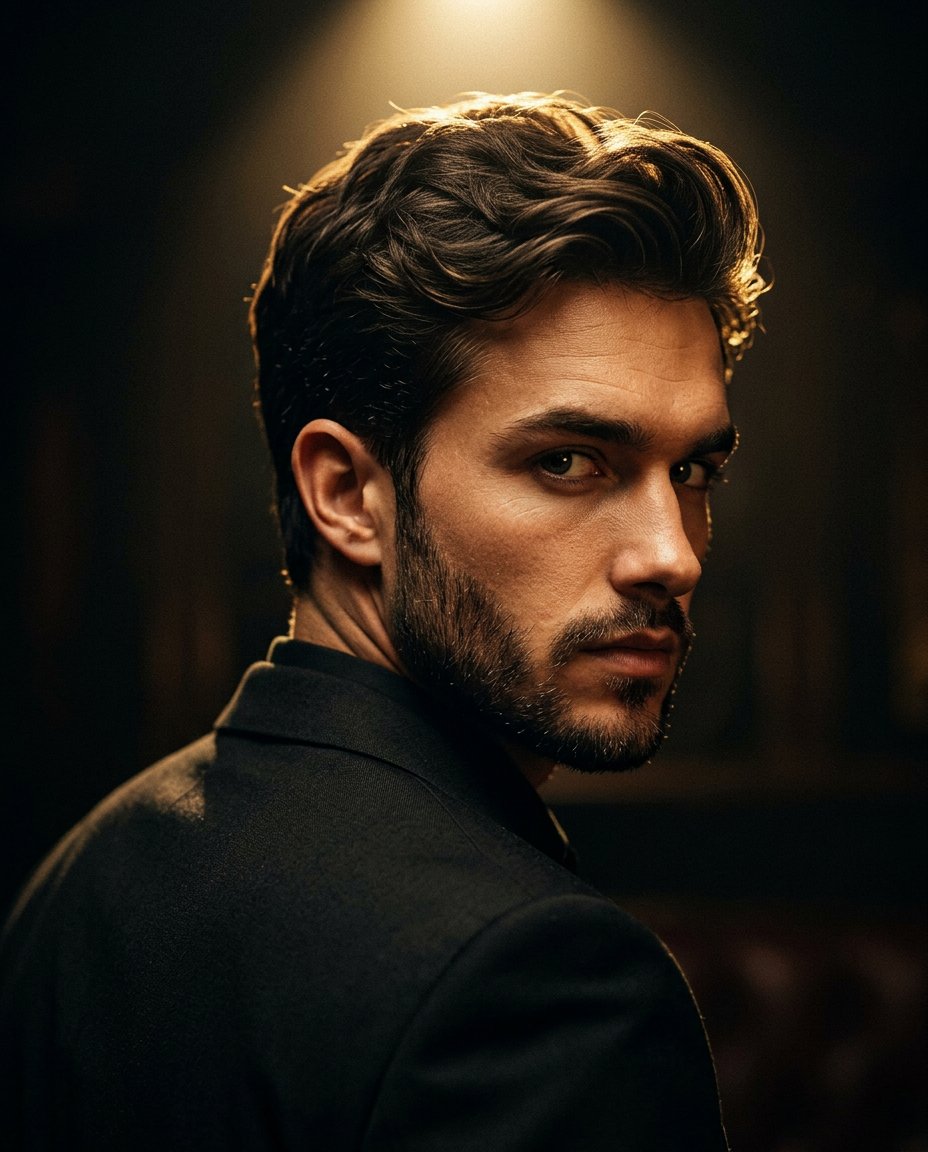
Cinematic Portrait Prompt for Google Nano Banana Pro

Multi-Frame Lifestyle Portrait Prompt for Nano Banana Pro

Low-Key Product Photography Prompt for Gemini Nano Banana Pro

Masterpiece Political Caricature Prompt for Nano Banana 2
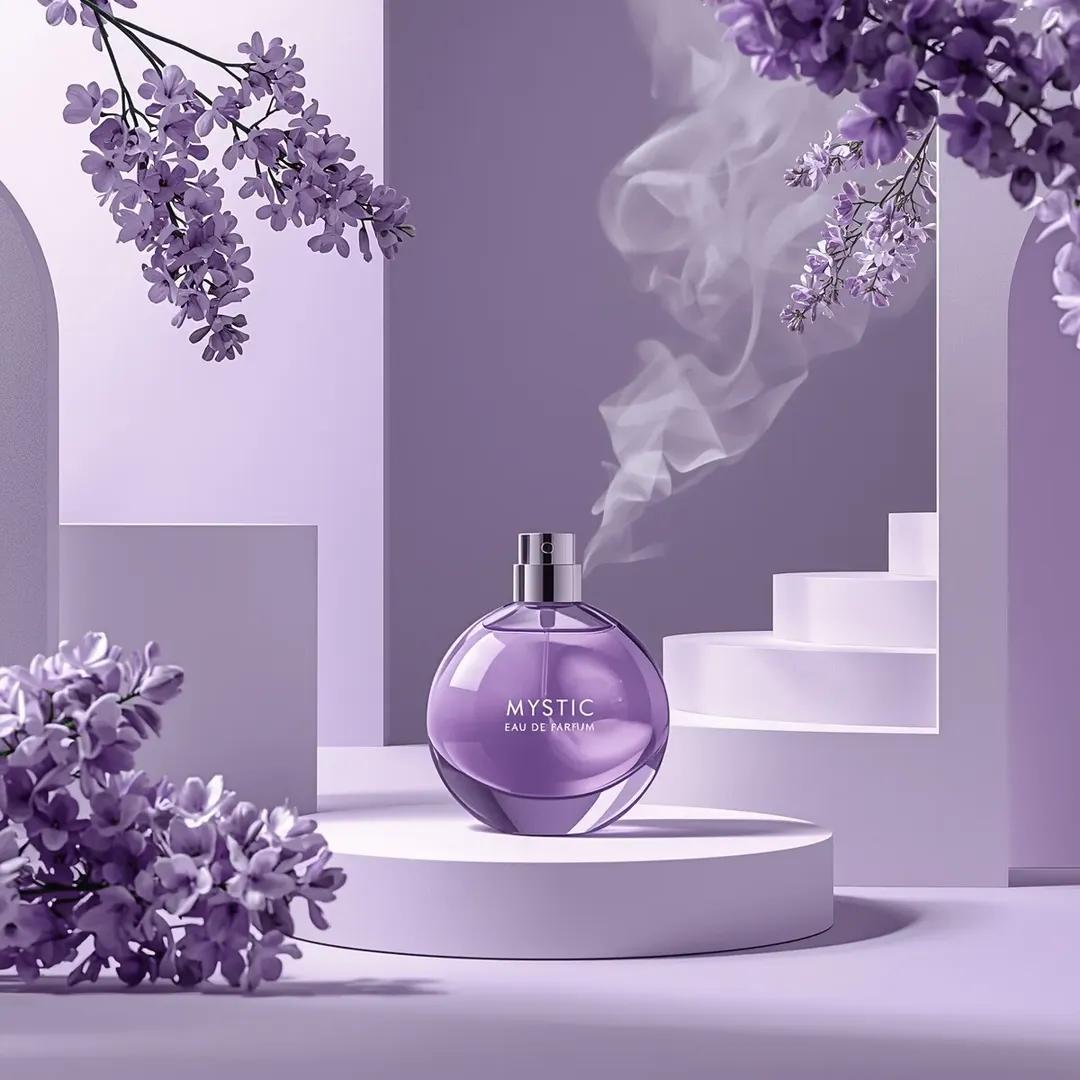
Commercial Perfume Photography Prompt for Nano Banana Pro
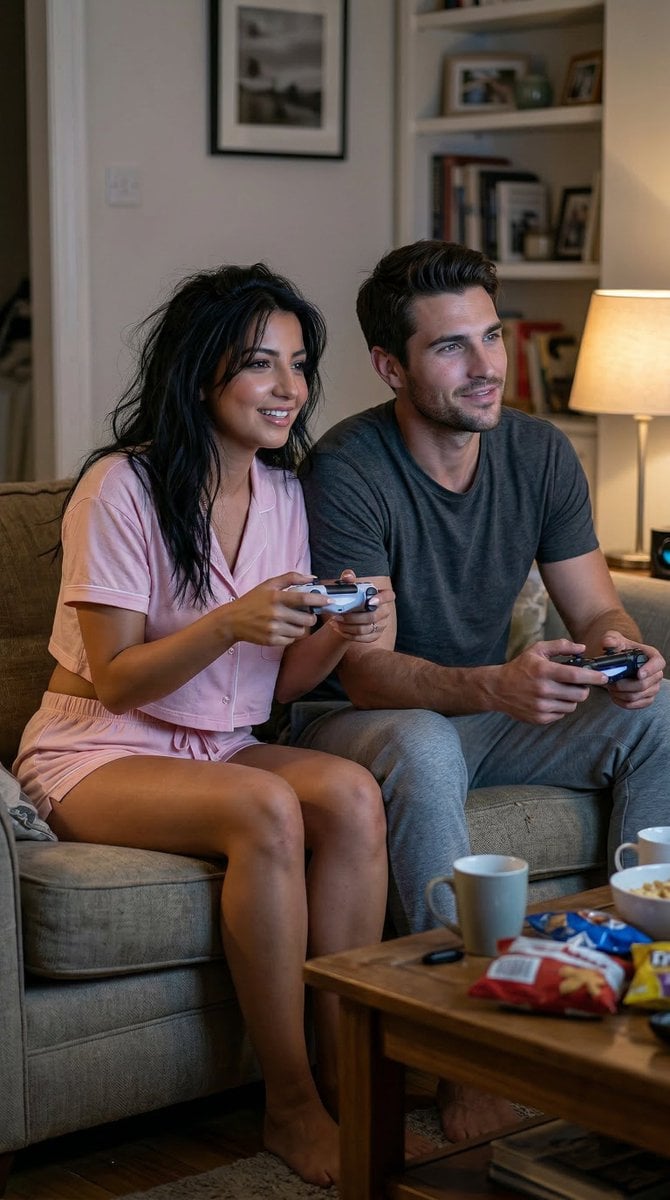
Realistic Gaming Couple Portrait Prompt for Nano Banana 2
Make it yours
VFX Comparison Image Prompt (Before/After) for Nano Banana Pro works as-is. These are the safest ways to change it without losing the look.
Change one field
Copy a single group, rewrite it, and generate again so you can see what that field is doing.
Keep the frame, change the subject
Hold the composition and light of VFX Comparison Image Prompt (Before/After) for Nano Banana Pro, then swap wardrobe, props or the person for a new take.
| If the result… | Why | Fix |
|---|---|---|
| The result drifts from the preview | Too many fields changed at once. | Reuse VFX Comparison Image Prompt (Before/After) for Nano Banana Pro as-is first, then change one group — subject, light, or setting. |
| The model over-stylizes the scene | The prose prompt leaves finish and camera underspecified. | Add one camera or lighting sentence and stay on Nano Banana 2. |
More Nano Banana 2 templates
Other prompts made for Nano Banana 2.

Photorealistic Leaf Shaped Like a Dragon

K-Pop Idol Portrait Grid for Rapid Selection

Poetic Rain Forest Portrait During Golden Hour

Urban Street Portrait with Cartoon Inner Self Duo

Candid Nighttime Photo with Cat Prompt

High-Concept 3D Diorama Generation Prompt

Cinematic Futuristic Studio Portrait Template

Skincare Editorial Photography Collage Prompt

Hyper-Realistic Commercial Product Photography (Splash Effect)

Hyper-Realistic Nightclub Portrait Prompt
More image prompts
Fresh picks from across the catalog.
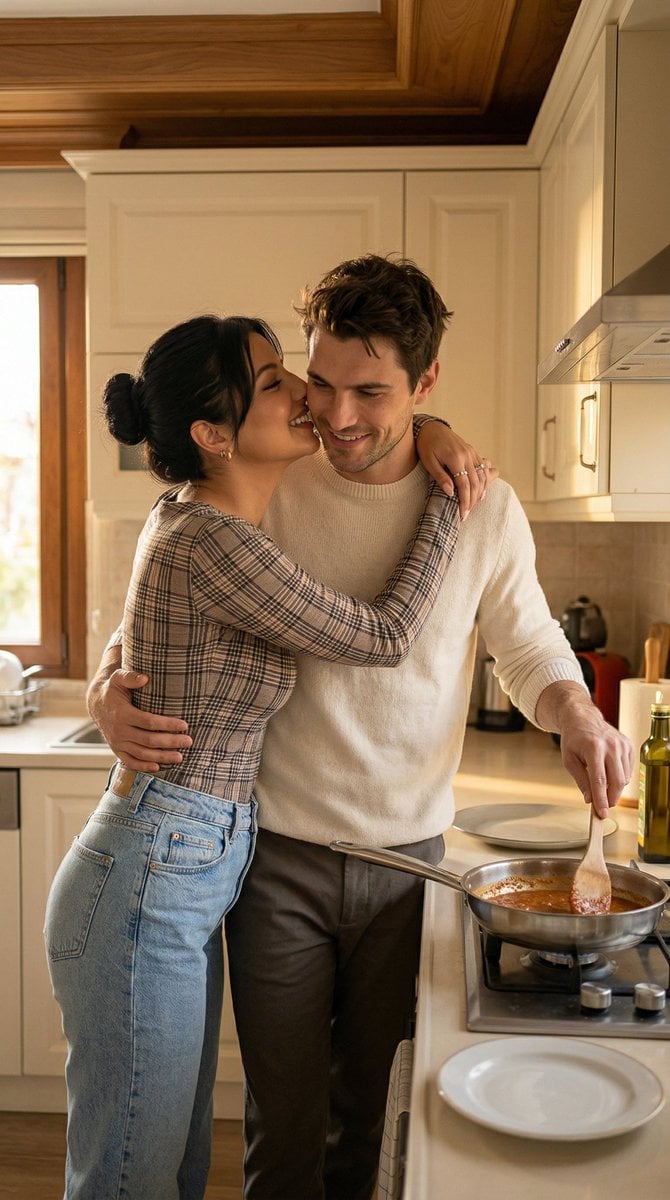
Romantic Istanbul Kitchen Couple Scene

Bizarre Flat Cartoon Character
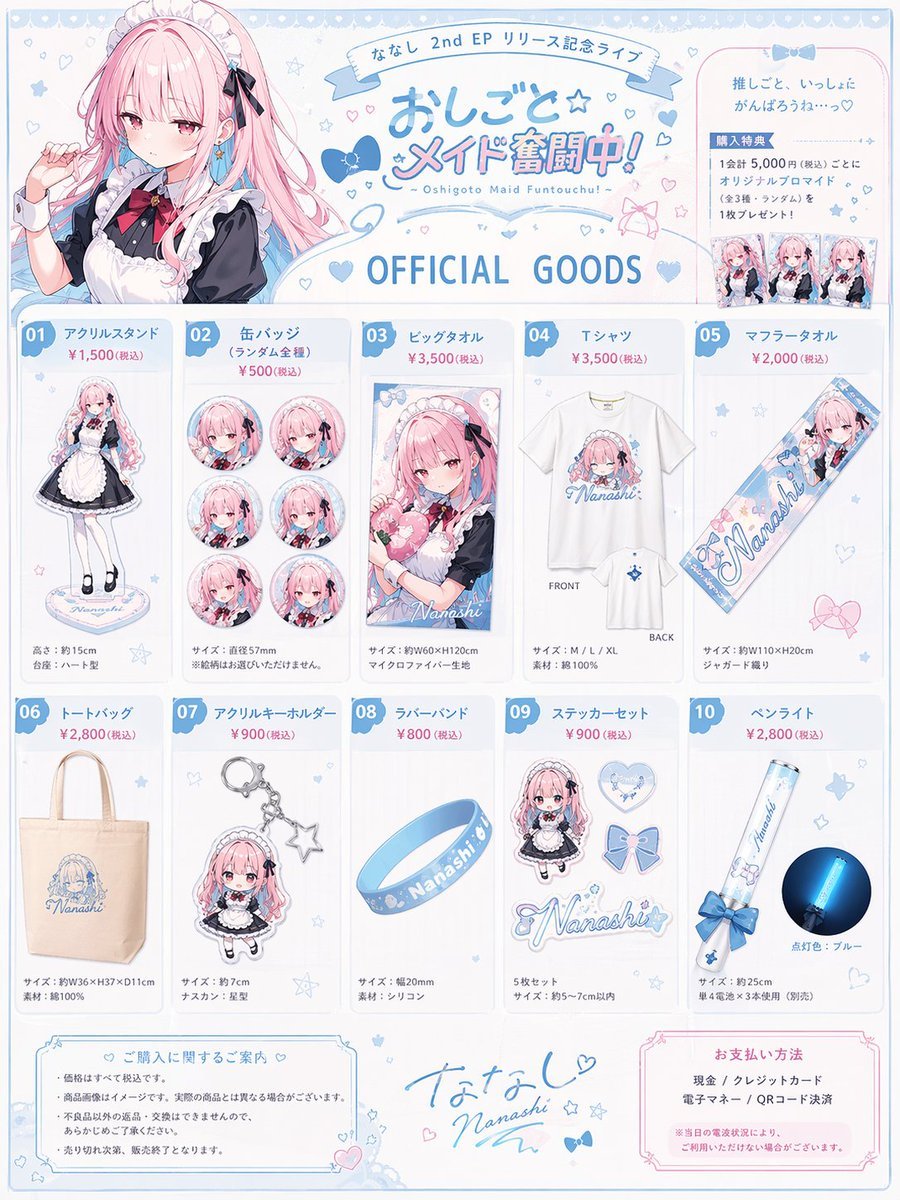
Anime Idol Merchandise Catalog
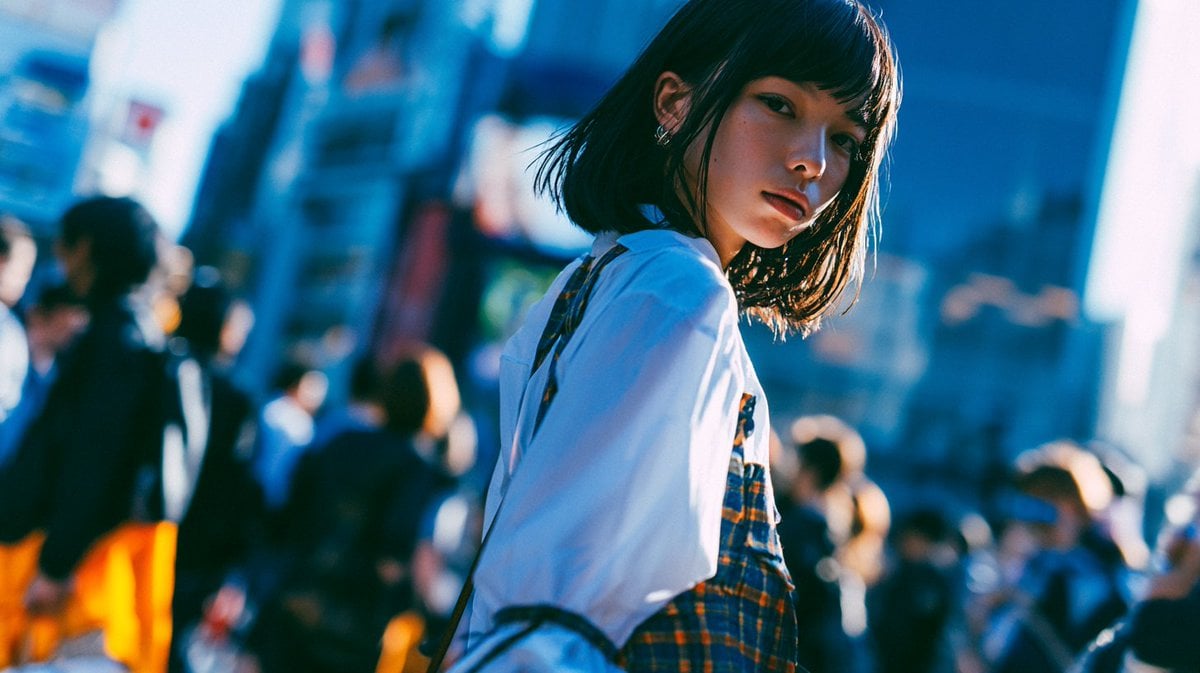
Cinematic Urban Street Portrait
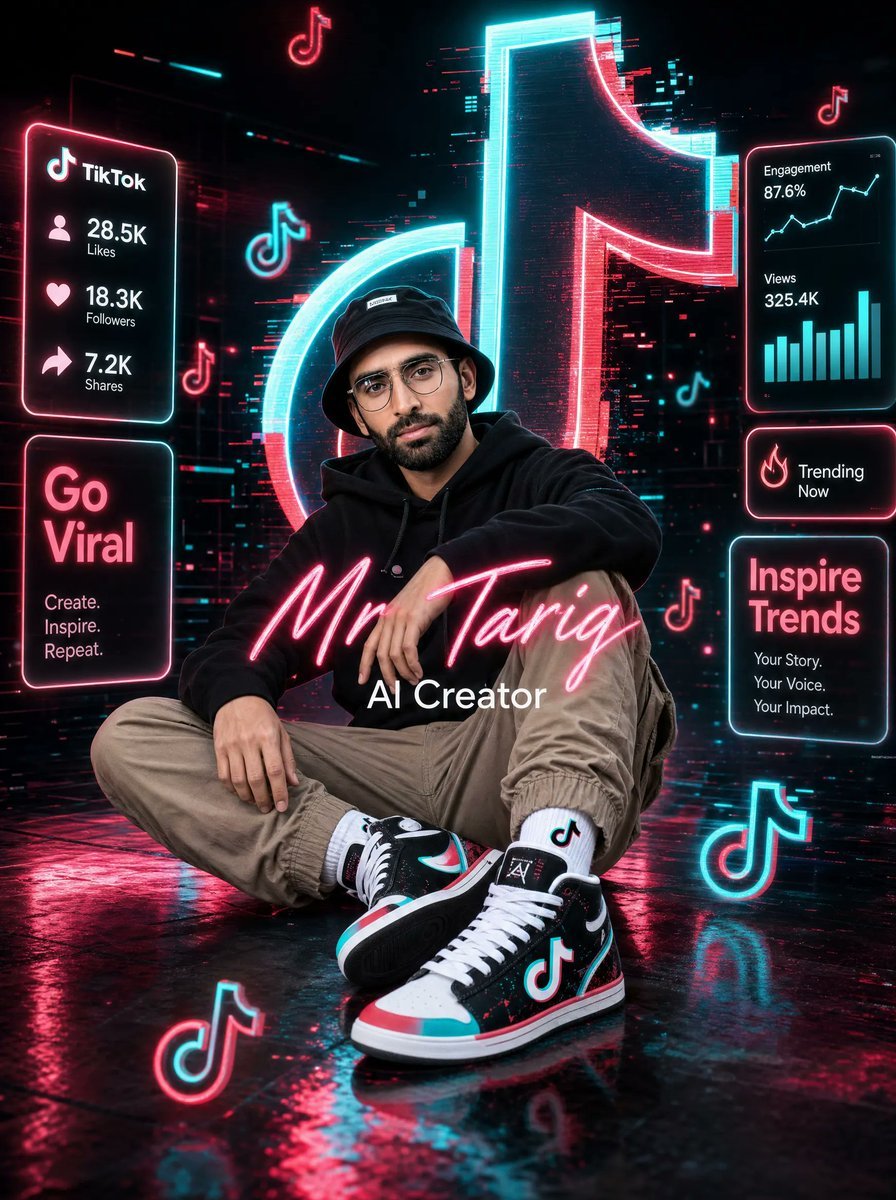
Neon TikTok AI Creator Poster
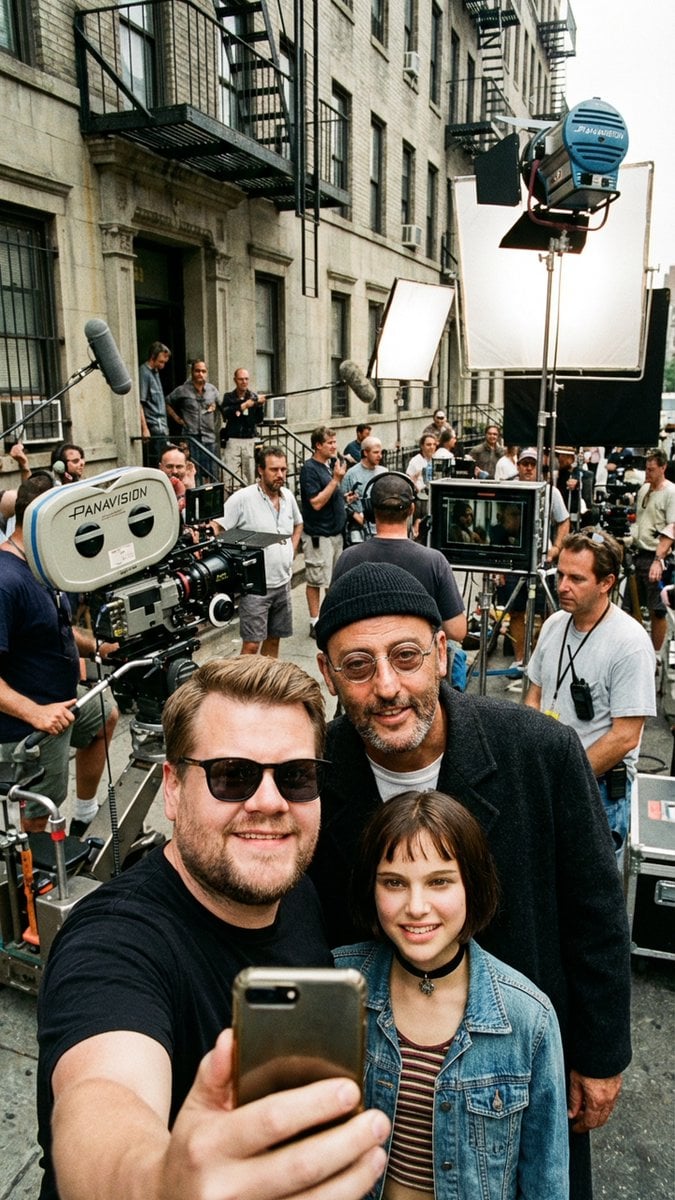
Behind-the-Scenes Selfie Identity Swap Prompt
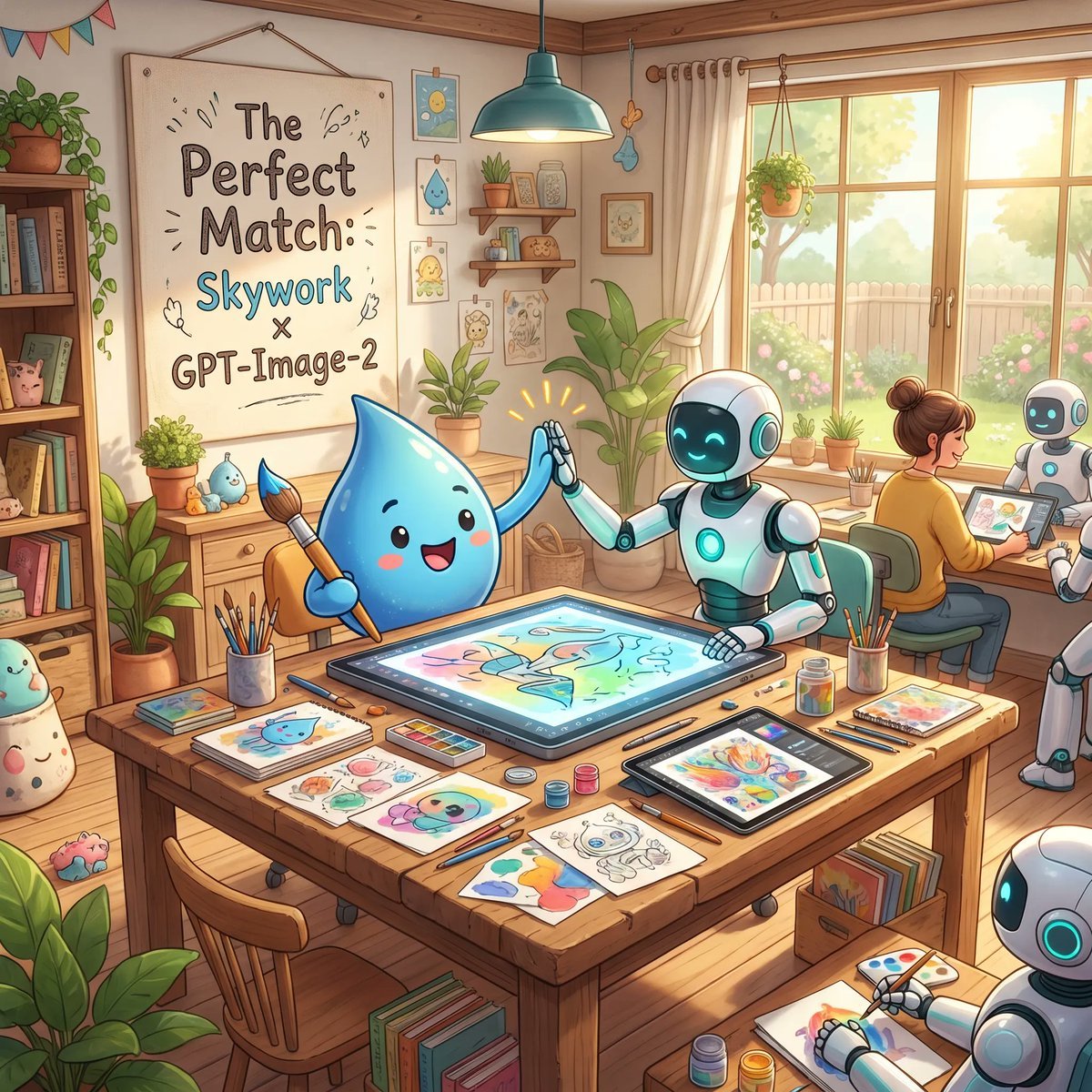
Cozy AI Art Studio Collaboration
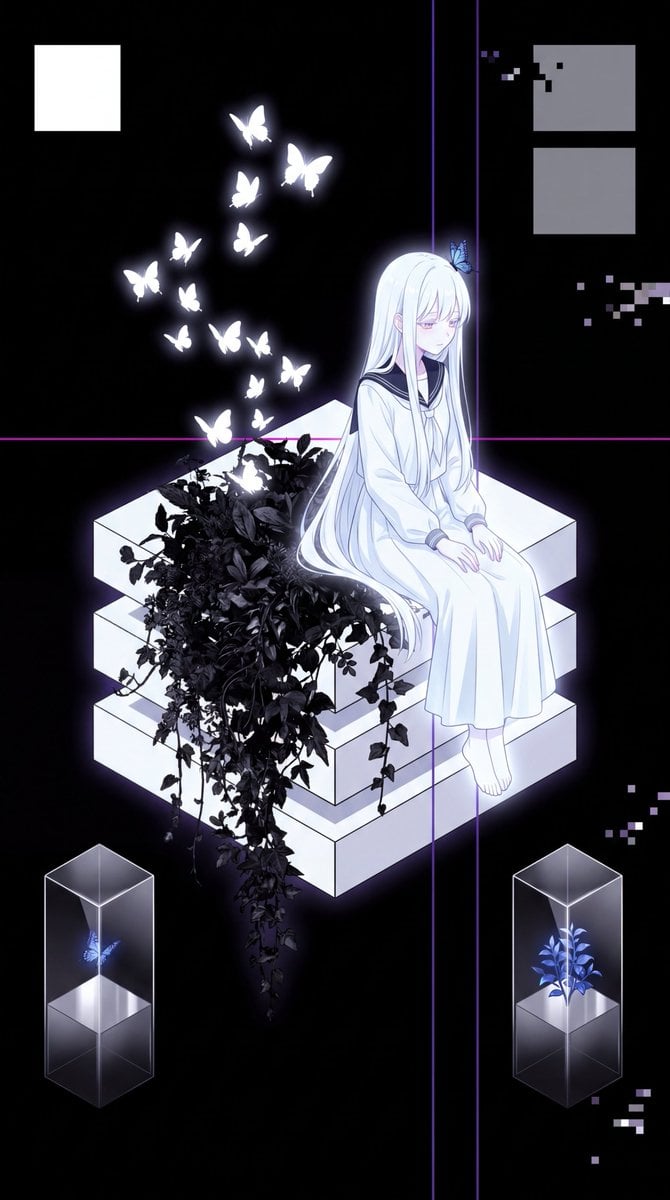
Glitch Aesthetic Anime Illustration
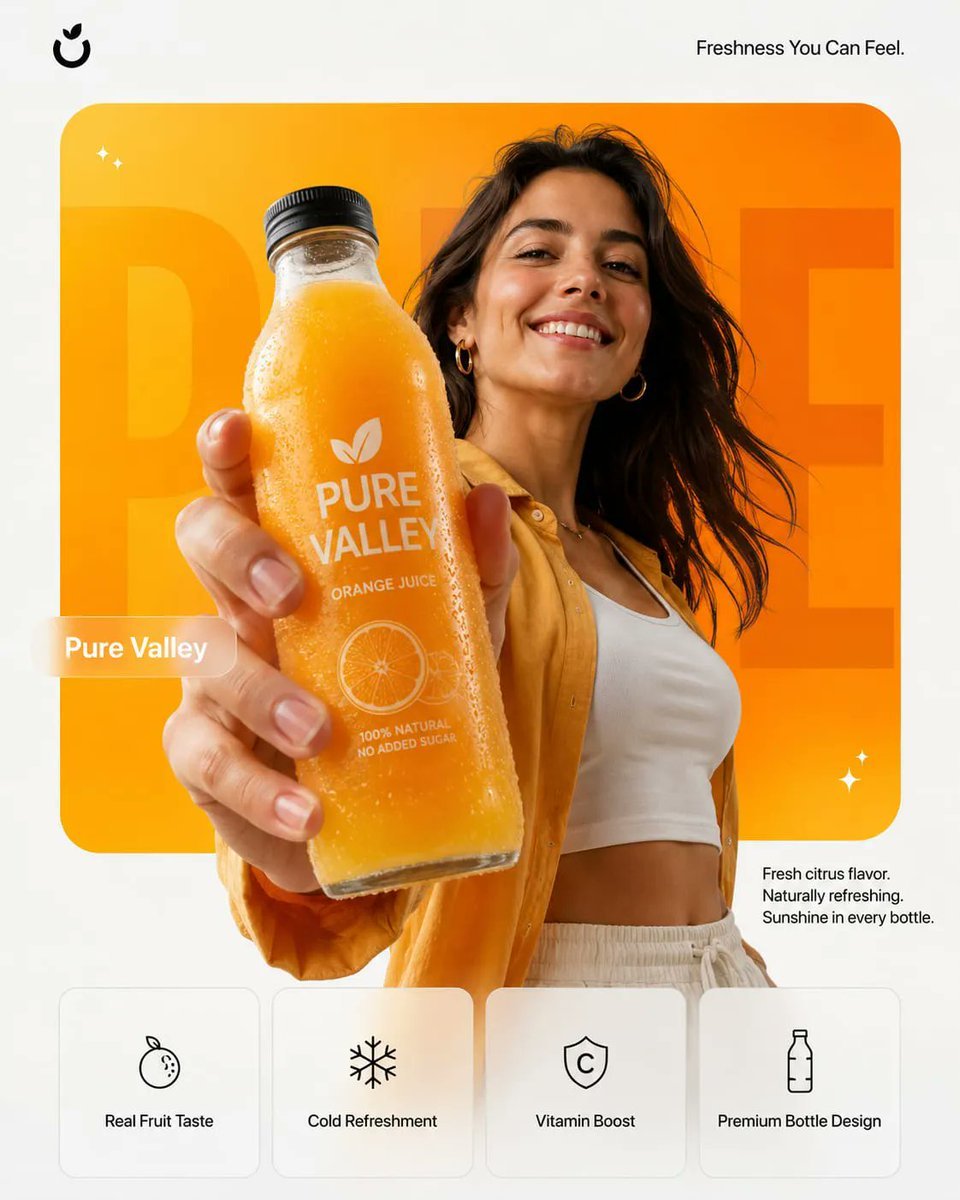
Premium Product Campaign Poster Prompt
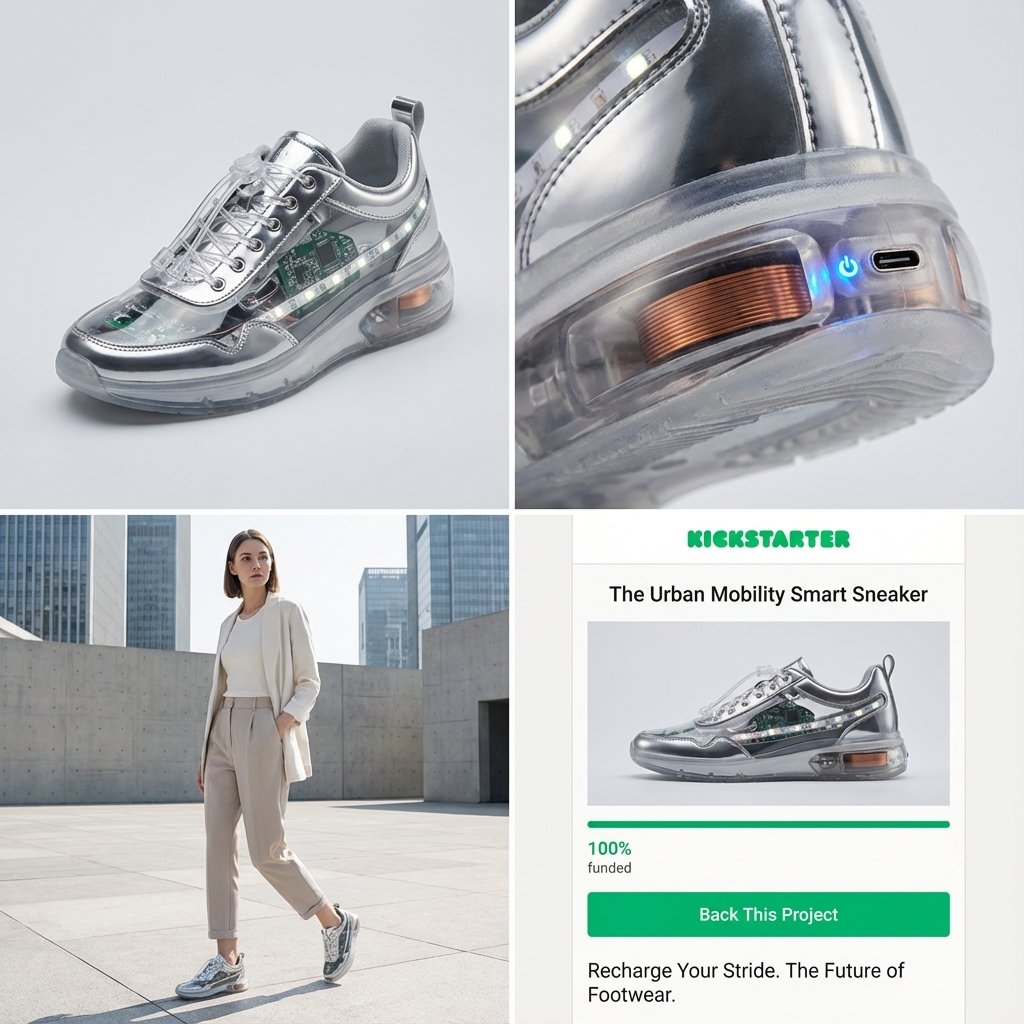
Kickstarter Campaign Generator Prompt
Browse template categories
VFX Comparison Image Prompt (Before/After) for Nano Banana Pro questions
How do I use the VFX Comparison Image Prompt (Before/After) for Nano Banana Pro template?
Add your photo if the template asks for one, edit the prompt if you like — the template's model and format are already selected — and press Generate. Your version opens in PicX Studio.
Can I customize the VFX Comparison Image Prompt (Before/After) for Nano Banana Pro template?
Yes. You can change the subject, setting, lighting, mood, format, and available model controls before creating your image.
Is the VFX Comparison Image Prompt (Before/After) for Nano Banana Pro template free?
Opening and editing this template is free. Generating uses credits, shown on the Generate button when you are signed in.
Which AI model should I use?
Start with Nano Banana 2, which is the model associated with this template. You can compare another compatible model for a different finish.
Looking for something else? Browse all templates.

Your photo, any look
Thousands of ready templates for every top image and video model, from one credit balance.