
Skin Comparison Portrait — Nano Banana Pro
Split comparison portrait: acne vs clear skin, foods that ruin vs save skin, Nano Banana Pro

- Prompt included
- Model and format preset
- Free template
The prompt behind this image
Copy the exact prompt behind Skin Comparison Portrait — Nano Banana Pro, or open it in the studio and make it yours.
Split comparison portrait, vertical split center, close-up face, eye-level. Subject: same young woman shown in two skin conditions, facing forward. Left side: neutral tired expression. Right side: soft confident smile. Appearance: dark brown hair, straight middle-parted. Left skin: severe acne, pimples, redness, uneven texture, dull and oily. Right skin: clear smooth glowing skin, even tone, healthy radiant look. Outfit: cream knitted sweater. Environment: car interior, soft daylight, brown seat, blurred outdoor greenery. Lighting: natural light, left side slightly dull and flat, right side brighter and glowing. Left title: 'Foods that ruin skin'. Right title: 'Foods that save skin'. Left foods: instant noodles, fried snacks, sugary sweets, white bread, pizza / fast food, cold drinks, ice cream, packaged chips, chocolate. Right foods: sprouts, methi seeds, lemon water, green tea, amla, almonds, tomato, cucumber, leafy greens. Style: social media comparison graphic, educational, clean contrast, natural tones with strong visual difference. High resolution, sharp facial texture difference clearly visible.
How to use Skin Comparison Portrait — Nano Banana Pro in 3 steps
- 1
Open
The prompt is already in the box next to the preview, with the template's model and format selected.
- 2…a portrait of your subject in softgolden-hour light, 85mm…
Personalize
Edit the subject and creative details for your destination.
- 3Generate
Generate
Press Generate — your image is created in PicX Studio, so you can compare it with the original and refine one variable at a time.
More like this
Templates with the same subject, style or setup. Open one to see its prompt.

Gen Z TikTok Viral Expression Grid 4x4 — Nano Banana

Nano Banana Pro Photoreal Playful Couple

Nano Banana Is So Addictive

Isometric Landmark Generation Using Nano

Nano Banana 2 Perspective Experiment

Gemini Nano Banana 2 Isometric 3d City D

Nano Banana 2

Gemini Nano Banana 2

Nano Banana 2 Gourmet Ice Cream Commerci

Cinema Date Popcorn Realistic By Nano Ba

Enchanted Forest Root Kiss Scene By Nano

Couple Goals from the Google Gemini Nano
Make it yours
Skin Comparison Portrait — Nano Banana Pro works as-is. These are the safest ways to change it without losing the look.
Change one field
Copy a single group, rewrite it, and generate again so you can see what that field is doing.
Keep the frame, change the subject
Hold the composition and light of Skin Comparison Portrait — Nano Banana Pro, then swap wardrobe, props or the person for a new take.
| If the result… | Why | Fix |
|---|---|---|
| The result drifts from the preview | Too many fields changed at once. | Reuse Skin Comparison Portrait — Nano Banana Pro as-is first, then change one group — subject, light, or setting. |
| The model over-stylizes the scene | The prose prompt leaves finish and camera underspecified. | Add one camera or lighting sentence and stay on GPT Image 2. |
More GPT Image 2 templates
Other prompts made for GPT Image 2.

Six VTuber Japanese Logo Sheet

Realistic Portrait of Woman and Deer

The Vista Modular Condo Poster

AI Model Routing Comparison Infographic

2.5D Anime Art Board

Isometric Productivity Desk Scene

New York Double Exposure Poster

Four-Panel AI Landscape Comparison

Japanese Tatami Lifestyle Magazine Cover

NESCAFÉ Coffee Map Poster
More image prompts
Fresh picks from across the catalog.
X Strength04 X Gpt Image 2 on Chatgpt
Melting Transition Product Photography Prompt
Image Editing Prompt for Increasing Food Portion Size

Gpt2 Infographic Edu Visual Vintage Claude Shannon Infographic Poster
Forest Spring Tomatoes
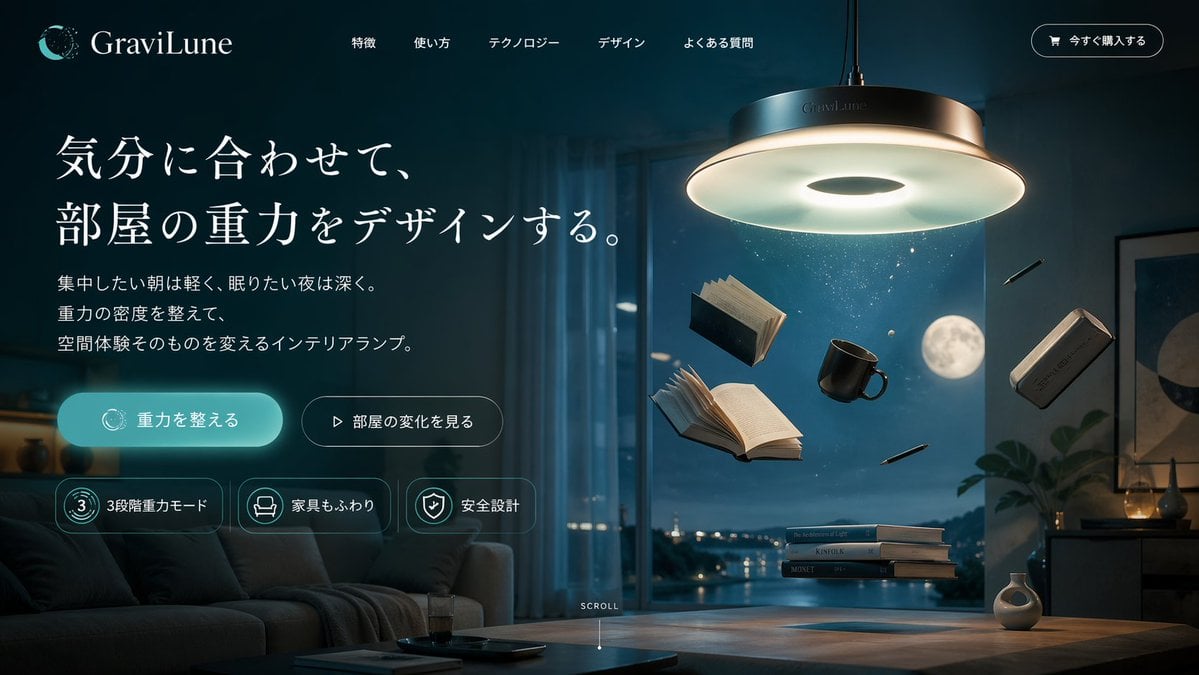
Anti-Gravity Lamp Landing Page Mockup
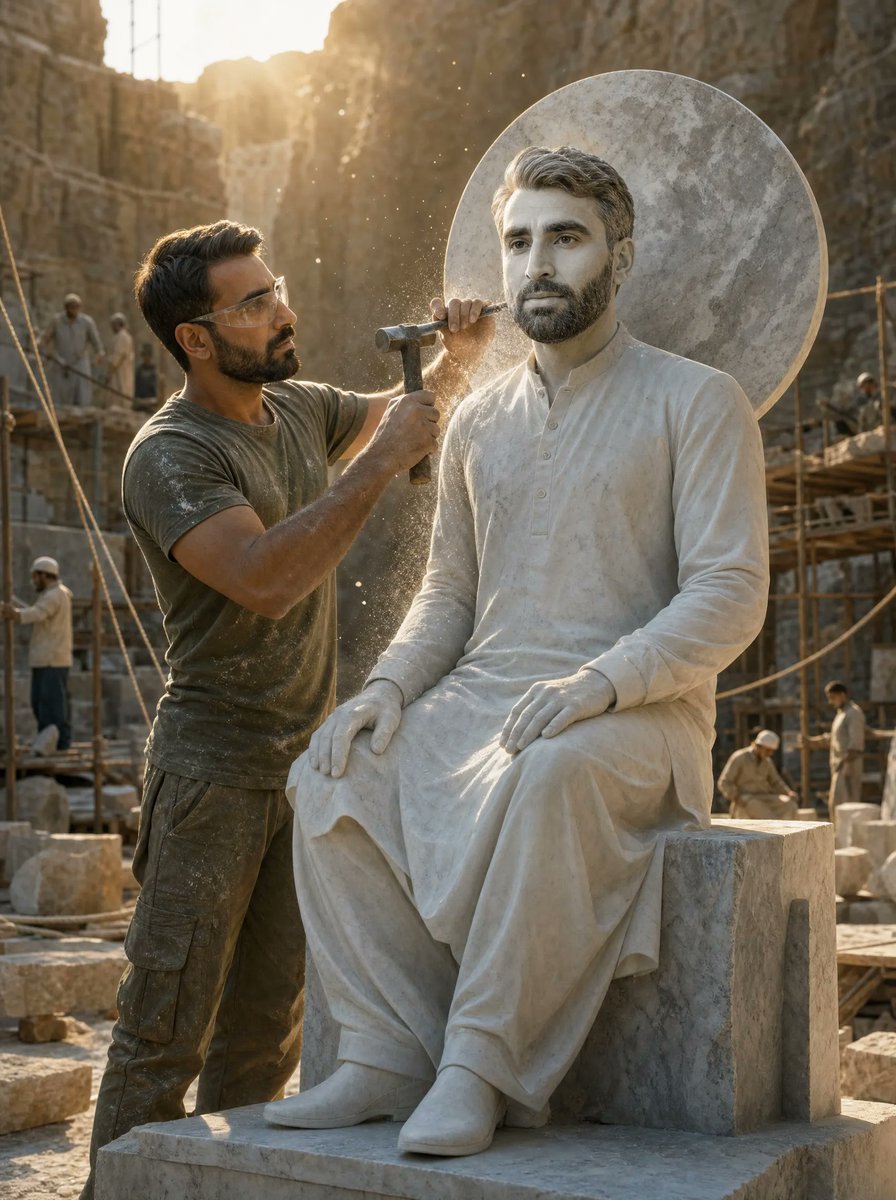
Sculptor Carving His Marble Double

Cyberpunk Anime Energy Awakening
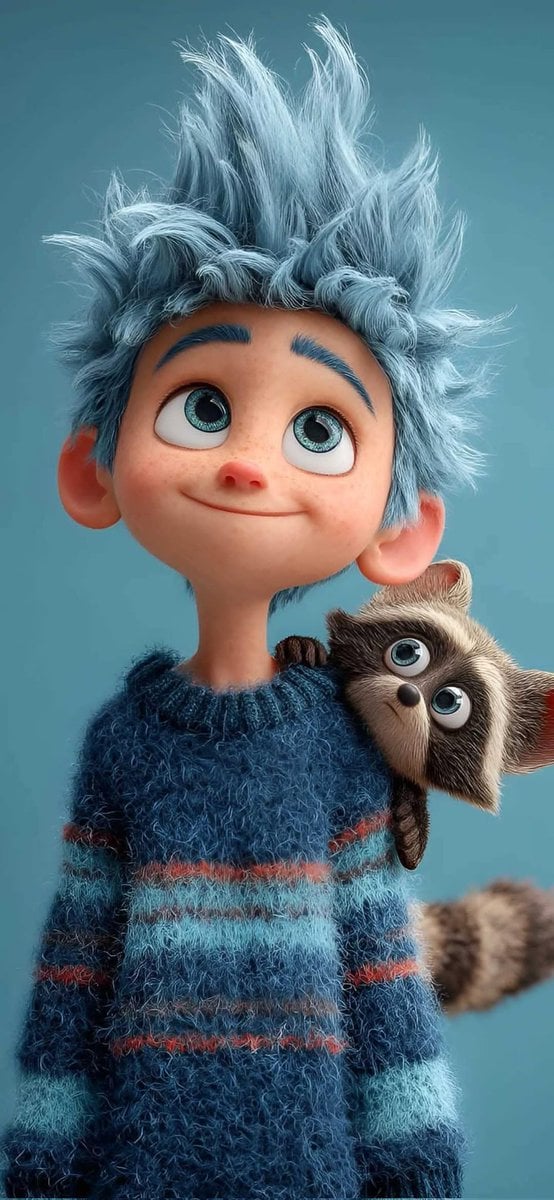
Pixar-Style 3D Animated Child Portrait with Animal
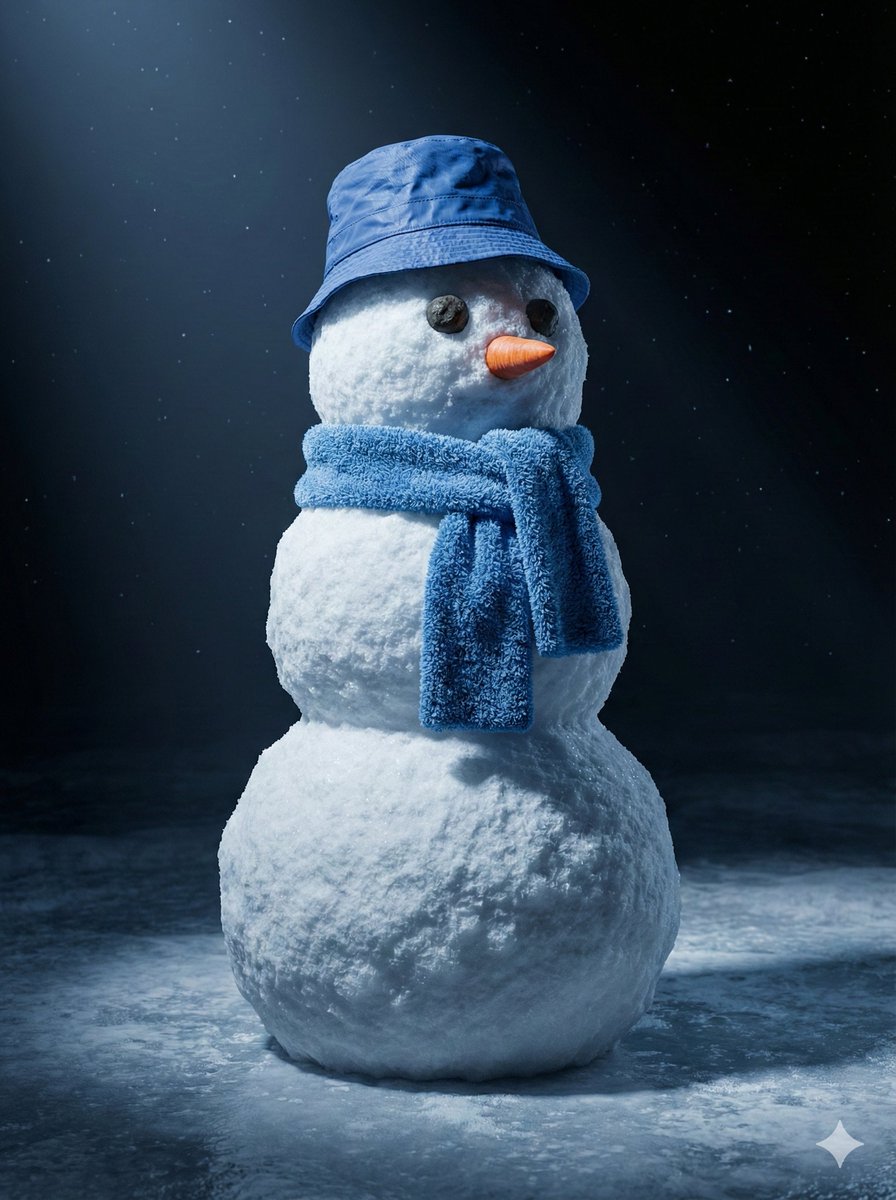
Cinematic 3D Snowman Portrait
Browse template categories
Skin Comparison Portrait — Nano Banana Pro questions
How do I use the Skin Comparison Portrait — Nano Banana Pro template?
Add your photo if the template asks for one, edit the prompt if you like — the template's model and format are already selected — and press Generate. Your version opens in PicX Studio.
Can I customize the Skin Comparison Portrait — Nano Banana Pro template?
Yes. You can change the subject, setting, lighting, mood, format, and available model controls before creating your image.
Is the Skin Comparison Portrait — Nano Banana Pro template free?
Opening and editing this template is free. Generating uses credits, shown on the Generate button when you are signed in.
Which AI model should I use?
Start with GPT Image 2, which is the model associated with this template. You can compare another compatible model for a different finish.
Looking for something else? Browse all templates.

Your photo, any look
Thousands of ready templates for every top image and video model, from one credit balance.