
Image Editing Prompt for Increasing Food Portion Size
A simple instruction used with Nano Banana Pro 3 to increase the portion size of food in an image while preserving the background and dish elements, highlighting the tool's contextual editing capabilities.
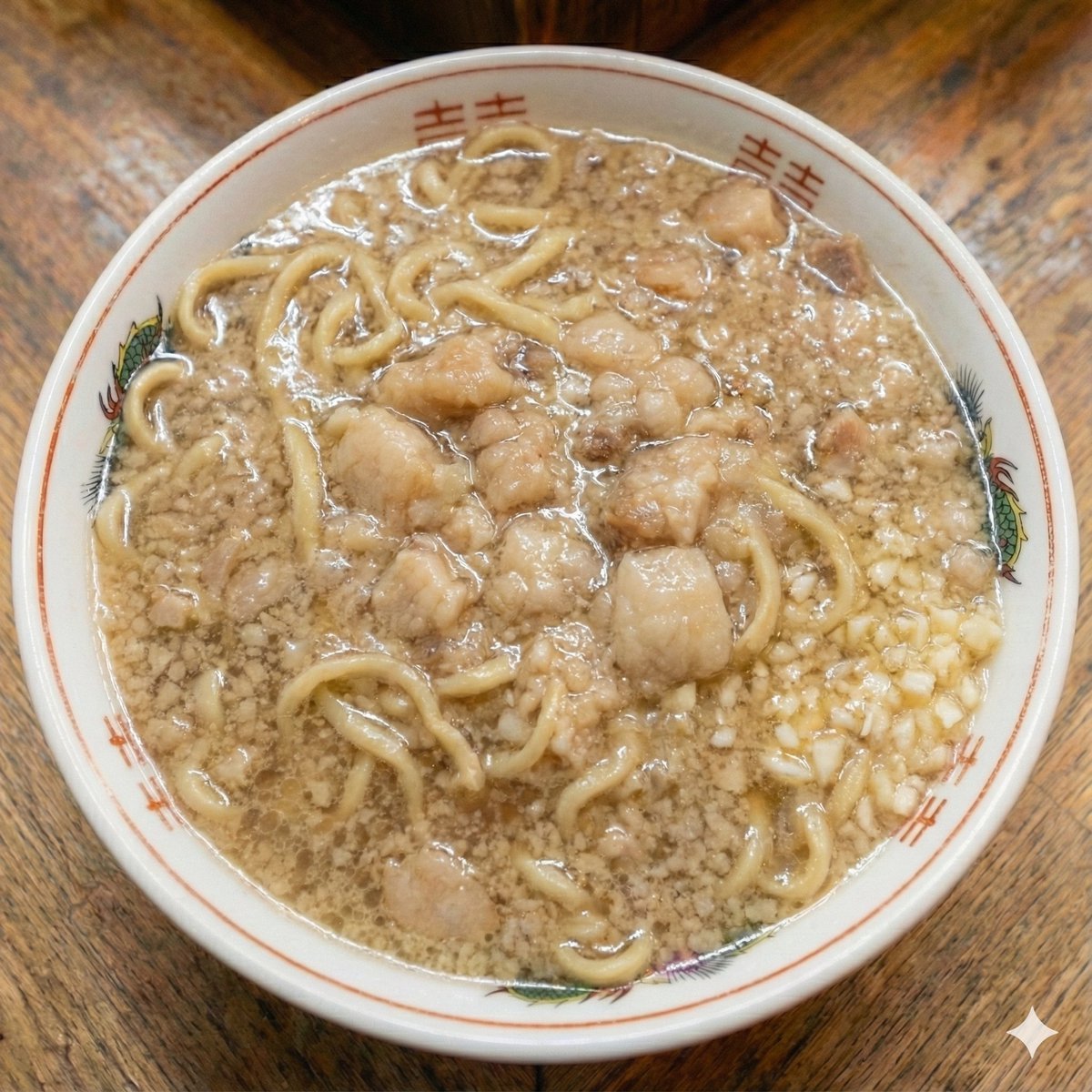
- Prompt included
- Model and format preset
- Free template
The prompt behind this image
Copy the exact prompt behind Image Editing Prompt for Increasing Food Portion Size, or open it in the studio and make it yours.
{argument name="instruction" default="Make it a large portion"}
How to use Image Editing Prompt for Increasing Food Portion Size in 3 steps
- 1
Open
The prompt is already in the box next to the preview, with the template's model and format selected.
- 2…a portrait of your subject in softgolden-hour light, 85mm…
Personalize
Edit the subject and creative details for your destination.
- 3Generate
Generate
Press Generate — your image is created in PicX Studio, so you can compare it with the original and refine one variable at a time.
More like this
Templates with the same subject, style or setup. Open one to see its prompt.

Cozy Food Flat Lay Doodle Labels
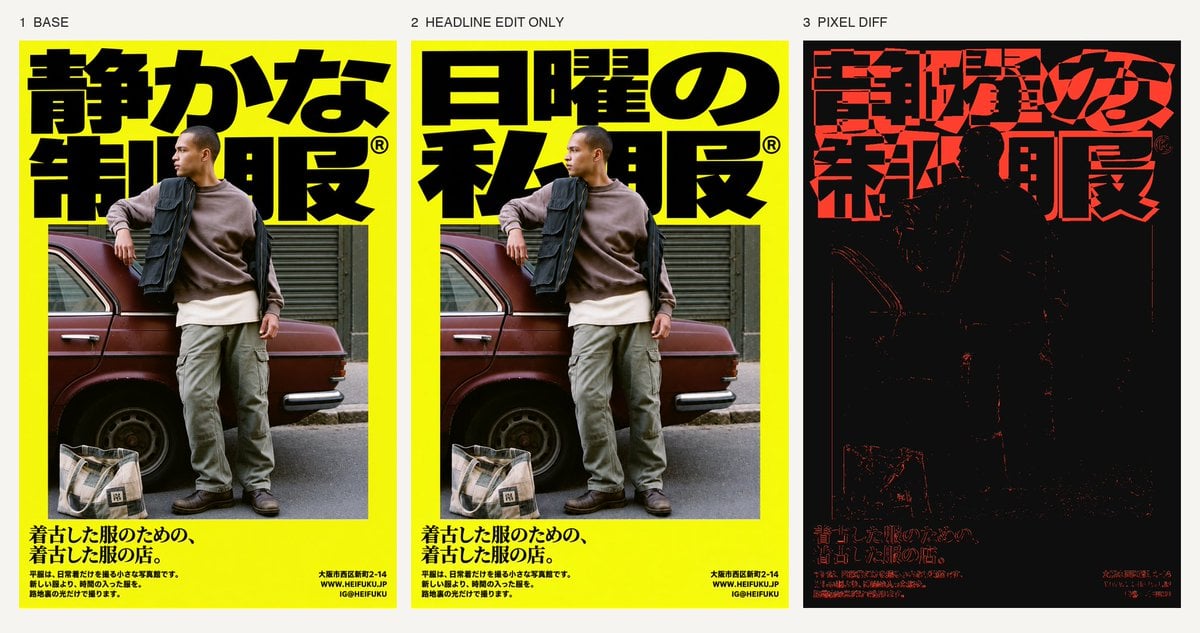
Selective Headline Layout Editing
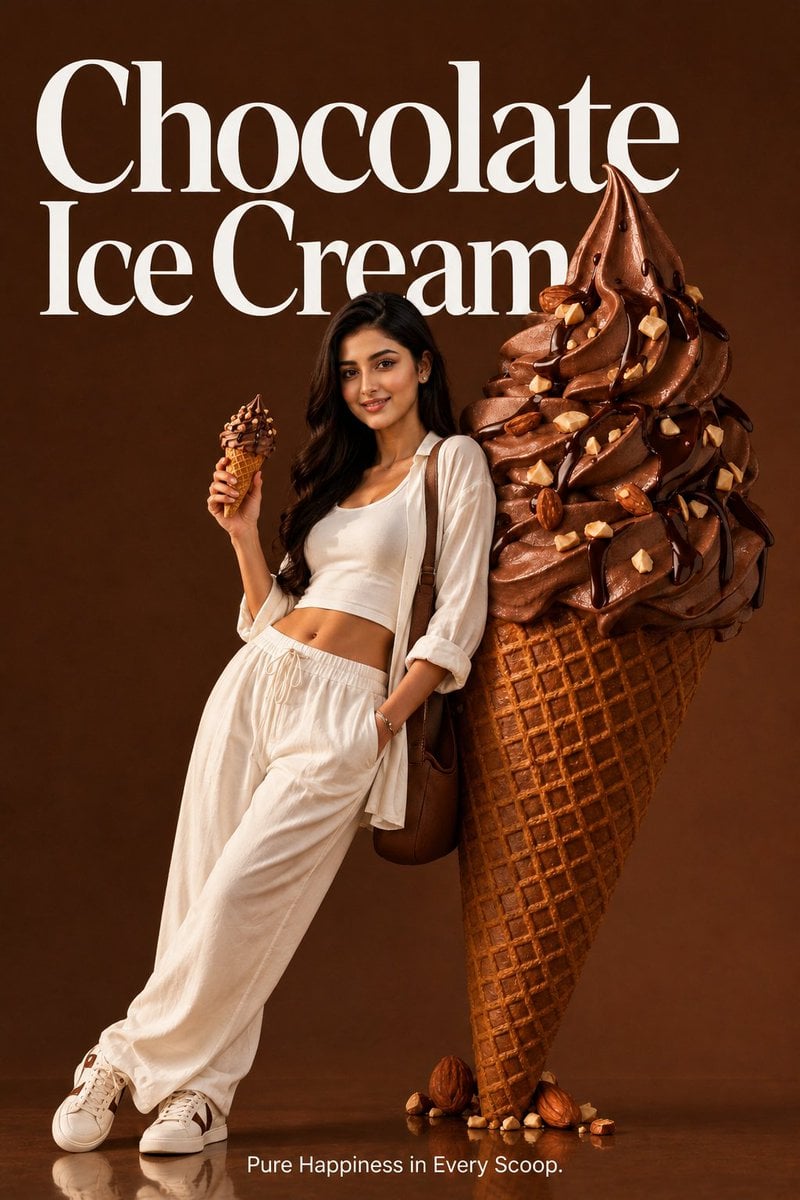
Premium Food Advertising Campaign Scenes
Photo of a cute ball-shaped version of a, with big adorable over-sized
Ultra-premium cinematic food photography, 8K UHD, 3 4 aspect ratio
A clean 3 3 storyboard grid with nine equal-sized panels and an overall

Realistic portrait 100 identical face, no editing allowed

Bold, intense, premium, cinematic, high-impact food commercial aesthetic

Cinematic Cafe Portrait with Food
Woman Posing With Life-Size Tom Cat
Good Morning Changsha Food Poster
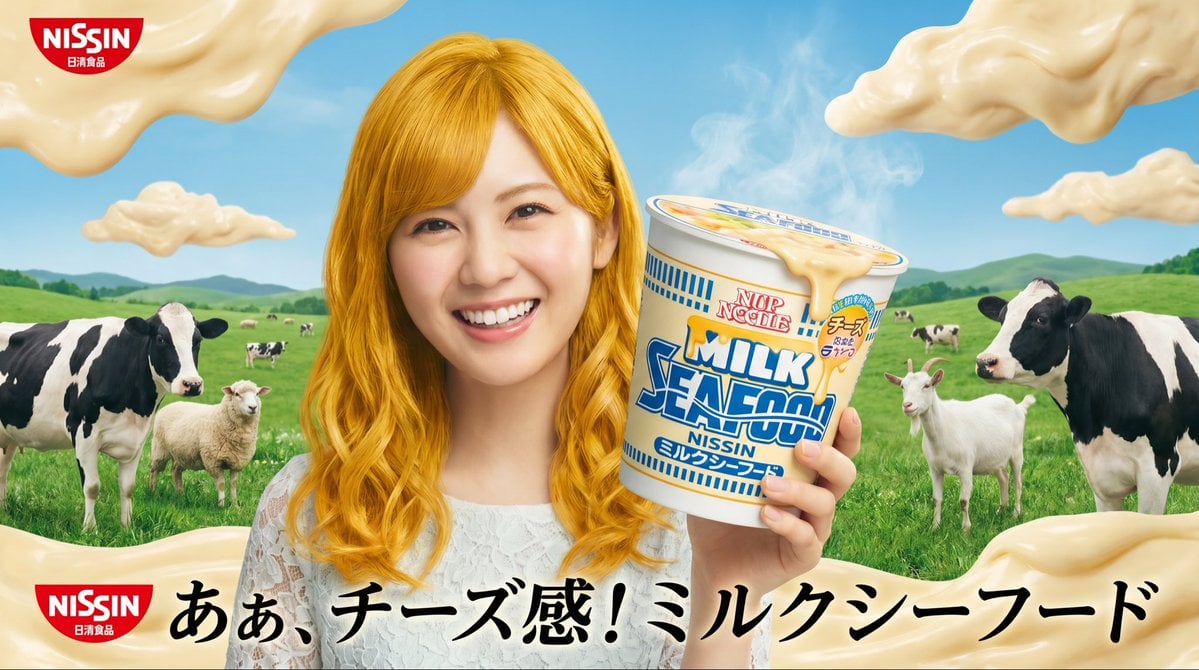
Surreal NISSIN Milk Seafood Ad
Make it yours
Image Editing Prompt for Increasing Food Portion Size works as-is. These are the safest ways to change it without losing the look.
Change one field
Copy a single group, rewrite it, and generate again so you can see what that field is doing.
Keep the frame, change the subject
Hold the composition and light of Image Editing Prompt for Increasing Food Portion Size, then swap wardrobe, props or the person for a new take.
| If the result… | Why | Fix |
|---|---|---|
| The result drifts from the preview | Too many fields changed at once. | Reuse Image Editing Prompt for Increasing Food Portion Size as-is first, then change one group — subject, light, or setting. |
| The model over-stylizes the scene | The prose prompt leaves finish and camera underspecified. | Add one camera or lighting sentence and stay on Nano Banana 2. |
More Nano Banana 2 templates
Other prompts made for Nano Banana 2.

Photorealistic Leaf Shaped Like a Dragon

K-Pop Idol Portrait Grid for Rapid Selection

Poetic Rain Forest Portrait During Golden Hour

Urban Street Portrait with Cartoon Inner Self Duo

Candid Nighttime Photo with Cat Prompt

High-Concept 3D Diorama Generation Prompt

Cinematic Futuristic Studio Portrait Template

Skincare Editorial Photography Collage Prompt

Hyper-Realistic Commercial Product Photography (Splash Effect)

Hyper-Realistic Nightclub Portrait Prompt
More image prompts
Fresh picks from across the catalog.
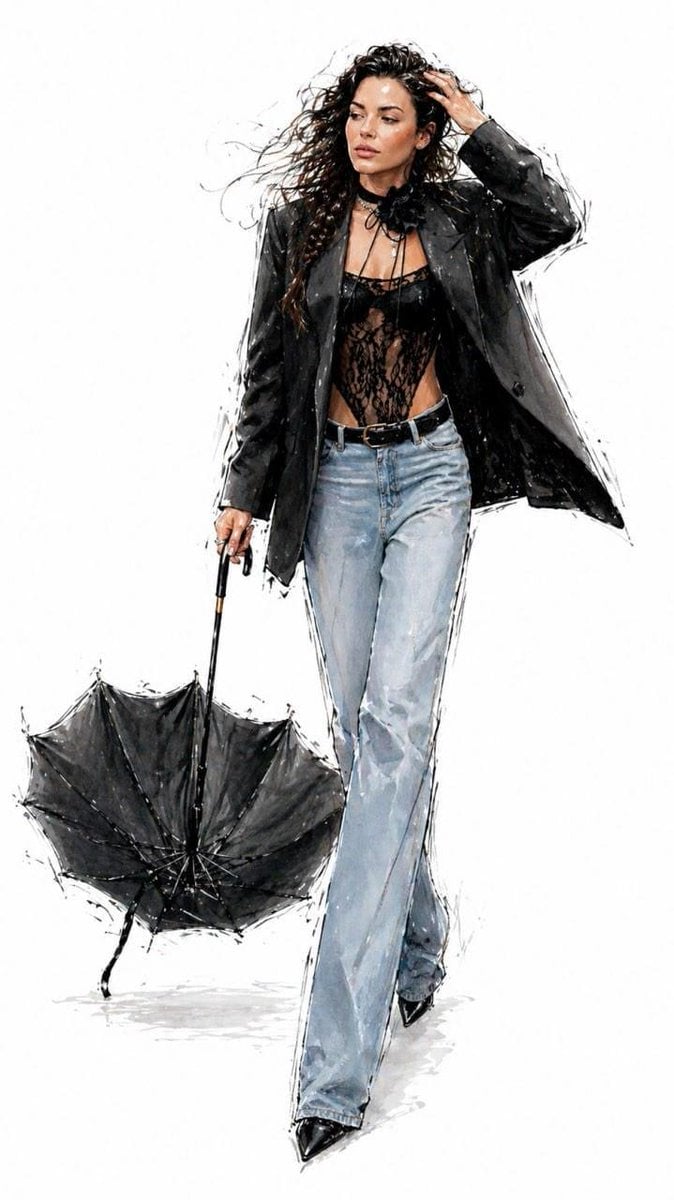
Minimalist Fashion Runway Illustration
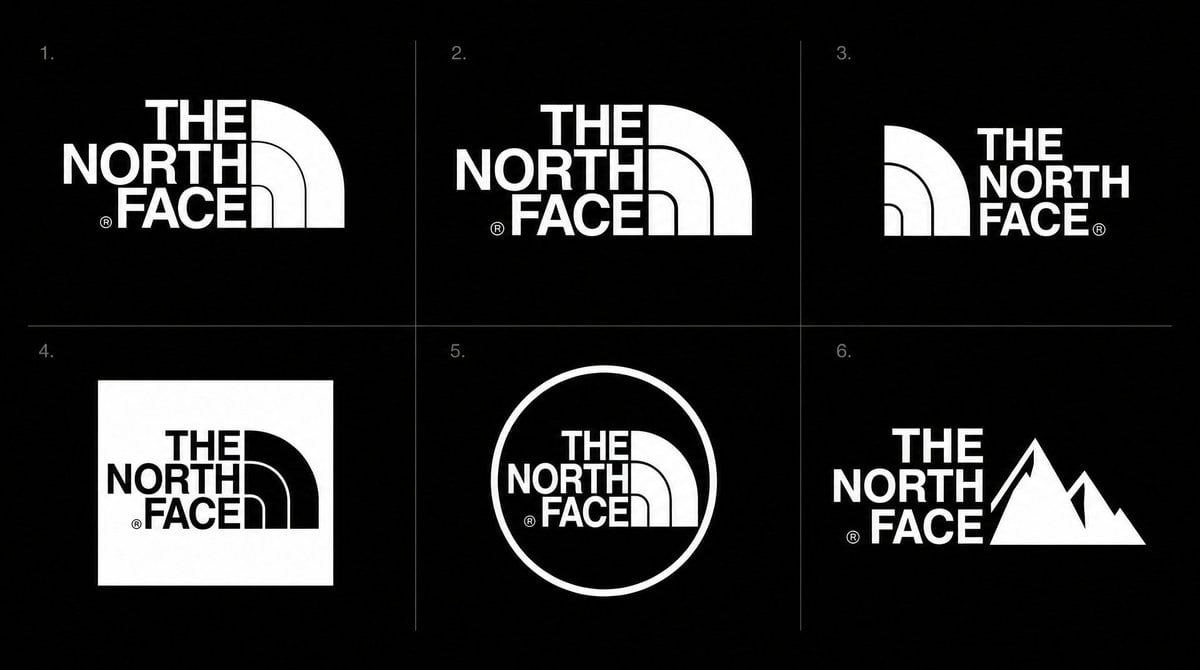
Logo Variation Grid
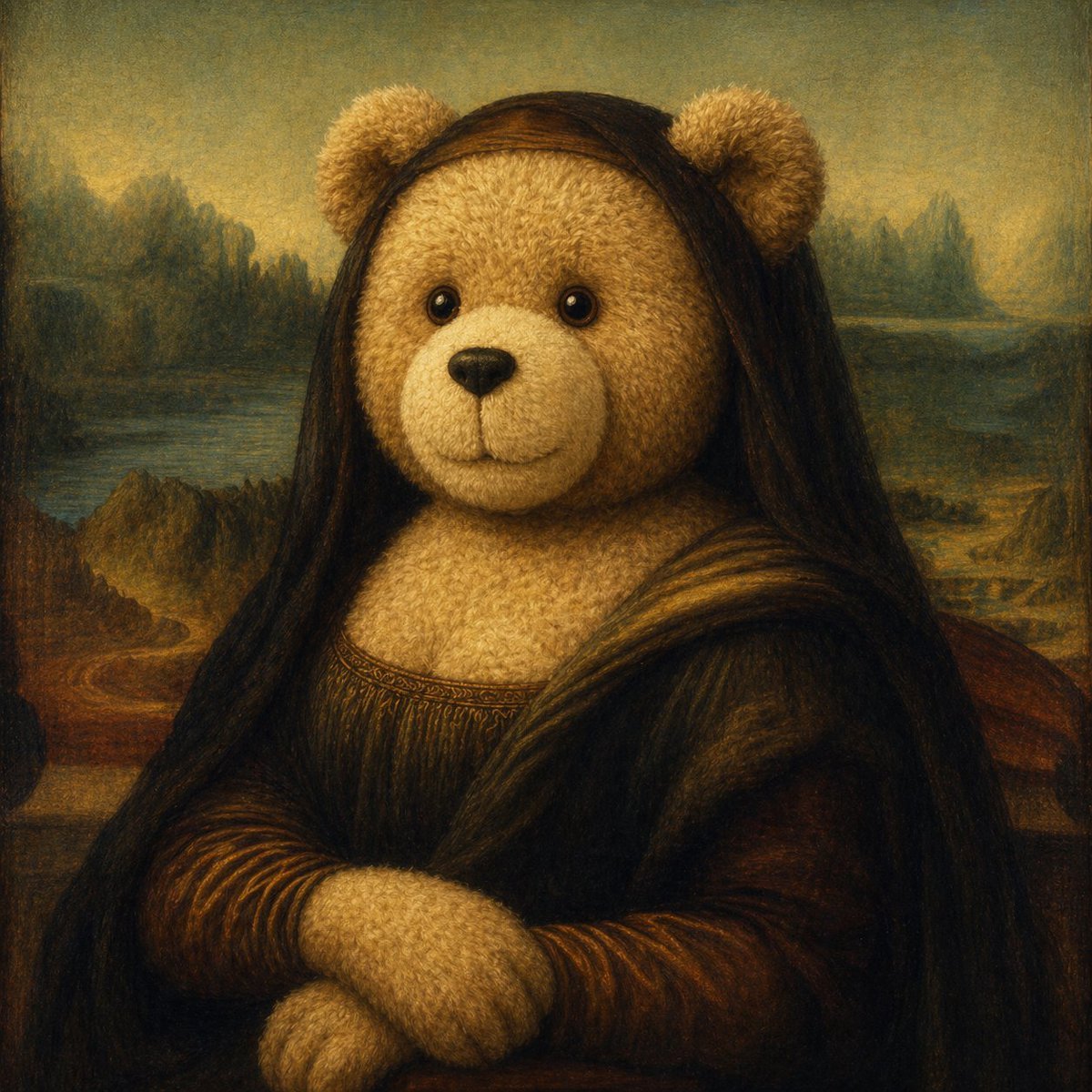
Teddy Bear Mona Lisa Hybrid
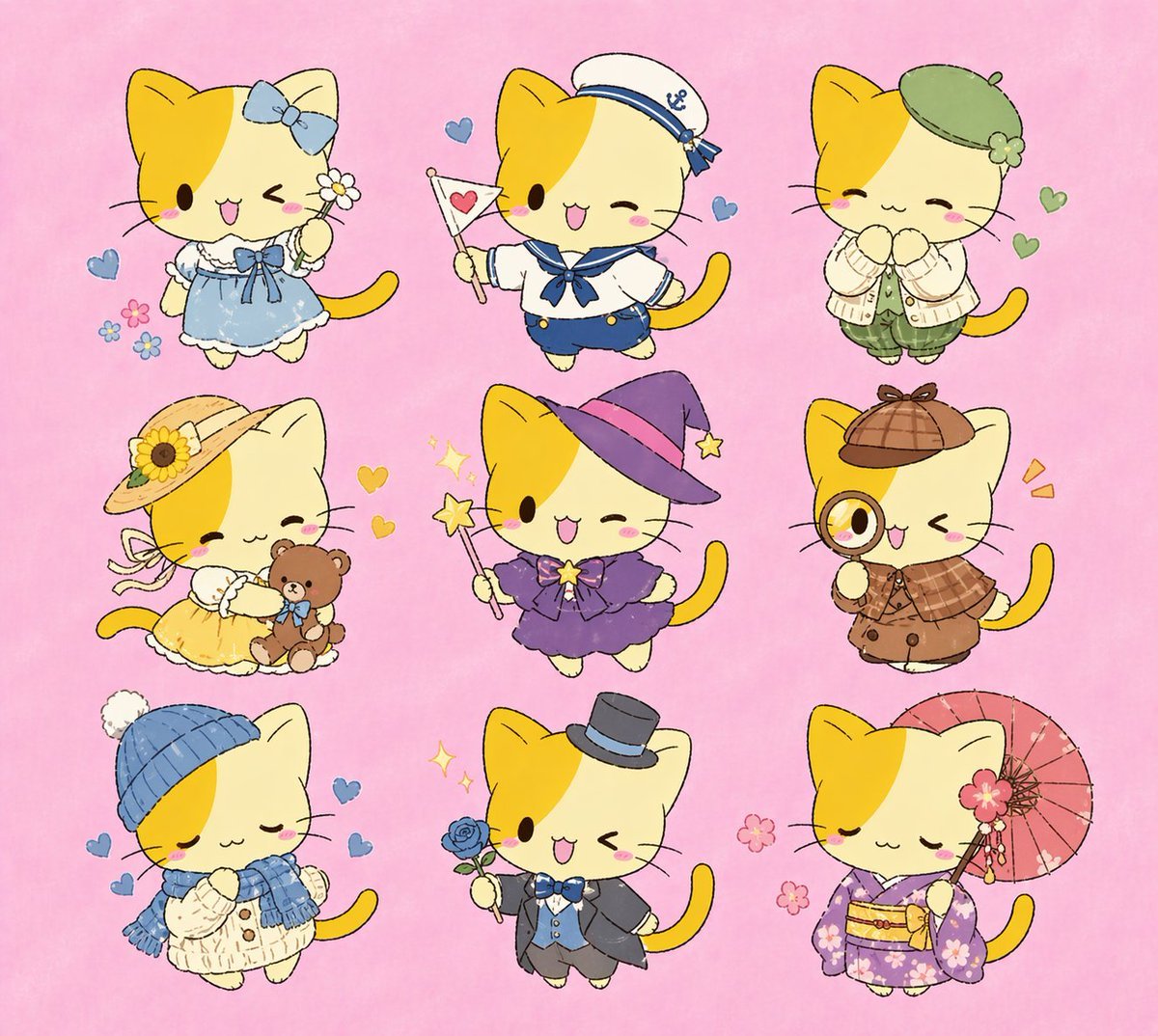
Nine Chibi Kitten Costume Variants
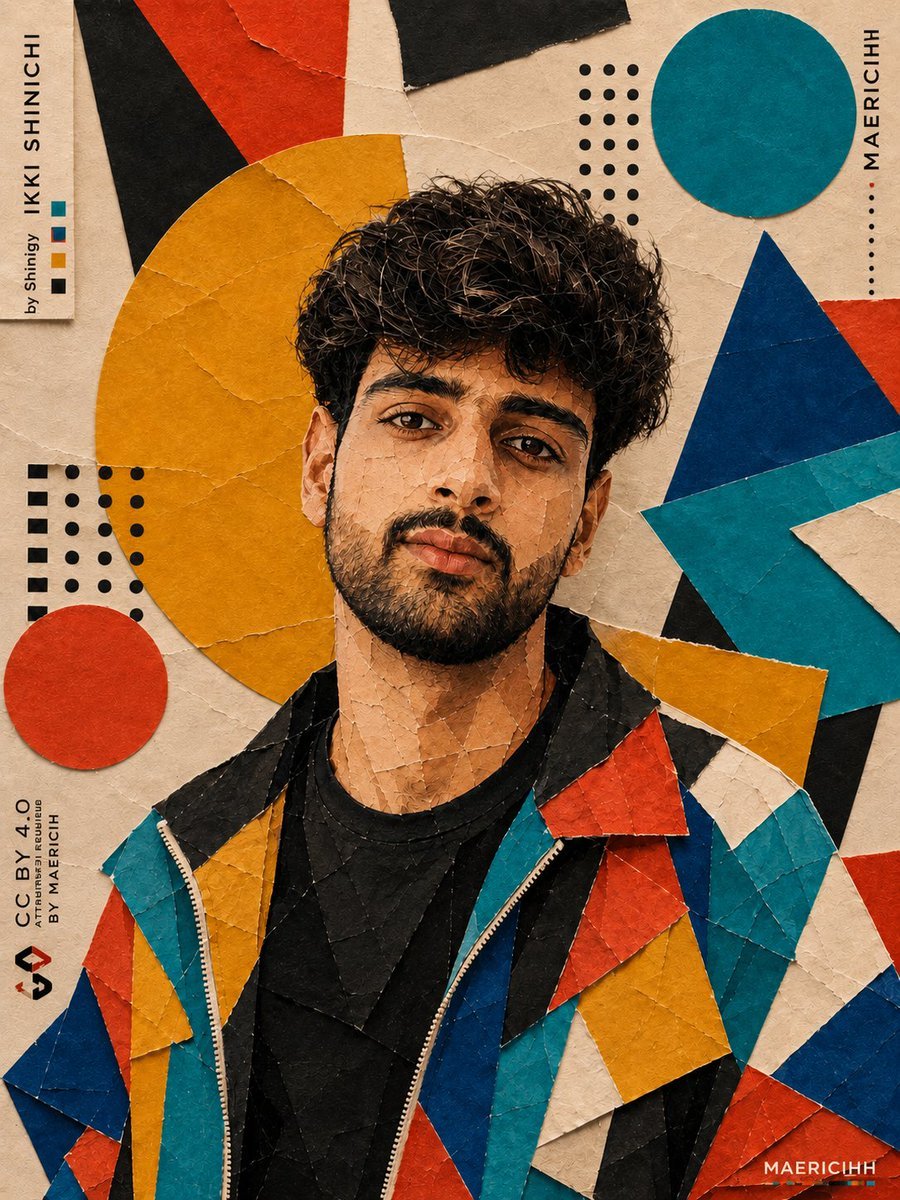
Bauhaus Artistic Fashion Portrait
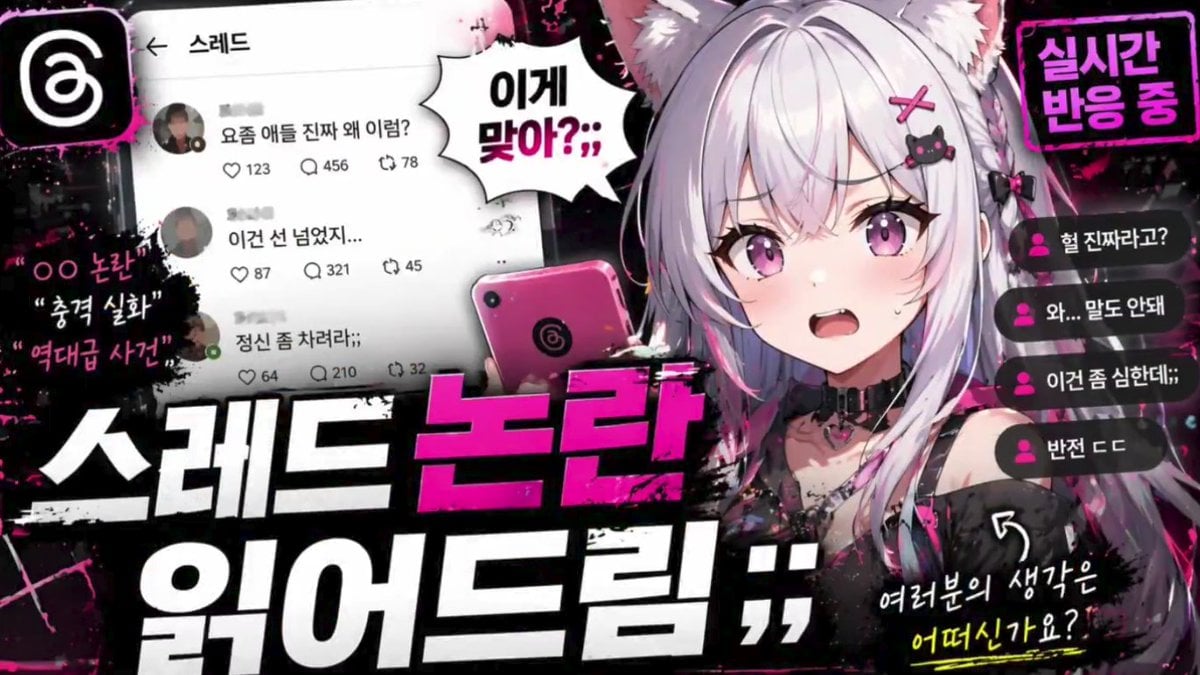
Anime VTuber Reaction Thumbnail
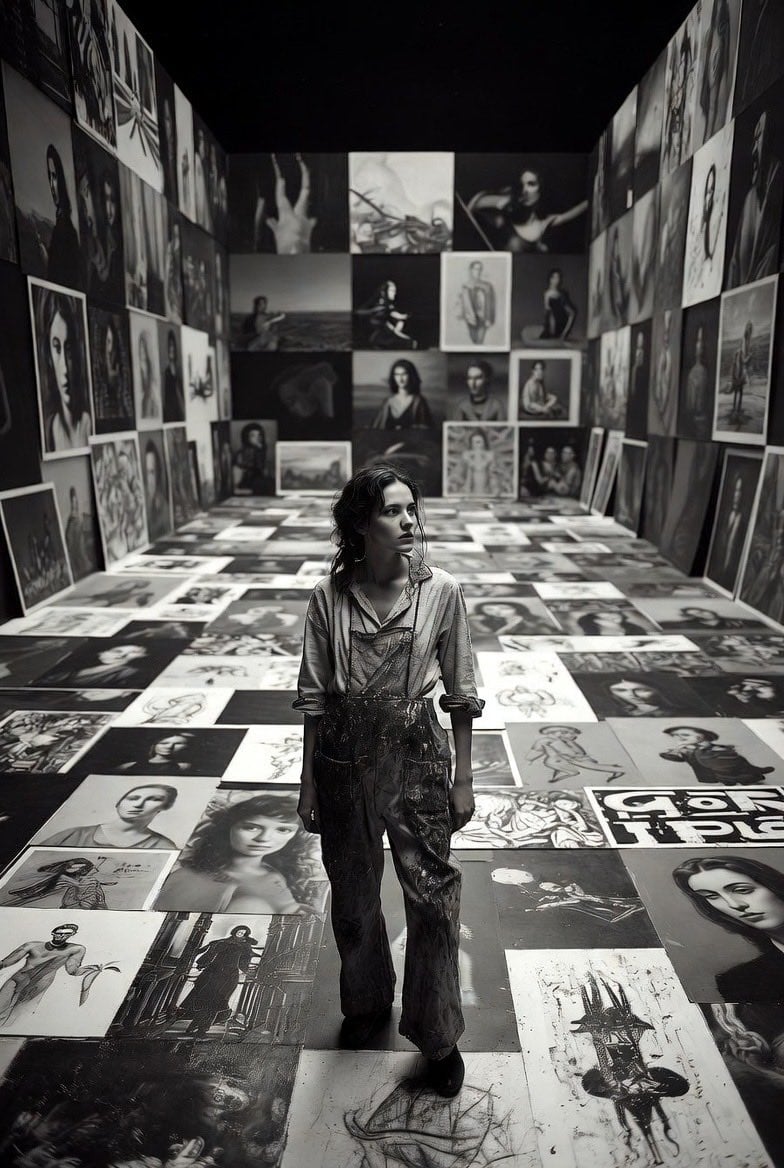
Aspiring Artist in Grand Gallery Film Style
Misty Heron Lily Pond
Generate image of a person based on a descriptive phrase
Casual Wine Bar Portrait
Browse template categories
Image Editing Prompt for Increasing Food Portion Size questions
How do I use the Image Editing Prompt for Increasing Food Portion Size template?
Add your photo if the template asks for one, edit the prompt if you like — the template's model and format are already selected — and press Generate. Your version opens in PicX Studio.
Can I customize the Image Editing Prompt for Increasing Food Portion Size template?
Yes. You can change the subject, setting, lighting, mood, format, and available model controls before creating your image.
Is the Image Editing Prompt for Increasing Food Portion Size template free?
Opening and editing this template is free. Generating uses credits, shown on the Generate button when you are signed in.
Which AI model should I use?
Start with Nano Banana 2, which is the model associated with this template. You can compare another compatible model for a different finish.
Looking for something else? Browse all templates.

Your photo, any look
Thousands of ready templates for every top image and video model, from one credit balance.