
Nine Chibi Kitten Costume Variants
A pastel pink character sheet showing nine cute kitten dress-up outfits, ideal for kawaii sticker art, merch concepts, or costume variant generation.
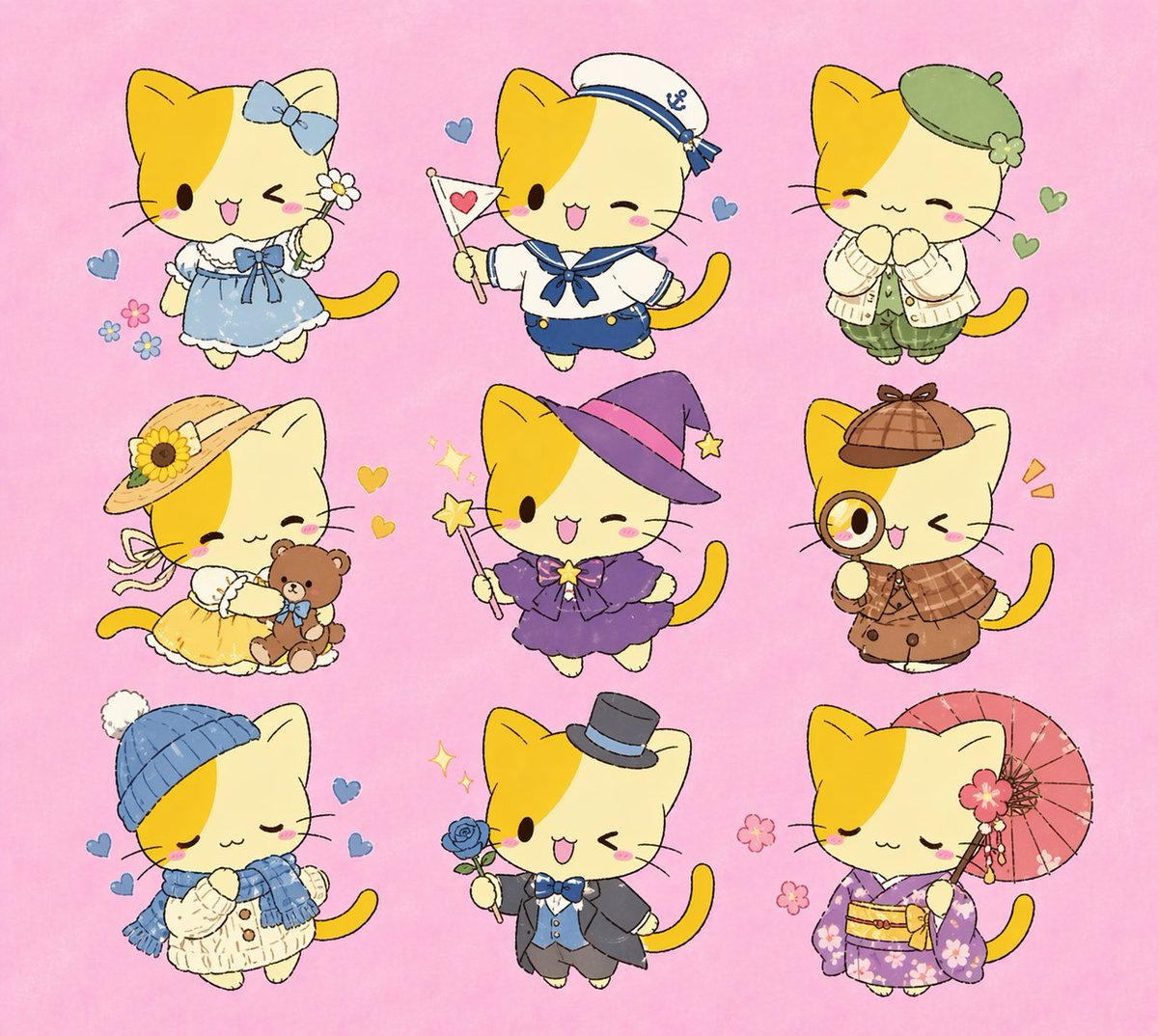
- Prompt included
- Model and format preset
- Free template
The prompt behind this image
Copy the exact prompt behind Nine Chibi Kitten Costume Variants, or open it in the studio and make it yours.
- Type
- cute character outfit sheet
- Subject › Species
- chibi kitten
- Subject › Design
- round cream-colored cat with a large golden-yellow patch covering the left side of the face and ear, tiny black oval eyes, small pink mouth, rosy cheeks, simple whiskers, thick yellow tail, kawaii hand-drawn style with soft colored-pencil texture and thin sketchy outlines
- Style › Aesthetic
- Sanrio-like, children’s dress-up illustration, pastel, whimsical, clean isolated figures
- Style › Background
- solid soft pink paper-like backdrop
- Layout › Grid › Rows
- 3
- Layout › Grid › Columns
- 3
- Layout › Count
- 9
- Layout › Arrangement
- nine evenly spaced full-body kitten variants, each centered in its own area with tiny floating hearts, flowers, or sparkles
- Variants › 0 › Position
- top-left
- Variants › 0 › Outfit
- light blue frilly dress with white lace trim and blue ribbon at the chest
- Variants › 0 › Accessories
- large blue bow on right ear, small white daisy held in paw
- Variants › 0 › Expression
- winking, cheerful open smile
- Variants › 0 › Decor
- 3 small pastel flowers at lower left, 1 blue heart at left
- Variants › 1 › Position
- top-center
- Variants › 1 › Outfit
- navy-and-white sailor uniform with blue neckerchief and blue shorts
- Variants › 1 › Accessories
- white sailor cap with blue trim and anchor emblem, small white flag with pink heart
- Variants › 1 › Expression
- winking, cheerful open smile
- Variants › 1 › Decor
- 2 blue hearts
- Variants › 2 › Position
- top-right
- Variants › 2 › Outfit
- soft beige cardigan over pale green top and loose green plaid pants
- Variants › 2 › Accessories
- green beret with clover-like embellishment
- Variants › 2 › Expression
- closed happy eyes, paws clasped under chin
- Variants › 2 › Decor
- 2 green hearts
Raw JSON
{"type":"cute character outfit sheet","subject":{"species":"chibi kitten","design":"round cream-colored cat with a large golden-yellow patch covering the left side of the face and ear, tiny black oval eyes, small pink mouth, rosy cheeks, simple whiskers, thick yellow tail, kawaii hand-drawn style with soft colored-pencil texture and thin sketchy outlines"},"style":{"aesthetic":"Sanrio-like, children’s dress-up illustration, pastel, whimsical, clean isolated figures","background":"solid soft pink paper-like backdrop"},"layout":{"grid":{"rows":3,"columns":3},"count":9,"arrangement":"nine evenly spaced full-body kitten variants, each centered in its own area with tiny floating hearts, flowers, or sparkles"},"variants":[{"position":"top-left","outfit":"light blue frilly dress with white lace trim and blue ribbon at the chest","accessories":["large blue bow on right ear","small white daisy held in paw"],"expression":"winking, cheerful open smile","decor":["3 small pastel flowers at lower left","1 blue heart at left"]},{"position":"top-center","outfit":"navy-and-white sailor uniform with blue neckerchief and blue shorts","accessories":["white sailor cap with blue trim and anchor emblem","small white flag with pink heart"],"expression":"winking, cheerful open smile","decor":["2 blue hearts"]},{"position":"top-right","outfit":"soft beige cardigan over pale green top and loose green plaid pants","accessories":["green beret with clover-like embellishment"],"expression":"closed happy eyes, paws clasped under chin","decor":["2 green hearts"]},{"position":"middle-left","outfit":"pale yellow sundress with frilly hem","accessories":["wide straw hat with sunflower and ribbon ties","brown teddy bear held in arms"],"expression":"closed happy eyes, gentle smile","decor":["2 yellow hearts"]},{"position":"middle-center","outfit":"purple witch dress with layered skirt and star brooch","accessories":["purple pointed witch hat with pink band","magic wand with star tip"],"expression":"winking, cheerful open smile","decor":["2 yellow stars","2 sparkles"]},{"position":"middle-right","outfit":"brown detective ensemble with plaid capelet and double-breasted coat","accessories":["brown deerstalker hat","magnifying glass held to one eye"],"expression":"winking, cheerful open smile","decor":["2 orange emphasis marks"]},{"position":"bottom-left","outfit":"cream knit sweater dress with blue scarf","accessories":["blue knit beanie with white pom-pom"],"expression":"closed peaceful eyes, shy smile, paws clasped","decor":["3 blue hearts"]},{"position":"bottom-center","outfit":"formal gray suit with pale blue vest, blue bow tie, and short cape","accessories":["black top hat with blue band","blue rose held in paw"],"expression":"winking, cheerful open smile","decor":["2 sparkles"]},{"position":"bottom-right","outfit":"lavender floral kimono with yellow obi","accessories":["pink paper parasol","pink flower hair ornament"],"expression":"closed peaceful eyes, gentle smile","decor":["3 pink cherry blossom flowers"]}],"rendering":{"lighting":"flat and soft","detail":"simple, adorable, readable at a glance","composition":"entire 3x3 costume collection visible with generous spacing, no text, no borders"}}How to use Nine Chibi Kitten Costume Variants in 3 steps
- 1Upload ImagePNG, JPG or paste
Add your photo
Upload the photo the template builds on. The prompt, model and format are already set.
- 2…a portrait of your subject in softgolden-hour light, 85mm…
Personalize
Edit the subject and creative details for your destination.
- 3Generate
Generate
Press Generate — your image is created in PicX Studio, so you can compare it with the original and refine one variable at a time.
More like this
Templates with the same subject, style or setup. Open one to see its prompt.
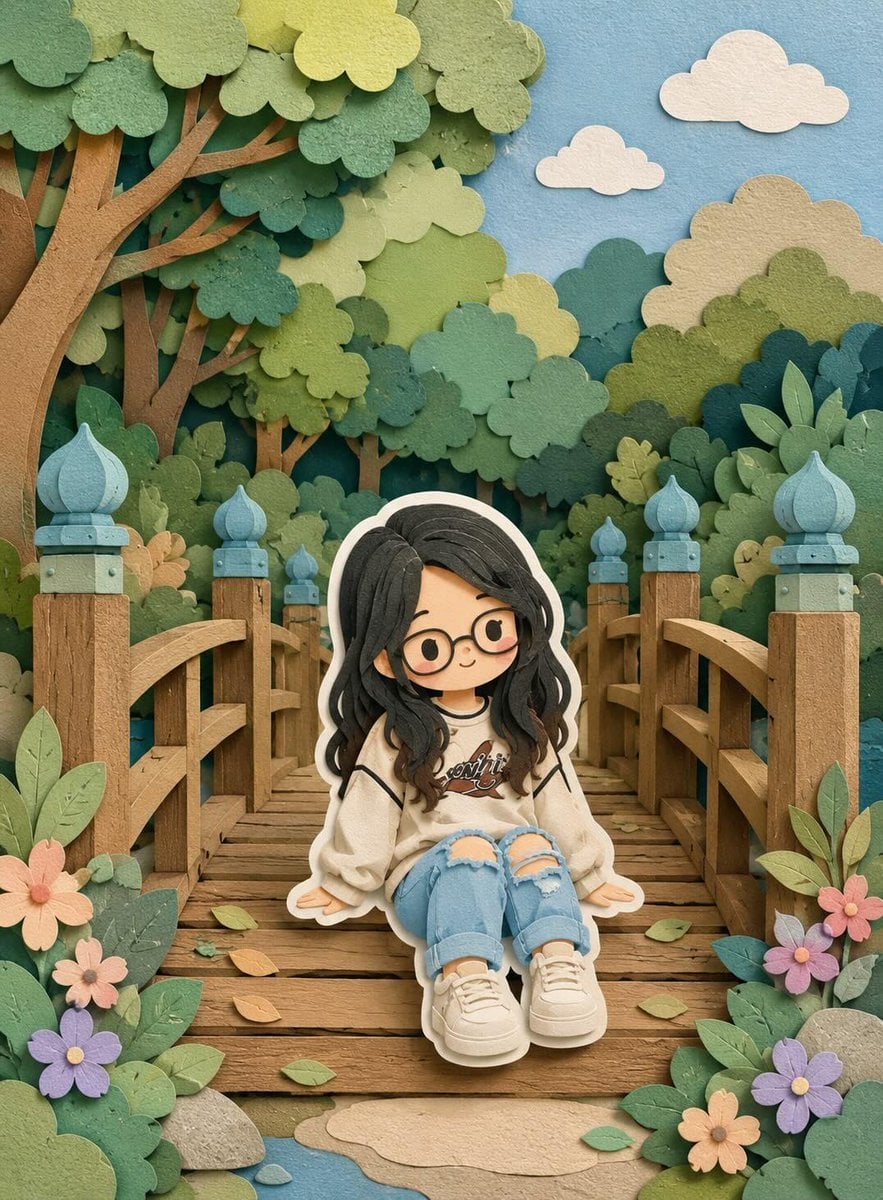
Cute Layered Paper Cut Chibi Girl
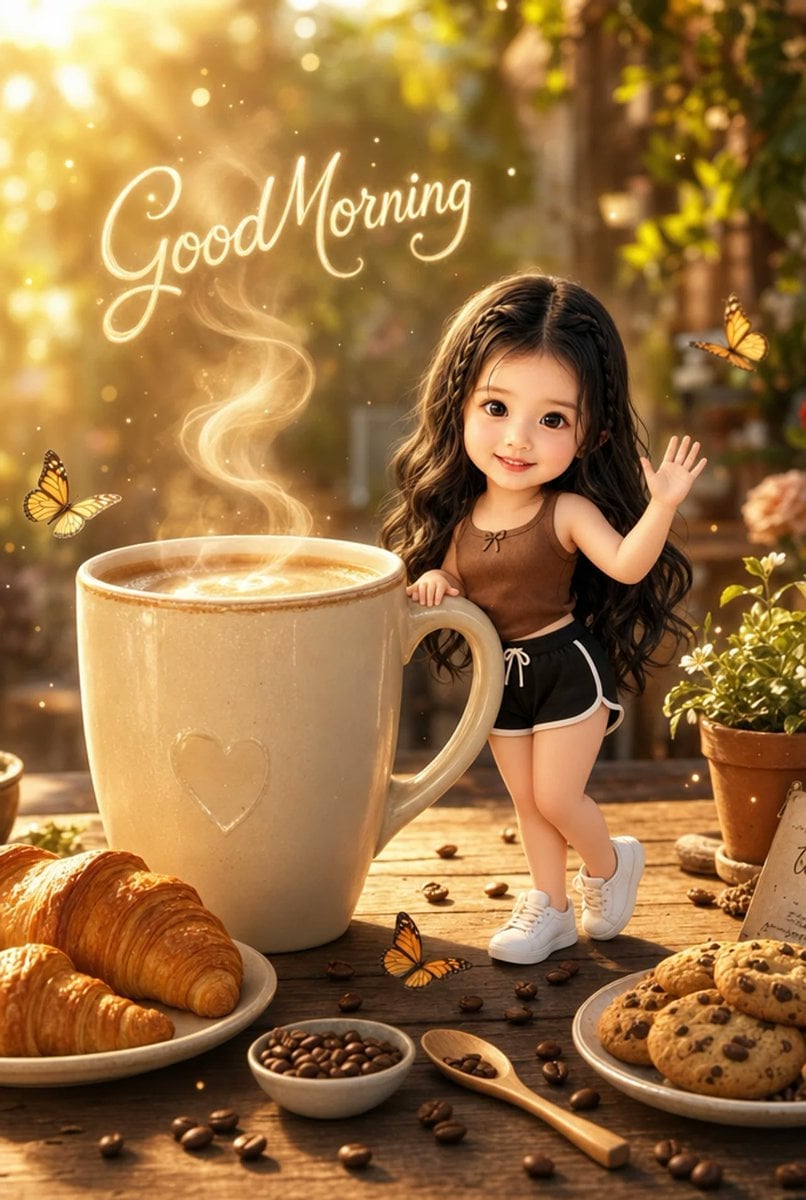
Pixar-Style Chibi Café Morning Scene
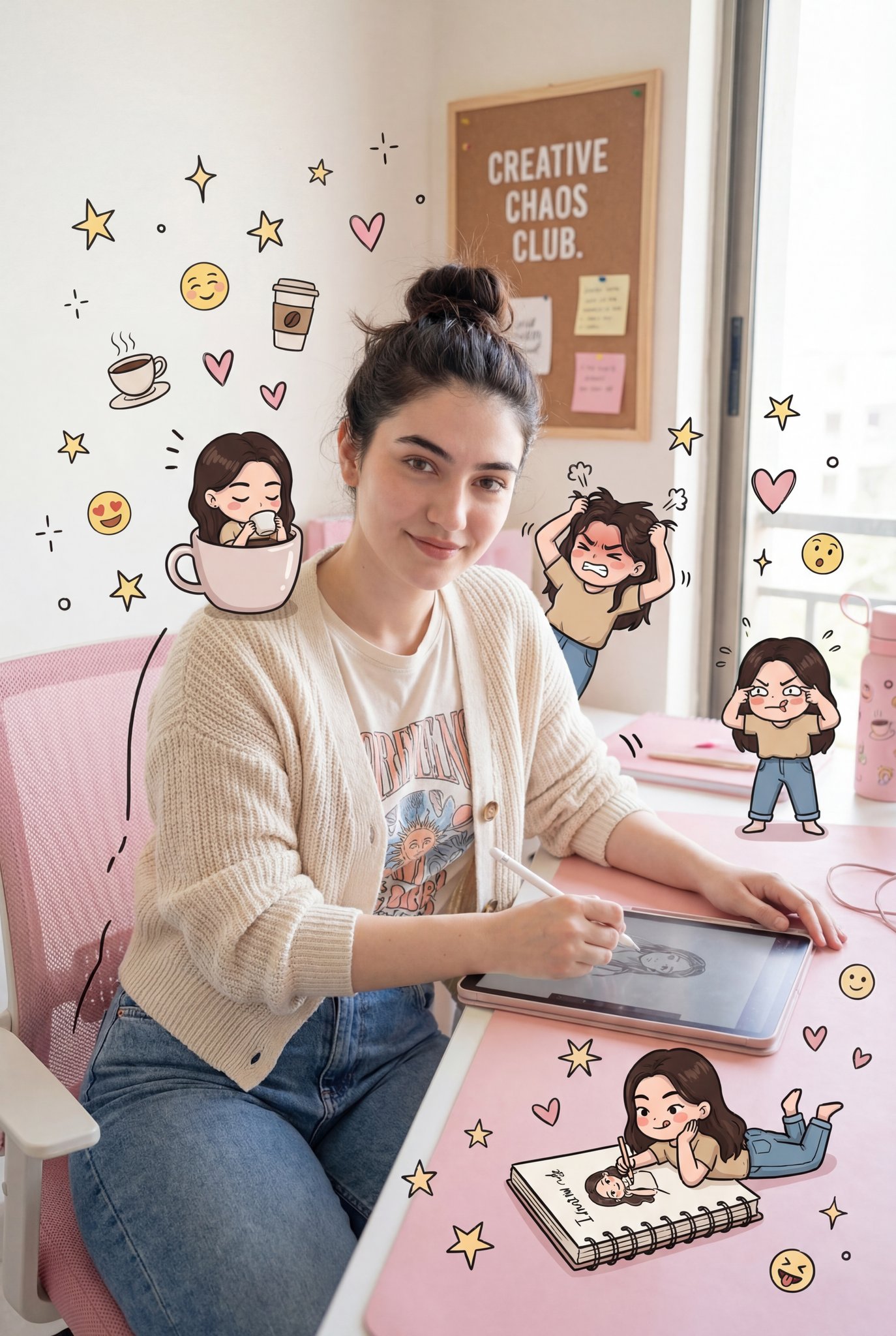
Nano Banana Pro Pink Office Chibi
Character Archive — Blueprint Concept Sheet
Pixel Art Kitten Companion Sheet
Cute Baby and Kittens Wallpaper
Superhero Costume Swap Portrait
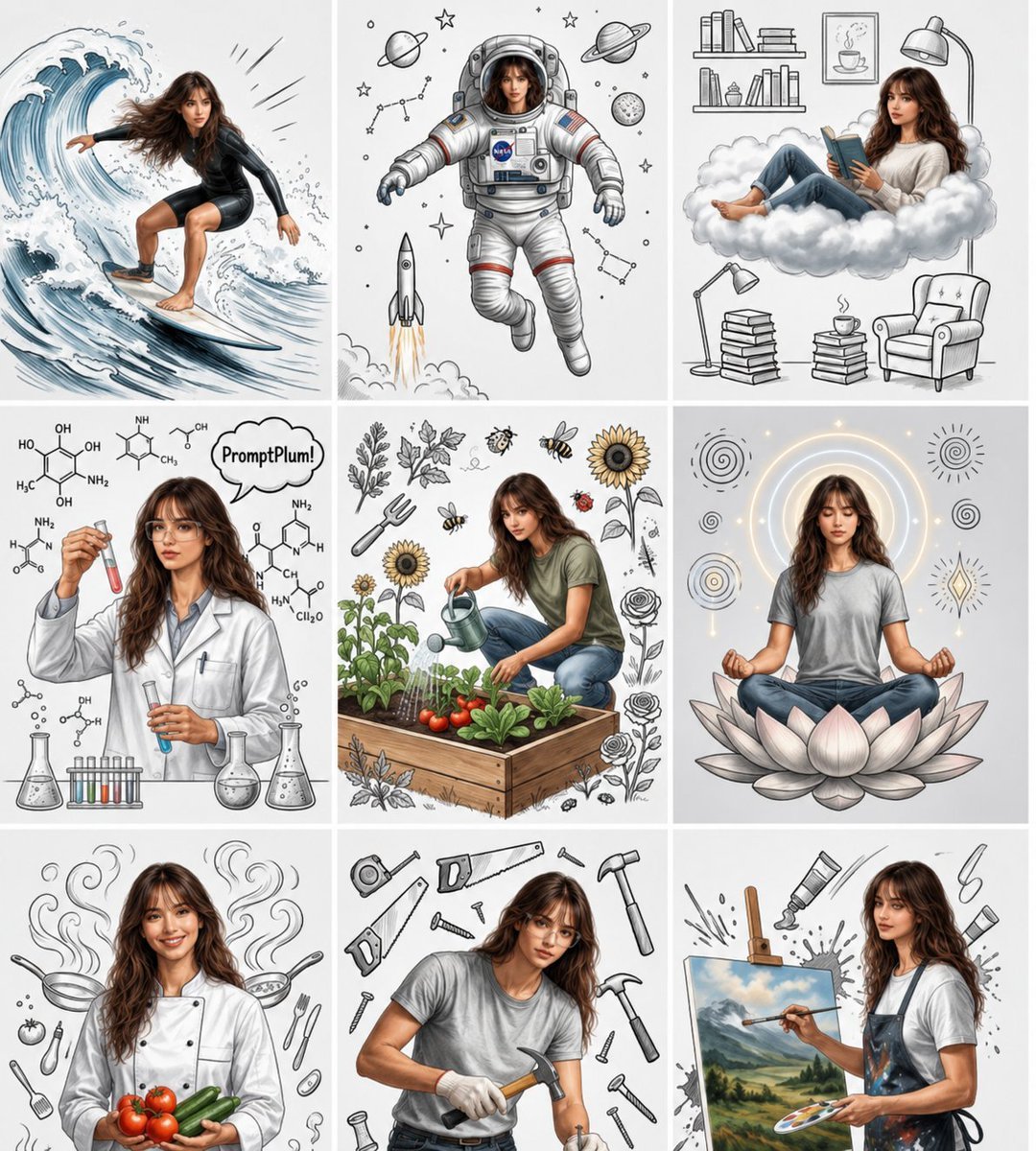
Consistent Character Nine-Panel Illustration Collage
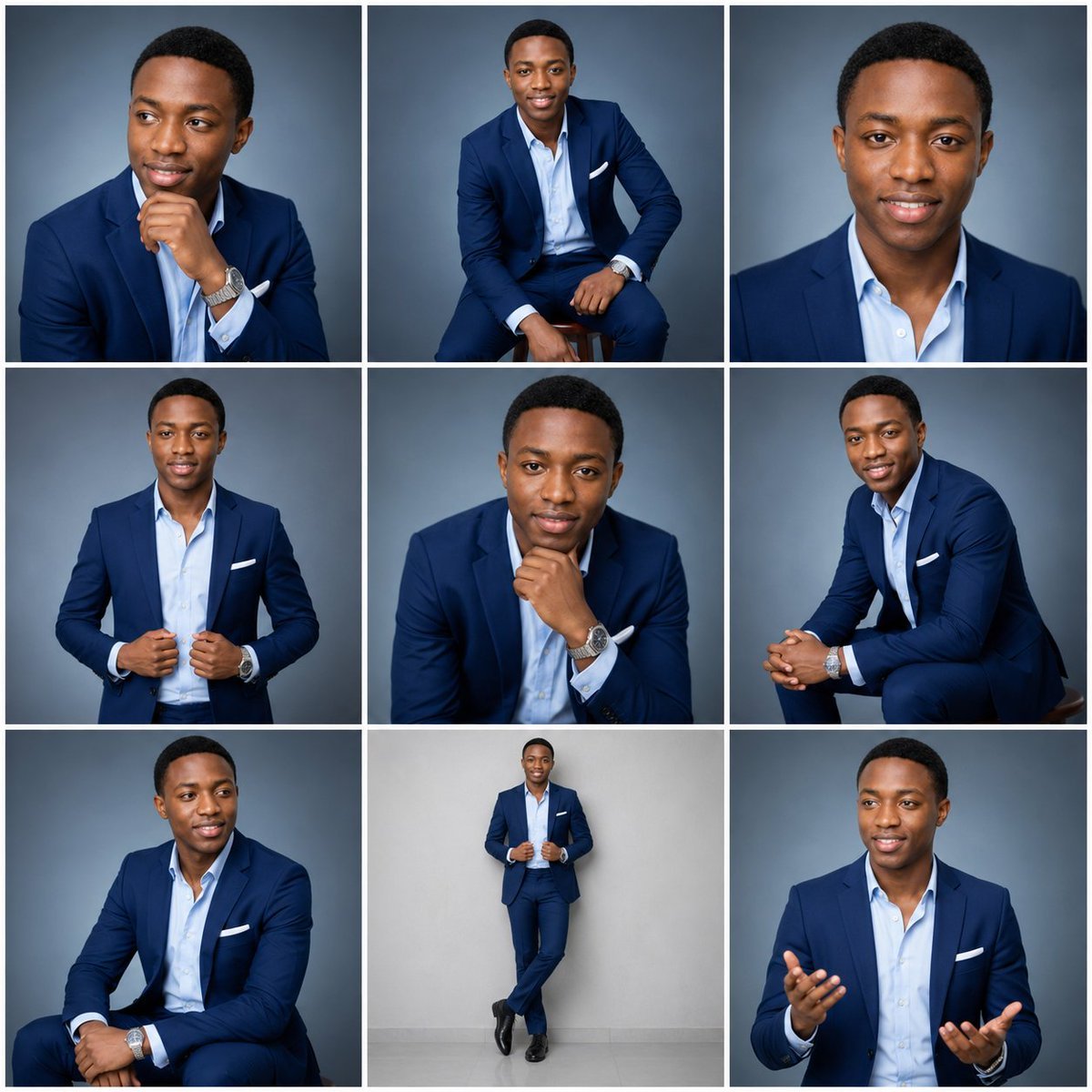
Nine-Frame Corporate Portrait Collage
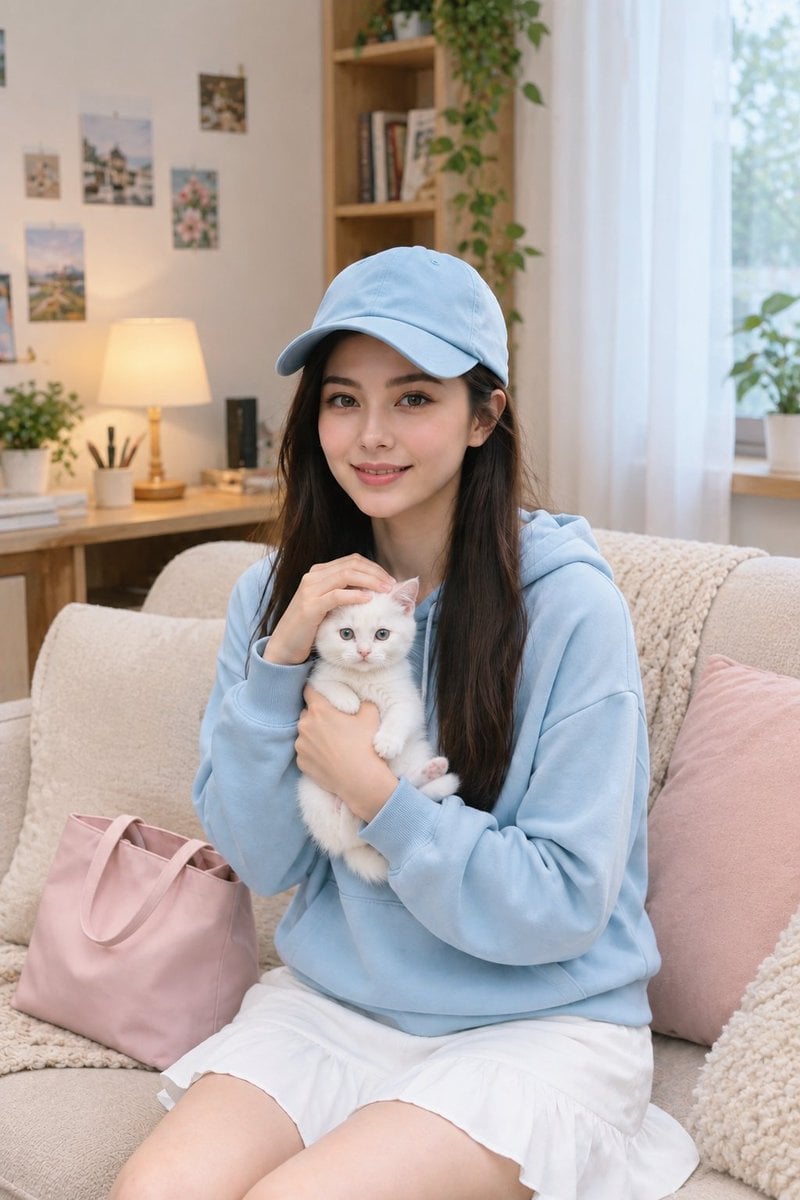
Lifestyle Portrait of Korean Woman with Kitten
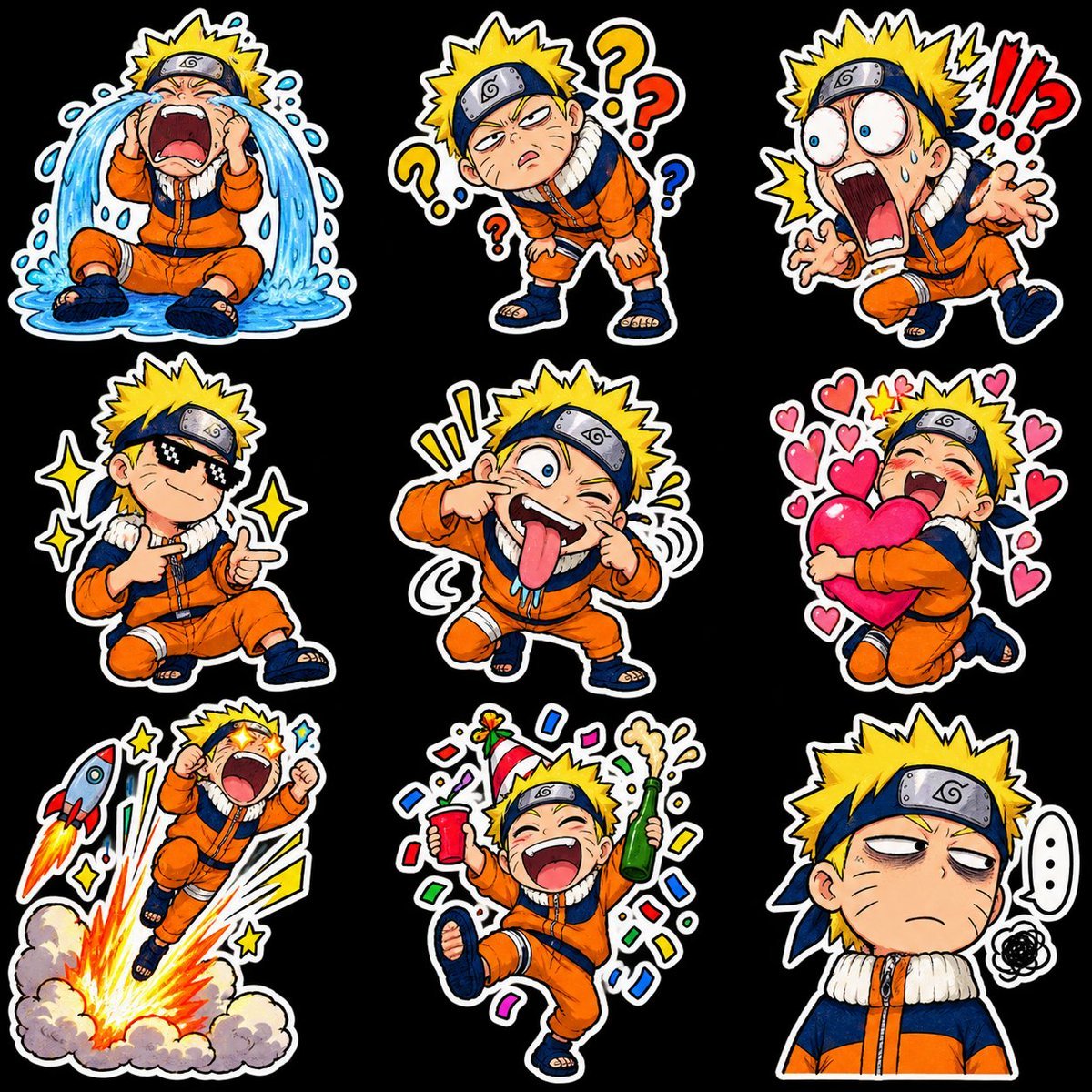
Chibi Anime Ninja Sticker Sheet
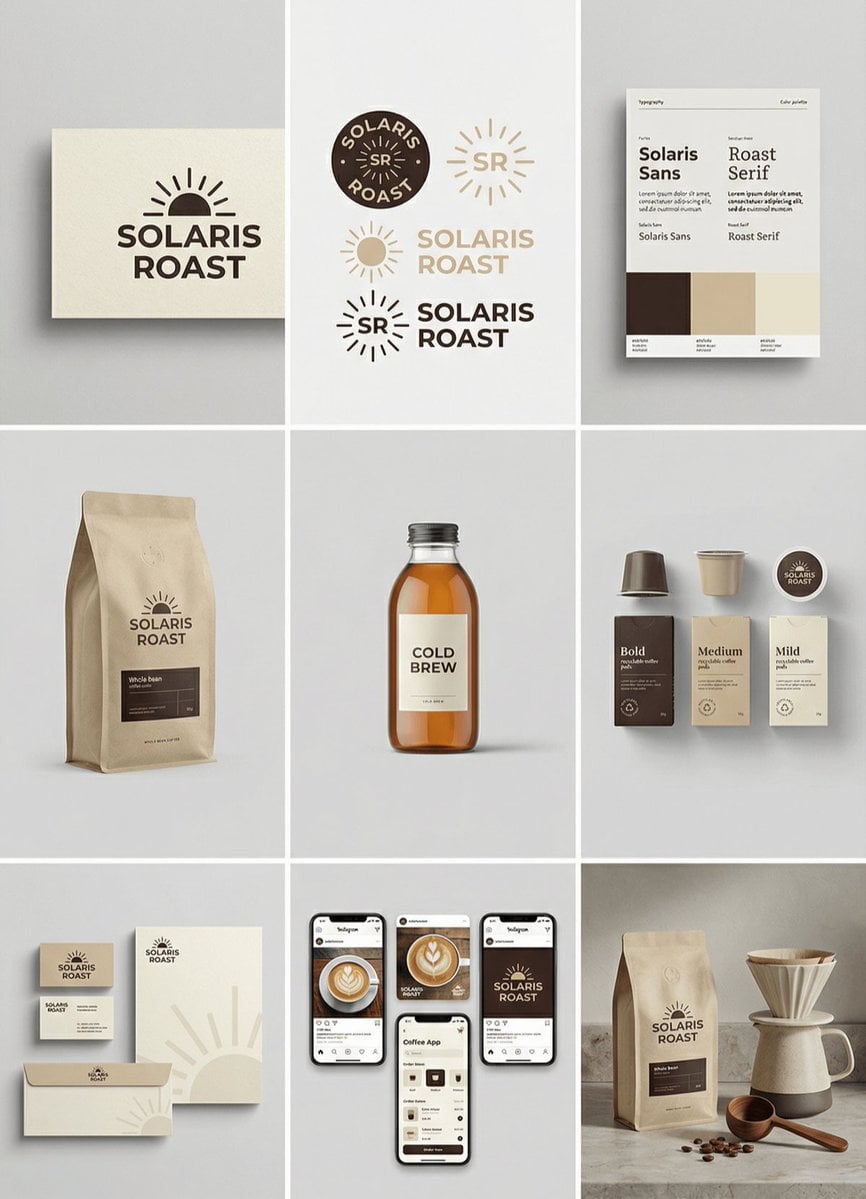
Complete brand identity grid, 3x3 layout, nine tiles showing a full
Make it yours
Nine Chibi Kitten Costume Variants works as-is. These are the safest ways to change it without losing the look.
Swap the setting
Keep the rest of the prompt and replace the location block. The current setting is “solid soft pink paper-like backdrop”.
Swap the light
One lighting change is enough to compare takes. Current light: “flat and soft”.
Change one field
Copy a single group, rewrite it, and generate again so you can see what that field is doing.
| If the result… | Why | Fix |
|---|---|---|
| The result drifts from the preview | Too many fields changed at once. | Reuse Nine Chibi Kitten Costume Variants as-is first, then change one group — subject, light, or setting. |
| GPT Image 2 ignores part of the JSON | Some models flatten or skip nested keys. | Keep the same values and paste them as a short paragraph instead. |
More GPT Image 2 templates
Other prompts made for GPT Image 2.

Six VTuber Japanese Logo Sheet

Realistic Portrait of Woman and Deer

The Vista Modular Condo Poster

AI Model Routing Comparison Infographic

2.5D Anime Art Board

Isometric Productivity Desk Scene

New York Double Exposure Poster

Four-Panel AI Landscape Comparison

Japanese Tatami Lifestyle Magazine Cover

NESCAFÉ Coffee Map Poster
More image prompts
Fresh picks from across the catalog.
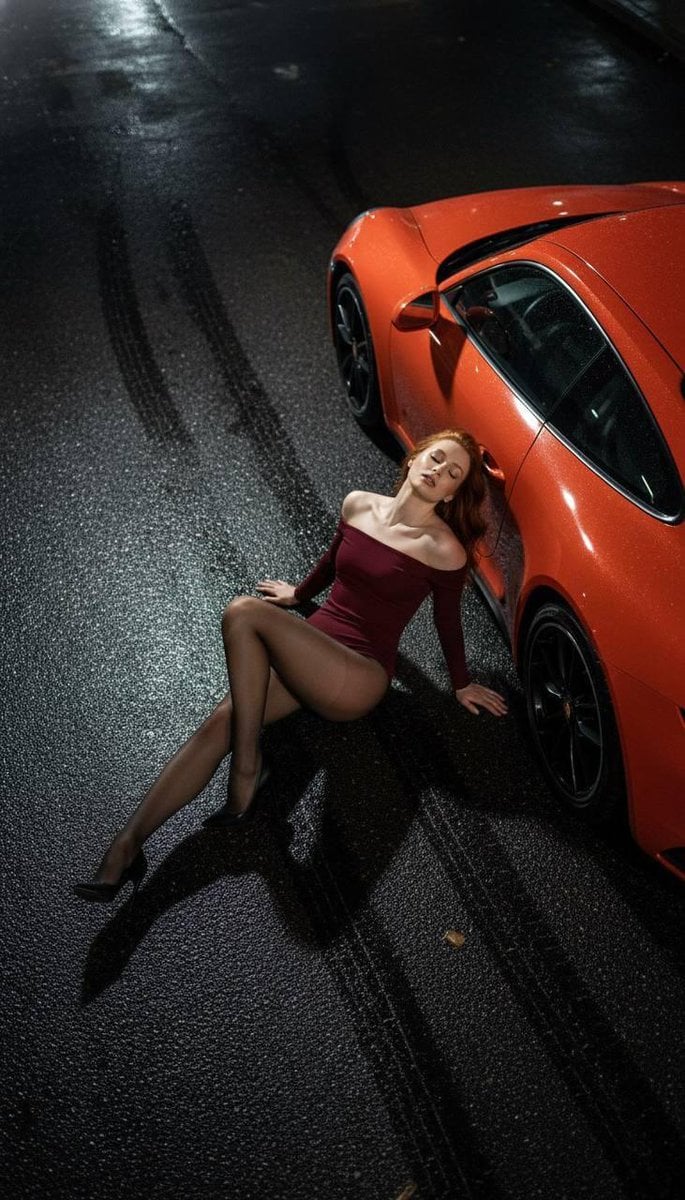
High Fashion Editorial: Woman Lying on Asphalt by Porsche
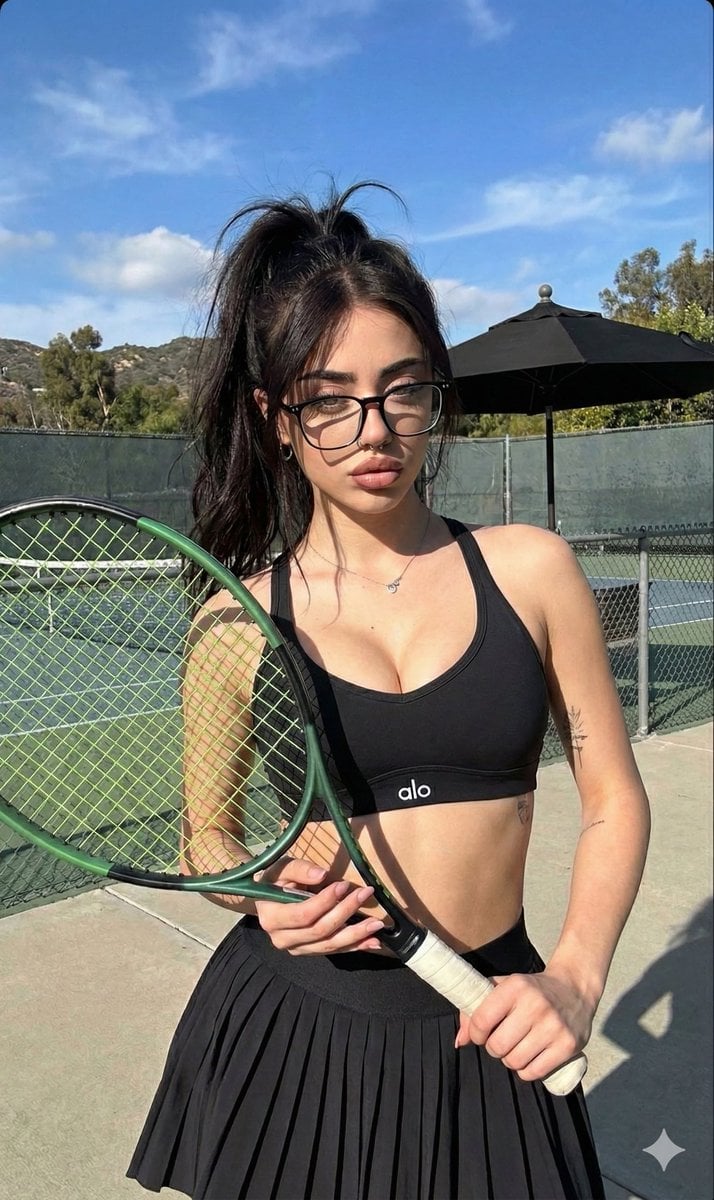
Highly Structured Prompt for Outdoor Tennis Lifestyle Portrait
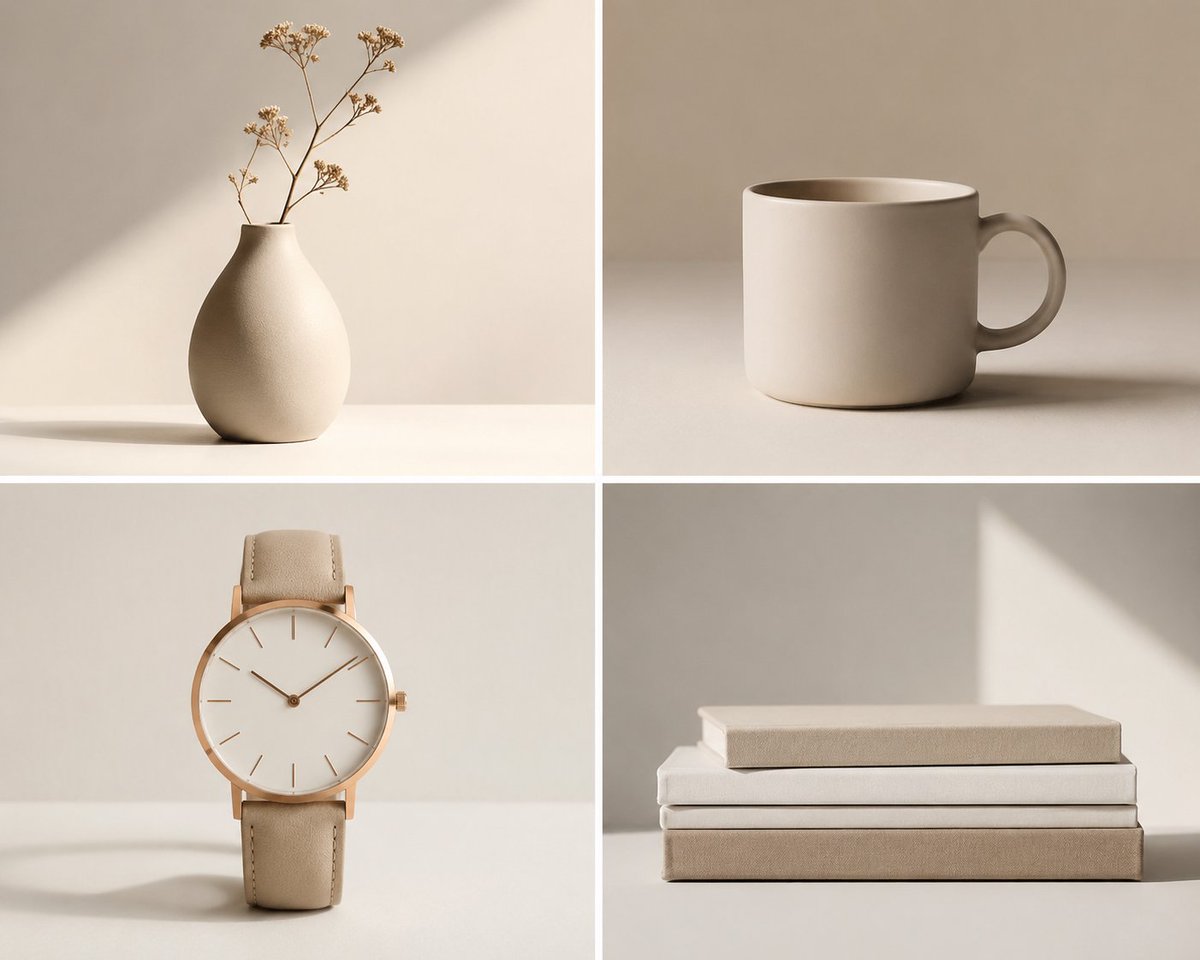
Minimalist Neutral Object Grid
Minimal Coding Study Group Poster

Cinematic Winter Portrait with Snowfall
Modern Chinese Retro Fashion Photography Prompt
Urban Night Cinematic Fashion Portrait Prompt
Hyper-Detailed Arctic Cinematic Portrait
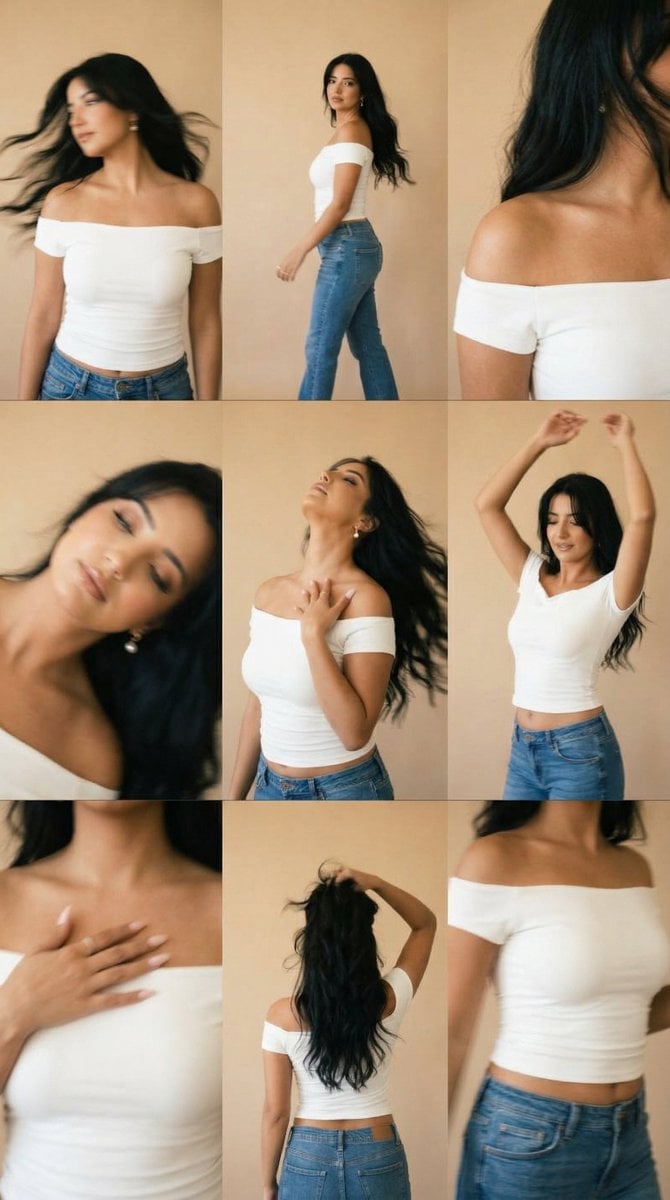
Lo-Fi Warm Studio Motion Contact Sheet 3x3 Grid
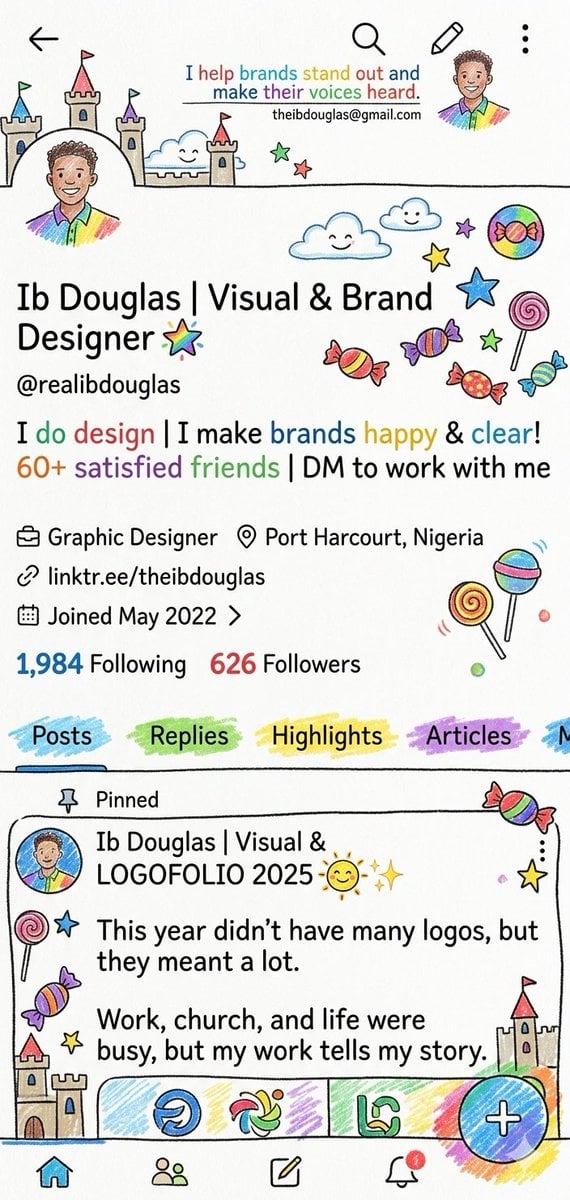
Whimsical Designer Profile UI
Browse template categories
Nine Chibi Kitten Costume Variants questions
How do I use the Nine Chibi Kitten Costume Variants template?
Add your photo if the template asks for one, edit the prompt if you like — the template's model and format are already selected — and press Generate. Your version opens in PicX Studio.
Can I customize the Nine Chibi Kitten Costume Variants template?
Yes. You can change the subject, setting, lighting, mood, format, and available model controls before creating your image.
Is the Nine Chibi Kitten Costume Variants template free?
Opening and editing this template is free. Generating uses credits, shown on the Generate button when you are signed in.
Which AI model should I use?
Start with GPT Image 2, which is the model associated with this template. You can compare another compatible model for a different finish.
Looking for something else? Browse all templates.

Your photo, any look
Thousands of ready templates for every top image and video model, from one credit balance.