
Nine-Frame Corporate Portrait Collage
Generates a realistic 3×3 studio portrait collage of one professional man in varied executive poses for branding or LinkedIn-style imagery.
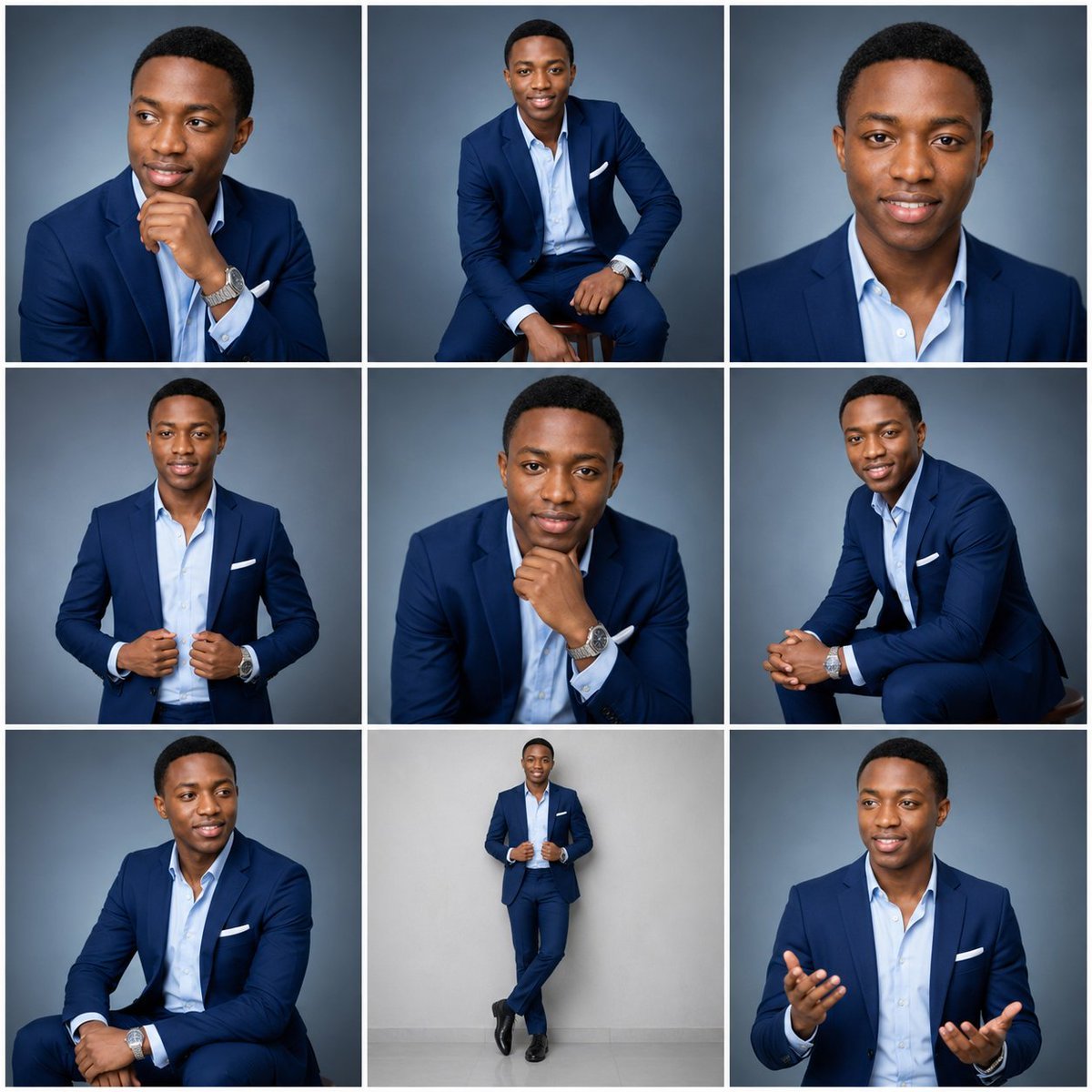
- Prompt included
- Model and format preset
- Free template
The prompt behind this image
Copy the exact prompt behind Nine-Frame Corporate Portrait Collage, or open it in the studio and make it yours.
Create an ultra-realistic 3×3 professional studio portrait collage featuring the same adult man, approximately {argument name="age range" default="25–35 years old"}, with consistent identity across all nine frames. He is a clean-shaven Black man with medium-brown skin, short neat black hair, warm brown eyes, a confident approachable expression, and polished corporate styling. Outfit remains consistent in every panel: tailored {argument name="suit color" default="navy blue"} suit, light blue open-collar dress shirt with no tie, white pocket square, silver wristwatch, black dress shoes where visible. Use soft professional studio lighting, sharp realistic skin texture, natural facial proportions, and a smooth cool gray-blue gradient studio backdrop, except the full-body standing frame may use a lighter gray wall and floor. Canvas and layout: square image, divided into exactly 9 equal portrait panels in a clean 3×3 grid with thick white gutters between frames and no text, logos, watermarks, or labels. Each panel should look like a different selection from the same executive headshot session while preserving the same face, grooming, outfit, lighting quality, and color palette. Frame count and poses, exactly 9 portraits: 1. Top-left: close three-quarter portrait, seated or cropped at chest, looking off to the viewer’s left, right hand resting under chin in a thoughtful pose, wristwatch visible. 2. Top-center: wider seated portrait on a stool, body angled slightly, smiling toward camera, one hand resting near knee, full suit visible from head to knees. 3. Top-right: tight front-facing head-and-shoulders headshot, direct eye contact, gentle smile, symmetrical corporate profile-photo style. 4. Middle-left: half-body standing portrait, facing camera, both hands adjusting or holding the suit jacket near the waist, confident slight smile. 5. Middle-center: medium close-up leaning forward, chin resting on fist, direct gaze, wristwatch prominent, composed executive expression. 6. Middle-right: seated side-angle portrait, leaning forward with hands clasped, looking toward camera, friendly smile, suit sleeve and watch visible. 7. Bottom-left: seated three-quarter portrait, looking off to the viewer’s right, one arm resting across lap, relaxed smile, watch visible. 8. Bottom-center: full-body standing portrait against a light gray wall, hands holding jacket lapels, legs crossed at the ankles, black dress shoes visible, centered with more negative space. 9. Bottom-right: medium portrait of the man speaking or presenting, looking slightly off-camera, both hands raised open in a conversational gesture, friendly professional smile. Visual style: premium LinkedIn/executive branding photography, photorealistic, high-resolution, crisp focus, flattering softbox lighting, subtle rim light, realistic fabric folds, consistent color grading, balanced contrast, clean corporate aesthetic. Avoid caricature, illustration, inconsistent faces, extra people, duplicated limbs, distorted hands, text, or overly dramatic lighting.
How to use Nine-Frame Corporate Portrait Collage in 3 steps
- 1Upload ImagePNG, JPG or paste
Add your photo
Upload the photo the template builds on. The prompt, model and format are already set.
- 2…a portrait of your subject in softgolden-hour light, 85mm…
Personalize
Edit the subject and creative details for your destination.
- 3Generate
Generate
Press Generate — your image is created in PicX Studio, so you can compare it with the original and refine one variable at a time.
More like this
Templates with the same subject, style or setup. Open one to see its prompt.

Found Photograph: Us, 1970

80s Couple Studio Portrait

80s Bollywood Star

80s Golden Hour Cinema

Me in 1985

1985 Studio Portrait
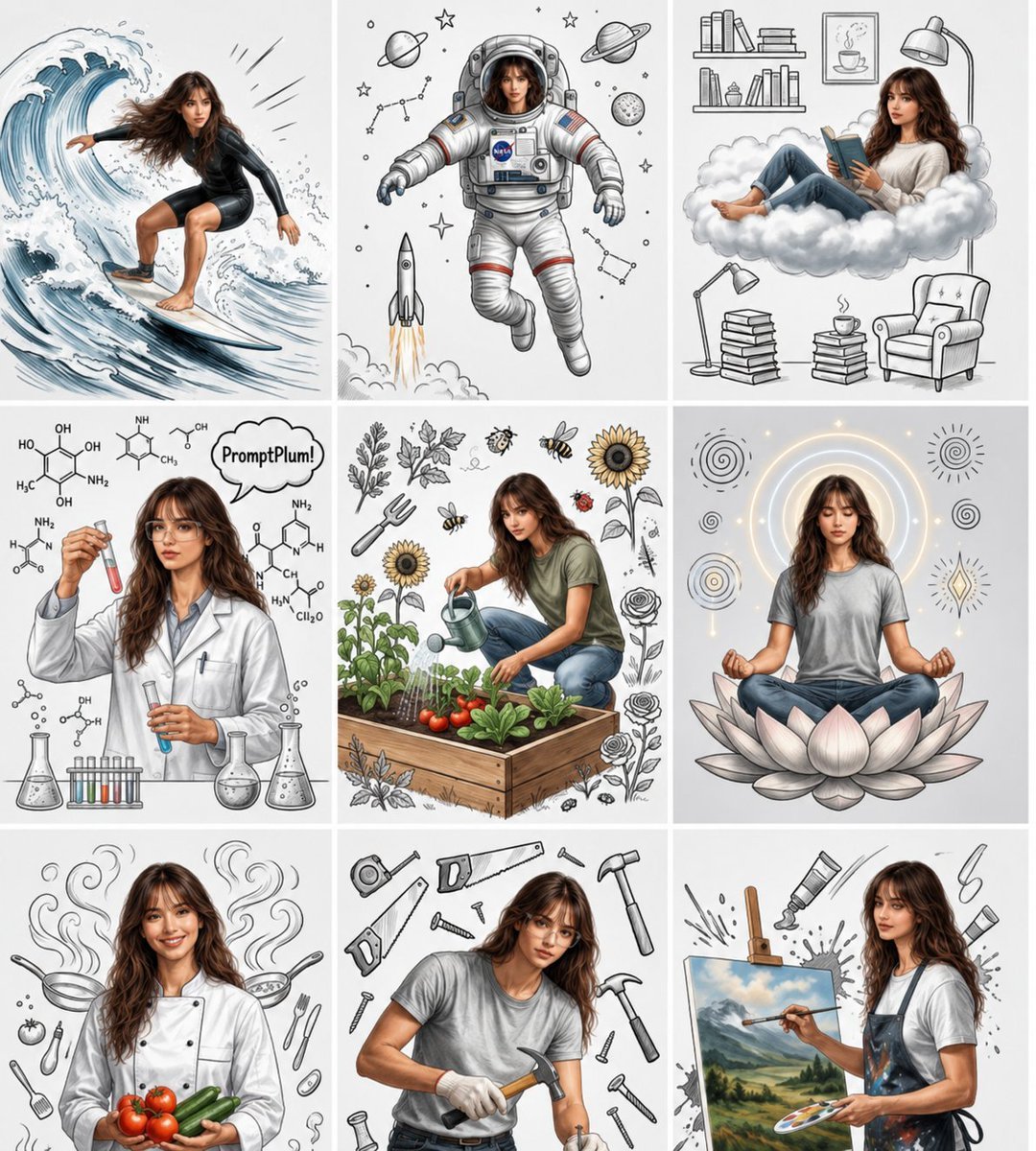
Consistent Character Nine-Panel Illustration Collage

Hyper-Realistic Minecraft POV Portrait
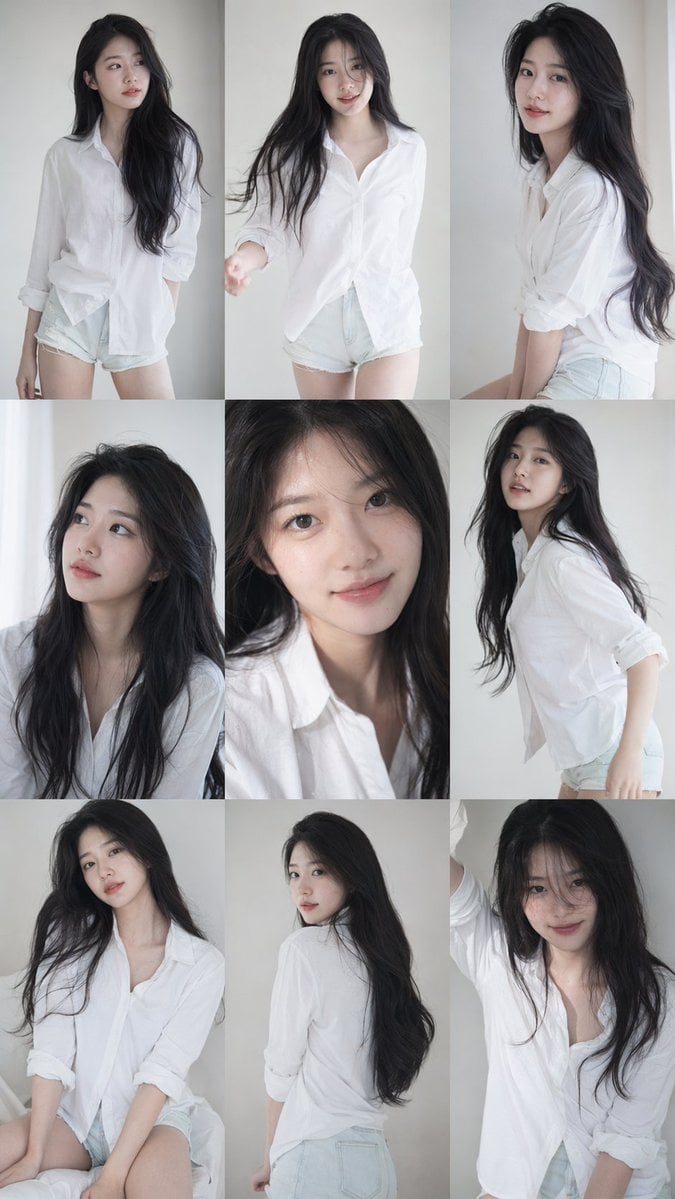
9 16 vertical a 3x3 grid collage nine images forming a Korean idol
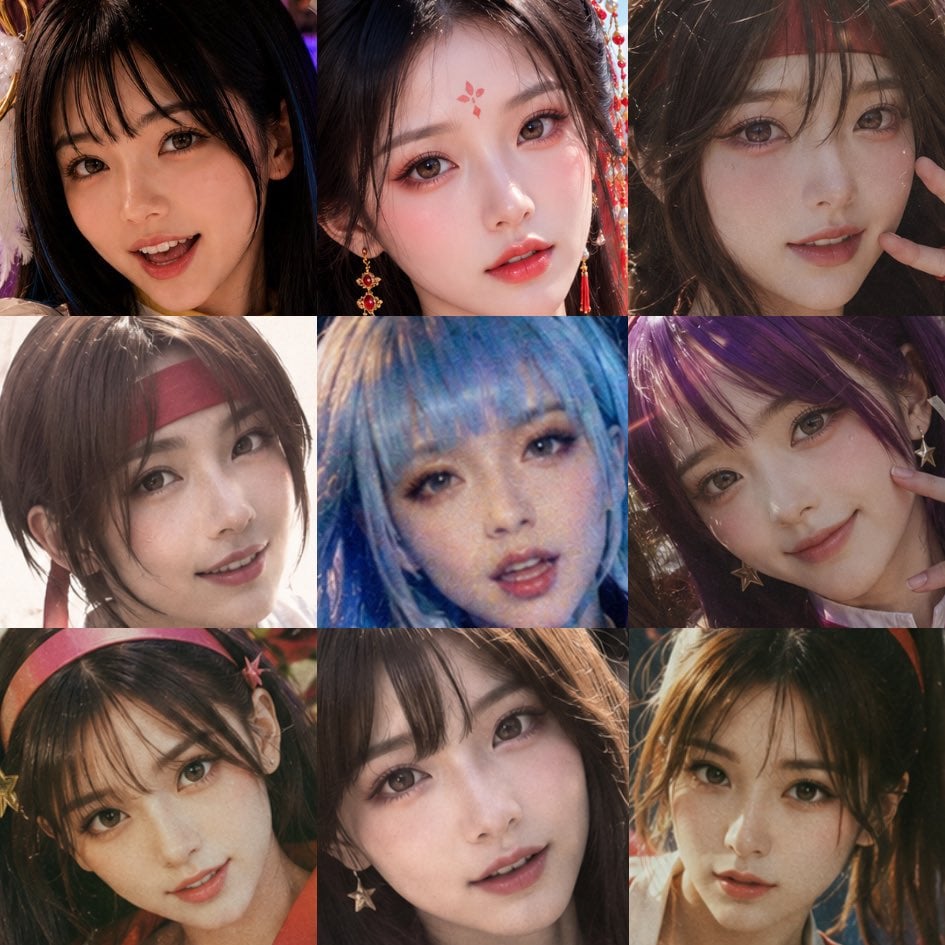
Nine-Panel AI Beauty Face Collage
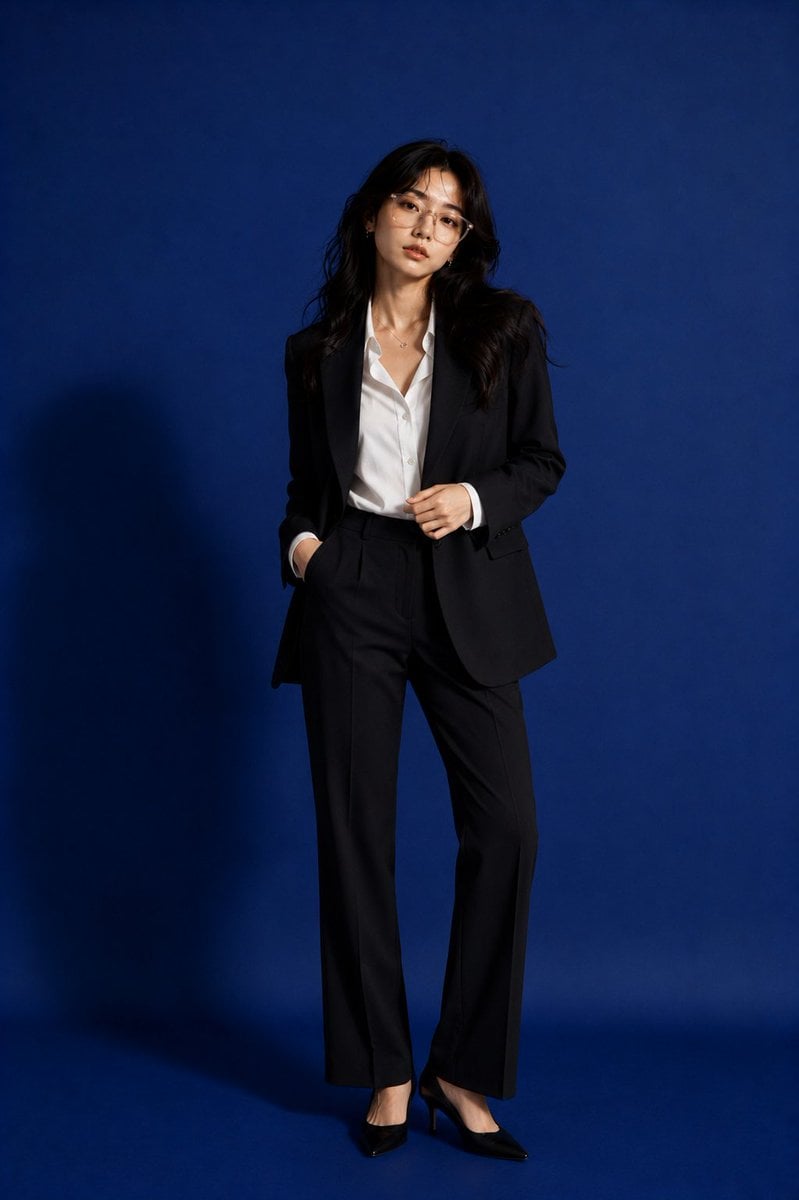
Premium Corporate Fashion Studio Portrait

Sunflower Field Frame Portrait
Make it yours
Nine-Frame Corporate Portrait Collage works as-is. These are the safest ways to change it without losing the look.
Change one field
Copy a single group, rewrite it, and generate again so you can see what that field is doing.
Keep the frame, change the subject
Hold the composition and light of Nine-Frame Corporate Portrait Collage, then swap wardrobe, props or the person for a new take.
| If the result… | Why | Fix |
|---|---|---|
| The result drifts from the preview | Too many fields changed at once. | Reuse Nine-Frame Corporate Portrait Collage as-is first, then change one group — subject, light, or setting. |
| The model over-stylizes the scene | The prose prompt leaves finish and camera underspecified. | Add one camera or lighting sentence and stay on GPT Image 2. |
More GPT Image 2 templates
Other prompts made for GPT Image 2.

Six VTuber Japanese Logo Sheet

Realistic Portrait of Woman and Deer

The Vista Modular Condo Poster

AI Model Routing Comparison Infographic

2.5D Anime Art Board

Isometric Productivity Desk Scene

New York Double Exposure Poster

Four-Panel AI Landscape Comparison

Japanese Tatami Lifestyle Magazine Cover

NESCAFÉ Coffee Map Poster
More image prompts
Fresh picks from across the catalog.
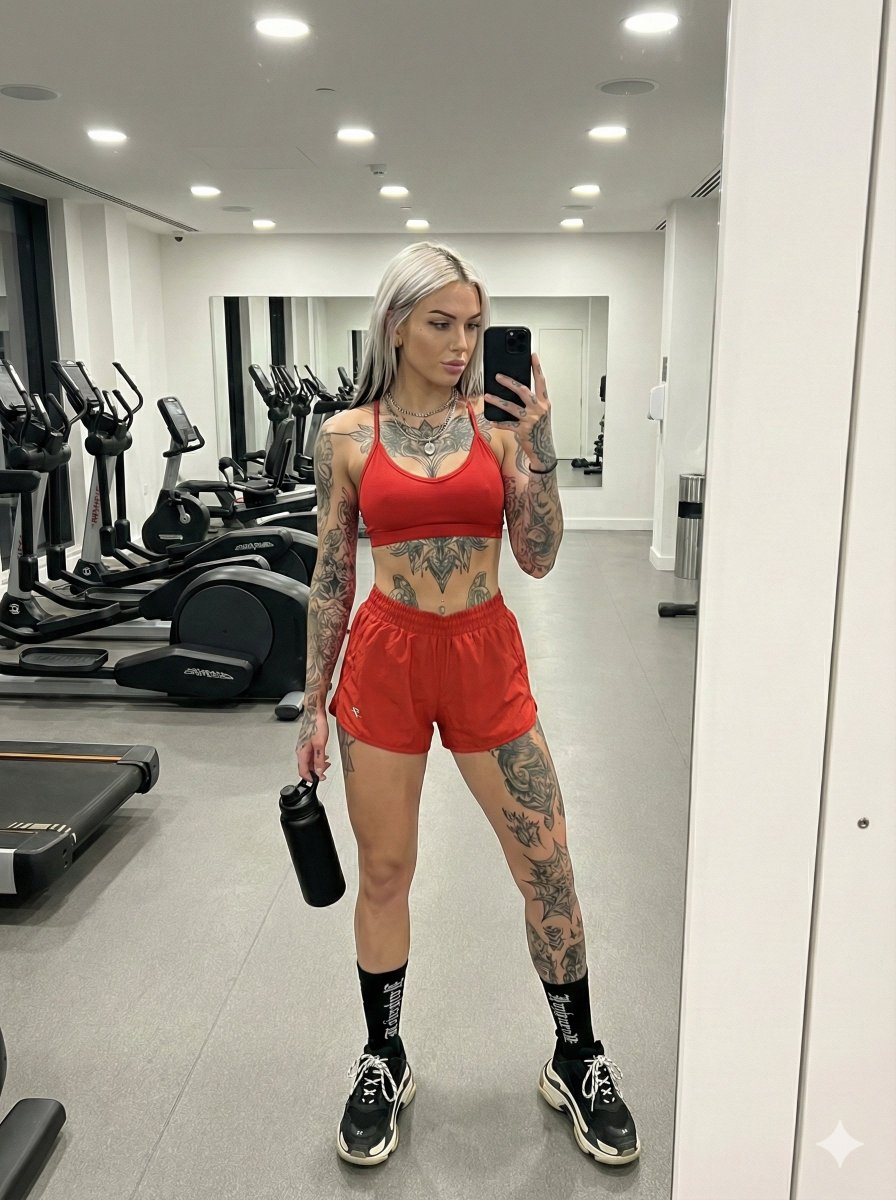
Alt-Fitness Mirror Selfie with Extensive Tattoos

Minimalist Plasma Core Data Sheet
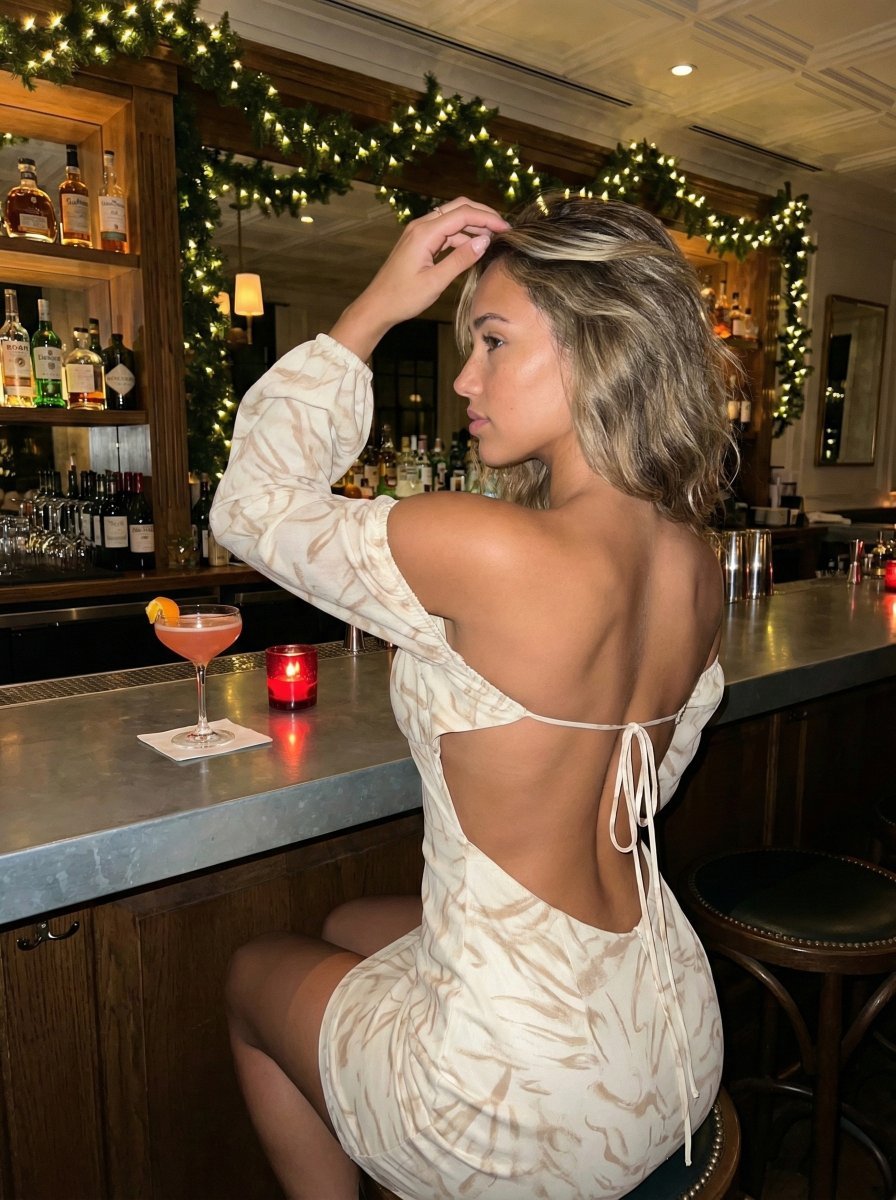
High-Contrast Flash Photography Nightlife Portrait

Anime Green Onion Harvest Heroine
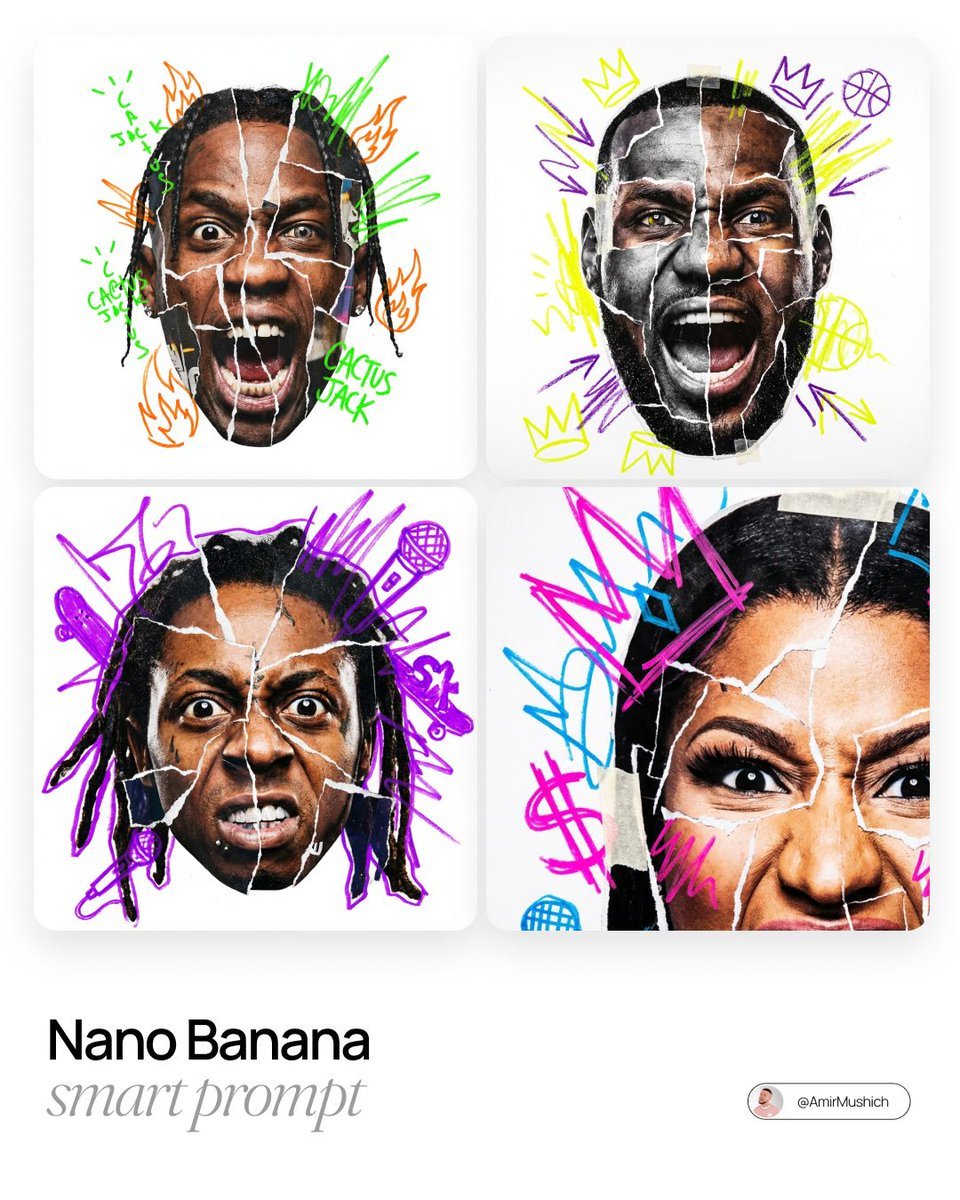
Urban Photo-Collage Caricature Style Prompt
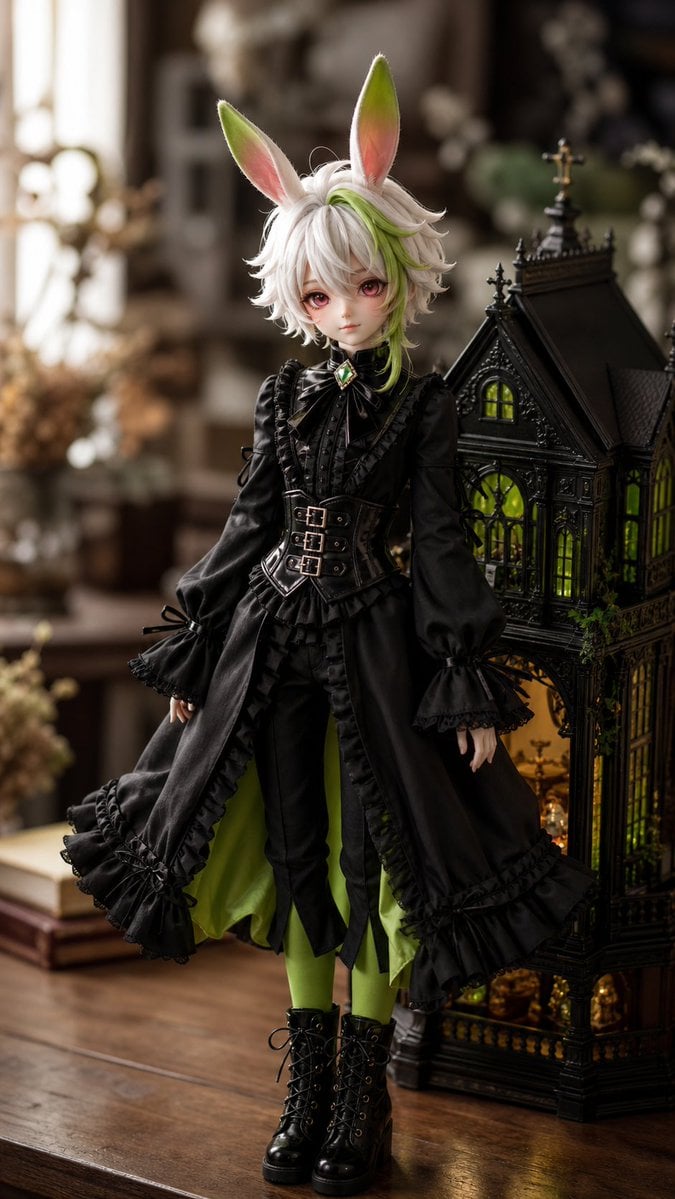
Ball-Jointed Doll Character Transformation
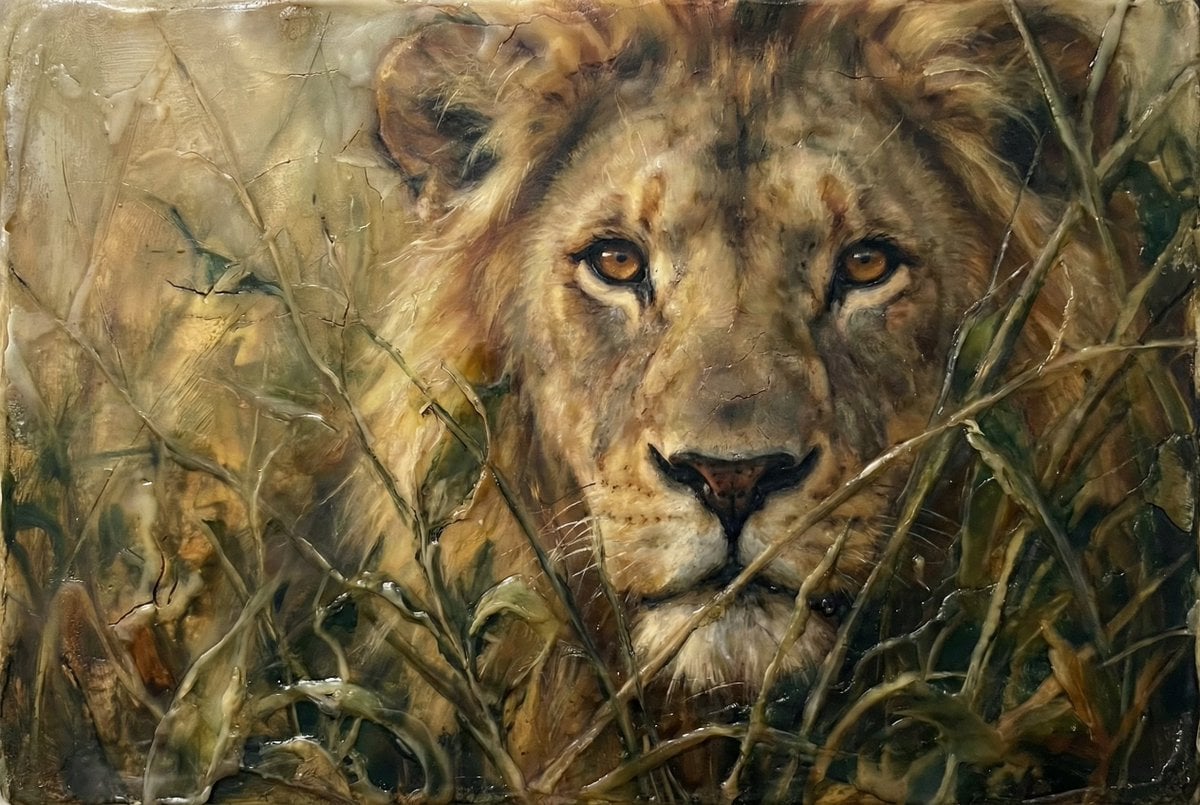
Heavily Detailed Oil Painting of a Lion in a Thicket
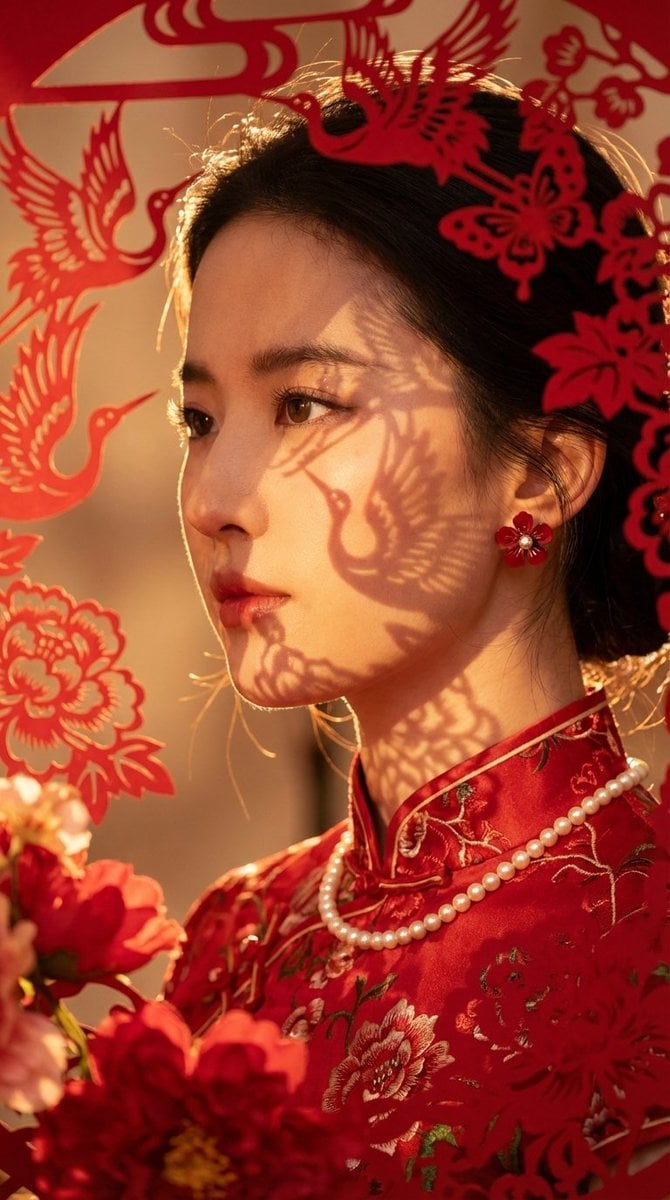
Hyper-realistic New Chinese Style Portrait with Gobo Lighting
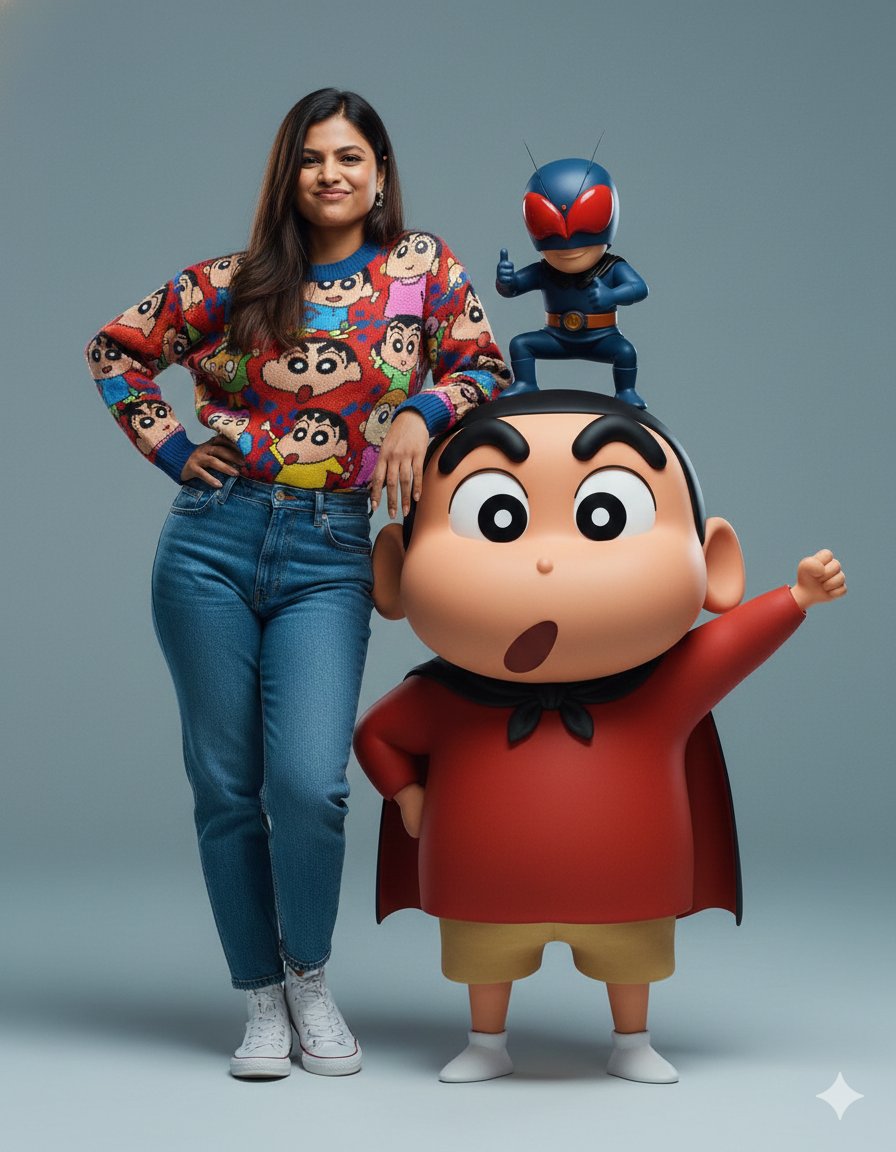
Hyper-realistic Portrait with Family Guy 3D Characters

Cute Blonde Girl Mirror Selfie in Argyle Vest
Browse template categories
Nine-Frame Corporate Portrait Collage questions
How do I use the Nine-Frame Corporate Portrait Collage template?
Add your photo if the template asks for one, edit the prompt if you like — the template's model and format are already selected — and press Generate. Your version opens in PicX Studio.
Can I customize the Nine-Frame Corporate Portrait Collage template?
Yes. You can change the subject, setting, lighting, mood, format, and available model controls before creating your image.
Is the Nine-Frame Corporate Portrait Collage template free?
Opening and editing this template is free. Generating uses credits, shown on the Generate button when you are signed in.
Which AI model should I use?
Start with GPT Image 2, which is the model associated with this template. You can compare another compatible model for a different finish.
Looking for something else? Browse all templates.

Your photo, any look
Thousands of ready templates for every top image and video model, from one credit balance.