
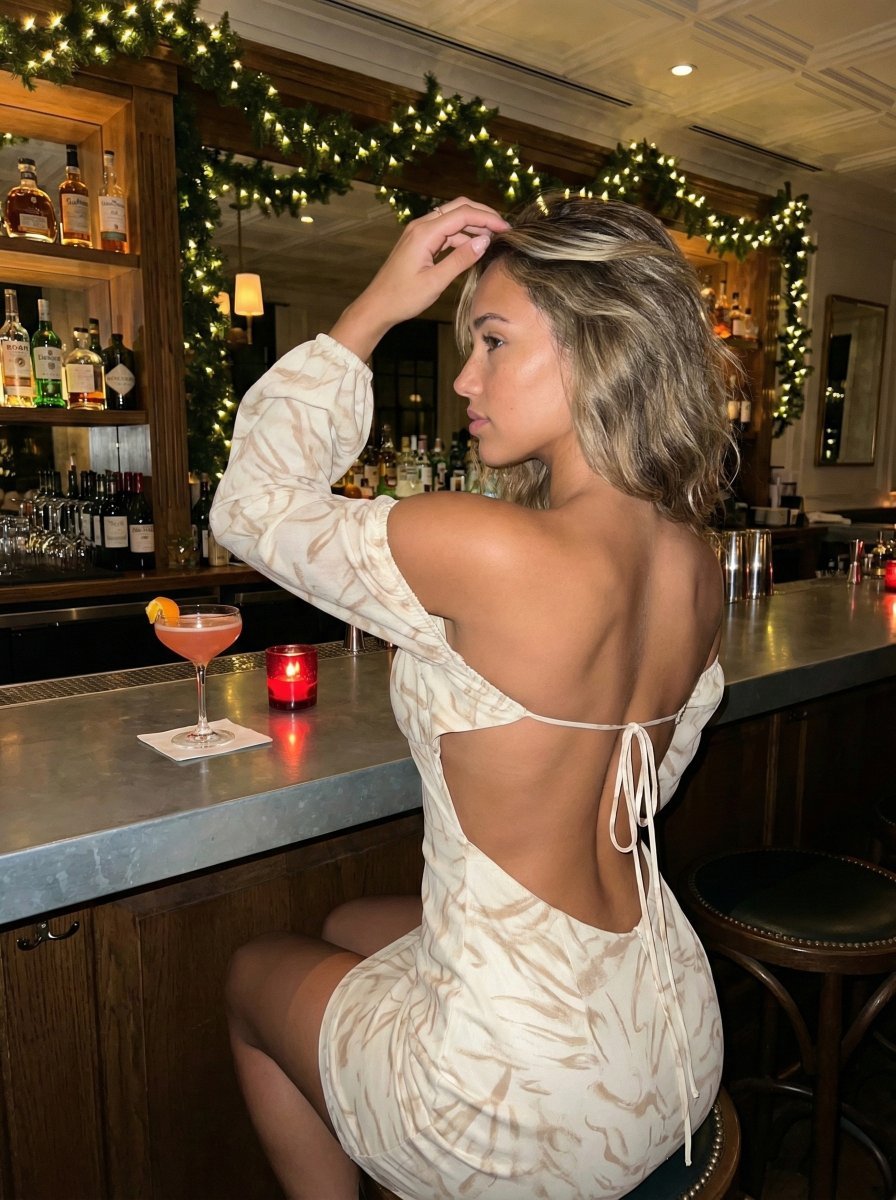
High-Contrast Flash Photography Nightlife Portrait
A detailed prompt for generating a hyper-realistic, flash-style portrait of a woman in an upscale, dimly lit bar.
- Prompt included
- Model and format preset
- Free template
The prompt behind this image
Copy the exact prompt behind High-Contrast Flash Photography Nightlife Portrait, or open it in the studio and make it yours.
{ "subject": "Young adult female with tanned, glowing skin and long, voluminous hair featuring blonde balayage highlights and loose waves. She is wearing a cream-colored, off-the-shoulder mini dress with a subtle, abstract light brown leaf or animal print. The dress features long sleeves with elastic cuffs and a distinct open-back design secured by thin spaghetti strap ties at the lower back. Her physique is fit and curvaceous, with a visibly arched back, small waist, and a full, prominent bust profile visible from the side. The dress fabric appears lightweight and textured, draping naturally over her curves.", "pose": "Seated on a high bar stool, angled with her back three-quarters towards the camera (rear 3/4 view). Her torso is twisted slightly to the left, and her head is turned fully to the left in a sharp side profile, looking away from the viewer. Her left arm is raised, with her hand delicately touching the crown of her head or running through her hair. Her right arm rests naturally by her side. Her posture highlights the curve of her spine and the definition of her back muscles.", "environment": "An upscale, dimly lit bar or lounge setting. Behind the subject is a wooden back bar with glass shelving displaying various liquor bottles. A festive evergreen garland adorned with warm white Christmas lights runs along the top of the shelving unit. The bar counter itself has a metallic, zinc-style surface. On the counter sits a stemmed cocktail glass containing a pinkish-red drink with an orange peel garnish on a white napkin, alongside a small, lit red votive candle.", "camera": "Medium shot capturing the subject from the mid-thighs up. The camera is positioned at approximately eye level or slightly above, emphasizing the subject's back and profile. A shallow depth of field is used, keeping the subject in sharp focus while blurring the background lights into soft bokeh. The perspective creates a sense of intimacy and immediacy.", "lighting": "A mix of ambient warm bar lighting and a direct, flash-style source illuminating the subject. The background features warm, glowing bokeh from the garland lights and shelf illumination. The subject is lit by a cool-toned, direct flash or strobe from the front-right (relative to the camera), creating high contrast on her skin, highlighting the texture of the dress, and casting a soft shadow on the bar counter to her left. Skin reflectivity is high due to the direct light.", "mood_and_expression": "Candid, sophisticated, and slightly pensive. The subject appears unaware of the camera or is posing in a 'caught in the moment' style. The mood is festive yet intimate, evoking a night out at a high-end venue.", "style_and_realism": "High-fidelity realism with a flash-photography aesthetic common in social media nightlife portraits. Sharp details on hair strands, skin texture, and fabric weave. Realistic representation of light interaction with the metall
How to use High-Contrast Flash Photography Nightlife Portrait in 3 steps
- 1
Open
The prompt is already in the box next to the preview, with the template's model and format selected.
- 2…a portrait of your subject in softgolden-hour light, 85mm…
Personalize
Edit the subject and creative details for your destination.
- 3Generate
Generate
Press Generate — your image is created in PicX Studio, so you can compare it with the original and refine one variable at a time.
More like this
Templates with the same subject, style or setup. Open one to see its prompt.
High-Contrast Nightlife Portrait Prompt with Flash Photography Aesthetic

2025 Aesthetic Photography

Portrait of a young woman in her early 20s walking calmly on a beautiful

A high-definition cinematic portrait of a sophisticated woman sitting

Realistic portrait 100 identical face, no editing allowed
Retro Nightlife Flash Portrait
Early 2000s Nightlife Flash Portrait
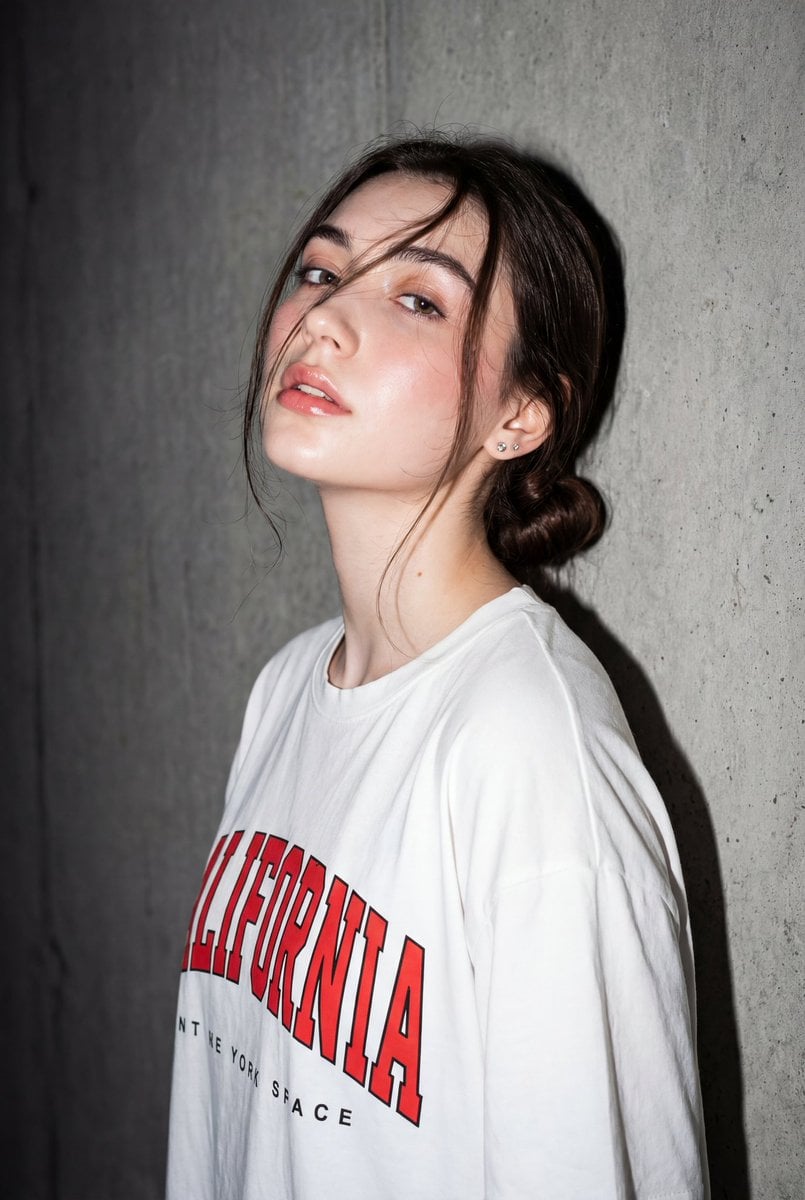
High-Contrast Flash Portrait with Identity Lock

Found Photograph: Us, 1970

One Dance Before Midnight

80s Couple Studio Portrait

80s Neon Disco Night
Make it yours
High-Contrast Flash Photography Nightlife Portrait works as-is. These are the safest ways to change it without losing the look.
Change one field
Copy a single group, rewrite it, and generate again so you can see what that field is doing.
Keep the frame, change the subject
Hold the composition and light of High-Contrast Flash Photography Nightlife Portrait, then swap wardrobe, props or the person for a new take.
| If the result… | Why | Fix |
|---|---|---|
| The result drifts from the preview | Too many fields changed at once. | Reuse High-Contrast Flash Photography Nightlife Portrait as-is first, then change one group — subject, light, or setting. |
| The model over-stylizes the scene | The prose prompt leaves finish and camera underspecified. | Add one camera or lighting sentence and stay on Nano Banana 2. |
More Nano Banana 2 templates
Other prompts made for Nano Banana 2.

Photorealistic Leaf Shaped Like a Dragon

K-Pop Idol Portrait Grid for Rapid Selection

Poetic Rain Forest Portrait During Golden Hour

Urban Street Portrait with Cartoon Inner Self Duo

Candid Nighttime Photo with Cat Prompt

High-Concept 3D Diorama Generation Prompt

Cinematic Futuristic Studio Portrait Template

Skincare Editorial Photography Collage Prompt

Hyper-Realistic Commercial Product Photography (Splash Effect)

Hyper-Realistic Nightclub Portrait Prompt
More image prompts
Fresh picks from across the catalog.
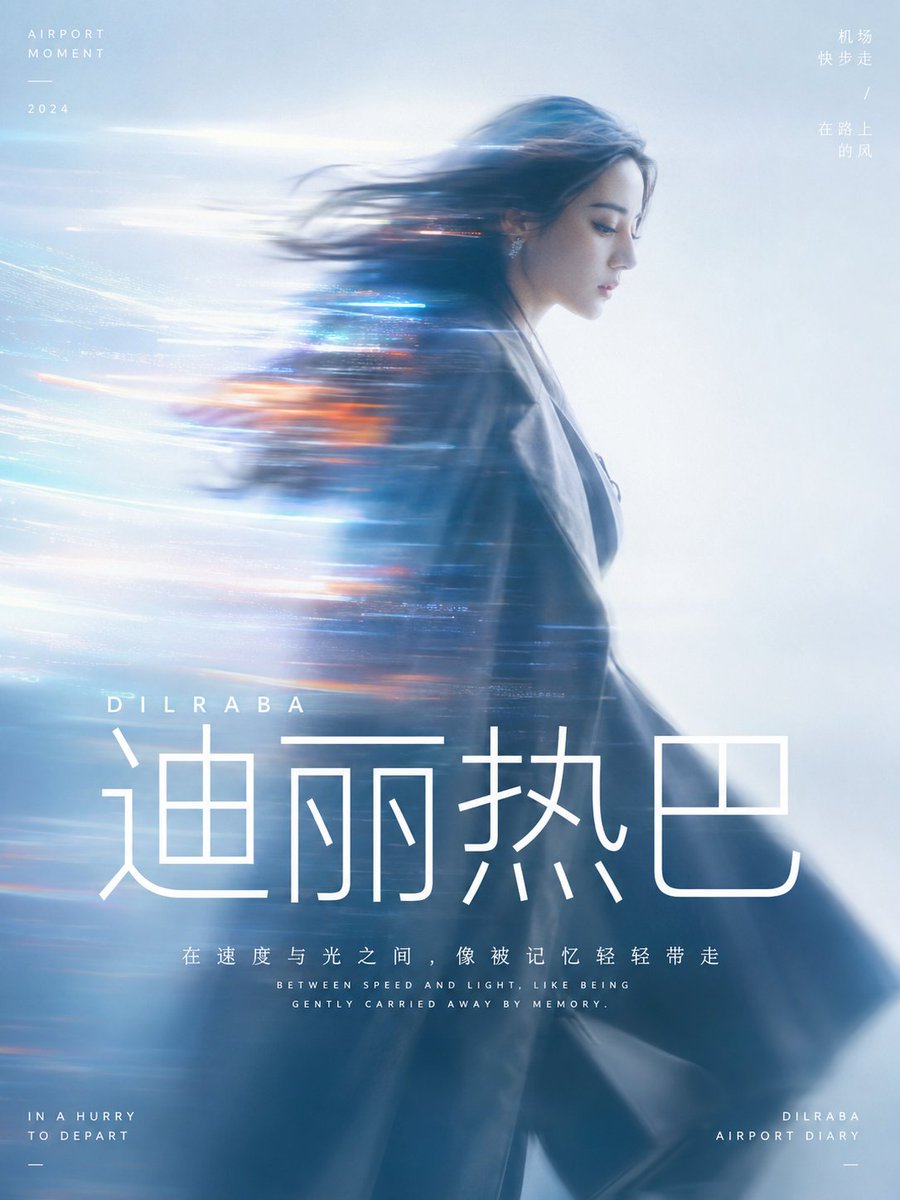
Cinematic Motion Blur Silhouette Portrait
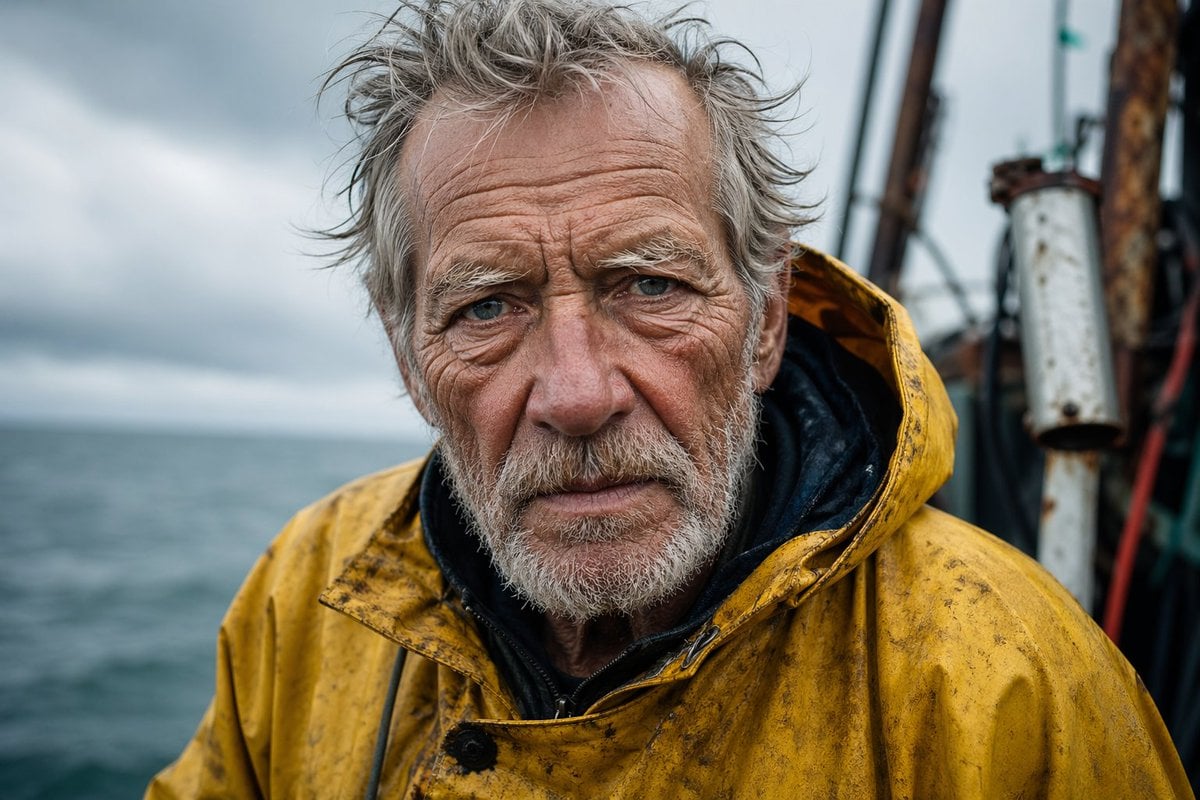
Detailed Elderly Fisherman Portrait
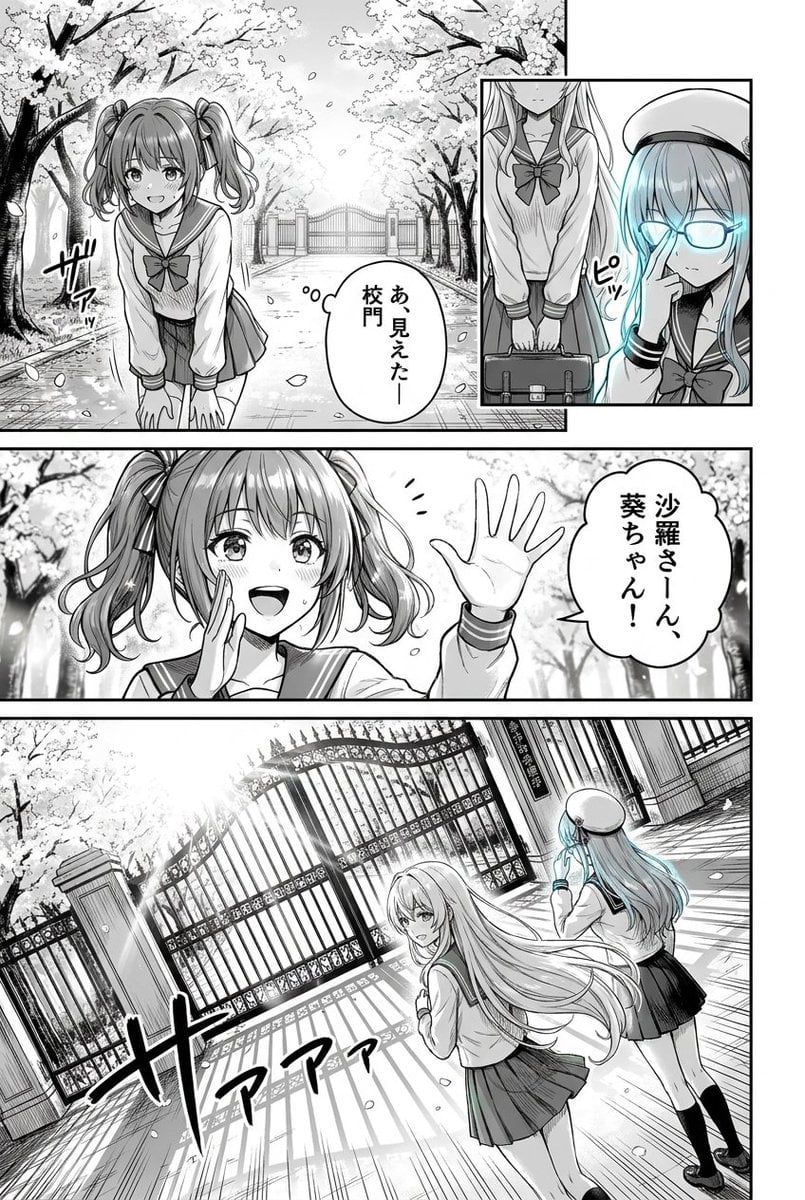
Cherry Blossom School Gate Manga Page
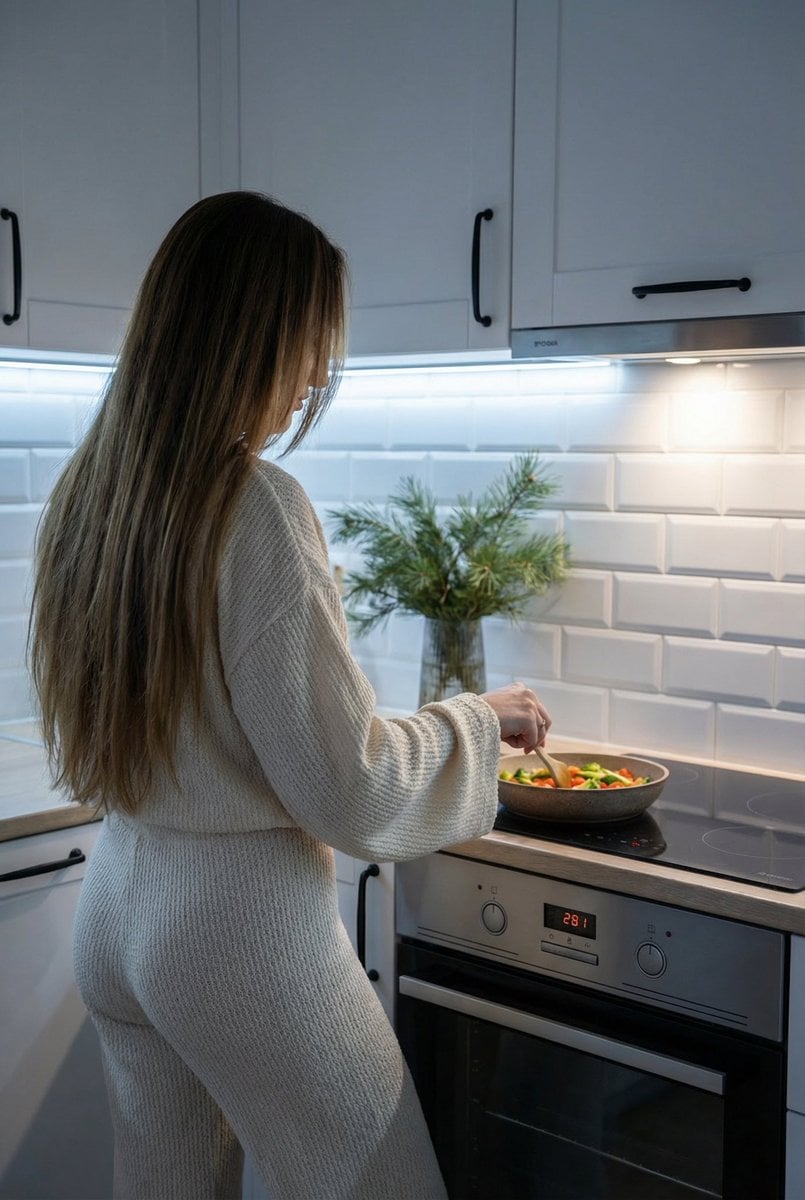
Candid Shot of Woman Cooking in Modern Kitchen

Y!mobile Ad Poster Generation Prompt
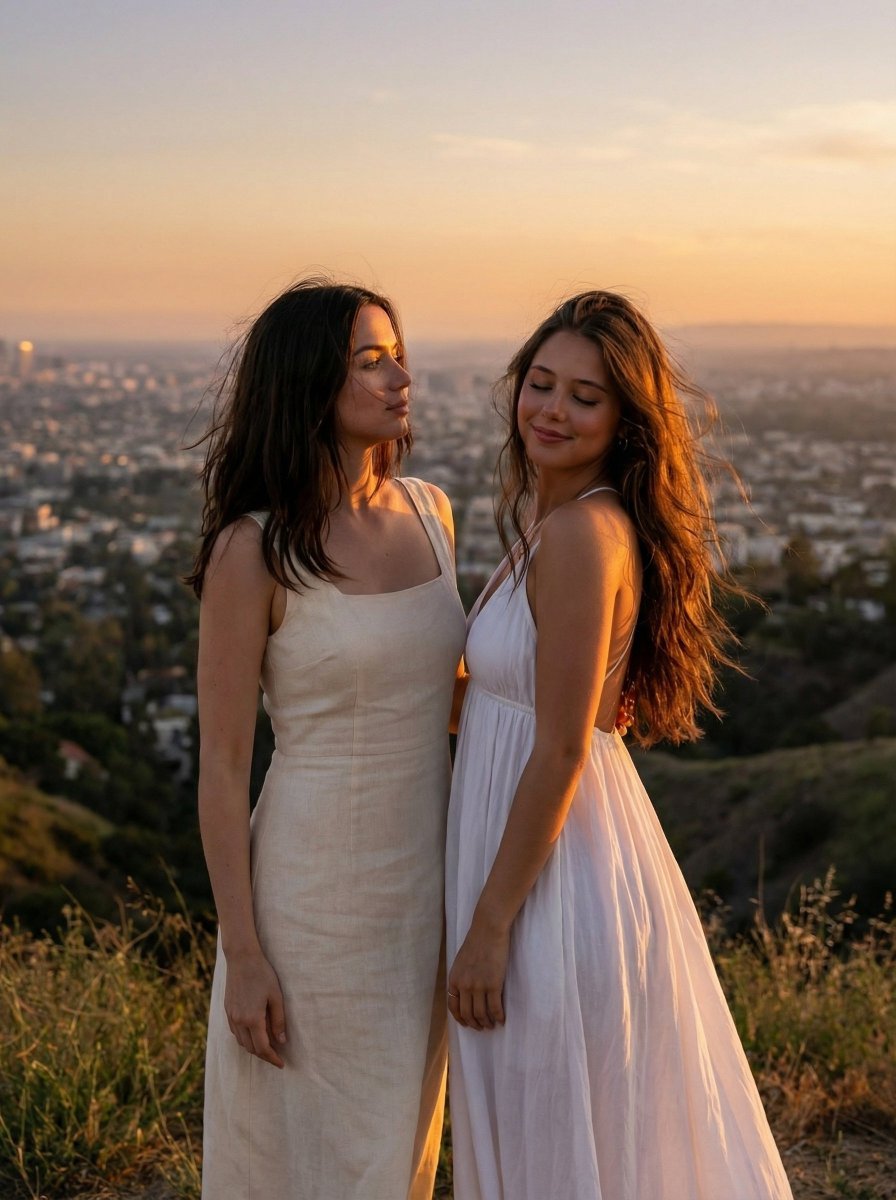
Cinematic Golden Hour Portrait on Hilltop
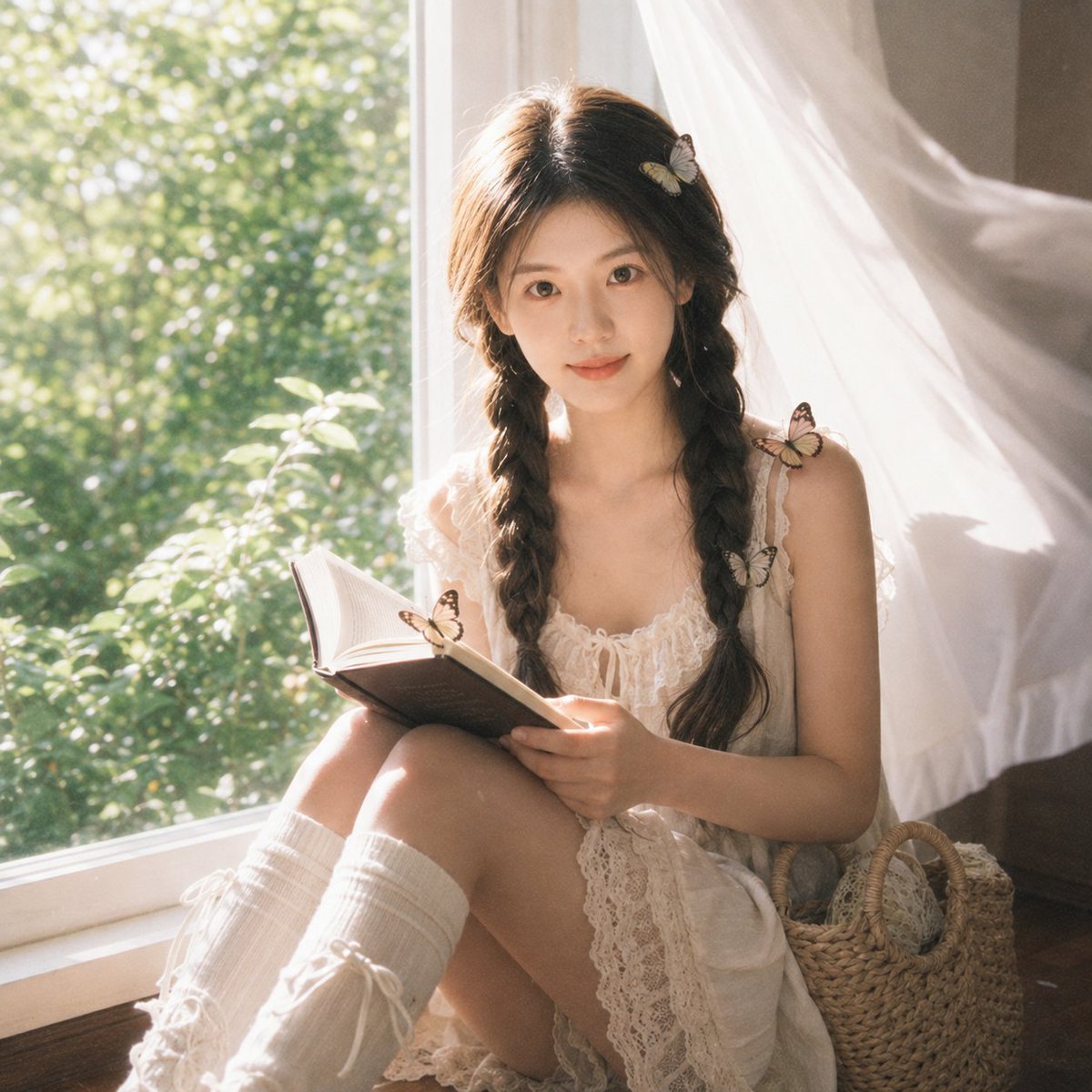
Cottagecore Cinematic Window Portrait
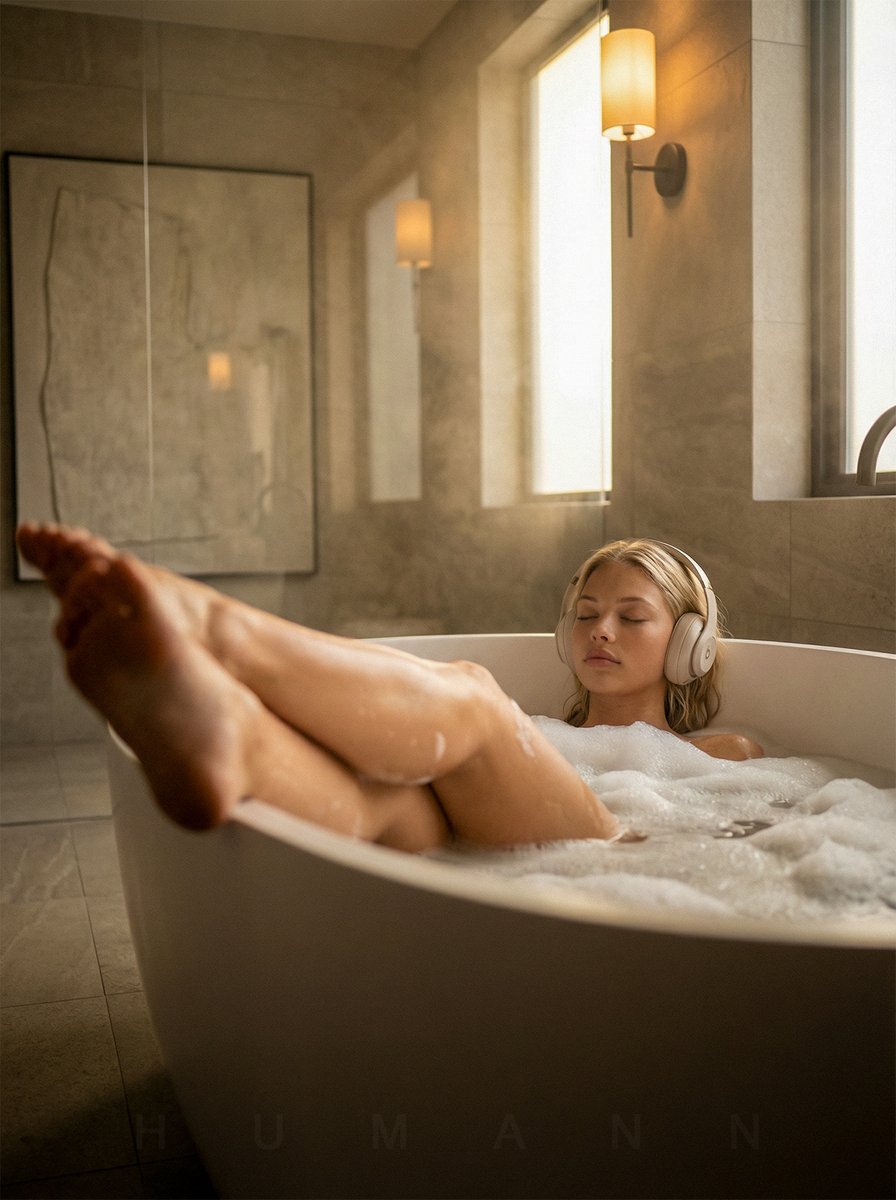
Luxurious Self-Care Moment in a Bathtub with Identity Lock
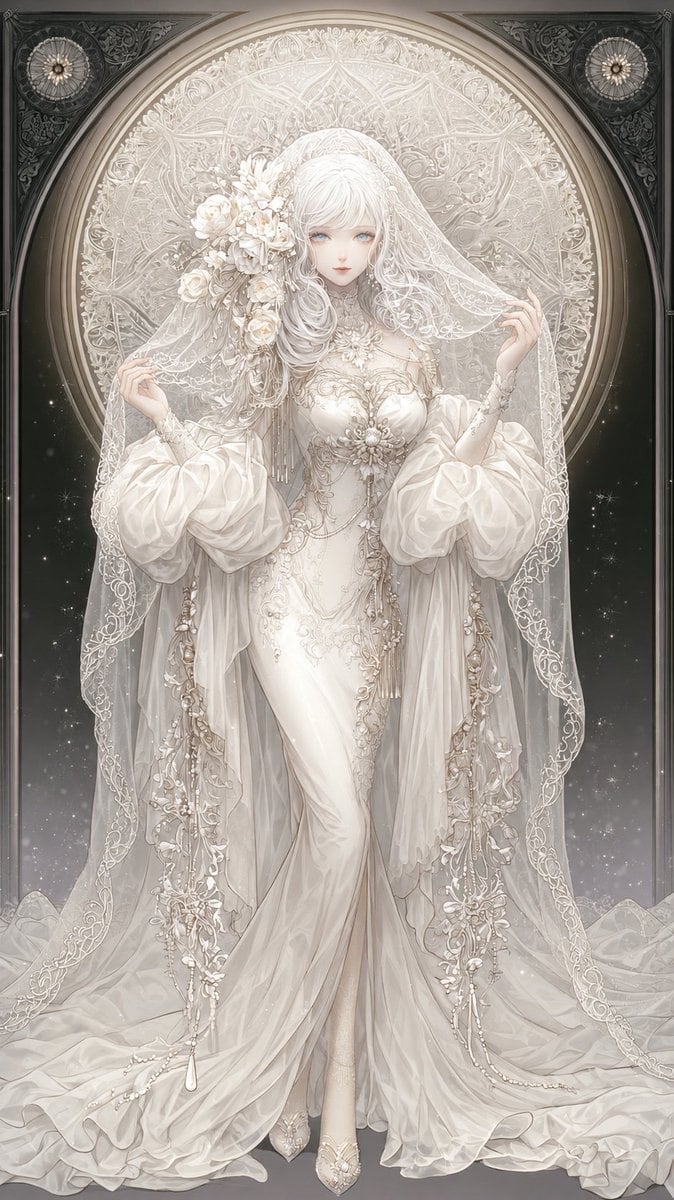
Ivory Garment Goddess
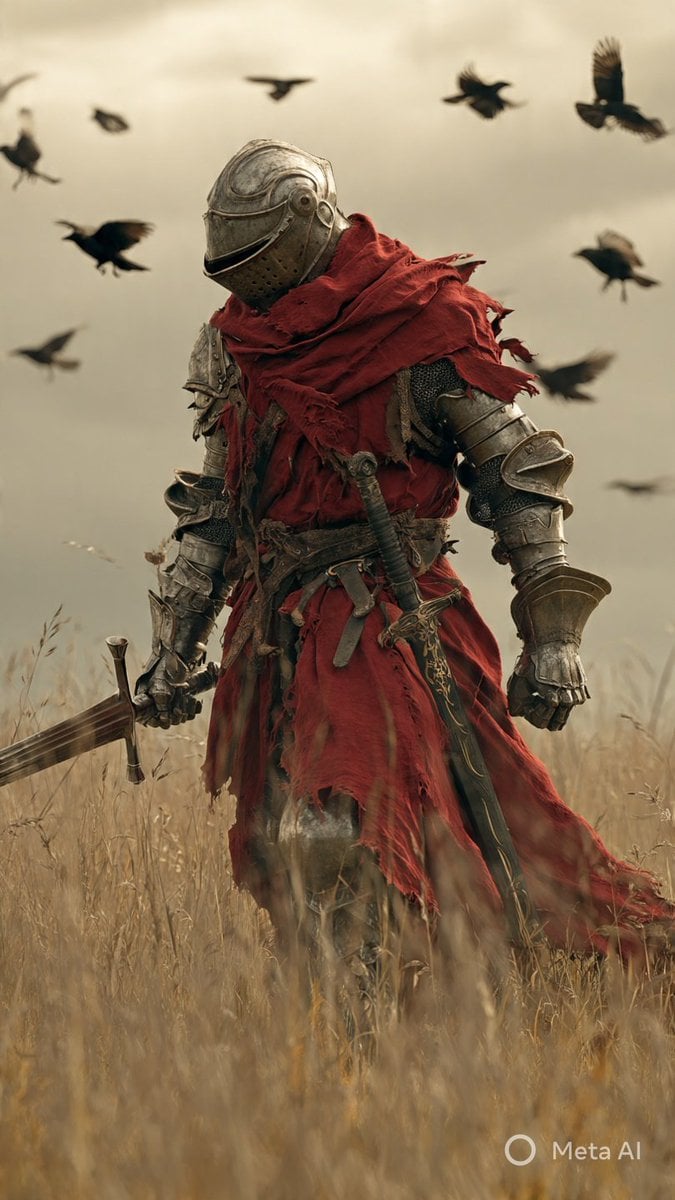
Dark Fantasy Knight Wallpaper Generation with Nano Banana 2
Browse template categories
High-Contrast Flash Photography Nightlife Portrait questions
How do I use the High-Contrast Flash Photography Nightlife Portrait template?
Add your photo if the template asks for one, edit the prompt if you like — the template's model and format are already selected — and press Generate. Your version opens in PicX Studio.
Can I customize the High-Contrast Flash Photography Nightlife Portrait template?
Yes. You can change the subject, setting, lighting, mood, format, and available model controls before creating your image.
Is the High-Contrast Flash Photography Nightlife Portrait template free?
Opening and editing this template is free. Generating uses credits, shown on the Generate button when you are signed in.
Which AI model should I use?
Start with Nano Banana 2, which is the model associated with this template. You can compare another compatible model for a different finish.
Looking for something else? Browse all templates.

Your photo, any look
Thousands of ready templates for every top image and video model, from one credit balance.