
Cinematic Motion Blur Silhouette Portrait
A creative prompt for generating cinematic portraits with dramatic horizontal motion blur and high-contrast lighting, creating a dreamlike sense of speed and memory.
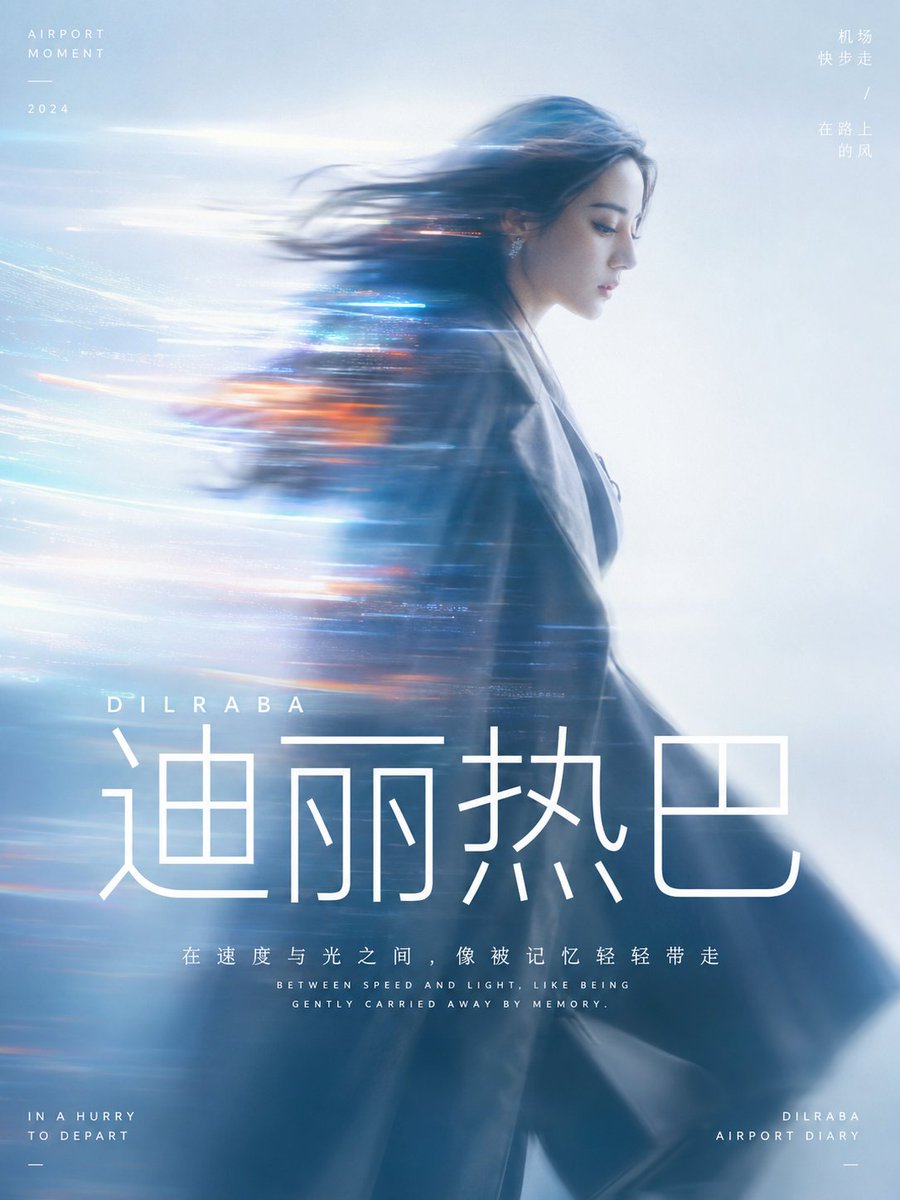
- Prompt included
- Model and format preset
- Free template
The prompt behind this image
Copy the exact prompt behind Cinematic Motion Blur Silhouette Portrait, or open it in the studio and make it yours.
Generate a cinematic, dynamic motion-blur portrait built around the specific theme: the subject occupies the main visual weight as a quiet side profile or half-body silhouette, with a small amount of recognizable detail retained at the edge of the face, while the body and hair are pulled into a long horizontal motion blur to one side. The blur streaks across the subject like bands of light and gradually blends into the background, making the figure look as though it is being swept away by speed, memory, or a stream of information. The background is a single expanse of high-brightness, clear, soft atmospheric space with no complex scenery; the color is drawn from the subject's own material, mood, and narrative warmth, keeping a relationship between a large area of bright, calm base tone, a somewhat darker shadow area on the subject, a small amount of highly saturated glowing accent color, and clean tonal steps — forming a dreamlike yet clean tension between warm and cool, avoiding any murky, dated, or smoky-gray feel. The light is soft and diffused, focus slightly loose, with light film grain and lens flare/halation at the edges, while the overall image remains airy, transparent, and modern. Keep the information density of the image very low, leaving plenty of empty space so the sense of speed can breathe. Use text as part of the visual structure: a pure white, modern sans-serif font, with the core word set at an extremely large size placed below the subject or near the image's visual center of gravity; short explanatory phrases use a smaller size, tight line spacing, and a centered rhythm — all text should read like a clear interface layer overlaid on the light mist, anchoring the visual hierarchy without breaking the flow of the soft-focus image. This time's theme: {argument name="theme" default="Dilraba walking briskly through an airport"} Aspect ratio 3:4
How to use Cinematic Motion Blur Silhouette Portrait in 3 steps
- 1
Open
The prompt is already in the box next to the preview, with the template's model and format selected.
- 2…a portrait of your subject in softgolden-hour light, 85mm…
Personalize
Edit the subject and creative details for your destination.
- 3Generate
Generate
Press Generate — your image is created in PicX Studio, so you can compare it with the original and refine one variable at a time.
More like this
Templates with the same subject, style or setup. Open one to see its prompt.
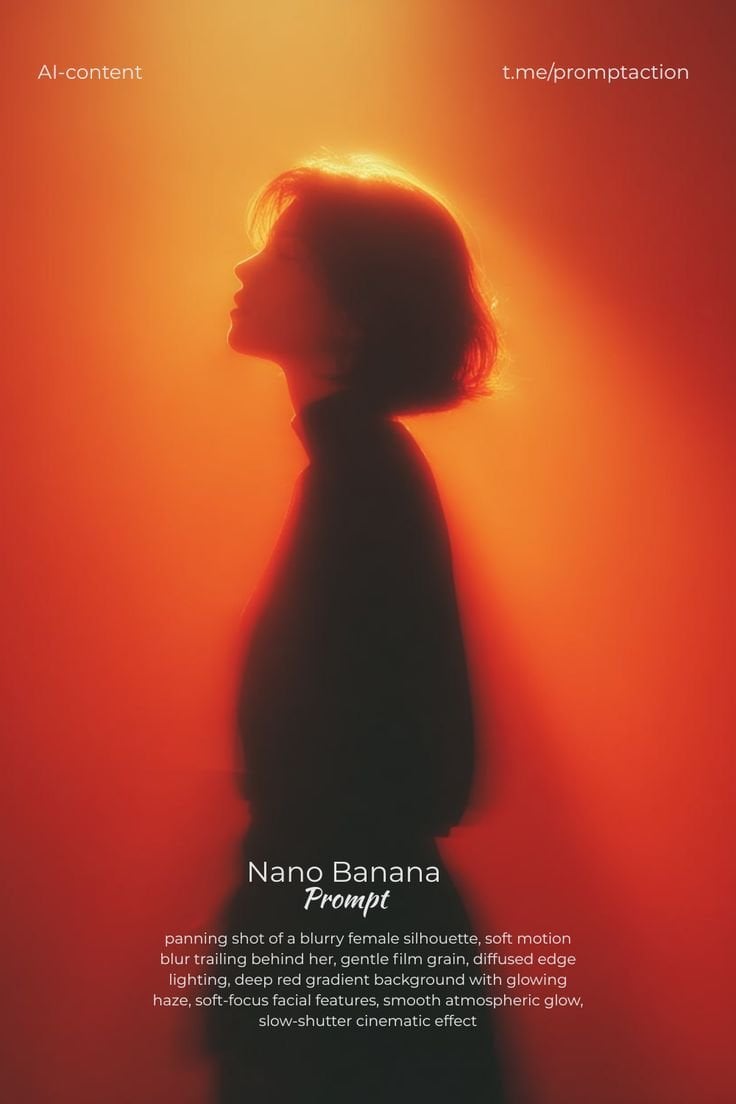
Red Motion Blur Silhouette
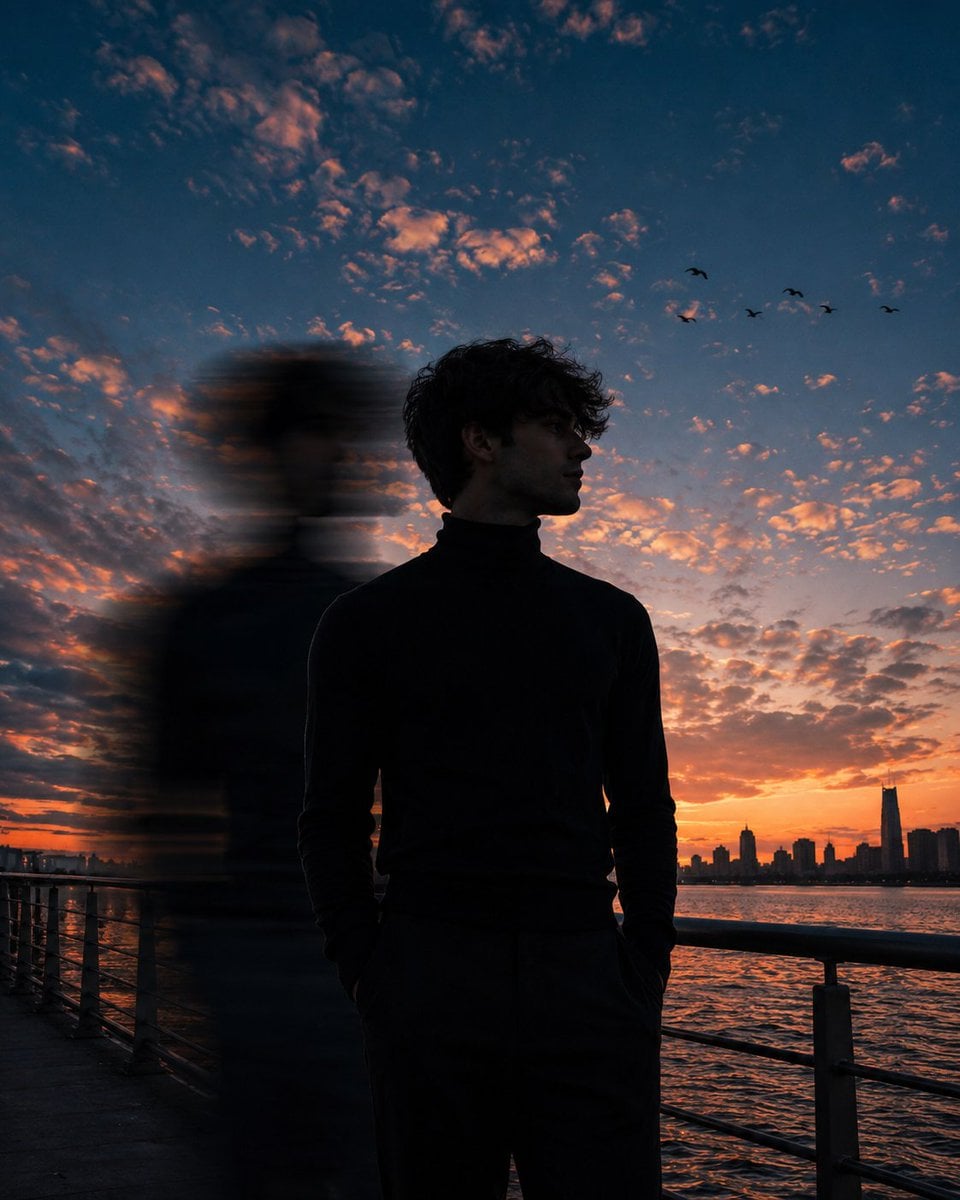
Motion Blur Sunset Portrait
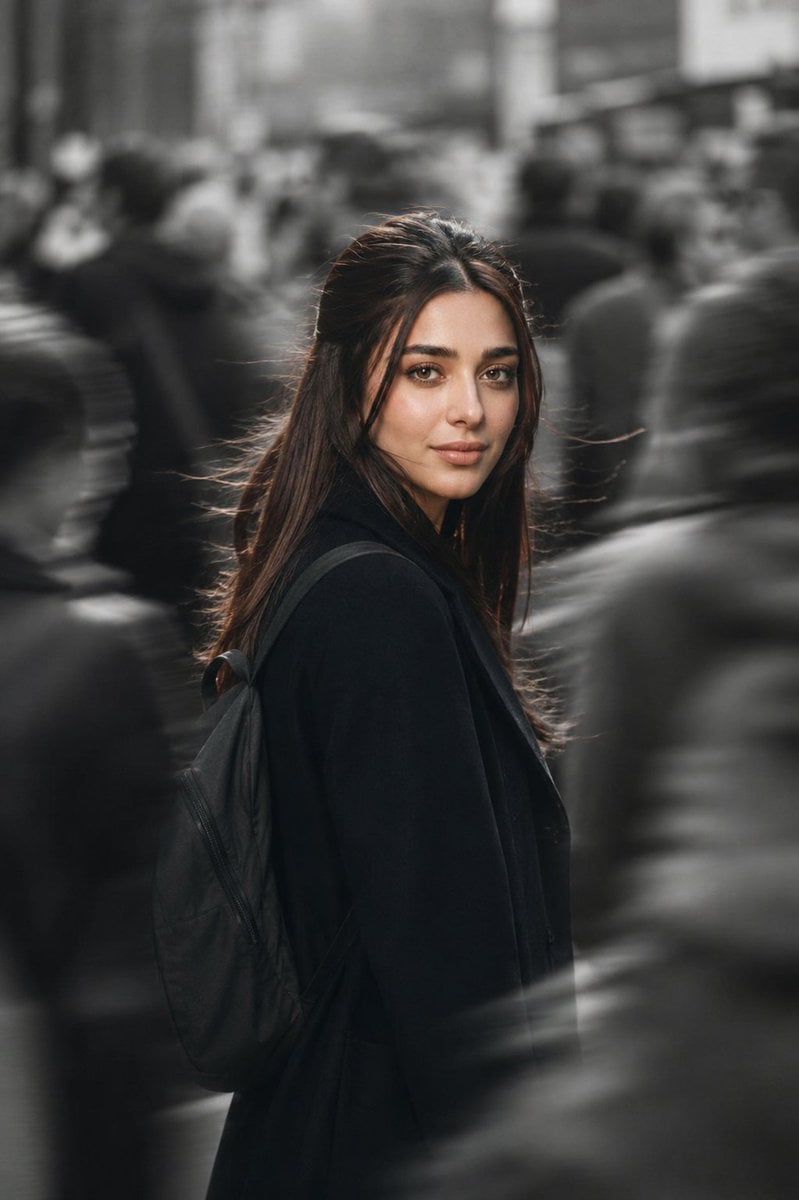
Cinematic City Motion Blur Portrait
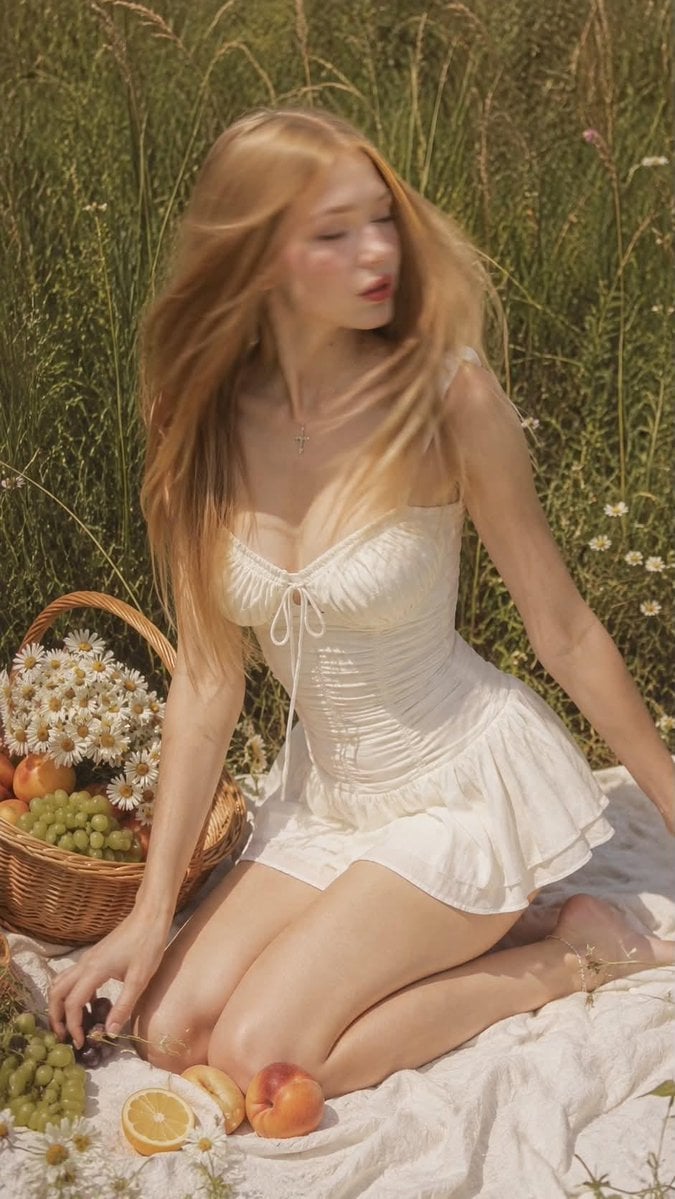
Ultra Realistic Motion Blur Portrait
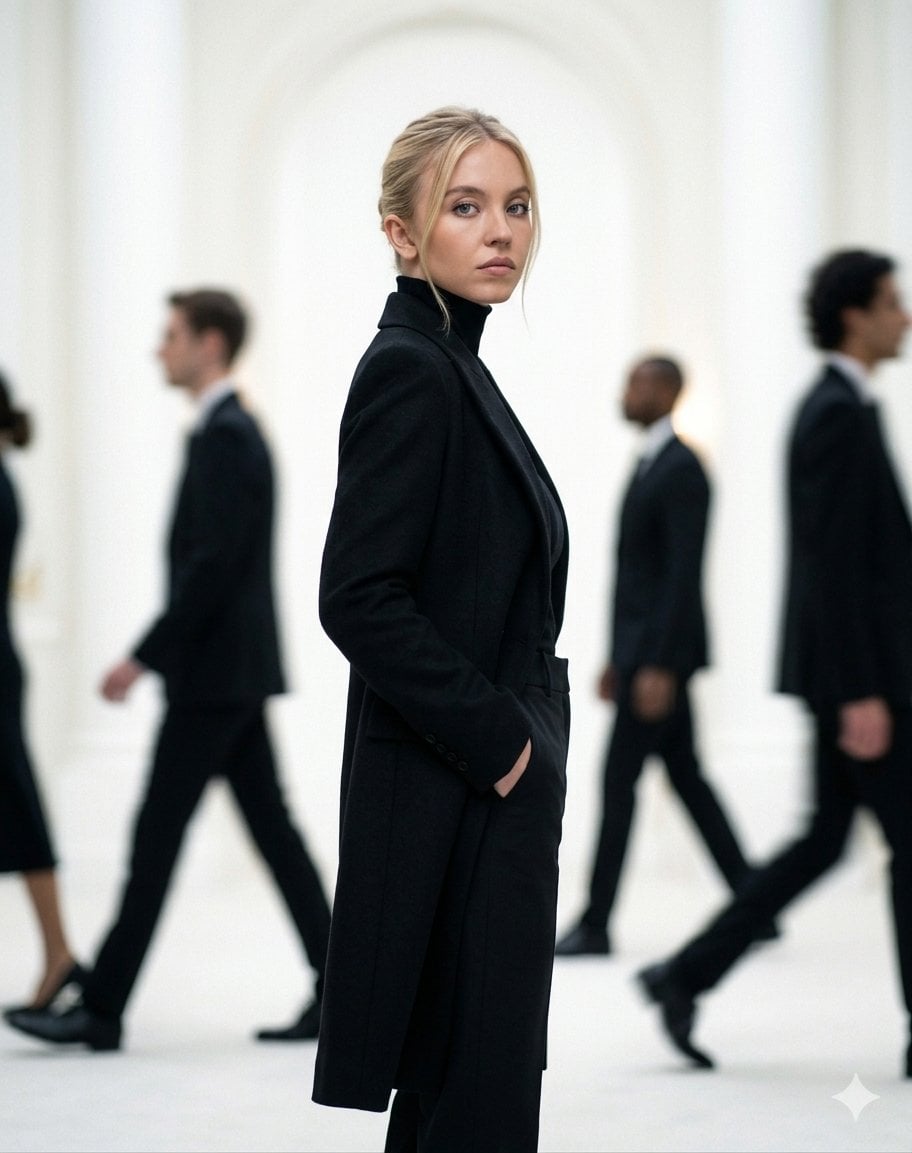
Cinematic Motion Blur Fashion Portrait
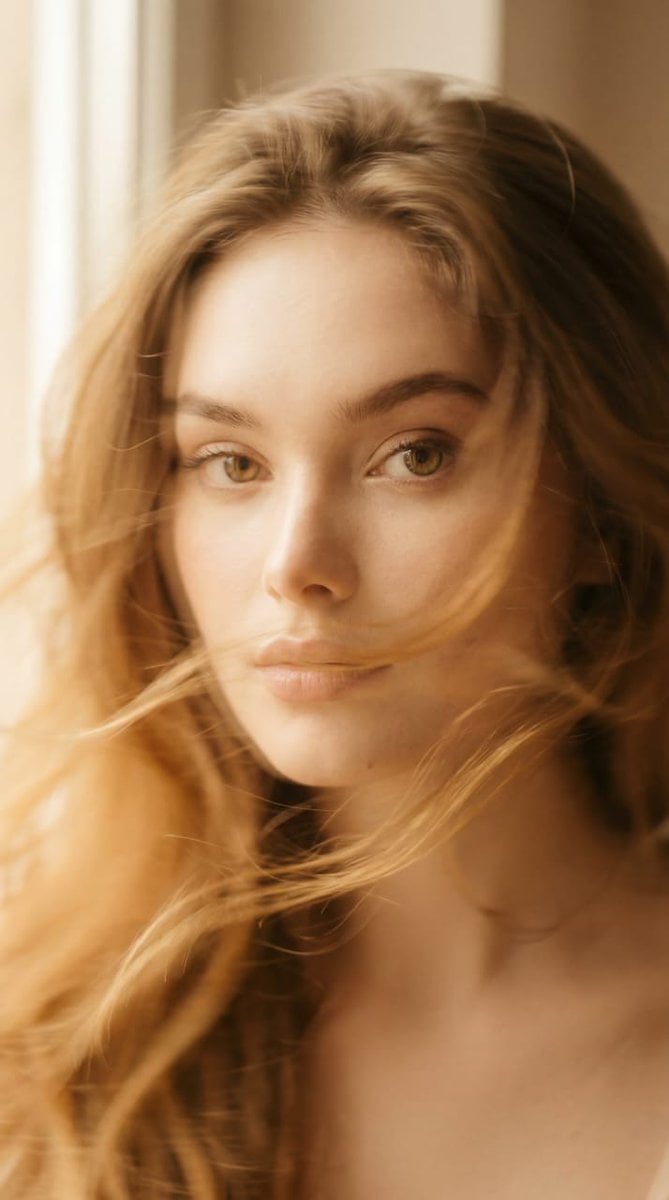
Ethereal Motion Blur Portrait
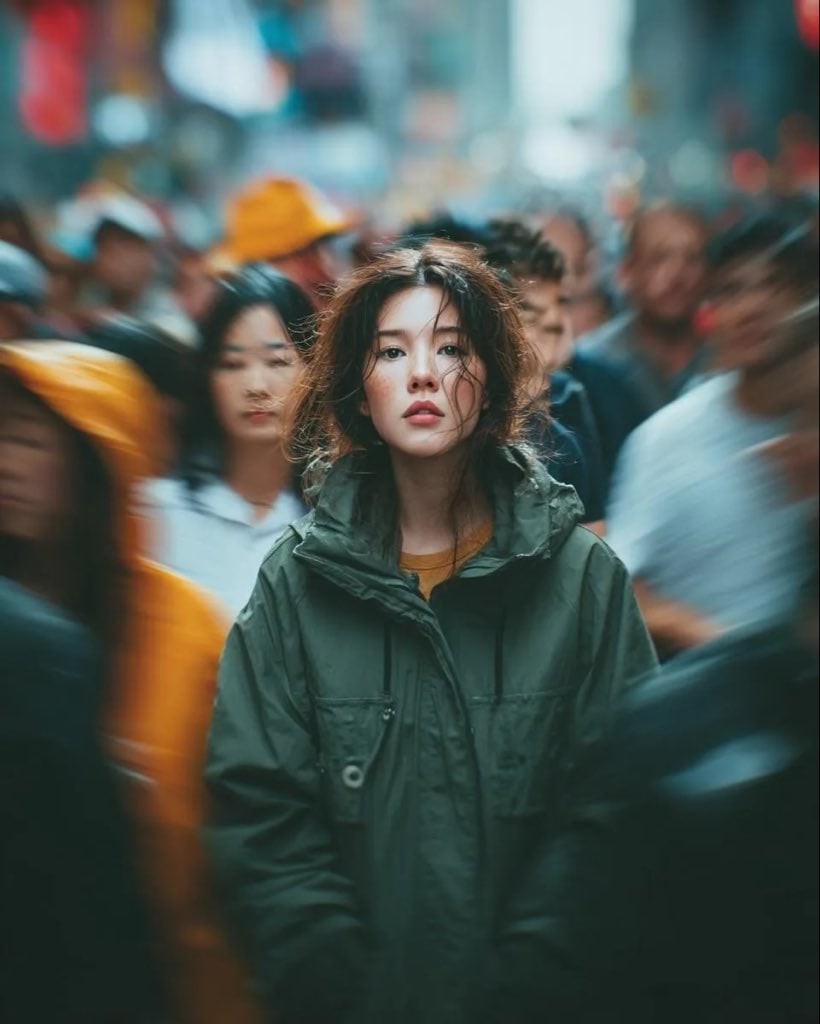
Candid Paparazzi Street Portrait with Motion Blur
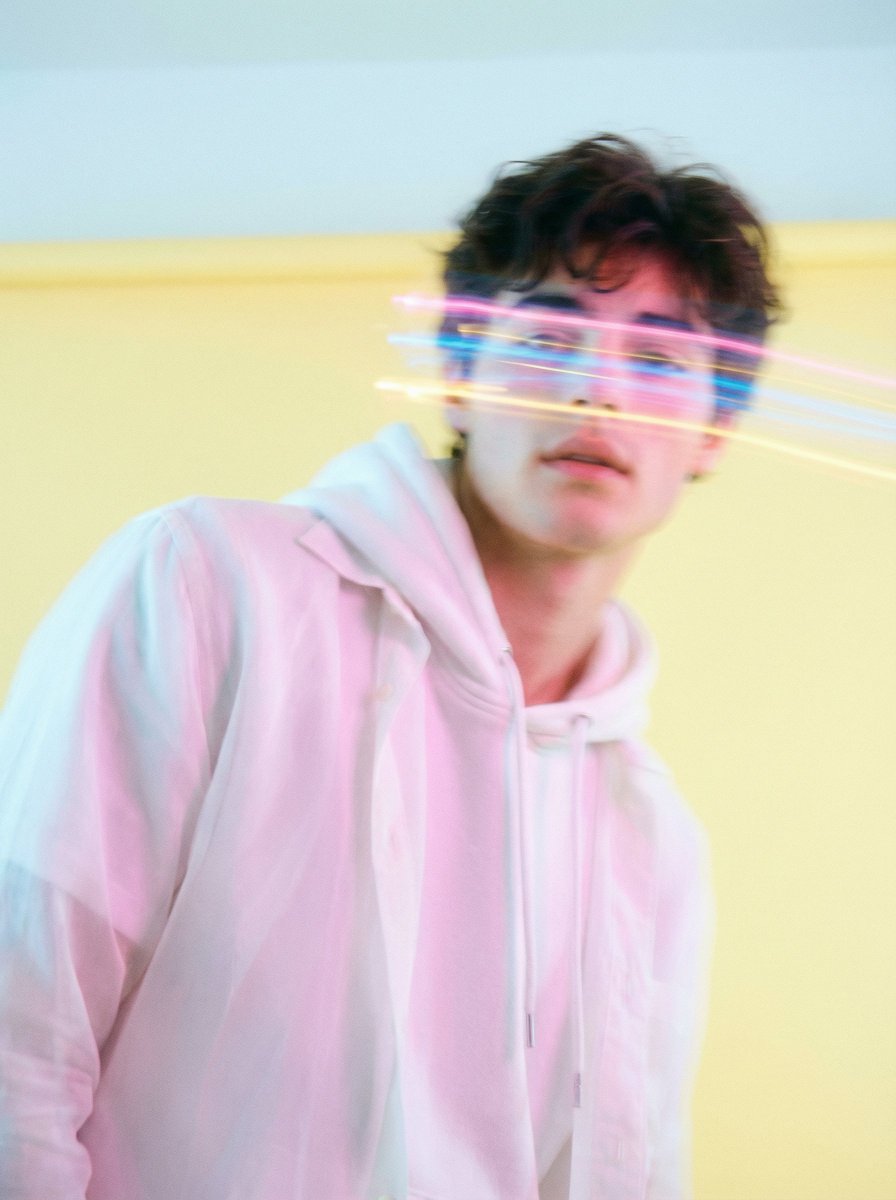
Richard Avedon Style Motion Blur Portrait
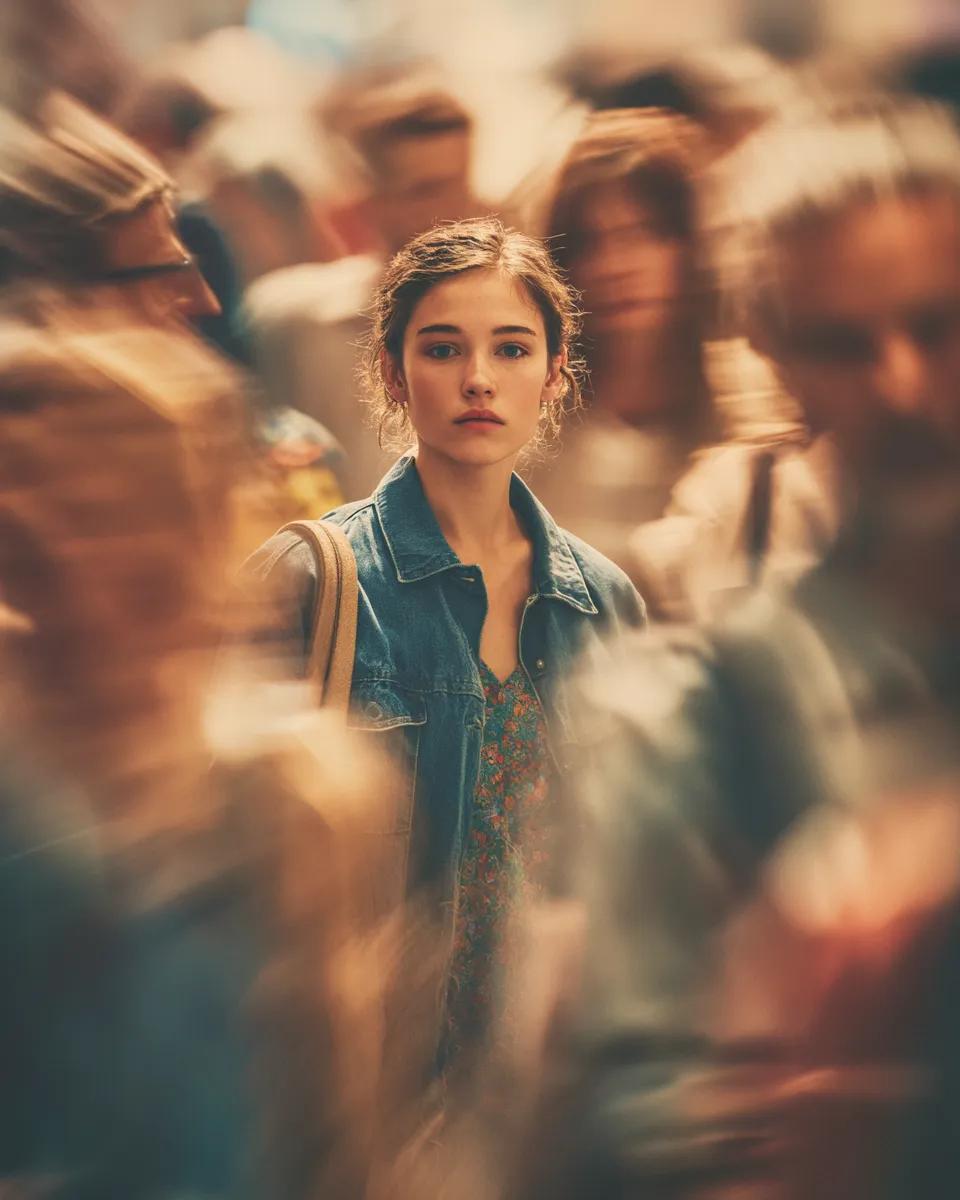
Cinematic Portrait with Motion Blur Crowd
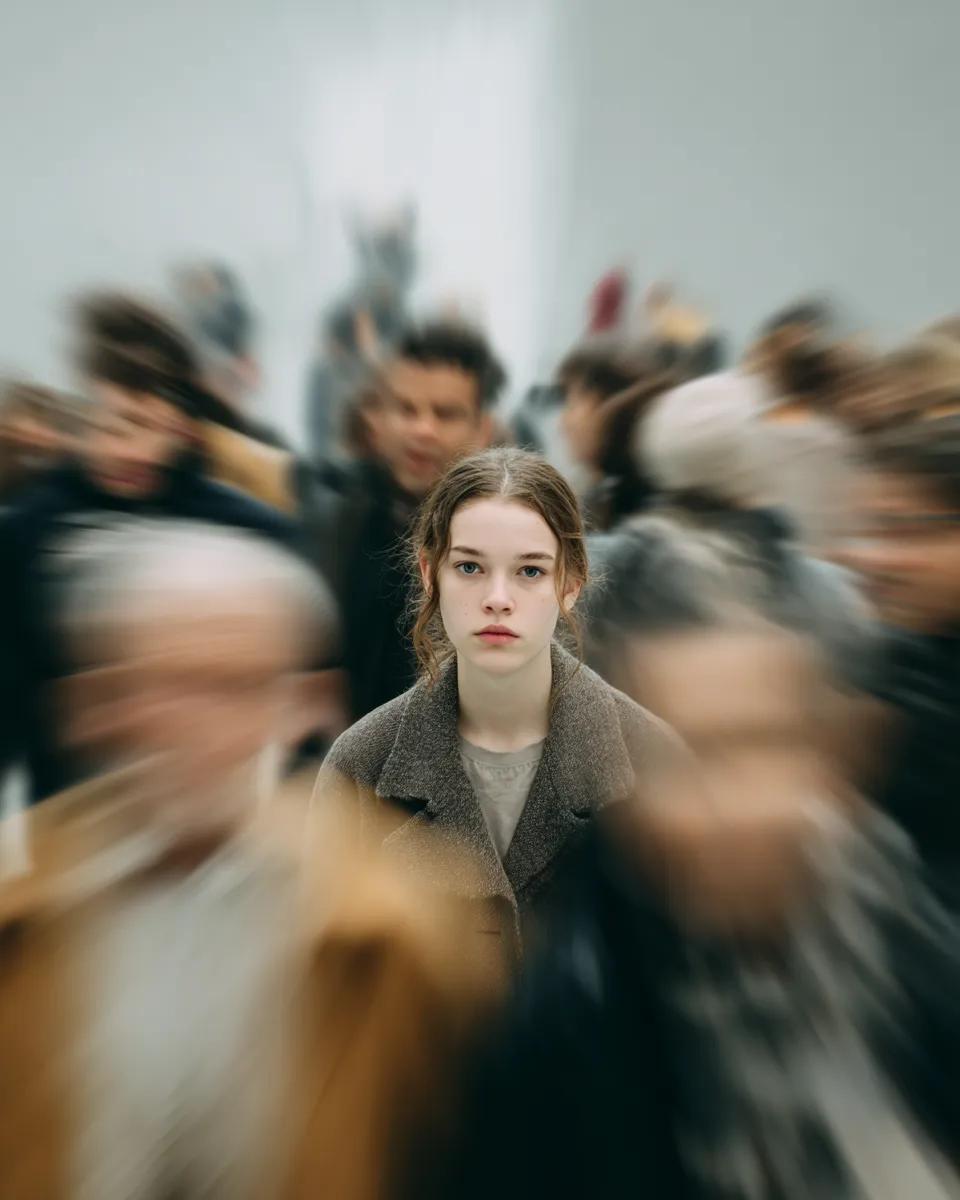
Cinematic Portrait with Radial Motion Blur
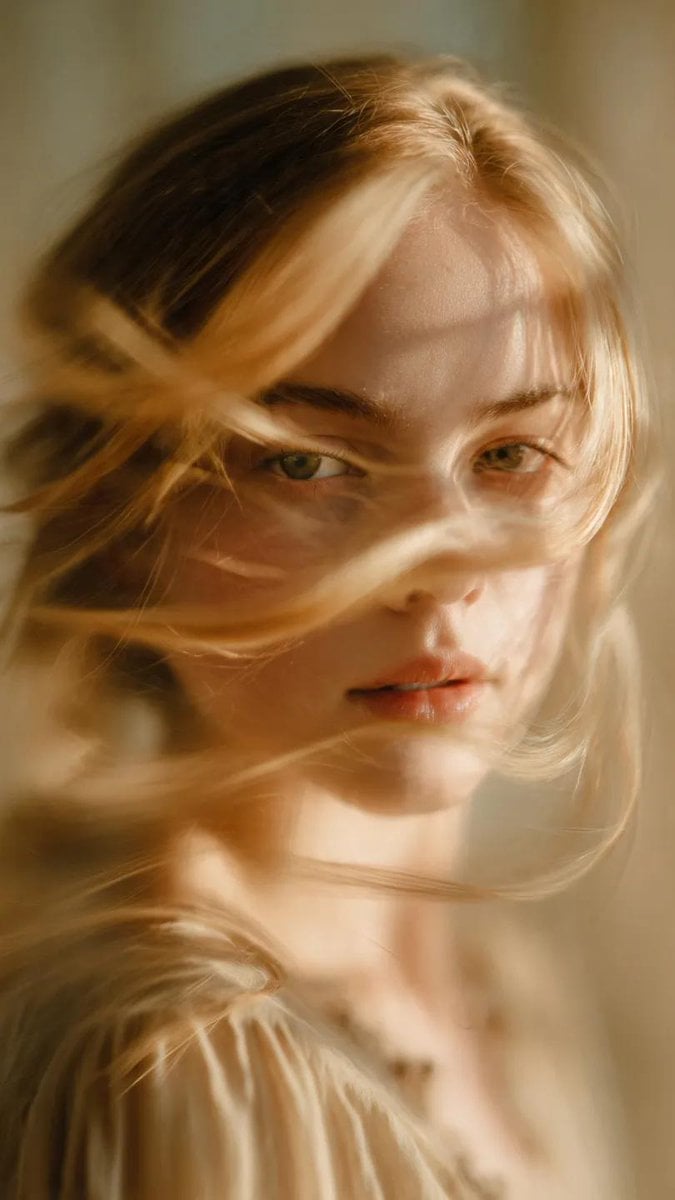
Soft-Focus Ethereal Portrait with Motion Blur
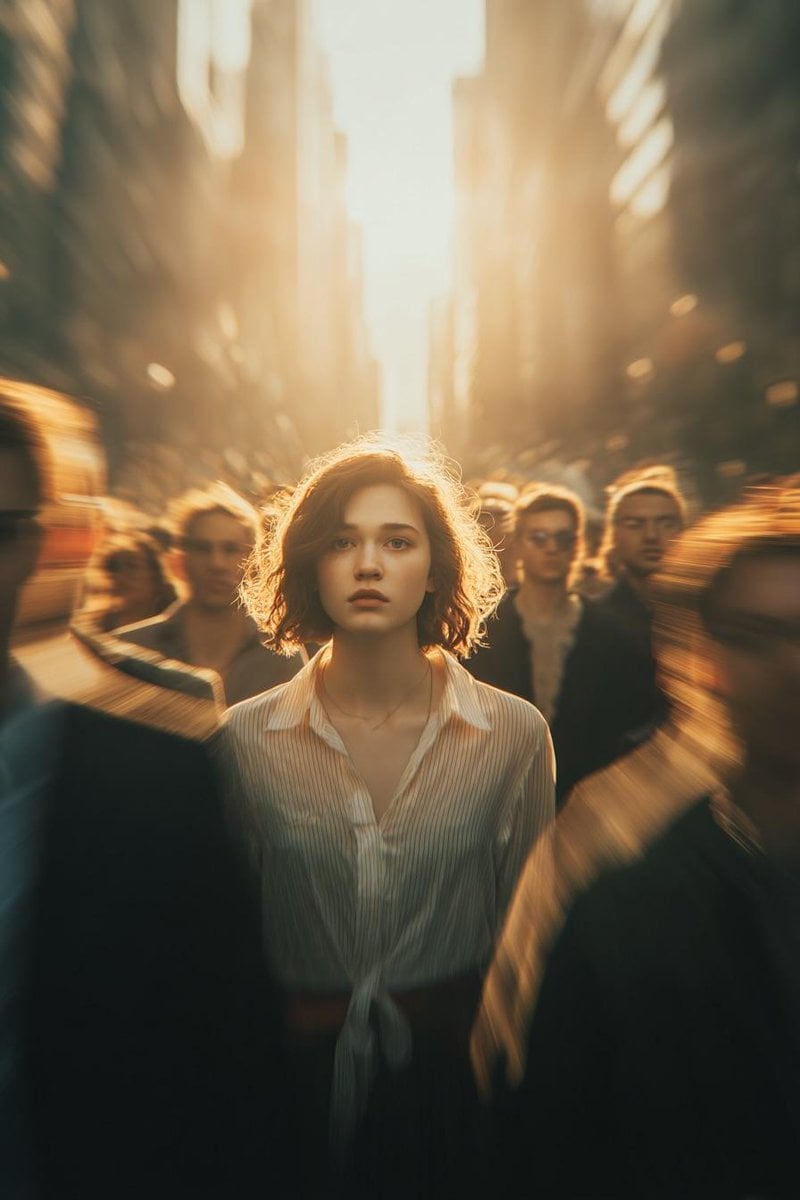
Cinematic Conceptual Portrait with Radial Motion Blur
Make it yours
Cinematic Motion Blur Silhouette Portrait works as-is. These are the safest ways to change it without losing the look.
Change one field
Copy a single group, rewrite it, and generate again so you can see what that field is doing.
Keep the frame, change the subject
Hold the composition and light of Cinematic Motion Blur Silhouette Portrait, then swap wardrobe, props or the person for a new take.
| If the result… | Why | Fix |
|---|---|---|
| The result drifts from the preview | Too many fields changed at once. | Reuse Cinematic Motion Blur Silhouette Portrait as-is first, then change one group — subject, light, or setting. |
| The model over-stylizes the scene | The prose prompt leaves finish and camera underspecified. | Add one camera or lighting sentence and stay on GPT Image 2. |
More GPT Image 2 templates
Other prompts made for GPT Image 2.

Six VTuber Japanese Logo Sheet

Realistic Portrait of Woman and Deer

The Vista Modular Condo Poster

AI Model Routing Comparison Infographic

2.5D Anime Art Board

Isometric Productivity Desk Scene

New York Double Exposure Poster

Four-Panel AI Landscape Comparison

Japanese Tatami Lifestyle Magazine Cover

NESCAFÉ Coffee Map Poster
More image prompts
Fresh picks from across the catalog.
Hyper-Realistic Selfie Texture Prompts
Disposable Camera Bedroom Portrait
Blue-Haired Festival Portrait
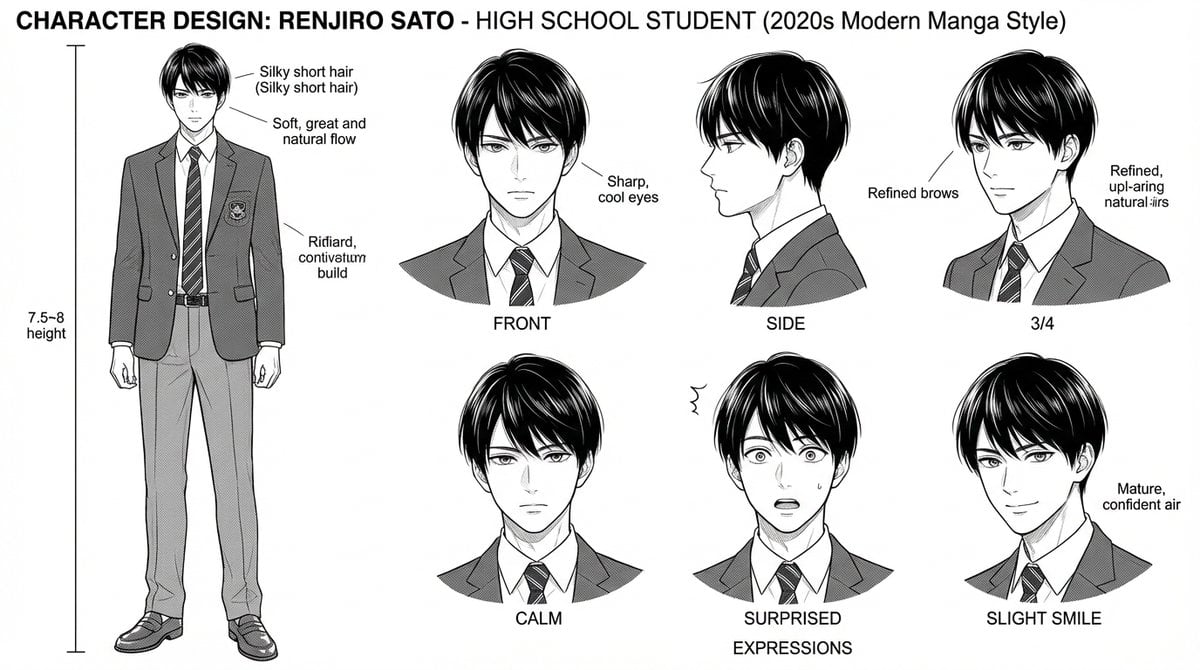
Dynamic Manga Page Layout Prompt

Hollywood Haute Couture Fantasy Seedance
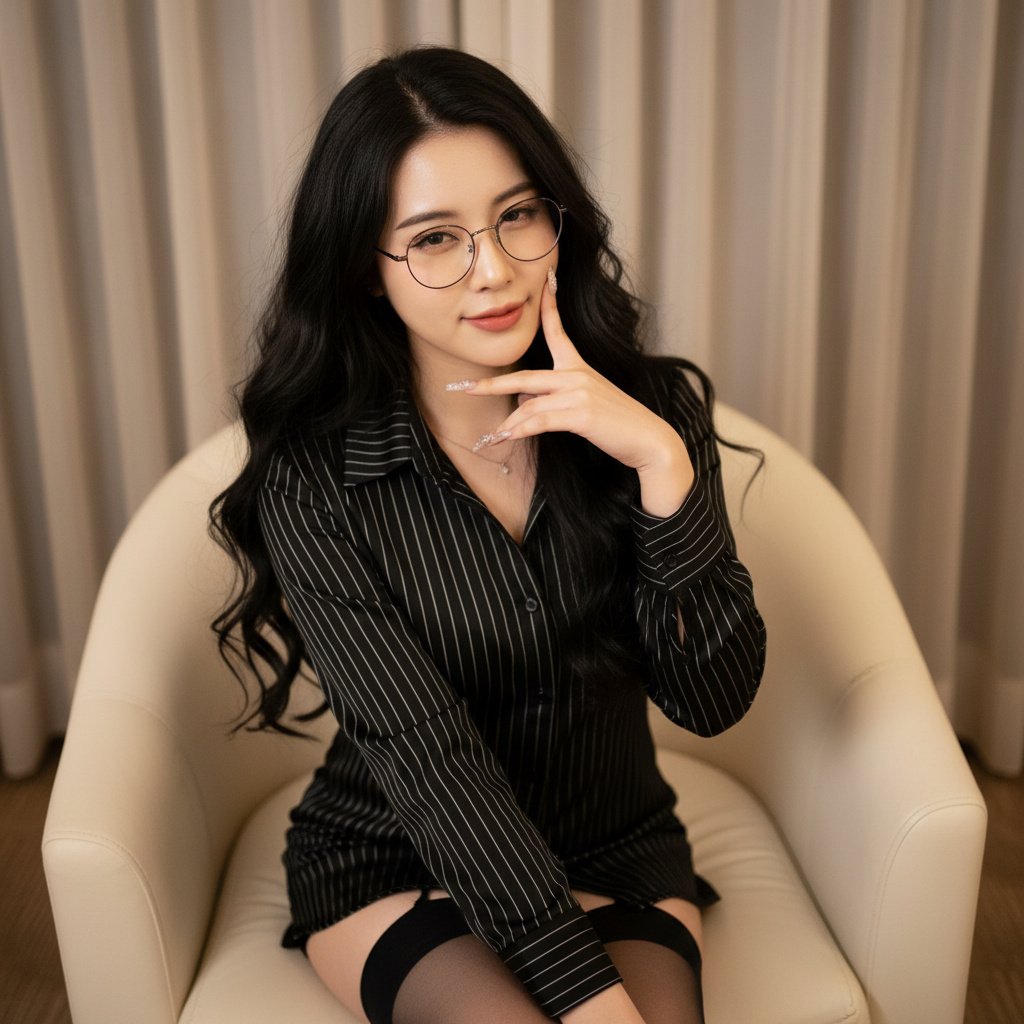
Photorealistic Portrait with Shallow Depth of Field
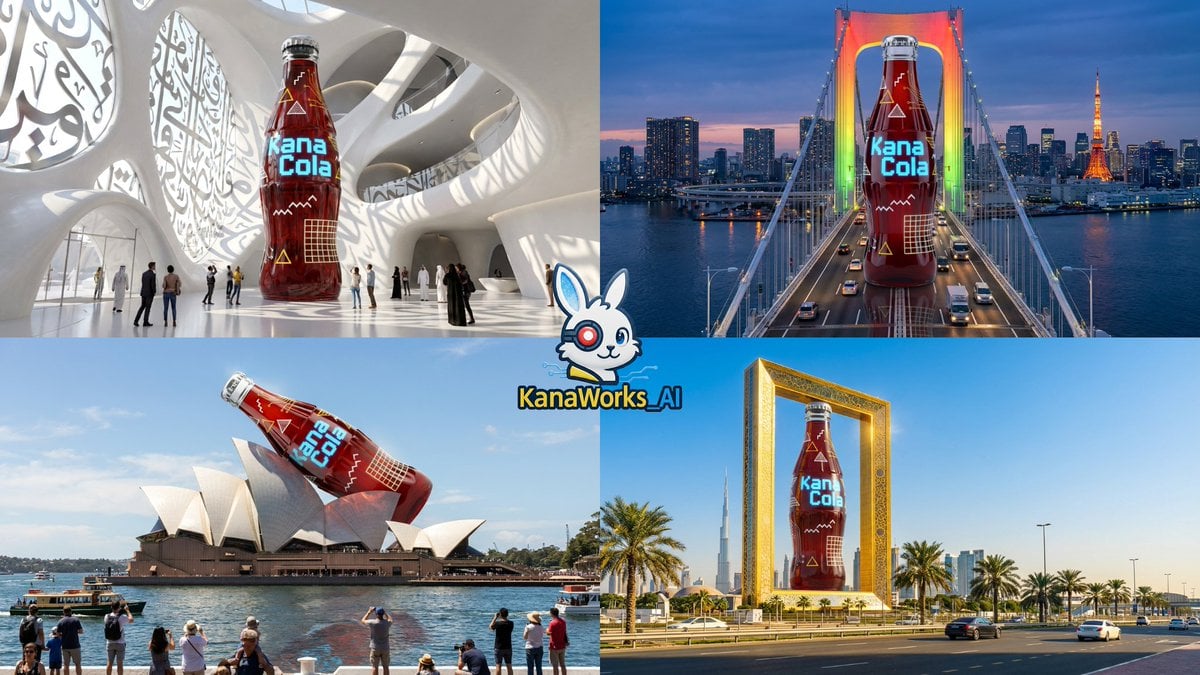
Nano Banana Pro: Giant Product Image Generation Prompt
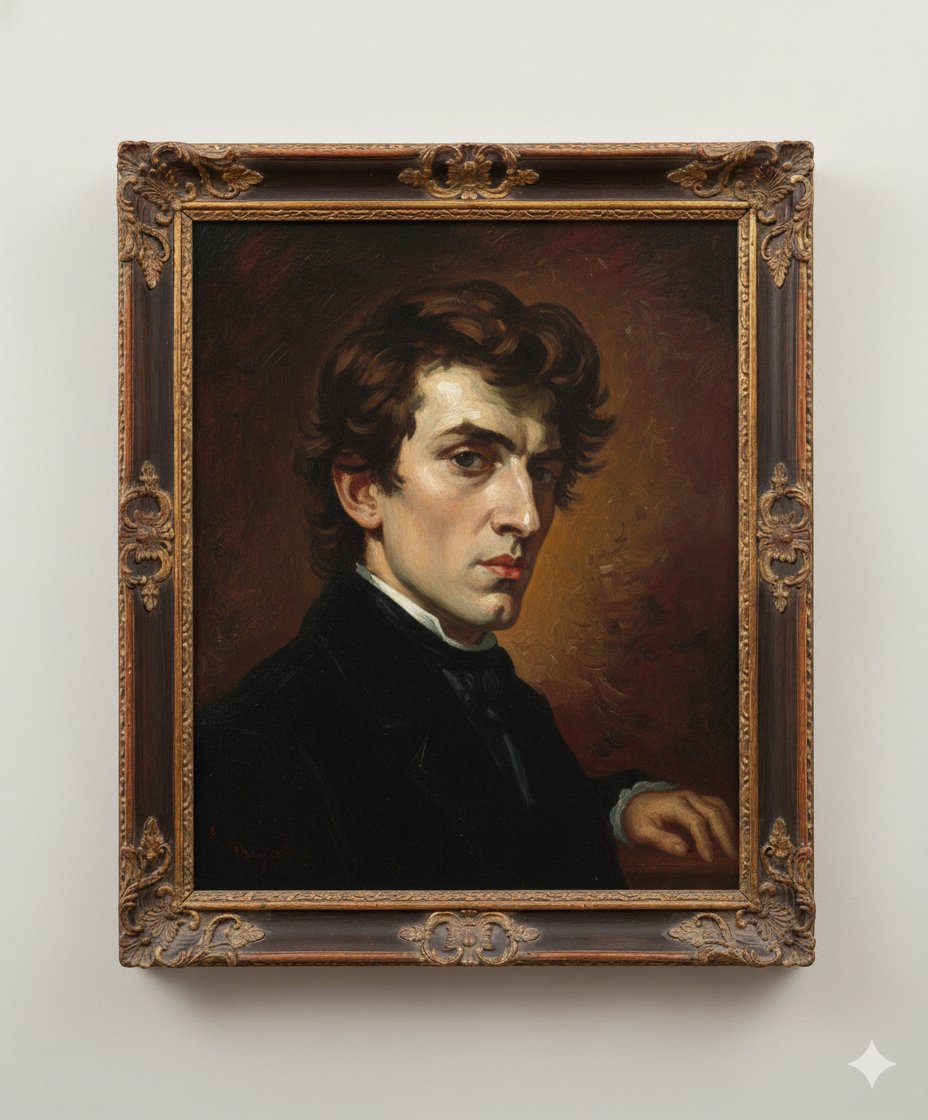
Image Generation Prompt: Arranging Delacroix's Chopin
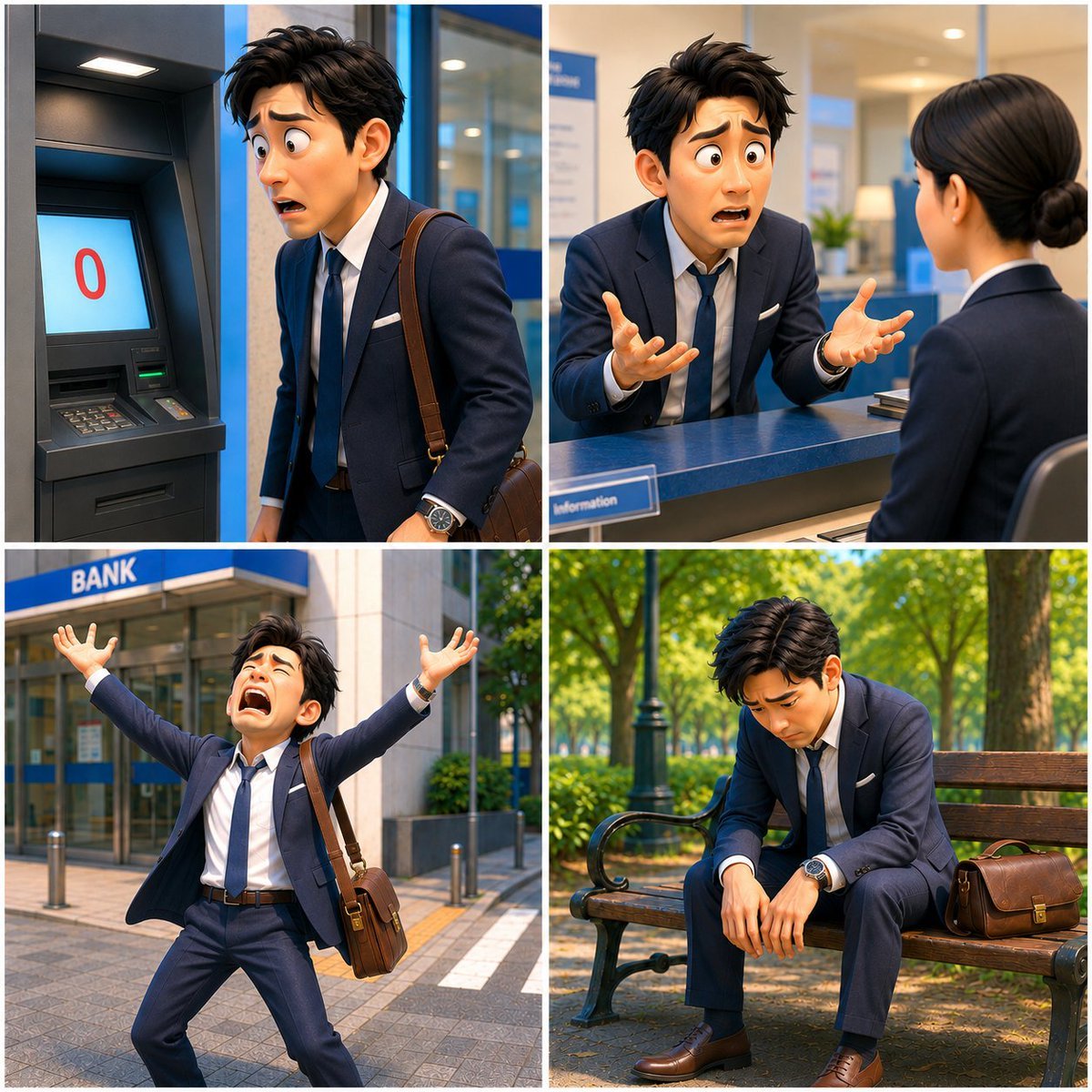
Zero Balance Bank Storyboard
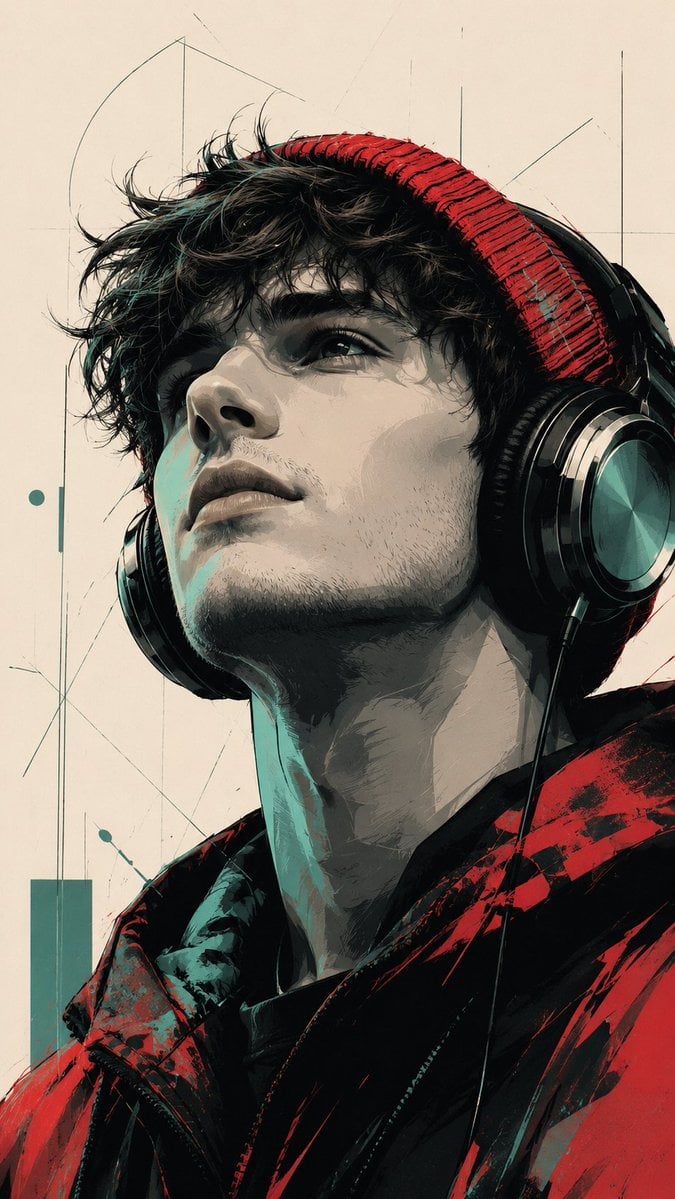
Modern Pop Art Vector Portrait
Browse template categories
Cinematic Motion Blur Silhouette Portrait questions
How do I use the Cinematic Motion Blur Silhouette Portrait template?
Add your photo if the template asks for one, edit the prompt if you like — the template's model and format are already selected — and press Generate. Your version opens in PicX Studio.
Can I customize the Cinematic Motion Blur Silhouette Portrait template?
Yes. You can change the subject, setting, lighting, mood, format, and available model controls before creating your image.
Is the Cinematic Motion Blur Silhouette Portrait template free?
Opening and editing this template is free. Generating uses credits, shown on the Generate button when you are signed in.
Which AI model should I use?
Start with GPT Image 2, which is the model associated with this template. You can compare another compatible model for a different finish.
Looking for something else? Browse all templates.

Your photo, any look
Thousands of ready templates for every top image and video model, from one credit balance.