
Cinematic City Motion Blur Portrait
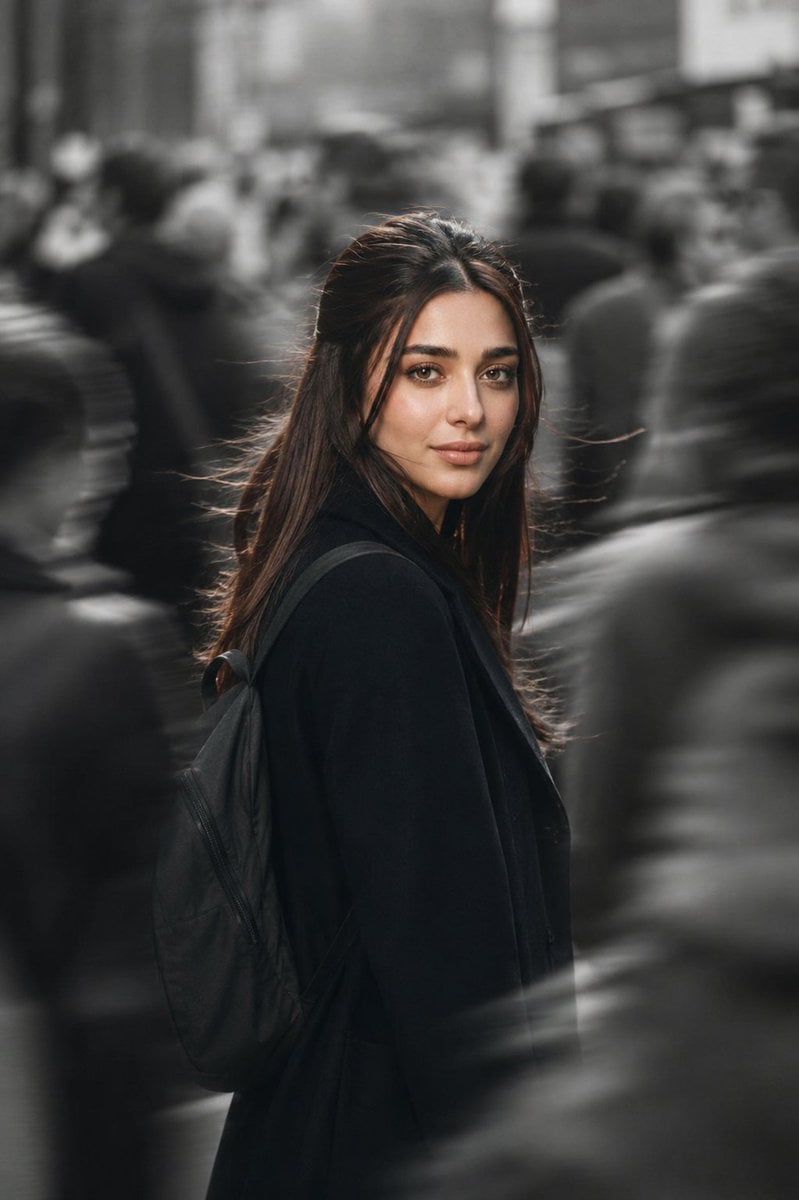
A high-end editorial prompt for GPT Image 2 that captures a sharp subject in a monochrome city crowd using motion blur and color contrast.
- Prompt included
- Model and format preset
- Premium template
The prompt behind this image
Copy the exact prompt behind Cinematic City Motion Blur Portrait, or open it in the studio and make it yours.
Create a cinematic street portrait of the {argument name="subject" default="woman"} standing in the middle of a {argument name="location" default="crowded city street"} while looking back over her shoulder directly toward the camera. She wears a {argument name="outfit" default="minimalist oversized black wool coat"}, with a simple dark backpack over one shoulder. Loose natural hair gently blows in the wind with a few soft strands across the face.\n\nThe subject remains perfectly sharp and in focus while hundreds of pedestrians move rapidly around her with strong motion blur, creating the feeling that time has stopped only for her. The background crowd should be almost entirely monochrome (black & white/desaturated), while the subject remains in natural warm colors, making her stand out dramatically.\n\nCamera angle: eye-level, slightly telephoto composition.\n\nLens: Sony A1, 85mm f/1.4 GM, shot at f/1.6, ISO 100, 1/200 sec, cinematic shallow depth of field, creamy bokeh, tack-sharp eyes, premium editorial photography.\n\nLighting: soft overcast natural daylight with subtle cinematic grading, warm skin tones, cool gray surroundings, gentle rim light on the hair, realistic HDR dynamic range, rich contrast, premium Vogue editorial look.\n\nColor grading: muted urban palette, desaturated environment, natural skin tones, warm highlights, cool shadows, Kodak Portra-inspired cinematic colors.\n\nComposition: vertical portrait, subject centered, authentic city atmosphere, emotional storytelling, luxury fashion editorial, award-winning street photography.\n\nUltra-photorealistic, masterpiece, 8K, HDR, Sony Alpha realism, extremely detailed skin texture, realistic hair strands, cinematic motion blur, perfect facial focus, premium full-frame quality.\n\nNegative Prompt: cartoon, CGI, AI artifacts, extra limbs, duplicate people, distorted face, plastic skin, oversaturated colors, low quality, blur on subject, watermark, logo, text, unrealistic lighting, bad anatomy.
How to use Cinematic City Motion Blur Portrait in 3 steps
- 1
Open
The prompt is already in the box next to the preview, with the template's model and format selected.
- 2…a portrait of your subject in softgolden-hour light, 85mm…
Personalize
Edit the subject and creative details for your destination.
- 3Generate
Generate
Press Generate — your image is created in PicX Studio, so you can compare it with the original and refine one variable at a time.
More like this
Templates with the same subject, style or setup. Open one to see its prompt.
Motion Blur Sunset Portrait
Ultra Realistic Motion Blur Portrait
Cinematic Motion Blur Fashion Portrait
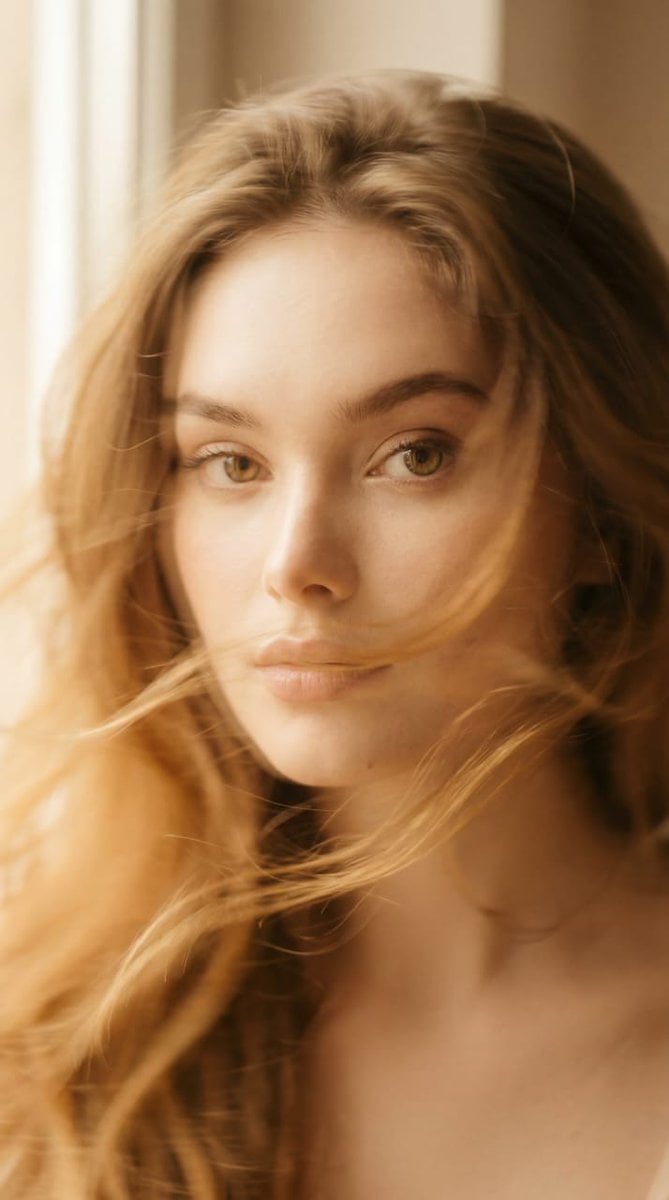
Ethereal Motion Blur Portrait
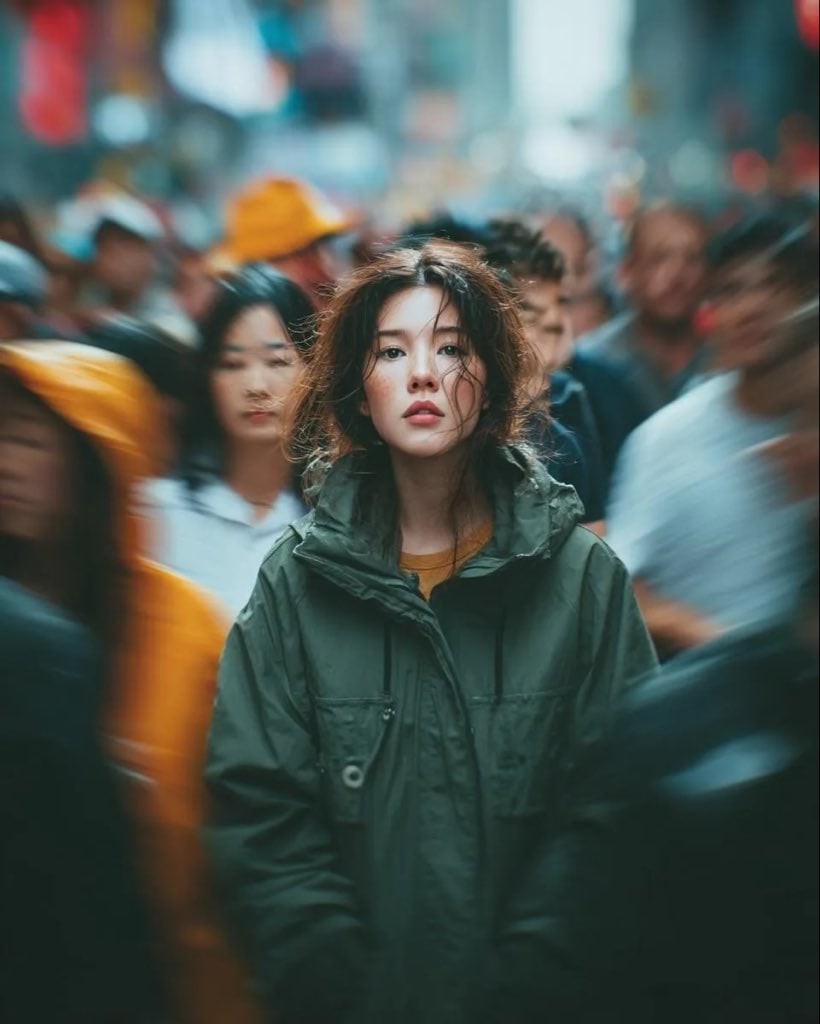
Candid Paparazzi Street Portrait with Motion Blur
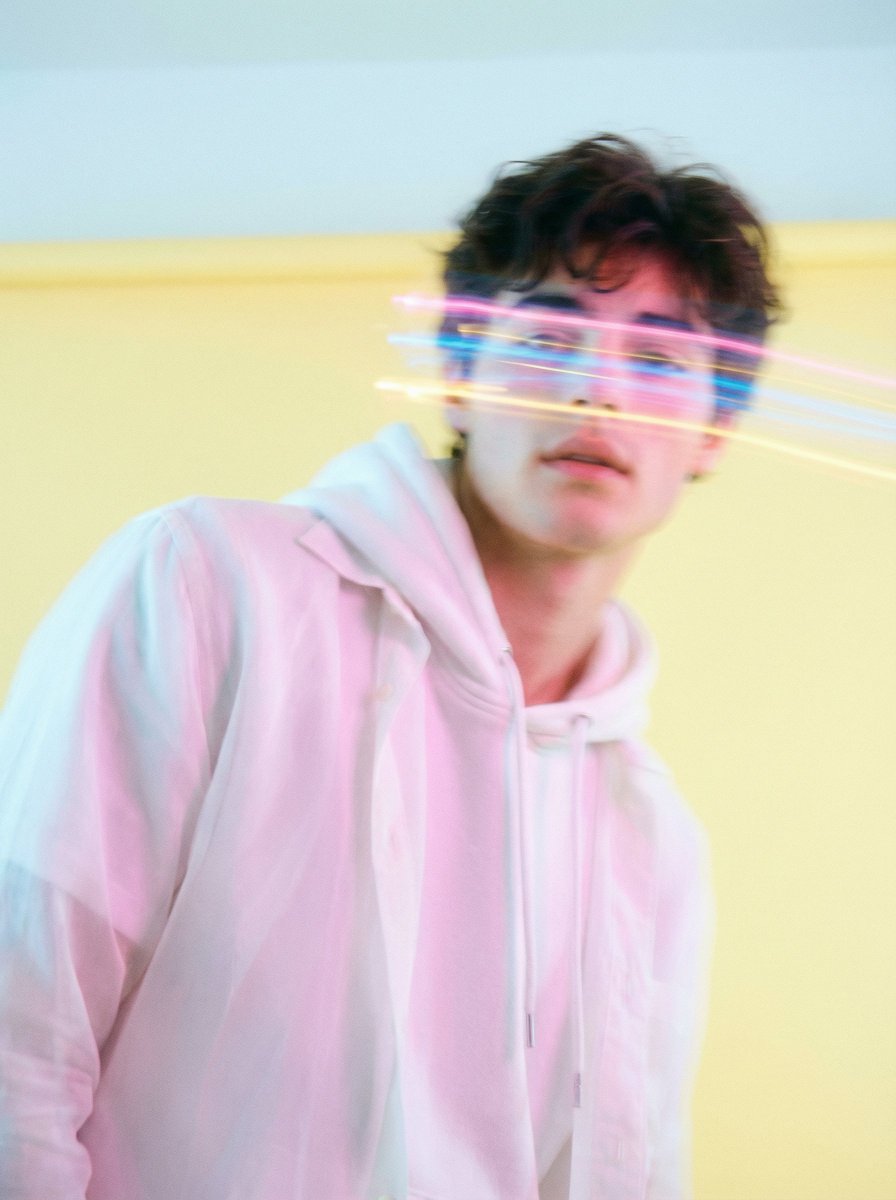
Richard Avedon Style Motion Blur Portrait
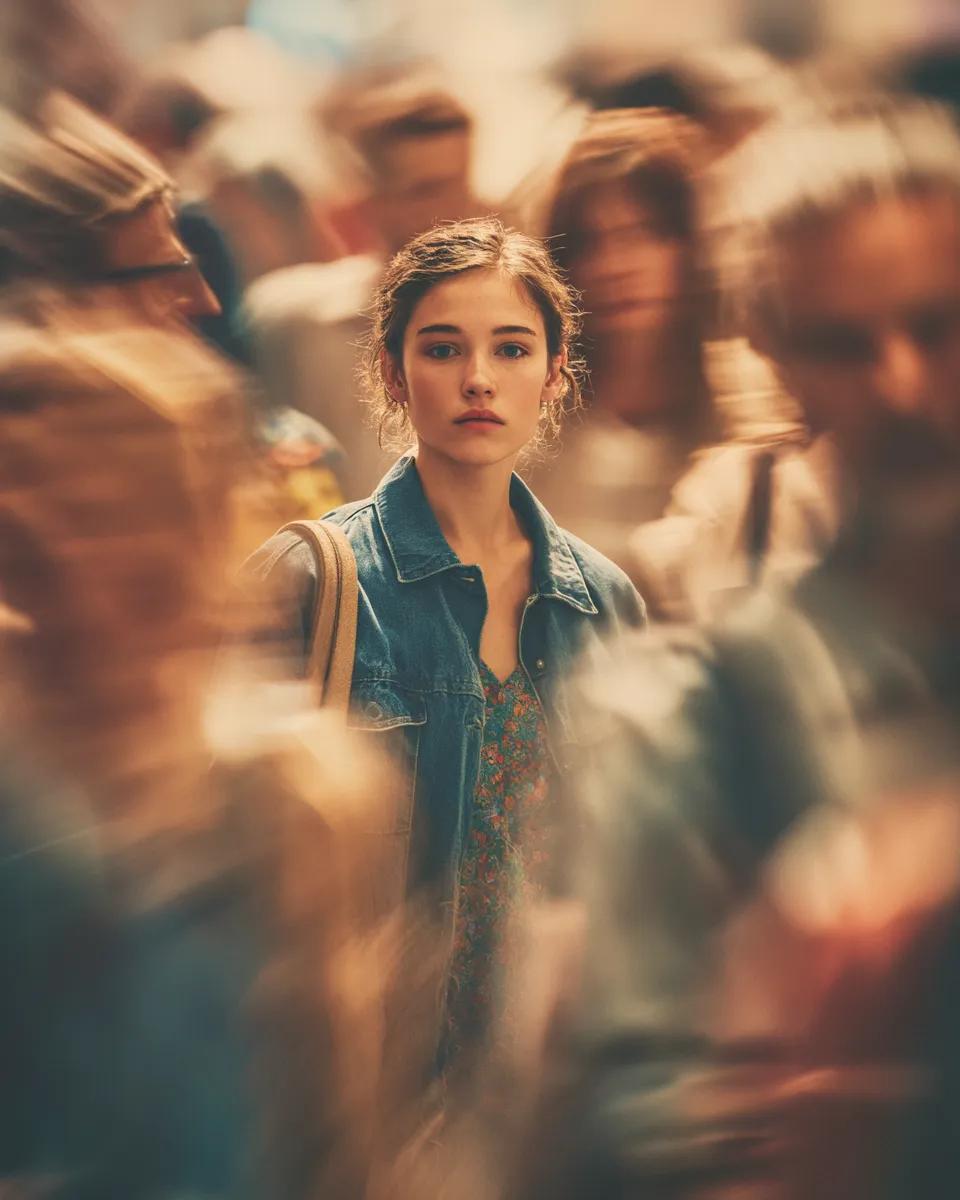
Cinematic Portrait with Motion Blur Crowd
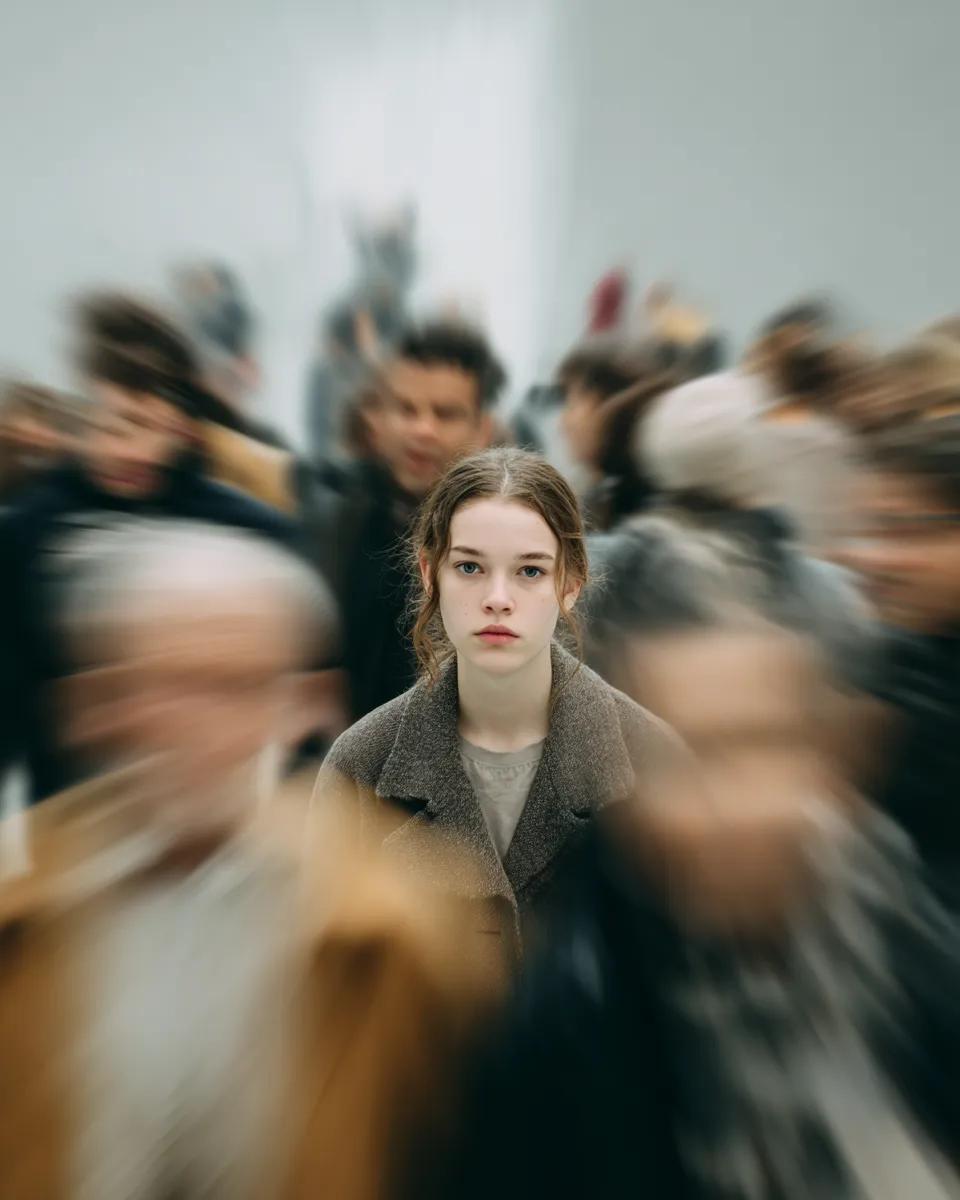
Cinematic Portrait with Radial Motion Blur

Soft-Focus Ethereal Portrait with Motion Blur
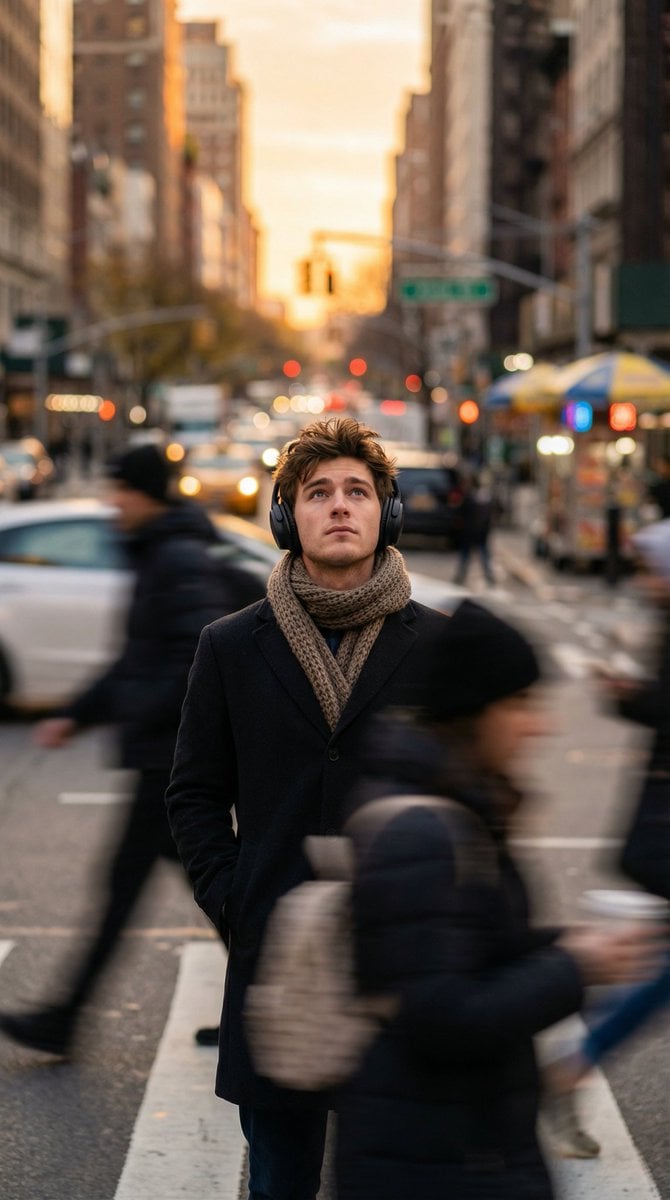
Introspective Man in Motion-Blurred City Crowd
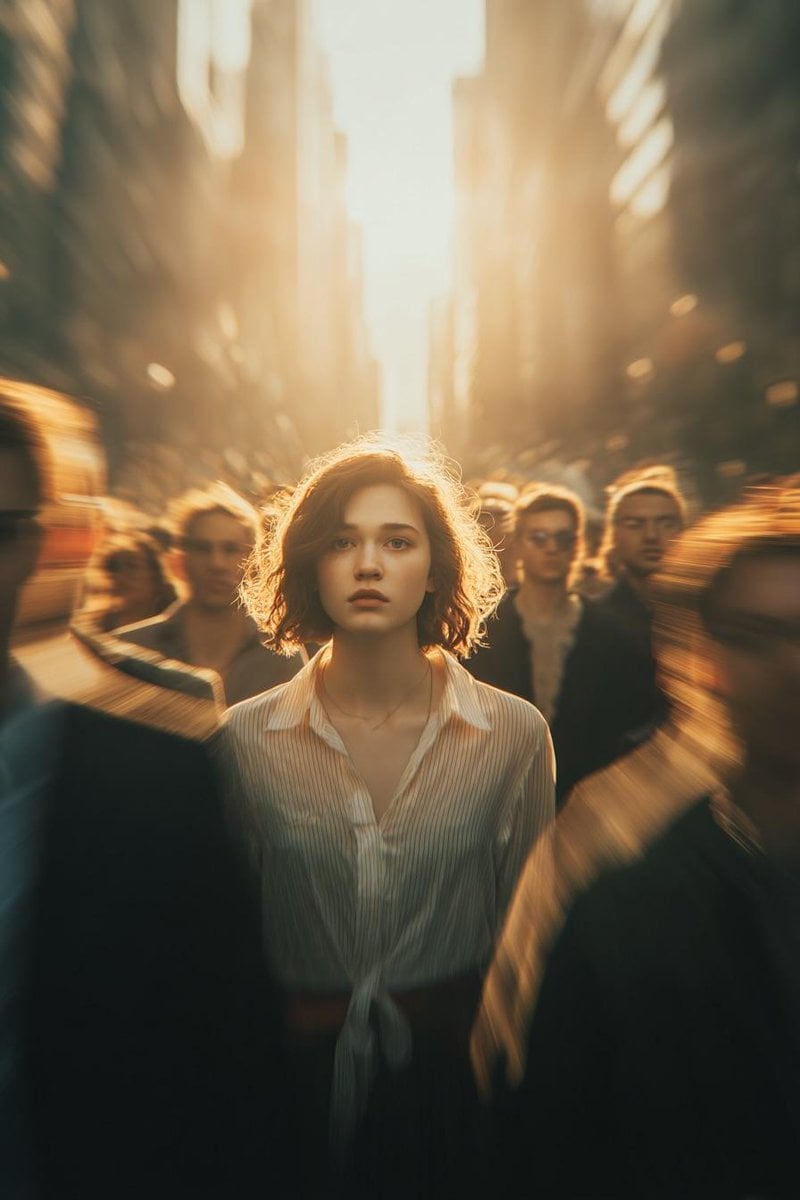
Cinematic Conceptual Portrait with Radial Motion Blur

Gemini Nano Banana 2 Isometric 3d City D
Make it yours
Cinematic City Motion Blur Portrait works as-is. These are the safest ways to change it without losing the look.
Change one field
Copy a single group, rewrite it, and generate again so you can see what that field is doing.
Keep the frame, change the subject
Hold the composition and light of Cinematic City Motion Blur Portrait, then swap wardrobe, props or the person for a new take.
| If the result… | Why | Fix |
|---|---|---|
| The result drifts from the preview | Too many fields changed at once. | Reuse Cinematic City Motion Blur Portrait as-is first, then change one group — subject, light, or setting. |
| The model over-stylizes the scene | The prose prompt leaves finish and camera underspecified. | Add one camera or lighting sentence and stay on GPT Image 2. |
More GPT Image 2 templates
Other prompts made for GPT Image 2.

Six VTuber Japanese Logo Sheet

Realistic Portrait of Woman and Deer

The Vista Modular Condo Poster

AI Model Routing Comparison Infographic

2.5D Anime Art Board

Isometric Productivity Desk Scene

New York Double Exposure Poster

Four-Panel AI Landscape Comparison

Japanese Tatami Lifestyle Magazine Cover

NESCAFÉ Coffee Map Poster
More image prompts
Fresh picks from across the catalog.

Ultra-Realistic Winter Portrait with Face Lock Prompt
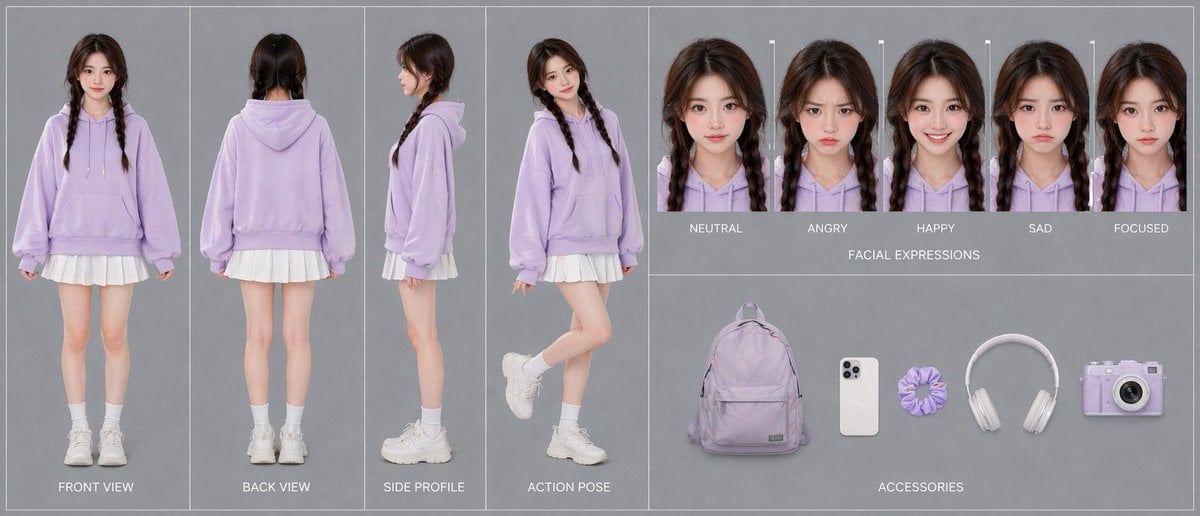
Pastel Teen Character Design Sheet
Editorial Portrait of Man in Turtleneck
Eco-Luxury Skincare Product Photography
Fashion Lighting Response Test Sheet
Head-top Diorama Prompt for Nano Banana Pro Agent V1.2 (Afro/Cloud Amusement Park)
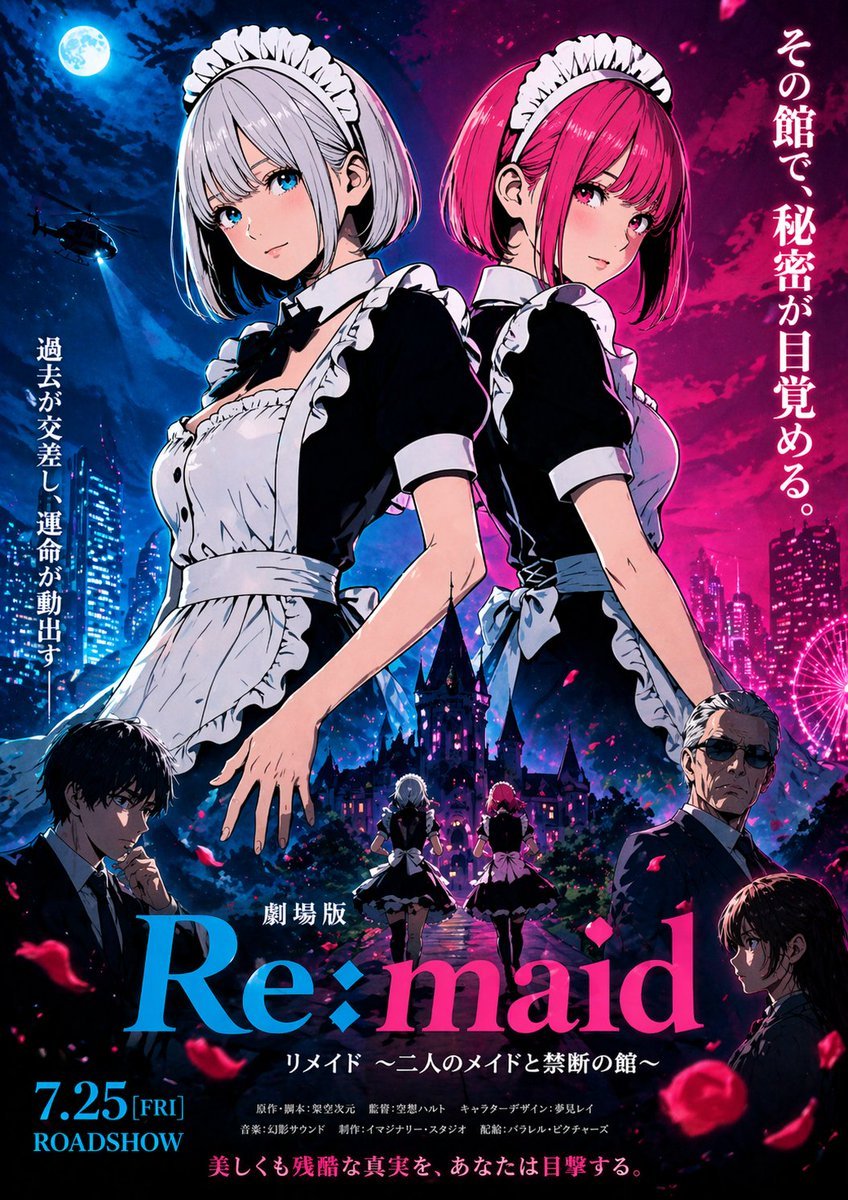
Anime Maid Thriller Movie Poster
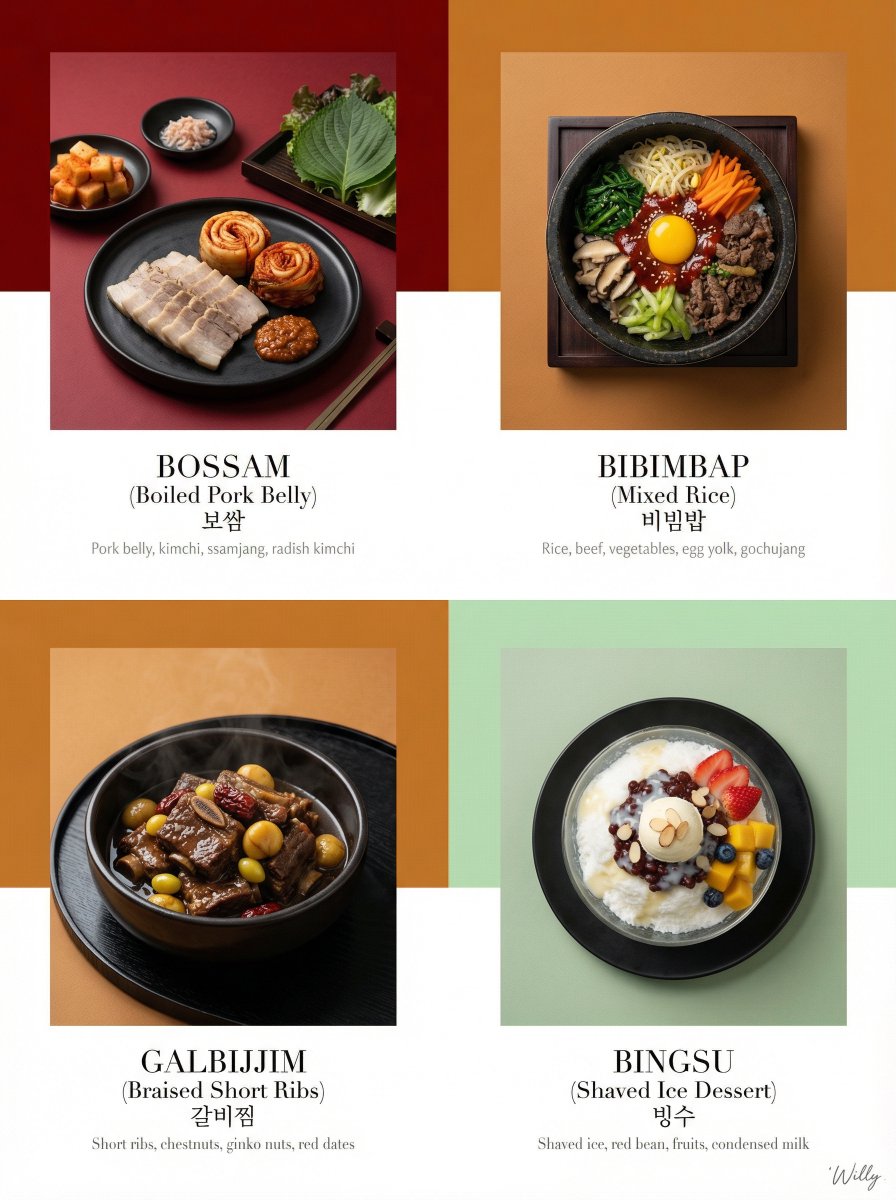
Luxury Korean Tasting Menu Editorial Layout Prompt

Luxury Ocean Princess Chocolate Box
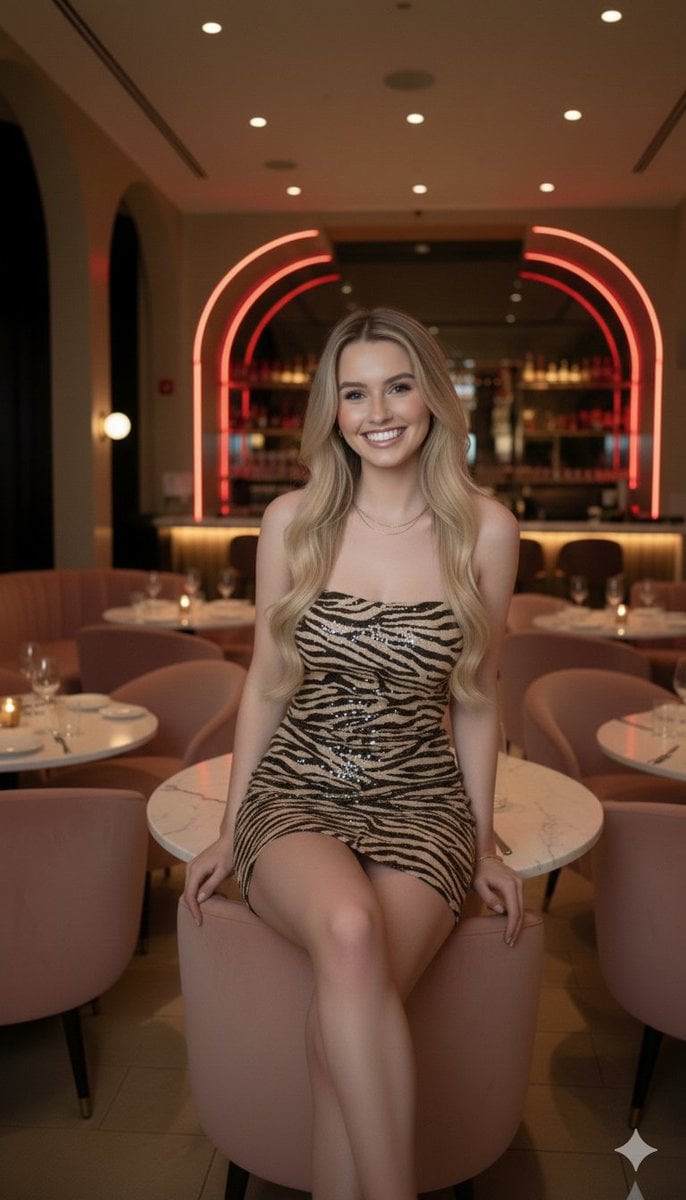
Candid Upscale Lounge Portrait Prompt
Browse template categories
Cinematic City Motion Blur Portrait questions
How do I use the Cinematic City Motion Blur Portrait template?
Add your photo if the template asks for one, edit the prompt if you like — the template's model and format are already selected — and press Generate. Your version opens in PicX Studio.
Can I customize the Cinematic City Motion Blur Portrait template?
Yes. You can change the subject, setting, lighting, mood, format, and available model controls before creating your image.
Is the Cinematic City Motion Blur Portrait template free?
Opening and editing this template is free. Generating uses credits, shown on the Generate button when you are signed in.
Which AI model should I use?
Start with GPT Image 2, which is the model associated with this template. You can compare another compatible model for a different finish.
Looking for something else? Browse all templates.

Your photo, any look
Thousands of ready templates for every top image and video model, from one credit balance.