
Ultra Realistic Motion Blur Portrait
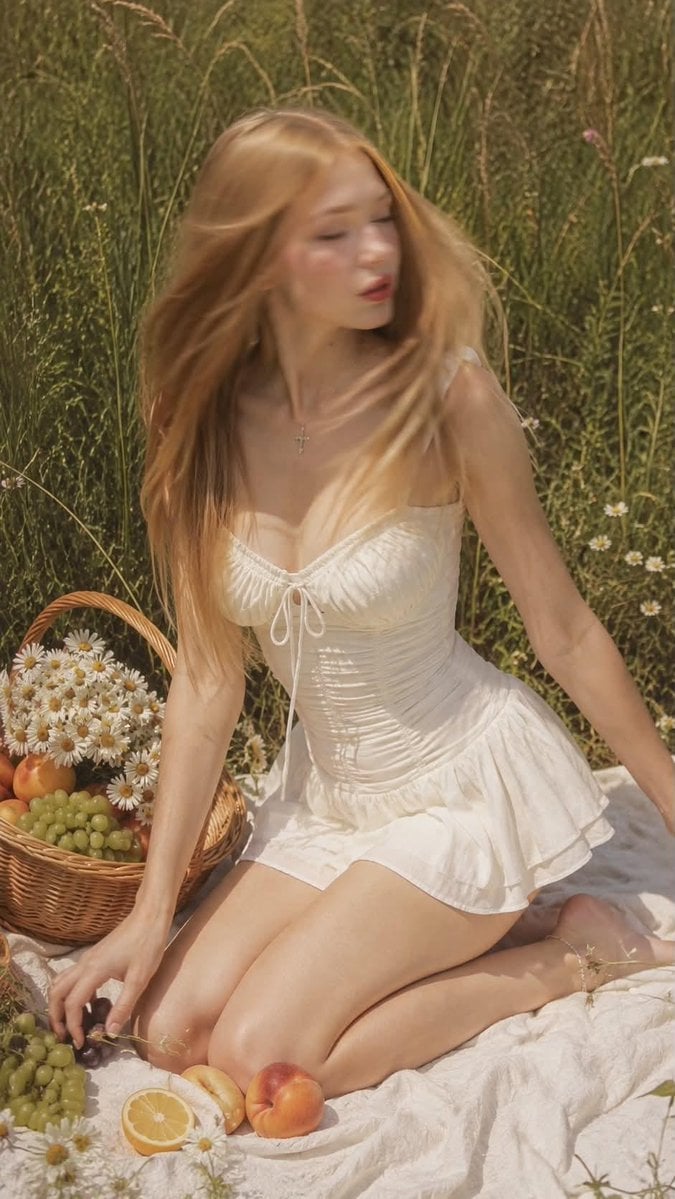
A highly detailed prompt for generating photorealistic portraits with natural motion blur, focusing on facial consistency and specific cinematic lighting.
- Prompt included
- Model and format preset
- Premium template
The prompt behind this image
Copy the exact prompt behind Ultra Realistic Motion Blur Portrait, or open it in the studio and make it yours.
Do not change the {argument name="subject" default="woman's face"}. Preserve 100% facial identity, facial features, facial proportions, eye shape, nose, lips, eyebrows, skin tone, hair color, and overall appearance exactly as the reference. Ultra-realistic {argument name="camera" default="iPhone 17 Pro Max"} photo, warm faded film-style color grading, candid lifestyle moment. Camera at standing eye level about 3 meters from the subject, straight-on angle, slightly elevated looking down. The woman is kneeling, sitting back on her heels on a white fabric blanket spread over tall grass. Her torso is turned three-quarters toward the camera. At the exact moment the shutter is released, she abruptly turns her head to the side as if reacting to someone calling her name. The fast head movement creates natural motion blur across her face, jawline and hair while her face remains clearly recognizable. Her gaze shifts away from the basket during the movement instead of looking directly at the camera. One arm extends naturally to the side for balance with relaxed fingers, while the other hand reaches toward a piece of fruit on the blanket. The body, hands, blanket, basket and surrounding objects remain sharp, emphasizing that only the head is moving. Her hair is worn down, long and straight with soft waves and side-swept bangs framing the face. The quick head turn and gentle breeze send several strands into realistic motion trails with soft blur. She wears a {argument name="outfit" default="white sleeveless mini dress"} with a ruched bodice, tie-front detail at the bust, and a short flared skirt. A thin ankle bracelet is visible on one leg. Makeup: soft natural glam, warm terracotta blush, glossy coral-red lips. Realistic skin with visible pores, subtle peach fuzz, natural texture, no beauty filter, no plastic skin. A wicker basket filled with fresh white daisies and fruit sits beside her. The basket, flowers and fruit remain crisp and detailed, becoming the visual anchor of the frame. Lighting: warm hazy midday sunlight with a soft atmospheric glow, slightly desaturated warm film colors, gentle shadows beneath the subject, natural highlights on the dress, fruit and flowers. Background: tall green wild grass fills the entire frame edge to edge, scattered wildflowers in the foreground, no sky visible. Authentic 35mm film look, fine film grain, subtle digital noise, handheld iPhone photography, candid captured moment, realistic motion blur from a fast head turn, natural lens imperfections, muted cinematic colors. --ar 9:16 --raw --style motion 50 Manicure: short square French manicure.
How to use Ultra Realistic Motion Blur Portrait in 3 steps
- 1Upload ImagePNG, JPG or paste
Add your photo
Upload the photo the template builds on. The prompt, model and format are already set.
- 2…a portrait of your subject in softgolden-hour light, 85mm…
Personalize
Edit the subject and creative details for your destination.
- 3Generate
Generate
Press Generate — your image is created in PicX Studio, so you can compare it with the original and refine one variable at a time.
More like this
Templates with the same subject, style or setup. Open one to see its prompt.
Motion Blur Sunset Portrait
Cinematic City Motion Blur Portrait
Cinematic Motion Blur Fashion Portrait
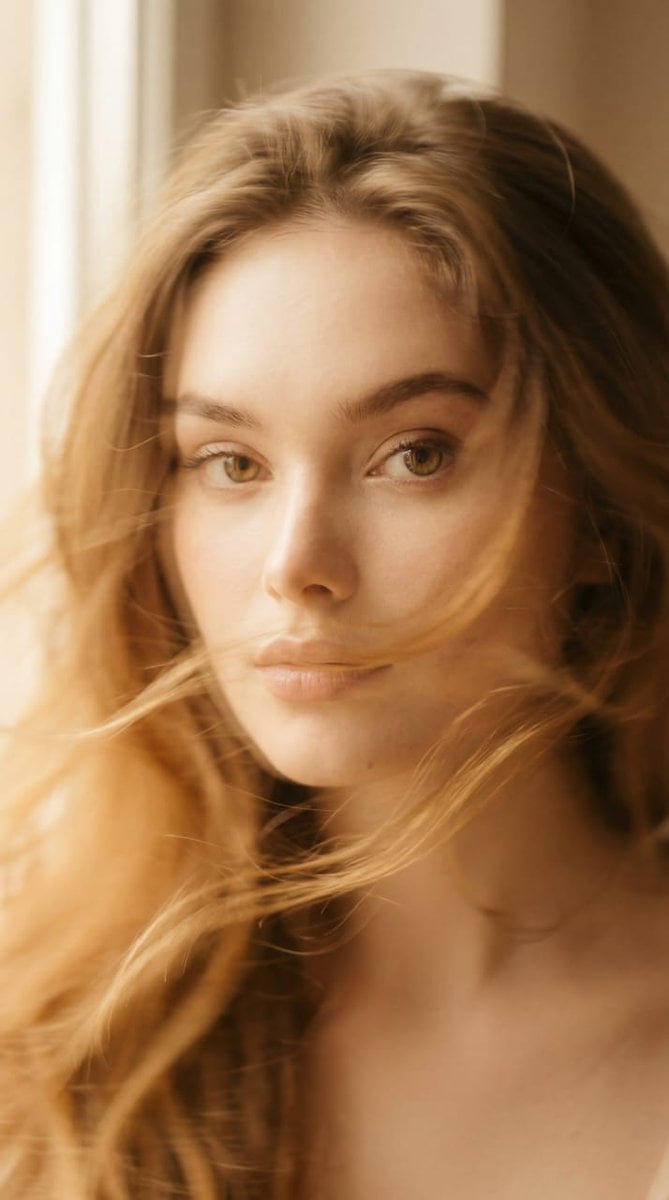
Ethereal Motion Blur Portrait
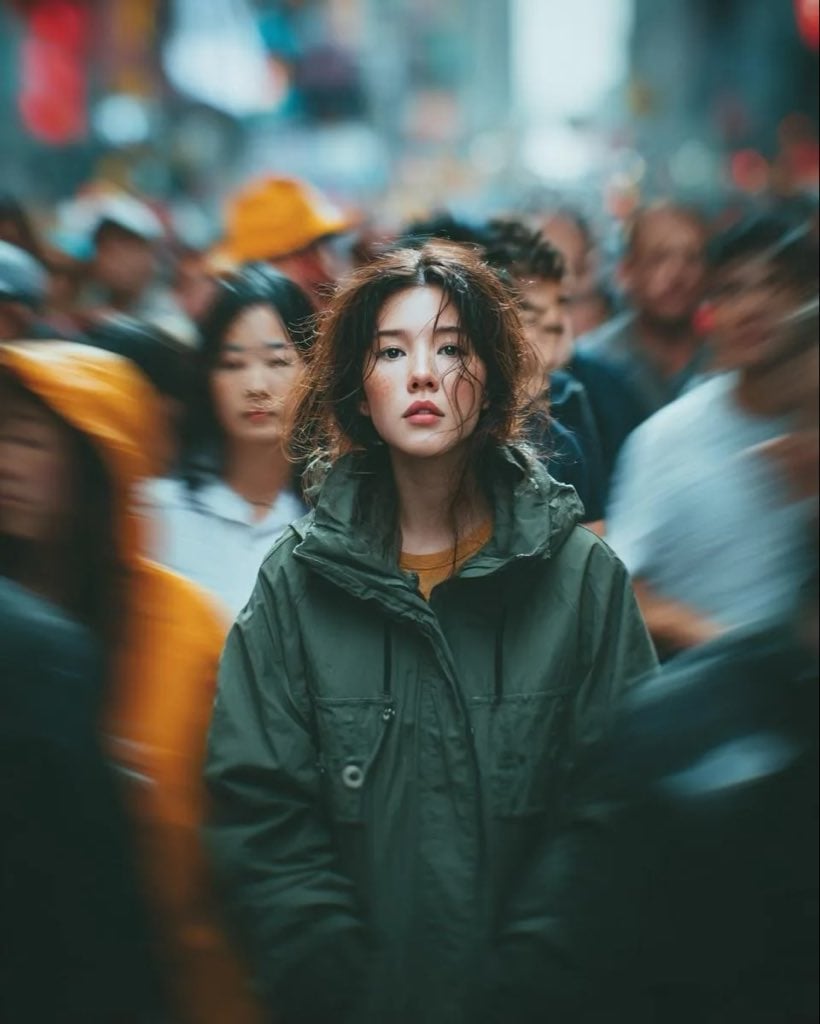
Candid Paparazzi Street Portrait with Motion Blur
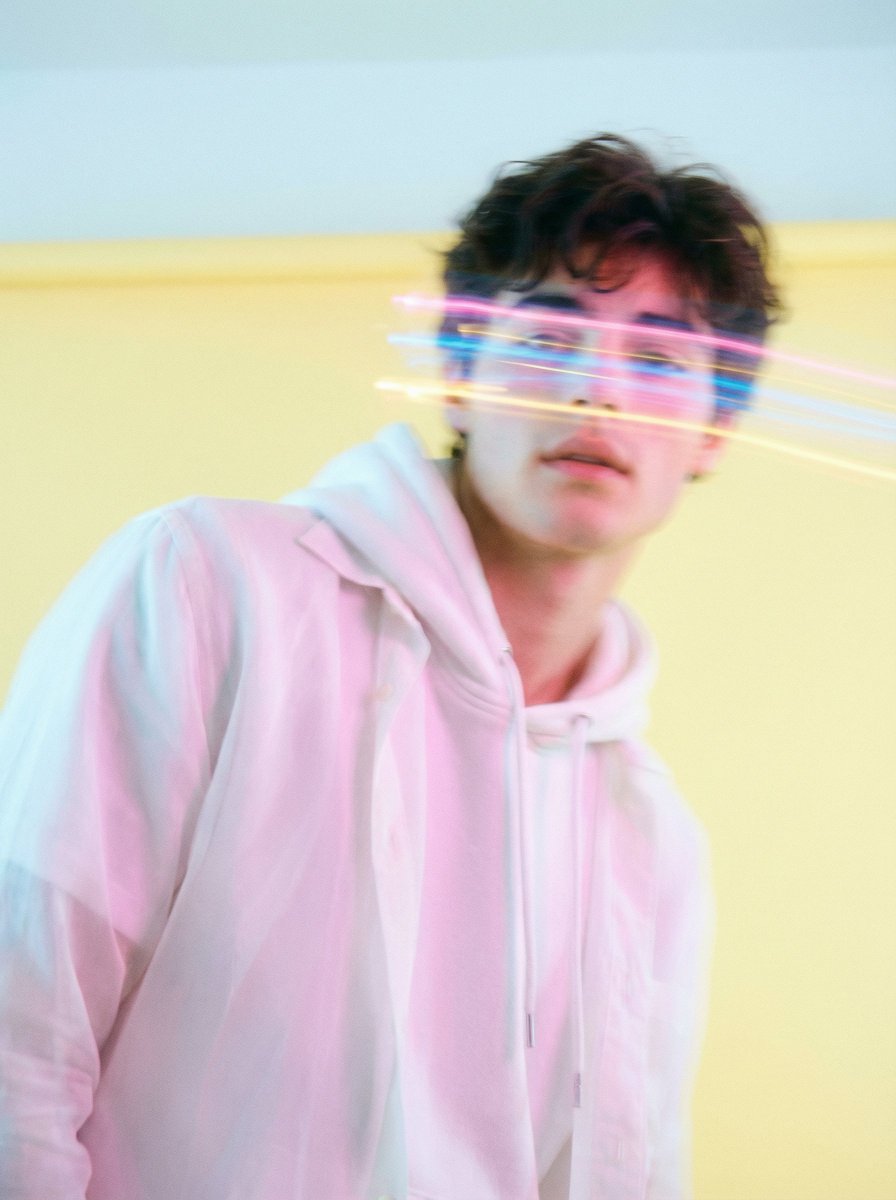
Richard Avedon Style Motion Blur Portrait
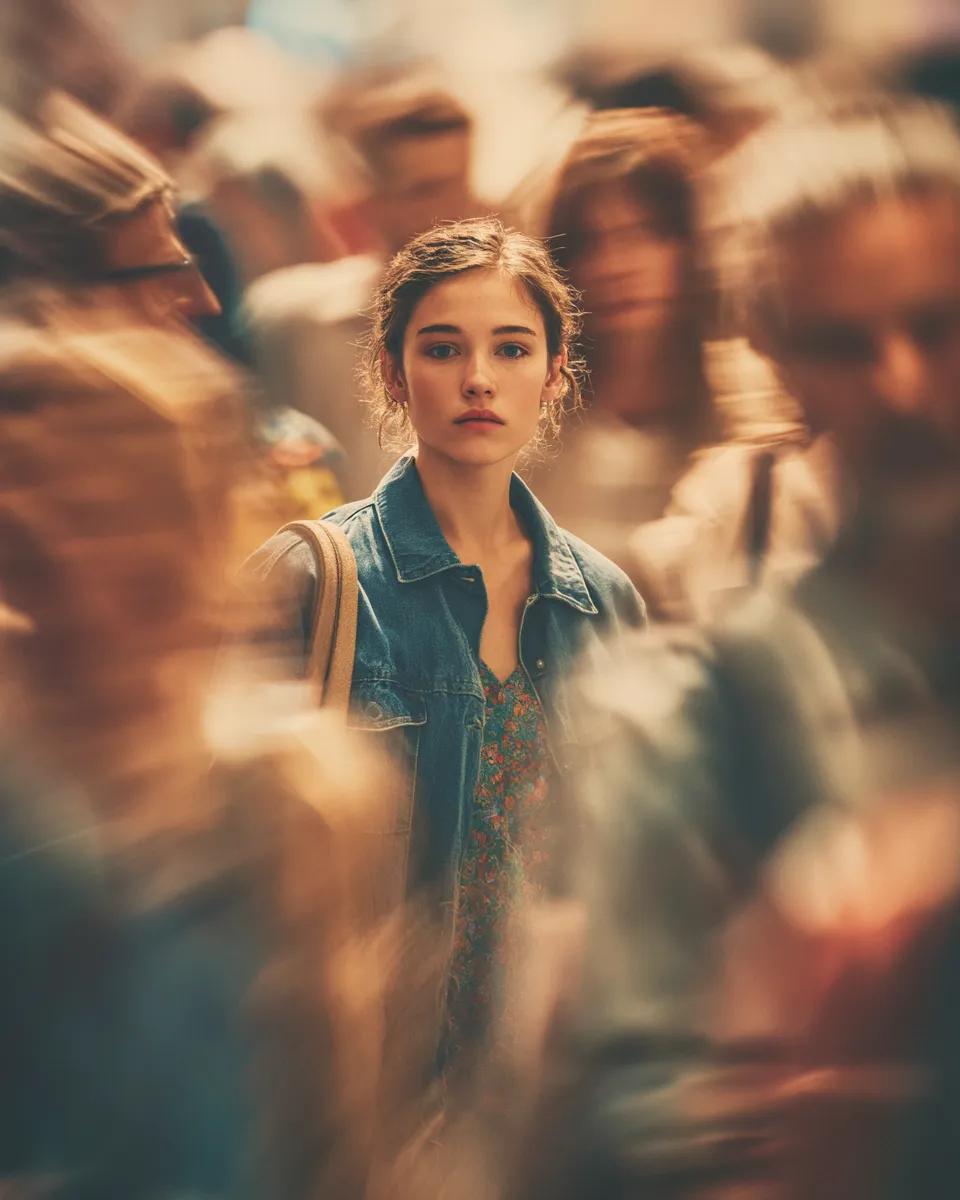
Cinematic Portrait with Motion Blur Crowd
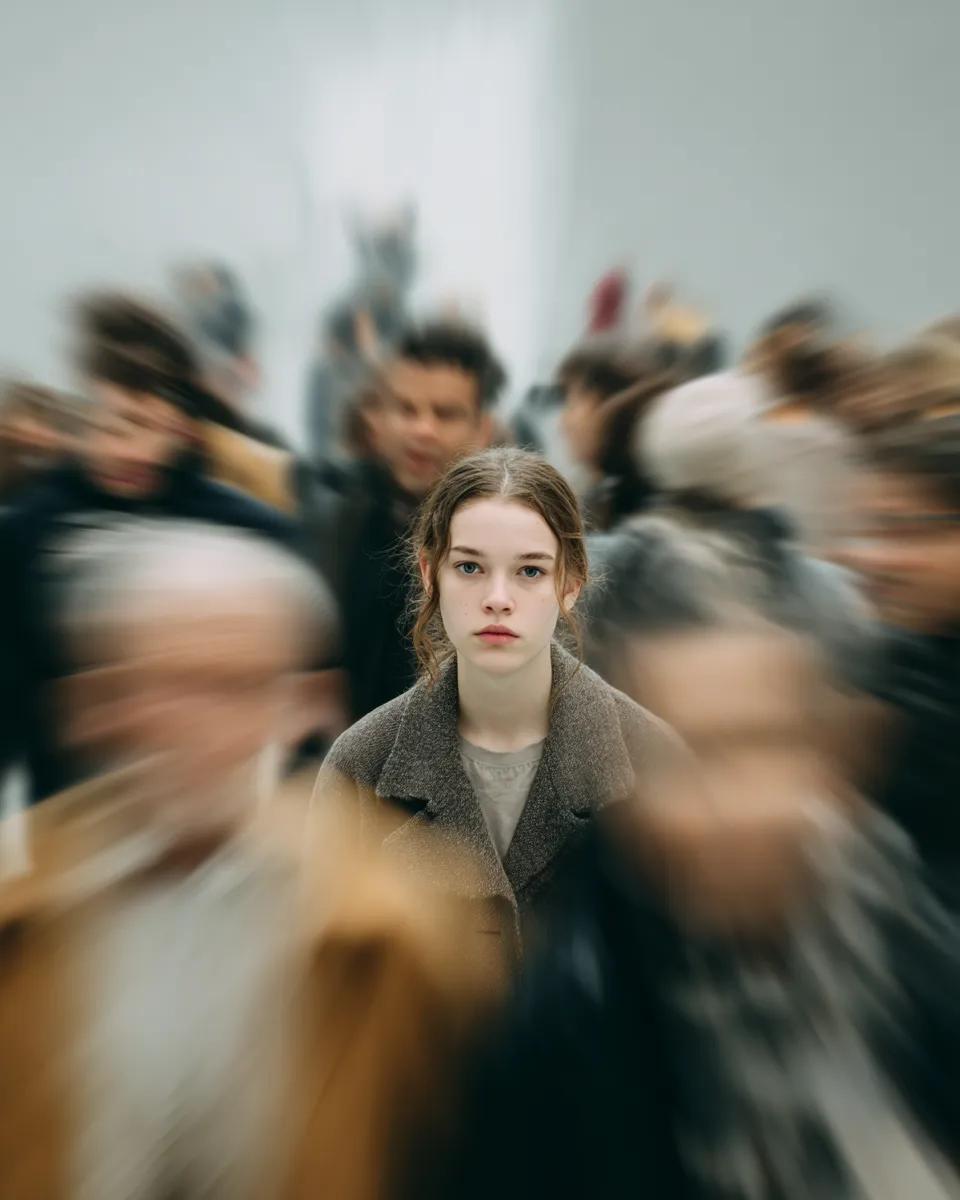
Cinematic Portrait with Radial Motion Blur
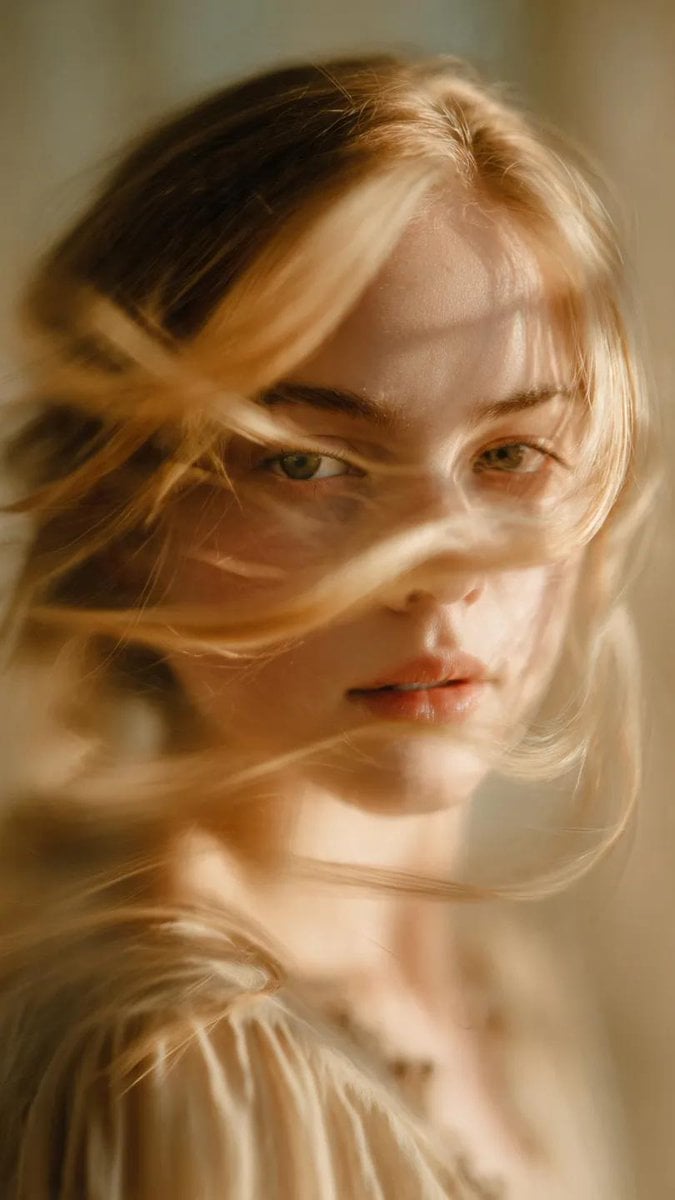
Soft-Focus Ethereal Portrait with Motion Blur
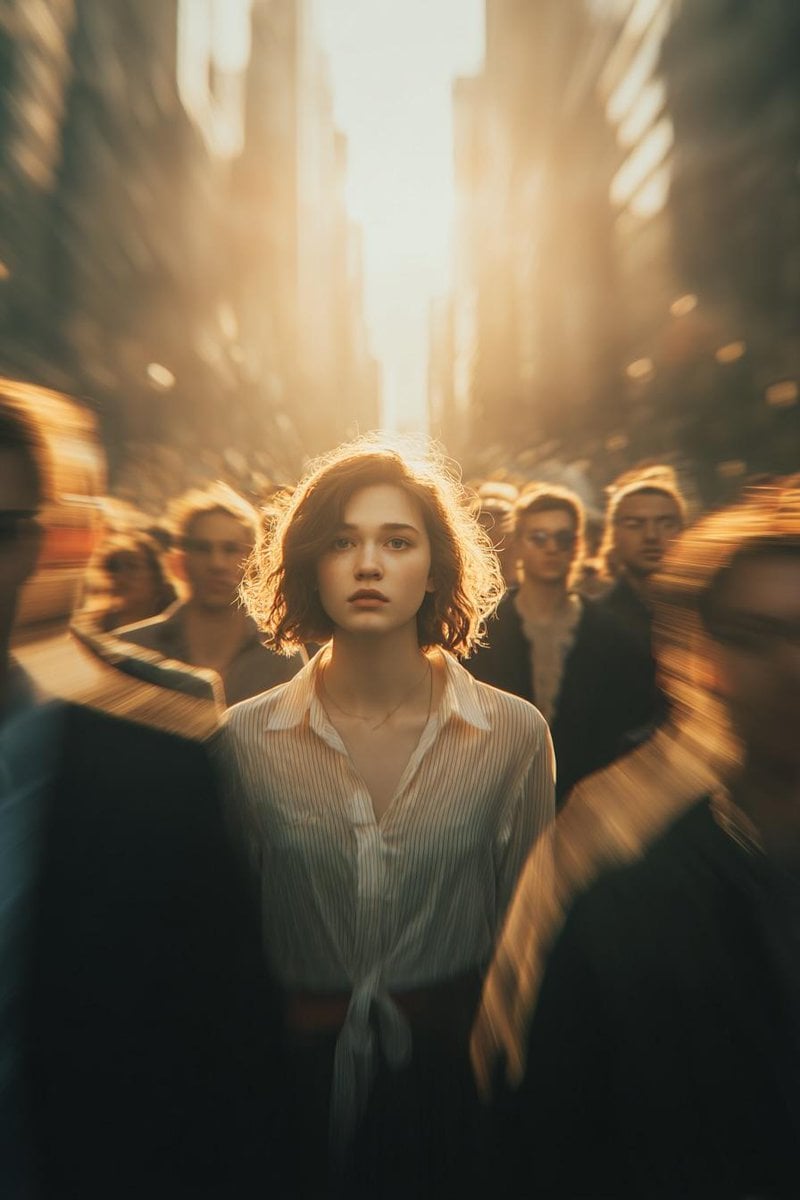
Cinematic Conceptual Portrait with Radial Motion Blur

Found Photograph: Us, 1970

80s Couple Studio Portrait
Make it yours
Ultra Realistic Motion Blur Portrait works as-is. These are the safest ways to change it without losing the look.
Change one field
Copy a single group, rewrite it, and generate again so you can see what that field is doing.
Keep the frame, change the subject
Hold the composition and light of Ultra Realistic Motion Blur Portrait, then swap wardrobe, props or the person for a new take.
| If the result… | Why | Fix |
|---|---|---|
| The result drifts from the preview | Too many fields changed at once. | Reuse Ultra Realistic Motion Blur Portrait as-is first, then change one group — subject, light, or setting. |
| The model over-stylizes the scene | The prose prompt leaves finish and camera underspecified. | Add one camera or lighting sentence and stay on GPT Image 2. |
More GPT Image 2 templates
Other prompts made for GPT Image 2.

Six VTuber Japanese Logo Sheet

Realistic Portrait of Woman and Deer

The Vista Modular Condo Poster

AI Model Routing Comparison Infographic

2.5D Anime Art Board

Isometric Productivity Desk Scene

New York Double Exposure Poster

Four-Panel AI Landscape Comparison

Japanese Tatami Lifestyle Magazine Cover

NESCAFÉ Coffee Map Poster
More image prompts
Fresh picks from across the catalog.
Double Exposure Cinematic Character Poster
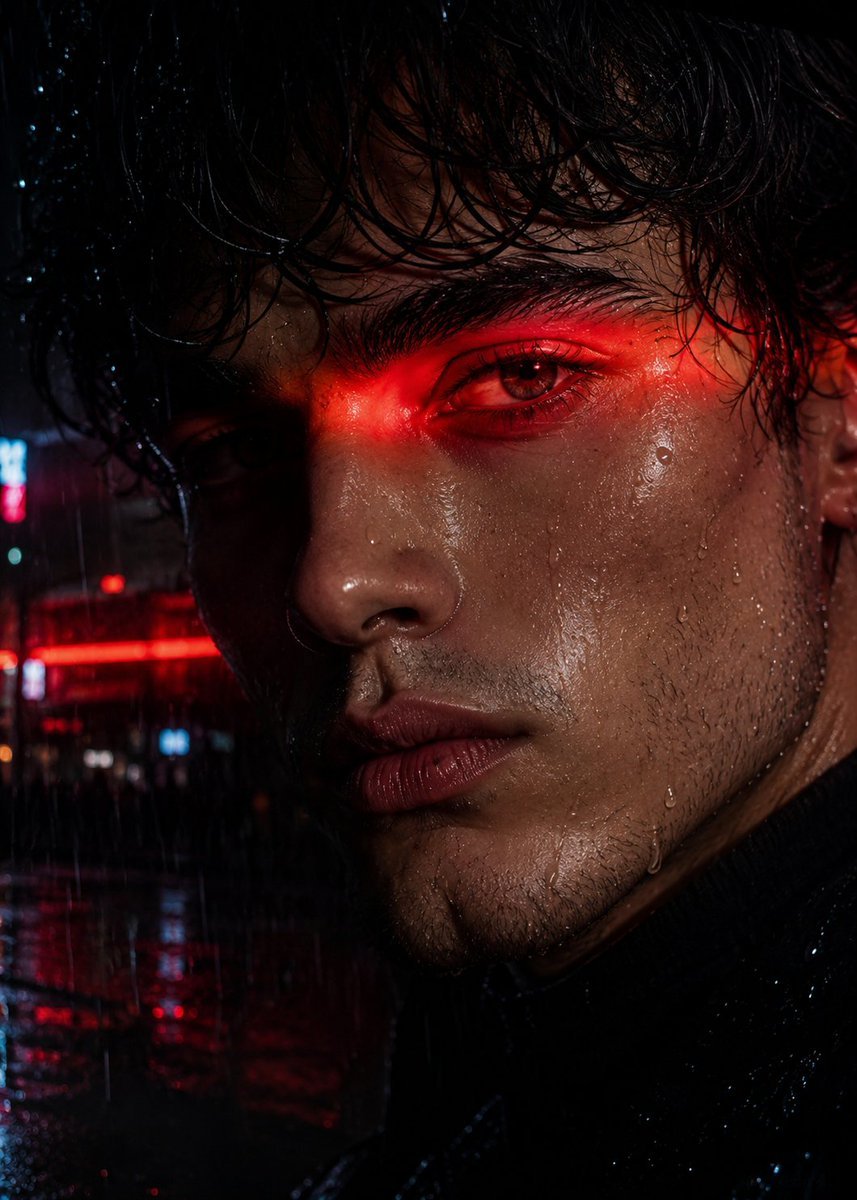
Neo-Noir Close-up Portrait
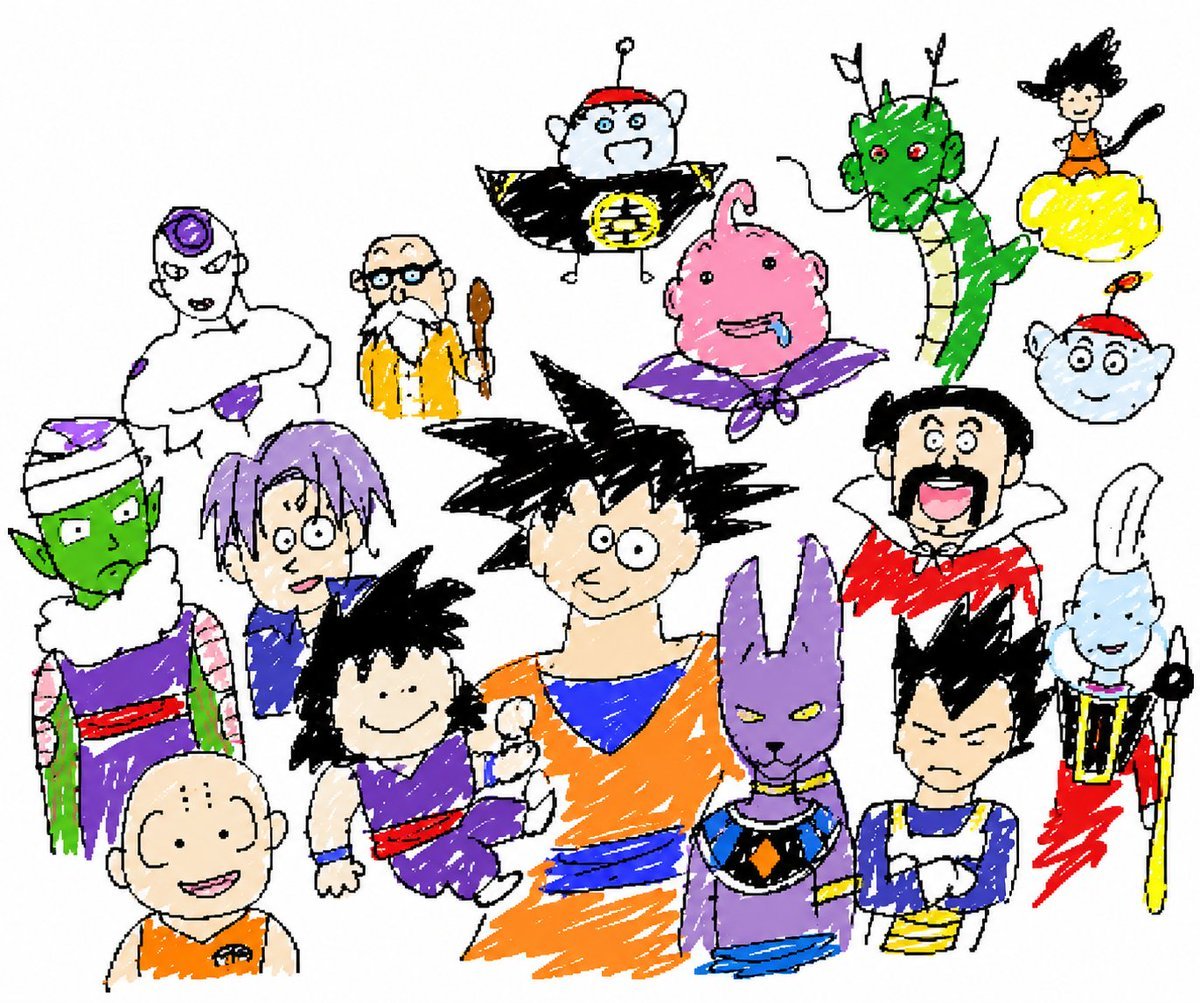
Unrestricted Photo Restoration Parody
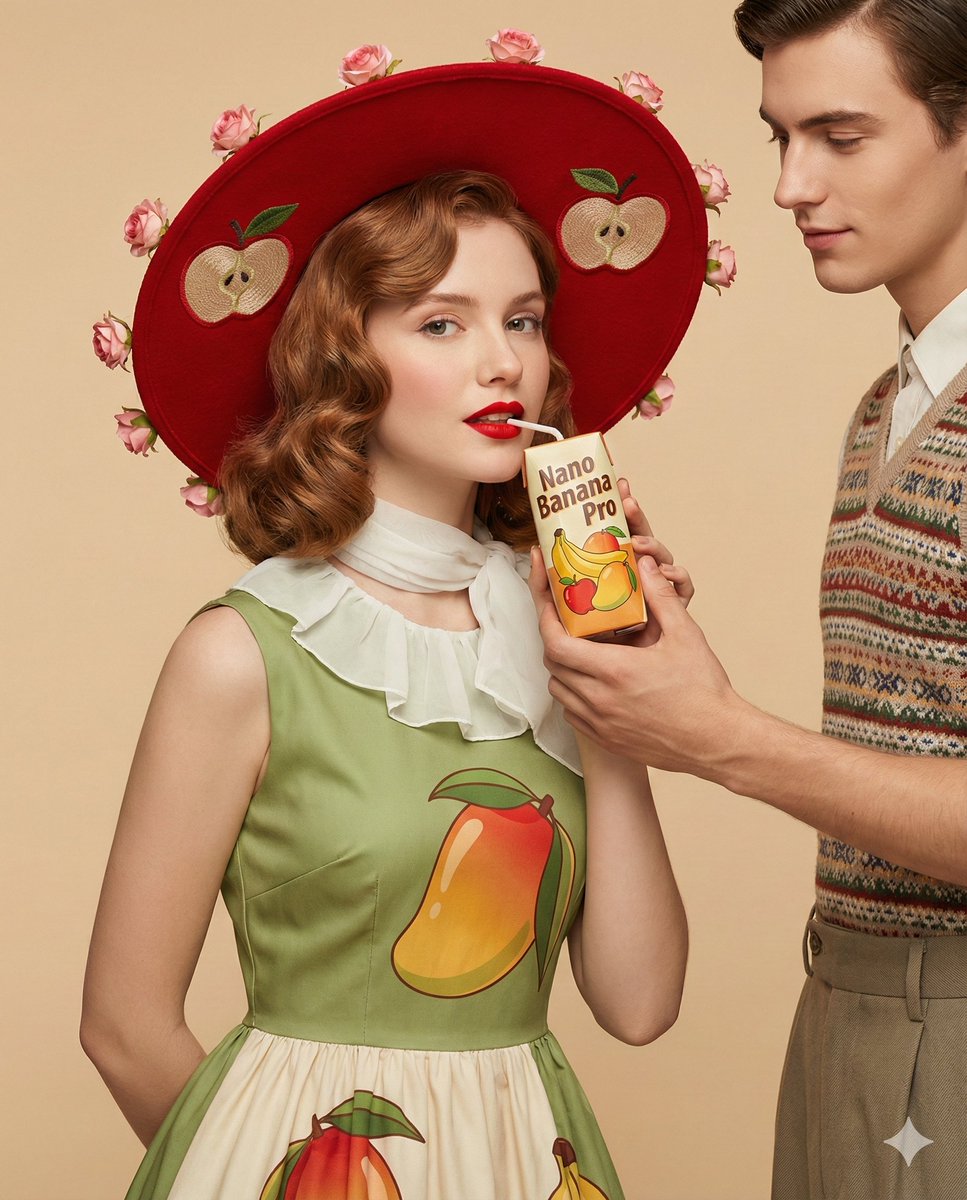
4K Ultra-Realistic Retro Fashion Editorial Portrait

Affogato Dessert Photography
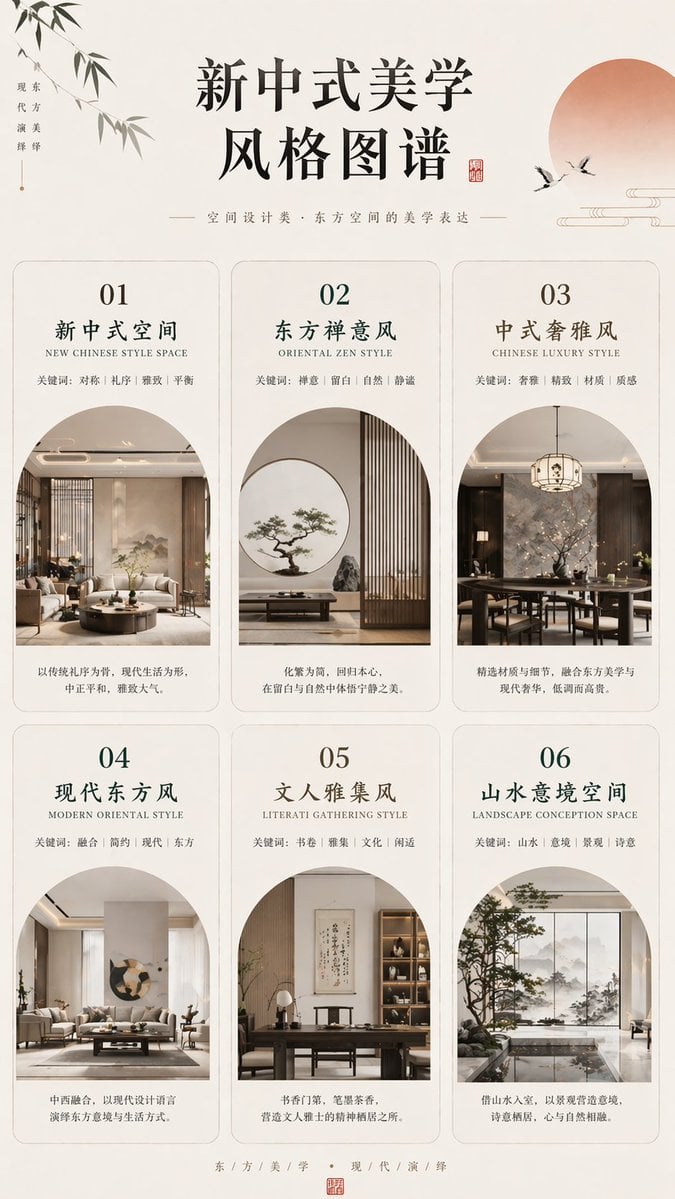
New Chinese Aesthetics Style Chart
Warm Chinese Character Design Poster
First-Person AR Shopping Interface Overlay
Prompt for 3D Caricature from Uploaded Image
Analog Film Enoshima Portrait
Browse template categories
Ultra Realistic Motion Blur Portrait questions
How do I use the Ultra Realistic Motion Blur Portrait template?
Add your photo if the template asks for one, edit the prompt if you like — the template's model and format are already selected — and press Generate. Your version opens in PicX Studio.
Can I customize the Ultra Realistic Motion Blur Portrait template?
Yes. You can change the subject, setting, lighting, mood, format, and available model controls before creating your image.
Is the Ultra Realistic Motion Blur Portrait template free?
Opening and editing this template is free. Generating uses credits, shown on the Generate button when you are signed in.
Which AI model should I use?
Start with GPT Image 2, which is the model associated with this template. You can compare another compatible model for a different finish.
Looking for something else? Browse all templates.

Your photo, any look
Thousands of ready templates for every top image and video model, from one credit balance.