How do I use the Cinematic Motion Blur Fashion Portrait template?
Choose the primary action to open PicX Studio with the available template settings. Review the model and format, personalize the creative direction, and generate when ready.
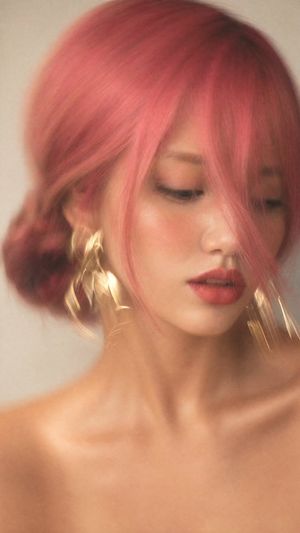
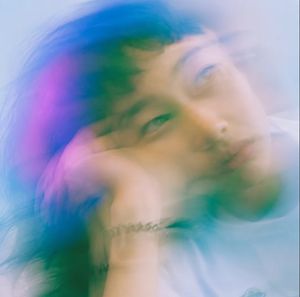
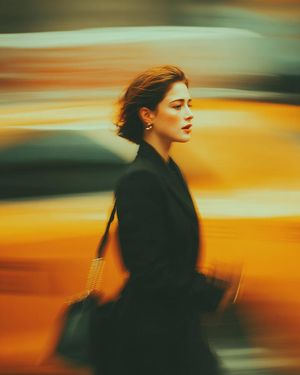
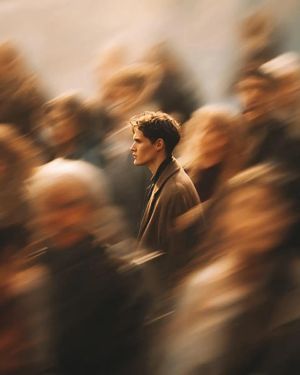
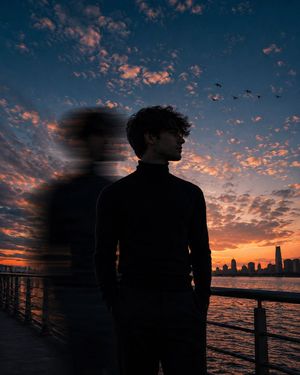
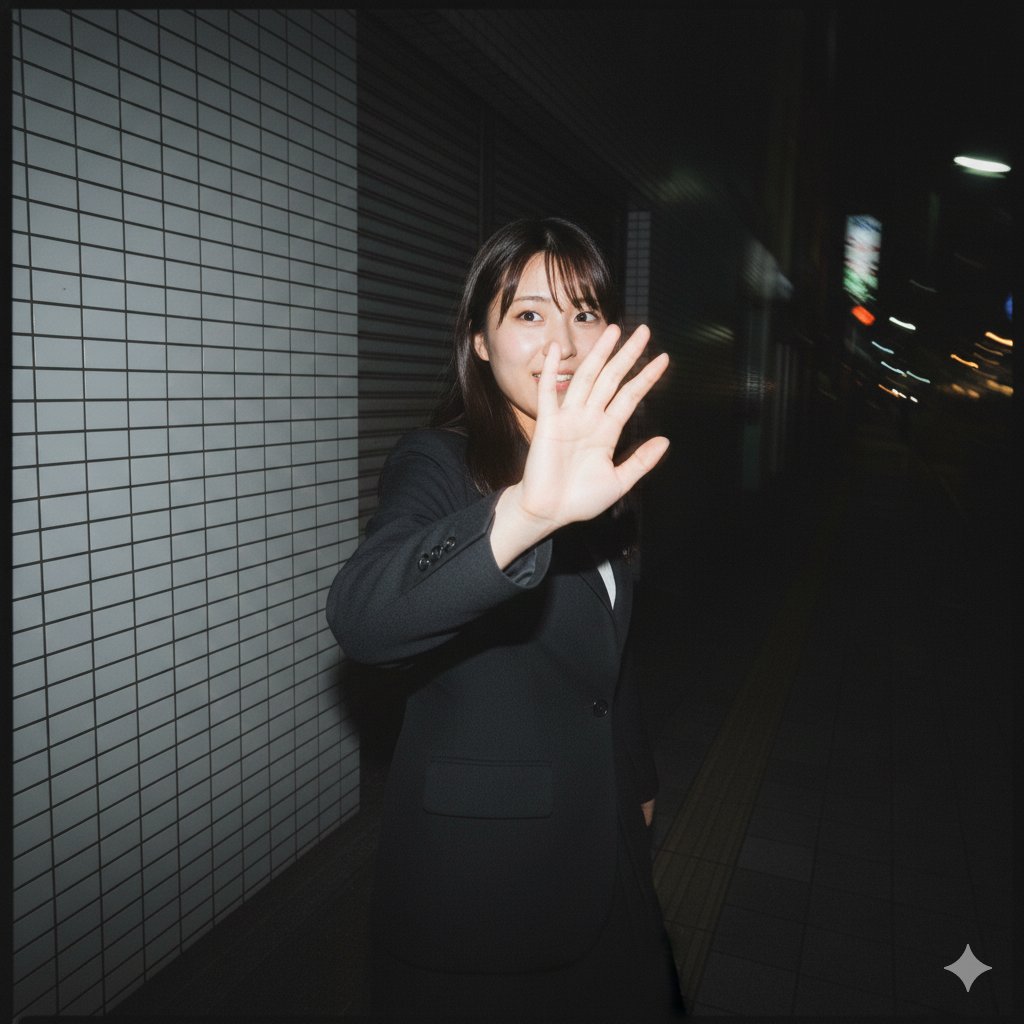
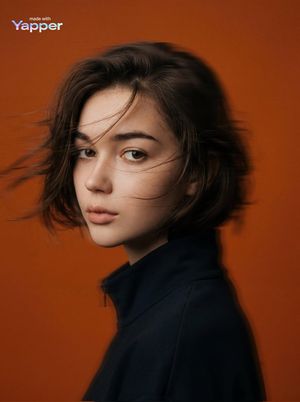
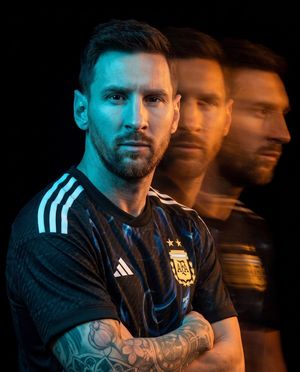
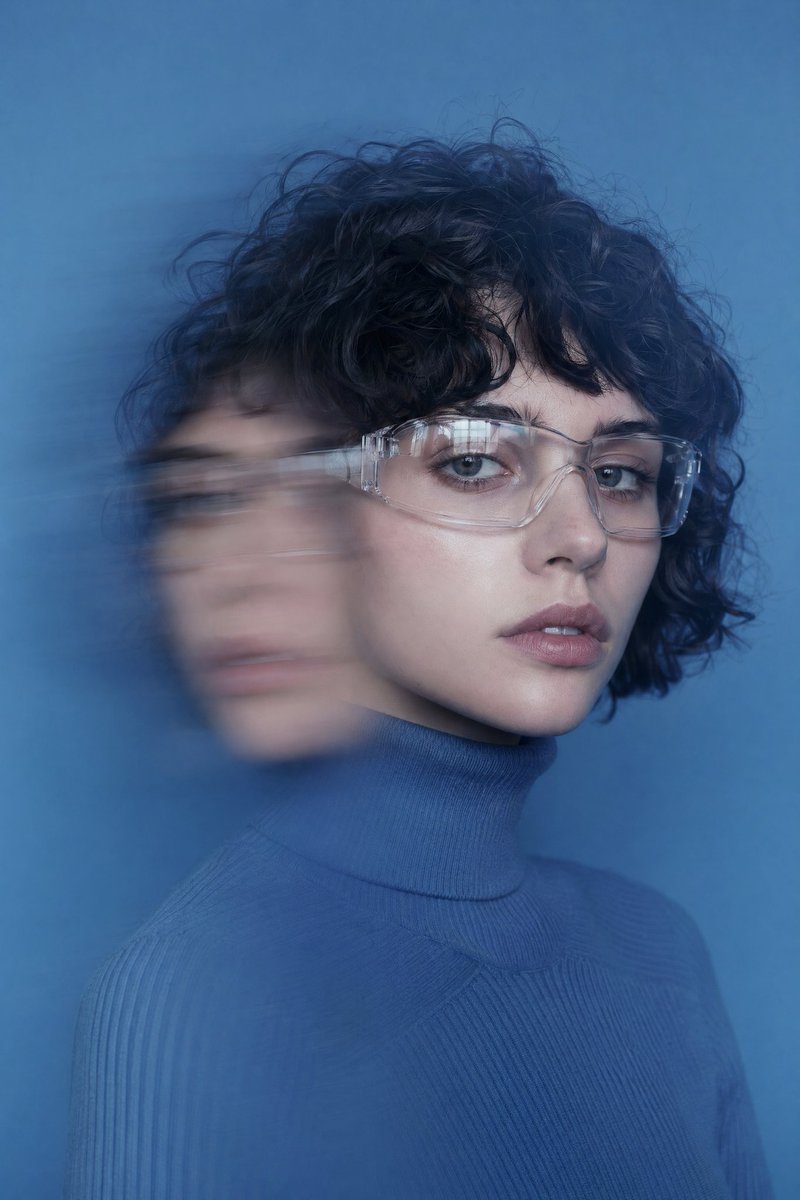
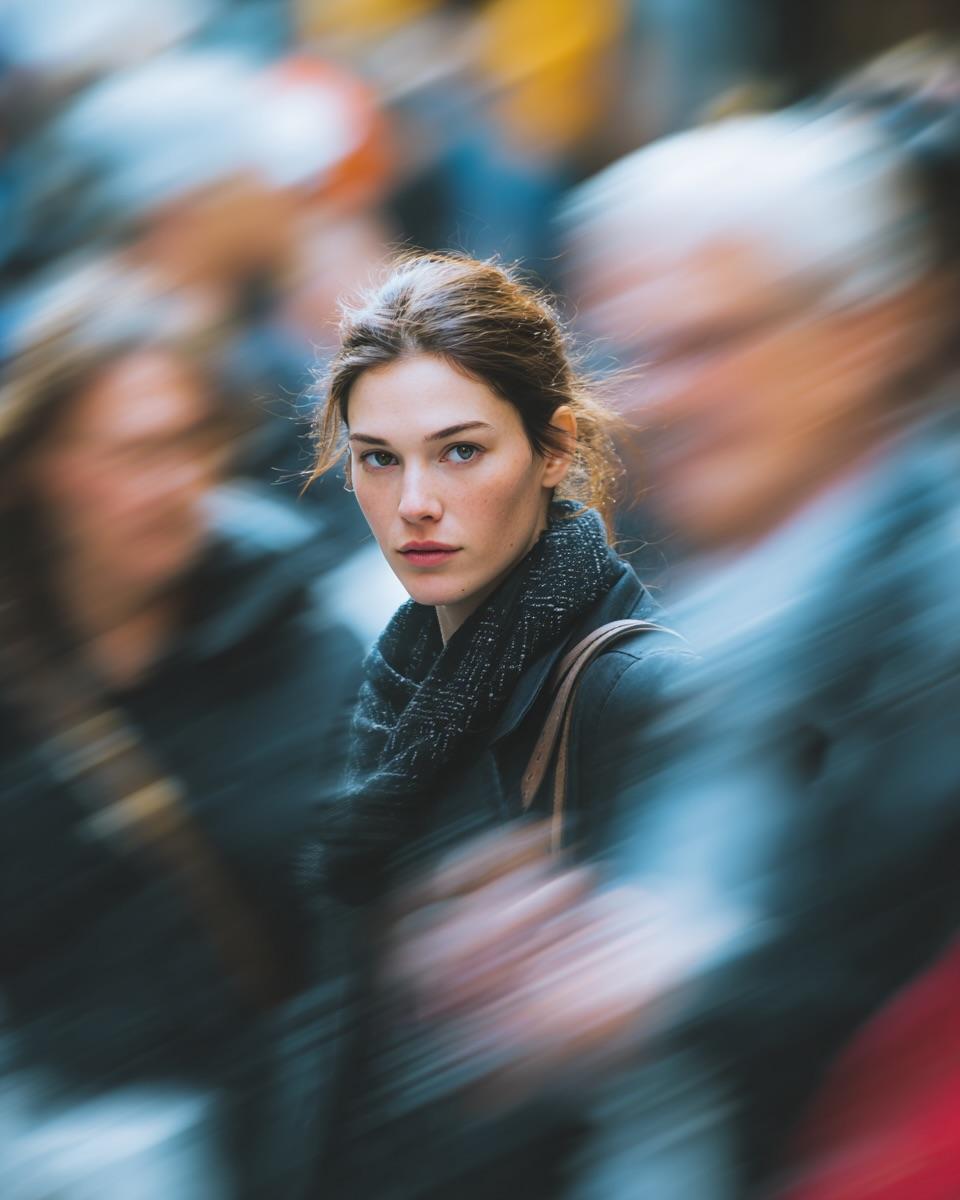
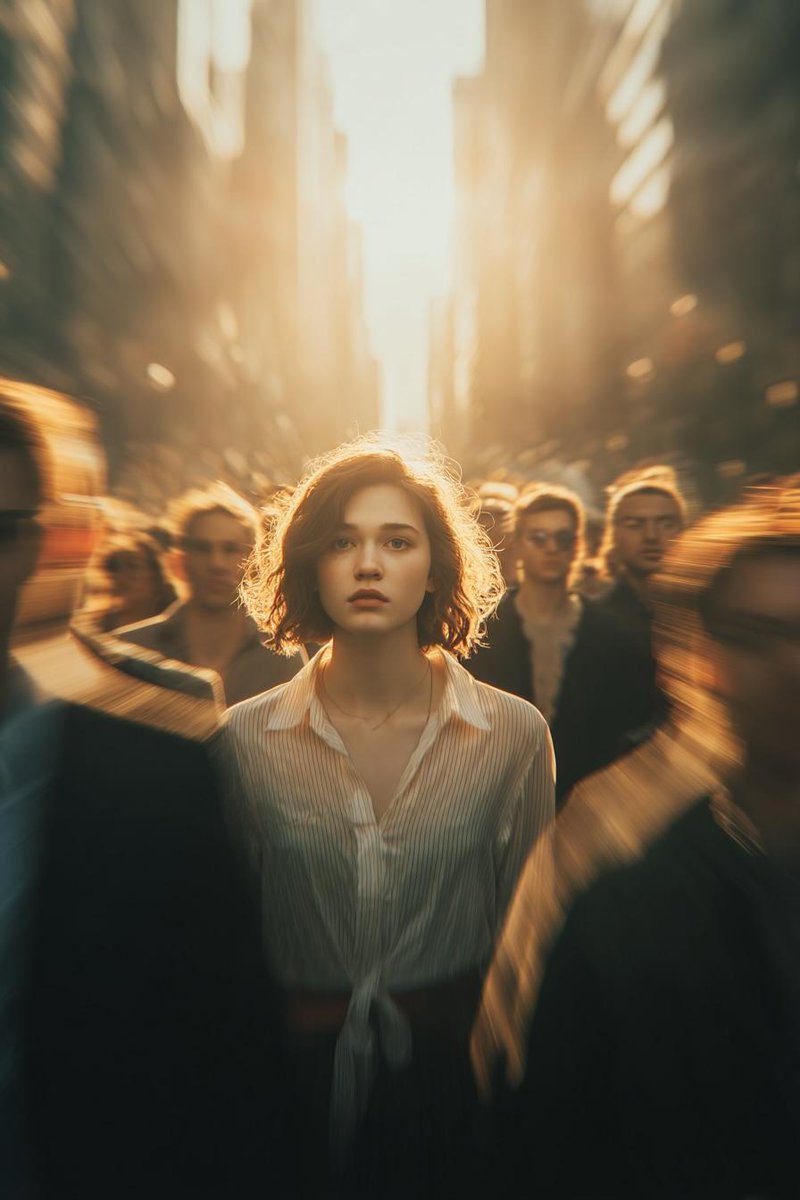
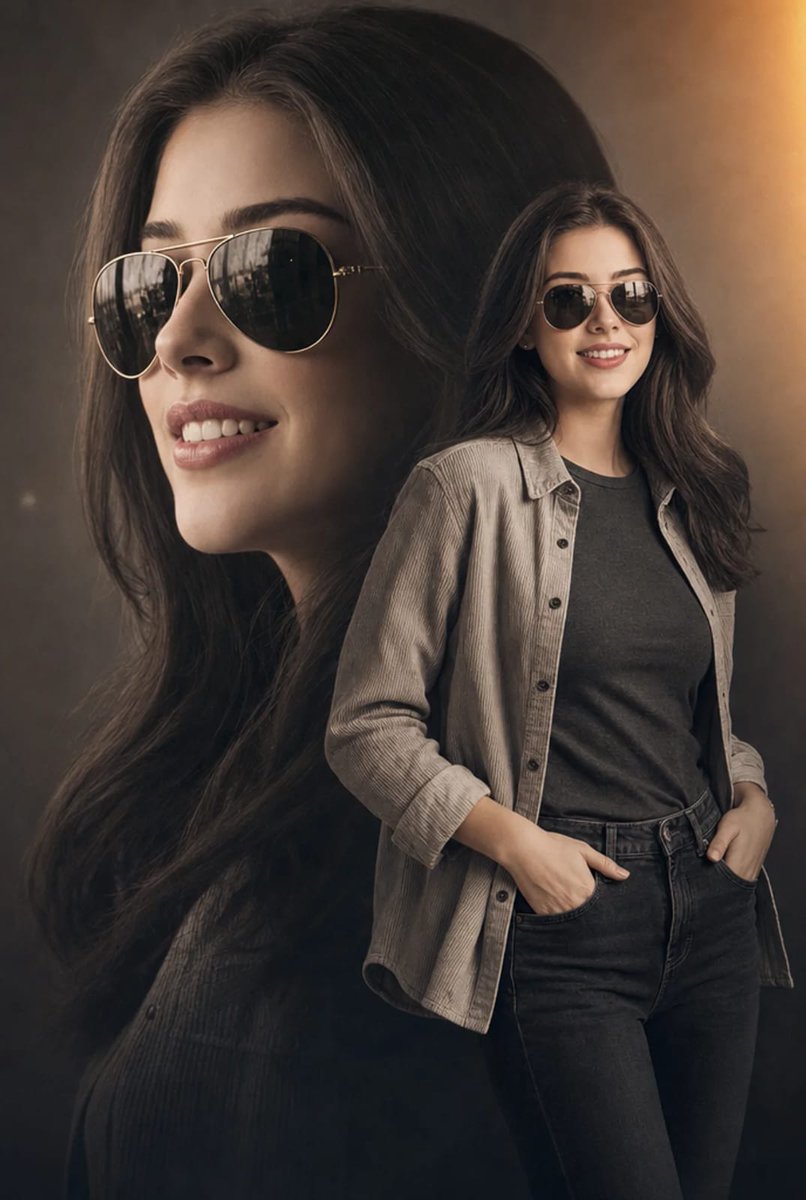
A high-fashion portrait prompt featuring motion-blurred silhouettes surrounding a sharp, static central subject.
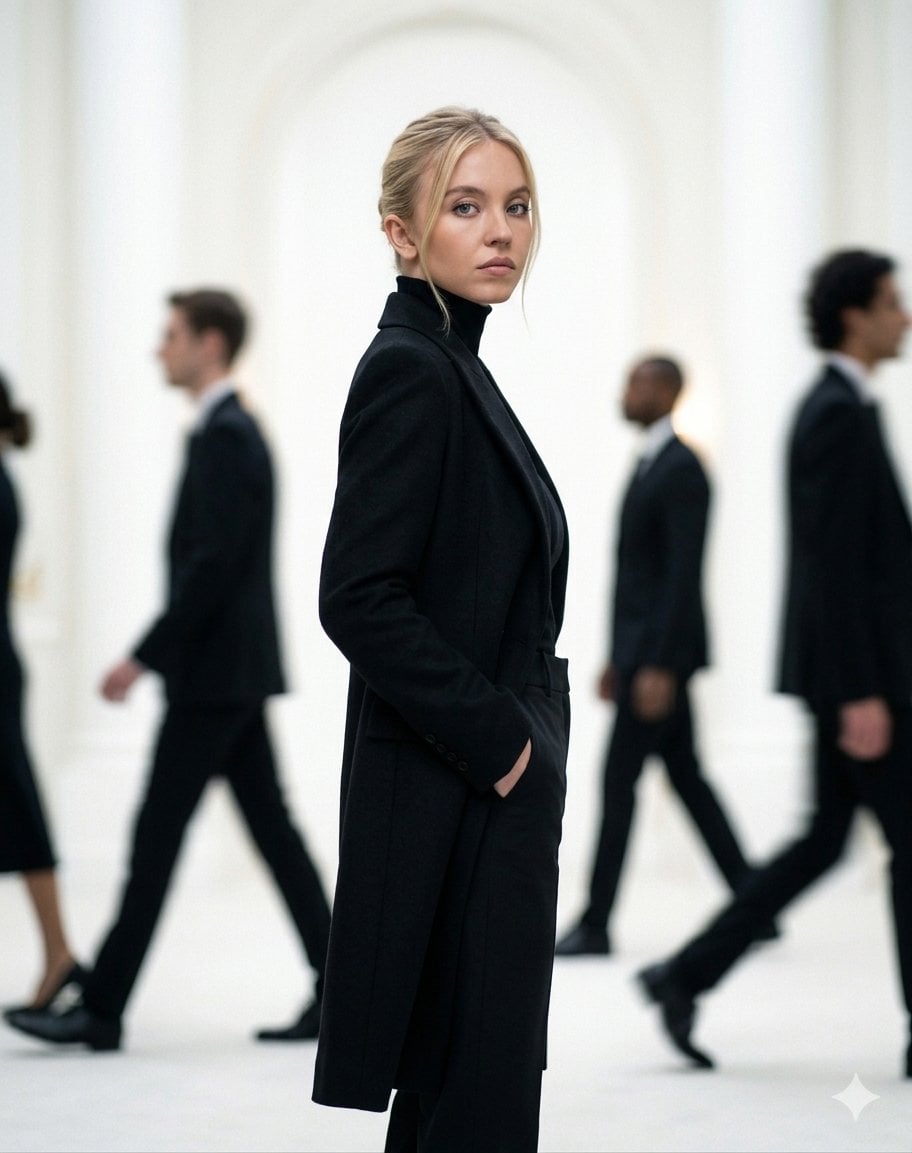
Create a cinematic high-fashion portrait of the subject standing perfectly still in the center while {argument name="motion effect" default="blurred silhouettes of people"} move around her in motion blur. She wears a sleek all-black minimalist outfit with narrow black sunglasses, calm and confident expression, soft natural makeup, clean editorial styling. Bright soft background with dreamy depth, shallow focus,subtle film grain, luxury fashion magazine aesthetic, ultra-realistic skin texture, sharp facial details, atmospheric lighting, Vogue-style composition, high-end photography, 8K ultra-detailed.
Choose the primary action to open PicX Studio with the available template settings. Review the model and format, personalize the creative direction, and generate when ready.
Yes. You can change the subject, setting, lighting, mood, format, and available model controls before creating your image.
This template is free to open and customize. Generation usage is shown in PicX Studio before you create.
Start with Nano Banana 2, which is the model associated with this template. You can compare another compatible model for a different finish.
Follow a topic to a crawlable collection of related PicX Studio templates.