
Motion Blur Sunset Portrait
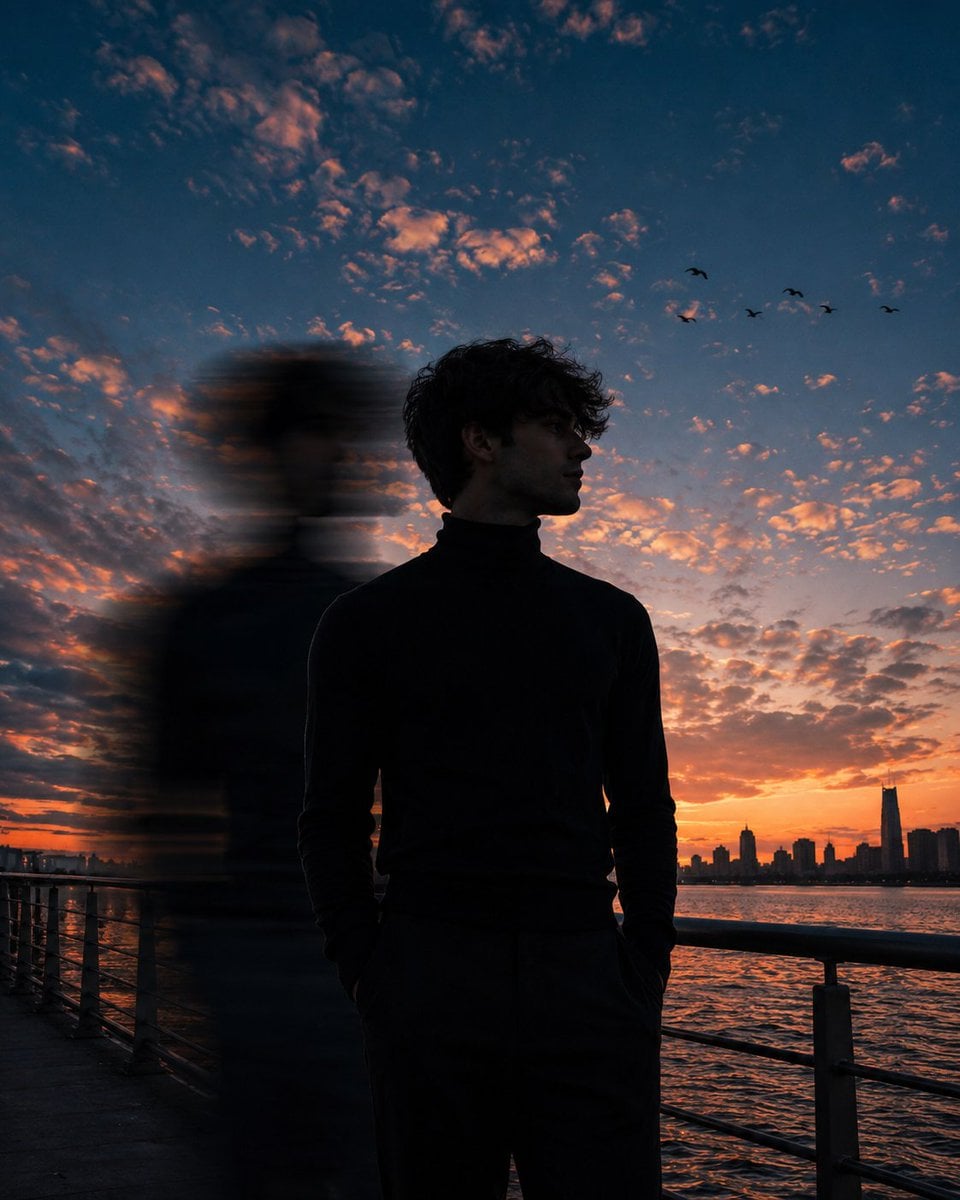
A cinematic portrait prompt featuring a unique motion-blur ghost silhouette effect against a vibrant sunset sky, creating a surreal double-exposure aesthetic for lifestyle photography.
- Prompt included
- Model and format preset
- Free template
The prompt behind this image
Copy the exact prompt behind Motion Blur Sunset Portrait, or open it in the studio and make it yours.
A cinematic low-angle portrait of a {argument name="subject" default="young man"} standing on a {argument name="location" default="waterfront promenade"} during {argument name="lighting" default="blue-hour sunset"}, framed from mid-thigh upward, occupying roughly 40% of the frame. He wears a fitted black turtleneck sweater, both hands casually tucked into his pockets. His body faces slightly toward the camera while his head is turned to the right, gazing into the distance. His face is only partially visible due to the side profile angle and deep shadow, with facial features obscured. Dark curly hair catches subtle rim light from the sky. A strong vertical {argument name="effect" default="motion-blur ghost silhouette"} passes directly beside him on the left side of his body, stretching from head to waist, creating a surreal double-exposure effect. The blur is heavy, elongated, and semi-transparent, with horizontal streaking and soft edges. The main subject remains perfectly sharp while the blurred figure appears as a fast-moving echo. Behind him, a dramatic evening sky fills nearly 80% of the composition, featuring deep navy-blue and cobalt tones blended with warm peach, orange, and pink sunset clouds. Soft scattered altocumulus clouds cover the sky with glowing highlights. A few small birds fly across the upper-right sky. The horizon glows with rich orange and crimson sunset light. Foreground features a metal waterfront railing leading diagonally across the frame. Calm water reflects the warm sunset colors. A distant city skyline appears in the far-right background, slightly silhouetted and softly out of focus. Shot from a close distance with a 35mm lens, low perspective, subject centered slightly right of frame. Moody cinematic color grading, teal-and-orange tones, deep contrast, subtle film grain, atmospheric depth, realistic lighting, shallow depth of field, ultra-detailed, photorealistic, premium editorial photography, 4:5 aspect ratio.
How to use Motion Blur Sunset Portrait in 3 steps
- 1
Open
The prompt is already in the box next to the preview, with the template's model and format selected.
- 2…a portrait of your subject in softgolden-hour light, 85mm…
Personalize
Edit the subject and creative details for your destination.
- 3Generate
Generate
Press Generate — your image is created in PicX Studio, so you can compare it with the original and refine one variable at a time.
More like this
Templates with the same subject, style or setup. Open one to see its prompt.
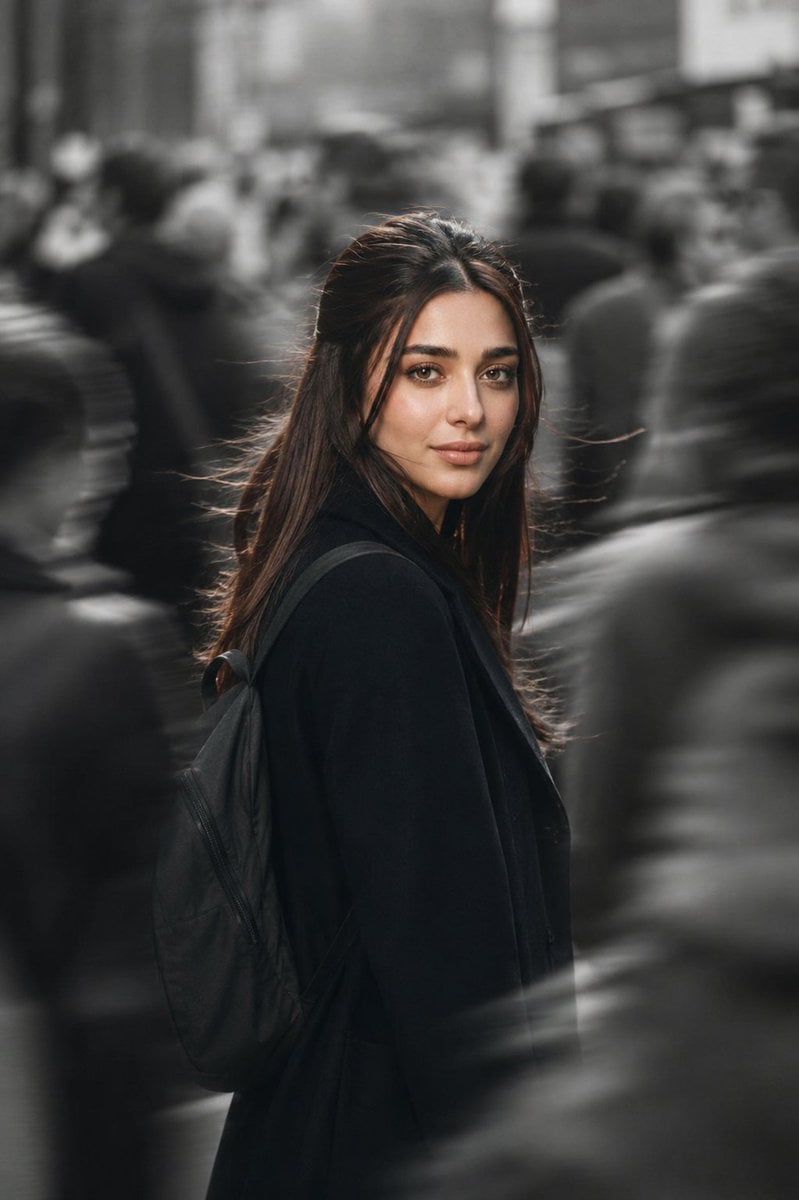
Cinematic City Motion Blur Portrait
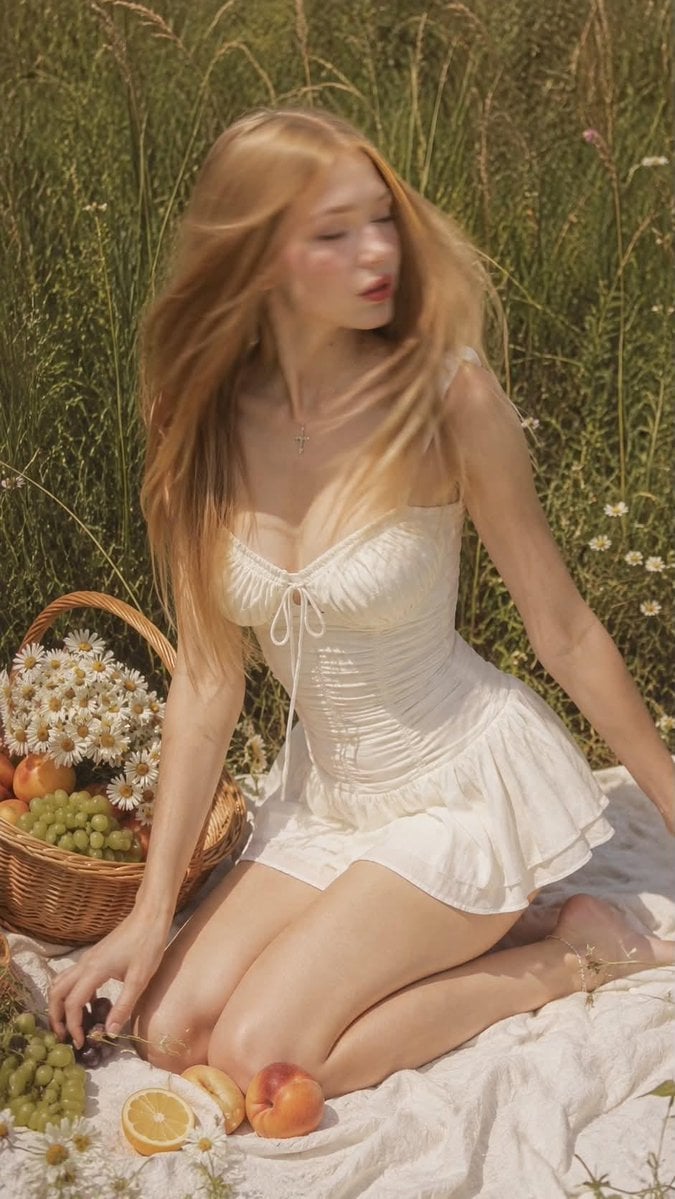
Ultra Realistic Motion Blur Portrait
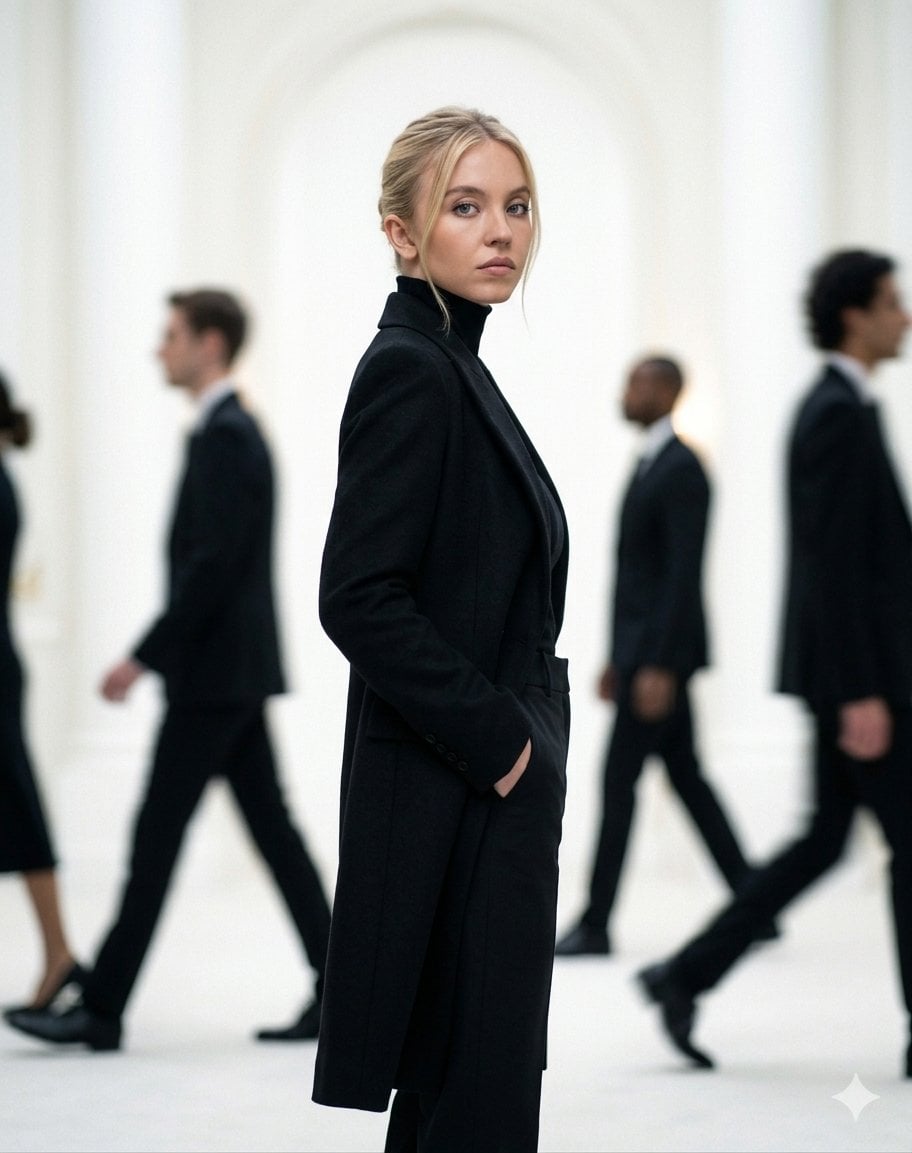
Cinematic Motion Blur Fashion Portrait
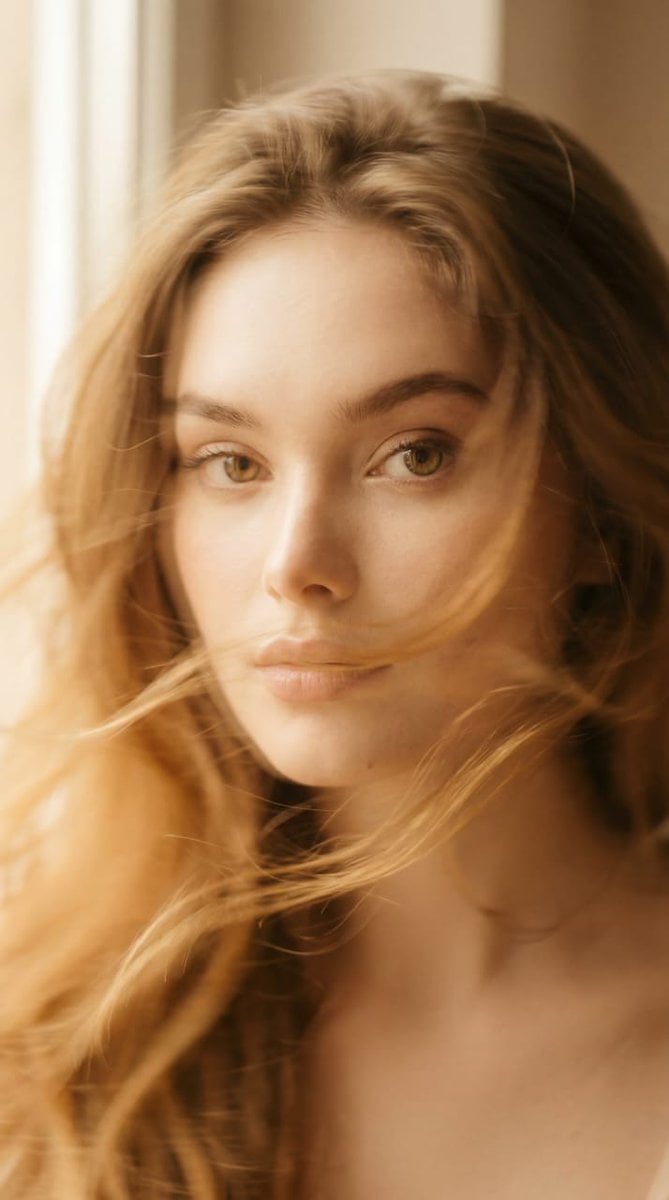
Ethereal Motion Blur Portrait
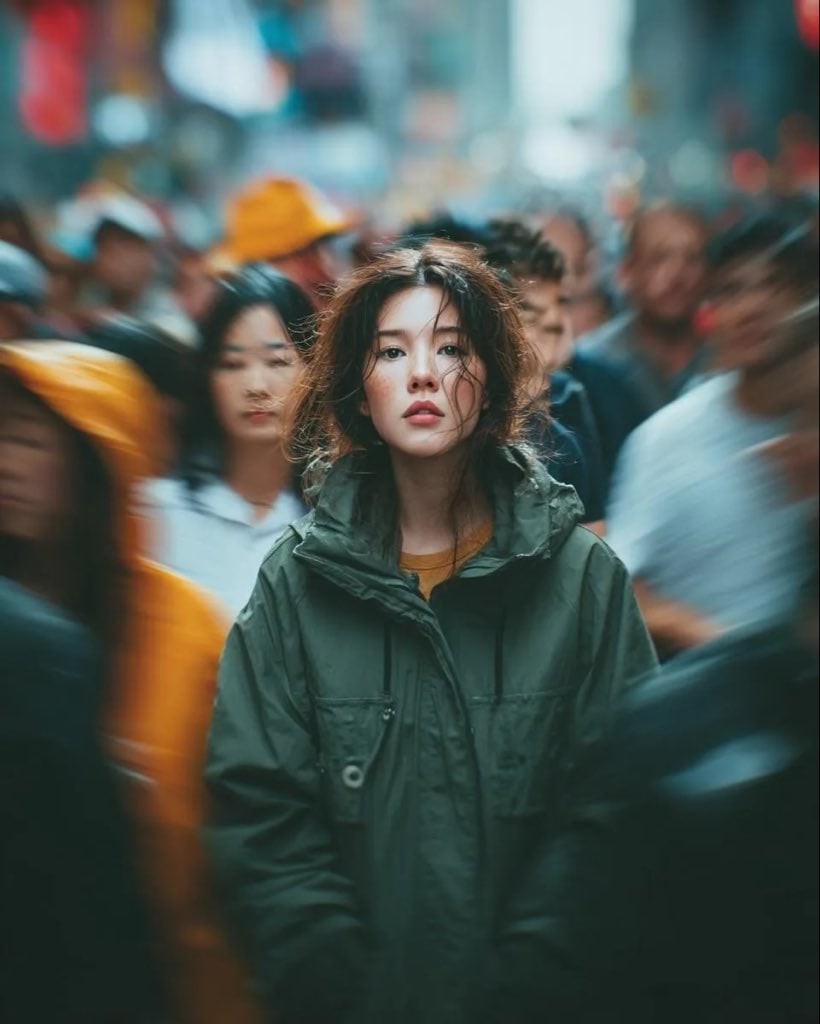
Candid Paparazzi Street Portrait with Motion Blur
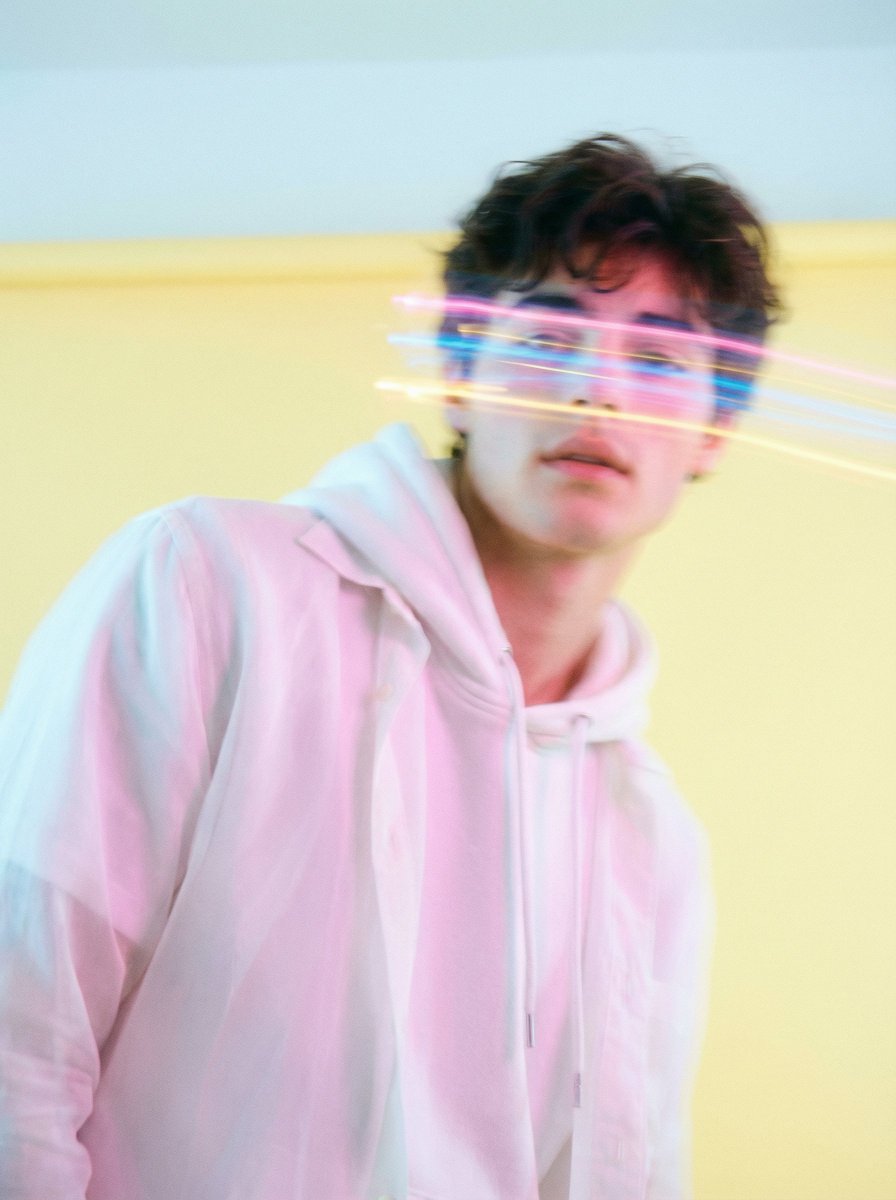
Richard Avedon Style Motion Blur Portrait
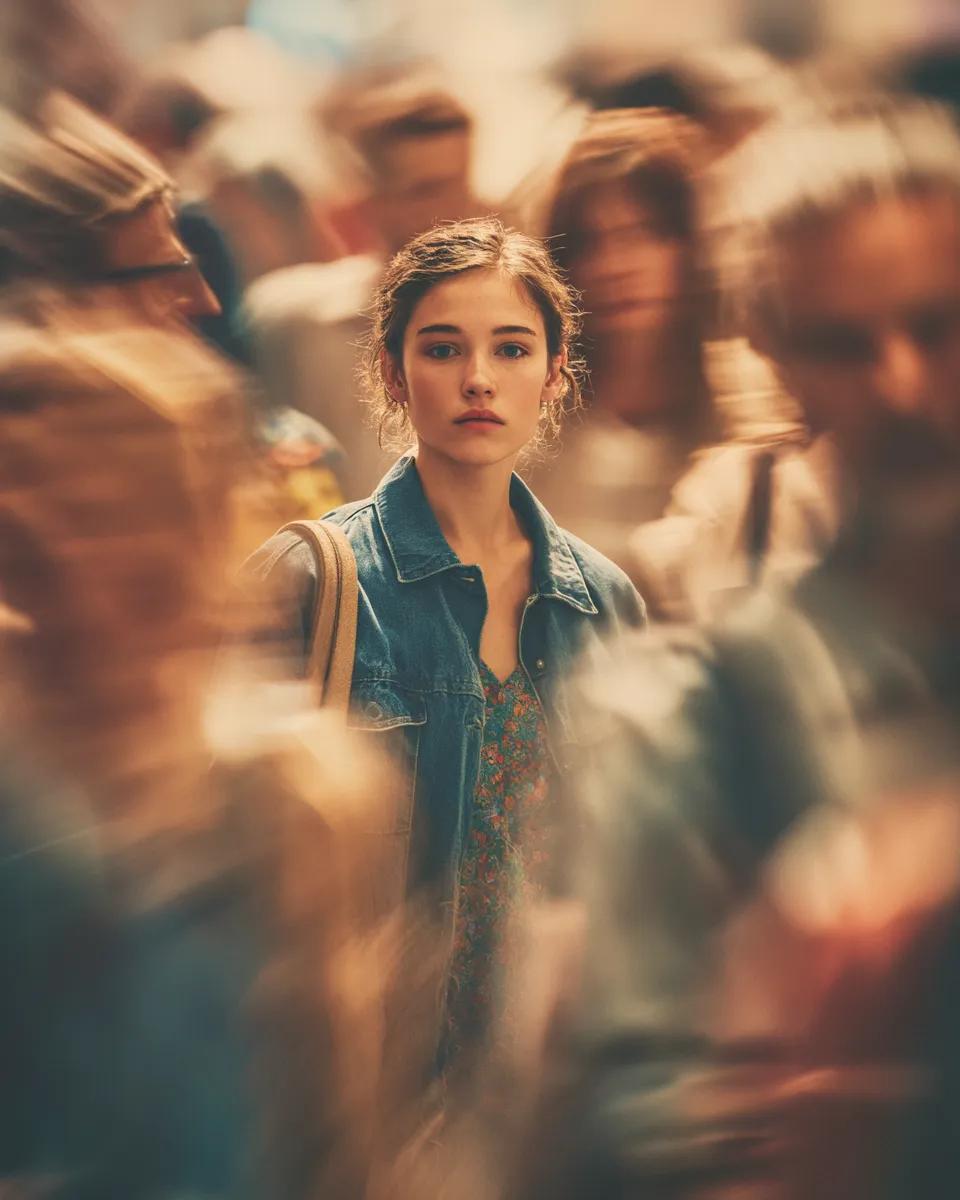
Cinematic Portrait with Motion Blur Crowd
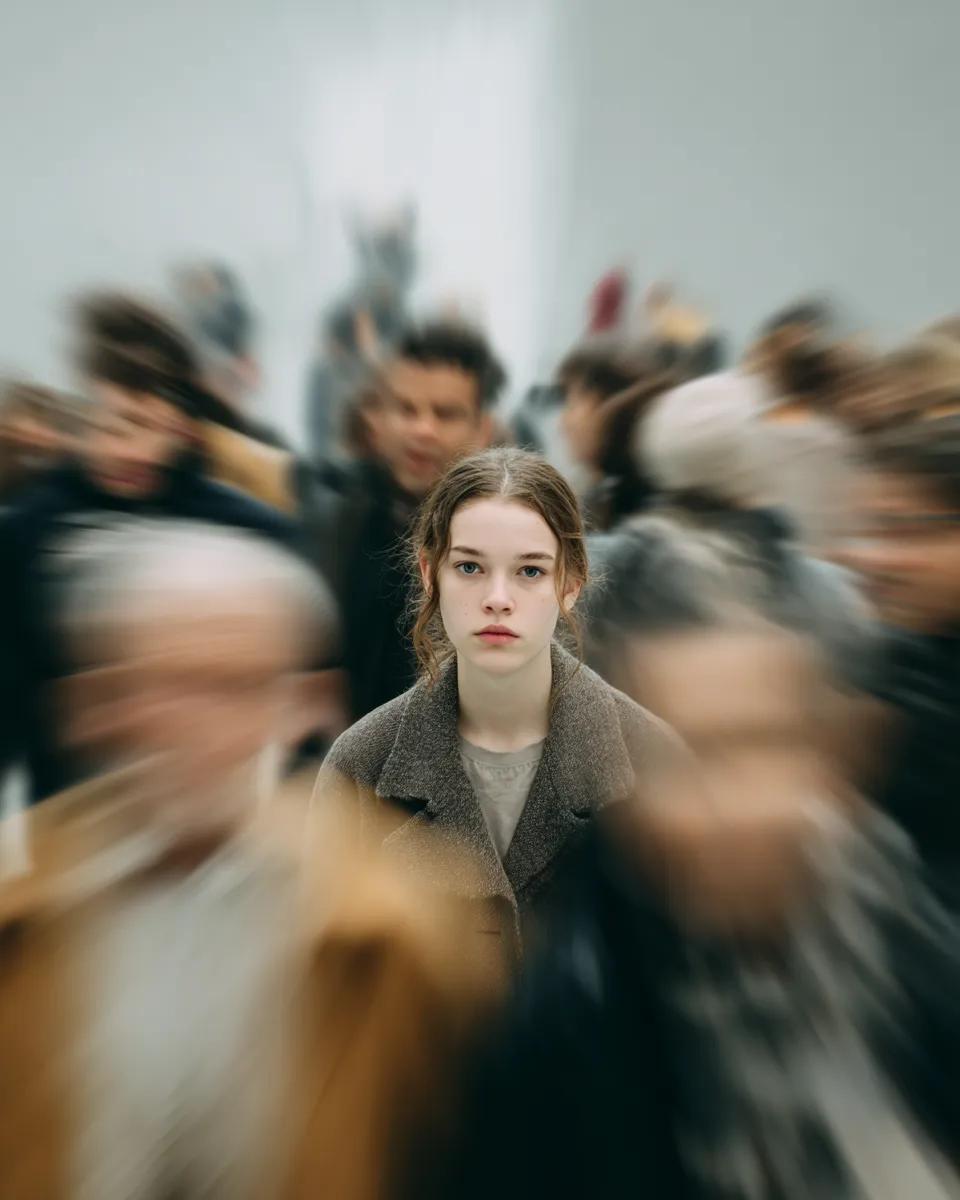
Cinematic Portrait with Radial Motion Blur
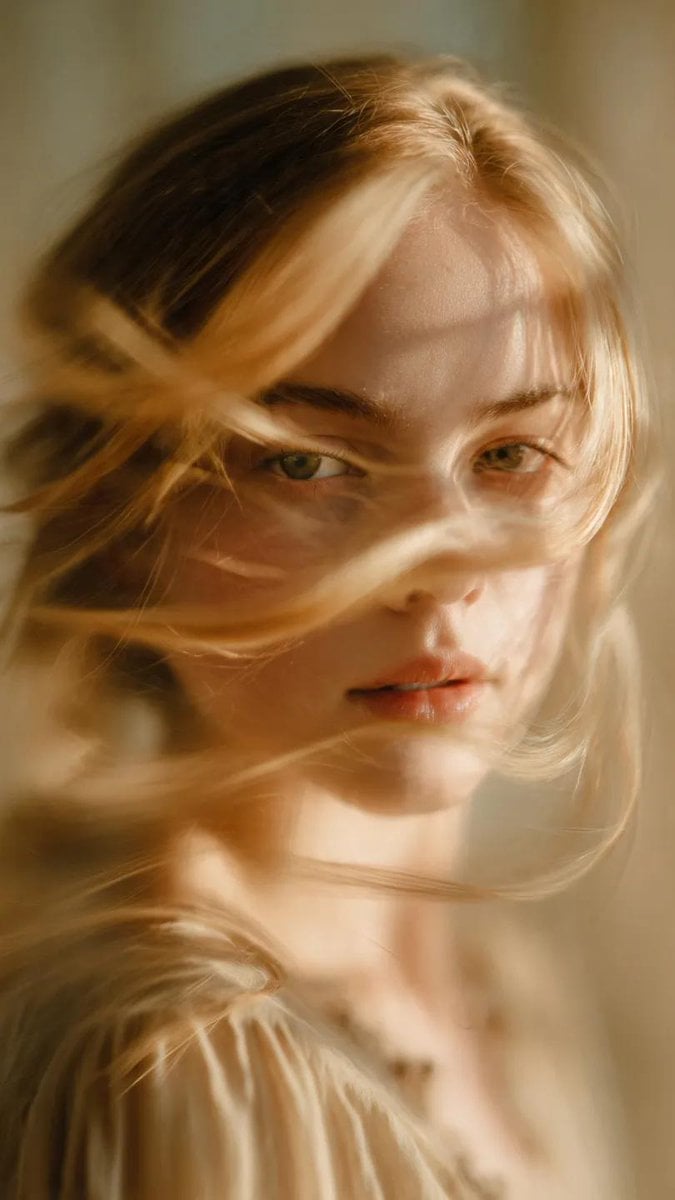
Soft-Focus Ethereal Portrait with Motion Blur
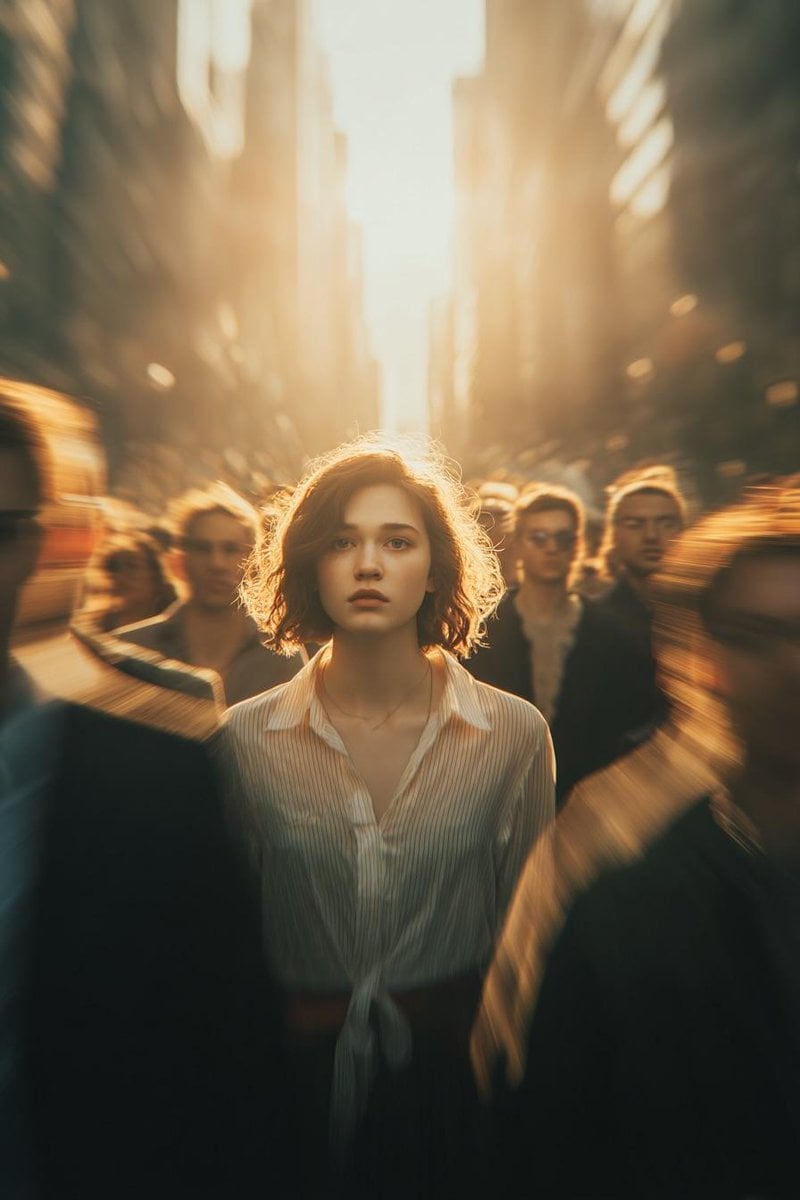
Cinematic Conceptual Portrait with Radial Motion Blur

Found Photograph: Us, 1970

80s Couple Studio Portrait
Make it yours
Motion Blur Sunset Portrait works as-is. These are the safest ways to change it without losing the look.
Change one field
Copy a single group, rewrite it, and generate again so you can see what that field is doing.
Keep the frame, change the subject
Hold the composition and light of Motion Blur Sunset Portrait, then swap wardrobe, props or the person for a new take.
| If the result… | Why | Fix |
|---|---|---|
| The result drifts from the preview | Too many fields changed at once. | Reuse Motion Blur Sunset Portrait as-is first, then change one group — subject, light, or setting. |
| The model over-stylizes the scene | The prose prompt leaves finish and camera underspecified. | Add one camera or lighting sentence and stay on GPT Image 2. |
More GPT Image 2 templates
Other prompts made for GPT Image 2.

Six VTuber Japanese Logo Sheet

Realistic Portrait of Woman and Deer

The Vista Modular Condo Poster

AI Model Routing Comparison Infographic

2.5D Anime Art Board

Isometric Productivity Desk Scene

New York Double Exposure Poster

Four-Panel AI Landscape Comparison

Japanese Tatami Lifestyle Magazine Cover

NESCAFÉ Coffee Map Poster
More image prompts
Fresh picks from across the catalog.
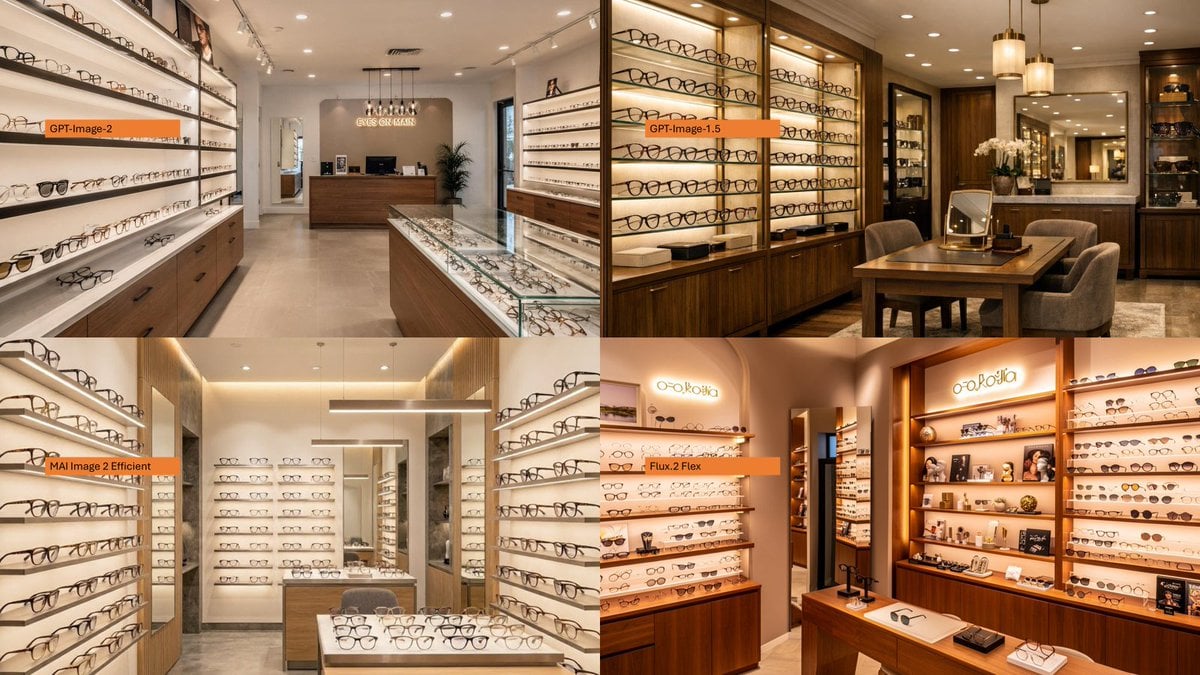
Four-Panel Eyewear Store Model Comparison
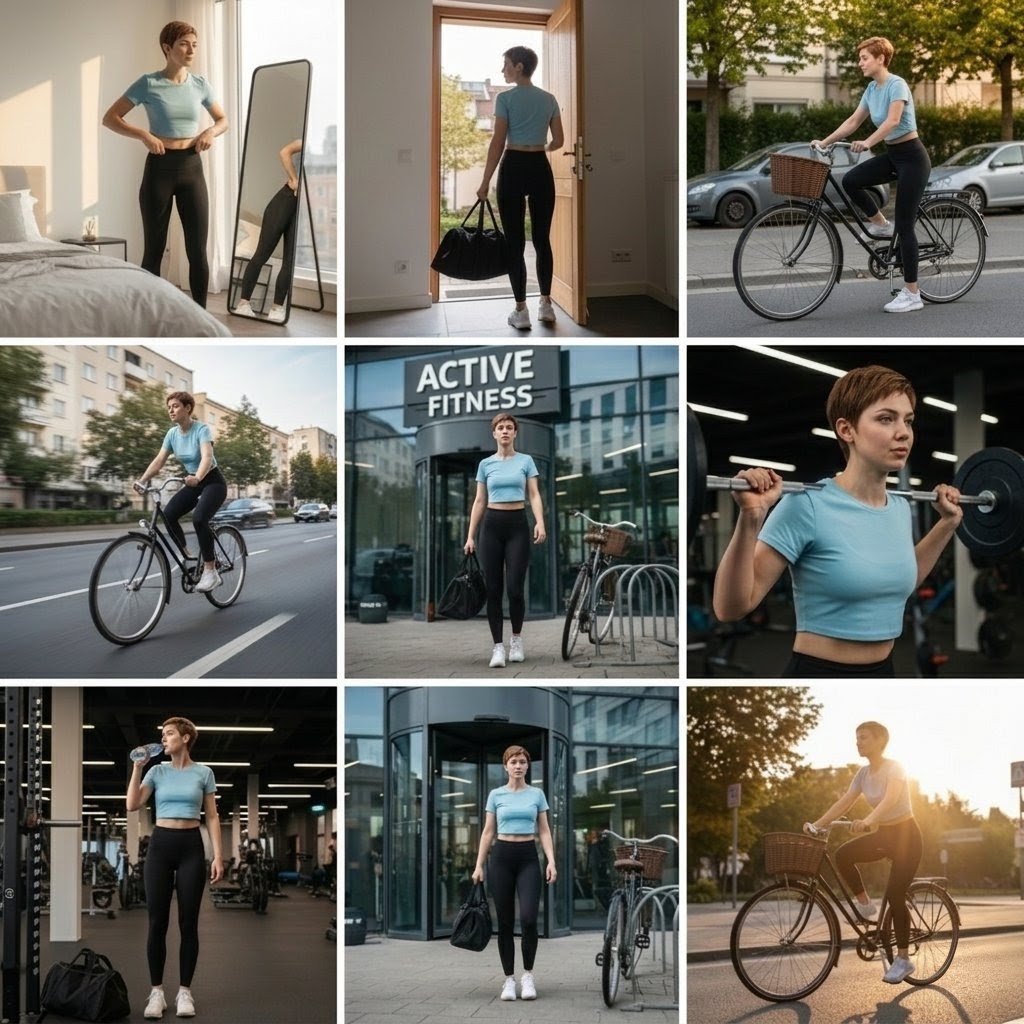
Photo Cinematic Collage for a Gym Girl's Fitness Journey
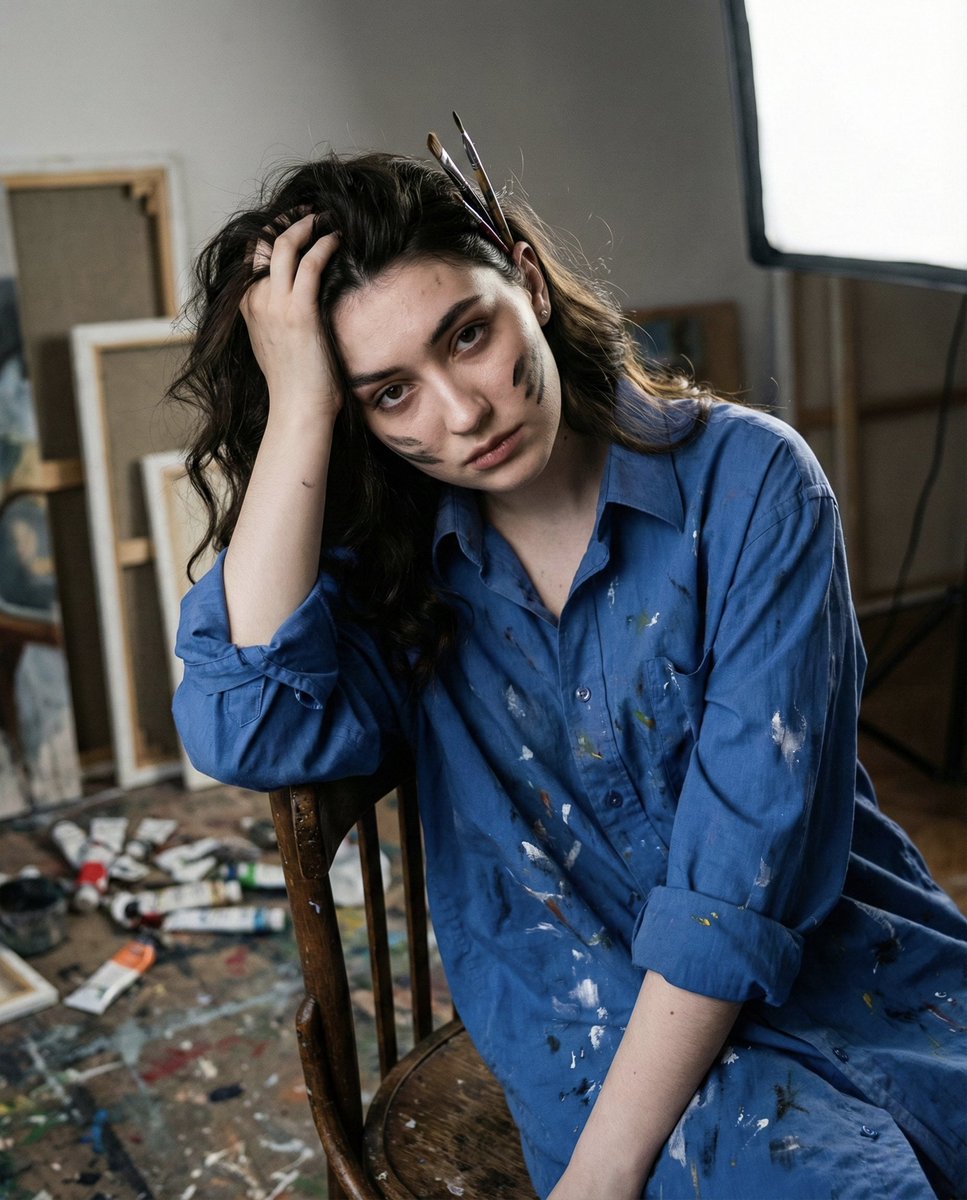
Chiaroscuro Portrait of an Exhausted Artist
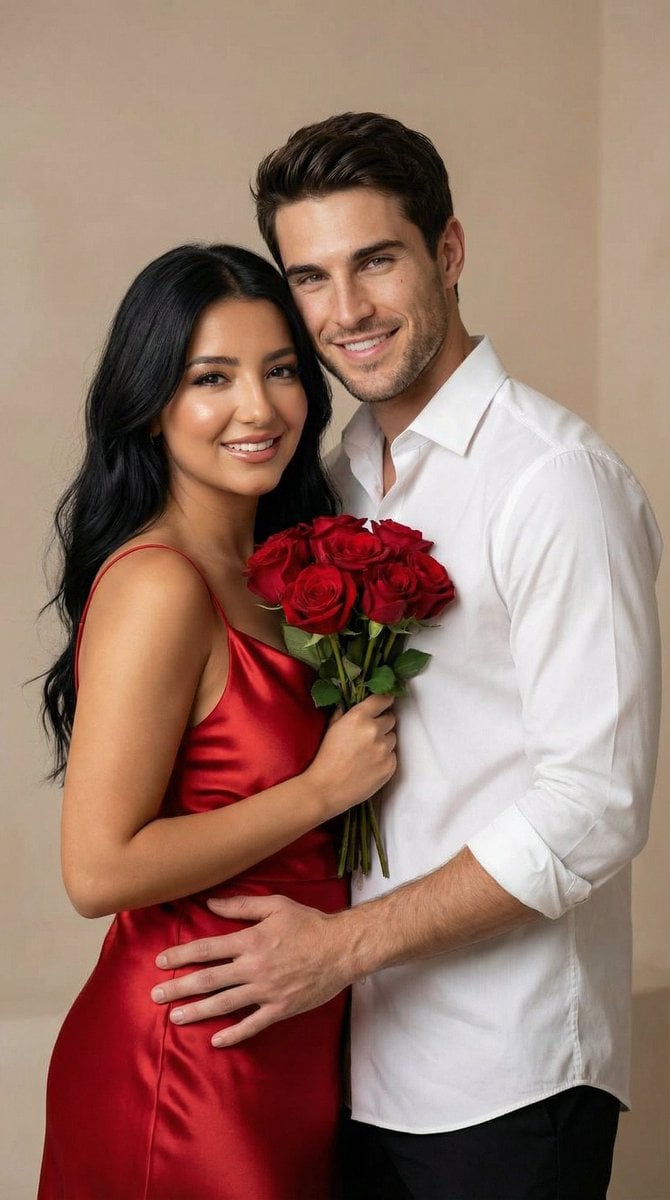
Photo to Soft Anime Wedding Illustration
Emoji Aesthetic Prompts (Dark vs. Pastel)

Double Exposure in Nano Banana Pro
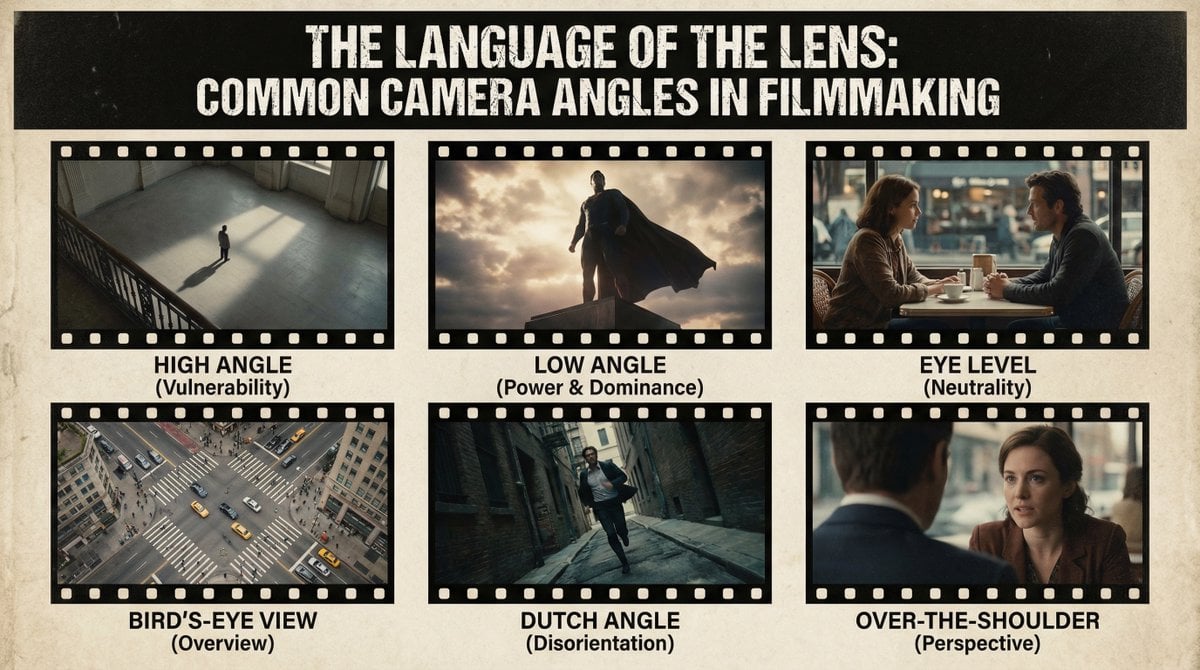
Camera angles poster
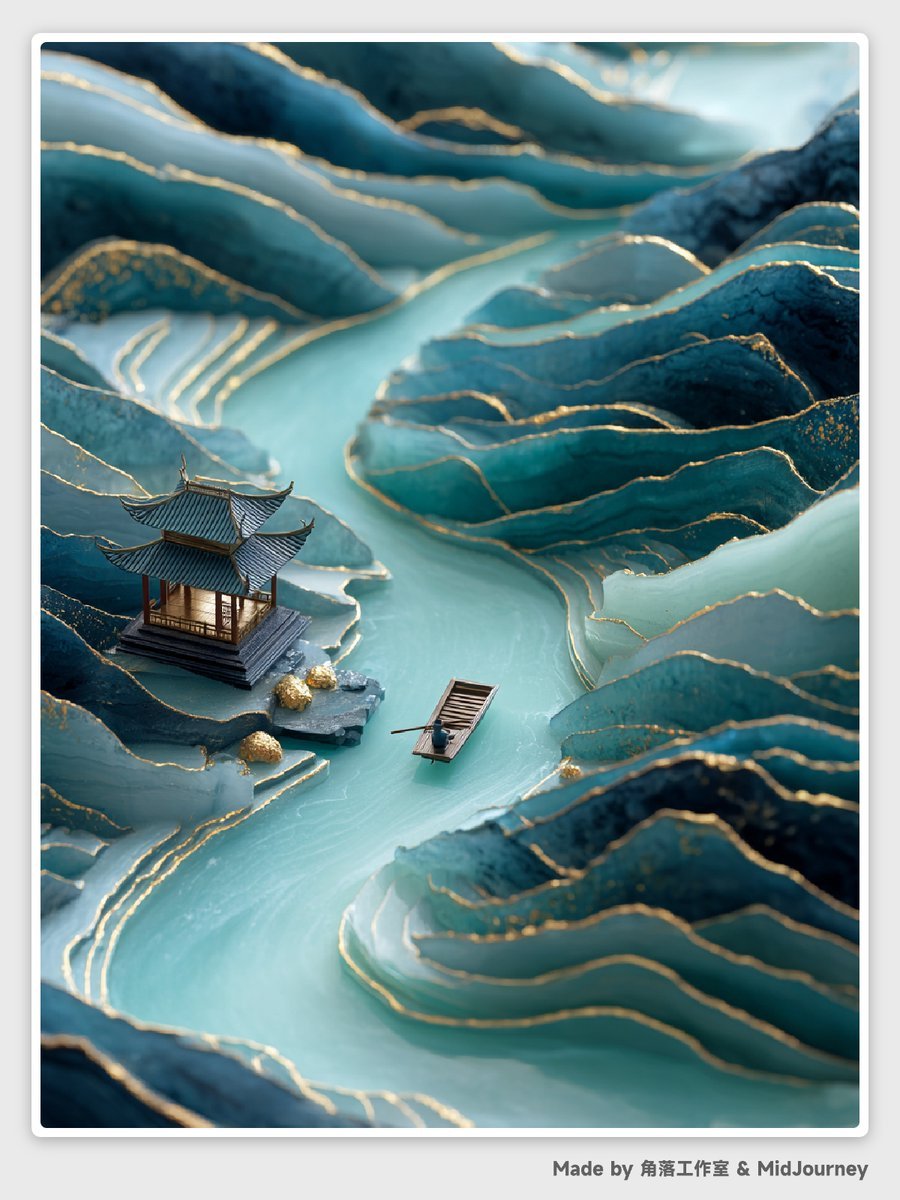
Abstract Chinese Landscape Miniatures Prompt
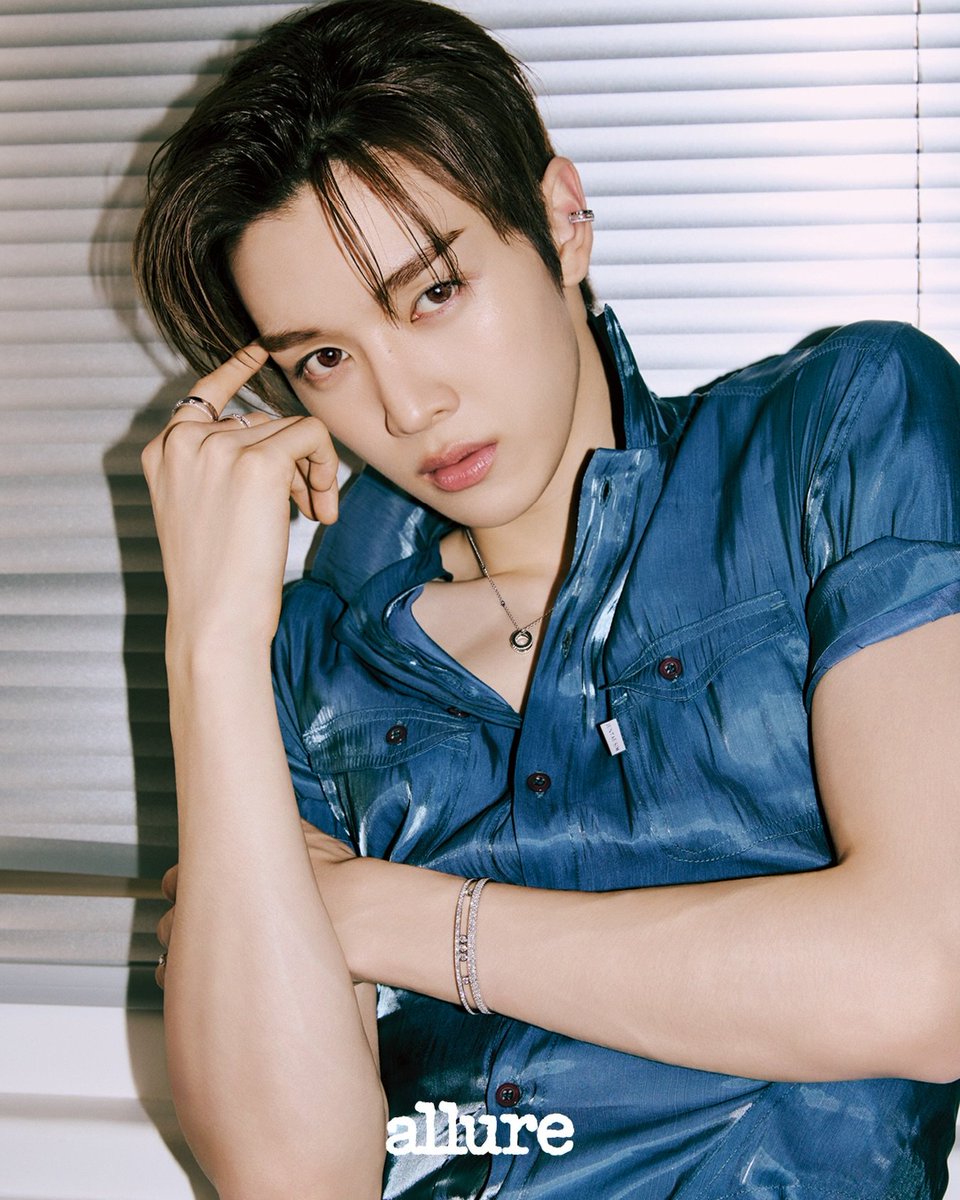
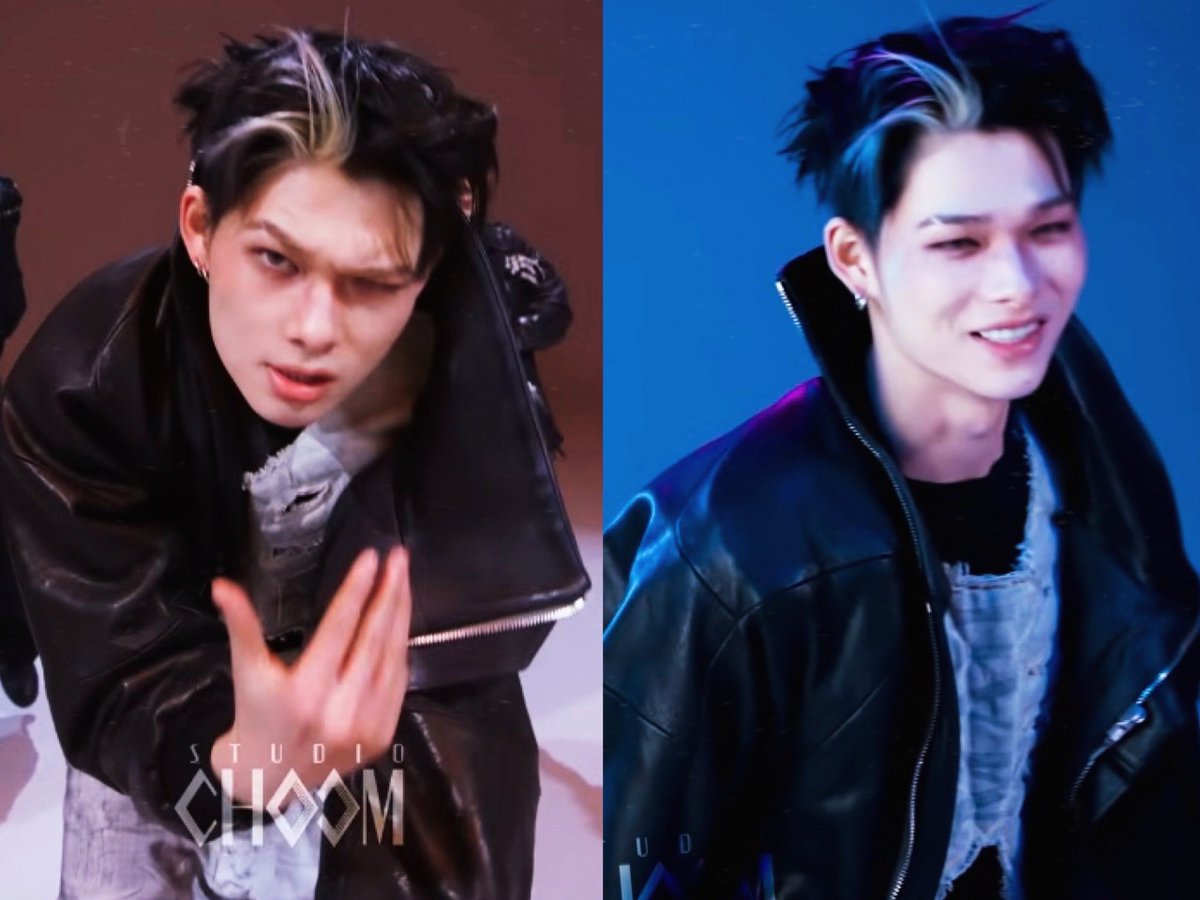
Sungchan Name Repetition
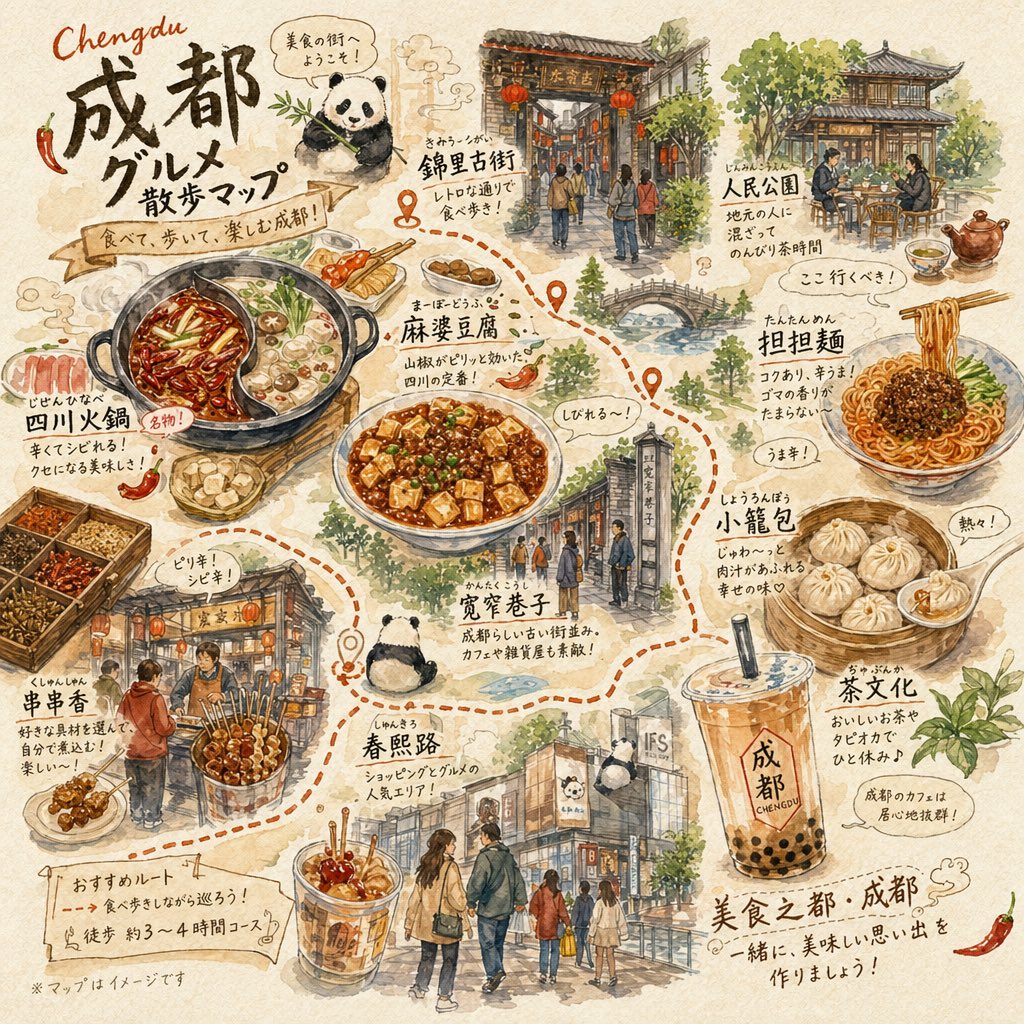
Chengdu Gourmet Walking Map
Browse template categories
Motion Blur Sunset Portrait questions
How do I use the Motion Blur Sunset Portrait template?
Add your photo if the template asks for one, edit the prompt if you like — the template's model and format are already selected — and press Generate. Your version opens in PicX Studio.
Can I customize the Motion Blur Sunset Portrait template?
Yes. You can change the subject, setting, lighting, mood, format, and available model controls before creating your image.
Is the Motion Blur Sunset Portrait template free?
Opening and editing this template is free. Generating uses credits, shown on the Generate button when you are signed in.
Which AI model should I use?
Start with GPT Image 2, which is the model associated with this template. You can compare another compatible model for a different finish.
Looking for something else? Browse all templates.

Your photo, any look
Thousands of ready templates for every top image and video model, from one credit balance.