
Pastel Teen Character Design Sheet
This prompt generates a photorealistic multi-panel character consistency sheet with turnaround views, facial expressions, and accessories for character design and video preproduction.
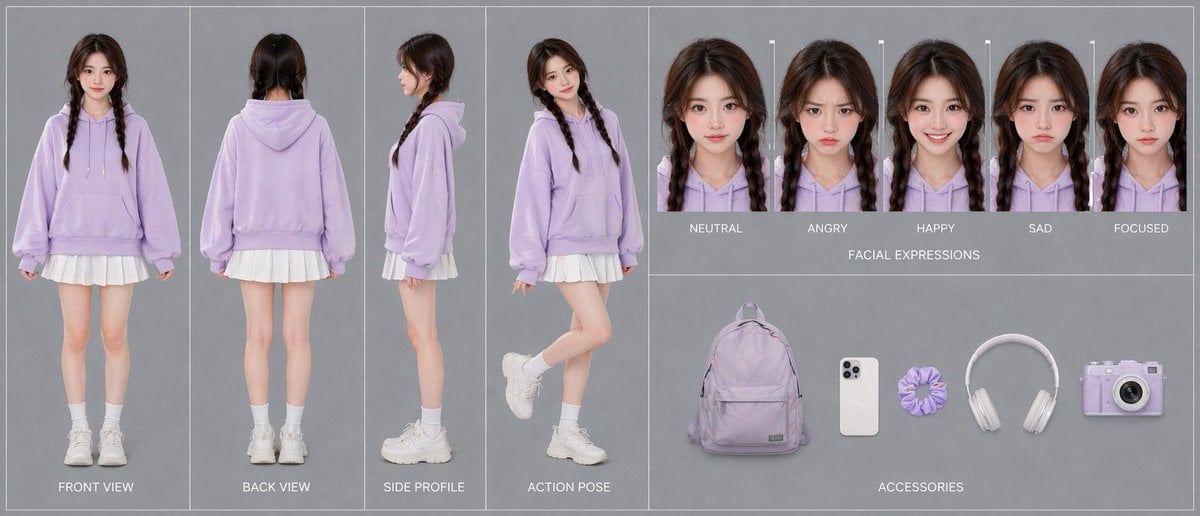
- Prompt included
- Model and format preset
- Free template
The prompt behind this image
Copy the exact prompt behind Pastel Teen Character Design Sheet, or open it in the studio and make it yours.
- Type
- advanced character card
- Style
- clean fashion character design sheet, photorealistic studio catalog aesthetic, soft even lighting, minimal shadows, muted gray background, thin white panel dividers, polished single-canvas layout
- Subject › Gender Presentation
- teen girl
- Subject › Age Appearance
- young teenager
- Subject › Identity
- face intentionally obscured and de-emphasized
- Subject › Hair › Color
- dark brown
- Subject › Hair › Style
- center-parted long hair in two braids
- Subject › Outfit › Count
- 5
- Subject › Outfit › Pieces
- oversized pastel lavender hoodie with drawstrings and kangaroo pocket, short white pleated skirt visible below hoodie hem, white crew socks, chunky white sneakers, no visible jewelry
- Subject › Overall Look
- cute casual pastel streetwear, soft youthful styling
- Layout › Sections › 0 › Title
- turnaround views
- Layout › Sections › 0 › Position
- left half
- Layout › Sections › 0 › Count
- 4
- Layout › Sections › 0 › Labels
- FRONT VIEW, BACK VIEW, SIDE PROFILE, ACTION POSE
- Layout › Sections › 0 › Details
- full-body character shown in four separate vertical panels; front standing straight with arms relaxed, back standing straight, side profile standing neutrally, and playful action pose with one leg bent backward and body turned slightly toward camera
- Layout › Sections › 1 › Title
- FACIAL EXPRESSIONS
- Layout › Sections › 1 › Position
- top right
- Layout › Sections › 1 › Count
- 5
- Layout › Sections › 1 › Labels
- NEUTRAL, ANGRY, HAPPY, SAD, FOCUSED
- Layout › Sections › 1 › Details
- five tightly cropped head-and-shoulders portraits in a horizontal row, each with the same hairstyle and hoodie, subtle expression changes, face area softly blurred
- Layout › Sections › 2 › Title
- ACCESSORIES
- Layout › Sections › 2 › Position
- bottom right
- Layout › Sections › 2 › Count
- 5
- Layout › Sections › 2 › Labels
- lavender backpack, white smartphone, lavender scrunchie, white over-ear headphones, lavender compact camera
Raw JSON
{"type":"advanced character card","style":"clean fashion character design sheet, photorealistic studio catalog aesthetic, soft even lighting, minimal shadows, muted gray background, thin white panel dividers, polished single-canvas layout","subject":{"gender_presentation":"teen girl","age_appearance":"young teenager","identity":"face intentionally obscured and de-emphasized","hair":{"color":"dark brown","style":"center-parted long hair in two braids"},"outfit":{"count":5,"pieces":["oversized pastel lavender hoodie with drawstrings and kangaroo pocket","short white pleated skirt visible below hoodie hem","white crew socks","chunky white sneakers","no visible jewelry"]},"overall_look":"cute casual pastel streetwear, soft youthful styling"},"layout":{"sections":[{"title":"turnaround views","position":"left half","count":4,"labels":["FRONT VIEW","BACK VIEW","SIDE PROFILE","ACTION POSE"],"details":"full-body character shown in four separate vertical panels; front standing straight with arms relaxed, back standing straight, side profile standing neutrally, and playful action pose with one leg bent backward and body turned slightly toward camera"},{"title":"FACIAL EXPRESSIONS","position":"top right","count":5,"labels":["NEUTRAL","ANGRY","HAPPY","SAD","FOCUSED"],"details":"five tightly cropped head-and-shoulders portraits in a horizontal row, each with the same hairstyle and hoodie, subtle expression changes, face area softly blurred"},{"title":"ACCESSORIES","position":"bottom right","count":5,"labels":["lavender backpack","white smartphone","lavender scrunchie","white over-ear headphones","lavender compact camera"],"details":"accessories evenly spaced on gray background like product cutouts"}],"centerpiece":"the 4-view full-body outfit turnaround dominates the composition"},"color_palette":{"count":4,"colors":["pastel lavender","white","soft gray","dark brown"]},"prompt":"Create a single-canvas advanced character card for {argument name=\"character name\" default=\"a teen girl\"} in a photorealistic studio fashion-sheet style. Show a consistent young girl with {argument name=\"hair color\" default=\"dark brown\"} hair in two braids, wearing an oversized {argument name=\"hoodie color\" default=\"pastel lavender\"} hoodie, a short white pleated skirt, white crew socks, and chunky white sneakers. Use a clean gray background with thin white dividers and neatly organized panels. On the left half, include 4 full-body turnaround panels labeled FRONT VIEW, BACK VIEW, SIDE PROFILE, and ACTION POSE. On the top right, include 5 headshot expression panels labeled NEUTRAL, ANGRY, HAPPY, SAD, and FOCUSED. On the bottom right, include 5 accessory items arranged horizontally: a lavender backpack, a white smartphone, a lavender scrunchie, white over-ear headphones, and a lavender compact camera. Keep lighting soft and even, composition symmetrical and professional, emphasizing 100% character consistency across all views. Preserve the minimal pastel aesthetic and use {argument name=\"background color\" default=\"soft gray\"} as the backdrop."}How to use Pastel Teen Character Design Sheet in 3 steps
- 1Upload ImagePNG, JPG or paste
Add your photo
Upload the photo the template builds on. The prompt, model and format are already set.
- 2…a portrait of your subject in softgolden-hour light, 85mm…
Personalize
Edit the subject and creative details for your destination.
- 3Generate
Generate
Press Generate — your image is created in PicX Studio, so you can compare it with the original and refine one variable at a time.
More like this
Templates with the same subject, style or setup. Open one to see its prompt.

Teen Girl Alpine Lake Mountain View

Eid al-Adha Cute Chaos — Fisheye Selfie with Farm Selfie, Mosque & Animals

Cute Layered Paper Cut Chibi Girl

Layered Paper Cut Illustration Template

Premium Vintage Travel Poster Landscape

Quiet Minimalist Anime Style Guide
Premium Vintage Travel Poster Landscape

Pastel Fantasy Pagoda Mountain Landscape

Korean Cafe Courtyard Gold Frame Mirror Selfie

Dancer Character - Four View Reference Sheet

Movement Sheet - Dance Reference (Seedance 2.0)

Glass Skin Beauty Portrait — Soft Pastel Nano Banana
Make it yours
Pastel Teen Character Design Sheet works as-is. These are the safest ways to change it without losing the look.
Change one field
Copy a single group, rewrite it, and generate again so you can see what that field is doing.
Keep the frame, change the subject
Hold the composition and light of Pastel Teen Character Design Sheet, then swap wardrobe, props or the person for a new take.
| If the result… | Why | Fix |
|---|---|---|
| The result drifts from the preview | Too many fields changed at once. | Reuse Pastel Teen Character Design Sheet as-is first, then change one group — subject, light, or setting. |
| GPT Image 2 ignores part of the JSON | Some models flatten or skip nested keys. | Keep the same values and paste them as a short paragraph instead. |
More GPT Image 2 templates
Other prompts made for GPT Image 2.

Realistic Portrait of Woman and Deer

The Vista Modular Condo Poster

AI Model Routing Comparison Infographic

2.5D Anime Art Board

Isometric Productivity Desk Scene

New York Double Exposure Poster

Four-Panel AI Landscape Comparison

Japanese Tatami Lifestyle Magazine Cover

NESCAFÉ Coffee Map Poster

Brutalist Cogito Chinese Typography Poster
More image prompts
Fresh picks from across the catalog.
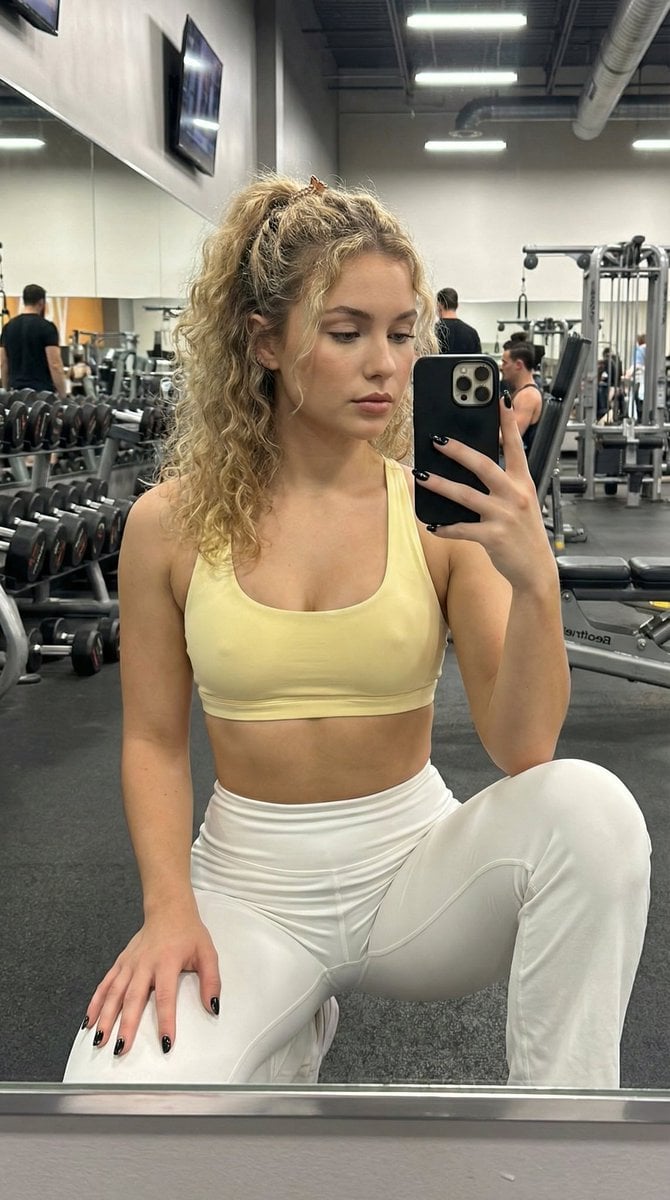
Granular Gym Mirror Selfie Prompt
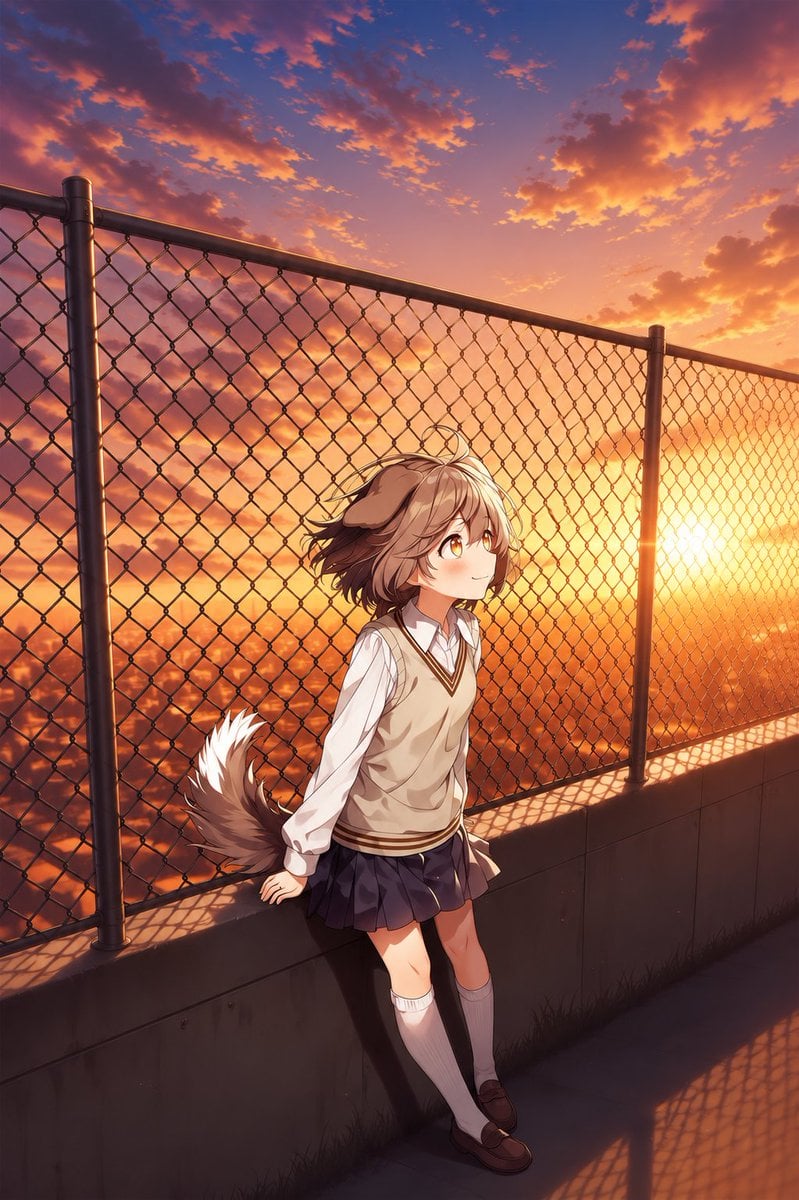
Perspective Shift Card Modification
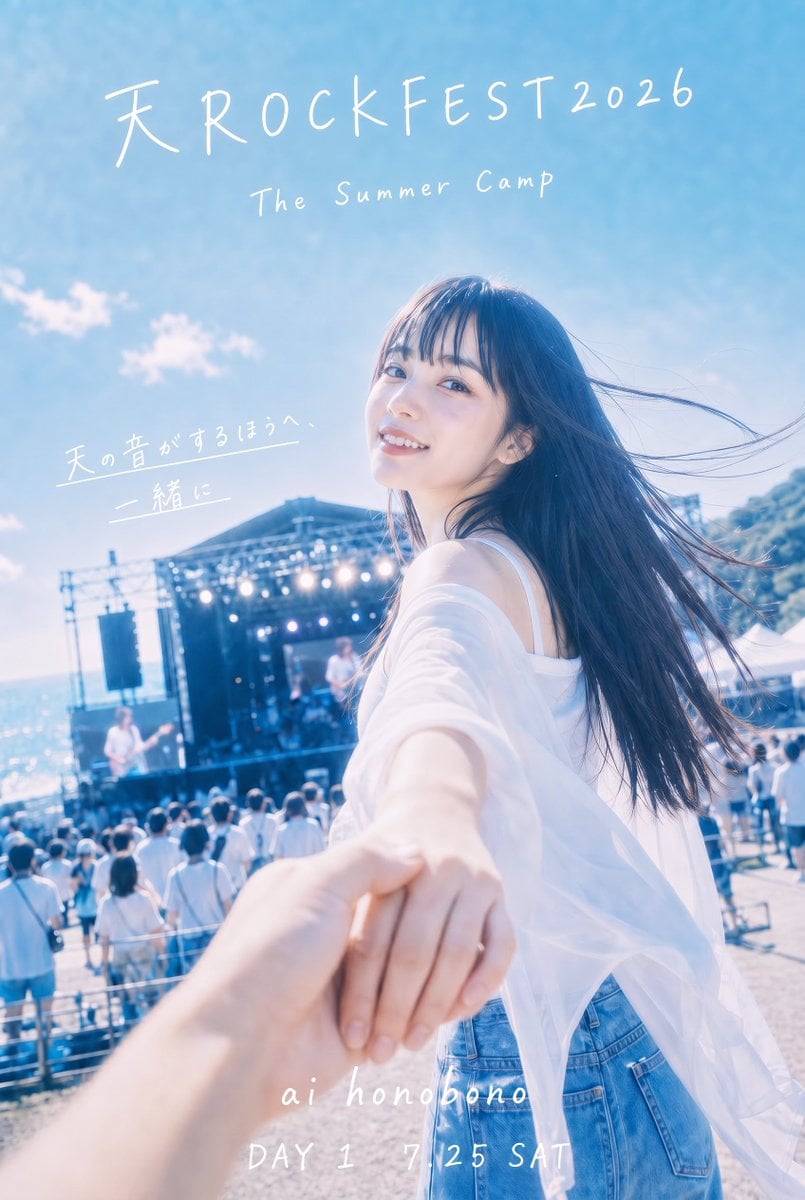
Seaside Rock Festival Poster
High-Fashion Editorial with Newspaper Dress
Four-Panel Manga: Judgment of the Ministry of Magic
Hyper-Realistic Commercial Fashion Photo Prompt for Nano Banana Pro
Japanese Web Engineer Studying Python Image Prompt
Cyberpunk Fashion Magazine Cover

Red Carpet Premiere Gala Prompt (Multilingual)
Person and Historical Character in Water Reflection Prompt
Browse template categories
Pastel Teen Character Design Sheet questions
How do I use the Pastel Teen Character Design Sheet template?
Add your photo if the template asks for one, edit the prompt if you like — the template's model and format are already selected — and press Generate. Your version opens in PicX Studio.
Can I customize the Pastel Teen Character Design Sheet template?
Yes. You can change the subject, setting, lighting, mood, format, and available model controls before creating your image.
Is the Pastel Teen Character Design Sheet template free?
Opening and editing this template is free. Generating uses credits, shown on the Generate button when you are signed in.
Which AI model should I use?
Start with GPT Image 2, which is the model associated with this template. You can compare another compatible model for a different finish.
Looking for something else? Browse all templates.

Your photo, any look
Thousands of ready templates for every top image and video model, from one credit balance.