
Glass Skin Beauty Portrait — Soft Pastel Nano Banana
Nano Banana Pro prompt by @saniaspeaks_ — Dreamy close-up beauty portrait: glass skin effect, headscarf, white flower, 85mm f/1.8, soft pastel grading, 8K photorealistic.

- Prompt included
- Model and format preset
- Free template
The prompt behind this image
Copy the exact prompt behind Glass Skin Beauty Portrait — Soft Pastel Nano Banana, or open it in the studio and make it yours.
- Image Generation › Subject › Description
- close-up portrait of a young woman
- Image Generation › Subject › Pose
- slightly angled face with head gently tilted
- Image Generation › Subject › Expression
- soft calm expression with subtle smile
- Image Generation › Subject › Gaze
- looking slightly off-camera
- Image Generation › Appearance › Hair › Color
- dark brown
- Image Generation › Appearance › Hair › Style
- smooth straight hair, neatly parted in the center, tucked behind ear
- Image Generation › Appearance › Skin › Tone
- fair skin tone
- Image Generation › Appearance › Skin › Texture
- smooth, glowing, glass-skin effect with natural shine
- Image Generation › Appearance › Facial Features › Eyes
- large brown eyes with long lashes
- Image Generation › Appearance › Facial Features › Lips
- soft pink glossy lips
- Image Generation › Appearance › Facial Features › Cheeks
- rosy blush with subtle highlight
- Image Generation › Appearance › Accessories
- small white flower tucked near ear, minimal delicate jewelry
- Image Generation › Appearance › Headwear
- light soft fabric headscarf with subtle pattern
- Image Generation › Lighting › Type
- soft diffused lighting
- Image Generation › Lighting › Direction
- front and slightly side-lit
- Image Generation › Lighting › Effect
- even illumination with gentle highlights on skin and soft shadows
- Image Generation › Environment › Setting
- indoor minimal background
- Image Generation › Environment › Background
- clean neutral backdrop with soft blur
- Image Generation › Camera › Angle
- eye-level
- Image Generation › Camera › Framing
- tight close-up portrait
- Image Generation › Camera › Lens
- 85mm portrait lens
- Image Generation › Camera › Aperture
- f/1.8
- Image Generation › Camera › Depth Of Field
- very shallow depth with creamy bokeh background
- Image Generation › Aesthetic › Style
- beauty portrait photography
Raw JSON
{
  "image_generation": {
    "subject": {
      "description": "close-up portrait of a young woman",
      "pose": "slightly angled face with head gently tilted",
      "expression": "soft calm expression with subtle smile",
      "gaze": "looking slightly off-camera"
    },
    "appearance": {
      "hair": {
        "color": "dark brown",
        "style": "smooth straight hair, neatly parted in the center, tucked behind ear"
      },
      "skin": {
        "tone": "fair skin tone",
        "texture": "smooth, glowing, glass-skin effect with natural shine"
      },
      "facial_features": {
        "eyes": "large brown eyes with long lashes",
        "lips": "soft pink glossy lips",
        "cheeks": "rosy blush with subtle highlight"
      },
      "accessories": ["small white flower tucked near ear", "minimal delicate jewelry"],
      "headwear": "light soft fabric headscarf with subtle pattern"
    },
    "lighting": {
      "type": "soft diffused lighting",
      "direction": "front and slightly side-lit",
      "effect": "even illumination with gentle highlights on skin and soft shadows"
    },
    "environment": {
      "setting": "indoor minimal background",
      "background": "clean neutral backdrop with soft blur"
    },
    "camera": {
      "angle": "eye-level",
      "framing": "tight close-up portrait",
      "lens": "85mm portrait lens",
      "aperture": "f/1.8",
      "depth_of_field": "very shallow depth with creamy bokeh background"
    },
    "aesthetic": {
      "style": "beauty portrait photography",
      "vibe": "soft, dreamy, elegant",
      "color_palette": "pastel tones, soft pinks, warm neutrals"
    },
    "effects": {
      "skin_retouch": "natural high-end beauty retouch",
      "color_grading": "soft cinematic pastel grading",
      "glow": "subtle skin glow effect"
    },
    "quality": {
      "resolution": "8k",
      "detail": "ultra high detail, realistic skin texture, fine hair strands",
      "render": "photorealistic"
    }
  }
}How to use Glass Skin Beauty Portrait — Soft Pastel Nano Banana in 3 steps
- 1
Open
The prompt is already in the box next to the preview, with the template's model and format selected.
- 2…a portrait of your subject in softgolden-hour light, 85mm…
Personalize
Edit the subject and creative details for your destination.
- 3Generate
Generate
Press Generate — your image is created in PicX Studio, so you can compare it with the original and refine one variable at a time.
More like this
Templates with the same subject, style or setup. Open one to see its prompt.












Make it yours
Glass Skin Beauty Portrait — Soft Pastel Nano Banana works as-is. These are the safest ways to change it without losing the look.
Swap the setting
Keep the rest of the prompt and replace the location block. The current setting is “indoor minimal background”.
Swap the light
One lighting change is enough to compare takes. Current light: “soft diffused lighting”.
Change one field
Copy a single group, rewrite it, and generate again so you can see what that field is doing.
| If the result… | Why | Fix |
|---|---|---|
| The result drifts from the preview | Too many fields changed at once. | Reuse Glass Skin Beauty Portrait — Soft Pastel Nano Banana as-is first, then change one group — subject, light, or setting. |
| Nano Banana ignores part of the JSON | Some models flatten or skip nested keys. | Keep the same values and paste them as a short paragraph instead. |
More Nano Banana templates
Other prompts made for Nano Banana.










More image prompts
Fresh picks from across the catalog.

Minimalist Typography Travel Poster
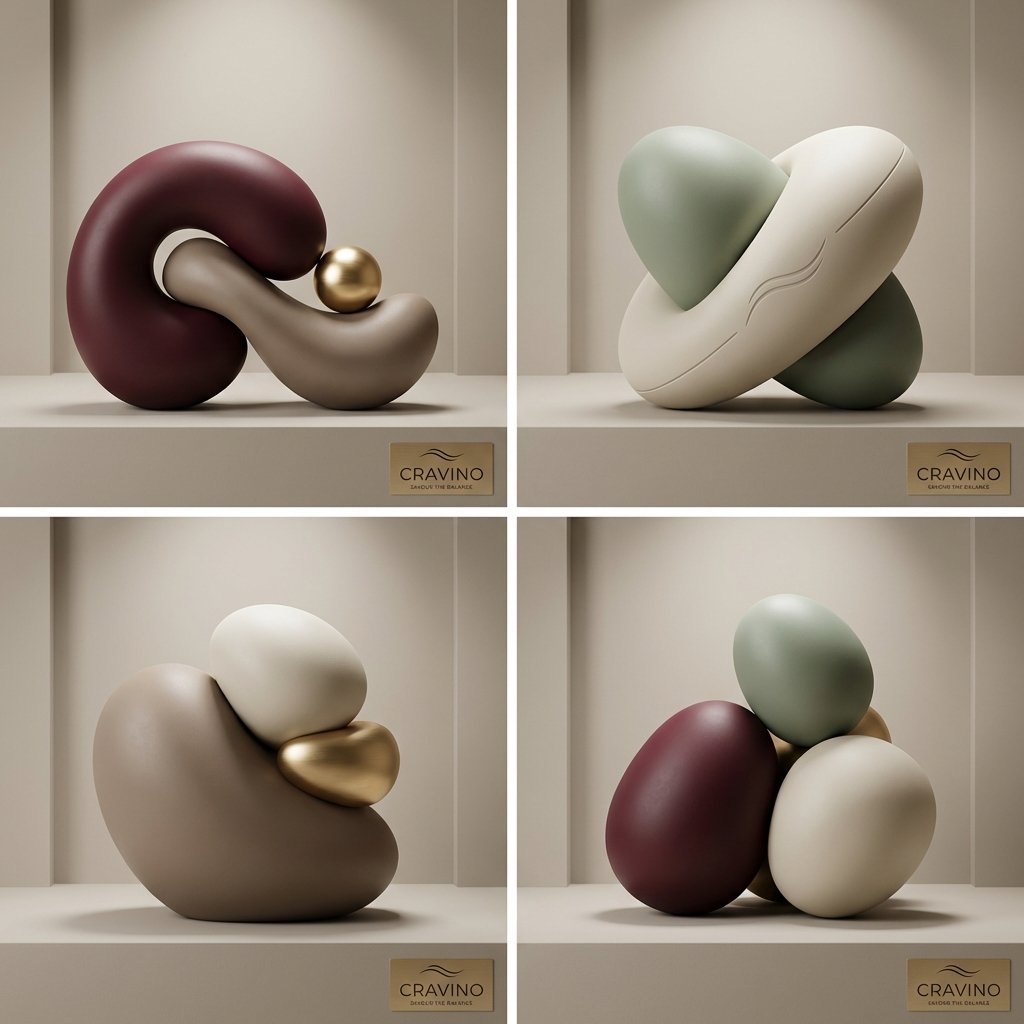
Ultra-High-End Abstract Composition
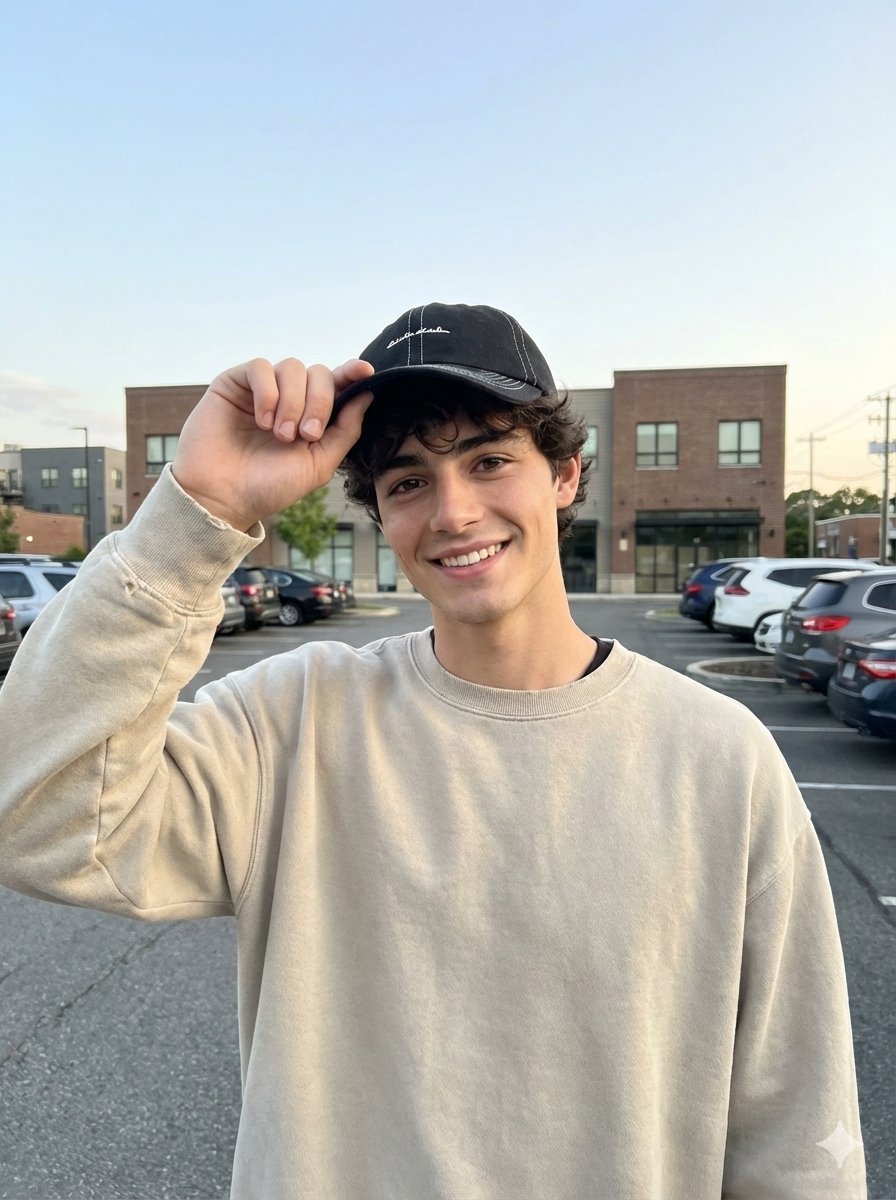
Amateur iPhone Photo Portrait with Accurate Face Reference
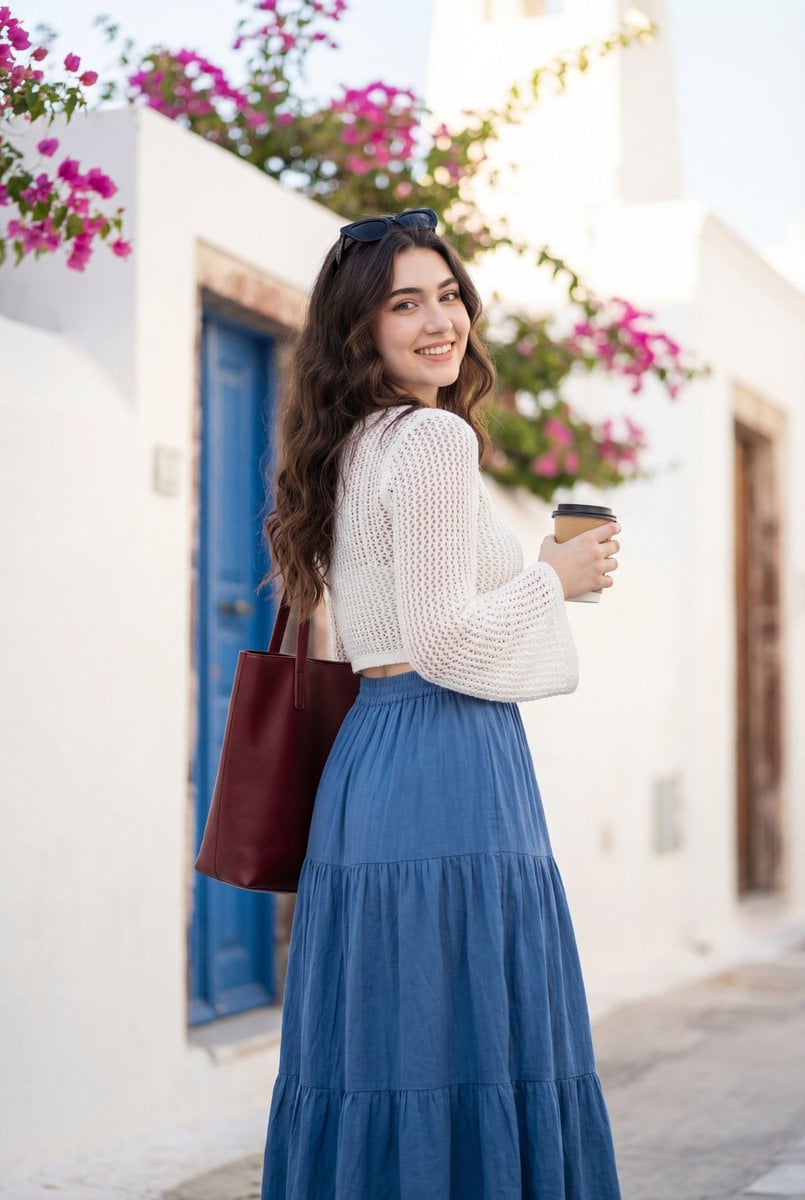
Mediterranean Lifestyle Travel Portrait
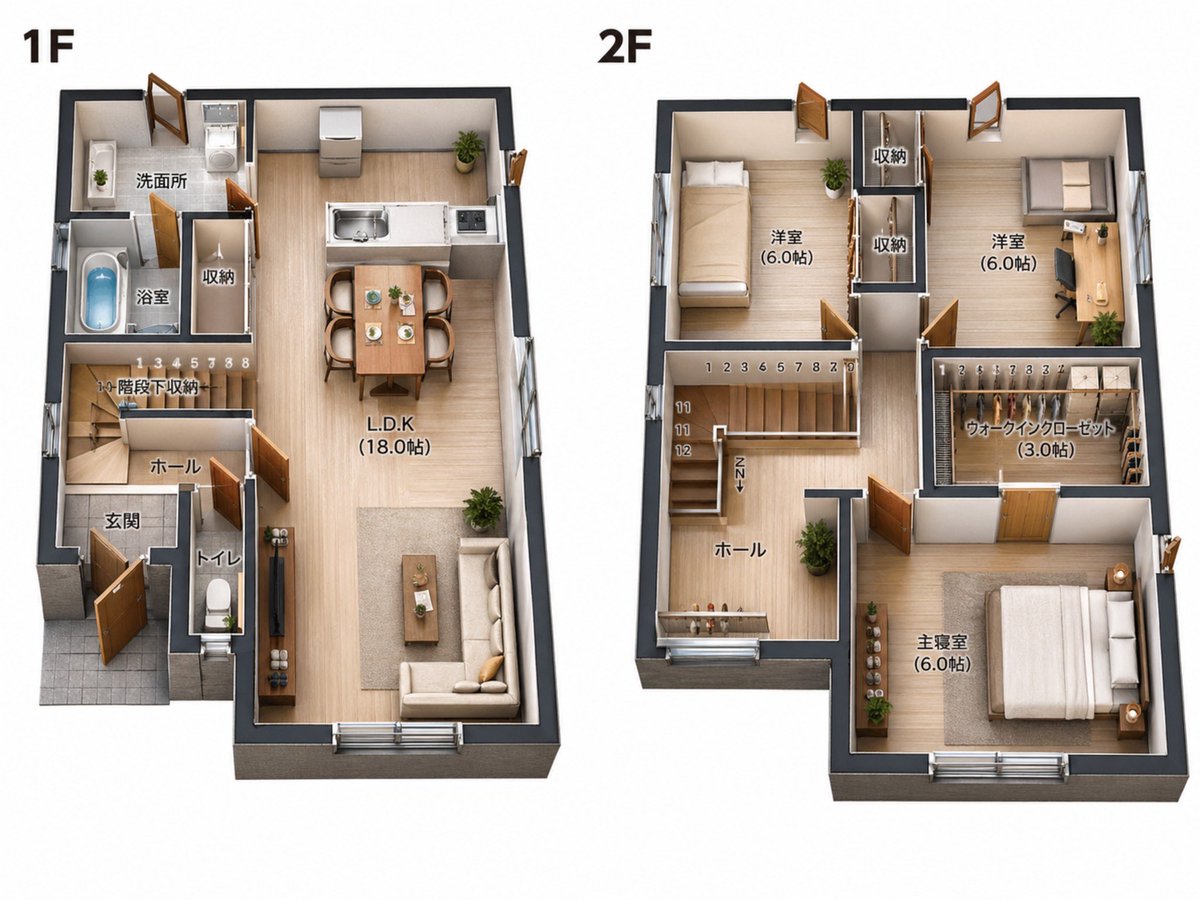
2D Floor Plan to 3D Real Estate Render
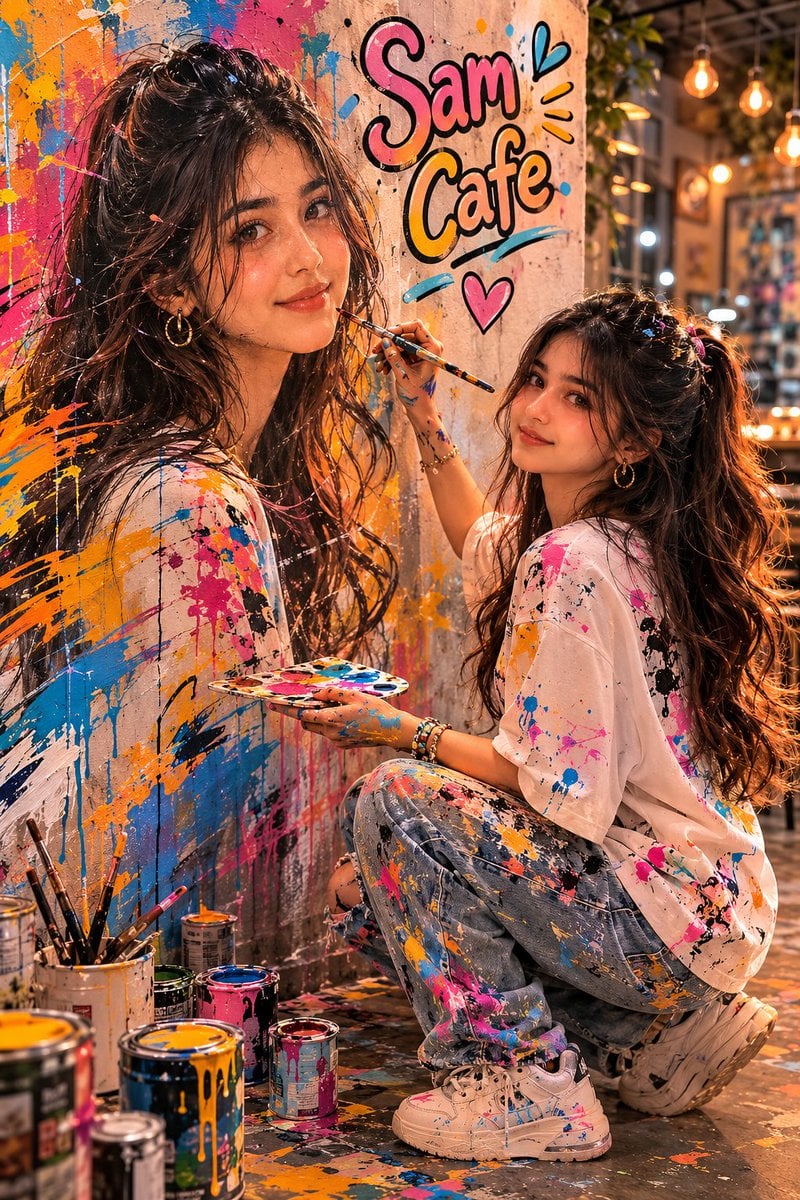
Surreal Cafe Mural Painting Portrait
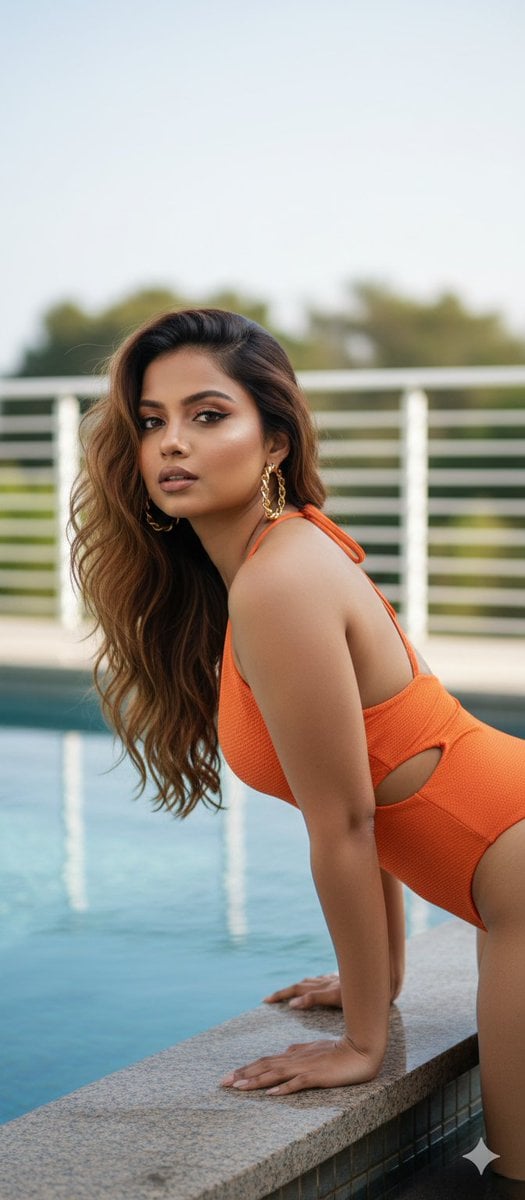
Stunning Glamorous Photo Prompt for Gemini Nano Banana
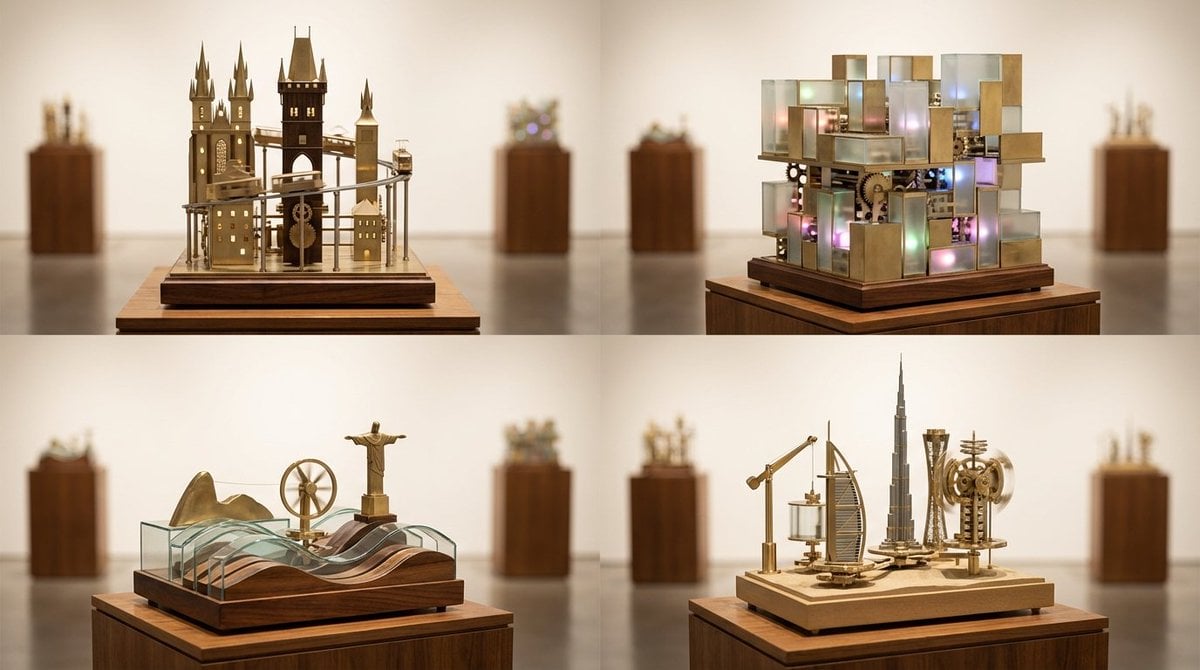
Cities as Kinetic Sculptures Grid
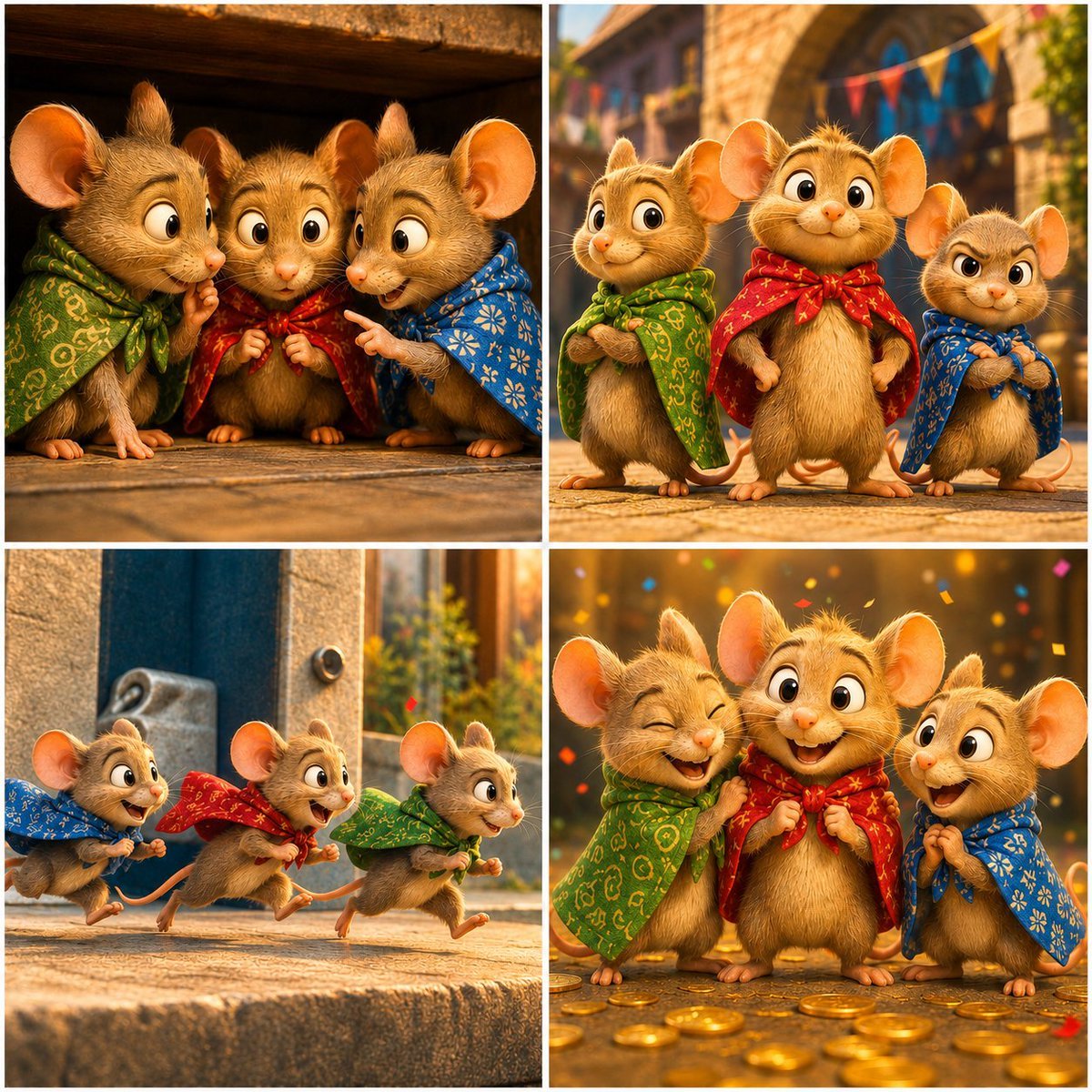
Four-Panel Bankrupt Mouse Storyboard
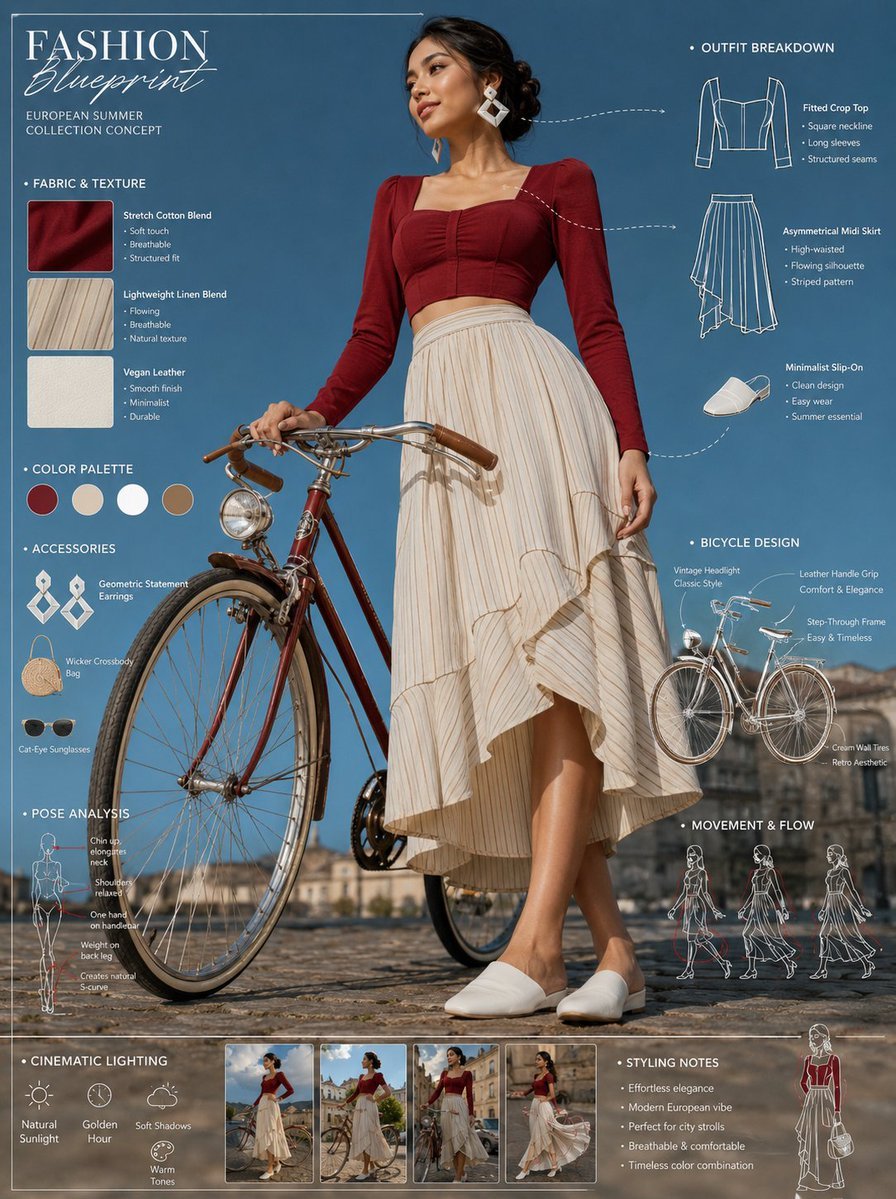
Vintage Bicycle Fashion Blueprint Sheet
Browse template categories
Glass Skin Beauty Portrait — Soft Pastel Nano Banana questions
How do I use the Glass Skin Beauty Portrait — Soft Pastel Nano Banana template?
Add your photo if the template asks for one, edit the prompt if you like — the template's model and format are already selected — and press Generate. Your version opens in PicX Studio.
Can I customize the Glass Skin Beauty Portrait — Soft Pastel Nano Banana template?
Yes. You can change the subject, setting, lighting, mood, format, and available model controls before creating your image.
Is the Glass Skin Beauty Portrait — Soft Pastel Nano Banana template free?
Opening and editing this template is free. Generating uses credits, shown on the Generate button when you are signed in.
Which AI model should I use?
Start with Nano Banana, which is the model associated with this template. You can compare another compatible model for a different finish.
Looking for something else? Browse all templates.

Your photo, any look
Thousands of ready templates for every top image and video model, from one credit balance.