
Four-Panel Bankrupt Mouse Storyboard
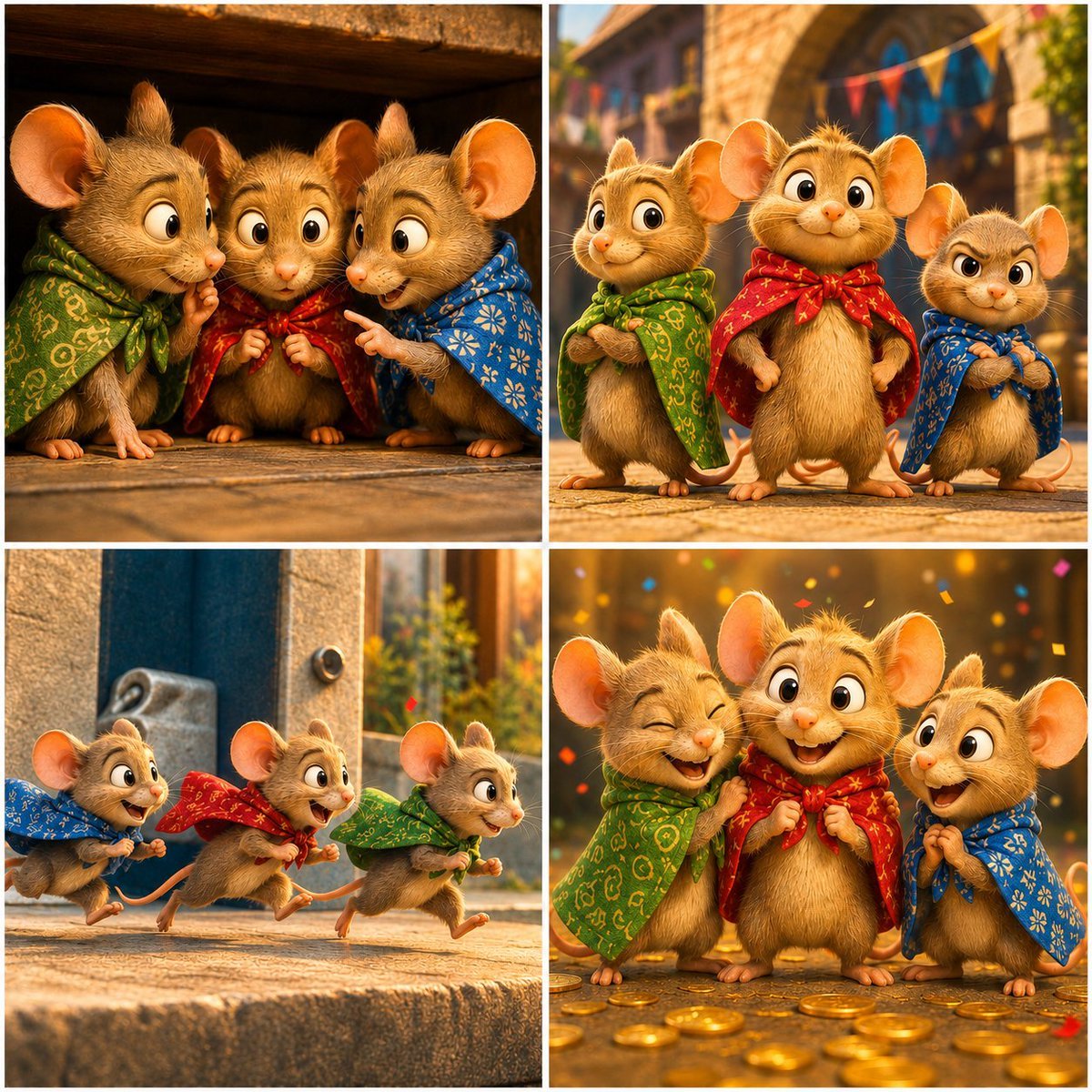
Creates a cinematic 2x2 animated storyboard of three cloaked mice moving through a warm fantasy bank-world scene from worry to celebration.
- Prompt included
- Model and format preset
- Free template
The prompt behind this image
Copy the exact prompt behind Four-Panel Bankrupt Mouse Storyboard, or open it in the studio and make it yours.
Goal: Create a warm cinematic 2x2 storyboard image for a short animated scene titled {argument name="scene title" default="Zero Balance Despair"}, featuring three cute anthropomorphic mice in a quaint stone village and bank-world setting. Canvas: Square 1:1 image divided into exactly 4 equal panels with thin white gutters, like a polished animated film storyboard. Use high-detail 3D character animation, soft fur, expressive faces, shallow depth of field, golden-hour lighting, warm orange highlights, and cozy fantasy village textures. Characters: Use exactly 3 recurring mouse characters throughout: 1 small mouse wearing a green patterned cloak/scarf, 1 larger central mouse wearing a {argument name="central outfit color" default="red patterned cloak/scarf"}, and 1 small mouse wearing a blue patterned cloak/scarf. All have tan-brown fur, huge round ears, shiny black eyes, tiny pink noses, visible whiskers, little paws, and childlike proportions. Keep their designs consistent across panels. In panels where the central mouse face is hidden, cover only the face with a plain soft-edged square privacy block in {argument name="face cover color" default="warm brown"}. Panel layout and action: Panel 1, top-left: exactly 3 mice huddle close under a dark wooden overhang or doorway. The green-cloaked mouse on the left looks worried with paws near mouth; the central red-cloaked mouse stands in the middle with face covered by a square block; the blue-cloaked mouse on the right points toward the central mouse with a concerned expression. Warm indoor shadows, stone floor, intimate anxious mood. Panel 2, top-right: exactly 3 mice stand outside in a sunny old stone street with blurred bunting flags overhead. The green mouse stands left with arms folded, the red central mouse stands proudly in the middle smiling, and the blue mouse stands right looking stern or suspicious with arms folded. Panel 3, bottom-left: exactly 3 mice run left-to-right across a stone ledge or step, motion-filled and energetic. The blue mouse leads at far left, the red mouse runs in the middle, and the green mouse runs at right, all with fluttering cloaks and excited expressions. Panel 4, bottom-right: exactly 3 mice celebrate among scattered gold coins and colorful confetti. The green mouse at left laughs with eyes closed and holds the central red cloak, the central red-cloaked mouse stands in the middle with face covered by the same square block, and the blue mouse at right smiles with open mouth and clasped paws. Background is a golden bank or treasure-like interior with bokeh lights. Visual style: Pixar-like but original, adorable cinematic 3D rendering, realistic plush fur, detailed cloth embroidery, warm fantasy lighting, crisp characters with softly blurred backgrounds, expressive gestures, emotional storytelling, no text, no logos, no watermark. Constraints: Use exactly 4 panels and exactly 3 mice in every panel. The visible repeated cloak colors must be green, red, and blue. Include exactly 2 face-cover blocks total, one in panel 1 and one in panel 4. Do not add extra characters, captions, speech bubbles, or UI elements. Overall mood should move from anxiety to confidence, action, and joyful relief about {argument name="financial theme" default="a bankrupt mouse discovering coins"}.
How to use Four-Panel Bankrupt Mouse Storyboard in 3 steps
- 1Upload ImagePNG, JPG or paste
Add your photo
Upload the photo the template builds on. The prompt, model and format are already set.
- 2…a portrait of your subject in softgolden-hour light, 85mm…
Personalize
Edit the subject and creative details for your destination.
- 3Generate
Generate
Press Generate — your image is created in PicX Studio, so you can compare it with the original and refine one variable at a time.
More like this
Templates with the same subject, style or setup. Open one to see its prompt.

Headphones Lifestyle Nine Panel Grid
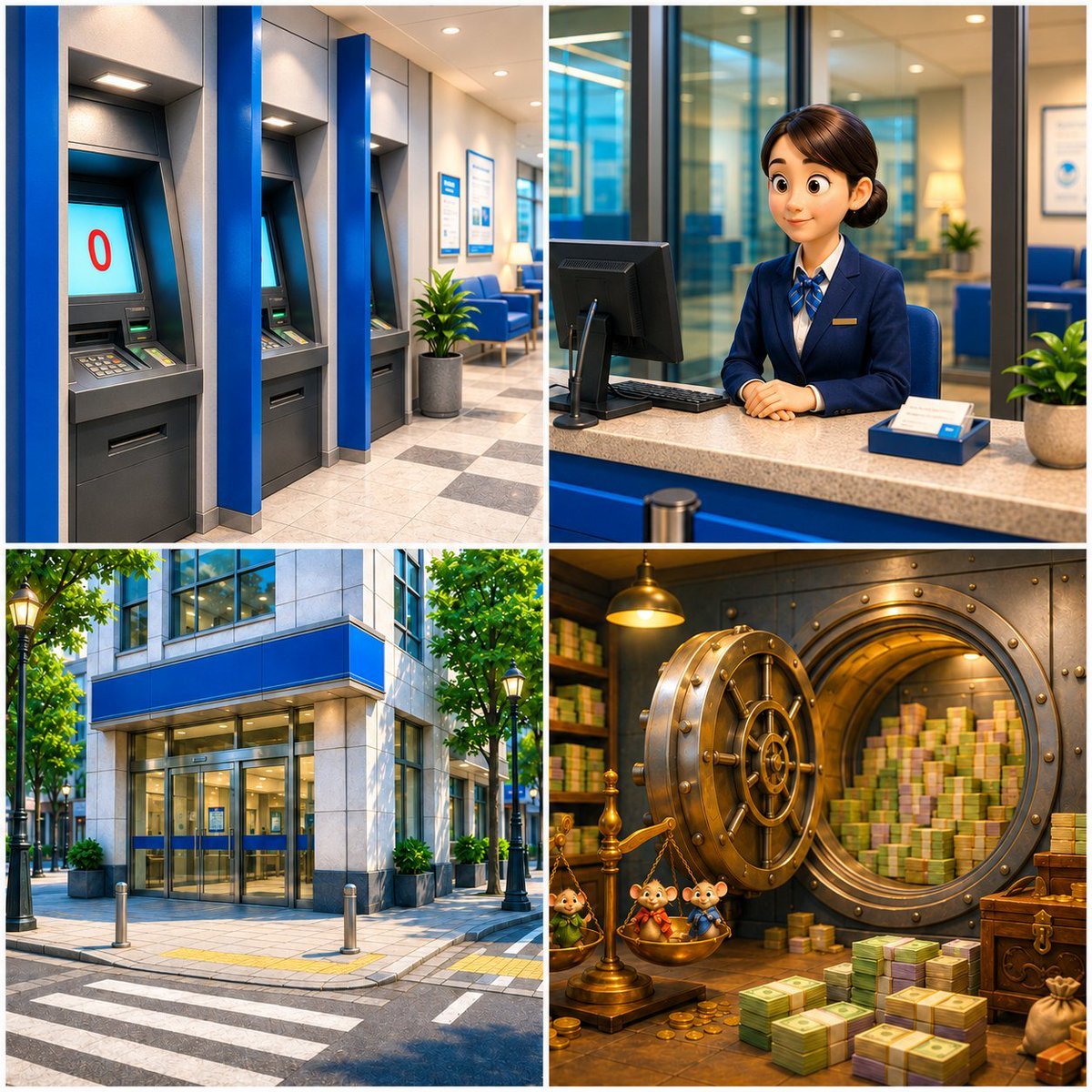
Four-Panel Bank World Storyboard

Four-Panel AI Landscape Comparison

Four-Panel Anime Face Comparison

Four-Panel AI Landscape Comparison
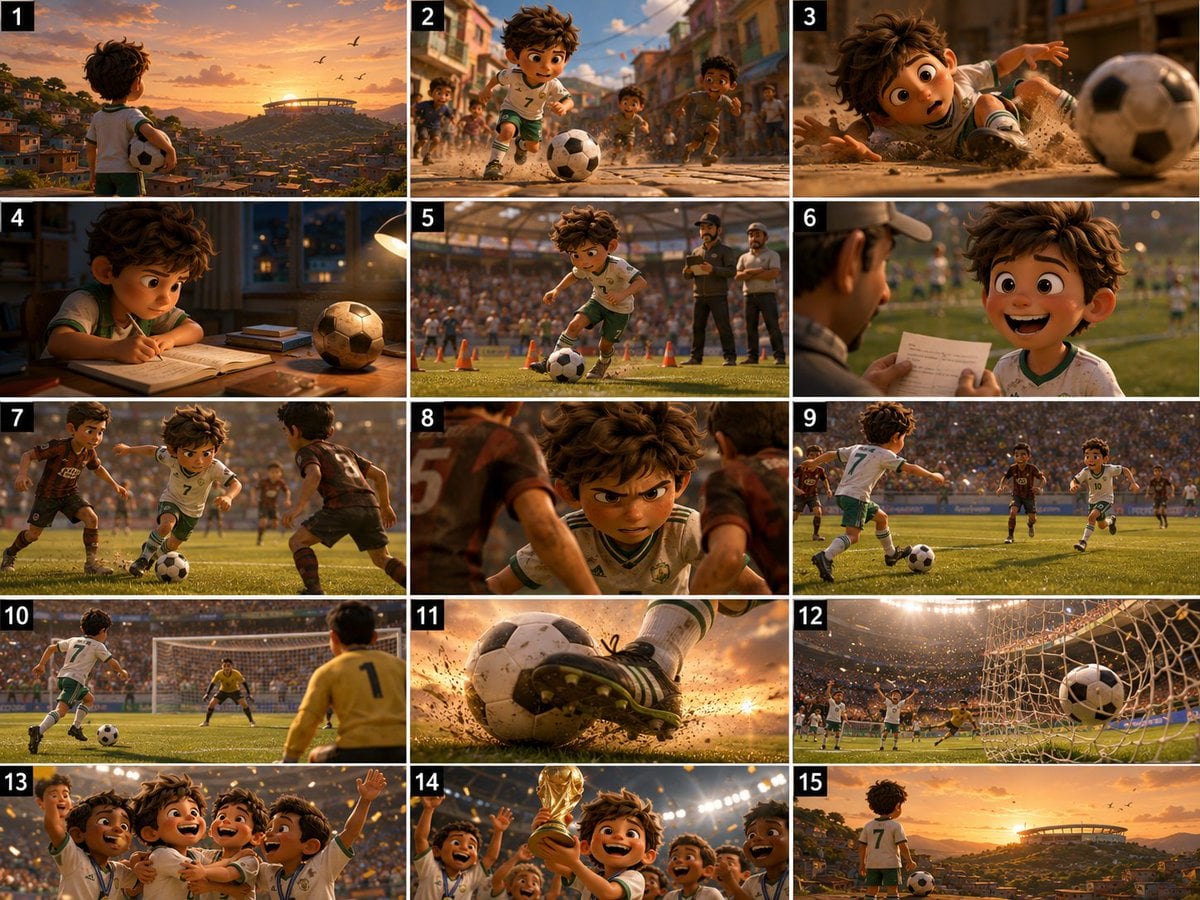
Panel Football Boy Storyboard
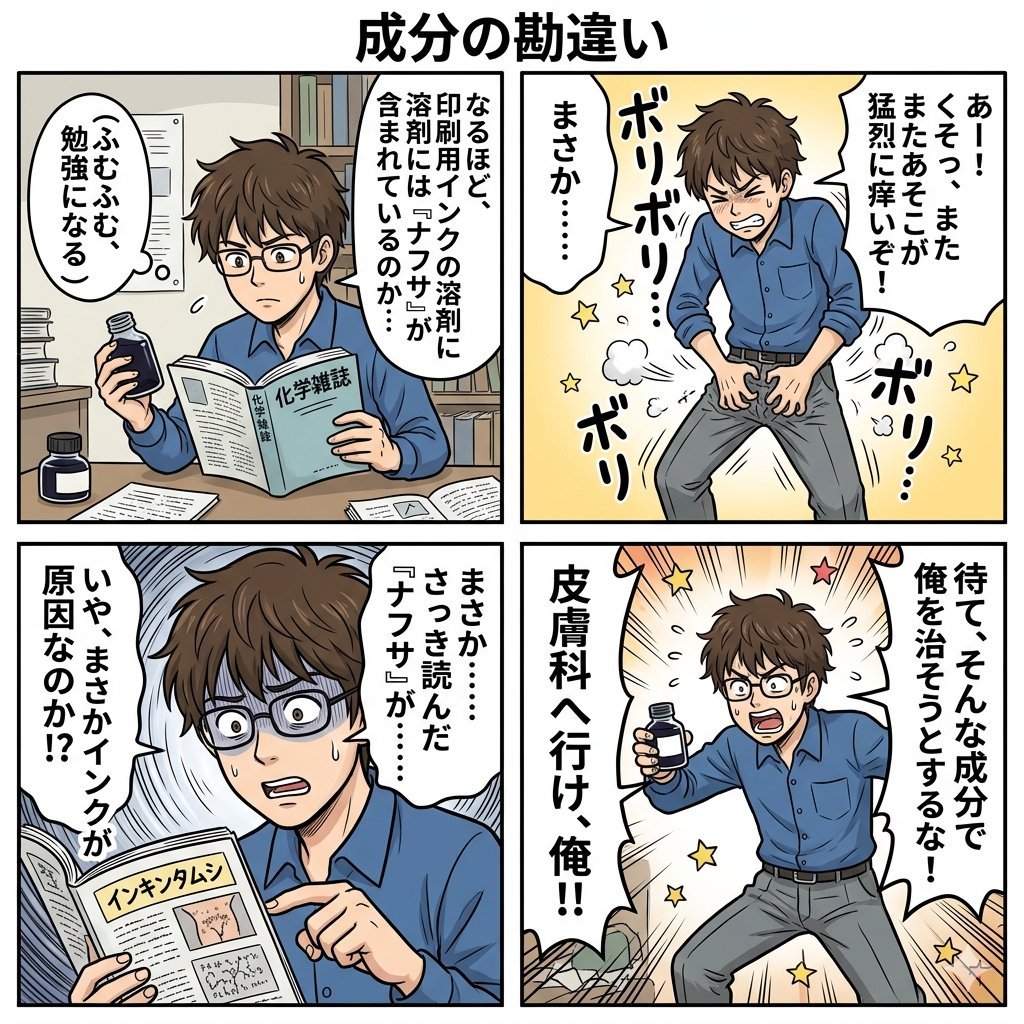
Component Differences Four-Panel Manga
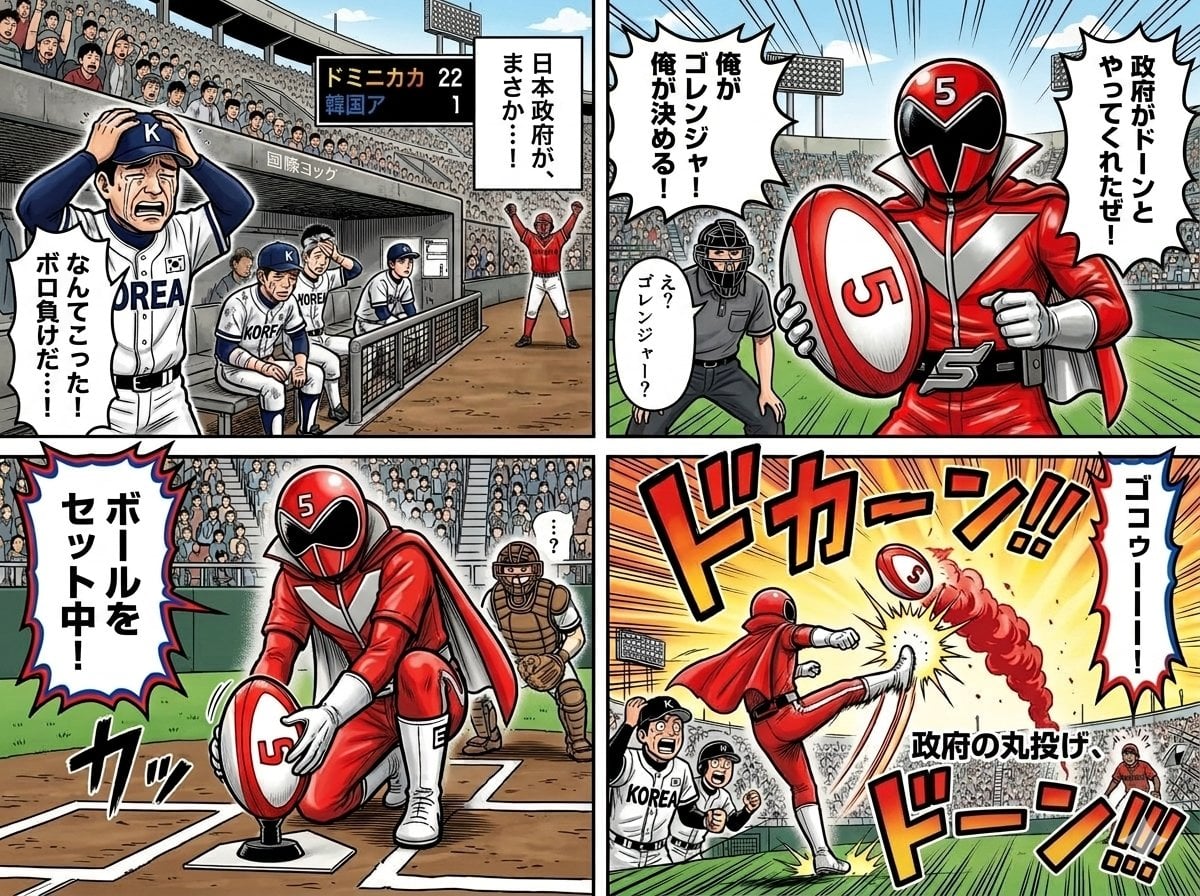
Four-Panel Manga with Sentai and Rugby

Pixar 6-Panel Streethero Expression Grid
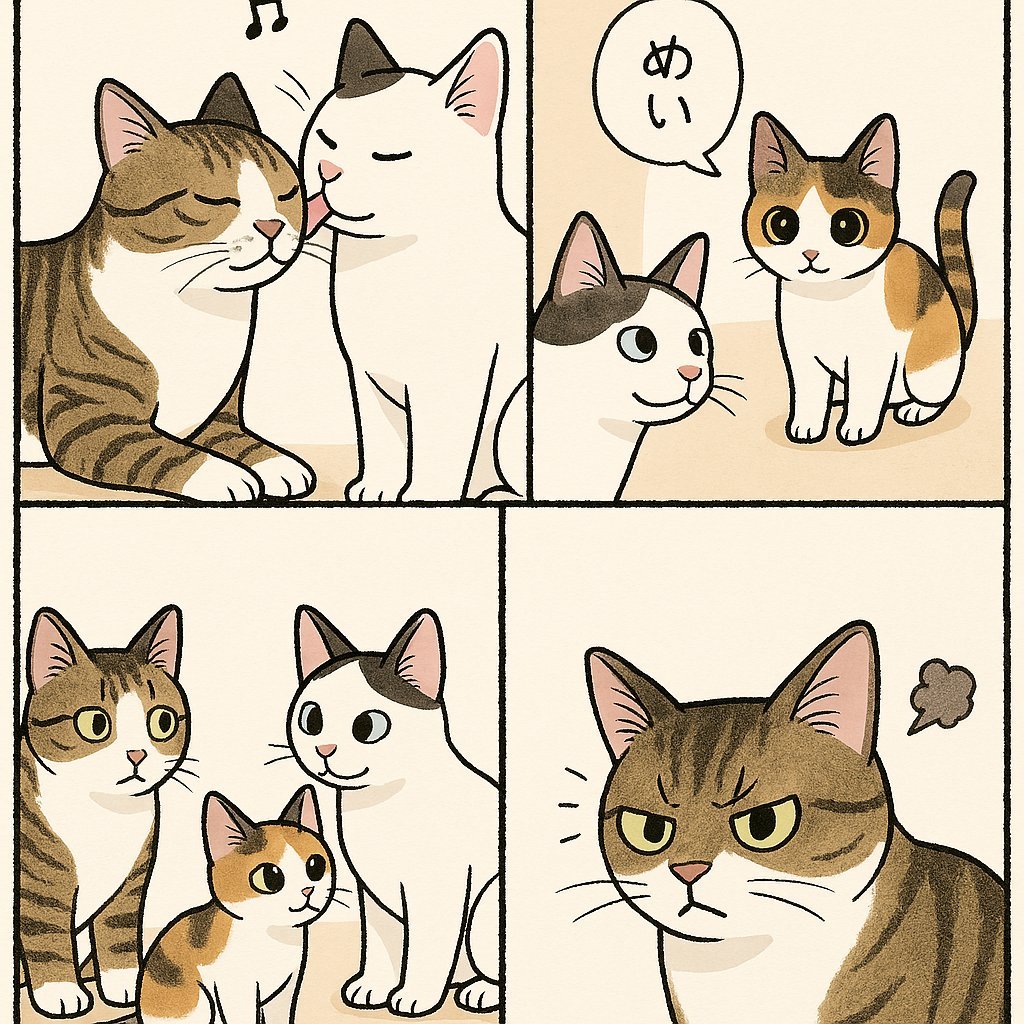
Cute Four-Panel Cat Jealousy Comic
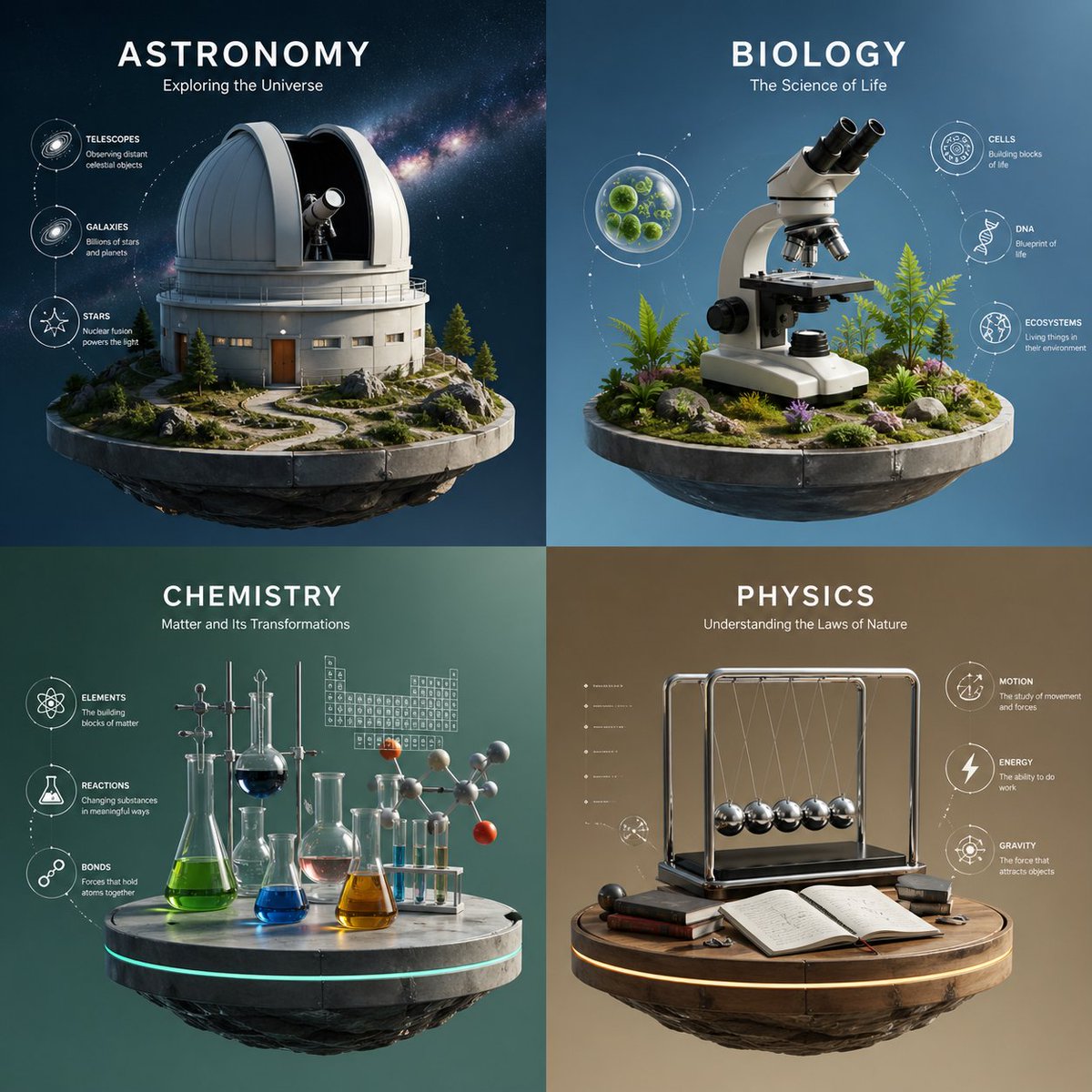
Four-Panel Science Concept Poster
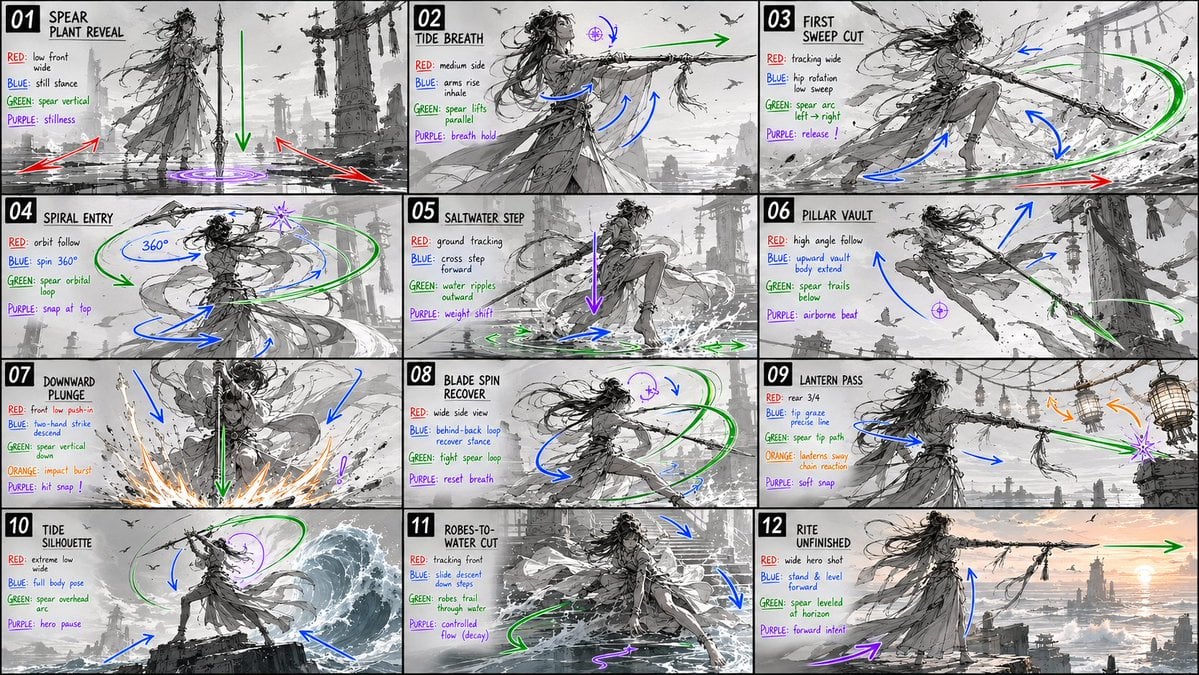
Panel Spear Sakuga Storyboard
Make it yours
Four-Panel Bankrupt Mouse Storyboard works as-is. These are the safest ways to change it without losing the look.
Change one field
Copy a single group, rewrite it, and generate again so you can see what that field is doing.
Keep the frame, change the subject
Hold the composition and light of Four-Panel Bankrupt Mouse Storyboard, then swap wardrobe, props or the person for a new take.
| If the result… | Why | Fix |
|---|---|---|
| The result drifts from the preview | Too many fields changed at once. | Reuse Four-Panel Bankrupt Mouse Storyboard as-is first, then change one group — subject, light, or setting. |
| The model over-stylizes the scene | The prose prompt leaves finish and camera underspecified. | Add one camera or lighting sentence and stay on GPT Image 2. |
More GPT Image 2 templates
Other prompts made for GPT Image 2.

Six VTuber Japanese Logo Sheet

Realistic Portrait of Woman and Deer

The Vista Modular Condo Poster

AI Model Routing Comparison Infographic

2.5D Anime Art Board

Isometric Productivity Desk Scene

New York Double Exposure Poster

Japanese Tatami Lifestyle Magazine Cover

NESCAFÉ Coffee Map Poster

Brutalist Cogito Chinese Typography Poster
More image prompts
Fresh picks from across the catalog.

Tech Product Announcement Infographic
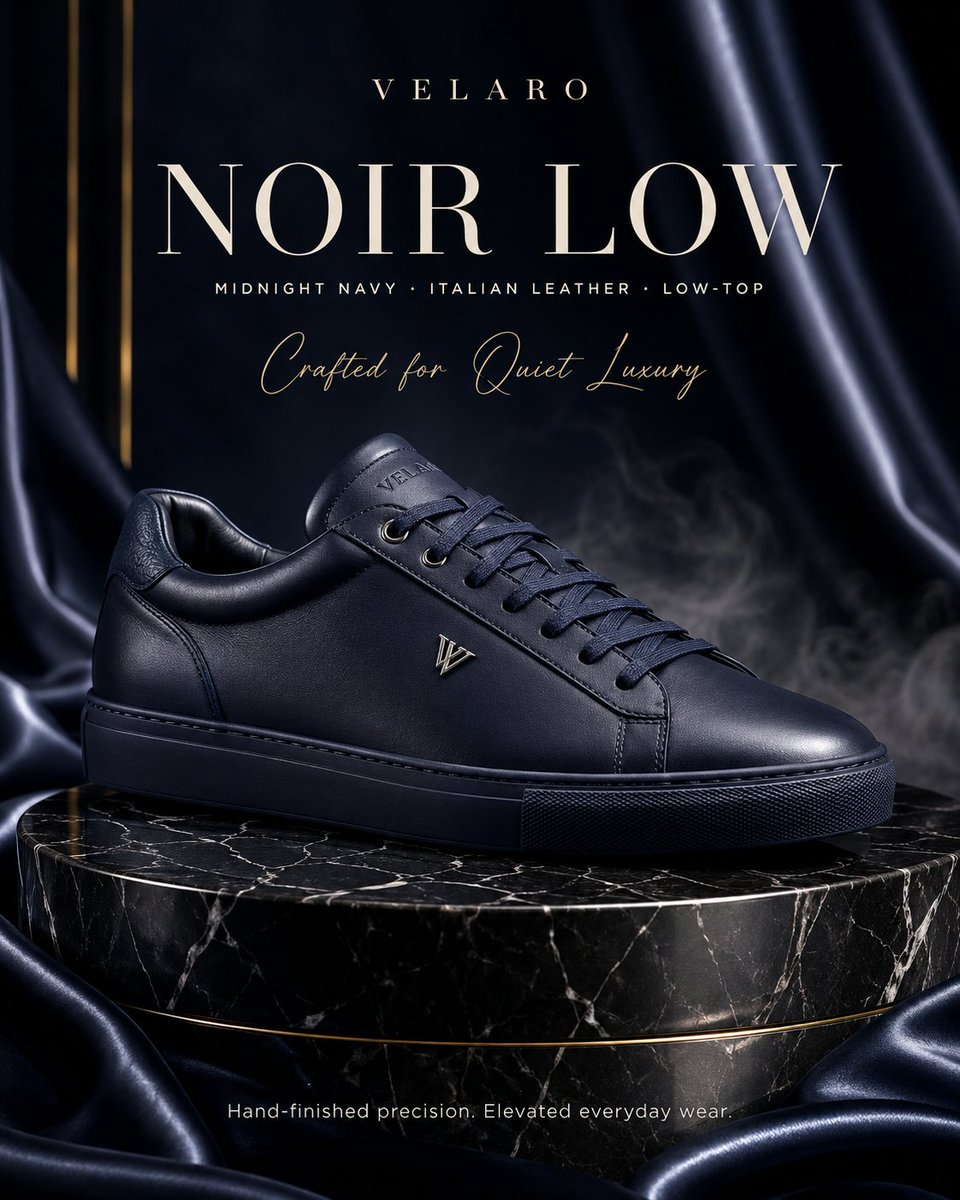
Luxury Sneaker Fashion Poster

Colored Anime Manga Splash Panel

East Asian Fashion Sunglasses Portrait
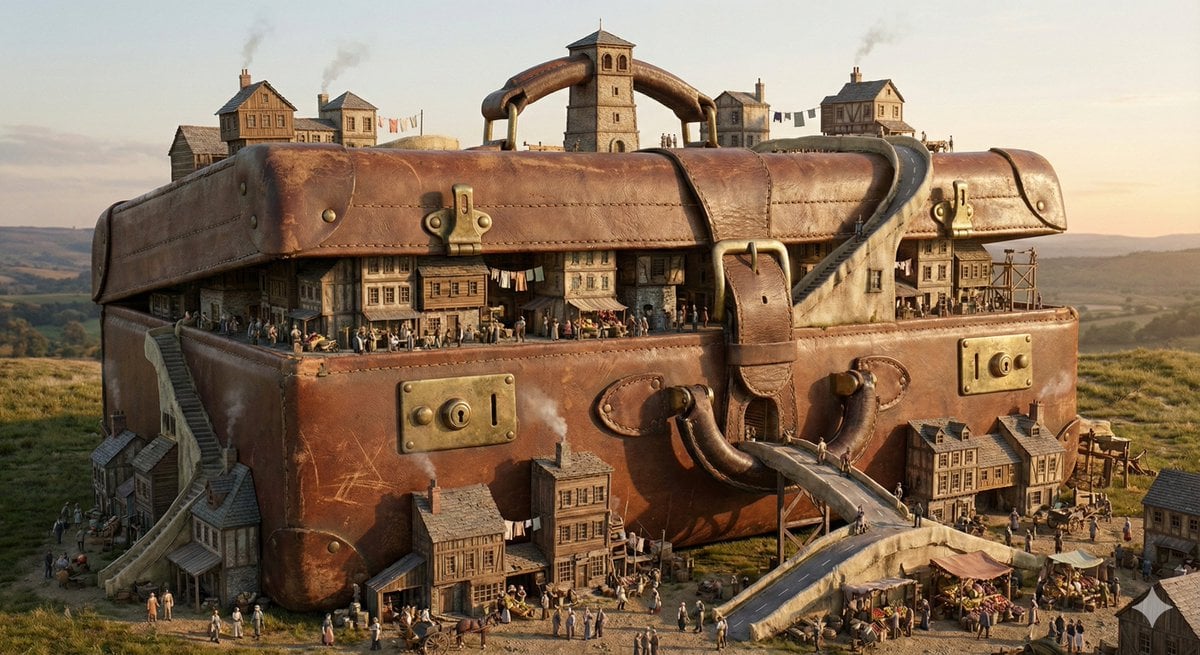
Everyday Object Reimagined as a City
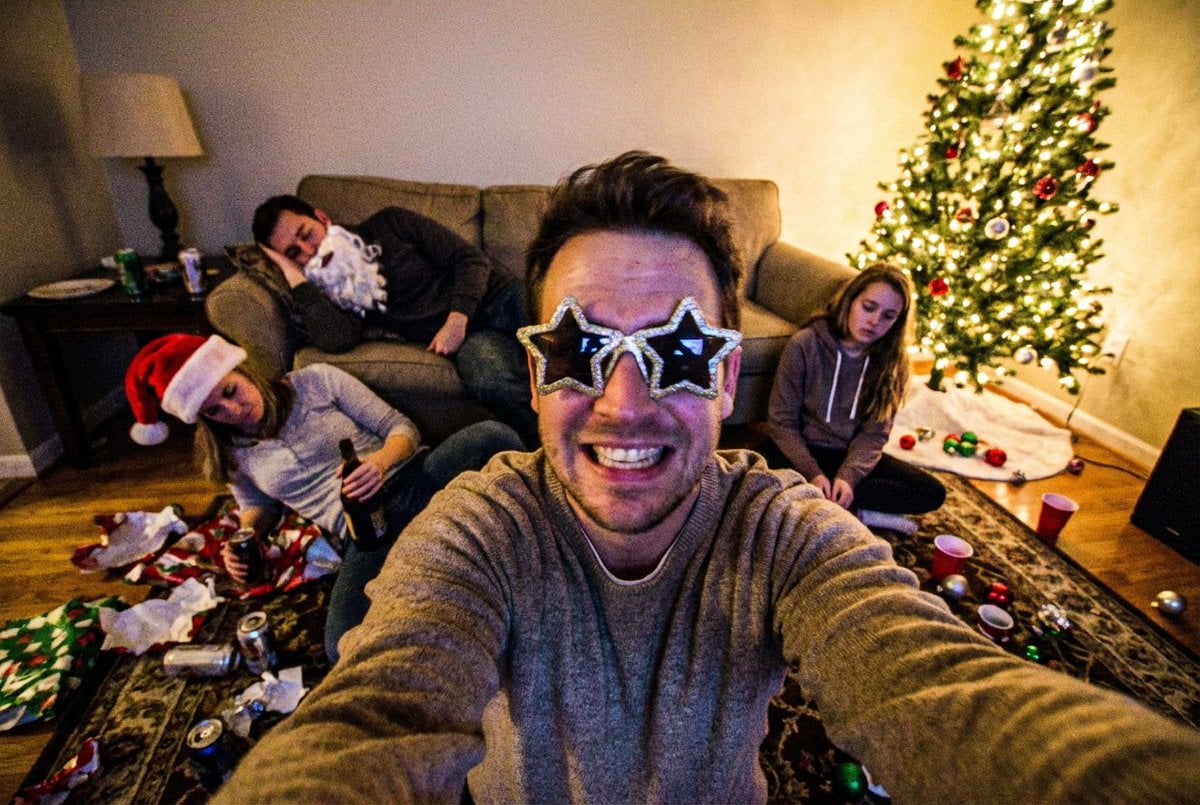
Low-Quality Chaotic Christmas After-Party Selfie
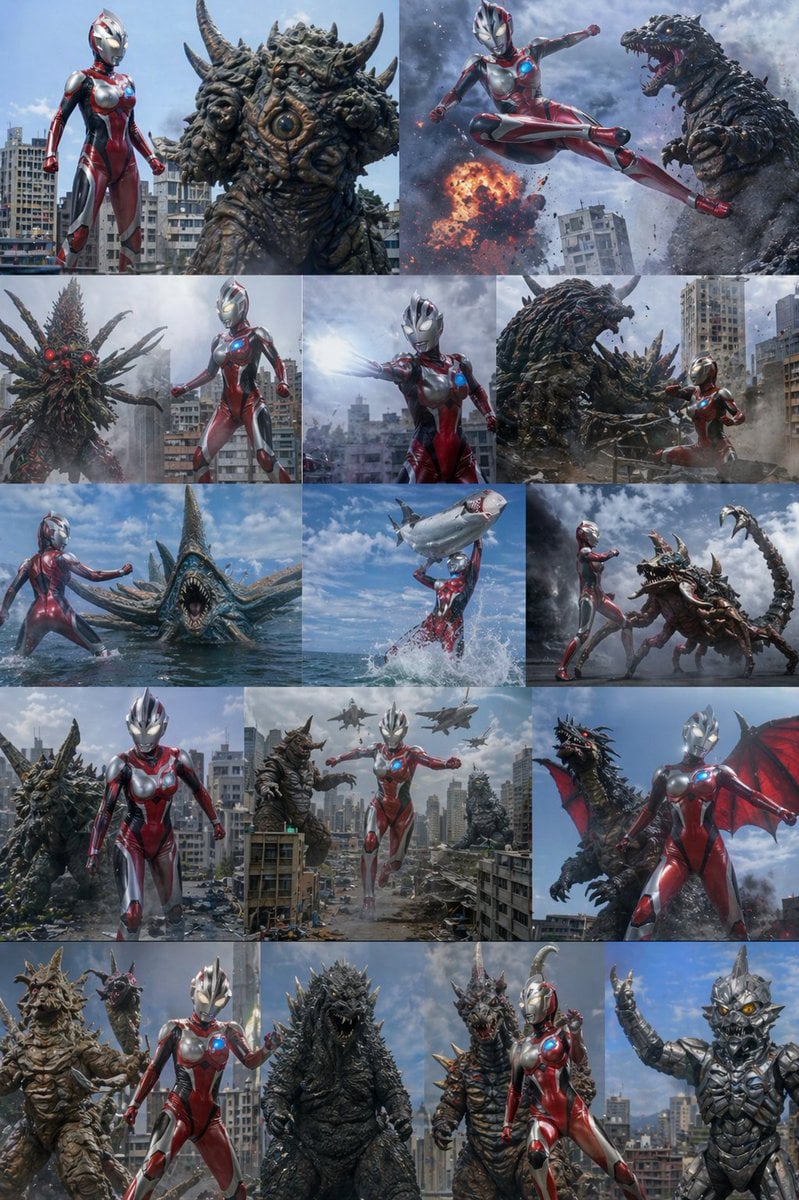
Ultra Woman Kaiju Battle Variations

Reference Image Consistency Prompt Template
Night Street Portrait with Flash Prompt
Japanese Paper-Cut Diorama Scene
Browse template categories
Four-Panel Bankrupt Mouse Storyboard questions
How do I use the Four-Panel Bankrupt Mouse Storyboard template?
Add your photo if the template asks for one, edit the prompt if you like — the template's model and format are already selected — and press Generate. Your version opens in PicX Studio.
Can I customize the Four-Panel Bankrupt Mouse Storyboard template?
Yes. You can change the subject, setting, lighting, mood, format, and available model controls before creating your image.
Is the Four-Panel Bankrupt Mouse Storyboard template free?
Opening and editing this template is free. Generating uses credits, shown on the Generate button when you are signed in.
Which AI model should I use?
Start with GPT Image 2, which is the model associated with this template. You can compare another compatible model for a different finish.
Looking for something else? Browse all templates.

Your photo, any look
Thousands of ready templates for every top image and video model, from one credit balance.