
Cute Four-Panel Cat Jealousy Comic
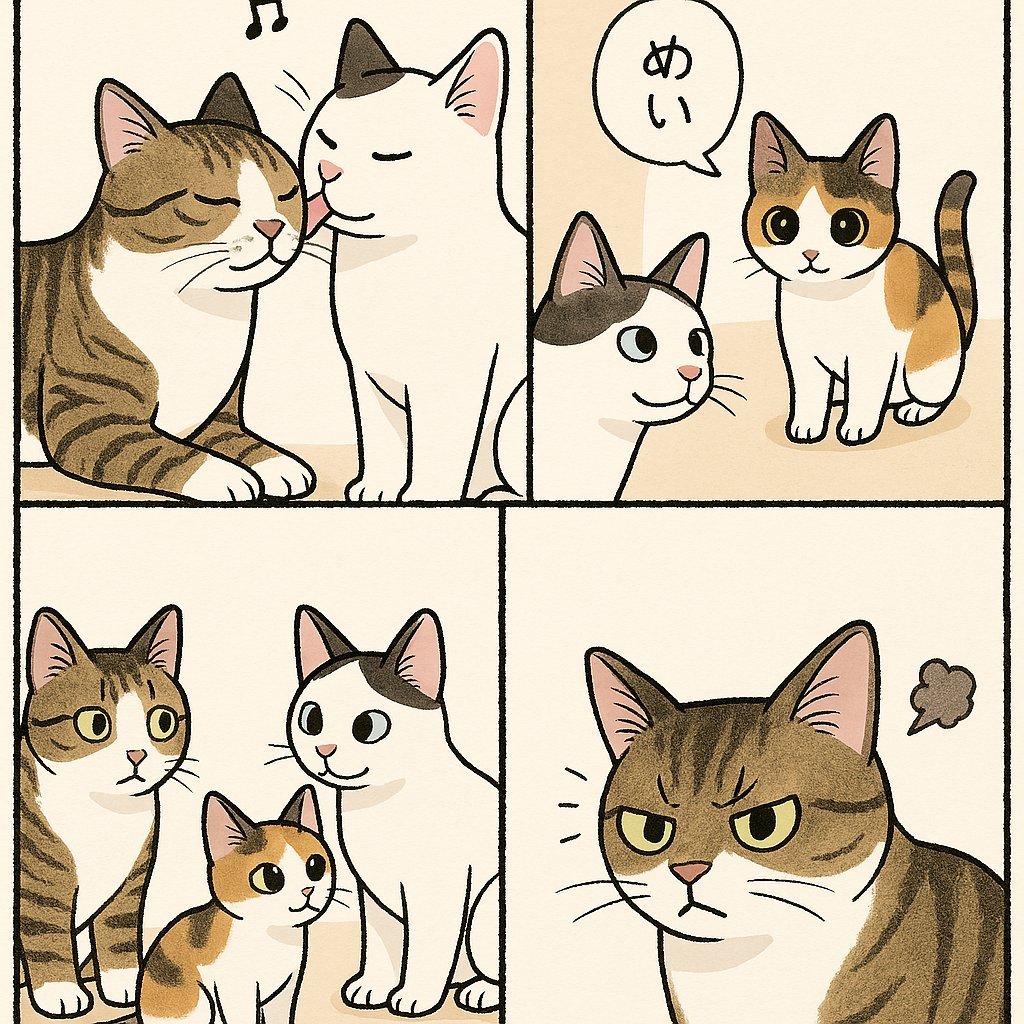
This prompt generates a warm, hand-drawn four-panel cat comic ideal for social posts, manga-style humor, or cozy pet illustrations.
- Prompt included
- Model and format preset
- Free template
The prompt behind this image
Copy the exact prompt behind Cute Four-Panel Cat Jealousy Comic, or open it in the studio and make it yours.
A cute hand-drawn four-panel comic in a soft, warm, slice-of-life style on a light cream background with thick black panel borders and slightly textured paper grain. Use simple rounded cartoon cat anatomy, expressive faces, clean black outlines, muted natural colors, and a gentle manga-like presentation. In the top-left panel, show 2 cats: a brown tabby cat with dark stripes and white muzzle sitting with eyes closed, looking pleased, while a mostly white cat with dark brown patches on the head stands beside it and affectionately licks the tabby's cheek; add 2 small black musical notes above them to suggest happy grooming. In the top-right panel, show the white-and-brown patched cat in the foreground looking toward a small calico kitten standing to the right; include a speech bubble containing the Japanese text "めい" above the kitten. In the bottom-left panel, show 3 cats together: the brown tabby on the left with a surprised or blank expression, the white patched cat on the right looking cheerful, and the small calico kitten centered in front between them, looking up. In the bottom-right panel, show a close-up of the brown tabby cat alone, facing forward with narrowed yellow-green eyes and an angry, jealous expression; add 2 short emphasis lines near the face and 1 small puff-shaped anger symbol to the right. Keep the tone cozy and comedic, with the visual joke that the tabby was happy being groomed until the new kitten appears. Use flat colors, minimal shading, and a charming Japanese webcomic feel.
How to use Cute Four-Panel Cat Jealousy Comic in 3 steps
- 1Upload ImagePNG, JPG or paste
Add your photo
Upload the photo the template builds on. The prompt, model and format are already set.
- 2…a portrait of your subject in softgolden-hour light, 85mm…
Personalize
Edit the subject and creative details for your destination.
- 3Generate
Generate
Press Generate — your image is created in PicX Studio, so you can compare it with the original and refine one variable at a time.
More like this
Templates with the same subject, style or setup. Open one to see its prompt.
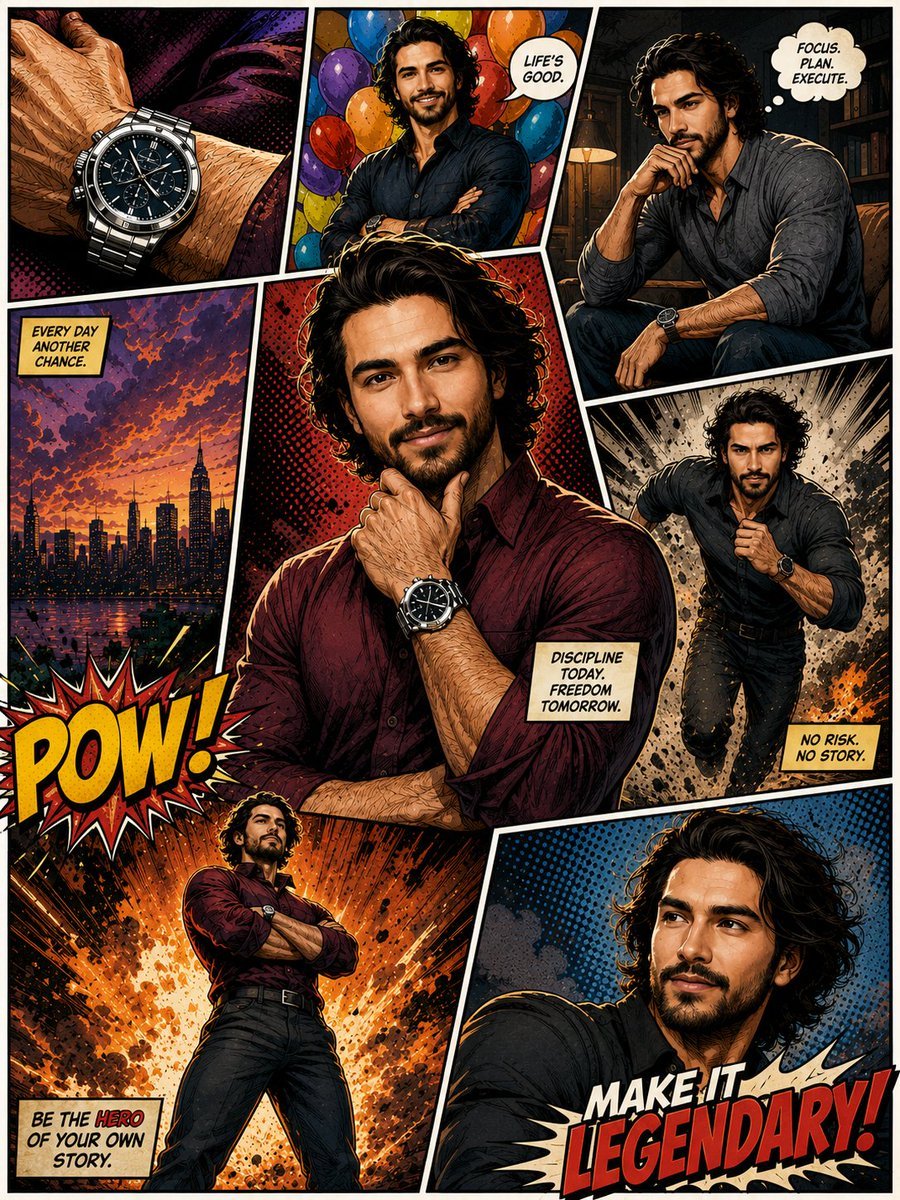
Hero Portrait Comic Multi-Panel Poster

ChatGPT App Screenshot With Cute 4-Panel Comic
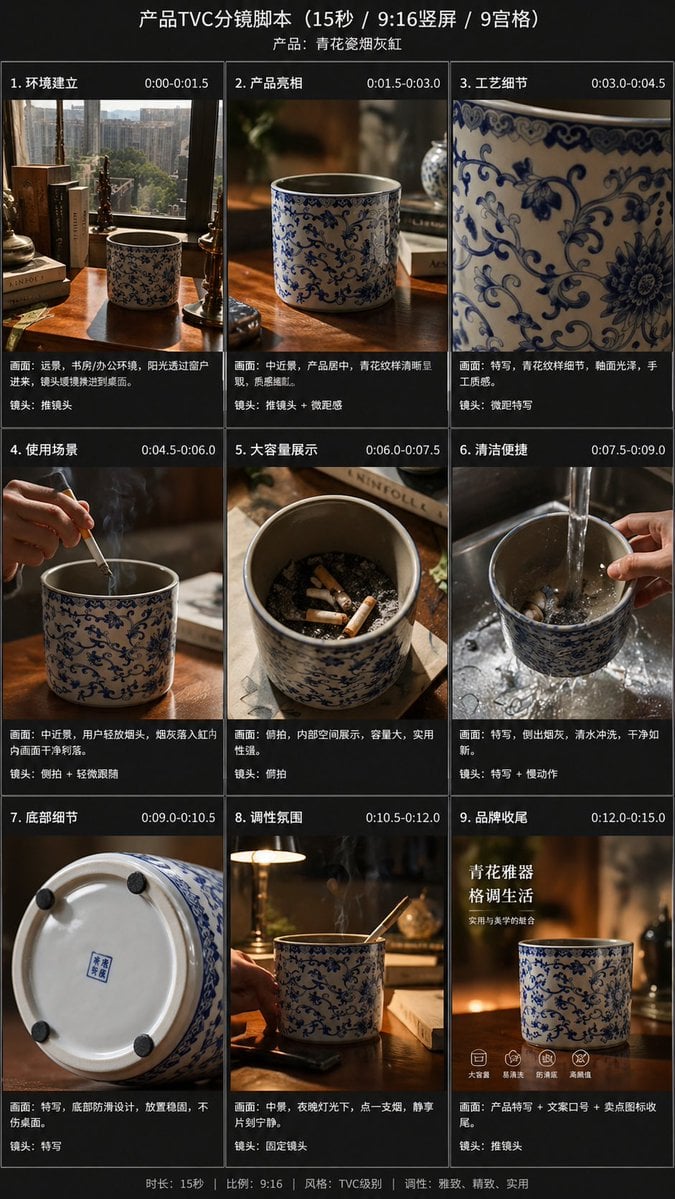
Gpt2 E Commerce Main Image 9 Panel Product Tvc Storyboard

Minecraft Homage Illustrious Style
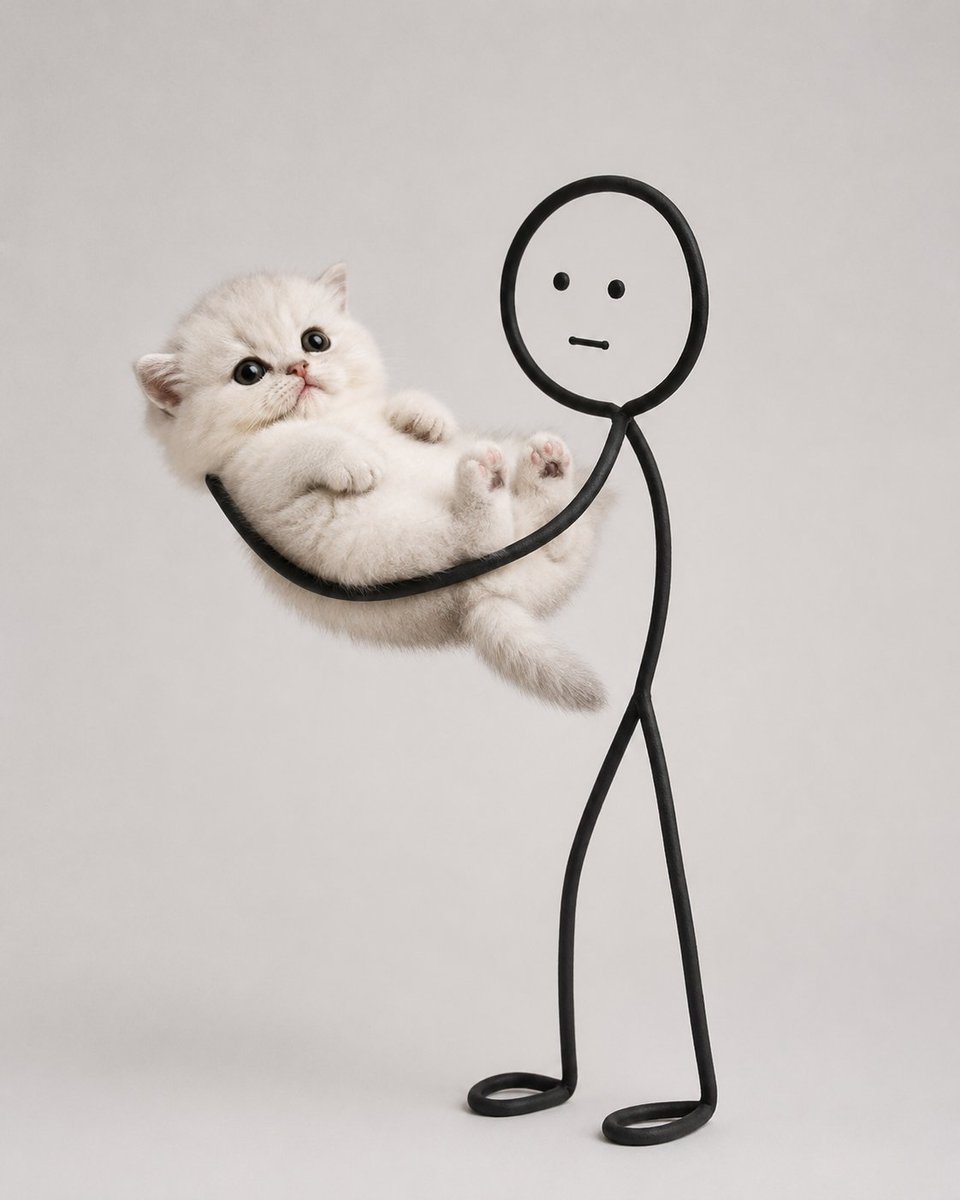
Cute Cat and Doodle Interaction

Four-Panel AI Landscape Comparison
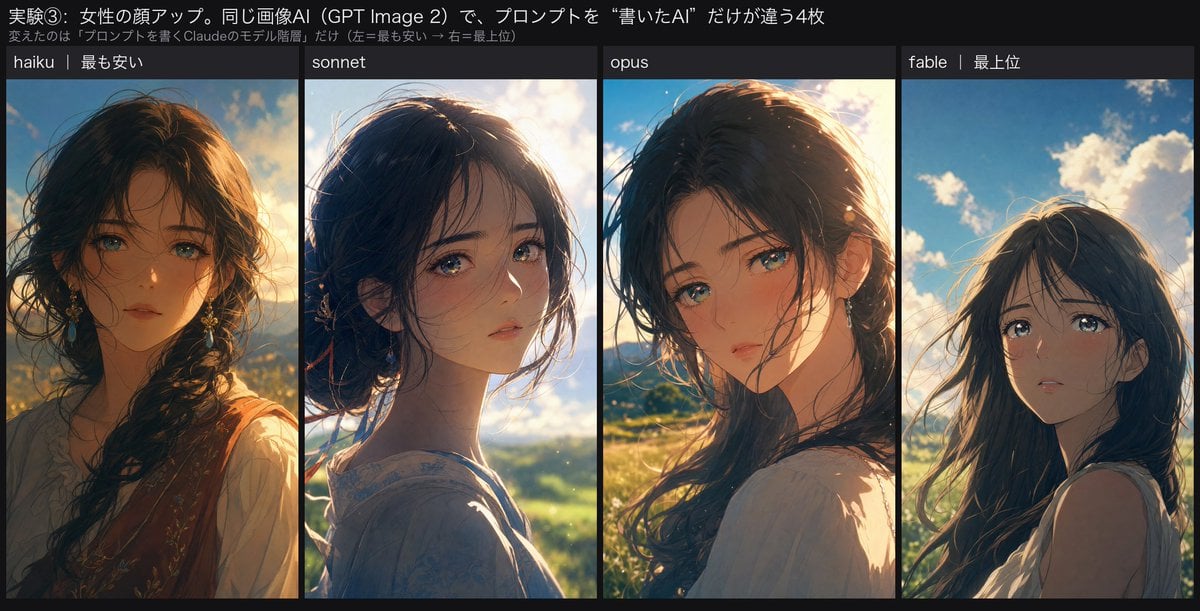
Four-Panel Anime Face Comparison
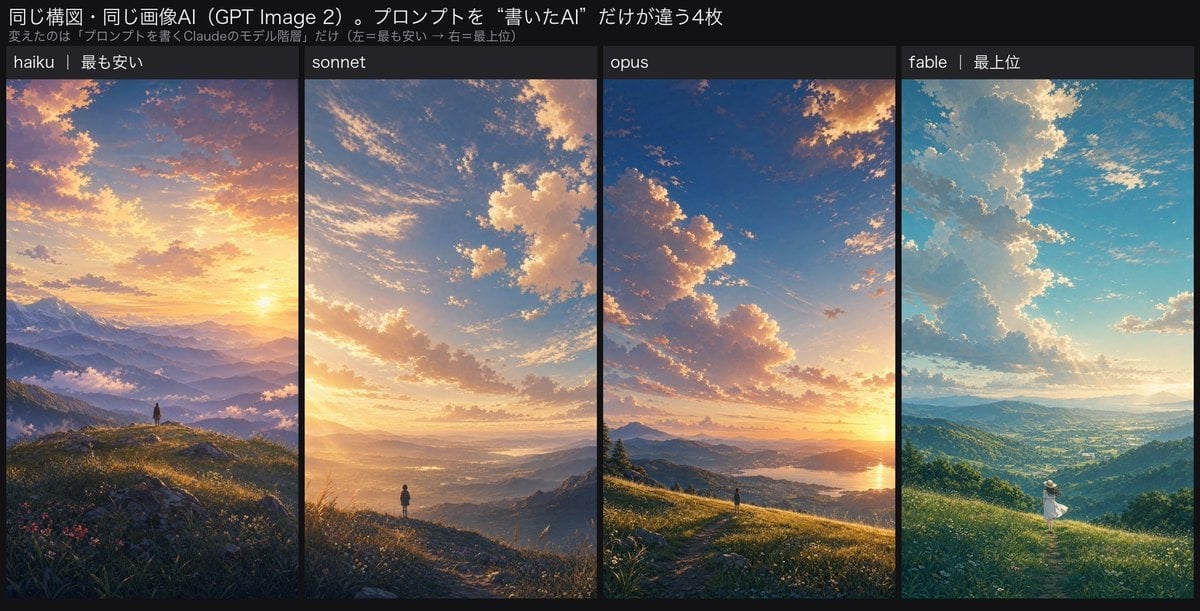
Four-Panel AI Landscape Comparison
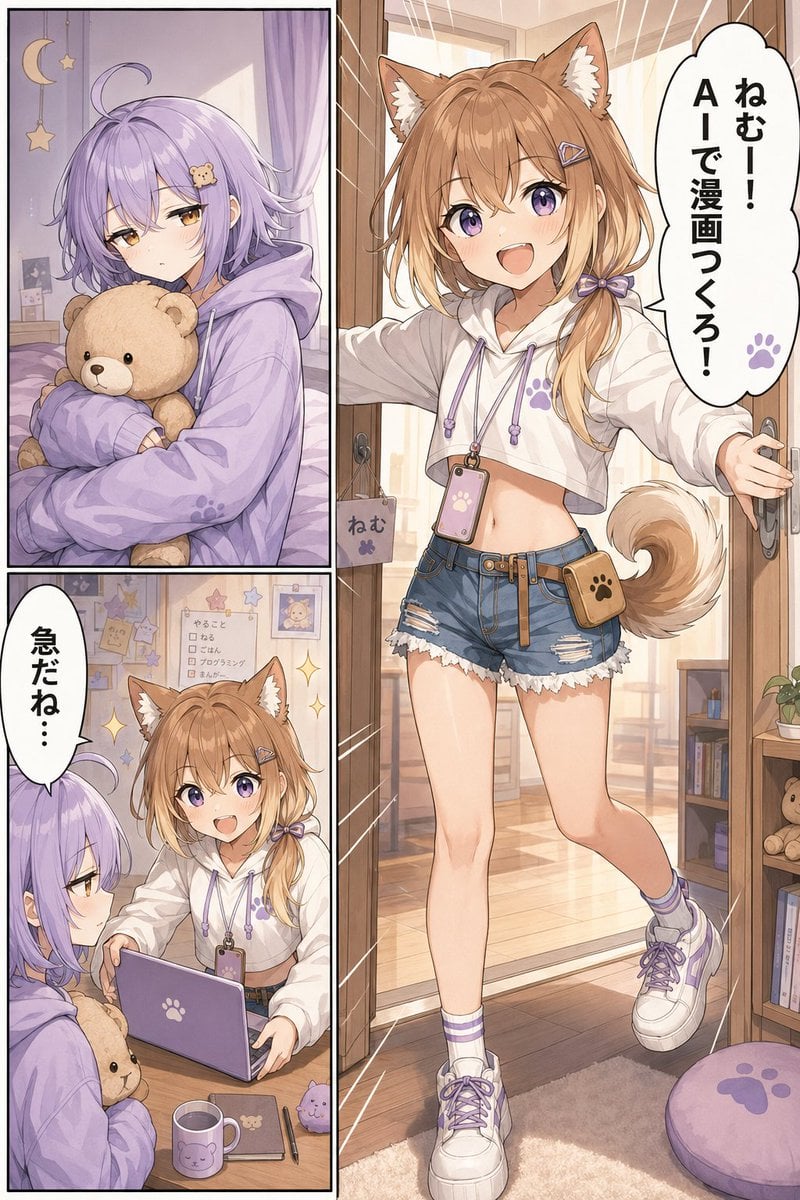
Cute AI Manga Lesson Comic Page
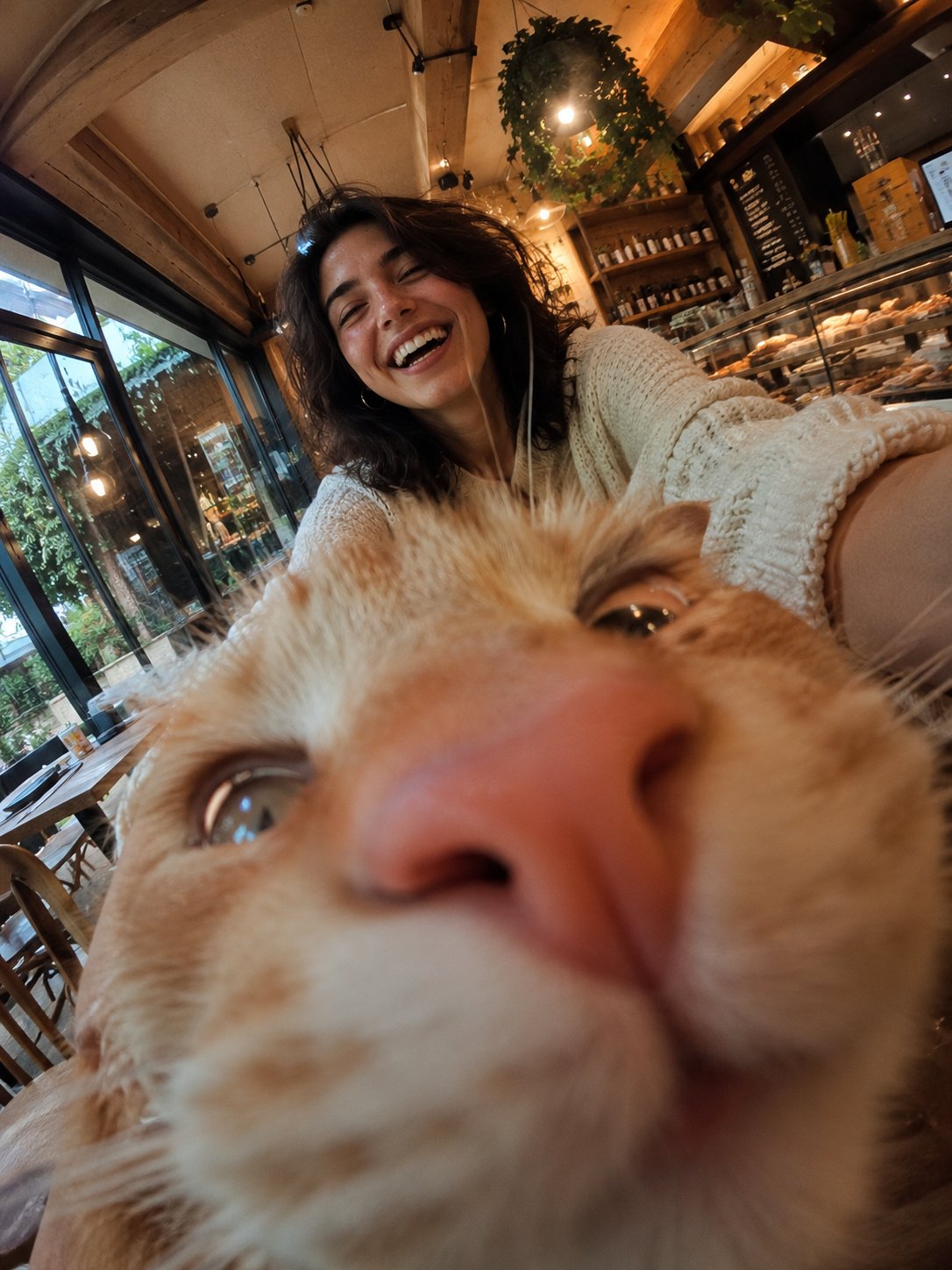
Cat Photobomb Selfie — 0.5x Wide Angle Café Chaos
Surreal Cat Astronaut — Humanoid Face Freefall
Multi-Panel Comic Illustration
Make it yours
Cute Four-Panel Cat Jealousy Comic works as-is. These are the safest ways to change it without losing the look.
Change one field
Copy a single group, rewrite it, and generate again so you can see what that field is doing.
Keep the frame, change the subject
Hold the composition and light of Cute Four-Panel Cat Jealousy Comic, then swap wardrobe, props or the person for a new take.
| If the result… | Why | Fix |
|---|---|---|
| The result drifts from the preview | Too many fields changed at once. | Reuse Cute Four-Panel Cat Jealousy Comic as-is first, then change one group — subject, light, or setting. |
| The model over-stylizes the scene | The prose prompt leaves finish and camera underspecified. | Add one camera or lighting sentence and stay on GPT Image 2. |
More GPT Image 2 templates
Other prompts made for GPT Image 2.

Six VTuber Japanese Logo Sheet

Realistic Portrait of Woman and Deer

The Vista Modular Condo Poster

AI Model Routing Comparison Infographic

2.5D Anime Art Board

Isometric Productivity Desk Scene

New York Double Exposure Poster

Japanese Tatami Lifestyle Magazine Cover

NESCAFÉ Coffee Map Poster

Brutalist Cogito Chinese Typography Poster
More image prompts
Fresh picks from across the catalog.
AI Image Generator UI Mockup
Japanese Film Reflection Idol
Cinematic diptych of teenagers on a rooftop
Frosted Glass Minimalist Texture

Photoreal Luxury Bar Portrait (Leopard Dress)
Volcanic Streetwear Fashion Editorial

Japanese Boys High School Admissions Poster
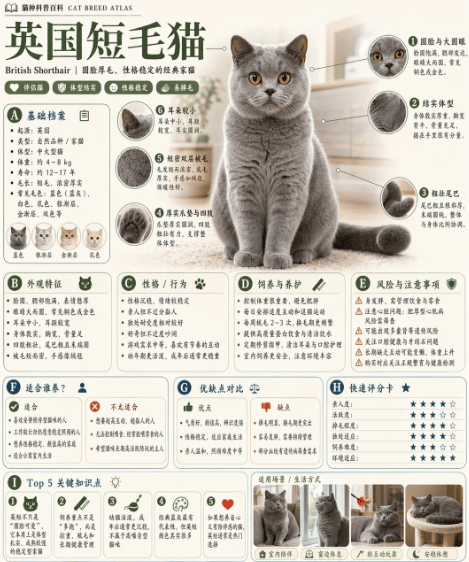
British Shorthair Encyclopedia Card
MS Paint Charlie Brown Flag Doodle

Hyper-Realistic Fashion Portrait in Ivory Lace Minidress
Browse template categories
Cute Four-Panel Cat Jealousy Comic questions
How do I use the Cute Four-Panel Cat Jealousy Comic template?
Add your photo if the template asks for one, edit the prompt if you like — the template's model and format are already selected — and press Generate. Your version opens in PicX Studio.
Can I customize the Cute Four-Panel Cat Jealousy Comic template?
Yes. You can change the subject, setting, lighting, mood, format, and available model controls before creating your image.
Is the Cute Four-Panel Cat Jealousy Comic template free?
Opening and editing this template is free. Generating uses credits, shown on the Generate button when you are signed in.
Which AI model should I use?
Start with GPT Image 2, which is the model associated with this template. You can compare another compatible model for a different finish.
Looking for something else? Browse all templates.

Your photo, any look
Thousands of ready templates for every top image and video model, from one credit balance.