
Volcanic Streetwear Fashion Editorial
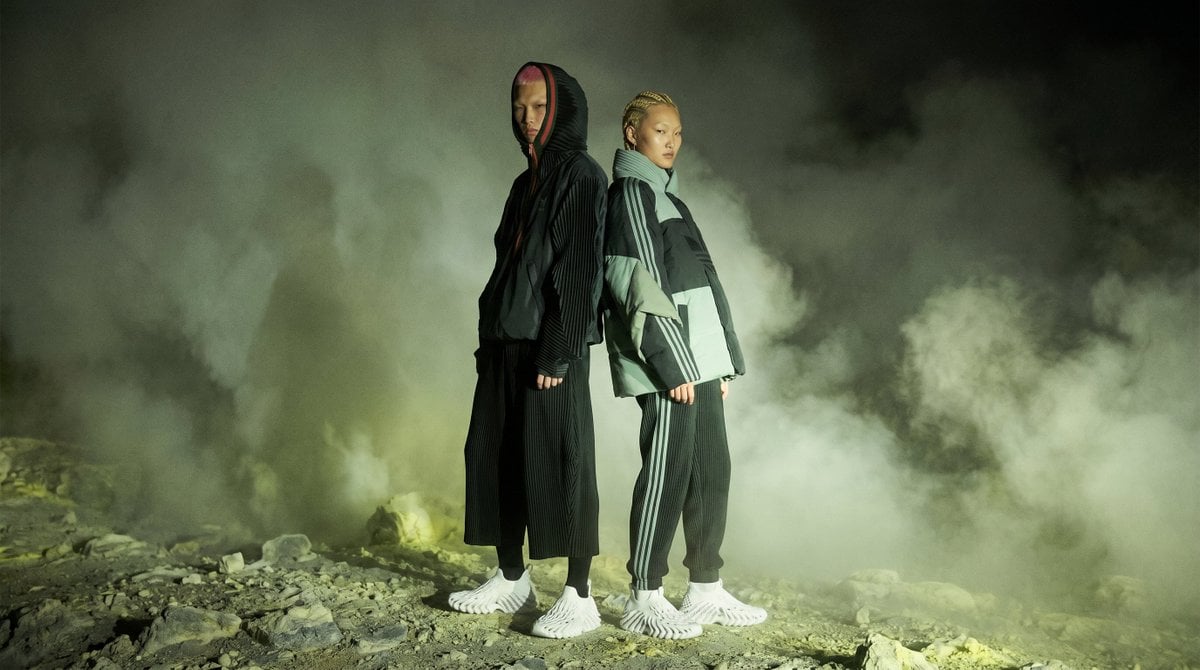
A cinematic fashion campaign scene featuring anonymous streetwear models posed in smoky volcanic terrain for dramatic editorial visuals.
- Prompt included
- Model and format preset
- Free template
The prompt behind this image
Copy the exact prompt behind Volcanic Streetwear Fashion Editorial, or open it in the studio and make it yours.
Create a cinematic editorial fashion photograph on a wide 16:9 canvas showing {argument name="number of models" default="two"} androgynous streetwear models standing back-to-back on a barren rocky volcanic landscape at night. The models are full-body, centered slightly left of frame, posed upright and still with arms relaxed, facing opposite directions in profile/three-quarter view. Their faces are intentionally obscured by smooth vertical beige blur rectangles, making them anonymous. The left model wears a black oversized hooded technical jacket with subtle pinstripe texture, wide cropped black pleated pants, black socks, and futuristic white sculptural ribbed sneakers; a hint of red lining appears inside the hood. The right model wears a pale sage-gray oversized puffer/technical jacket with dark black panels and sporty white sleeve stripes, loose dark track pants with vertical side stripes, white socks, and matching futuristic white ribbed sneakers; their hair appears short with small blond braids visible above the collar. Surround the figures with thick rolling smoke or steam clouds, greenish-gray mist, and a dark smoky background with no visible buildings or sky details. The ground is uneven gravel, stones, and volcanic rock lit by harsh directional light from the front-left, casting dramatic shadows and highlighting the shoes and jacket textures. Use a moody high-fashion campaign style, photorealistic detail, desaturated olive-green color grading, high contrast, atmospheric haze, shallow-to-medium depth of field, cinematic lighting, no text, no logo, no watermark.
How to use Volcanic Streetwear Fashion Editorial in 3 steps
- 1Upload ImagePNG, JPG or paste
Add your photo
Upload the photo the template builds on. The prompt, model and format are already set.
- 2…a portrait of your subject in softgolden-hour light, 85mm…
Personalize
Edit the subject and creative details for your destination.
- 3Generate
Generate
Press Generate — your image is created in PicX Studio, so you can compare it with the original and refine one variable at a time.
More like this
Templates with the same subject, style or setup. Open one to see its prompt.

Urban Fashion Editorial Collage Poster

1988 Mall Style

Blue Backdrop Luxury Fashion Portrait Campaign

Premium Editorial Branding Poster Charcoal Green

Typography Mask Editorial Fashion Poster

Luxury Black-and-White Fashion Contact Sheet

untitled

Google Gemini Nano Banana Pro

Conceptual Fashion Portrait in Spider We

01 Skincare Split Portrait — Nano Banana 2

24 The Getty Center — California Series

21 Glass Floor Skyscraper — California Series
Make it yours
Volcanic Streetwear Fashion Editorial works as-is. These are the safest ways to change it without losing the look.
Change one field
Copy a single group, rewrite it, and generate again so you can see what that field is doing.
Keep the frame, change the subject
Hold the composition and light of Volcanic Streetwear Fashion Editorial, then swap wardrobe, props or the person for a new take.
| If the result… | Why | Fix |
|---|---|---|
| The result drifts from the preview | Too many fields changed at once. | Reuse Volcanic Streetwear Fashion Editorial as-is first, then change one group — subject, light, or setting. |
| The model over-stylizes the scene | The prose prompt leaves finish and camera underspecified. | Add one camera or lighting sentence and stay on GPT Image 2. |
More GPT Image 2 templates
Other prompts made for GPT Image 2.

Six VTuber Japanese Logo Sheet

Realistic Portrait of Woman and Deer

The Vista Modular Condo Poster

AI Model Routing Comparison Infographic

2.5D Anime Art Board

Isometric Productivity Desk Scene

New York Double Exposure Poster

Four-Panel AI Landscape Comparison

Japanese Tatami Lifestyle Magazine Cover

NESCAFÉ Coffee Map Poster
More image prompts
Fresh picks from across the catalog.
Upside-Down Sky Schoolgirl
Editorial Fashion Ballerina
Ditto-Inspired Outfit Change with Identity Lock

Noir Elderly Man by Window
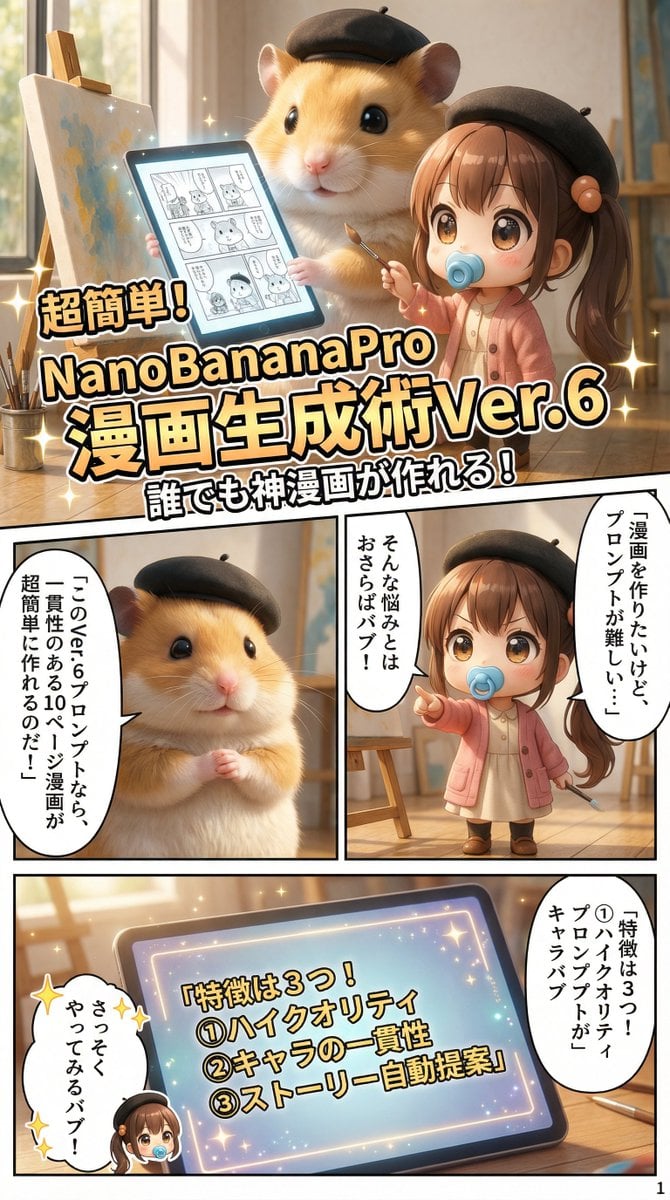
10+ Page Manga Creation Prompt
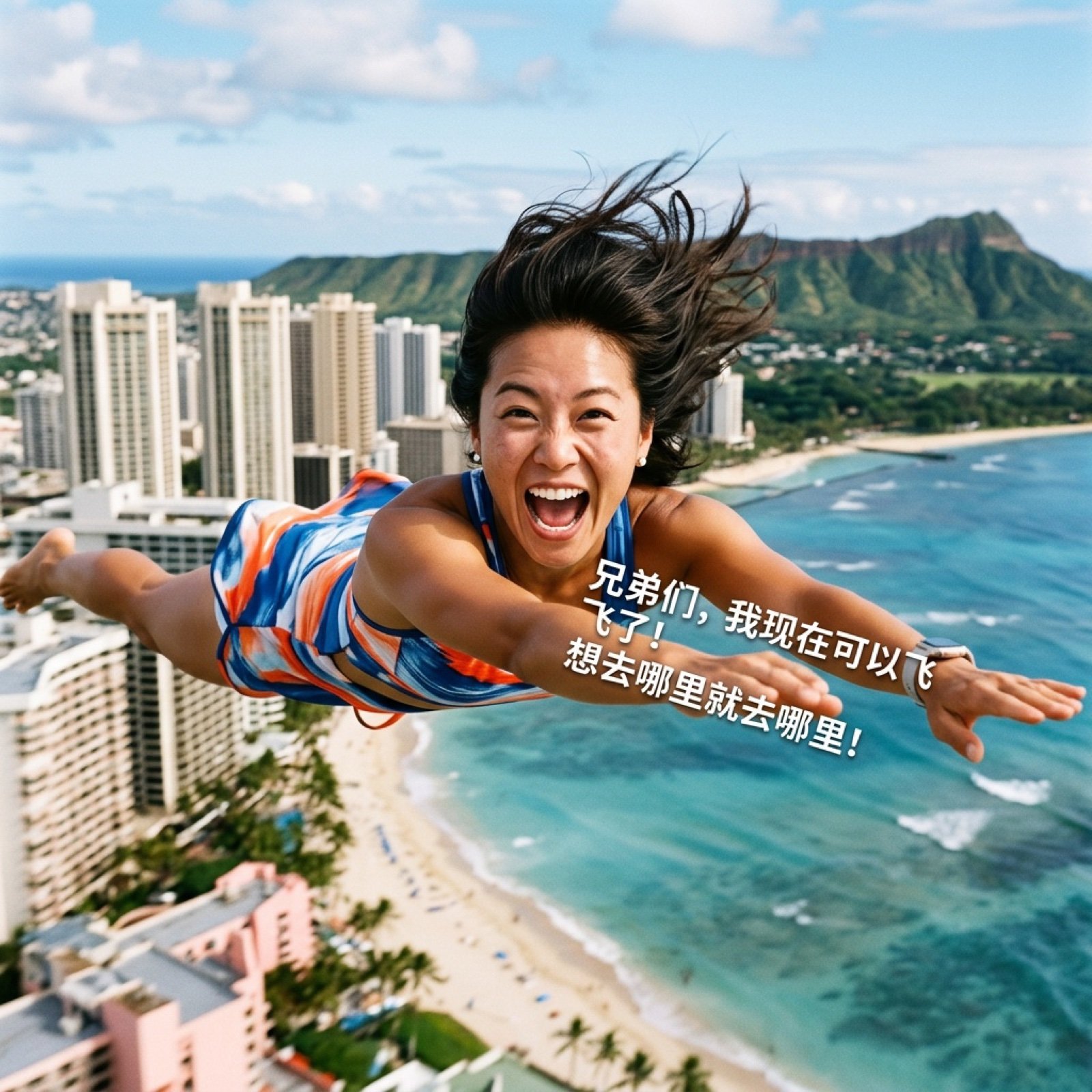
AI Video Generation Prompt for Flying Superhero
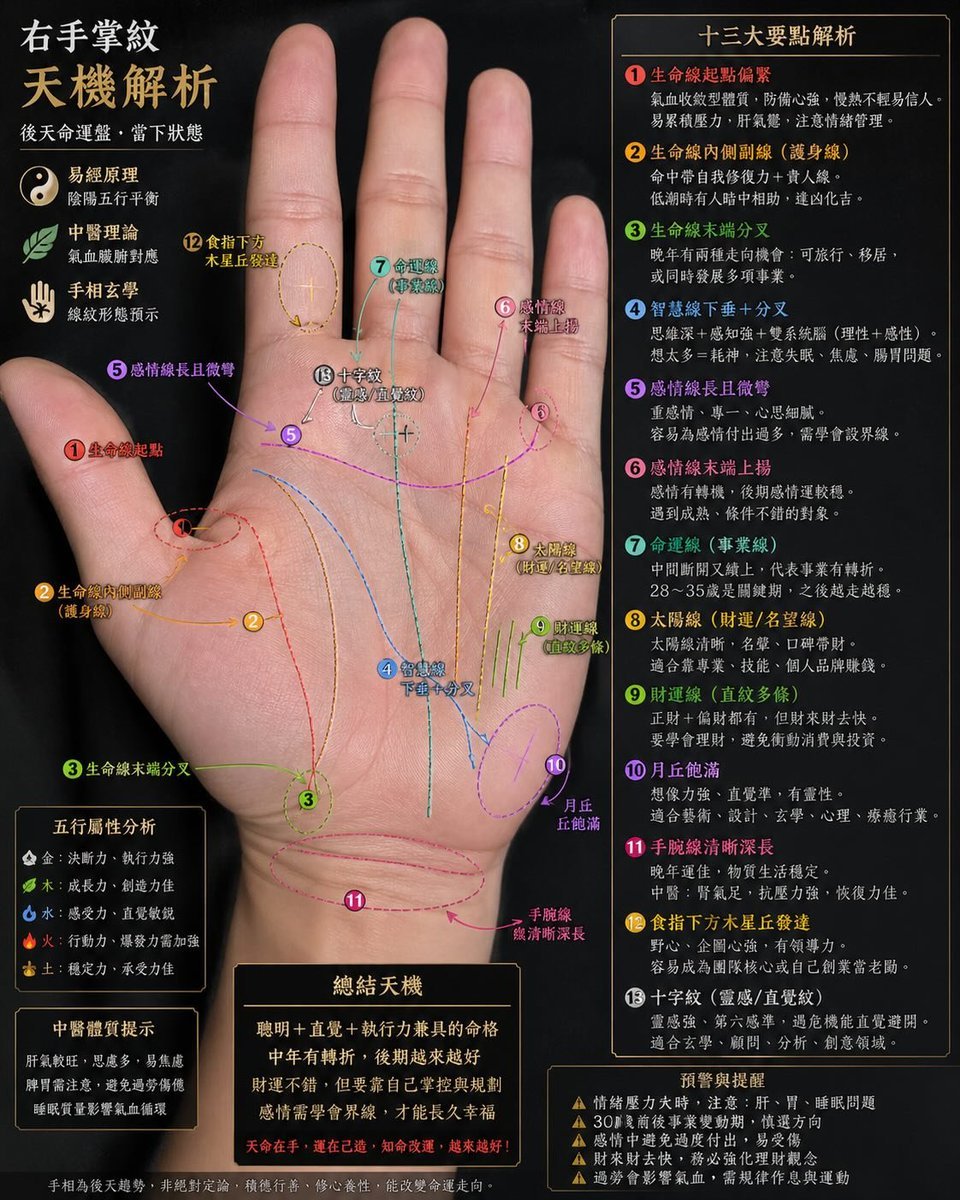
Palmistry Analysis Card Generator

Overlay Image with Conspiracy Scribbles
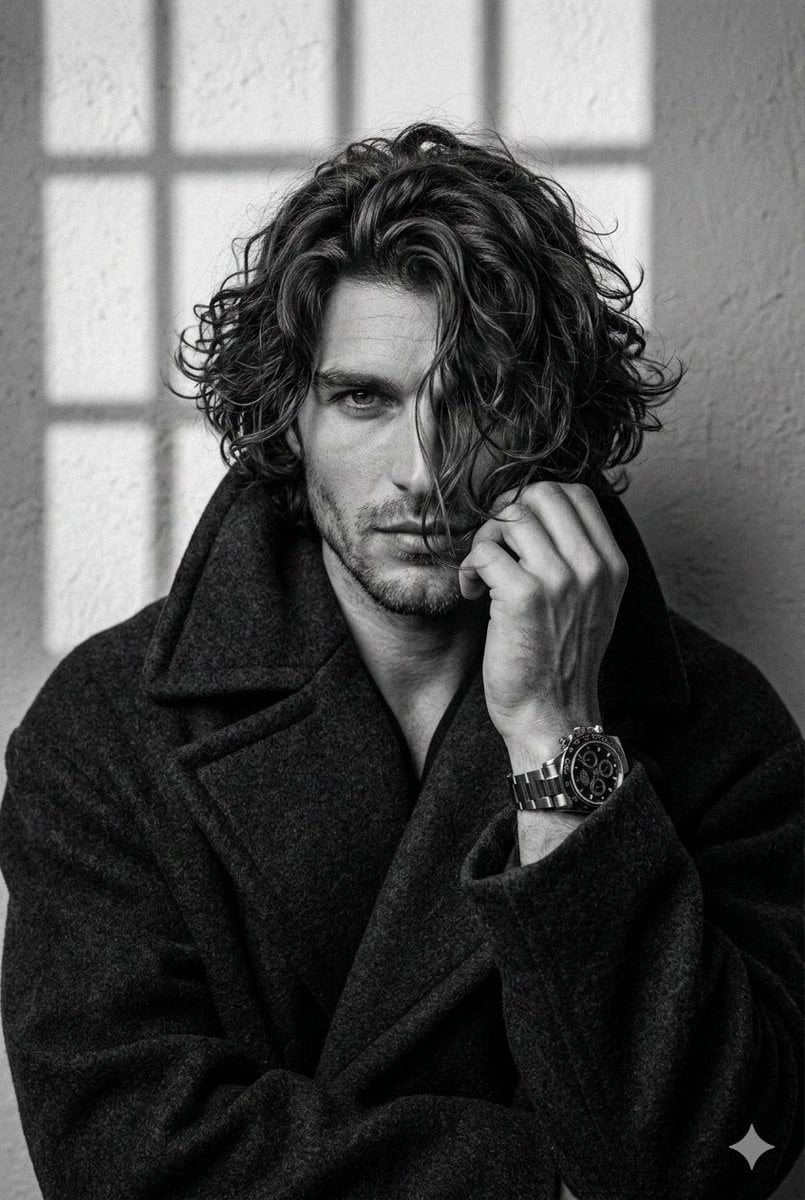
Black and White Aesthetic Close-up Portrait

Hyper-Realistic Flash Selfie Crime Scene Prompt (JSON format)
Browse template categories
Volcanic Streetwear Fashion Editorial questions
How do I use the Volcanic Streetwear Fashion Editorial template?
Add your photo if the template asks for one, edit the prompt if you like — the template's model and format are already selected — and press Generate. Your version opens in PicX Studio.
Can I customize the Volcanic Streetwear Fashion Editorial template?
Yes. You can change the subject, setting, lighting, mood, format, and available model controls before creating your image.
Is the Volcanic Streetwear Fashion Editorial template free?
Opening and editing this template is free. Generating uses credits, shown on the Generate button when you are signed in.
Which AI model should I use?
Start with GPT Image 2, which is the model associated with this template. You can compare another compatible model for a different finish.
Looking for something else? Browse all templates.

Your photo, any look
Thousands of ready templates for every top image and video model, from one credit balance.