
Editorial Fashion Ballerina
An elegant high-fashion dance portrait of a ballerina with high-contrast studio lighting and dynamic fabric motion.
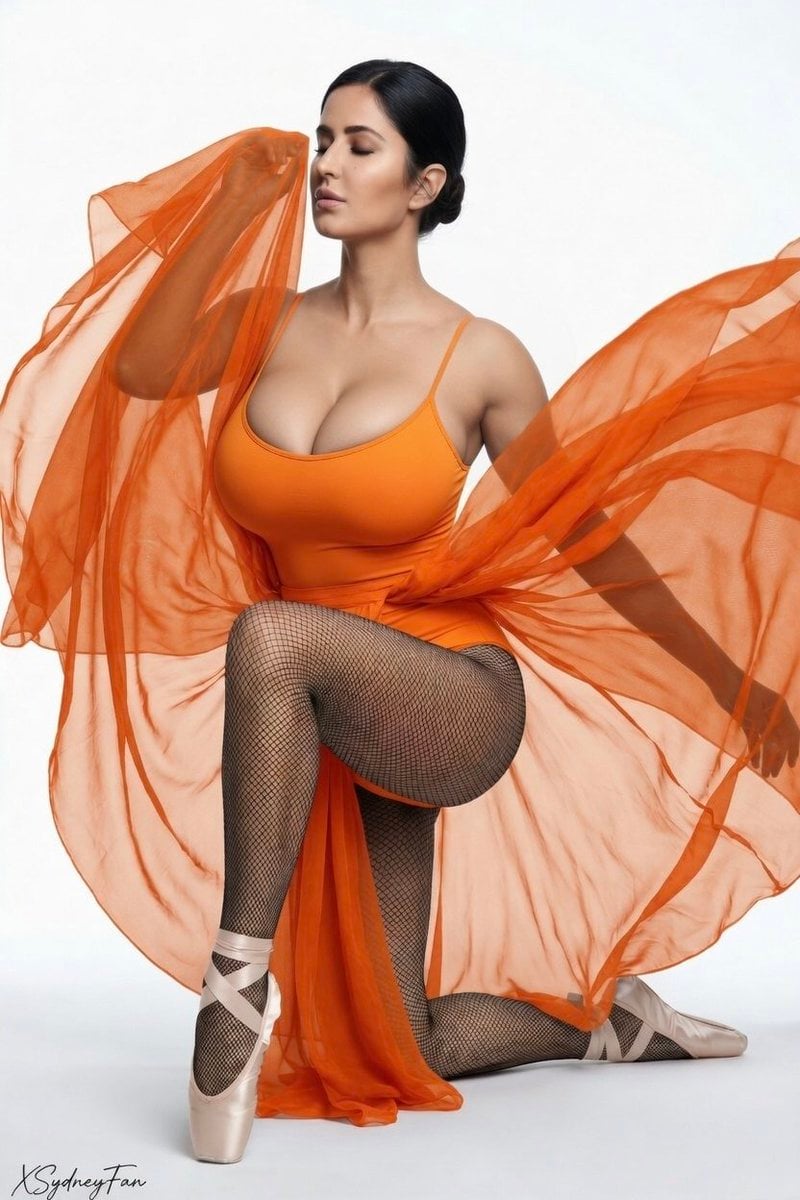
- Prompt included
- Model and format preset
- Free template
The prompt behind this image
Copy the exact prompt behind Editorial Fashion Ballerina, or open it in the studio and make it yours.
A {argument name="subject" default="graceful ballerina"} kneeling elegantly on a pure white seamless studio backdrop, her eyes gently closed in serene concentration, head slightly tilted. She has a sleek, tight ballet bun with no loose strands, flawless skin with subtle natural makeup. She wears a form-fitting {argument name="clothing" default="black spaghetti-strap leotard with delicate thin straps, semi-sheer fishnet tights"} that accentuate her long legs, and beautiful pale pink satin pointe shoes with long matching ribbons gracefully wrapped and tied around her ankles. In her hands she holds a large piece of {argument name="prop" default="flowing black sheer chiffon fabric"} captured mid-motion, the fabric swirling and draping dynamically around her body and arms as if dancing in the air. Soft directional lighting from the upper left creates gentle highlights and soft shadows that sculpt her form beautifully, high-contrast editorial lighting with clean gradients. Elegant and refined kneeling pose, one knee down, the other leg elegantly bent, toes perfectly pointed in pointe shoes. Minimal and modern high-fashion dance aesthetic, clean studio setting with no distractions, pure white background. Cinematic composition, sharp focus on the dancer, shallow depth of field, impeccable anatomy, delicate hands and fingers, ethereal and powerful mood, vogue-style editorial portrait, fashion photography by Annie Leibovitz and Mario Testino, 8k ultra-detailed, photorealistic, masterpiece, best quality
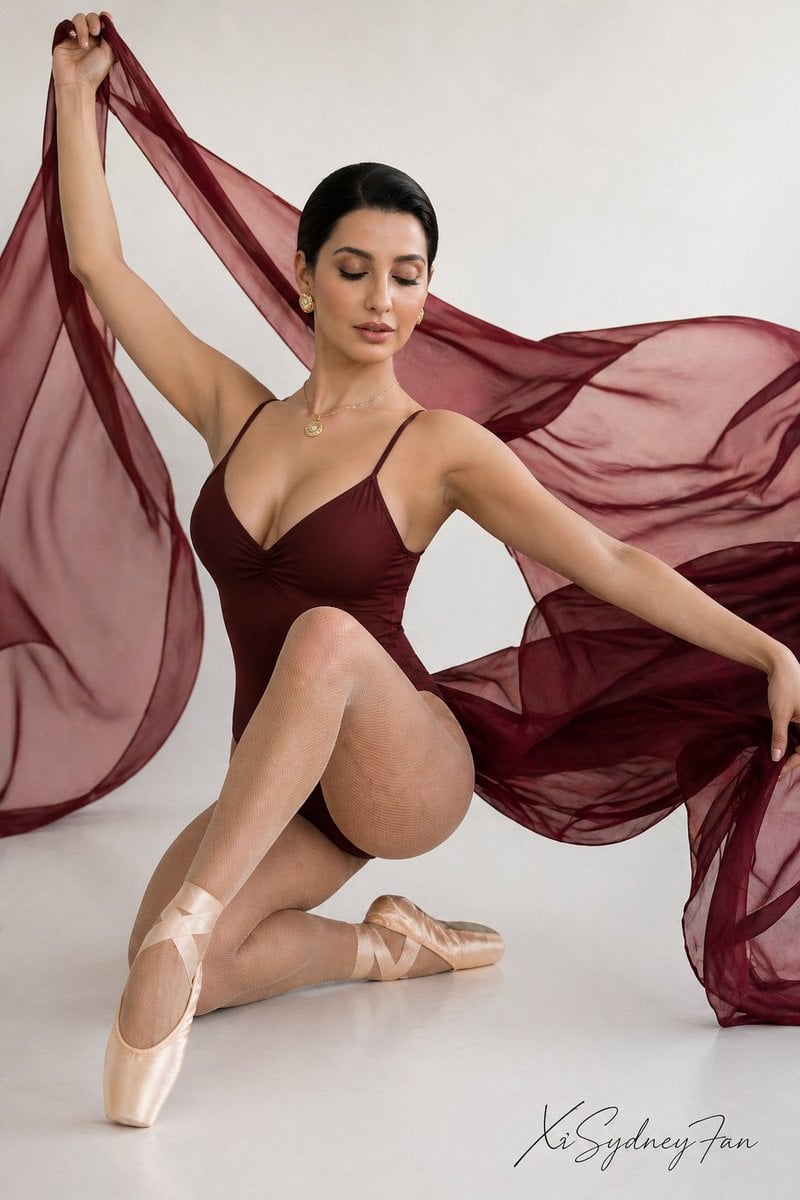
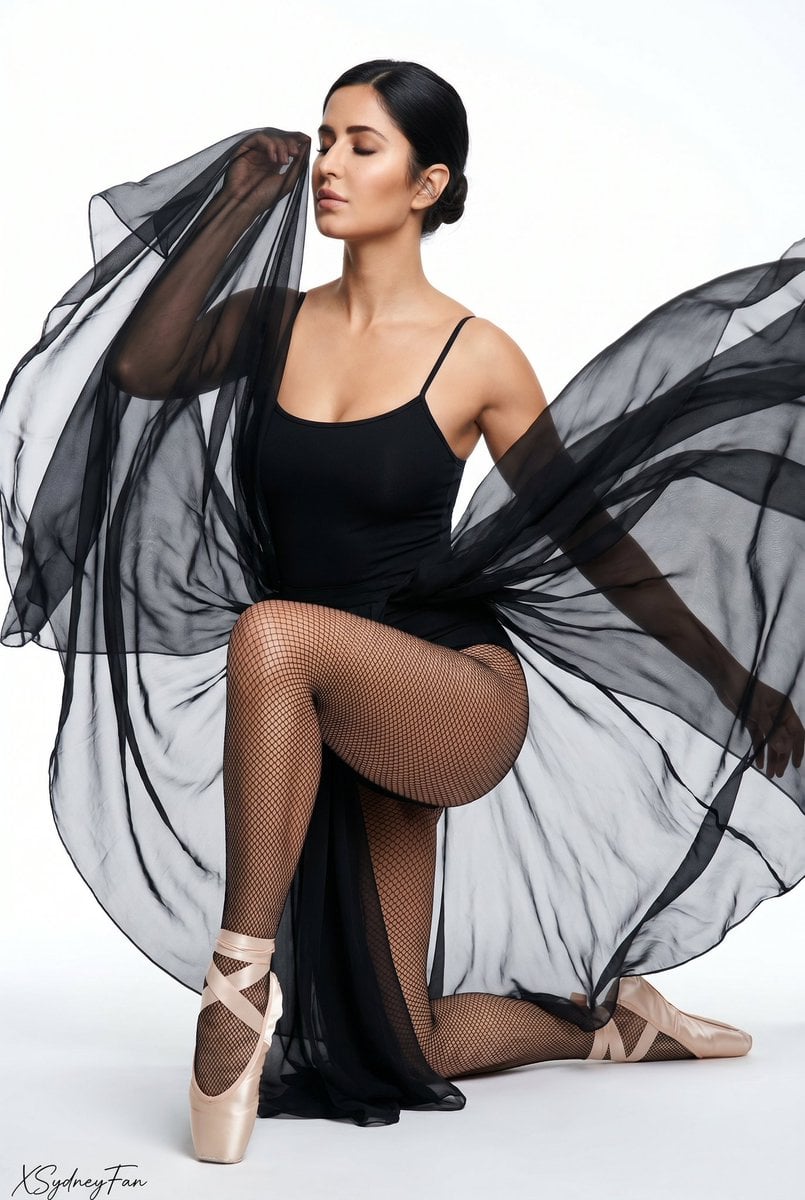
Reference images included
Editorial Fashion Ballerina comes with input media you can use. They load alongside the prompt when you open it in the studio.

How to use Editorial Fashion Ballerina in 3 steps
- 1
Open
The prompt is already in the box next to the preview, with the template's model and format selected.
- 2…a portrait of your subject in softgolden-hour light, 85mm…
Personalize
Edit the subject and creative details for your destination.
- 3Generate
Generate
Press Generate — your image is created in PicX Studio, so you can compare it with the original and refine one variable at a time.
More like this
Templates with the same subject, style or setup. Open one to see its prompt.

Blue Backdrop Luxury Fashion Portrait Campaign

Premium Editorial Branding Poster Charcoal Green

Urban Fashion Editorial Collage Poster

Typography Mask Editorial Fashion Poster

Luxury Black-and-White Fashion Contact Sheet

untitled

Google Gemini Nano Banana Pro

Conceptual Fashion Portrait in Spider We

01 Skincare Split Portrait — Nano Banana 2

24 The Getty Center — California Series

21 Glass Floor Skyscraper — California Series

19 Luxury Helicopter Travel — California Series
Make it yours
Editorial Fashion Ballerina works as-is. These are the safest ways to change it without losing the look.
Change one field
Copy a single group, rewrite it, and generate again so you can see what that field is doing.
Keep the frame, change the subject
Hold the composition and light of Editorial Fashion Ballerina, then swap wardrobe, props or the person for a new take.
| If the result… | Why | Fix |
|---|---|---|
| The result drifts from the preview | Too many fields changed at once. | Reuse Editorial Fashion Ballerina as-is first, then change one group — subject, light, or setting. |
| The model over-stylizes the scene | The prose prompt leaves finish and camera underspecified. | Add one camera or lighting sentence and stay on GPT Image 2. |
More GPT Image 2 templates
Other prompts made for GPT Image 2.

Six VTuber Japanese Logo Sheet

Realistic Portrait of Woman and Deer

The Vista Modular Condo Poster

AI Model Routing Comparison Infographic

2.5D Anime Art Board

Isometric Productivity Desk Scene

New York Double Exposure Poster

Four-Panel AI Landscape Comparison

Japanese Tatami Lifestyle Magazine Cover

NESCAFÉ Coffee Map Poster
More image prompts
Fresh picks from across the catalog.

Minimalistic contemplative pier scene prompt for Nano Banana Pro
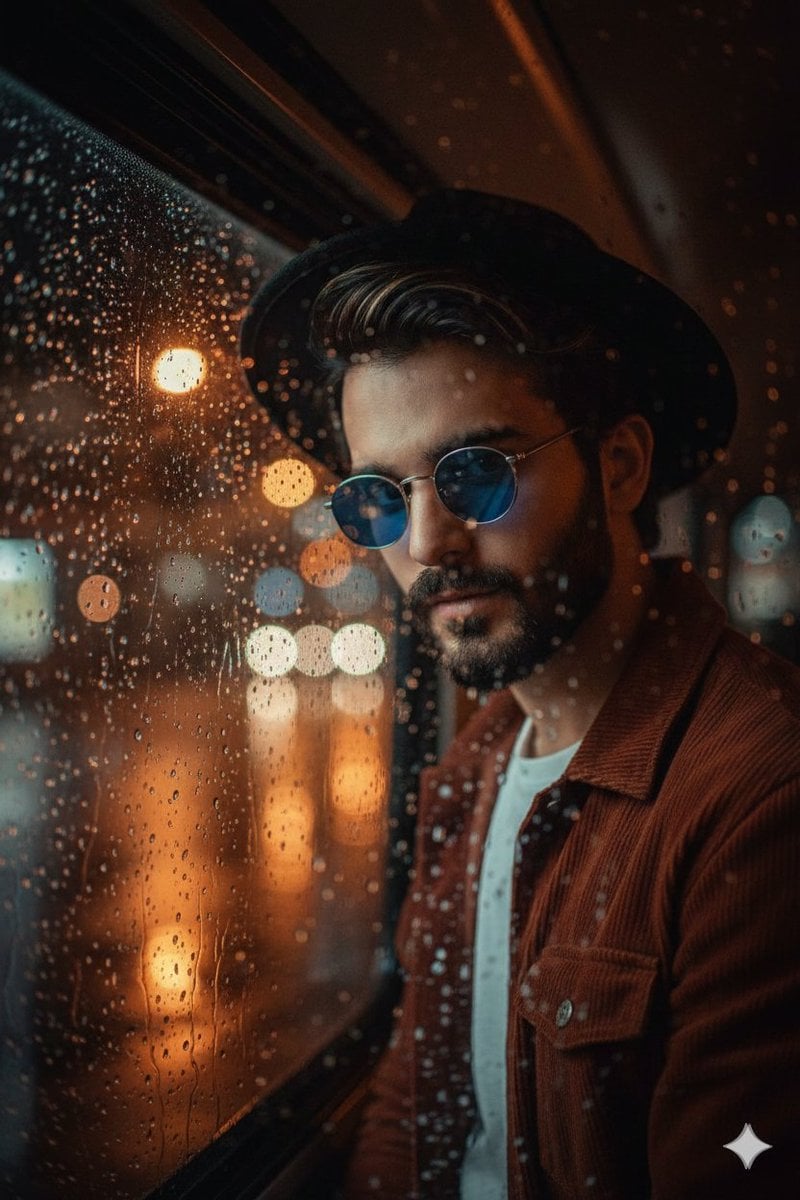
Cinematic Portrait Through Rain-Streaked Window Prompt

Nano Banana 2 Perspective Experiment
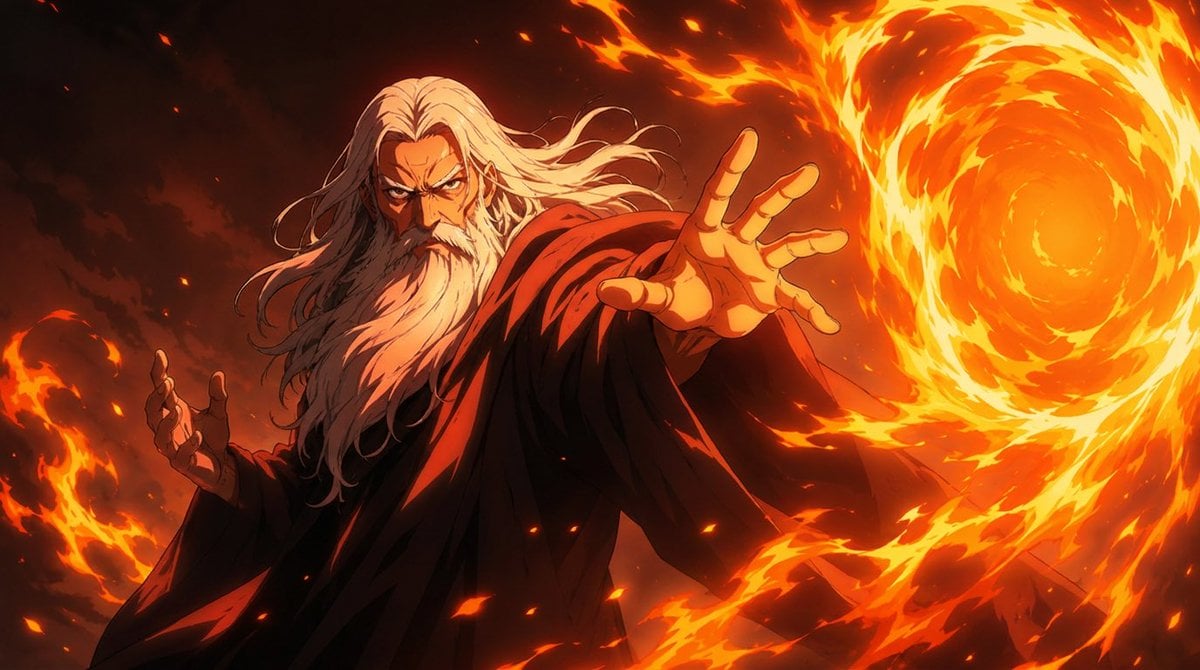
Anime Fire Sorcerer
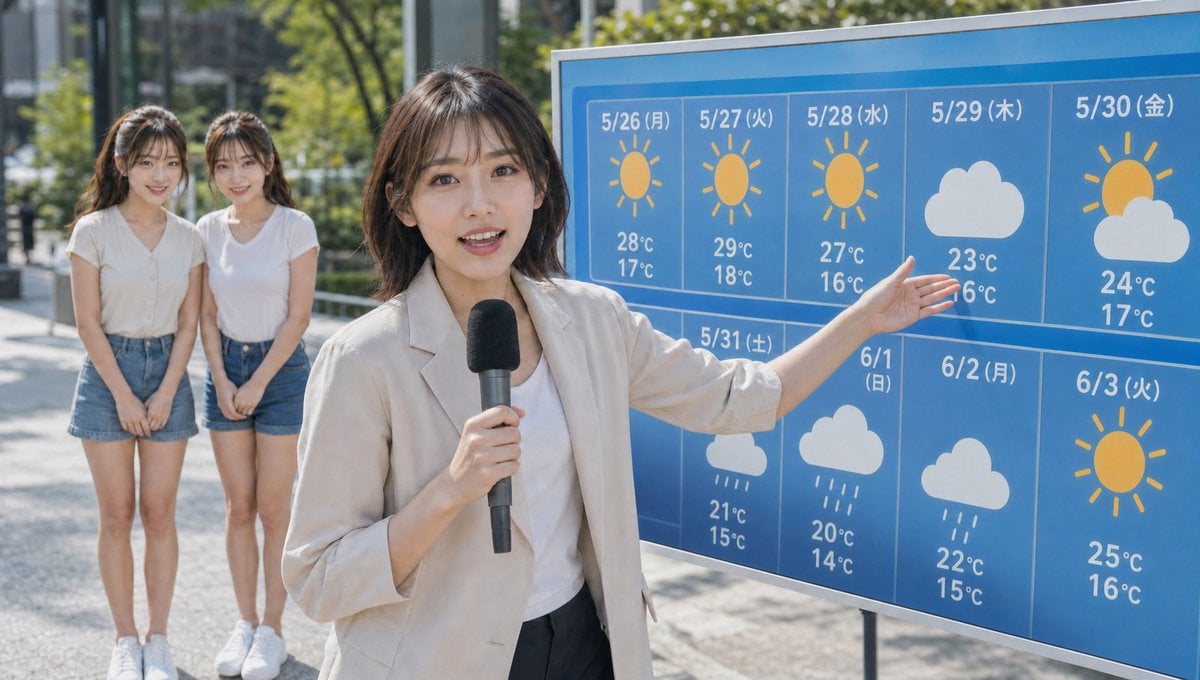
Live TV Weather Forecast Broadcast Scene
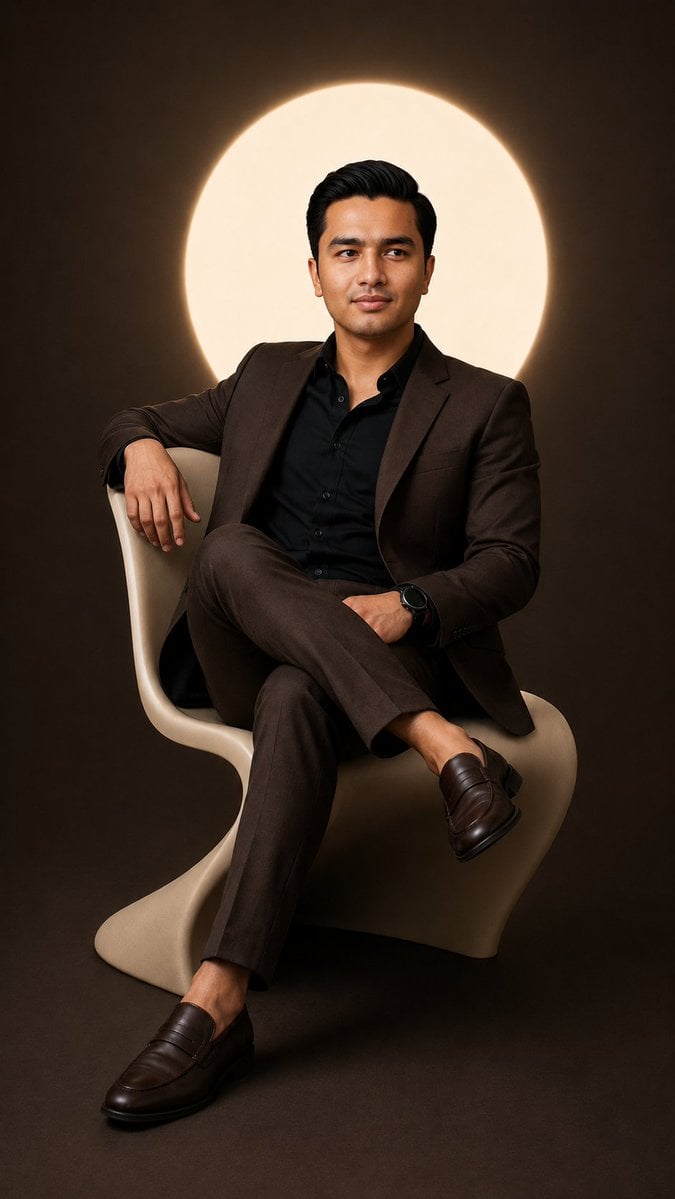
Cinematic Studio Suit Portrait
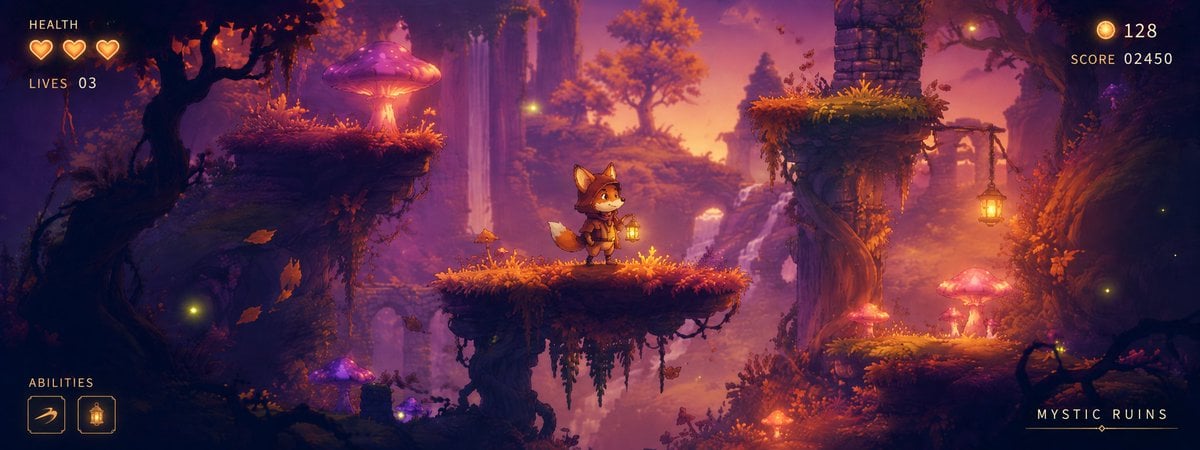
Mystic Ruins Platformer Screenshot
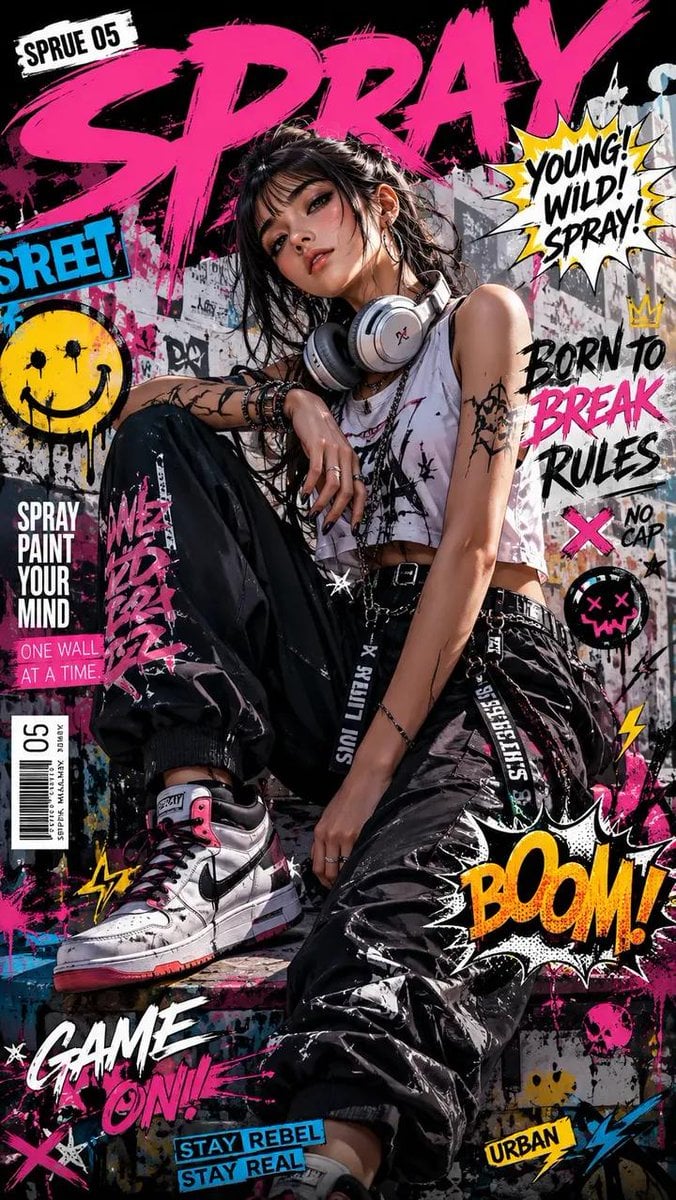
Street Art Rebel Magazine Cover
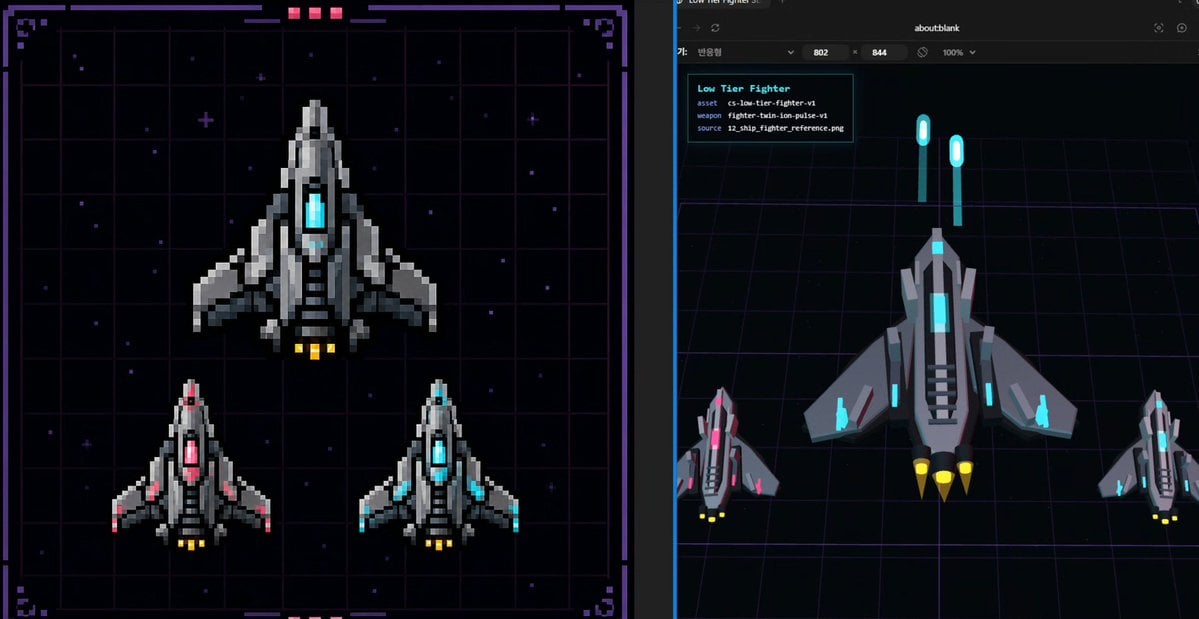
Pixel Fighter to 3D Asset Sheet

Stylized Grid of Whimsical Cat Faces
Browse template categories
Editorial Fashion Ballerina questions
How do I use the Editorial Fashion Ballerina template?
Add your photo if the template asks for one, edit the prompt if you like — the template's model and format are already selected — and press Generate. Your version opens in PicX Studio.
Can I customize the Editorial Fashion Ballerina template?
Yes. You can change the subject, setting, lighting, mood, format, and available model controls before creating your image.
Is the Editorial Fashion Ballerina template free?
Opening and editing this template is free. Generating uses credits, shown on the Generate button when you are signed in.
Which AI model should I use?
Start with GPT Image 2, which is the model associated with this template. You can compare another compatible model for a different finish.
Looking for something else? Browse all templates.

Your photo, any look
Thousands of ready templates for every top image and video model, from one credit balance.