
Pixel Fighter to 3D Asset Sheet
Generates a split-screen sci-fi spaceship design reference comparing pixel-art fighter sprites with a Three.js-style low-poly 3D conversion preview.
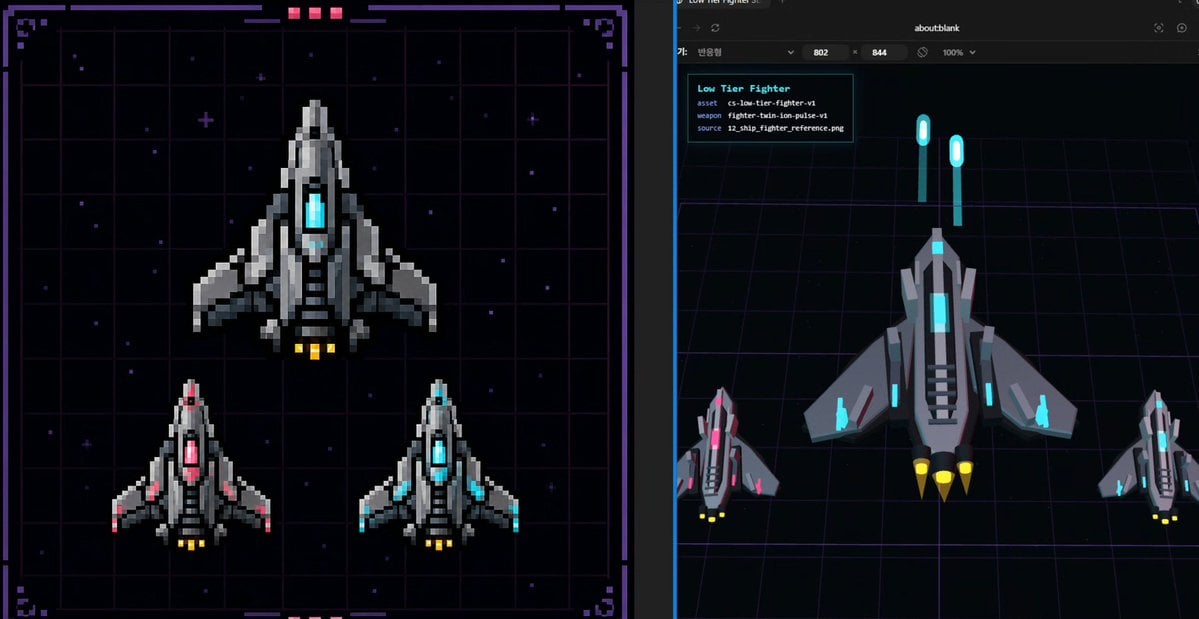
- Prompt included
- Model and format preset
- Premium template
The prompt behind this image
Copy the exact prompt behind Pixel Fighter to 3D Asset Sheet, or open it in the studio and make it yours.
- Type
- split-screen sci-fi asset design benchmark sheet
- Style
- dark cyberpunk game-development concept art, combining pixel-art reference and Three.js low-poly conversion preview
- Canvas
- wide 16:9 image divided vertically into two equal panels with a thin dark separator
- Subject › Asset Name
- {argument name="asset name" default="Low Tier Fighter"}
- Subject › Vehicle
- small futuristic fighter spaceship
- Subject › Faction Style
- industrial gray armor plates with angular wings and cyan energy cores
- Subject › Primary Material
- matte and metallic dark gray hull with lighter gray highlights
- Subject › Accent Color
- {argument name="accent color" default="cyan"}
- Subject › Thruster Color
- {argument name="thruster color" default="yellow"}
- Subject › Overall Form
- top-down triangular spacecraft with pointed nose, central glowing cockpit/core, layered side fins, vented black intake slats, two to three rear engine nozzles
- Left Panel › Title
- pixel-art 2D reference board
- Left Panel › Position
- left half
- Left Panel › Background
- nearly black starfield over a purple neon grid, framed by a decorative sci-fi HUD border with corner brackets, small magenta status blocks at the top and bottom
- Left Panel › Rendering
- crisp pixel art with chunky square pixels, no anti-aliasing, retro arcade spaceship sprite design
- Left Panel › Count
- 3
- Left Panel › Ships › 0 › Description
- one large main fighter centered in the upper half, gray hull, cyan glowing center core, yellow engine flames
- Left Panel › Ships › 1 › Description
- one smaller fighter in the lower left, same silhouette, pink/magenta glowing center and pink wing accents, yellow engine flames
- Left Panel › Ships › 2 › Description
- one smaller fighter in the lower right, same silhouette, cyan glowing center and cyan wing accents, yellow engine flames
- Right Panel › Title
- 3D conversion preview
- Right Panel › Position
- right half
- Right Panel › Background
- dark browser-like viewport with an about:blank address area at the top, black 3D scene floor with purple perspective grid lines, subtle blue vertical viewport edge
- Right Panel › Rendering
- low-poly Three.js style 3D models, flat shaded geometry, clean beveled silhouettes, top/front angled view
- Right Panel › Count
- 3
- Right Panel › Ships › 0 › Description
- one large low-poly fighter centered, gray angular hull, cyan cockpit and cyan side lights, black vent strips, three yellow cone thrusters
Raw JSON
{"type":"split-screen sci-fi asset design benchmark sheet","style":"dark cyberpunk game-development concept art, combining pixel-art reference and Three.js low-poly conversion preview","canvas":"wide 16:9 image divided vertically into two equal panels with a thin dark separator","subject":{"asset name":"{argument name=\"asset name\" default=\"Low Tier Fighter\"}","vehicle":"small futuristic fighter spaceship","faction style":"industrial gray armor plates with angular wings and cyan energy cores","primary material":"matte and metallic dark gray hull with lighter gray highlights","accent color":"{argument name=\"accent color\" default=\"cyan\"}","thruster color":"{argument name=\"thruster color\" default=\"yellow\"}","overall form":"top-down triangular spacecraft with pointed nose, central glowing cockpit/core, layered side fins, vented black intake slats, two to three rear engine nozzles"},"left panel":{"title":"pixel-art 2D reference board","position":"left half","background":"nearly black starfield over a purple neon grid, framed by a decorative sci-fi HUD border with corner brackets, small magenta status blocks at the top and bottom","rendering":"crisp pixel art with chunky square pixels, no anti-aliasing, retro arcade spaceship sprite design","count":3,"ships":[{"description":"one large main fighter centered in the upper half, gray hull, cyan glowing center core, yellow engine flames"},{"description":"one smaller fighter in the lower left, same silhouette, pink/magenta glowing center and pink wing accents, yellow engine flames"},{"description":"one smaller fighter in the lower right, same silhouette, cyan glowing center and cyan wing accents, yellow engine flames"}]},"right panel":{"title":"3D conversion preview","position":"right half","background":"dark browser-like viewport with an about:blank address area at the top, black 3D scene floor with purple perspective grid lines, subtle blue vertical viewport edge","rendering":"low-poly Three.js style 3D models, flat shaded geometry, clean beveled silhouettes, top/front angled view","count":3,"ships":[{"description":"one large low-poly fighter centered, gray angular hull, cyan cockpit and cyan side lights, black vent strips, three yellow cone thrusters"},{"description":"one smaller magenta-accent fighter at bottom left, matching the 2D reference variant"},{"description":"one smaller cyan-accent fighter at bottom right, matching the 2D reference variant"}],"floating elements":{"count":2,"description":"two vertical cyan glowing capsule markers hovering above the main ship like reference beacons or UI measurement markers"},"info card":{"position":"upper left of right panel","lines count":4,"text lines":["Low Tier Fighter","asset cs-low-tier-fighter-v1","weapon fighter-train-ion-pulse-v1","source 12_ship_fighter_reference.png"]}},"composition":"show a direct visual comparison between the 2D pixel sprite design on the left and its simplified 3D asset interpretation on the right, suitable as a design baseline for game asset production","quality":"sharp, high contrast, neon sci-fi palette, readable UI text, balanced spacing, professional game dev presentation"}How to use Pixel Fighter to 3D Asset Sheet in 3 steps
- 1Upload ImagePNG, JPG or paste
Add your photo
Upload the photo the template builds on. The prompt, model and format are already set.
- 2…a portrait of your subject in softgolden-hour light, 85mm…
Personalize
Edit the subject and creative details for your destination.
- 3Generate
Generate
Press Generate — your image is created in PicX Studio, so you can compare it with the original and refine one variable at a time.
More like this
Templates with the same subject, style or setup. Open one to see its prompt.
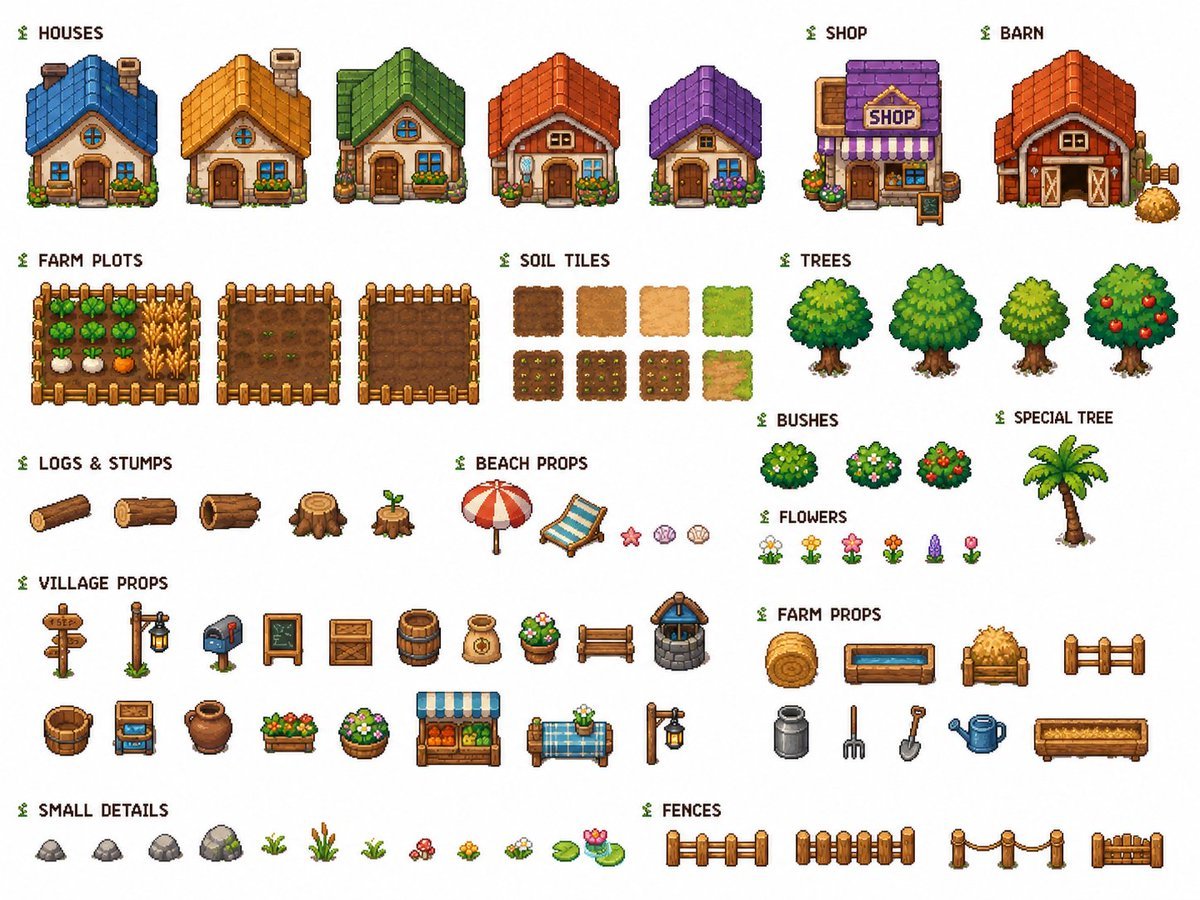
Cozy Farming Village Pixel Asset Sheet
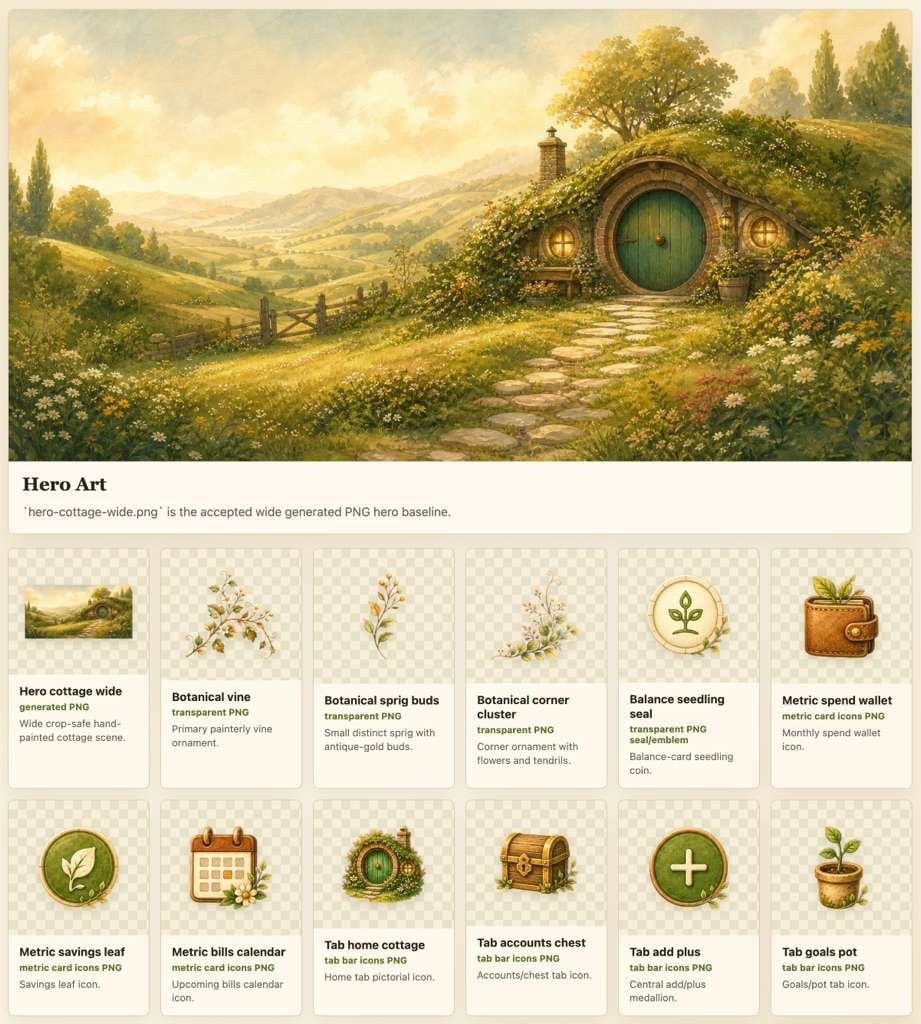
Cozy Hobbit App Asset Sheet

Pixel Limited Finale Fireworks

Pixel Limited Garden Maze

Pixel Limited Rooftop Concert

Pixel Limited Bicycle Coast

Pixel Limited Castle Gate

Pixel Limited Kitchen Chaos

Pixel Limited Carnival Ride

Pixel Limited Rainy Bus Stop

Pixel Limited Space Dock

Pixel Limited Cafe Morning
Make it yours
Pixel Fighter to 3D Asset Sheet works as-is. These are the safest ways to change it without losing the look.
Swap the setting
Keep the rest of the prompt and replace the location block. The current setting is “nearly black starfield over a purple neon grid, framed by a decorative sci-fi HU”.
Change one field
Copy a single group, rewrite it, and generate again so you can see what that field is doing.
Keep the frame, change the subject
Hold the composition and light of Pixel Fighter to 3D Asset Sheet, then swap wardrobe, props or the person for a new take.
| If the result… | Why | Fix |
|---|---|---|
| The result drifts from the preview | Too many fields changed at once. | Reuse Pixel Fighter to 3D Asset Sheet as-is first, then change one group — subject, light, or setting. |
| GPT Image 2 ignores part of the JSON | Some models flatten or skip nested keys. | Keep the same values and paste them as a short paragraph instead. |
More GPT Image 2 templates
Other prompts made for GPT Image 2.

Six VTuber Japanese Logo Sheet

Realistic Portrait of Woman and Deer

The Vista Modular Condo Poster

AI Model Routing Comparison Infographic

2.5D Anime Art Board

Isometric Productivity Desk Scene

New York Double Exposure Poster

Four-Panel AI Landscape Comparison

Japanese Tatami Lifestyle Magazine Cover

NESCAFÉ Coffee Map Poster
More image prompts
Fresh picks from across the catalog.
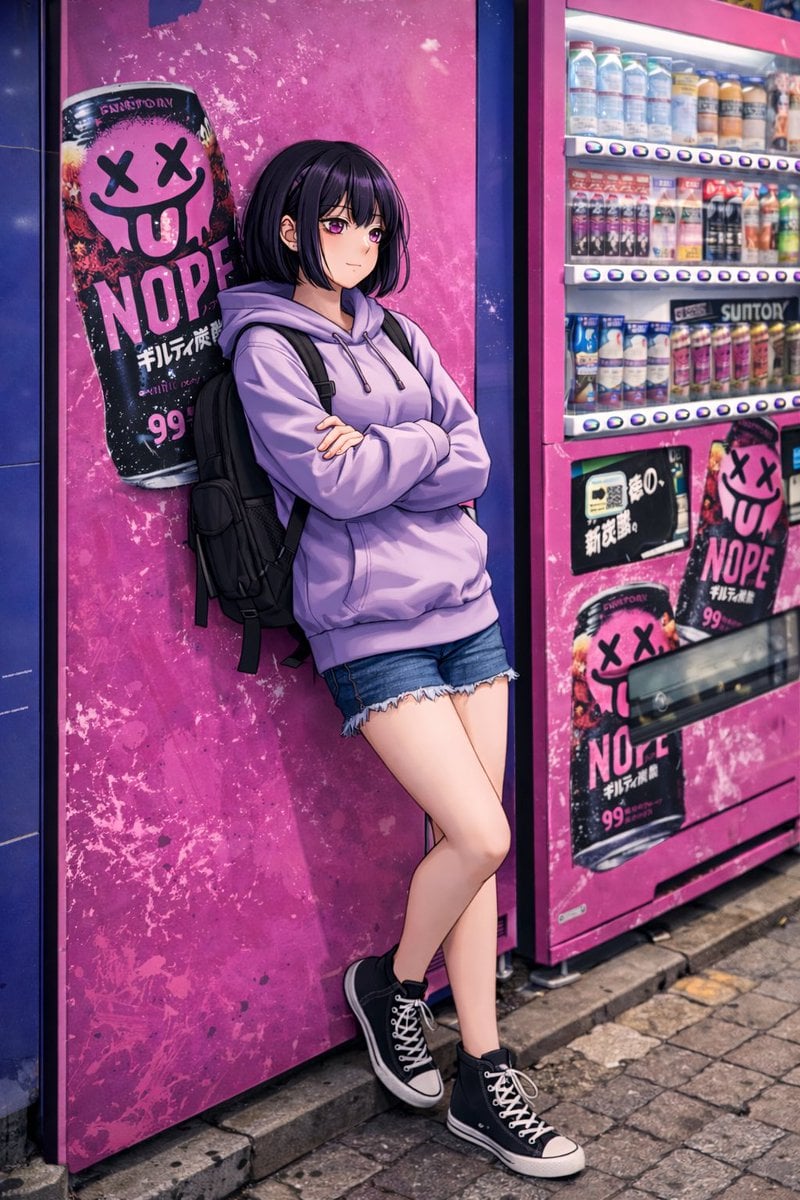
Anime Girl Leaning on Vending Machine

Cute Student Presentation Illustration
Print-Ready Tech Stack Sticker Sheet Prompt

High-Concept 3D Diorama Generation Prompt
Couture Garment Process Infographic
Website Homepage Screenshot Generation

Photorealistic Night Portrait of Man Smoking in Snow

Photorealistic Whipped Cream Challenge Portrait Prompt
Hard Surface Modeling Retro Cassette Realism

Nano Banana Pro brand hero image
Browse template categories
Pixel Fighter to 3D Asset Sheet questions
How do I use the Pixel Fighter to 3D Asset Sheet template?
Add your photo if the template asks for one, edit the prompt if you like — the template's model and format are already selected — and press Generate. Your version opens in PicX Studio.
Can I customize the Pixel Fighter to 3D Asset Sheet template?
Yes. You can change the subject, setting, lighting, mood, format, and available model controls before creating your image.
Is the Pixel Fighter to 3D Asset Sheet template free?
Opening and editing this template is free. Generating uses credits, shown on the Generate button when you are signed in.
Which AI model should I use?
Start with GPT Image 2, which is the model associated with this template. You can compare another compatible model for a different finish.
Looking for something else? Browse all templates.

Your photo, any look
Thousands of ready templates for every top image and video model, from one credit balance.