
Cozy Farming Village Pixel Asset Sheet
Generates a neatly labeled pixel-art tileset sheet of houses, farm plots, terrain tiles, trees, props, and details for a cozy farming game.
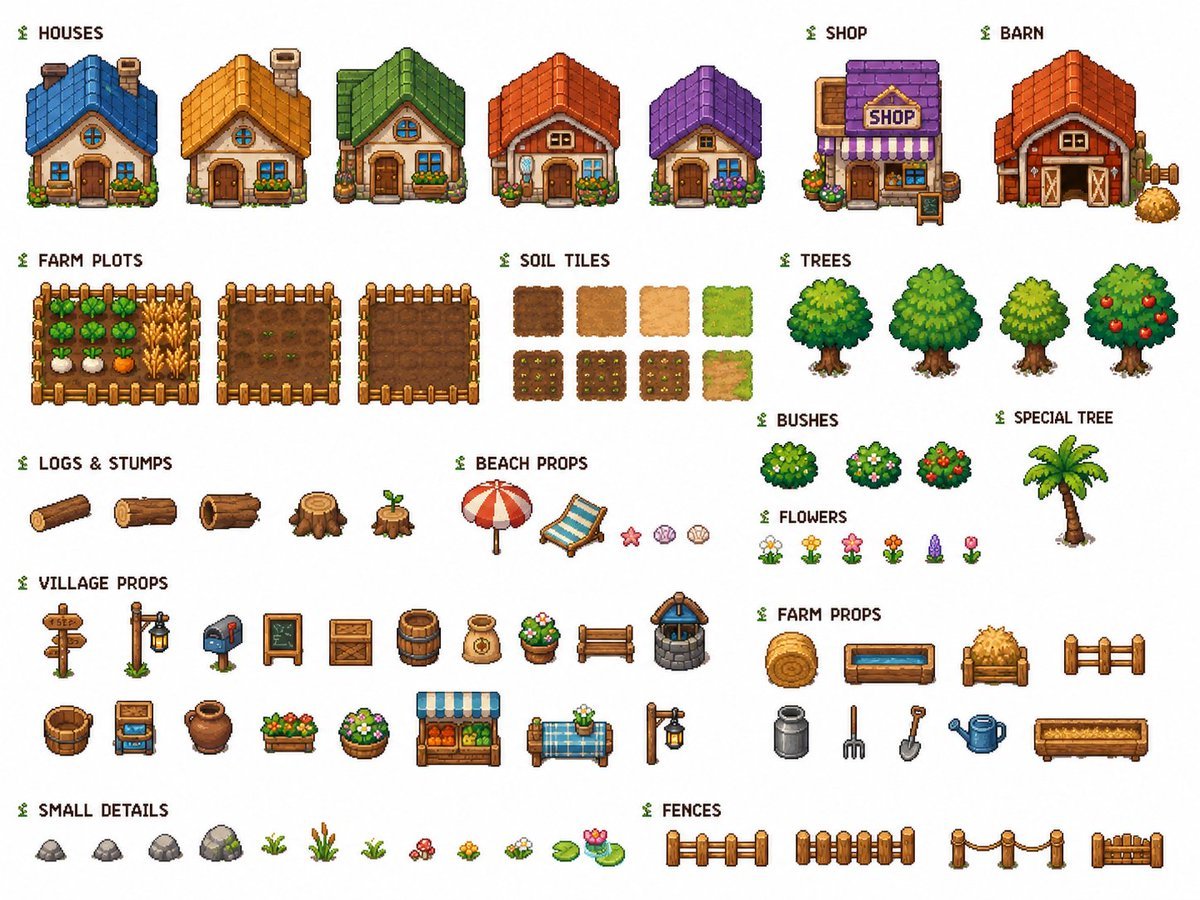
- Prompt included
- Model and format preset
- Free template
The prompt behind this image
Copy the exact prompt behind Cozy Farming Village Pixel Asset Sheet, or open it in the studio and make it yours.
Goal: Create a clean reusable 2D pixel-art game asset sheet for a cozy farming village tileset, labeled and organized on a plain white background. Use crisp 32-bit style pixel art, orthographic/front-facing RPG perspective, consistent scale, soft outlines, warm saturated colors, and no shadows outside the sprites. Theme: {argument name="tileset theme" default="cozy farming village"}. Canvas: Landscape asset sheet, 4:3 ratio, white background, neatly spaced rows and columns. Add small green sprout icons before each section label. Use dark pixel-font labels in English. Layout and required sections: - HOUSES: exactly 5 small cottage buildings, each front-facing with different roof colors and details: 1 blue-roof cottage, 1 golden-yellow roof cottage, 1 green roof cottage with planter boxes, 1 orange-red roof cottage with flowers, 1 purple roof cottage with flowers. - SHOP: exactly 1 shop building with a purple roof, striped purple awning, hanging sign reading “SHOP”, flower pots, and a small sidewalk sign. - BARN: exactly 1 red barn with orange roof, large double doors, side hardware, and one hay pile. - FARM PLOTS: exactly 3 fenced rectangular farm plots: 1 planted vegetable plot with greens, wheat, and root crops; 1 tilled plot with small sprouts; 1 empty tilled soil plot. - SOIL TILES: exactly 8 square terrain tiles in a 2-row grid: 4 plain tiles on the top row, showing dark soil, medium dirt, light sand, and grass; 4 planted or transition tiles on the bottom row, showing seeded soil variations and a dirt-to-grass transition. - TREES: exactly 4 leafy fruit/deciduous trees: 1 round dark green tree, 1 larger bright green tree, 1 smaller yellow-green tree, and 1 apple tree with red fruit. - BUSHES: exactly 3 round bushes: 1 plain green bush, 1 flowering bush with pale blossoms, 1 berry bush with red berries. - SPECIAL TREE: exactly 1 palm tree with a curved brown trunk and green fronds. - LOGS & STUMPS: exactly 5 items: 1 long log, 1 cut log, 1 hollow log, 1 large stump, 1 small sprouting stump. - BEACH PROPS: exactly 5 items: 1 red-and-white beach umbrella, 1 blue striped lounge chair, 1 pink starfish, 1 pink shell, 1 beige shell. - FLOWERS: exactly 6 small flower sprites: white daisies, yellow flowers, pink flowers, orange-red flowers, purple lavender, and a pink tulip. - VILLAGE PROPS: exactly 18 village objects in two rows: wooden signpost, lantern post, mailbox, chalkboard sign, wooden crate, barrel, burlap sack, flower pot, wooden bench, stone well, bucket, produce cart, clay pot, flower planter box, round flower planter, market stall, blue-checkered table with flowers, and another lantern post. - FARM PROPS: exactly 9 farm objects: hay bale, blue water trough, hay cart, short wooden fence segment, milk can, pitchfork, shovel, blue watering can, and long wooden planter box. - SMALL DETAILS: exactly 12 ground-detail sprites: 4 rocks, 1 tiny sprout, 1 tall reed clump, 1 grass tuft, 1 red mushroom cluster, 1 yellow flower patch, 1 white flower patch, 1 lily pad, and 1 lily pad with pink water lily. - FENCES: exactly 4 fence sprites: rail fence, vertical plank fence, rope-post fence, and short gate/fence section. Visual style: {argument name="visual style" default="cute high-quality pixel art game tileset"}. Keep every asset isolated, centered in its own space, and ready to cut out for game use. Use consistent outlines, consistent lighting from upper left, and no overlapping sprites. Text labels should use a pixel font with the section names exactly as listed. Avoid extra decorative background elements, watermarks, mockup UI, or perspective distortions.
How to use Cozy Farming Village Pixel Asset Sheet in 3 steps
- 1Upload ImagePNG, JPG or paste
Add your photo
Upload the photo the template builds on. The prompt, model and format are already set.
- 2…a portrait of your subject in softgolden-hour light, 85mm…
Personalize
Edit the subject and creative details for your destination.
- 3Generate
Generate
Press Generate — your image is created in PicX Studio, so you can compare it with the original and refine one variable at a time.
More like this
Templates with the same subject, style or setup. Open one to see its prompt.
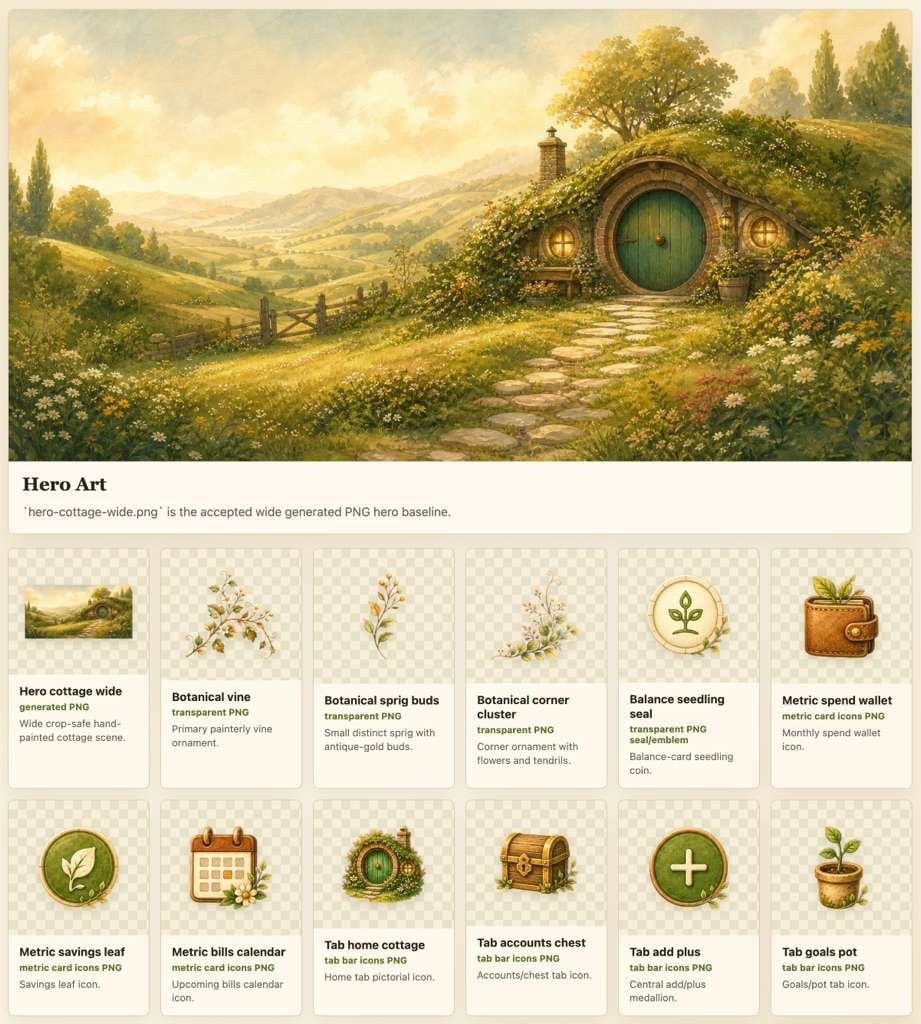
Cozy Hobbit App Asset Sheet
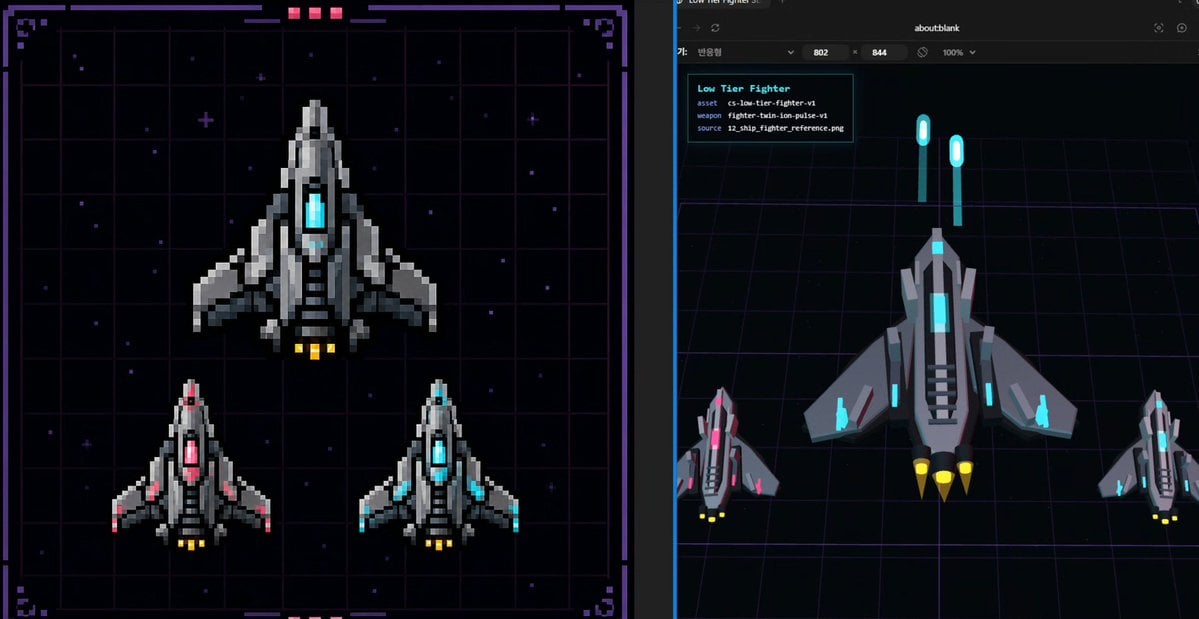
Pixel Fighter to 3D Asset Sheet

Pixel Limited Finale Fireworks

Pixel Limited Garden Maze

Pixel Limited Rooftop Concert

Pixel Limited Bicycle Coast

Pixel Limited Castle Gate

Pixel Limited Kitchen Chaos

Pixel Limited Carnival Ride

Pixel Limited Rainy Bus Stop

Pixel Limited Space Dock

Pixel Limited Cafe Morning
Make it yours
Cozy Farming Village Pixel Asset Sheet works as-is. These are the safest ways to change it without losing the look.
Change one field
Copy a single group, rewrite it, and generate again so you can see what that field is doing.
Keep the frame, change the subject
Hold the composition and light of Cozy Farming Village Pixel Asset Sheet, then swap wardrobe, props or the person for a new take.
| If the result… | Why | Fix |
|---|---|---|
| The result drifts from the preview | Too many fields changed at once. | Reuse Cozy Farming Village Pixel Asset Sheet as-is first, then change one group — subject, light, or setting. |
| The model over-stylizes the scene | The prose prompt leaves finish and camera underspecified. | Add one camera or lighting sentence and stay on GPT Image 2. |
More GPT Image 2 templates
Other prompts made for GPT Image 2.

Six VTuber Japanese Logo Sheet

Realistic Portrait of Woman and Deer

The Vista Modular Condo Poster

AI Model Routing Comparison Infographic

2.5D Anime Art Board

Isometric Productivity Desk Scene

New York Double Exposure Poster

Four-Panel AI Landscape Comparison

Japanese Tatami Lifestyle Magazine Cover

NESCAFÉ Coffee Map Poster
More image prompts
Fresh picks from across the catalog.
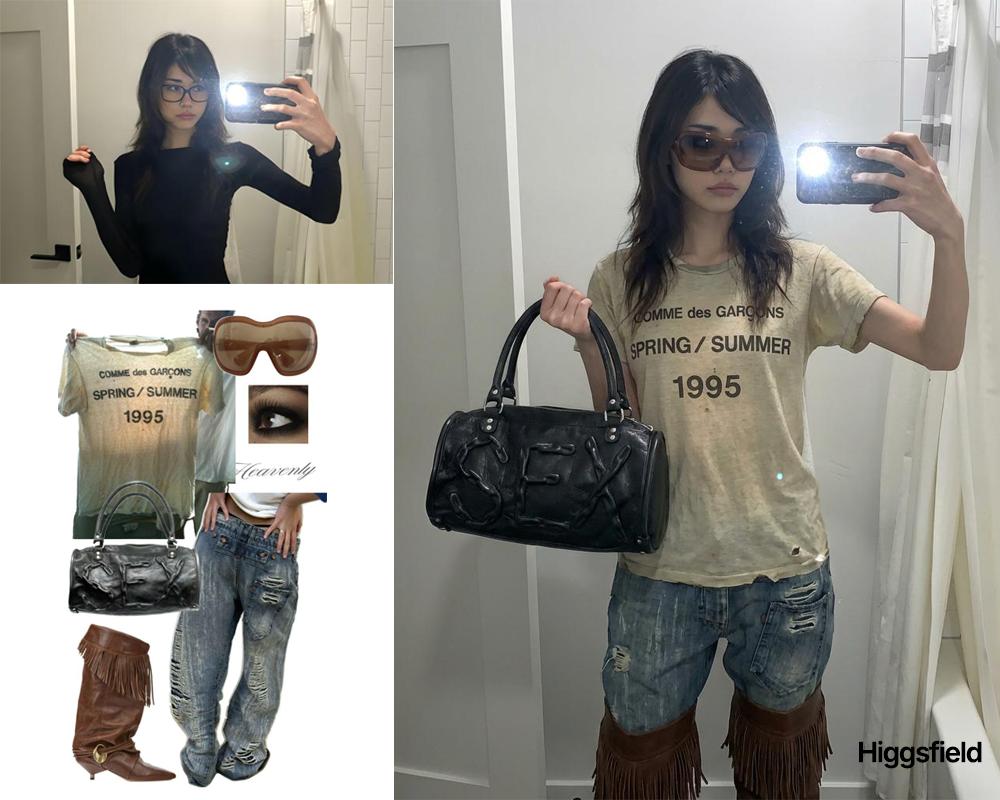
Outfit transfer between two images

Realistic Redhead Portrait in Window Light

Dark Fantasy Route Map

Amateur iPhone Photo Portrait with Accurate Face Reference

Stacked Smartphone Flash Selfie

Moutai Brand 3x3 Visual Storyboard

X Chatgptpaglu Gpt Image 2 on Yapper So

Cyberpunk Anime Character in Neon Tub

Futuristic Footwear Advertisement

Banned Image Prompt: Low Angle View of Woman
Browse template categories
Cozy Farming Village Pixel Asset Sheet questions
How do I use the Cozy Farming Village Pixel Asset Sheet template?
Add your photo if the template asks for one, edit the prompt if you like — the template's model and format are already selected — and press Generate. Your version opens in PicX Studio.
Can I customize the Cozy Farming Village Pixel Asset Sheet template?
Yes. You can change the subject, setting, lighting, mood, format, and available model controls before creating your image.
Is the Cozy Farming Village Pixel Asset Sheet template free?
Opening and editing this template is free. Generating uses credits, shown on the Generate button when you are signed in.
Which AI model should I use?
Start with GPT Image 2, which is the model associated with this template. You can compare another compatible model for a different finish.
Looking for something else? Browse all templates.

Your photo, any look
Thousands of ready templates for every top image and video model, from one credit balance.