
X Chatgptpaglu Gpt Image 2 on Yapper So
GPT Image 2 on @yapper_so Prompt below 👇 Create a premium stylized travel poster / graphic collage for JAPAN.

- Prompt included
- Model and format preset
- Free template
The prompt behind this image
Copy the exact prompt behind X Chatgptpaglu Gpt Image 2 on Yapper So, or open it in the studio and make it yours.
GPT Image 2 on @yapper_so Prompt below 👇 Create a premium stylized travel poster / graphic collage for JAPAN. The main subject MUST be a stylish international female tourist (young woman, feminine face, long hair, slim body). She must clearly look female, not male or gender-neutral. Use a completely unique face identity. She is wearing modern travel fashion: linen shirt, neutral tones outfit, sunglasses, backpack, holding a camera. She looks confident and exploring. IMPORTANT: Use the SAME color theme and visual style as a cinematic Turkey travel poster: warm golden tones, teal accents, beige vintage paper textures, soft sunset lighting, slightly desaturated but rich colors. Keep the exact same mood, lighting, and color grading. Keep layout and composition consistent with a travel poster series: central character, layered collage background, balanced editorial design. Place her in a dynamic collage composition surrounded by Japanese elements: Mount Fuji, Tokyo city skyline, cherry blossoms, pagoda temple, neon street signs, ramen, sushi. Apply SAME collage style: torn paper edges, halftone dots, vintage textures, travel stamps, sticker elements. Include: "ARRIVED TOKYO" stamp direction board (Shibuya, Kyoto, Osaka) Japanese stamp style badge minimal decorative icons Add big headline: "LOST IN JAPAN" Add small text: "Where culture meets adventure" "Not all those who wander are lost" Lighting: cinematic warm glow, dramatic shadows (same as Turkey version) Style: editorial magazine collage, ultra detailed, 4K, print ready IMPORTANT: match the color grading, tones, and lighting exactly with the poster style
How to use X Chatgptpaglu Gpt Image 2 on Yapper So in 3 steps
- 1Upload ImagePNG, JPG or paste
Add your photo
Upload the photo the template builds on. The prompt, model and format are already set.
- 2…a portrait of your subject in softgolden-hour light, 85mm…
Personalize
Edit the subject and creative details for your destination.
- 3Generate
Generate
Press Generate — your image is created in PicX Studio, so you can compare it with the original and refine one variable at a time.
More like this
Templates with the same subject, style or setup. Open one to see its prompt.
X Chatgptpaglu Gpt Image 2 on Yapper So
X Chatgptpaglu Gpt Image 2 on Yapper So
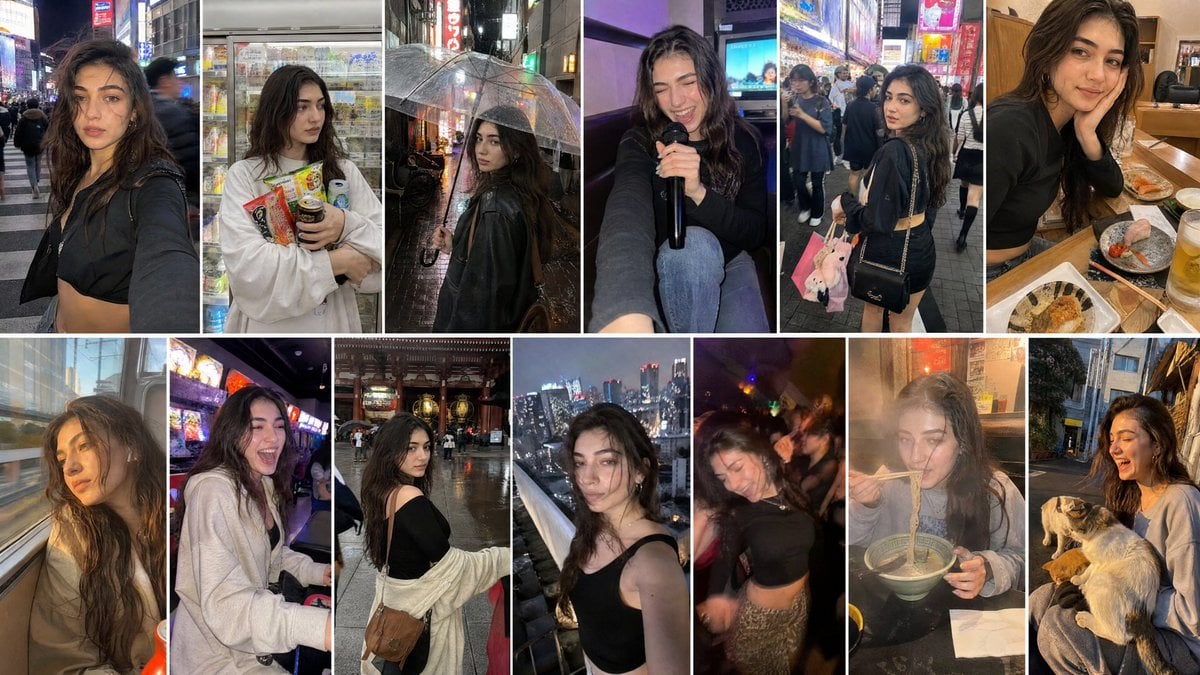
Created with GPT Image 2 + Seedance 2 on @yapper_s
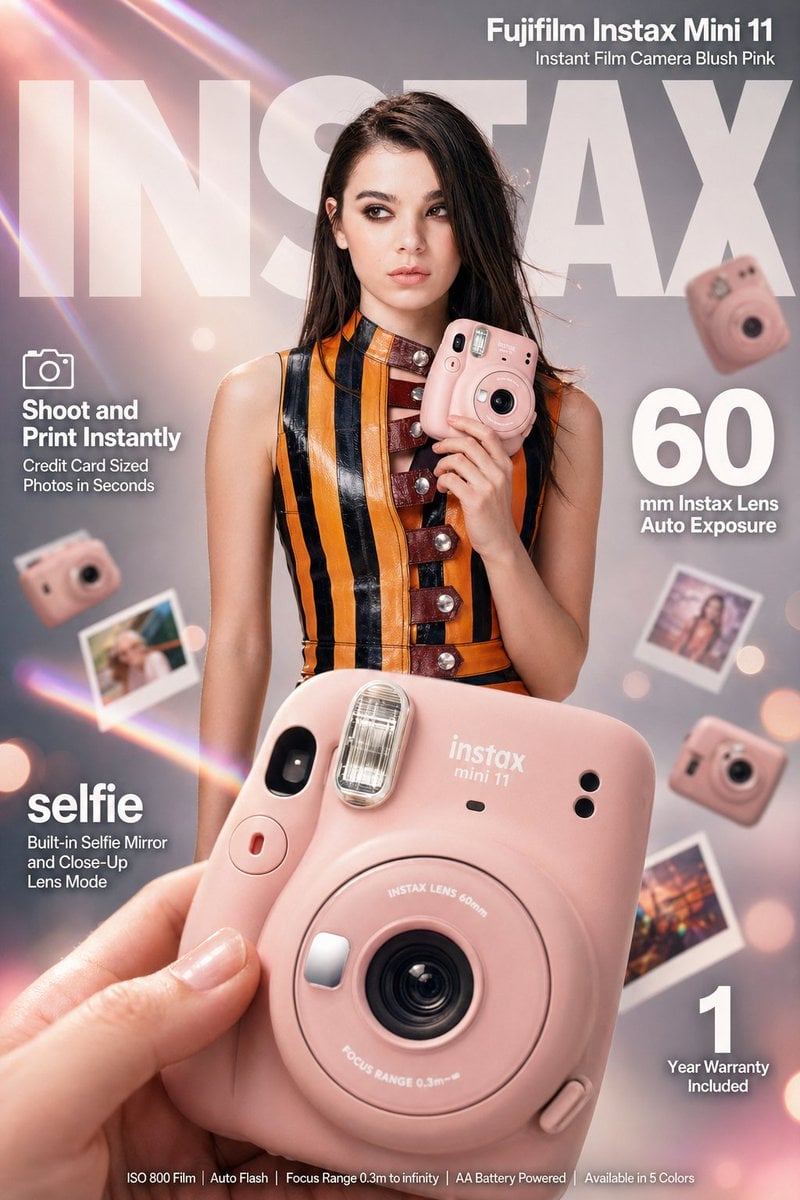
X Meng Dagg695 Gpt Image 2 on Socialsight
X Meng Dagg695 Gpt Image 2 on Socialsight

X Ozayrr Irl Chatgpt Image 2 Vs Google

X Kashberg 0 Gpt Image 20
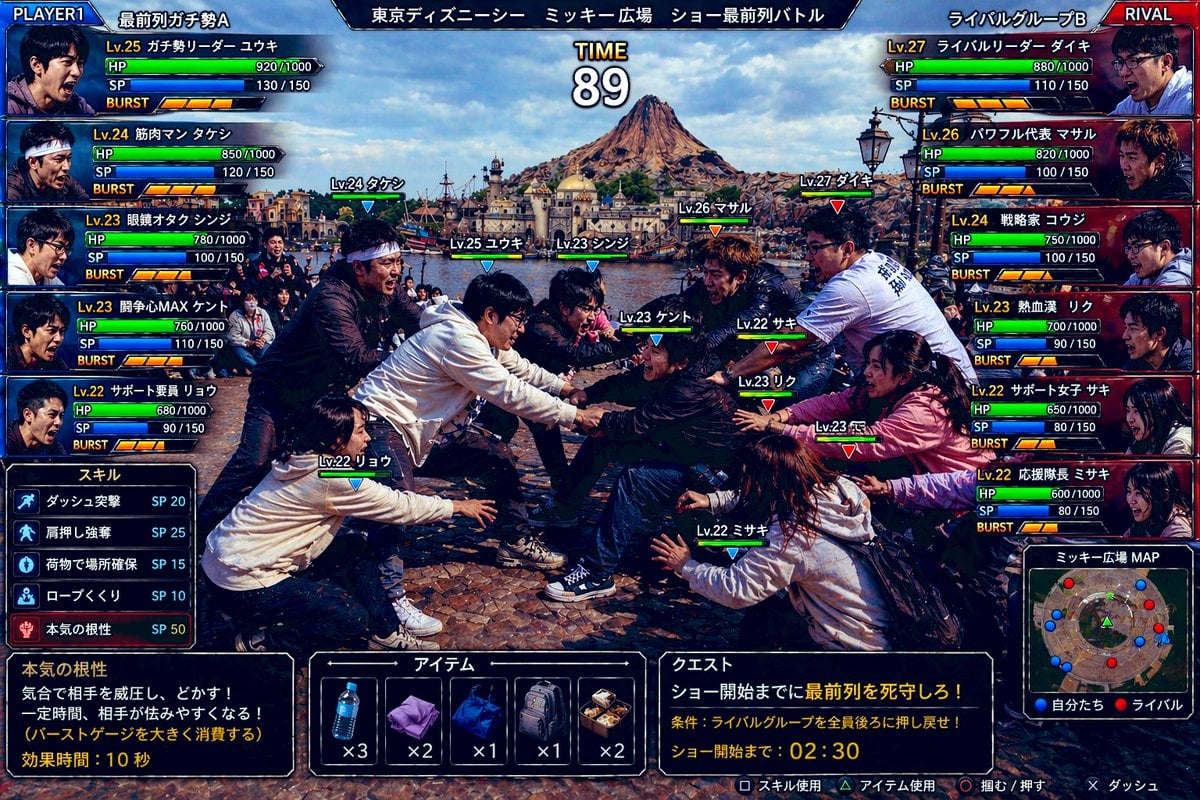
Gpt2 Youtube Thumbnail Tokyo Disneysea Front Row Battle Ui

Gpt2 Infographic Edu Visual Biomimetic Skyray Aircraft Poster

Gpt2 Social Media Post Bmw Performance Social Poster
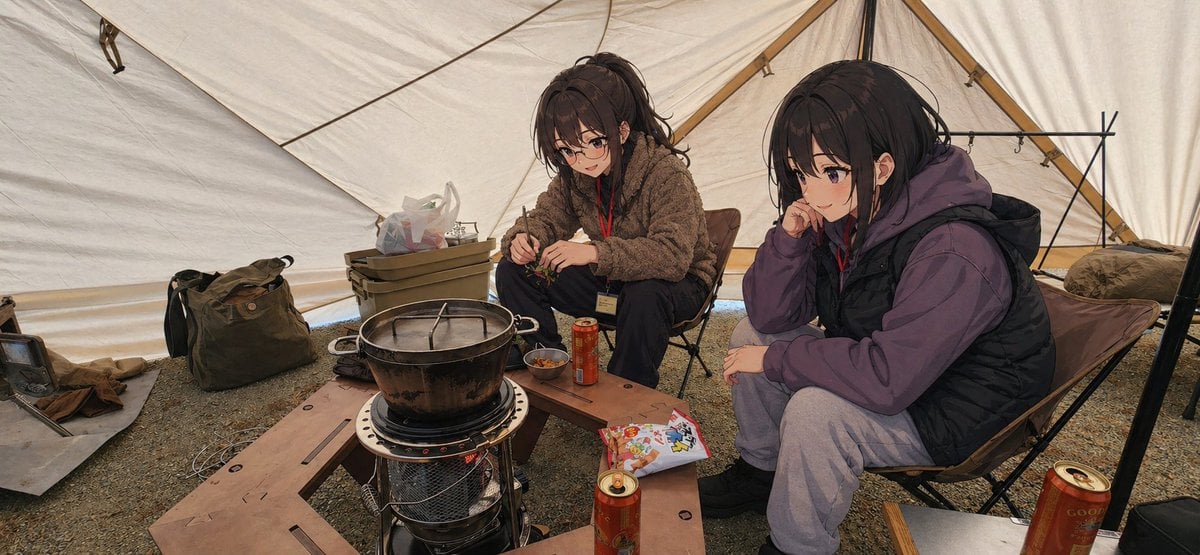
Gpt2 Social Media Post Anime Campers in a Winter Tent
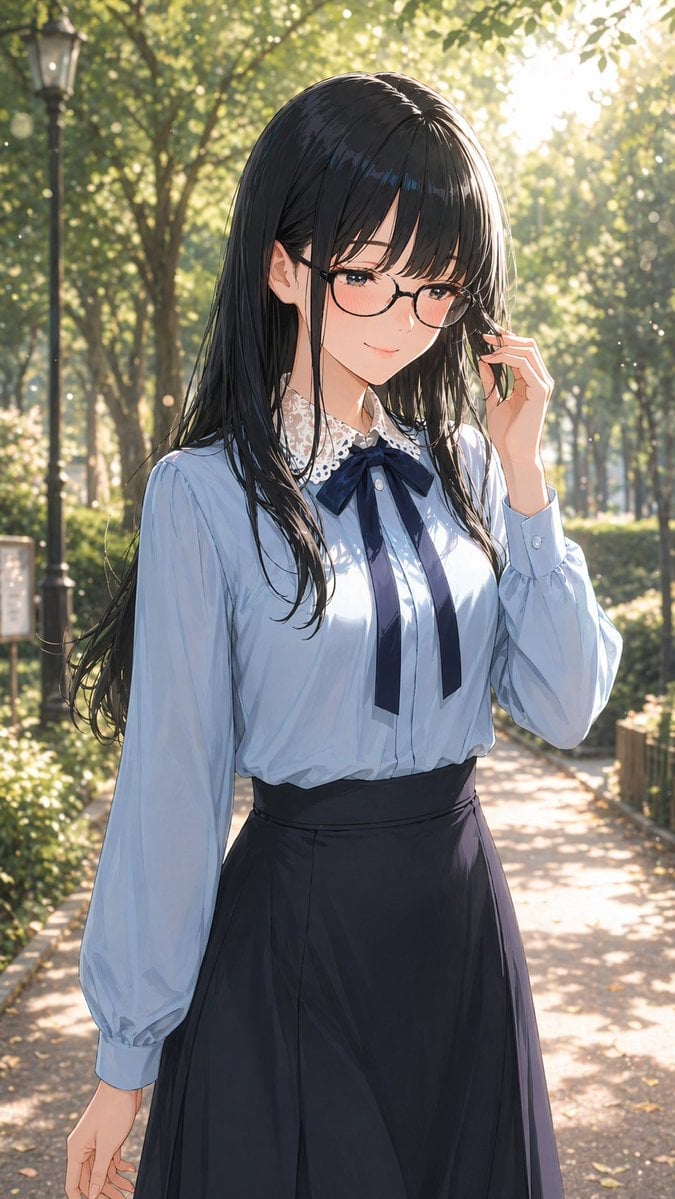
Gpt2 Profile Avatar Portrait of a Gentle Woman with Glasses
Make it yours
X Chatgptpaglu Gpt Image 2 on Yapper So works as-is. These are the safest ways to change it without losing the look.
Change one field
Copy a single group, rewrite it, and generate again so you can see what that field is doing.
Keep the frame, change the subject
Hold the composition and light of x-chatgptpaglu-gpt-image-2-on-yapper-so, then swap wardrobe, props or the person for a new take.
| If the result… | Why | Fix |
|---|---|---|
| The result drifts from the preview | Too many fields changed at once. | Reuse x-chatgptpaglu-gpt-image-2-on-yapper-so as-is first, then change one group — subject, light, or setting. |
| The model over-stylizes the scene | The prose prompt leaves finish and camera underspecified. | Add one camera or lighting sentence and stay on GPT Image 2. |
More GPT Image 2 templates
Other prompts made for GPT Image 2.

Six VTuber Japanese Logo Sheet

Realistic Portrait of Woman and Deer

The Vista Modular Condo Poster

AI Model Routing Comparison Infographic

2.5D Anime Art Board

Isometric Productivity Desk Scene

New York Double Exposure Poster

Four-Panel AI Landscape Comparison

Japanese Tatami Lifestyle Magazine Cover

NESCAFÉ Coffee Map Poster
More image prompts
Fresh picks from across the catalog.
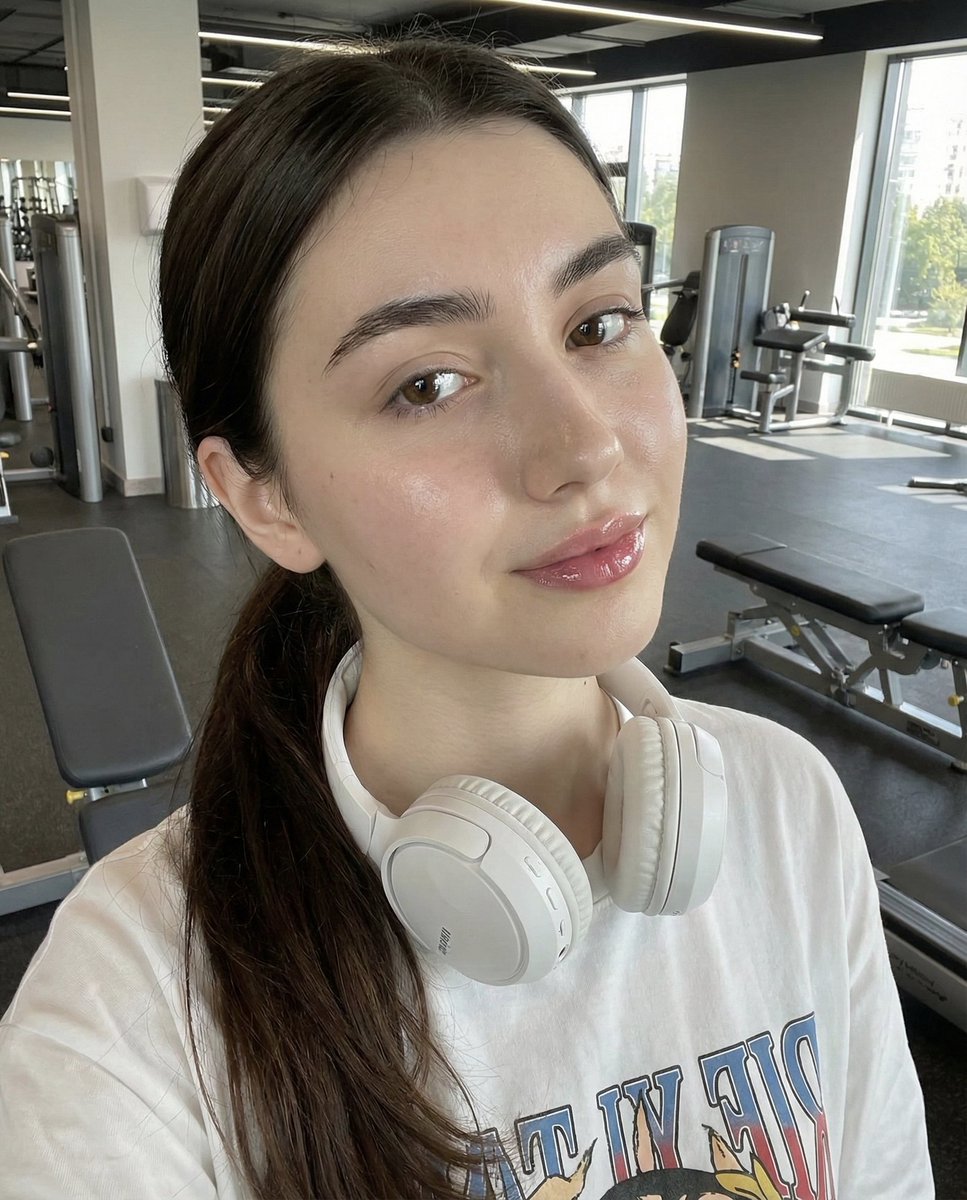
Photorealistic Gym Selfie Prompt with Identity Lock
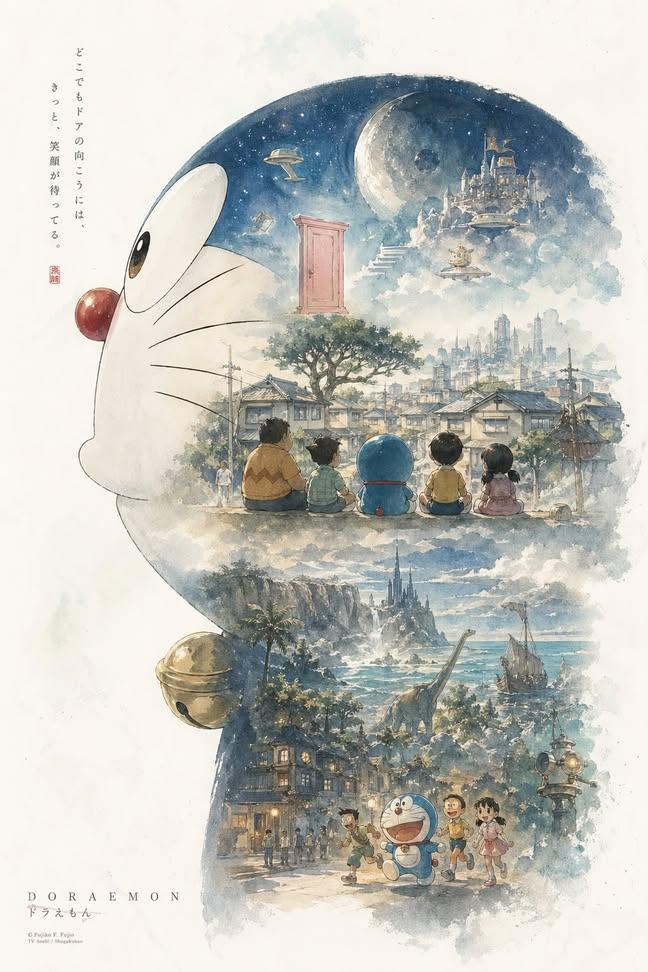
Doraemon Watercolor Silhouette Dreamscapes
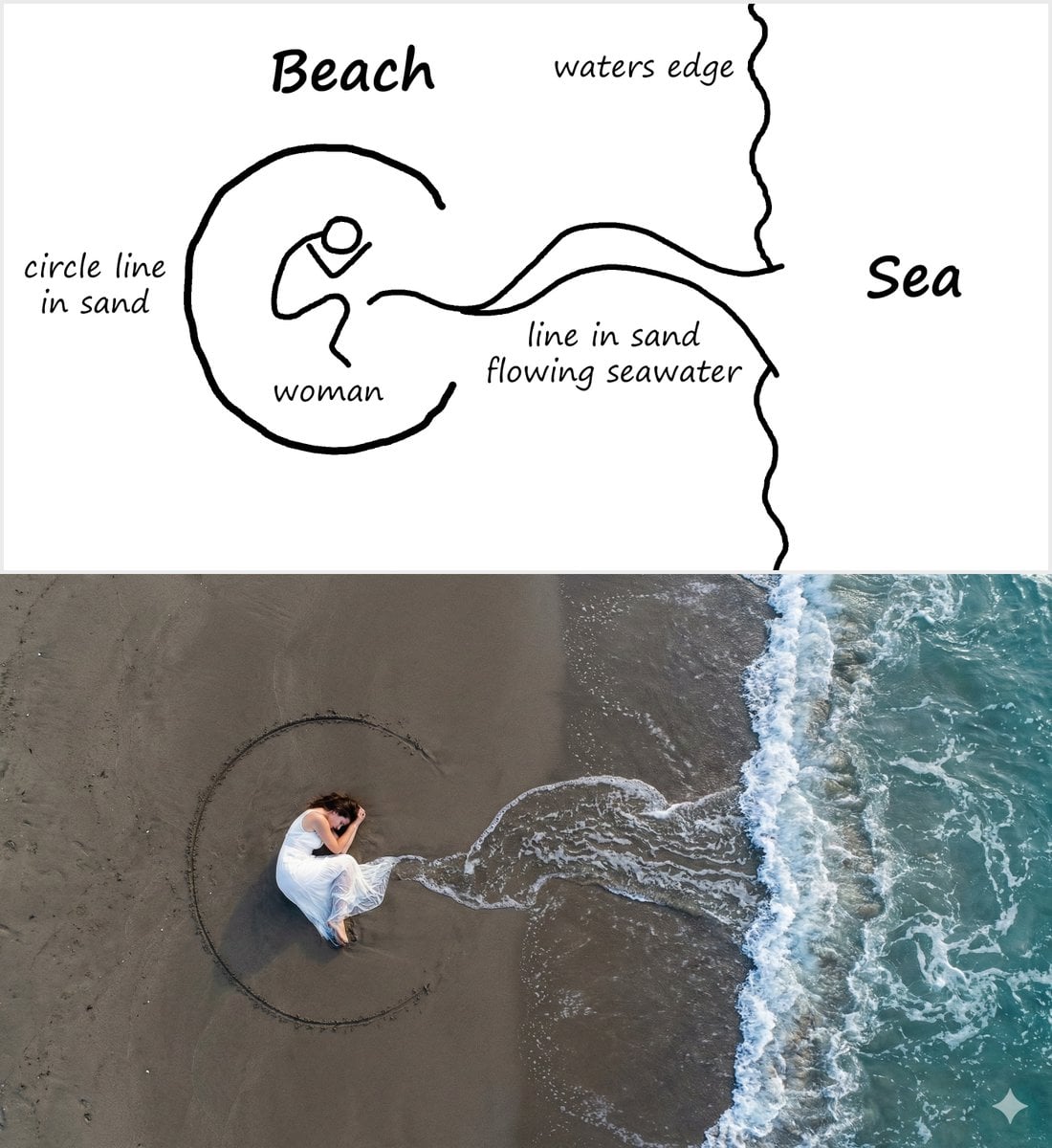
Editorial Portrait with Dramatic Lighting
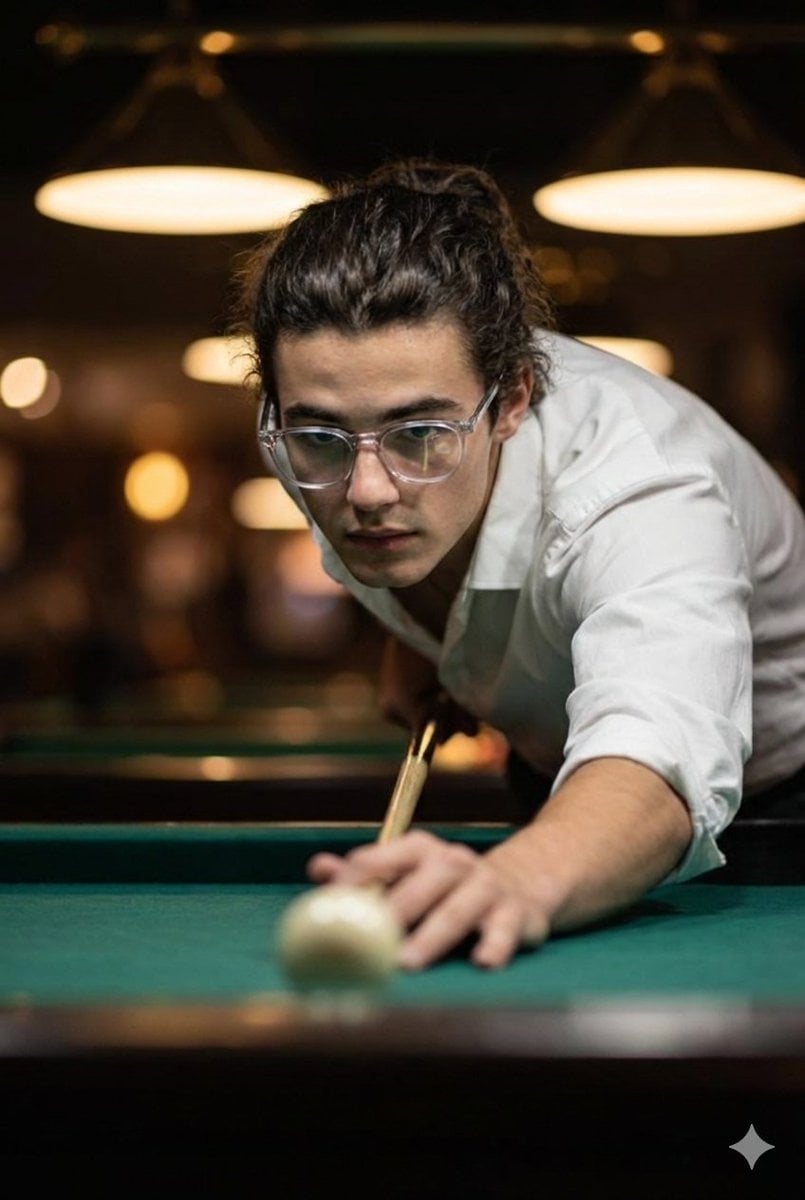
Cinematic Ultra-Realistic Billiards Shot
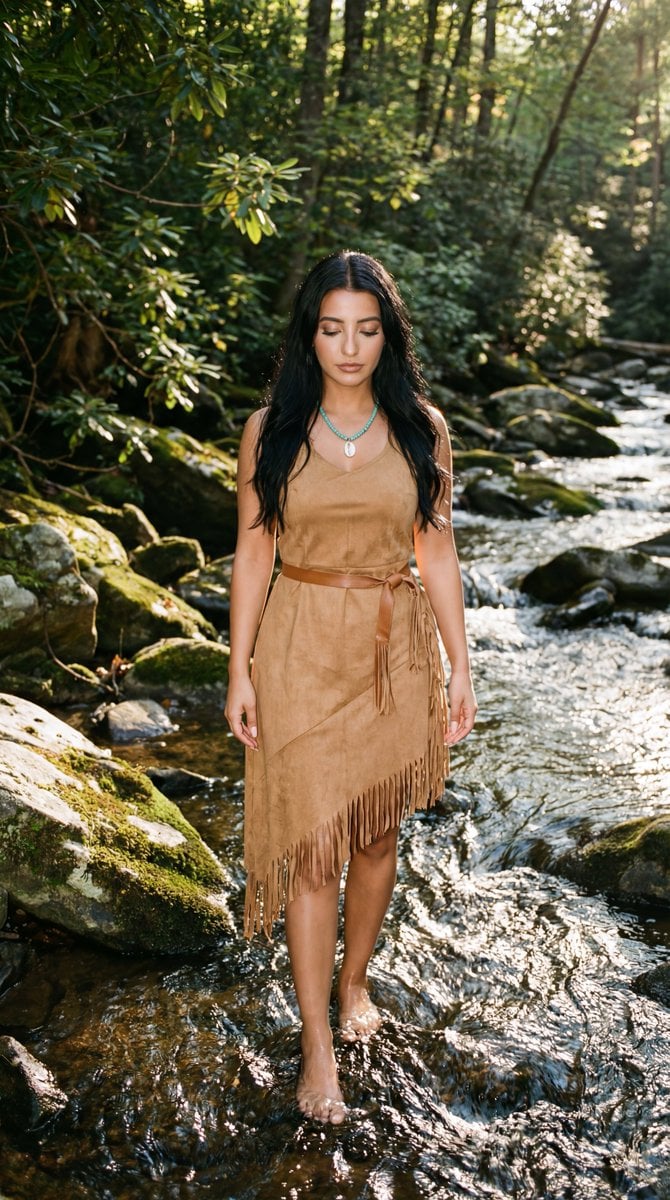
Cinematic Photoreal Portrait in a Forest Stream (Pocahontas Inspired)
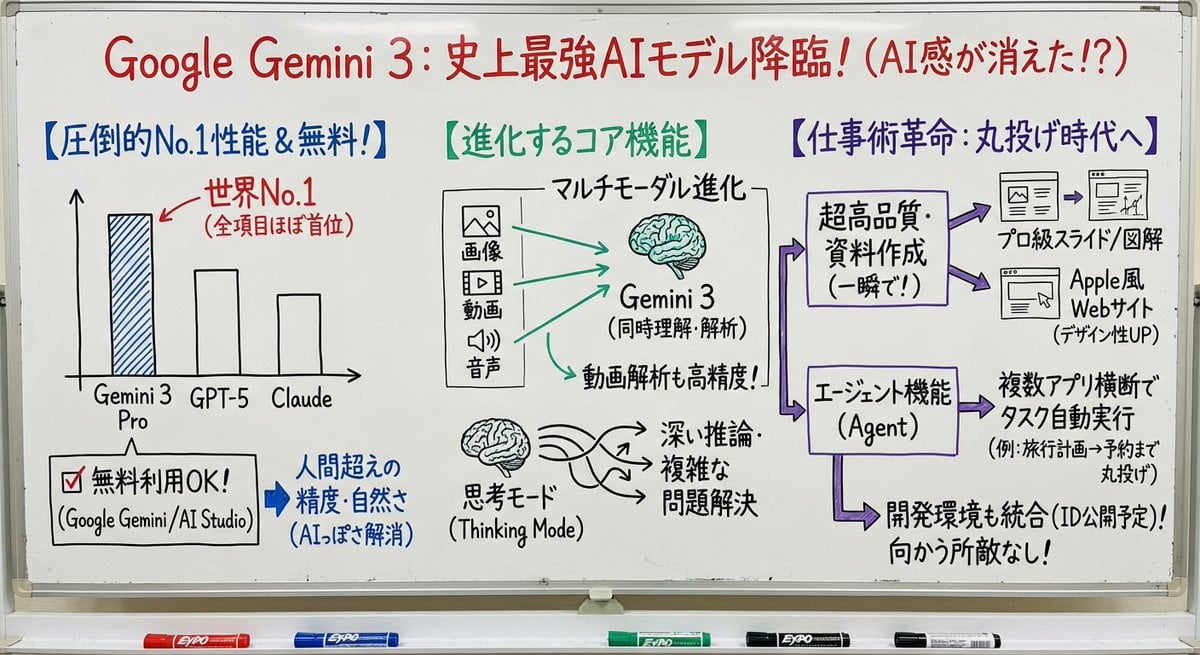
Professor explaining content on a whiteboard

High-Speed Shattering Coffee Mug
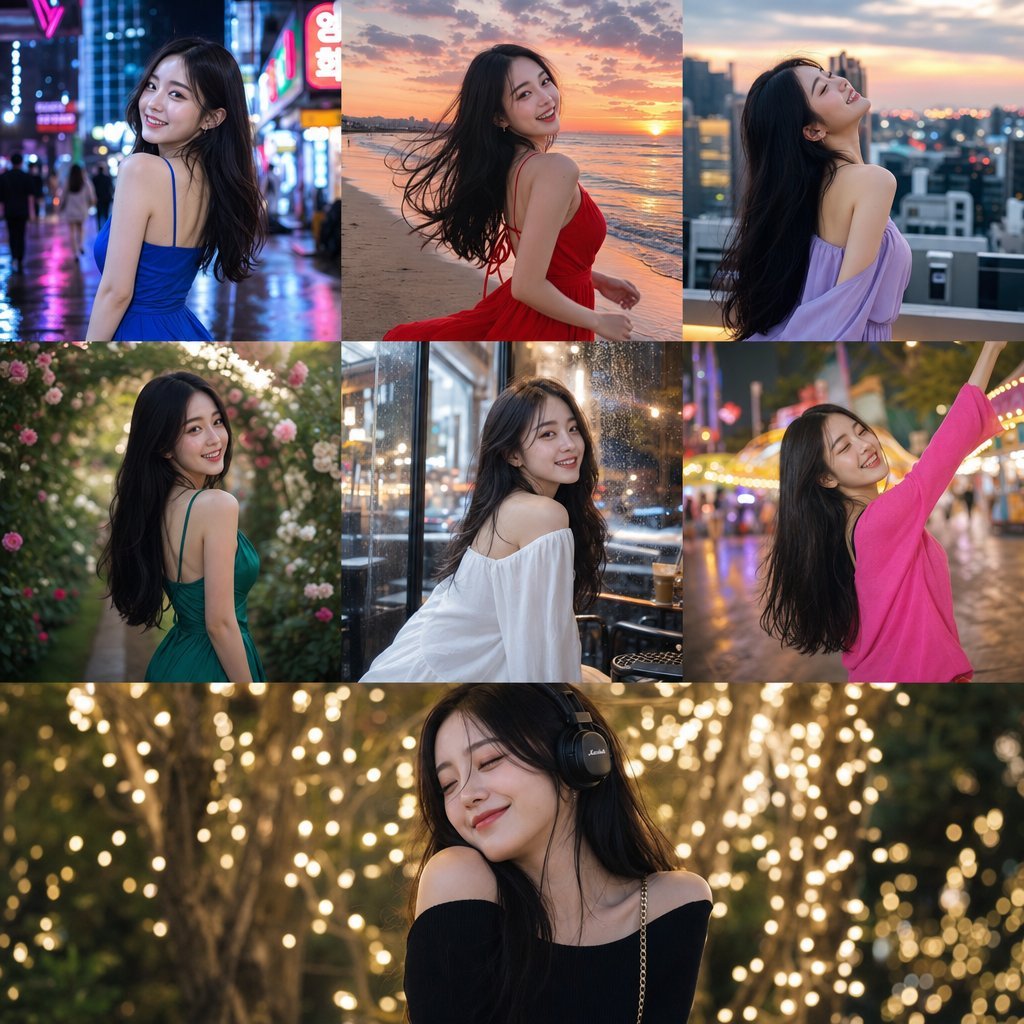
Consistent Korean Girl Identity Lifestyle
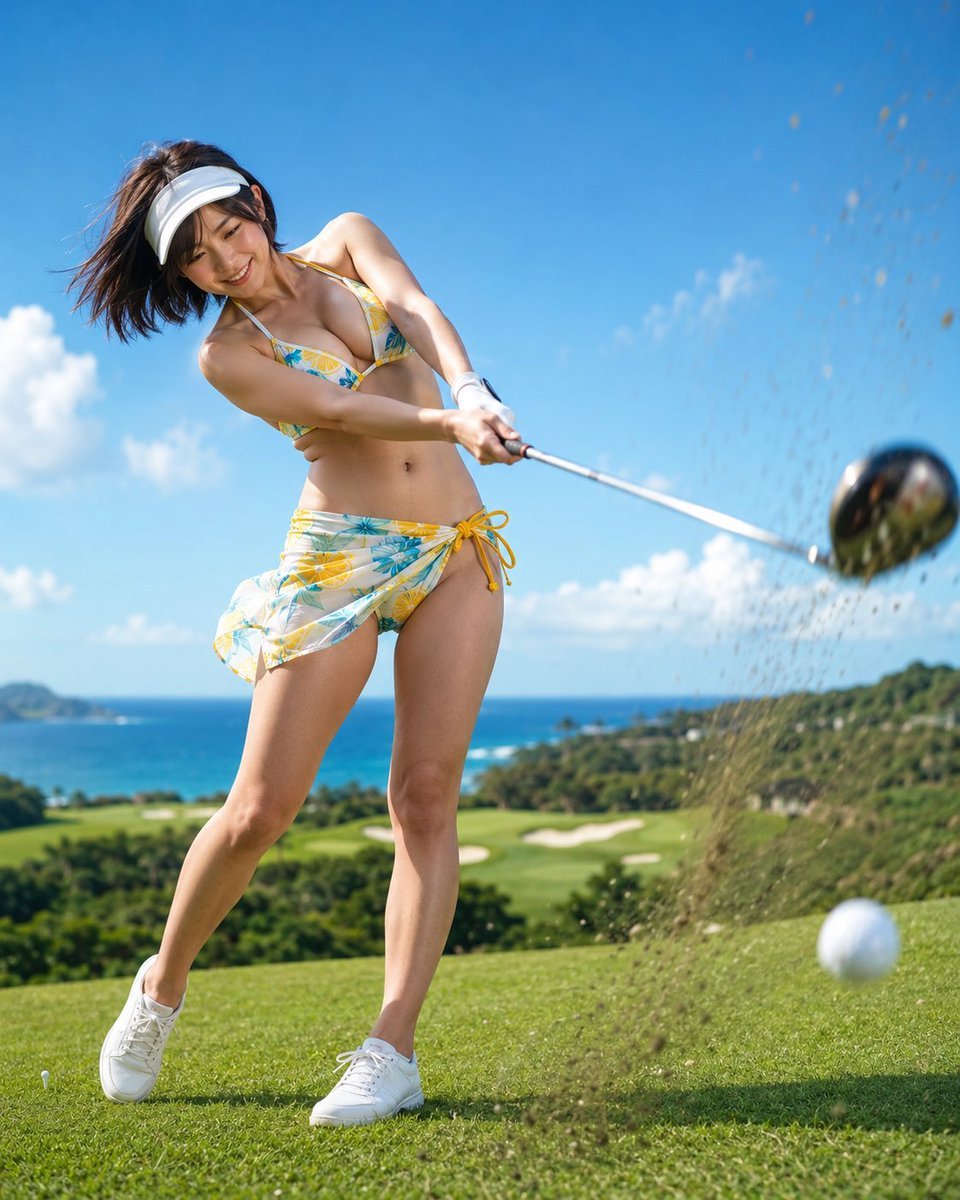
Dynamic Golf Swing Portrait
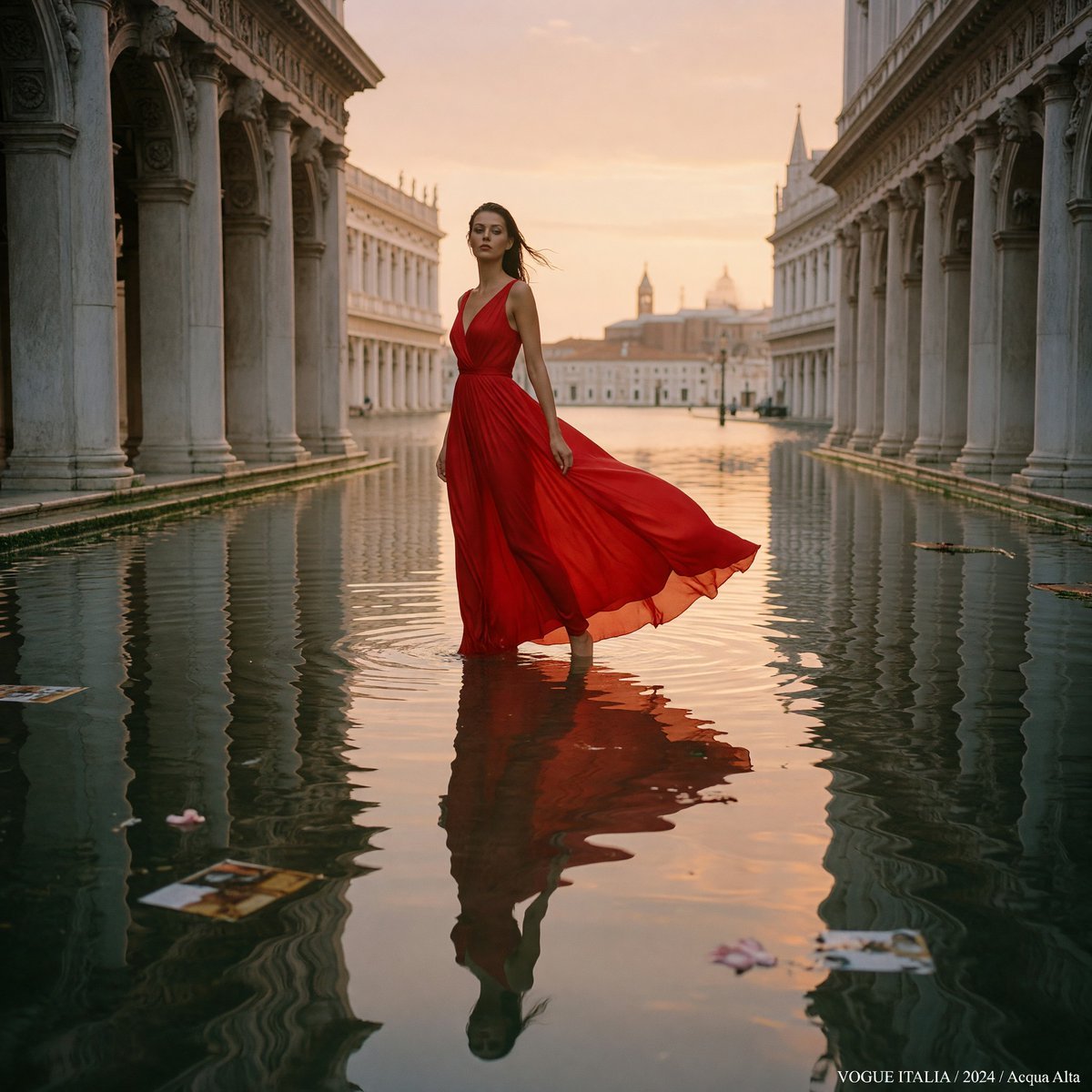
Crimson Gown in Flooded Venice
Browse template categories
X Chatgptpaglu Gpt Image 2 on Yapper So questions
How do I use the x-chatgptpaglu-gpt-image-2-on-yapper-so template?
Add your photo if the template asks for one, edit the prompt if you like — the template's model and format are already selected — and press Generate. Your version opens in PicX Studio.
Can I customize the x-chatgptpaglu-gpt-image-2-on-yapper-so template?
Yes. You can change the subject, setting, lighting, mood, format, and available model controls before creating your image.
Is the x-chatgptpaglu-gpt-image-2-on-yapper-so template free?
Opening and editing this template is free. Generating uses credits, shown on the Generate button when you are signed in.
Which AI model should I use?
Start with GPT Image 2, which is the model associated with this template. You can compare another compatible model for a different finish.
Looking for something else? Browse all templates.

Your photo, any look
Thousands of ready templates for every top image and video model, from one credit balance.