
Gpt2 Youtube Thumbnail Tokyo Disneysea Front Row Battle Ui
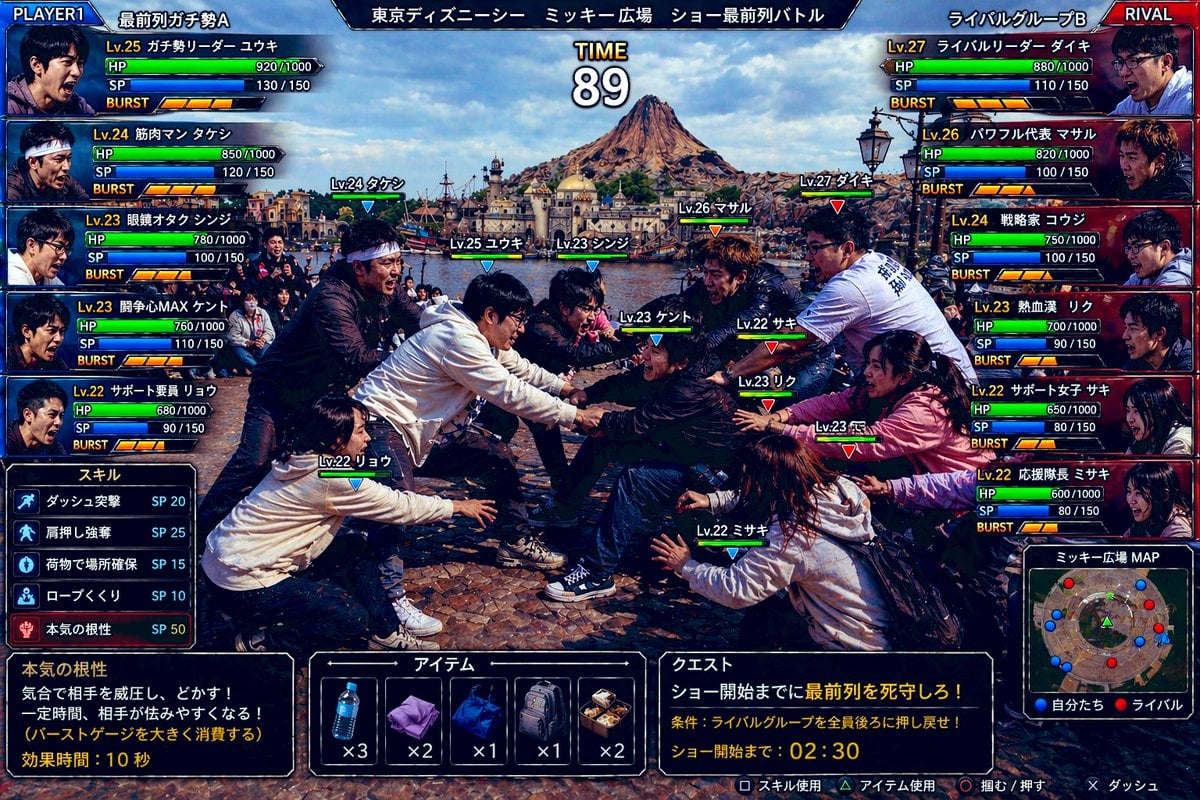
A comedic realistic game-style screenshot showing two rival fan groups battling for the front row at Tokyo DisneySea, useful for parody arcade fighting game visuals.
- Prompt included
- Model and format preset
- Free template
The prompt behind this image
Copy the exact prompt behind Gpt2 Youtube Thumbnail Tokyo Disneysea Front Row Battle Ui, or open it in the studio and make it yours.
Create a hyper-detailed comedic Japanese arcade fighting game screenshot styled like a versus battle scene, using a real-world photo aesthetic with game UI overlaid on top. The scene shows an intense mock battle between two groups of theme-park fans competing for the front row at an outdoor show plaza in Tokyo DisneySea. Use a wide 16:9 composition. In the background, clearly show Mediterranean Harbor and Mount Prometheus under bright daytime skies, with the waterfront and DisneySea architecture visible. In the foreground, show exactly 10 young adult people in winter casual clothing, split into 2 opposing teams of 5, physically leaning, grabbing, reaching, and shoving in a tug-of-war-like scrum over position, with exaggerated competitive body language and frozen action as if in a fighting game. Faces should be anonymized with soft blurred blocks. Add floating character labels above each person with levels and names in Japanese. The overall tone is absurdly realistic, like a real candid photo transformed into a polished arcade game battle screen. Add a full Japanese fighting-game HUD with glossy blue-versus-red interface styling. At the very top, place a center stage title bar reading "東京ディズニーシー ミッキー広場 ショー最前列バトル" and a large timer in the middle reading "TIME 89". In the top left, add a blue team header "PLAYER1" and team name "最前列ガチ勢A". In the top right, add a red team header "RIVAL" and team name "ライバルグループB". On the left side, stack exactly 5 blue player status panels with portraits, level, Japanese class-like nicknames, HP, SP, and BURST meters. The 5 left-side labels are: "Lv.25 ガチ勢リーダー ユウキ", "Lv.24 筋肉マン タケシ", "Lv.23 眼鏡オタク シンジ", "Lv.23 開角心MAX ケント", "Lv.22 サポート要員 リョウ". On the right side, stack exactly 5 red rival status panels with the labels: "Lv.27 ライバルリーダー ダイキ", "Lv.26 パワフル代表 マサル", "Lv.24 戦略家 コウジ", "Lv.23 熱血漢 リク", "Lv.22 サポート女子 サキ". Each panel should include numeric HP and SP values and segmented BURST gauges, styled like a Japanese arcade RPG-fighter interface. Place exactly 10 in-battle nameplates above the fighters in the center scene, color-coded blue for the left team and red for the right team. The 10 labels are: "Lv.24 タケシ", "Lv.25 ユウキ", "Lv.23 シンジ", "Lv.23 ケント", "Lv.22 リョウ", "Lv.27 ダイキ", "Lv.26 マサル", "Lv.23 リク", "Lv.22 サキ", "Lv.22 ミサキ". At the lower left, add a skill menu titled "スキル" listing exactly 5 skills with SP costs: "ダッシュ突撃 SP 20", "肩押し強奪 SP 25", "荷物で場所確保 SP 15", "ロープくぐり SP 10", "本気の根性 SP 50". Beneath that, add a dark description box explaining the highlighted skill "本気の根性" with the Japanese text: "気合で相手を威圧し、どかす! 一定時間、相手が怯みやすくなる! (バーストゲージを大きく消費する) 効果時間:10秒". At the bottom center, add an item menu titled "アイテム" with exactly 5 item slots showing icons and counts: a water bottle "x3", a folded purple towel "x2", a blue drawstring bag "x1", a gray backpack "x1", and a boxed meal "x2". At the lower right, add a quest panel titled "クエスト" with the mission text "ショー開始までに最前列を死守しろ!" and condition text "条件:ライバルグループを全員後ろに押し戻せ!" and countdown text "ショー開始まで:02:30". Beside it, add a mini-map titled "ミッキー広場MAP" showing red and blue dots for both teams in the plaza. Along the very bottom edge, include small controller prompts in Japanese for actions such as skill use, item use, grab/push, and dash. Use dramatic, saturated lighting, crisp detail, realistic clothing folds, authentic plaza stone pavement, and a high-end Japanese game screenshot look. The image should feel like a ridiculous but believable crossover between a real Tokyo DisneySea crowd photo and a competitive arcade battle game interface.
How to use Gpt2 Youtube Thumbnail Tokyo Disneysea Front Row Battle Ui in 3 steps
- 1
Open
The prompt is already in the box next to the preview, with the template's model and format selected.
- 2…a portrait of your subject in softgolden-hour light, 85mm…
Personalize
Edit the subject and creative details for your destination.
- 3Generate
Generate
Press Generate — your image is created in PicX Studio, so you can compare it with the original and refine one variable at a time.
More like this
Templates with the same subject, style or setup. Open one to see its prompt.

Gpt2 Youtube Thumbnail Wuxia Movie Character Posters
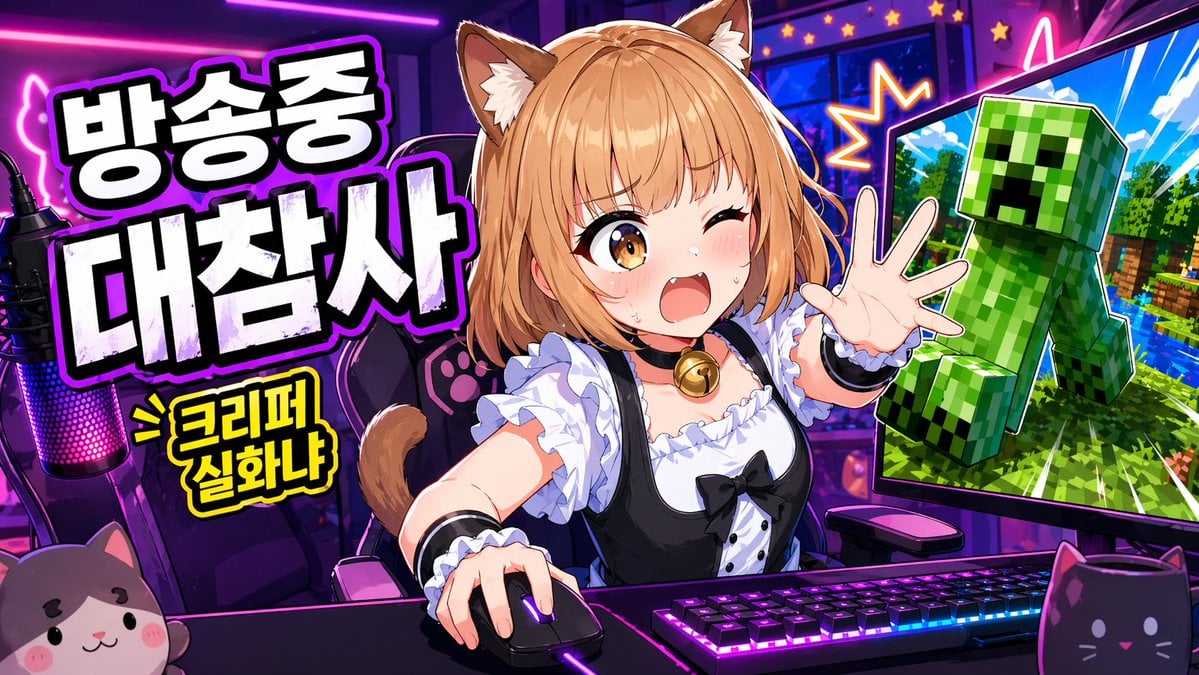
Gpt2 Youtube Thumbnail Anime Vtuber Minecraft Stream Thumbnail
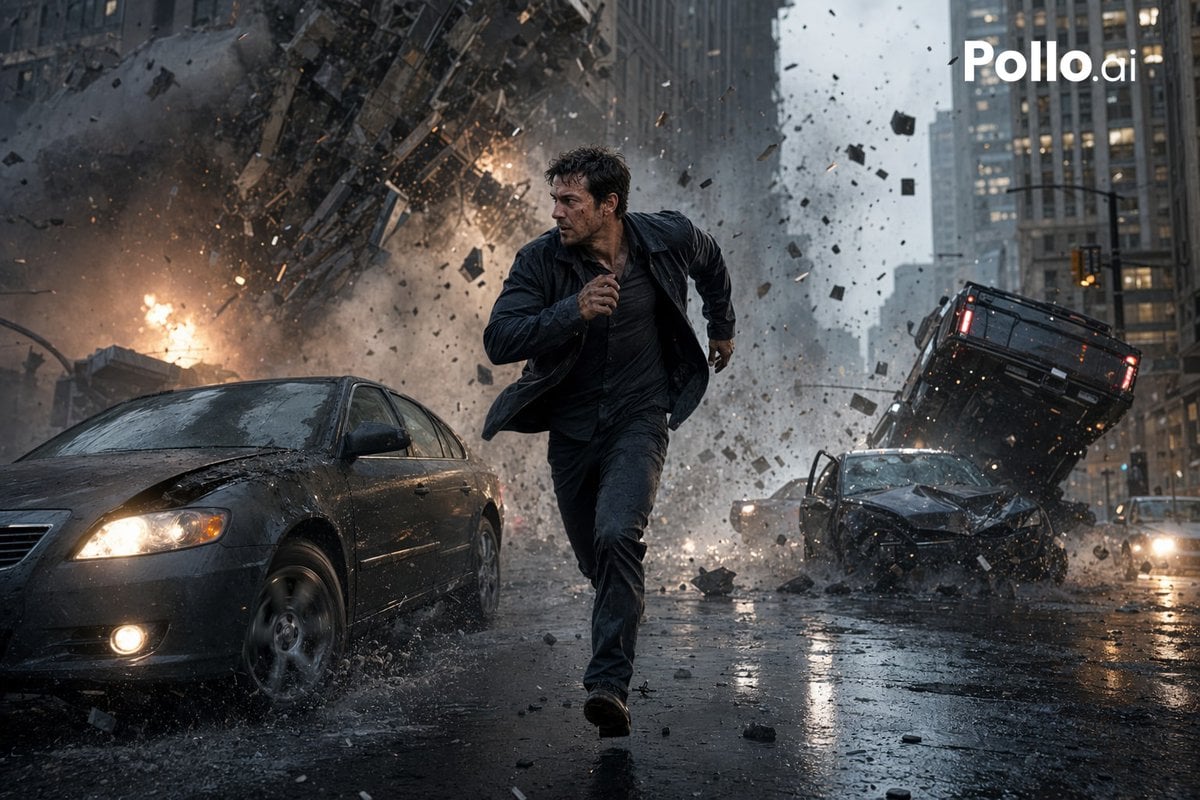
Gpt2 Youtube Thumbnail Cinematic City Explosion Chase

Gpt2 Youtube Thumbnail Anime Music Bootcamp Promo Poster

Gpt2 Youtube Thumbnail Anime Fantasy Travel Movie Poster
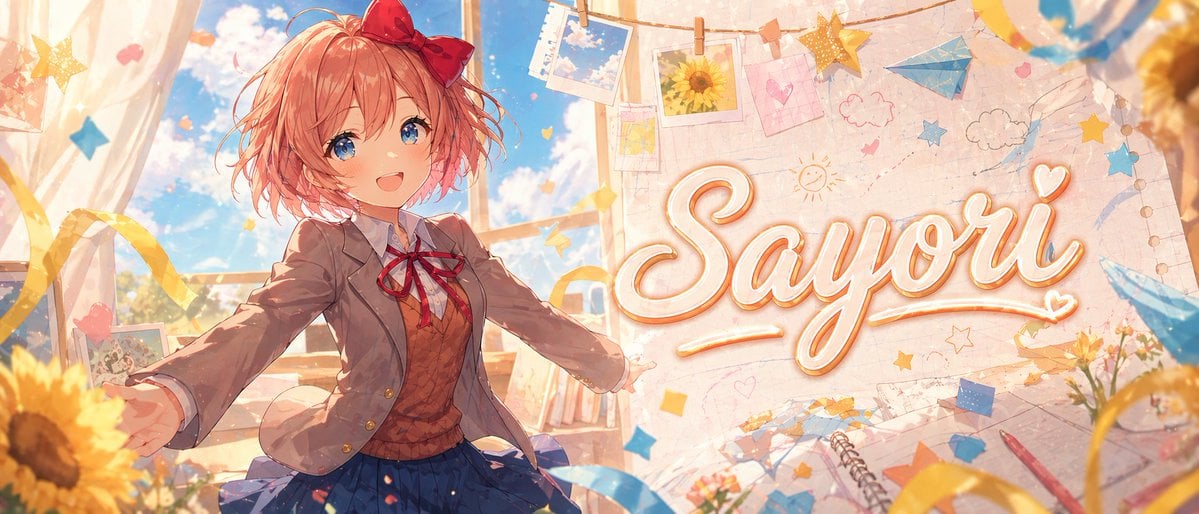
Gpt2 Youtube Thumbnail Dreamy Anime Sayori Banner
Gpt2 Youtube Thumbnail Pink Anime Natsuki Banner
Gpt2 Youtube Thumbnail Purple Anime Yuri Banner
Gpt2 Youtube Thumbnail Monika Anime Banner Illustration
Gpt2 Youtube Thumbnail Japanese Ai Battle Youtube Thumbnail
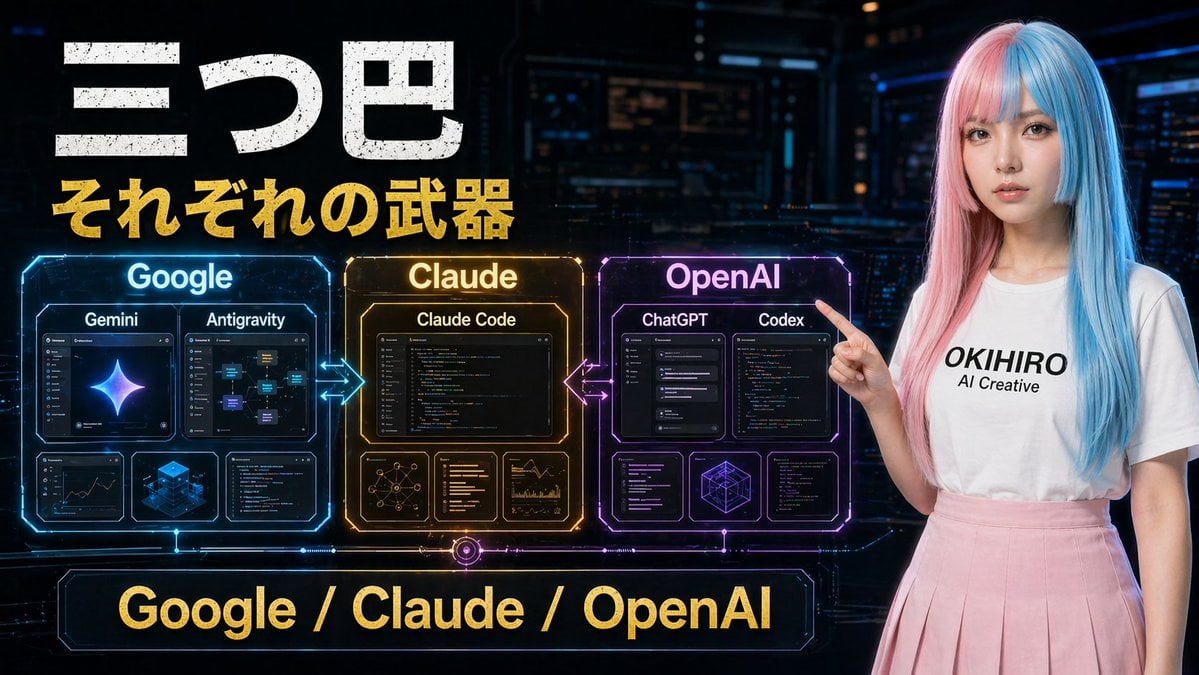
Gpt2 Youtube Thumbnail Cyberpunk Ai Tools Comparison Poster
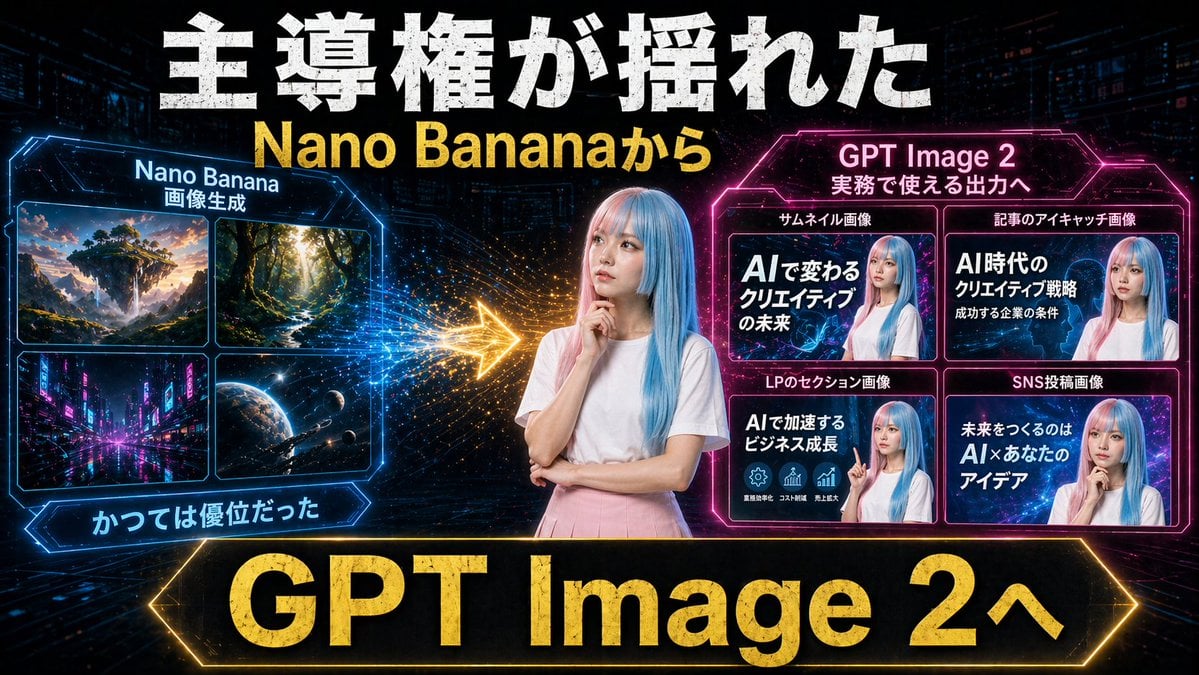
Gpt2 Youtube Thumbnail Neon Ai Thumbnail Comparison
Make it yours
Gpt2 Youtube Thumbnail Tokyo Disneysea Front Row Battle Ui works as-is. These are the safest ways to change it without losing the look.
Change one field
Copy a single group, rewrite it, and generate again so you can see what that field is doing.
Keep the frame, change the subject
Hold the composition and light of gpt2-youtube-thumbnail-tokyo-disneysea-front-row-battle-ui, then swap wardrobe, props or the person for a new take.
| If the result… | Why | Fix |
|---|---|---|
| The result drifts from the preview | Too many fields changed at once. | Reuse gpt2-youtube-thumbnail-tokyo-disneysea-front-row-battle-ui as-is first, then change one group — subject, light, or setting. |
| The model over-stylizes the scene | The prose prompt leaves finish and camera underspecified. | Add one camera or lighting sentence and stay on GPT Image 2. |
More GPT Image 2 templates
Other prompts made for GPT Image 2.

Six VTuber Japanese Logo Sheet

Realistic Portrait of Woman and Deer

The Vista Modular Condo Poster

AI Model Routing Comparison Infographic

2.5D Anime Art Board

Isometric Productivity Desk Scene

New York Double Exposure Poster

Four-Panel AI Landscape Comparison

Japanese Tatami Lifestyle Magazine Cover

NESCAFÉ Coffee Map Poster
More image prompts
Fresh picks from across the catalog.
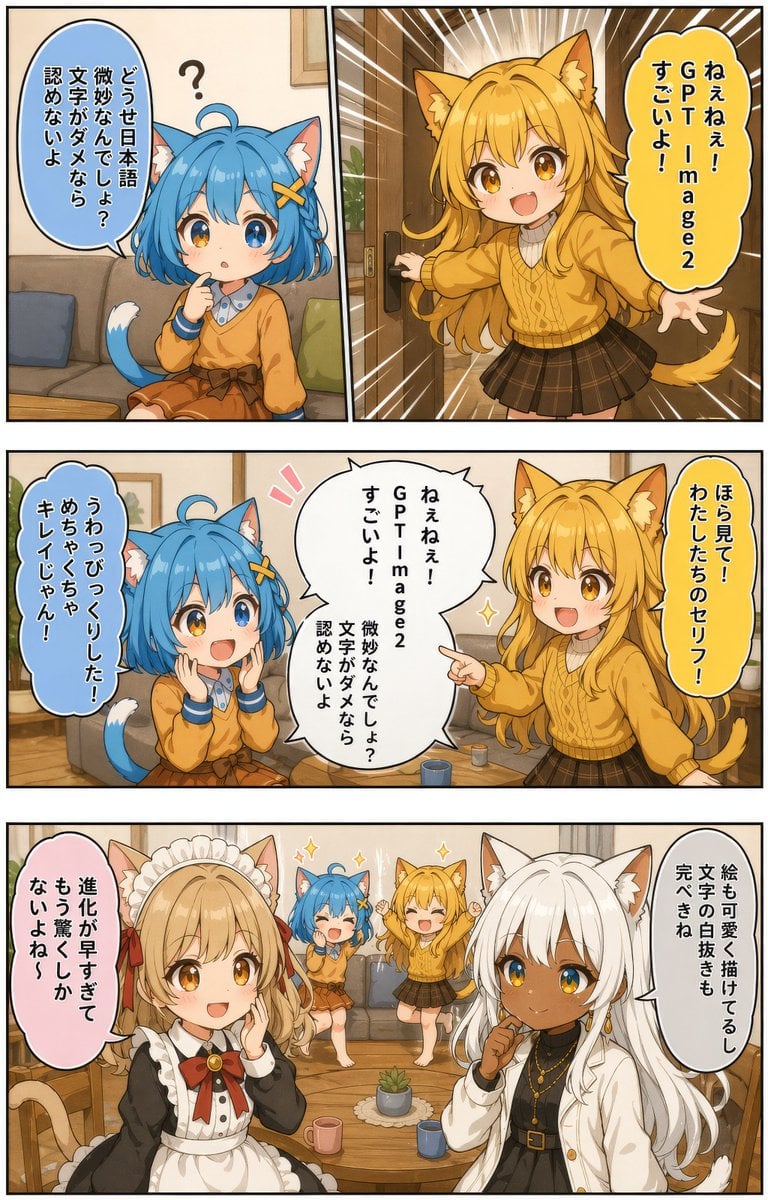
Japanese AI Manga Demo Page
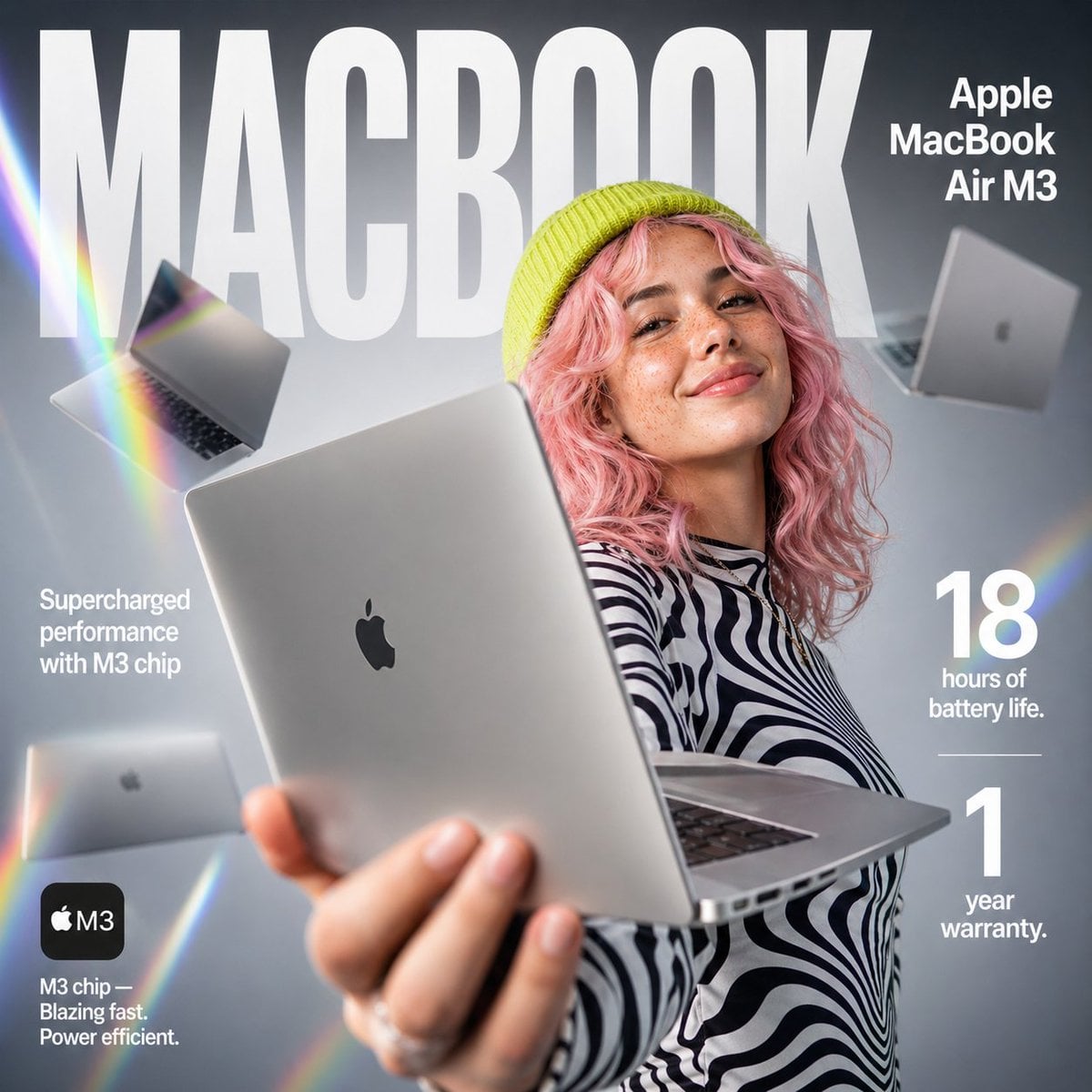
E-commerce Tech Infographic
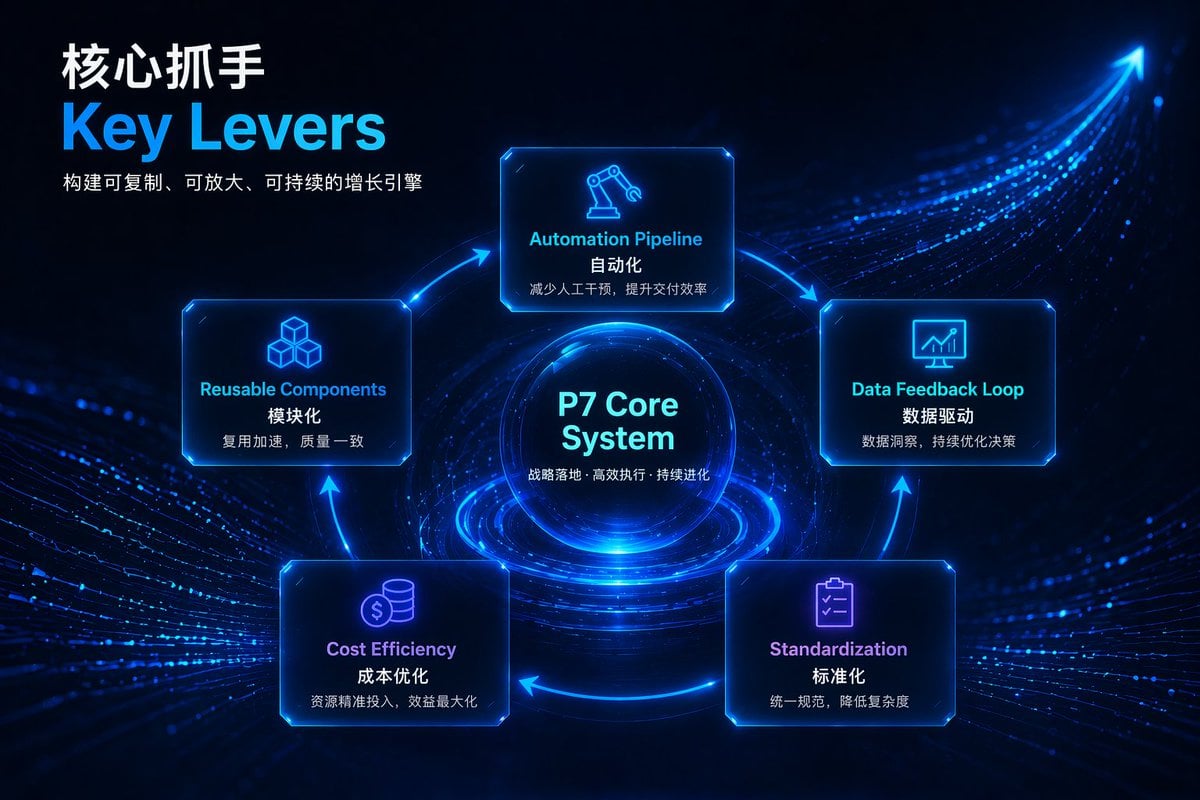
Futuristic Tech Strategy Slide
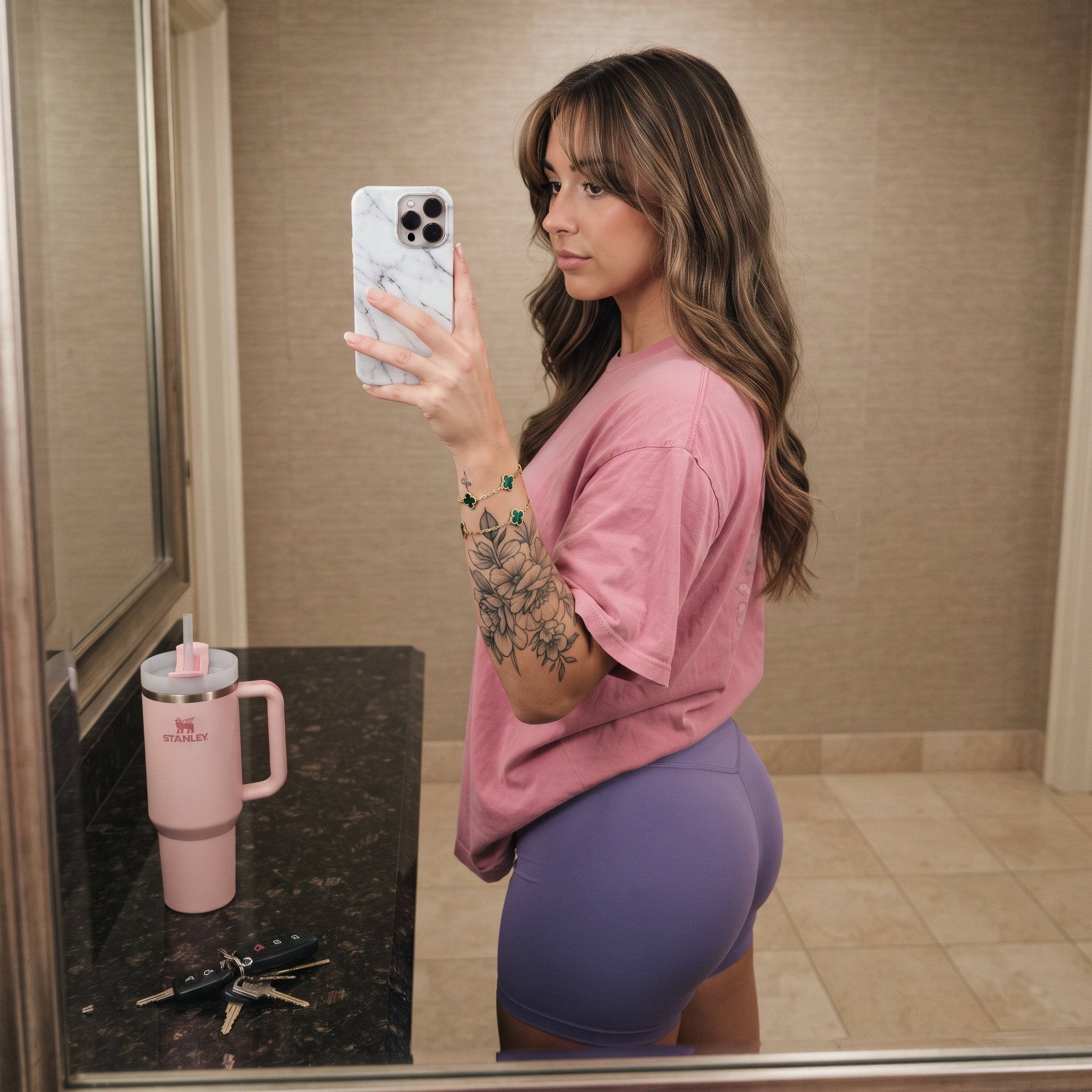
Mirror Selfie Prompt with Detailed Subject and Object Specifications
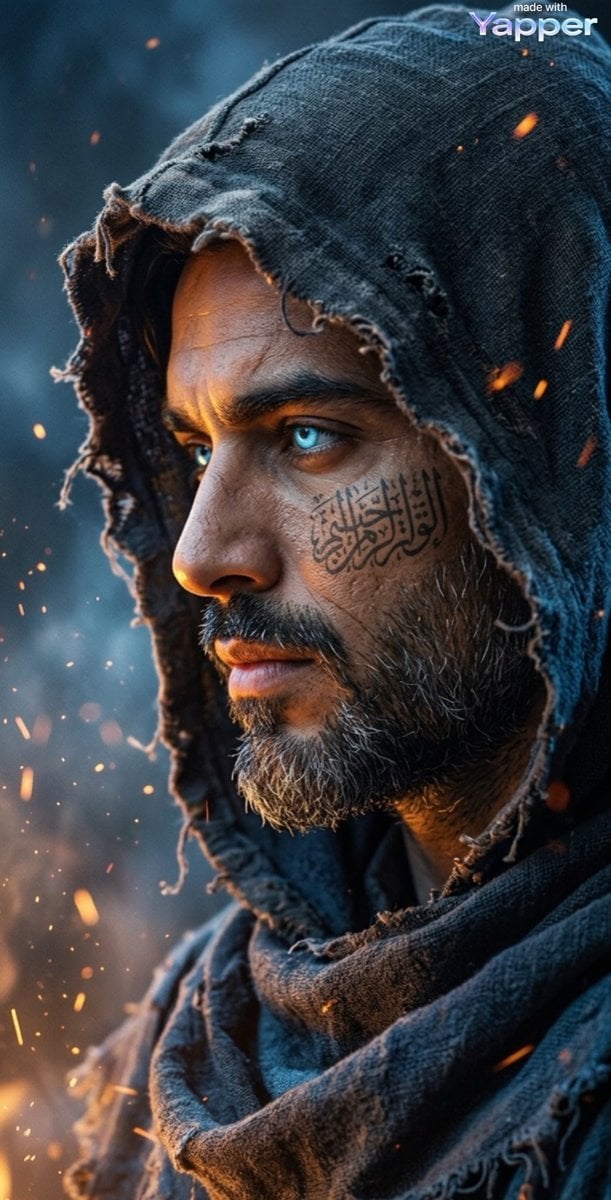
Cinematic Dark Fantasy Portrait Prompt for Nano Banana 2
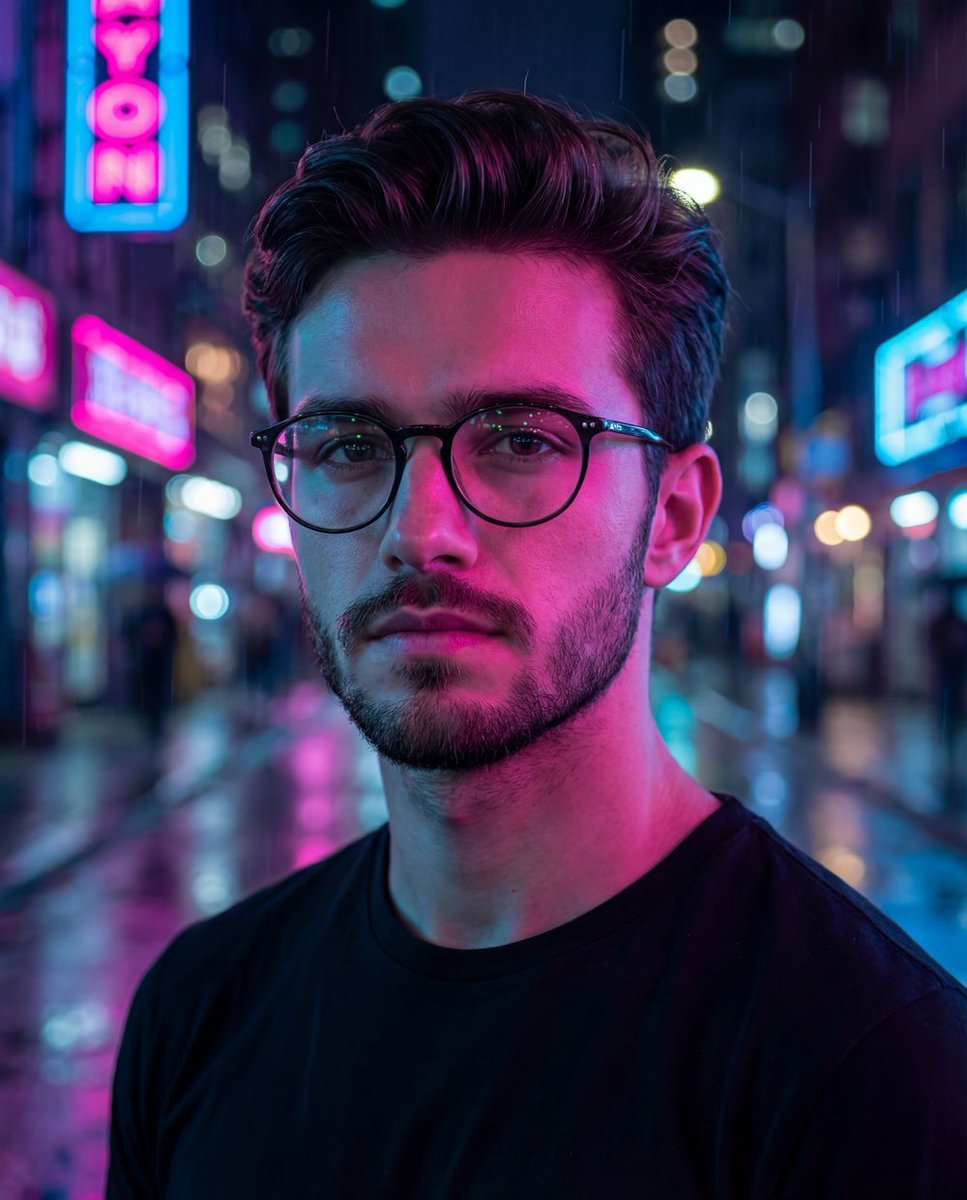
Cyberpunk Neon Night Street Portrait
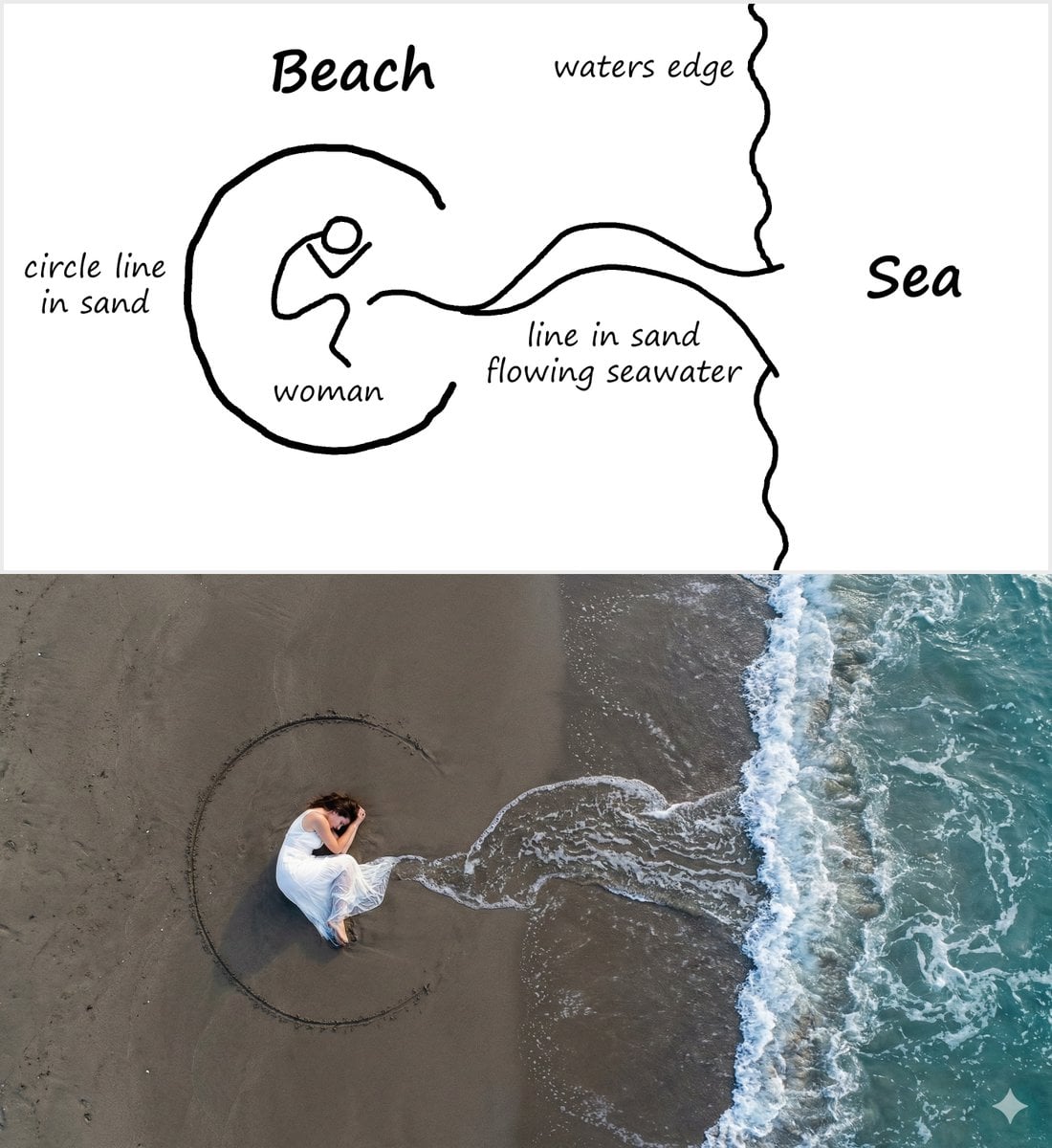
Editorial Portrait with Dramatic Lighting
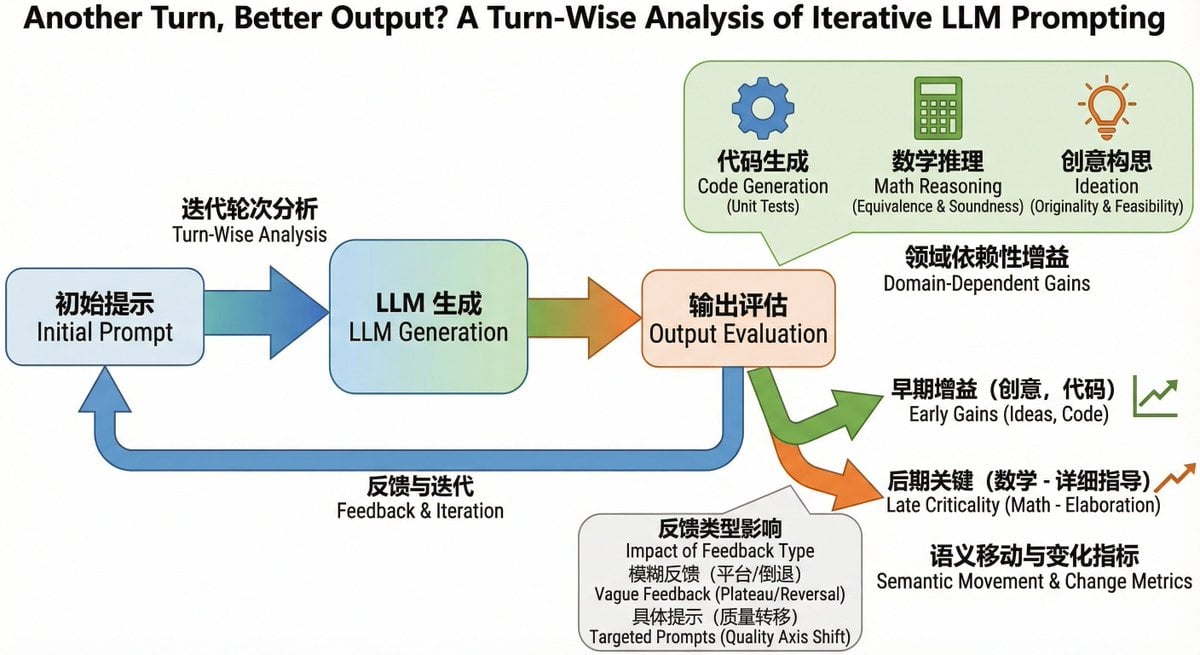
Bilingual diagram from a research paper

Photo to Anime Reading Scene
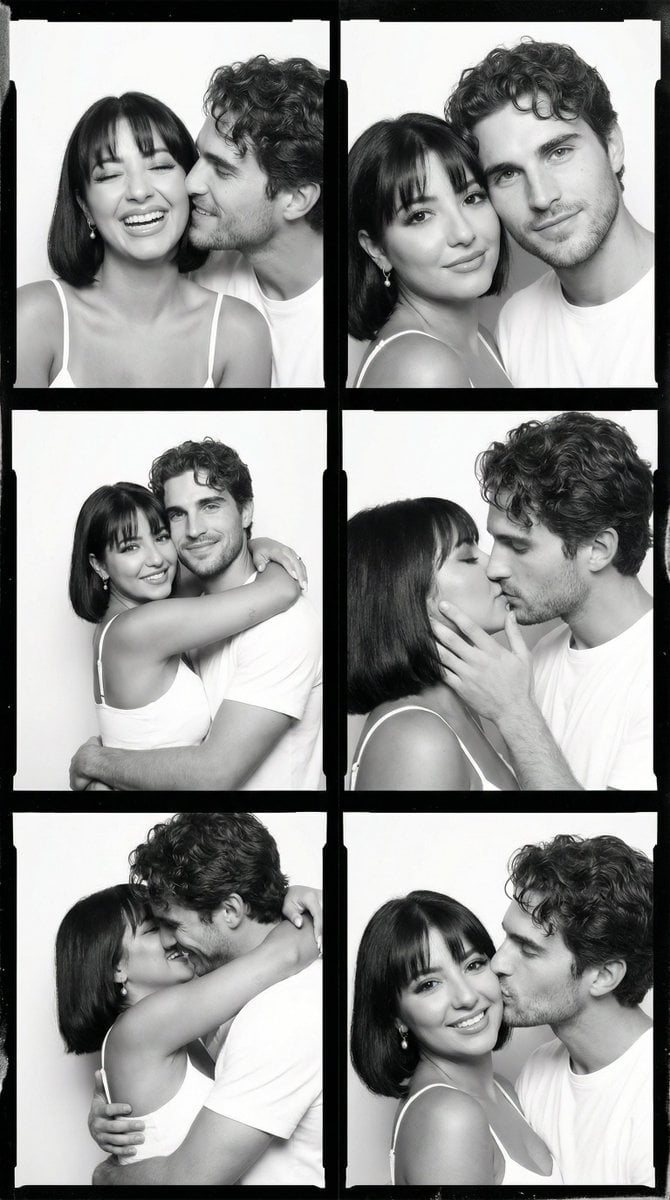
Black and White Film Contact Sheet of Intimate Couple
Browse template categories
Gpt2 Youtube Thumbnail Tokyo Disneysea Front Row Battle Ui questions
How do I use the gpt2-youtube-thumbnail-tokyo-disneysea-front-row-battle-ui template?
Add your photo if the template asks for one, edit the prompt if you like — the template's model and format are already selected — and press Generate. Your version opens in PicX Studio.
Can I customize the gpt2-youtube-thumbnail-tokyo-disneysea-front-row-battle-ui template?
Yes. You can change the subject, setting, lighting, mood, format, and available model controls before creating your image.
Is the gpt2-youtube-thumbnail-tokyo-disneysea-front-row-battle-ui template free?
Opening and editing this template is free. Generating uses credits, shown on the Generate button when you are signed in.
Which AI model should I use?
Start with GPT Image 2, which is the model associated with this template. You can compare another compatible model for a different finish.
Looking for something else? Browse all templates.

Your photo, any look
Thousands of ready templates for every top image and video model, from one credit balance.