
Gpt2 Youtube Thumbnail Japanese Ai Battle Youtube Thumbnail
This prompt generates a dramatic Japanese-language AI competition thumbnail with 3 competing brand zones and a futuristic presenter, ideal for YouTube or social media tech commentary.

- Prompt included
- Model and format preset
- Free template
The prompt behind this image
Copy the exact prompt behind Gpt2 Youtube Thumbnail Japanese Ai Battle Youtube Thumbnail, or open it in the studio and make it yours.
A bold Japanese YouTube thumbnail about the AI competition era, 16:9 widescreen, high contrast, dramatic tech-news style. Use a dark futuristic control-room background filled with 3 glowing holographic dashboard screens and blue cyber interface elements around the edges. On the left and center, place a luminous circular hub labeled “AI” in bright blue, with 3 directional glowing energy arrows branching outward to competing platforms: “Google” on the left in a blue electric region, “Claude” on the upper right in a gold electric region, and “OpenAI” at the bottom center in a magenta-purple electric region. Add a subtle world-map or territory-battle visualization effect under each brand region, like illuminated digital land masses or influence zones. On the right side, show a young Japanese-looking woman from waist up, facing forward, wearing a long straight split-color wig with pastel pink on one side and pastel blue on the other, a plain white T-shirt with the printed text “OKIHIRO AI Creative”, and a light pink skirt. She raises one index finger beside her face in a presenter pose. Her face is fully obscured by a large soft-edged rectangular blur block. Across the top, add huge distressed white Japanese headline text: {argument name="headline text" default="AI戦国時代"}. Beneath it, add a second line in bold gold Japanese text: {argument name="subheadline text" default="性能だけの話じゃない"}. Across the bottom, place a wide black banner with massive bold gold Japanese text: {argument name="bottom text" default="空気を取った側が勝つ"}. Make the typography oversized, gritty, and attention-grabbing, with slight glow and drop shadow. Use a color palette of black, electric blue, gold, magenta, and neon white, with intense contrast and thumbnail readability.
How to use Gpt2 Youtube Thumbnail Japanese Ai Battle Youtube Thumbnail in 3 steps
- 1
Open
The prompt is already in the box next to the preview, with the template's model and format selected.
- 2…a portrait of your subject in softgolden-hour light, 85mm…
Personalize
Edit the subject and creative details for your destination.
- 3Generate
Generate
Press Generate — your image is created in PicX Studio, so you can compare it with the original and refine one variable at a time.
More like this
Templates with the same subject, style or setup. Open one to see its prompt.
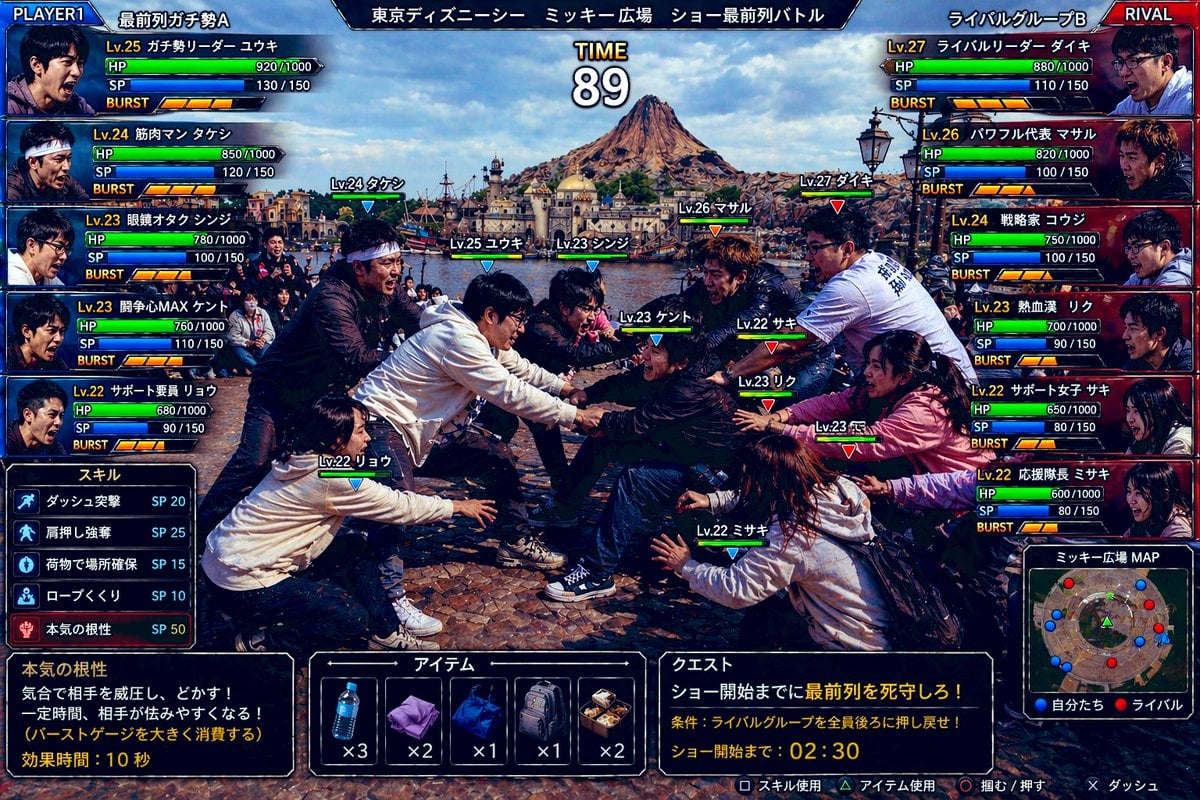
Gpt2 Youtube Thumbnail Tokyo Disneysea Front Row Battle Ui

Gpt2 Youtube Thumbnail Wuxia Movie Character Posters
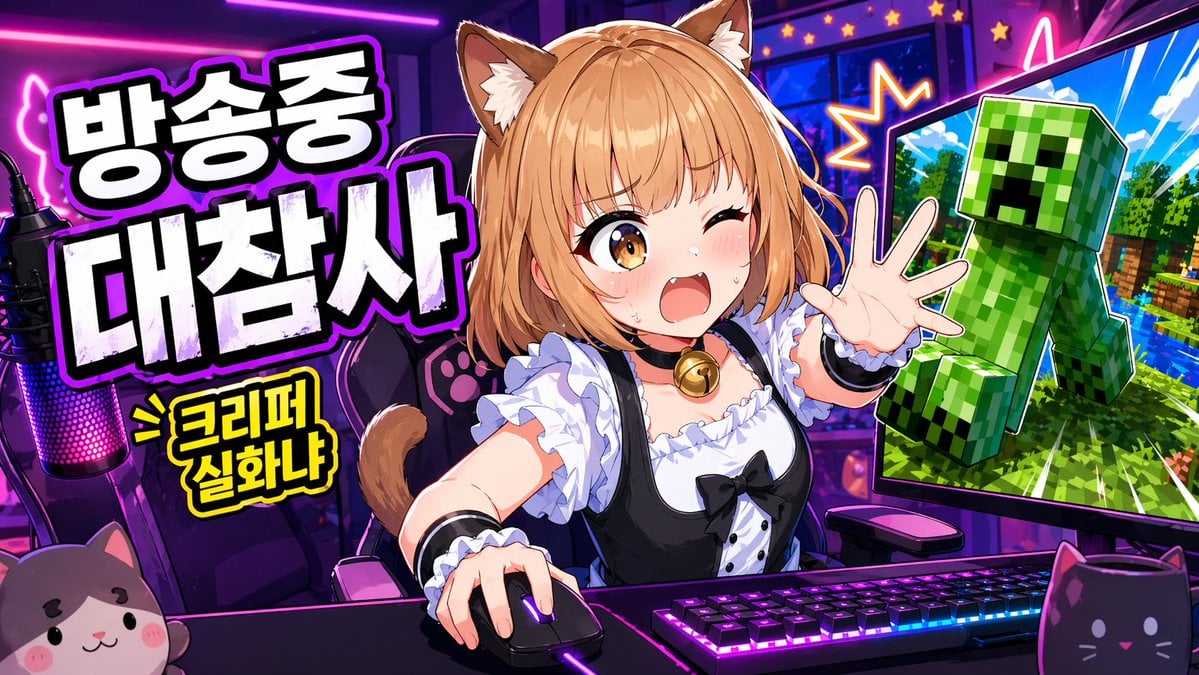
Gpt2 Youtube Thumbnail Anime Vtuber Minecraft Stream Thumbnail
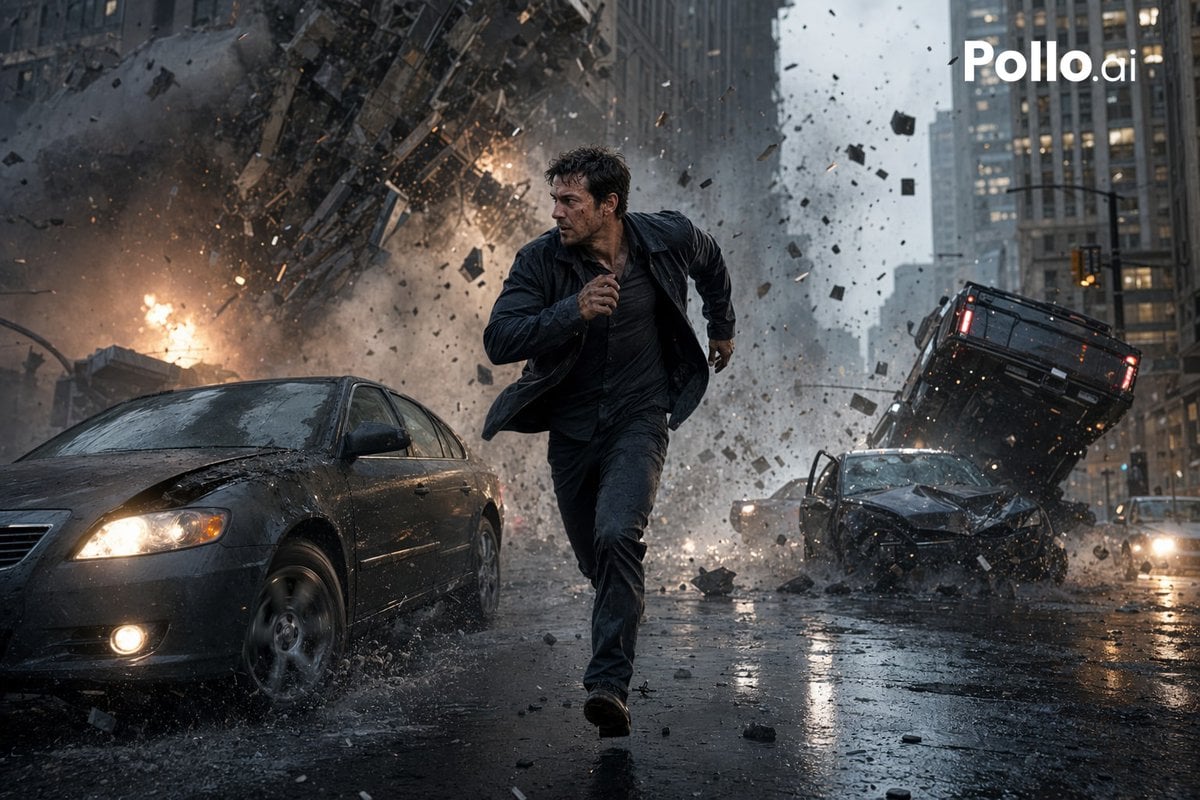
Gpt2 Youtube Thumbnail Cinematic City Explosion Chase

Gpt2 Youtube Thumbnail Anime Music Bootcamp Promo Poster

Gpt2 Youtube Thumbnail Anime Fantasy Travel Movie Poster
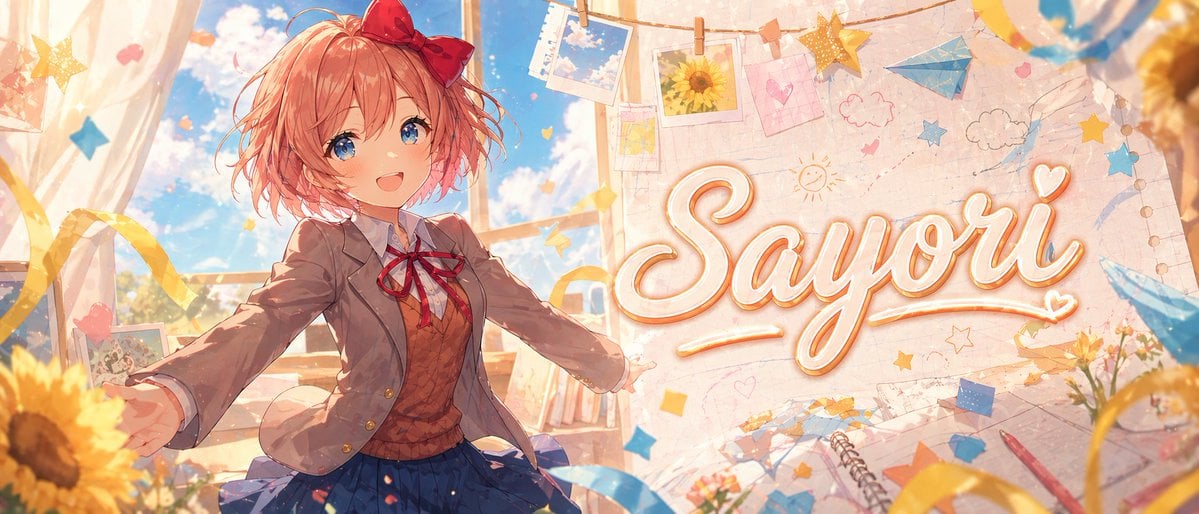
Gpt2 Youtube Thumbnail Dreamy Anime Sayori Banner
Gpt2 Youtube Thumbnail Pink Anime Natsuki Banner
Gpt2 Youtube Thumbnail Purple Anime Yuri Banner
Gpt2 Youtube Thumbnail Monika Anime Banner Illustration
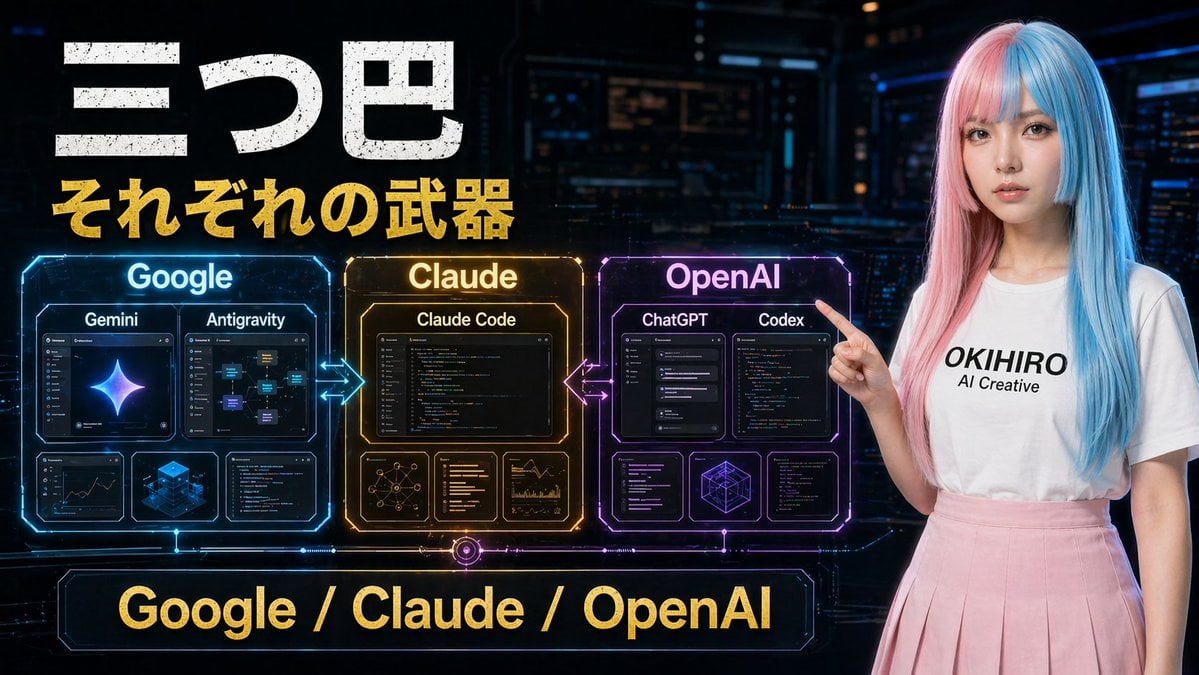
Gpt2 Youtube Thumbnail Cyberpunk Ai Tools Comparison Poster
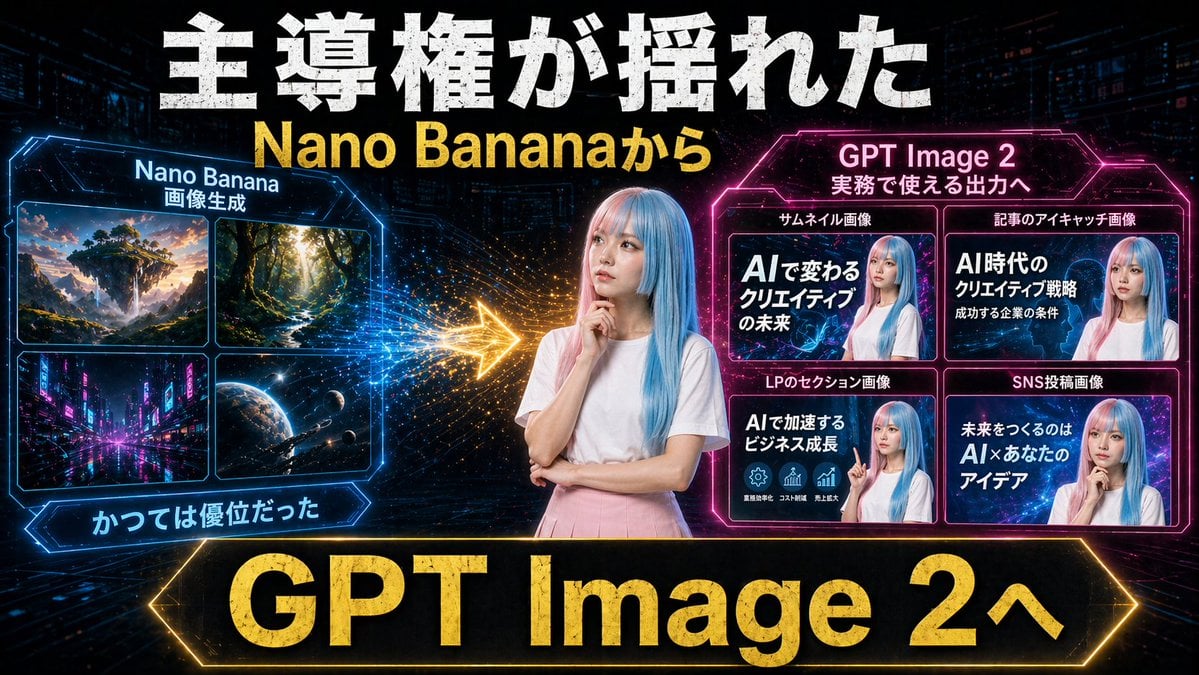
Gpt2 Youtube Thumbnail Neon Ai Thumbnail Comparison
Make it yours
Gpt2 Youtube Thumbnail Japanese Ai Battle Youtube Thumbnail works as-is. These are the safest ways to change it without losing the look.
Change one field
Copy a single group, rewrite it, and generate again so you can see what that field is doing.
Keep the frame, change the subject
Hold the composition and light of gpt2-youtube-thumbnail-japanese-ai-battle-youtube-thumbnail, then swap wardrobe, props or the person for a new take.
| If the result… | Why | Fix |
|---|---|---|
| The result drifts from the preview | Too many fields changed at once. | Reuse gpt2-youtube-thumbnail-japanese-ai-battle-youtube-thumbnail as-is first, then change one group — subject, light, or setting. |
| The model over-stylizes the scene | The prose prompt leaves finish and camera underspecified. | Add one camera or lighting sentence and stay on GPT Image 2. |
More GPT Image 2 templates
Other prompts made for GPT Image 2.

Six VTuber Japanese Logo Sheet

Realistic Portrait of Woman and Deer

The Vista Modular Condo Poster

AI Model Routing Comparison Infographic

2.5D Anime Art Board

Isometric Productivity Desk Scene

New York Double Exposure Poster

Four-Panel AI Landscape Comparison

Japanese Tatami Lifestyle Magazine Cover

NESCAFÉ Coffee Map Poster
More image prompts
Fresh picks from across the catalog.
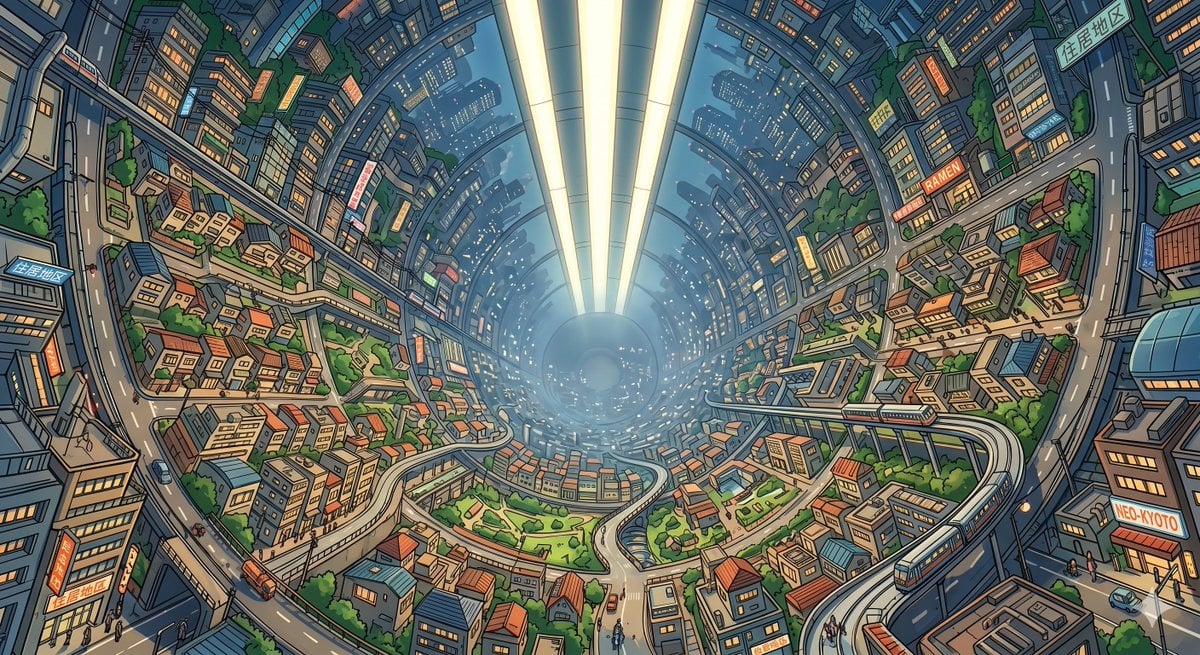
Enclosed O'Neill Cylinder City
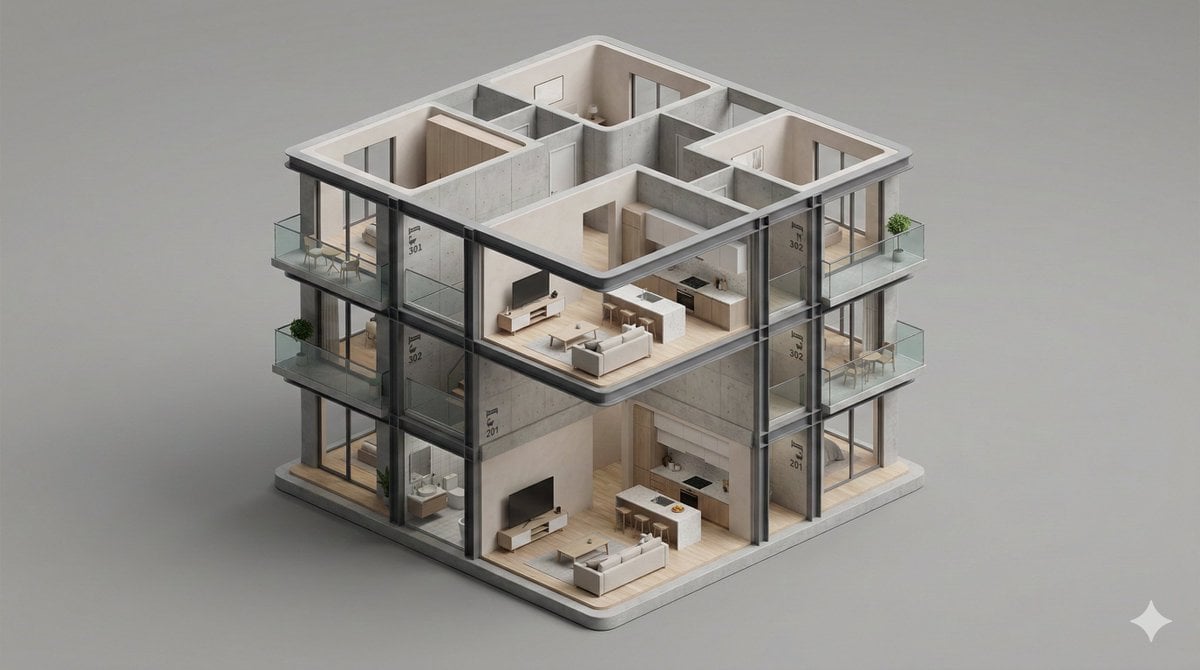
Minimalist 3D Isometric Architectural Diorama
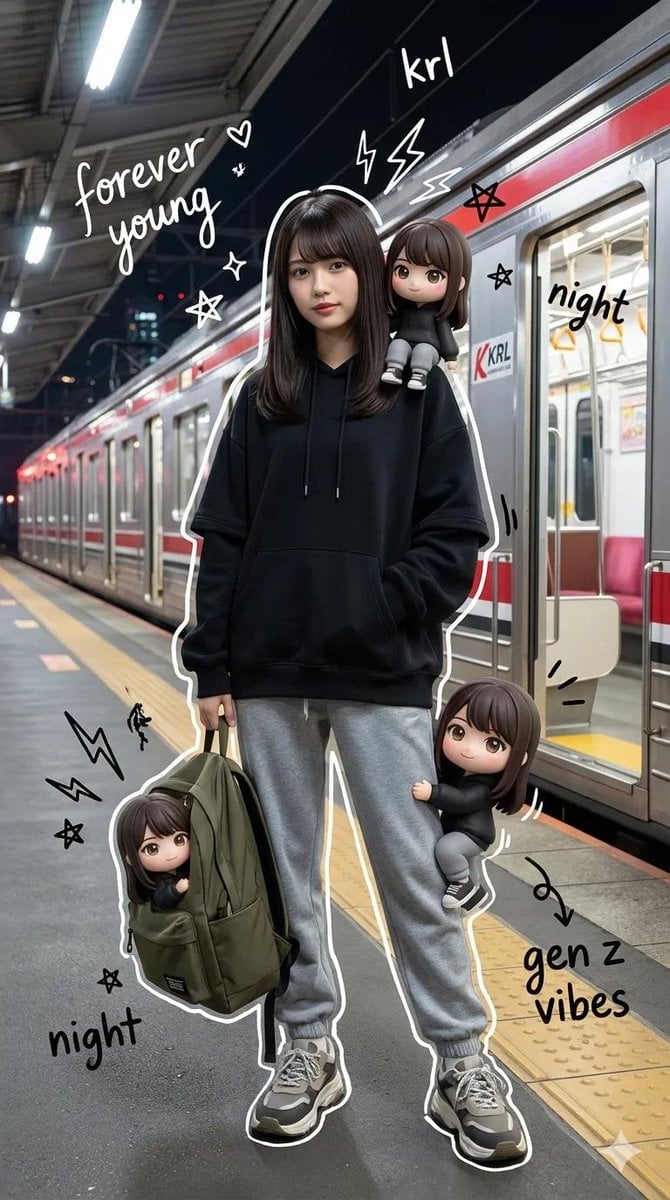
Mixed-Media Portrait with Chibi Overlays at Night Train Station
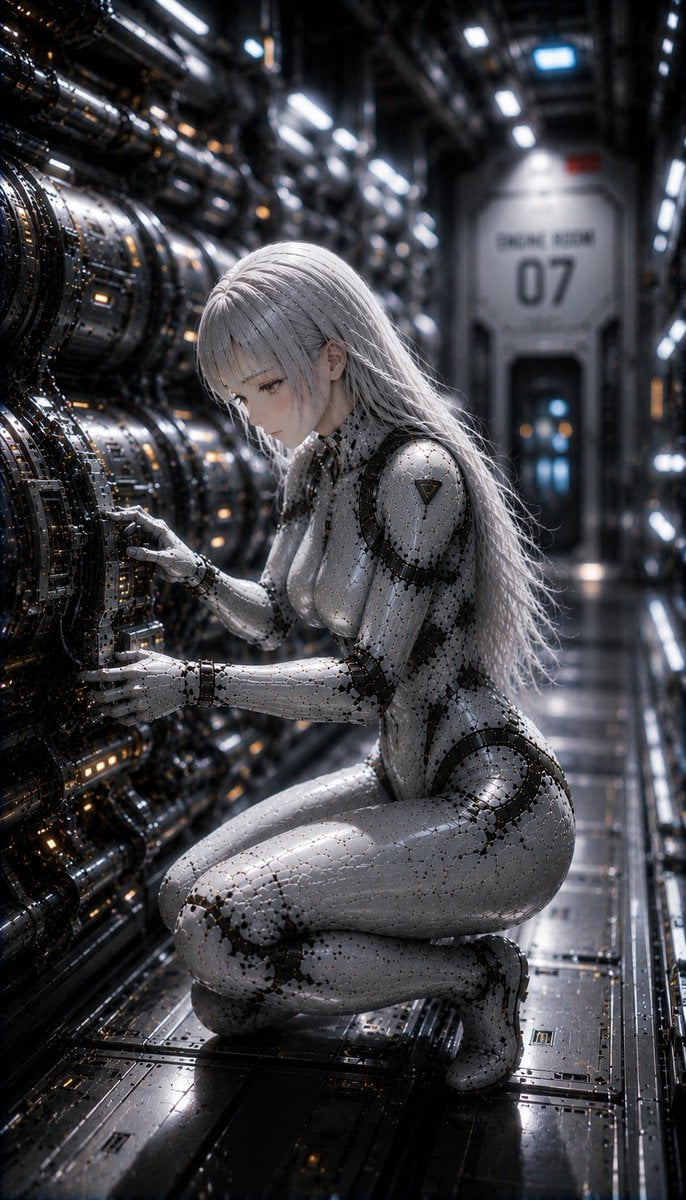
Female Android on a Spaceship
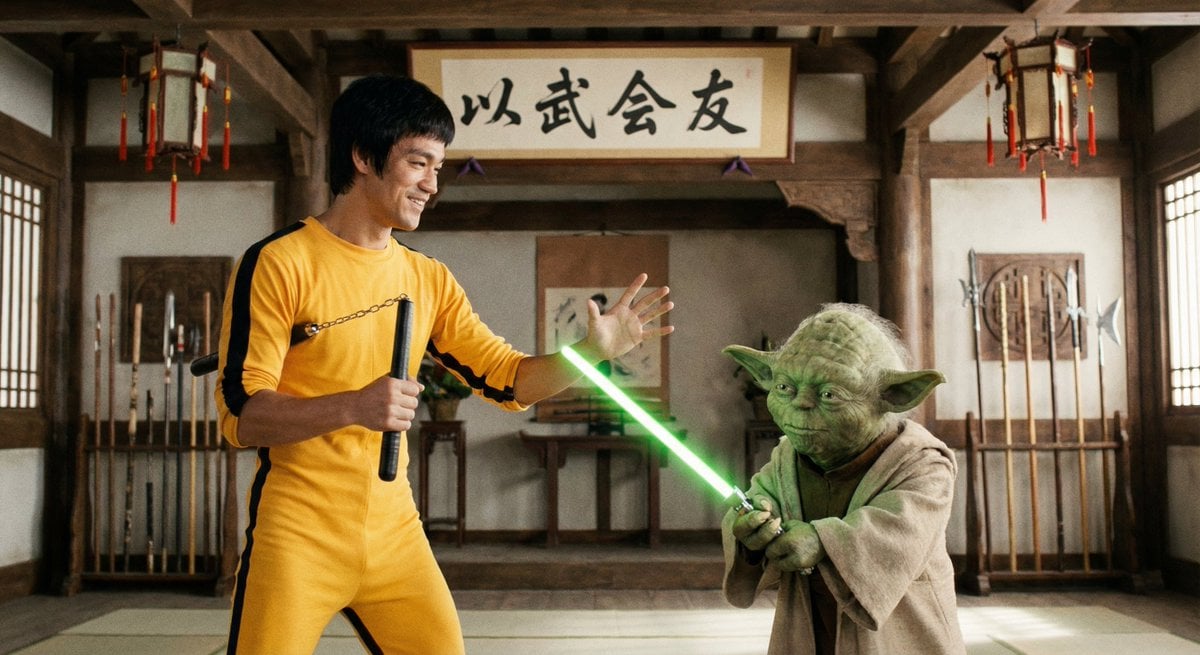
Bruce Lee sparring with Yoda in a dojo
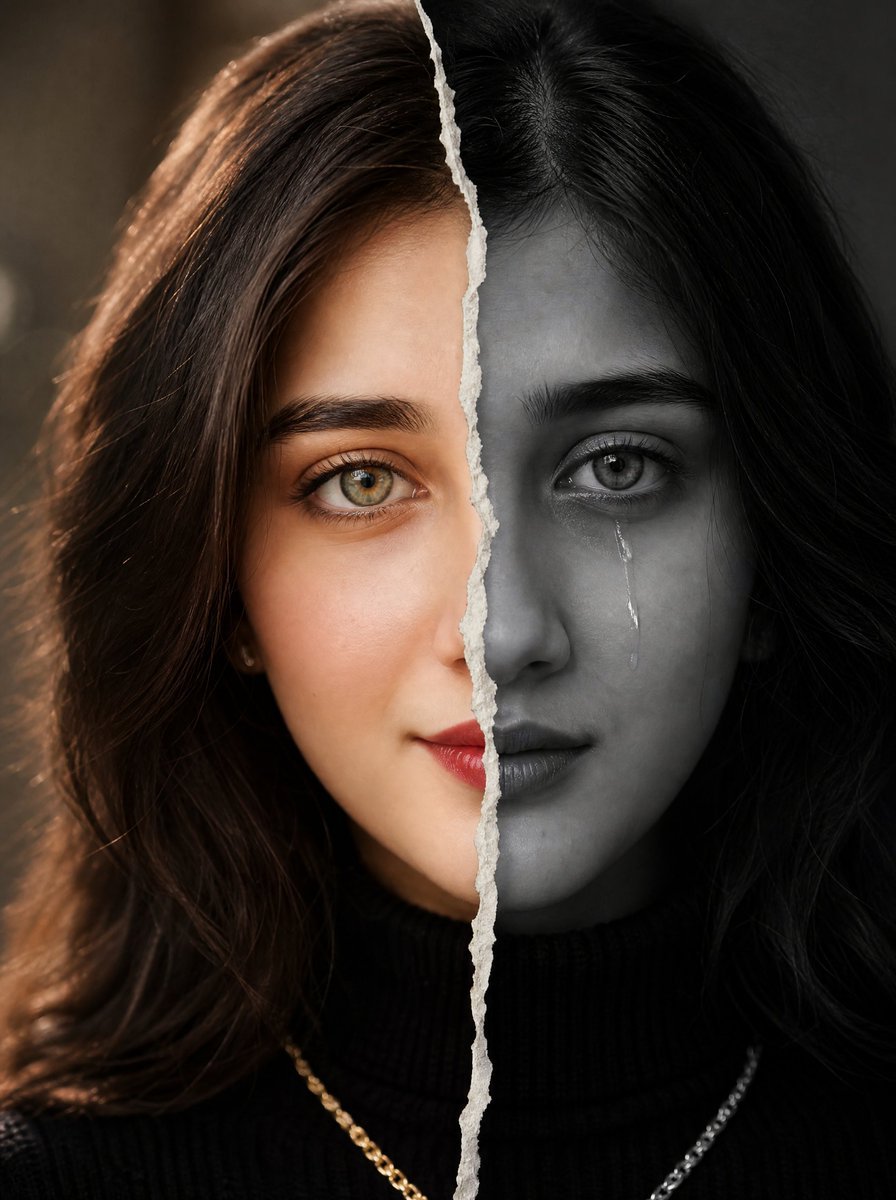
Torn Paper Split Portrait
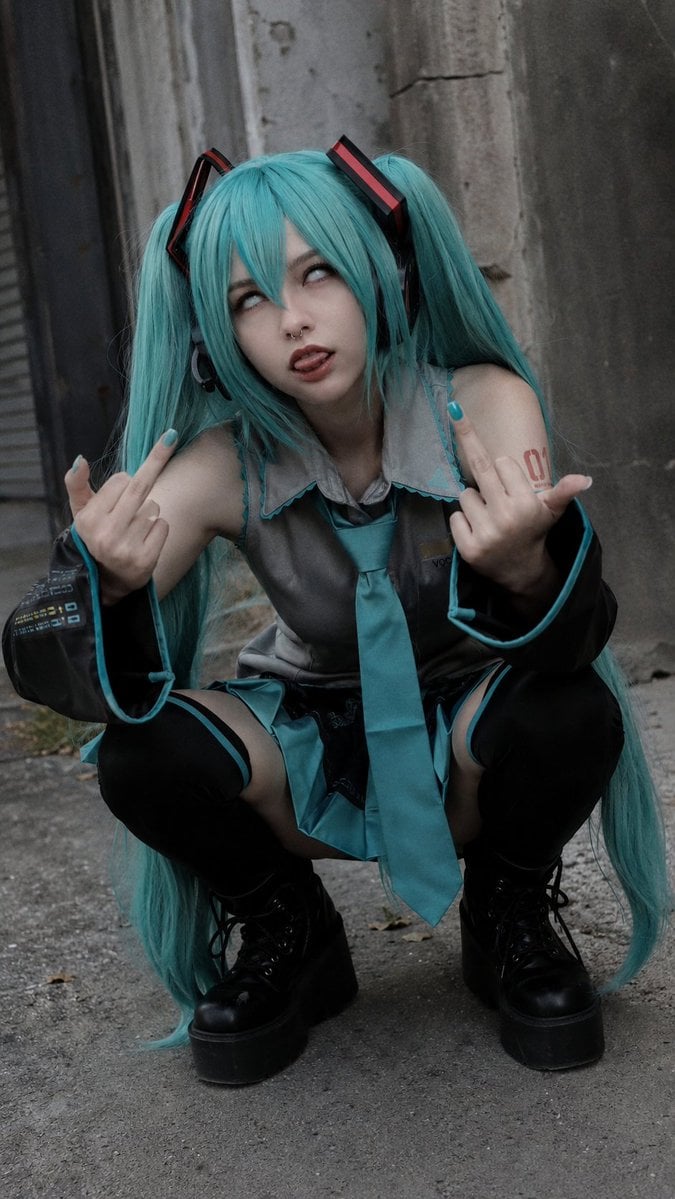
Realistic Hatsune Miku Selfie
Image Generation from Photo and Short Prompt
Chibi Mini Versions Photo Edit
Ethereal Opulence: High-Fashion Editorial Portrait
Browse template categories
Gpt2 Youtube Thumbnail Japanese Ai Battle Youtube Thumbnail questions
How do I use the gpt2-youtube-thumbnail-japanese-ai-battle-youtube-thumbnail template?
Add your photo if the template asks for one, edit the prompt if you like — the template's model and format are already selected — and press Generate. Your version opens in PicX Studio.
Can I customize the gpt2-youtube-thumbnail-japanese-ai-battle-youtube-thumbnail template?
Yes. You can change the subject, setting, lighting, mood, format, and available model controls before creating your image.
Is the gpt2-youtube-thumbnail-japanese-ai-battle-youtube-thumbnail template free?
Opening and editing this template is free. Generating uses credits, shown on the Generate button when you are signed in.
Which AI model should I use?
Start with GPT Image 2, which is the model associated with this template. You can compare another compatible model for a different finish.
Looking for something else? Browse all templates.

Your photo, any look
Thousands of ready templates for every top image and video model, from one credit balance.