
Gpt2 Youtube Thumbnail Pink Anime Natsuki Banner
This prompt generates a polished wide anime character banner with a pink romantic scrapbook aesthetic, ideal for thumbnails, headers, or stylized fan-themed branding.
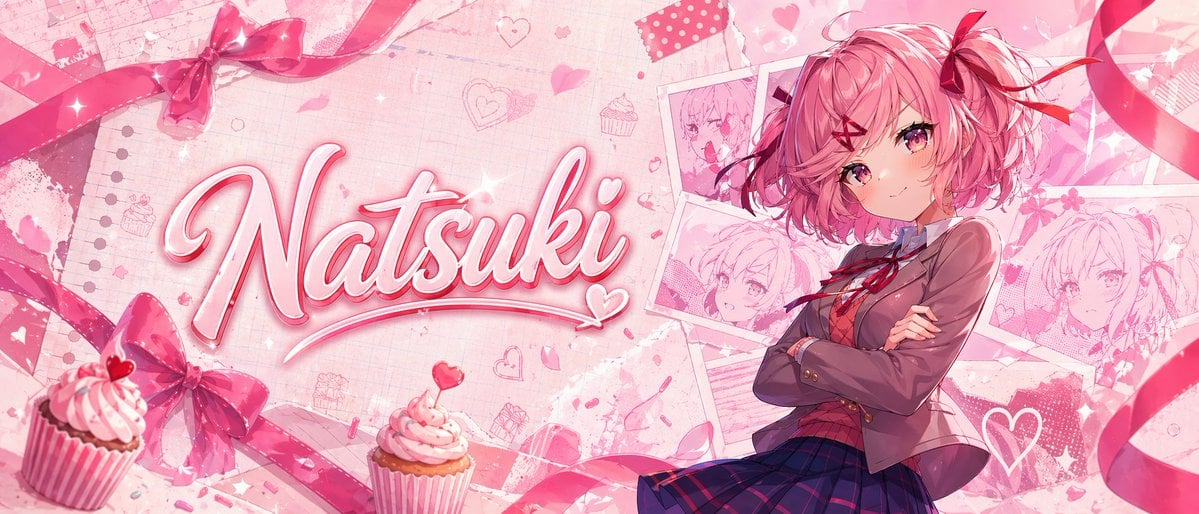
- Prompt included
- Model and format preset
- Free template
The prompt behind this image
Copy the exact prompt behind Gpt2 Youtube Thumbnail Pink Anime Natsuki Banner, or open it in the studio and make it yours.
A glossy pastel pink anime banner in a wide cinematic layout, themed around cute romance and sweets. Place a confident teenage anime girl on the right side, shown from about thigh-up, with short fluffy bob hair in {argument name="hair color" default="soft pink"}, large pink-magenta eyes, a small gentle smile, and arms crossed. She wears a Japanese school uniform: 1 brown blazer, 1 white shirt, 1 red ribbon bow at the collar, and 1 dark navy-and-purple plaid skirt. Add 2 red ribbon hair accessories, one larger bow on the side and one smaller ribbon accent. On the left half, feature the large handwritten script name {argument name="character name" default="Natsuki"} in bold glossy 3D cursive, white-to-pink fill with bright pink outline, soft bevel, subtle drop shadow, sparkles, and a small heart flourish integrated into the lettering. The background should be a layered scrapbook collage in blush pink tones with notebook paper texture, faint grid and torn paper details, scattered doodled hearts, flower petals, sparkles, and cute bakery motifs. Include exactly 4 pinned or taped sketch-style portrait cards of the same girl behind her on the upper-right and mid-right, arranged like overlapping polaroids. Add exactly 2 cupcakes in the foreground near the bottom left and lower center-left, both with pink frosting, striped wrappers, and tiny heart toppers or candy accents. Frame the composition with flowing satin ribbons and bows: exactly 4 major ribbon elements visible, including 1 bow near the top left, 1 bow near the bottom left, and 2 long curling ribbons sweeping across the top and right edges. Use a soft high-detail anime illustration style, polished lighting, dreamy bloom, romantic Valentine palette, delicate textures, and a clean impactful thumbnail-like composition.
How to use Gpt2 Youtube Thumbnail Pink Anime Natsuki Banner in 3 steps
- 1
Open
The prompt is already in the box next to the preview, with the template's model and format selected.
- 2…a portrait of your subject in softgolden-hour light, 85mm…
Personalize
Edit the subject and creative details for your destination.
- 3Generate
Generate
Press Generate — your image is created in PicX Studio, so you can compare it with the original and refine one variable at a time.
More like this
Templates with the same subject, style or setup. Open one to see its prompt.
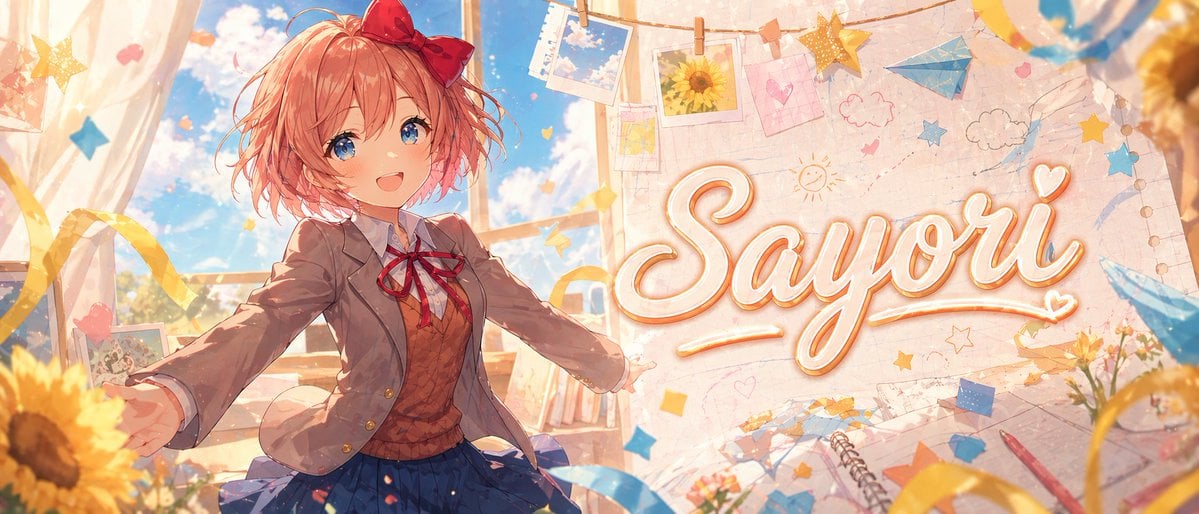
Gpt2 Youtube Thumbnail Dreamy Anime Sayori Banner
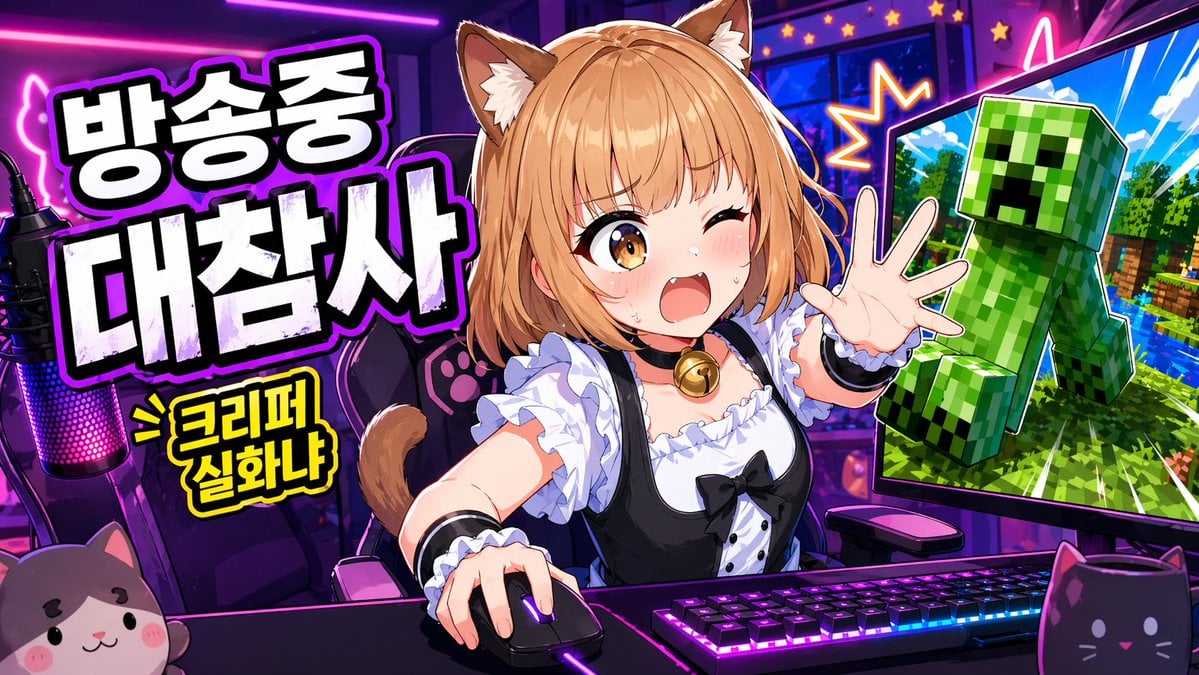
Gpt2 Youtube Thumbnail Anime Vtuber Minecraft Stream Thumbnail

Gpt2 Youtube Thumbnail Anime Music Bootcamp Promo Poster

Gpt2 Youtube Thumbnail Wuxia Movie Character Posters
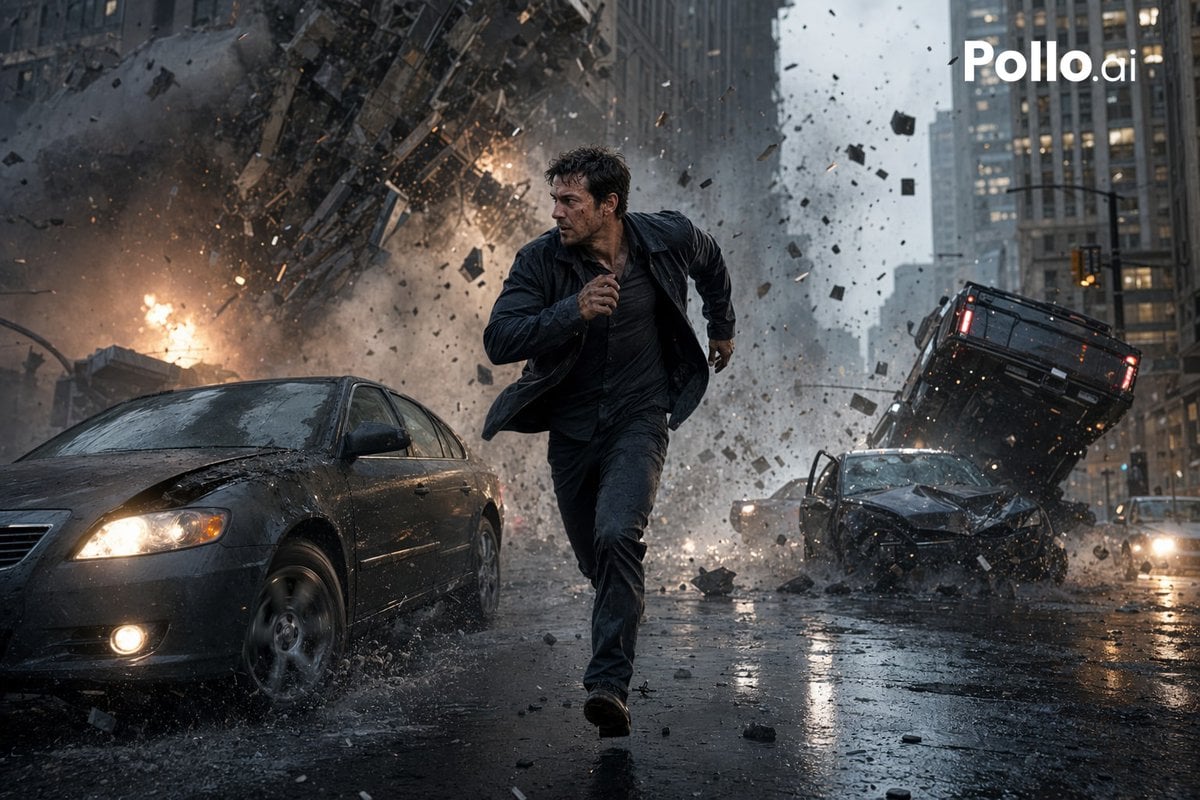
Gpt2 Youtube Thumbnail Cinematic City Explosion Chase
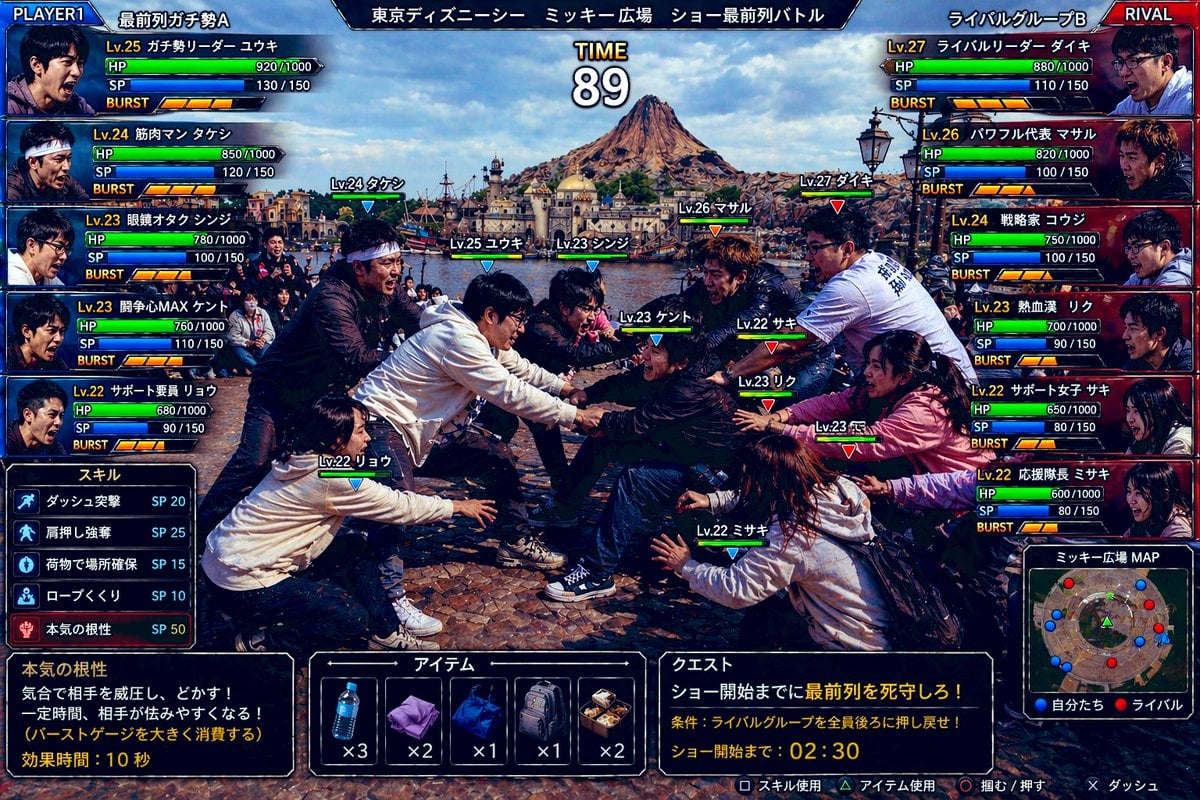
Gpt2 Youtube Thumbnail Tokyo Disneysea Front Row Battle Ui
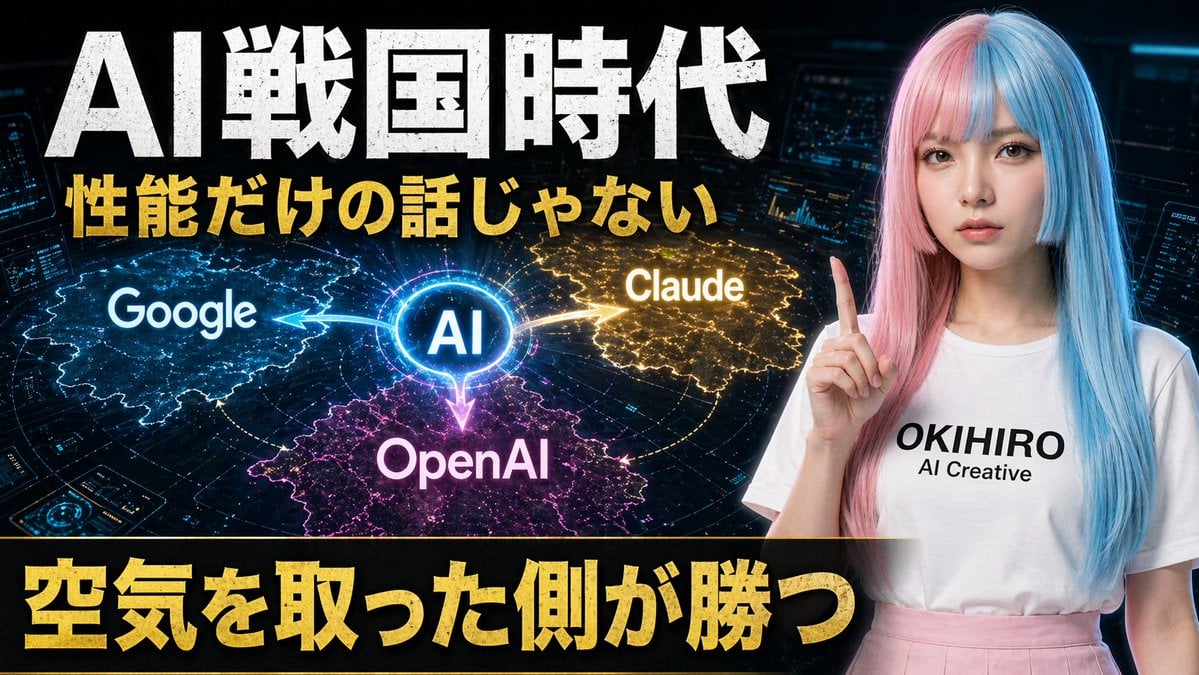
Gpt2 Youtube Thumbnail Japanese Ai Battle Youtube Thumbnail
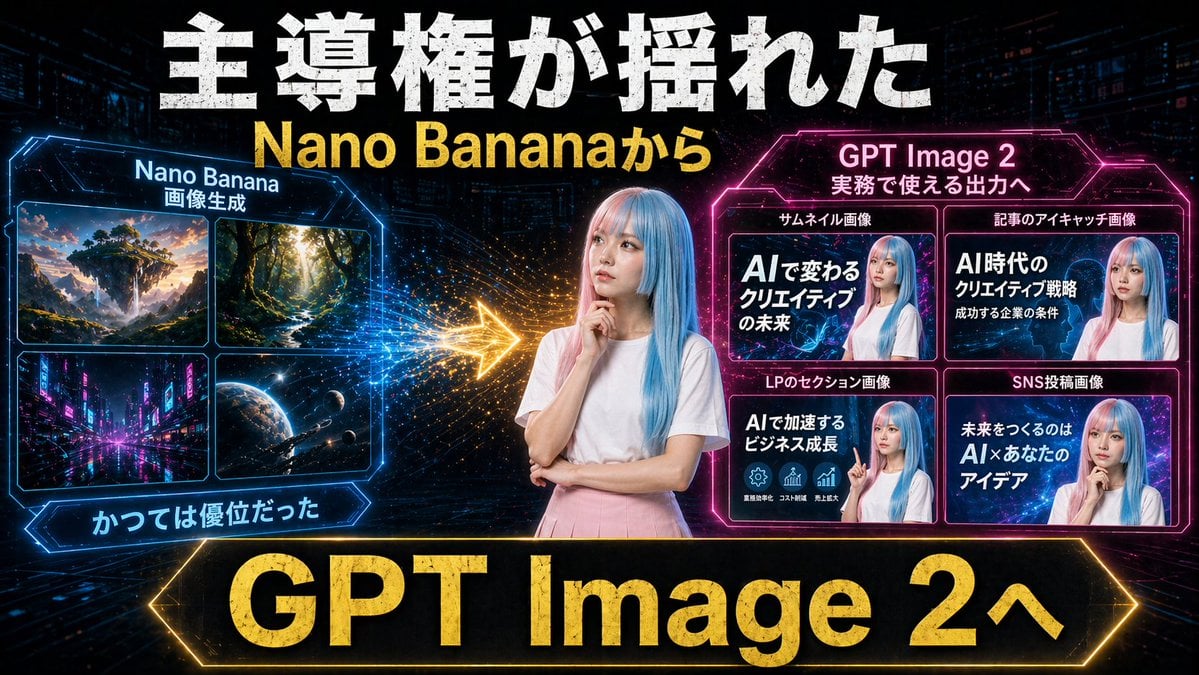
Gpt2 Youtube Thumbnail Neon Ai Thumbnail Comparison
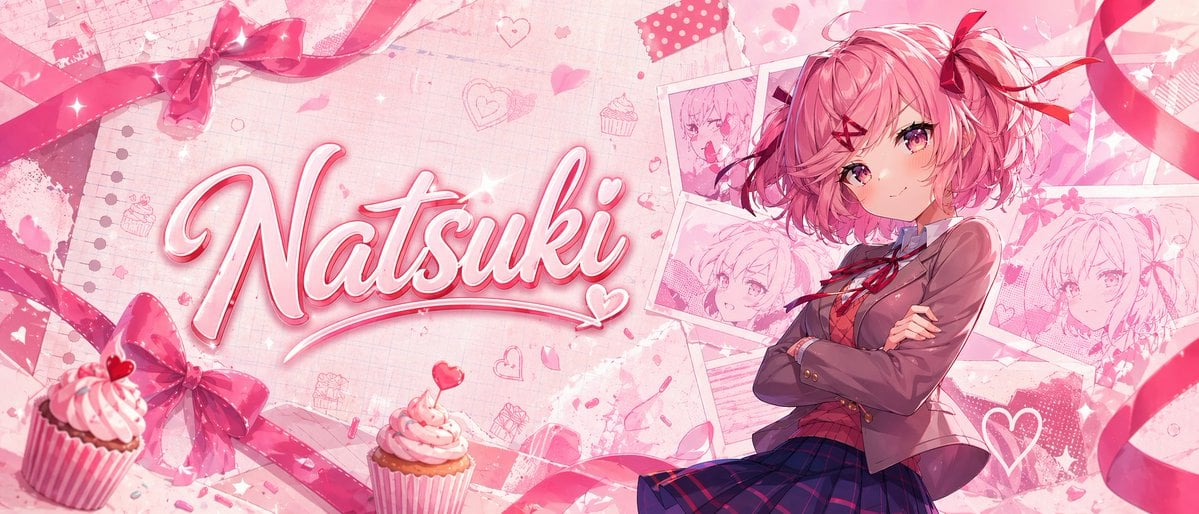
Pink Anime Natsuki Banner
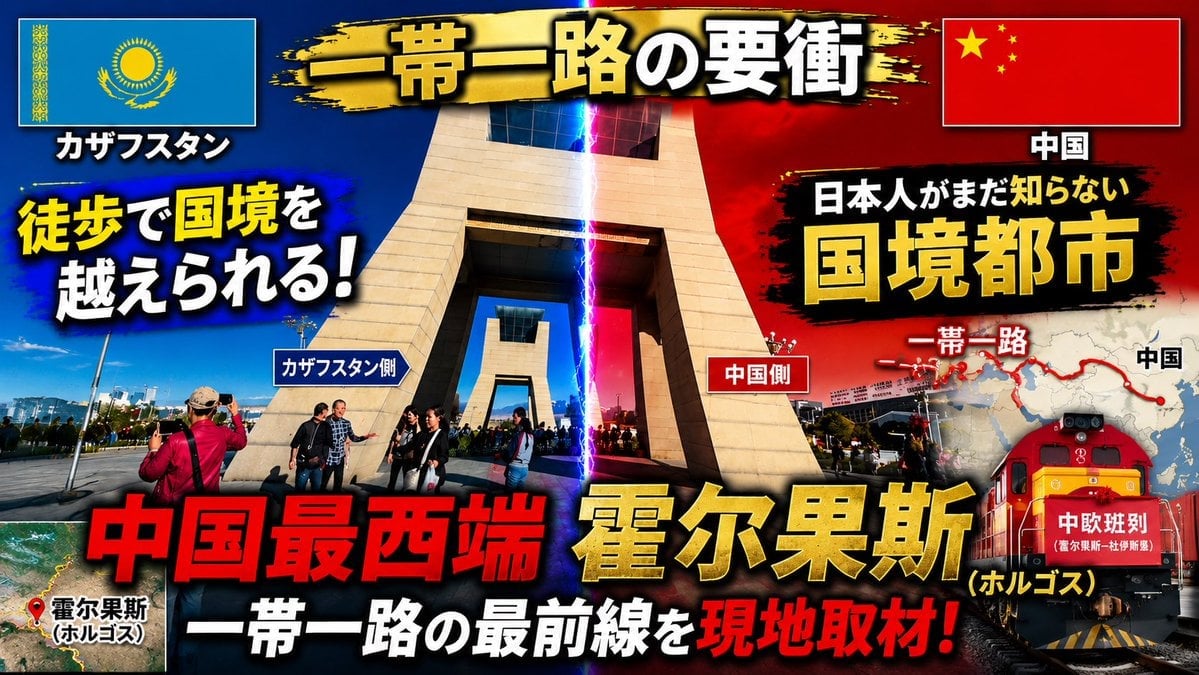
Dramatic Border City YouTube Thumbnail
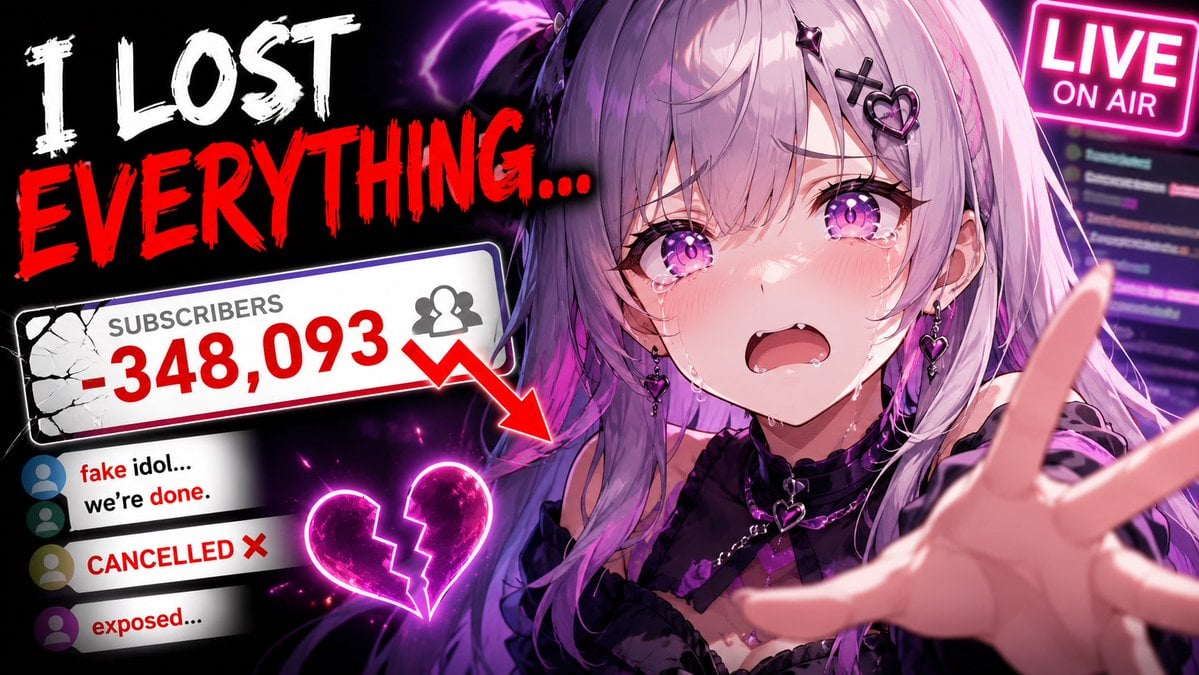
Viral YouTube Thumbnail Template
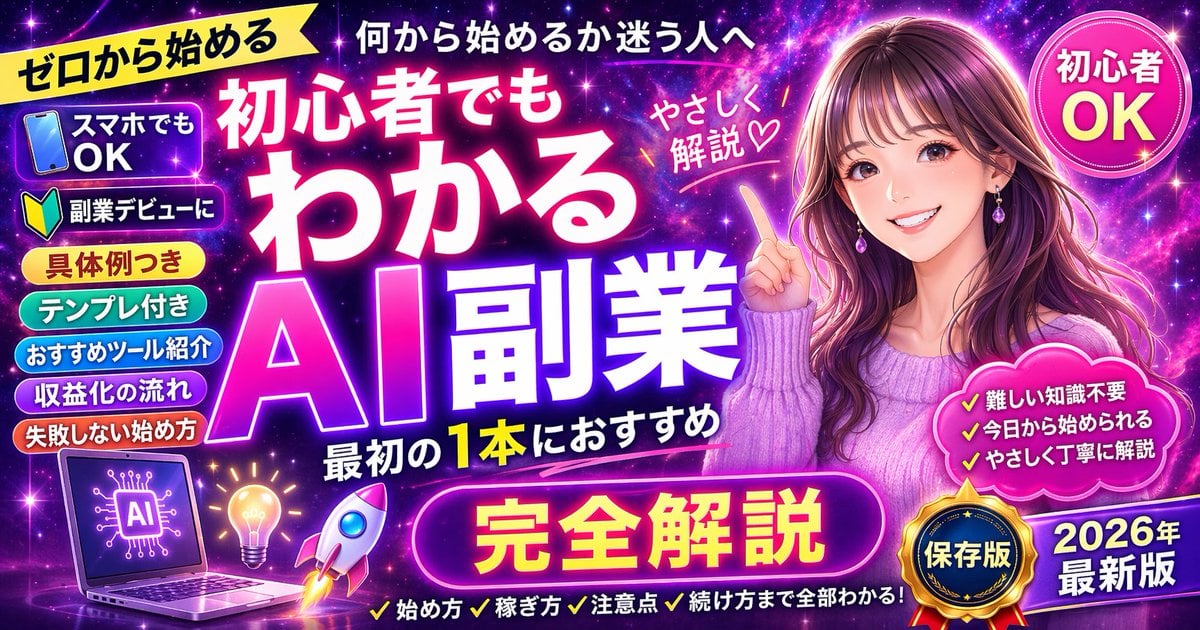
Neon AI Side Hustle YouTube Thumbnail
Make it yours
Gpt2 Youtube Thumbnail Pink Anime Natsuki Banner works as-is. These are the safest ways to change it without losing the look.
Change one field
Copy a single group, rewrite it, and generate again so you can see what that field is doing.
Keep the frame, change the subject
Hold the composition and light of gpt2-youtube-thumbnail-pink-anime-natsuki-banner, then swap wardrobe, props or the person for a new take.
| If the result… | Why | Fix |
|---|---|---|
| The result drifts from the preview | Too many fields changed at once. | Reuse gpt2-youtube-thumbnail-pink-anime-natsuki-banner as-is first, then change one group — subject, light, or setting. |
| The model over-stylizes the scene | The prose prompt leaves finish and camera underspecified. | Add one camera or lighting sentence and stay on GPT Image 2. |
More GPT Image 2 templates
Other prompts made for GPT Image 2.

Six VTuber Japanese Logo Sheet

Realistic Portrait of Woman and Deer

The Vista Modular Condo Poster

AI Model Routing Comparison Infographic

2.5D Anime Art Board

Isometric Productivity Desk Scene

New York Double Exposure Poster

Four-Panel AI Landscape Comparison

Japanese Tatami Lifestyle Magazine Cover

NESCAFÉ Coffee Map Poster
More image prompts
Fresh picks from across the catalog.
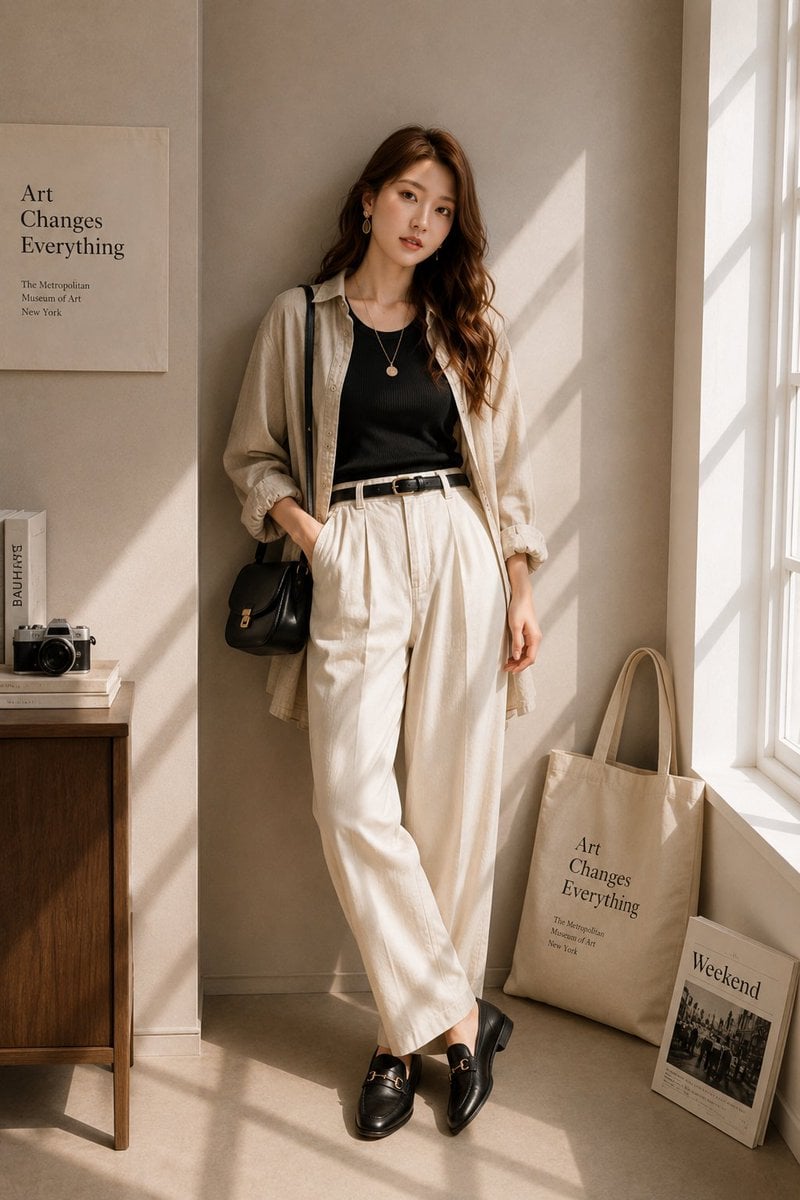
Minimalist High-End Fashion Editorial
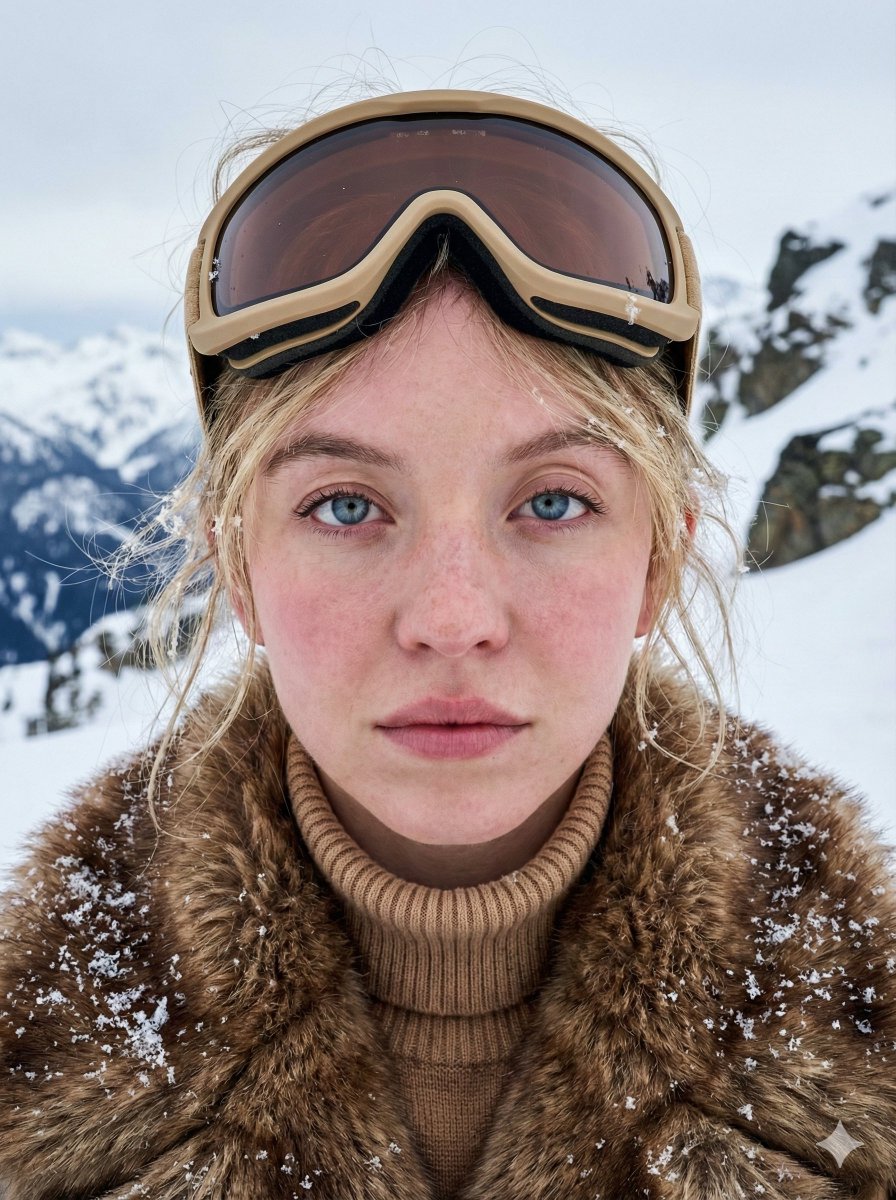
Structured JSON Prompt for Arctic Cinematic Portrait
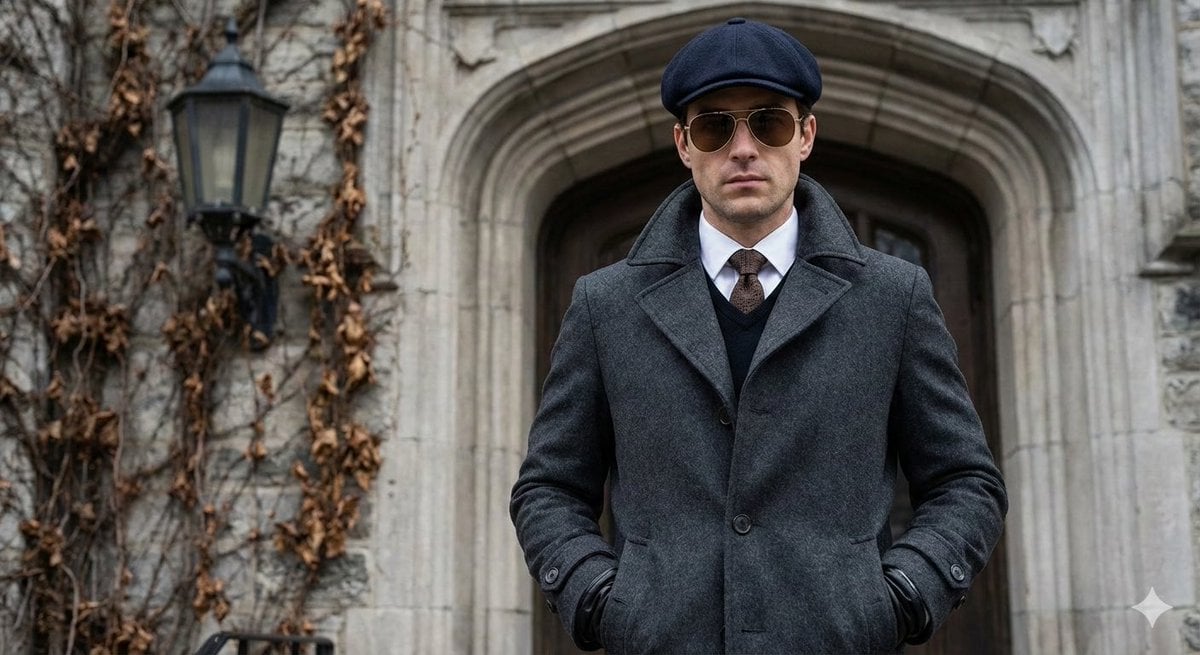
Cinematic Street Photography Editorial Portrait
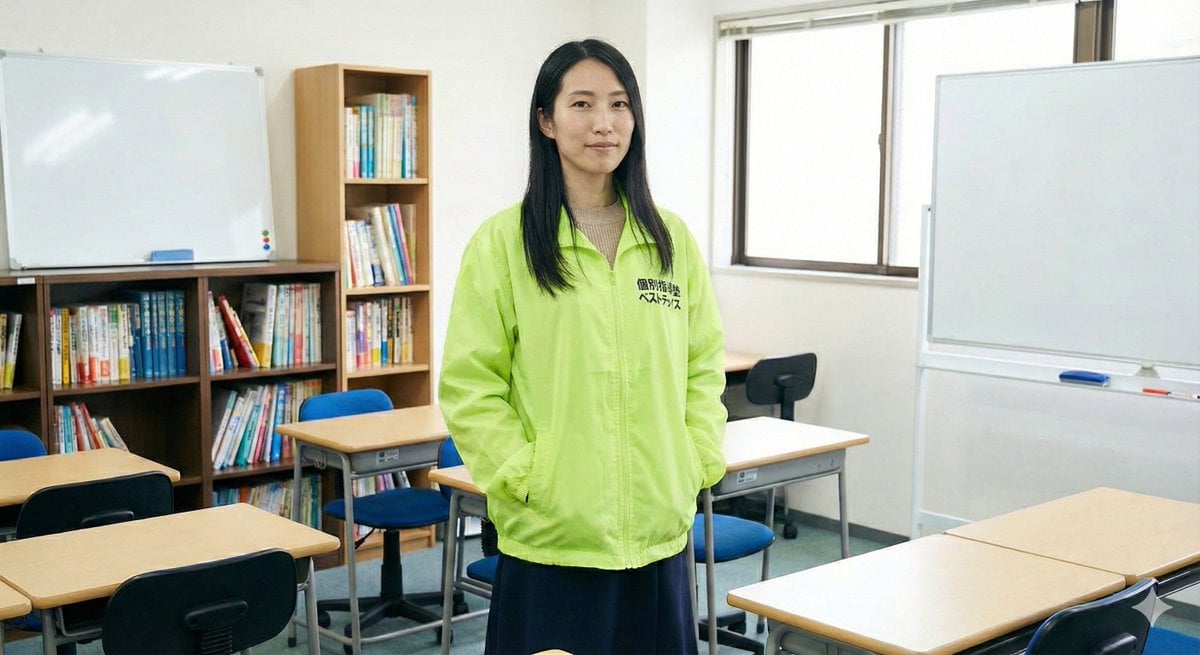
Character Generation Based on Literary Description
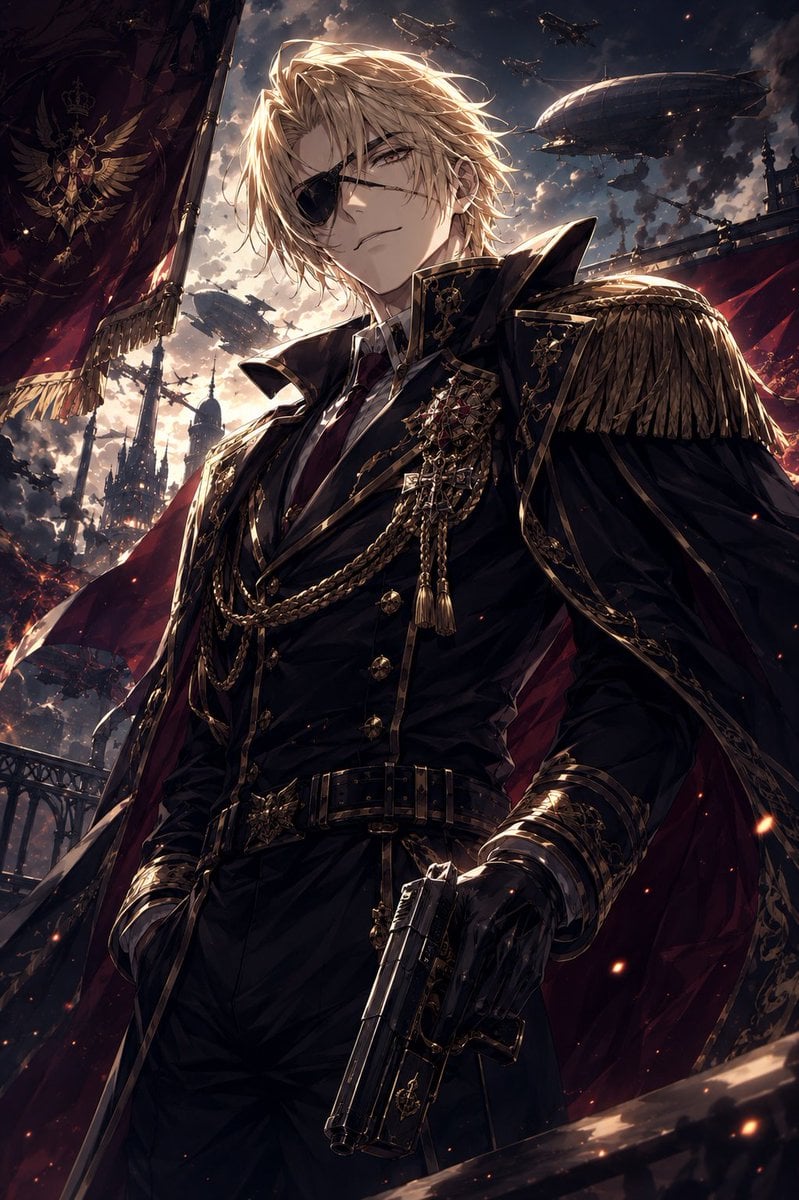
Imperial Marshal Anime Commander
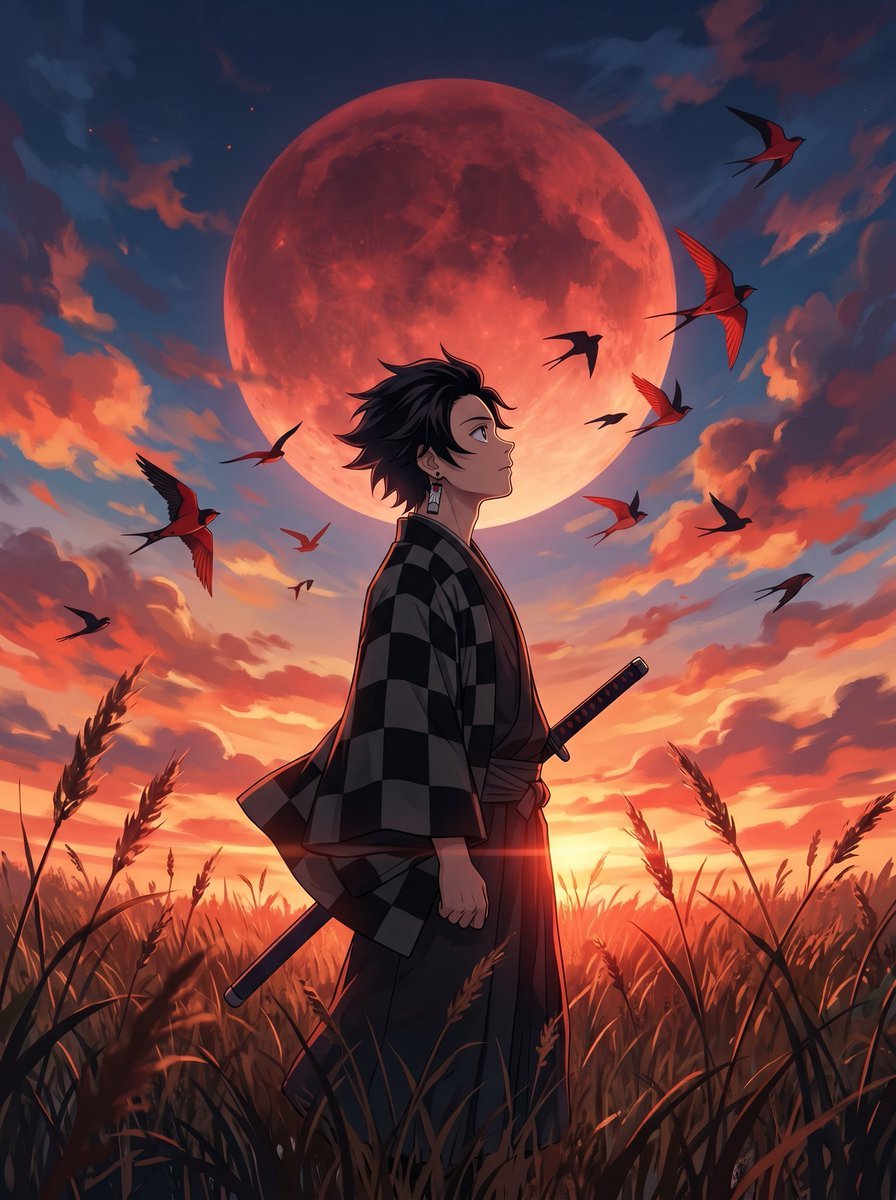
Cinematic Anime Warrior Under Crimson Moon
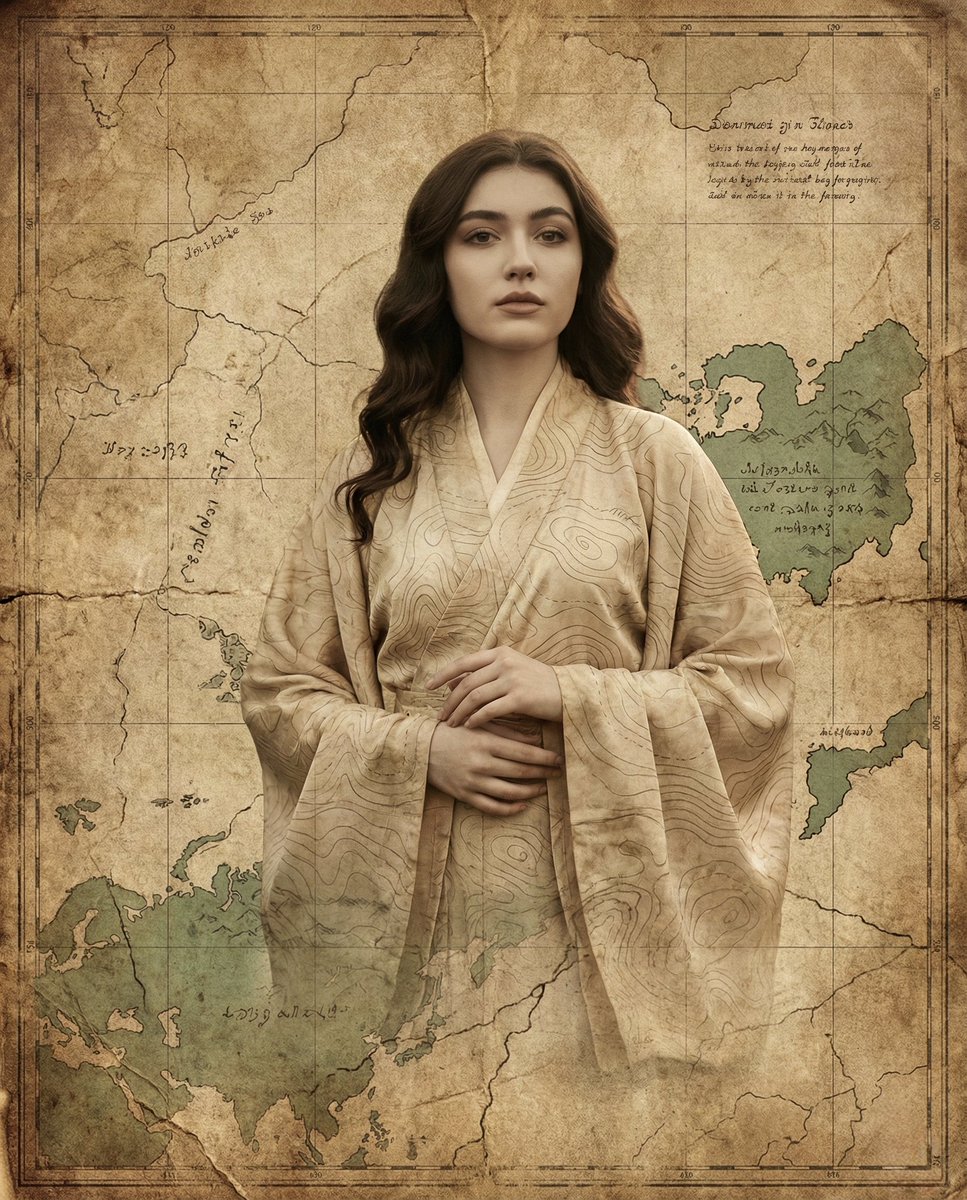
Surreal Fine-Art Portrait Emerging from Ancient Map
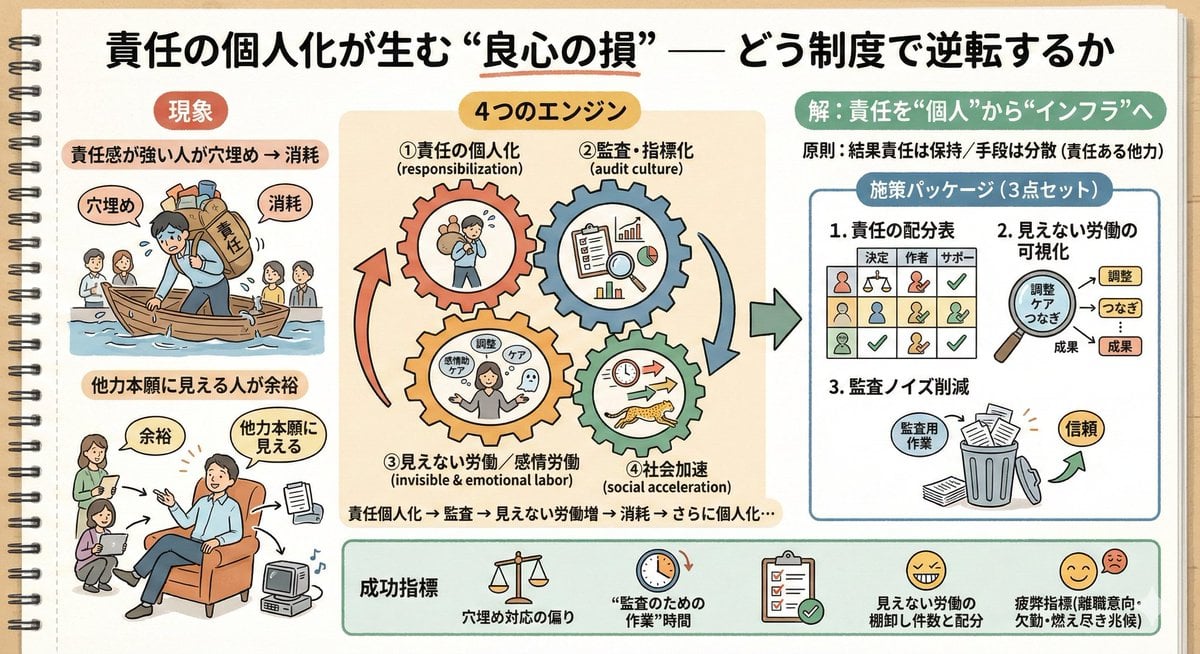
Sketch Generation for Work Personalization
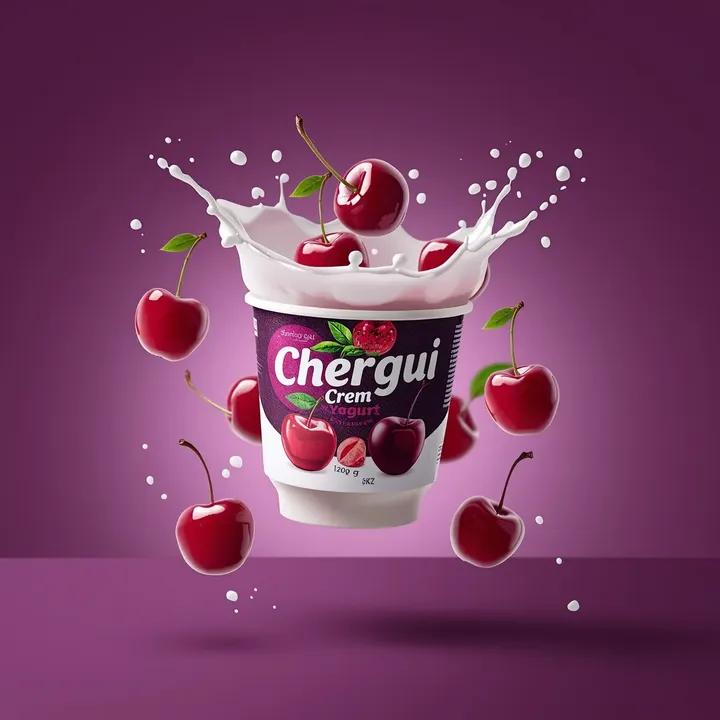
High-End Commercial Yogurt Product Photography
Ink and Wash Illustration Generator
Featured in prompt roundups
Hand-picked collections that include this template.
Browse template categories
Gpt2 Youtube Thumbnail Pink Anime Natsuki Banner questions
How do I use the gpt2-youtube-thumbnail-pink-anime-natsuki-banner template?
Add your photo if the template asks for one, edit the prompt if you like — the template's model and format are already selected — and press Generate. Your version opens in PicX Studio.
Can I customize the gpt2-youtube-thumbnail-pink-anime-natsuki-banner template?
Yes. You can change the subject, setting, lighting, mood, format, and available model controls before creating your image.
Is the gpt2-youtube-thumbnail-pink-anime-natsuki-banner template free?
Opening and editing this template is free. Generating uses credits, shown on the Generate button when you are signed in.
Which AI model should I use?
Start with GPT Image 2, which is the model associated with this template. You can compare another compatible model for a different finish.
Looking for something else? Browse all templates.

Your photo, any look
Thousands of ready templates for every top image and video model, from one credit balance.