How do I use the Imperial Marshal Anime Commander template?
Choose the primary action to open PicX Studio with the available template settings. Review the model and format, personalize the creative direction, and generate when ready.
Generates a cinematic dark fantasy anime portrait of an ornate male military marshal in a steampunk imperial battlefield setting. Change the subject, setting, or lighting one variable at a time.
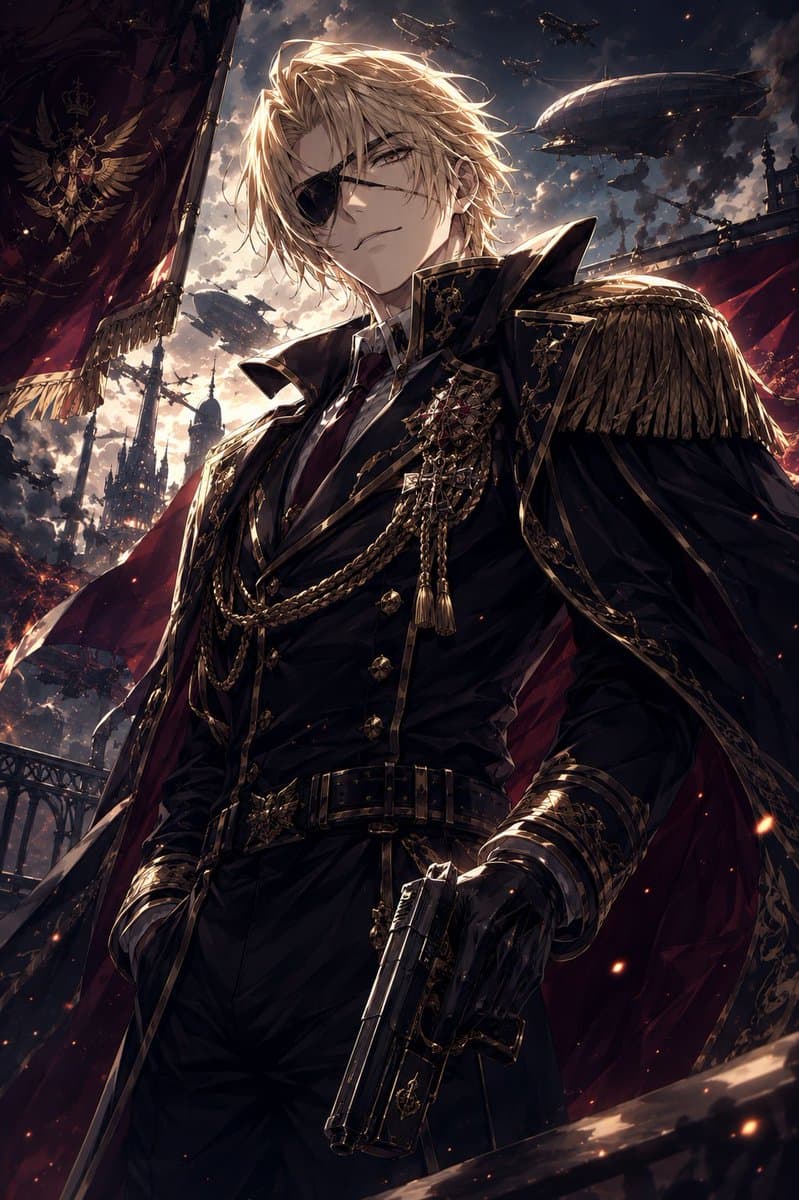
Create a dramatic vertical anime fantasy-military illustration of {argument name="character name" default="Marshal Berg"}, an imposing adult male commander standing in a low-angle hero shot. He has {argument name="hair color" default="long tousled blond hair"} blown by the wind, a stern aristocratic presence, and a face visible without obstruction. Dress him in a black imperial marshal uniform with a high structured collar, fitted black jacket, gold piping, ornate epaulettes with heavy fringe, medals, jeweled brooches, layered gold chains, tassels, leather gloves, a wide black belt with a decorative gold buckle, and a deep crimson cape lined in shadow. His right hand holds an ornate black pistol angled downward in the foreground; his other hand rests near his side with confident posture. The setting is a grand dark steampunk-fantasy empire at dusk, with stormy glowing clouds, ember sparks, gothic towers, iron railings, red banners, and a huge military flag bearing a gold winged crest and crown on the left. In the sky show exactly 5 visible flying war machines: 2 large zeppelin airships and 3 smaller aircraft silhouettes. Use cinematic backlighting from the cloudy sunset, strong rim light on the hair and shoulders, high contrast shadows, intricate gold details, dynamic wind, epic scale, ultra-detailed anime painting style, sharp composition, no text, no watermark, no facial censor block, no blur.
Choose the primary action to open PicX Studio with the available template settings. Review the model and format, personalize the creative direction, and generate when ready.
Yes. You can change the subject, setting, lighting, mood, format, and available model controls before creating your image.
This template is free to open and customize. Generation usage is shown in PicX Studio before you create.
Start with GPT Image 2, which is the model associated with this template. You can compare another compatible model for a different finish.
© 2026 PicX Studio. All rights reserved.

Follow a topic to a crawlable collection of related PicX Studio templates.
43,474 public templates available. Verified via the PicX Studio public templates API; refreshed hourly.















![Minimalist Flat Vector Travel Poster — Premium minimalist flat-vector travel poster for {argument name="city name" default="[CITY_NAME]"}, 3:4 vertical format.](https://cms-assets.youmind.com/media/1787917359711_3ug846_HQX205cbMAA6F6S-300x400.jpg)