
Japanese Salmon Kimchi Recipe Card
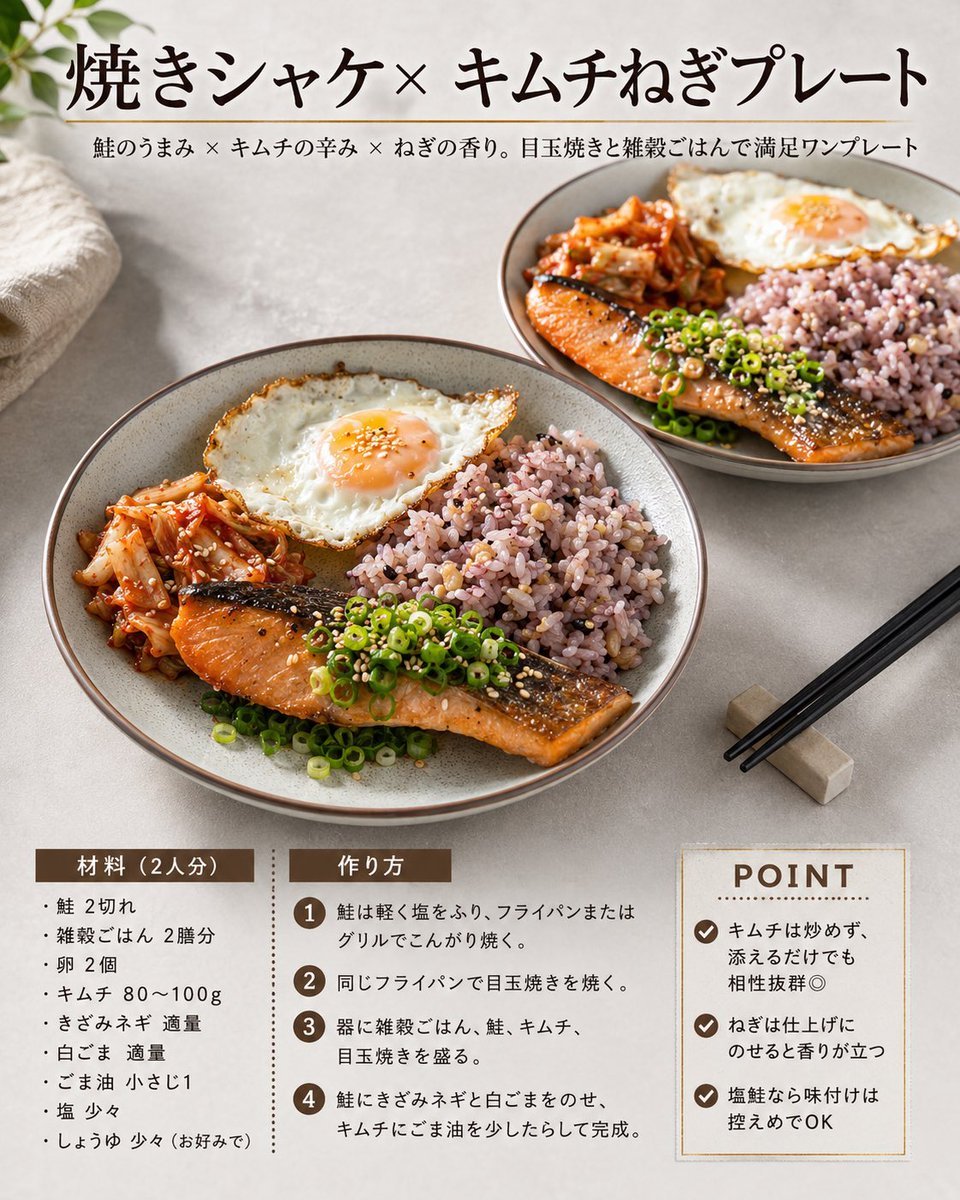
Generates a polished square Japanese recipe card featuring grilled salmon, kimchi, egg, and multigrain rice for cookbook or social media use.
- Prompt included
- Model and format preset
- Free template
The prompt behind this image
Copy the exact prompt behind Japanese Salmon Kimchi Recipe Card, or open it in the studio and make it yours.
Goal: Create a square Japanese recipe card for a plated meal, styled like a clean modern cookbook magazine page. Canvas: 1:1 square image, warm natural daylight food photography, soft beige stone tabletop background, subtle shadows, high-resolution editorial layout. Layout: The top third has a large Japanese headline centered-left, with a thin horizontal divider line beneath it and a smaller Japanese subtitle below. The middle half is dominated by two ceramic plates of food: one large main plate in the lower-left foreground and one smaller plate in the upper-right background. The bottom quarter contains three recipe information blocks: ingredients on the left, cooking steps in the center, and a boxed POINT tips panel on the right. Text content: Use the headline {argument name="headline text" default="焼きシャケ×キムチねぎプレート"}. Use the subtitle {argument name="subtitle text" default="鮭のうまみ × キムチの辛み × ねぎの香り。目玉焼きと雑穀ごはんで満足ワンプレート"}. Bottom-left section title: 「材料(2人分)」. Bottom-center section title: 「作り方」. Bottom-right title: “POINT”. Keep all text crisp, black or dark brown, with brown label bars and a refined Japanese serif typeface for the headline. Food subject details: Show exactly two matching round gray-beige ceramic plates. Each plate contains exactly four main food components: grilled salmon fillet with browned skin, a sunny-side-up fried egg with runny orange yolk, red kimchi, and a mound of purple multigrain rice. Garnish the salmon with sliced green scallions and white sesame seeds. The foreground plate should be largest and most detailed, angled slightly from above; the background plate should be smaller and softly receding. Visible recipe text: Ingredients list must contain exactly 8 bullet items: salmon 2 fillets, multigrain rice 2 bowls, eggs 2, kimchi 80–100 g, chopped green onion as needed, white sesame as needed, sesame oil 1 teaspoon, salt a little, soy sauce a little if preferred. Cooking steps must contain exactly 4 numbered steps in brown circles: lightly salt and brown the salmon in a frying pan or grill; cook the fried eggs in the same pan; arrange multigrain rice, salmon, kimchi, and fried egg on plates; top the salmon with chopped green onion and white sesame, drizzle sesame oil over kimchi, and finish. POINT panel must contain exactly 3 checkmark tips: do not fry the kimchi, just add it for enough flavor; add green onion at the end so the aroma stands out; keep seasoning modest because salted salmon is flavorful. Props and styling: Add a folded cream linen cloth in the upper-left corner, a few soft green leaves entering from the top-left edge, and black chopsticks resting diagonally on a small rectangular chopstick rest at the lower-right. Use an appetizing warm color palette: salmon orange, kimchi red, scallion green, egg white and orange, purple rice, beige ceramic. Constraints: No people, no hands, no extra dishes beyond exactly two plates, no watermark, no logo, no excessive decorative graphics, maintain a premium homemade recipe-card aesthetic.
How to use Japanese Salmon Kimchi Recipe Card in 3 steps
- 1Upload ImagePNG, JPG or paste
Add your photo
Upload the photo the template builds on. The prompt, model and format are already set.
- 2…a portrait of your subject in softgolden-hour light, 85mm…
Personalize
Edit the subject and creative details for your destination.
- 3Generate
Generate
Press Generate — your image is created in PicX Studio, so you can compare it with the original and refine one variable at a time.
More like this
Templates with the same subject, style or setup. Open one to see its prompt.
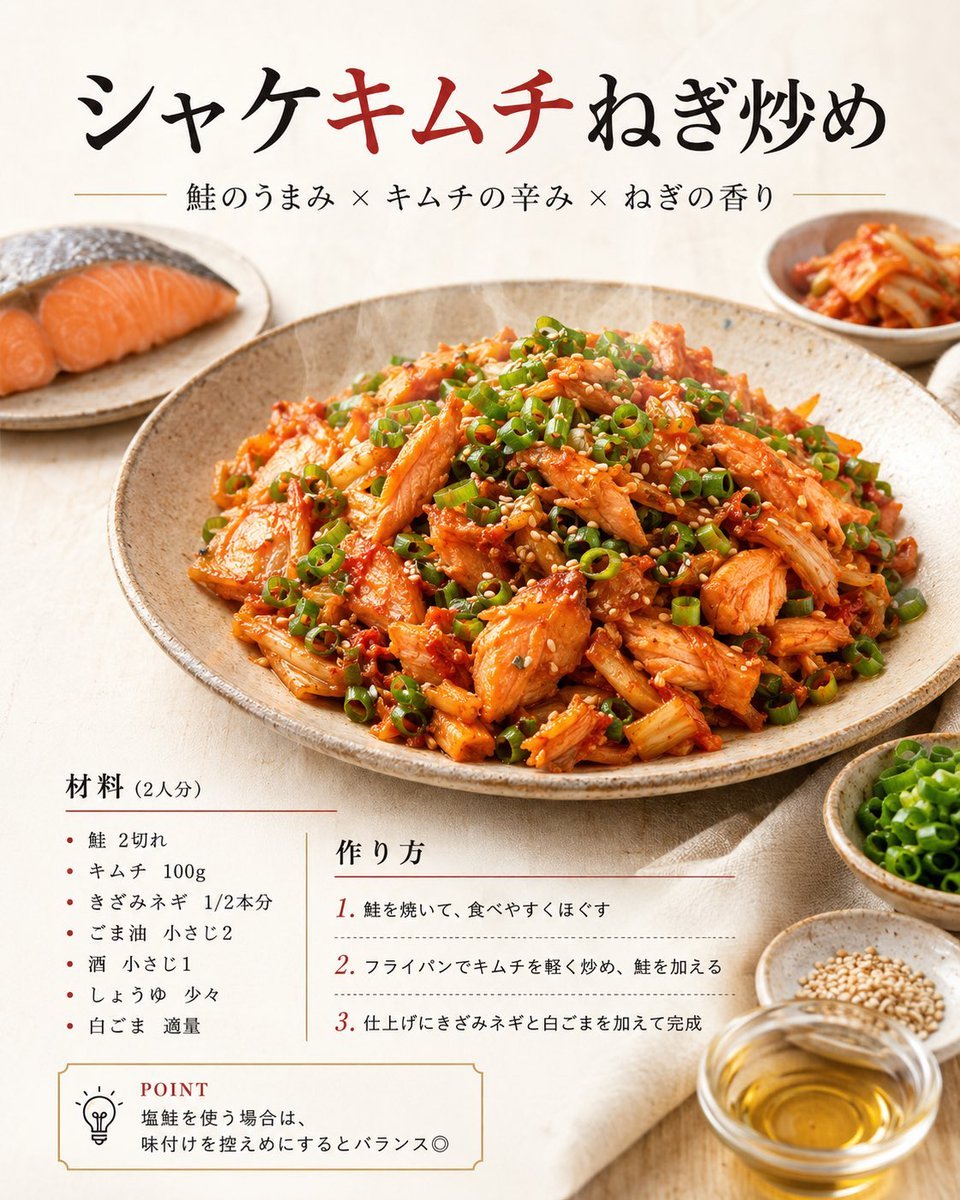
Japanese Salmon Kimchi Recipe Poster
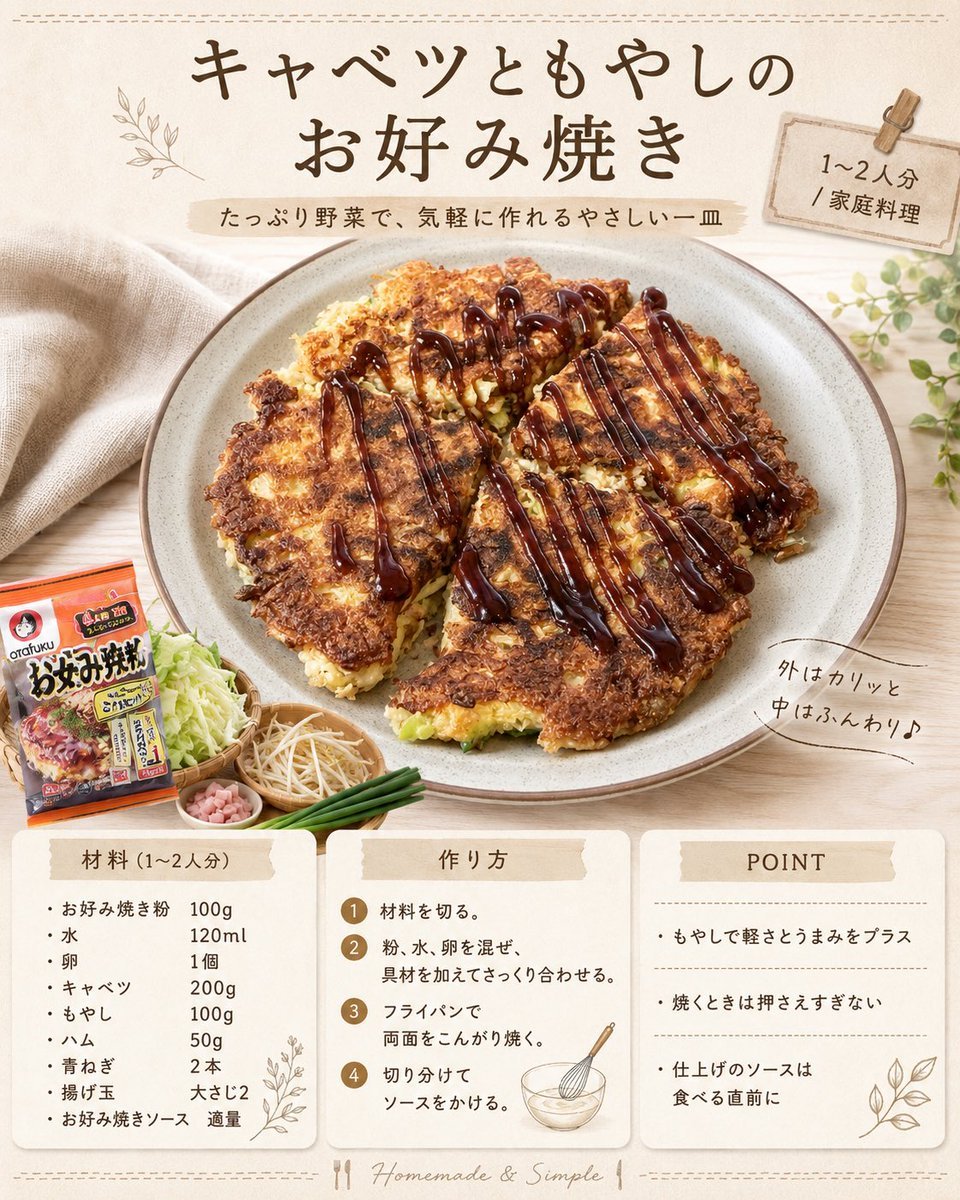
Japanese Okonomiyaki Recipe Card
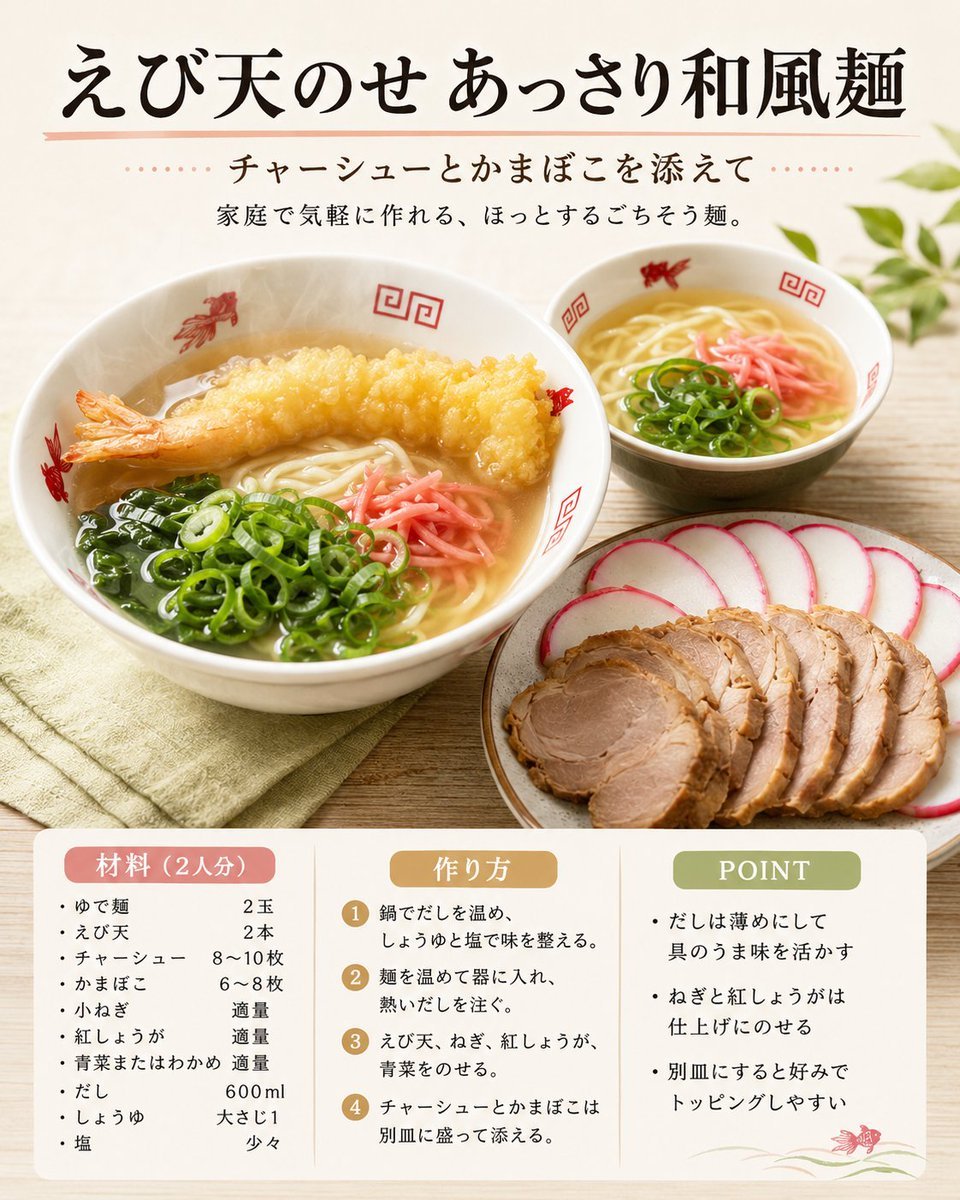
Japanese Tempura Noodle Recipe Card

Teal Japanese Handwritten Lyric Card

Minecraft Japanese Research Lab Exploration
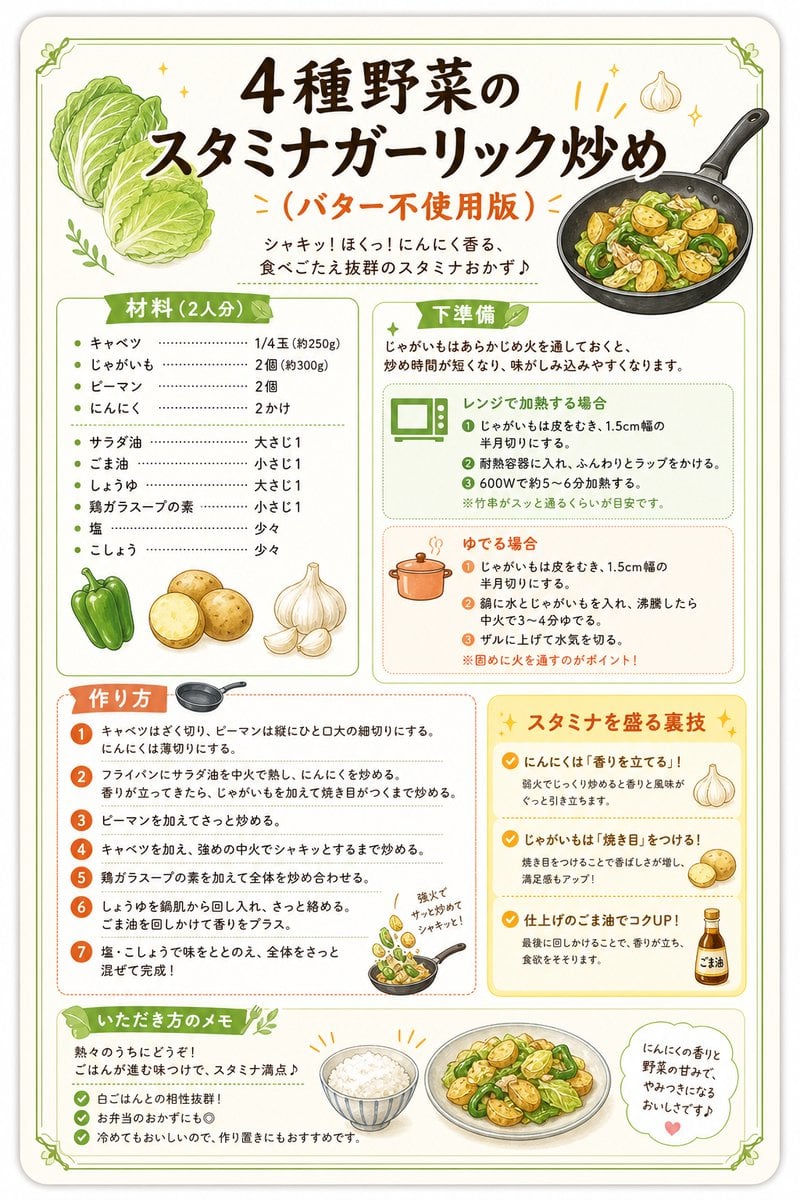
Japanese Vegetable Stir-Fry Recipe Poster

Japanese Architectural Concrete Studio Fashion Campaign

Japanese Minimalist Concrete Studio Fashion Editorial

Blue Backdrop Luxury Fashion Portrait Campaign
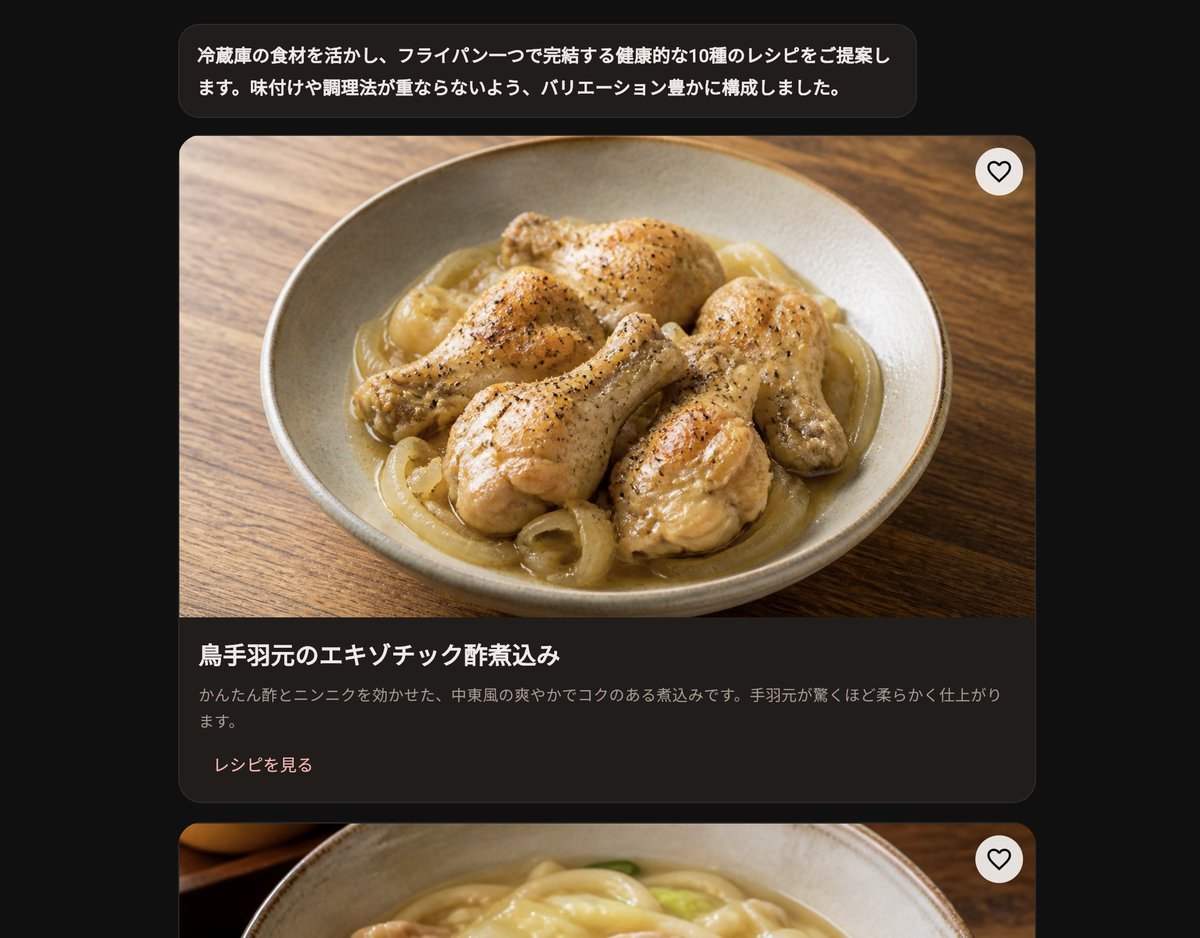
Dark Japanese Recipe App UI
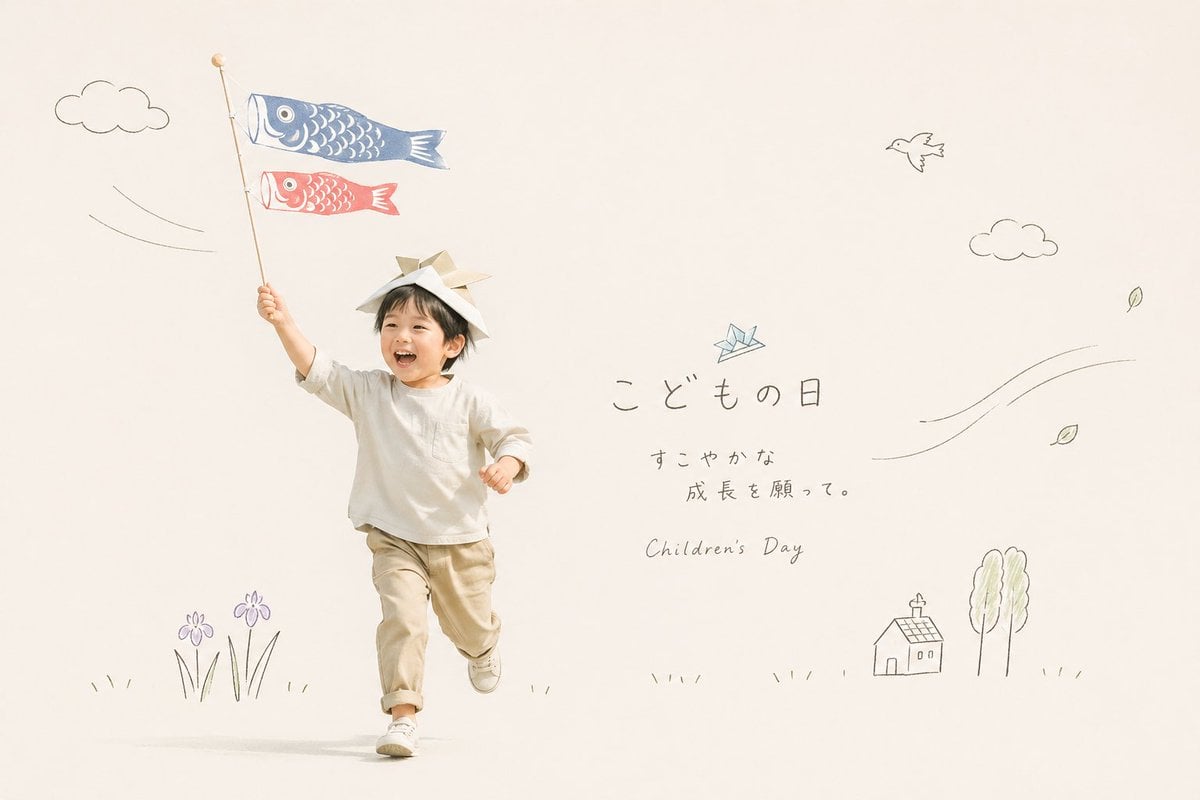
Japanese Children's Day Photo Card
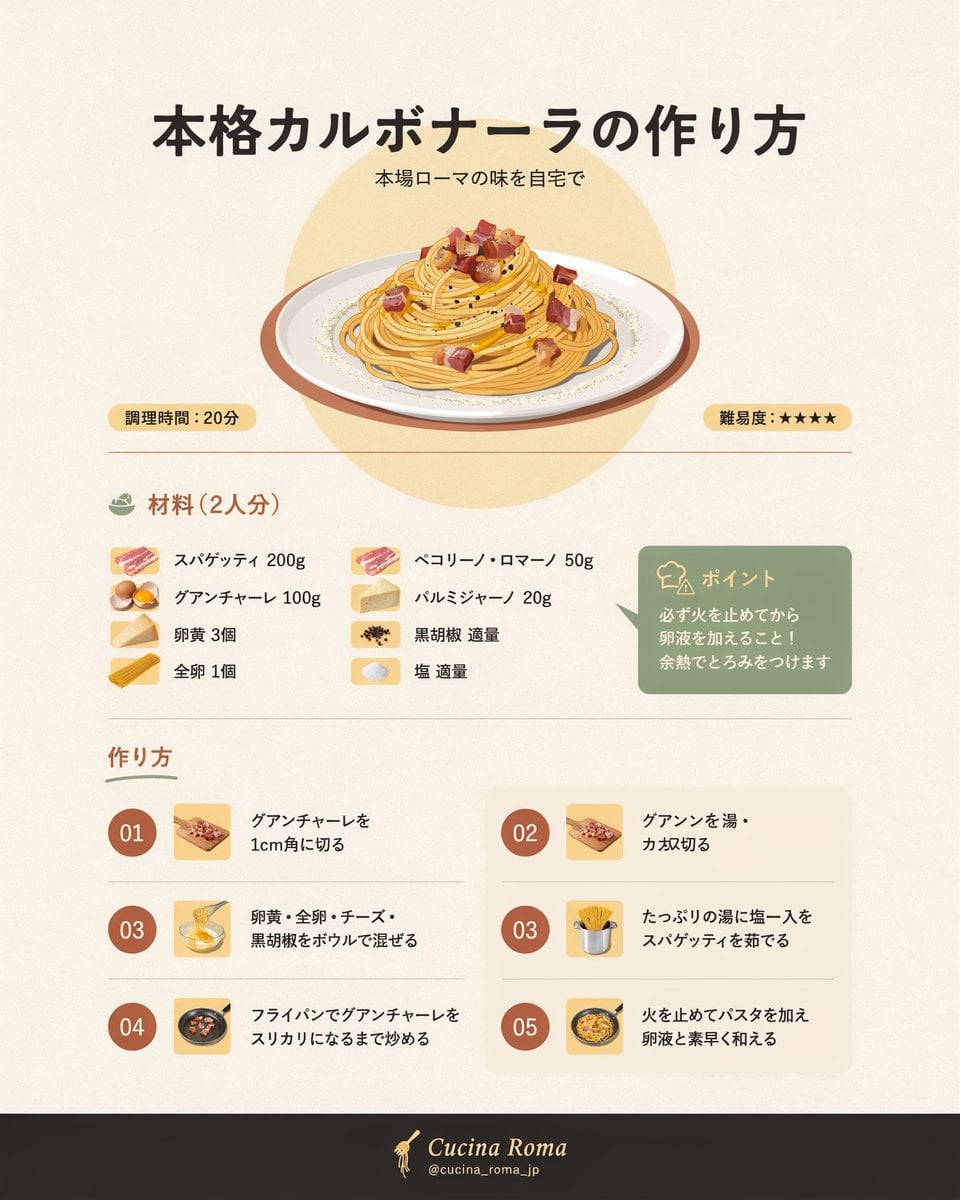
Japanese Carbonara Recipe Infographic
Make it yours
Japanese Salmon Kimchi Recipe Card works as-is. These are the safest ways to change it without losing the look.
Change one field
Copy a single group, rewrite it, and generate again so you can see what that field is doing.
Keep the frame, change the subject
Hold the composition and light of Japanese Salmon Kimchi Recipe Card, then swap wardrobe, props or the person for a new take.
| If the result… | Why | Fix |
|---|---|---|
| The result drifts from the preview | Too many fields changed at once. | Reuse Japanese Salmon Kimchi Recipe Card as-is first, then change one group — subject, light, or setting. |
| The model over-stylizes the scene | The prose prompt leaves finish and camera underspecified. | Add one camera or lighting sentence and stay on GPT Image 2. |
More GPT Image 2 templates
Other prompts made for GPT Image 2.

Realistic Portrait of Woman and Deer

The Vista Modular Condo Poster

AI Model Routing Comparison Infographic

2.5D Anime Art Board

Isometric Productivity Desk Scene

New York Double Exposure Poster

Four-Panel AI Landscape Comparison

NESCAFÉ Coffee Map Poster

Brutalist Cogito Chinese Typography Poster

Cinematic Luxury Terrace Portrait
More image prompts
Fresh picks from across the catalog.

Convert videogame screenshot to hyperreal modern engine

2x2 Social Media Course Banner Ads

Sepia-Toned Film Photography Aesthetic Prompt
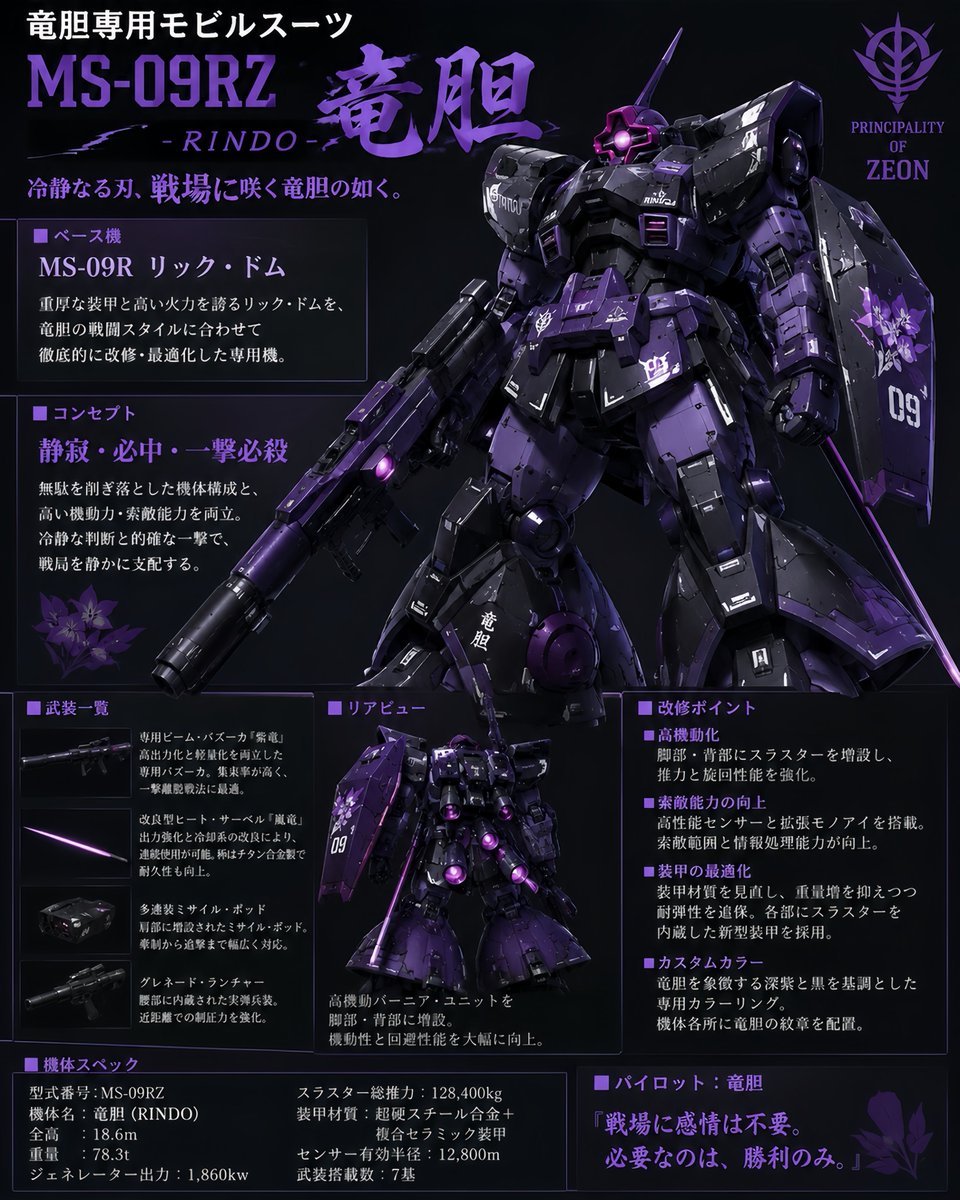
Custom Zeon Mobile Suit Overhaul
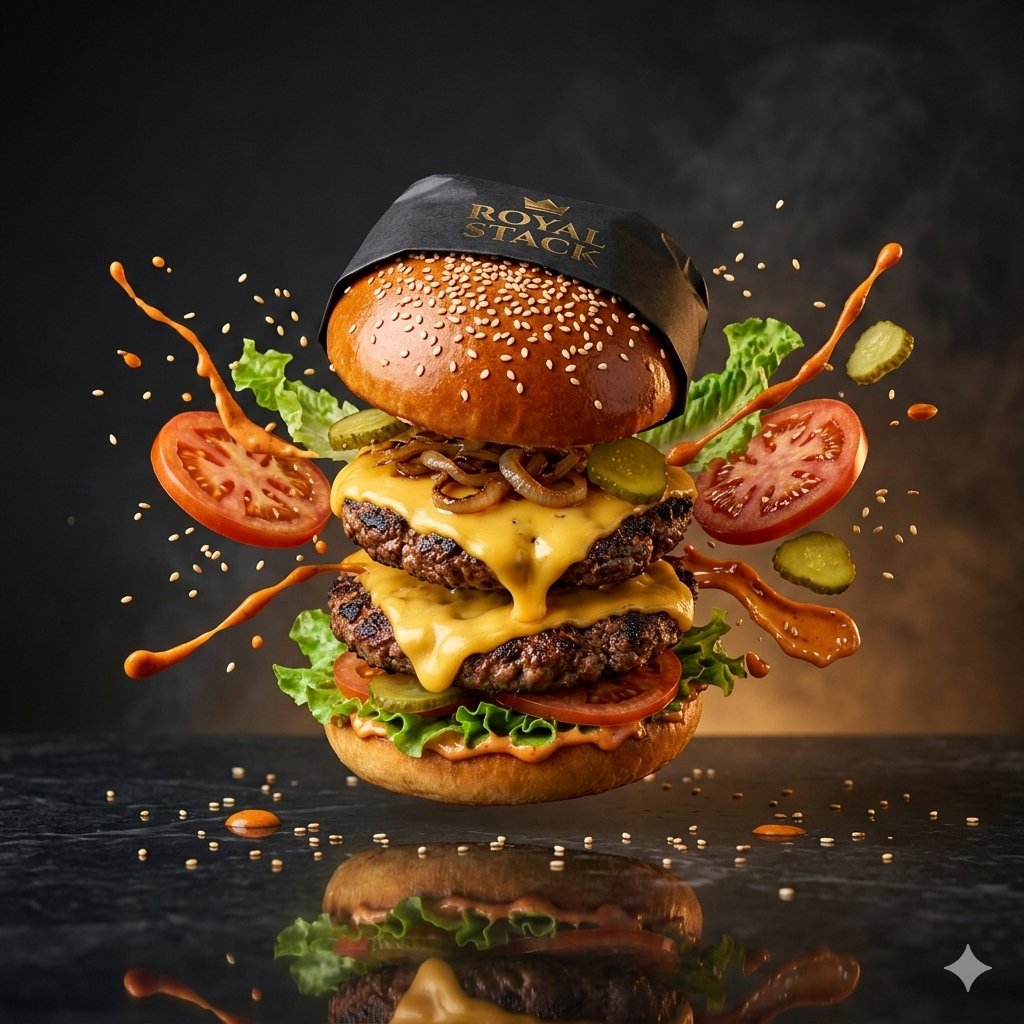
High-Speed Commercial Luxury Burger Photography

Combustion Freeze: Object Frozen at Ignition

Chill-out Cinematic Poster
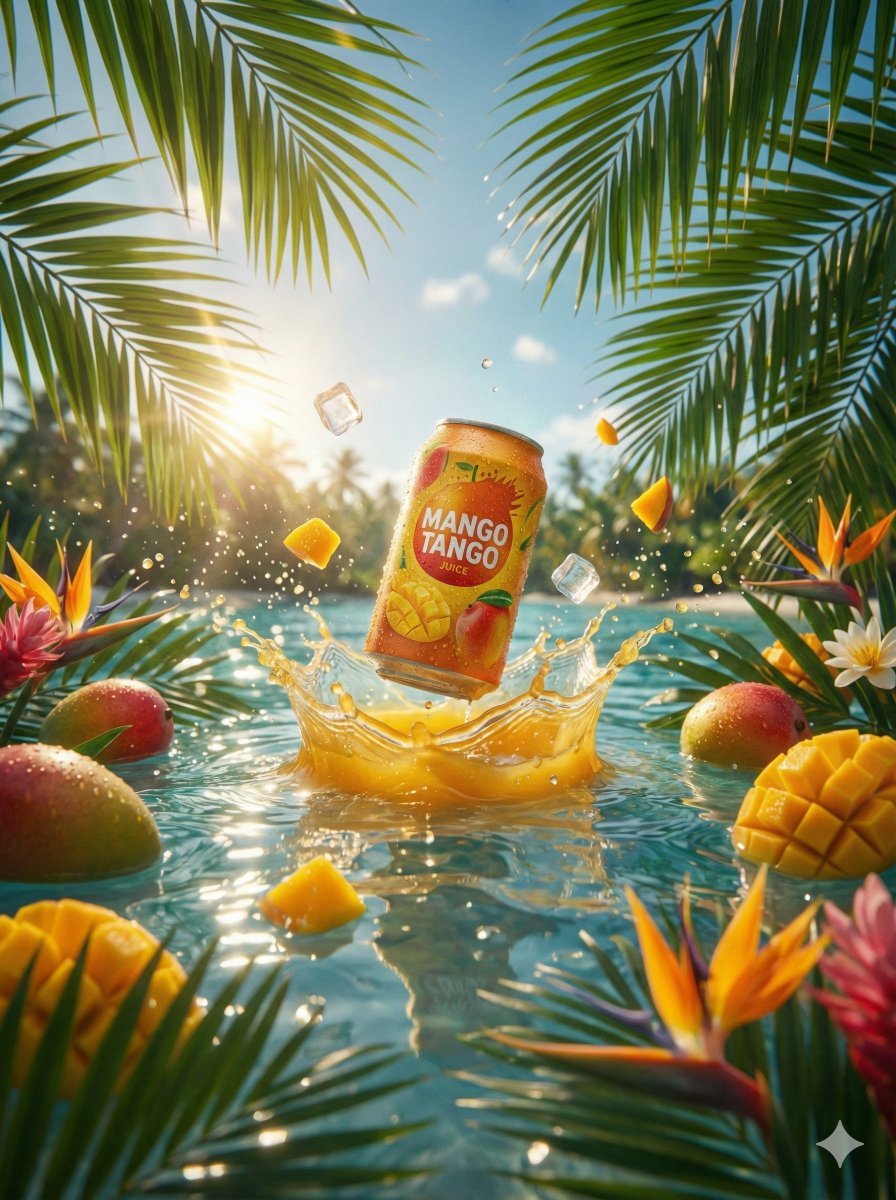
Hyper-Realistic Commercial Beverage Photography Prompt

Moody Editorial Photo Edit

Hyper-Realistic 3D Simulation Prompt: Crescent Moon Vessel
Browse template categories
Japanese Salmon Kimchi Recipe Card questions
How do I use the Japanese Salmon Kimchi Recipe Card template?
Add your photo if the template asks for one, edit the prompt if you like — the template's model and format are already selected — and press Generate. Your version opens in PicX Studio.
Can I customize the Japanese Salmon Kimchi Recipe Card template?
Yes. You can change the subject, setting, lighting, mood, format, and available model controls before creating your image.
Is the Japanese Salmon Kimchi Recipe Card template free?
Opening and editing this template is free. Generating uses credits, shown on the Generate button when you are signed in.
Which AI model should I use?
Start with GPT Image 2, which is the model associated with this template. You can compare another compatible model for a different finish.
Looking for something else? Browse all templates.

Your photo, any look
Thousands of ready templates for every top image and video model, from one credit balance.