
Japanese Carbonara Recipe Infographic
Generates a vertical Japanese recipe poster for authentic Roman carbonara with ingredients, tips, cooking steps, and a branded footer.
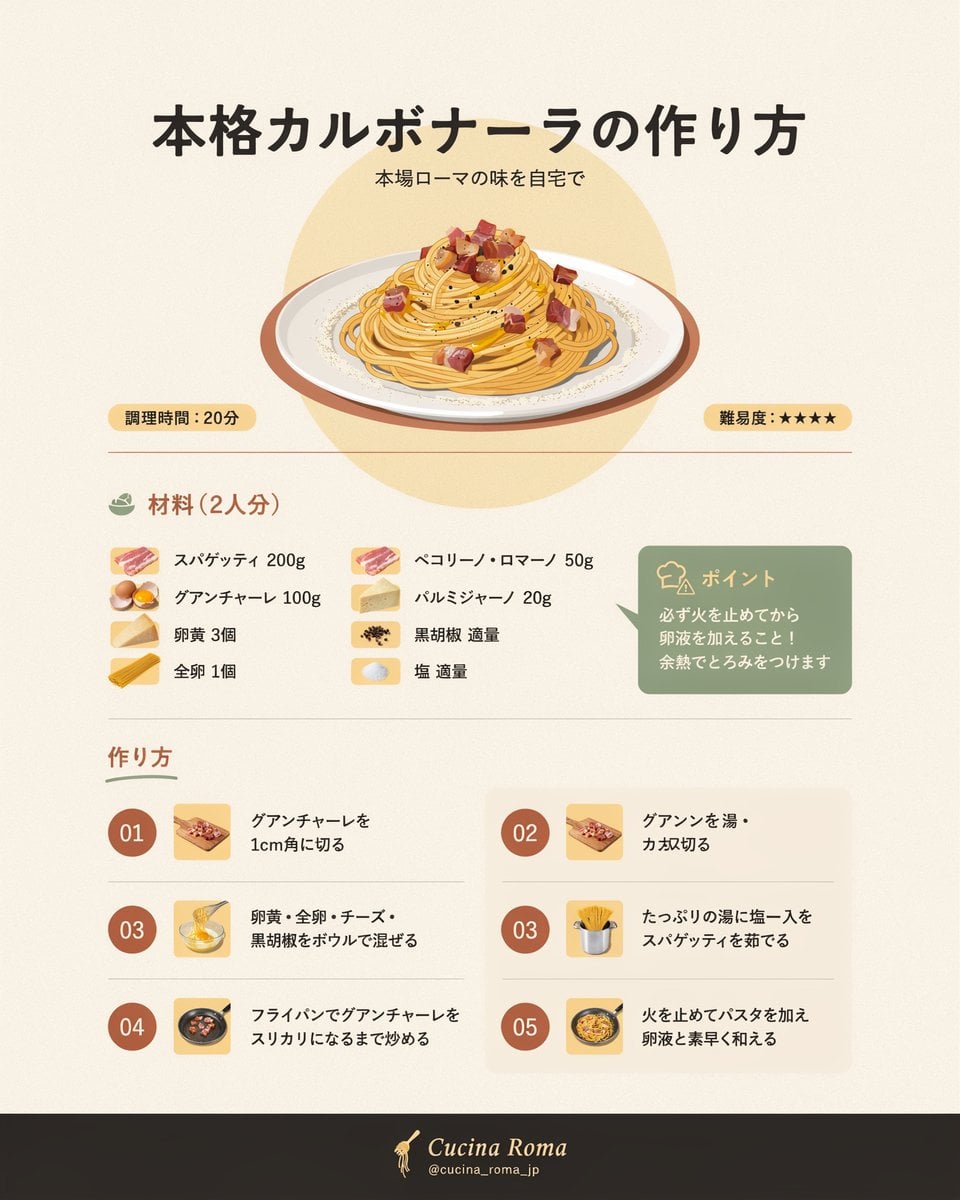
- Prompt included
- Model and format preset
- Premium template
The prompt behind this image
Copy the exact prompt behind Japanese Carbonara Recipe Infographic, or open it in the studio and make it yours.
Goal: Create a clean Japanese recipe infographic poster for {argument name="recipe title" default="本格カルボナーラの作り方"}, showing authentic Roman carbonara in a warm editorial style. Canvas: Vertical poster, approximately 4:5 aspect ratio, soft cream paper background with subtle grain. Center everything with generous margins and thin divider lines. Use a modern Japanese layout with rounded cards, muted earth tones, and high-quality flat food illustration. Header: Large bold black Japanese headline at the top: {argument name="recipe title" default="本格カルボナーラの作り方"}. Under it, smaller subtitle: {argument name="subtitle" default="本場ローマの味を自宅で"}. Below the title, place a large illustrated plate of spaghetti carbonara on an oval white plate, with golden pasta, creamy sauce, black pepper specks, and cubed browned guanciale. Put a pale yellow circular halo behind the plate. Info badges: Add exactly 2 small rounded yellow badges beneath the hero plate, one on the left reading {argument name="cooking time" default="調理時間:20分"}, and one on the right reading {argument name="difficulty label" default="難易度:★★★★★"}. Ingredients section: Create a section titled 「材料(2人分)」 with a small green bowl icon. Show exactly 8 ingredient rows in two columns, each with a small square ingredient illustration and Japanese text: 1) 「スパゲッティ 200g」 with pasta/bacon-like icon, 2) 「グアンチャーレ 100g」 with egg/guanciale-style icon, 3) 「卵黄 3個」 with cheese wedge icon, 4) 「全卵 1個」 with yellow pasta/cheese icon, 5) 「ペコリーノ・ロマーノ 50g」 with cured meat icon, 6) 「パルミジャーノ 20g」 with cheese block icon, 7) 「黒胡椒 適量」 with peppercorn icon, 8) 「塩 適量」 with salt icon. Tip card: To the right of the ingredients, place one muted green rounded rectangle card with a small chef-hat icon and heading 「ポイント」 in pale yellow. Body text: 「必ず火を止めてから卵液を加えること!余熱でとろみをつけます」. Steps section: Below another thin divider, add the heading 「作り方」 in reddish brown with a short green underline. Use exactly 6 instruction cards arranged in two columns and three rows, each with a red-brown circular number badge, a small square cooking icon, and Japanese text. The visible number badges should be exactly: 01, 02, 03, 03, 04, 05. Step texts: 01 「グアンチャーレを1cm角に切る」, 02 「グアンを湯・カ丸切る」, 03 「卵黄・全卵・チーズ・黒胡椒をボウルで混ぜる」, duplicate 03 「たっぷりの湯に塩一入をスパゲッティを茹でる」, 04 「フライパンでグアンチャーレをカリカリになるまで炒める」, 05 「火を止めてパスタを加え卵液と素早く和える」. Keep some slight AI-generated awkwardness in the Japanese text to match the original look. Footer: Add a dark charcoal horizontal footer band at the bottom. Center a small spaghetti/fork icon, the brand name “Cucina Roma” in elegant italic serif lettering, and the handle “@cucina_roma_jp” below it. Visual style: Soft vector illustration mixed with polished infographic design, warm cream, ochre, caramel, muted green, and terracotta palette. Rounded corners, minimal shadows, clean Japanese typography, no photography, no extra sections, no watermark.
How to use Japanese Carbonara Recipe Infographic in 3 steps
- 1Upload ImagePNG, JPG or paste
Add your photo
Upload the photo the template builds on. The prompt, model and format are already set.
- 2…a portrait of your subject in softgolden-hour light, 85mm…
Personalize
Edit the subject and creative details for your destination.
- 3Generate
Generate
Press Generate — your image is created in PicX Studio, so you can compare it with the original and refine one variable at a time.
More like this
Templates with the same subject, style or setup. Open one to see its prompt.
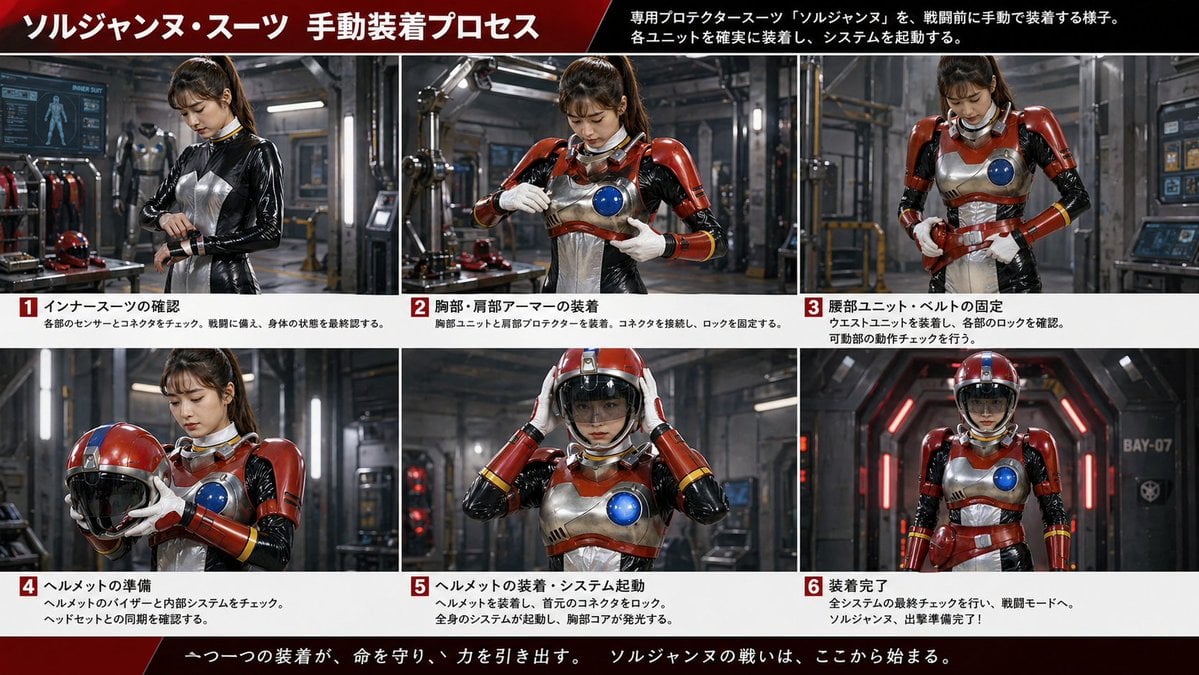
Gpt2 Infographic Edu Visual Japanese Sci Fi Suit Up Process Board
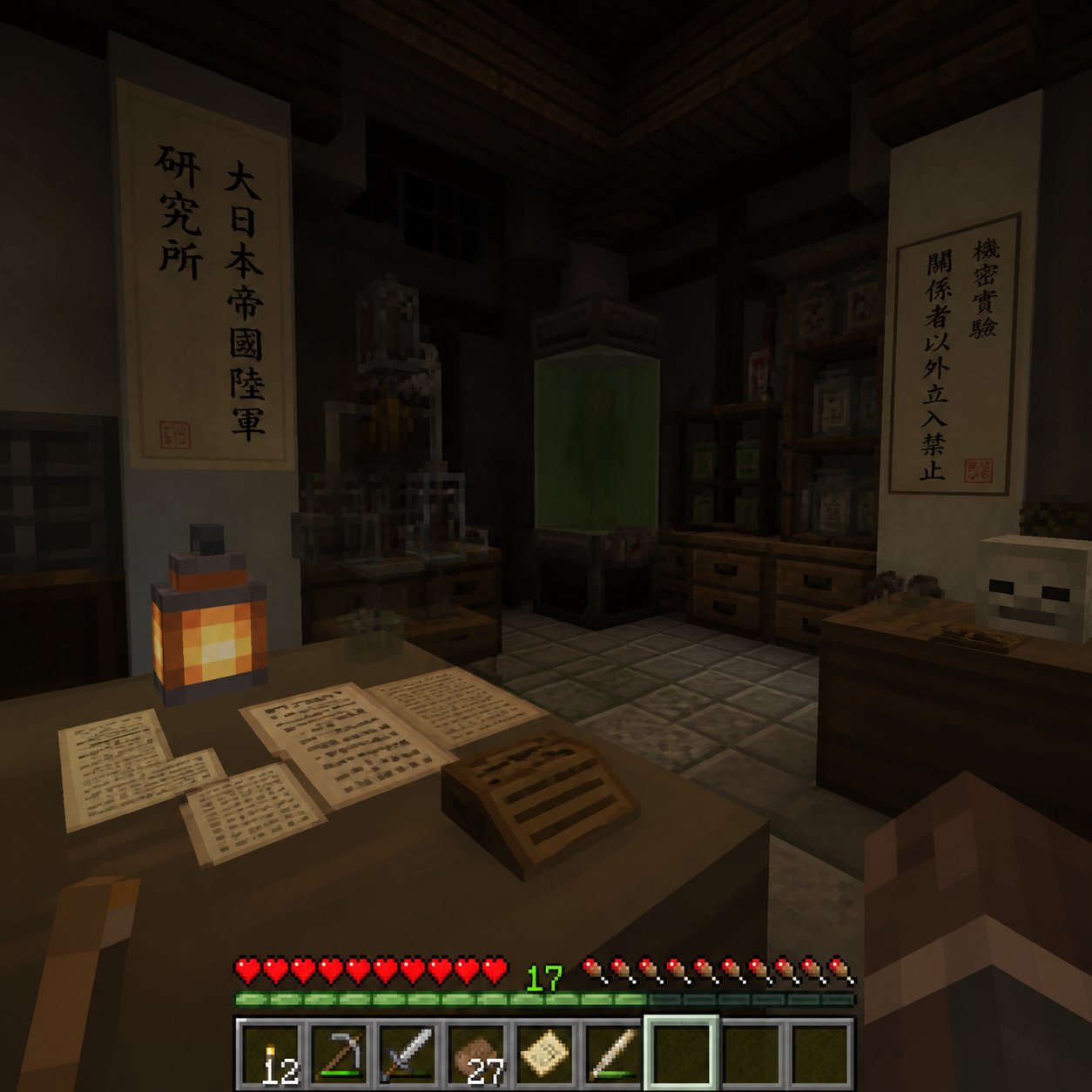
Minecraft Japanese Research Lab Exploration

Japan Travel Brochure Poster
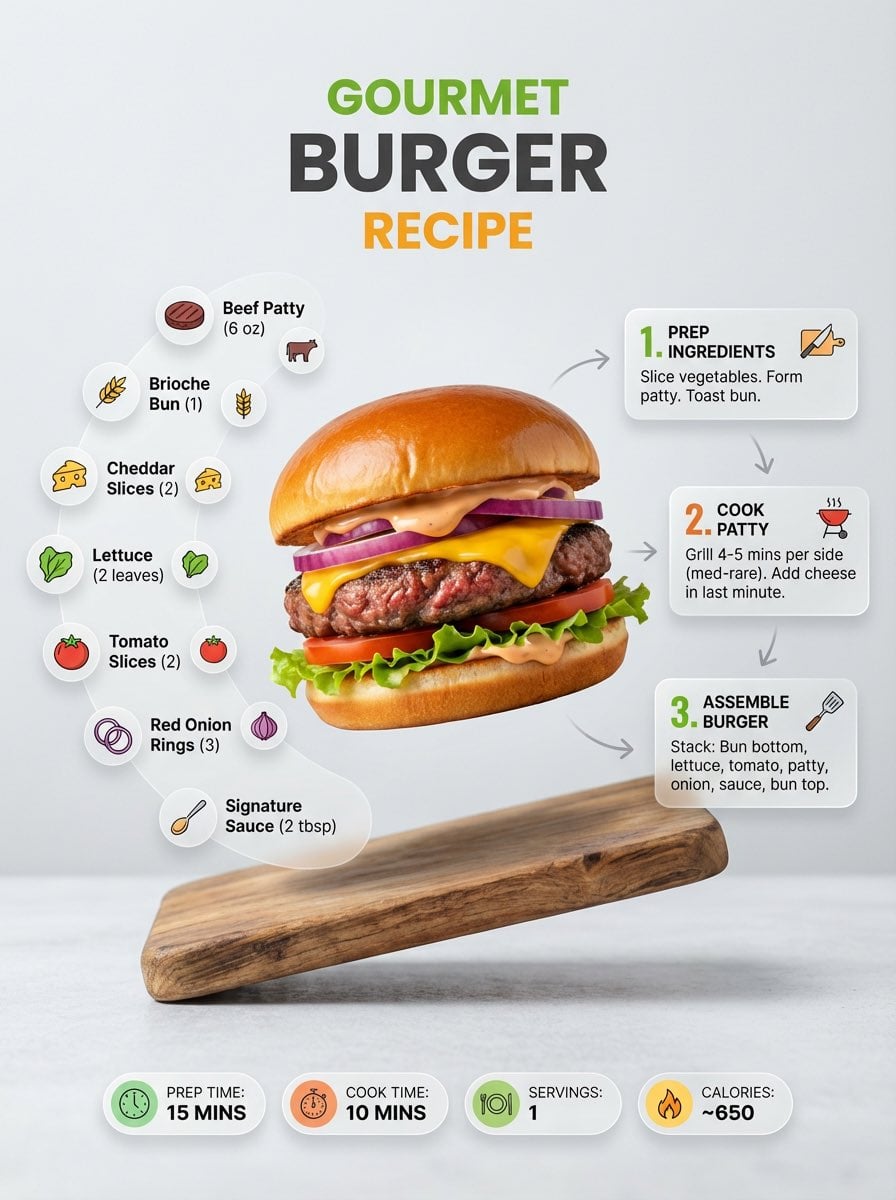
Ultra-clean modern recipe infographic
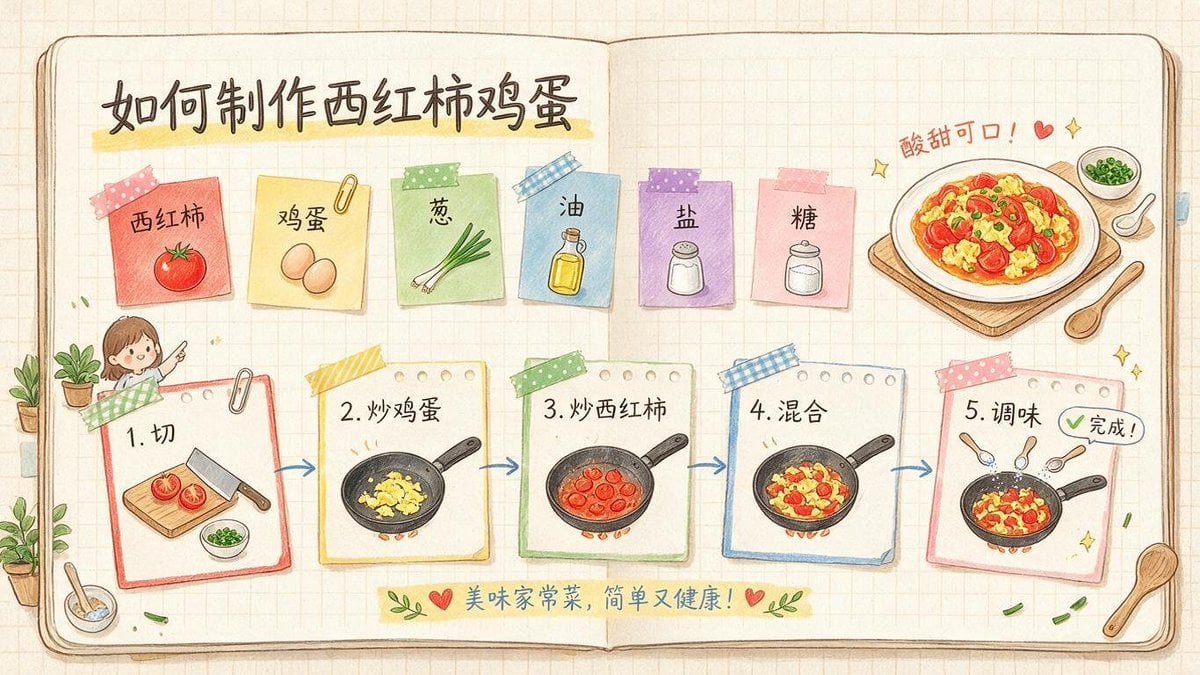
Hand-Drawn Tomato Egg Recipe Infographic
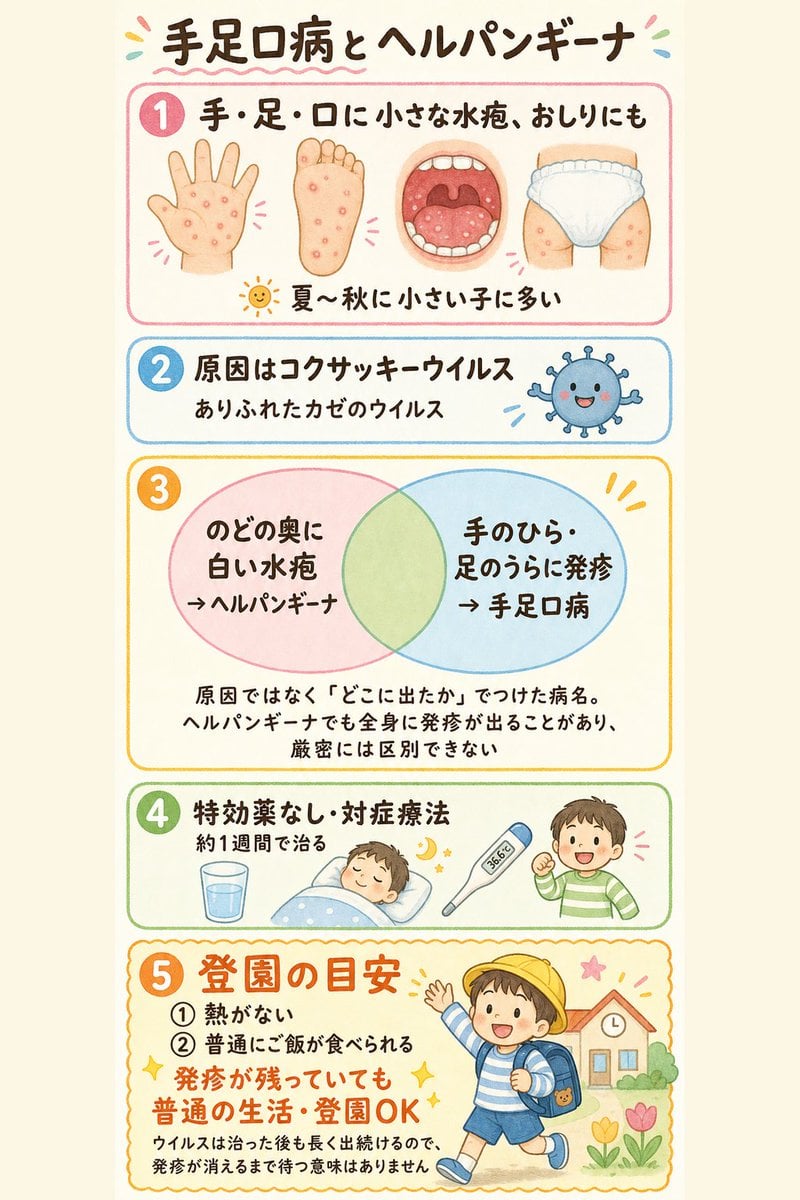
Japanese Pediatric Disease Infographic
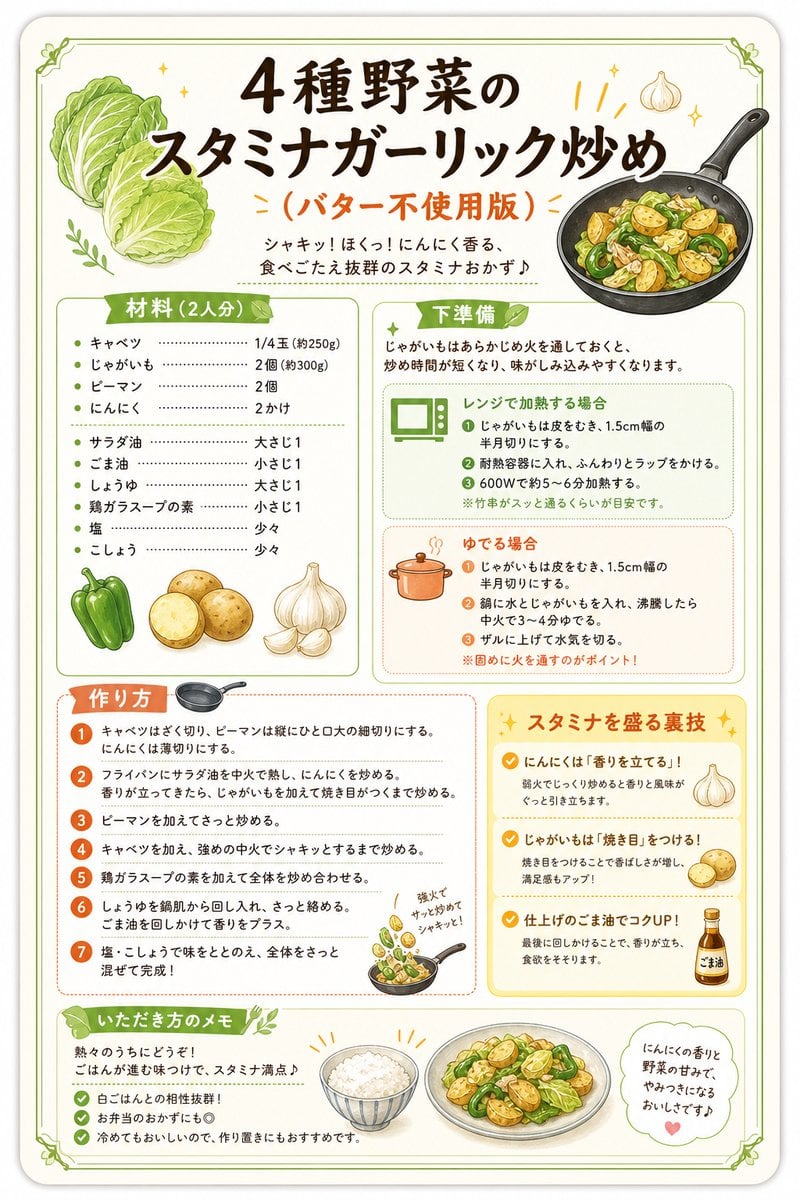
Japanese Vegetable Stir-Fry Recipe Poster
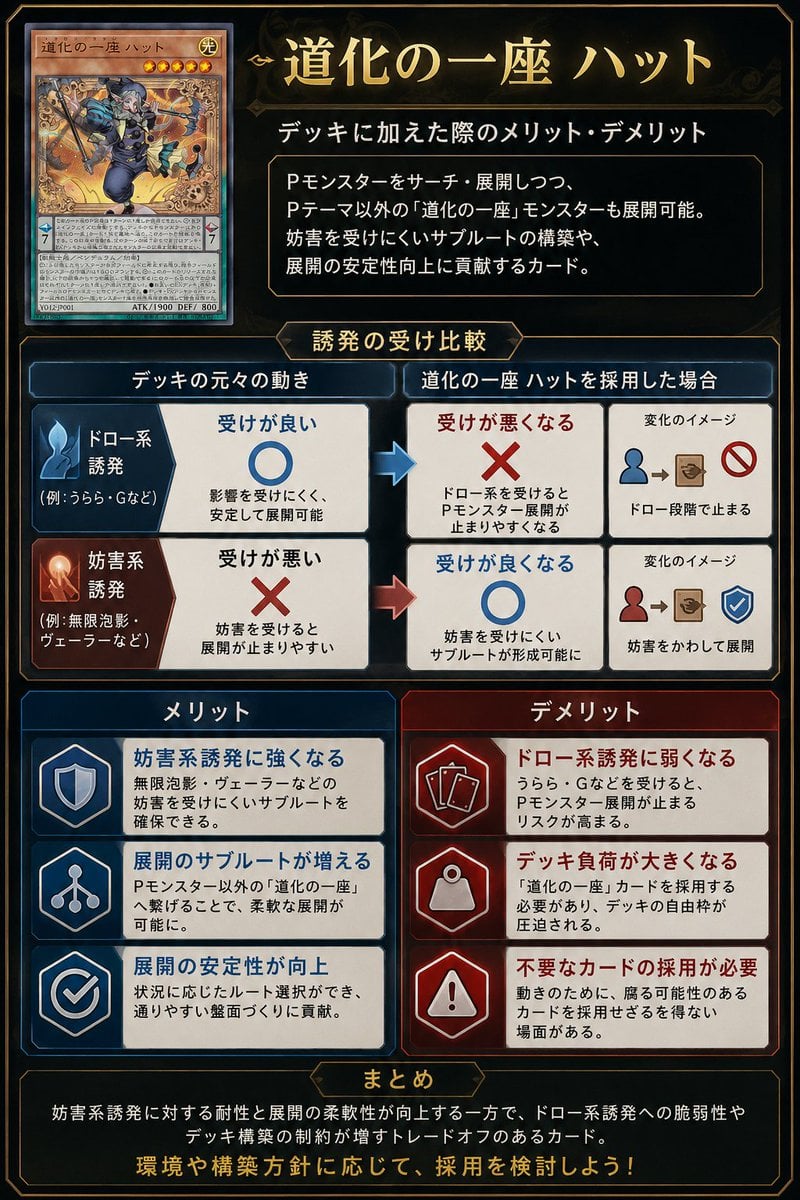
Japanese TCG Strategy Infographic
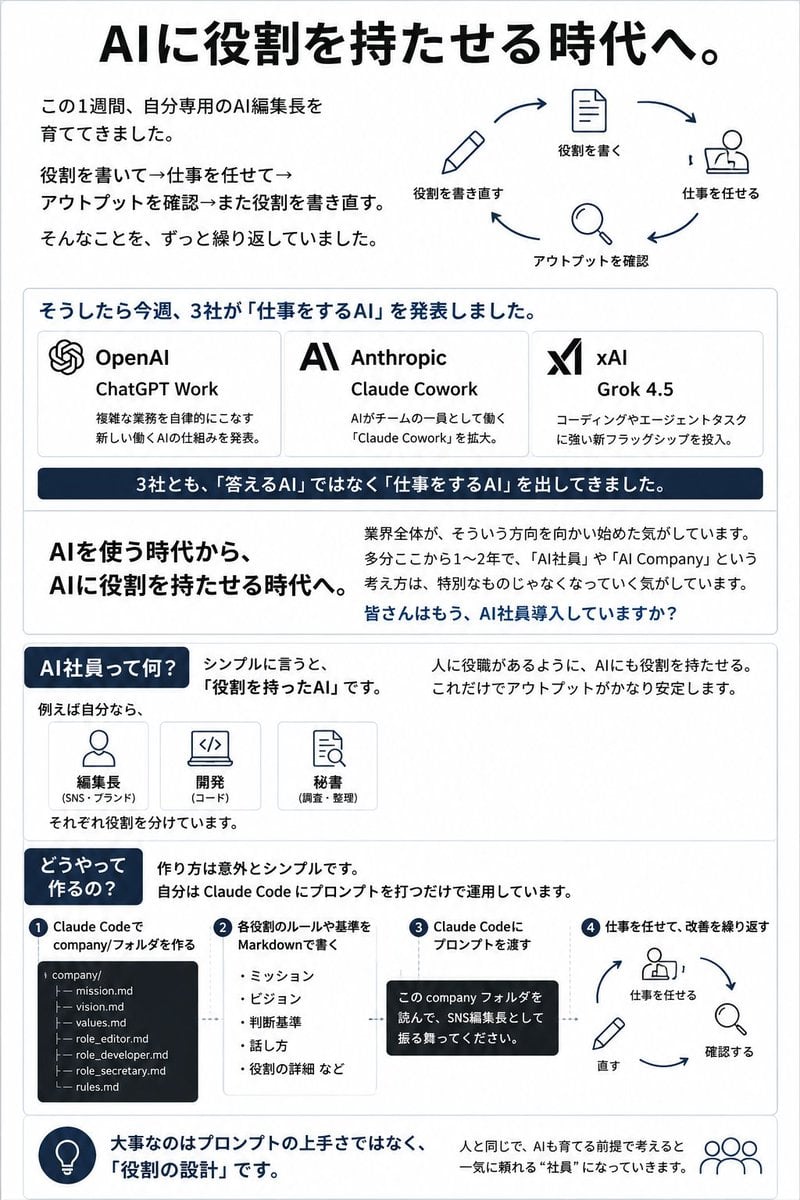
Japanese AI Employee Infographic
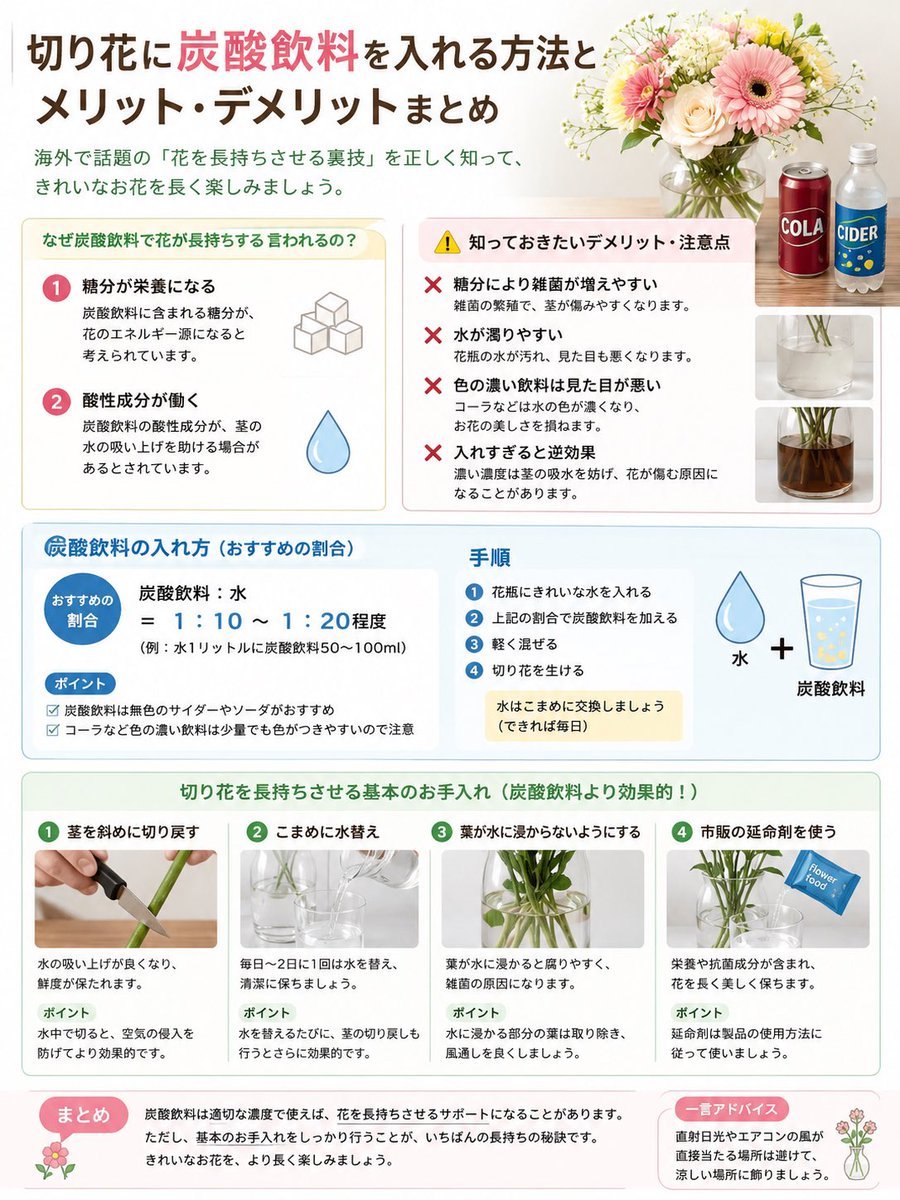
Japanese Cut Flower Soda Care Infographic

Japanese Architectural Concrete Studio Fashion Campaign
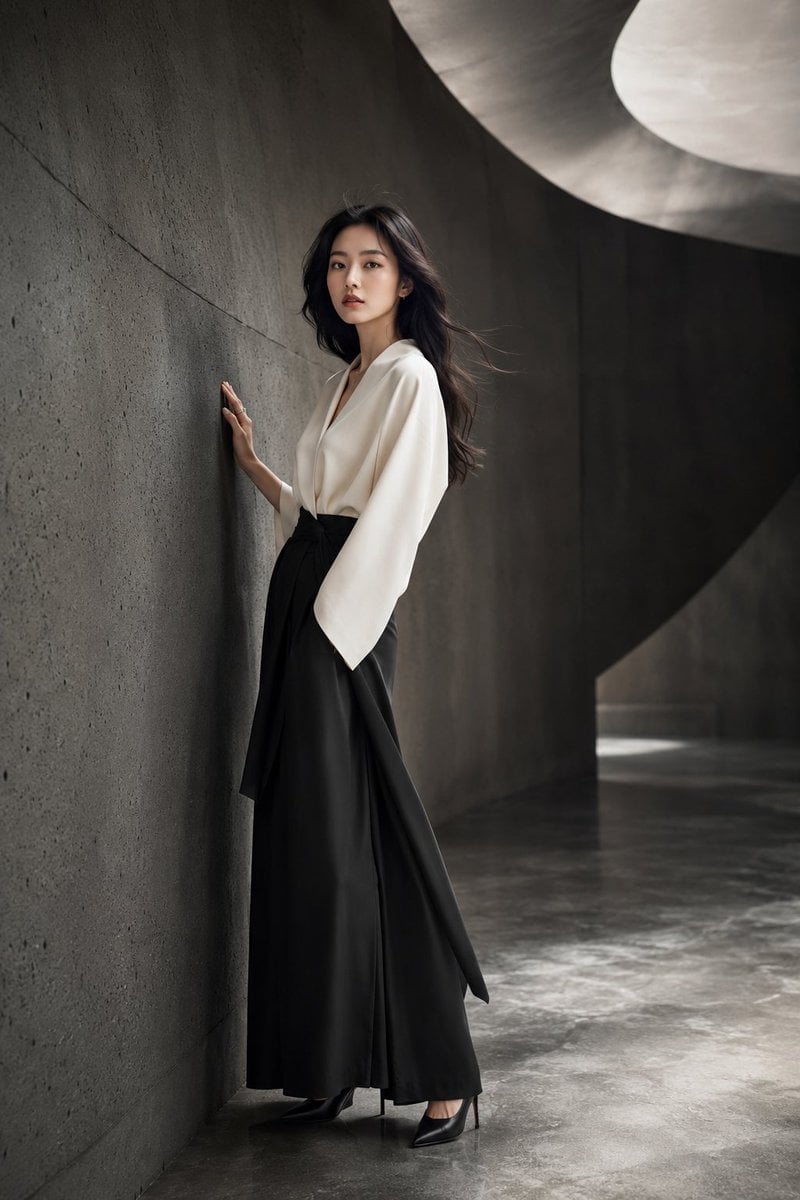
Japanese Minimalist Concrete Studio Fashion Editorial
Make it yours
Japanese Carbonara Recipe Infographic works as-is. These are the safest ways to change it without losing the look.
Change one field
Copy a single group, rewrite it, and generate again so you can see what that field is doing.
Keep the frame, change the subject
Hold the composition and light of Japanese Carbonara Recipe Infographic, then swap wardrobe, props or the person for a new take.
| If the result… | Why | Fix |
|---|---|---|
| The result drifts from the preview | Too many fields changed at once. | Reuse Japanese Carbonara Recipe Infographic as-is first, then change one group — subject, light, or setting. |
| The model over-stylizes the scene | The prose prompt leaves finish and camera underspecified. | Add one camera or lighting sentence and stay on GPT Image 2. |
More GPT Image 2 templates
Other prompts made for GPT Image 2.

Six VTuber Japanese Logo Sheet

Realistic Portrait of Woman and Deer

The Vista Modular Condo Poster

AI Model Routing Comparison Infographic

2.5D Anime Art Board

Isometric Productivity Desk Scene

New York Double Exposure Poster

Four-Panel AI Landscape Comparison

Japanese Tatami Lifestyle Magazine Cover

NESCAFÉ Coffee Map Poster
More image prompts
Fresh picks from across the catalog.

Nostalgic Memory Narrative Grid Prompt

Desert Rebel Convoy Portrait
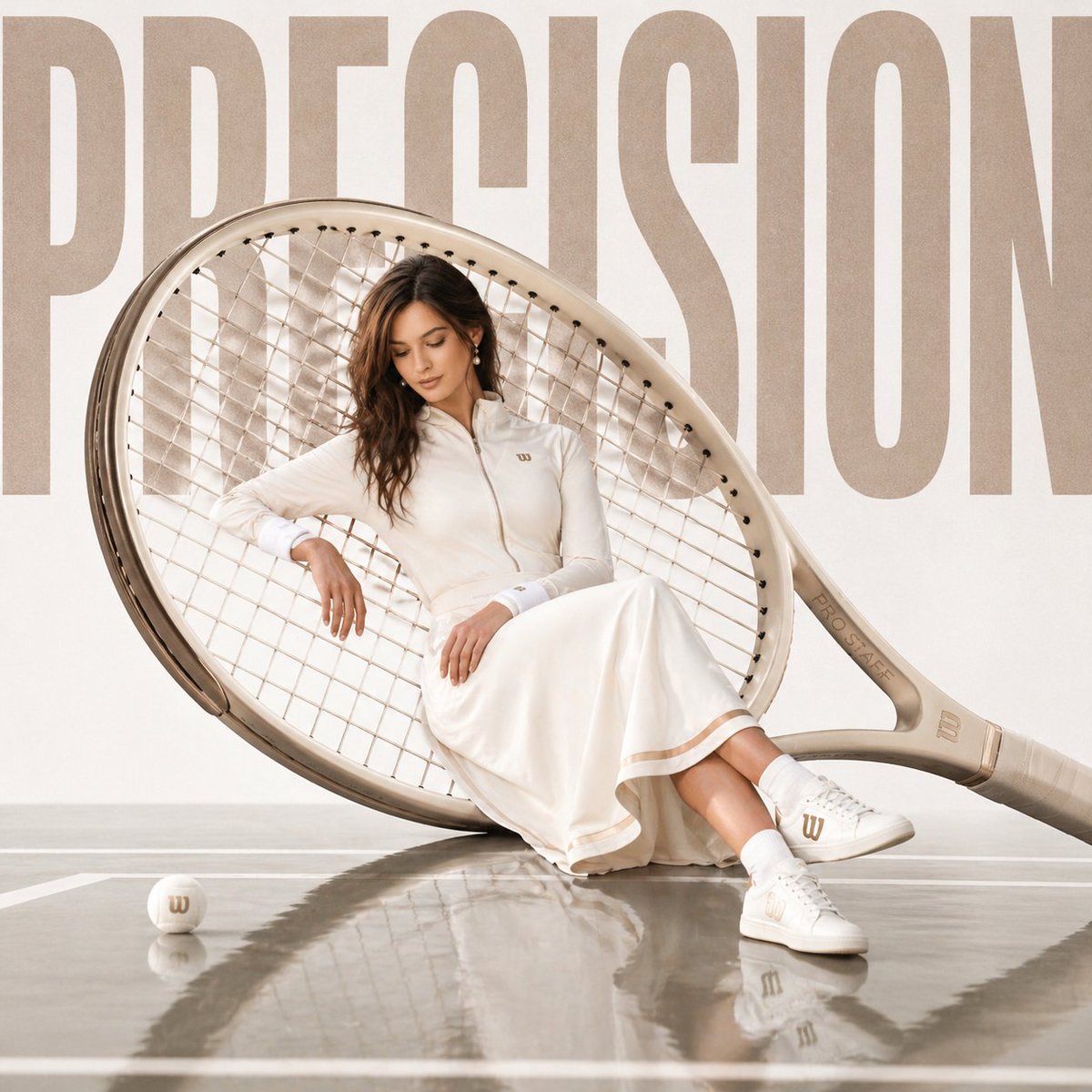
Luxury sports advertisement prompt
Night Photography Prompt: Clearing Snow with Mercedes G 63 AMG
Awaji Island Polaroid Travel Flat Lay

Cinematic Teal Goblin Warrior

Cinematic Fashion Portrait Prompt
Dual Luxury Perfume Product Photography Prompts

Sunset Motocross Action Portrait
Encyclopedia of Flavor Diorama Generator
Browse template categories
Japanese Carbonara Recipe Infographic questions
How do I use the Japanese Carbonara Recipe Infographic template?
Add your photo if the template asks for one, edit the prompt if you like — the template's model and format are already selected — and press Generate. Your version opens in PicX Studio.
Can I customize the Japanese Carbonara Recipe Infographic template?
Yes. You can change the subject, setting, lighting, mood, format, and available model controls before creating your image.
Is the Japanese Carbonara Recipe Infographic template free?
Opening and editing this template is free. Generating uses credits, shown on the Generate button when you are signed in.
Which AI model should I use?
Start with GPT Image 2, which is the model associated with this template. You can compare another compatible model for a different finish.
Looking for something else? Browse all templates.

Your photo, any look
Thousands of ready templates for every top image and video model, from one credit balance.