
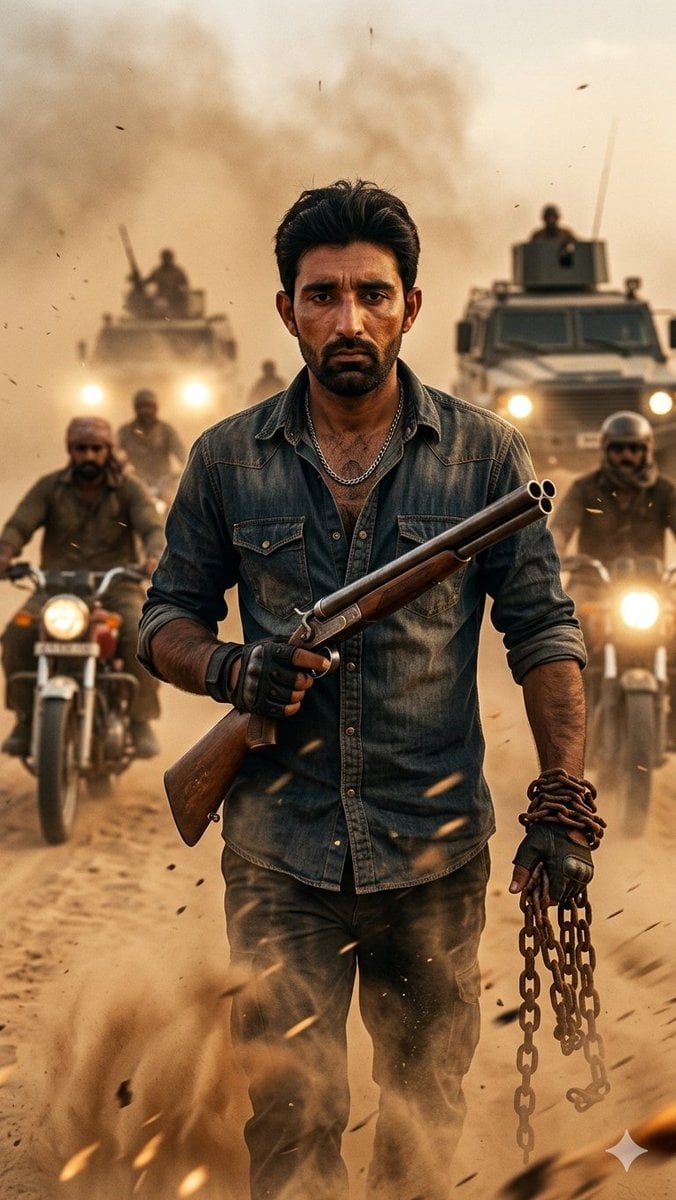
Desert Rebel Convoy Portrait
A cinematic vertical action portrait of a rugged rebel leader walking through a sandstorm with a shotgun and chain as a convoy advances behind him.
- Prompt included
- Model and format preset
- Free template
The prompt behind this image
Copy the exact prompt behind Desert Rebel Convoy Portrait, or open it in the studio and make it yours.
Create a vertical cinematic 35mm film still of {argument name="character name" default="a rugged desert rebel leader"} walking directly toward the camera through a violent sandstorm in a desert war zone. The central subject is one adult man, waist-to-knees visible, centered and dominant, with messy dark hair, a stern intense expression, dusty tan skin, stubble, a partially unbuttoned faded denim shirt with two chest pockets, a silver chain necklace, dark cargo pants, black fingerless gloves, and bracelets on one wrist. He carries exactly two main props: a double-barrel shotgun held diagonally across his torso in his right hand, with wooden stock and twin barrels pointed upward to the viewer’s right, and a heavy rusty metal chain dangling from his left hand. Behind him are exactly four vehicles: two motorcycles flanking him in the midground with bright circular headlights and helmeted riders, and two armored trucks farther back with glowing headlights, roof gunner silhouettes, and soldiers standing in turrets. Add exactly five visible background fighters: two motorcycle riders, two turret soldiers, and one small distant figure between the trucks. The atmosphere is packed with blowing sand, dust clouds, sparks, flying debris, heat haze, and dramatic backlight from a low golden sun, creating a rebellious action-movie mood. Use a shallow depth of field: the man and shotgun are sharp, while the convoy behind is slightly blurred by dust. Color grade with warm ochre, amber, sepia, and smoky gray tones, high contrast, gritty texture, realistic skin and fabric detail, anamorphic cinematic lighting, and dynamic motion. Canvas is vertical 9:16, full-body heroic composition, no text, no watermark, no logos.
How to use Desert Rebel Convoy Portrait in 3 steps
- 1Upload ImagePNG, JPG or paste
Add your photo
Upload the photo the template builds on. The prompt, model and format are already set.
- 2…a portrait of your subject in softgolden-hour light, 85mm…
Personalize
Edit the subject and creative details for your destination.
- 3Generate
Generate
Press Generate — your image is created in PicX Studio, so you can compare it with the original and refine one variable at a time.
More like this
Templates with the same subject, style or setup. Open one to see its prompt.

Found Photograph: Us, 1970

80s Couple Studio Portrait

80s Bollywood Star

80s Golden Hour Cinema

Me in 1985

1985 Studio Portrait

Hyper-Realistic Minecraft POV Portrait

Rooftop Fisheye — Cat-Ear Balaclava at Golden Hour

Saudi Arabia Paper Cut Travel Poster

Rainy Café Window Moody Portrait

untitled

2025 Aesthetic Photography
Make it yours
Desert Rebel Convoy Portrait works as-is. These are the safest ways to change it without losing the look.
Change one field
Copy a single group, rewrite it, and generate again so you can see what that field is doing.
Keep the frame, change the subject
Hold the composition and light of Desert Rebel Convoy Portrait, then swap wardrobe, props or the person for a new take.
| If the result… | Why | Fix |
|---|---|---|
| The result drifts from the preview | Too many fields changed at once. | Reuse Desert Rebel Convoy Portrait as-is first, then change one group — subject, light, or setting. |
| The model over-stylizes the scene | The prose prompt leaves finish and camera underspecified. | Add one camera or lighting sentence and stay on GPT Image 2. |
More GPT Image 2 templates
Other prompts made for GPT Image 2.

Six VTuber Japanese Logo Sheet

Realistic Portrait of Woman and Deer

The Vista Modular Condo Poster

AI Model Routing Comparison Infographic

2.5D Anime Art Board

Isometric Productivity Desk Scene

New York Double Exposure Poster

Four-Panel AI Landscape Comparison

Japanese Tatami Lifestyle Magazine Cover

NESCAFÉ Coffee Map Poster
More image prompts
Fresh picks from across the catalog.
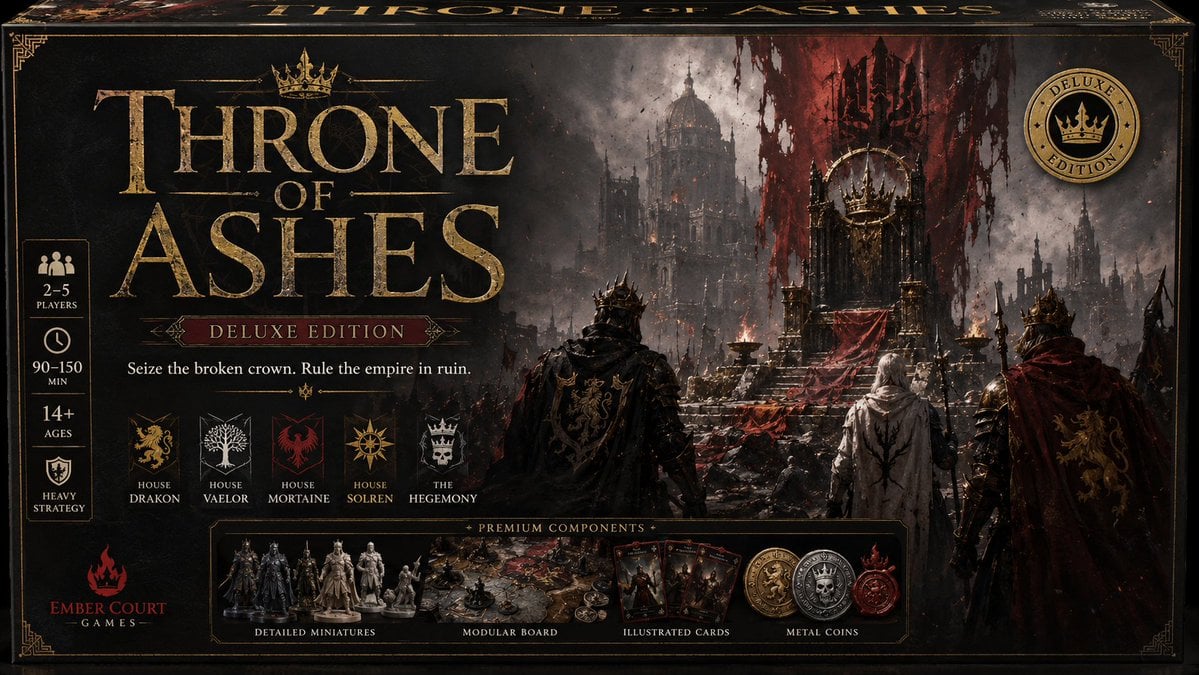
Throne of Ashes Deluxe Box Front
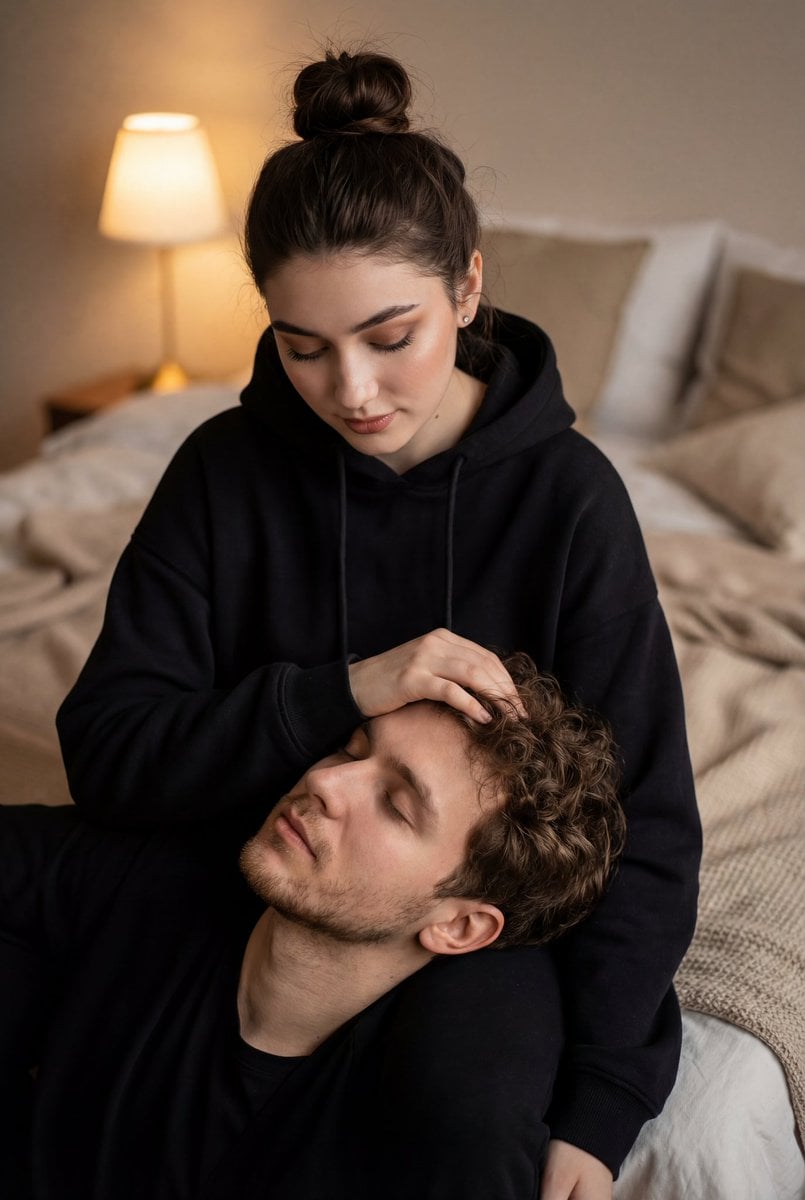
Cinematic Intimate Couple Portrait
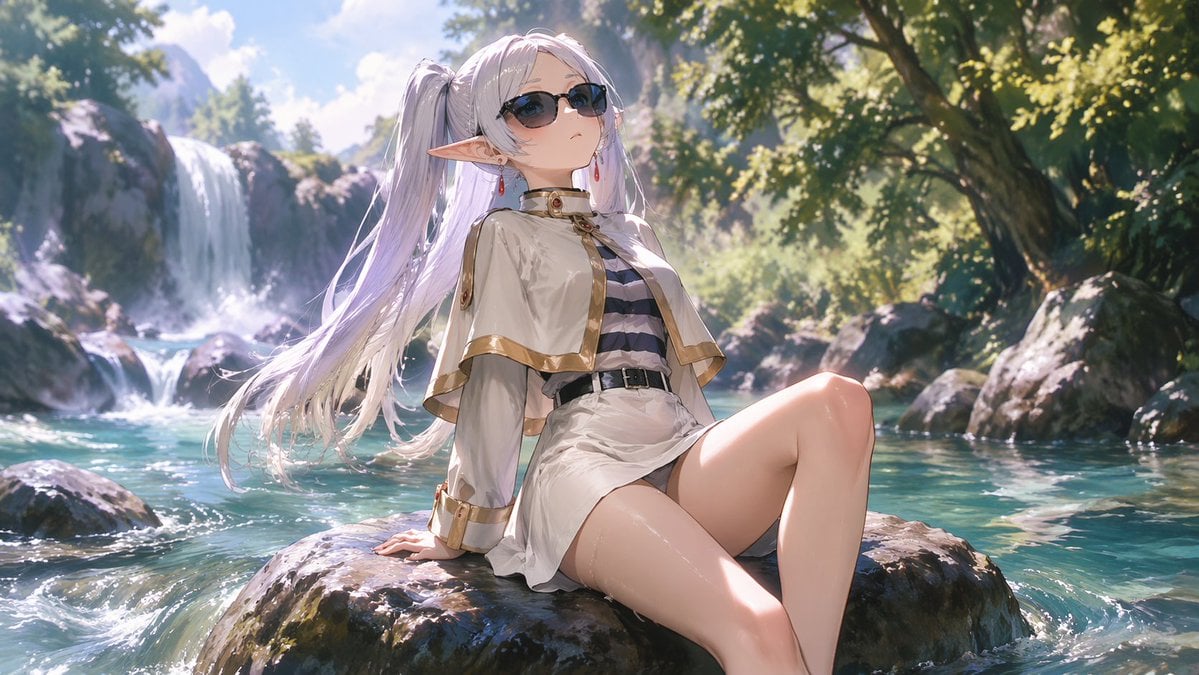
Anime Elf Girl Relaxing in a Forest River
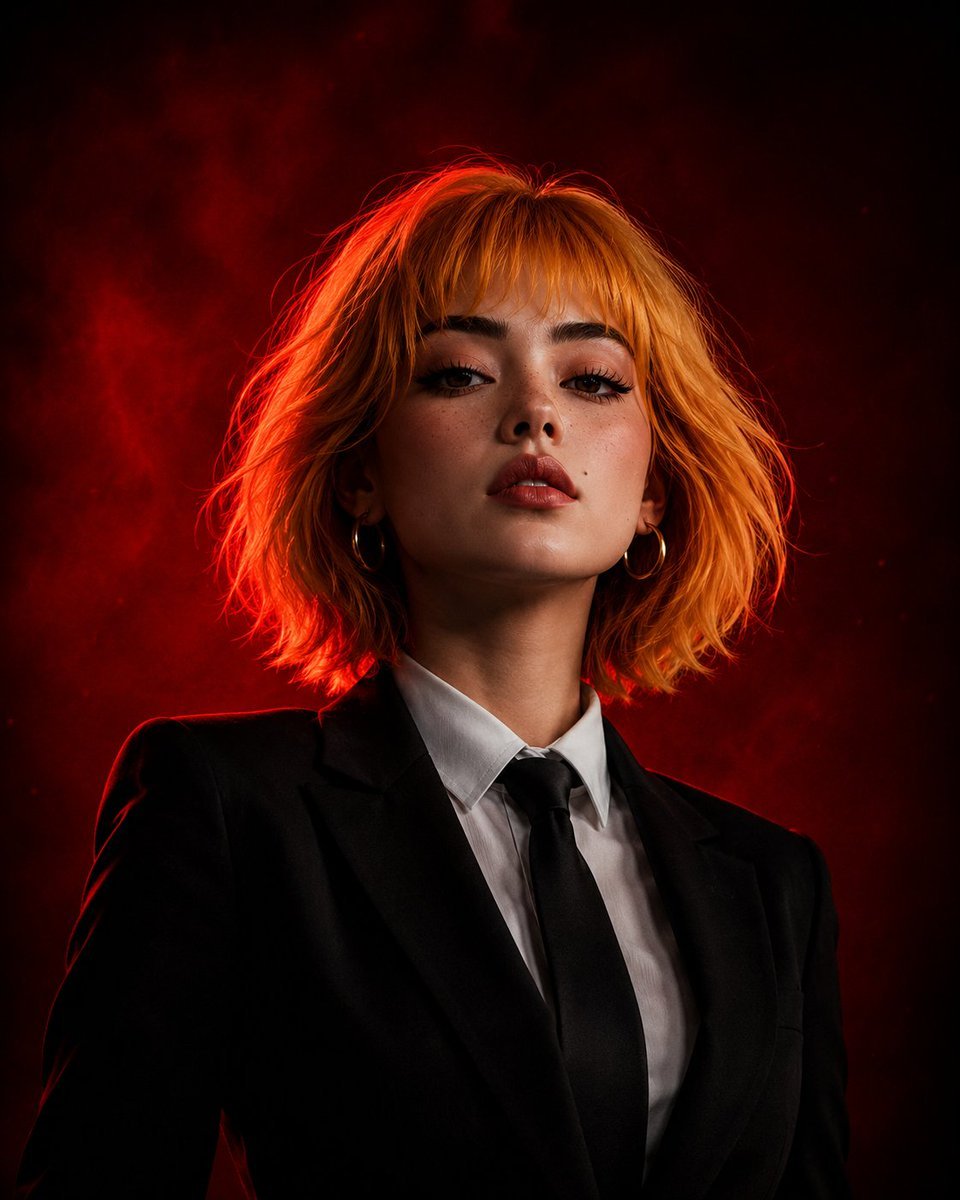
Cinematic Girl Boss Portrait
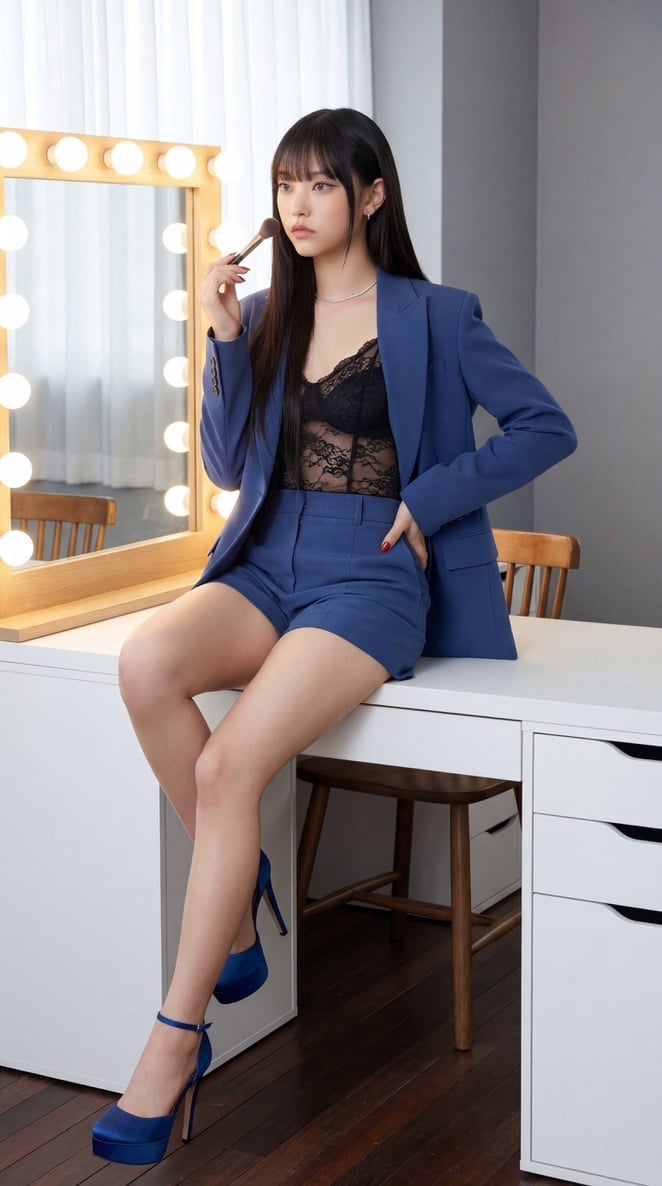
NewJeans Danielle Portrait Prompt for Nano Banana Pro
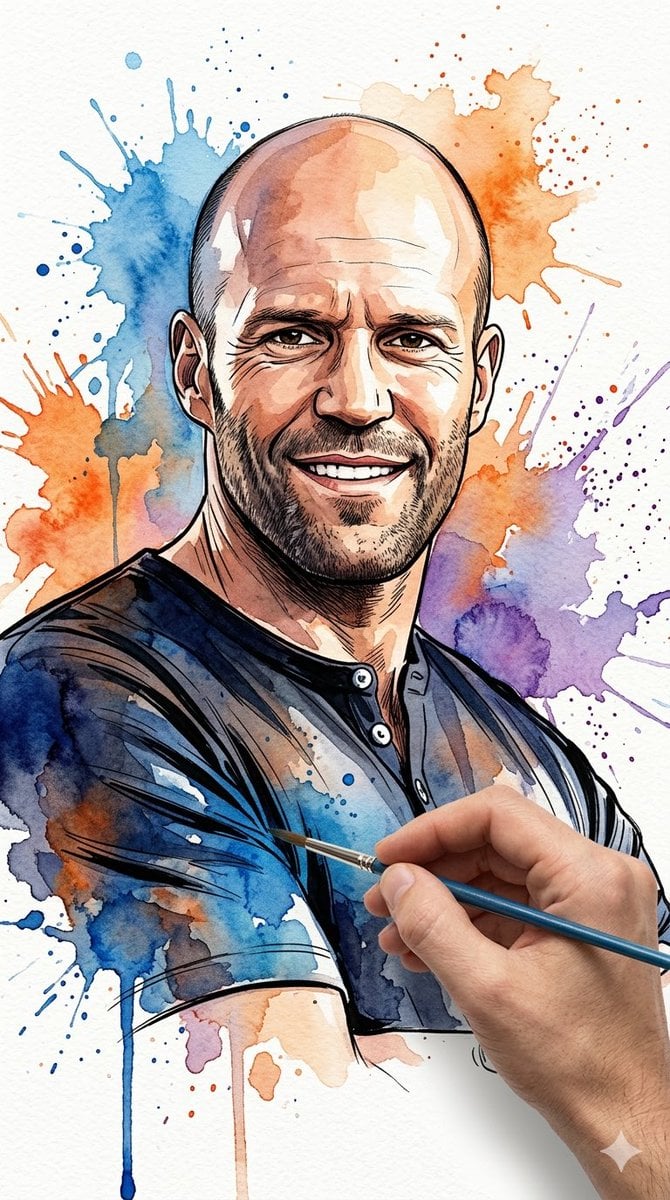
Vibrant Watercolor Portrait with Dynamic Paint Splashes
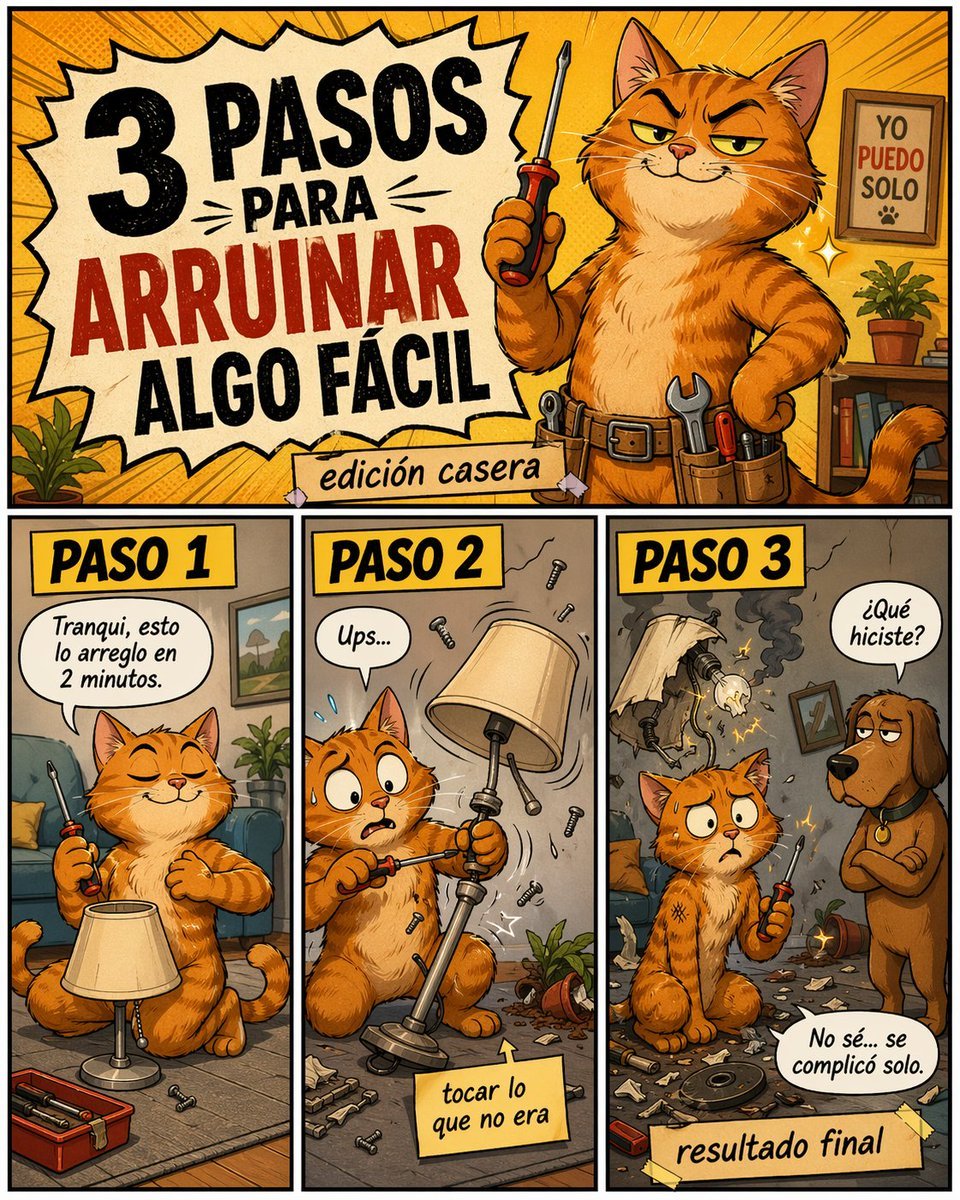
Funny DIY Disaster Cat Comic
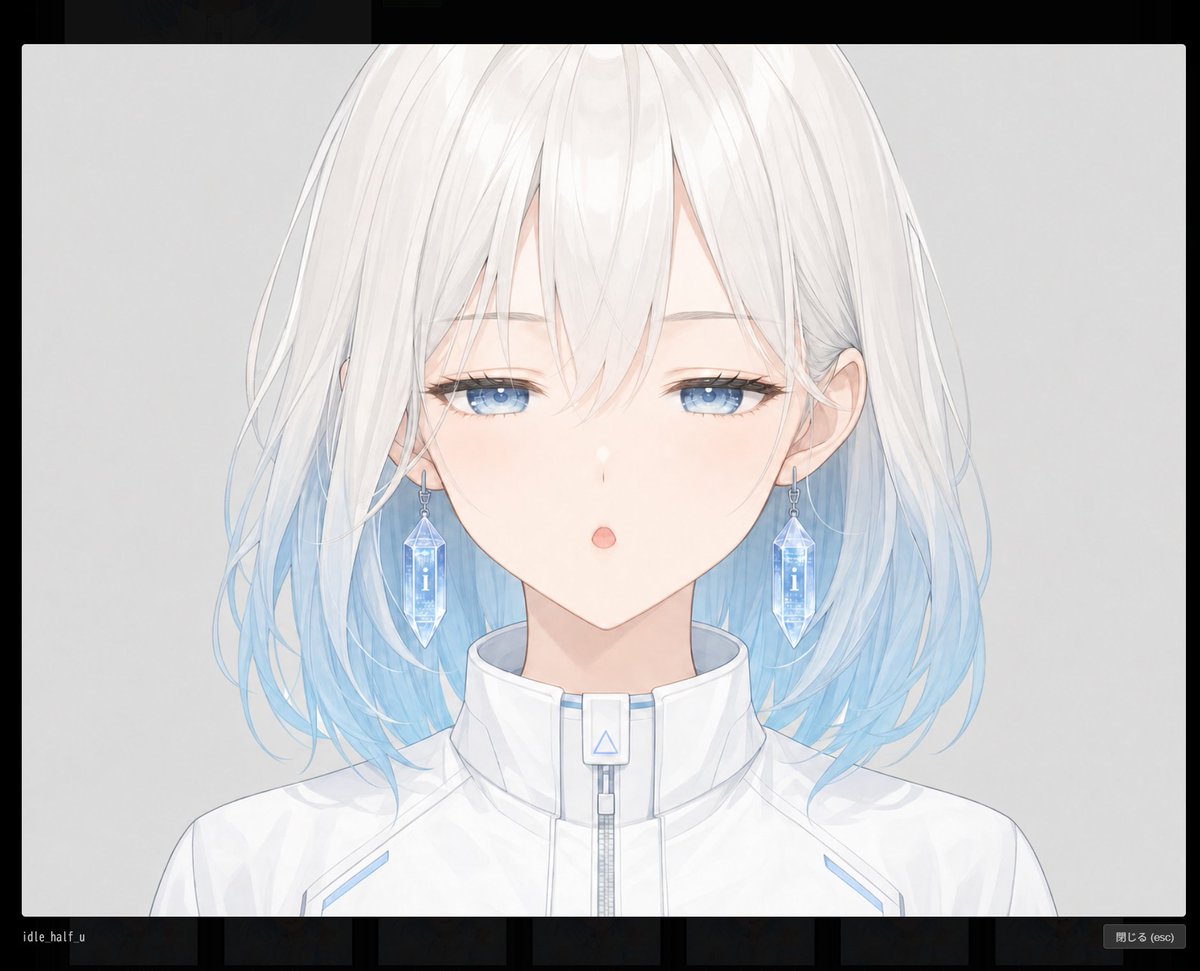
Anime Face Mask Portrait Template
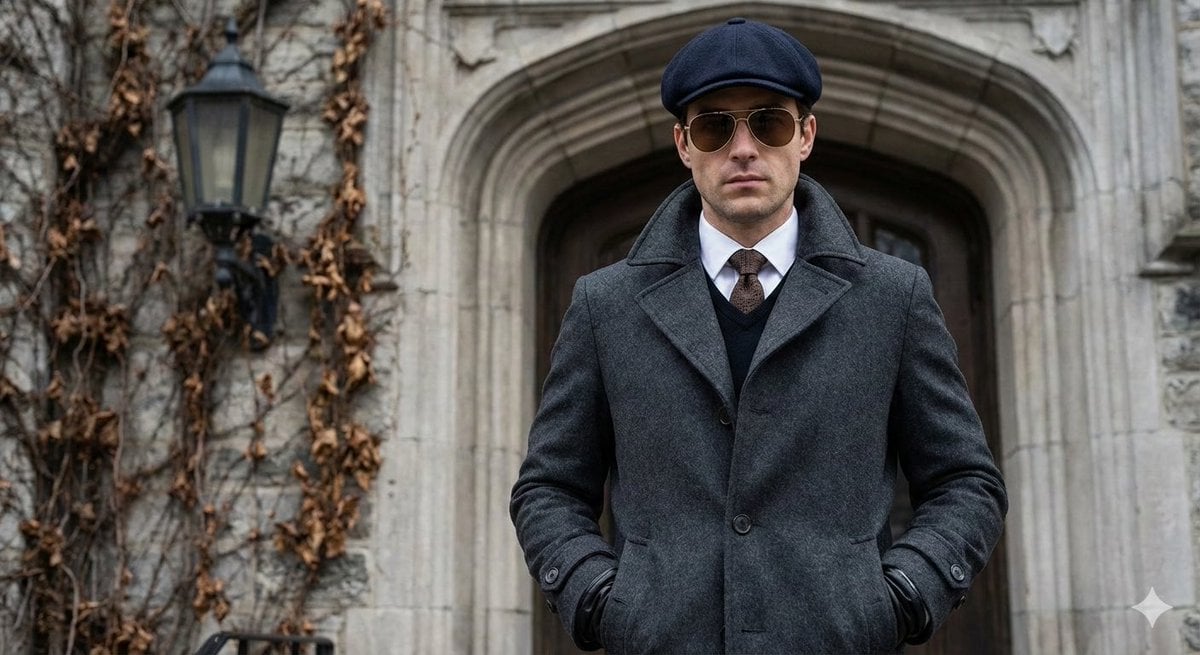
Cinematic Street Photography Editorial Portrait
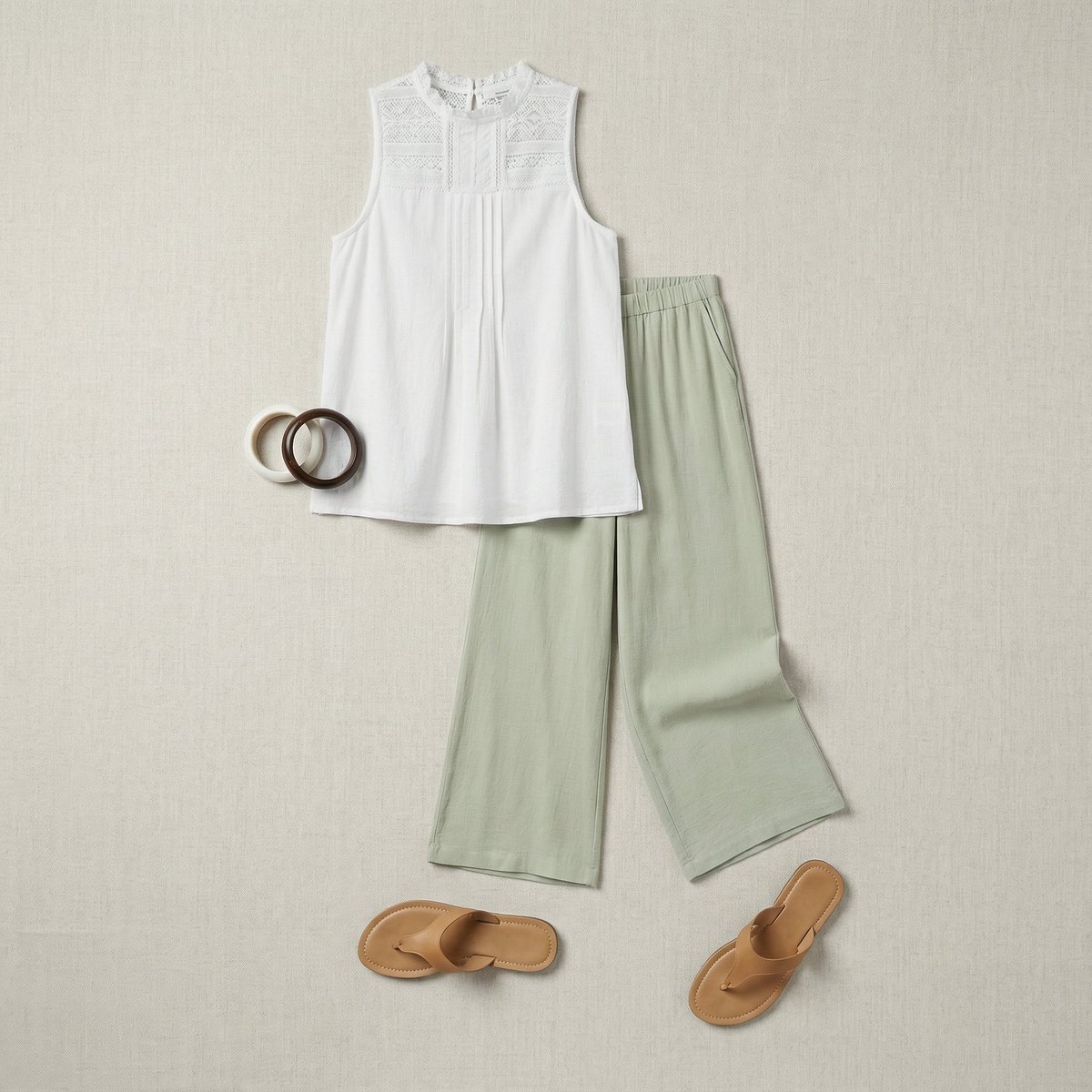
Flat Lay Fashion Editorial Image
Browse template categories
Desert Rebel Convoy Portrait questions
How do I use the Desert Rebel Convoy Portrait template?
Add your photo if the template asks for one, edit the prompt if you like — the template's model and format are already selected — and press Generate. Your version opens in PicX Studio.
Can I customize the Desert Rebel Convoy Portrait template?
Yes. You can change the subject, setting, lighting, mood, format, and available model controls before creating your image.
Is the Desert Rebel Convoy Portrait template free?
Opening and editing this template is free. Generating uses credits, shown on the Generate button when you are signed in.
Which AI model should I use?
Start with GPT Image 2, which is the model associated with this template. You can compare another compatible model for a different finish.
Looking for something else? Browse all templates.

Your photo, any look
Thousands of ready templates for every top image and video model, from one credit balance.