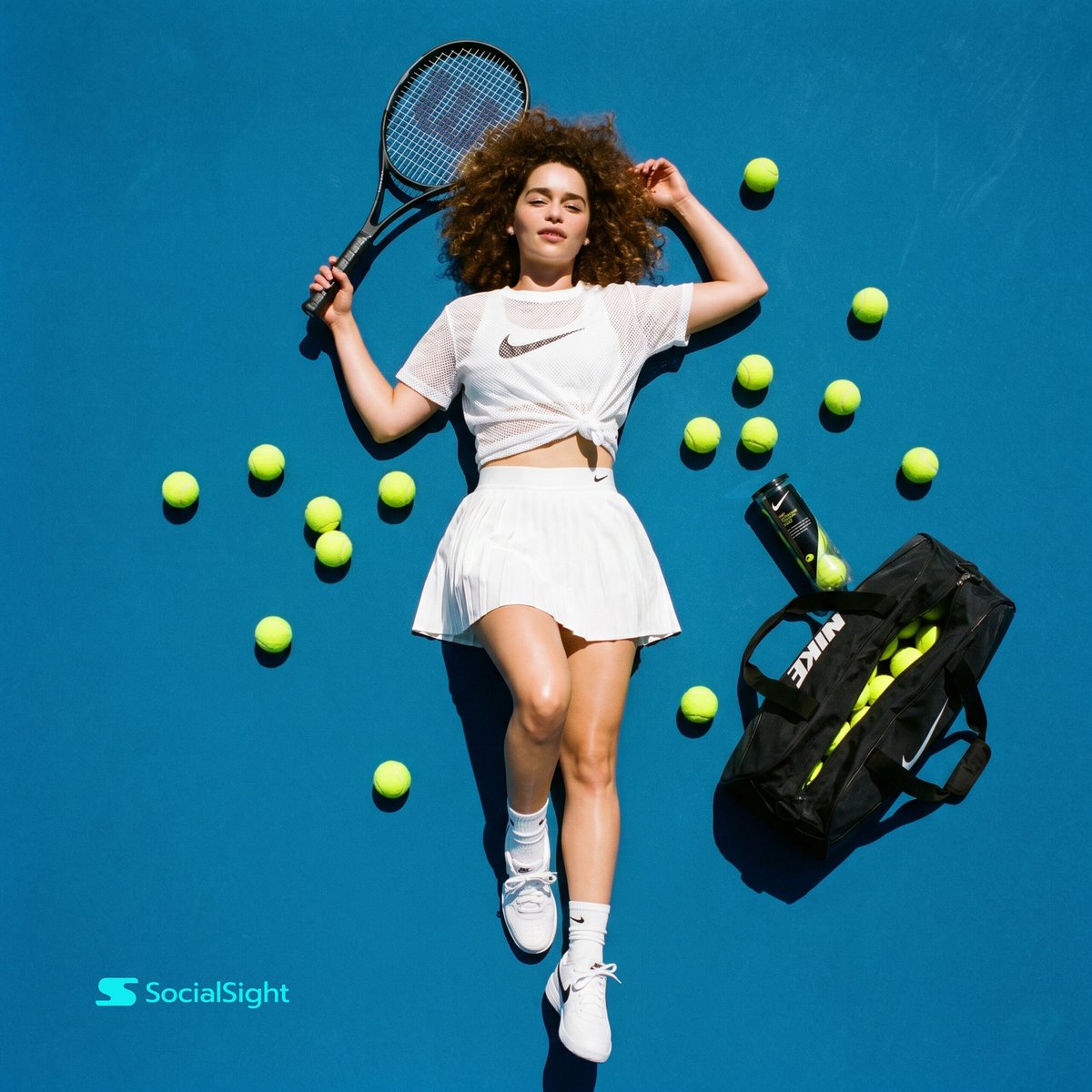
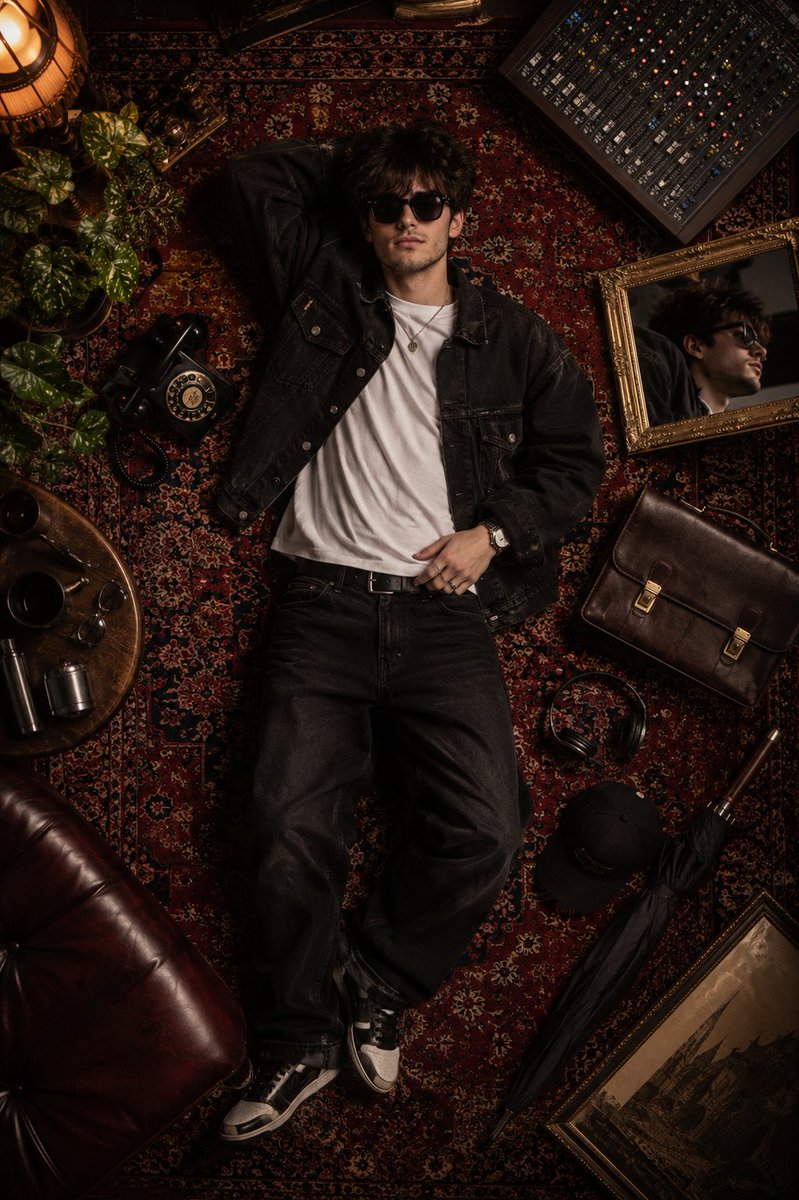
How do I use the Flat Lay Fashion Editorial Image template?
Choose the primary action to open PicX Studio with the available template settings. Review the model and format, personalize the creative direction, and generate when ready.
A highly constrained and detailed prompt for generating a flat lay fashion image suitable for editorial or catalog use. Change the subject, setting, or lighting one variable at a time.

[OUTFIT_STYLE] = Use the outfit from the reference image | casual utilitarian womenswear | casual mens streetwear [COMPOSITION_SCHEME] = seated-inspired angular layout | standing-inspired vertical layout | walking-inspired offset layout | dynamic diagonal layout | balance-inspired asymmetric layout | editorial flat-lay grid break | sculptural negative-space layout | yoga-inspired angular balance layout | athletic-inspired directional layout [SURFACE] = clean matte studio backdrop | soft neutral paper surface | cool tone matte backdrop [ACCESSORY_MODE] = outfit_integrated | decorative | none Make a high resolution flat lay fashion image for editorial and catalog use. Use a strict top down camera angle with a natural 50mm equivalent perspective and perfectly parallel framing. Set the scene on [SURFACE] with no visible texture seams or edge shadows. Show only clothing items and approved accessories placed on the surface. Do not depict or imply any human body, body parts, limbs, skin, joints, or anatomy. Do not include legs, hips, feet, knees, or any biological structure. Arrange garments as a flat, uninhabited composition following [COMPOSITION_SCHEME]. Interpret [COMPOSITION_SCHEME] purely as a geometric layout logic, never as a body configuration. Use angles, spacing, and directional alignment only to suggest balance and posture. Keep every garment fully flat with zero internal volume. Force all bottom garments including pants or leggings to remain collapsed, empty, and tension-free. Do not stretch, contour, wrap, or compress fabric. Represent bends only through sharp planar folds and angular breaks. Prohibit smooth curves, rounded forms, seated volume, or body-fit deformation. Allow folds and wrinkles only as gravity-driven surface creases. Ensure clothing reads strictly as laid fabric, not worn, inhabited, or shaped by a body. Select garments and accessories based on {argument name="outfit style" default="OUTFIT_STYLE"}. If [ACCESSORY_MODE] is outfit_integrated, include only functionally worn items. If [ACCESSORY_MODE] is decorative, allow accessories as independent flat objects. If [ACCESSORY_MODE] is none, exclude all accessories entirely. Use soft diffused daylight from above with gentle shadows directly beneath each item. Keep spacing balanced with visible negative space around the composition. Avoid mannequins, models, body silhouettes, stuffing, air filled shapes, extra items, text, logos, or branding. Ensure clarity, accurate fabric texture, and a calm contemporary aesthetic.
Choose the primary action to open PicX Studio with the available template settings. Review the model and format, personalize the creative direction, and generate when ready.
Yes. You can change the subject, setting, lighting, mood, format, and available model controls before creating your image.
This template is free to open and customize. Generation usage is shown in PicX Studio before you create.
Start with Nano Banana 2, which is the model associated with this template. You can compare another compatible model for a different finish.
© 2026 PicX Studio. All rights reserved.

Follow a topic to a crawlable collection of related PicX Studio templates.
43,474 public templates available. Verified via the PicX Studio public templates API; refreshed hourly.








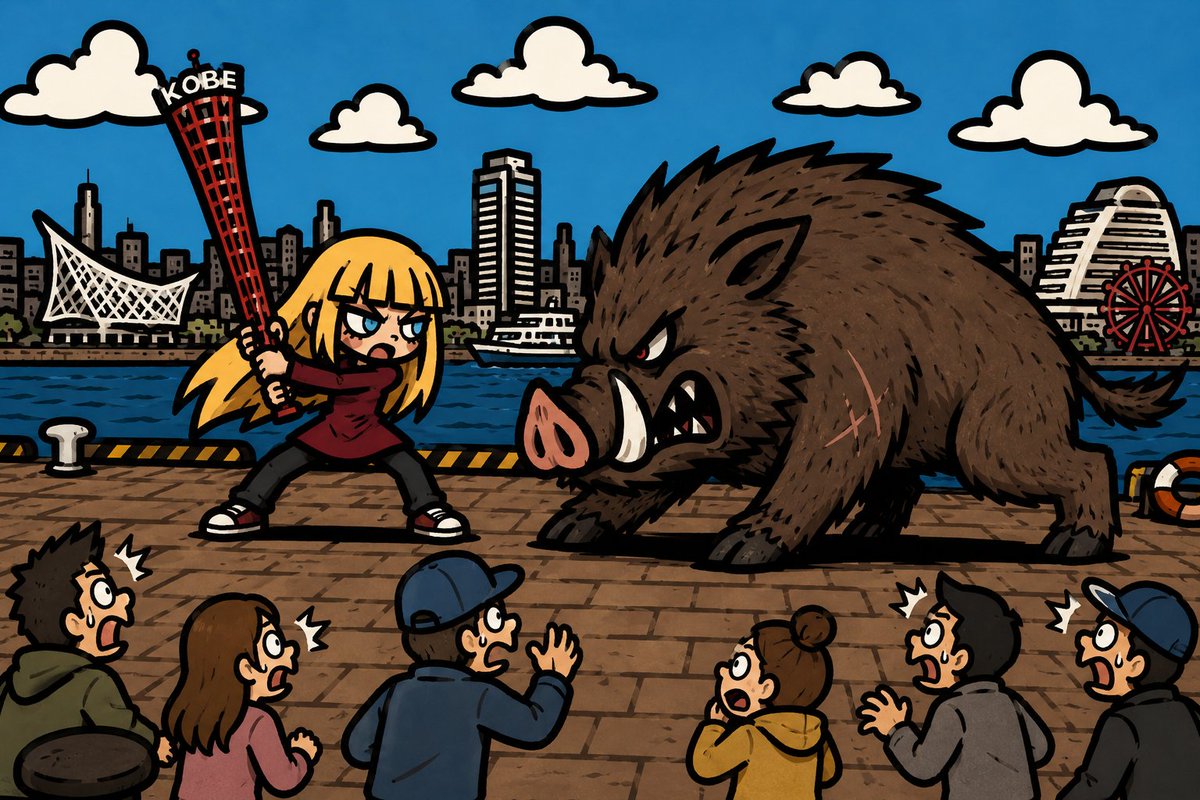
![Naive doodle-style subject illustration — A doodle-style {argument name="subject" default="[subject]"}, naive lines, humorous shape exaggeration](https://pbs.twimg.com/media/G6Wl2YxbsAARB2b.jpg)














![Minimalist 3D Clay Render — A minimalist 3D render of a {argument name="subject" default="[SUBJECT]"}, featuring a soft, smooth clay-like texture, centered and](https://cms-assets.youmind.com/media/1777280760968_ve2bdc_HG1WfiDaEAAxRJl.jpg)




![Abandoned Object Photorealistic Image Generator — A photorealistic image of an abandoned {argument name="subject" default="[SUBJECT]"} in {argument name="color"](https://pbs.twimg.com/media/G96tX4ibQAAMPfh.jpg)