
Courtroom Sketch Rabbit Witness
Generates a humorous courtroom artist-style news image featuring a colorful rabbit mascot testifying with a Japanese lower-third caption.
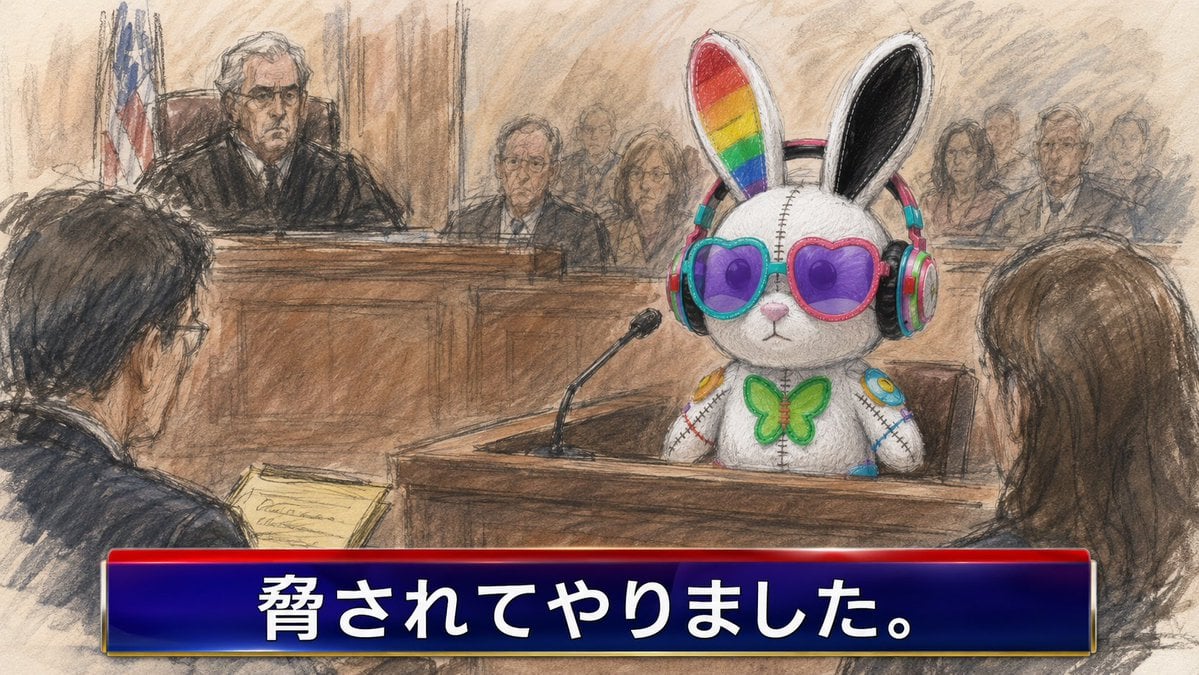
- Prompt included
- Model and format preset
- Free template
The prompt behind this image
Copy the exact prompt behind Courtroom Sketch Rabbit Witness, or open it in the studio and make it yours.
Create a satirical courtroom news sketch in the style of a hand-drawn pastel and charcoal courtroom artist illustration. The scene shows a wooden courtroom with a judge on the raised bench at the back left, a U.S. flag behind the judge, warm beige walls, rough pencil shading, and a documentary news feel. In the witness stand at center-right sits {argument name="witness character" default="a cute white plush rabbit mascot"}: it has tall rabbit ears with one inner ear rainbow-striped and the other black, large round purple lenses in mismatched turquoise and pink frames, colorful over-ear headphones, stitched seams down the face and body, a green butterfly bow tie, and small bright decorative patches on its arms. A black gooseneck microphone points toward the witness from the wooden stand. In the foreground, show two dark, sketchy human figures from behind: one lawyer on the left holding a yellow legal pad, and one person with long brown hair on the right facing the witness. Include exactly 10 anonymized human face blocks in the courtroom: 1 blurred rectangular face on the judge, 1 large blurred rectangle on the left foreground lawyer, 4 small blurred faces among the central background spectators, and 4 small blurred faces among the right-side background spectators. Keep the human faces featureless, covered by soft brown-gray rectangular blur blocks. Add a glossy TV-news lower-third banner across the entire bottom: a deep navy blue gradient rectangle with a bright red top strip, thin metallic gold edges, and large bold white Japanese text reading {argument name="lower third text" default="脅されてやりました。"}. Use a 16:9 horizontal composition, slightly chaotic courtroom sketch lines, muted browns and grays contrasted with the vivid colorful rabbit accessories, no photorealism, no watermark, no extra captions.
How to use Courtroom Sketch Rabbit Witness in 3 steps
- 1Upload ImagePNG, JPG or paste
Add your photo
Upload the photo the template builds on. The prompt, model and format are already set.
- 2…a portrait of your subject in softgolden-hour light, 85mm…
Personalize
Edit the subject and creative details for your destination.
- 3Generate
Generate
Press Generate — your image is created in PicX Studio, so you can compare it with the original and refine one variable at a time.
More like this
Templates with the same subject, style or setup. Open one to see its prompt.

Japanese Café Sketch Duo Illustration

Delicate Japanese Café Lifestyle Illustration
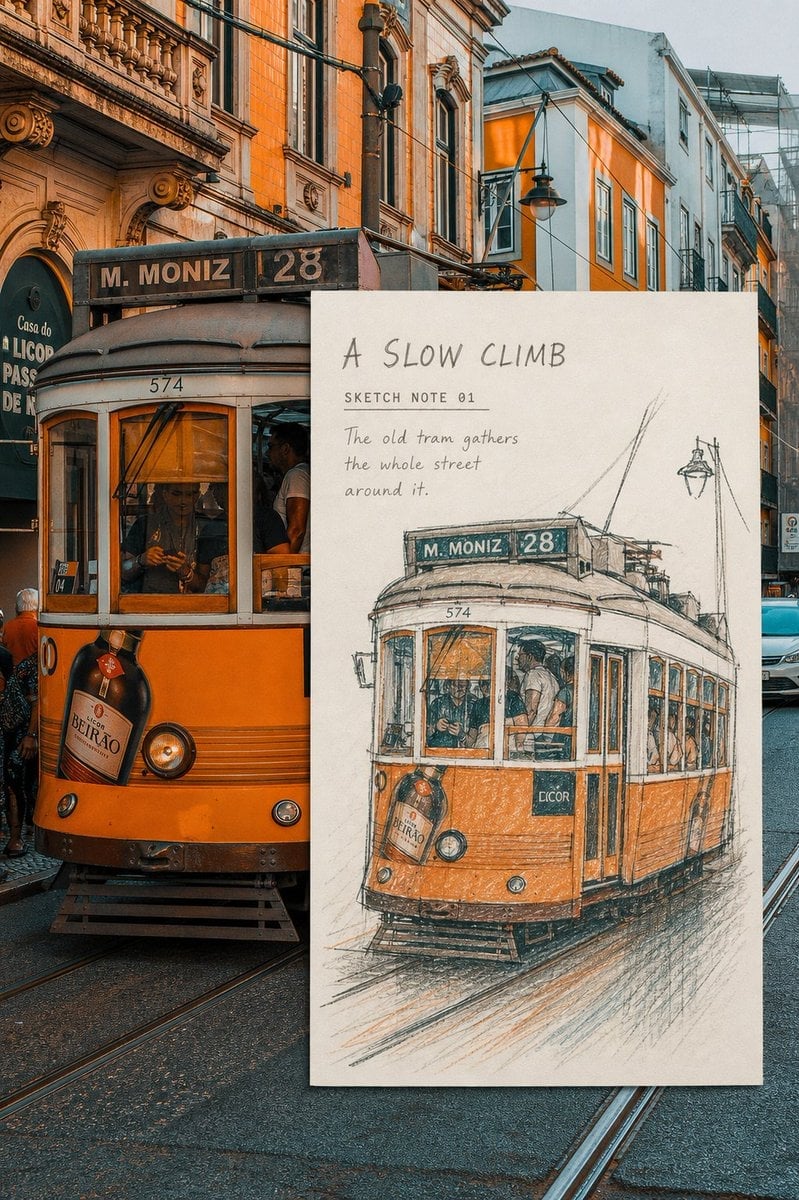
Real-Scene Inset Sketch Poster
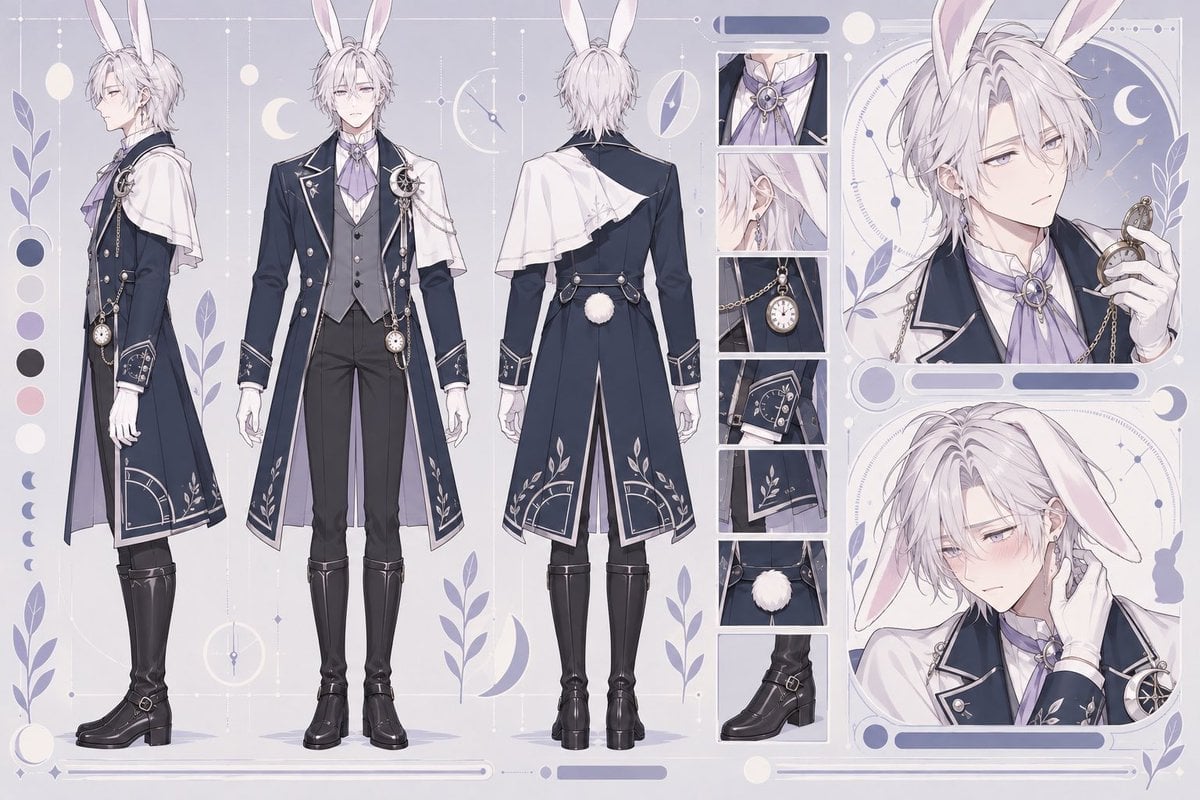
Rabbit Gentleman Character Sheet
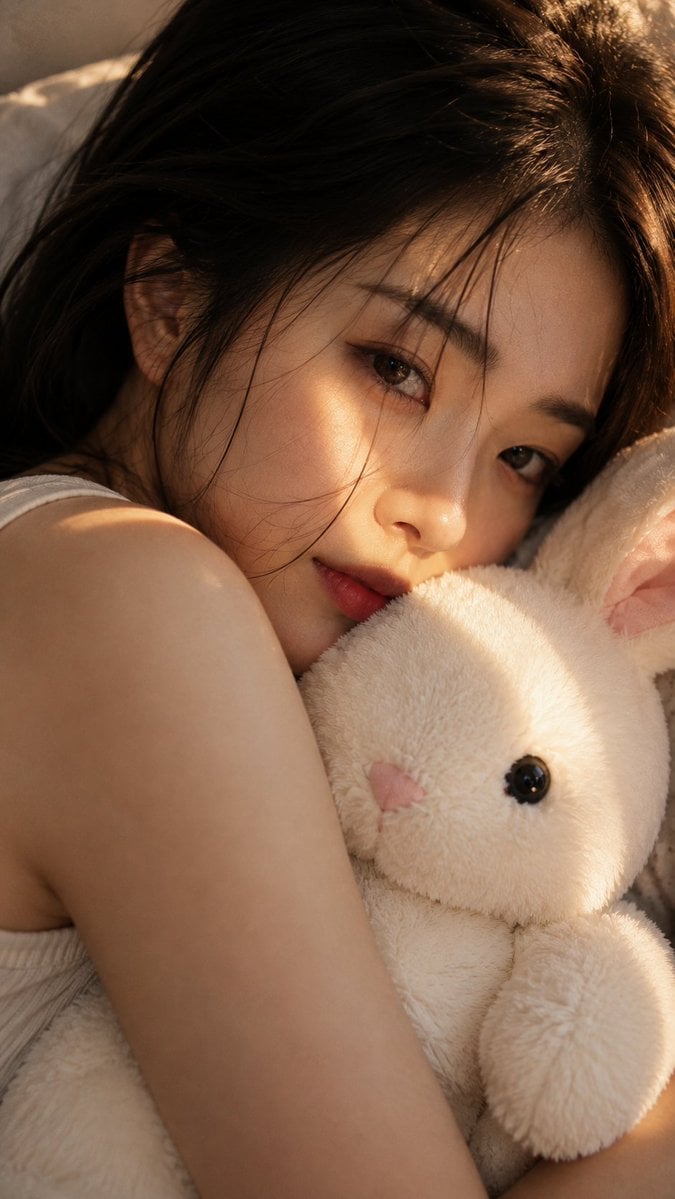
Woman with Plush Rabbit Close-up
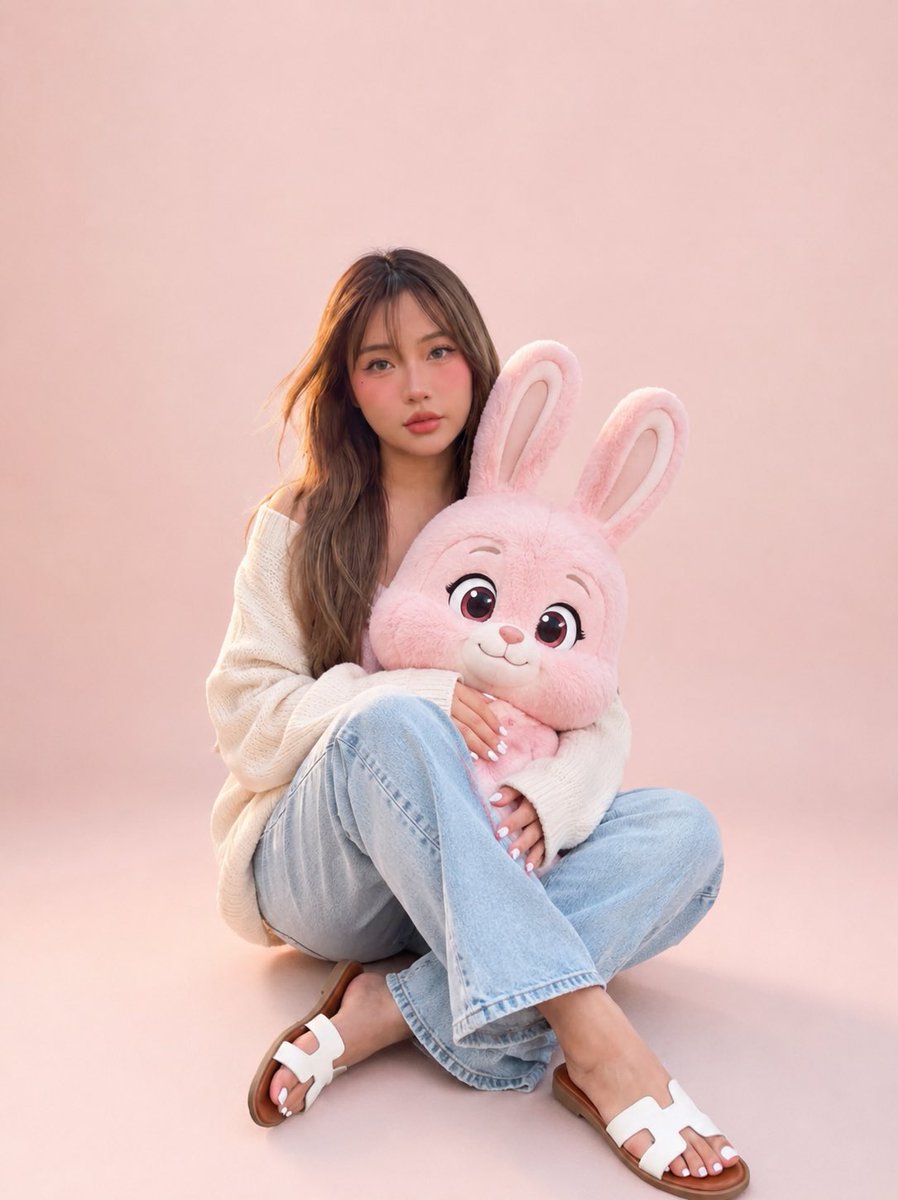
Portrait with Cartoon Pink Rabbit
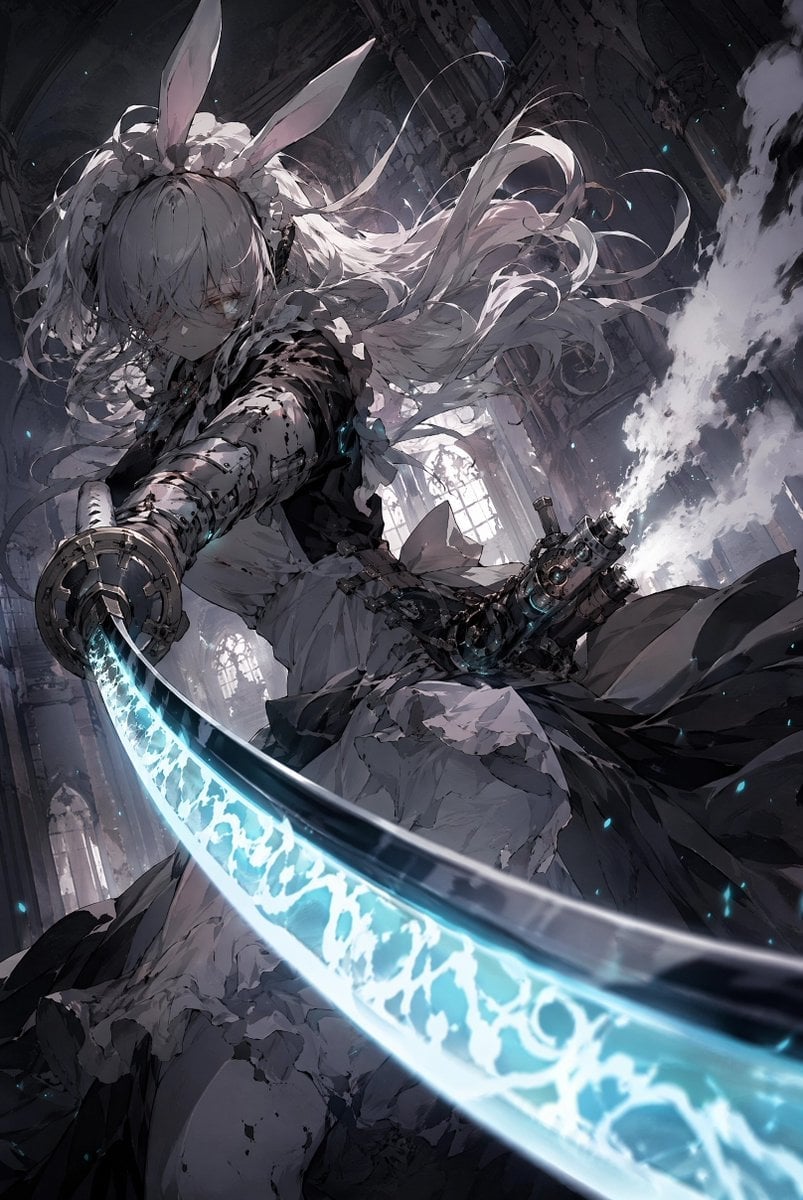
Rabbit-Eared Swordswoman in Ruined Cathedral
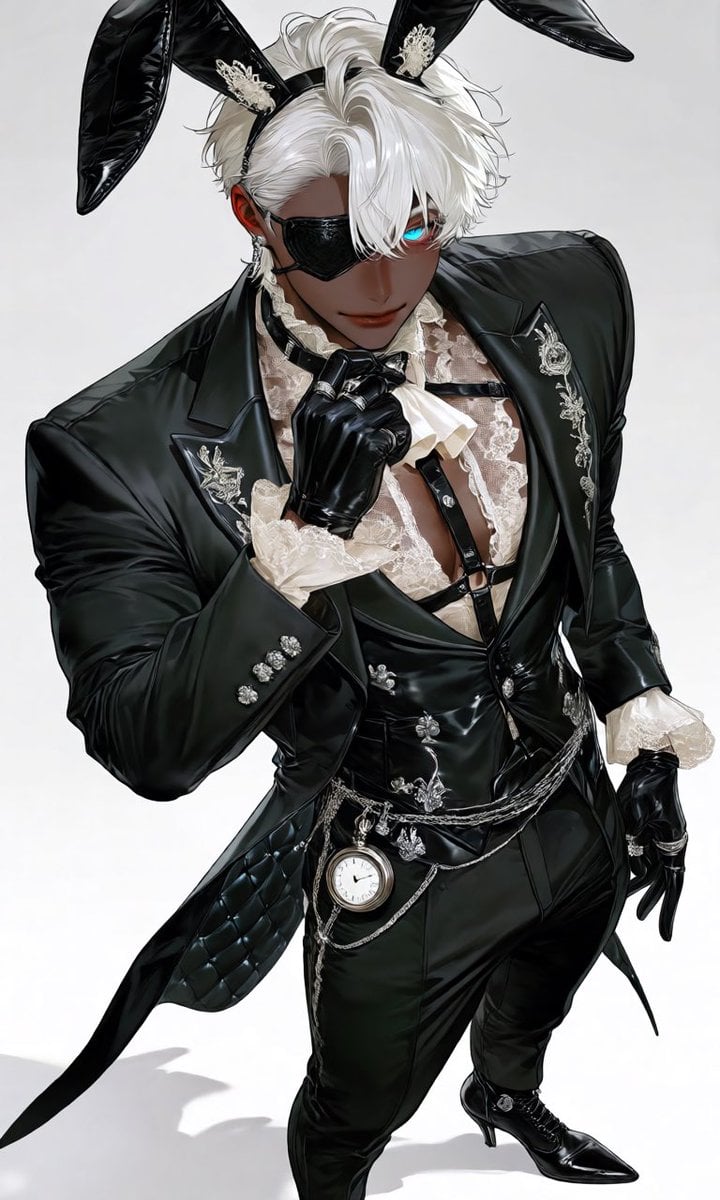
Luxury Rabbit Suit Fashion
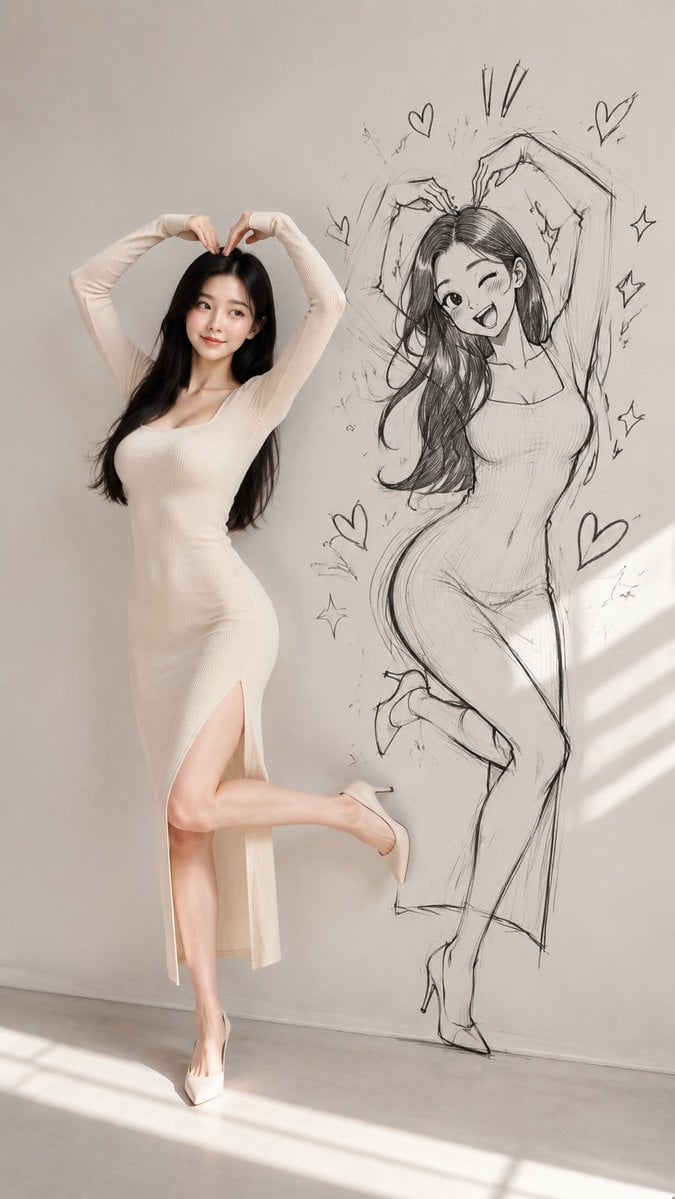
Model With Manga Wall Sketch
Vintage Rabbit Collage Specimen
Japanese Lifestyle Sketch Illustration

Pencil Sketch Coffee Storyboard
Make it yours
Courtroom Sketch Rabbit Witness works as-is. These are the safest ways to change it without losing the look.
Change one field
Copy a single group, rewrite it, and generate again so you can see what that field is doing.
Keep the frame, change the subject
Hold the composition and light of Courtroom Sketch Rabbit Witness, then swap wardrobe, props or the person for a new take.
| If the result… | Why | Fix |
|---|---|---|
| The result drifts from the preview | Too many fields changed at once. | Reuse Courtroom Sketch Rabbit Witness as-is first, then change one group — subject, light, or setting. |
| The model over-stylizes the scene | The prose prompt leaves finish and camera underspecified. | Add one camera or lighting sentence and stay on GPT Image 2. |
More GPT Image 2 templates
Other prompts made for GPT Image 2.

Six VTuber Japanese Logo Sheet

Realistic Portrait of Woman and Deer

The Vista Modular Condo Poster

AI Model Routing Comparison Infographic

2.5D Anime Art Board

Isometric Productivity Desk Scene

New York Double Exposure Poster

Four-Panel AI Landscape Comparison

Japanese Tatami Lifestyle Magazine Cover

NESCAFÉ Coffee Map Poster
More image prompts
Fresh picks from across the catalog.

3D Diorama of Ahmedabad Landmark
Alpine Snow Portrait with Trapper Hat
Studio Fashion Portrait with High Contrast
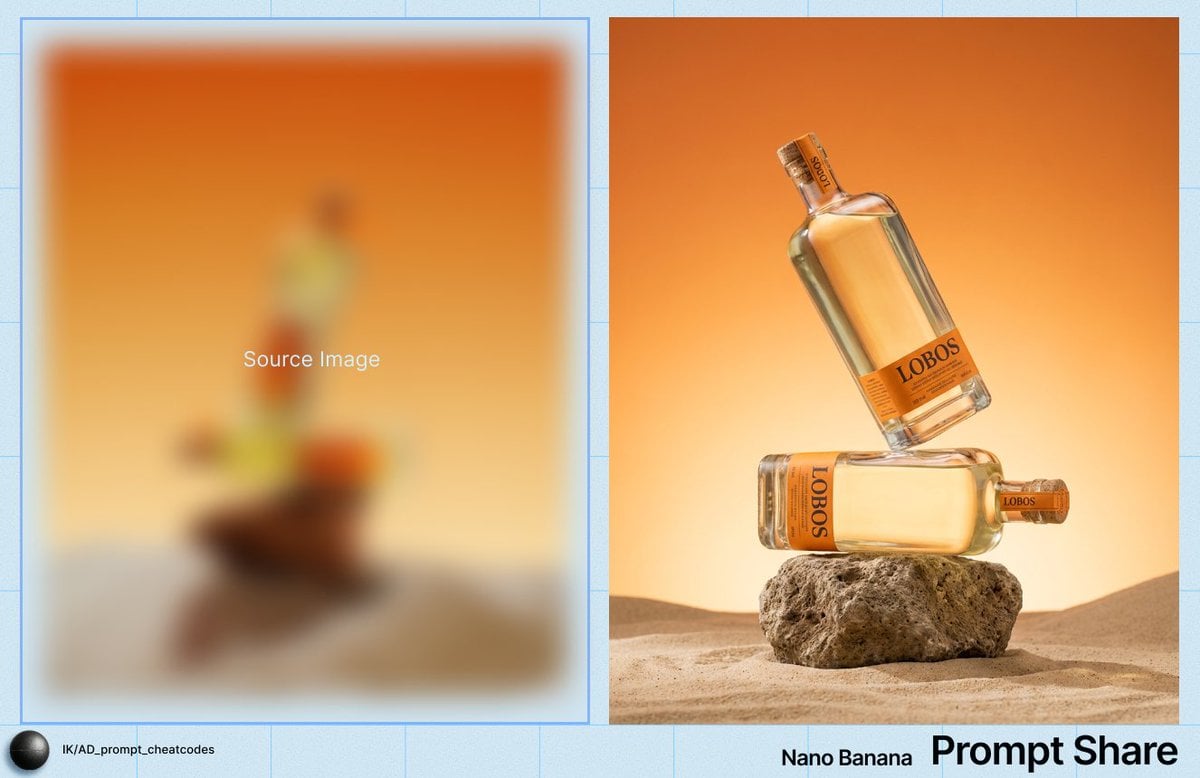
Product Photography Prompt for Lobos Tequila Bottles
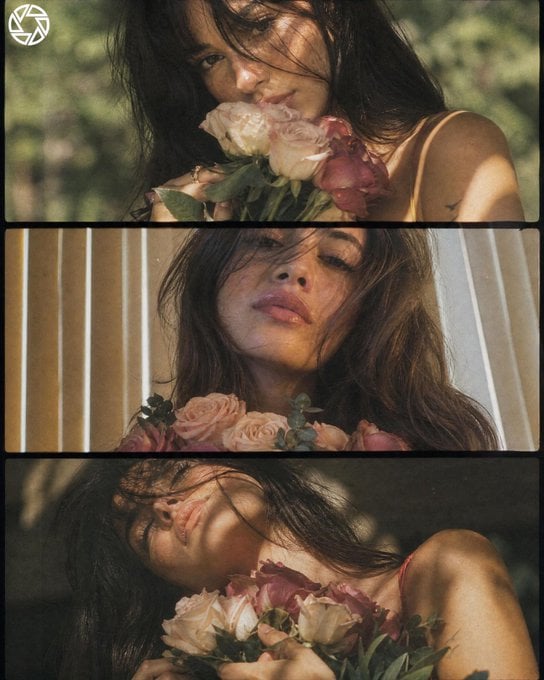
Dreamy Cottagecore 3-Panel Cinematic Collage
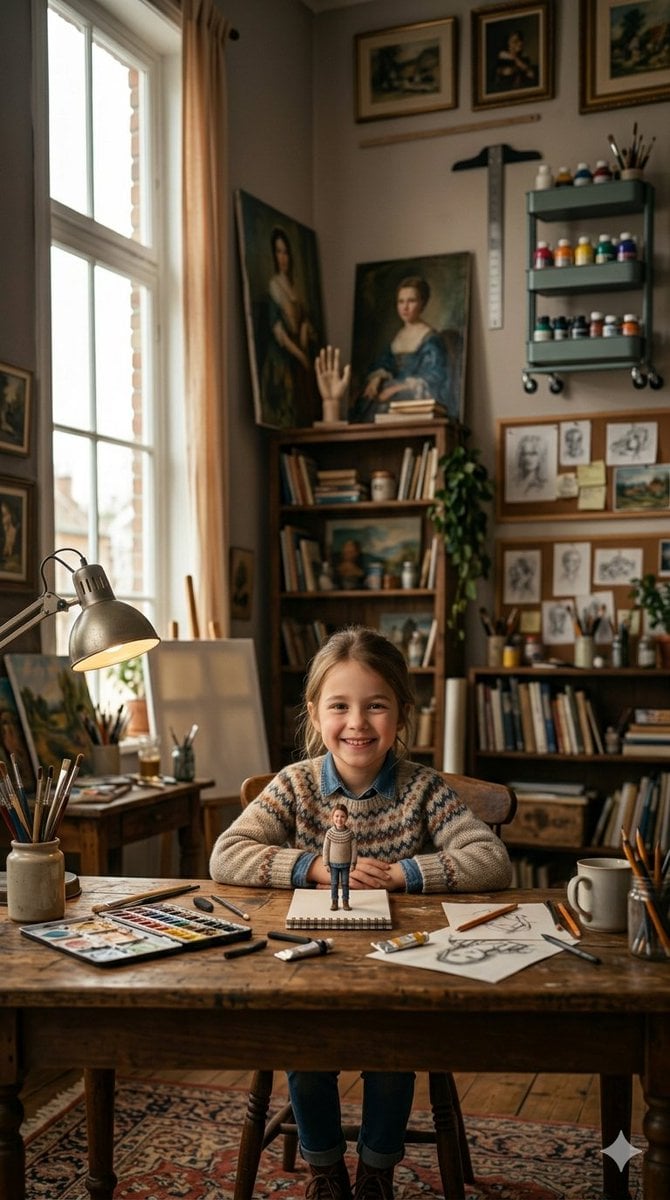
3D Miniature Clay Figurine Illusion in an Artist's Studio
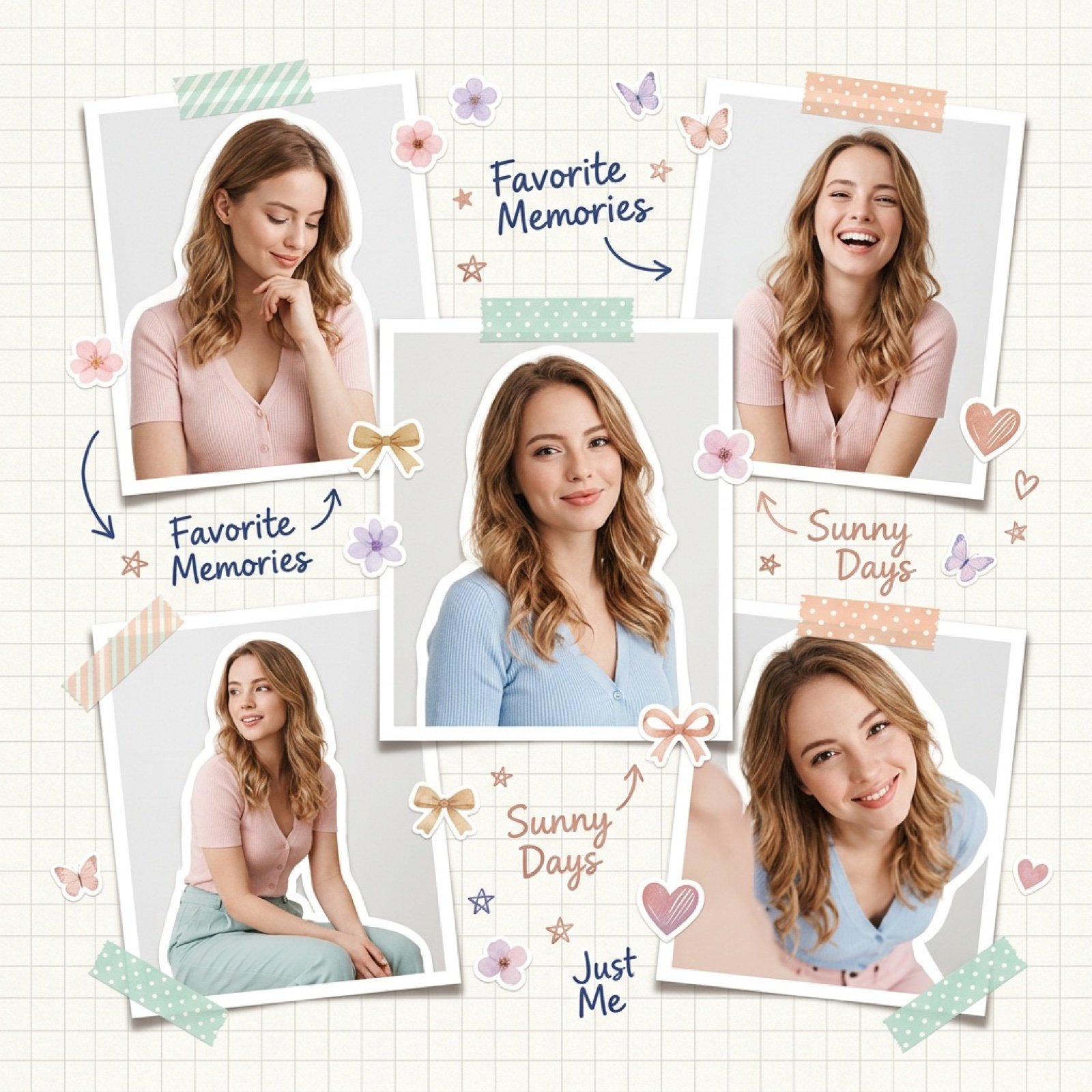
Dreamy Scrapbook Collage Aesthetic with Identity Preservation
Realistic Cheerleader Portrait
3D Schoolgirl Character Design Sheet
Three Identity-Locked Photorealistic Portraits
Browse template categories
Courtroom Sketch Rabbit Witness questions
How do I use the Courtroom Sketch Rabbit Witness template?
Add your photo if the template asks for one, edit the prompt if you like — the template's model and format are already selected — and press Generate. Your version opens in PicX Studio.
Can I customize the Courtroom Sketch Rabbit Witness template?
Yes. You can change the subject, setting, lighting, mood, format, and available model controls before creating your image.
Is the Courtroom Sketch Rabbit Witness template free?
Opening and editing this template is free. Generating uses credits, shown on the Generate button when you are signed in.
Which AI model should I use?
Start with GPT Image 2, which is the model associated with this template. You can compare another compatible model for a different finish.
Looking for something else? Browse all templates.

Your photo, any look
Thousands of ready templates for every top image and video model, from one credit balance.