
Rabbit Gentleman Character Sheet
A detailed anime fantasy character reference sheet for a silver-haired rabbit-eared noble with full-body turnaround views, portraits, outfit close-ups, and palette swatches.
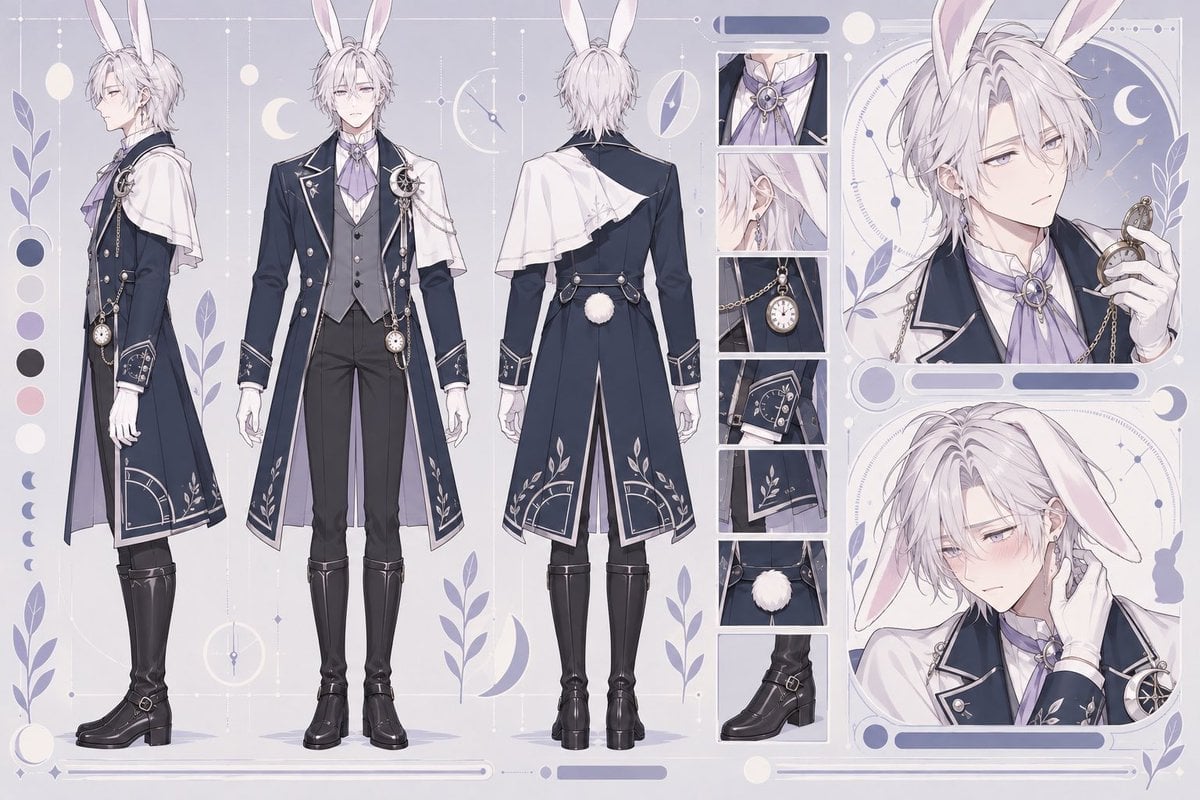
- Prompt included
- Model and format preset
- Free template
The prompt behind this image
Copy the exact prompt behind Rabbit Gentleman Character Sheet, or open it in the studio and make it yours.
Goal: Create an elegant anime character design sheet for {argument name="character name" default="a handsome rabbit gentleman"}, a pale silver-haired male with tall white rabbit ears, shown as a refined fantasy noble with moon-and-clock motifs. Canvas: Wide horizontal character reference sheet, soft lavender-gray background, delicate celestial UI-frame decorations, thin white geometric lines, dangling stars, moons, clock circles, leafy botanical silhouettes, and a pastel palette of navy, ivory, lavender, silver, and muted violet. Layout: Use exactly 3 full-body turnaround views on the left: 1 side profile facing left, 1 front view, and 1 back view. On the right, include exactly 2 large portrait panels: the upper portrait shows a calm, cool expression while holding a pocket-watch chain near his face; the lower portrait shows a shy blushing expression with one hand near his neck and one rabbit ear drooping forward. Between the full-body views and portraits, include exactly 6 vertical detail close-up panels: 1 cravat and brooch at the collar, 1 ear and earring detail, 1 pocket watch and chain detail, 1 cuff embroidery detail, 1 coat hem embroidery detail, and 1 fluffy tail plus boot detail. Add exactly 1 vertical color palette strip on the far left with 6 round swatches: deep blue, off-white, lavender, charcoal black, pale pink, and white, plus small crescent icons below it. Subject details: The character is a slim, tall, elegant young man with very pale skin, long messy layered {argument name="hair color" default="silver-white"} hair, narrow lavender-gray eyes, soft eyelashes, and long white rabbit ears with pale pink inner fur. His expression is aloof, melancholic, and beautiful. He wears a formal fantasy outfit: a dark navy long tailcoat with silver piping, asymmetrical ivory shoulder cape draped over one side, high white ruffled shirt, pale lavender cravat tied with an oval gemstone brooch, charcoal vest, fitted black trousers, white gloves, black knee-high heeled boots, decorative chains, a pocket watch, clock-face ornaments, crescent and star accents, and leaf embroidery along the cuffs and lower coat panels. The back view must show the cape, split coat tails, harness-like waist straps, and a small round white fluffy rabbit tail. Visual style: Highly polished Japanese anime illustration, character sheet / concept art presentation, delicate linework, clean cel shading blended with soft painterly gradients, porcelain skin, intricate clothing ornamentation, elegant otome-game aesthetic, dreamy moonlit atmosphere, muted pastel lighting, crisp details in the close-up panels. Text content: No readable title text or labels; use decorative bars and interface-like shapes only. Constraints: Keep the image as a single cohesive character reference sheet, not a comic. Preserve the exact counts of views, portrait panels, detail panels, and color swatches. Avoid extra characters, avoid modern streetwear, avoid heavy saturated colors, and do not add watermark or logo.
How to use Rabbit Gentleman Character Sheet in 3 steps
- 1Upload ImagePNG, JPG or paste
Add your photo
Upload the photo the template builds on. The prompt, model and format are already set.
- 2…a portrait of your subject in softgolden-hour light, 85mm…
Personalize
Edit the subject and creative details for your destination.
- 3Generate
Generate
Press Generate — your image is created in PicX Studio, so you can compare it with the original and refine one variable at a time.
More like this
Templates with the same subject, style or setup. Open one to see its prompt.
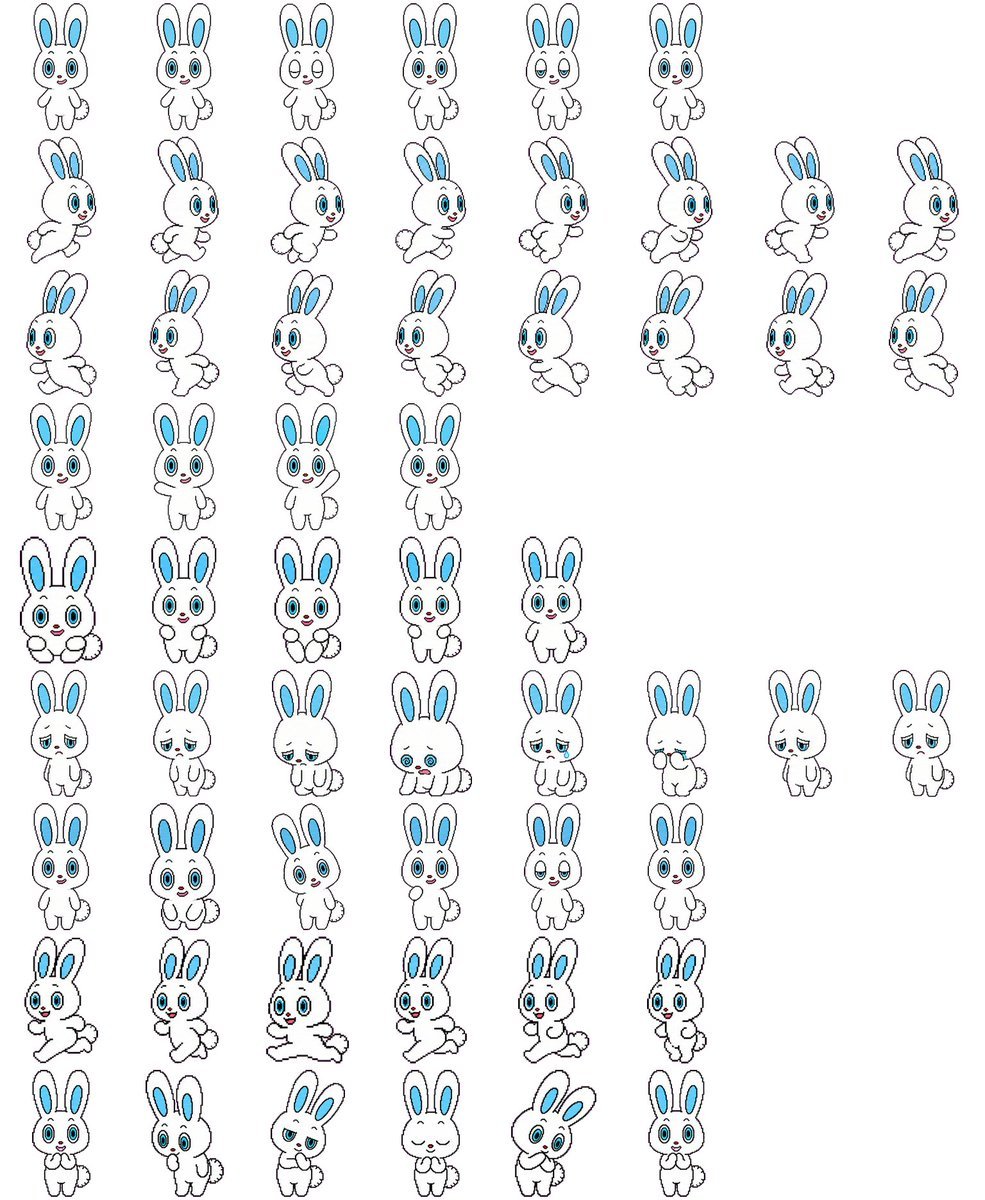
Rabbit Character Sprite Sheet

Dancer Character - Four View Reference Sheet

Movement Sheet - Dance Reference (Seedance 2.0)
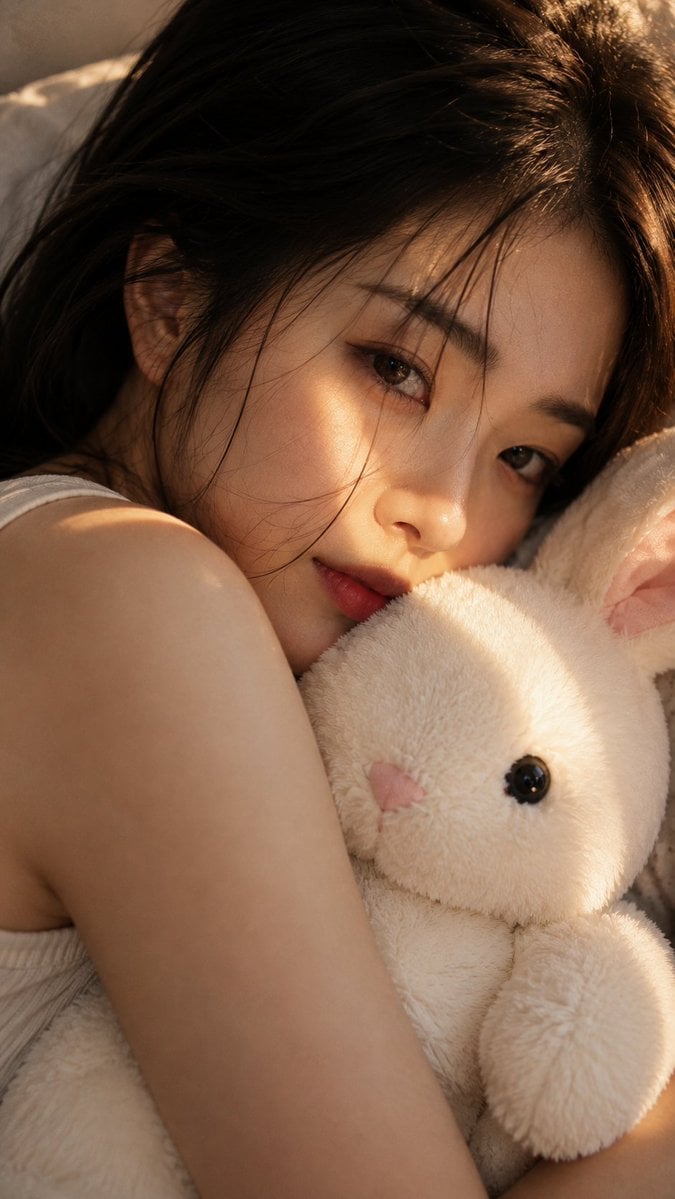
Woman with Plush Rabbit Close-up

Six VTuber Japanese Logo Sheet
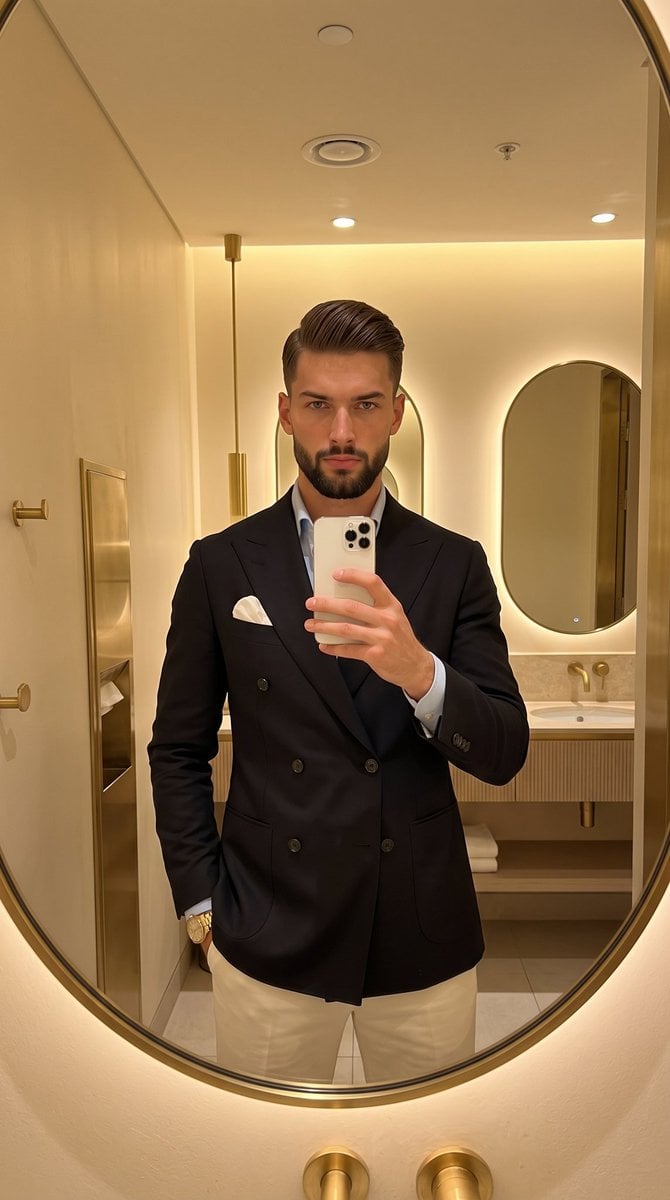
Gentleman's Editorial Mirror Selfie
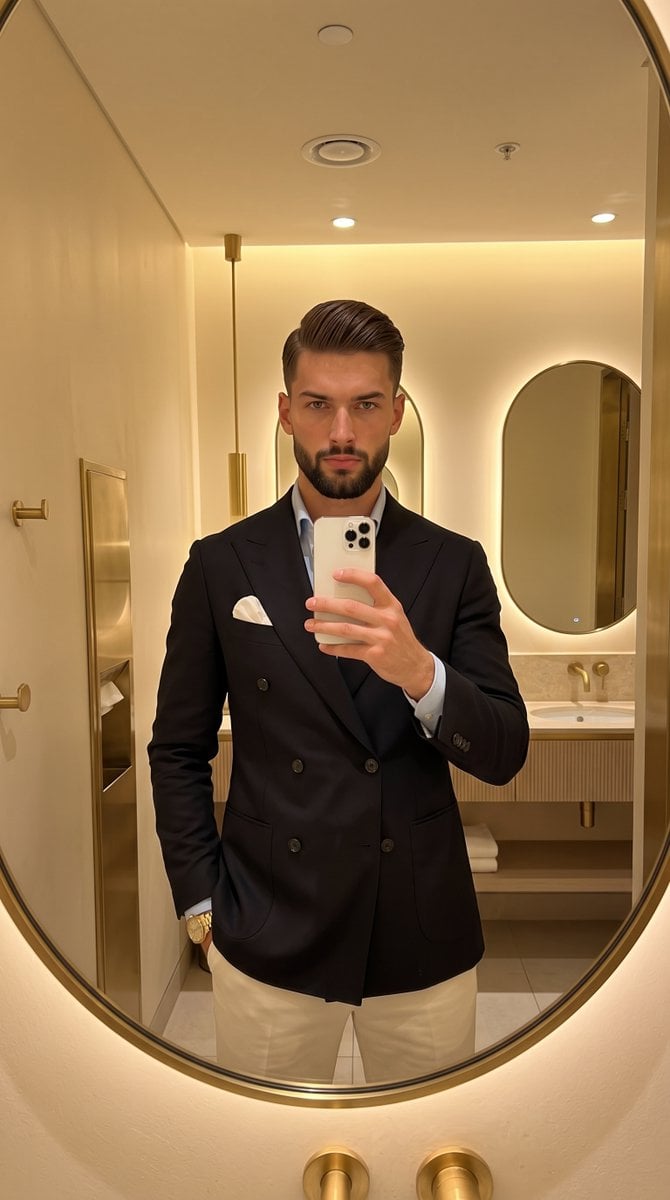
Classic Gentleman Mirror Selfie
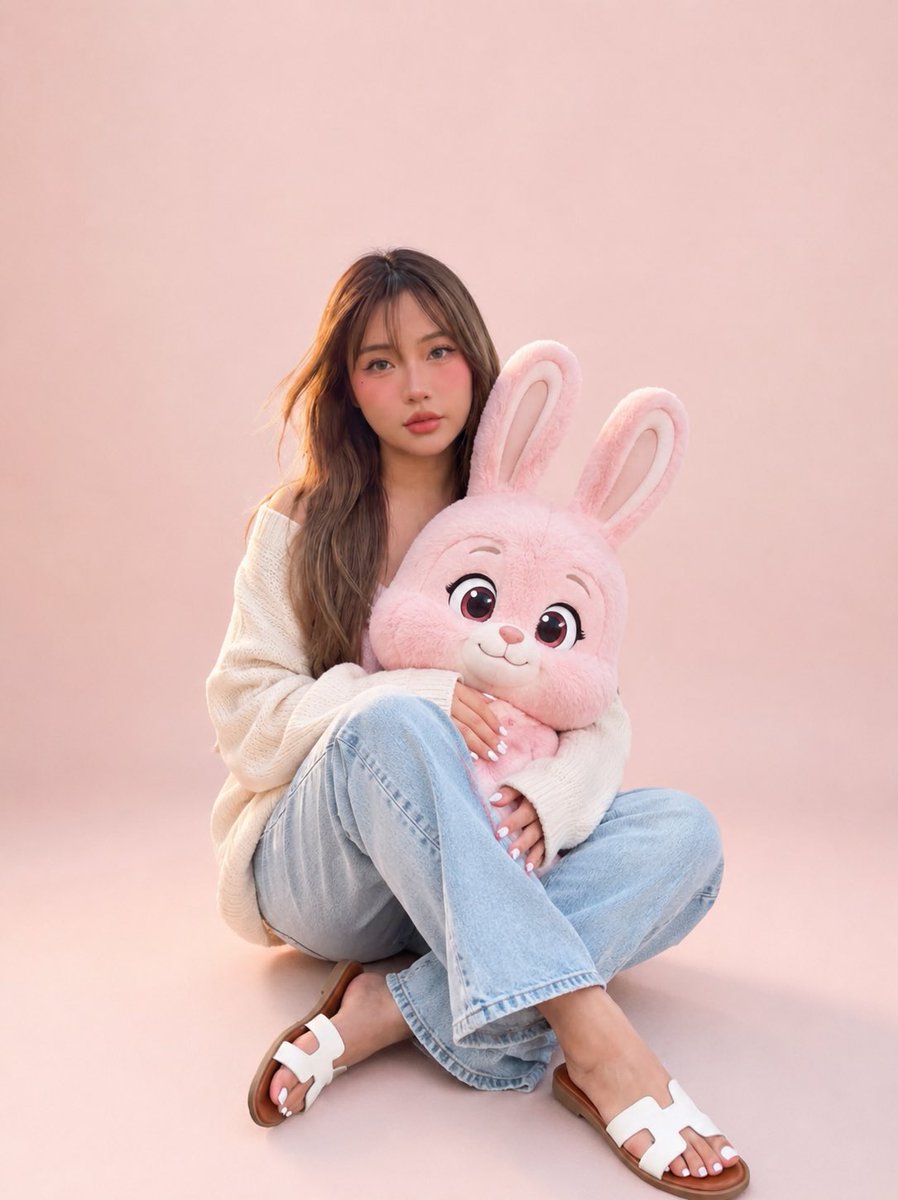
Portrait with Cartoon Pink Rabbit
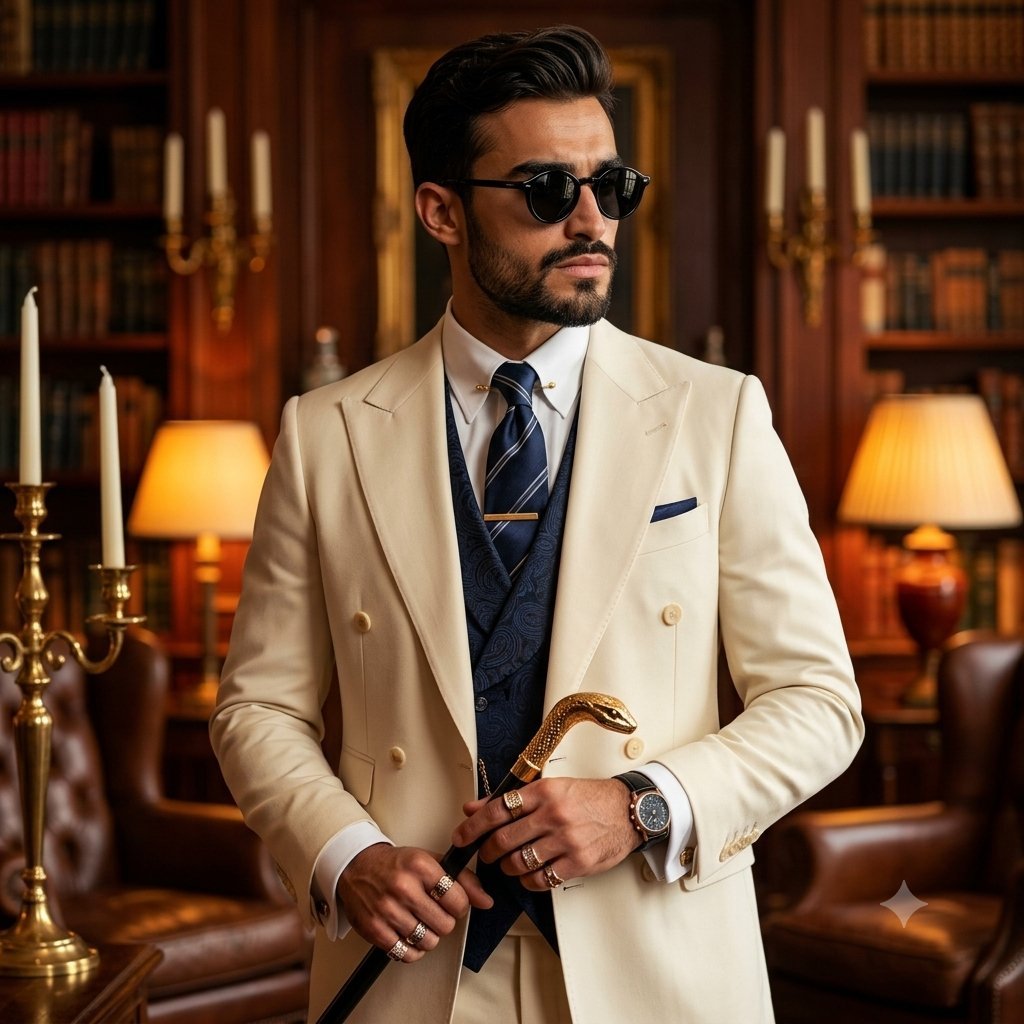
Mature Gentleman Luxury Suit Portrait
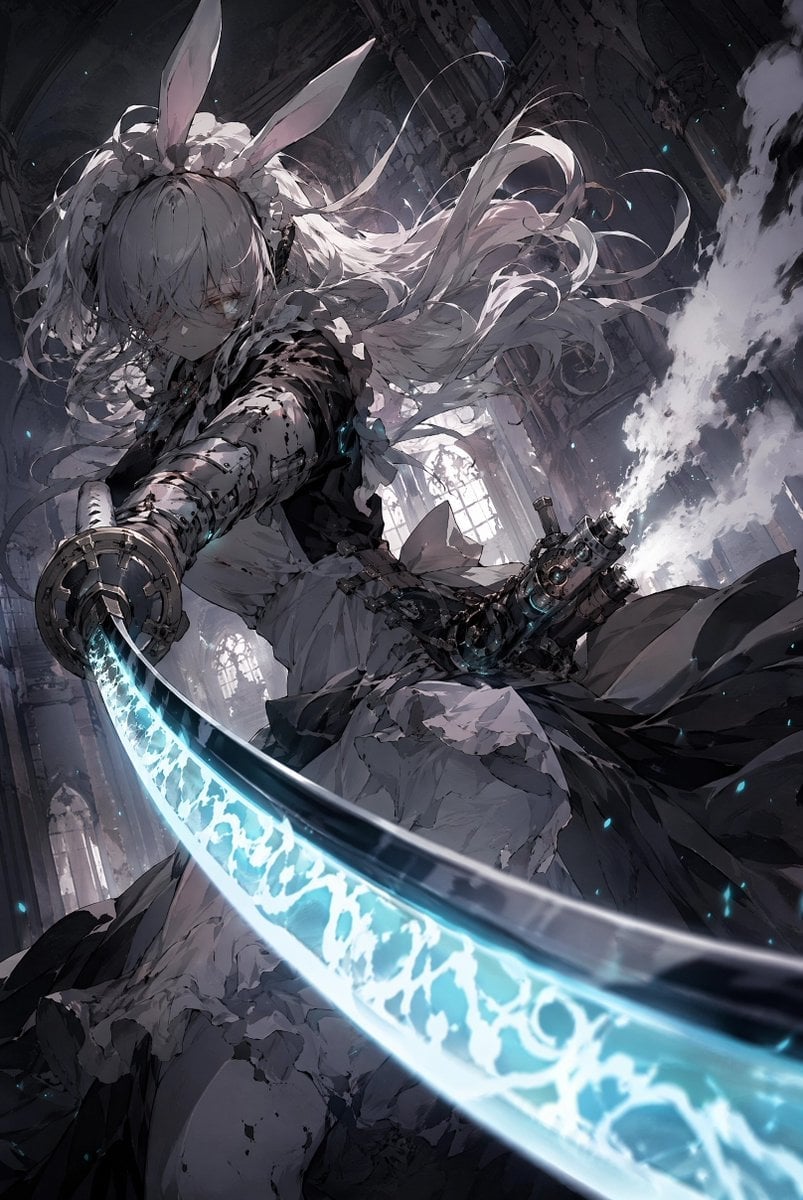
Rabbit-Eared Swordswoman in Ruined Cathedral
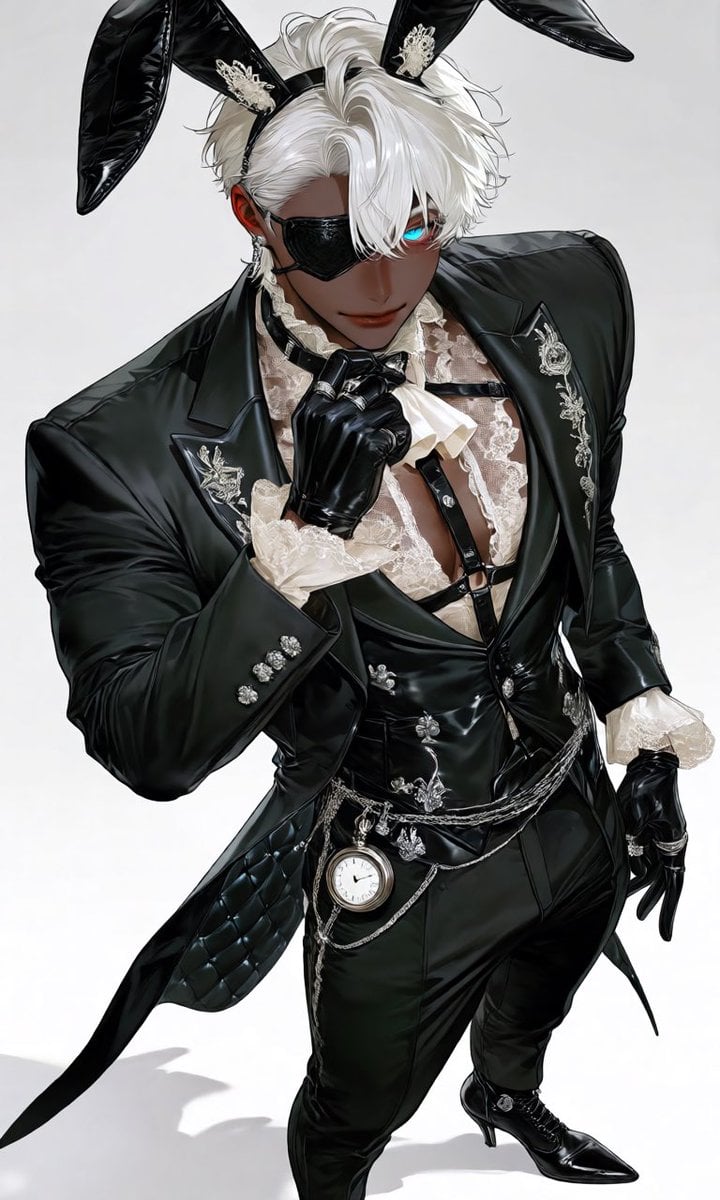
Luxury Rabbit Suit Fashion

Retro Manga StackChan Concept Sheet
Make it yours
Rabbit Gentleman Character Sheet works as-is. These are the safest ways to change it without losing the look.
Change one field
Copy a single group, rewrite it, and generate again so you can see what that field is doing.
Keep the frame, change the subject
Hold the composition and light of Rabbit Gentleman Character Sheet, then swap wardrobe, props or the person for a new take.
| If the result… | Why | Fix |
|---|---|---|
| The result drifts from the preview | Too many fields changed at once. | Reuse Rabbit Gentleman Character Sheet as-is first, then change one group — subject, light, or setting. |
| The model over-stylizes the scene | The prose prompt leaves finish and camera underspecified. | Add one camera or lighting sentence and stay on GPT Image 2. |
More GPT Image 2 templates
Other prompts made for GPT Image 2.

Realistic Portrait of Woman and Deer

The Vista Modular Condo Poster

AI Model Routing Comparison Infographic

2.5D Anime Art Board

Isometric Productivity Desk Scene

New York Double Exposure Poster

Four-Panel AI Landscape Comparison

Japanese Tatami Lifestyle Magazine Cover

NESCAFÉ Coffee Map Poster

Brutalist Cogito Chinese Typography Poster
More image prompts
Fresh picks from across the catalog.
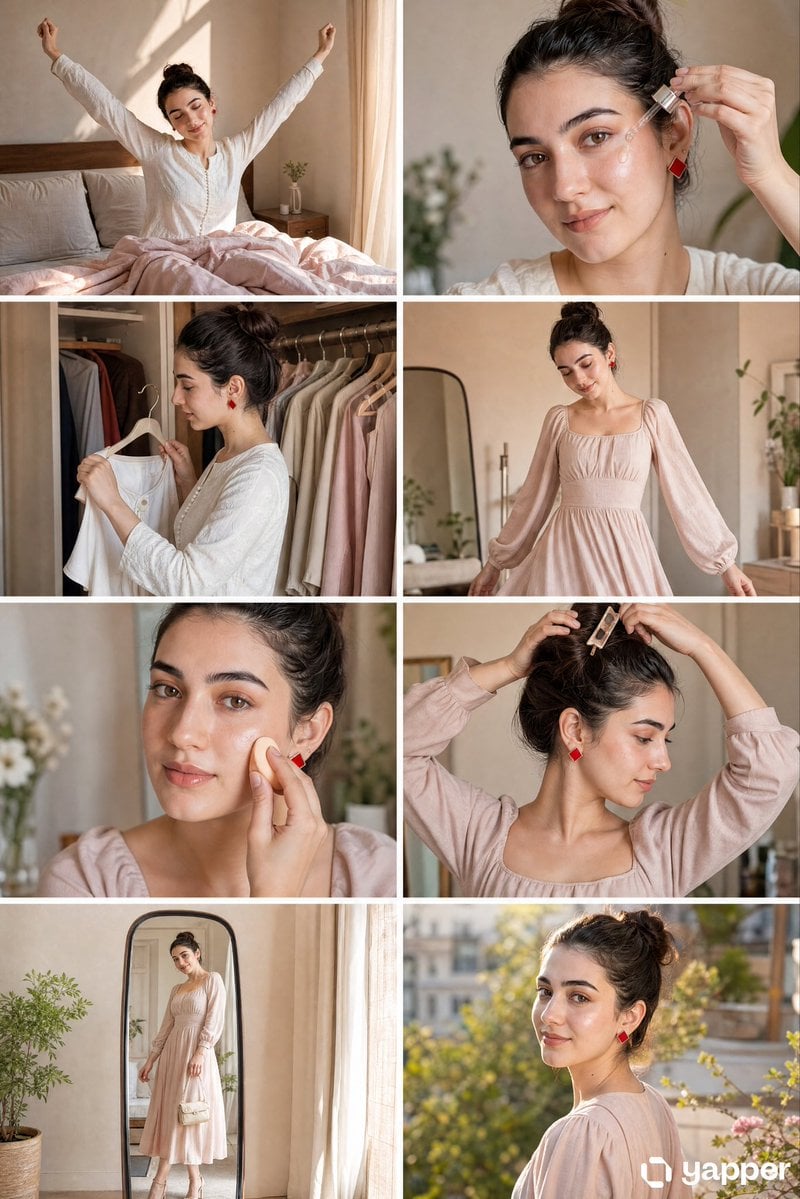
Panel GRWM Storyboard

Cyber-modern portrait with neon lighting
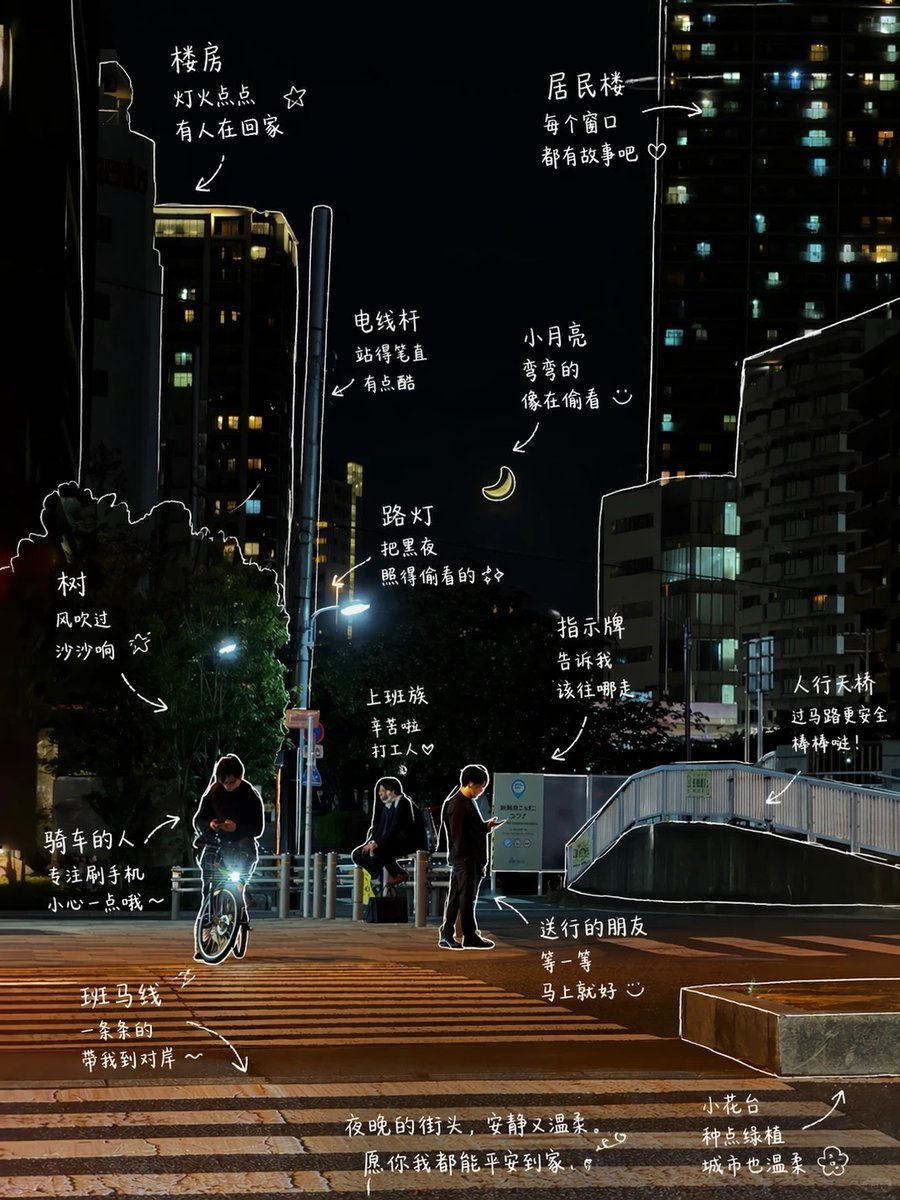
Hand-Drawn Style Photo Annotation
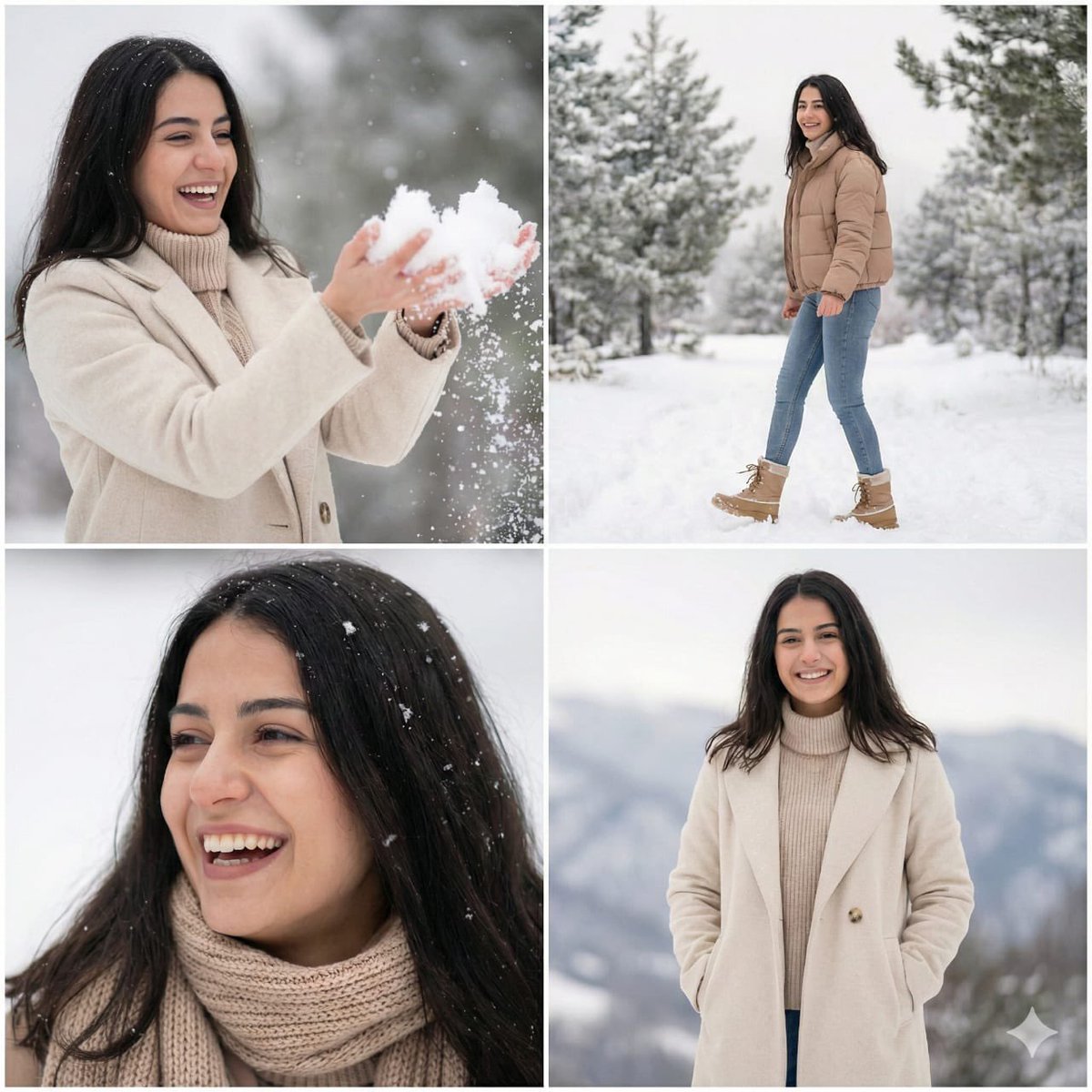
Modern Winter Aesthetic Collage
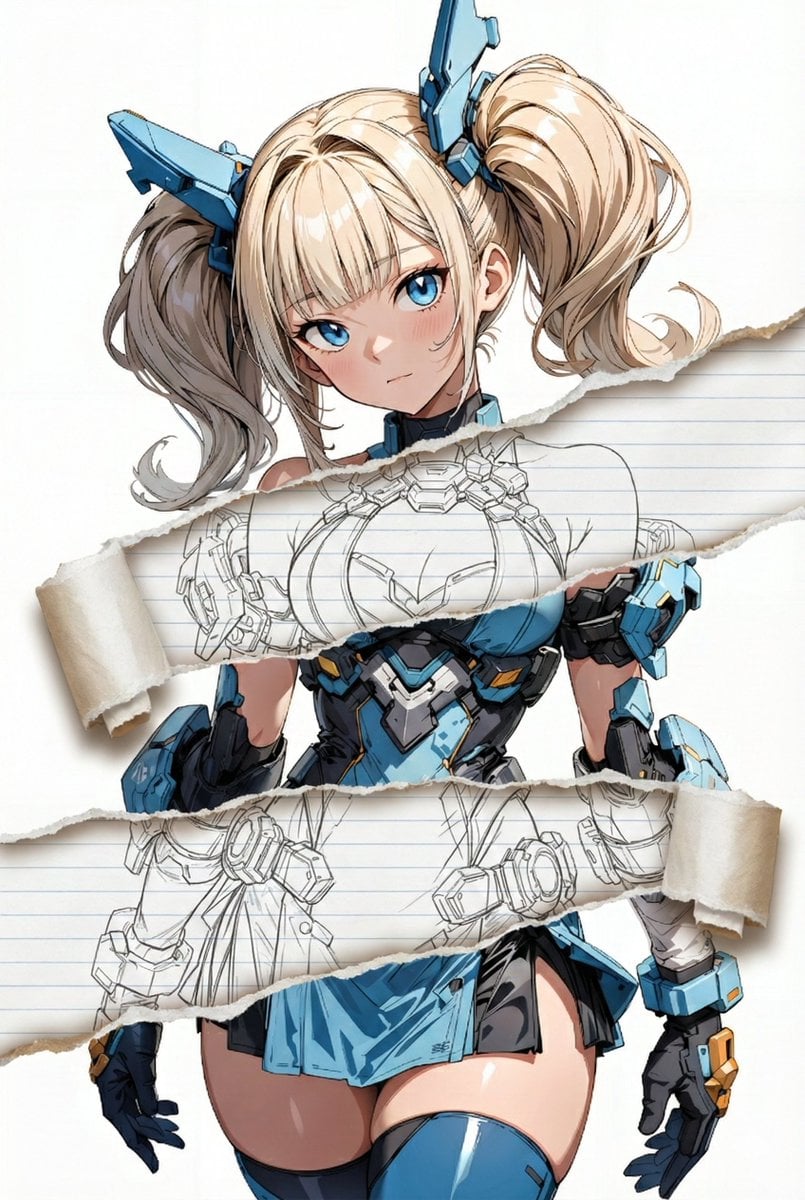
Nano Banana Pro torn paper style-switching edit prompt
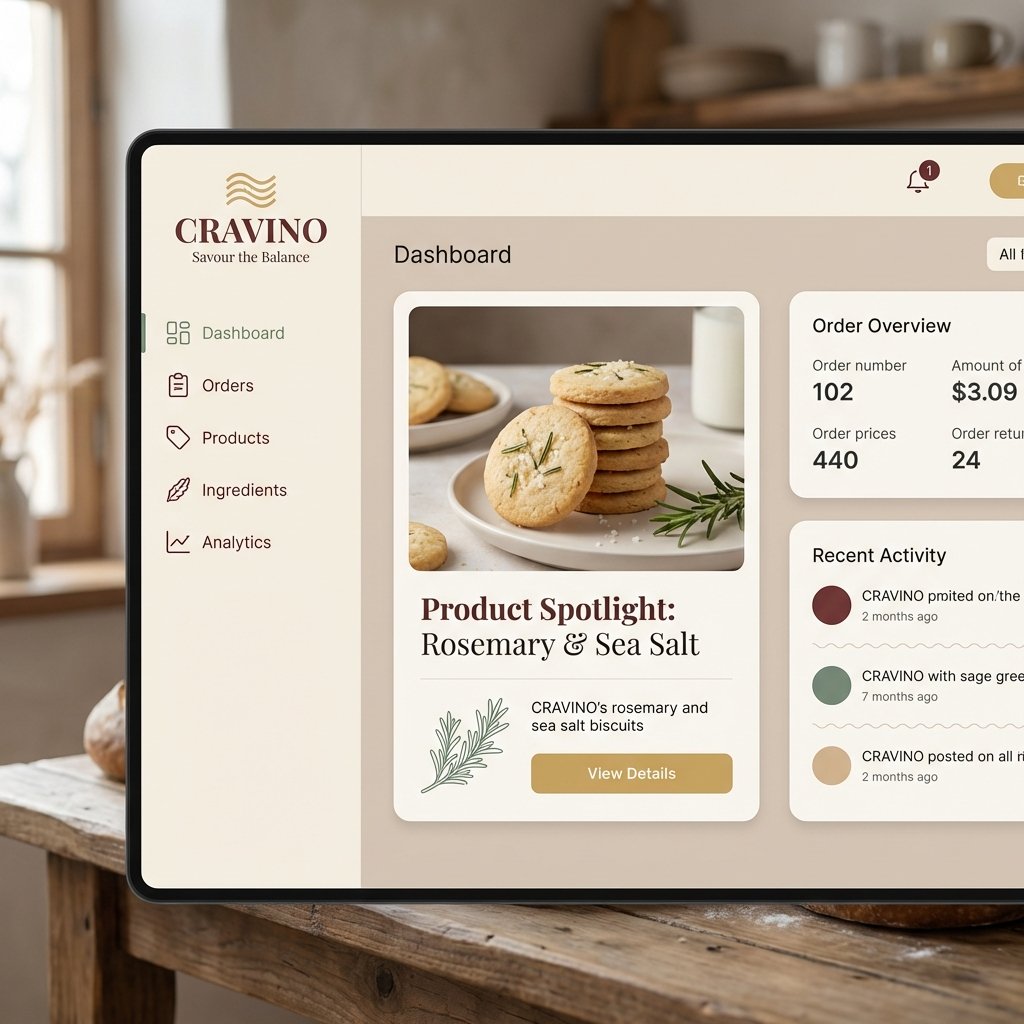
Atmospheric Product Interface Visual Prompt for SaaS UI
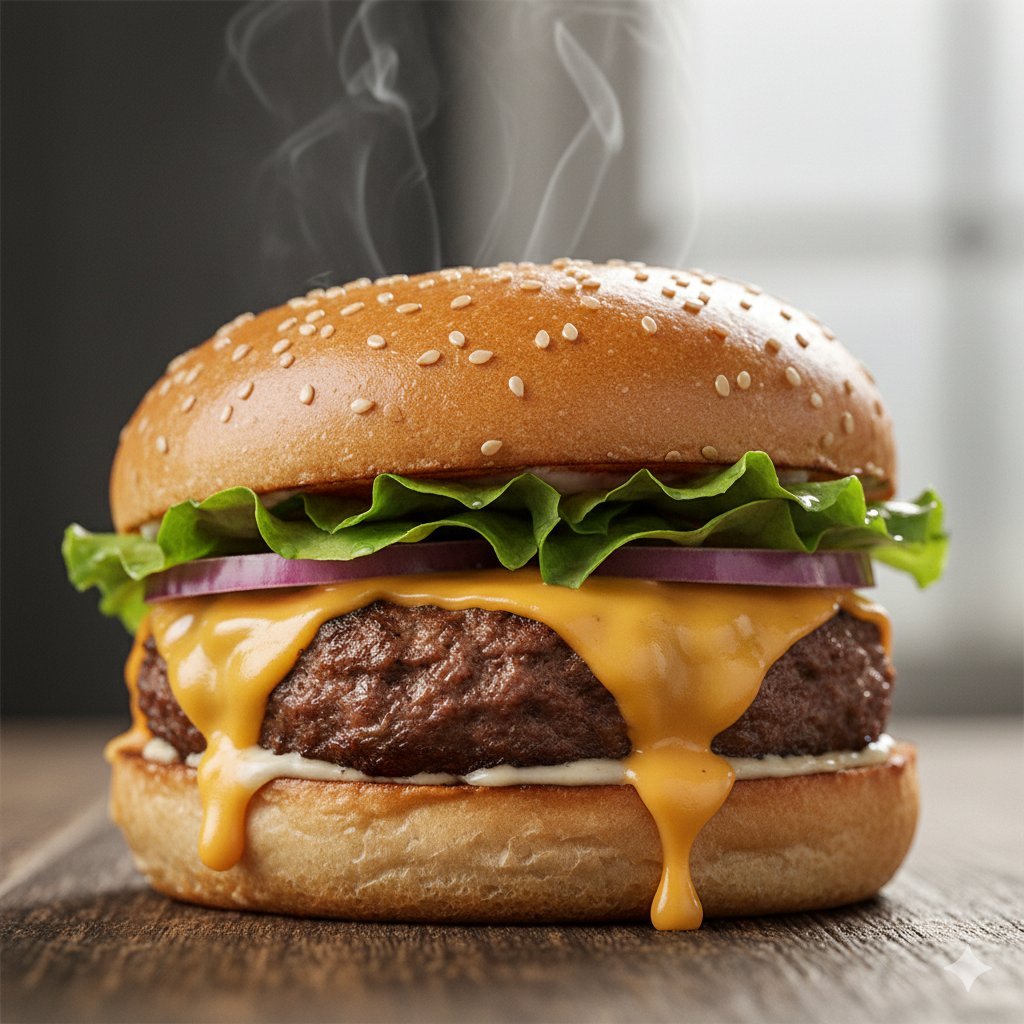
Macro Food Photography of a Juicy Beef Burger
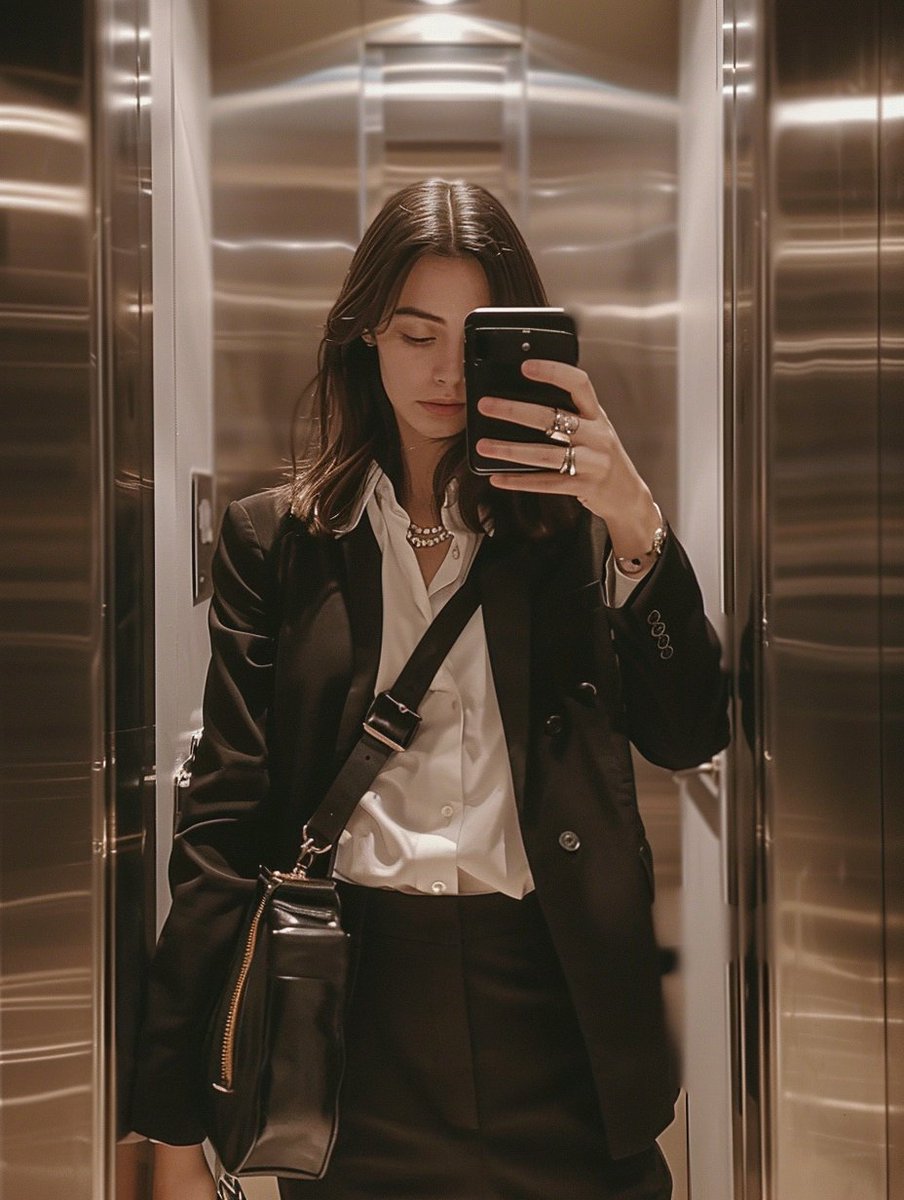
iPhone Mirror Selfie with Old Money Corporate Elegance Vibe
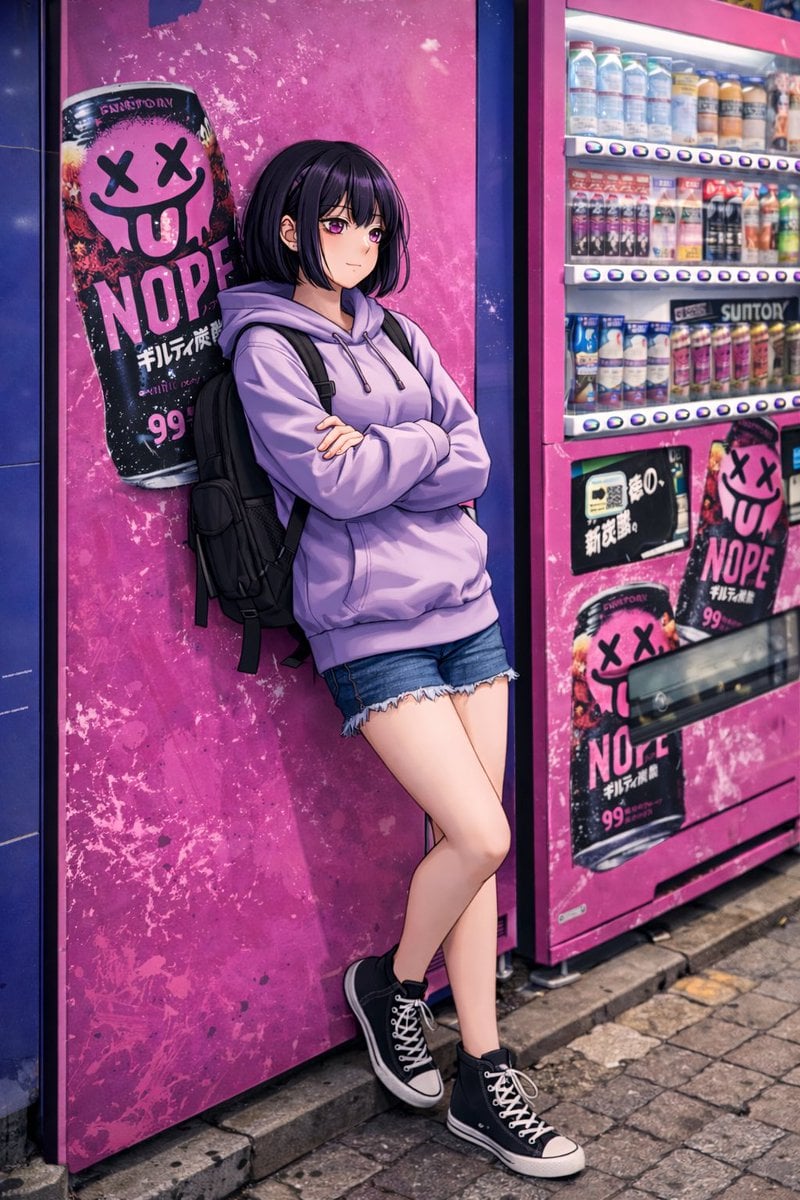
Anime Girl Leaning on Vending Machine
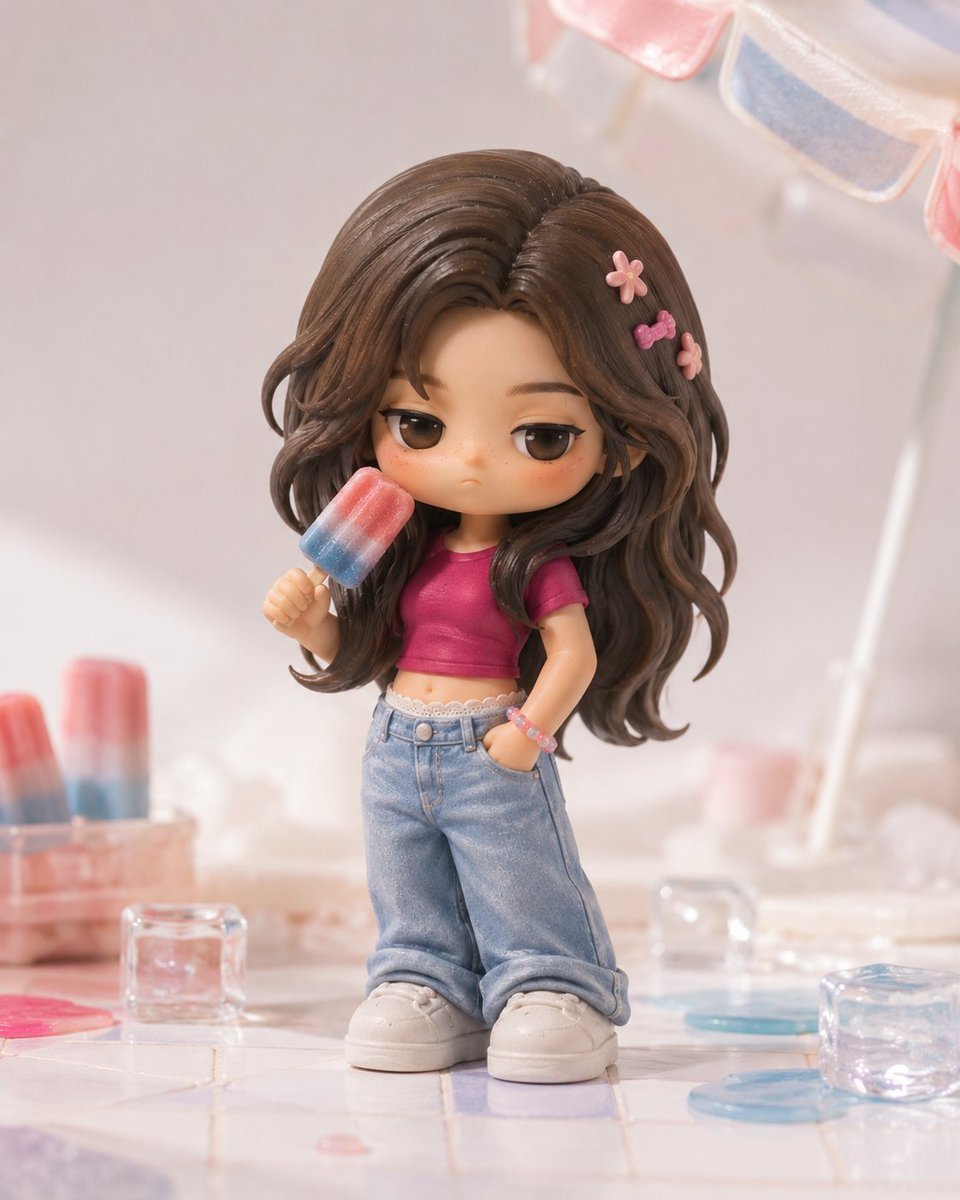
Pop Mart Hirono Style Custom Figure Prompt
Browse template categories
Rabbit Gentleman Character Sheet questions
How do I use the Rabbit Gentleman Character Sheet template?
Add your photo if the template asks for one, edit the prompt if you like — the template's model and format are already selected — and press Generate. Your version opens in PicX Studio.
Can I customize the Rabbit Gentleman Character Sheet template?
Yes. You can change the subject, setting, lighting, mood, format, and available model controls before creating your image.
Is the Rabbit Gentleman Character Sheet template free?
Opening and editing this template is free. Generating uses credits, shown on the Generate button when you are signed in.
Which AI model should I use?
Start with GPT Image 2, which is the model associated with this template. You can compare another compatible model for a different finish.
Looking for something else? Browse all templates.

Your photo, any look
Thousands of ready templates for every top image and video model, from one credit balance.