
Hand-Drawn Style Photo Annotation
A complex prompt for GPT Image 2 to analyze a photo and add stylish, hand-drawn annotations and commentary.
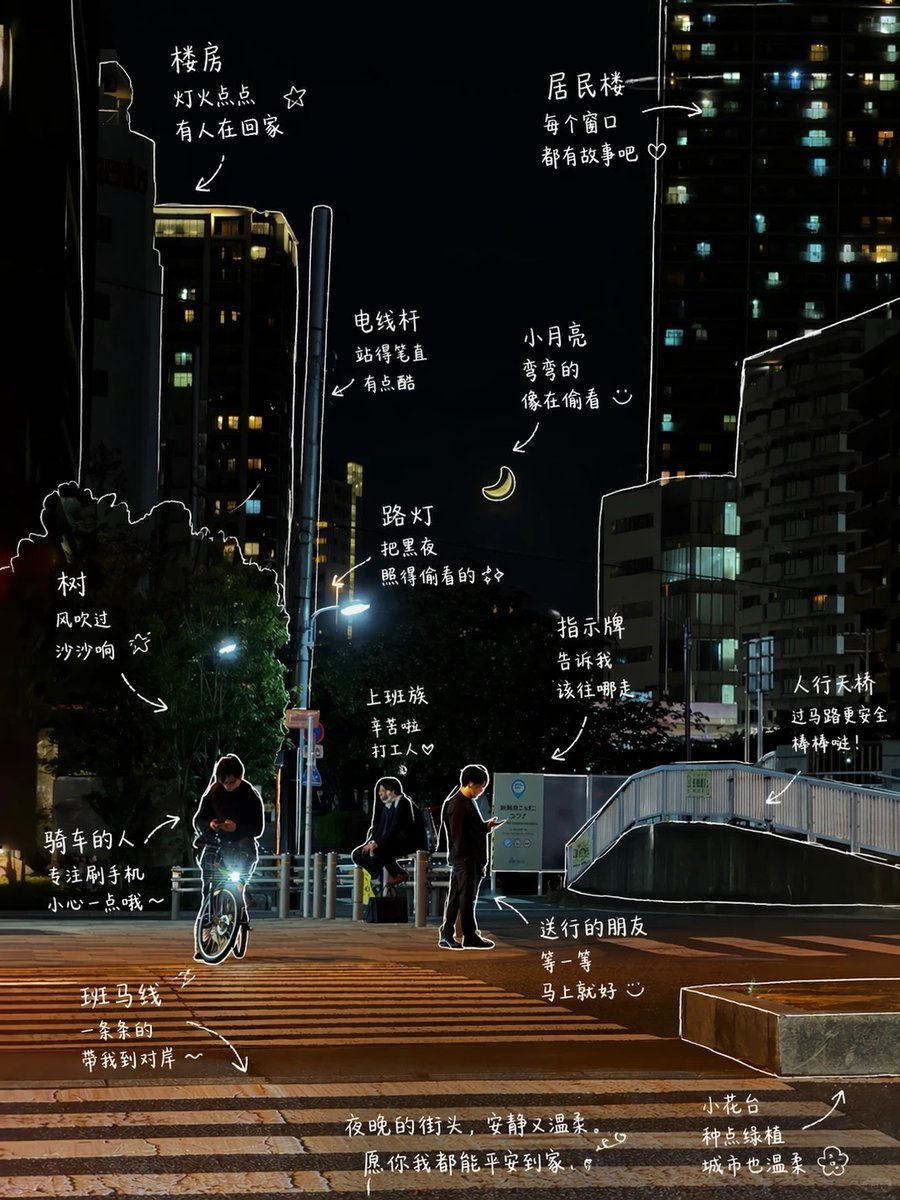
- Prompt included
- Model and format preset
- Premium template
The prompt behind this image
Copy the exact prompt behind Hand-Drawn Style Photo Annotation, or open it in the studio and make it yours.
请观察照片中的元素,并为每个元素添加有意义的手绘注释。【画面里的东西】{argument name="画面内容" default="冰美式、面包、窗边、阳光"}【画法要求】・用白色细线,像手绘笔一样・一笔画风格,线条随意一点,不要太工整・沿着物体边缘轻轻描一圈轮廓・适当加箭头 / 虚线,引导视线【文字风格】・中文手写感,偏口语一点・句子要短,像随手写的・语气像日常碎碎念 / 小情绪【小装饰】・可以加一点点:热气、小星星、爱心、简单表情
Reference images included
Hand-Drawn Style Photo Annotation needs input media to work. They load alongside the prompt when you open it in the studio.

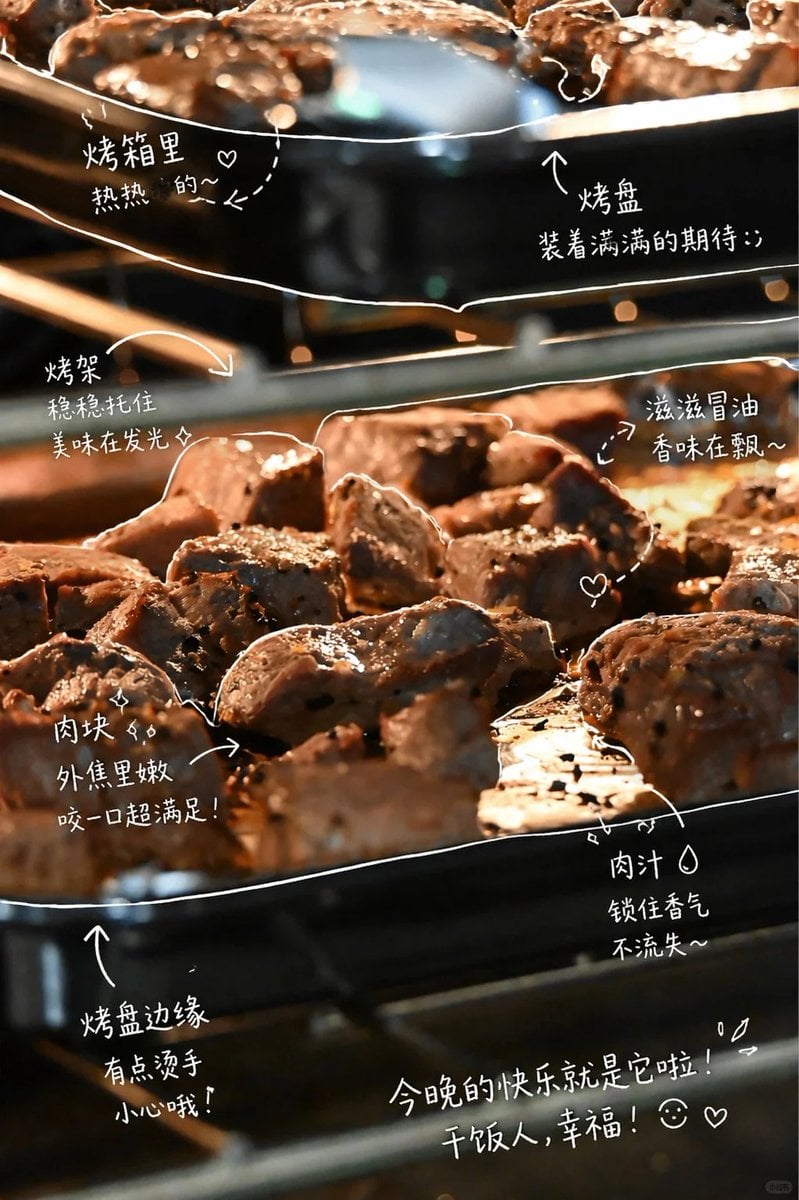
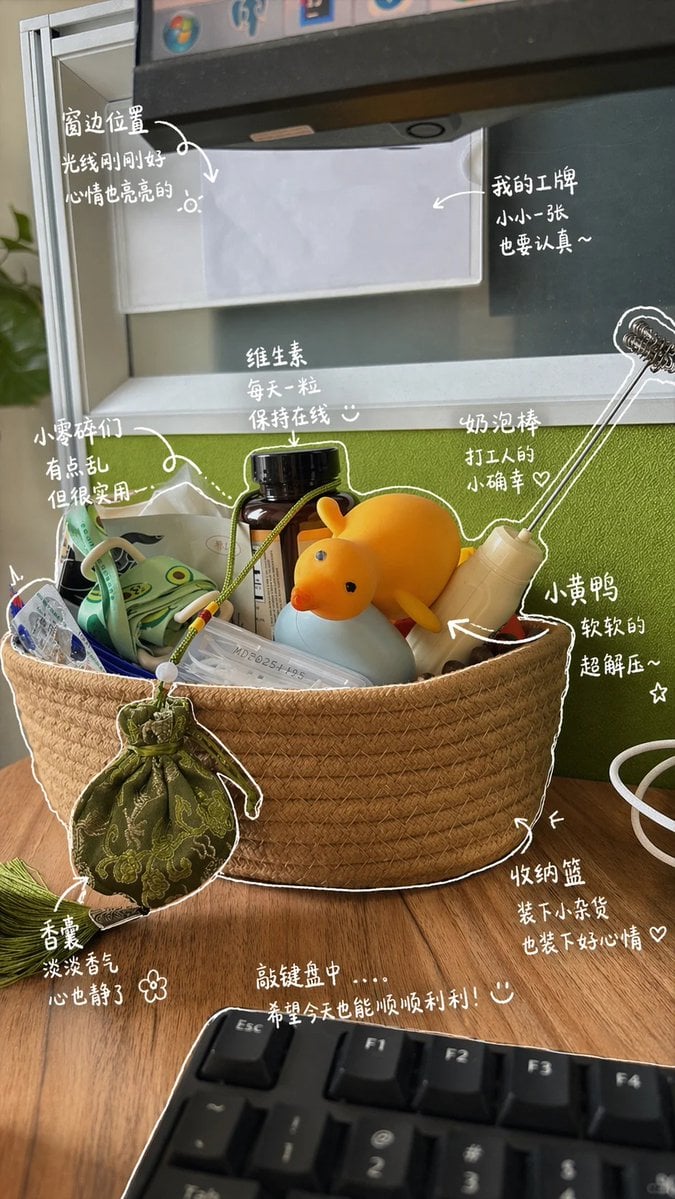
How to use Hand-Drawn Style Photo Annotation in 3 steps
- 1Upload ImagePNG, JPG or paste
Add your photo
Upload the photo the template builds on. The prompt, model and format are already set.
- 2…a portrait of your subject in softgolden-hour light, 85mm…
Personalize
Edit the subject and creative details for your destination.
- 3Generate
Generate
Press Generate — your image is created in PicX Studio, so you can compare it with the original and refine one variable at a time.
More like this
Templates with the same subject, style or setup. Open one to see its prompt.
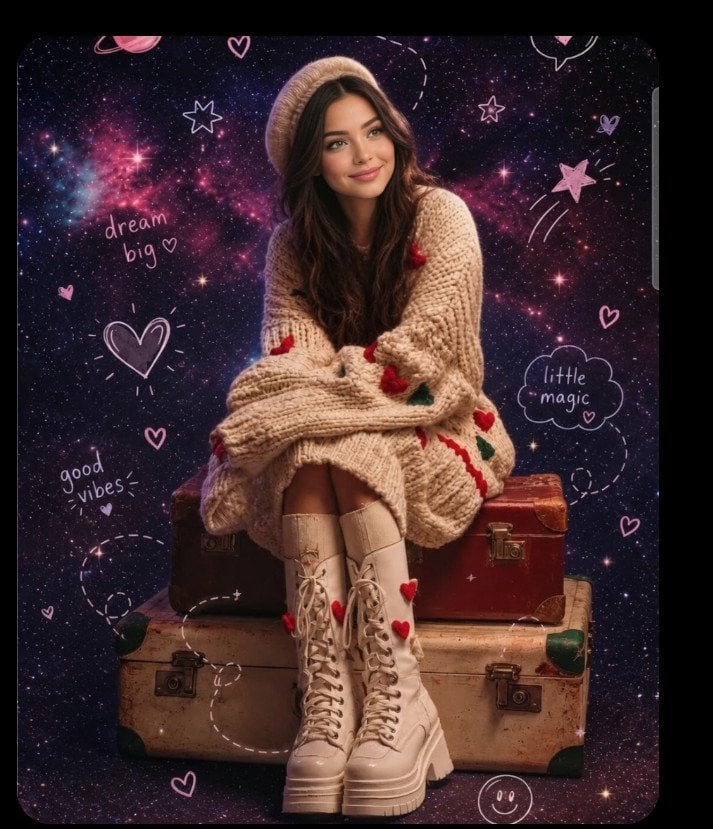
Hand-drawn scribble and annotation style
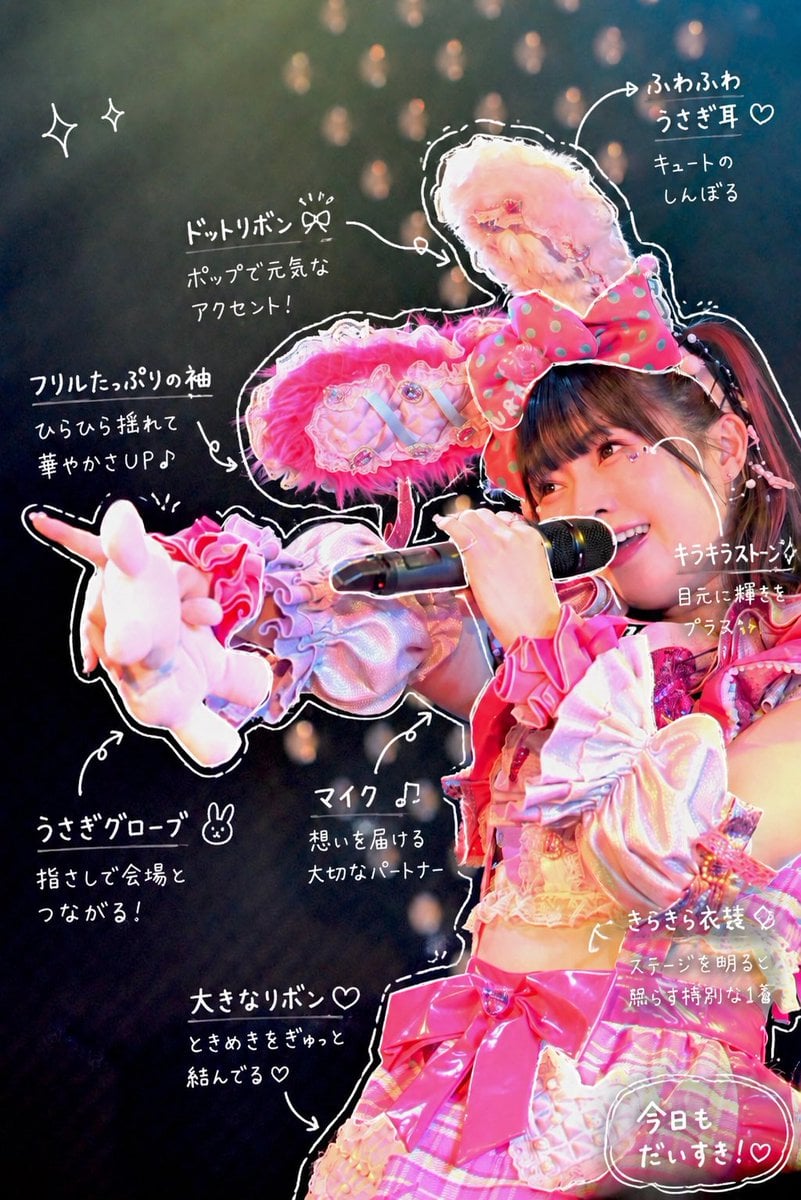
Hand-Drawn Sketch Photo Annotation
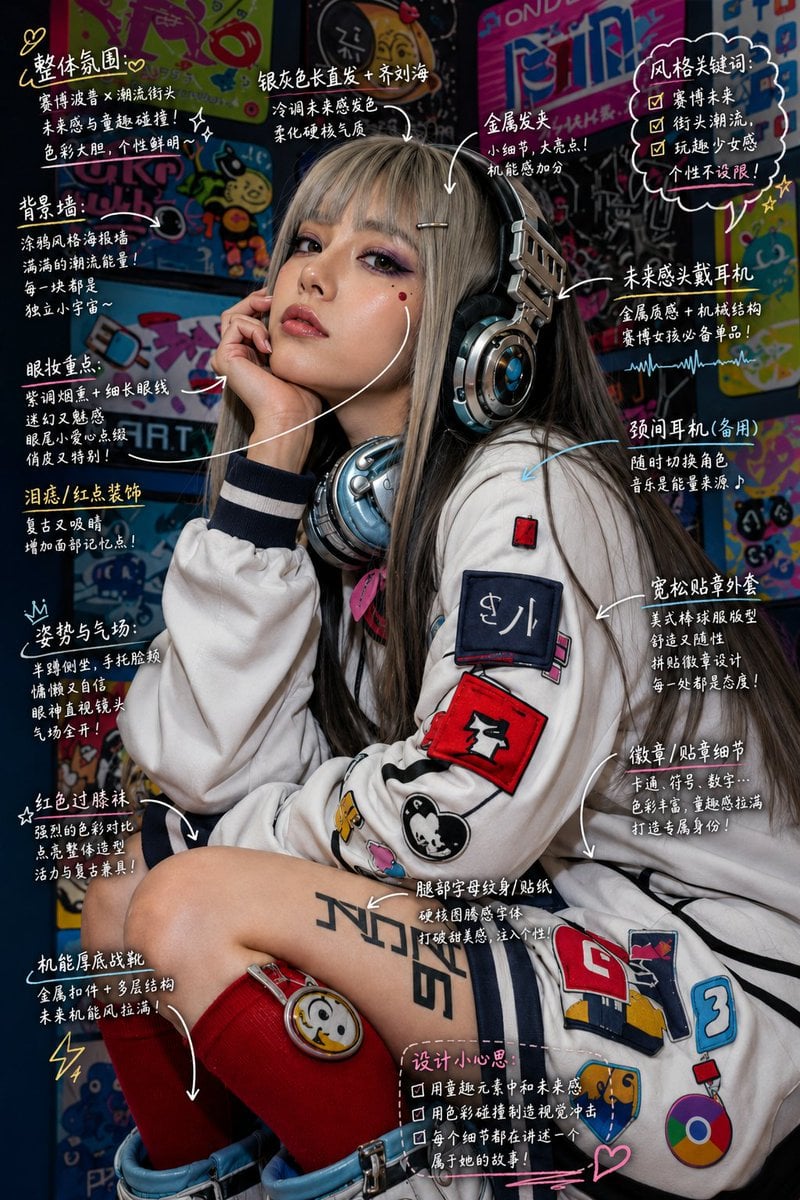
Hand-Drawn Style Image Annotation
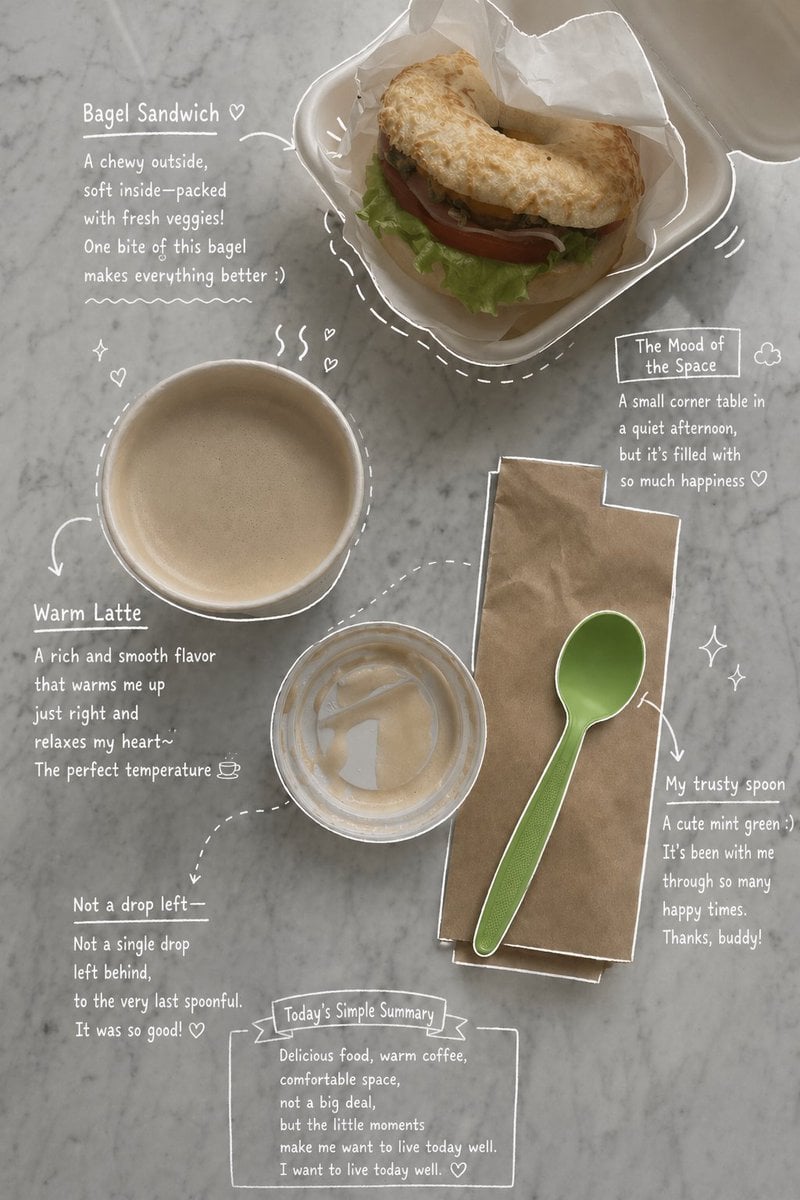
Emotional Hand-Drawn Annotations
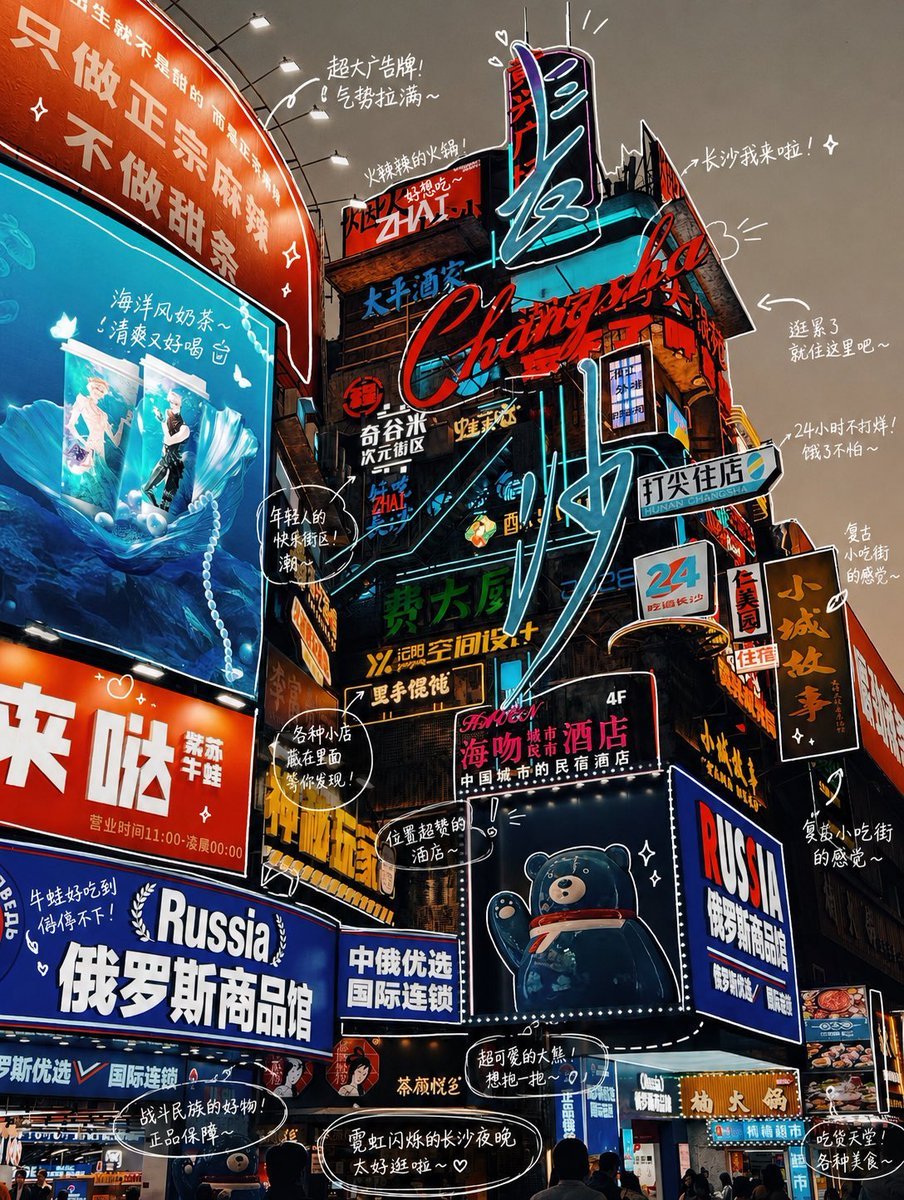
Hand-drawn Photo Annotation
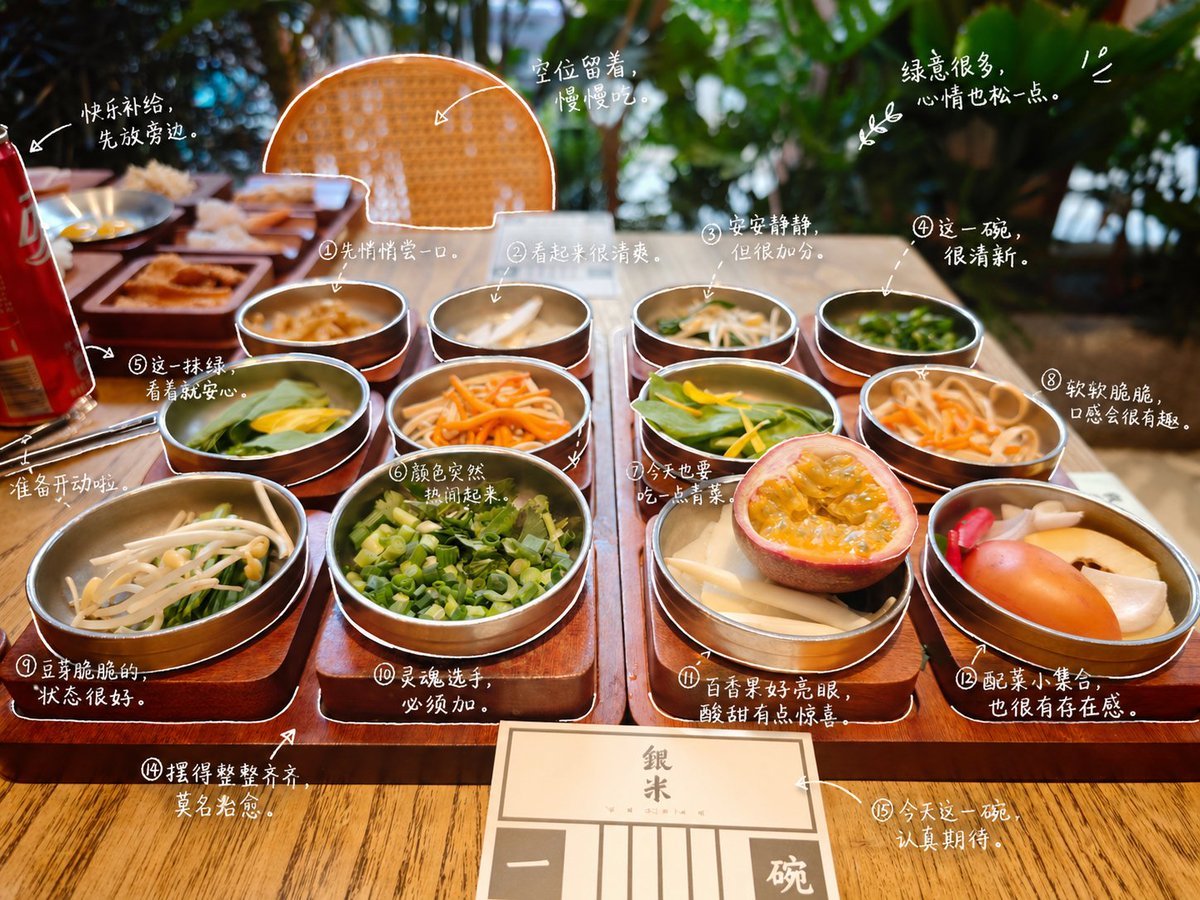
Hand-Drawn Style Photo Annotation

Handwritten Cafe Photo Annotations
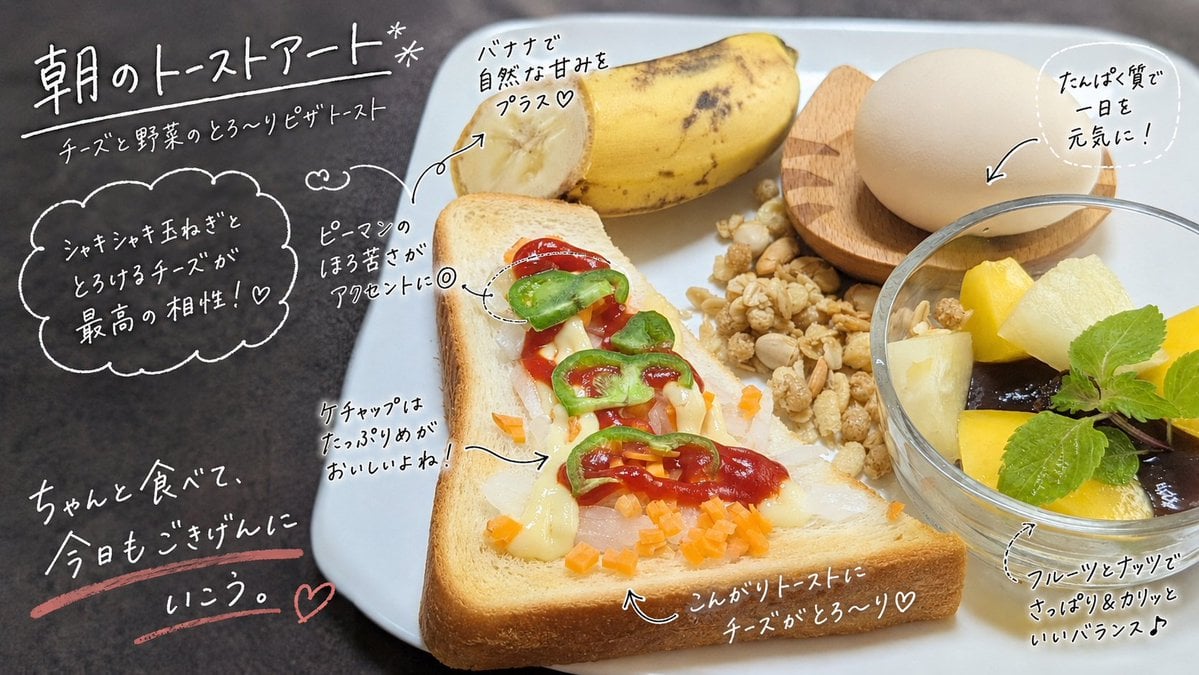
Handwritten Breakfast Photo Annotations
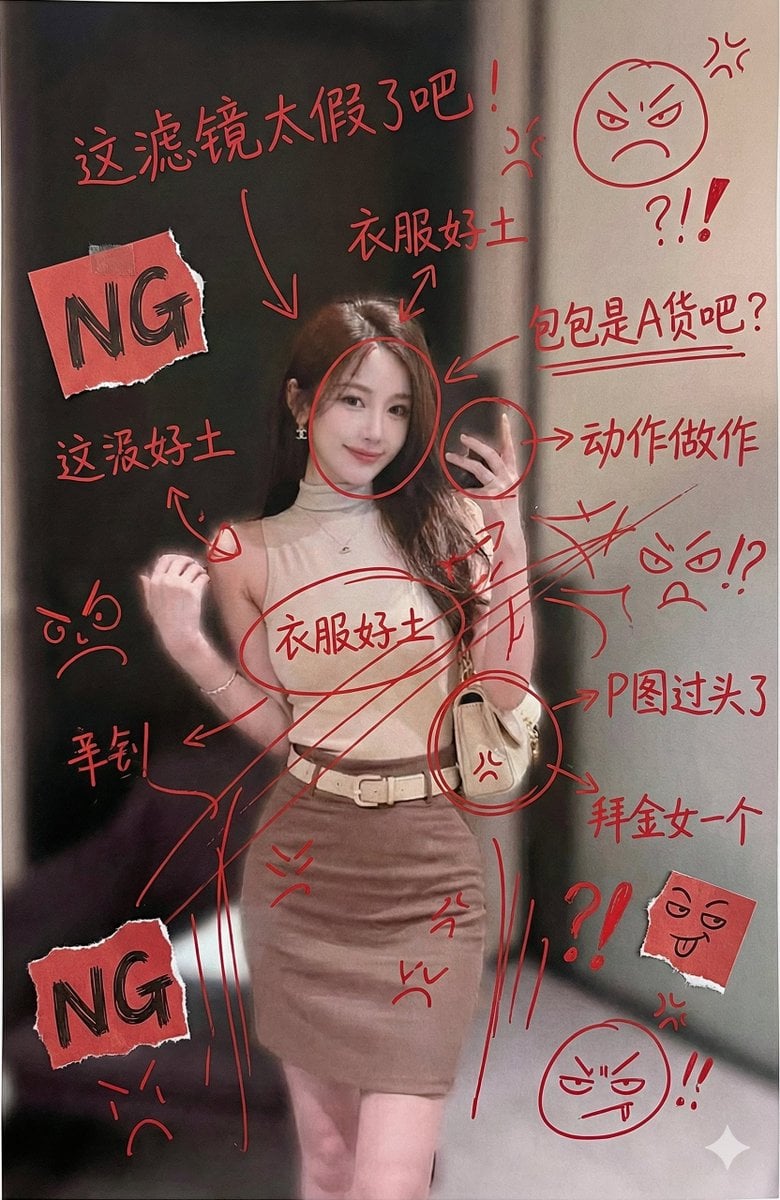
Image Generation with Handwritten Chinese Annotations and Trolling
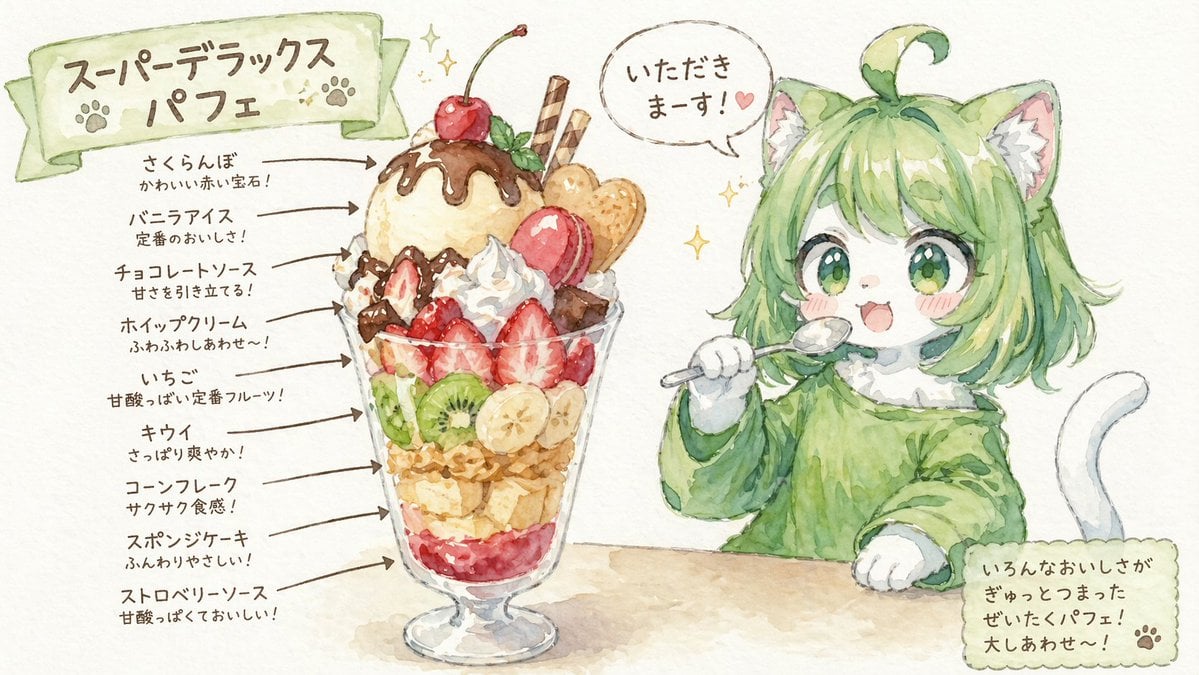
Character Eating Parfait with Annotations

Technical Annotation Infographic Style

Instagram Story with Annotations
Make it yours
Hand-Drawn Style Photo Annotation works as-is. These are the safest ways to change it without losing the look.
Change one field
Copy a single group, rewrite it, and generate again so you can see what that field is doing.
Keep the frame, change the subject
Hold the composition and light of Hand-Drawn Style Photo Annotation, then swap wardrobe, props or the person for a new take.
| If the result… | Why | Fix |
|---|---|---|
| The result drifts from the preview | Too many fields changed at once. | Reuse Hand-Drawn Style Photo Annotation as-is first, then change one group — subject, light, or setting. |
| The model over-stylizes the scene | The prose prompt leaves finish and camera underspecified. | Add one camera or lighting sentence and stay on GPT Image 2. |
More GPT Image 2 templates
Other prompts made for GPT Image 2.

Six VTuber Japanese Logo Sheet

Realistic Portrait of Woman and Deer

The Vista Modular Condo Poster

AI Model Routing Comparison Infographic

2.5D Anime Art Board

Isometric Productivity Desk Scene

New York Double Exposure Poster

Four-Panel AI Landscape Comparison

Japanese Tatami Lifestyle Magazine Cover

NESCAFÉ Coffee Map Poster
More image prompts
Fresh picks from across the catalog.

Cinematic Double Exposure Traveler
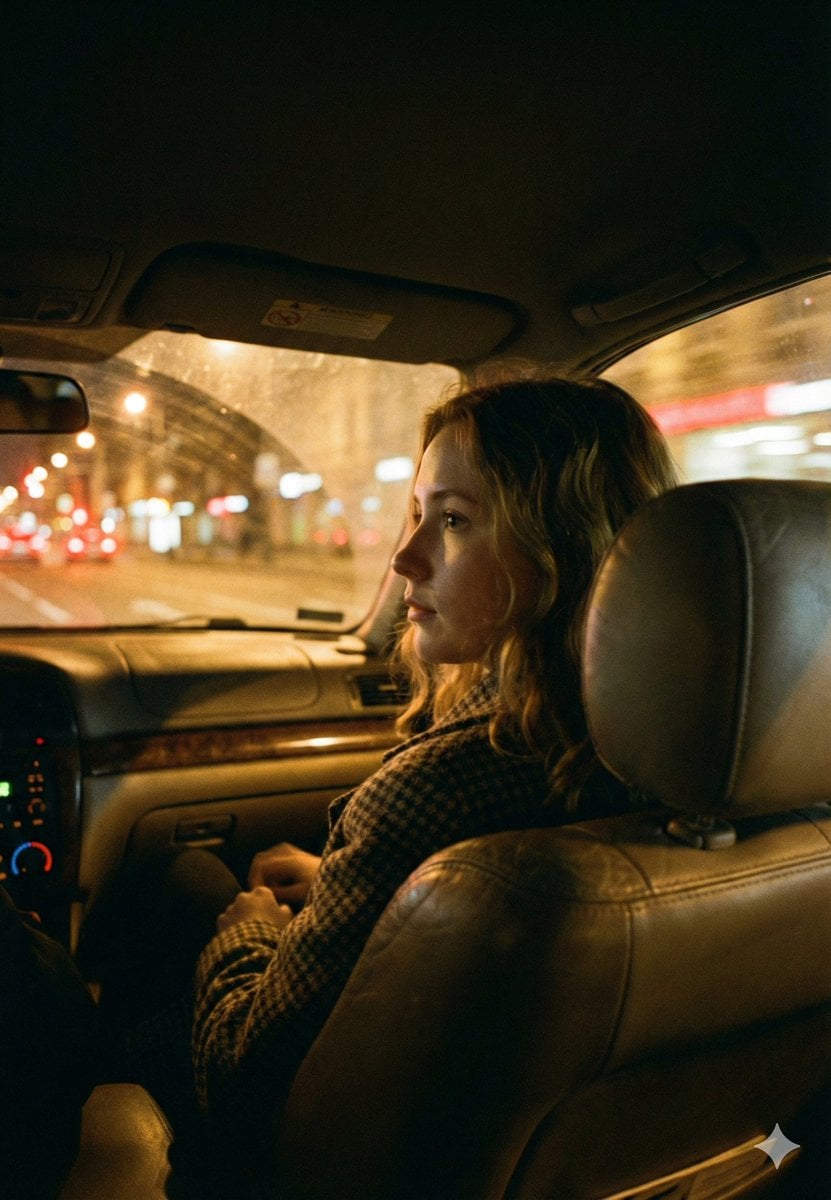
Cinematic Night Car Interior Portrait
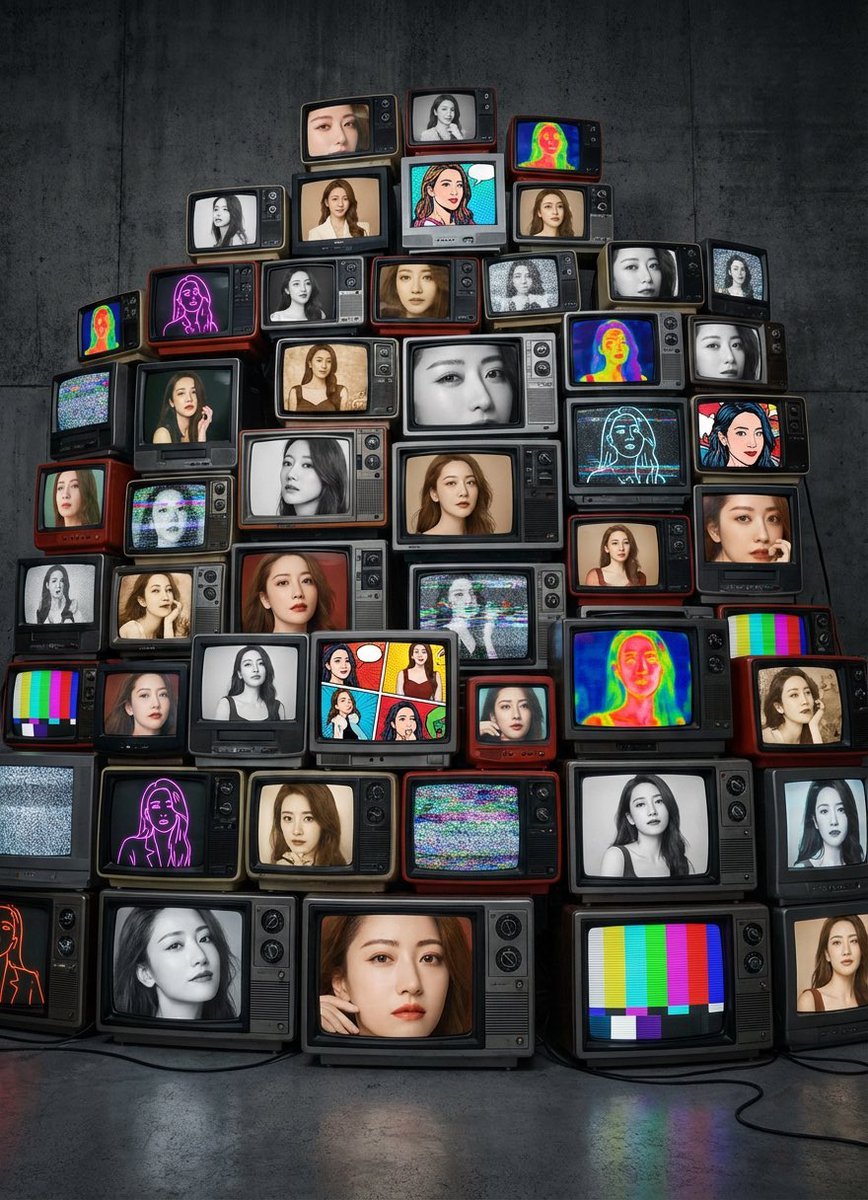
Girlfriend Portrait on Vintage CRT TV Wall
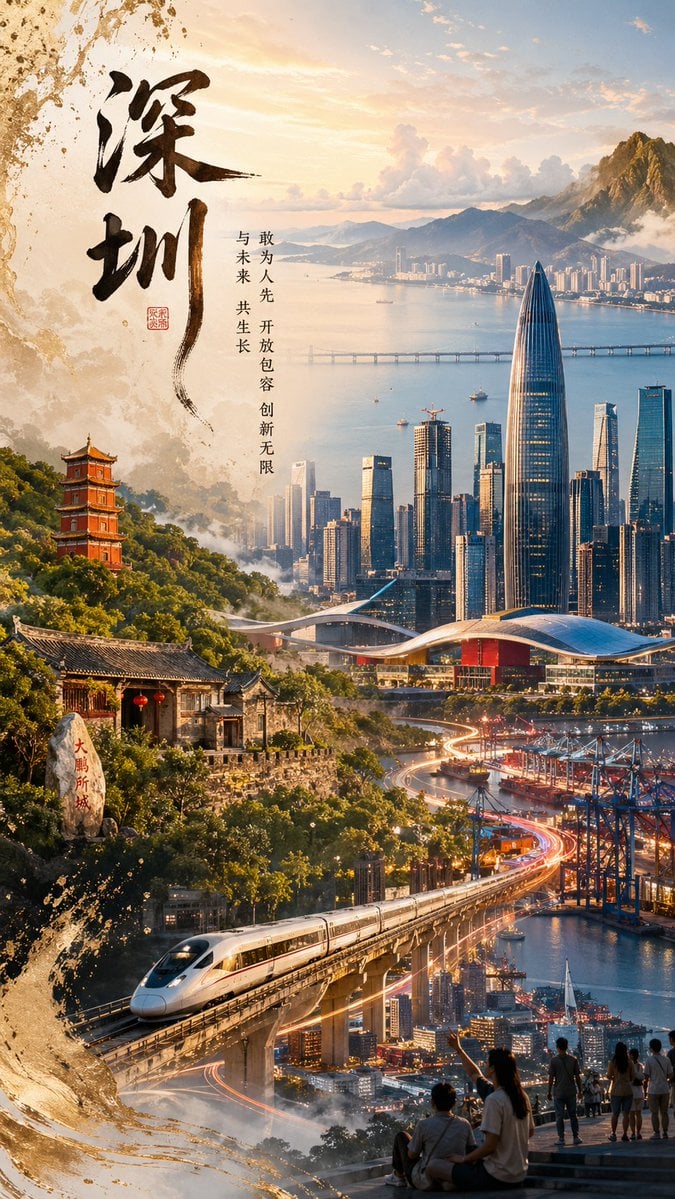
Shenzhen Heritage Futuristic Poster
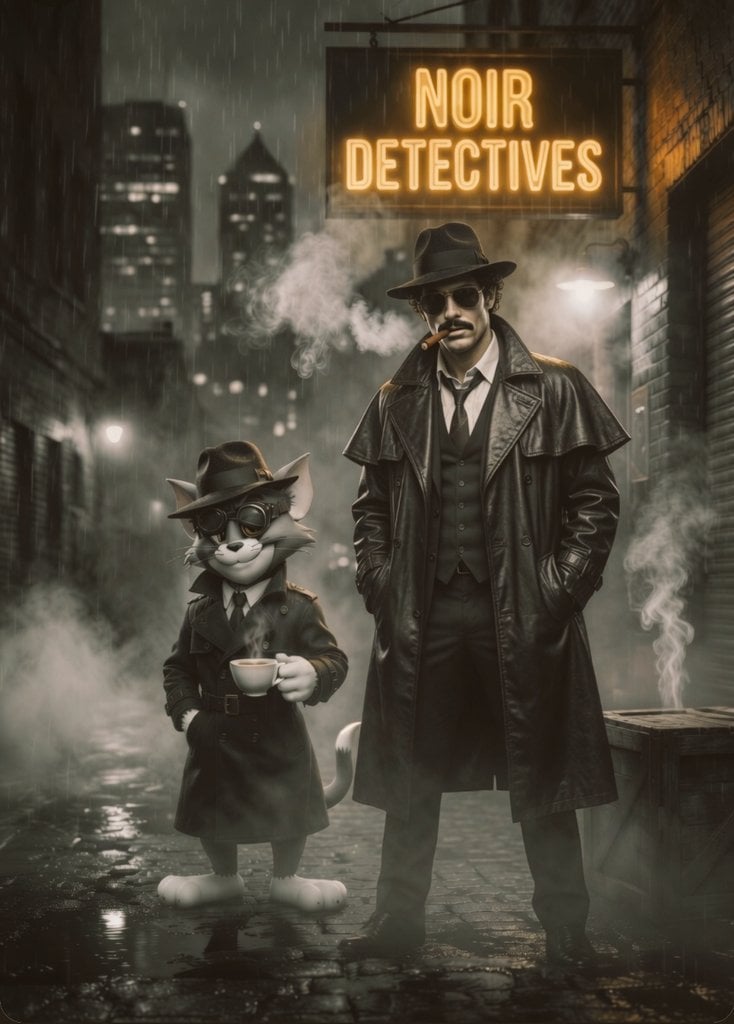
Noir Detective Film Masterpiece
Animation Style - Framer Motion
Anime Egirl Illustration Prompt Shootout
16K Cinematic Night Portrait with Strict Identity Lock
Gen Z/Y2K Flash Portrait in Poster-Covered Bedroom
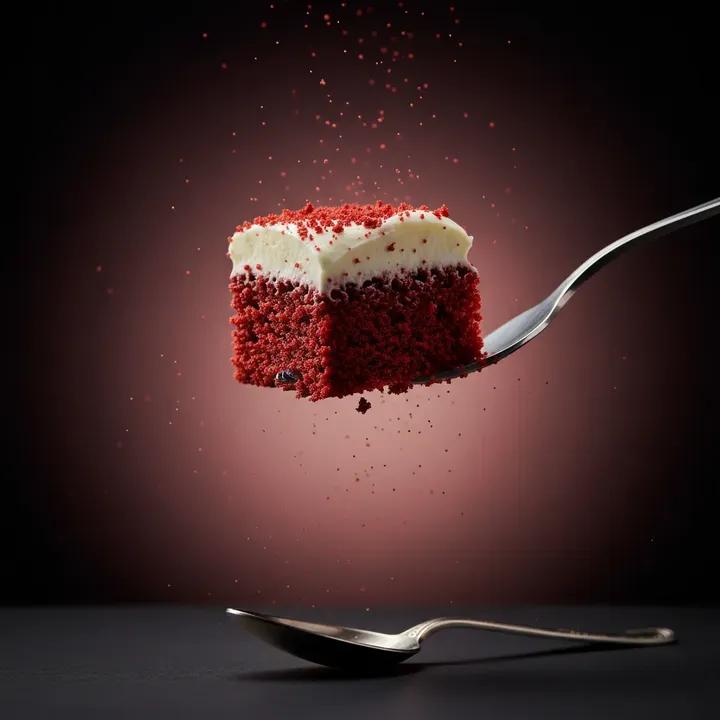
Ultra-Realistic Beverage Product Photography (Lemonate)
Browse template categories
Hand-Drawn Style Photo Annotation questions
How do I use the Hand-Drawn Style Photo Annotation template?
Add your photo if the template asks for one, edit the prompt if you like — the template's model and format are already selected — and press Generate. Your version opens in PicX Studio.
Can I customize the Hand-Drawn Style Photo Annotation template?
Yes. You can change the subject, setting, lighting, mood, format, and available model controls before creating your image.
Is the Hand-Drawn Style Photo Annotation template free?
Opening and editing this template is free. Generating uses credits, shown on the Generate button when you are signed in.
Which AI model should I use?
Start with GPT Image 2, which is the model associated with this template. You can compare another compatible model for a different finish.
Looking for something else? Browse all templates.

Your photo, any look
Thousands of ready templates for every top image and video model, from one credit balance.