
Handwritten Cafe Photo Annotations
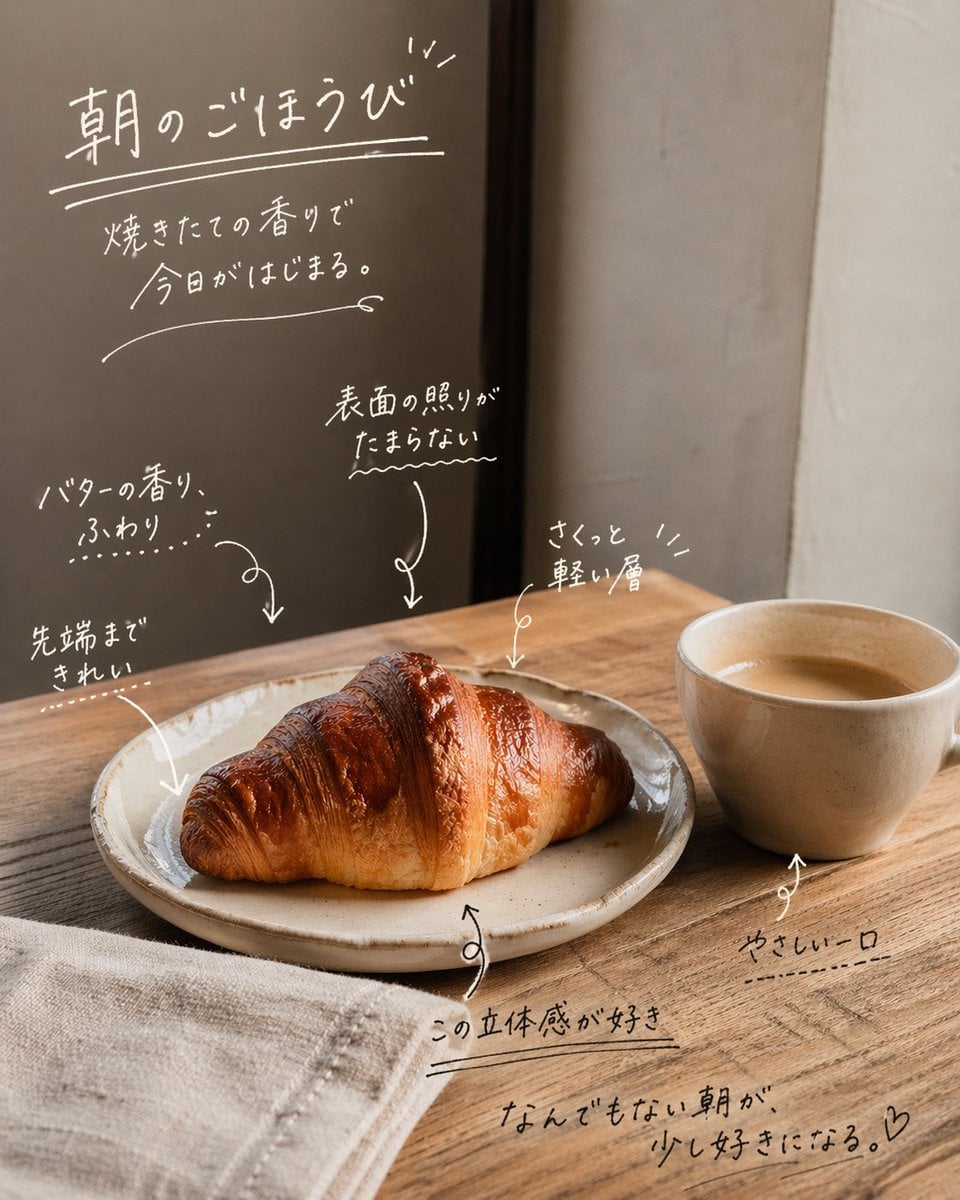
Adds warm Japanese handwritten diary-style notes, arrows, and doodles over a cafe food photo for Instagram-style sharing.

- Prompt included
- Model and format preset
- Free template
The prompt behind this image
Copy the exact prompt behind Handwritten Cafe Photo Annotations, or open it in the studio and make it yours.
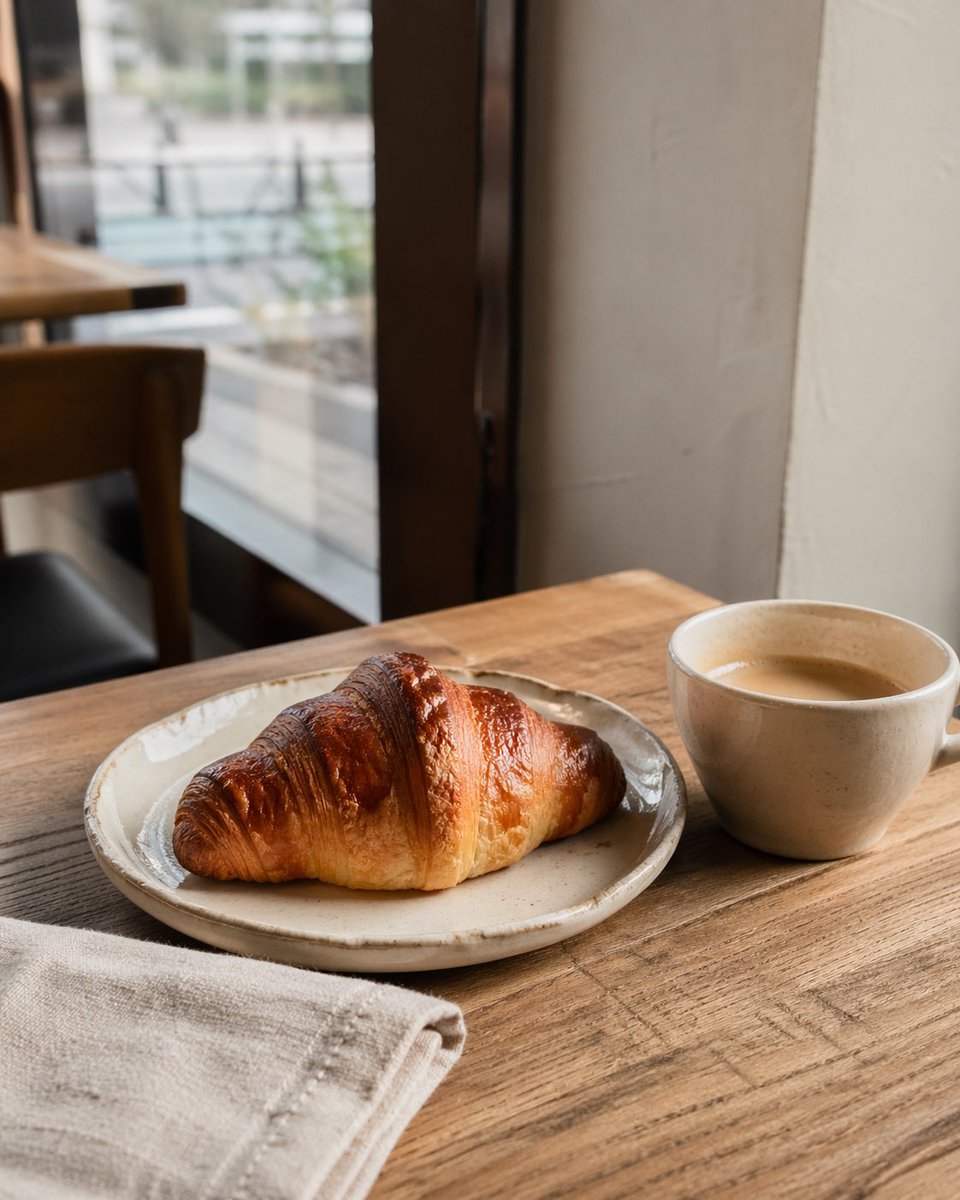
Using the provided reference photo as the unchanged base, add an emotional Instagram-style handwritten annotation overlay in thin white ink, as if written directly on the image. Do not change the croissant, coffee, table, lighting, crop, or background; only add typography, underlines, arrows, small doodle marks, and a heart. Overlay style: casual Japanese hand lettering, warm cafe diary mood, slightly imperfect strokes, white chalk/paint-pen look, with thin arrows pointing to the croissant and cup. Keep the writing readable but natural, with varied sizes and spacing. Add exactly 9 discrete handwritten text blocks: 1. Large top-left headline: {argument name="headline text" default="朝のごほうび"}, with double underline and small sparkle strokes. 2. Smaller line beneath it: {argument name="subtitle text" default="焼きたての香りで 今日がはじまる。"}, with a long curved underline. 3. Left-middle note pointing toward the croissant: {argument name="butter note" default="バターの香り、ふわり"}. 4. Lower-left note pointing to the croissant tip: "先端まで きれい". 5. Center note pointing to the glossy top: "表面の照りが たまらない". 6. Upper-right note pointing to the croissant layers: "さくっと 軽い層". 7. Bottom-center note with underline near the plate: "この立体感が好き". 8. Lower-right note pointing to the coffee cup: "やさしい一口". 9. Bottom handwritten closing phrase: {argument name="closing phrase" default="なんでもない朝が、少し好きになる。♡"}, underlined. Composition: place most writing in the empty darker wall/window area and around the food without covering the main croissant too heavily. Use curved arrows, dotted emphasis marks, wavy underlines, and small decorative strokes to connect notes to the croissant and coffee. Avoid adding any logos, borders, stickers, or extra objects.
Reference images included
Handwritten Cafe Photo Annotations needs input media to work. They load alongside the prompt when you open it in the studio.
How to use Handwritten Cafe Photo Annotations in 3 steps
- 1Upload ImagePNG, JPG or paste
Add your photo
Upload the photo the template builds on. The prompt, model and format are already set.
- 2…a portrait of your subject in softgolden-hour light, 85mm…
Personalize
Edit the subject and creative details for your destination.
- 3Generate
Generate
Press Generate — your image is created in PicX Studio, so you can compare it with the original and refine one variable at a time.
More like this
Templates with the same subject, style or setup. Open one to see its prompt.

Cat Photobomb Selfie — 0.5x Wide Angle Café Chaos

Trendy Cafe Drink Promo Poster

Nostalgic Digicam Café Afternoon Portrait

Delicate Japanese Café Lifestyle Illustration

Korean Cafe Courtyard Gold Frame Mirror Selfie
Handwritten Japanese Cafe Photo Overlay
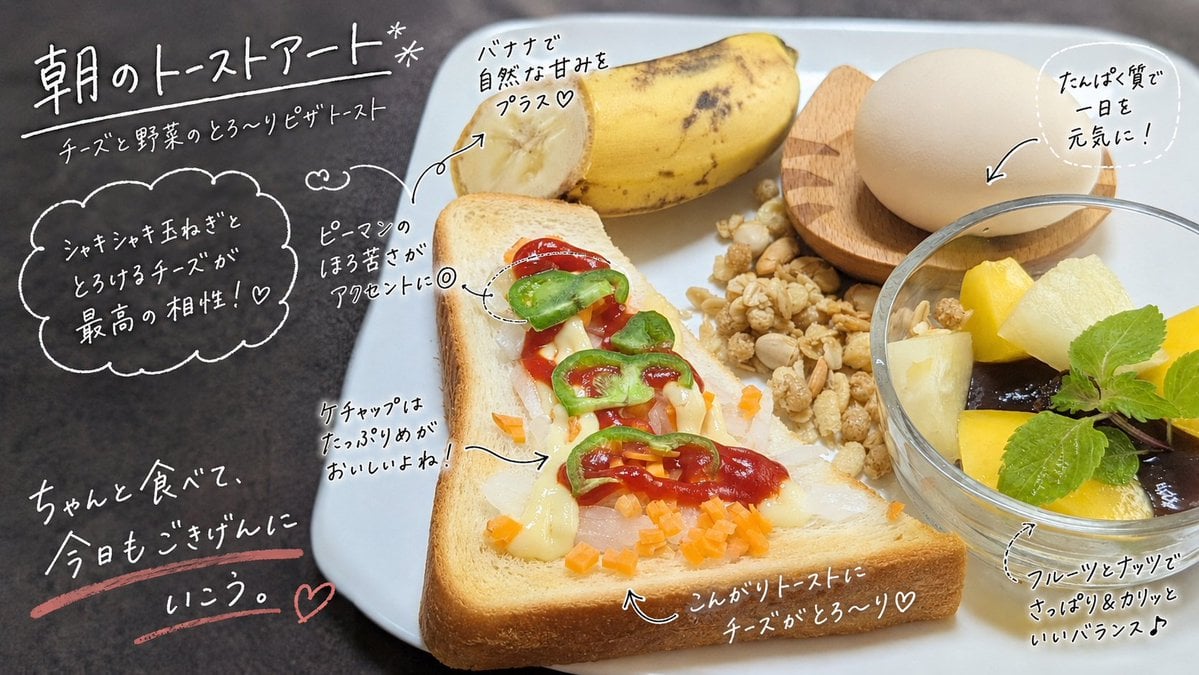
Handwritten Breakfast Photo Annotations
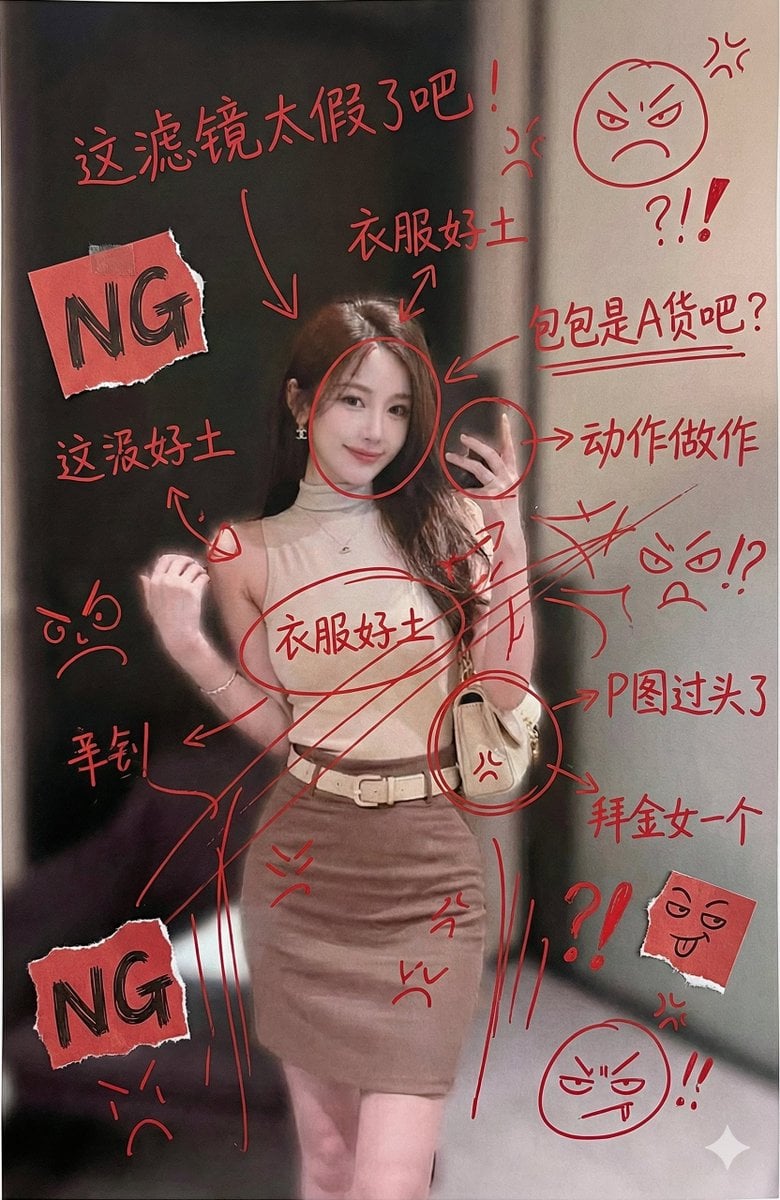
Image Generation with Handwritten Chinese Annotations and Trolling

Character Archive — Blueprint Concept Sheet

Outdoor Cafe Portrait — White Ruched Top Nano Banana

Nano Banana - Cozy Cafe Night

Nano Banana - Paris Cafe Editorial
Make it yours
Handwritten Cafe Photo Annotations works as-is. These are the safest ways to change it without losing the look.
Change one field
Copy a single group, rewrite it, and generate again so you can see what that field is doing.
Keep the frame, change the subject
Hold the composition and light of Handwritten Cafe Photo Annotations, then swap wardrobe, props or the person for a new take.
| If the result… | Why | Fix |
|---|---|---|
| The result drifts from the preview | Too many fields changed at once. | Reuse Handwritten Cafe Photo Annotations as-is first, then change one group — subject, light, or setting. |
| The model over-stylizes the scene | The prose prompt leaves finish and camera underspecified. | Add one camera or lighting sentence and stay on GPT Image 2. |
More GPT Image 2 templates
Other prompts made for GPT Image 2.

Six VTuber Japanese Logo Sheet

Realistic Portrait of Woman and Deer

The Vista Modular Condo Poster

AI Model Routing Comparison Infographic

2.5D Anime Art Board

Isometric Productivity Desk Scene

New York Double Exposure Poster

Four-Panel AI Landscape Comparison

Japanese Tatami Lifestyle Magazine Cover

NESCAFÉ Coffee Map Poster
More image prompts
Fresh picks from across the catalog.
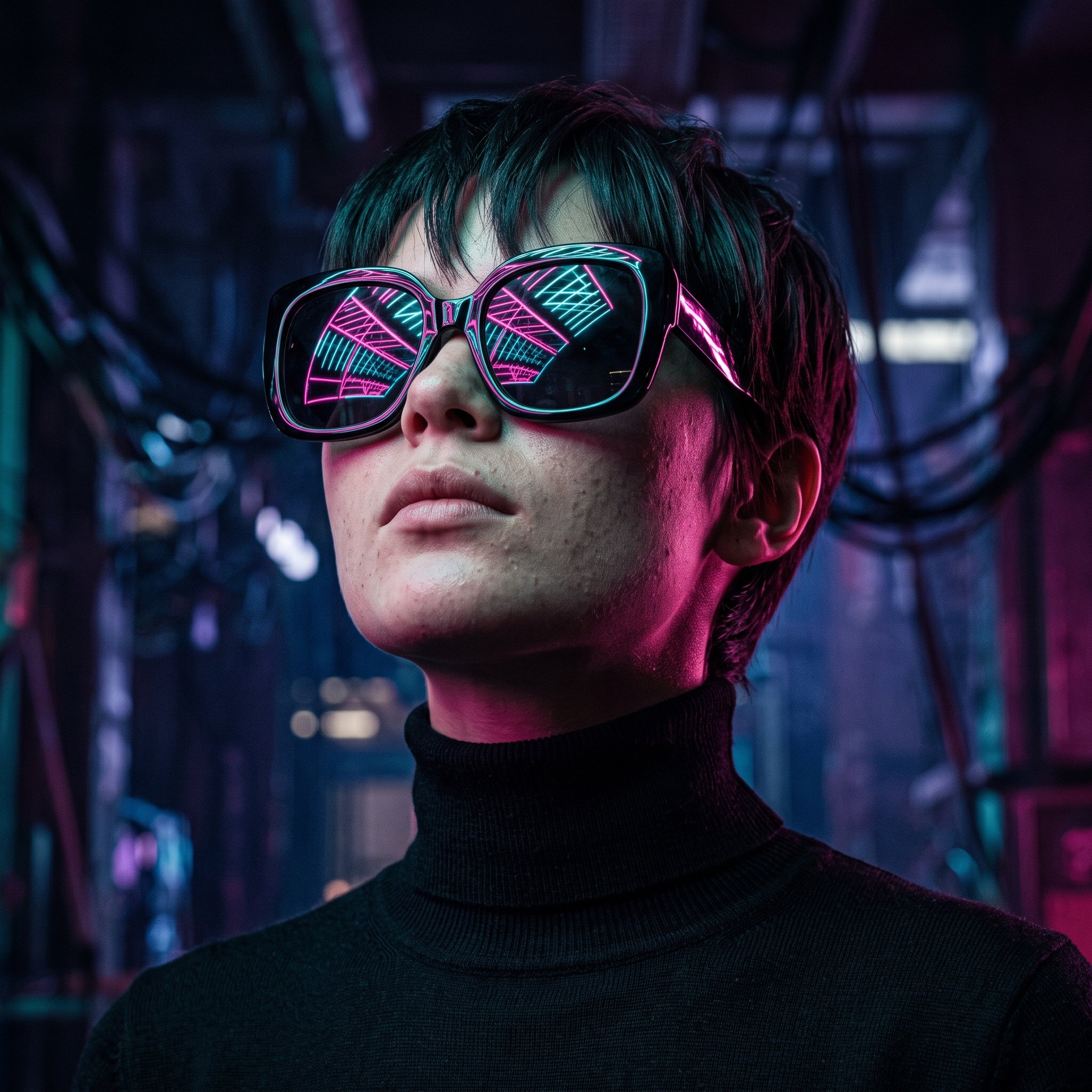
Cyberpunk Futuristic Portrait Prompt
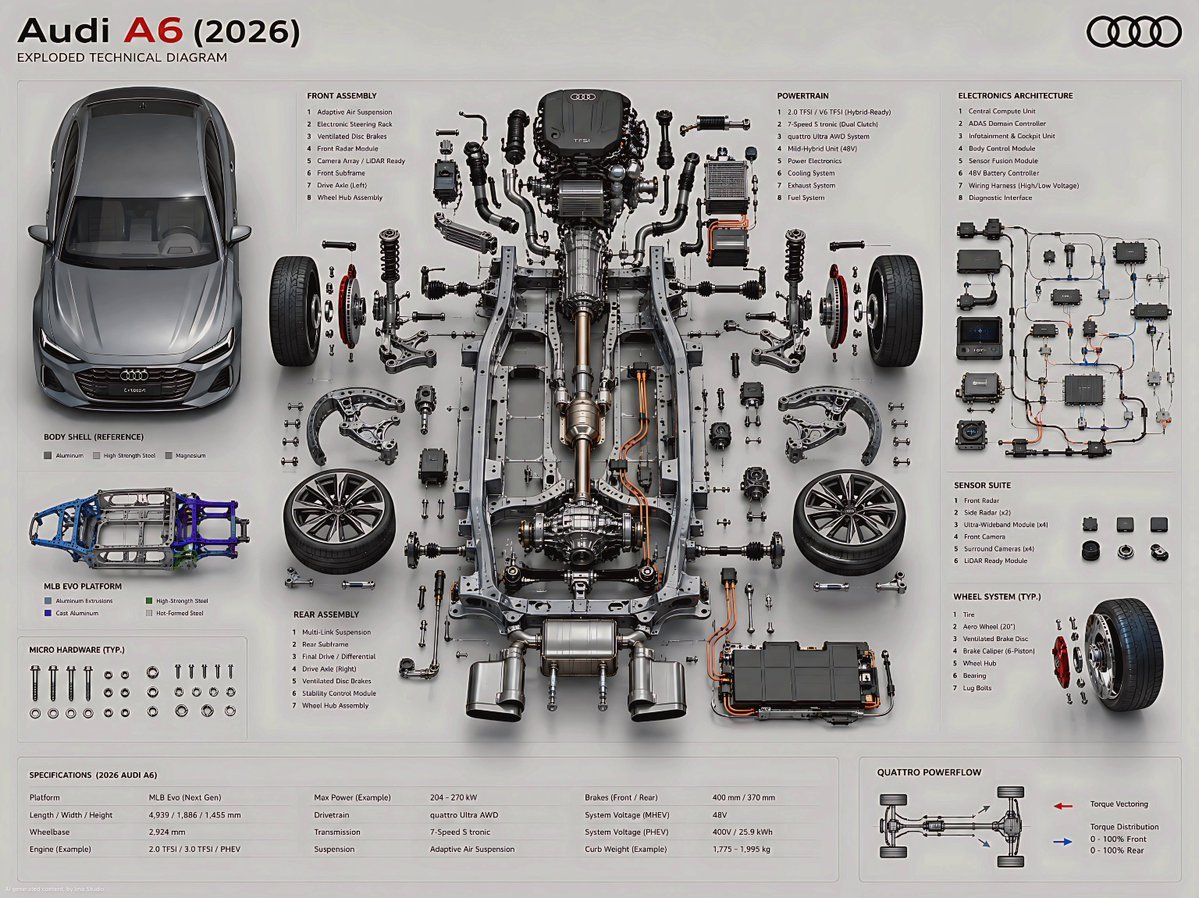
Exploded Technical Diagram Poster
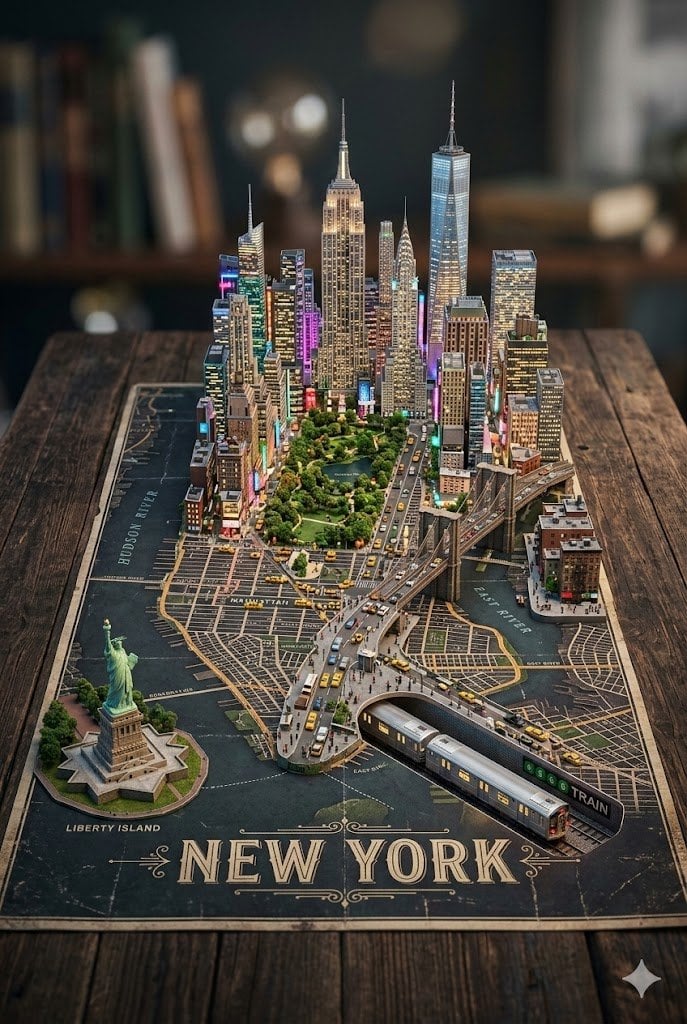
3D Miniature New York City Diorama
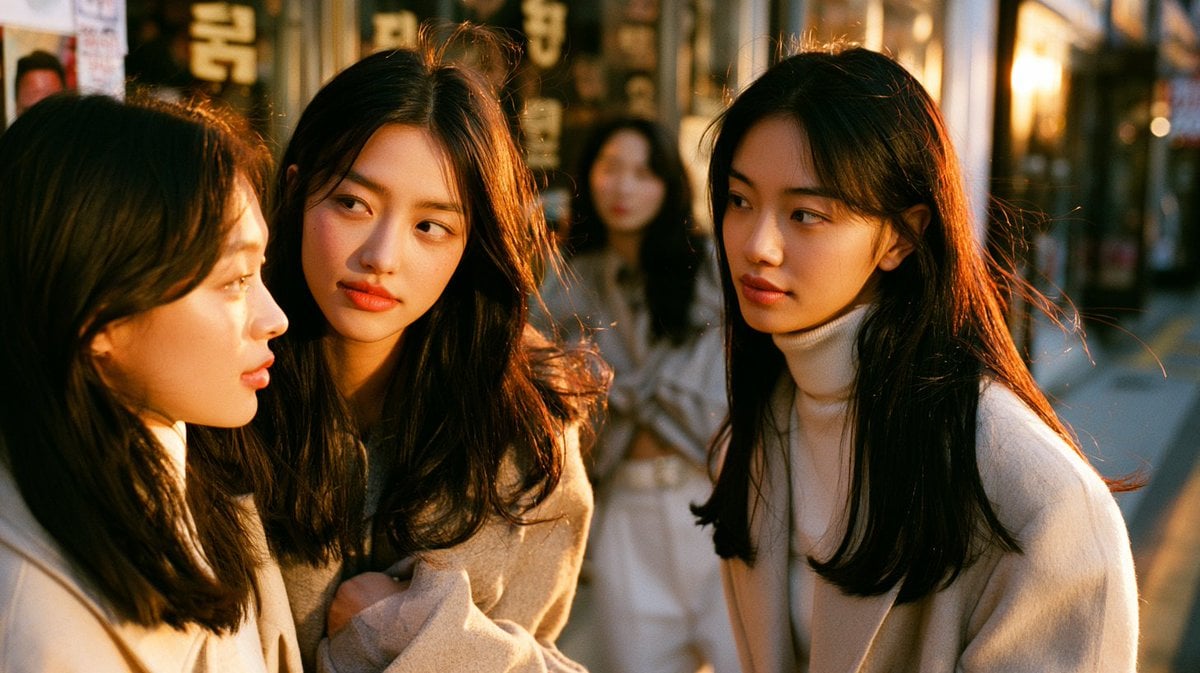
Close-Up Seoul Street Chat
Playful Crayon Drawing Notebook Style Prompt
Nano Banana Pro Rocket Launcher Action Prompt
Night Forest Fantasy Camp
Urban Streetwear Photo with Extreme Fisheye Perspective
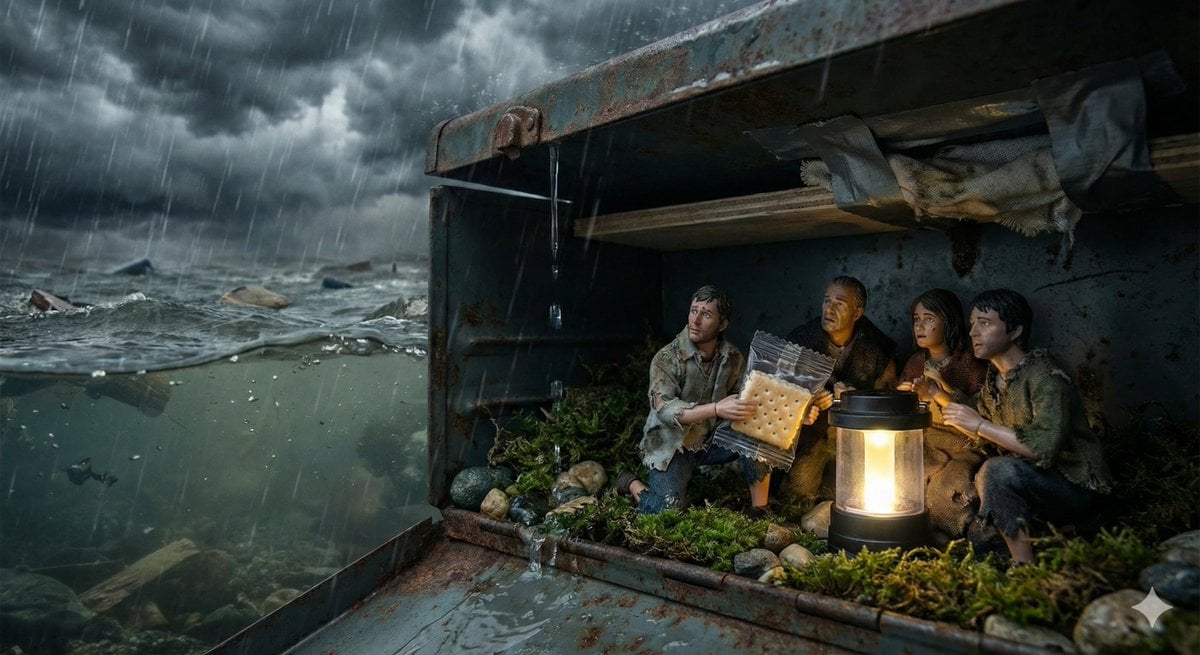
Ordinary Object as Desperate Refuge During Catastrophe
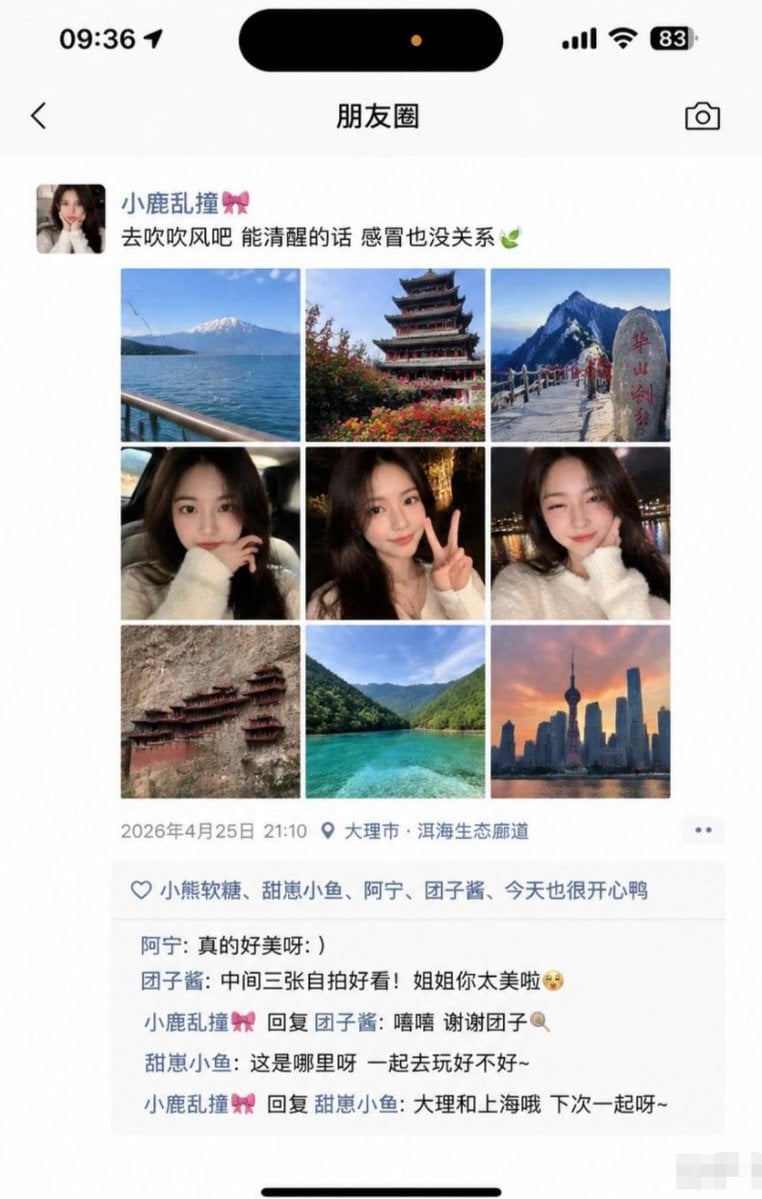
Social Media Screenshot Generator
Browse template categories
Handwritten Cafe Photo Annotations questions
How do I use the Handwritten Cafe Photo Annotations template?
Add your photo if the template asks for one, edit the prompt if you like — the template's model and format are already selected — and press Generate. Your version opens in PicX Studio.
Can I customize the Handwritten Cafe Photo Annotations template?
Yes. You can change the subject, setting, lighting, mood, format, and available model controls before creating your image.
Is the Handwritten Cafe Photo Annotations template free?
Opening and editing this template is free. Generating uses credits, shown on the Generate button when you are signed in.
Which AI model should I use?
Start with GPT Image 2, which is the model associated with this template. You can compare another compatible model for a different finish.
Looking for something else? Browse all templates.

Your photo, any look
Thousands of ready templates for every top image and video model, from one credit balance.