
Night Forest Fantasy Camp
Generates a cinematic anime fantasy travel campsite with two cloaked companions, campfire cooking, luggage, horse carriage, and moody forest lighting.
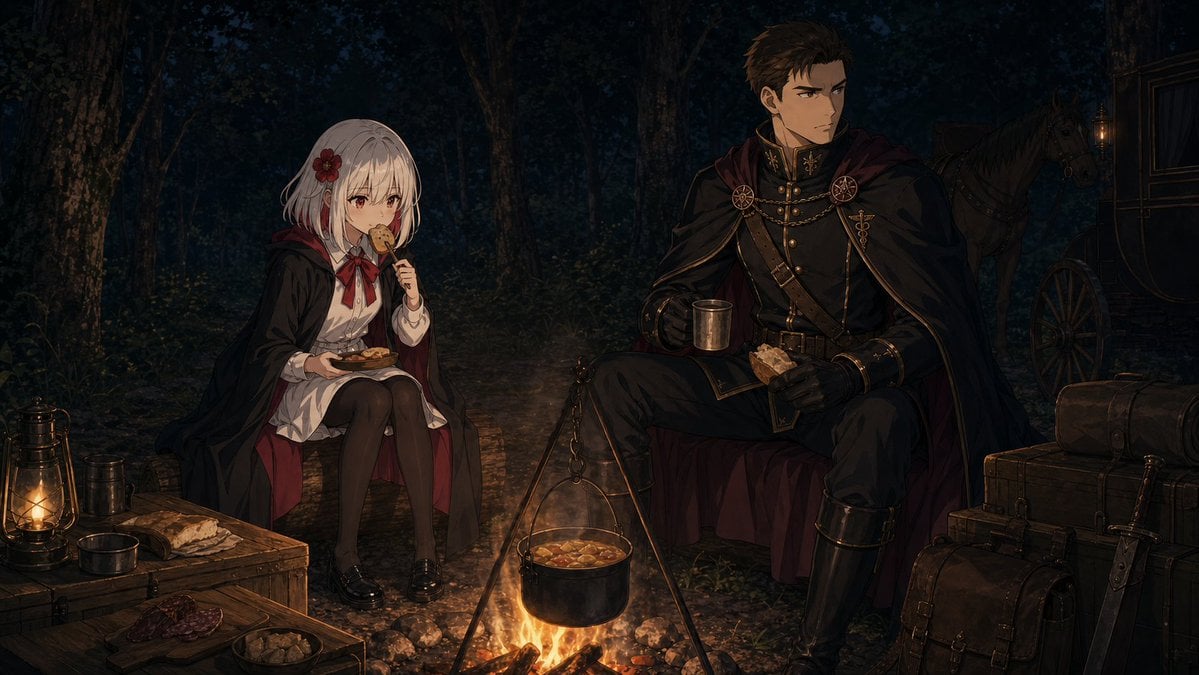
- Prompt included
- Model and format preset
- Free template
The prompt behind this image
Copy the exact prompt behind Night Forest Fantasy Camp, or open it in the studio and make it yours.
Create a dark cinematic anime-style travel camp scene at night in a dense forest, widescreen 16:9 composition. Two travelers rest beside a small campfire: on the left, a petite young girl with {argument name="girl hair color" default="short silver-white hair"}, a red flower hair ornament, a black cloak with deep crimson lining over a white blouse, red ribbon tie, dark tights, and black loafers, sitting on a low stump or stool while holding a plate of food and eating; on the right, a tall adult male knight or mage escort in an ornate black military uniform with gold trim, high collar, brass buttons, leather belts, gloves, tall boots, circular cloak clasps, and a sweeping black cloak lined in burgundy, seated calmly while holding a metal cup and a piece of bread. Both faces are deliberately covered by plain soft-edged beige rectangular censor blocks. In the center foreground, a bright orange campfire burns under a tripod supporting a black cooking pot filled with stew, casting warm light onto the characters and ground. Surround the campsite with travel props: exactly 10 visible camp and travel items including one brass lantern glowing on a wooden crate at far left, one metal cup near it, one loaf of bread on the crate, one cutting board with sliced cured meat, one shallow bowl of food, one stacked wooden chest at right, one rolled bedroll on top of the chest, one leather satchel in the lower right foreground, one sheathed sword leaning beside the luggage, and one horse-drawn carriage in the dark right background with a horse partly visible. The environment is a deep blue-black forest with tall tree trunks, heavy shadows, subtle foliage, and a dirt clearing; lighting should be moody and painterly with strong warm firelight, cool moonlit shadows, detailed textures, high-quality fantasy illustration, dramatic travel-story atmosphere, and no on-image text.
How to use Night Forest Fantasy Camp in 3 steps
- 1Upload ImagePNG, JPG or paste
Add your photo
Upload the photo the template builds on. The prompt, model and format are already set.
- 2…a portrait of your subject in softgolden-hour light, 85mm…
Personalize
Edit the subject and creative details for your destination.
- 3Generate
Generate
Press Generate — your image is created in PicX Studio, so you can compare it with the original and refine one variable at a time.
More like this
Templates with the same subject, style or setup. Open one to see its prompt.
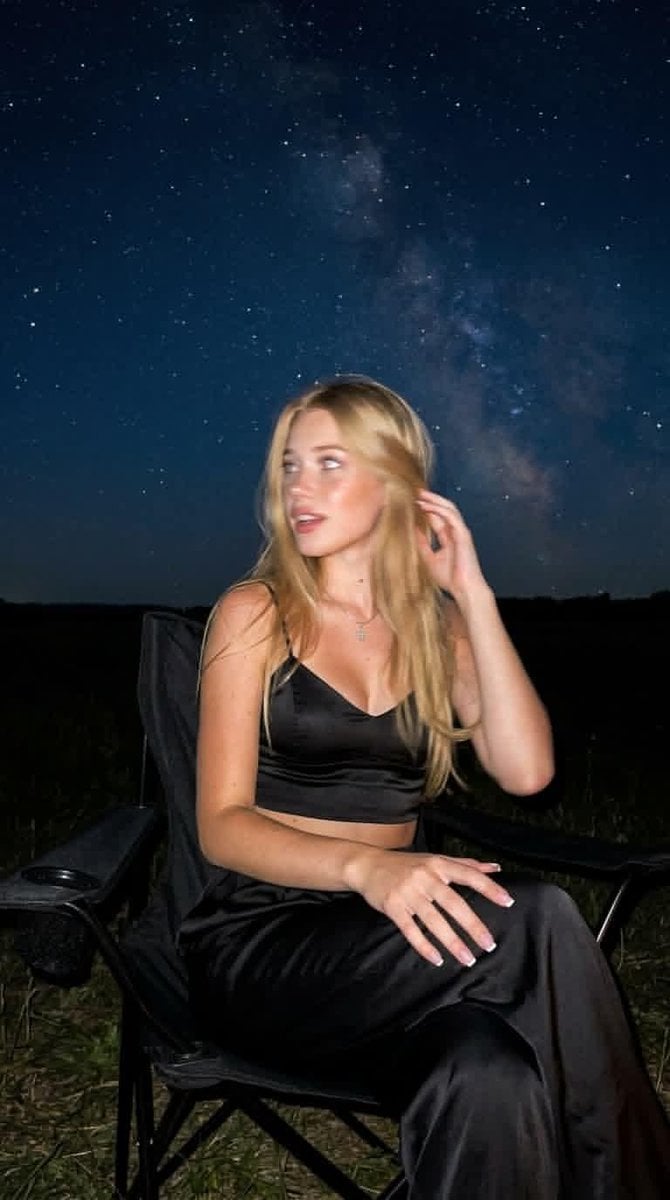
Night Starlit Camping Portrait

Layered Paper Cut Forest Diorama
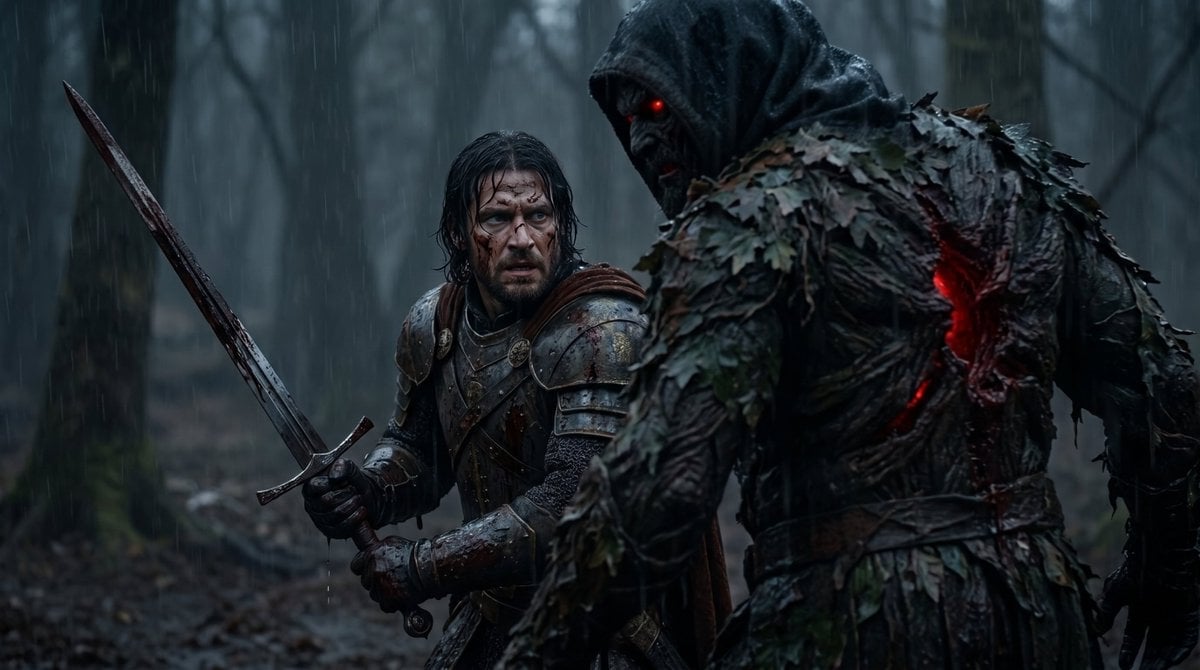
Battle-Worn Knight vs Forest Wraith

Anime Fantasy Celestial Movie Poster

Subway Platform Quiet Introspective Portrait
Anime Fantasy Celestial Movie Poster
Subway Platform Quiet Introspective Portrait

Spider-Man Night Swing New York Cinematic

Minecraft Fantasy Kingdom Voxel Landscape

Unfinished Sketch Comes Alive Portrait

Open Travel Journal Overhead Still Life

Tiny Woman Miniature Fantasy Macro Scene
Make it yours
Night Forest Fantasy Camp works as-is. These are the safest ways to change it without losing the look.
Change one field
Copy a single group, rewrite it, and generate again so you can see what that field is doing.
Keep the frame, change the subject
Hold the composition and light of Night Forest Fantasy Camp, then swap wardrobe, props or the person for a new take.
| If the result… | Why | Fix |
|---|---|---|
| The result drifts from the preview | Too many fields changed at once. | Reuse Night Forest Fantasy Camp as-is first, then change one group — subject, light, or setting. |
| The model over-stylizes the scene | The prose prompt leaves finish and camera underspecified. | Add one camera or lighting sentence and stay on GPT Image 2. |
More GPT Image 2 templates
Other prompts made for GPT Image 2.

Six VTuber Japanese Logo Sheet

Realistic Portrait of Woman and Deer

The Vista Modular Condo Poster

AI Model Routing Comparison Infographic

2.5D Anime Art Board

Isometric Productivity Desk Scene

New York Double Exposure Poster

Four-Panel AI Landscape Comparison

Japanese Tatami Lifestyle Magazine Cover

NESCAFÉ Coffee Map Poster
More image prompts
Fresh picks from across the catalog.

Gemini Nano Banana 2 Logo in Wet Sand Be
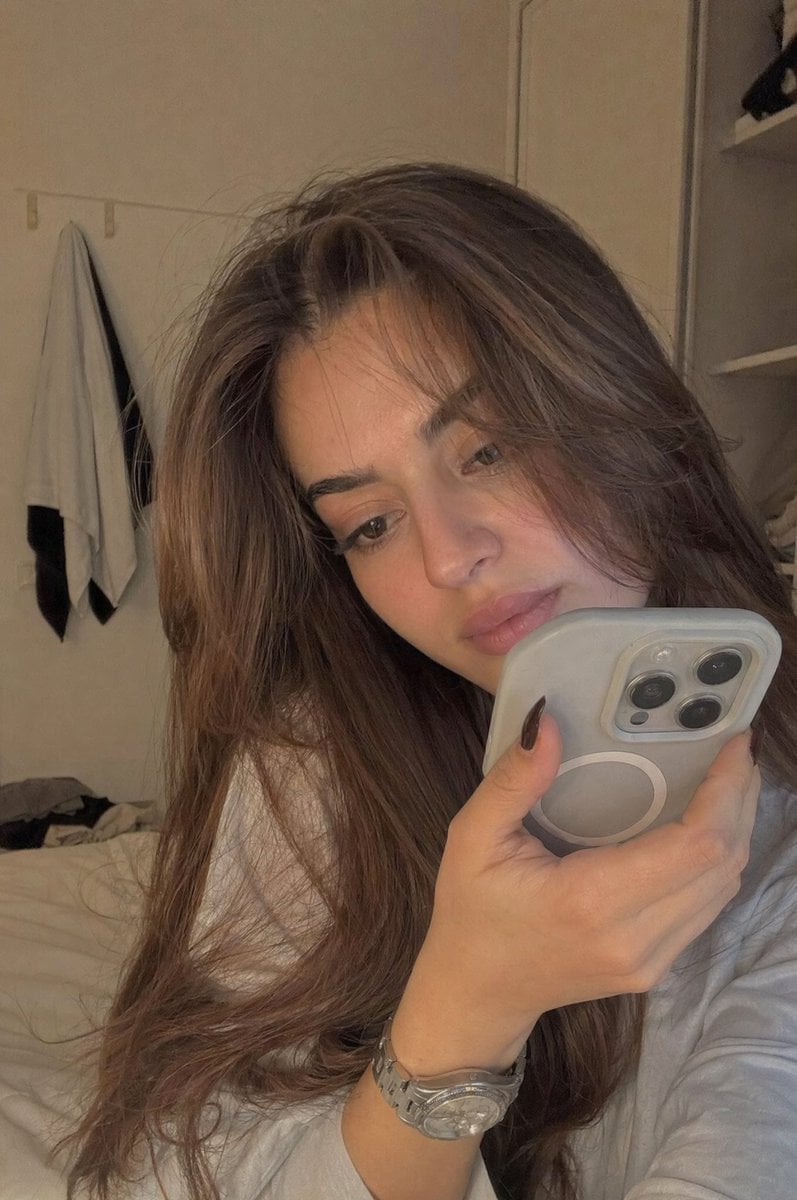
Realistic Bedroom Phone Recording Style
Realistic NBA Fan Portrait
Red Motion Blur Silhouette
Cozy Cinematic Home Workspace Portrait
Dramatic High-Contrast Portrait with Window Lighting
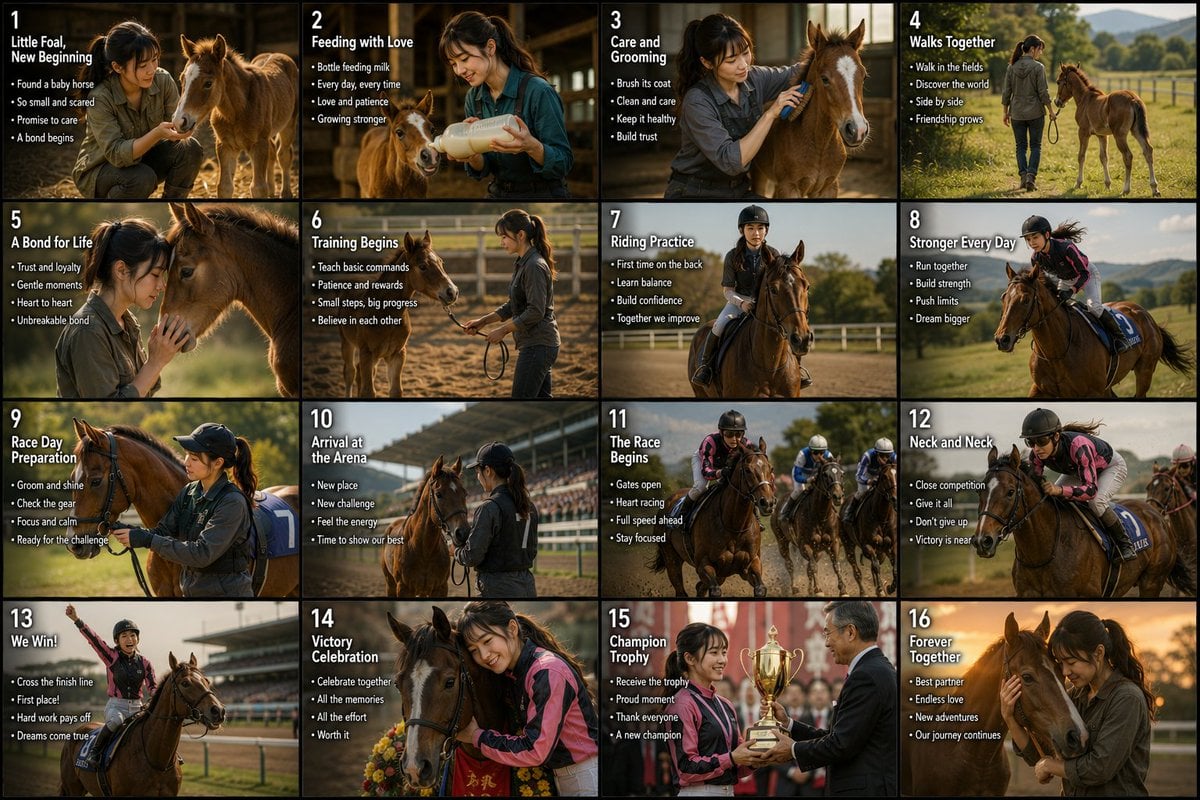
Panel Horse Racing Storyboard
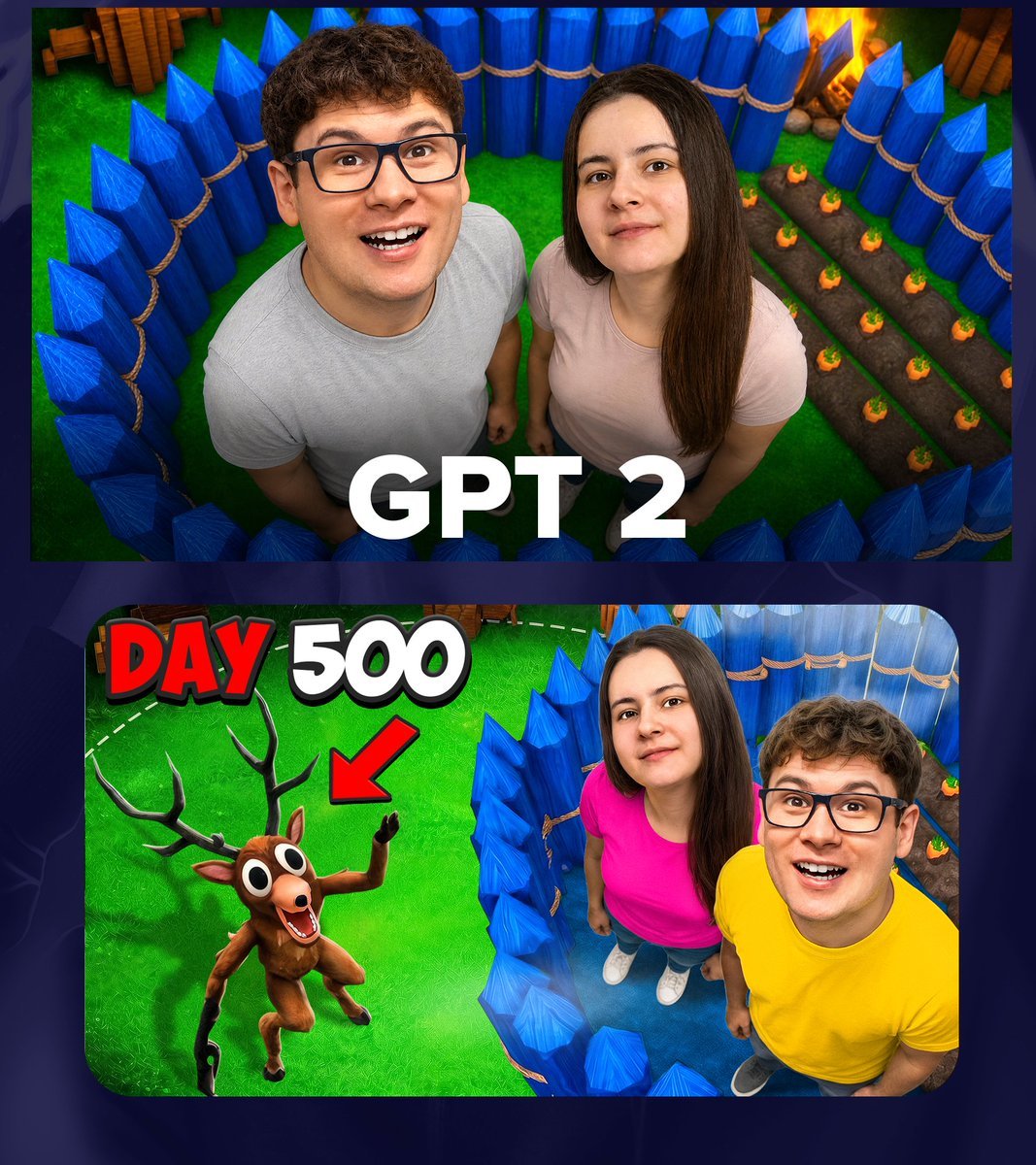
GPT 2 Day 500 Gaming Thumbnail
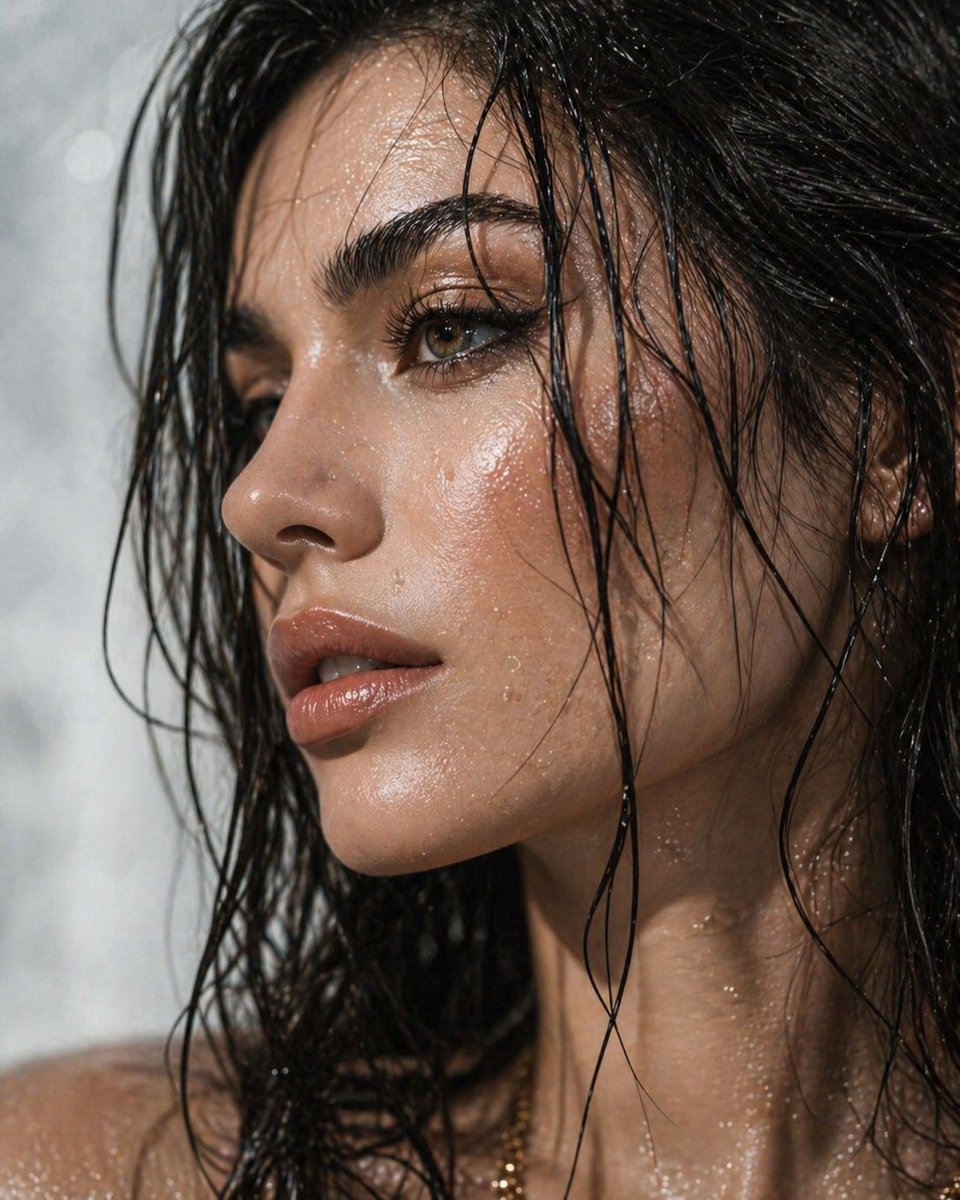
Ultra-Detailed Dewy Skin Portrait
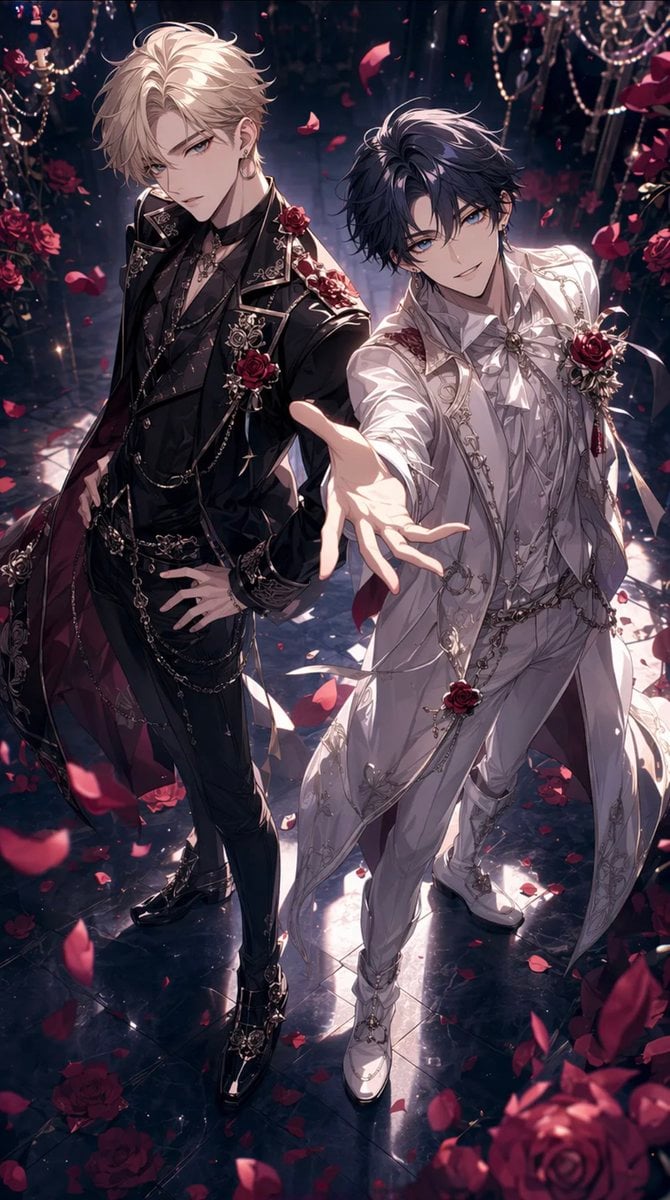
Gothic Rose Ballroom Duo
Browse template categories
Night Forest Fantasy Camp questions
How do I use the Night Forest Fantasy Camp template?
Add your photo if the template asks for one, edit the prompt if you like — the template's model and format are already selected — and press Generate. Your version opens in PicX Studio.
Can I customize the Night Forest Fantasy Camp template?
Yes. You can change the subject, setting, lighting, mood, format, and available model controls before creating your image.
Is the Night Forest Fantasy Camp template free?
Opening and editing this template is free. Generating uses credits, shown on the Generate button when you are signed in.
Which AI model should I use?
Start with GPT Image 2, which is the model associated with this template. You can compare another compatible model for a different finish.
Looking for something else? Browse all templates.

Your photo, any look
Thousands of ready templates for every top image and video model, from one credit balance.