
Spider-Man Night Swing New York Cinematic
Cinematic Spider-Man night-swing poster through a photorealistic New York skyline with dramatic noir-metropolitan lighting and web-slinging action.

- Prompt included
- Model and format preset
- Free template
The prompt behind this image
Copy the exact prompt behind Spider-Man Night Swing New York Cinematic, or open it in the studio and make it yours.
A hyper-realistic cinematic poster of Spider-Man swinging through a dense New York City skyline at night. Foreground: Spider-Man in dynamic web-slinging pose, red and blue suit detailed with textured fabric and reflective lenses. Midground: towering Art Deco skyscrapers, glowing office windows, Chrysler Building spire. Background: starry deep indigo sky with dramatic cloud silhouettes, full moon rim-light. Lighting: cool blue ambient city glow mixed with warm tungsten helicopter searchlights from below, strong rim light on suit edges, atmospheric haze between buildings. Composition: low-angle hero shot, 24mm wide lens, motion blur on web line, rule of thirds placement. Mood: thrilling, heroic, noir-metropolitan. Text space reserved in upper sky for title typography.
How to use Spider-Man Night Swing New York Cinematic in 3 steps
- 1
Open
The prompt is already in the box next to the preview, with the template's model and format selected.
- 2…a portrait of your subject in softgolden-hour light, 85mm…
Personalize
Edit the subject and creative details for your destination.
- 3Generate
Generate
Press Generate — your image is created in PicX Studio, so you can compare it with the original and refine one variable at a time.
More like this
Templates with the same subject, style or setup. Open one to see its prompt.

Spider-Man Rooftop Golden Hour Cinematic Photo

Spider-Verse Painterly Portrait Poster
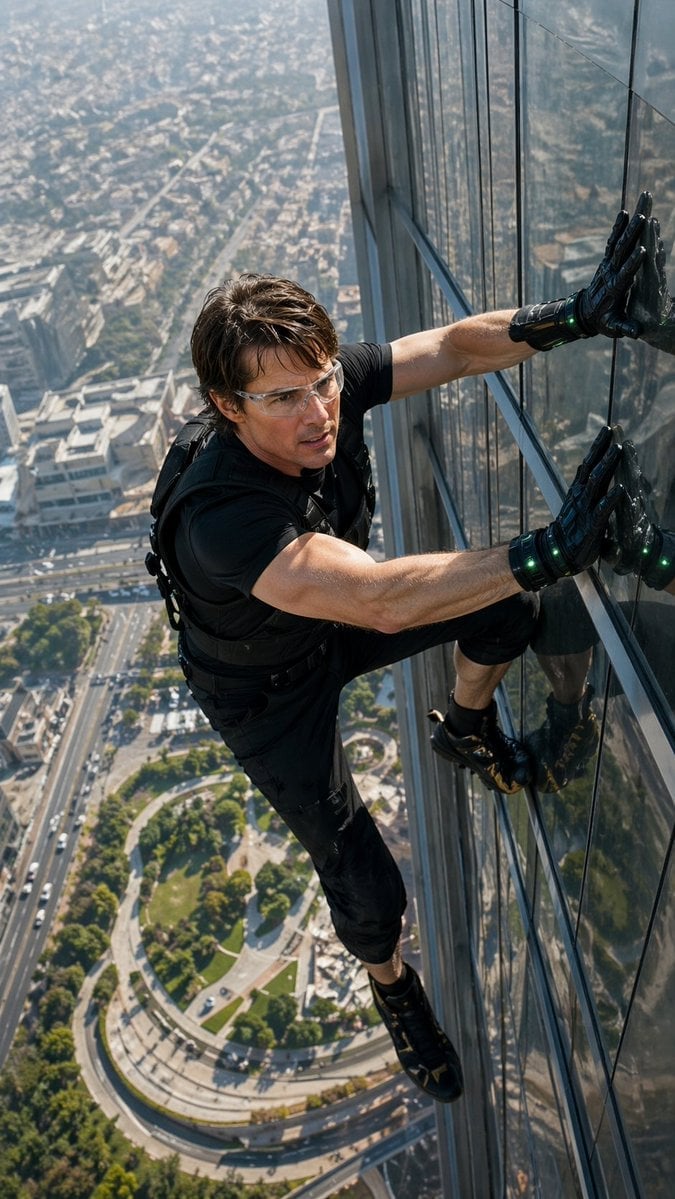
Skyscraper Symbiote Ascent Vertical Poster

Spider-Man 2099 Cyberpunk Neon Future City
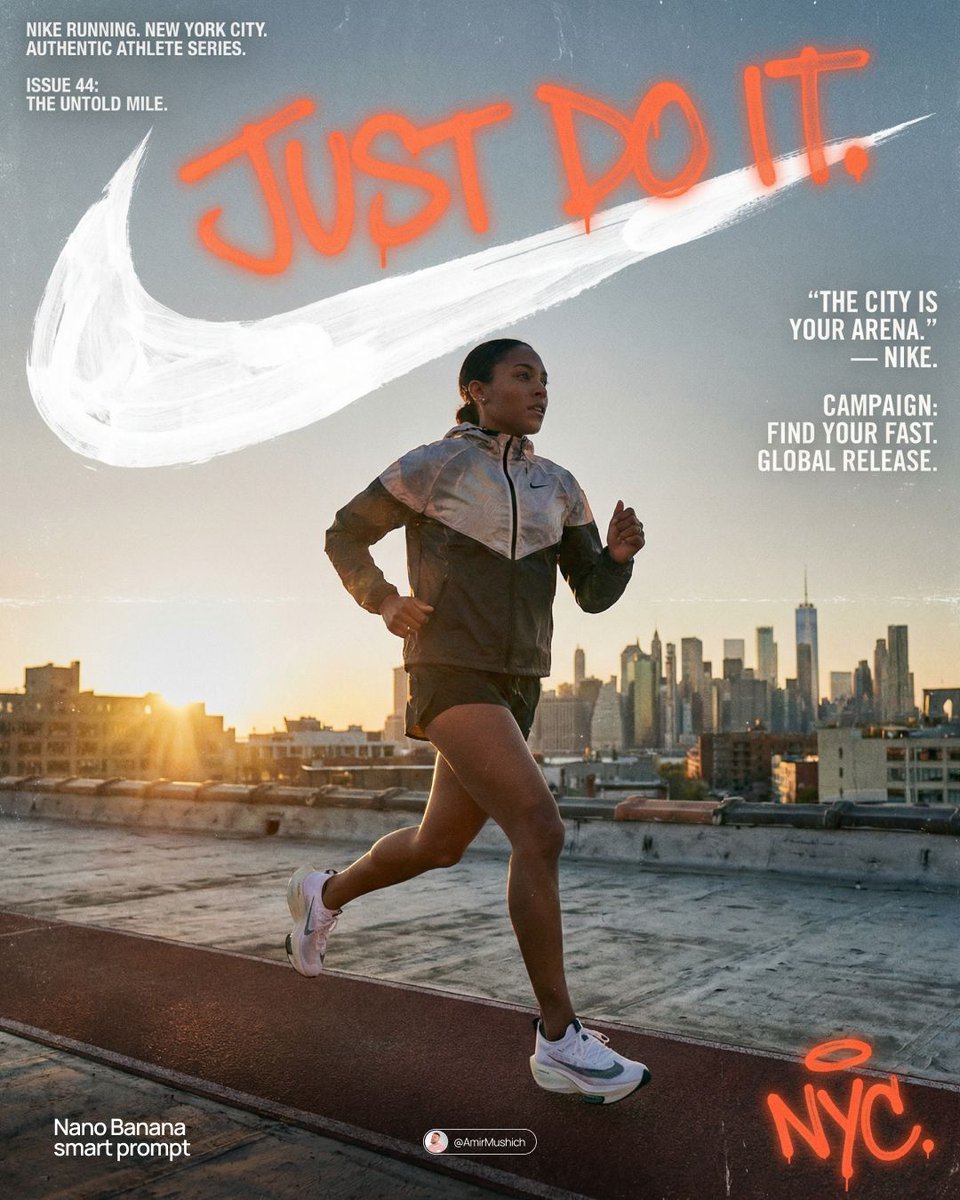
Miles Morales Spider-Man Brooklyn Graffiti

Spider-Man Noir Detective Rain Alley

Campaign Smoke National Symbols World Cup

Brazil Versus Japan Knockout Split Rivalry Poster

Usa Cinematic Hyperreal Collage Poster
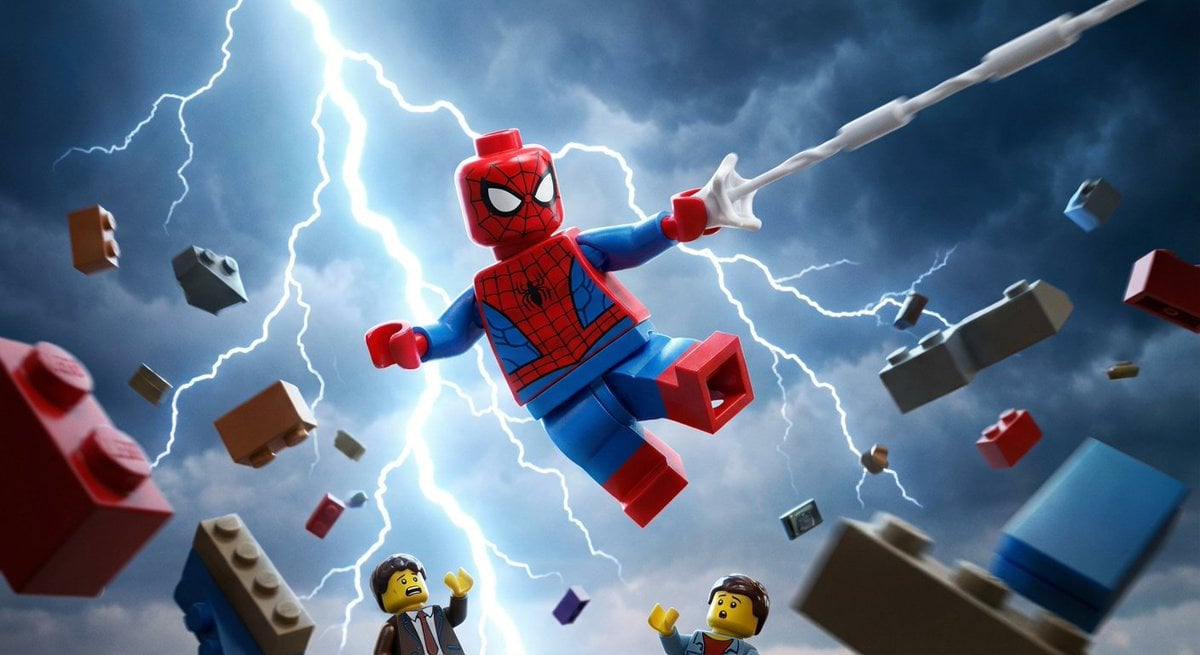
Epic LEGO Spider-Man movie poster scene
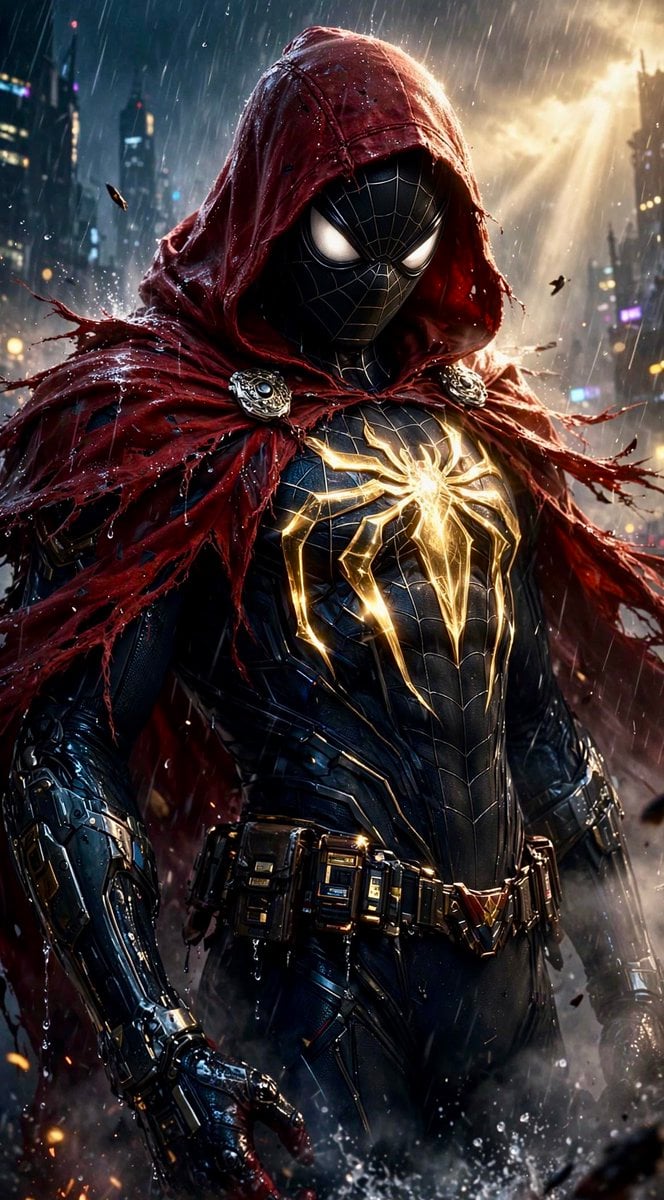
Dark Hooded Spider-Man Portrait
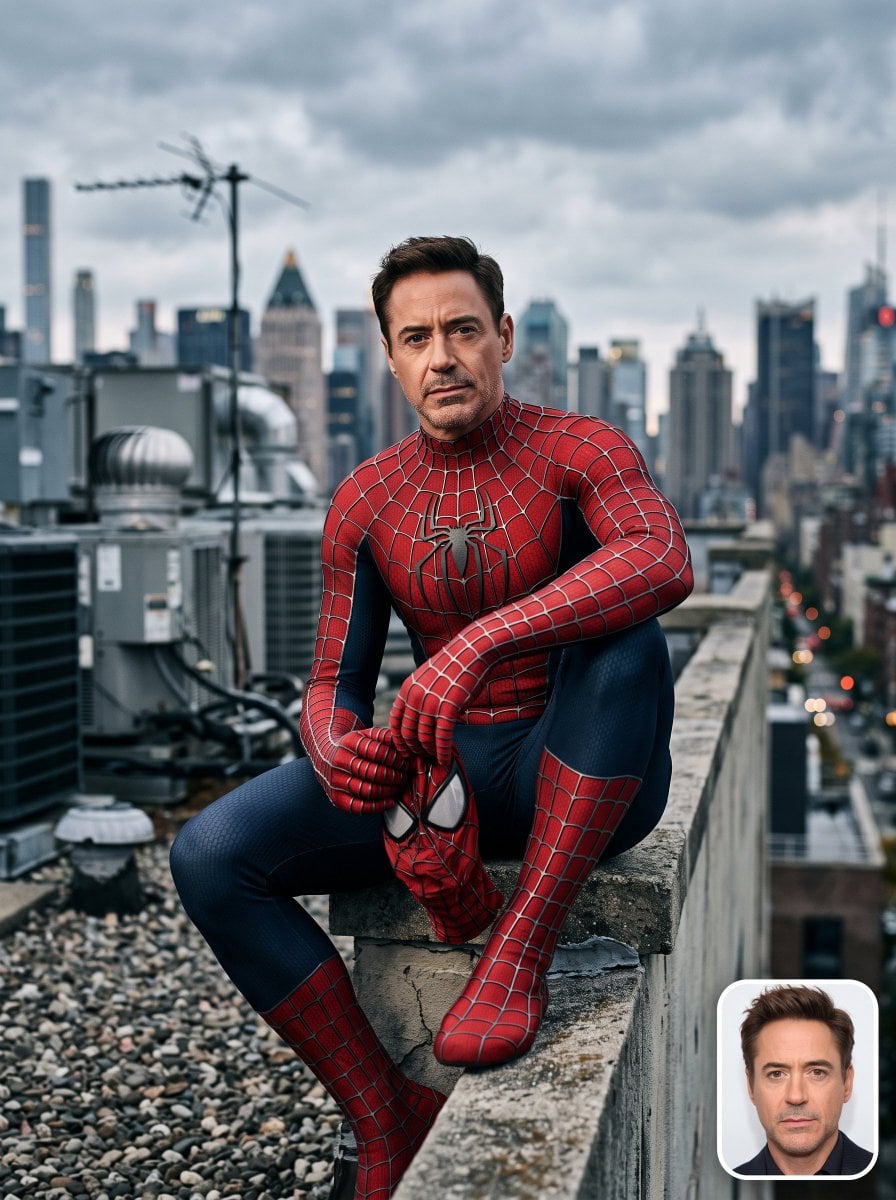
Spider-Man Rooftop Suit Portrait
Make it yours
Spider-Man Night Swing New York Cinematic works as-is. These are the safest ways to change it without losing the look.
Change one field
Copy a single group, rewrite it, and generate again so you can see what that field is doing.
Keep the frame, change the subject
Hold the composition and light of Spider-Man Night Swing New York Cinematic, then swap wardrobe, props or the person for a new take.
| If the result… | Why | Fix |
|---|---|---|
| The result drifts from the preview | Too many fields changed at once. | Reuse Spider-Man Night Swing New York Cinematic as-is first, then change one group — subject, light, or setting. |
| The model over-stylizes the scene | The prose prompt leaves finish and camera underspecified. | Add one camera or lighting sentence and stay on PicX Studio. |
More image prompts
Fresh picks from across the catalog.

Pixar-Style Banana Character Animation Prompt
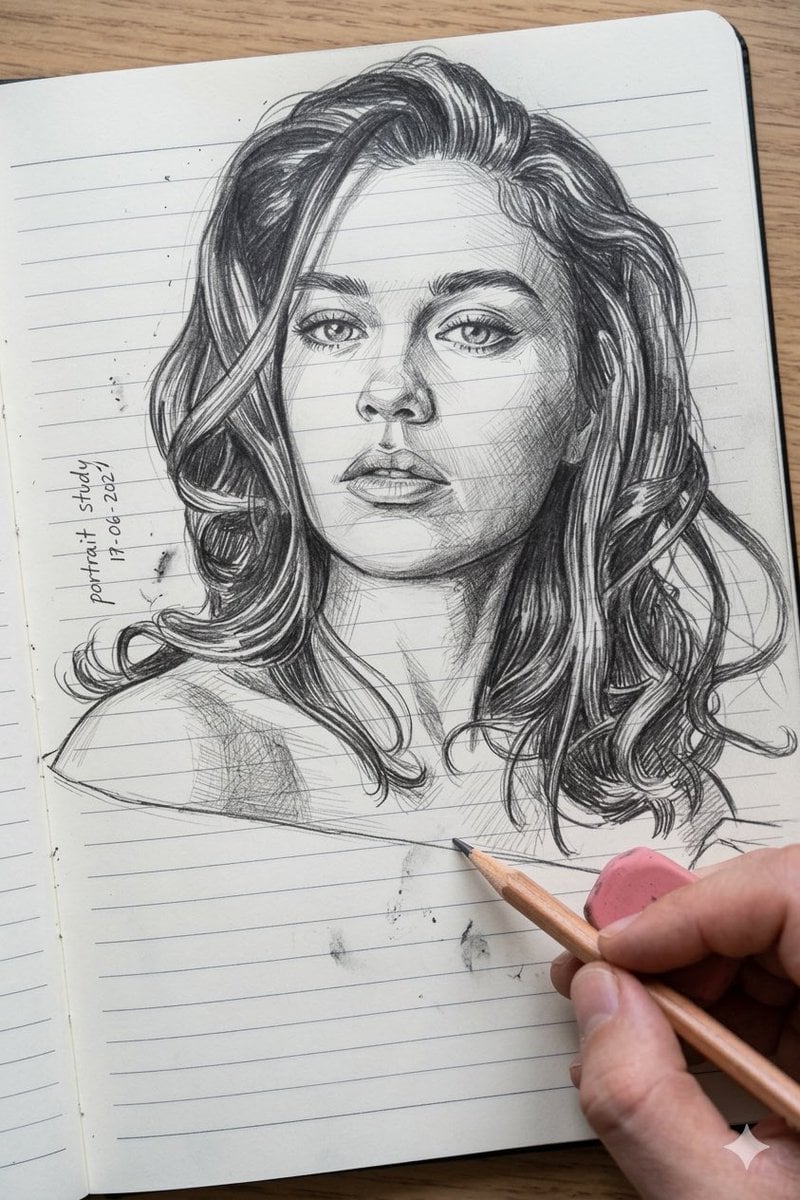
Photo to Pencil Sketch Transformation
PixVerse v6 - Cinematic Fire Scene
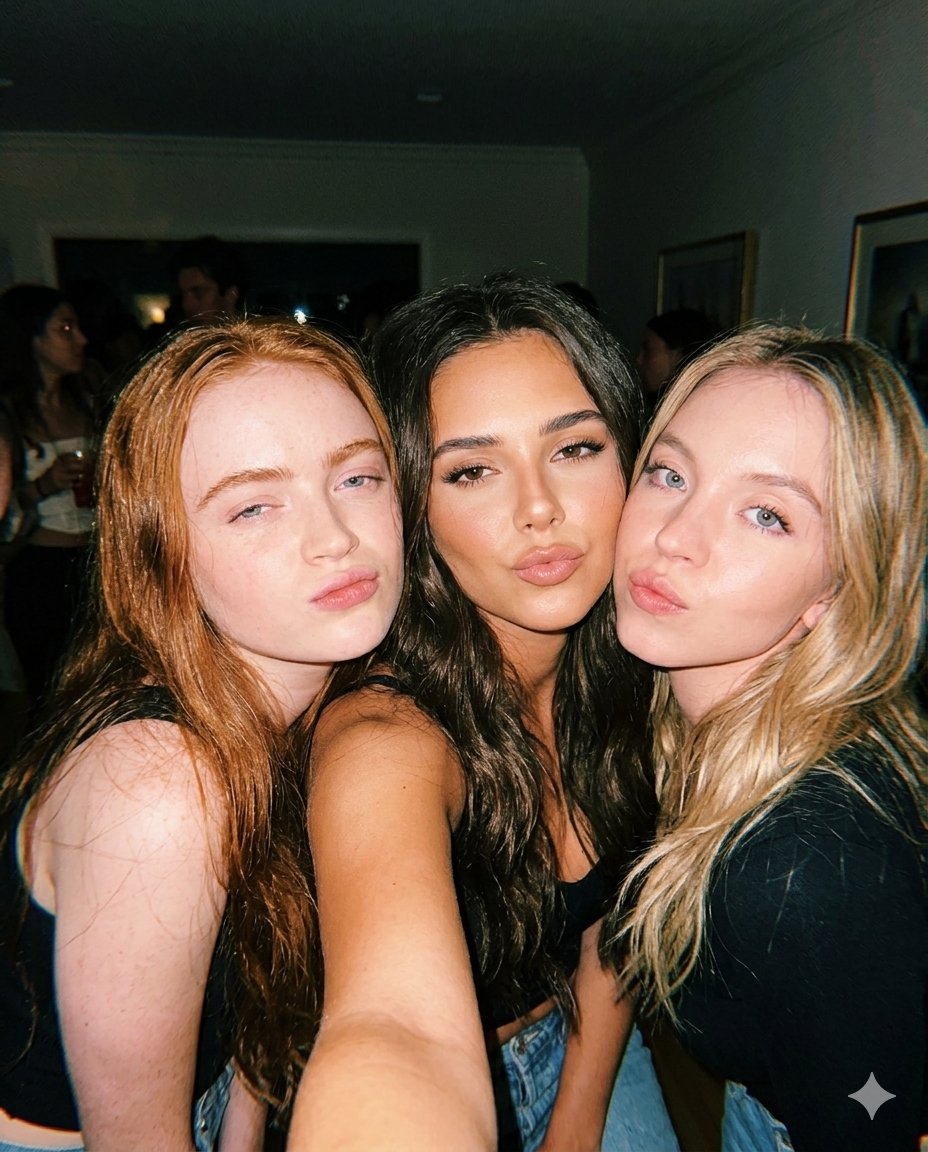
Vintage Flash Group Selfie Prompt for Nano Banana Pro
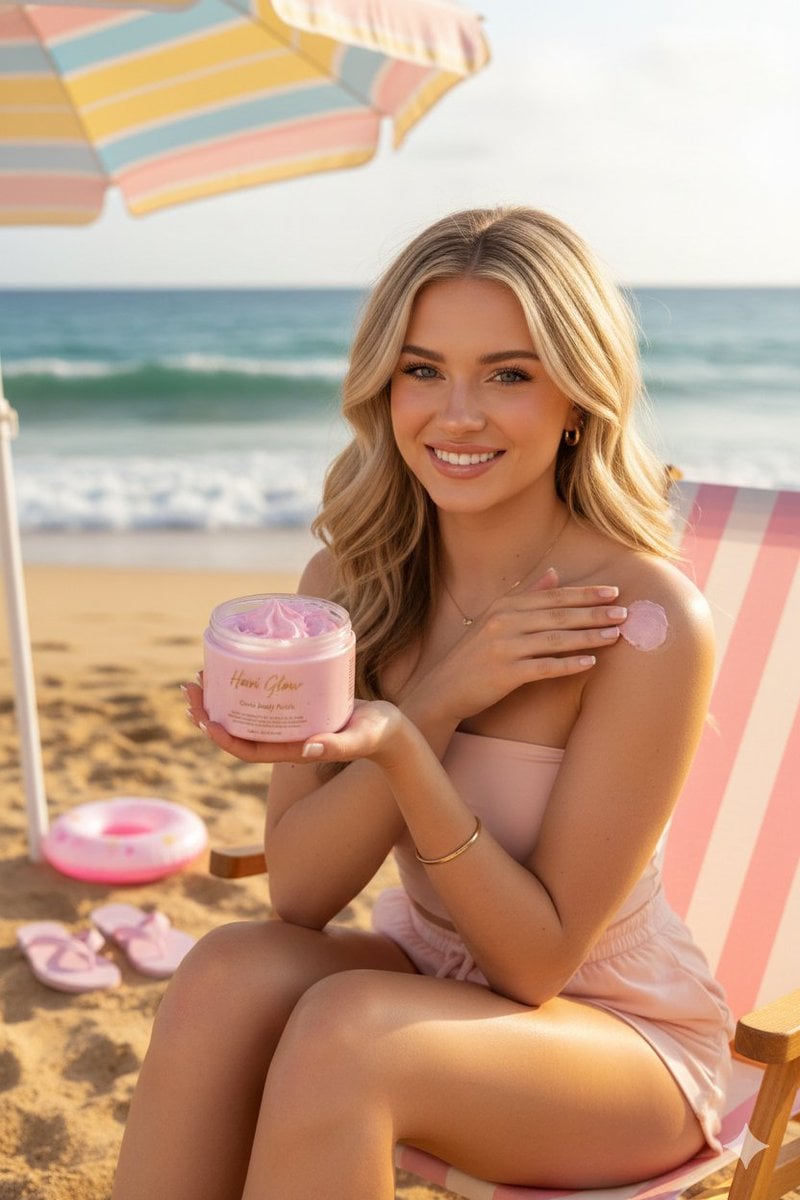
Luxury Body Polish Commercial on Tropical Beach
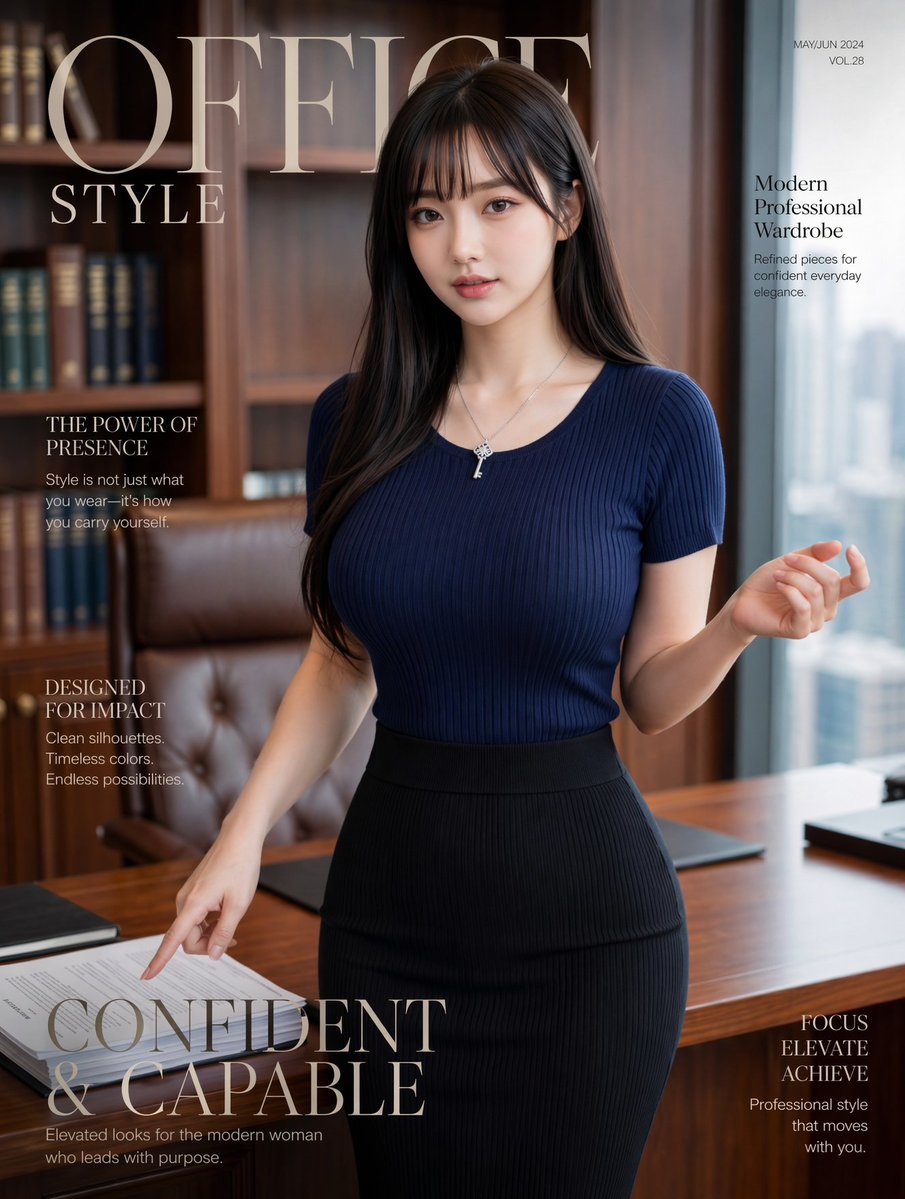
Office Style Fashion Magazine Cover

Web page design from reference wireframe

Editorial Sports Poster Design
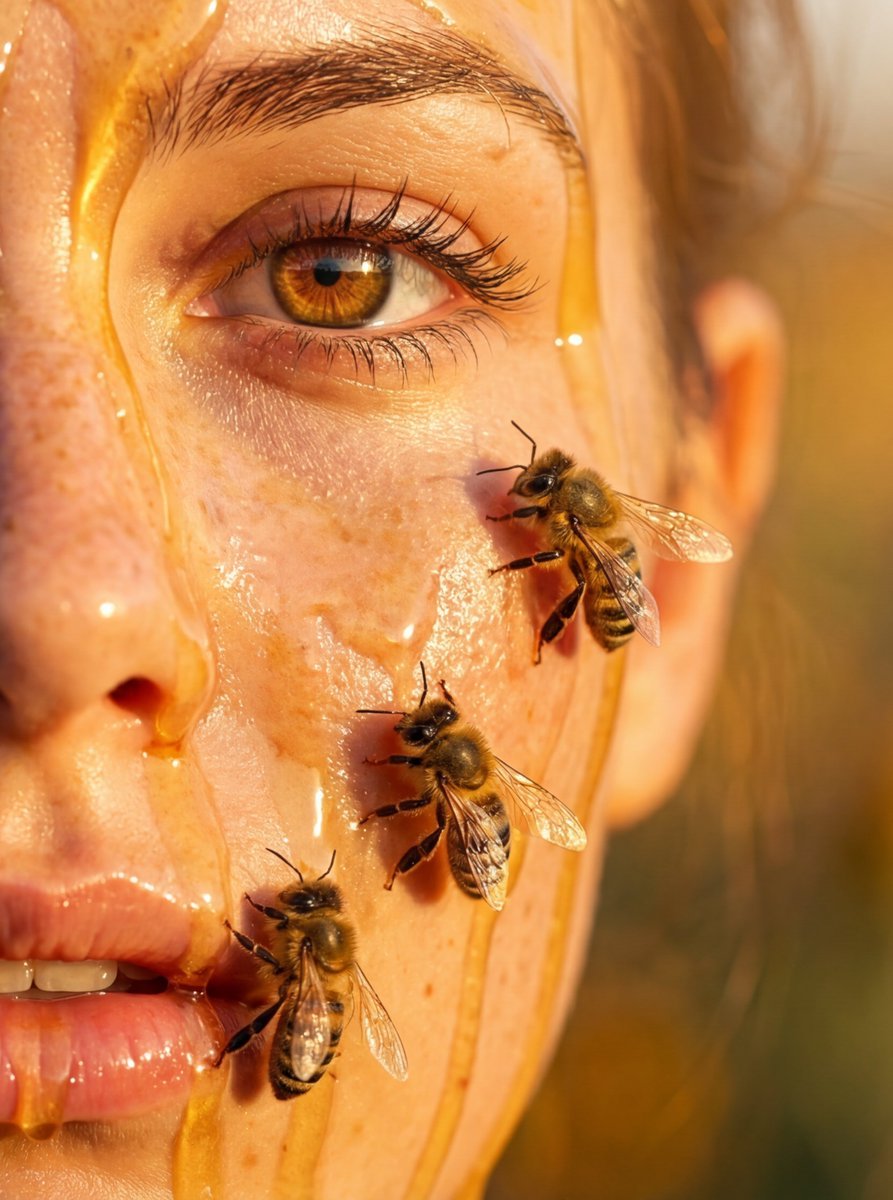
Hyper-real honey-covered woman with bees close-up
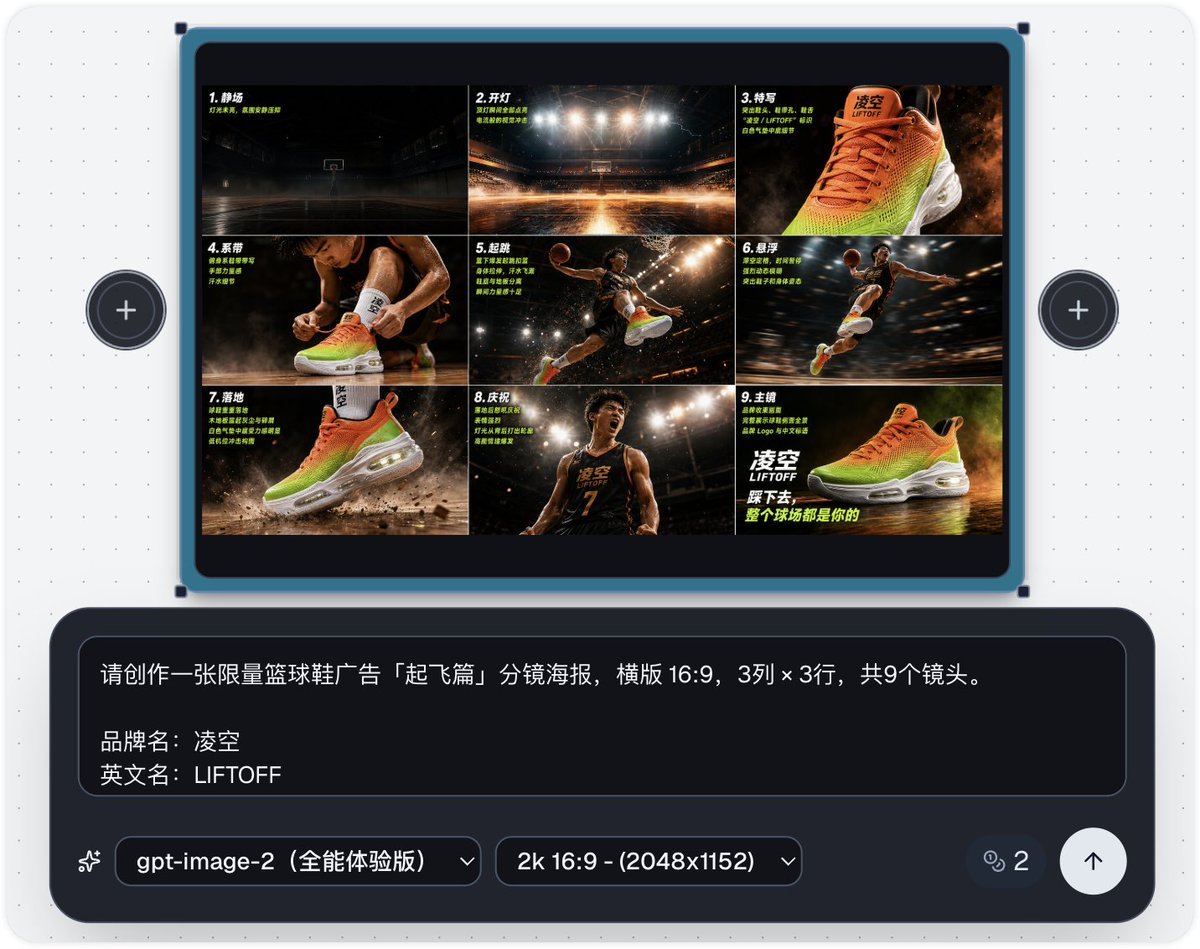
Basketball Shoe Storyboard Advertisement
Browse template categories
Spider-Man Night Swing New York Cinematic questions
How do I use the Spider-Man Night Swing New York Cinematic template?
Add your photo if the template asks for one, edit the prompt if you like — the template's model and format are already selected — and press Generate. Your version opens in PicX Studio.
Can I customize the Spider-Man Night Swing New York Cinematic template?
Yes. You can change the subject, setting, lighting, mood, format, and available model controls before creating your image.
Is the Spider-Man Night Swing New York Cinematic template free?
Opening and editing this template is free. Generating uses credits, shown on the Generate button when you are signed in.
Which AI model should I use?
Choose a compatible model in PicX Studio based on the style, speed, and output controls your project needs.
Looking for something else? Browse all templates.

Your photo, any look
Thousands of ready templates for every top image and video model, from one credit balance.