
Dark Hooded Spider-Man Portrait
A cinematic vertical prompt for generating a rain-soaked dark Spider-Man-style vigilante in a torn crimson hooded cloak with glowing golden armor details.
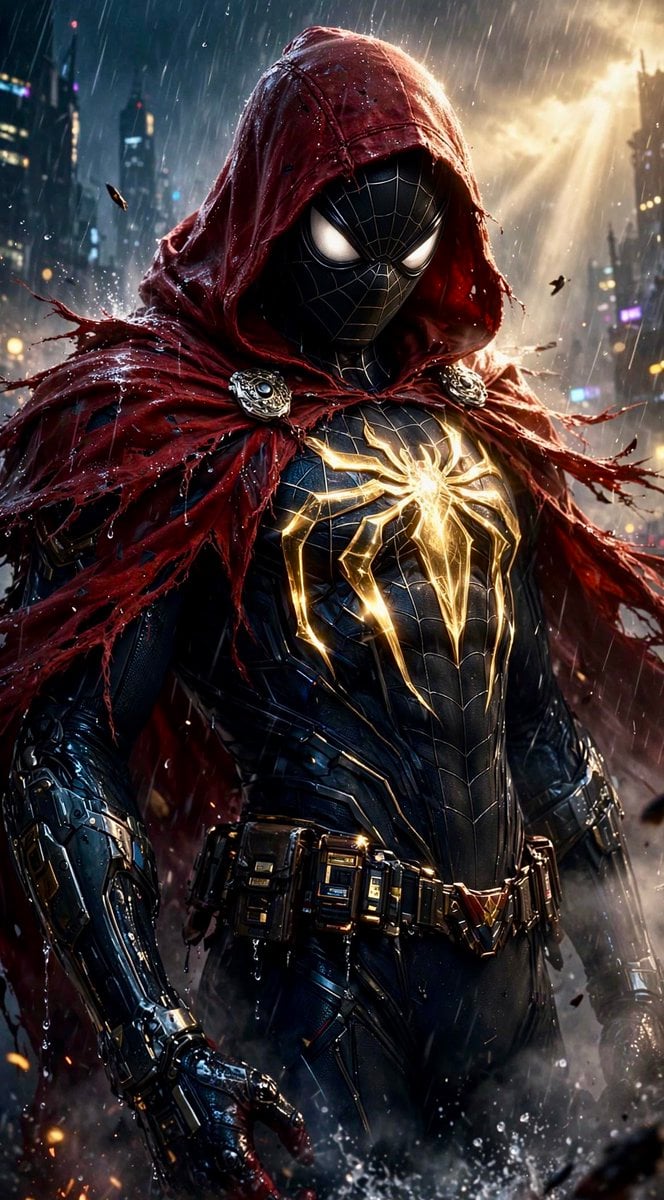
- Prompt included
- Model and format preset
- Free template
The prompt behind this image
Copy the exact prompt behind Dark Hooded Spider-Man Portrait, or open it in the studio and make it yours.
Create a cinematic vertical superhero portrait of {argument name="character name" default="Spider-Man"} reimagined as a dark heroic vigilante in a rainy futuristic city at night. The figure stands in a powerful three-quarter pose from thighs up, centered and imposing, wearing a glossy black armored spider suit with subtle web-line paneling, metallic segmented gauntlets, a tactical utility belt, and large glowing white eye lenses on a black mask. Add a dramatic torn {argument name="cloak color" default="deep crimson red"} hooded cloak draped over the head and shoulders, shredded and wind-whipped at the edges, fastened at the collar by exactly 2 ornate circular silver brooches. On the chest, place one large luminous {argument name="emblem color" default="golden"} spider emblem made of bright energy-like cracks and metallic lines, glowing as the main focal point. The environment is a dense cyberpunk skyline with blurred skyscrapers, neon signs, wet streets, heavy rain streaks, drifting debris, sparks, mist, and splashing water at the bottom edge. Lighting should be high-contrast and epic: cold blue city light from the left, warm golden backlight breaking through storm clouds on the upper right, rim light outlining the hood and shoulders, reflective wet armor, volumetric rain and smoke. Style: ultra-detailed photorealistic comic-book concept art, dark Marvel-inspired atmosphere, sharp facial mask detail, dramatic texture on fabric and armor, shallow depth of field, no text, no logos, no watermark, vertical 9:16 composition.
How to use Dark Hooded Spider-Man Portrait in 3 steps
- 1Upload ImagePNG, JPG or paste
Add your photo
Upload the photo the template builds on. The prompt, model and format are already set.
- 2…a portrait of your subject in softgolden-hour light, 85mm…
Personalize
Edit the subject and creative details for your destination.
- 3Generate
Generate
Press Generate — your image is created in PicX Studio, so you can compare it with the original and refine one variable at a time.
More like this
Templates with the same subject, style or setup. Open one to see its prompt.

Spider-Man Rooftop Golden Hour Cinematic Photo

Conceptual Fashion Portrait in Spider We

Romantic Cinematic Still of a Couple in

Couture Fashion Editorial Woman and Drag

Found Photograph: Us, 1970

80s Couple Studio Portrait

80s Bollywood Star

80s Golden Hour Cinema

Me in 1985

1985 Studio Portrait
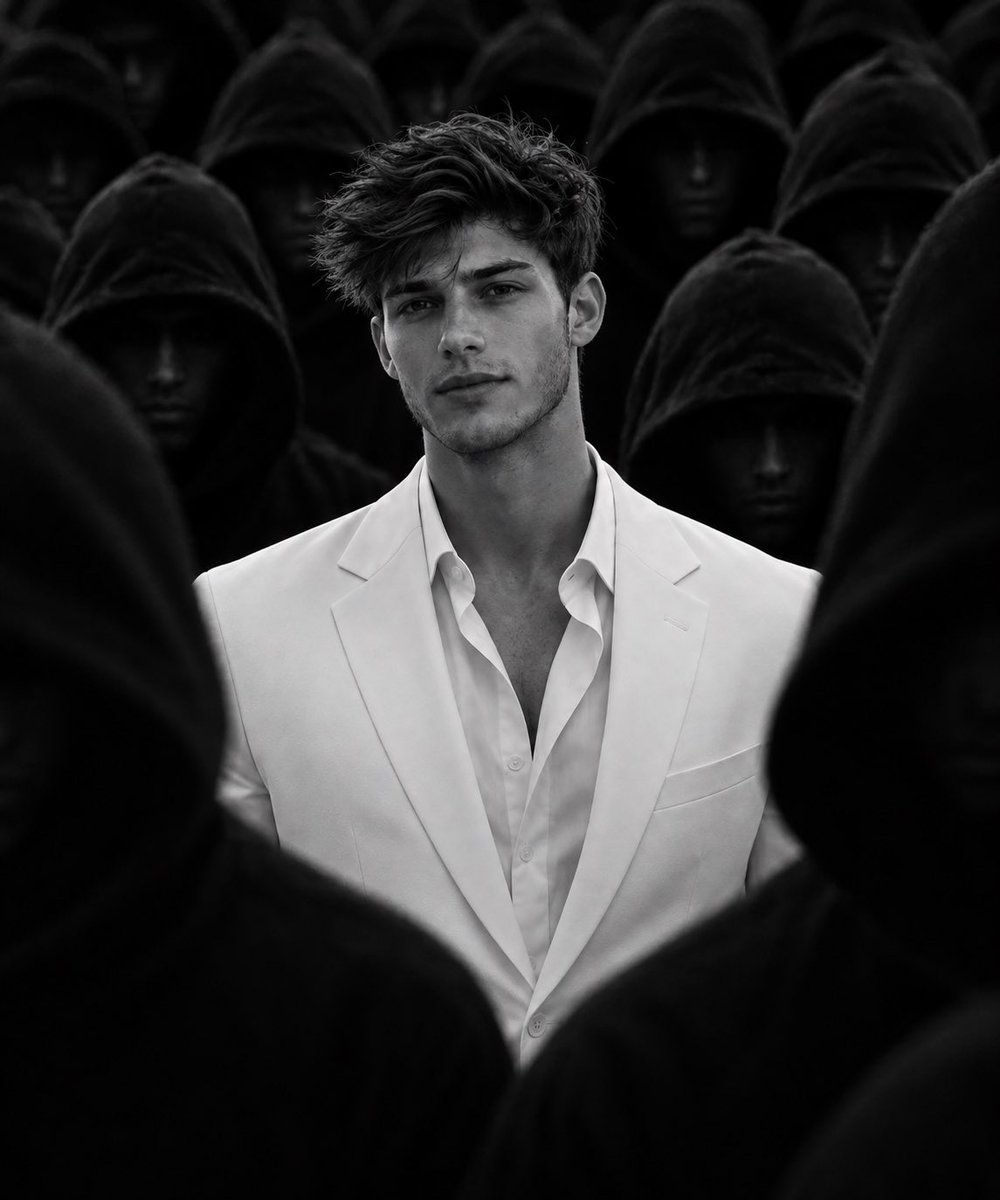
White Suit Man in Hooded Crowd
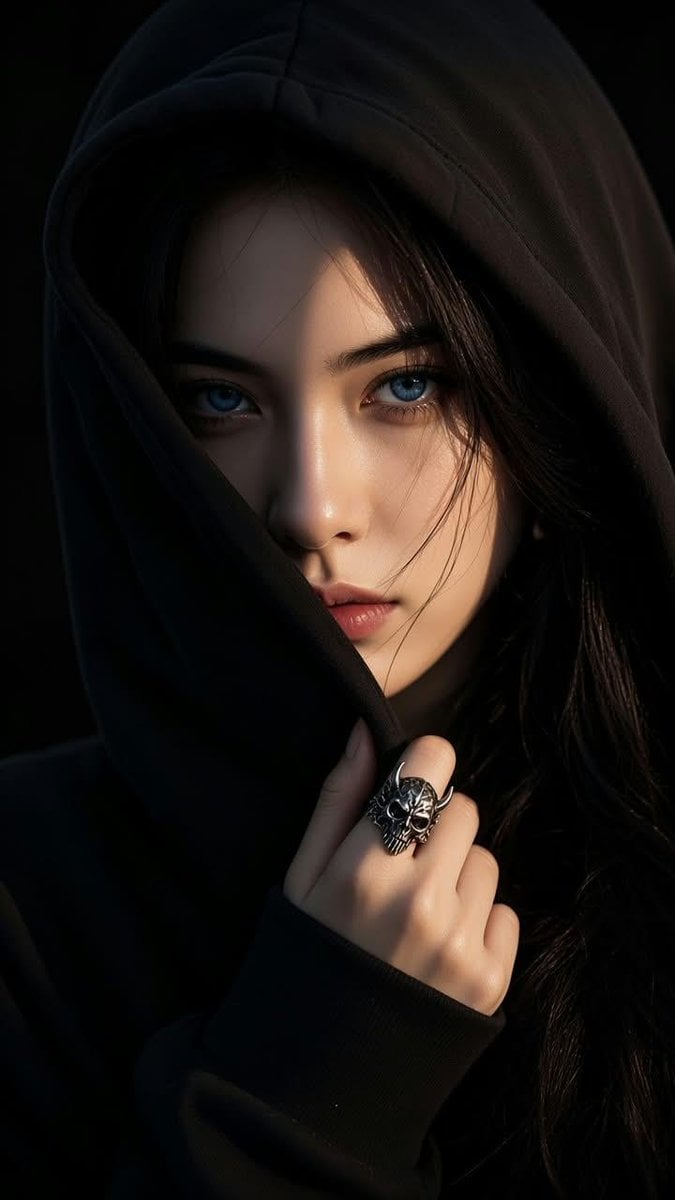
Shadowed Hooded Portrait
Make it yours
Dark Hooded Spider-Man Portrait works as-is. These are the safest ways to change it without losing the look.
Change one field
Copy a single group, rewrite it, and generate again so you can see what that field is doing.
Keep the frame, change the subject
Hold the composition and light of Dark Hooded Spider-Man Portrait, then swap wardrobe, props or the person for a new take.
| If the result… | Why | Fix |
|---|---|---|
| The result drifts from the preview | Too many fields changed at once. | Reuse Dark Hooded Spider-Man Portrait as-is first, then change one group — subject, light, or setting. |
| The model over-stylizes the scene | The prose prompt leaves finish and camera underspecified. | Add one camera or lighting sentence and stay on GPT Image 2. |
More GPT Image 2 templates
Other prompts made for GPT Image 2.

Six VTuber Japanese Logo Sheet

The Vista Modular Condo Poster

AI Model Routing Comparison Infographic

2.5D Anime Art Board

Isometric Productivity Desk Scene

New York Double Exposure Poster

Four-Panel AI Landscape Comparison

Japanese Tatami Lifestyle Magazine Cover

NESCAFÉ Coffee Map Poster

Brutalist Cogito Chinese Typography Poster
More image prompts
Fresh picks from across the catalog.

Gpt2 Youtube Thumbnail Japanese Ai Battle Youtube Thumbnail
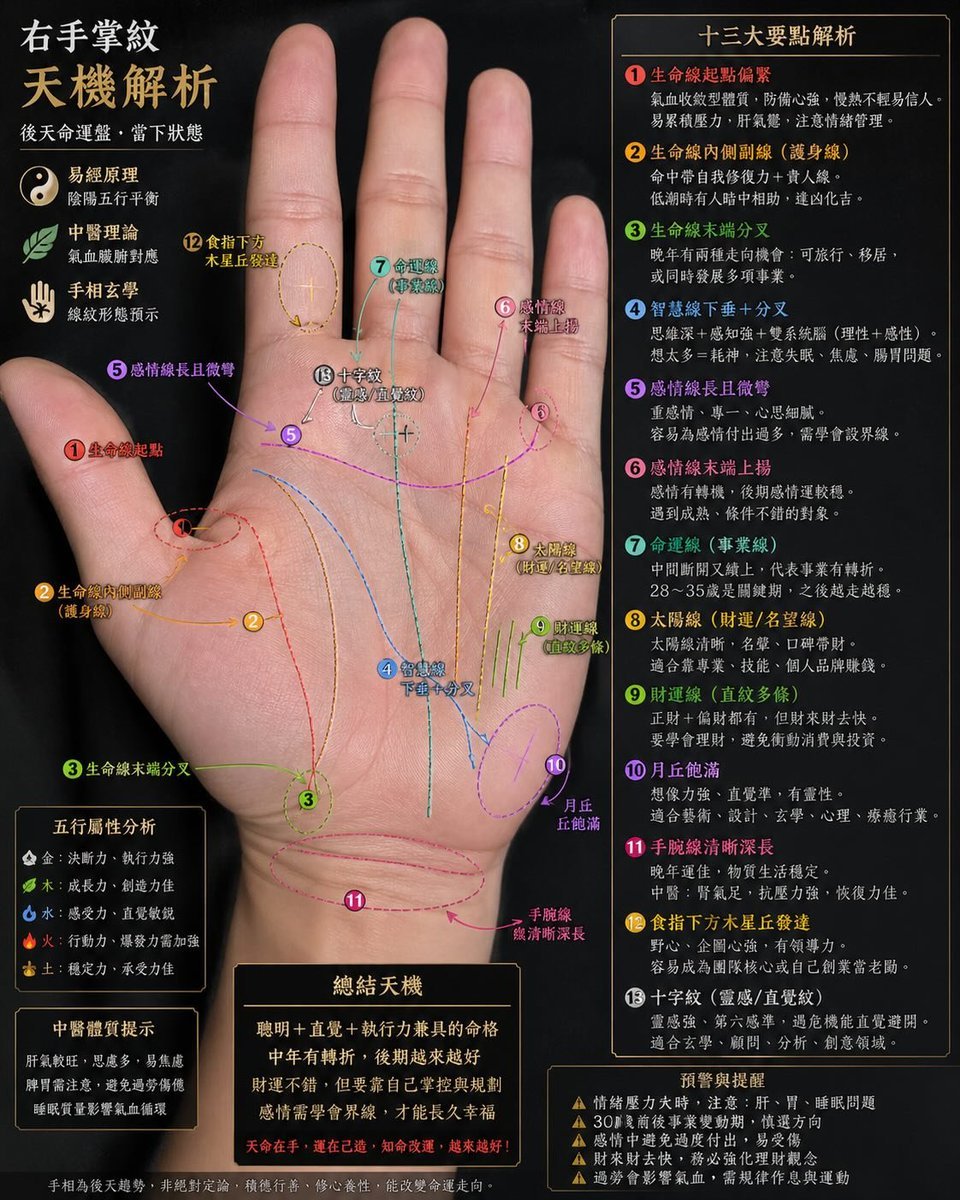
Palmistry Analysis Card Generator
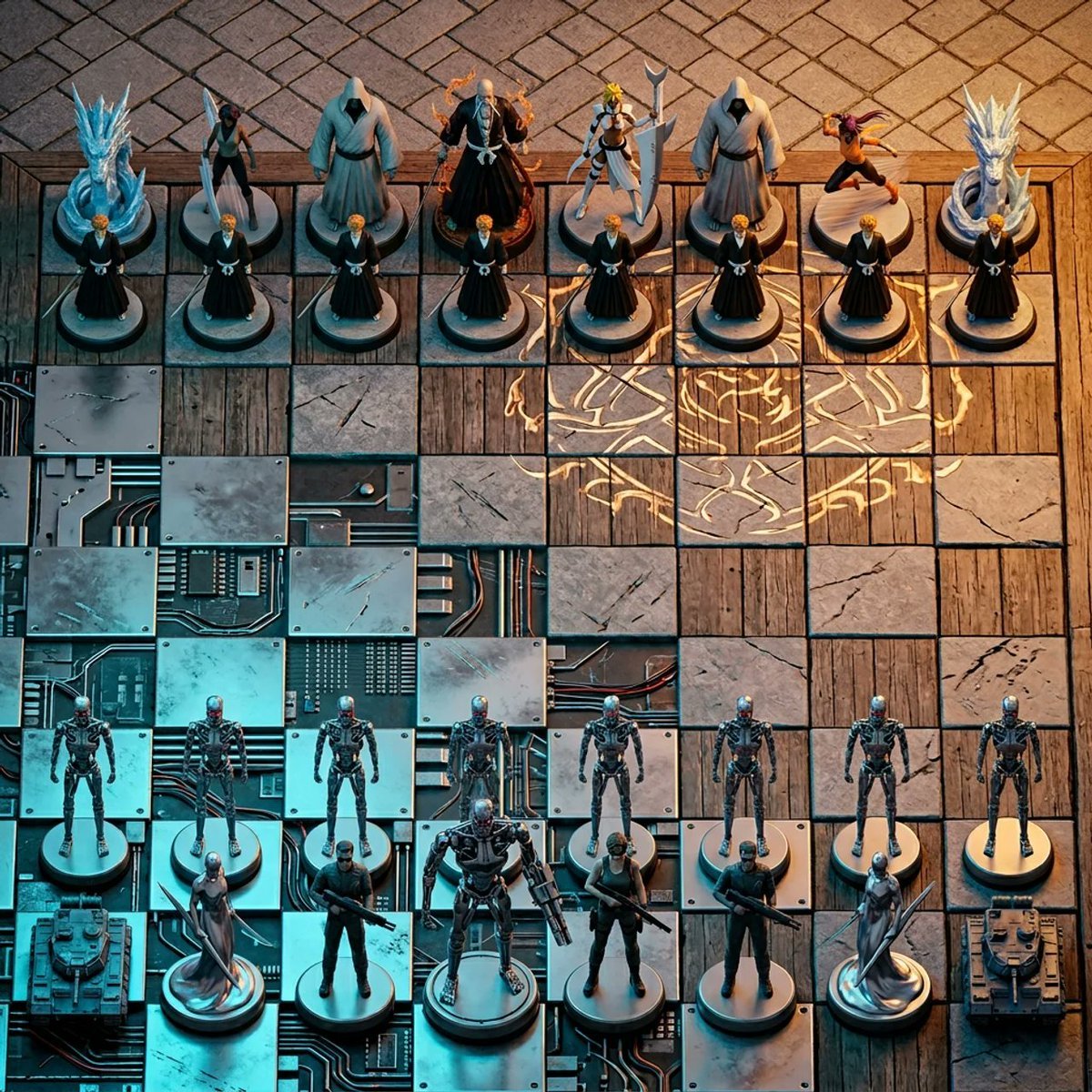
Hyper-Realistic 3D Chess Set for Rivalry Themes
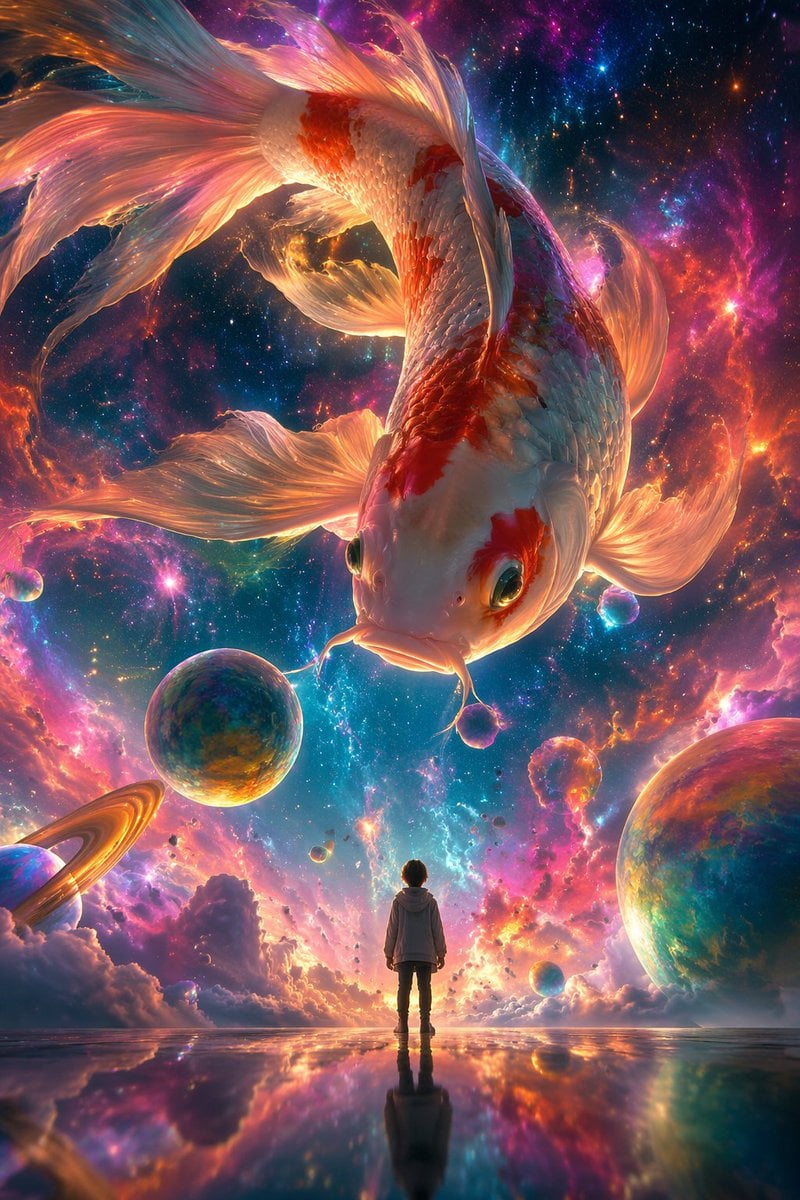
Surrealist Koi Fish Illustration
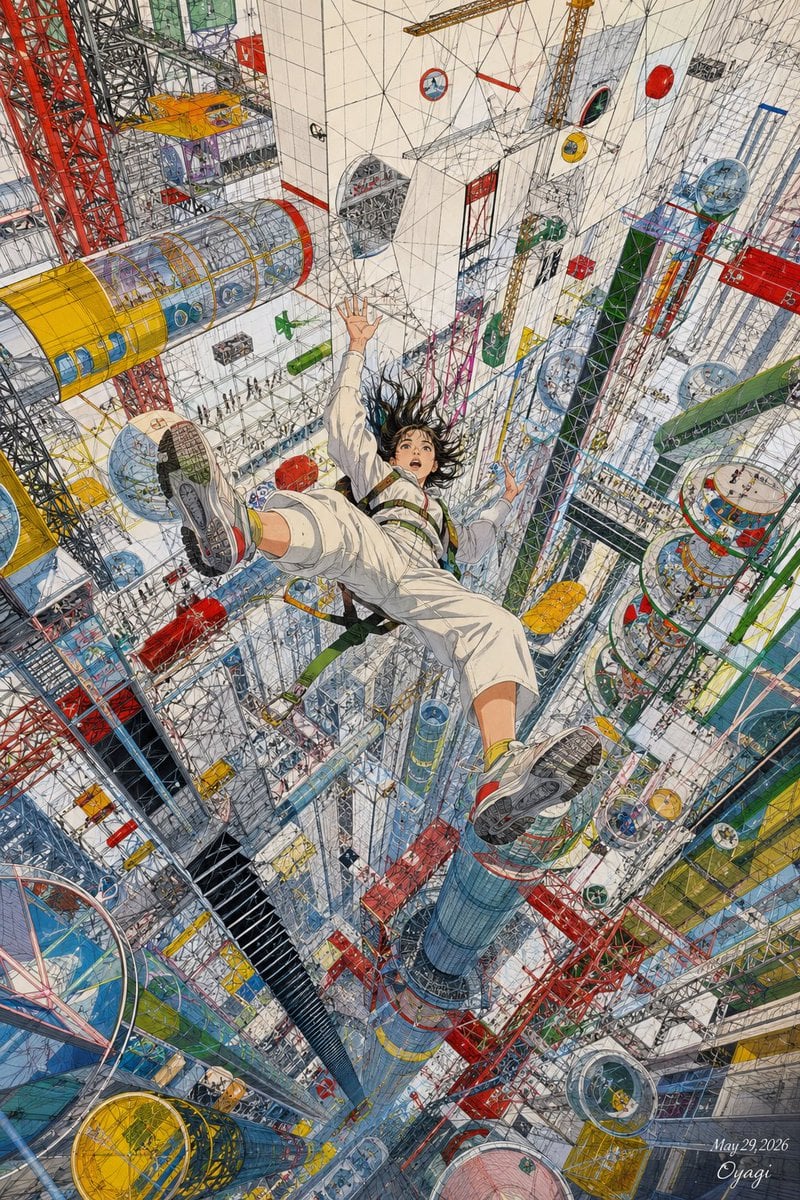
Endless Megastructure Fall
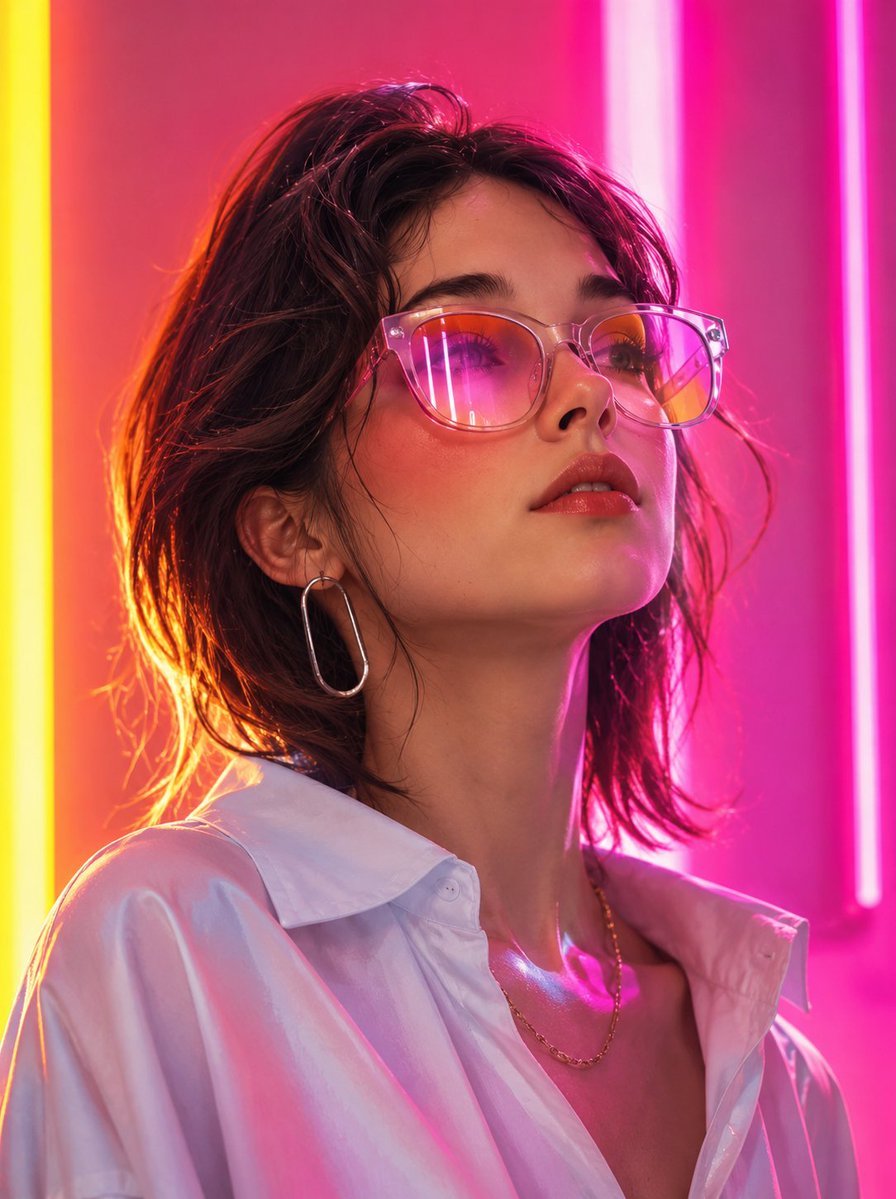
Futuristic Fashion Editorial Portrait
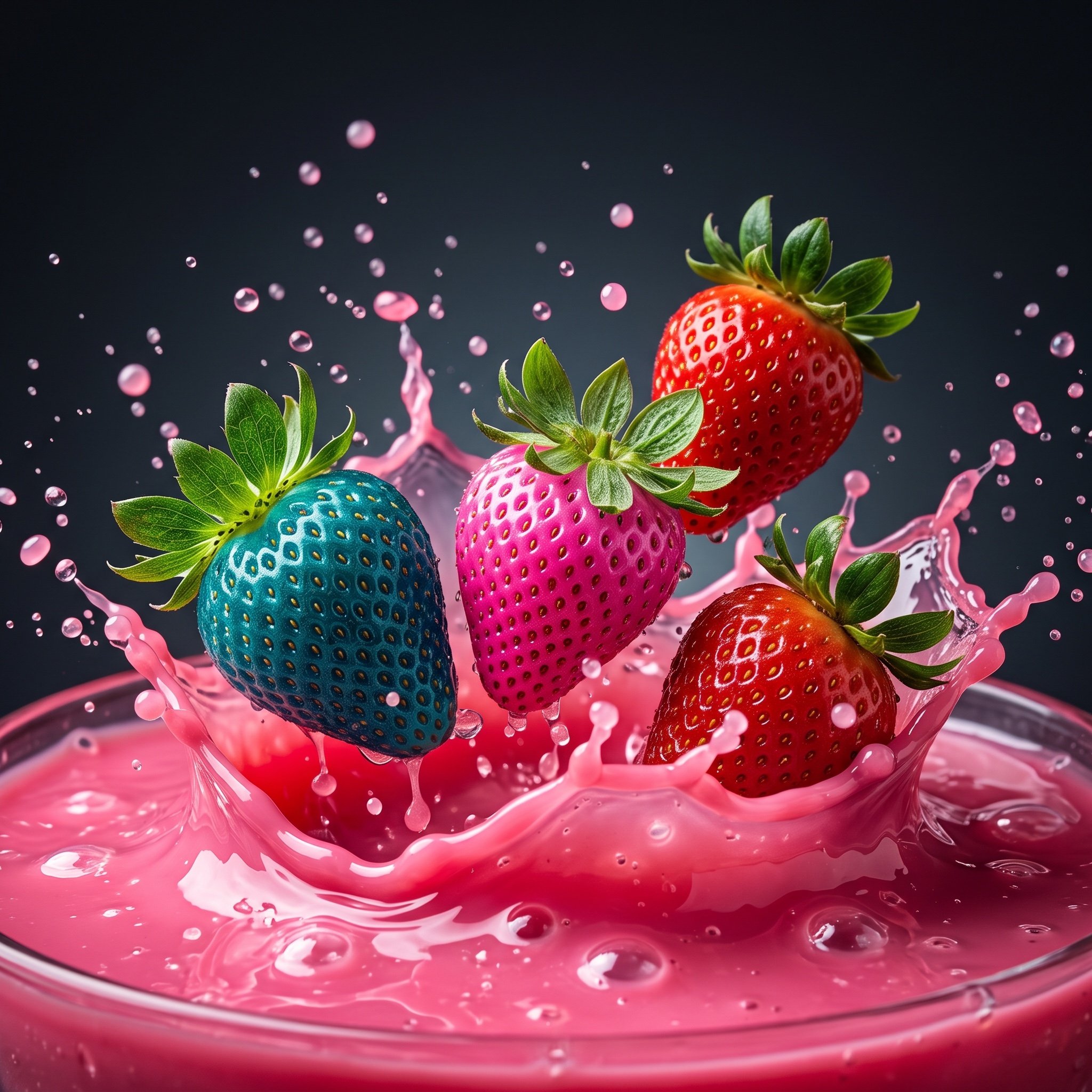
Hyper-realistic Strawberries Splashing in Liquid Prompt
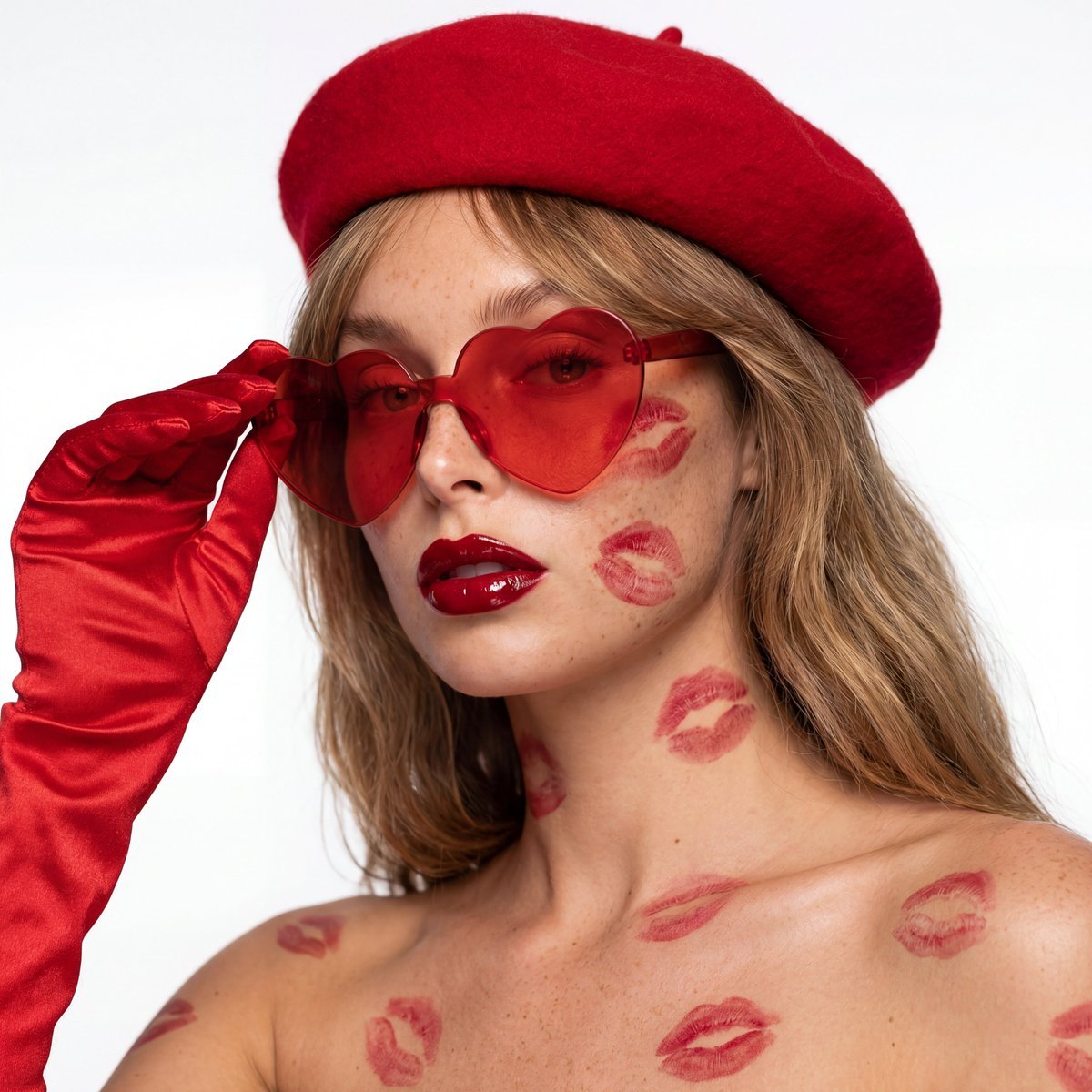
Ultra-Realistic Beauty Editorial with Kiss Marks

Orange Juice Slow Motion Product Shot
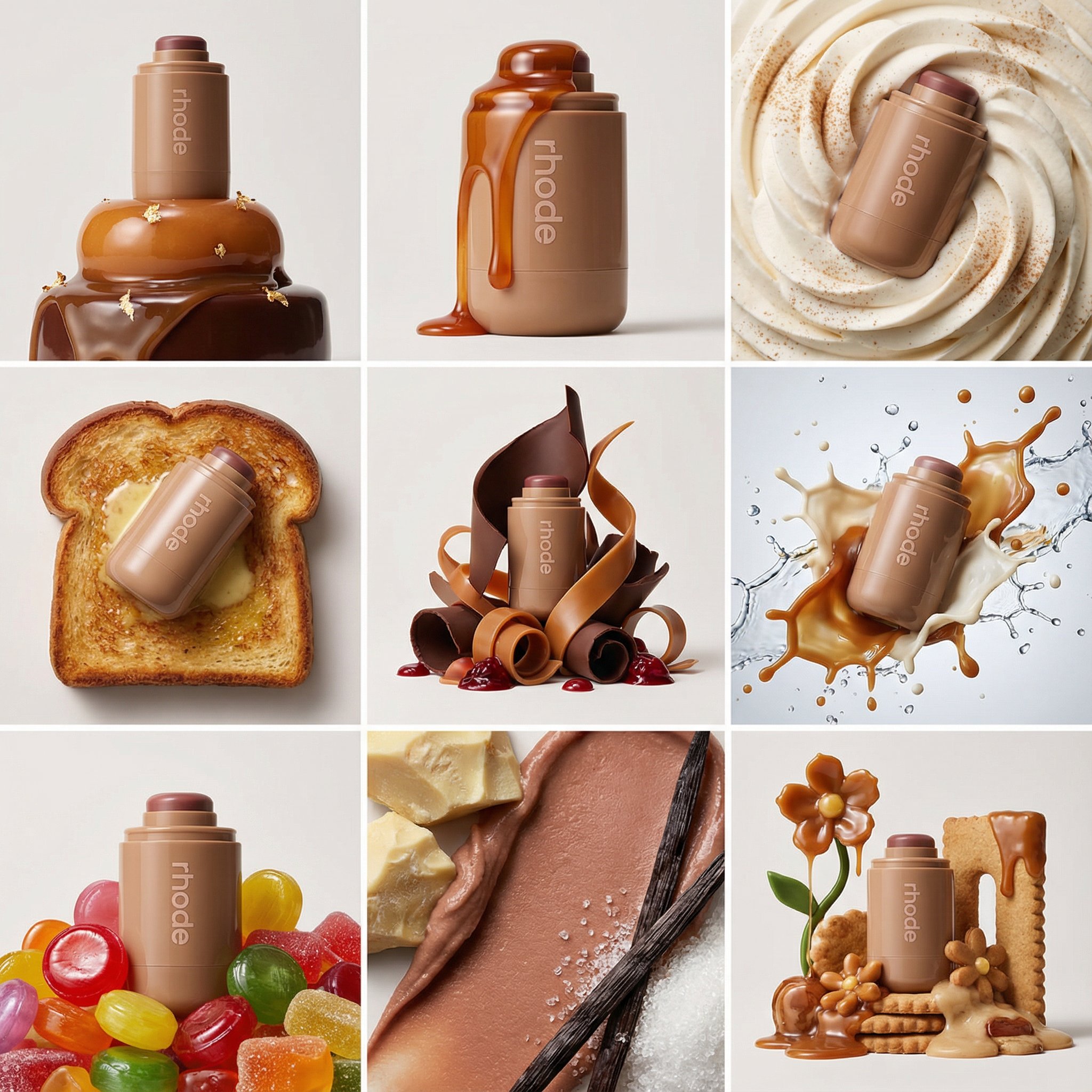
Nano Banana Pro Product Photography
Browse template categories
Dark Hooded Spider-Man Portrait questions
How do I use the Dark Hooded Spider-Man Portrait template?
Add your photo if the template asks for one, edit the prompt if you like — the template's model and format are already selected — and press Generate. Your version opens in PicX Studio.
Can I customize the Dark Hooded Spider-Man Portrait template?
Yes. You can change the subject, setting, lighting, mood, format, and available model controls before creating your image.
Is the Dark Hooded Spider-Man Portrait template free?
Opening and editing this template is free. Generating uses credits, shown on the Generate button when you are signed in.
Which AI model should I use?
Start with GPT Image 2, which is the model associated with this template. You can compare another compatible model for a different finish.
Looking for something else? Browse all templates.

Your photo, any look
Thousands of ready templates for every top image and video model, from one credit balance.