
Hyper-Realistic 3D Chess Set for Rivalry Themes
A highly structured Nano Banana 2 prompt template for generating a hyper-realistic, isometric 3D render of a chess set based on a rivalry theme, such as Terminator vs.
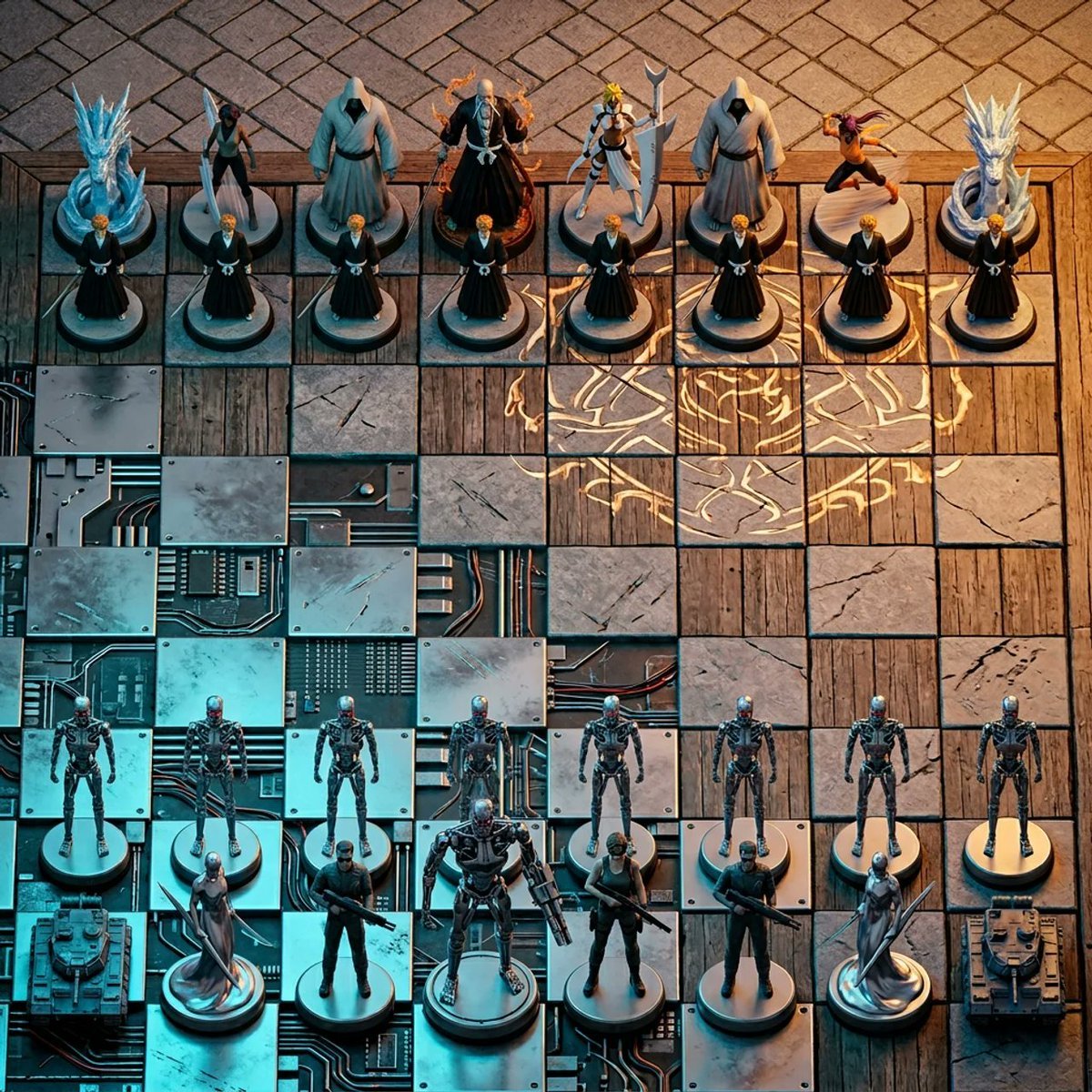
- Prompt included
- Model and format preset
- Premium template
The prompt behind this image
Copy the exact prompt behind Hyper-Realistic 3D Chess Set for Rivalry Themes, or open it in the studio and make it yours.
Input Variable: [{argument name="rivalry theme" default="INSERT RIVALRY HERE"}] (e.g., Marvel vs. DC) System Instruction: Generate a hyper-realistic, isometric 3D render of a Chess Set. CRITICAL: You must adhere to strict spatial rules regarding Army Placement and Terrain. 1. Container (The Battle-Scarred Board): Geometry: A strict 8x8 Euclidean Grid. The Divide (The Diagonal Morph): The terrain morphs diagonally from the Bottom-Left Corner to the Top-Right Corner . The Foreground Territory (Bottom-Left): [{argument name="material A" default="Material A"}] (e.g., Marvel Tech/Stark Tower Glass). The Background Territory (Top-Right): [{argument name="material B" default="Material B"}] (e.g., Gotham Concrete/Gargoyle Stone). The Seamless Transition: The squares are distinct, but the material morphs diagonally across the board. 2. The Roster (Strict Foreground vs. Background): DO NOT mix the armies. DO NOT split them Left/Right. Army A (The Protagonist - Foreground): Placement: Occupies the Bottom 2 Rows closest to the camera. The Pawns: 8 Identical Units (Row 2). The Elites: King, Queen, Rooks, etc. (Row 1). Identity: MUST be strictly Faction A (e.g., Only Avengers/Iron Man style). Army B (The Antagonist - Background): Placement: Occupies the Top 2 Rows furthest from the camera. The Pawns: 8 Identical Units (Row 7). The Elites: King, Queen, Rooks, etc. (Row 8). Identity: MUST be strictly Faction B (e.g., Only Justice League/Batman style). 3. The Piece Hierarchy : The King: A Single, Tall, Unique Artifact per side (Center of the back row). The Queen: A Single, Sharp/Elegant Artifact per side (Next to King). The Pawns: Uniform, small "minion" pieces. 4. Visual : Camera: High-Angle Isometric. Looking down at the board diagonally so the "Marvel Corner" is closest to the viewer and "DC Corner" is furthest away. Contrast: The Foreground pieces (Marvel) should be illuminated by [{argument name="color A" default="Color A"}] (e.g., Cyan Arc Reactor glow). The Background pieces (DC) should be illuminated by [Color B] (e.g., Amber Streetlight glow). Output: A legal chess setup with armies facing off, 8k resolution, clean composition.
How to use Hyper-Realistic 3D Chess Set for Rivalry Themes in 3 steps
- 1
Open
The prompt is already in the box next to the preview, with the template's model and format selected.
- 2…a portrait of your subject in softgolden-hour light, 85mm…
Personalize
Edit the subject and creative details for your destination.
- 3Generate
Generate
Press Generate — your image is created in PicX Studio, so you can compare it with the original and refine one variable at a time.
More like this
Templates with the same subject, style or setup. Open one to see its prompt.
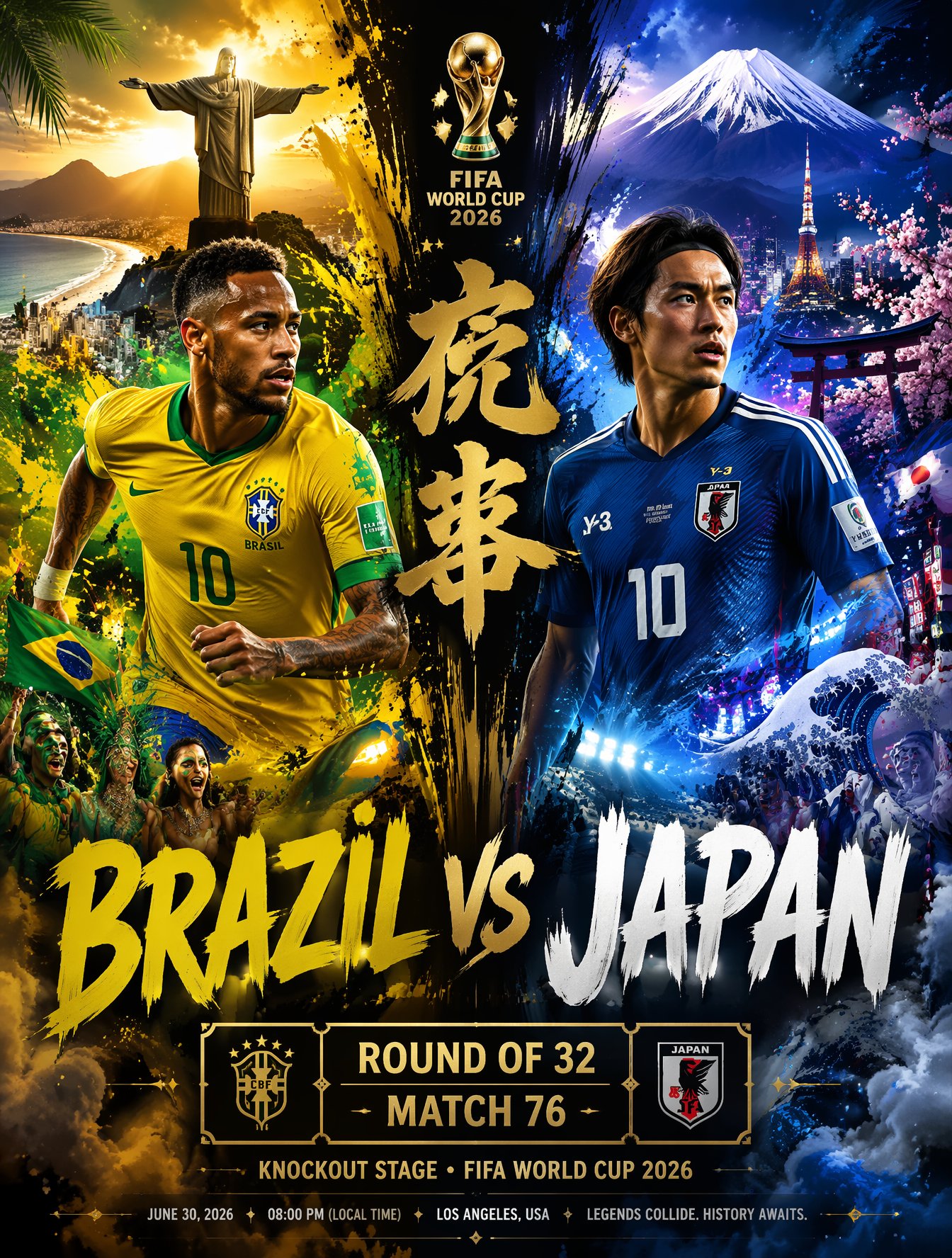
Brazil Versus Japan Knockout Split Rivalry Poster
Gold Bar Chess Set
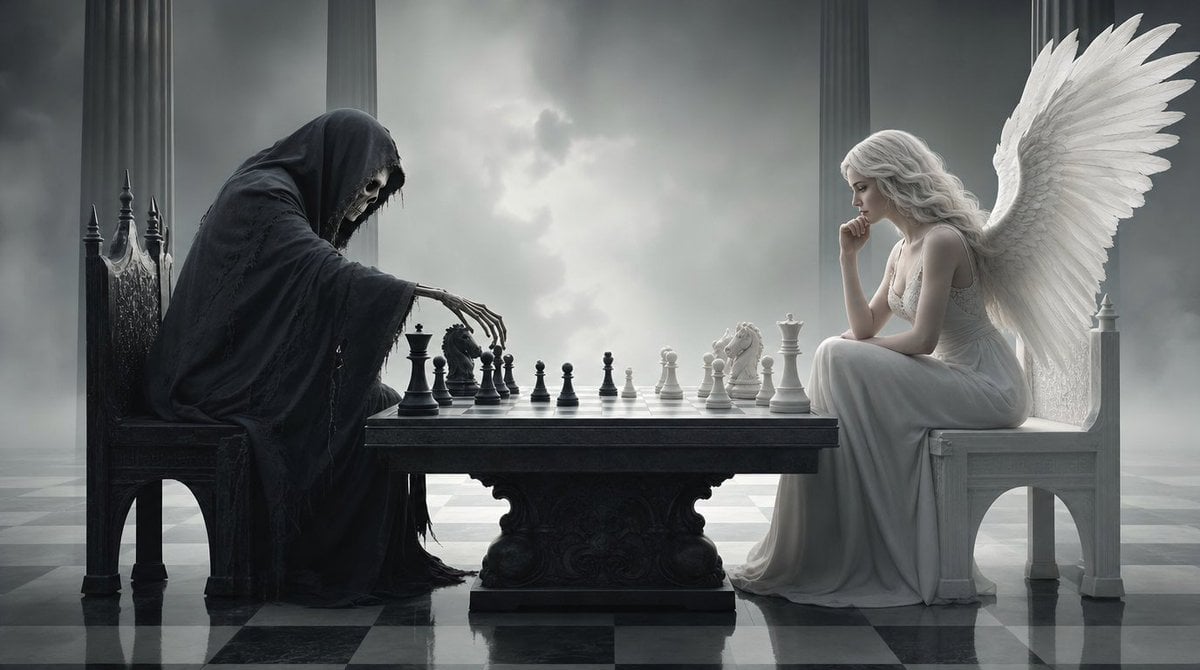
Surreal 3D Chess Match Artwork
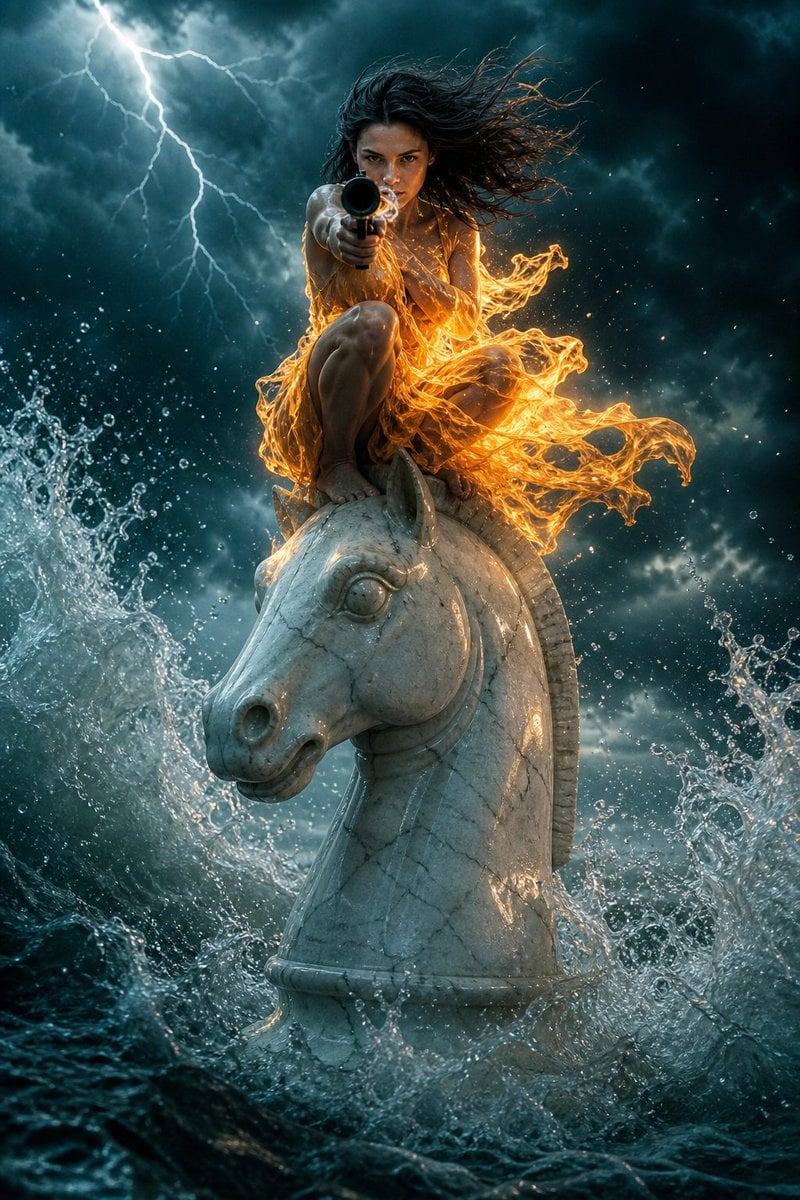
Surreal Action Sea Chess Knight
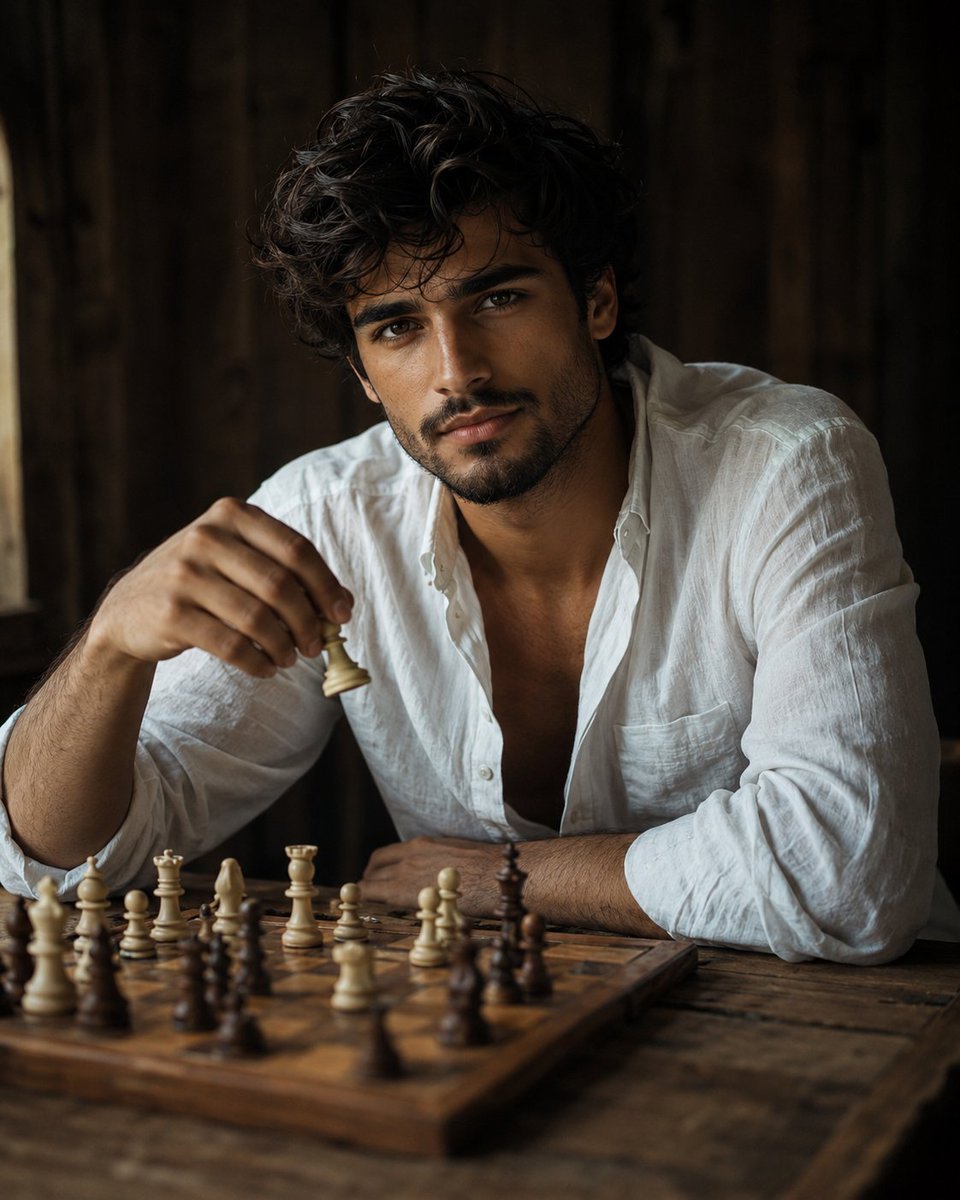
Cinematic Male Portrait Playing Chess
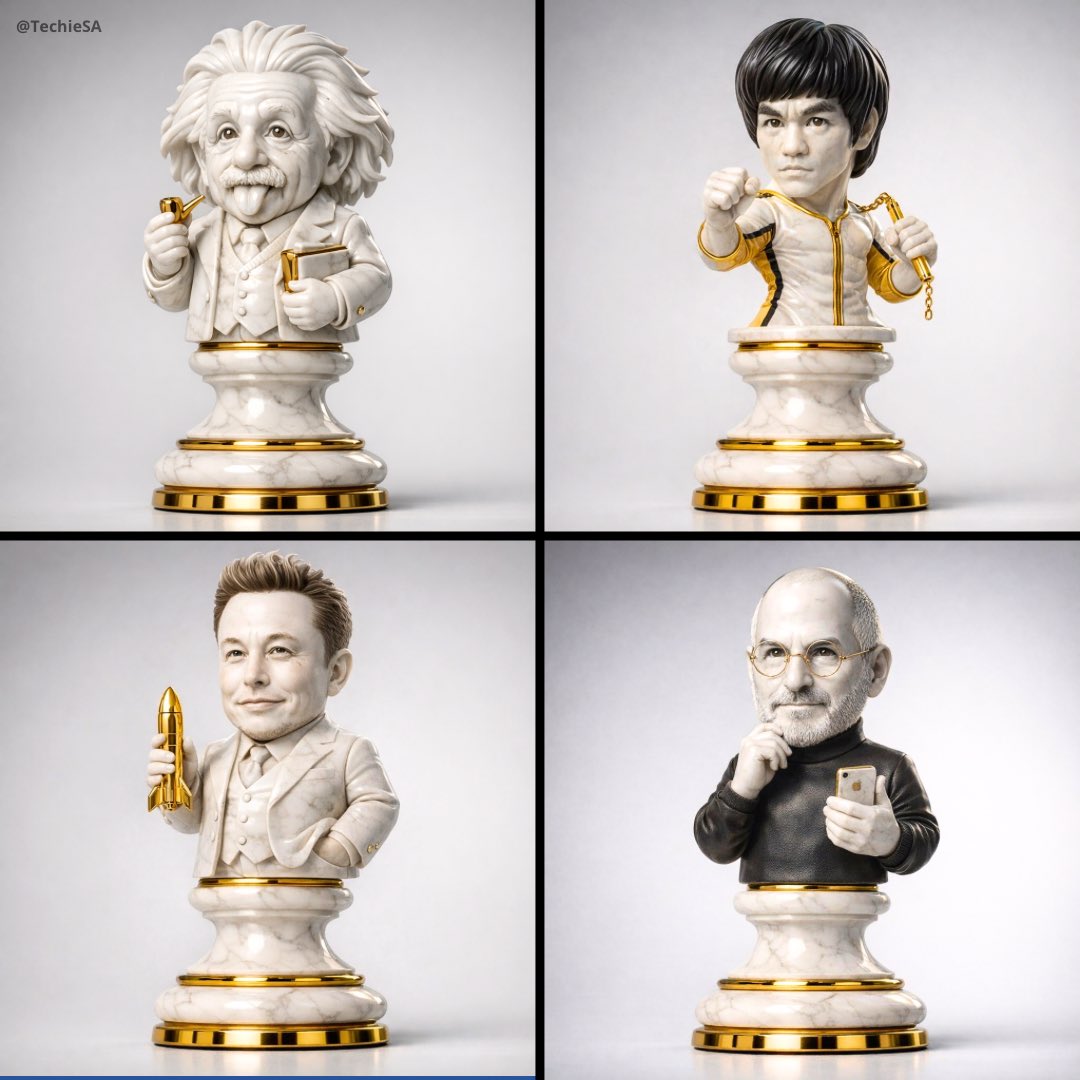
A hyper-detailed 3D render of a collectible chess piece designed
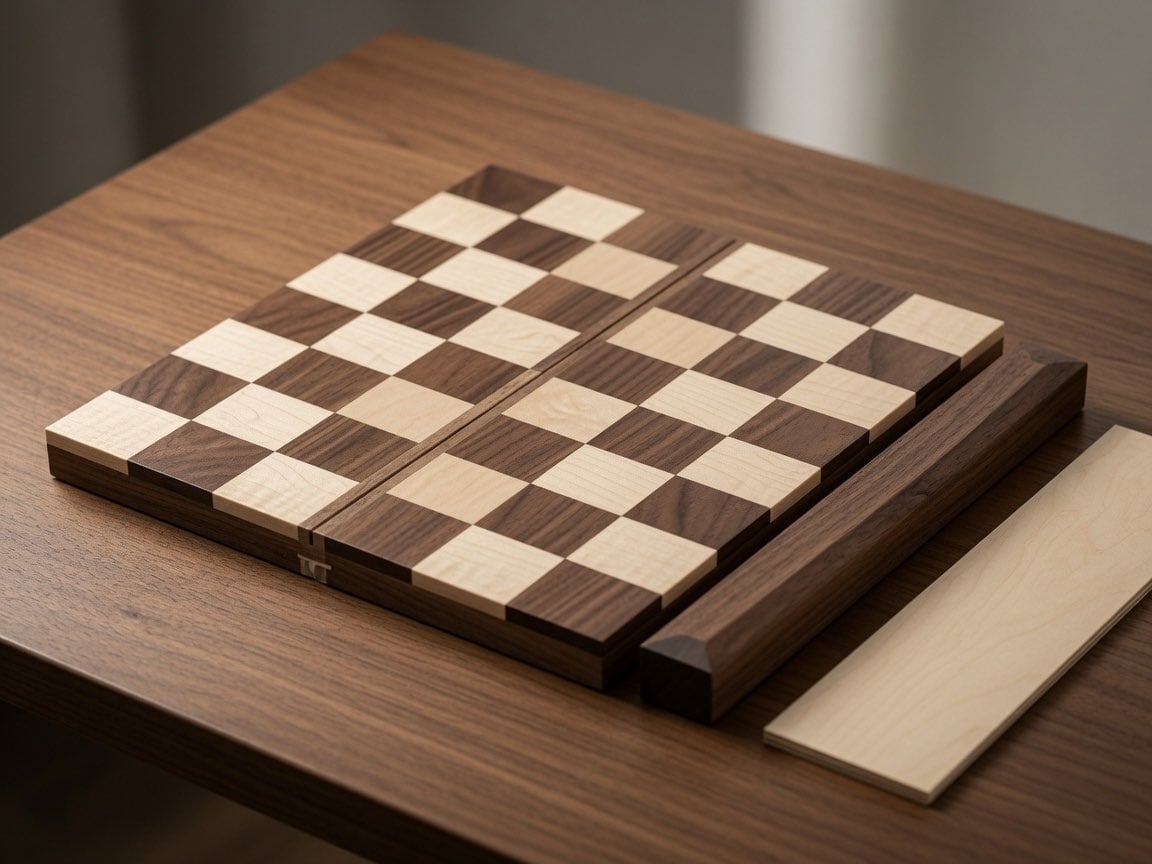
Wooden Travel Chessboard
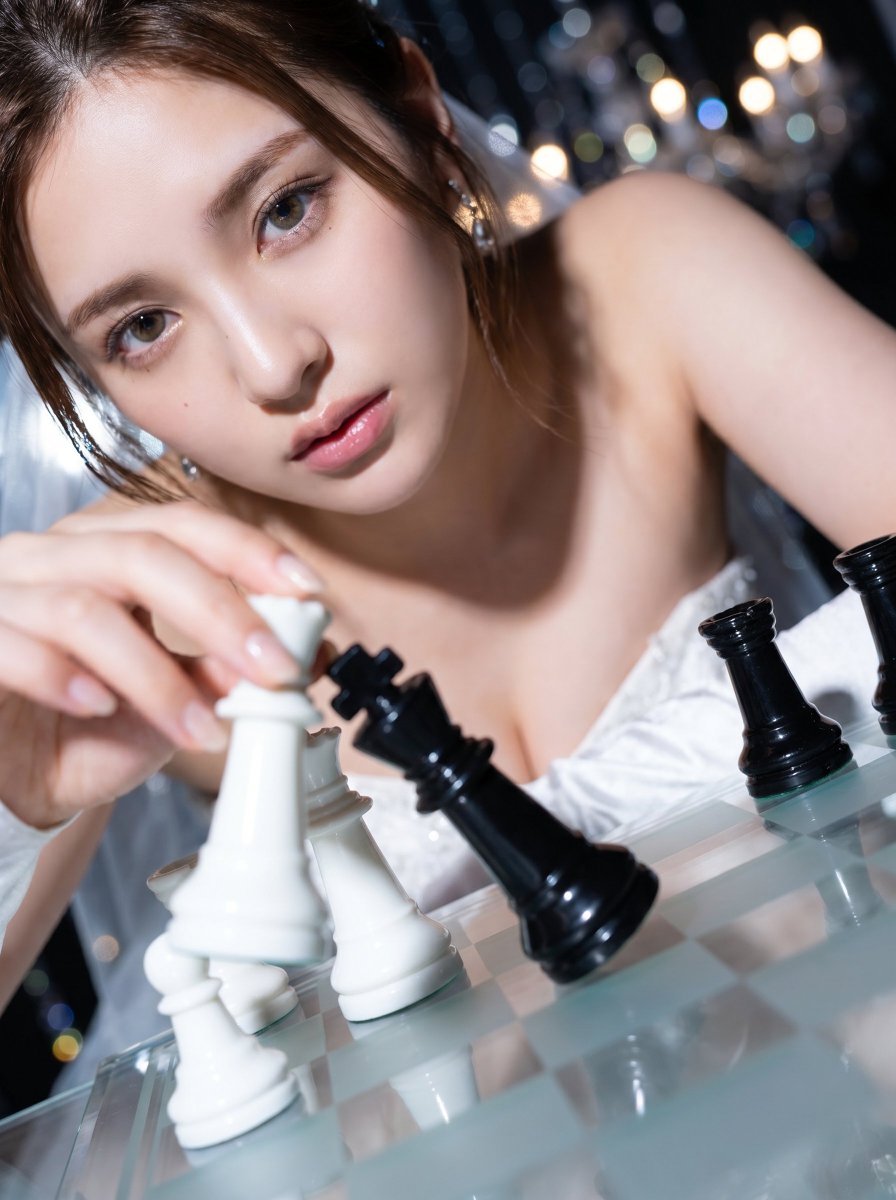
Checkmate Chess Portrait in Gown
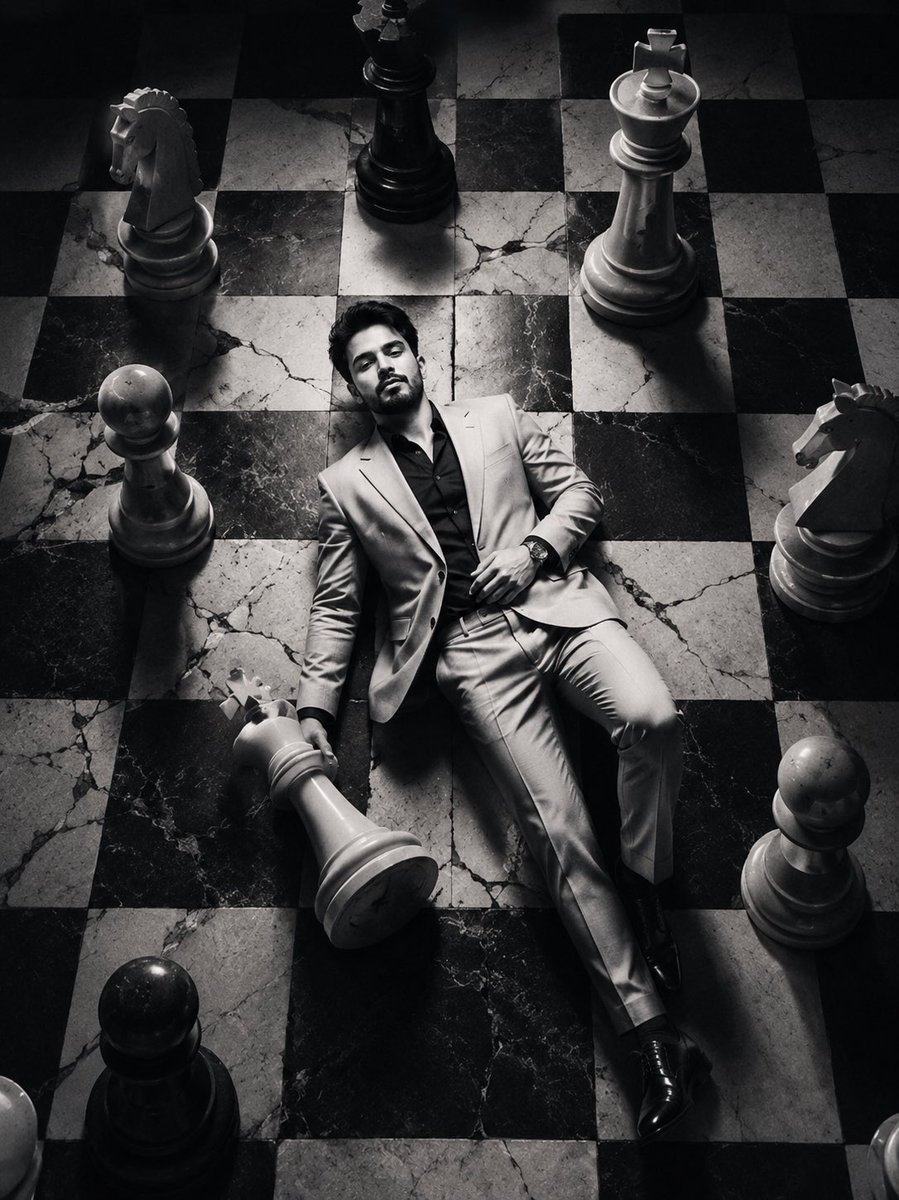
Editorial Black and White Chessboard Fashion Portrait
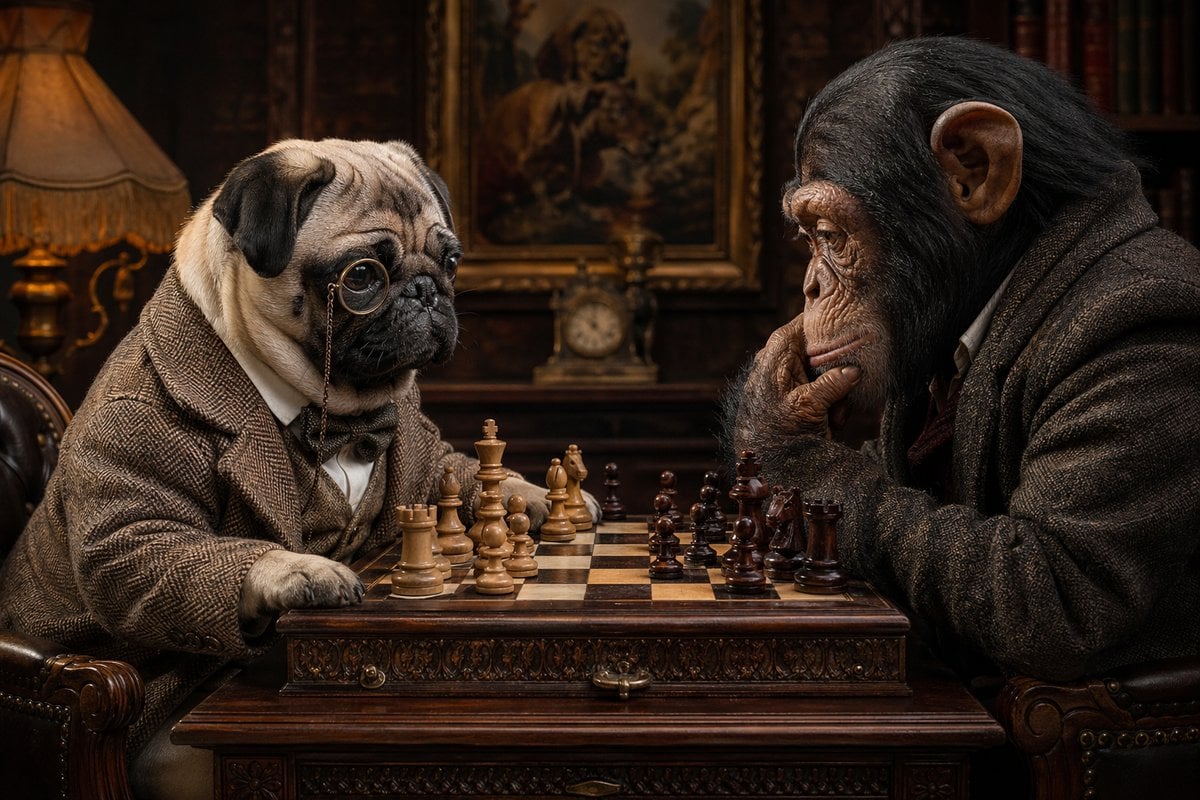
Victorian Animal Chess Match
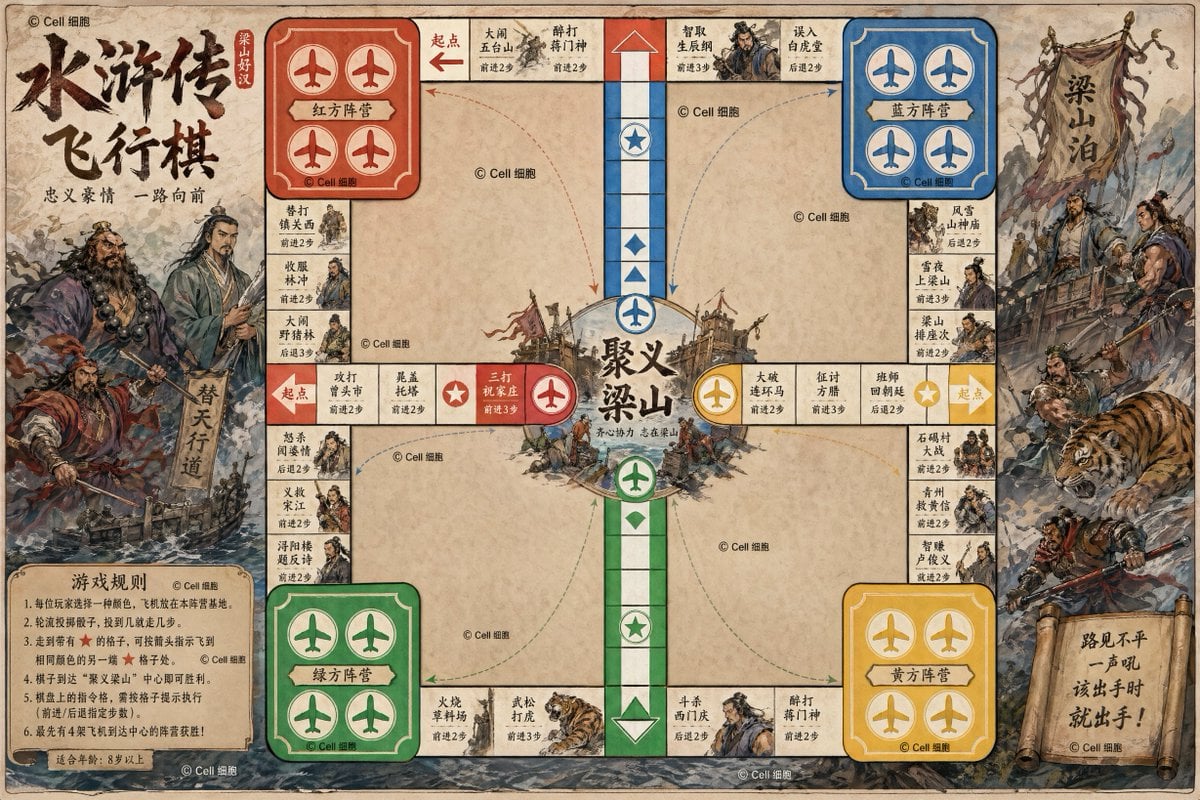
Water Margin Themed Flying Chess Board
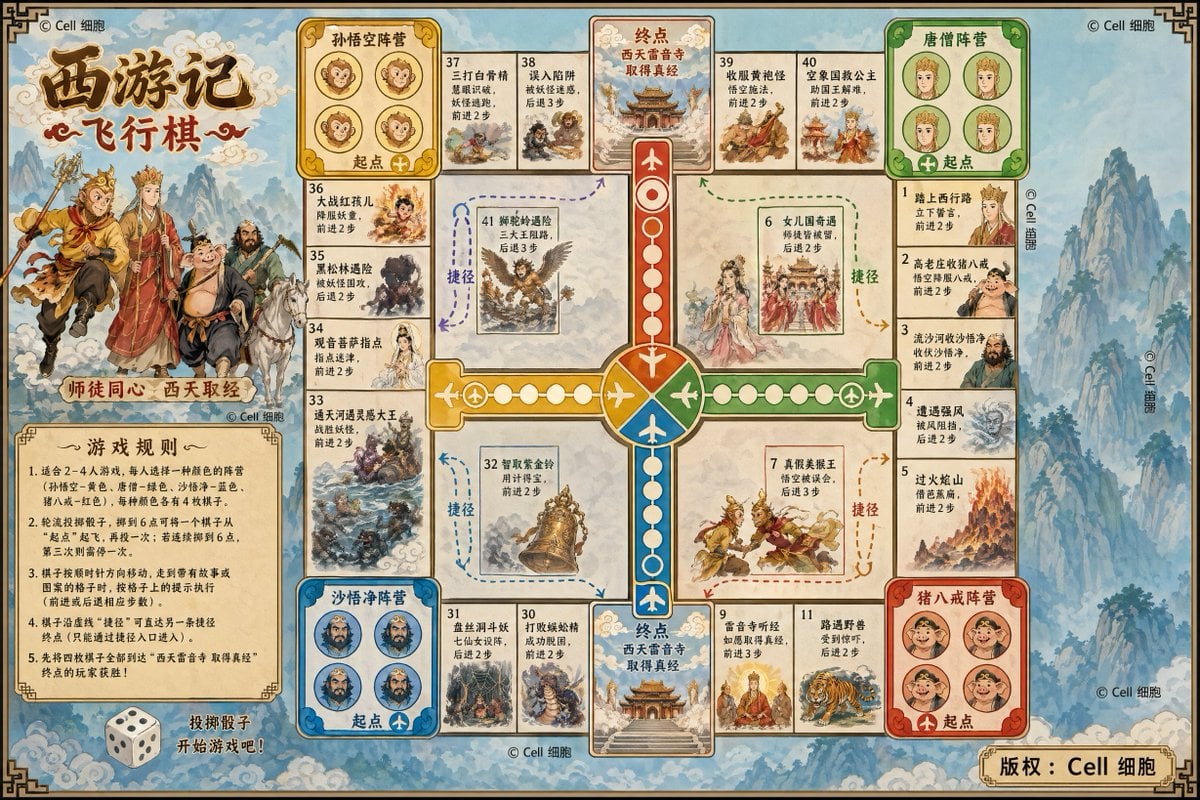
Journey to the West Flying Chess prompt
Make it yours
Hyper-Realistic 3D Chess Set for Rivalry Themes works as-is. These are the safest ways to change it without losing the look.
Change one field
Copy a single group, rewrite it, and generate again so you can see what that field is doing.
Keep the frame, change the subject
Hold the composition and light of Hyper-Realistic 3D Chess Set for Rivalry Themes, then swap wardrobe, props or the person for a new take.
| If the result… | Why | Fix |
|---|---|---|
| The result drifts from the preview | Too many fields changed at once. | Reuse Hyper-Realistic 3D Chess Set for Rivalry Themes as-is first, then change one group — subject, light, or setting. |
| The model over-stylizes the scene | The prose prompt leaves finish and camera underspecified. | Add one camera or lighting sentence and stay on Nano Banana 2. |
More Nano Banana 2 templates
Other prompts made for Nano Banana 2.

Photorealistic Leaf Shaped Like a Dragon

K-Pop Idol Portrait Grid for Rapid Selection

Poetic Rain Forest Portrait During Golden Hour

Urban Street Portrait with Cartoon Inner Self Duo

Candid Nighttime Photo with Cat Prompt

High-Concept 3D Diorama Generation Prompt

Cinematic Futuristic Studio Portrait Template

Skincare Editorial Photography Collage Prompt

Hyper-Realistic Commercial Product Photography (Splash Effect)

Hyper-Realistic Nightclub Portrait Prompt
More image prompts
Fresh picks from across the catalog.
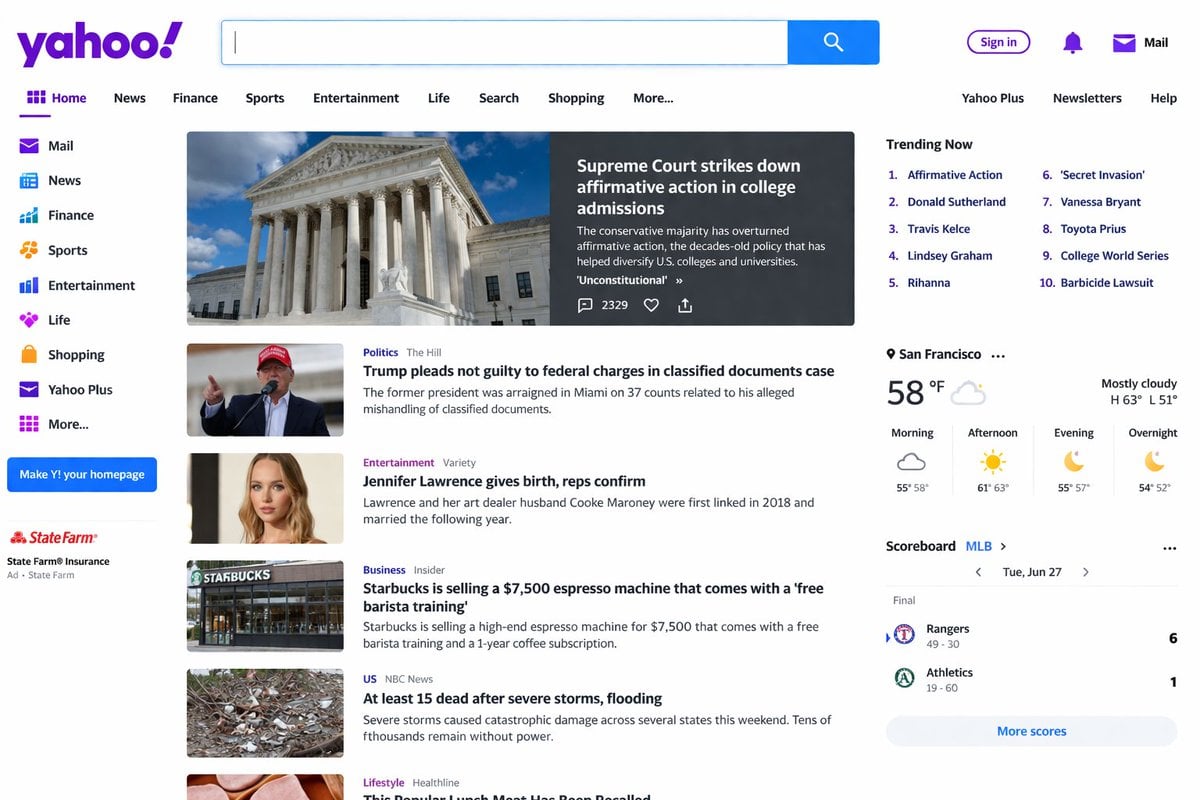
Website Homepage Screenshot Generation
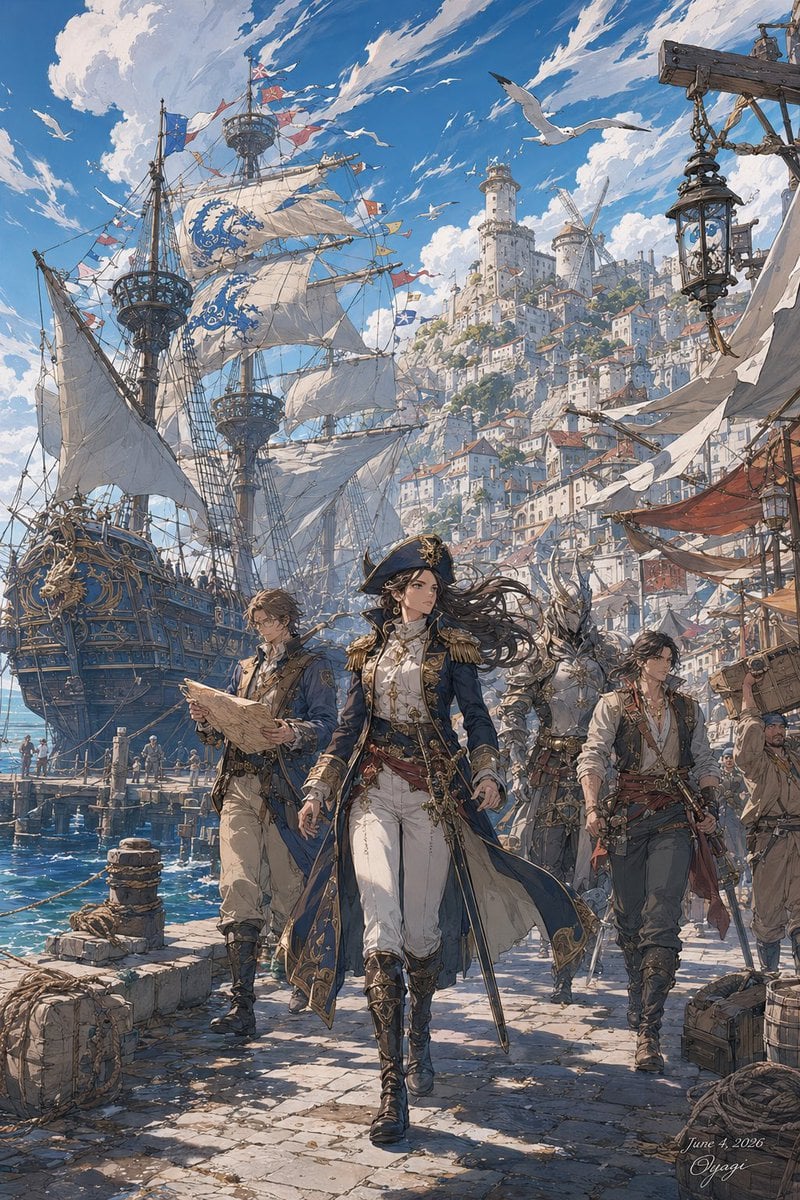
Fantasy Harbor Captain Scene
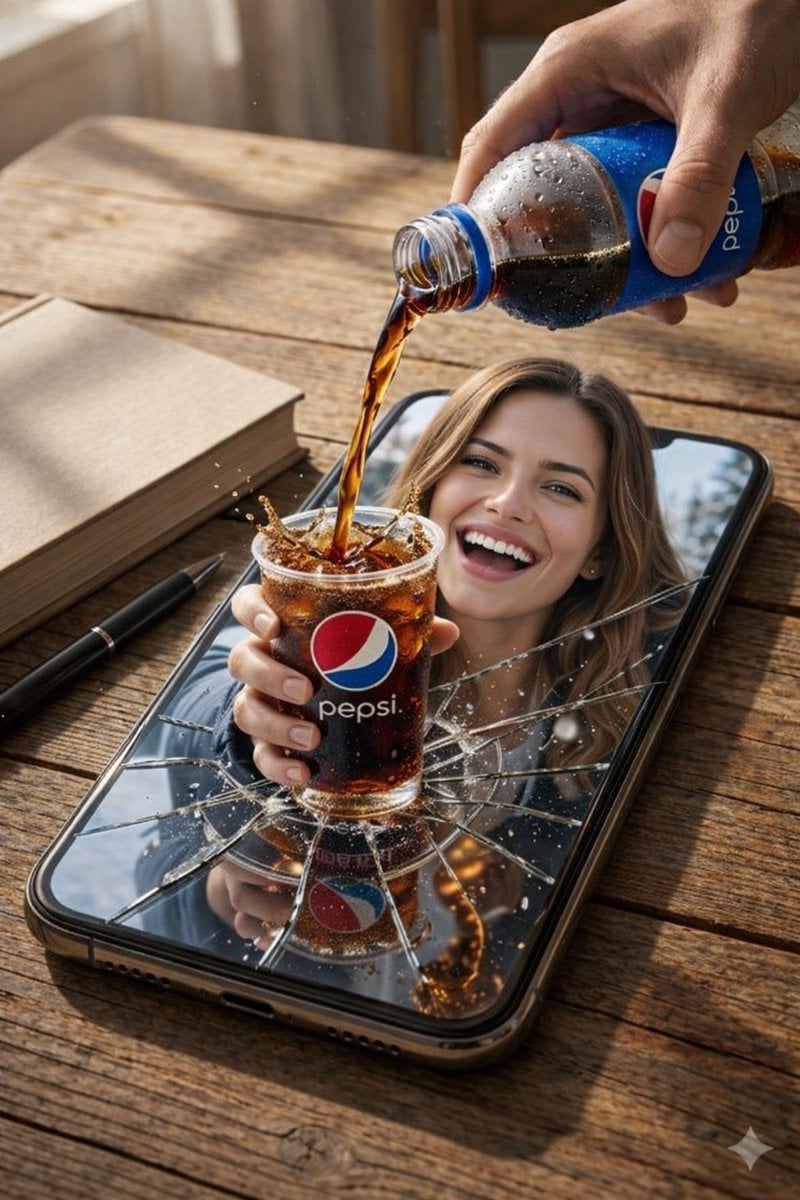
Surreal Product Composite: Subject Emerging from Cracked Phone Screen
Premium Pitch Deck Storyboard
Demon Slayer Anime Character Portrait
Streetwear Motion Clone Editorial
Energetic Juice Advertisement Scene
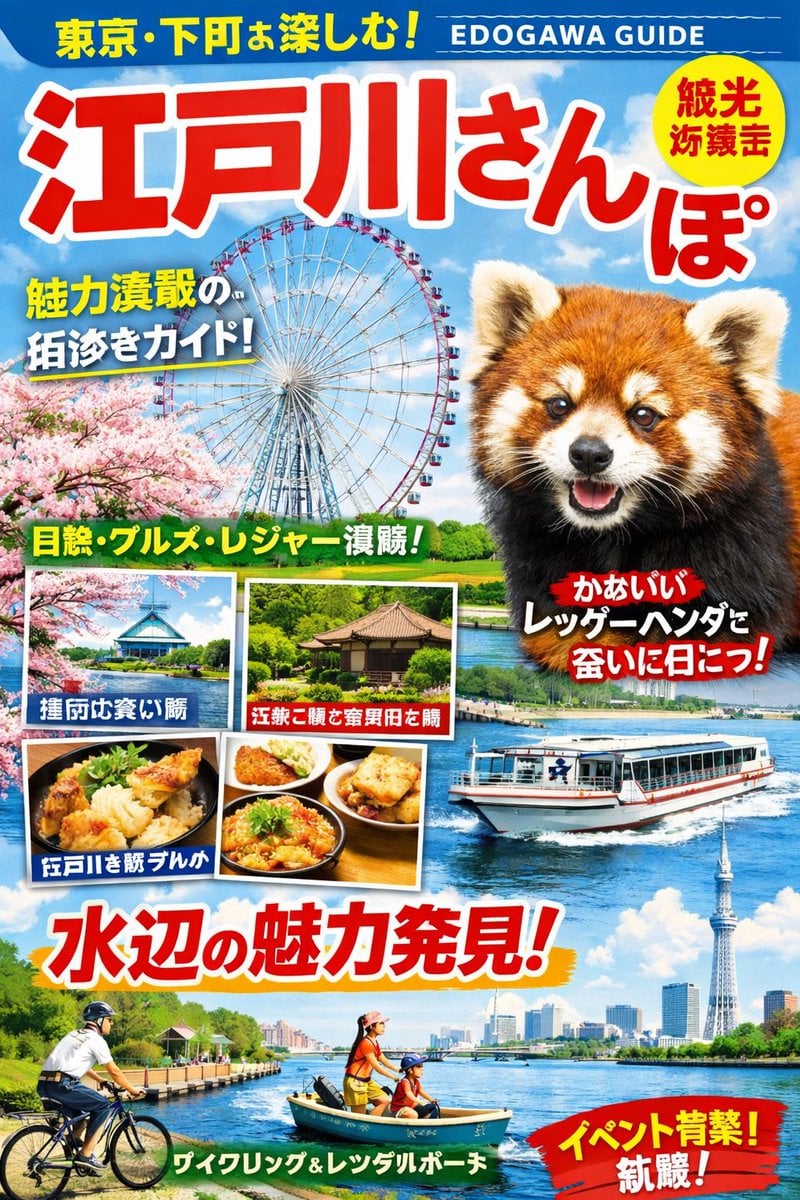
Generating a Magazine Cover for Edogawa Ward Tourism

Ultra-Realistic Editorial Portrait
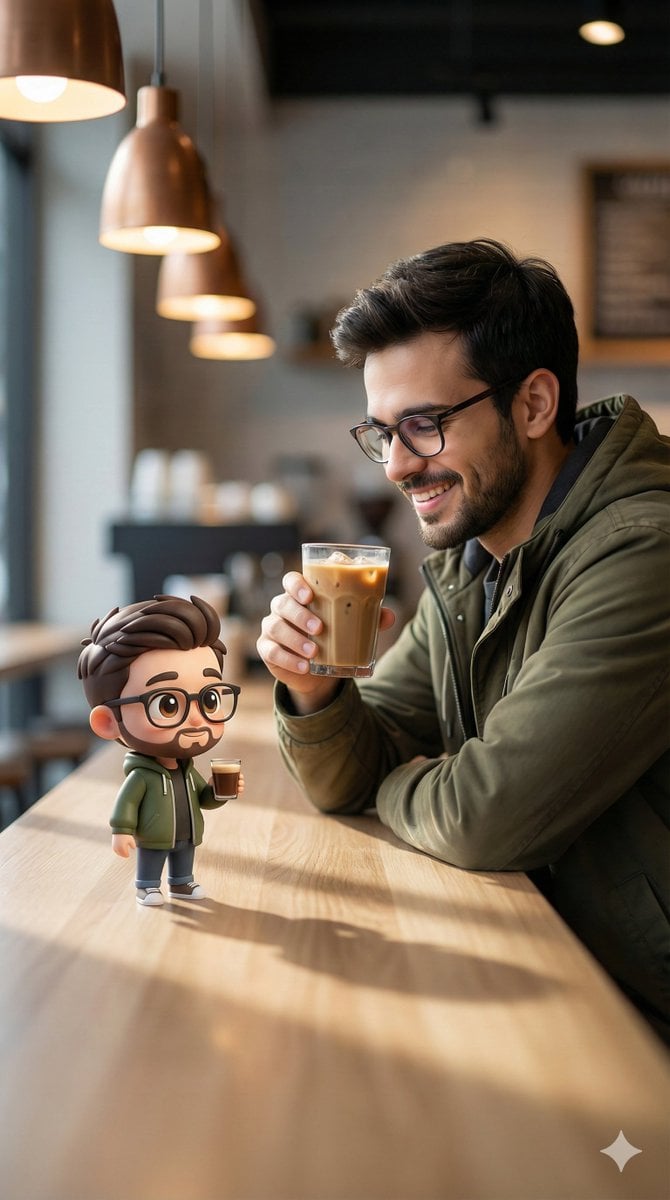
Cinematic Human with Stylized 3D Chibi
Browse template categories
Hyper-Realistic 3D Chess Set for Rivalry Themes questions
How do I use the Hyper-Realistic 3D Chess Set for Rivalry Themes template?
Add your photo if the template asks for one, edit the prompt if you like — the template's model and format are already selected — and press Generate. Your version opens in PicX Studio.
Can I customize the Hyper-Realistic 3D Chess Set for Rivalry Themes template?
Yes. You can change the subject, setting, lighting, mood, format, and available model controls before creating your image.
Is the Hyper-Realistic 3D Chess Set for Rivalry Themes template free?
Opening and editing this template is free. Generating uses credits, shown on the Generate button when you are signed in.
Which AI model should I use?
Start with Nano Banana 2, which is the model associated with this template. You can compare another compatible model for a different finish.
Looking for something else? Browse all templates.

Your photo, any look
Thousands of ready templates for every top image and video model, from one credit balance.