
Demon Slayer Anime Character Portrait
A highly detailed prompt to transform a reference photo into a high-quality character in the official Demon Slayer anime style while preserving the person's identity.
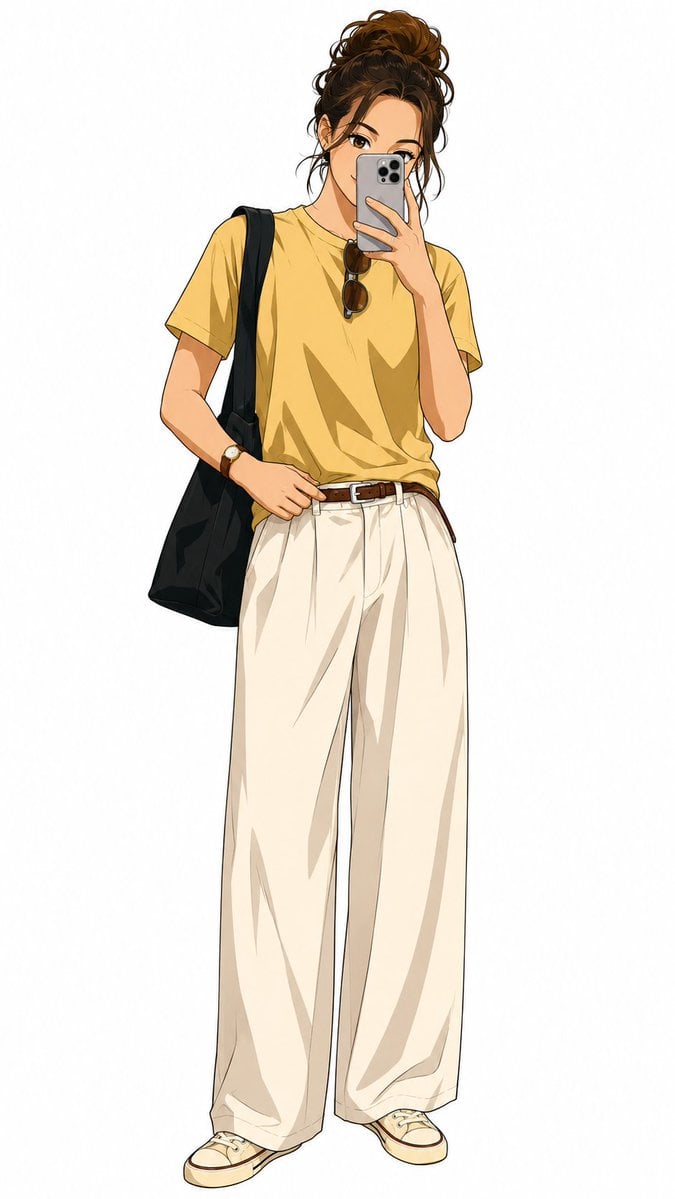
- Prompt included
- Model and format preset
- Free template
The prompt behind this image
Copy the exact prompt behind Demon Slayer Anime Character Portrait, or open it in the studio and make it yours.
Use the uploaded image as the only {argument name="identity reference" default="identity reference"} and transform the subject into a character rendered in the official {argument name="anime series" default="Demon Slayer: Kimetsu no Yaiba"} anime TV series style. The visual execution must strictly match the Demon Slayer aesthetic, featuring clean and crisp linework, high quality cel shading, and saturated yet balanced colors with a polished TV series anime finish. Do not include any manga style sketching, cross hatching, grayscale, or black and white rendering. The subject's identity must be fully preserved, including their clothing design, hairstyle and hair color, accessories, skin tone, facial expression, and pose, with no replacements or removals of any items. The existing outfit should be subtly stylized with Demon Slayer Corps inspired detailing, such as sharper fabric folds, slightly reinforced layered textures, and clean anime fabric finishes, while keeping the original outfit clearly recognizable. The character must follow accurate Demon Slayer proportions, including a lean and agile body type, natural anime anatomy, expressive anime eyes with strong highlights, stylized brows, and simplified anime nose and mouth. The composition is critical and must show the character fully from head to toe, with feet, legs, torso, arms, and head all visible. The framing should not crop any part of the body, and the camera distance must be wide enough to capture the entire figure, leaving a small amount of empty space above the head and below the feet so the character fits comfortably within the frame. The output must be a single full body illustration with the character centered against a {argument name="background" default="plain white background only"}, with no ground plane, shadows, scenery, props, weapons, objects, effects, aura, particles, motion lines, or environmental details. The final image should contain only the character, and must not include cropped framing, multiple characters, multi panel outputs, other anime styles such as Dragon Ball, Naruto, or One Piece, photorealism, painterly or textured rendering, or any background elements or objects.
Reference images included
Demon Slayer Anime Character Portrait needs input media to work. They load alongside the prompt when you open it in the studio.
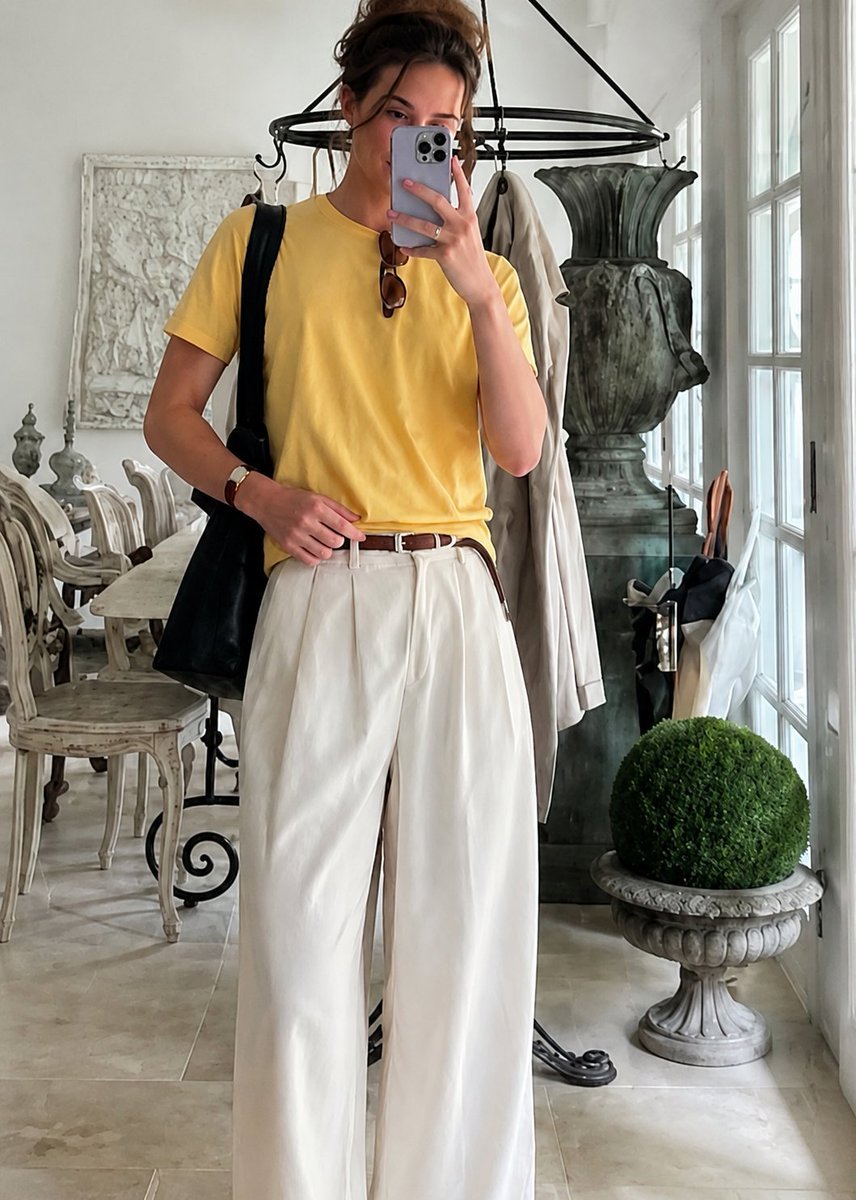
How to use Demon Slayer Anime Character Portrait in 3 steps
- 1Upload ImagePNG, JPG or paste
Add your photo
Upload the photo the template builds on. The prompt, model and format are already set.
- 2…a portrait of your subject in softgolden-hour light, 85mm…
Personalize
Edit the subject and creative details for your destination.
- 3Generate
Generate
Press Generate — your image is created in PicX Studio, so you can compare it with the original and refine one variable at a time.
More like this
Templates with the same subject, style or setup. Open one to see its prompt.
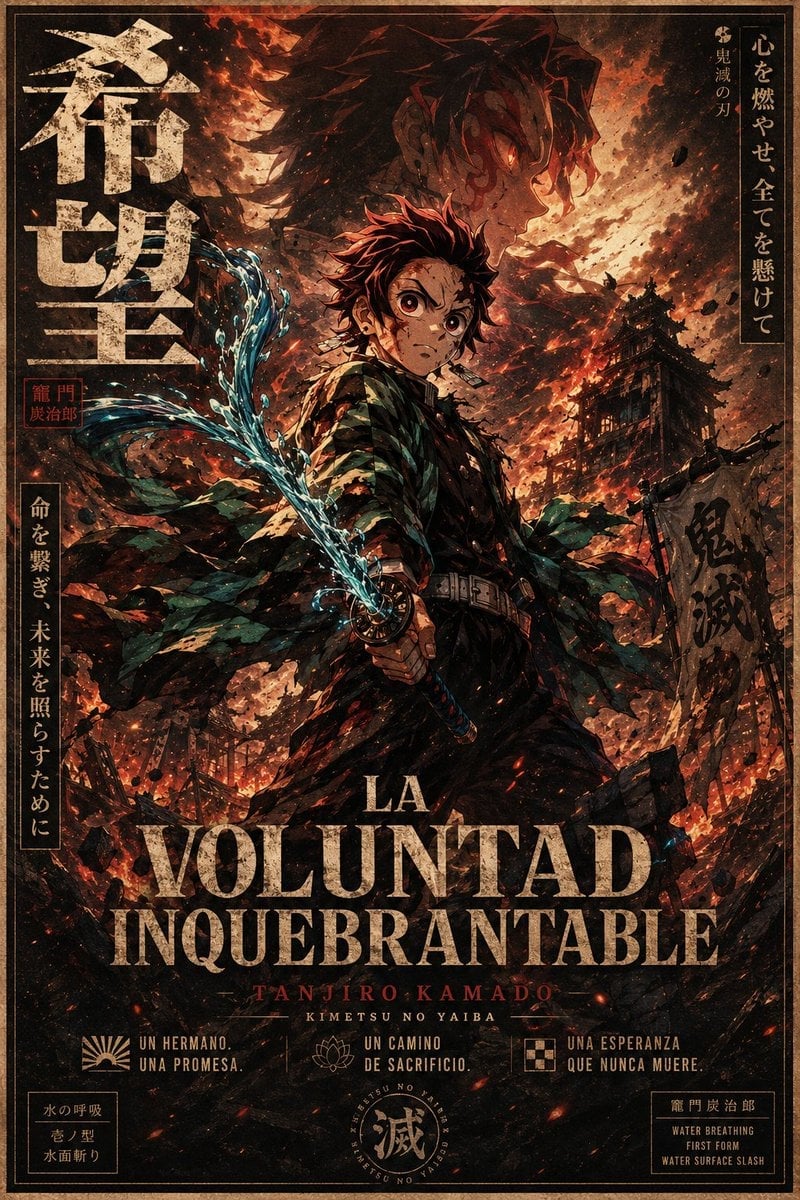
Dark Anime Demon Slayer Poster

Found Photograph: Us, 1970

80s Couple Studio Portrait

80s Bollywood Star

80s Golden Hour Cinema

Me in 1985

1985 Studio Portrait

Hyper-Realistic Minecraft POV Portrait

Rooftop Fisheye — Cat-Ear Balaclava at Golden Hour
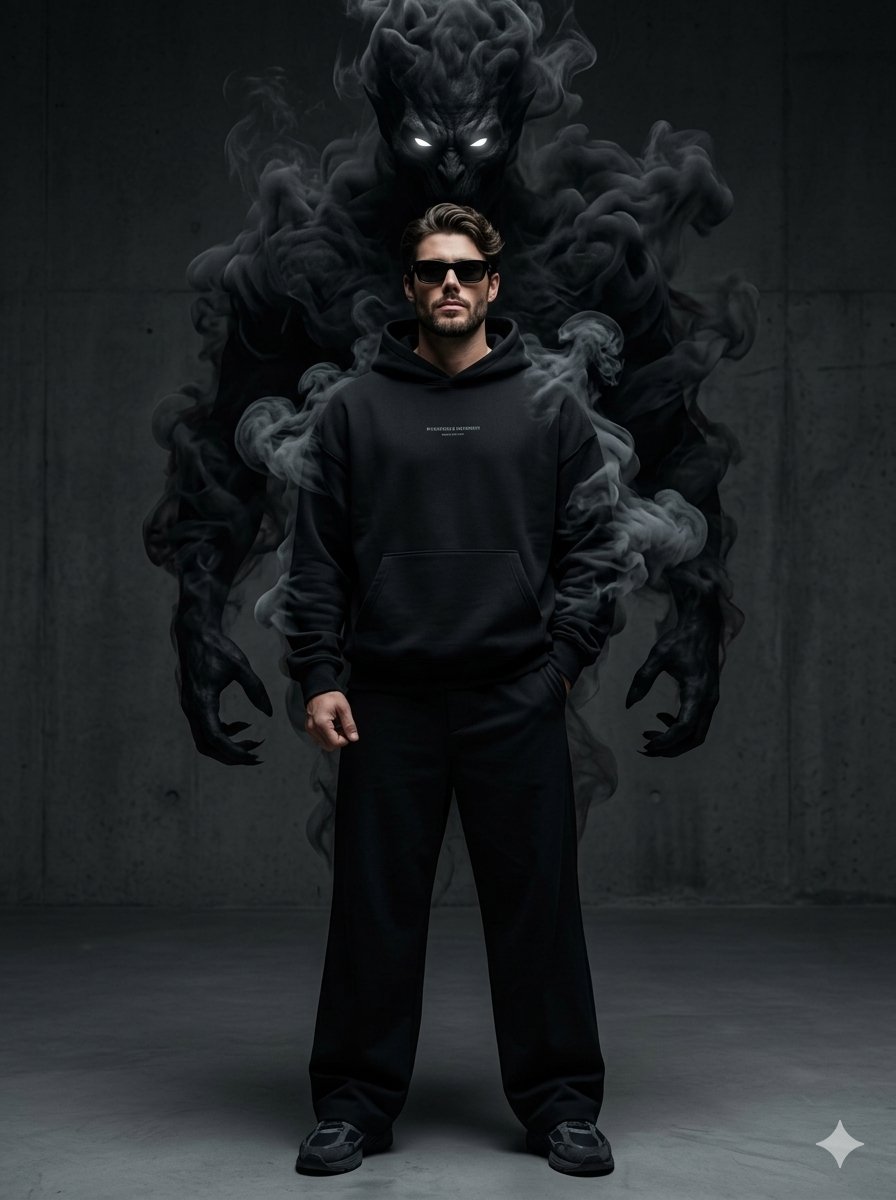
Supernatural Streetwear Portrait with Smoke Demon

Cel 2D Underwater Reef

Anime Monorail Sunset
Make it yours
Demon Slayer Anime Character Portrait works as-is. These are the safest ways to change it without losing the look.
Change one field
Copy a single group, rewrite it, and generate again so you can see what that field is doing.
Keep the frame, change the subject
Hold the composition and light of Demon Slayer Anime Character Portrait, then swap wardrobe, props or the person for a new take.
| If the result… | Why | Fix |
|---|---|---|
| The result drifts from the preview | Too many fields changed at once. | Reuse Demon Slayer Anime Character Portrait as-is first, then change one group — subject, light, or setting. |
| The model over-stylizes the scene | The prose prompt leaves finish and camera underspecified. | Add one camera or lighting sentence and stay on GPT Image 2. |
More GPT Image 2 templates
Other prompts made for GPT Image 2.

Six VTuber Japanese Logo Sheet

Realistic Portrait of Woman and Deer

The Vista Modular Condo Poster

AI Model Routing Comparison Infographic

2.5D Anime Art Board

Isometric Productivity Desk Scene

New York Double Exposure Poster

Four-Panel AI Landscape Comparison

Japanese Tatami Lifestyle Magazine Cover

NESCAFÉ Coffee Map Poster
More image prompts
Fresh picks from across the catalog.
Gold Lamborghini Fashion Shoot Prompt
Couture Fashion Editorial Woman and Drag
Anonymous Pink Hoodie Skater
Cinematic Desert Highway Fashion Portrait
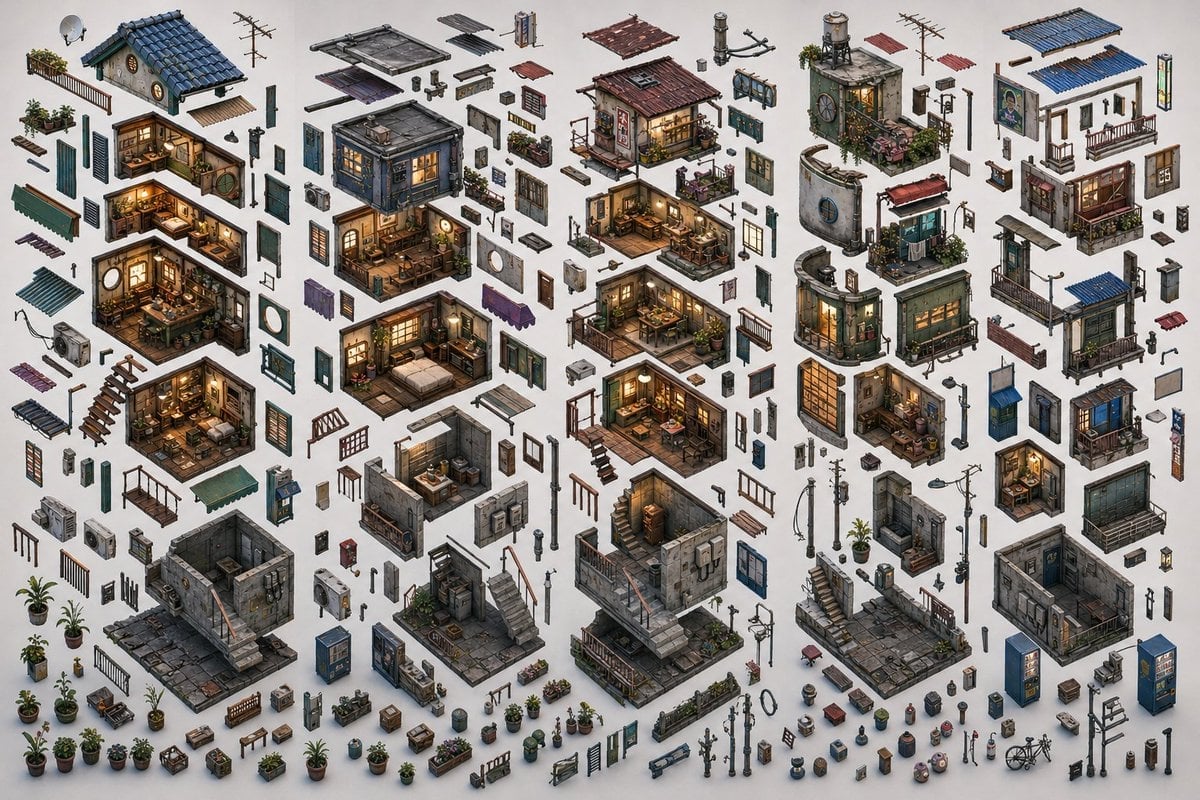
Isometric Exploded Urban Asset Sheet
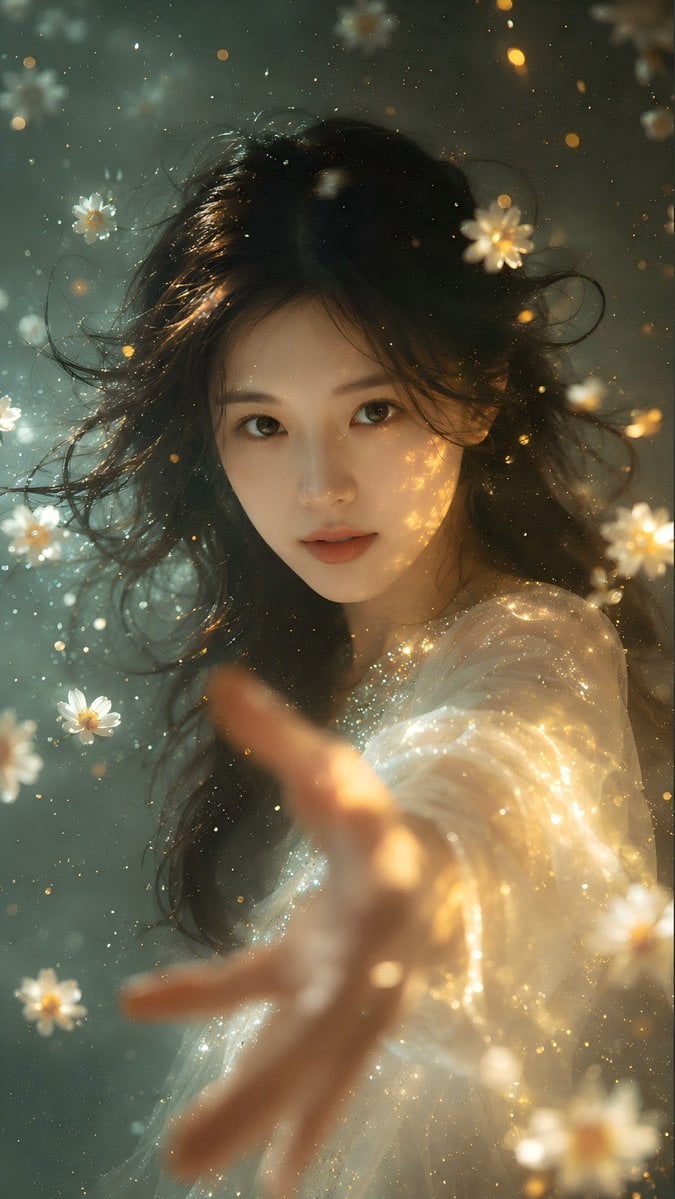
Identity Preserving Portrait Generation

Neon AI Side Hustle YouTube Thumbnail
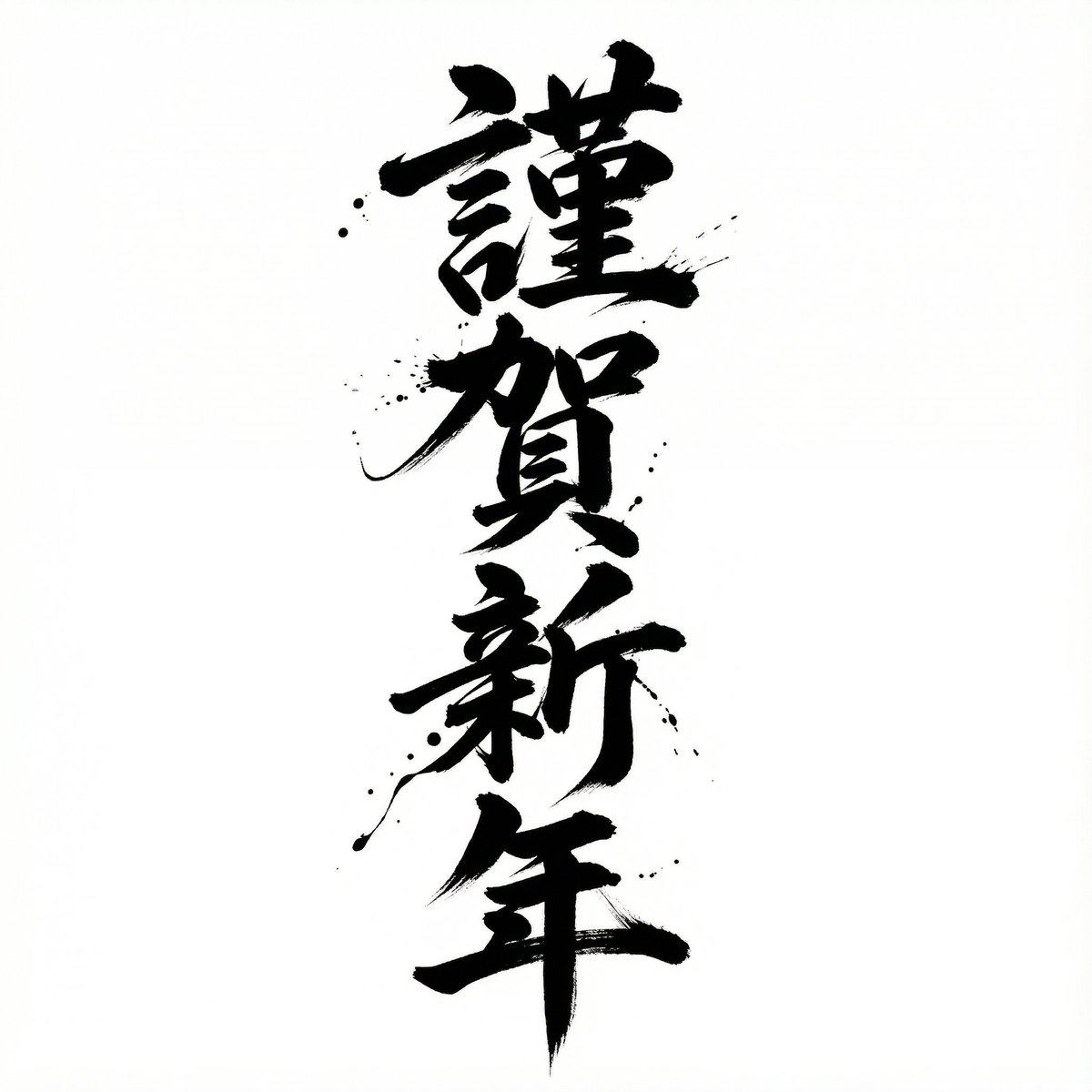
Nano Banana Pro Calligraphy Font Generator
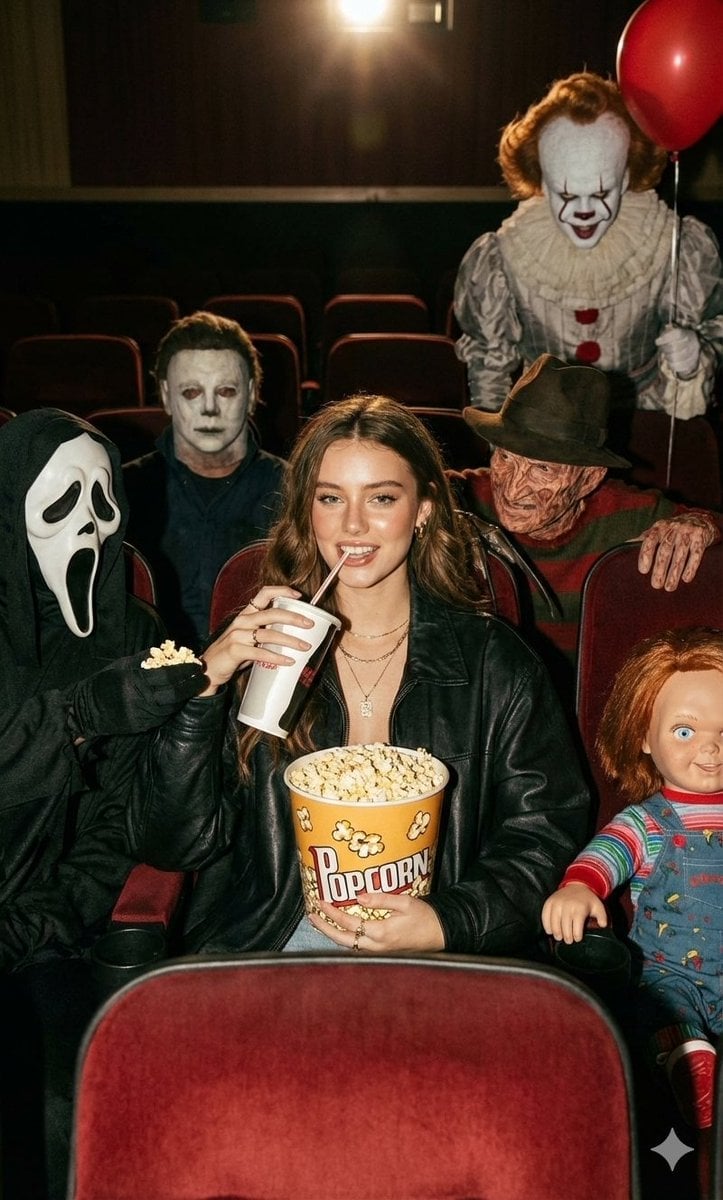
Halloween Horror Movie Theater Prompt
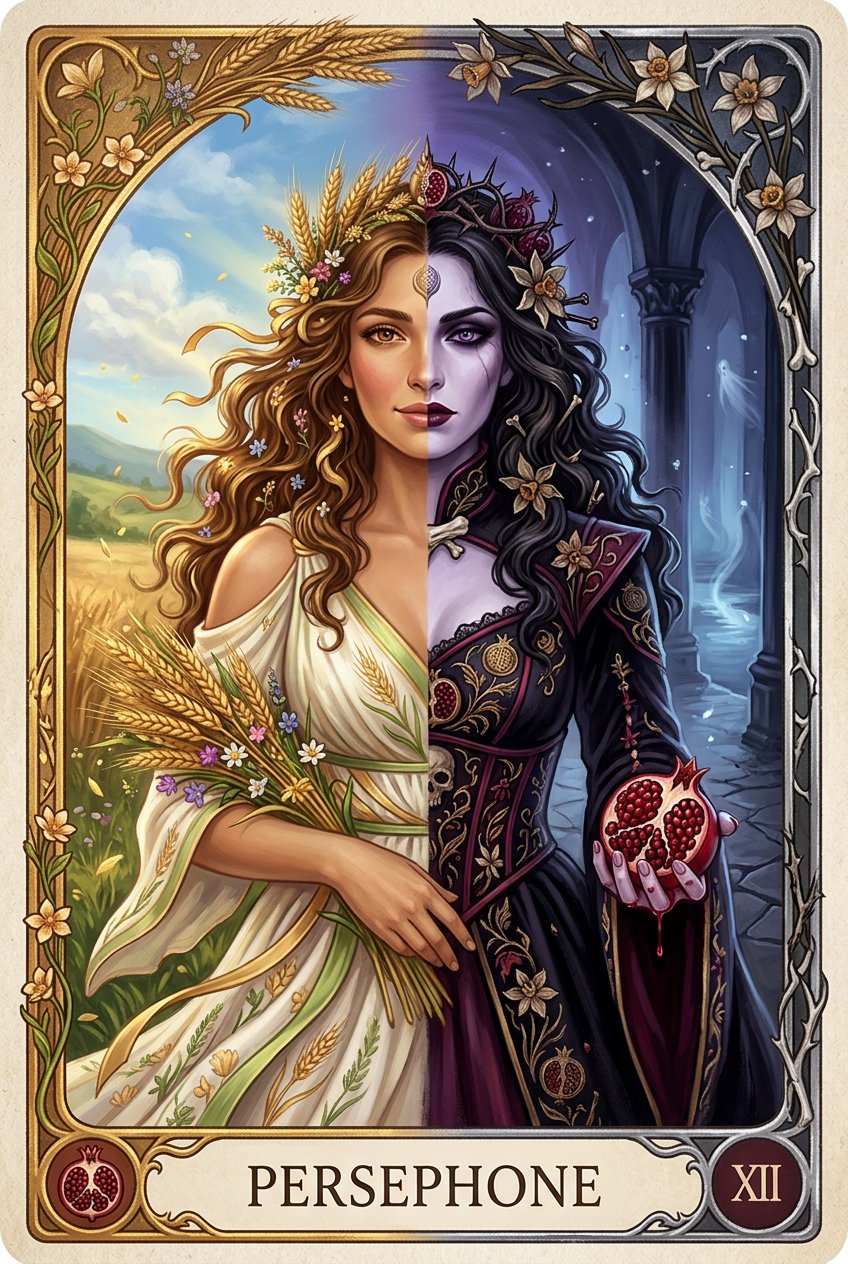
Persephone deity card
Browse template categories
Demon Slayer Anime Character Portrait questions
How do I use the Demon Slayer Anime Character Portrait template?
Add your photo if the template asks for one, edit the prompt if you like — the template's model and format are already selected — and press Generate. Your version opens in PicX Studio.
Can I customize the Demon Slayer Anime Character Portrait template?
Yes. You can change the subject, setting, lighting, mood, format, and available model controls before creating your image.
Is the Demon Slayer Anime Character Portrait template free?
Opening and editing this template is free. Generating uses credits, shown on the Generate button when you are signed in.
Which AI model should I use?
Start with GPT Image 2, which is the model associated with this template. You can compare another compatible model for a different finish.
Looking for something else? Browse all templates.

Your photo, any look
Thousands of ready templates for every top image and video model, from one credit balance.