
Dark Anime Demon Slayer Poster
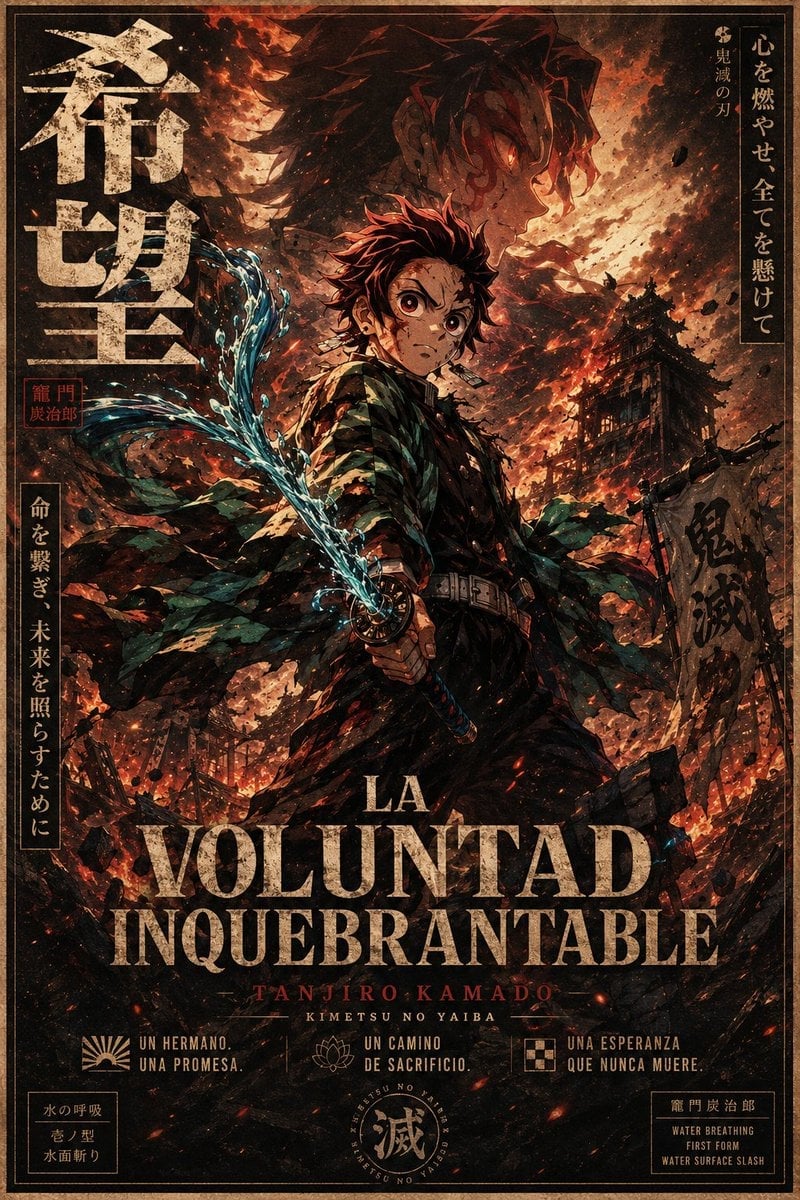
Creates a dramatic vintage-style anime poster of a sword-wielding hero in a burning battlefield with Japanese and Spanish typography.
- Prompt included
- Model and format preset
- Premium template
The prompt behind this image
Copy the exact prompt behind Dark Anime Demon Slayer Poster, or open it in the studio and make it yours.
Goal: Create a gritty vertical anime movie poster for {argument name="character name" default="Tanjiro Kamado"}, inspired by dark shonen fantasy and Demon Slayer aesthetics, with a ruined battlefield atmosphere, dramatic flames, water breathing effects, and distressed vintage typography. Canvas: Tall poster, 2:3 aspect ratio, full bleed, with a thin double-line tan border and aged paper texture. Use a high-detail painterly manga style with rough ink lines, film grain, soot, scratches, ember particles, and warm orange-black contrast. Main subject: Center a teenage swordsman in a dark uniform and green-black checkered haori, standing in a powerful three-quarter pose. He has spiky burgundy-black hair, hanafuda-style earrings, and an intense heroic silhouette. His face area is covered by a plain medium-brown rectangular censor block, while the hair, ears, neck, and body remain visible. He grips a katana with both hands near his waist, angled diagonally upward to the left. The blade is wrapped in bright turquoise-blue water energy, with one distinct curling water slash sweeping from the lower center toward the upper left. The haori should look torn and windblown, with many ragged pieces flowing outward. Background: A burning demon-slaying battlefield at night. Show a large ghostly profile portrait of the same swordsman in the smoky sky behind him, facing right, with glowing reddish highlights. Include one ruined Japanese pagoda/building on the right midground, one tattered vertical banner on the right with dark calligraphy, collapsing wooden structures and rubble along the bottom, flying ash, black debris, sparks, and red-orange fire clouds. The overall mood is apocalyptic, heroic, and tragic. Typography and layout: Make the design look like a Japanese theatrical poster mixed with a Spanish title treatment. Include exactly these visible text groups: 1. Large vertical Japanese title on the upper left: 「希望」, distressed cream ink. 2. Small red seal stamp beside the left title with Japanese characters resembling 「竈門 炭治郎」. 3. Vertical Japanese text box on the upper right: 「心を燃やせ 全てを懸けて」 with a smaller line 「鬼滅の刃」. 4. Vertical Japanese text box on the lower left: 「命を繋ぎ、未来を照らすために」. 5. Dark calligraphy on the right banner: 「鬼滅」. 6. Main Spanish title across the lower third, huge distressed serif capitals: {argument name="main title" default="LA VOLUNTAD INQUEBRANTABLE"}. Put “LA” smaller above “VOLUNTAD”, and “INQUEBRANTABLE” below. 7. Red small-credit line under the title: {argument name="credit name" default="TANJIRO KAMADO"}. 8. Small white subtitle under that: {argument name="series subtitle" default="KIMETSU NO YAIBA"}. 9. Bottom row contains exactly three icon-caption blocks: left sunburst icon with “UN HERMANO. UNA PROMESA.”, center lotus icon with “UN CAMINO DE SACRIFICIO.”, right checker-square icon with “UNA ESPERANZA QUE NUNCA MUERE.” 10. Bottom-left small boxed technique label with Japanese text and English meaning: 「水の呼吸 / 壱ノ型 / 水面斬り」. 11. Bottom-center circular seal emblem containing the large kanji 「滅」 and tiny ring text. 12. Bottom-right small boxed technique label: 「竈門炭治郎」 and “WATER BREATHING / FIRST FORM / WATER SURFACE SLASH”. Color and style: Use a limited palette of burnt orange, black, charcoal, muted cream, dark green, blood red, and electric cyan water highlights. Typography should be weathered, cracked, and partially eroded. Keep the composition dense and cinematic, with strong backlighting and high contrast. Constraints: No modern objects, no clean vector look, no extra characters, no extra icons beyond the three bottom icon-caption blocks, no additional title text beyond the listed groups, and keep all Japanese text decorative but legible where possible.
How to use Dark Anime Demon Slayer Poster in 3 steps
- 1Upload ImagePNG, JPG or paste
Add your photo
Upload the photo the template builds on. The prompt, model and format are already set.
- 2…a portrait of your subject in softgolden-hour light, 85mm…
Personalize
Edit the subject and creative details for your destination.
- 3Generate
Generate
Press Generate — your image is created in PicX Studio, so you can compare it with the original and refine one variable at a time.
More like this
Templates with the same subject, style or setup. Open one to see its prompt.

Captain Tsubasa Anime World Cup Poster
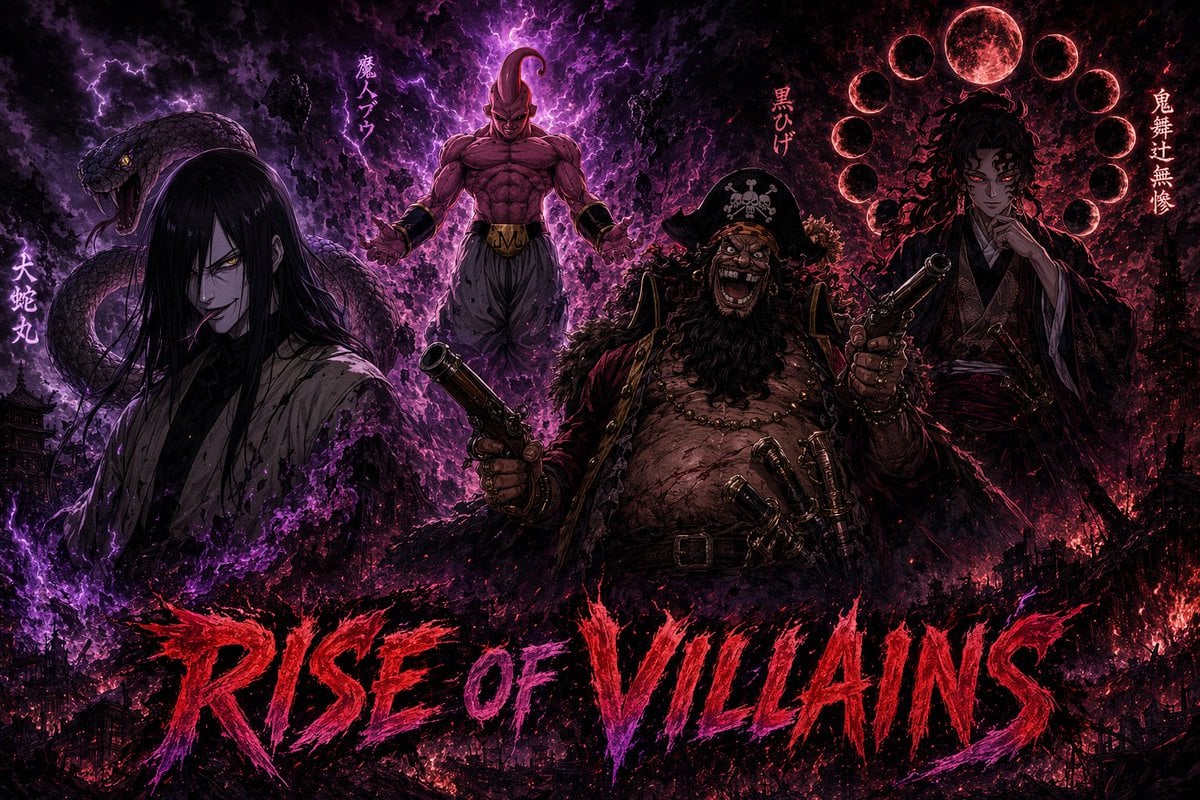
Dark Anime Villains Crossover Poster
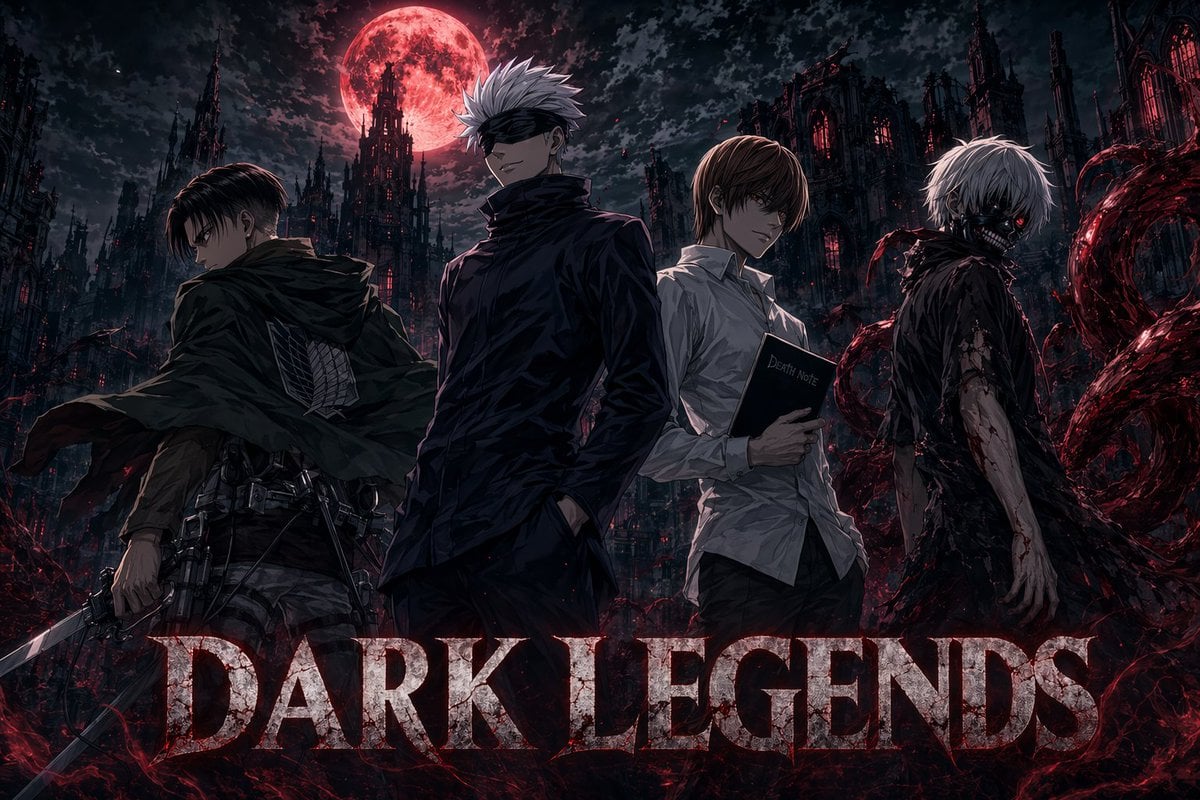
Dark Anime Legends Poster
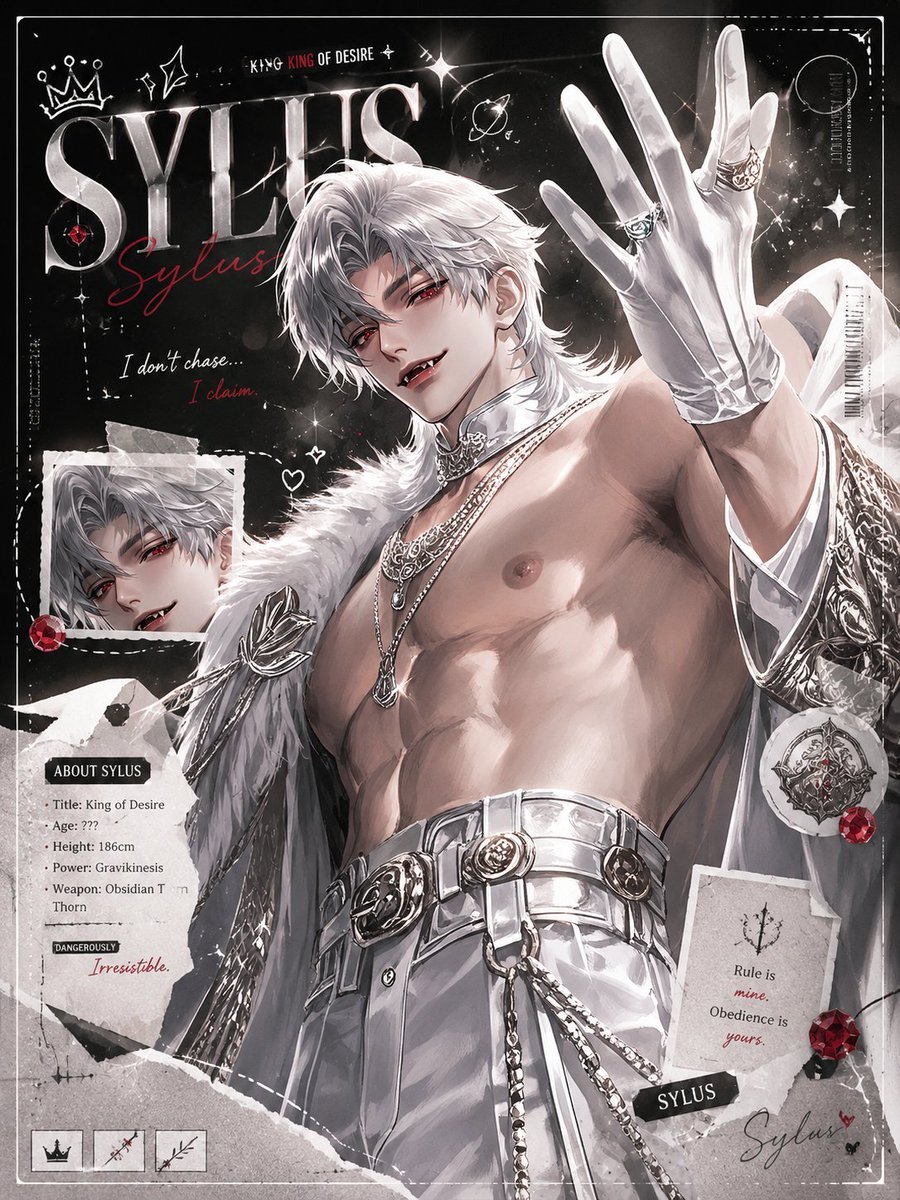
Dark Anime Sylus Scrapbook Poster
Demon Slayer Anime Character Portrait

Gpt2 Youtube Thumbnail Anime Music Bootcamp Promo Poster

Japan Travel Brochure Poster

Nice Day Anime Poster
Anhua Dark Tea Mountain Poster
Dark Anime Prompt Foundry UI

Cel 2D Finale Fireworks

Cel 2D Garden Maze
Make it yours
Dark Anime Demon Slayer Poster works as-is. These are the safest ways to change it without losing the look.
Change one field
Copy a single group, rewrite it, and generate again so you can see what that field is doing.
Keep the frame, change the subject
Hold the composition and light of Dark Anime Demon Slayer Poster, then swap wardrobe, props or the person for a new take.
| If the result… | Why | Fix |
|---|---|---|
| The result drifts from the preview | Too many fields changed at once. | Reuse Dark Anime Demon Slayer Poster as-is first, then change one group — subject, light, or setting. |
| The model over-stylizes the scene | The prose prompt leaves finish and camera underspecified. | Add one camera or lighting sentence and stay on GPT Image 2. |
More GPT Image 2 templates
Other prompts made for GPT Image 2.

Six VTuber Japanese Logo Sheet

Realistic Portrait of Woman and Deer

The Vista Modular Condo Poster

AI Model Routing Comparison Infographic

2.5D Anime Art Board

Isometric Productivity Desk Scene

New York Double Exposure Poster

Four-Panel AI Landscape Comparison

Japanese Tatami Lifestyle Magazine Cover

NESCAFÉ Coffee Map Poster
More image prompts
Fresh picks from across the catalog.
Retro Line Art Storefront Illustration Generator Template
Parisian Fashion Phone Frame
Change clothing to match reference outfit
untitled
Sci-Fi Cinematic Image: Man in Cryo-Chamber
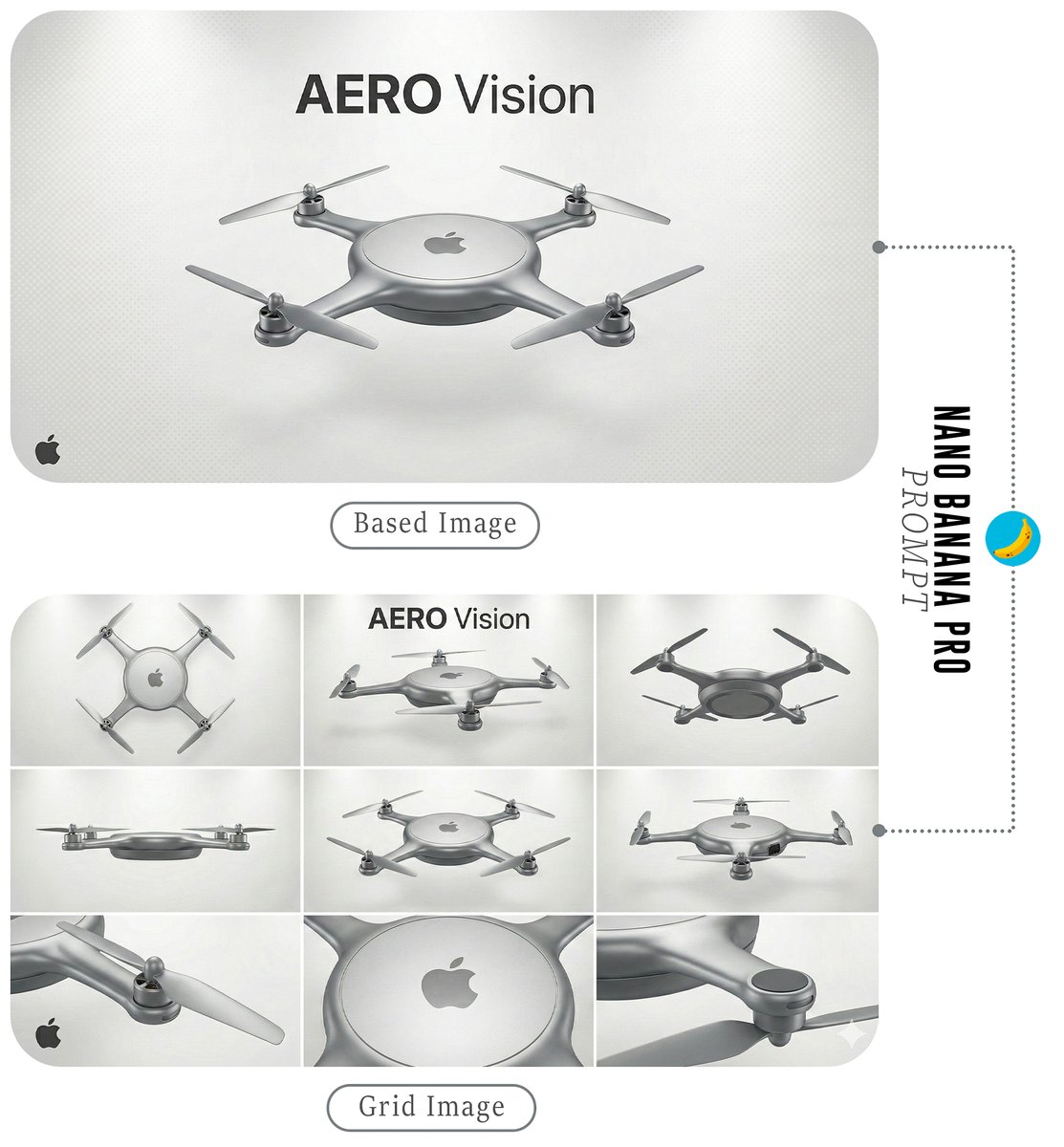
Futuristic Branded Drone Product Poster
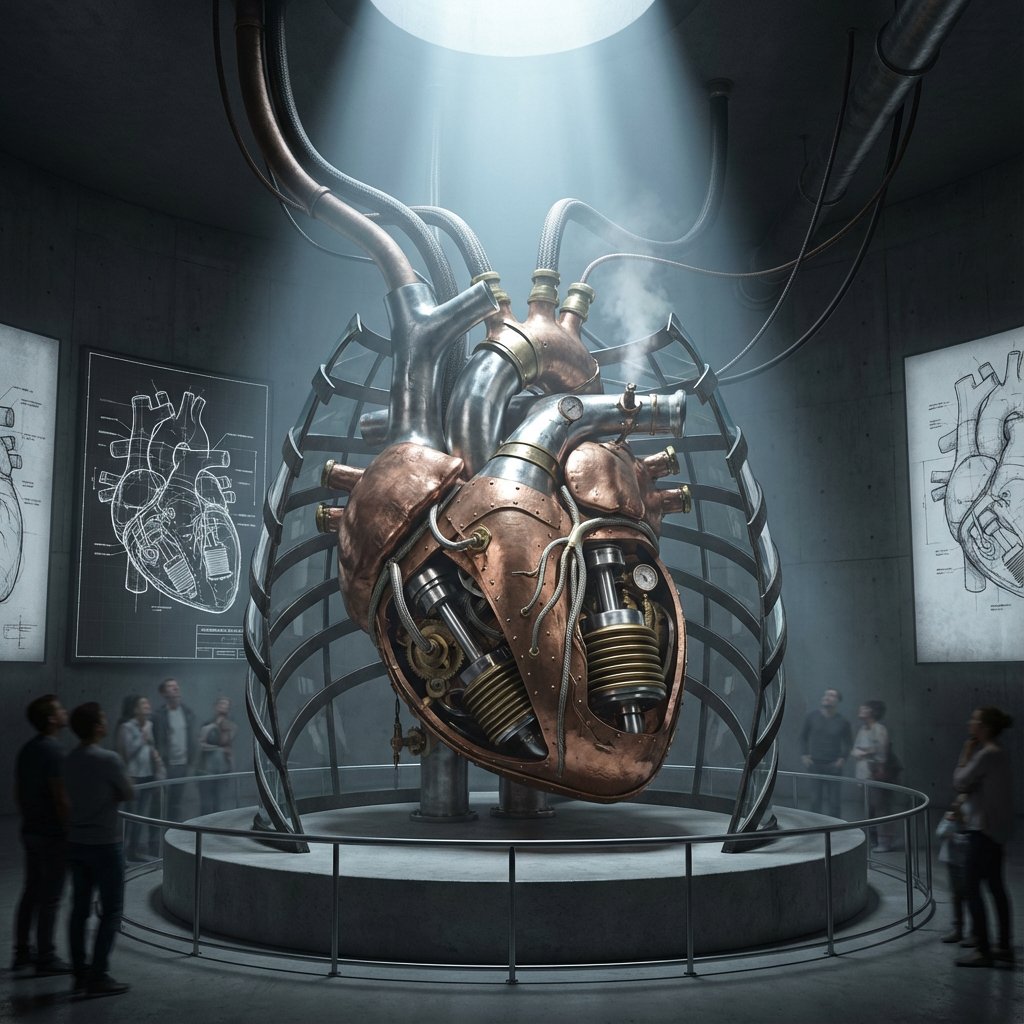
Intricate Paper Folding Morphological Transformation Prompt
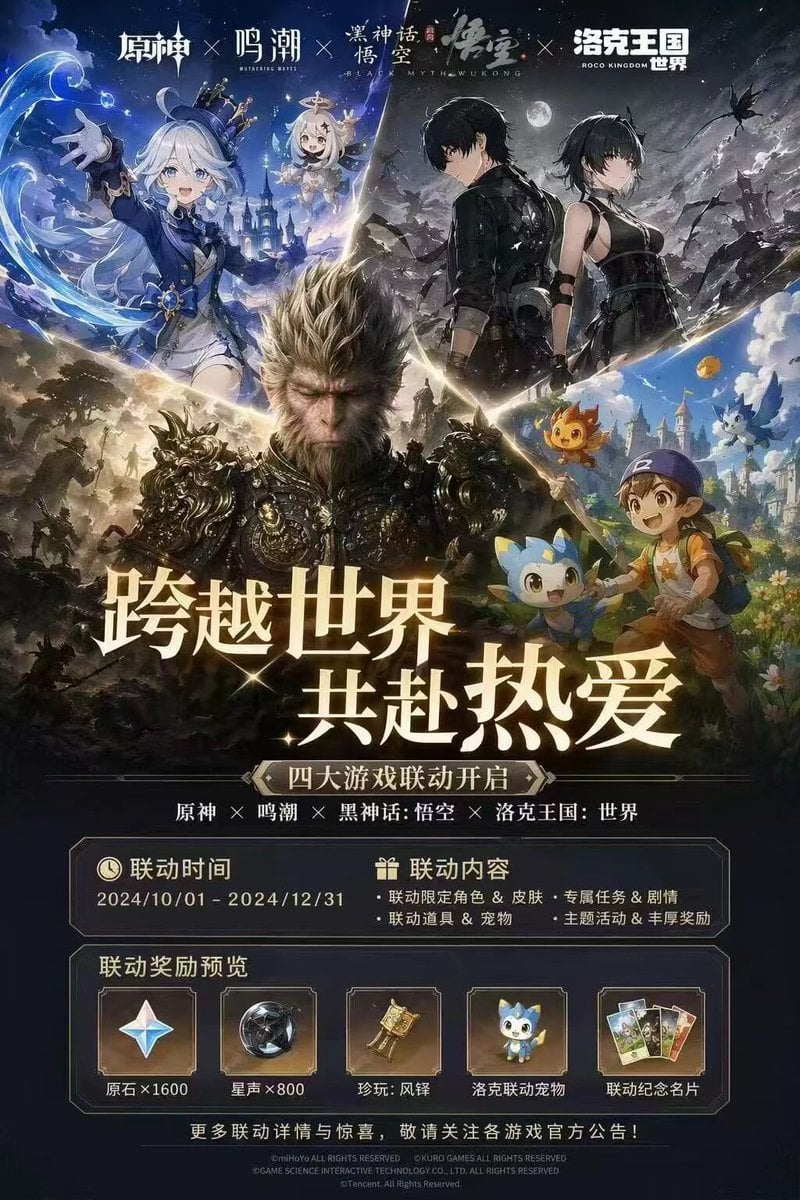
Four-Game Crossover Event Promo Poster

Berry Loud Food Advertisement
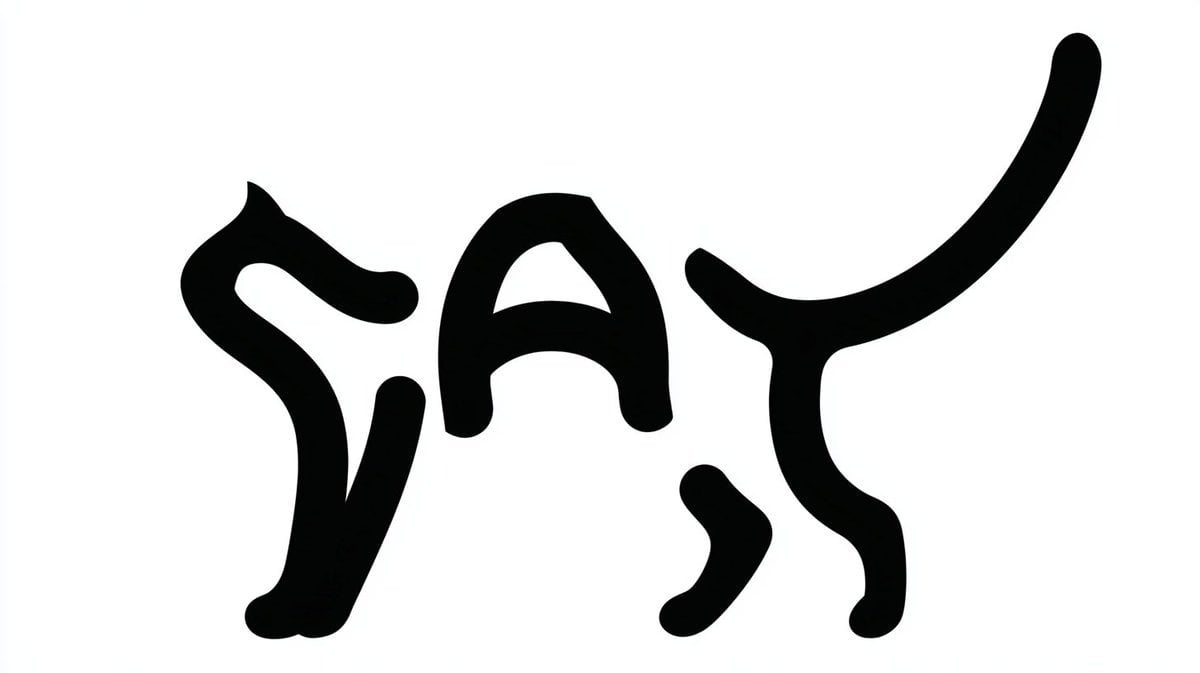
Monochrome Typographic Cat Illustration
Browse template categories
Dark Anime Demon Slayer Poster questions
How do I use the Dark Anime Demon Slayer Poster template?
Add your photo if the template asks for one, edit the prompt if you like — the template's model and format are already selected — and press Generate. Your version opens in PicX Studio.
Can I customize the Dark Anime Demon Slayer Poster template?
Yes. You can change the subject, setting, lighting, mood, format, and available model controls before creating your image.
Is the Dark Anime Demon Slayer Poster template free?
Opening and editing this template is free. Generating uses credits, shown on the Generate button when you are signed in.
Which AI model should I use?
Start with GPT Image 2, which is the model associated with this template. You can compare another compatible model for a different finish.
Looking for something else? Browse all templates.

Your photo, any look
Thousands of ready templates for every top image and video model, from one credit balance.