How do I use the Monochrome Typographic Cat Illustration template?
Choose the primary action to open PicX Studio with the available template settings. Review the model and format, personalize the creative direction, and generate when ready.
A detailed prompt used across multiple models, including Nano Banana Pro, to generate an artistic monochrome typographic illustration where the single word 'CAT' is sculpted into the silhouette of a stretching domestic cat, emphasizing elegant form and minimal composition. Change the subject, setting, or lighting one variable at a time.

An artistic monochrome typographic illustration where the single word "CAT" appears only once and becomes a stretching domestic cat, low in front with hindquarters slightly raised and the tail extending backward in a graceful arc. Do not repeat the word and do not add any other text. The single word must be elongated and sculpted into a fluid feline posture, with one section forming the head and front shoulders, another forming the long curved spine, and the final section extending into the tail. The image should feel elegant, flexible, and unmistakably feline. Prioritize silhouette first, anatomy second, readability third. Pure black only on white, lots of empty space, minimal poster composition. No floor scene, no fur texture, no room interior, no whiskers detail, no realism, no color. [ Midjourney: --ar 16:9 --profile skx15nm --stylize 0 --v 8 ]
Choose the primary action to open PicX Studio with the available template settings. Review the model and format, personalize the creative direction, and generate when ready.
Yes. You can change the subject, setting, lighting, mood, format, and available model controls before creating your image.
This template is free to open and customize. Generation usage is shown in PicX Studio before you create.
Start with Nano Banana 2, which is the model associated with this template. You can compare another compatible model for a different finish.
© 2026 PicX Studio. All rights reserved.

Follow a topic to a crawlable collection of related PicX Studio templates.
43,474 public templates available. Verified via the PicX Studio public templates API; refreshed hourly.
![Typographic illustration shaped like a, where the text forms the shape — Create a typographic illustration shaped like a [OBJECT], where the text [BRAND SLOGAN]](https://images.meigen.ai/tweets/2038261502696648942/0.jpg)


![Typographic illustration shaped like a, where the text forms the shape — Create a typographic illustration shaped like a [OBJECT], where the text [BRAND SLOGAN]](https://images.meigen.ai/tweets/2005620980891480567/0.jpg)





![Naive doodle-style subject illustration — A doodle-style {argument name="subject" default="[subject]"}, naive lines, humorous shape exaggeration](https://pbs.twimg.com/media/G6Wl2YxbsAARB2b.jpg)
















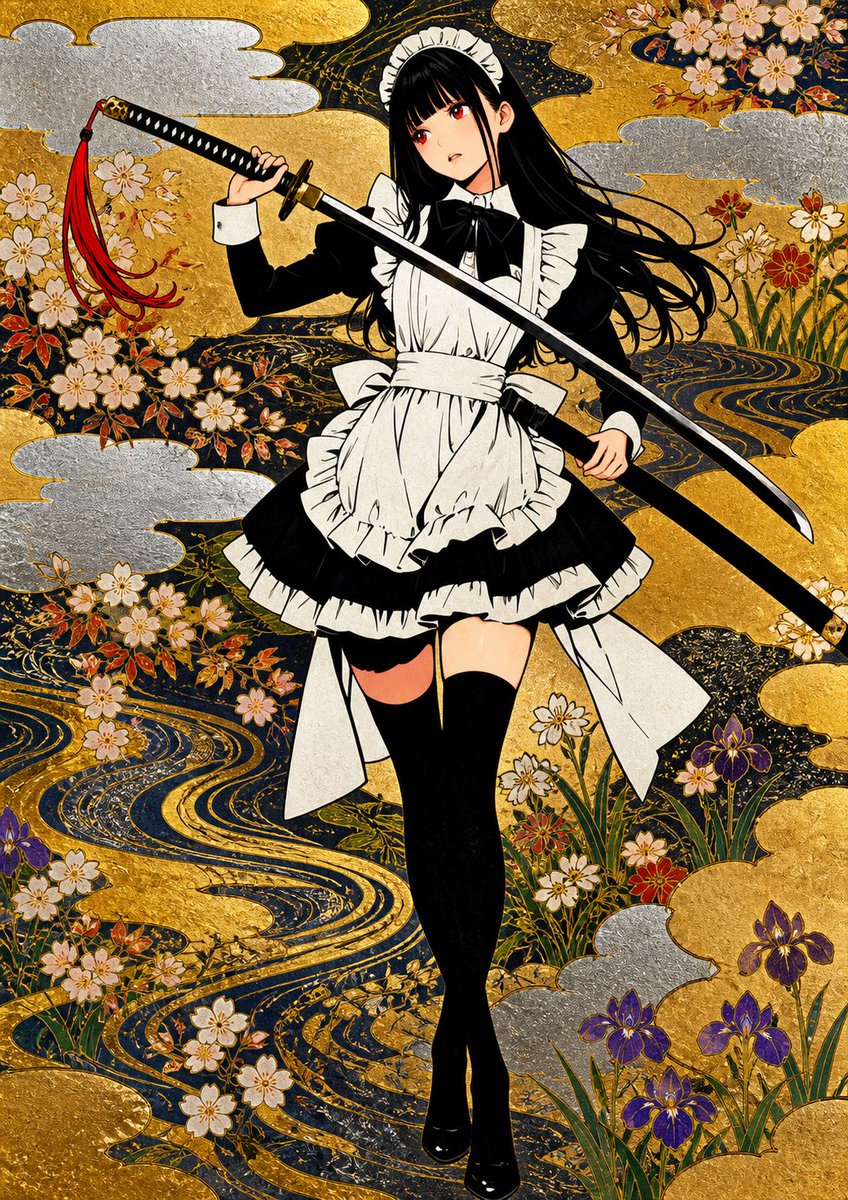
![Floating Football Jersey Luxury Editorial — {argument name="brand" default="[BRAND NAME]"}. You are a fashion photographer and creative director producing a lux](https://cms-assets.youmind.com/media/1780650728327_xz5huj_HJ_QntmbkAAG_Qe.jpg)
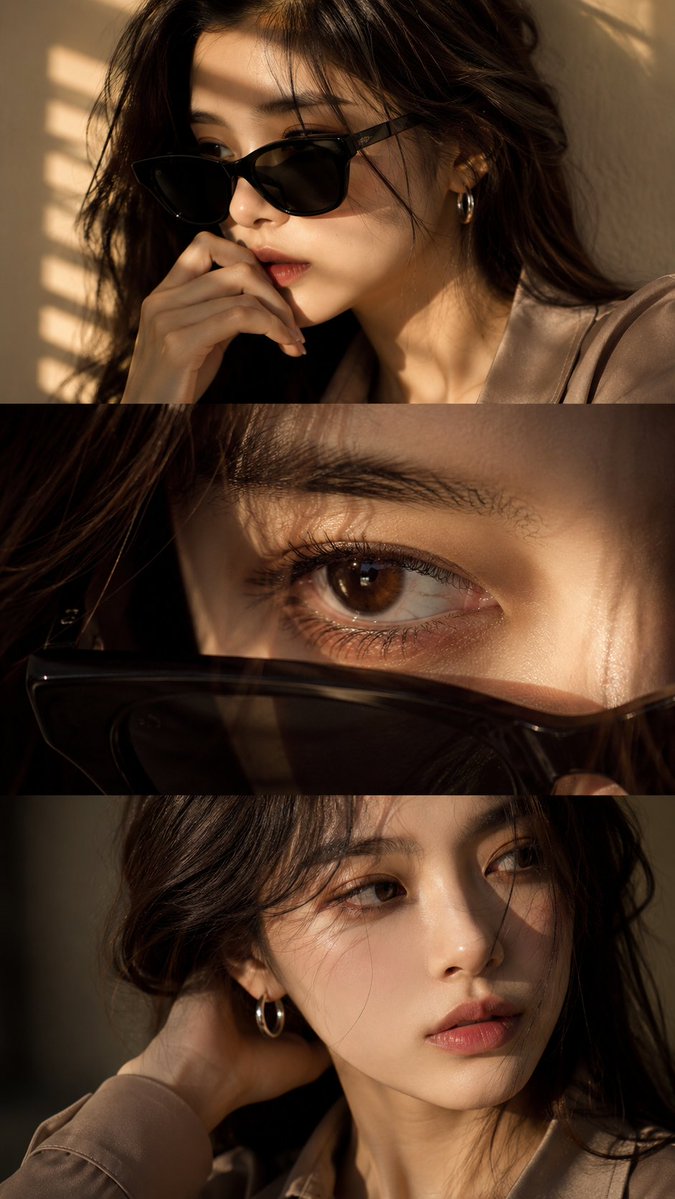


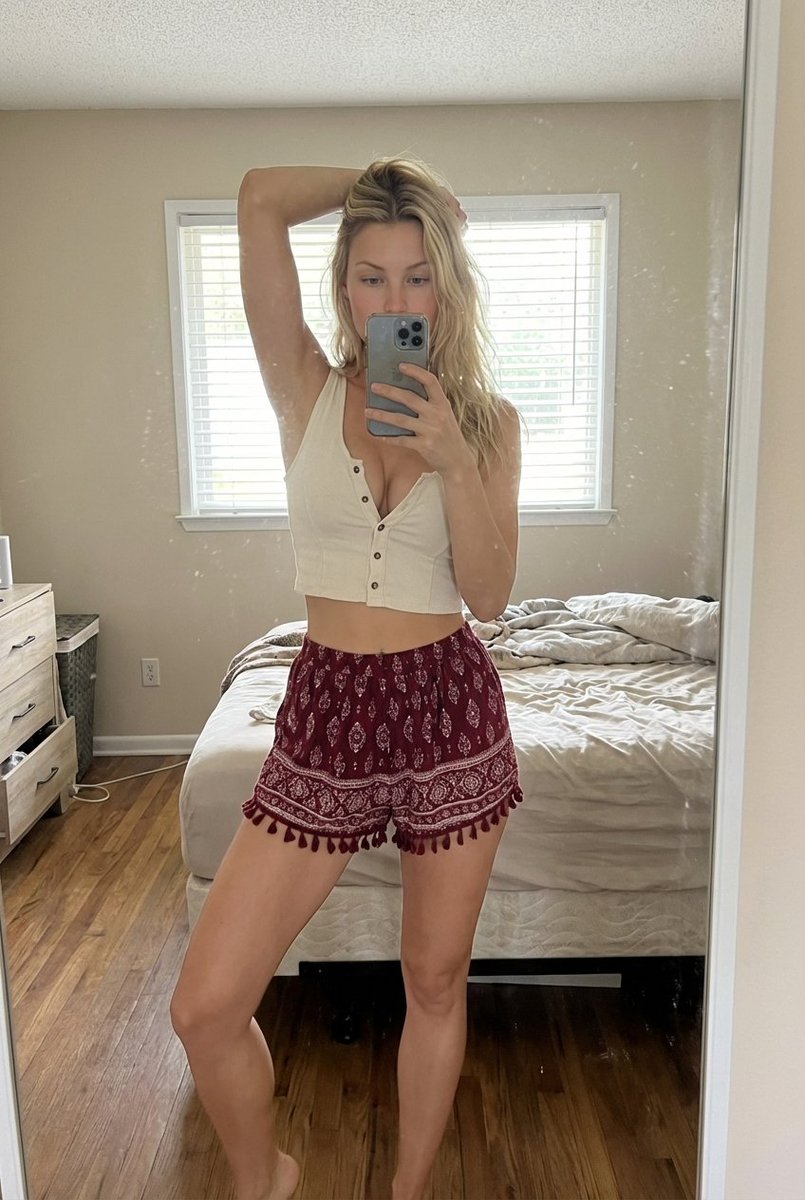
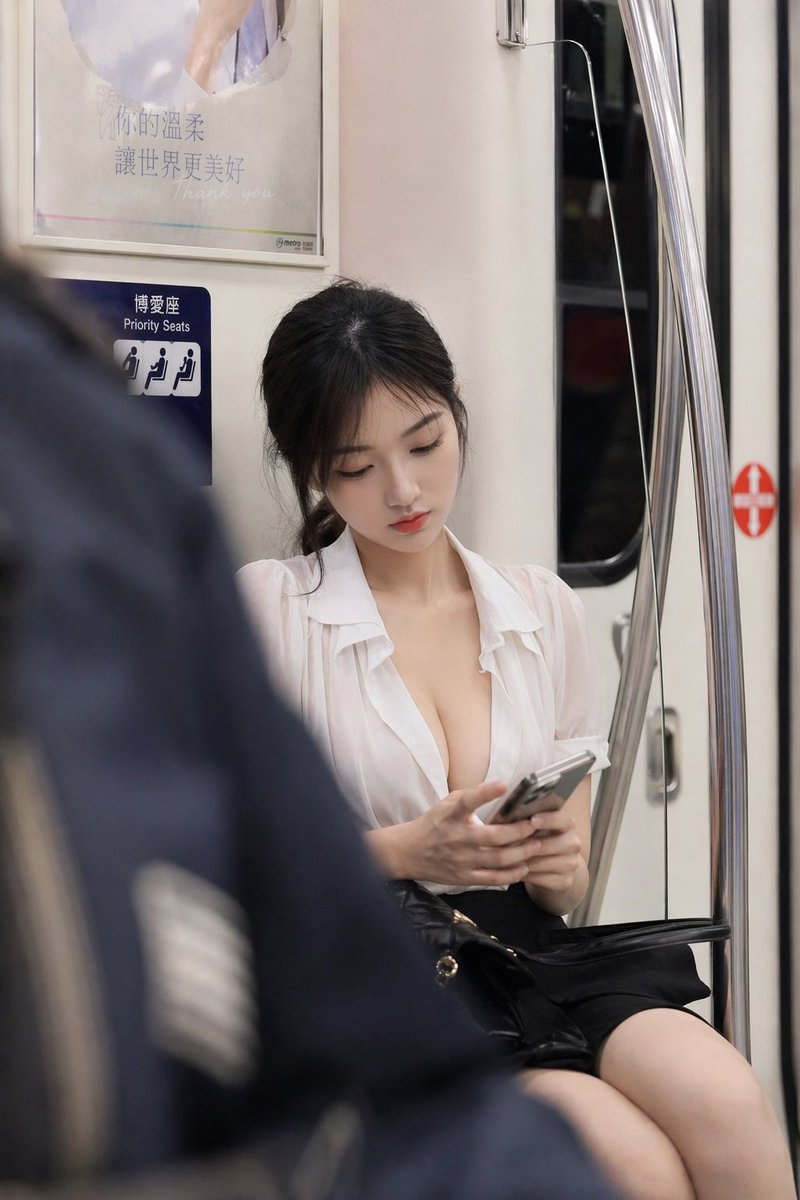

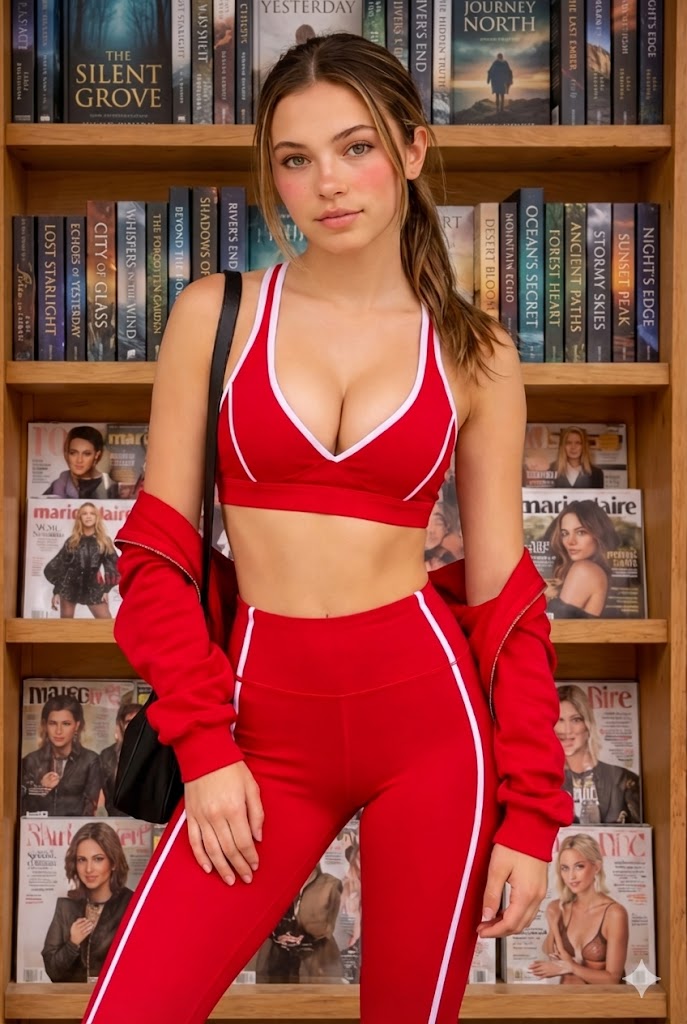

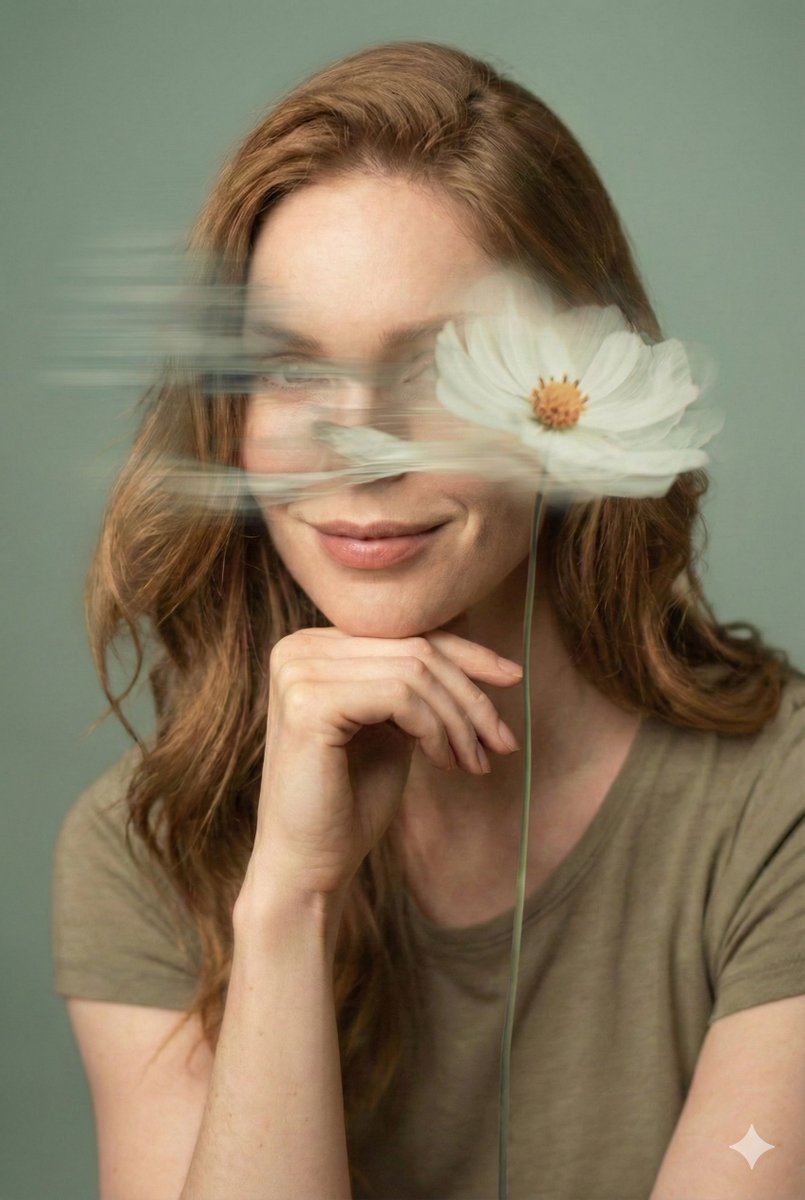
![80-how-to-generate-ai-humans-that-look-100- — The Scene: A [high-quality/candid] lifestyle photo of a [description of person] doing [insert action…](/_next/image?url=https%3A%2F%2Fcdn.picxstudio.com%2Fuploads%2Fpost80_img0_68a04f23-0b83-43da-b58e-701e8e14c74b.jpg&w=828&q=100)