
Prismatic Ocean Teacup Fantasy
A cinematic photorealistic fantasy scene of a glowing ocean landscape inside a glass teacup with dolphins, palm trees, rainbow caustics, and golden backlit hair.
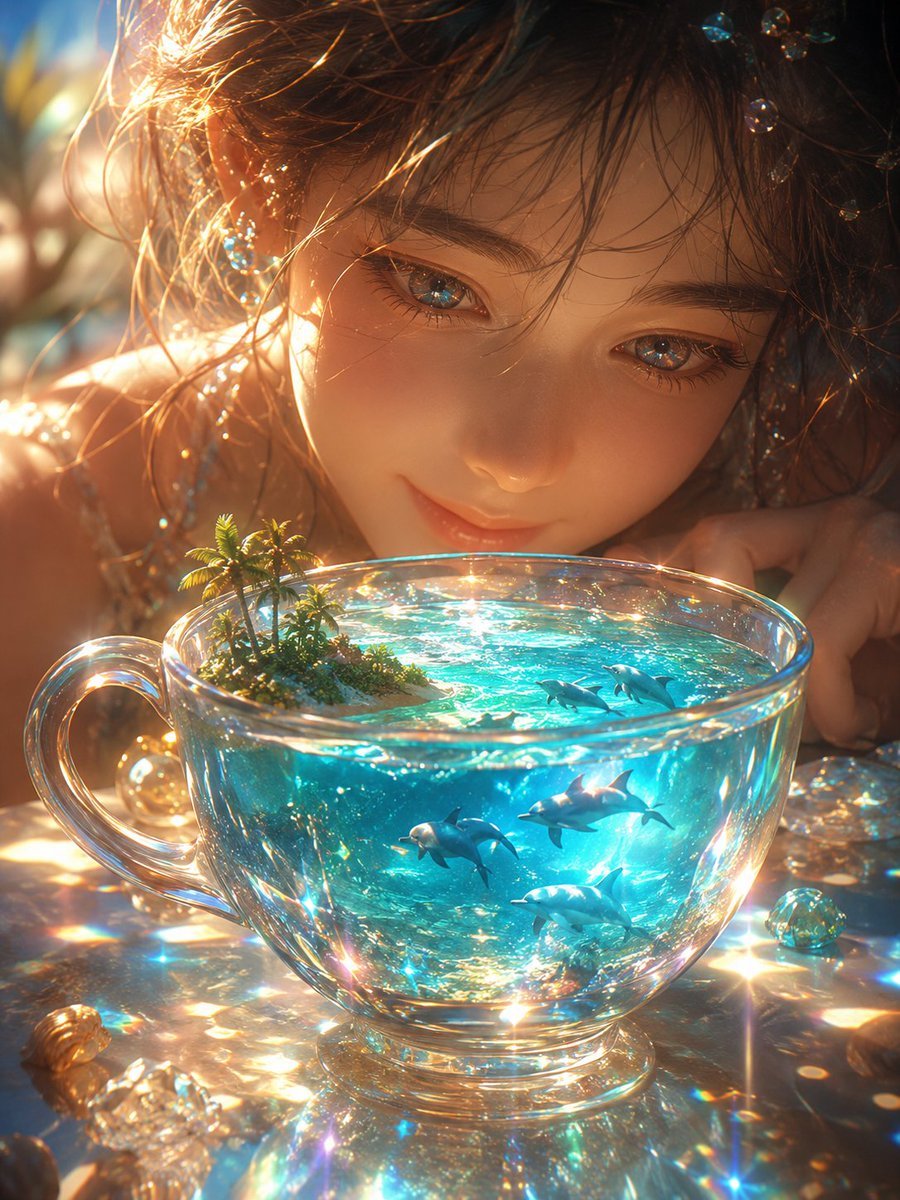
- Prompt included
- Model and format preset
- Free template
The prompt behind this image
Copy the exact prompt behind Prismatic Ocean Teacup Fantasy, or open it in the studio and make it yours.
Create a dreamy photorealistic macro fantasy scene themed around a prism and a landscape inside a cup: a transparent glass teacup filled with glowing turquoise ocean water sits on a reflective tabletop, with a tiny tropical island inside the cup on the left containing miniature sand, green plants, and several small palm trees. Inside the cup, show exactly 5 dolphins swimming in the water: 2 near the upper right water surface, 1 in the middle left, 1 in the middle right, and 1 near the lower right. The cup has one clear rounded handle on the left and one circular glass foot at the base. Behind the cup, show a close-up of a young woman with {argument name="hair color" default="warm brown"} loose wet-looking hair catching golden backlight, her face mostly obscured by a large centered opaque square overlay in a warm brown gradient; the square should cover much of the upper center of the image from the hair area down to just above the cup rim. Use {argument name="lighting mood" default="golden sunset backlight with rainbow caustics"}, strong prism refractions, sparkling highlights, lens flares, scattered crystal-like droplets and beads, and shimmering reflections across the tabletop. Add exactly 4 prominent foreground tabletop objects: 1 small golden shell at bottom left, 1 clear faceted crystal near the bottom edge, 1 blue gemstone on the right, and 1 small glass orb near the cup handle. Style should be ultra-detailed cinematic photorealism, shallow depth of field, magical realism, high contrast between warm amber hair light and cool cyan water, vertical {argument name="aspect ratio" default="3:4"} composition, no text, no watermark.
How to use Prismatic Ocean Teacup Fantasy in 3 steps
- 1Upload ImagePNG, JPG or paste
Add your photo
Upload the photo the template builds on. The prompt, model and format are already set.
- 2…a portrait of your subject in softgolden-hour light, 85mm…
Personalize
Edit the subject and creative details for your destination.
- 3Generate
Generate
Press Generate — your image is created in PicX Studio, so you can compare it with the original and refine one variable at a time.
More like this
Templates with the same subject, style or setup. Open one to see its prompt.
Surreal Cat Astronaut — Humanoid Face Freefall

Anime Fantasy Celestial Movie Poster
Anime Fantasy Celestial Movie Poster
Minecraft Fantasy Kingdom Voxel Landscape
Unfinished Sketch Comes Alive Portrait
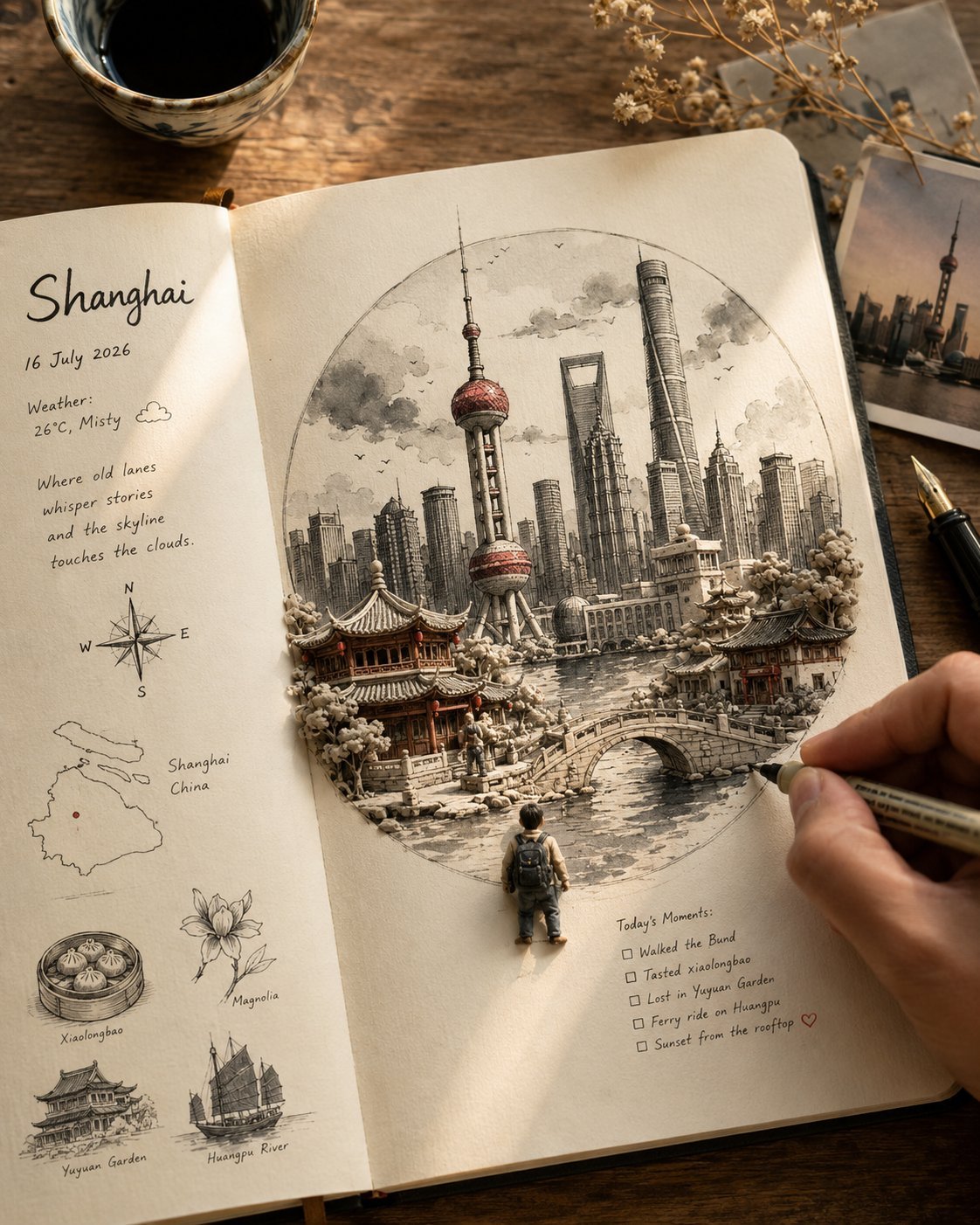
Open Travel Journal Overhead Still Life
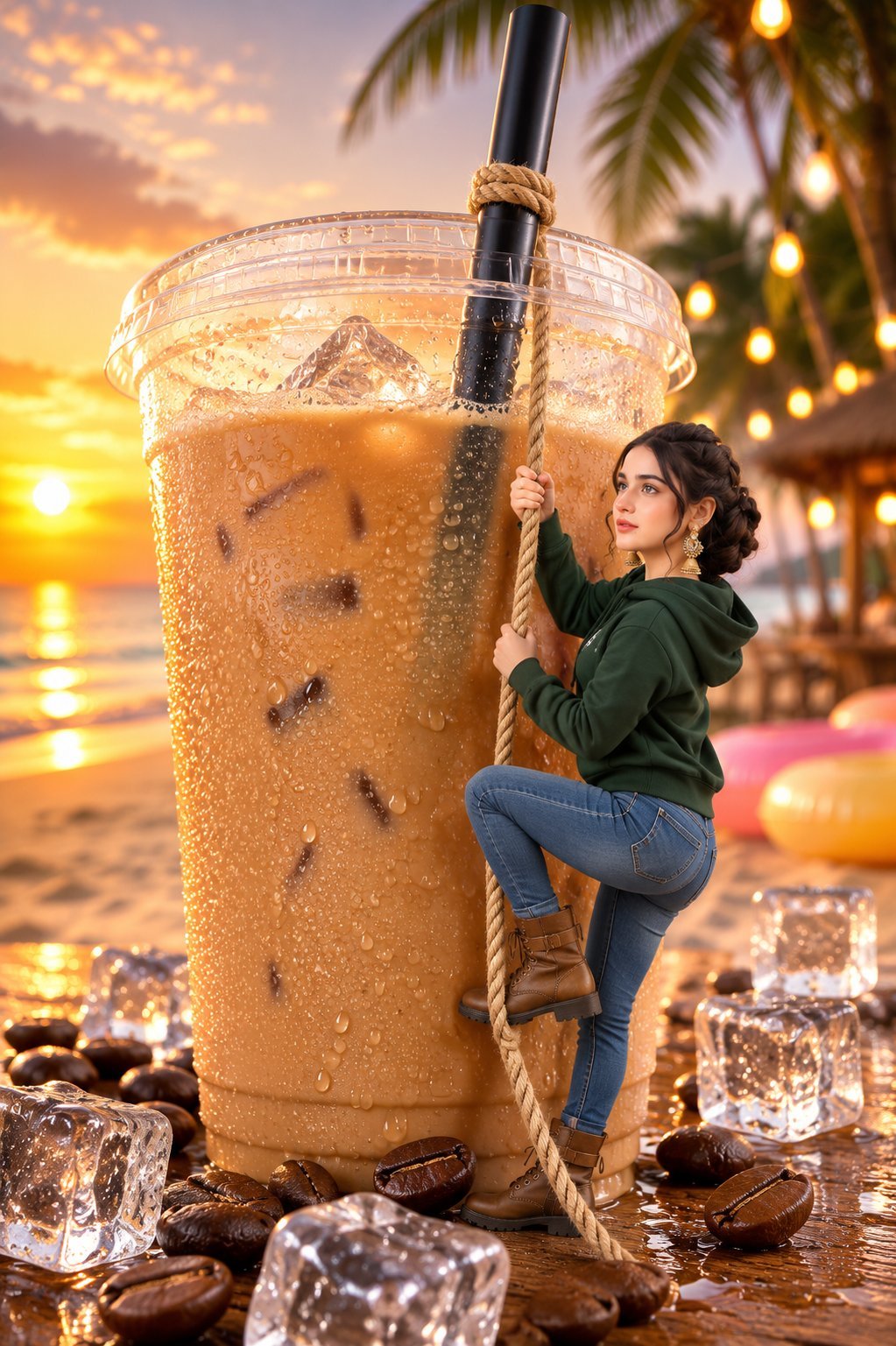
Tiny Woman Miniature Fantasy Macro Scene
JSON Seedance - Fairy Macro Flight
Videogame Cinematic Trailer - Seedance 2.0
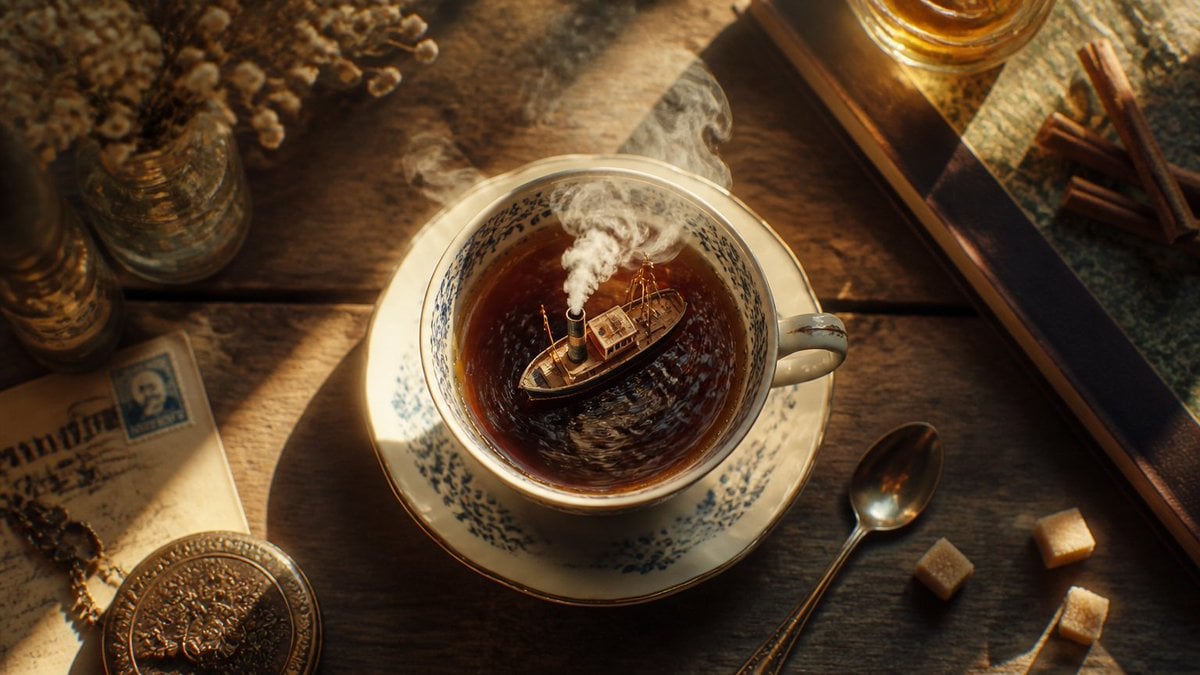
Macro Steamship in Teacup Photography
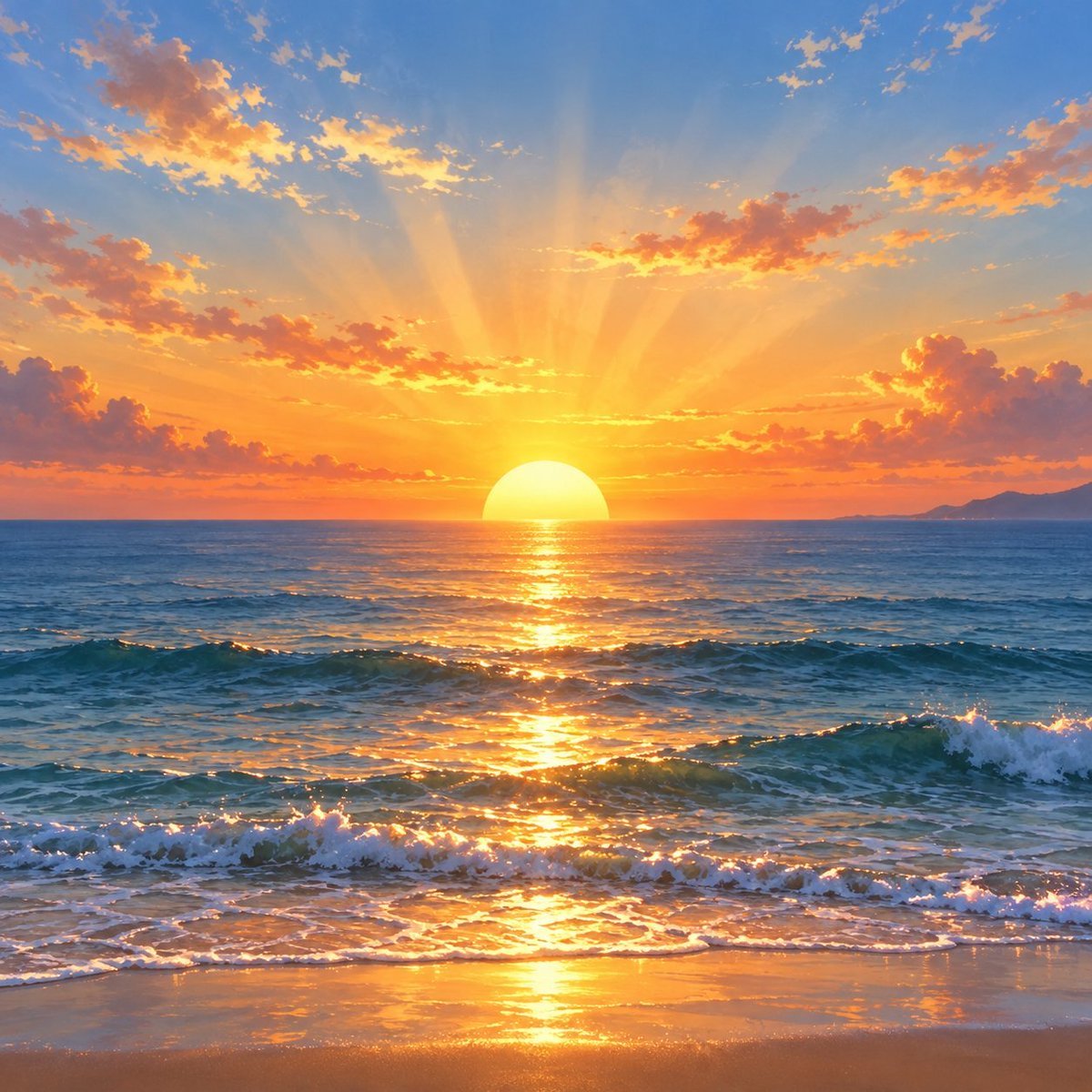
Golden Ocean Sunset Seascape
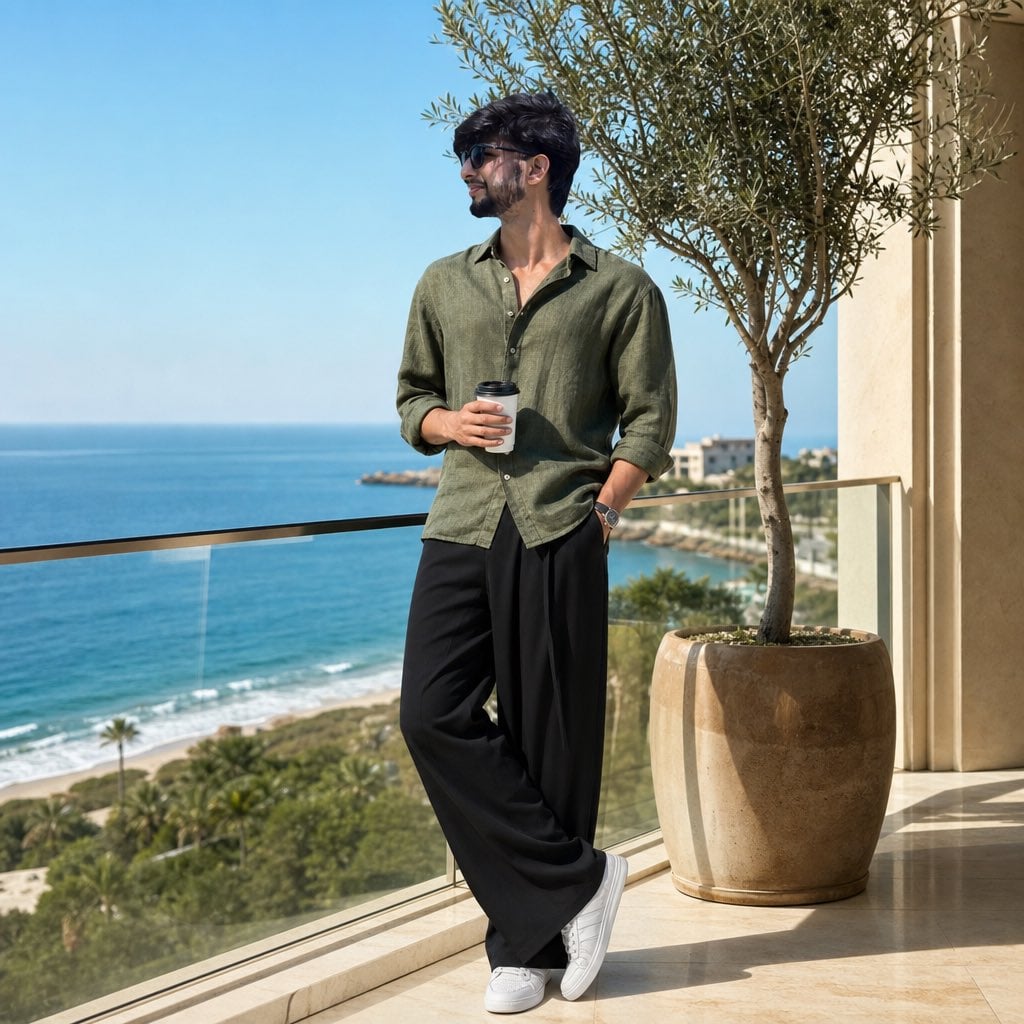
Luxury Lifestyle Oceanfront Portrait
Make it yours
Prismatic Ocean Teacup Fantasy works as-is. These are the safest ways to change it without losing the look.
Change one field
Copy a single group, rewrite it, and generate again so you can see what that field is doing.
Keep the frame, change the subject
Hold the composition and light of Prismatic Ocean Teacup Fantasy, then swap wardrobe, props or the person for a new take.
| If the result… | Why | Fix |
|---|---|---|
| The result drifts from the preview | Too many fields changed at once. | Reuse Prismatic Ocean Teacup Fantasy as-is first, then change one group — subject, light, or setting. |
| The model over-stylizes the scene | The prose prompt leaves finish and camera underspecified. | Add one camera or lighting sentence and stay on GPT Image 2. |
More GPT Image 2 templates
Other prompts made for GPT Image 2.

Six VTuber Japanese Logo Sheet

Realistic Portrait of Woman and Deer

The Vista Modular Condo Poster

AI Model Routing Comparison Infographic

2.5D Anime Art Board

Isometric Productivity Desk Scene

New York Double Exposure Poster

Four-Panel AI Landscape Comparison

Japanese Tatami Lifestyle Magazine Cover

NESCAFÉ Coffee Map Poster
More image prompts
Fresh picks from across the catalog.
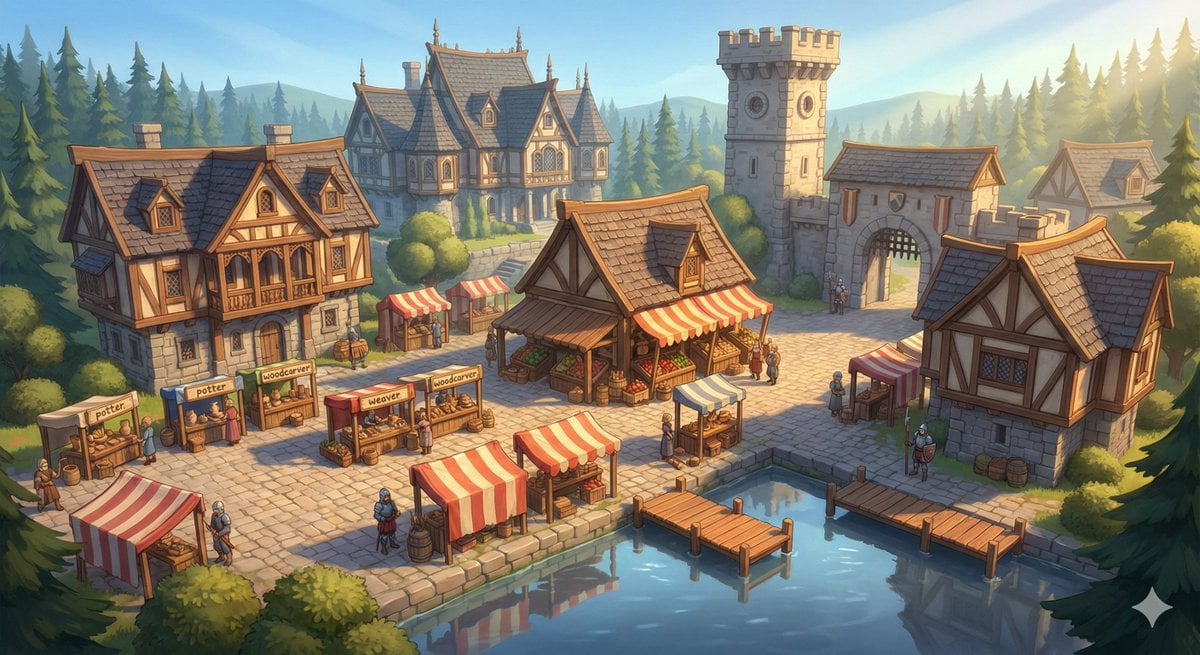
Cinematic Stylized Medieval Market Day
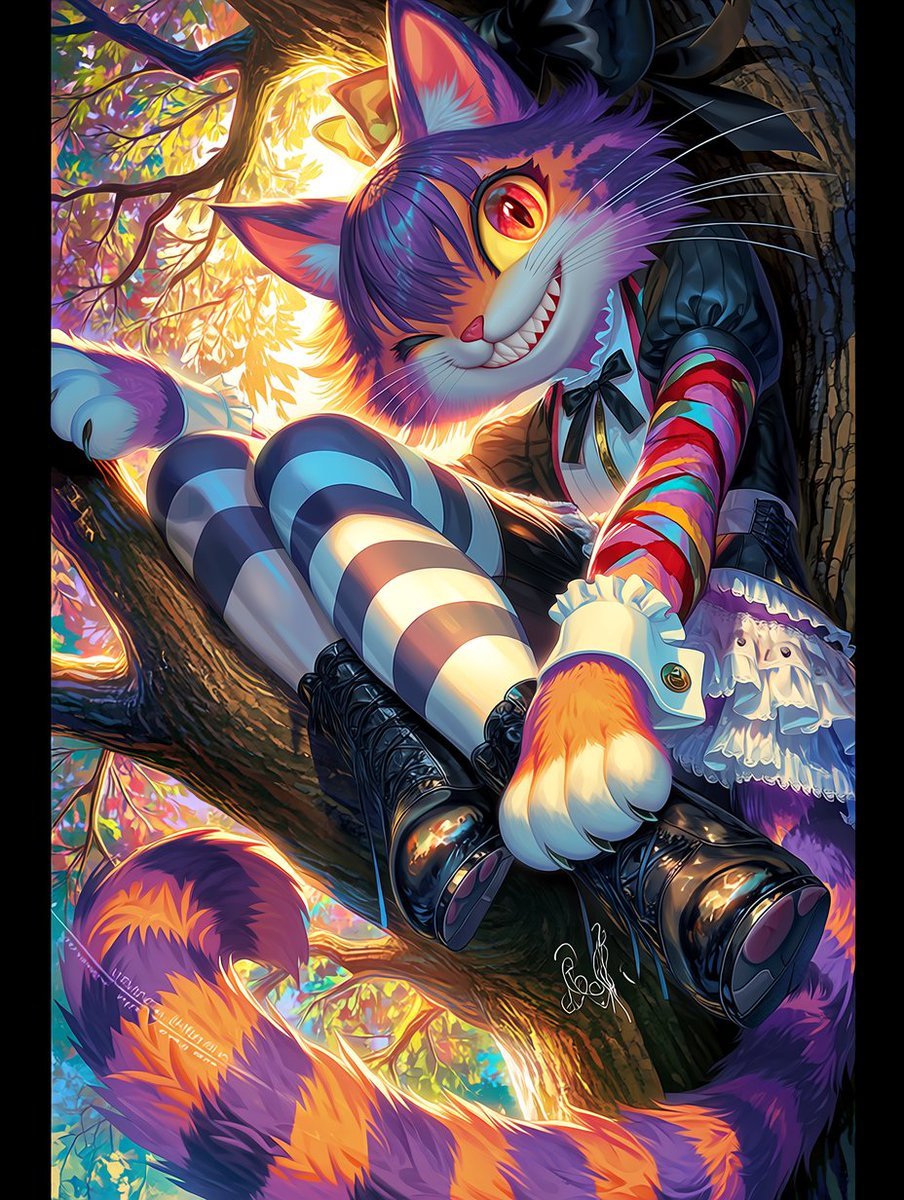
Dark Pop Cheshire Cat Girl

Premium Designer Collectible Toy Aesthetic
Nostalgic Disposable Camera Style
Yoga Wear Anime Illustration
VTuber Streaming Overlay Layout

NanoBanana2
Cinematic Portrait with Radial Motion Blur
Ultra-Realistic Cinematic Street Portrait
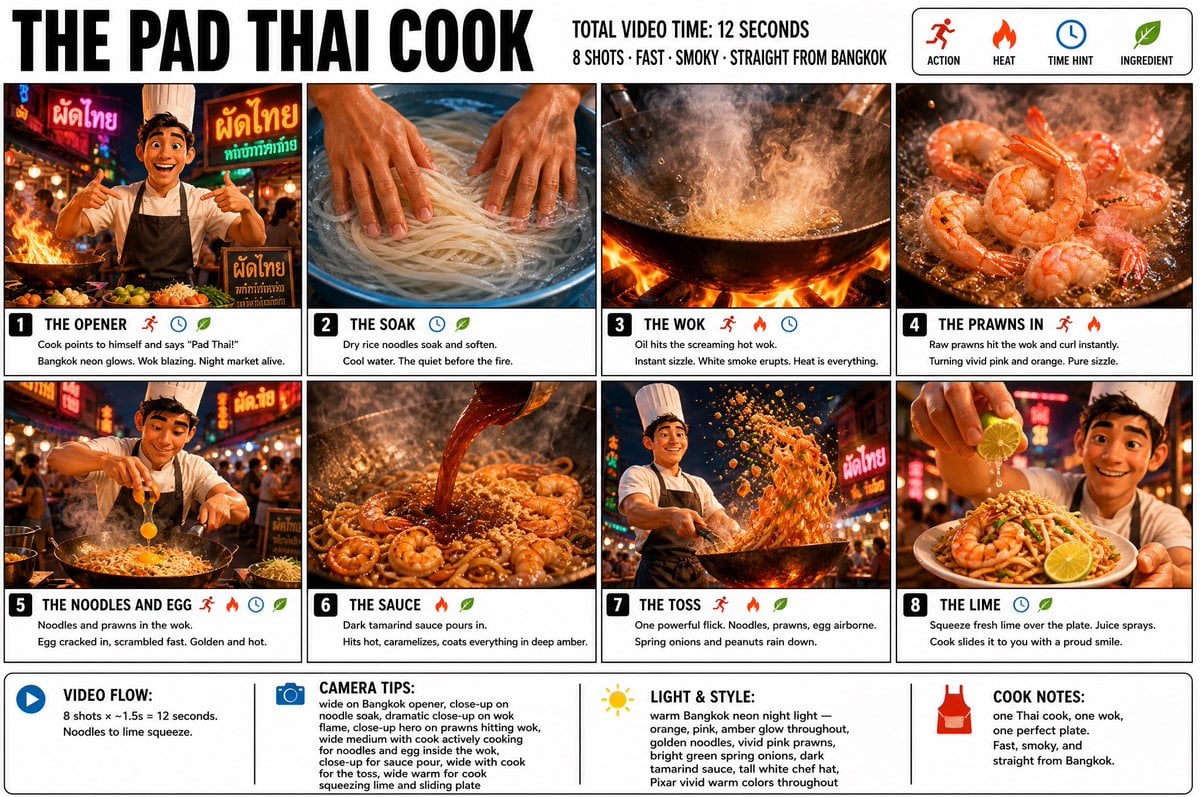
Pad Thai Cook Storyboard
Browse template categories
Prismatic Ocean Teacup Fantasy questions
How do I use the Prismatic Ocean Teacup Fantasy template?
Add your photo if the template asks for one, edit the prompt if you like — the template's model and format are already selected — and press Generate. Your version opens in PicX Studio.
Can I customize the Prismatic Ocean Teacup Fantasy template?
Yes. You can change the subject, setting, lighting, mood, format, and available model controls before creating your image.
Is the Prismatic Ocean Teacup Fantasy template free?
Opening and editing this template is free. Generating uses credits, shown on the Generate button when you are signed in.
Which AI model should I use?
Start with GPT Image 2, which is the model associated with this template. You can compare another compatible model for a different finish.
Looking for something else? Browse all templates.

Your photo, any look
Thousands of ready templates for every top image and video model, from one credit balance.