
NanoBanana2
NanoBanana2 is a ready photo look.
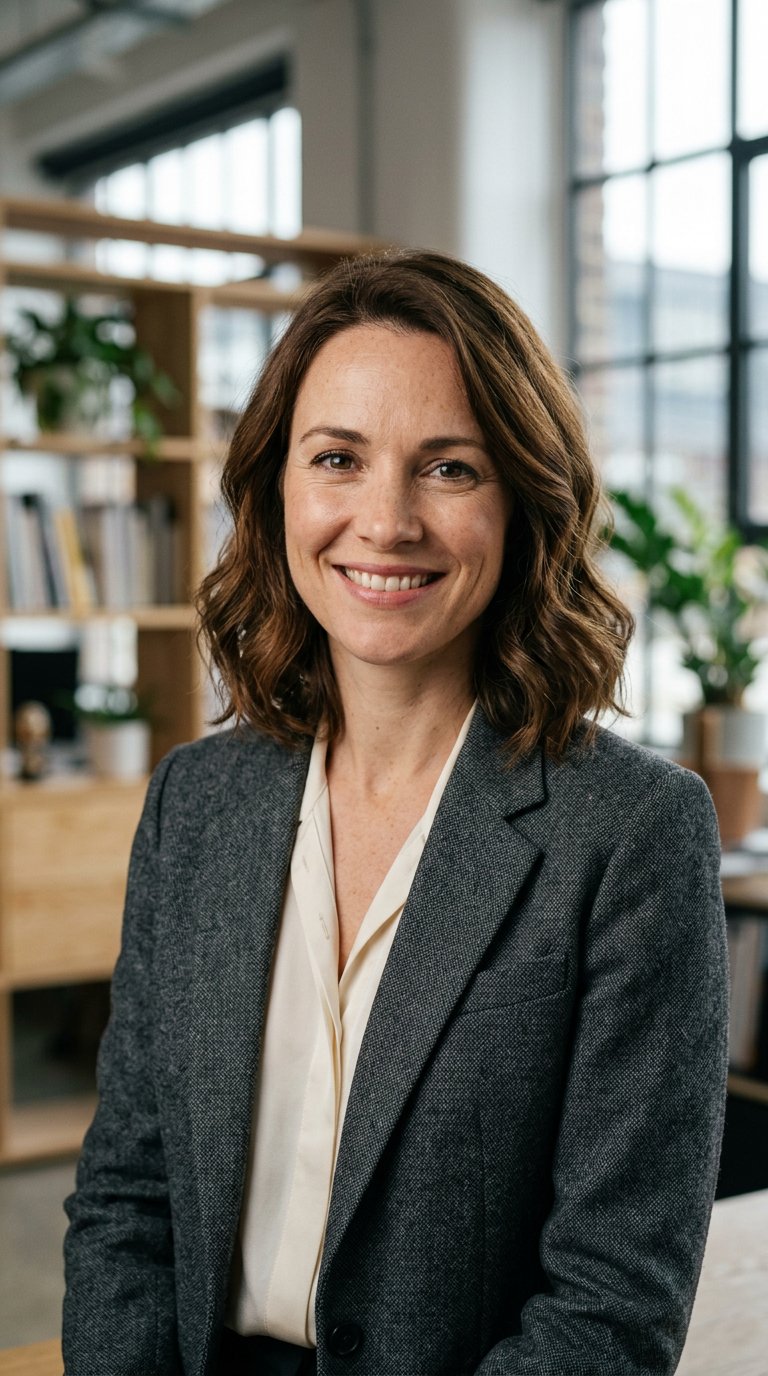
- Prompt included
- Model and format preset
- Free template
The prompt behind this image
Copy the exact prompt behind NanoBanana2, or open it in the studio and make it yours.
- Prompt Meta › Type
- cinematic_professional_headshot
- Prompt Meta › Version
- 1.0
- Prompt Meta › Goal
- Photorealistic, highly detailed portrait with confident energy.
- Subject › Demographics
- A charismatic person in their late 30s or early 40s.
- Subject › Gender
- Female
- Subject › Hair
- Shoulder-length wavy chestnut hair, naturally styled.
- Subject › Face Features
- Natural skin texture with visible pores and light freckles, expressive eyes, distinct laugh lines indicating warmth.
- Subject › Expression
- Confident, approachable smile showing teeth, direct eye contact with the camera.
- Attire › Clothing
- A textured charcoal grey wool blazer over a cream silk blouse.
- Attire › Style
- Smart casual professional, elegant and timeless.
- Photographic Style › Type
- Cinematic portrait photography, medium format film look.
- Photographic Style › Realism Level
- Hyper-realistic, 8k resolution, incredibly detailed.
- Photographic Style › Lens Choice
- 85mm portrait lens.
- Photographic Style › Depth Of Field
- Shallow depth of field, creating a beautiful soft bokeh in the background.
- Lighting › Type
- Soft, flattering studio lighting mixed with natural light.
- Lighting › Setup
- Rembrandt lighting style to create gentle modeling on the face, with a subtle rim light separating the subject from the background.
- Environment › Setting
- A modern, architecturally interesting creative office space.
- Environment › Background Elements
- Blurred natural wood shelves, soft green plants, and large industrial-style windows with diffused daylight.
- Environment › Composition
- Head and shoulders frame, centered subject.
Raw JSON
{ "prompt_meta": { "type": "cinematic_professional_headshot", "version": "1.0", "goal": "Photorealistic, highly detailed portrait with confident energy." }, "subject": { "demographics": "A charismatic person in their late 30s or early 40s.", "gender": "Female", "hair": "Shoulder-length wavy chestnut hair, naturally styled.", "face_features": "Natural skin texture with visible pores and light freckles, expressive eyes, distinct laugh lines indicating warmth.", "expression": "Confident, approachable smile showing teeth, direct eye contact with the camera." }, "attire": { "clothing": "A textured charcoal grey wool blazer over a cream silk blouse.", "style": "Smart casual professional, elegant and timeless." }, "photographic_style": { "type": "Cinematic portrait photography, medium format film look.", "realism_level": "Hyper-realistic, 8k resolution, incredibly detailed.", "lens_choice": "85mm portrait lens.", "depth_of_field": "Shallow depth of field, creating a beautiful soft bokeh in the background." }, "lighting": { "type": "Soft, flattering studio lighting mixed with natural light.", "setup": "Rembrandt lighting style to create gentle modeling on the face, with a subtle rim light separating the subject from the background." }, "environment": { "setting": "A modern, architecturally interesting creative office space.", "background_elements": "Blurred natural wood shelves, soft green plants, and large industrial-style windows with diffused daylight.", "composition": "Head and shoulders frame, centered subject." } }How to use NanoBanana2 in 3 steps
- 1
Open
The prompt is already in the box next to the preview, with the template's model and format selected.
- 2…a portrait of your subject in softgolden-hour light, 85mm…
Personalize
Edit the subject and creative details for your destination.
- 3Generate
Generate
Press Generate — your image is created in PicX Studio, so you can compare it with the original and refine one variable at a time.
More like this
Templates with the same subject, style or setup. Open one to see its prompt.
Make it yours
NanoBanana2 works as-is. These are the safest ways to change it without losing the look.
Swap the setting
Keep the rest of the prompt and replace the location block. The current setting is “A modern, architecturally interesting creative office space.”.
Swap the light
One lighting change is enough to compare takes. Current light: “Soft, flattering studio lighting mixed with natural light.”.
Change one field
Copy a single group, rewrite it, and generate again so you can see what that field is doing.
| If the result… | Why | Fix |
|---|---|---|
| The result drifts from the preview | Too many fields changed at once. | Reuse NanoBanana2 as-is first, then change one group — subject, light, or setting. |
| PicX Studio ignores part of the JSON | Some models flatten or skip nested keys. | Keep the same values and paste them as a short paragraph instead. |
More image prompts
Fresh picks from across the catalog.
Anime Woman at Sunset Beach
Akita Dog Embroidered Patch Design
Modern Streetwear Anime Swordsman
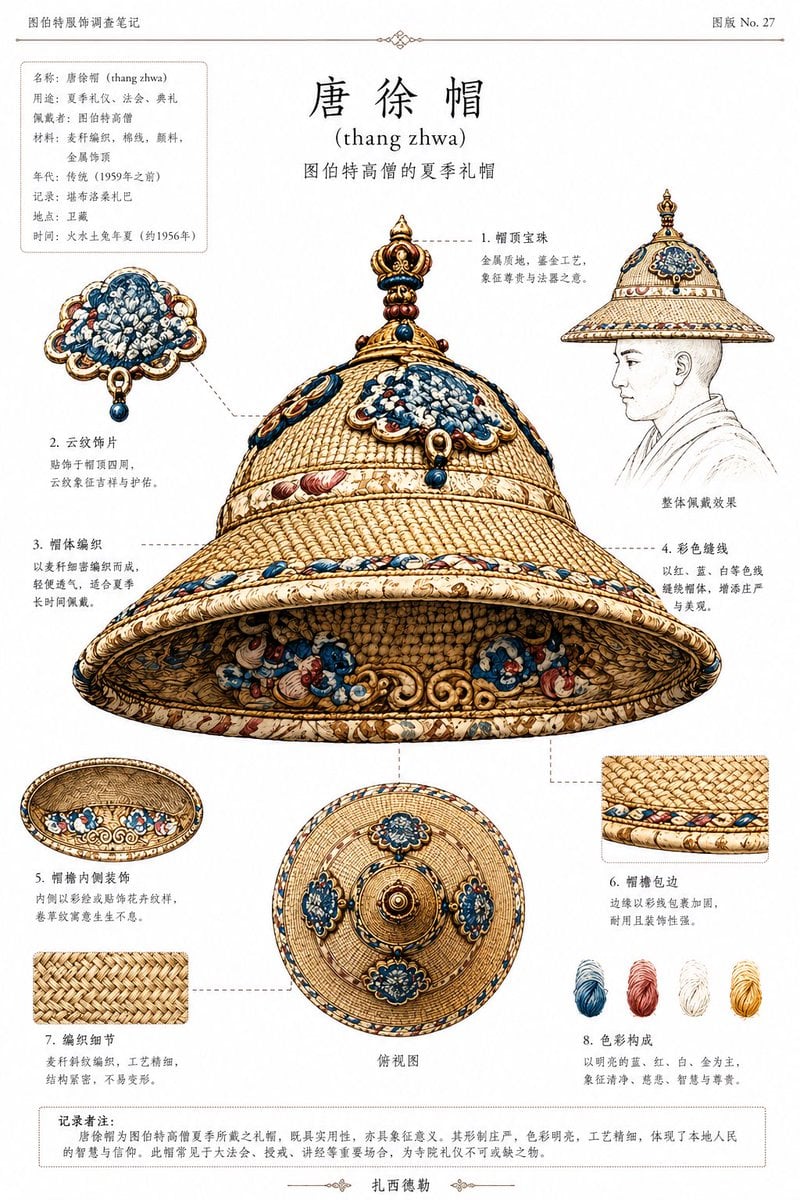
Ethnographic Plate for Tibetan Ceremonial Hat
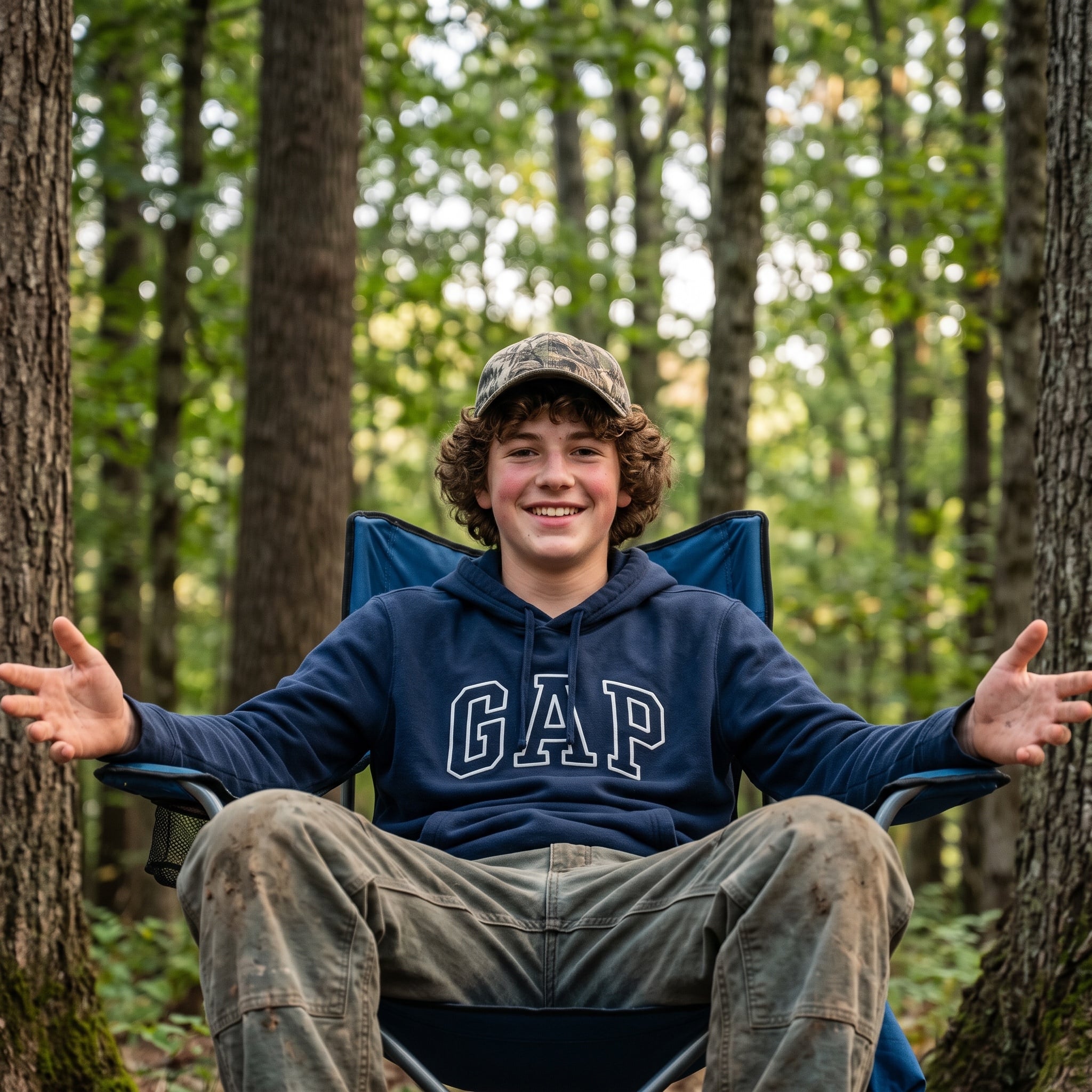
Candid Teenage Boy Camping Photo Prompt
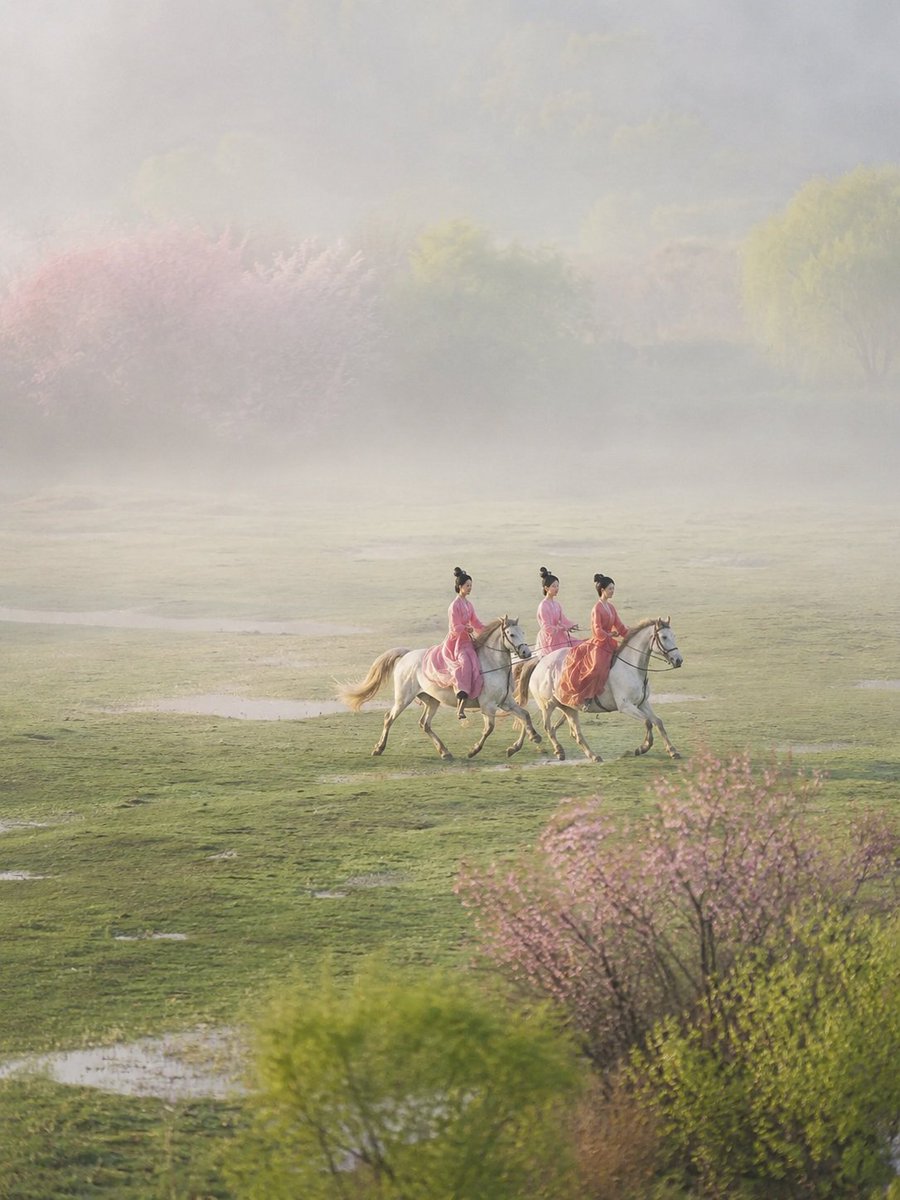
Ancient Painting to Real Scene Photo
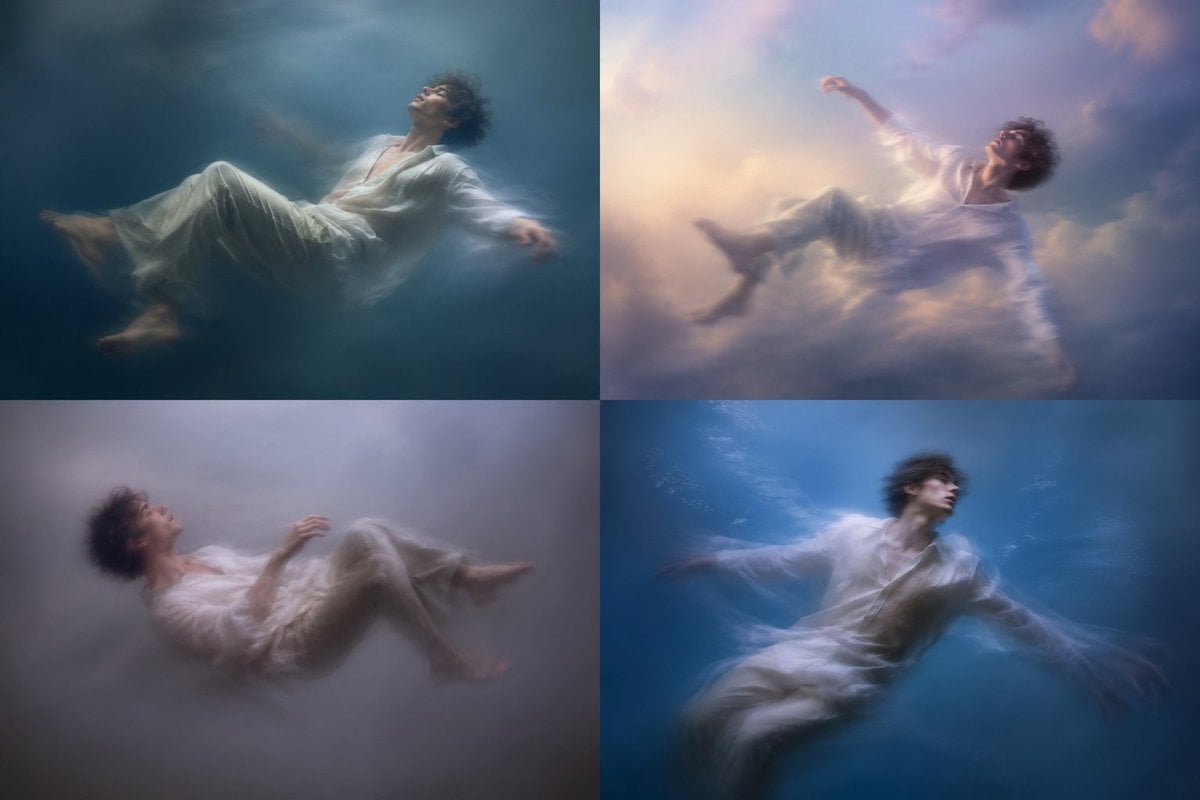
Dreamy Floating Portrait Grid
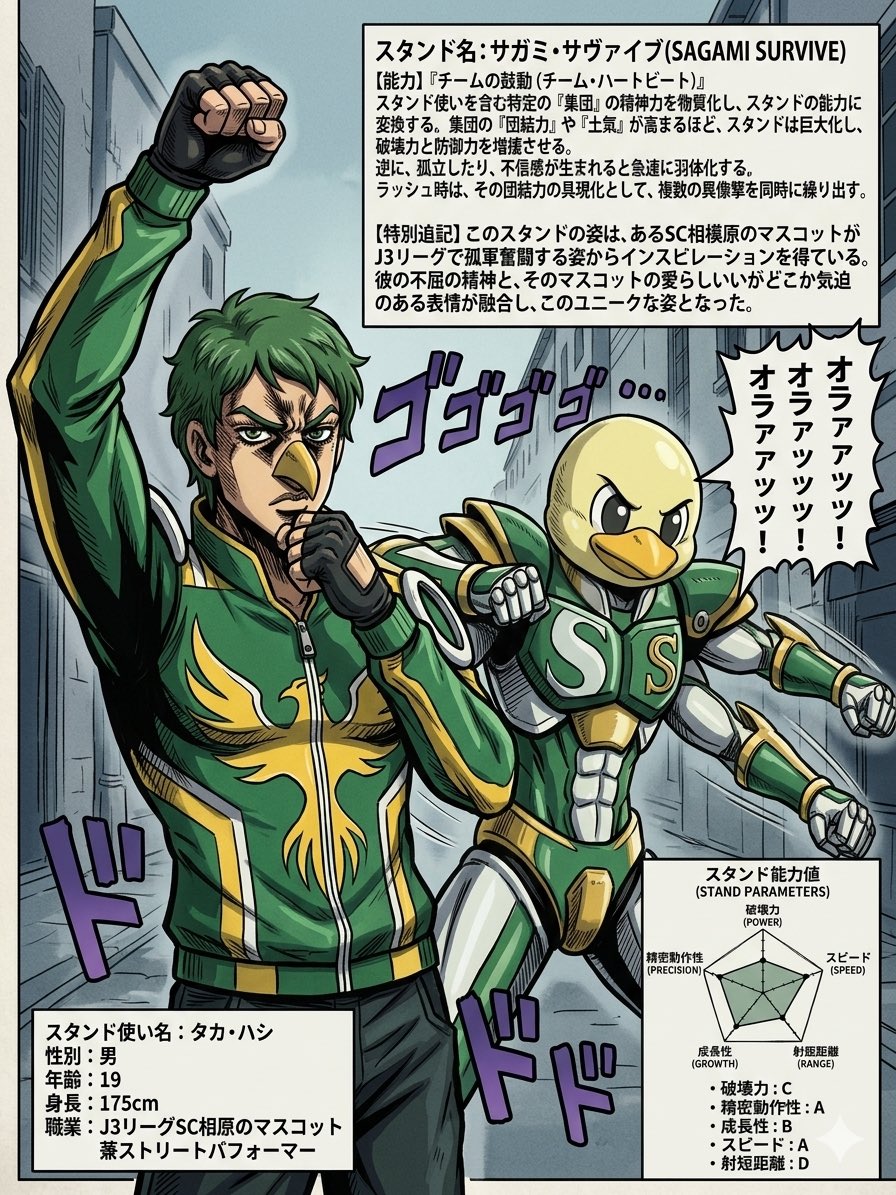
JoJo-Style Stand Character Poster
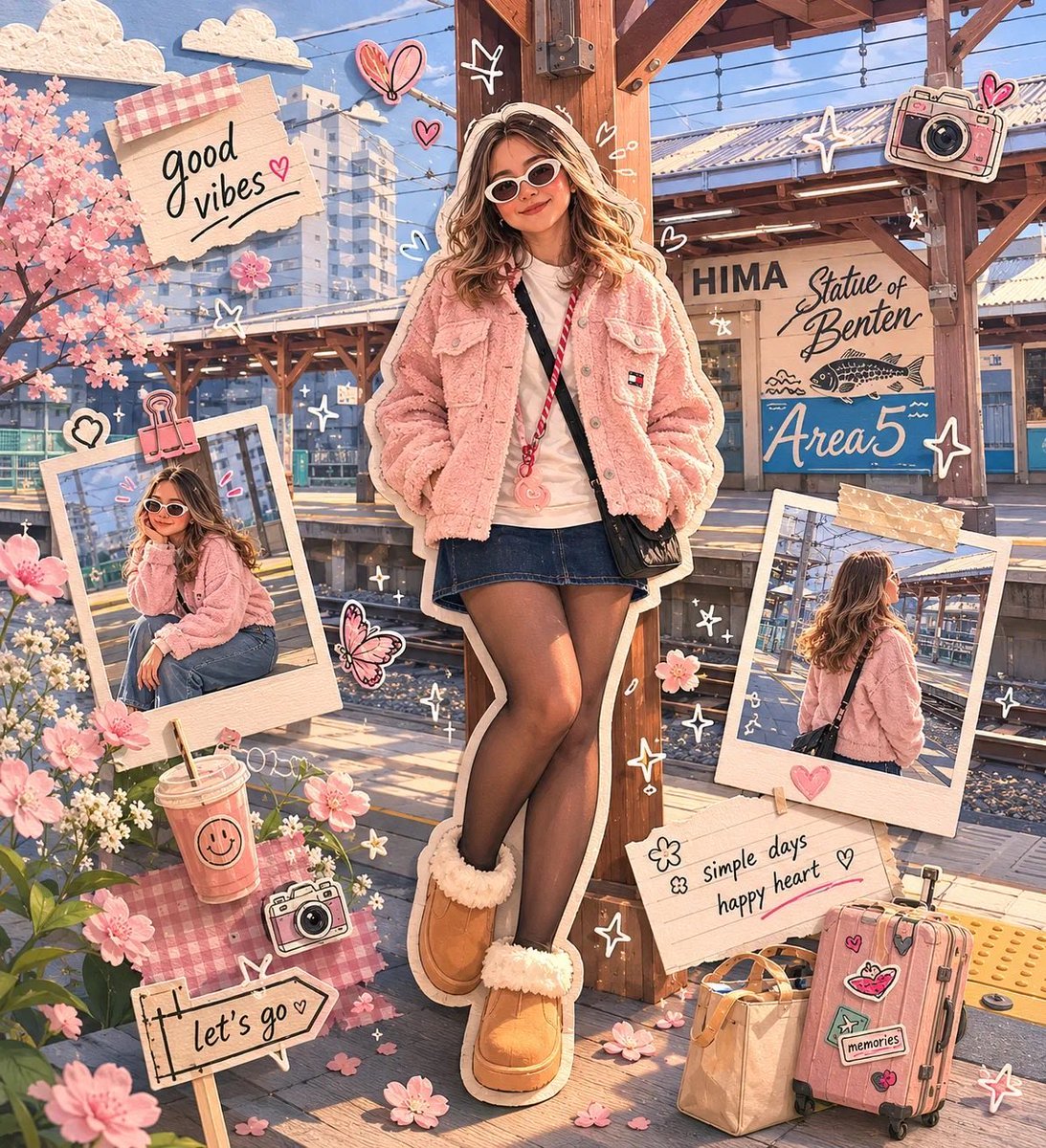
Kawaii Scrapbook and Paper-cut Diorama
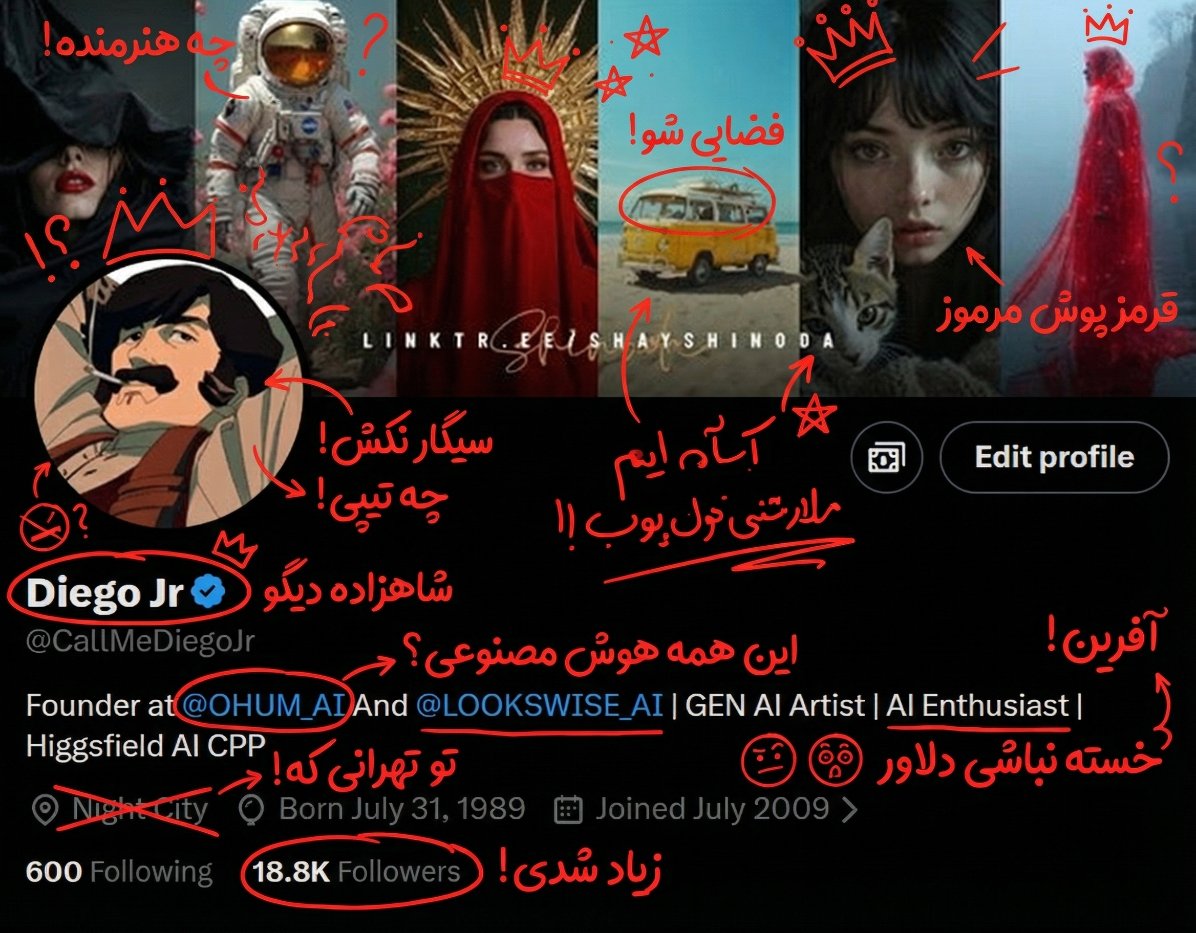
Nano Banana Pro Social Media Screenshot Annotation Prompt
Featured in prompt roundups
Hand-picked collections that include this template.
Browse template categories
NanoBanana2 questions
How do I use the NanoBanana2 template?
Add your photo if the template asks for one, edit the prompt if you like — the template's model and format are already selected — and press Generate. Your version opens in PicX Studio.
Can I customize the NanoBanana2 template?
Yes. You can change the subject, setting, lighting, mood, format, and available model controls before creating your image.
Is the NanoBanana2 template free?
Opening and editing this template is free. Generating uses credits, shown on the Generate button when you are signed in.
Which AI model should I use?
Choose a compatible model in PicX Studio based on the style, speed, and output controls your project needs.
Looking for something else? Browse all templates.

Your photo, any look
Thousands of ready templates for every top image and video model, from one credit balance.