
NanoBanana2
NanoBanana2 is a ready photo look.
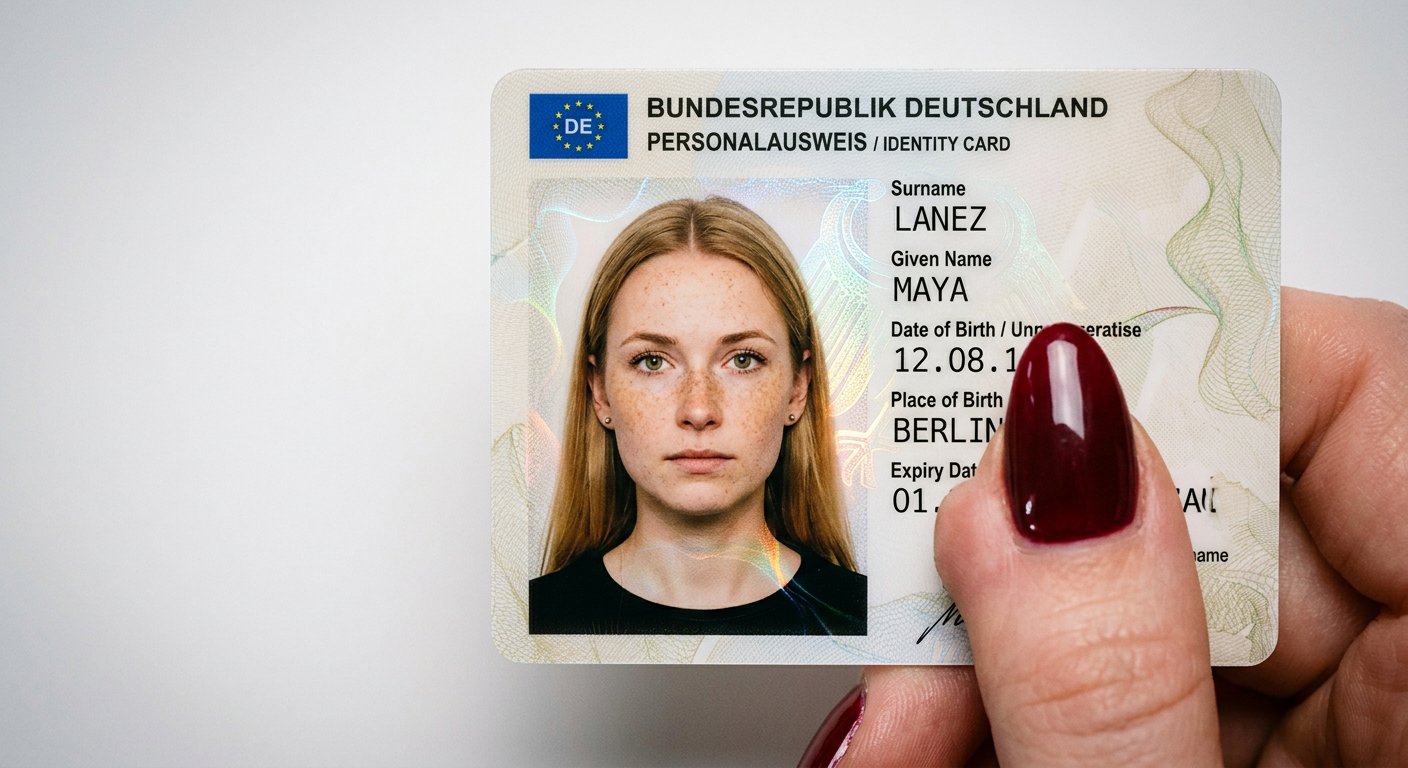
- Prompt included
- Model and format preset
- Free template
The prompt behind this image
Copy the exact prompt behind NanoBanana2, or open it in the studio and make it yours.
- Prompt Description › Type
- Close-up photography
- Prompt Description › Subject
- German National Identity Card (Personalausweis) held by a hand
- Prompt Description › Card Content › Header Text
- BUNDESREPUBLIK DEUTSCHLAND / PERSONALAUSWEIS / IDENTITY CARD
- Prompt Description › Card Content › Logo
- Blue EU flag box with 'DE' country code in the top left
- Prompt Description › Card Content › Portrait › Appearance
- Young woman with long, straight blonde hair parted in the middle
- Prompt Description › Card Content › Portrait › Facial Features
- Fair skin with prominent natural freckles across the nose and cheeks, neutral expression, hazel/green eyes looking directly forward
- Prompt Description › Card Content › Portrait › Clothing
- Black top with a visible neckline
- Prompt Description › Card Content › Portrait › Accessories
- Small silver stud earrings visible on earlobes
- Prompt Description › Card Content › Text Data › Surname
- LANEZ
- Prompt Description › Card Content › Text Data › Given Name
- MAYA
- Prompt Description › Card Content › Text Data › Birth Date
- 12.08.1[cut off]
- Prompt Description › Card Content › Text Data › Birth Place
- BERLIN
- Prompt Description › Card Content › Text Data › Expiry Date
- 01. [cut off]
- Prompt Description › Card Content › Surface Texture
- Glossy laminate with visible holographic security patterns (guilloche lines) overlaying the portrait and text
- Prompt Description › Foreground Hand › Position
- Holding the bottom right corner of the card
- Prompt Description › Foreground Hand › Skin Tone
- Fair/Light
- Prompt Description › Foreground Hand › Fingernail
- Thumb visible with a long, almond-shaped nail painted in a glossy, deep burgundy or dark red color
- Prompt Description › Background
- Plain, solid white surface
- Prompt Description › Lighting
- Soft, even indoor lighting creating slight reflections on the card's surface and the glossy nail polish
- Prompt Description › Framing
- Top-down, vertical close-up shot focused entirely on the card and the thumb
Raw JSON
{ "prompt_description": { "type": "Close-up photography", "subject": "German National Identity Card (Personalausweis) held by a hand", "card_content": { "header_text": "BUNDESREPUBLIK DEUTSCHLAND / PERSONALAUSWEIS / IDENTITY CARD", "logo": "Blue EU flag box with 'DE' country code in the top left", "portrait": { "appearance": "Young woman with long, straight blonde hair parted in the middle", "facial_features": "Fair skin with prominent natural freckles across the nose and cheeks, neutral expression, hazel/green eyes looking directly forward", "clothing": "Black top with a visible neckline", "accessories": "Small silver stud earrings visible on earlobes" }, "text_data": { "surname": "LANEZ", "given_name": "MAYA", "birth_date": "12.08.1[cut off]", "birth_place": "BERLIN", "expiry_date": "01. [cut off]" }, "surface_texture": "Glossy laminate with visible holographic security patterns (guilloche lines) overlaying the portrait and text" }, "foreground_hand": { "position": "Holding the bottom right corner of the card", "skin_tone": "Fair/Light", "fingernail": "Thumb visible with a long, almond-shaped nail painted in a glossy, deep burgundy or dark red color" }, "background": "Plain, solid white surface", "lighting": "Soft, even indoor lighting creating slight reflections on the card's surface and the glossy nail polish", "framing": "Top-down, vertical close-up shot focused entirely on the card and the thumb" } }How to use NanoBanana2 in 3 steps
- 1
Open
The prompt is already in the box next to the preview, with the template's model and format selected.
- 2…a portrait of your subject in softgolden-hour light, 85mm…
Personalize
Edit the subject and creative details for your destination.
- 3Generate
Generate
Press Generate — your image is created in PicX Studio, so you can compare it with the original and refine one variable at a time.
More like this
Templates with the same subject, style or setup. Open one to see its prompt.
Make it yours
NanoBanana2 works as-is. These are the safest ways to change it without losing the look.
Swap the setting
Keep the rest of the prompt and replace the location block. The current setting is “Plain, solid white surface”.
Swap the light
One lighting change is enough to compare takes. Current light: “Soft, even indoor lighting creating slight reflections on the card's surface and”.
Change one field
Copy a single group, rewrite it, and generate again so you can see what that field is doing.
| If the result… | Why | Fix |
|---|---|---|
| The result drifts from the preview | Too many fields changed at once. | Reuse NanoBanana2 as-is first, then change one group — subject, light, or setting. |
| PicX Studio ignores part of the JSON | Some models flatten or skip nested keys. | Keep the same values and paste them as a short paragraph instead. |
More image prompts
Fresh picks from across the catalog.
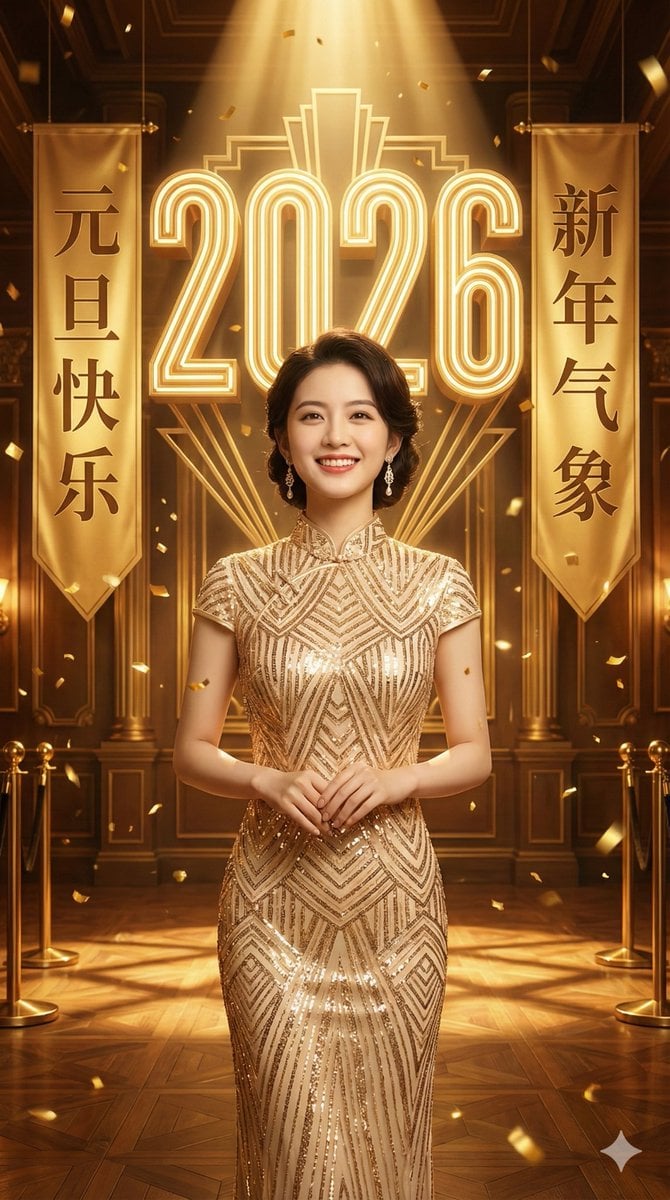
Golden New Year 2026 Celebration Portrait Prompt
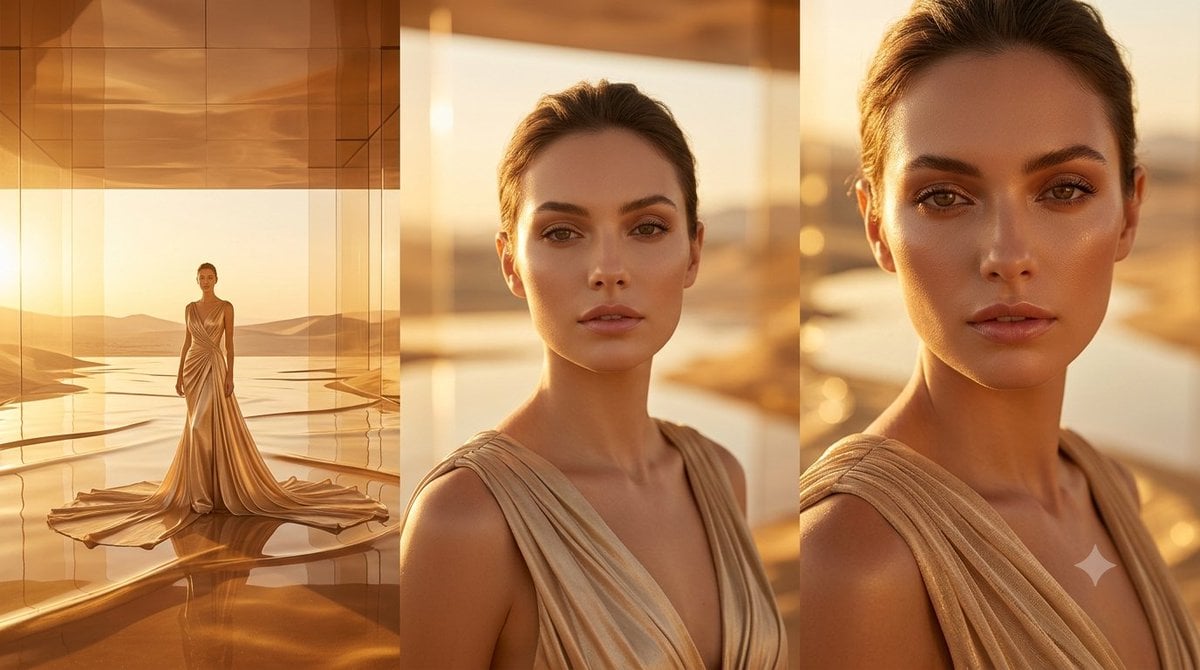
Golden Luxury Fashion Triptych
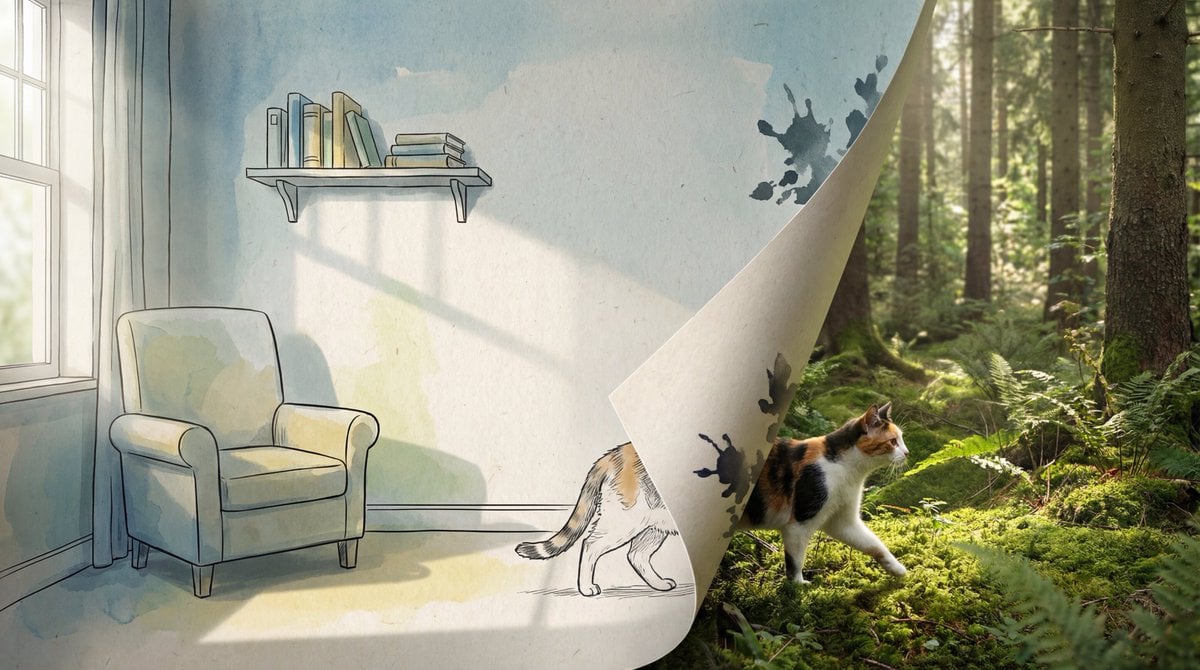
2D/3D Mixed-Dimension Illusion Room
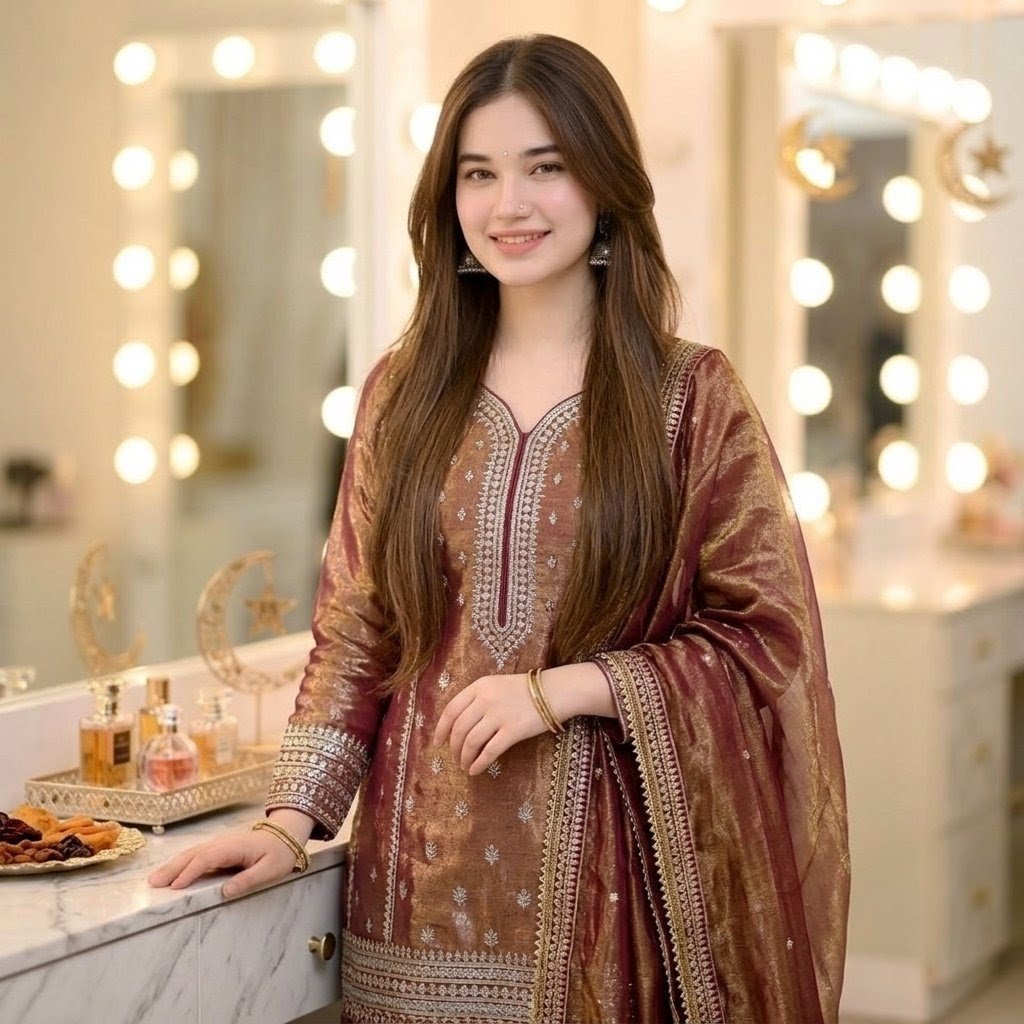
Eid Salwar Suit Vanity Portrait
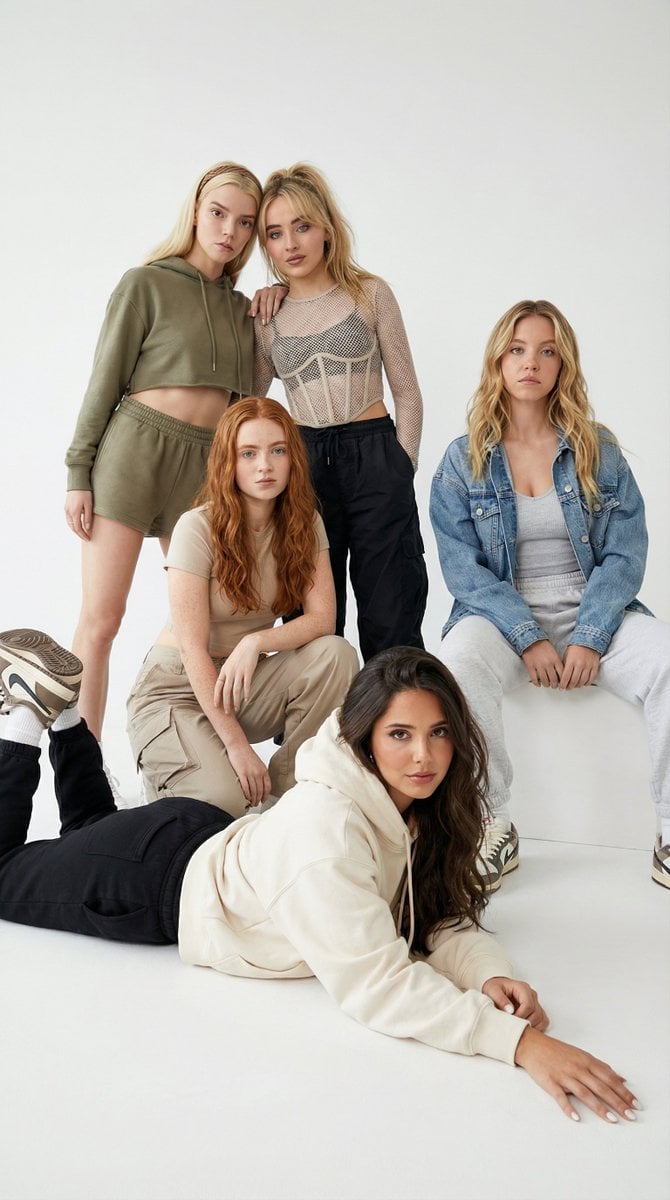
Group Portrait with Strict Identity Lock
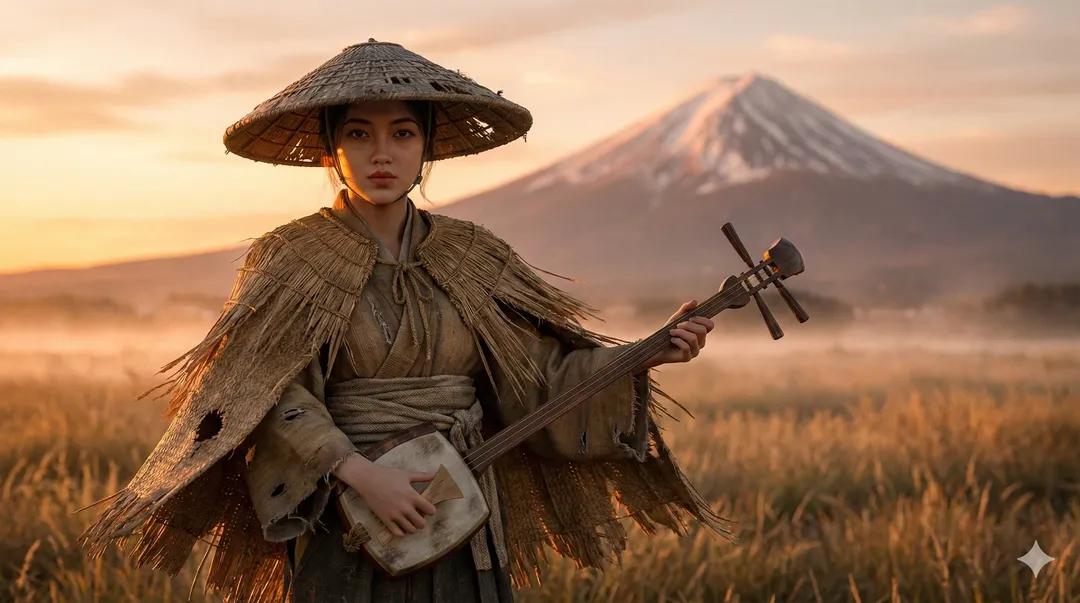
Ultra-Realistic Ronin Musician Portrait at Sunset
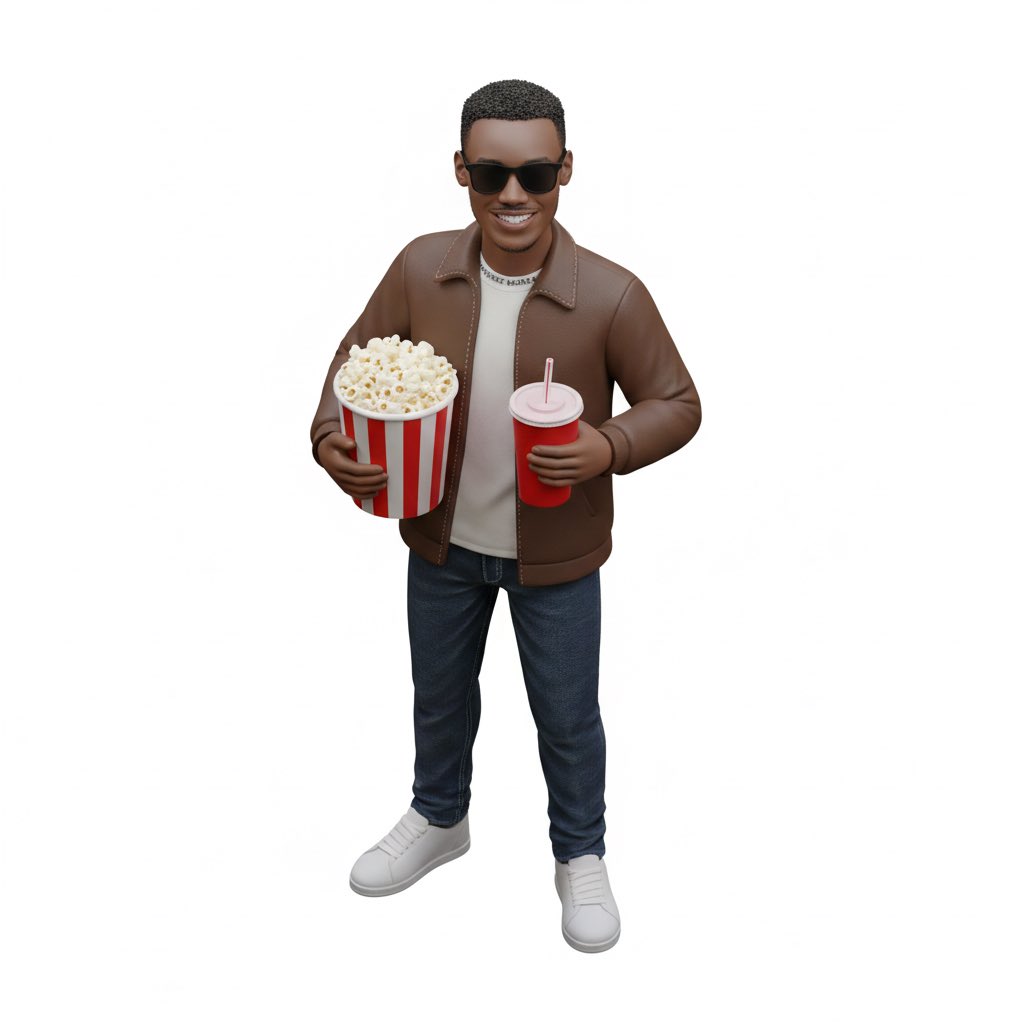
Isometric figurine generation prompt for Nano Banana Pro
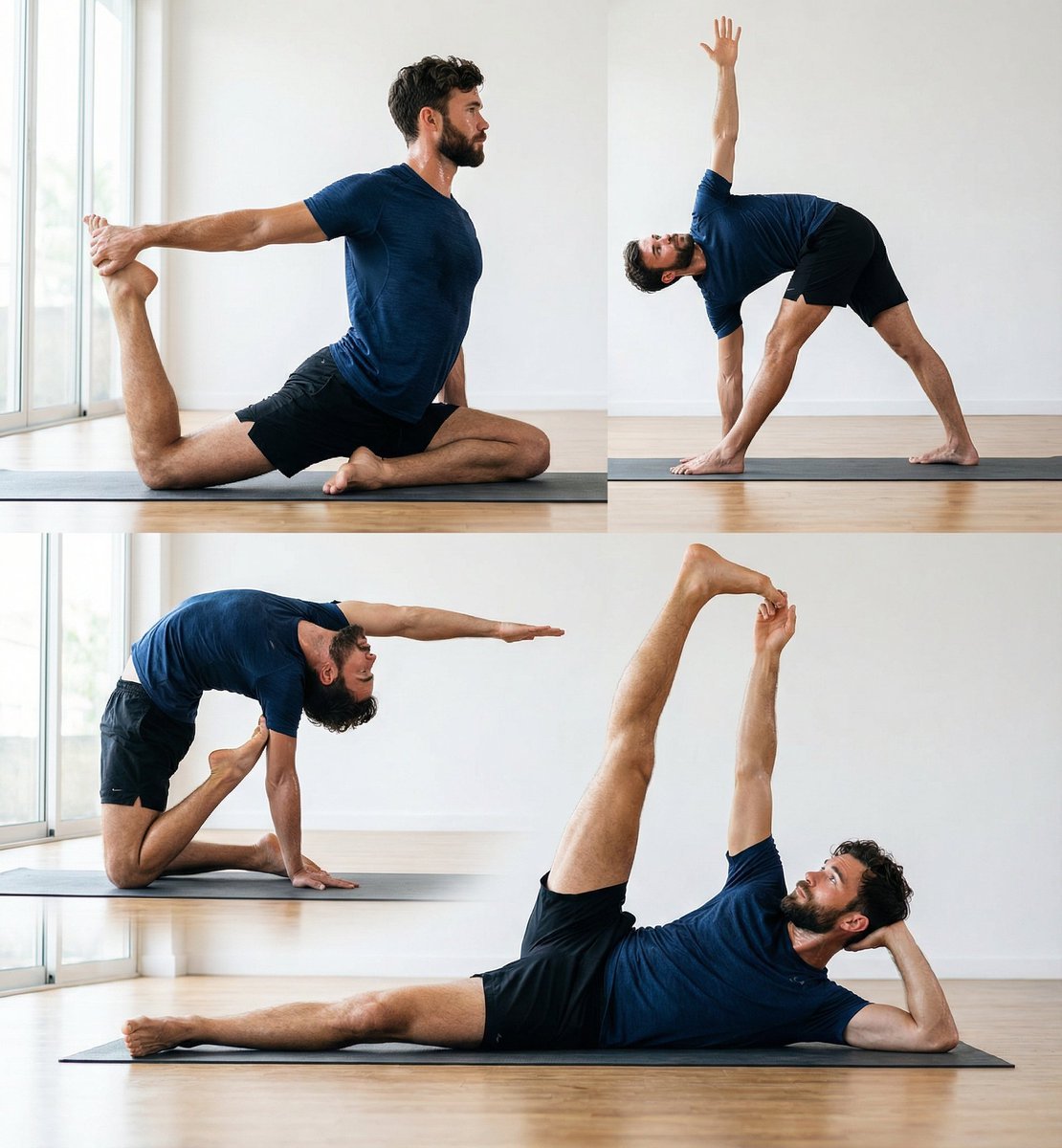
Pose transfer for fitness shots
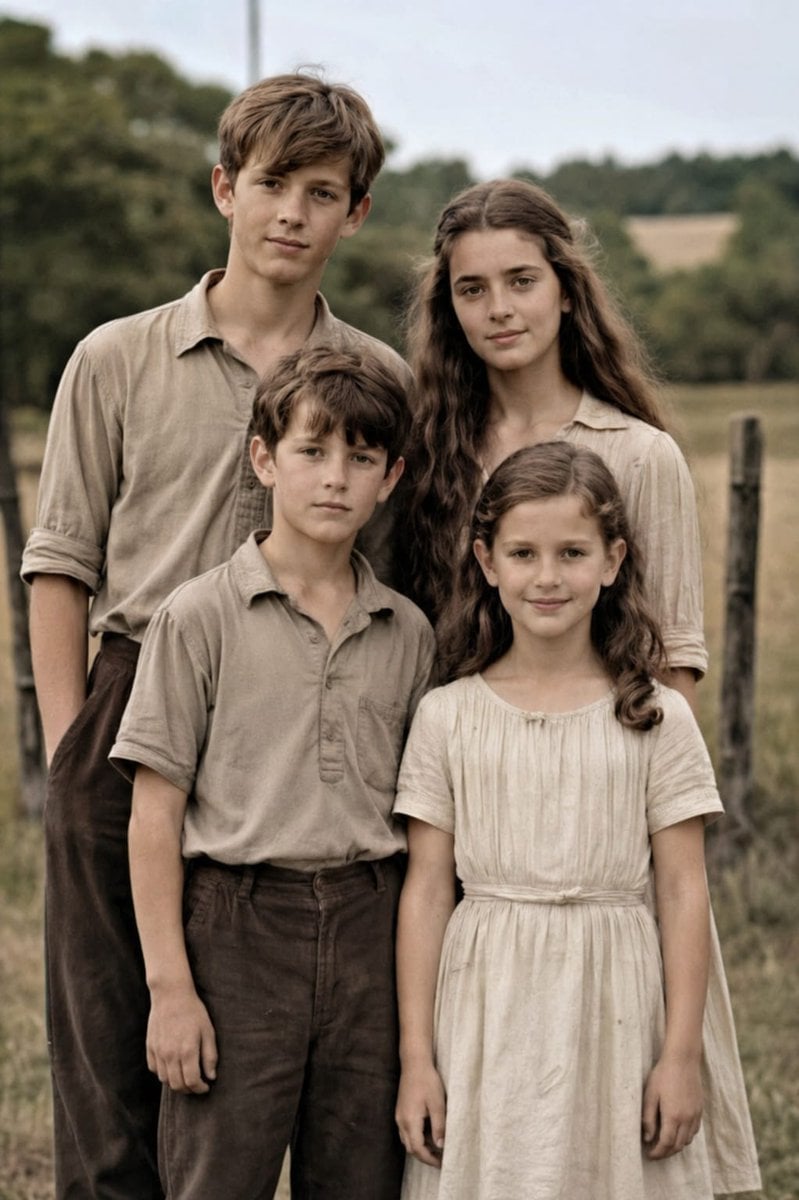
Old Photo Restoration to DSLR Portrait
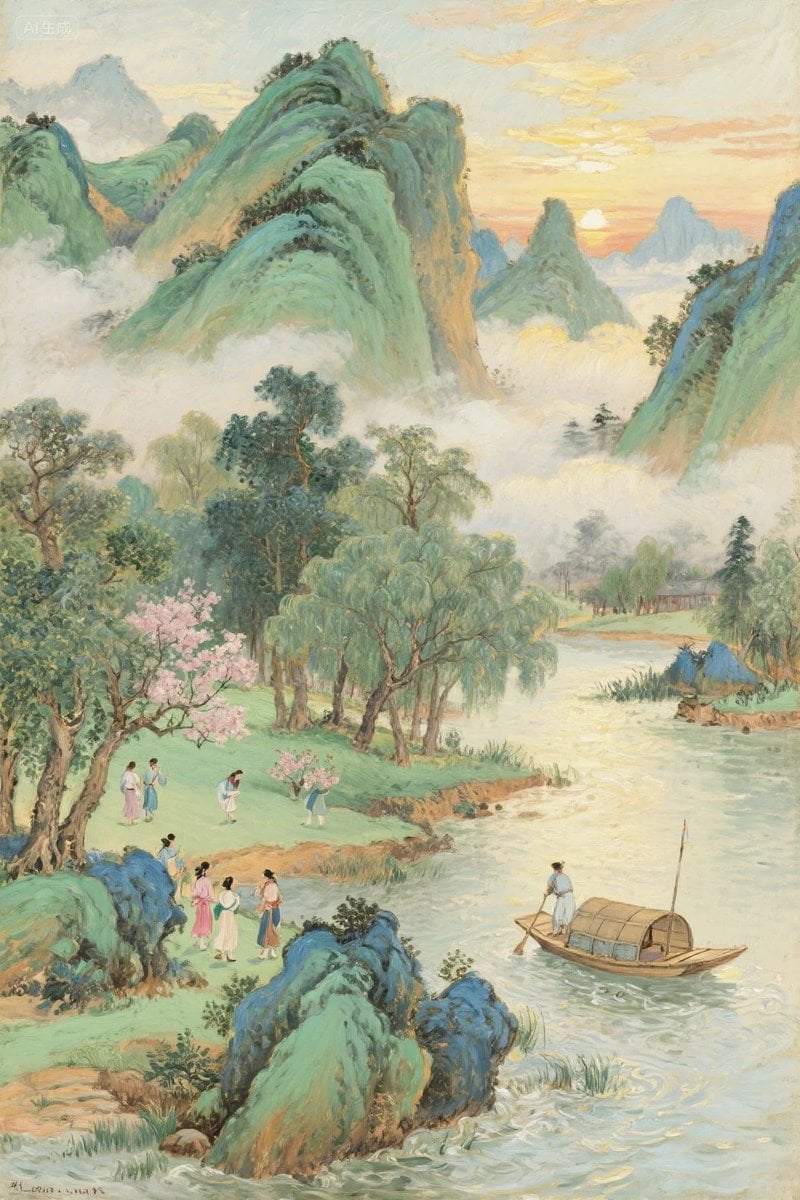
Pastel Chinese Landscape Expansion
Browse template categories
NanoBanana2 questions
How do I use the NanoBanana2 template?
Add your photo if the template asks for one, edit the prompt if you like — the template's model and format are already selected — and press Generate. Your version opens in PicX Studio.
Can I customize the NanoBanana2 template?
Yes. You can change the subject, setting, lighting, mood, format, and available model controls before creating your image.
Is the NanoBanana2 template free?
Opening and editing this template is free. Generating uses credits, shown on the Generate button when you are signed in.
Which AI model should I use?
Choose a compatible model in PicX Studio based on the style, speed, and output controls your project needs.
Looking for something else? Browse all templates.

Your photo, any look
Thousands of ready templates for every top image and video model, from one credit balance.