
Anime Woman at Sunset Beach
A soft golden-hour anime beach portrait prompt for creating a wistful seated girl by the ocean.
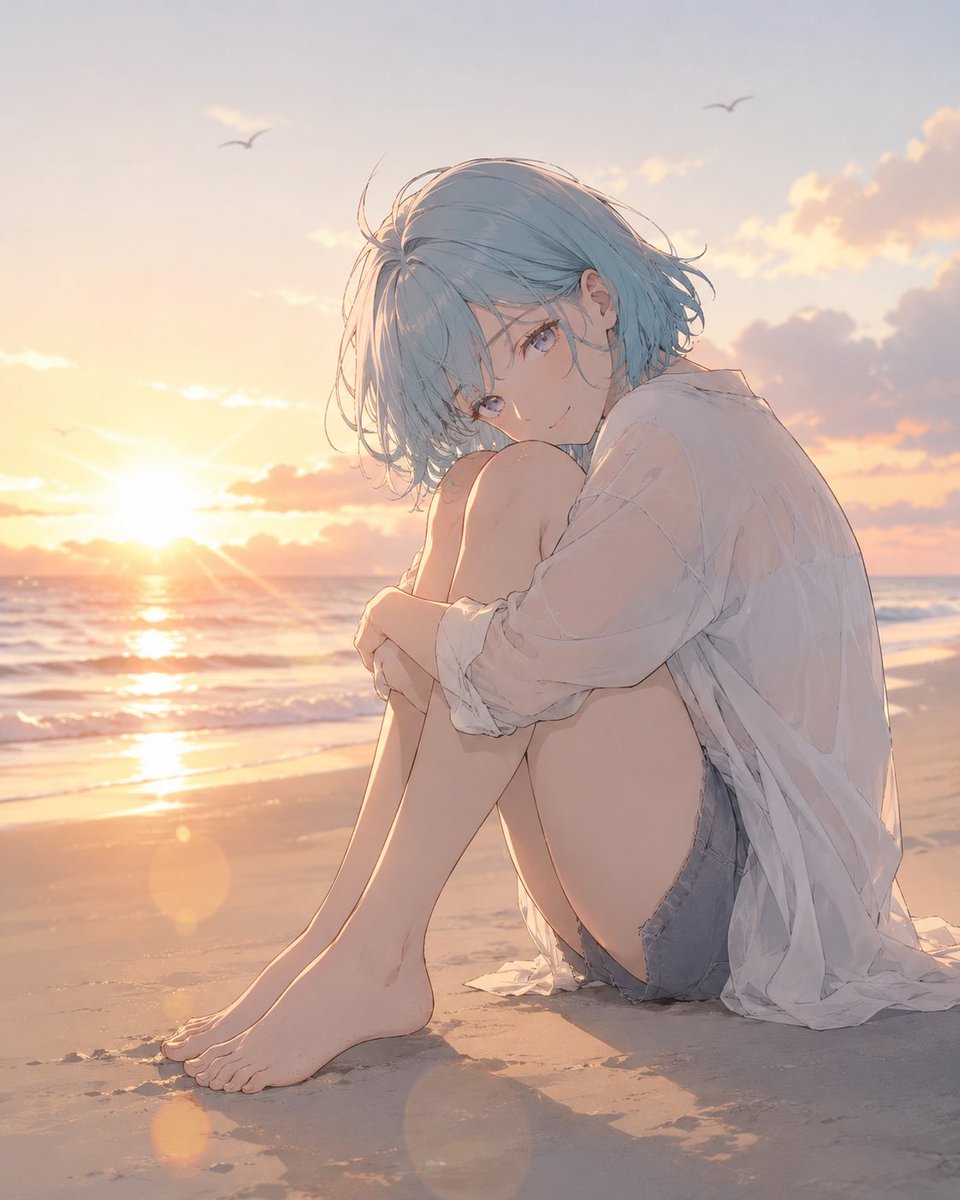
- Prompt included
- Model and format preset
- Free template
The prompt behind this image
Copy the exact prompt behind Anime Woman at Sunset Beach, or open it in the studio and make it yours.
Create a soft cinematic anime illustration of {argument name="character description" default="a delicate young woman with short tousled pale blue hair and clear blue-gray eyes"} sitting alone on a quiet beach at sunset. She is barefoot on the sand, seated in a curled pose with both knees pulled to her chest and both arms wrapped loosely around her legs, looking gently toward the viewer with a calm, wistful expression. She wears {argument name="outfit" default="an oversized translucent white button-up shirt with rolled sleeves over faded denim shorts"}; the shirt catches the warm backlight and drapes naturally around her body. The scene is a low, intimate three-quarter view near sand level, with the ocean horizon behind her, small waves rolling in, wet sand reflecting the golden sun, soft pastel clouds, and exactly two small distant seabird silhouettes in the sky. Use a warm golden-hour palette with peach, lavender, pale blue, and cream tones, subtle lens flare circles near the lower left foreground, gentle rim lighting on hair and shoulders, delicate linework, painterly shading, realistic beach atmosphere, and an emotional but understated mood. Keep the composition uncluttered, no text, no watermark, no extra characters, no exaggerated details, no overly glossy AI look.
How to use Anime Woman at Sunset Beach in 3 steps
- 1Upload ImagePNG, JPG or paste
Add your photo
Upload the photo the template builds on. The prompt, model and format are already set.
- 2…a portrait of your subject in softgolden-hour light, 85mm…
Personalize
Edit the subject and creative details for your destination.
- 3Generate
Generate
Press Generate — your image is created in PicX Studio, so you can compare it with the original and refine one variable at a time.
More like this
Templates with the same subject, style or setup. Open one to see its prompt.

Anime Monorail Sunset
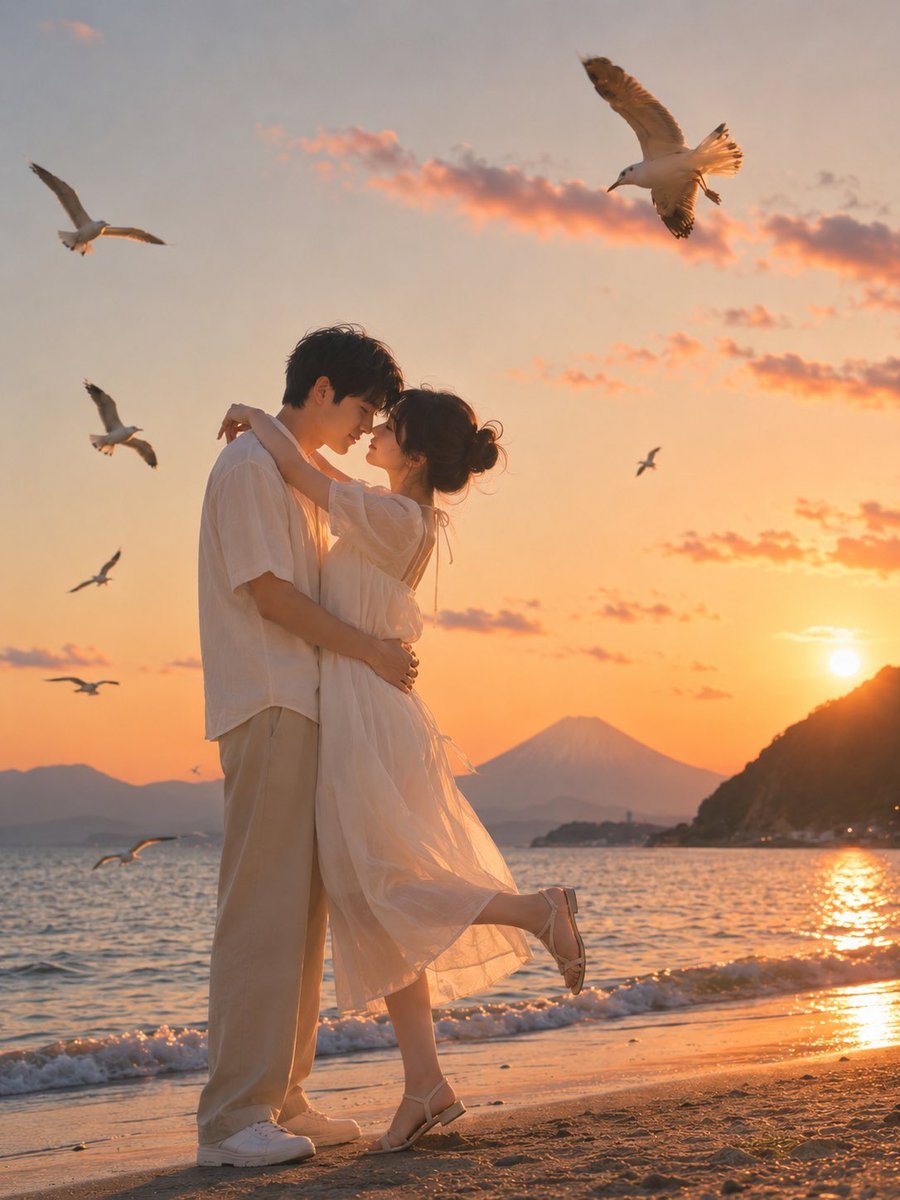
Romantic Zushi Beach Sunset Couple

Pastel Anime Summer Beach Collage
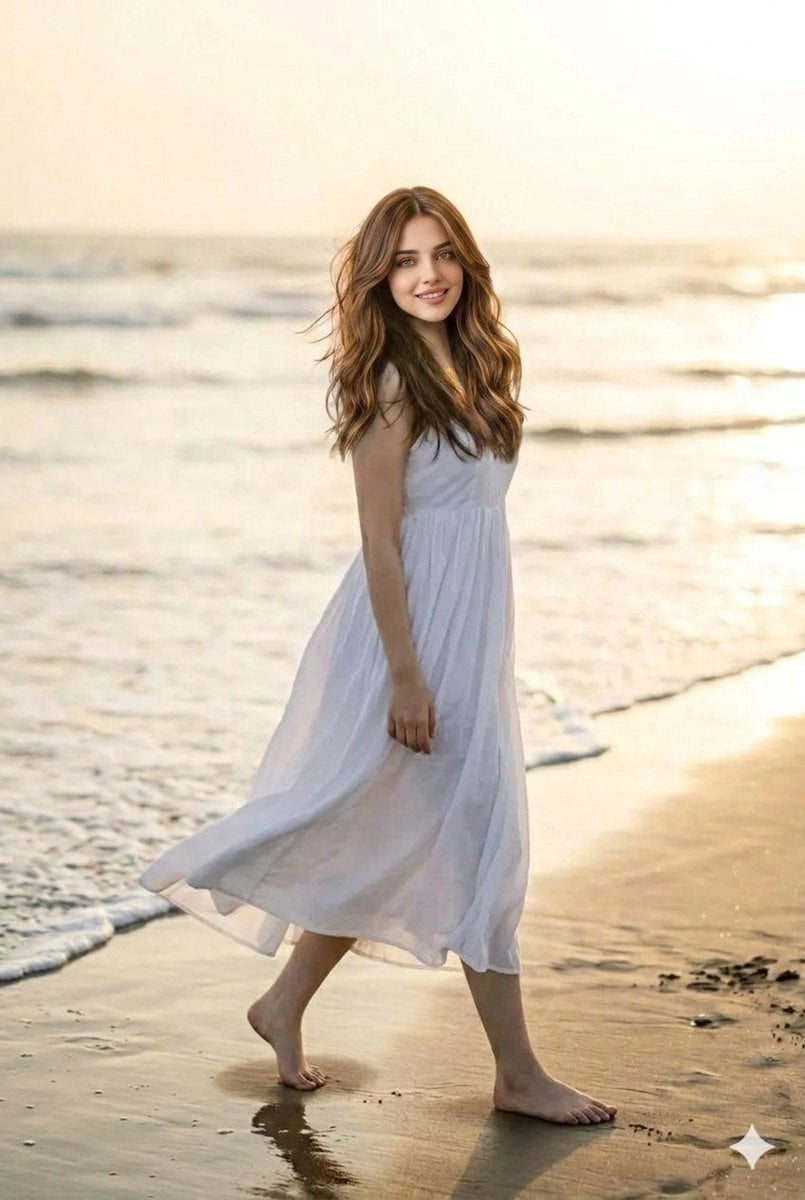
Sunset Beach Walk Portrait
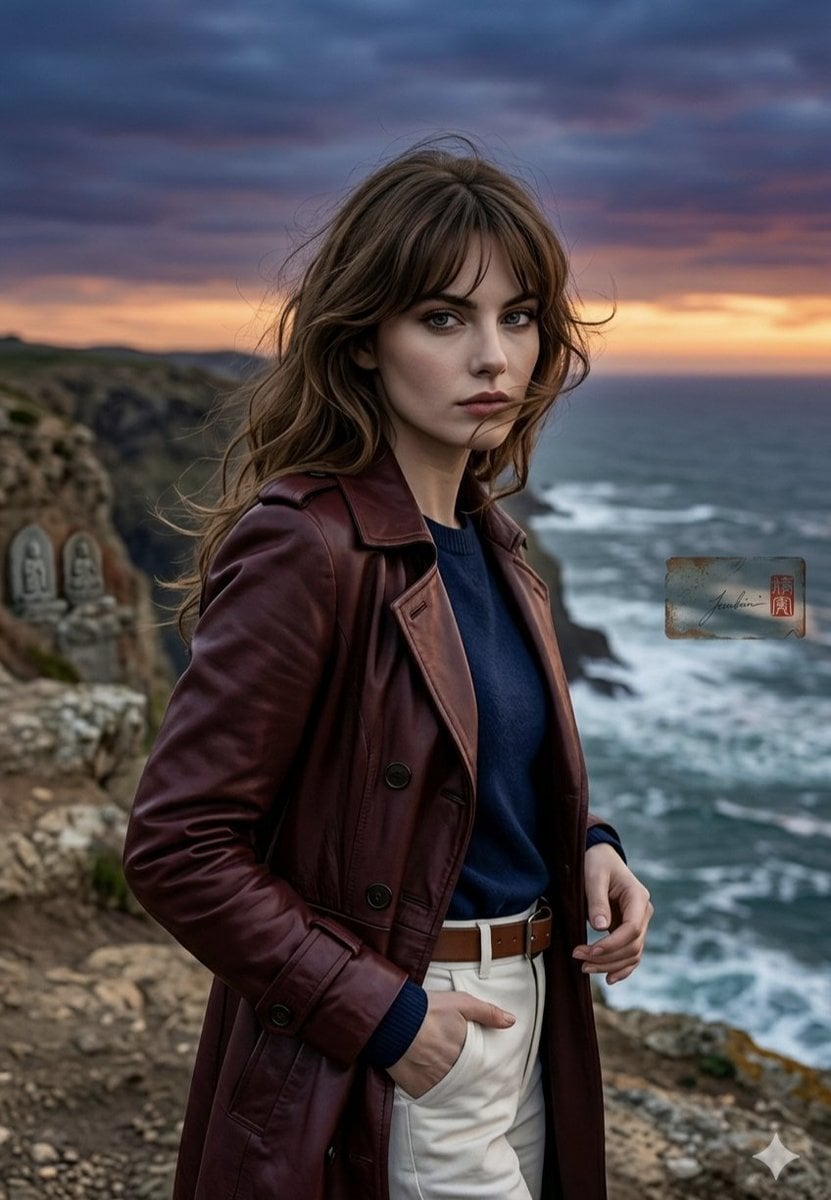
Anime Style Coastal Sunset Portrait
Confident Sunset Beach Portrait

Cel 2D Finale Fireworks

Cel 2D Garden Maze

Cel 2D Rooftop Concert

Cel 2D Bicycle Coast

Cel 2D Castle Gate

Cel 2D Kitchen Chaos
Make it yours
Anime Woman at Sunset Beach works as-is. These are the safest ways to change it without losing the look.
Change one field
Copy a single group, rewrite it, and generate again so you can see what that field is doing.
Keep the frame, change the subject
Hold the composition and light of Anime Woman at Sunset Beach, then swap wardrobe, props or the person for a new take.
| If the result… | Why | Fix |
|---|---|---|
| The result drifts from the preview | Too many fields changed at once. | Reuse Anime Woman at Sunset Beach as-is first, then change one group — subject, light, or setting. |
| The model over-stylizes the scene | The prose prompt leaves finish and camera underspecified. | Add one camera or lighting sentence and stay on GPT Image 2. |
More GPT Image 2 templates
Other prompts made for GPT Image 2.

Six VTuber Japanese Logo Sheet

Realistic Portrait of Woman and Deer

The Vista Modular Condo Poster

AI Model Routing Comparison Infographic

2.5D Anime Art Board

Isometric Productivity Desk Scene

New York Double Exposure Poster

Four-Panel AI Landscape Comparison

Japanese Tatami Lifestyle Magazine Cover

NESCAFÉ Coffee Map Poster
More image prompts
Fresh picks from across the catalog.
High-End Valentine’s Dinner Photoshoot
Disney-Pixar Style 3D Portrait of Man in Neon Sweater
Hand drip coffee flowchart in Japanese magazine style

FIFA World Cup Poster Design

High-Fashion Strawberry Harvest Portrait Prompt
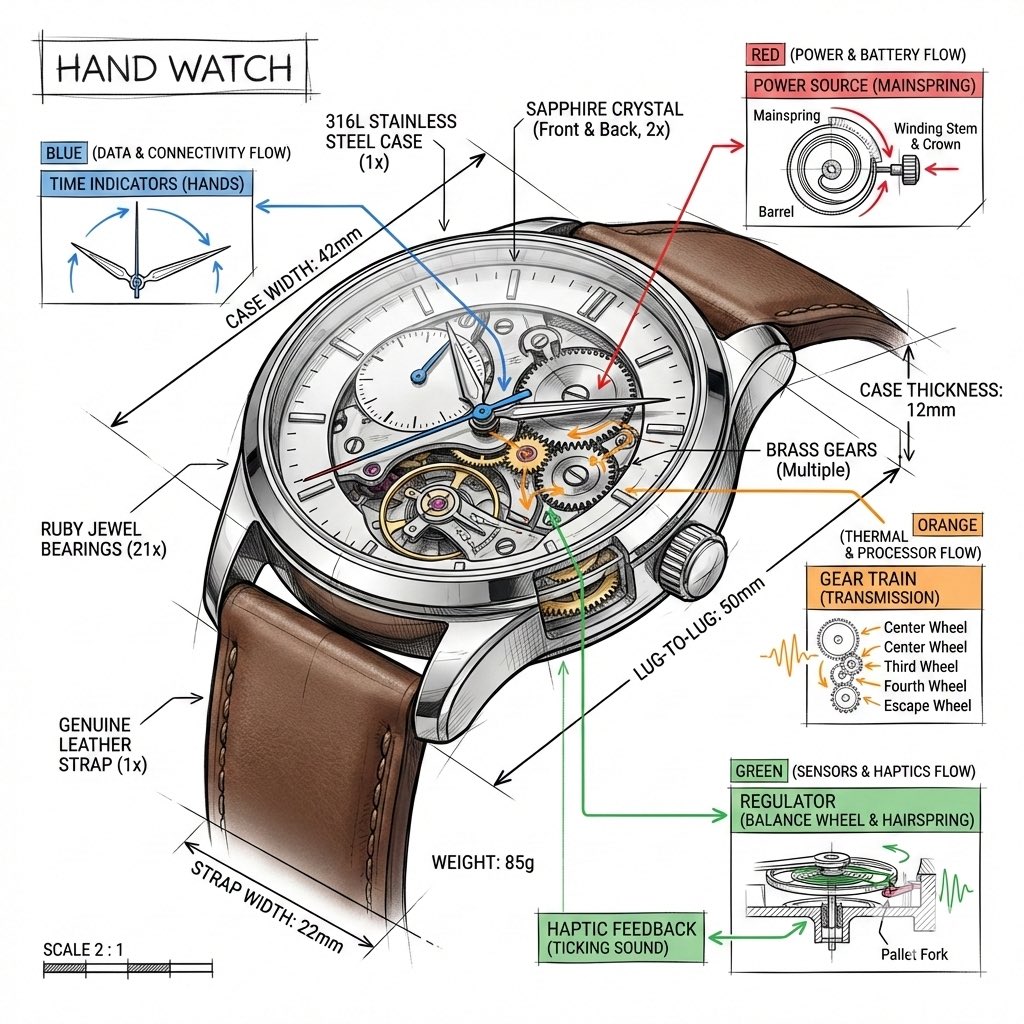
Technical Infographic Template for Objects
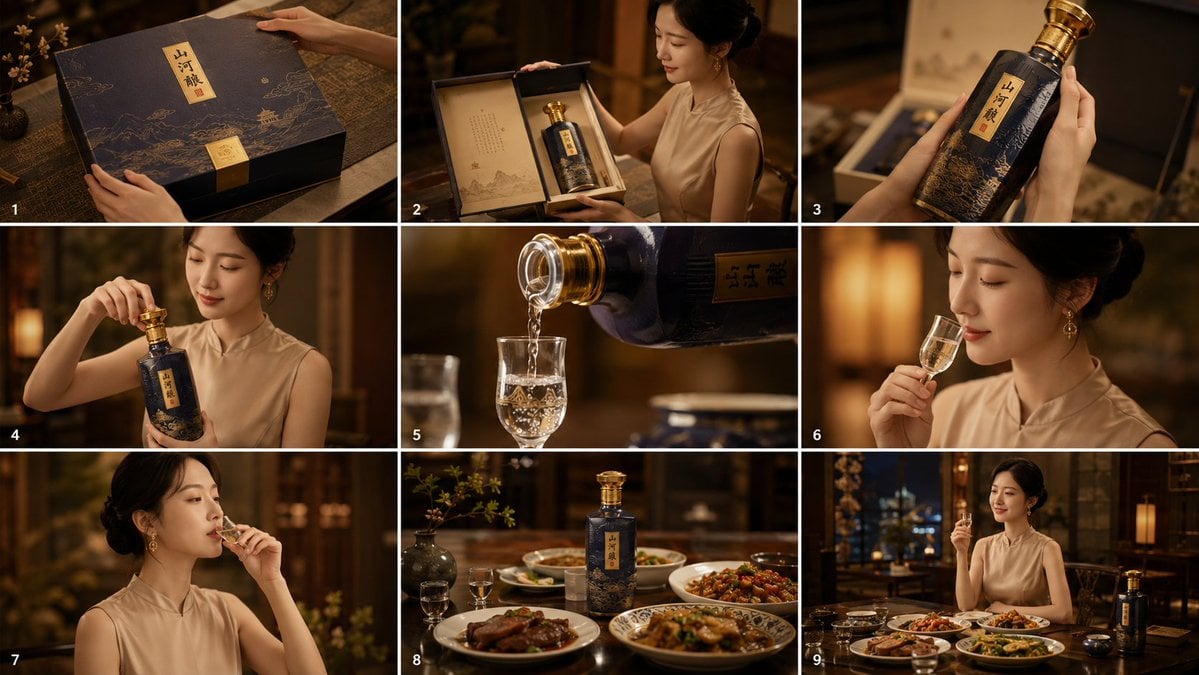
Cinematic Baijiu 9-Panel Storyboard
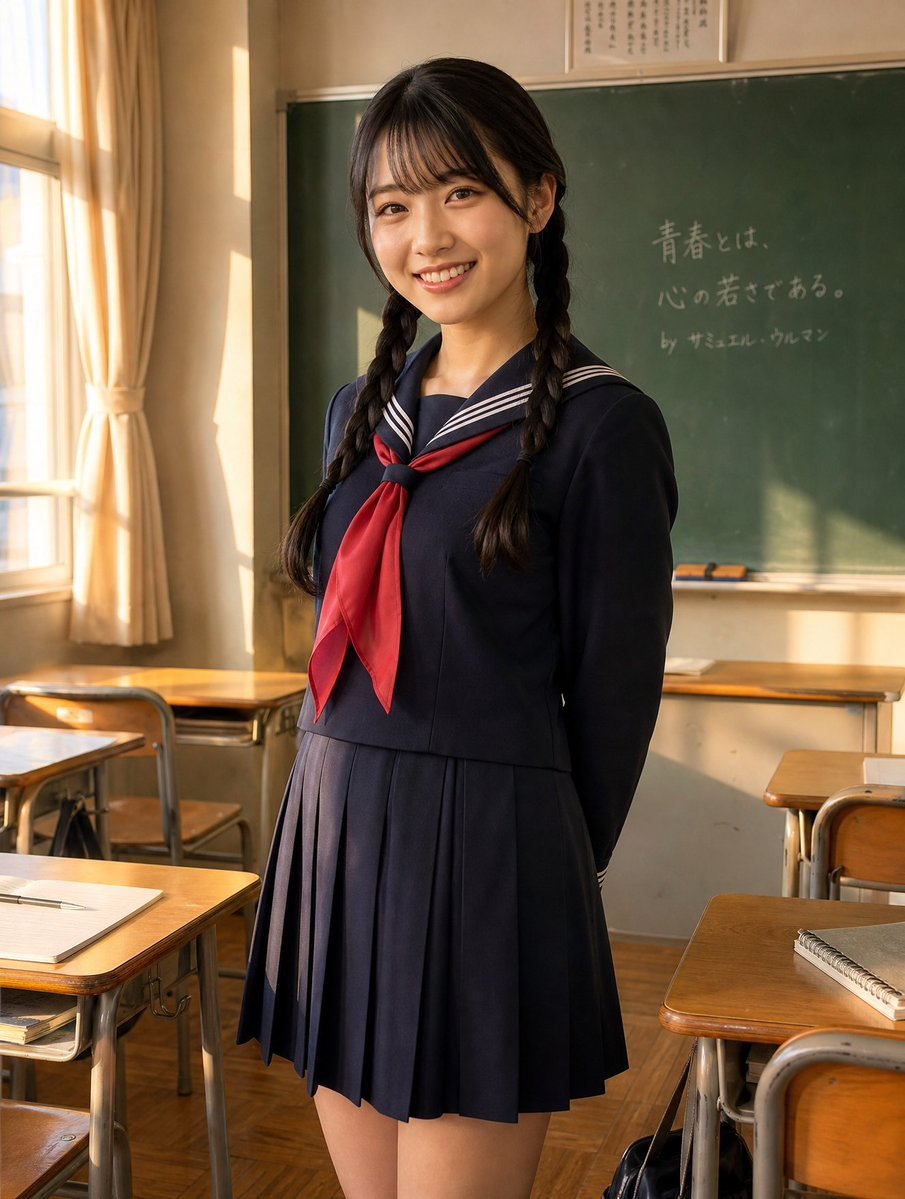
Sunlit Japanese Classroom Sailor Uniform Portrait
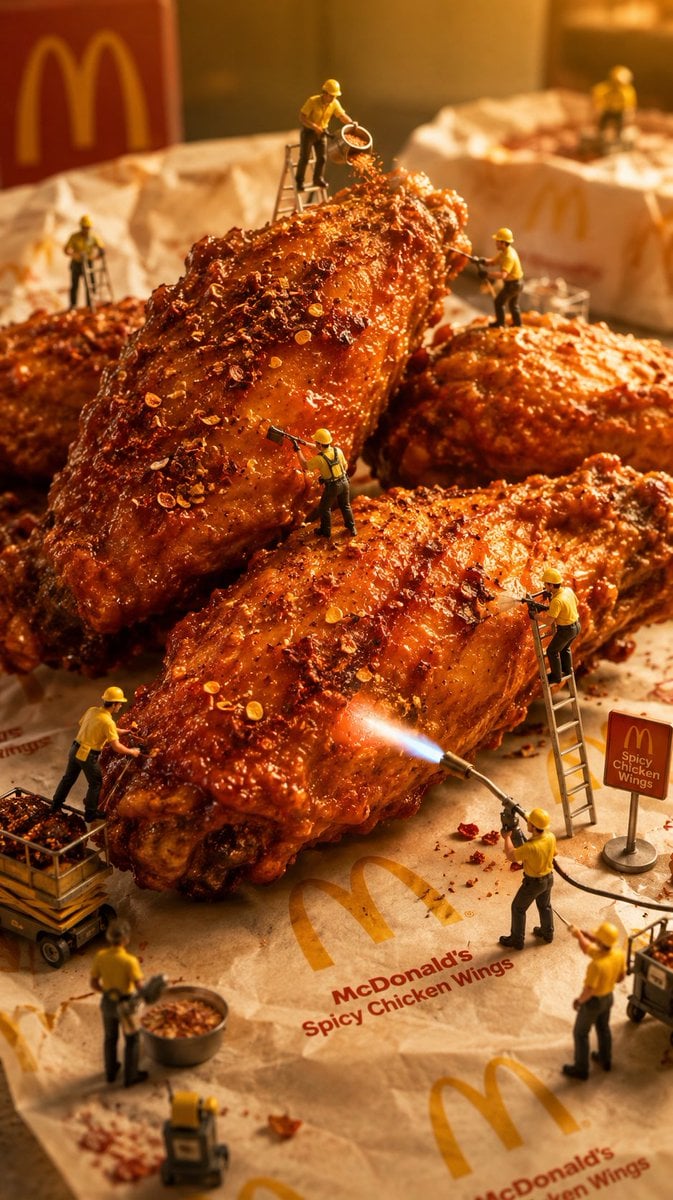
Mini Workers Sculpt Spicy Chicken Wings

Ultra Realistic Cinematic Urban Portrait
Browse template categories
Anime Woman at Sunset Beach questions
How do I use the Anime Woman at Sunset Beach template?
Add your photo if the template asks for one, edit the prompt if you like — the template's model and format are already selected — and press Generate. Your version opens in PicX Studio.
Can I customize the Anime Woman at Sunset Beach template?
Yes. You can change the subject, setting, lighting, mood, format, and available model controls before creating your image.
Is the Anime Woman at Sunset Beach template free?
Opening and editing this template is free. Generating uses credits, shown on the Generate button when you are signed in.
Which AI model should I use?
Start with GPT Image 2, which is the model associated with this template. You can compare another compatible model for a different finish.
Looking for something else? Browse all templates.

Your photo, any look
Thousands of ready templates for every top image and video model, from one credit balance.