How do I use the Anime Style Coastal Sunset Portrait template?
Choose the primary action to open PicX Studio with the available template settings. Review the model and format, personalize the creative direction, and generate when ready.
A cinematic prompt that blends realistic photography with modern anime aesthetics to create a serene sunset portrait of a woman on a rocky cliff.
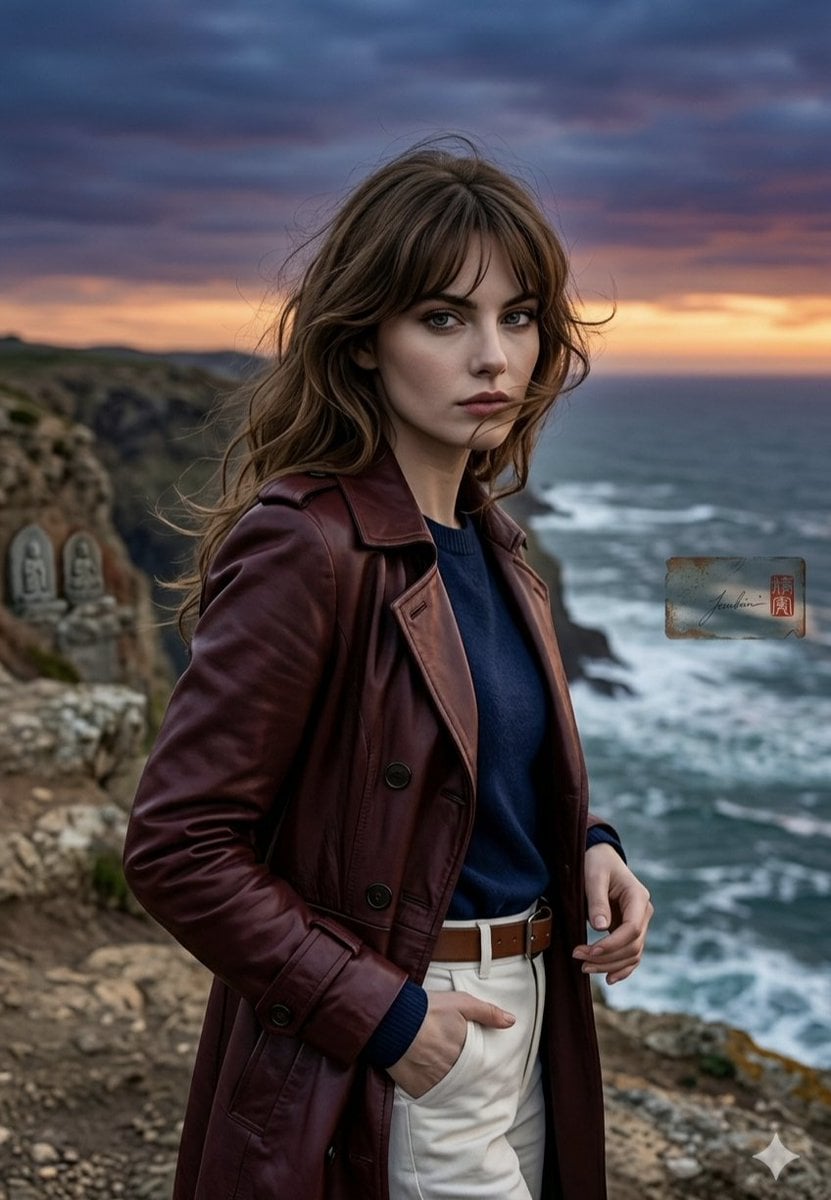
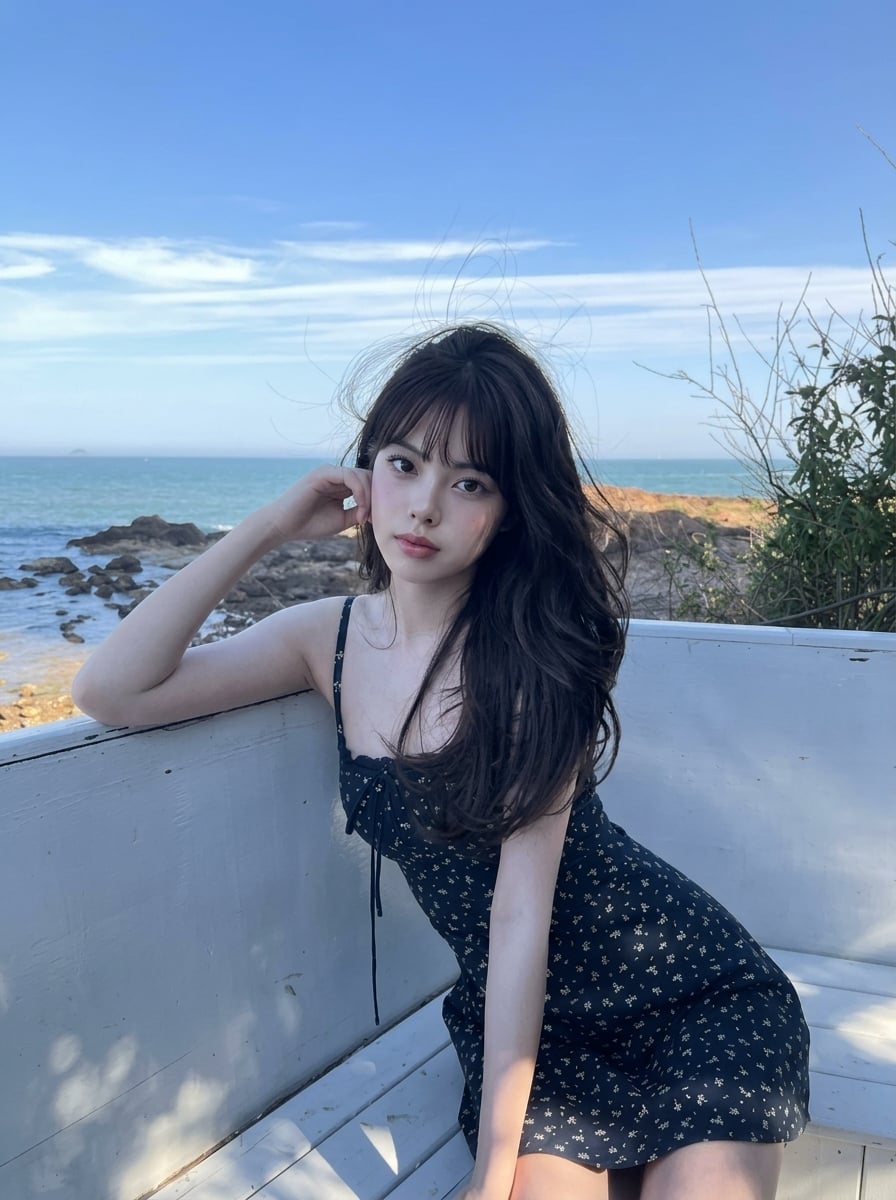
A medium shot of a {argument name="subject" default="young woman with wavy light brown hair and wispy bangs"} standing on a rocky coastal cliff at sunset, looking directly into the camera with a calm, serene expression. She is wearing a {argument name="outerwear" default="deep reddish-brown leather trench coat"}, a dark blue sweater, and high-waisted white trousers with a brown belt. The background features a dramatic, churning ocean with white waves crashing against the cliffs, under a {argument name="sky" default="vibrant sunset sky filled with deep purple and orange clouds"}. In the distance, small stone statues are nestled into the cliffside, and a subtle artist signature block is visible on the right. The style seamlessly blends the cinematic, highly detailed realism of a photograph with the smooth shading, clean line art, and vibrant colors of a modern anime or digital illustration style.
Choose the primary action to open PicX Studio with the available template settings. Review the model and format, personalize the creative direction, and generate when ready.
Yes. You can change the subject, setting, lighting, mood, format, and available model controls before creating your image.
This template is free to open and customize. Generation usage is shown in PicX Studio before you create.
Start with Nano Banana 2, which is the model associated with this template. You can compare another compatible model for a different finish.
Follow a topic to a crawlable collection of related PicX Studio templates.